RGB Computer Case Fans
RGB Computer Case Fans add a vibrant touch to any PC build, combining impressive lighting effects with essential cooling performance. With a variety of styles and sizes available, these fans are designed to help maintain optimal temperatures while enhancing the visual appeal of your setup. Whether you're upgrading your current system or building a new rig, RGB Computer Case Fans offer versatile options to suit different preferences and configurations. Explore the selection to find the perfect match for your desktop and enjoy a unique blend of style and functionality.
Sort
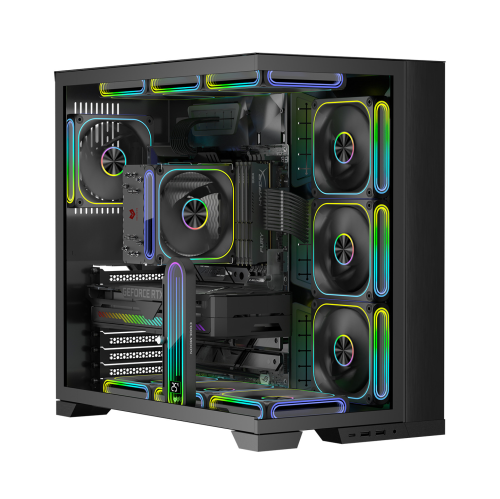
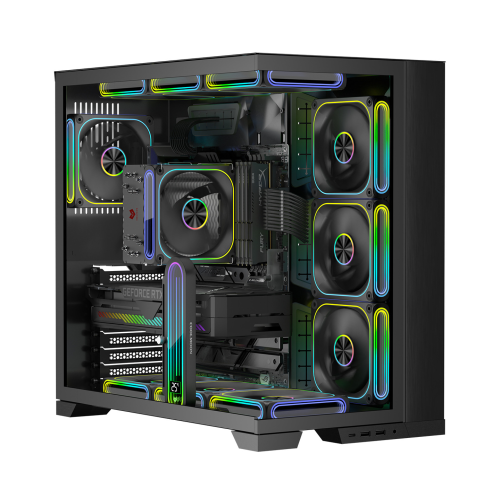
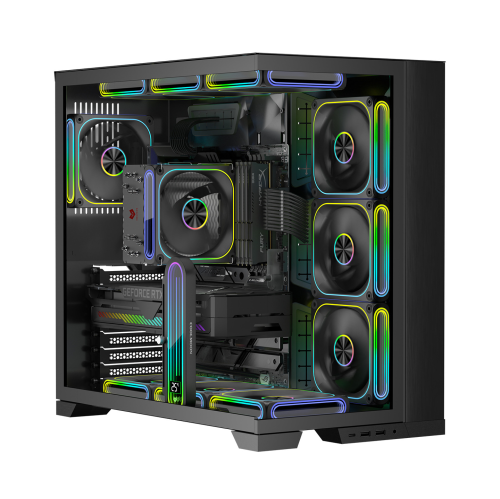
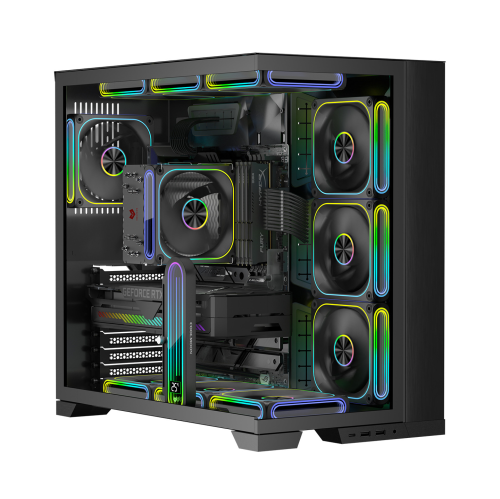
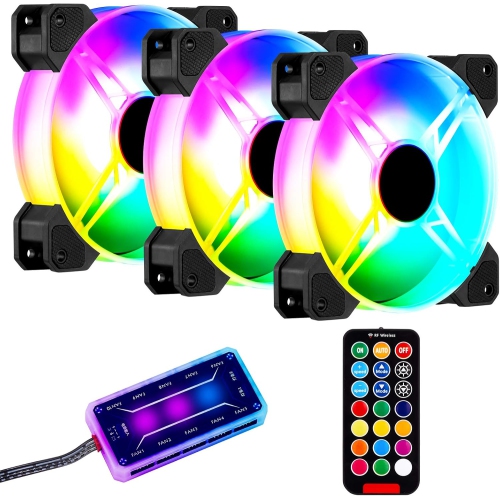
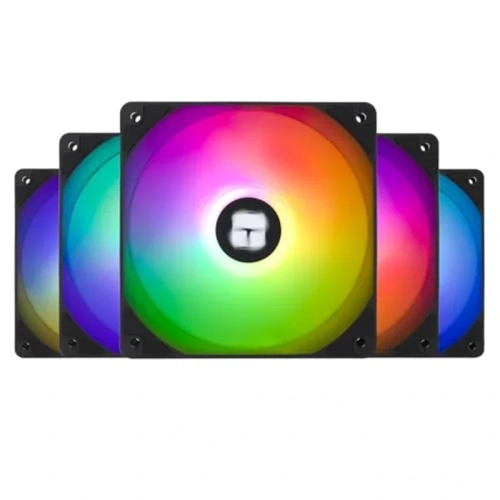
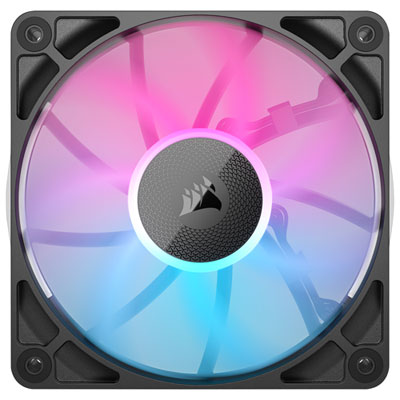
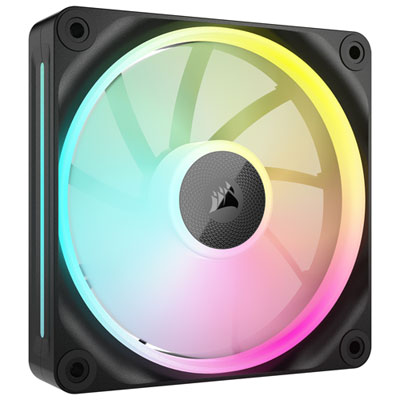


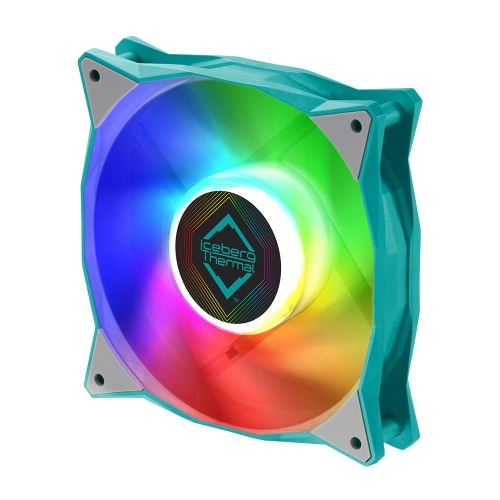
Colourful lighting is only part of the cooling equation
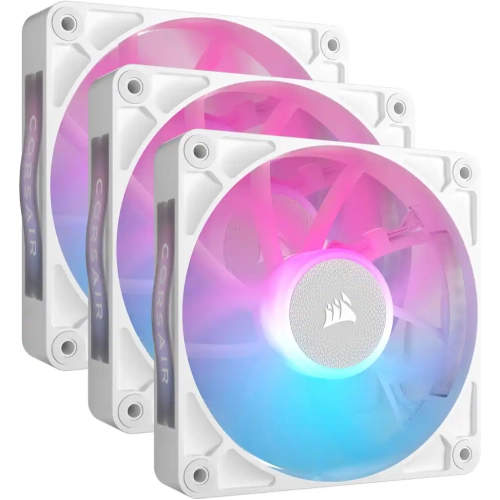
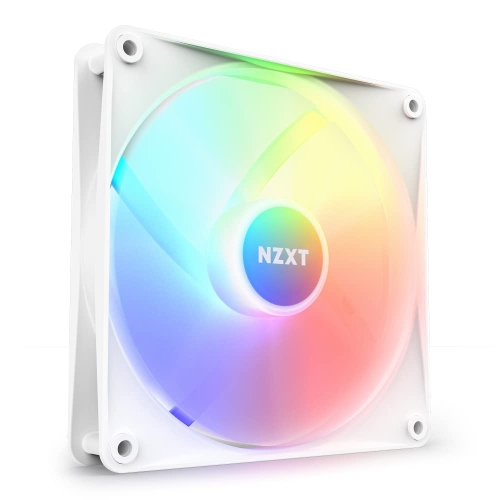
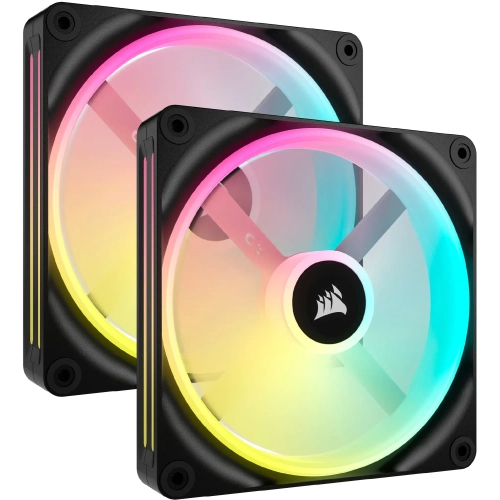
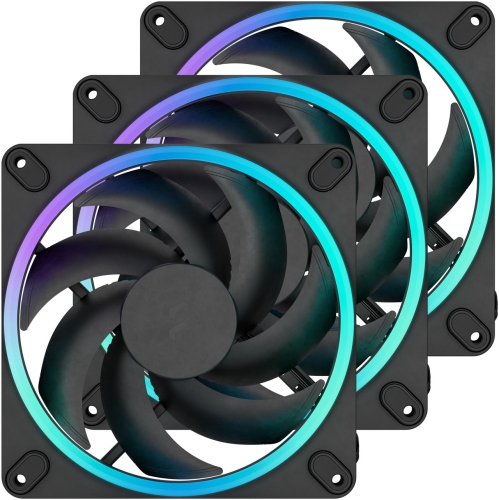
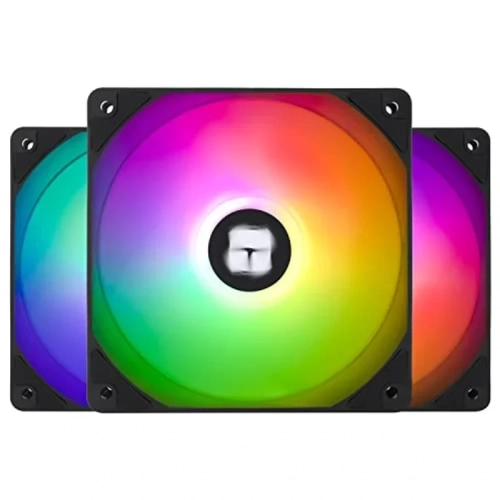
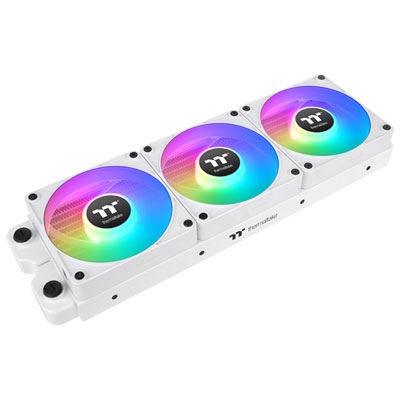
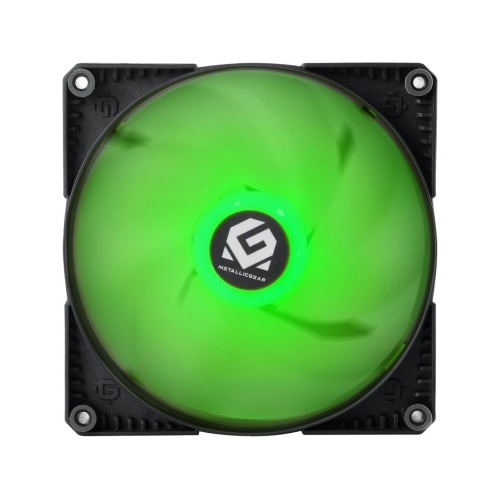
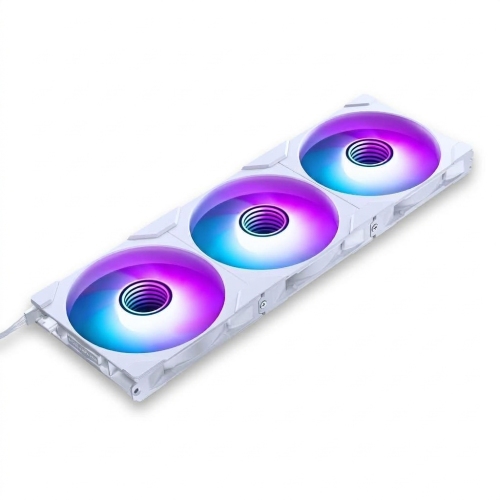
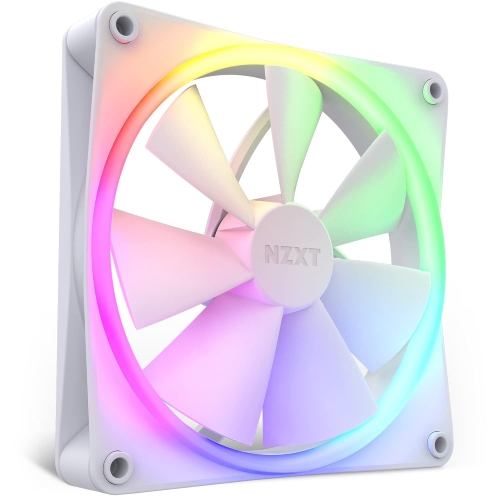
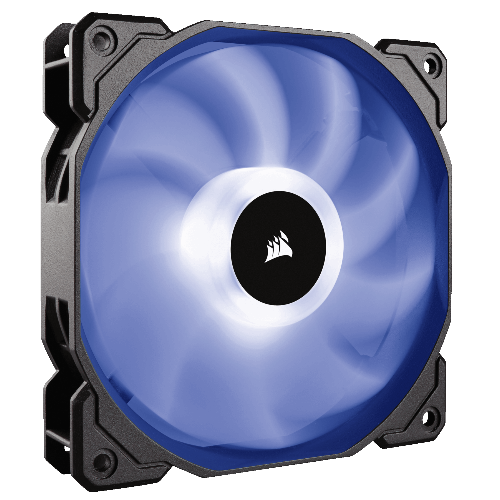
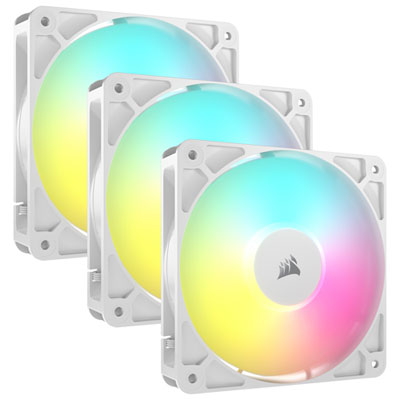
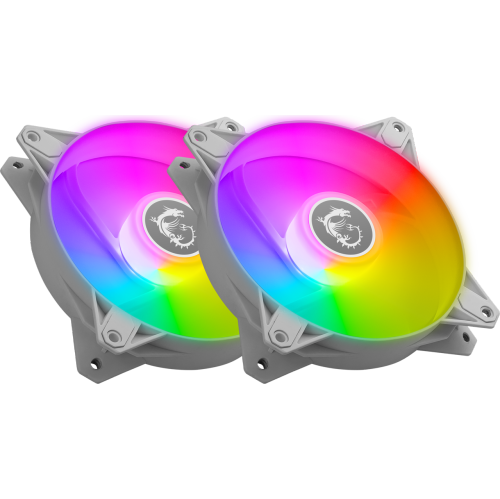
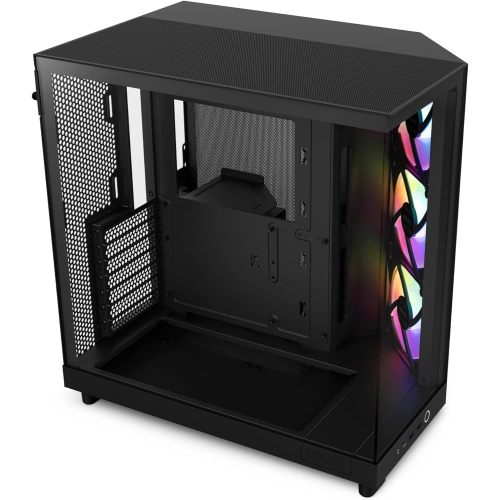
RGB computer case fans combine airflow with customizable lighting, making them both functional components and visible parts of a desktop build. They move air through the enclosure to help carry heat away from internal hardware, while illuminated blades, frames, or light rings add colour behind mesh panels and glass windows. They suit gaming PCs, creative workstations, and everyday desktops where appearance matters alongside cooling. Conventional RGB lighting typically displays the same colour across the connected LEDs at a given moment, while addressable RGB, often called ARGB, allows individual LEDs to show different colours within supported effects. That distinction matters for anyone picturing a soft, uniform glow rather than a moving rainbow or a coordinated pattern across several fans. Translucent plastic blades can spread light across the fan face, while illuminated frame edges create a more defined outline. Black frames tend to blend into darker interiors, and white frames can stand out or complement lighter components. Most case fans use moulded plastic frames and blades, sometimes with rubber pads at the mounting corners to help limit vibration against the enclosure. Physical fit is just as important as appearance: 120 mm and 140 mm are common sizes, but the case mounting positions determine which dimensions are compatible. Fan thickness also affects clearance near graphics cards, memory modules, radiators, and side panels. A mounting location that accepts a larger fan does not necessarily leave room for every frame design or cable connector. The layouts shown through Best RGB Computer Cases can help put lighting visibility and fan placement in context when planning an entire build. In a glass-sided desktop displayed on a desk, the visible face of each fan may influence the finished look; in a tower tucked beneath a work surface, airflow, noise, and straightforward maintenance may matter more than elaborate lighting effects.
Cooling performance depends on more than fan size or the brightness of the LEDs. Airflow describes how much air a fan moves, often expressed in cubic feet per minute, or CFM. Static pressure describes its ability to push air through resistance, which becomes especially relevant around dense dust filters, restricted intake panels, and radiator fins. These measurements are useful together, but published figures may reflect different test conditions and are not a complete picture of performance inside a particular case. A front intake behind a fine filter has different demands from an unobstructed rear exhaust. Intake fans bring air into the enclosure, while exhaust fans move air out; their placement works best when it supports a clear path through the case rather than competing airflow patterns. Standard and reverse-blade designs can provide different presentation options for visible intake positions. A reverse-blade fan can keep its display face visible while moving air in the opposite direction from a comparable standard-blade design, although airflow arrows and manufacturer specifications remain the reliable reference for installation. Fan speed also shapes the experience. Higher revolutions per minute, or RPM, can increase airflow, but may also make airflow noise and vibration more noticeable. Pulse-width modulation, or PWM, allows compatible four-pin fans to adjust speed through a motherboard or controller, supporting quieter operation during lighter tasks and increased cooling as workloads rise. Lighting control is separate from speed control, so dimming the LEDs does not necessarily slow the fan. For a desktop used for voice calls, audio recording, or focused work, smooth speed changes can be more comfortable than frequent bursts of fan noise. Bearing design, frame rigidity, mounting quality, and nearby obstructions also affect sound. Rubber mounting pads can reduce vibration transfer, but they cannot eliminate the sound of air passing through a restrictive panel. A larger compatible fan may deliver useful airflow at lower speeds, though size alone does not guarantee quieter operation.
Connections and control options determine how easily RGB case fans fit into an existing setup. Standard ARGB lighting generally uses a 5 V, three-pin connection, while conventional RGB lighting generally uses a 12 V, four-pin connection. These lighting standards are not interchangeable, and connecting a 5 V lighting device to a 12 V header can damage it. A four-pin fan power connector is also different from a four-pin RGB lighting connector, despite the matching pin count. Some designs use proprietary connections and require a compatible controller, so motherboard lighting support alone does not establish compatibility. Daisy-chain connections can reduce cable clutter by linking compatible fans together, while a powered hub or controller can simplify larger arrangements. The permitted number of connected fans depends on the current draw, header rating, controller limits, and lighting requirements rather than a universal fan count. Some hubs repeat one lighting signal across every connected fan; others support separate effects or channels. Software control may offer detailed colour and speed adjustments, while compatible hardware controllers can provide simpler operation without relying on a desktop application. Cable length and routing space matter too, particularly when fans sit far from the motherboard headers or behind a tightly fitted side panel. Neatly secured cables help keep wiring away from moving blades and make future cleaning easier. Over time, dust buildup on filters and blades can restrict airflow and affect noise, making accessible mounting positions useful beyond the initial installation. With the computer shut down and disconnected from power, gentle cleaning according to the manufacturer’s directions helps protect the blades and lighting components; holding blades still during compressed-air cleaning prevents uncontrolled spinning. Bearing type and rated service life can help distinguish construction options, although actual durability also depends on operating conditions and maintenance. For an experienced PC builder, RGB fans can be a thoughtful gift when the required size, connectors, controller support, and preferred appearance are known. Whether completing a coordinated gaming setup or refreshing a familiar desktop, compatible fans bring together practical airflow, manageable noise, and lighting that feels intentional rather than added as an afterthought.
Top selling and popular products
-
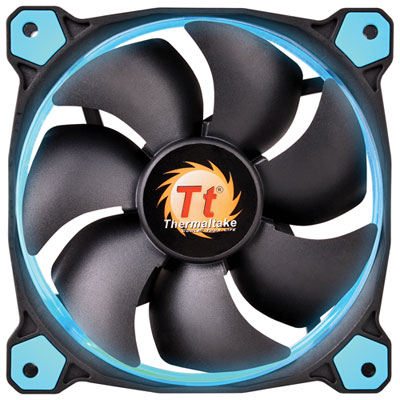 Your price for this item is $19.99
-
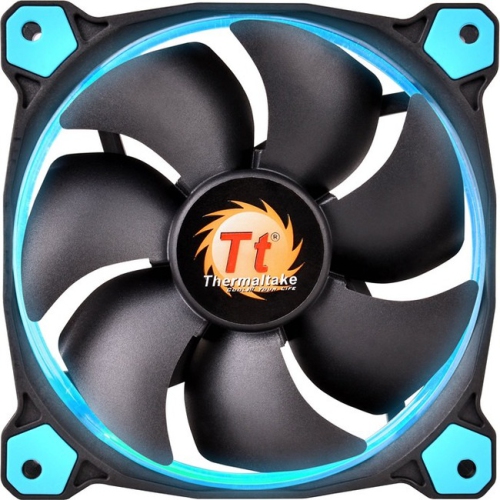 Your price for this item is $48.68
-
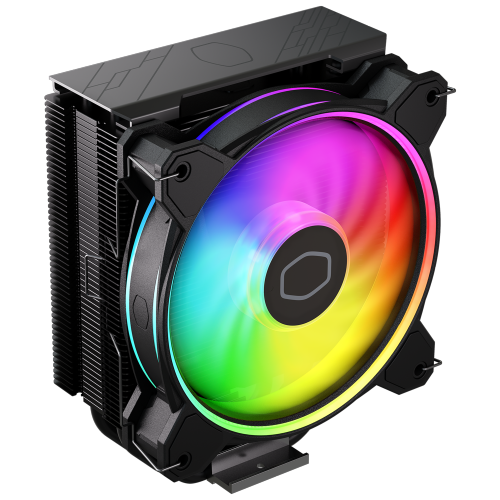 Your price for this item is $61.68
-
 Your price for this item is $74.99
-
 Your price for this item is $139.95
-
 Your price for this item is $37.68
-
 Your price for this item is $179.95
-
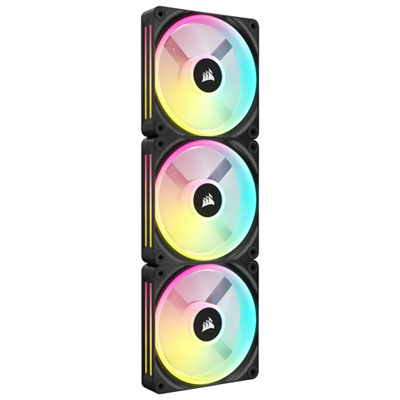 Your price for this item is $149.97
Discover more categories related to RGB Computer Case Fans
Top Collections:
Best Black Friday Deals This Year, Best Black Friday Deals On Electronics, Kindle Devices, Pokemon Centers, Best Black Friday Deals On Apple Products, Best Cameras for Sports Photography, Dyson Airwrap, Pokémon 30th Celebration Cards, Apple iPhone 17 Pro, Canon G7X Cameras
Some products may be subject to Environmental Handling Fees
(EHF) depending on your province.
Learn more about EHFs.