Best Mic for Voice Over
Bring clarity and character to your recordings with the best mics for voice-over work, whether you’re narrating audiobooks, voicing videos, or recording commercial scripts. Explore microphones ranked by user review ratings, and compare connection types, pickup patterns, and features to find the right fit for your voice and recording setup.
What to look for in microphones for voice-over
1. Microphone Type
2. Pickup Pattern
3. Connectivity
4. Monitoring and Accessories
-
1
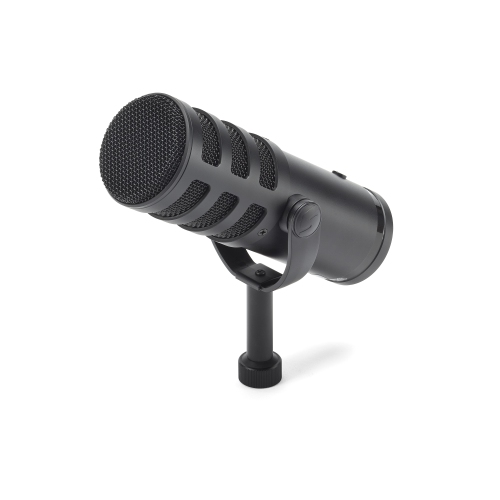
SAMSON Q9U Xlr/USB Dynamic Broadcast Microphone
About this product
A versatile dynamic broadcast microphone offering both XLR and USB connectivity for professional-quality audio.
What customers like
(100)$265.00Your price for this item is $265SAVE $55 -
2
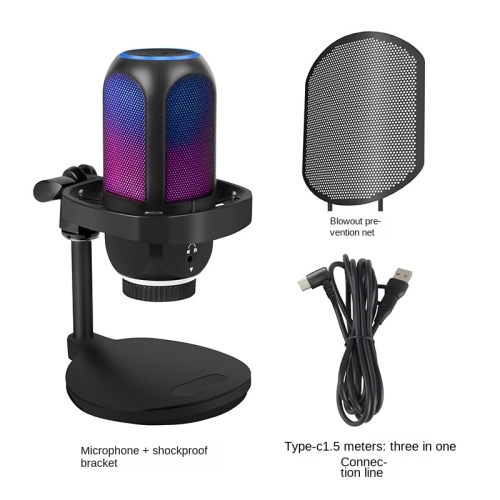
ZYSCOPE A Professional Studio-Grade USB Condenser Microphone w Ai Noise Reduction And RGB Lighting; Ideal for Live Streaming, Gaming, And Voice-Over
About this product
A studio-grade USB condenser microphone with AI noise reduction, RGB lighting, and real-time monitoring.
$64.99 Your price for this item is $64.99 -
3
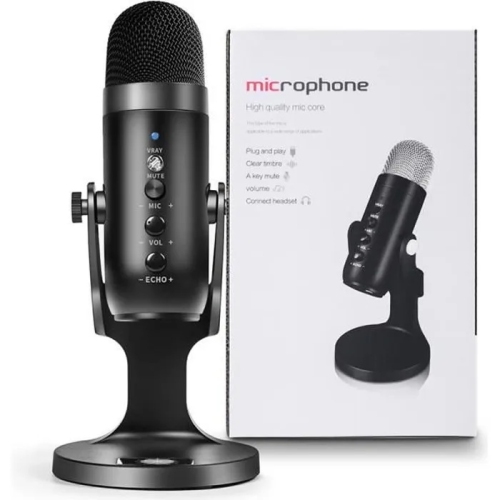
SLOWMOOSE Professional USB Microphone for Recording, Podcasting, Gaming, Voice-Overs, And More, Multiple Polar Patterns, Plug 'n Play On PC
About this product
A USB microphone with multiple polar patterns for recording, podcasting, gaming, voice-overs, and plug-and-play PC use.
$50.32Your price for this item is $50.32SAVE $40 -
4
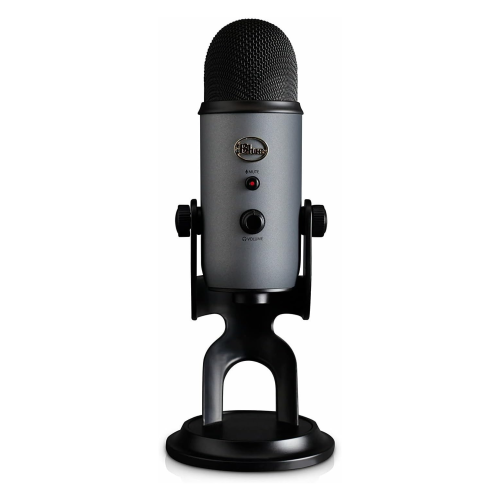
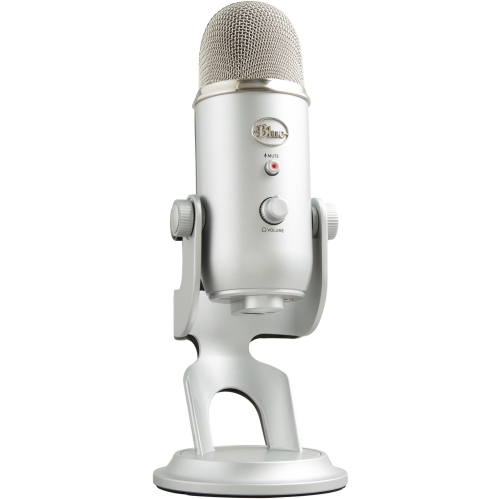
BLUE MICROPHONES Yeti USB Microphone for Recording, Streaming, Gaming, Podcasting On PC And Mac Voce Effects, Adjustable Stand, Plug And Play
About this product
A versatile blue USB microphone with four pickup patterns, onboard controls, and rich vocal effects for studio-quality audio.
$149.99Your price for this item is $149.99SAVE $30 -
5
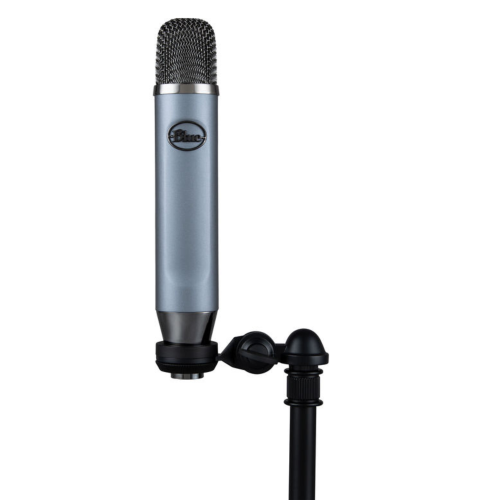
BLUE MICROPHONES Ember Xlr Condenser Microphone for Studio, Recording, Podcast, Streaming Mic (988-000379)
About this product
A blue XLR condenser microphone delivering clear, detailed audio for studio recording, podcasting, and streaming.
(6)$79.99Your price for this item is $79.99SAVE $70 -
6
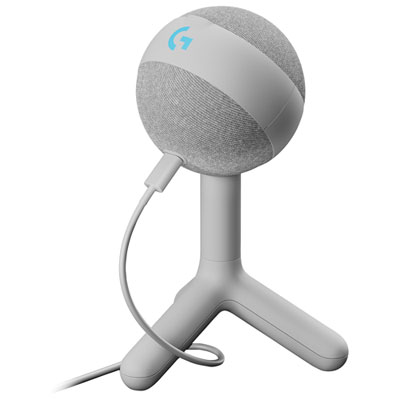
Logitech Yeti Orb Condenser LIGHTSYNC RGB Gaming USB Microphone - Off White - Only at Best Buy
About this product
A white condenser USB microphone with cardioid pickup and customizable LIGHTSYNC RGB lighting for immersive gaming.
What customers like
(5)$59.99Your price for this item is $59.99SAVE $30 -
7
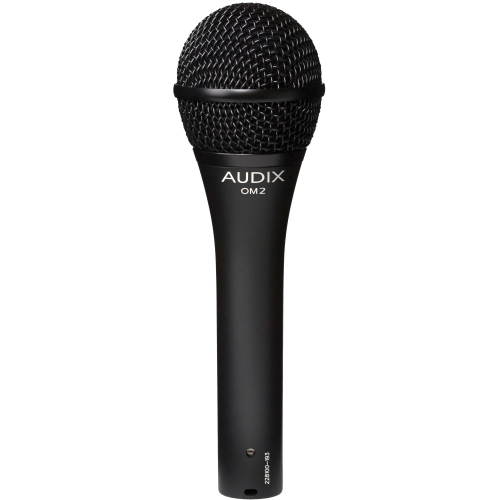
AUDIX Om2
About this product
A dynamic vocal microphone by Audix, perfect for capturing clear and powerful vocals.
$95.00 Your price for this item is $95 -
8

BLUE MICROPHONES Microphones Yeti USB Microphone - Blackout Edition
About this product
A versatile USB microphone in a sleek blue Blackout Edition, perfect for computer audio recording.
$119.81 Your price for this item is $119.81
FAQ
Condenser microphones use a charged capsule and require power, supplied through USB, a battery or phantom power from compatible audio equipment. Dynamic microphones use a moving coil and typically do not require power. Both types are used for spoken-word recording, with the choice depending on your room, voice and recording setup.
A USB microphone connects directly to a compatible computer and includes built-in audio conversion. An XLR microphone connects through an audio interface or mixer, giving you separate control over the microphone and recording hardware. USB suits a straightforward desktop setup, while XLR supports a more modular recording workflow.
A polar pattern describes the directions from which a microphone captures sound. Cardioid microphones mainly capture sound from the front, omnidirectional microphones capture sound from all directions, and figure-eight microphones capture sound from the front and back. Cardioid is a common choice for a single voice-over speaker.
Common accessories include a microphone stand or boom arm, a pop filter, a shock mount and headphones. A pop filter sits between the speaker and microphone to soften bursts of air from speech, while a shock mount helps isolate the microphone from vibrations through the stand. XLR setups also typically require an XLR cable and an audio interface.
Voice-over microphones work with audio recording and editing software that supports their connection hardware and your operating system. A USB microphone usually appears as an audio input device, while an XLR microphone is accessed through its connected audio interface. Check operating system compatibility, driver requirements and input settings before starting a recording.
Top selling and popular products
Discover more categories related to Best Mic for Voice Over

Some products may be subject to Environmental Handling Fees (EHF) depending on your province. Learn more about EHFs.