Best Mic Under $50
Find the best microphones under $50 for video calls, gaming, podcasts, and everyday recording. Ranked by user review ratings, this list makes it easy to compare budget-friendly options and find a mic that suits your setup without stretching your budget.
What to look for in the best mics under $50
1. Connection and Compatibility
2. Microphone Type and Pickup Pattern
3. Sound Quality
4. Accessories and Total Cost
-
1
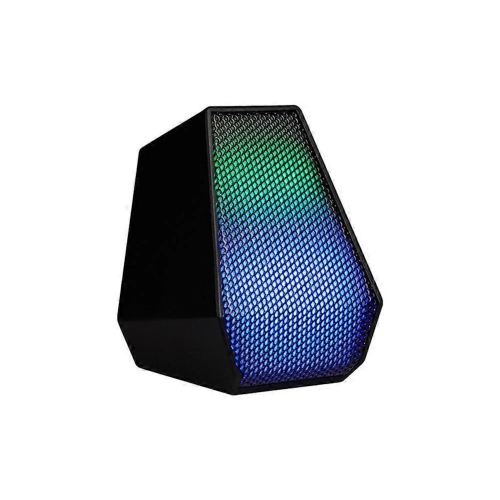
SLOWMOOSE USB Mini Microphone Desktop Condenser Gamer Mic for Video Voice Chat Recording Streaming Microphone With RGB Light
About this product
A compact USB condenser microphone with RGB lighting for gaming, voice chat, recording, and streaming.
$39.99Your price for this item is $39.99SAVE $10 -
2
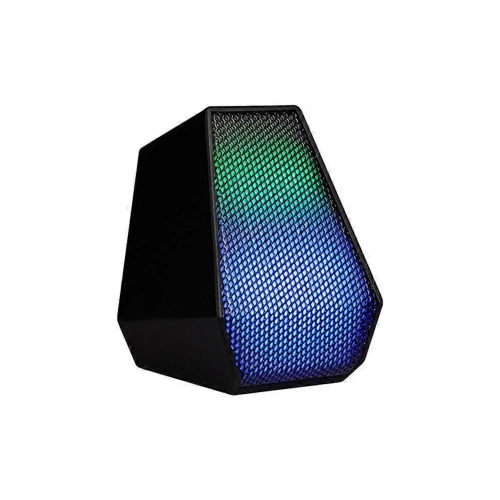
SLOWMOOSE USB Mini Microphone Desktop Condenser Gamer Mic for Video Voice Chat Recording Streaming Microphone With RGB Light
About this product
A USB desktop condenser microphone with RGB lighting for gaming, voice chat, recording, and streaming.
$39.99Your price for this item is $39.99SAVE $10 -
3
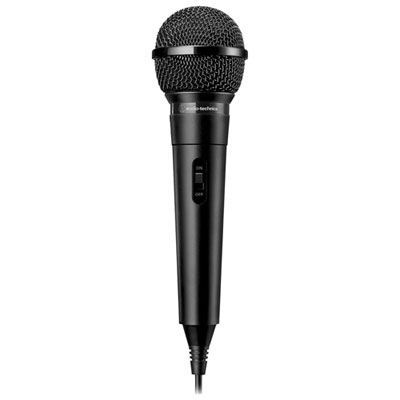
Audio Technica ATR1100x Fixed 1/4" Dynamic Microphone- Black
About this product
A black dynamic microphone with unidirectional pickup, ideal for karaoke, recording, and live performances.
What customers like
(27)$24.99Your price for this item is $24.99SAVE $4 -
4
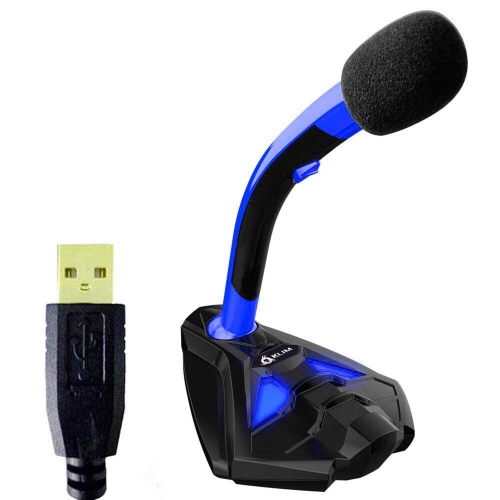
HLD USB Microphone for Computer Laptop PC Mac And Ps4 - High Definition Quality Audio for Recording, Gaming, Streaming, Youtube
About this product
A high-definition USB microphone delivering clear audio for recording, gaming, streaming, and YouTube on multiple devices.
$30.96Your price for this item is $30.96SAVE $11 -
5
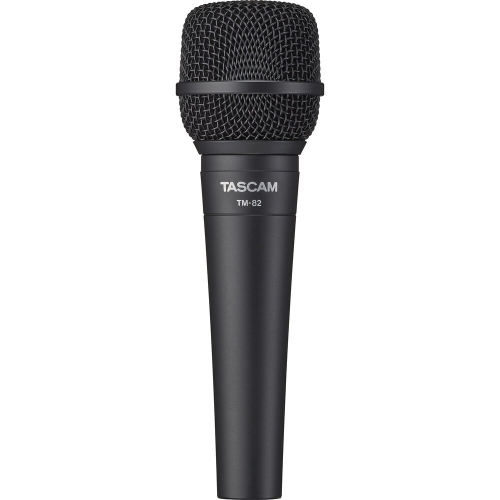
TASCAM Tm-82 Dynamic Microphone
About this product
A dynamic microphone designed for clear, reliable vocal and instrument recording in studio or live settings.
$49.00 Your price for this item is $49 -
6
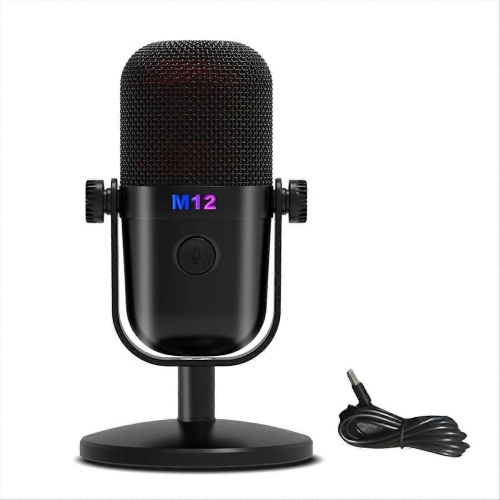
SLOWMOOSE Gaming USB Condenser Microphone Mic In Black
About this product
A black USB condenser microphone designed for clear gaming audio and convenient plug-and-play connectivity.
$44.99Your price for this item is $44.99SAVE $12 -
7
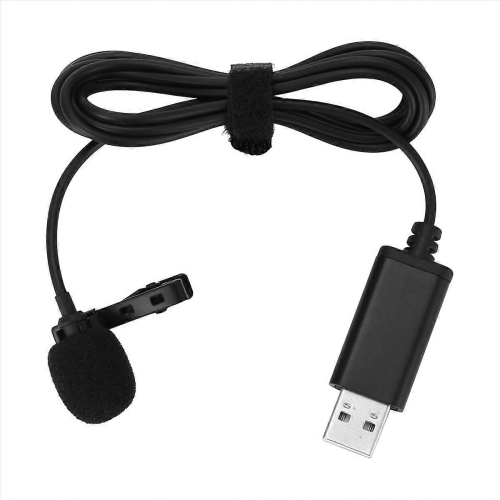
SLOWMOOSE Universal USB Microphone Lavalier Microphone Clip-On Computer Mic
About this product
A universal clip-on USB lavalier microphone for clear computer audio recording and hands-free communication.
$28.99Your price for this item is $28.99SAVE $8 -
8
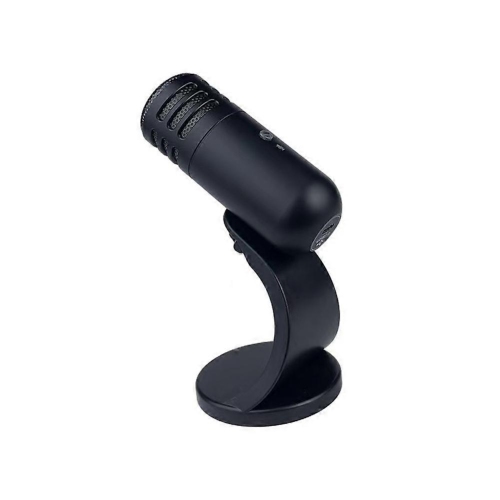
SLOWMOOSE U30 Gaming Condenser Microphone Audio Sound Microphone Instruments Microfon for Ps4 Ps5 Esports Microphone In Black
About this product
A black condenser gaming microphone delivering clear audio for PS4 and PS5 esports sessions.
$46.99Your price for this item is $46.99SAVE $12 -
9
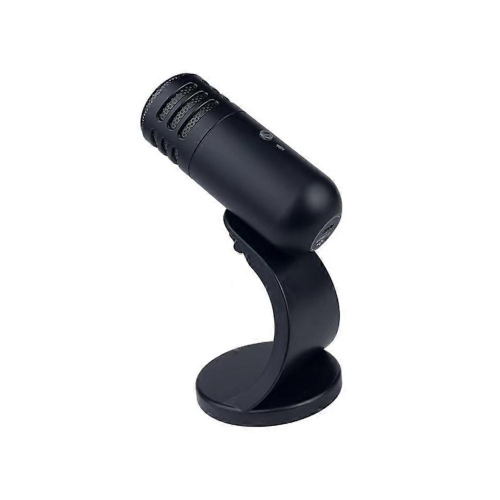
SLOWMOOSE U30 Gaming Condenser Microphone Audio Sound Microphone Instruments Microfon for Ps4 Ps5 Esports Microphone In Black
About this product
A black condenser gaming microphone designed for clear audio during PS4 and PS5 esports sessions.
$46.99Your price for this item is $46.99SAVE $12 -
10
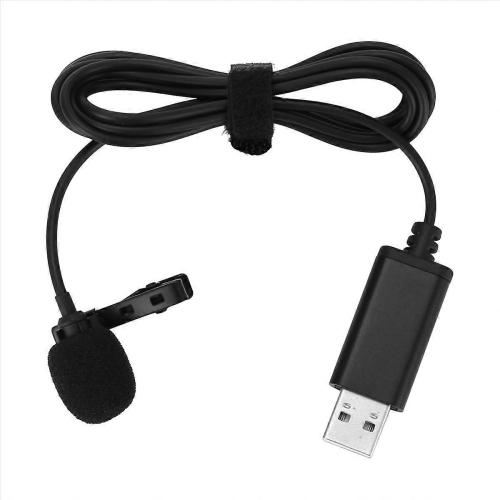
SLOWMOOSE Universal USB Microphone Lavalier Microphone Clip-On Computer Mic
About this product
A universal USB clip-on lavalier microphone designed for convenient computer audio recording and communication.
$28.99Your price for this item is $28.99SAVE $8
FAQ
Common options include desktop microphones, clip-on lavalier microphones, handheld microphones and headset microphones. Each format suits a different setup, such as a desk for voice chats, a clip-on connection for interviews or a headset for gaming.
USB microphones connect through a USB port and typically include built-in audio conversion. A 3.5 mm microphone connects to a compatible analogue microphone input. Check whether your device has a dedicated microphone input or a combined headset jack, as an adapter may be required.
Dynamic microphones use a moving coil to convert sound into an electrical signal, while condenser microphones use an electrically charged capsule. Condenser microphones require power, which may come from USB, a battery or phantom power, depending on the design.
A pickup pattern describes the directions from which a microphone captures sound. Cardioid microphones primarily capture sound from the front, omnidirectional microphones capture sound from all directions, and bidirectional microphones capture sound from the front and rear.
Common accessories include desk stands, boom arms, pop filters, windscreens and shock mounts. Depending on the microphone connection, you may also need an audio cable, an adapter or an audio interface. Check what is included with the microphone before choosing accessories.
Top selling and popular products
Discover more categories related to Best Mic Under $50
Some products may be subject to Environmental Handling Fees (EHF) depending on your province. Learn more about EHFs.