Best Mic Under $100
Find the best microphones under $100 for gaming, podcasting, video calls, and more. Ranked by user review ratings, this selection makes it easy to compare budget-friendly options and find a mic that suits your setup without stretching your budget.
What to look for in microphones under $100
1. Connection and Compatibility
2. Pickup Pattern
3. Sound Quality
4. Controls and Accessories
-
1
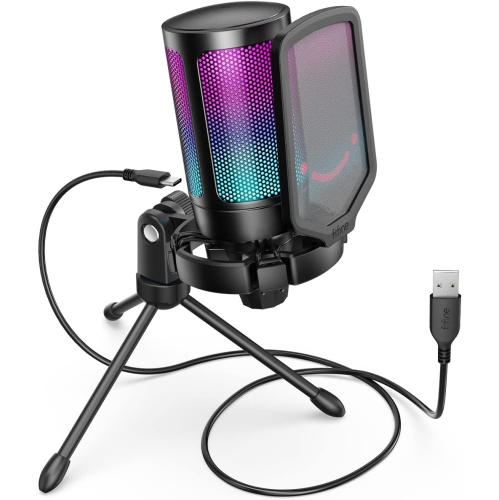
FIFINE TECHNOLOGY Fifine USB Gaming Microphone for PC Ps5, RGB Condenser Mic With Quick Mute
About this product
An RGB condenser microphone with quick mute, gain control, tripod stand, pop filter, and shock mount.
$150.00 Your price for this item is $150 -
2
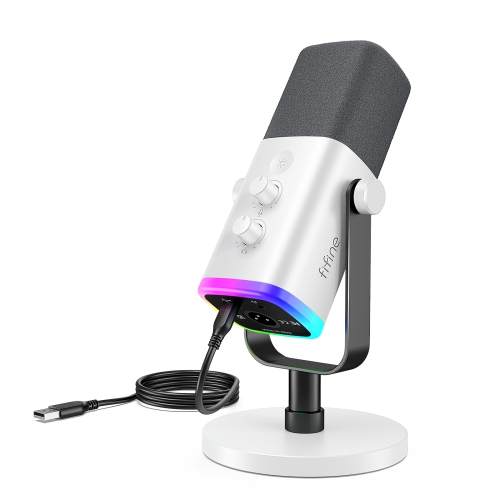
FIFINE Ampligame Am8W Xlr/USB Dynamic PC Mic for Gaming, Streaming- In White
About this product
A versatile white dynamic microphone with XLR/USB connectivity, customizable RGB lighting, and crystal-clear audio quality.
(5)$86.99Your price for this item is $86.99SAVE $26 -
3
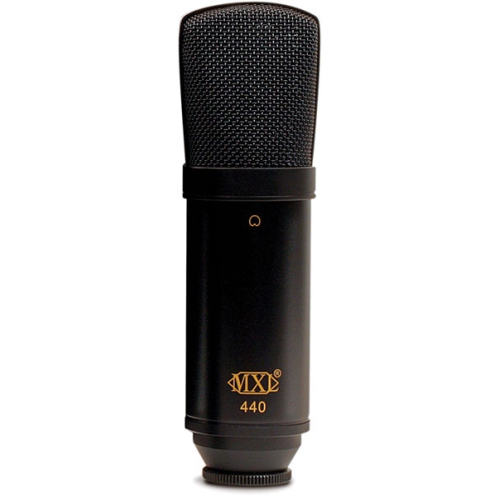
MXL 440 Studio Condenser Microphone
About this product
A professional condenser microphone designed for clear, detailed studio recording of vocals and instruments.
$70.00 Your price for this item is $70 -
4
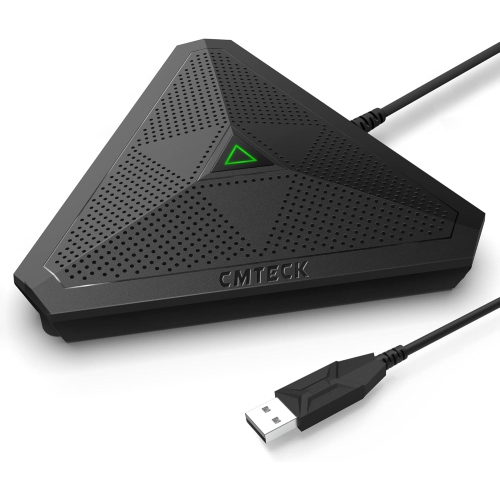
CMTECK Cm001 USB Desktop Microphone
About this product
A plug & play omnidirectional condenser microphone with mute button and LED indicator for versatile online use.
$61.57Your price for this item is $61.57SAVE $5 -
5
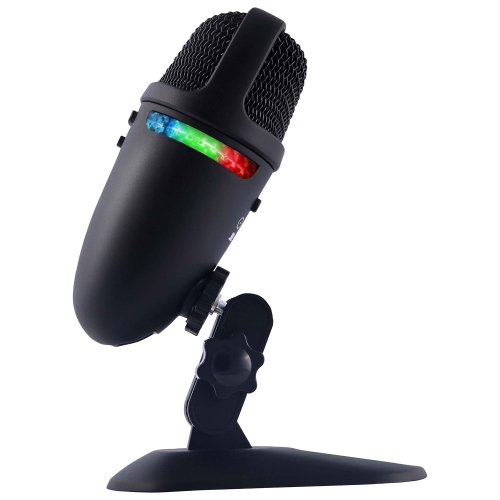
CYBER ACOUSTICS - Teton Cvl-2009 Professional Recording Microphone
About this product
A professional USB microphone with dual polar patterns and 48KHz/24-bit sampling for high-quality audio recording.
$24.95Your price for this item is $24.95SAVE $10 -
6
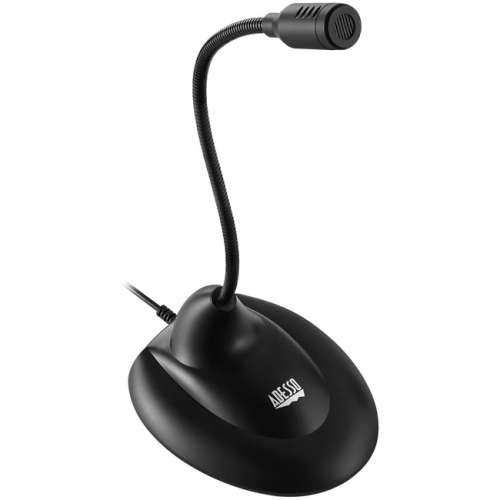
ADESSO Xtream M1 Microphone
About this product
An omnidirectional USB tabletop microphone designed for clear audio in meetings and conferences.
$38.99 Your price for this item is $38.99 -
7
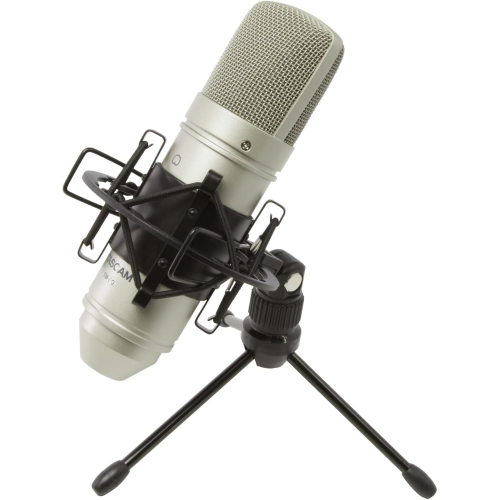
TASCAM Tm-80 Studio Condenser Microphone
About this product
A studio condenser microphone designed for clear, detailed audio capture in recording environments.
$99.00 Your price for this item is $99 -
8
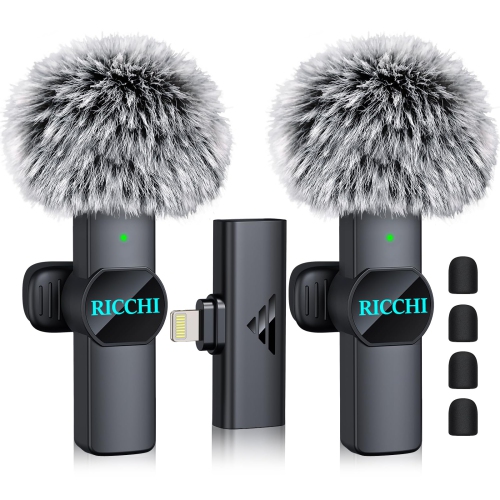
HLD Mini Microphone for Iphone Ipad, Dual Lavalier Wireless Microphone Plug-Play Wireless Mini Mic for Video Recording, Interview, Podcast,
About this product
A dual wireless lavalier microphone offering plug-and-play convenience for iPhone and iPad video recording.
$53.96Your price for this item is $53.96SAVE $12 -
9
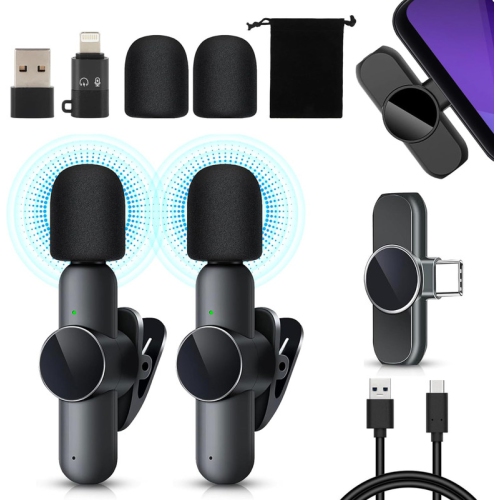
YOULIGHTS Wireless Lavalier Microphone, 2 Mini Microphone Compatible With Iphone/ipad/android/pc, Plug & Play Lapel Mic
About this product
A plug-and-play wireless lavalier mic set compatible with iPhone, iPad, Android, and PC devices.
$35.99 Your price for this item is $35.99 -
10

PEAVEY Pvi 100 1/4 Microphone
About this product
A dynamic microphone with a 1/4" connector, ideal for vocals and general sound applications.
$80.49 Your price for this item is $80.49
FAQ
USB microphones connect directly to a compatible computer and typically include built-in audio conversion. XLR microphones connect through an audio interface or mixer, giving you more control over your audio setup. USB is a straightforward option for a desktop setup, while XLR suits setups with separate audio equipment.
Condenser microphones are generally more sensitive to quiet sounds and fine detail, and they require power from a USB connection, battery, or compatible audio equipment. Dynamic microphones typically do not require external power and are commonly used for spoken vocals, live performances, and instruments.
A pickup pattern describes the directions from which a microphone captures sound. Cardioid microphones focus mainly on sound from the front, omnidirectional microphones capture sound from all directions, and bidirectional microphones capture sound from the front and rear. Your choice depends on where speakers or sound sources will be positioned.
Compatibility depends on the microphone connection and the device's support for external audio input. Some USB microphones work with phones or tablets through a compatible adapter, while analogue microphones may require a matching headset connection. Gaming consoles have their own microphone requirements, so check compatibility with your device and app.
Common accessories include a desk stand or boom arm for positioning, a pop filter for managing bursts of air from speech, and a shock mount for limiting vibrations transferred through a desk or stand. Headphones let you monitor audio, while XLR setups also require a suitable cable and an audio interface or mixer.
Top selling and popular products
Discover more categories related to Best Mic Under $100
Some products may be subject to Environmental Handling Fees (EHF) depending on your province. Learn more about EHFs.