Best Monitors for FPS Games

Find the best monitors for FPS games with a selection ranked by user review ratings. Whether you’re lining up a precise shot or tracking fast-moving opponents, features like high refresh rates, low response times, and adaptive sync can help keep gameplay smooth and responsive. Compare options to find the right fit for your setup and play style.

Read More

What to look for in monitors for FPS games

1. Refresh Rate

A higher refresh rate makes fast-paced action look smoother, helping you follow opponents during quick movements. Look for at least 144Hz for PC gaming, or consider 240Hz and above if your system can consistently deliver matching frame rates.

2. Response Time and Input Lag

Fast pixel response times help reduce trailing behind moving objects, while low input lag helps your actions appear on screen sooner. Advertised response times do not tell the whole story, so check independent testing for motion clarity and overshoot at your preferred refresh rate.

3. Screen Size and Resolution

A 24-inch or 25-inch Full HD monitor keeps the action within a compact field of view, while a 27-inch QHD monitor offers more detail and screen space. Choose a resolution your graphics card can handle at high frame rates, particularly if competitive play is your priority.

4. Adaptive Sync and Connectivity

Compatible adaptive sync technology can reduce screen tearing when frame rates fluctuate. Check that the monitor’s HDMI or DisplayPort inputs support your desired resolution and refresh rate with your PC or console; for console play, confirm support for 120Hz and variable refresh rate on your specific system.
Citrus catapult arrow
  1. 1

    Samsung Odyssey 27" 1440p QHD OLED Gaming Monitor (LS27DG602SNXZA) - FreeSync Premium Pro - 0.03ms GTG - 360Hz - Silver

    About this product

    A silver OLED gaming monitor with 360Hz refresh rate, 0.03ms response time, and glare-free technology.

    What customers like

    • Ultra-fast 360Hz refresh rate and 0.03ms response time for smooth, responsive gaming
    • Exceptional image quality with vibrant colors and deep blacks
    • Glare-free OLED display with impressive HDR support
    • User-friendly setup, menu navigation, and versatile ergonomic stand
    • Premium build quality and sleek, modern design
    (786)
    $1,199.99 Your price for this item is $1199.99
  2. 2

    Samsung 32" 4K UHD OLED Gaming Monitor (LS32DG802SNXZA) - FreeSync/G-Sync - 0.03ms GTG - 240Hz - White

    About this product

    A white OLED gaming monitor delivering 4K Ultra HD visuals with 240Hz refresh rate and 0.03ms response time.

    What customers like

    • Versatile smart features including built-in apps and streaming capabilities
    • Highly adjustable stand and easy setup process
    • Ultra-fast 240Hz refresh rate and 0.03ms response time for smooth gaming
    • Stunning 4K OLED visuals with vibrant colors and deep blacks
    • Sleek, thin design with excellent build quality and cable management
    (697)
    $1,299.97 Your price for this item is $1299.97
  3. 3

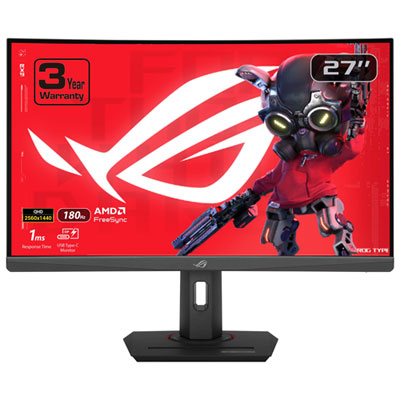
    ASUS ROG Strix 27" Curved 1440p QHD VA LED Gaming Monitor (XG27WCS) - 1ms GTG - 180Hz

    About this product

    A curved black gaming monitor with 1440p WQHD resolution, 180Hz refresh rate, and 1ms response time.

    What customers like

    • Vivid, accurate colors and strong contrast
    • Excellent QHD resolution and image clarity
    • Great value and feature set for the price
    • High 180Hz refresh rate and fast 1ms response time
    • Immersive curved design with adjustable, sturdy stand
    (250)
    $279.99
    SAVE $70
    Your price for this item is $279.99
  4. 4

    Samsung 27" 4K UHD IPS LCD Monitor (LS27D702EANXGO) - Flicker-Free/Blue Light - HDR10

    About this product

    A 27" 4K Ultra HD monitor with fast refresh rate, reduced motion blur, and stunning color accuracy.

    What customers like

    • Stunning color accuracy
    • Excellent image quality
    • Ideal for Photoshop
    • Improved visibility
    • Works great
    (209)
    $279.97
    SAVE $50
    Your price for this item is $279.97
  5. 5

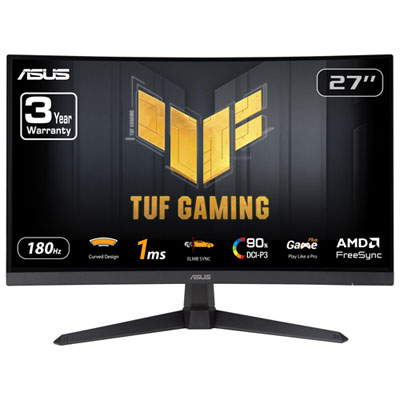
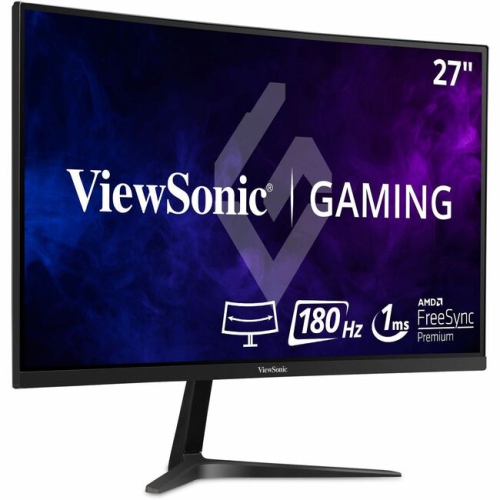
    ASUS TUF 27" Curved 1080p HD VA LED Gaming Monitor (VG27VQ3B) - FreeSync - 1ms GTG - 180Hz

    About this product

    A black curved gaming monitor featuring 180Hz refresh rate, 1ms response time, and AMD FreeSync technology.

    What customers like

    • Smooth and fast performance
    • Great value for the price
    • Large curved screen enhances gaming
    • Vivid and bright colours
    • Easy setup and use
    (47)
    $179.99
    SAVE $20
    Your price for this item is $179.99
  6. 6

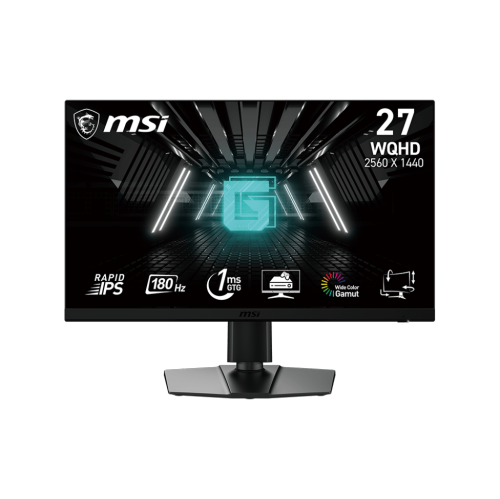
    MSI 27" Qhd 180Hz 1Ms 16:9 Rapid Ips Tilt Swivel Height Pivot Adjustment Flat Gaming Monitor, G272Qpf E2

    About this product

    A QHD gaming monitor with 180Hz refresh rate, 1ms response, and adjustable Rapid IPS display.

    (3)
    $669.68 Your price for this item is $669.68
  7. 7

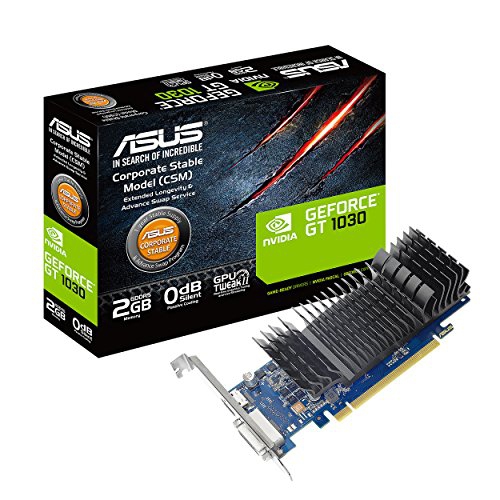
    ASUS Geforce Gt 1030 2GB Gddr5 HDMI Dvi Graphics Card (Gt1030-2G-Csm)

    About this product

    An efficient 2GB GDDR5 graphics card with HDMI and DVI ports for enhanced visual performance.

    (2)
    $209.68 Your price for this item is $209.68
  8. 8

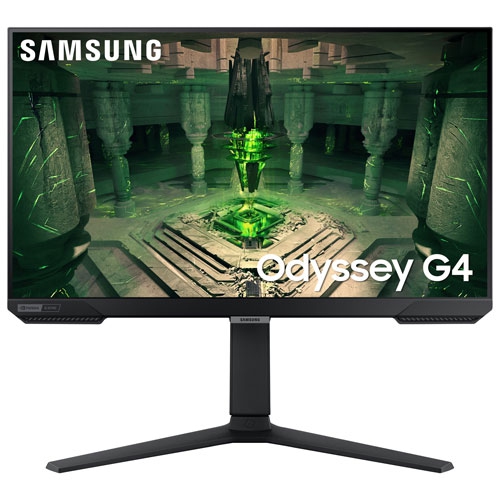
    SAMSUNG - Odyssey G4 27" 1080P Fhd Ips Led Gaming Monitor (Ls27Bg402Enxgo) - Gsync/freesync - 1Ms Gtg - 240Hz

    About this product

    A 27" gaming monitor with FHD resolution, 240Hz refresh rate, and compatibility with Nvidia G-Sync and AMD FreeSync.

    $334.44
    SAVE $65
    Your price for this item is $334.44
  9. 9

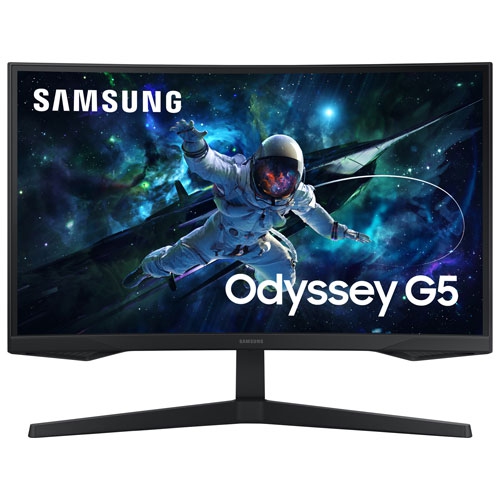
    SAMSUNG - Odyssey G5 27" 1440P Qhd Curved Va Led Gaming Monitor (Ls27Cg550Enxza) - Freesync - 1Ms Gtg - 165Hz

    About this product

    A 27" curved gaming monitor with 165Hz refresh rate, 1ms GTG response time, and AMD FreeSync technology.

    $224.99
    SAVE $125
    Your price for this item is $224.99
  10. 10

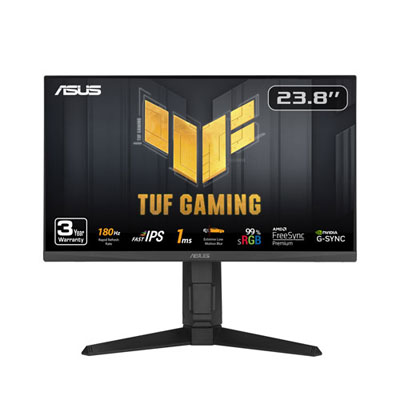
    Open Box - ASUS TUF 23.8" 1080p HD IPS LED Gaming Monitor (VG249QL3A) - G-Sync/FreeSync - 1ms GTG - 180Hz

    About this product

    An IPS gaming monitor with 180Hz refresh rate, 1ms response time, G-Sync, and FreeSync support.

    (2)
    $109.97 Your price for this item is $109.97

Clearer target tracking takes more than a high refresh rate

The best monitors for FPS games combine a high refresh rate, fast pixel response times and low input lag to keep rapid movement clear and controls feeling responsive. In a first-person shooter, that balance matters when tracking an opponent across a doorway, checking a distant rooftop or turning quickly through a crowded room. Refresh rate describes how often the display updates its image: a 144 Hz screen can refresh 144 times per second, while 240 Hz, 360 Hz and higher refresh rates offer progressively shorter intervals between updates. Those higher rates are most useful when the computer can deliver similarly high frame rates consistently. A fast monitor cannot make a demanding game run faster, but it can display more of the frames a capable system produces. For competitive play, 24-inch to 25-inch Full HD monitors offer a compact view that makes it easy to keep the action and on-screen information within sight. A 27-inch monitor at 1440p balances workspace, sharpness and manageable graphics demands, making it a versatile fit for players who alternate between ranked matches, other games and everyday tasks. Larger 4K displays bring finer detail to scenery and distant objects, although running demanding shooters at high frame rates requires more graphics performance. Screen size also needs to suit the distance between the player and the desk: a display that feels comfortable farther away can require frequent eye movement when viewed close up. Flat screens offer a straightforward fit for most competitive setups, while curved screens may appeal to players who enjoy a more enveloping view. Ultrawide displays provide extra horizontal space in supported games, but some competitive titles restrict the aspect ratio or show black bars. For an FPS-focused setup, the most suitable combination is one that keeps movement readable, fits comfortably on the desk and matches the performance of the connected computer or console.

Panel technology influences how an FPS gaming monitor handles motion, colour and contrast. IPS panels generally provide consistent colour and wide viewing angles, which is useful when a screen doubles as a display for schoolwork, creative projects or shared viewing. Fast TN panels remain relevant to players who put competitive motion clarity ahead of wide viewing angles. VA panels typically offer strong native contrast, helping dark scenes look deeper, though some can show visible trails during darker transitions. OLED panels combine very fast pixel transitions with individually controlled pixels, producing deep blacks and crisp movement without a conventional backlight. Their performance can suit both competitive shooters and visually rich single-player games, but static interface elements warrant attention to the display’s built-in panel-care features and the manufacturer’s usage recommendations because burn-in is a consideration. Technology alone does not determine performance; the way a display is tuned matters, too. Pixel response time measures how quickly pixels change, whereas input lag describes the delay before an input is reflected on the screen. Advertised response-time figures do not capture every transition or setting, so they should not be treated as a complete measure of gaming responsiveness. An overly aggressive overdrive setting can create bright or dark trails behind moving objects, sometimes called inverse ghosting. Adaptive sync can reduce screen tearing by coordinating the display’s refresh rate with the system’s frame output within a supported range. Some monitors also offer backlight strobing to improve motion clarity, although this can reduce brightness and may not work alongside adaptive sync. In practice, a clean outline around a moving opponent can be more useful than an impressive specification that comes with distracting artefacts. Brightness, screen finish and room lighting deserve similar attention. A matte surface can soften reflections from a nearby window, while a glossier finish may look especially clear in a room with controlled lighting. HDR performance depends on factors such as contrast, peak brightness and local dimming or pixel-level light control, rather than the presence of an HDR label alone.

An FPS monitor also needs to work comfortably as part of a complete gaming space. Height adjustment, tilt and swivel help position the screen so the upper portion sits near eye level without forcing an awkward posture. A stable stand matters during energetic mouse movements, and a compact base leaves more room for a large mouse pad or a keyboard angled for play. Many monitors use lightweight plastic housings with reinforced stand components; sturdy joints, a secure base and accessible controls matter more to everyday durability than an elaborate exterior. Compatible mounting points can allow a monitor arm to free up desk space, provided the arm supports the display’s weight and mounting pattern. Connectivity is equally practical. The monitor, graphics hardware, port standard and cable must all support the intended resolution and refresh rate, and some combinations require display stream compression to reach their highest settings. Console players should confirm support for the desired resolution at 120 Hz, along with compatible variable refresh rate features, rather than assuming that a higher maximum refresh rate will benefit every game. For a shared work-and-play desk, accessible USB ports, an audio output or a built-in device-switching function can make daily use simpler. Headphones or separate speakers may still be preferable to built-in monitor audio for hearing positional cues clearly. Players who divide their time between shooters and driving simulations may also find Best Monitors for Racing Games useful when considering a screen for both quick target tracking and a wider cockpit view. As a gift for a dedicated player, a monitor is a more thoughtful match when its dimensions, connections and performance suit the recipient’s existing setup. Routine care helps preserve its finish: switch the display off, use a clean microfibre cloth and follow the manufacturer’s cleaning directions rather than spraying liquid directly onto the panel. Keeping ventilation openings clear and avoiding pressure on the screen are small habits that support reliable everyday use, whether the display is handling an evening of competitive matches or a full day of work before play.
Read More

FAQ

Some products may be subject to Environmental Handling Fees (EHF) depending on your province. Learn more about EHFs.