Best Mice For Students
The best mice for students make it easier to navigate assignments, research papers, and everyday coursework. Whether you’re looking for a compact mouse to carry between classes or a comfortable option for long study sessions, this list is ranked by user review ratings to help you compare top-rated choices and find the right fit for your study setup.
What to look for in the best mice for students
1. Comfort and Fit
2. Connectivity and Compatibility
3. Portability and Battery Life
4. Study-Friendly Features
-
1
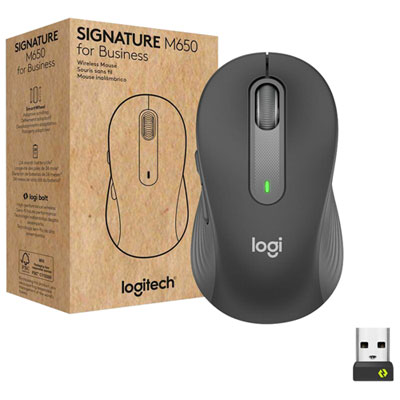
Logitech Signature M650 for Business 4000 DPI Business Wireless Mouse For Small to Medium Sized Hands - Graphite
About this product
A graphite wireless mouse featuring ergonomic design, customizable buttons, and SilentTouch technology for quiet operation.
(8)$69.99 Your price for this item is $69.99 -
2
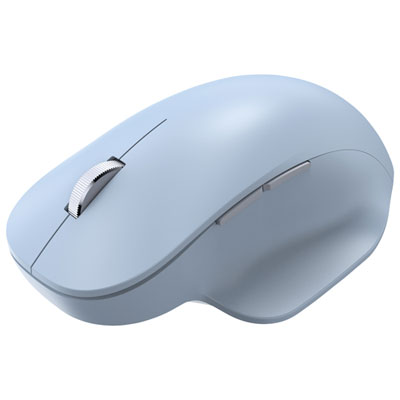
Incase Designed by Microsoft Ergonomic Bluetooth BlueTrack Mouse - Pastel Blue - Only at Best Buy
About this product
An ergonomic pastel blue Bluetooth mouse with precise 2,400dpi tracking and a comfortable thumb rest.
(1)$69.99Your price for this item is $69.99SAVE $10 -
3
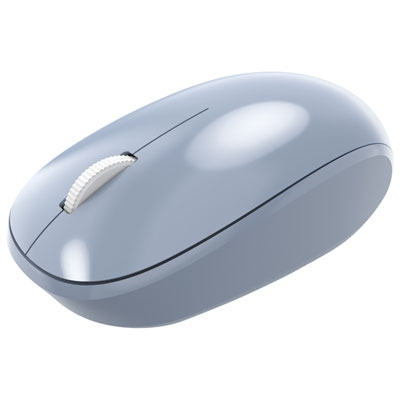
Incase Designed by Microsoft Bluetooth Optical Mouse - Pastel Blue - Only at Best Buy
About this product
A pastel blue Bluetooth optical mouse offering precise 1,000dpi tracking and smooth performance for daily tasks.
(1)$29.99Your price for this item is $29.99SAVE $5 -
4
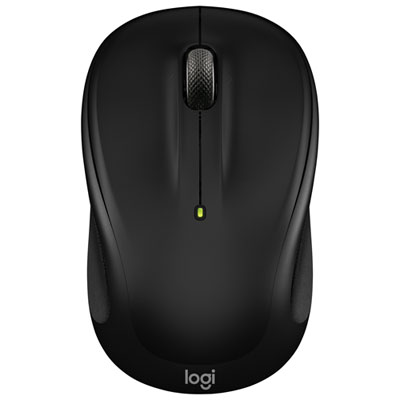
Logitech M325s 1000 DPI Wireless Optical Mouse - Black
About this product
A wireless optical mouse in black with micro-precise scrolling and a comfortable, contoured design.
What customers like
(81)$29.99 Your price for this item is $29.99 -
5

Logitech M340 1000 DPI Wireless Optical tracking Mouse - Floral Bouquet
About this product
A lightweight wireless mouse with Silent Touch Technology and a vibrant floral bouquet design for quiet use.
What customers like
(170)$17.99 Your price for this item is $17.99 -
6
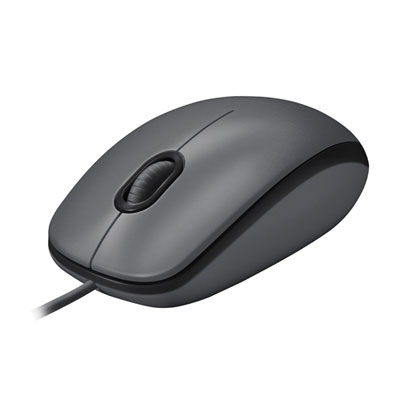
Logitech M100 Wired Optical Ambidextrous Mouse for PC - Charcoal
About this product
An ambidextrous wired optical mouse in charcoal grey offering comfortable, reliable control for any user.
What customers like
(1,681)$12.99 Your price for this item is $12.99 -
7

Logitech M705 Marathon Wireless Laser Mouse
About this product
A black wireless laser mouse with ultra-long battery life and a compact receiver for seamless connectivity.
What customers like
(5,243)$49.99 Your price for this item is $49.99 -
8
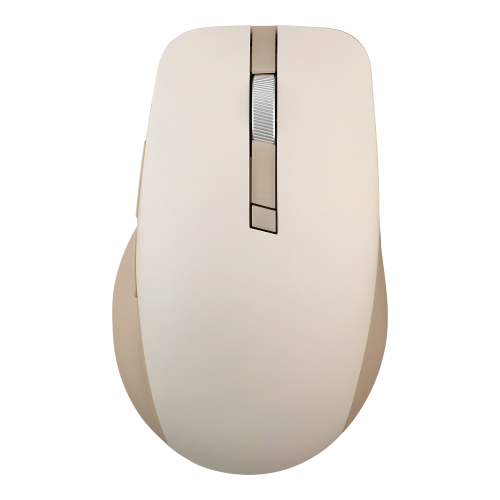
ASUS Smarto Mouse Md200 Silent Plus (Wireless / Portable / Quiet Durable / Beige)
About this product
A wireless beige mouse featuring quiet clicks, ergonomic design, and precise tracking on most surfaces.
(6)$69.99 Your price for this item is $69.99 -
9
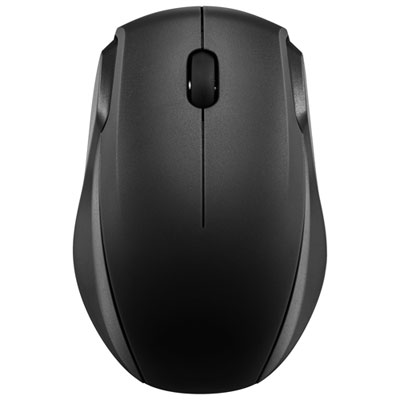
Insignia Wireless Optical Mouse - Black - Only at Best Buy
About this product
A black wireless optical mouse featuring 2.4GHz connectivity and smart sleep mode for extended battery life.
What customers like
(370)$15.99 Your price for this item is $15.99 -
10
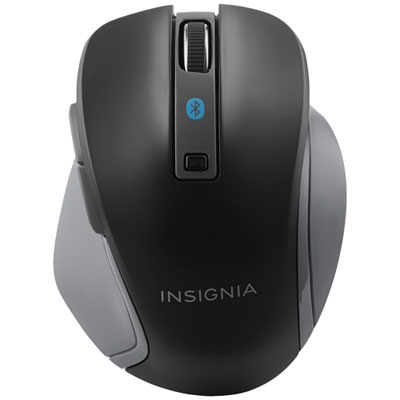
Insignia Bluetooth Blue Trace Mouse - Black - Only at Best Buy
About this product
A black Bluetooth wireless mouse featuring Blue Trace technology, adjustable DPI, and multiple navigation buttons.
What customers like
(1,655)$29.99 Your price for this item is $29.99
FAQ
Consider the connection type, operating system compatibility, scroll wheel controls and programmable buttons. For shared study spaces, quiet-click buttons may also be worth considering. Choose features that match your coursework and how you prefer to navigate documents, spreadsheets and websites.
Many mice support Windows, macOS and ChromeOS, but compatibility varies by model. Check the listed operating systems and whether your device has Bluetooth or the required USB port. Basic pointing and clicking may work without extra software, while button customisation may require software that supports your operating system.
A Bluetooth mouse pairs directly with a device that supports Bluetooth. A USB wireless mouse connects through a receiver plugged into a USB port. Some mice offer both connection methods, so you can choose between direct pairing and a receiver.
Wired mice typically draw power through their USB connection. Wireless mice use either replaceable batteries or a built-in rechargeable battery. Charging methods vary, and not every rechargeable mouse supports use while charging.
Some mice support pairing with multiple devices and include a button for switching between them. Others connect to one device at a time and require pairing again or moving a USB receiver when you change devices. Check for multi-device support if you plan to use the same mouse with a laptop and another compatible device.
Top selling and popular products
Discover more categories related to Best Mice For Students


Some products may be subject to Environmental Handling Fees (EHF) depending on your province. Learn more about EHFs.