Wireless Mice for Students
Wireless Mouse For Students are designed to help make everyday computing tasks more convenient and efficient, whether in the classroom, at home, or on the go. With a variety of styles and options available, students can find a wireless mouse that fits their study habits and personal preferences. Explore choices that offer comfort and flexibility for note-taking, research, assignments, and more. Find the perfect Wireless Mouse For Students to enhance productivity throughout the school year.
Sort
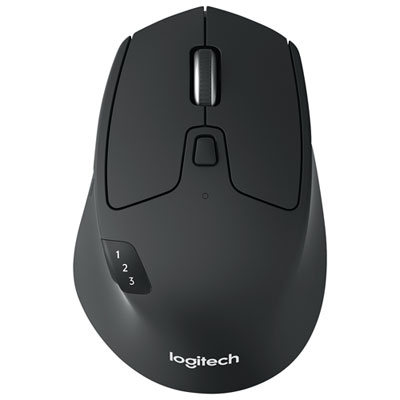
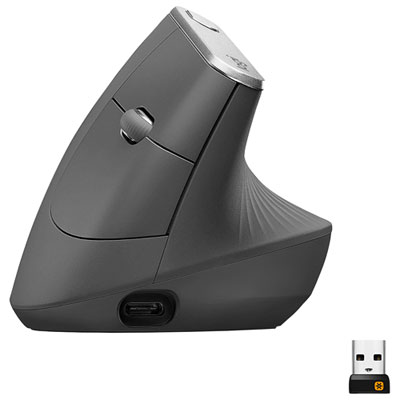
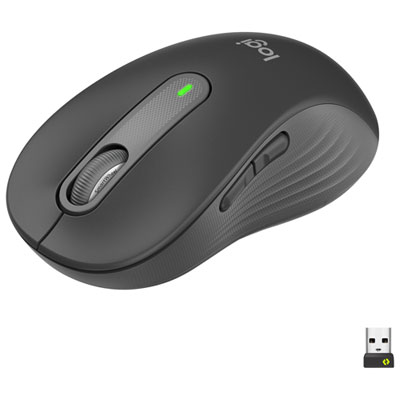
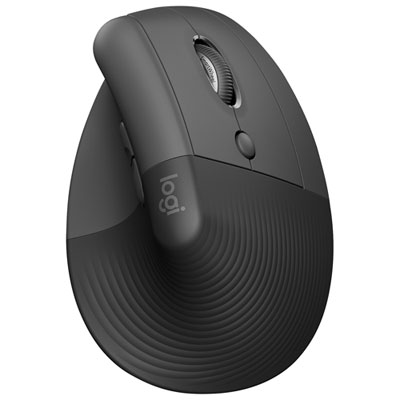
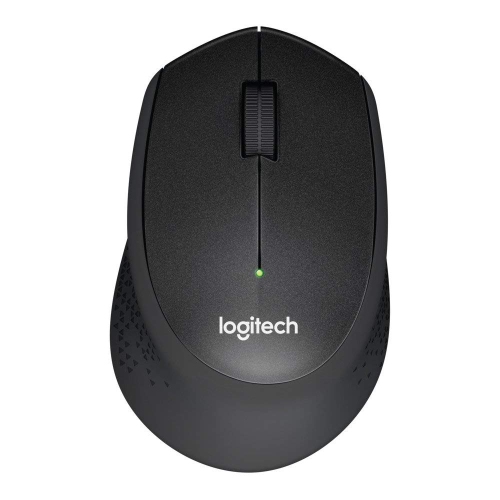
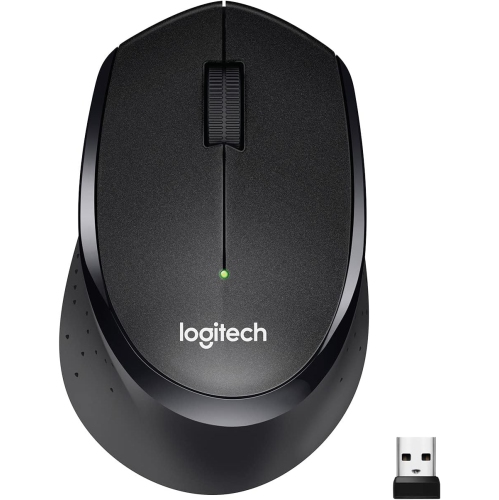
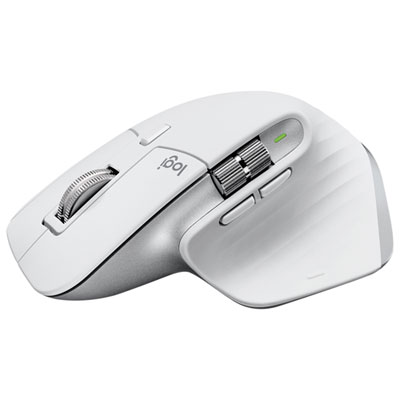
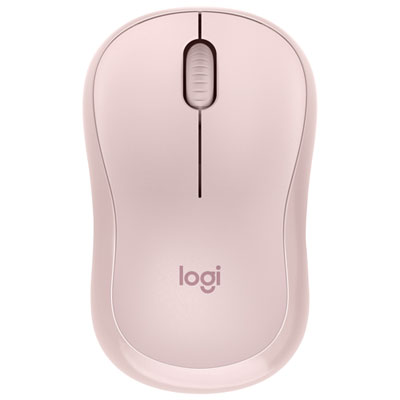
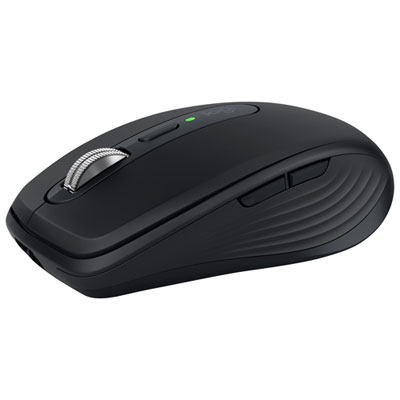
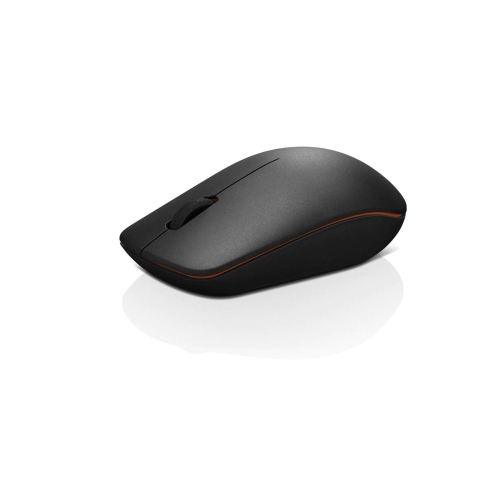
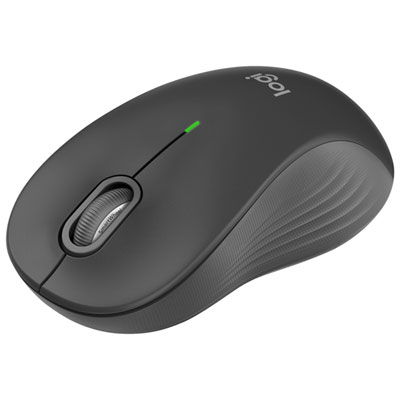
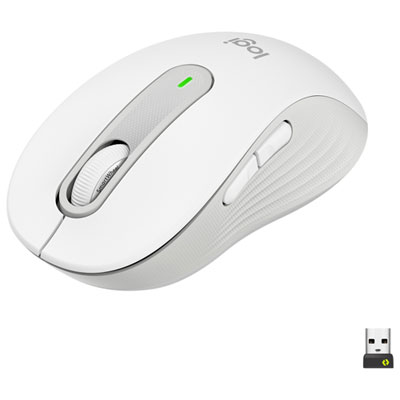
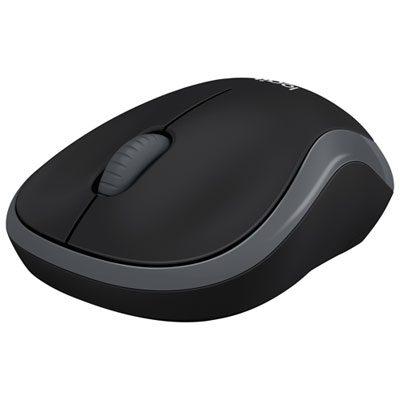
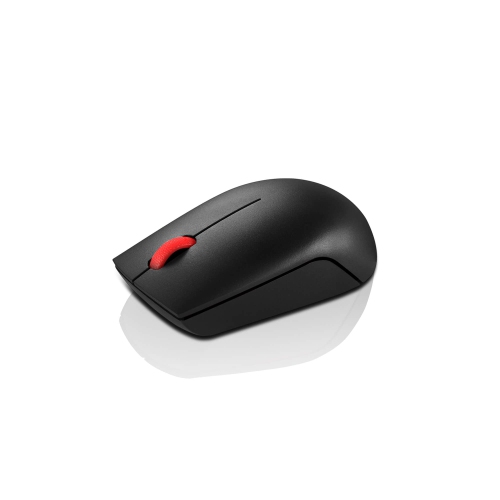
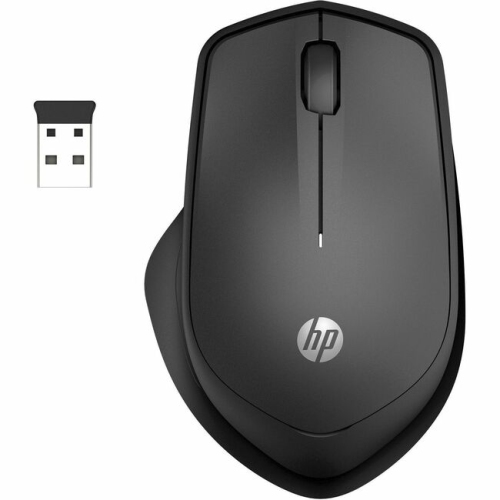
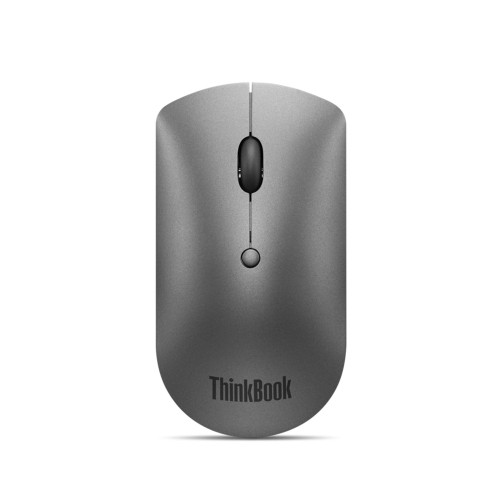
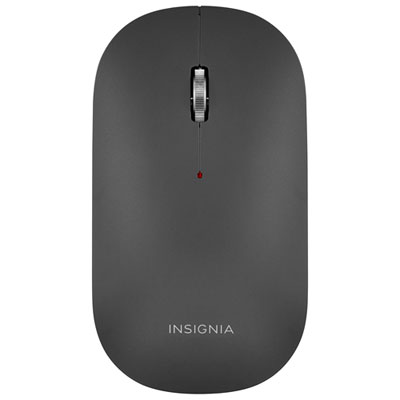

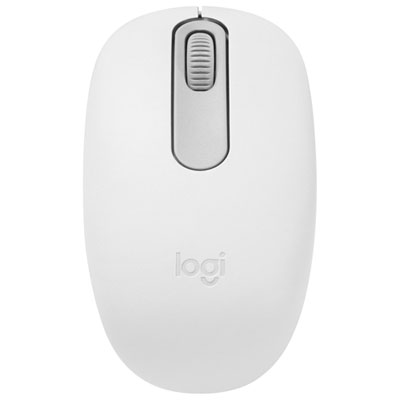
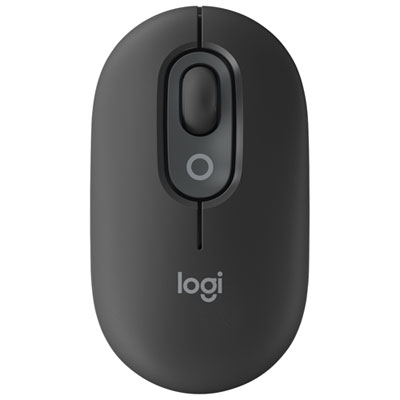
A mouse that fits your daily study routine
Wireless mice for students bring familiar, precise cursor control to everyday schoolwork without adding another cable to a crowded desktop. A well-matched mouse can make it easier to select text in a research paper, move between spreadsheet cells, arrange presentation slides or navigate a learning platform during a lecture. The most useful choice depends on the devices a student uses, the space where they study and the shape that feels comfortable in their hand. For a laptop carried between classrooms and the library, a compact mouse with a secure connection and an easy-to-reach power switch keeps the setup straightforward. At a dedicated study desk, a fuller shape and extra navigation controls may be more useful than the smallest possible footprint. Connection type matters just as much as size. Bluetooth mice connect to compatible devices without a separate USB receiver, leaving ports free for storage drives, charging cables or other accessories. Mice that connect through a USB receiver need a compatible port or adapter, so the receiver’s connector should match the laptop’s USB-A or USB-C connections. Some wireless mice support both connection methods, while multi-device models can switch between paired devices using a button or selector. That can suit a student who writes assignments on a laptop and reviews readings on a compatible tablet, although mouse support and button functions depend on the device and operating system. Multi-device switching changes which device receives mouse input; it does not automatically move documents between devices. A receiver storage slot is another practical detail for a mouse that travels in a backpack, helping keep a small but essential component with the mouse rather than loose in a pencil case. For lecture hall desks and shared study tables, the space needed to move the mouse comfortably deserves attention too. A compact body saves packing space, but a mouse still needs a suitable tracking surface beside the computer. Checking device compatibility, connection requirements and everyday carrying habits helps narrow the options to wireless mice that fit a student’s actual routine.
Comfort comes from the relationship between hand size, grip and mouse shape, rather than from a single feature or label. A low-profile mouse can slip neatly into a laptop sleeve, but a taller body may provide a more supported resting position for someone who spends long stretches editing essays or working through data. Students who rest most of their palm on the mouse often prefer a different shape from those who steer mainly with their fingertips. Left-handed users may find a symmetrical design more practical, though side-button placement should still be checked because a symmetrical shell does not always mean equally accessible controls on both sides. Contoured and vertical shapes offer different hand positions, but their comfort is personal and they may take time to feel familiar. Keeping the mouse close to the keyboard, with room to move the forearm naturally, can help create a more comfortable study setup. Button feel and sound are worth considering in shared spaces. Quieter clicks can be less distracting during independent study in a library or while a roommate is reading nearby, while distinct tactile feedback helps make each selection feel deliberate. A scroll wheel is useful for moving through lecture notes and long articles, and additional buttons may support actions such as moving back through webpages or navigating documents. Custom button assignments can depend on companion software, which may require installation permission on a school-managed computer. Adjustable sensitivity lets students change how far the pointer travels relative to hand movement. Higher sensitivity can be useful where desk space is limited, while a slower setting may feel easier to control when selecting small spreadsheet cells or positioning elements in a diagram. Sensor performance also varies by surface. A consistent, matte desktop or mouse pad generally provides a more predictable surface than reflective glass or an uneven tabletop, although some sensors are designed for a wider range of materials. For design coursework, coding, general research or occasional gaming between assignments, the useful features are those that support the tasks the student actually performs.
Materials, power options and everyday care all influence how well a wireless mouse handles student life. Rigid plastic shells keep many designs light, while textured sides or soft-touch grips can provide a different feel under the fingers. Smooth finishes are usually simple to wipe, whereas grooves and textured areas may need more attention to remove dust and residue. A mouse carried daily benefits from a protective pouch or a separate backpack compartment where books and chargers are less likely to press against its buttons or scroll wheel. For cleaning, follow the manufacturer’s directions, turn the mouse off and avoid spraying liquid directly onto the shell or into openings. Keeping the sensor area and glide feet clear of debris can also help maintain consistent movement. Battery design changes the daily routine: replaceable batteries allow a fresh set to be fitted when needed, while rechargeable mice need access to a suitable charging cable and power source. Battery life varies with usage, connection mode, lighting and power-saving settings, so advertised figures should be considered alongside how the mouse will be used. A battery indicator can make it easier to notice when power is running low before a long study session, and an automatic sleep function can reduce power use between tasks. For students building a desk setup, Wireless Mouse And Keyboards For Students brings the typing and pointing parts of that setup together. A separate keyboard can be especially useful when a laptop sits on a stand, allowing the screen and input devices to be positioned independently. Wireless mice also make practical gifts for students starting a program or replacing a worn accessory, provided the recipient’s device connections, handedness and preferences are known. A thoughtfully matched mouse earns its place through ordinary moments: highlighting a passage accurately, scrolling through a lengthy reading or moving from class notes to an assignment without rearranging the whole desktop.
Top selling and popular products
-
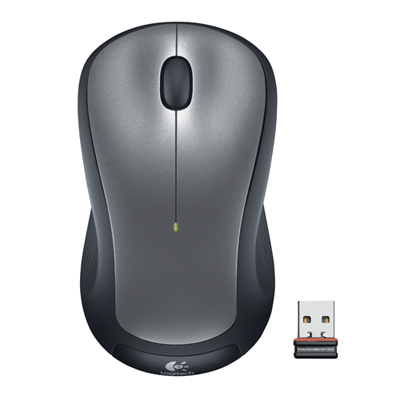 Your price for this item is $29.99
-
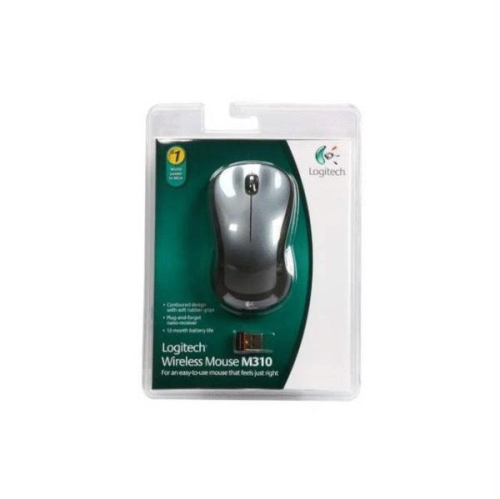 Your price for this item is $50.44
-
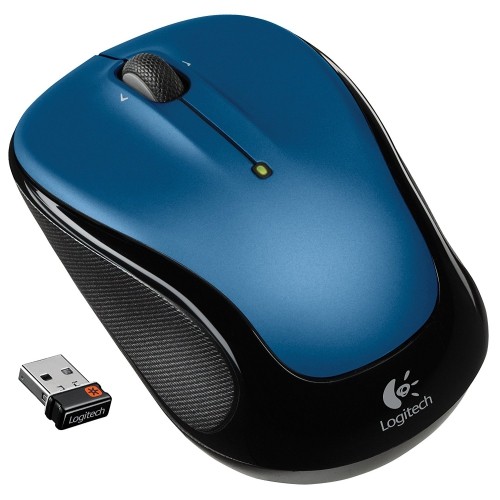 Your price for this item is $39.99
-
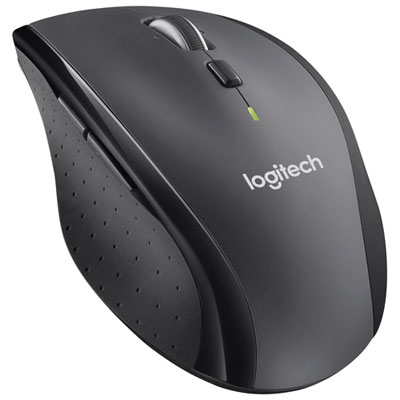 Your price for this item is $49.99
-
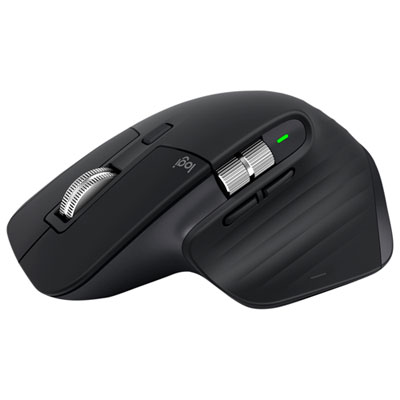 Your price for this item is $159.97
-
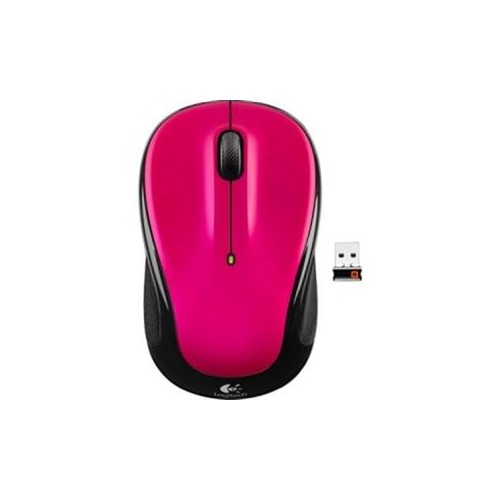 Your price for this item is $64.68
-
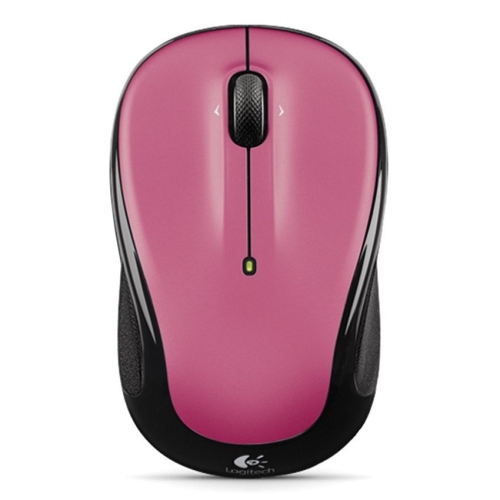 Your price for this item is $48.68
-
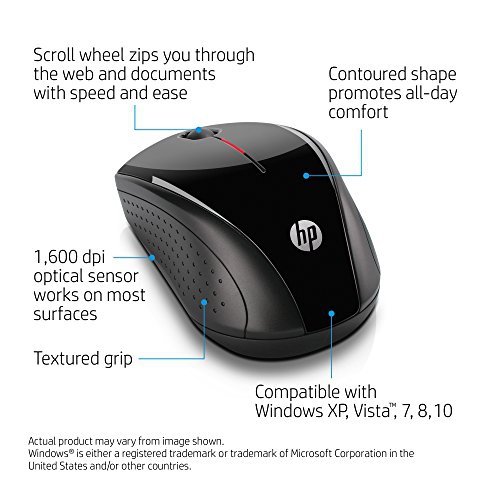 Your price for this item is $31
Discover more categories related to Wireless Mice for Students
Top Collections:
Best Black Friday Deals This Year, Best Black Friday Deals On Electronics, Kindle Devices, Pokemon Centers, Best Black Friday Deals On Apple Products, Best Cameras for Sports Photography, Dyson Airwrap, Pokémon 30th Celebration Cards, Apple iPhone 17 Pro, Canon G7X Cameras
Some products may be subject to Environmental Handling Fees
(EHF) depending on your province.
Learn more about EHFs.