Best Printers for Scanning Photos
Preserve your favourite memories with the best printers for scanning photos, ranked by customer review ratings. Whether you’re digitizing family albums or making copies of cherished snapshots, explore options with scanning features that help capture fine details and rich colours. Compare scan resolution, ease of use, and connectivity to find the right fit for your photo projects.
What to look for in printers for scanning photos
1. Optical Scan Resolution
2. Colour Accuracy and Image Adjustments
3. Flatbed Size and Photo Handling
4. Connectivity and File Options
-
1
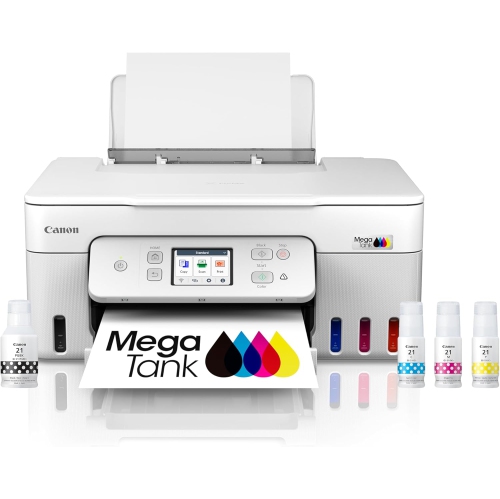
CANON Megatank G3290 All-In-One Wireless Supertank Printer, Mobile Printing, 2.7" Lcd Color Touchscreen, Auto Duplex
About this product
An all-in-one wireless inkjet printer with mobile printing, auto duplex, and a 2.7" LCD colour touchscreen.
What customers like
(32)$569.05Your price for this item is $569.05SAVE $29 -
2
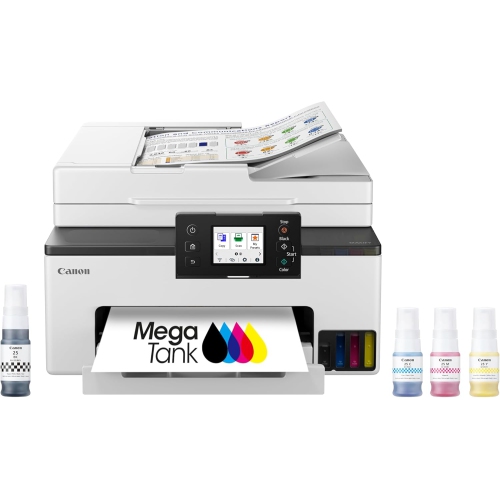
CANON Megatank Gx2020 All-In-One Wireless Supertank Printer, Print Copy Scan, Auto Duplex, Adf, Mobile Printing, 2.7" Color Touchscreen, Home Office
About this product
A versatile black wireless all-in-one printer with refillable ink tanks, auto duplex, ADF, and touchscreen controls.
What customers like
(66)$349.99Your price for this item is $349.99SAVE $150 -
3
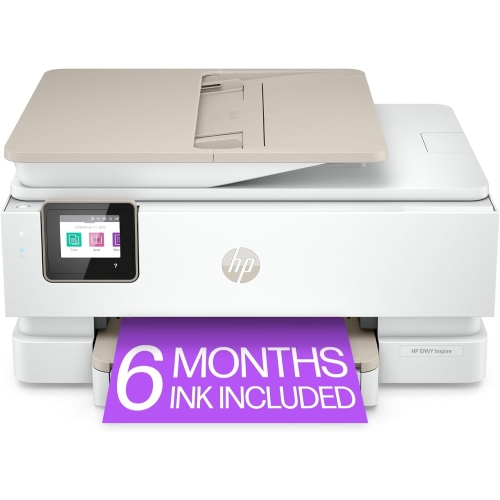
HP Envy Inspire 7958E All-In-One Printer
About this product
An all-in-one printer ideal for high-quality photos and office documents with HP+ Smart Printing System.
What customers like
(1,690)$293.69 Your price for this item is $293.69 -
4
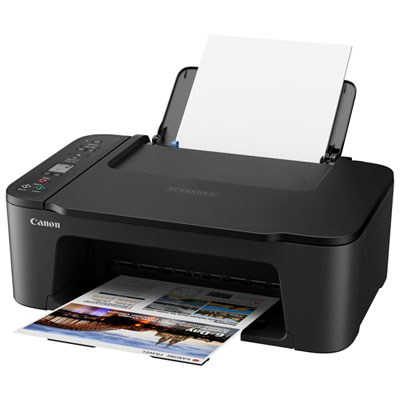
Canon PIXMA TS3729 Wireless All-In-One Inkjet Printer - Only at Best Buy
About this product
An easy-to-use wireless inkjet printer with mobile printing, flatbed scanner, and quick rear paper tray reloading.
What customers like
(106)$59.99 Your price for this item is $59.99 -
5
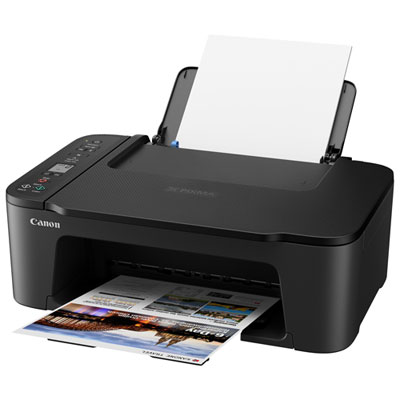
Canon PIXMA TS3720 Wireless All-In-One Inkjet Printer
About this product
An easy-to-use wireless inkjet printer with mobile printing, flatbed scanner, and simple two-cartridge system.
What customers like
(127)$69.99 Your price for this item is $69.99 -
6
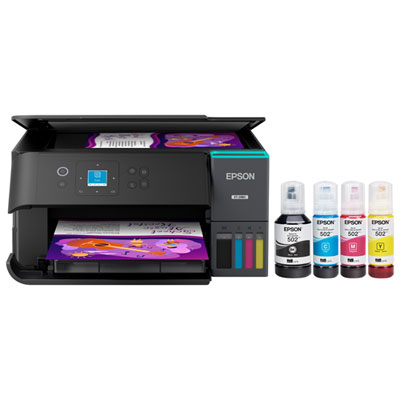
Epson EcoTank ET-2980 Wireless All-In-One Supertank Inkjet Printer - Black
About this product
A wireless all-in-one inkjet printer in black with high-quality printing and years of included ink.
What customers like
(201)$399.99 Your price for this item is $399.99 -
7

HP Officejet Pro 9125E Wired & Wireless All-In-One Inkjet Printer - (403X0A#b1H)
About this product
An all-in-one inkjet printer offering wired and wireless connectivity, professional colour printing, scanning, and faxing.
What customers like
(2,476)$361.99Your price for this item is $361.99SAVE $67 -
8
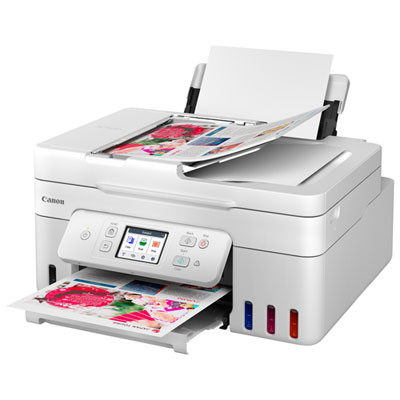
Canon PIXMA MegaTank G4280 All-In-One Inkjet Printer
About this product
An all-in-one white inkjet printer with wireless printing, touch LCD, and integrated ink tanks for efficiency.
What customers like
(39)$299.99Your price for this item is $299.99SAVE $80 -
9
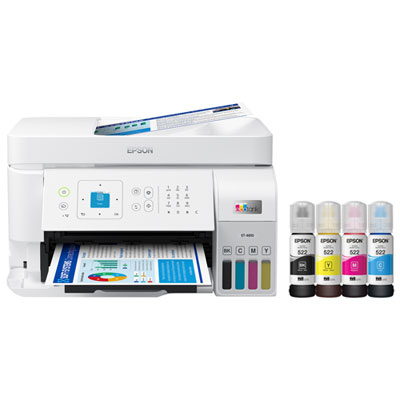
Epson EcoTank ET-4810 Wireless All-In-One Inkjet Printer - Only at Best Buy
About this product
An all-in-one wireless inkjet printer with cartridge-free, high-capacity ink tanks and vibrant colour output.
(14)$369.99Your price for this item is $369.99SAVE $60 -
10
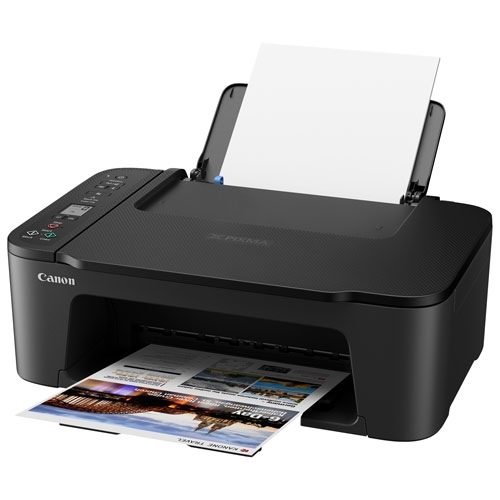
CANON - Pixma Ts3720 Wireless All-In-One Inkjet Printer
About this product
An easy-to-use wireless all-in-one printer with a two-cartridge ink system and flatbed scanner.
(4)$119.99 Your price for this item is $119.99
FAQ
Look for an all-in-one printer with a flatbed scanner, adjustable scan resolution, colour scanning and support for common image file formats. Preview tools, manual cropping and options to save scans to a computer or mobile device are also useful features to compare.
A flatbed scanner lets you place a photo directly on the glass and scan it individually. An automatic document feeder moves sheets through the scanner and is generally intended for documents. Check the printer’s manual to confirm which types of originals each scanning method supports.
Available formats depend on the printer and scanning software. JPEG is commonly used for sharing and everyday viewing, while TIFF supports lossless storage for editing and archiving. PNG also uses lossless compression, and PDF can group several scanned images into one document.
Yes. Scanning and printing are separate functions on an all-in-one printer. You can save a photo as a digital file without making a printed copy. Depending on the model, scan destinations may include a connected computer, a mobile app, a USB drive or a cloud storage service.
Connection options vary by model and may include USB, Wi-Fi or Ethernet. Computer scanning typically uses the printer’s scanning software or a compatible operating system app. Scanning to a phone usually requires a supported mobile app and a network connection. Check for scanning support specifically, as mobile printing support does not always include scanning.
Top selling and popular products
Discover more categories related to Best Printers for Scanning Photos

Some products may be subject to Environmental Handling Fees (EHF) depending on your province. Learn more about EHFs.