Best Tablets for Homework
Find the best tablets for homework to help students research assignments, take notes, and stay organized. Ranked by user review ratings, this list highlights options for everyday schoolwork, from reading digital textbooks to joining online study sessions. Compare screen sizes, battery life, and keyboard compatibility to choose a tablet that fits your study routine and budget.
What to look for in tablets for homework
1. School App Compatibility
2. Performance and Storage
3. Display and Input Options
4. Battery Life and Connectivity
-
1
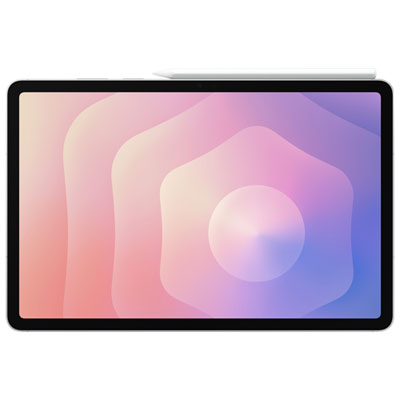
Samsung Galaxy Tab S11 11" 128GB Android Tablet with D9400+ (DX4+) Processor - Silver
About this product
A sleek silver tablet featuring a powerful processor, crystal-clear display, and IP68 water and dust resistance.
What customers like
(438)$1,249.99 Your price for this item is $1249.99 -
2
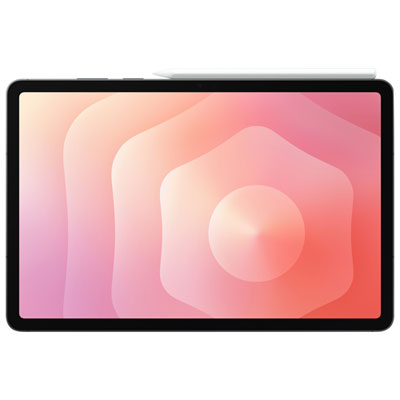
Samsung Galaxy Tab S11 11" 256GB Android Tablet with D9400+ (DX4+) Processor - Grey
About this product
A powerful grey tablet featuring a crystal-clear display, advanced processor, AI capabilities, and IP68 durability.
What customers like
(432)$1,399.99 Your price for this item is $1399.99 -
3
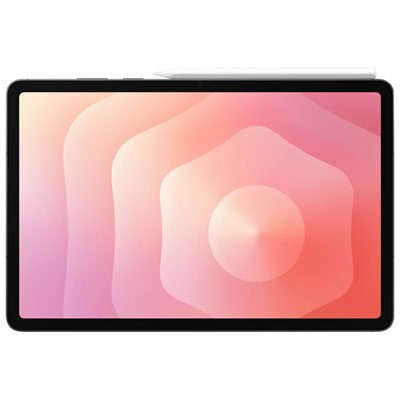
Samsung Galaxy Tab S11 11" 512GB Android Tablet with D9400+ (DX4+) Processor - Grey
About this product
A sleek grey tablet featuring a powerful processor, crystal-clear display, and IP68 water and dust resistance.
What customers like
(417)$1,699.99 Your price for this item is $1699.99 -
4
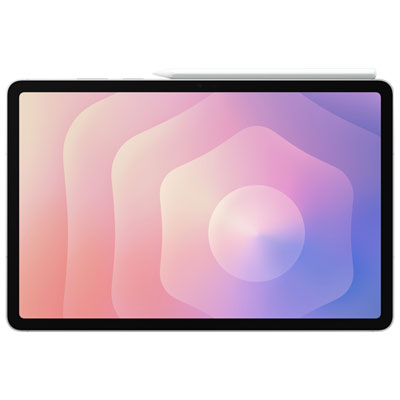
Samsung Galaxy Tab S11 11" 512GB Android Tablet with D9400+ (DX4+) Processor - Silver
About this product
A sleek silver tablet featuring a powerful processor, AI capabilities, and an IP68 water-resistant rating.
What customers like
(352)$1,699.99 Your price for this item is $1699.99 -
5
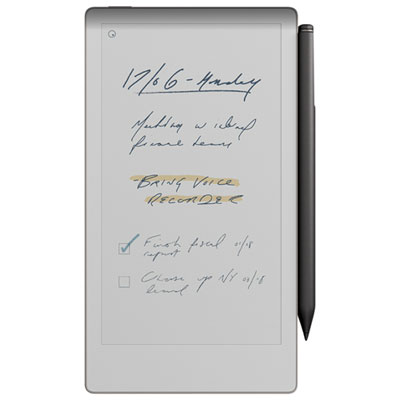
reMarkable Paper Pro Move 7.3" 64GB Paper Tablet with Marker Plus Pen - Silver
About this product
A silver tablet with a 7.3" colour display, 64GB storage, Marker Plus pen, and dual-band Wi-Fi.
What customers like
(211)$699.99 Your price for this item is $699.99 -
6
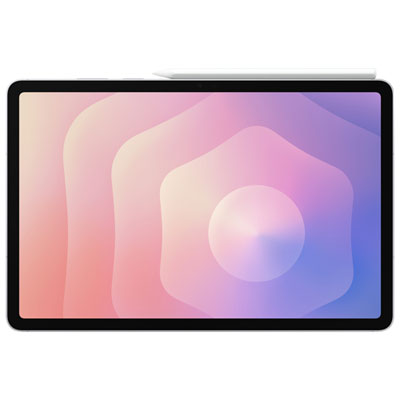
Samsung Galaxy Tab S11 11" 256GB Android Tablet with D9400+ (DX4+) Processor - Silver
About this product
A sleek silver tablet featuring a powerful processor, crystal-clear display, and IP68 water and dust resistance.
What customers like
(87)$1,399.99 Your price for this item is $1399.99 -
7
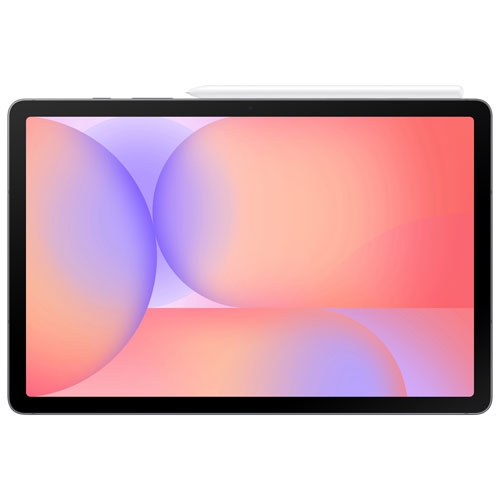
SAMSUNG - Galaxy Tab S10 Lite 10.9" 128GB Android Tablet With Exynos 1380 Processor - In Grey
About this product
A sleek grey tablet featuring a 10.9" display, Exynos 1380 processor, and included S Pen.
(4)$419.99Your price for this item is $419.99SAVE $80 -
8
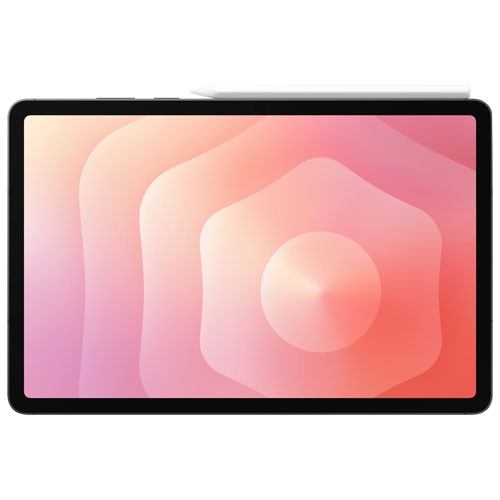
SAMSUNG - Galaxy Tab S11 11" 256GB Android Tablet With D9400+ (Dx4+) Processor - In Grey
About this product
A sleek grey tablet featuring a powerful D9400+ processor, 256GB storage, and an IP68 rating.
(1)$1,319.99Your price for this item is $1319.99SAVE $80 -
9
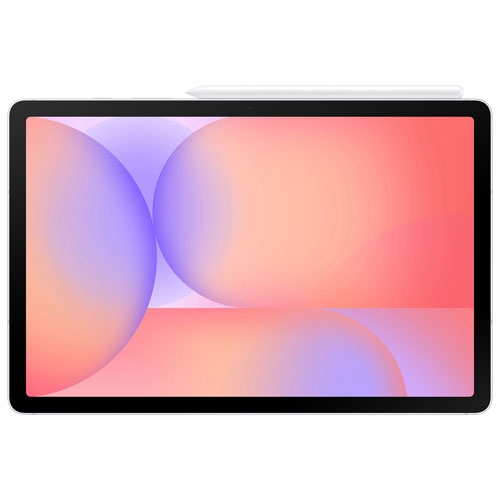
SAMSUNG - Galaxy Tab S10 Lite 10.9" 128GB Android Tablet With Exynos 1380 Processor - In Silver
About this product
A slim silver tablet featuring a 10.9" display, Exynos 1380 processor, and included S Pen.
(1)$419.99Your price for this item is $419.99SAVE $280 -
10
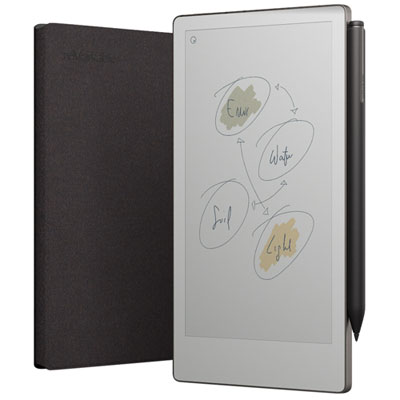
reMarkable Paper Pro Move 7.3" 64GB Paper Tablet with Marker Plus Pen & Poly Folio Case - Basalt
About this product
A basalt-coloured tablet with a 7.3" colour display, 64GB storage, Marker Plus pen, and folio case.
What customers like
(166)$799.99 Your price for this item is $799.99
FAQ
Check that the tablet supports your school’s learning platform, required apps and preferred document formats. Other features to consider include keyboard and stylus compatibility, multitasking options, and a camera and microphone for online classes.
Many tablets support Bluetooth keyboards and mice, while some also work with keyboards that attach through a dedicated connector or USB port. Compatibility varies by operating system and accessory, so check support for both typing and pointer controls.
Compatible tablets and styluses let you write notes, sketch diagrams and annotate PDFs in supported apps. Features such as palm rejection and handwriting-to-text conversion depend on the tablet, stylus and app combination. Some styluses are sold separately.
Students can organise assignments in folders using a file management app or cloud storage service. Supported apps may let them export work as PDFs, text documents or presentations, then upload files through a school app or browser. Check which file formats your school accepts.
Many note-taking, reading and document apps support offline work when files have been downloaded in advance. Cloud-only tools, online research and assignment submissions generally require an internet connection. Offline access and syncing options vary by app and school account settings.
Top selling and popular products
Discover more categories related to Best Tablets for Homework



Some products may be subject to Environmental Handling Fees (EHF) depending on your province. Learn more about EHFs.