Best Tablets for School College
Find the best tablets for school and college to help you take notes, read digital textbooks, and keep assignments organized. Ranked by user review ratings, this list highlights options for studying at home, working on group projects, and staying productive between classes. Compare screen sizes, battery life, and keyboard or stylus compatibility to find a tablet that fits your coursework and budget.
What to look for in tablets for school and college
1. Course Software Compatibility
2. Note-Taking and Typing
3. Screen Size and Portability
4. Performance and Storage
-
1
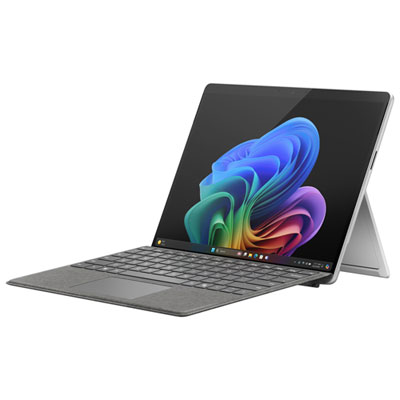
Microsoft Surface Pro (LCD) Copilot+ PC 13" 512GB Tablet with Snapdragon X Plus/16GB RAM (2024) - Platinum - Device Only
About this product
A platinum ultra-portable tablet featuring Snapdragon X Plus, 16GB RAM, 512GB storage, and Copilot+ AI capabilities.
What customers like
(33)$2,149.99 Your price for this item is $2149.99 -
2
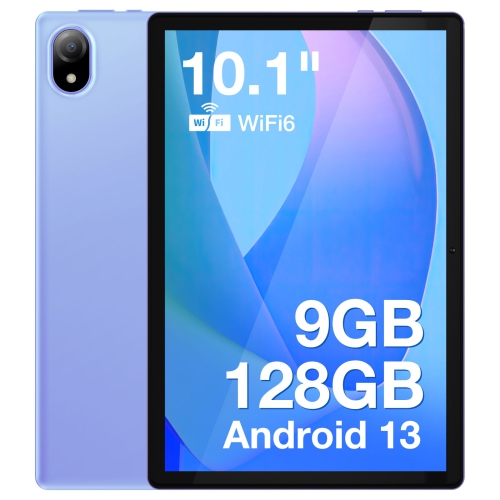
DOOGEE U10 Tablet PC- In Purple
About this product
A vibrant purple tablet featuring a 10.1" IPS HD display, WiFi 6, and 128GB storage.
(1)$184.38 Your price for this item is $184.38 -
3
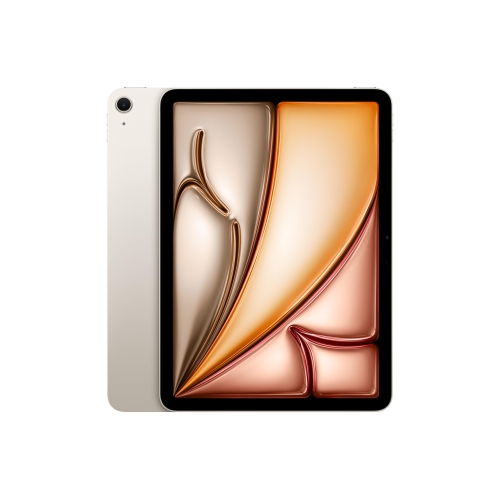
APPLE Refurbished (Excellent) - Ipad Air 11" 128GB With Wi-Fi (6Th Generation) - Starlight
About this product
An M2-powered tablet in Starlight with 128GB storage, Wi-Fi 6E, and Liquid Retina display.
What customers like
(203)$869.99Your price for this item is $869.99SAVE $230 -
4
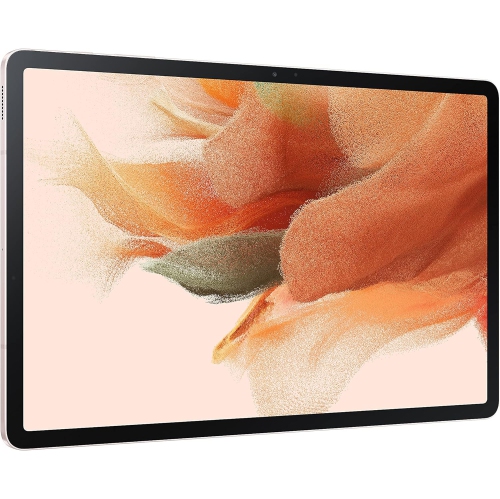
SAMSUNG Galaxy Tab S7 Fe 12.4” 256GB Wifi Android Tablet, Large Screen, S Pen Included, Multi Device Connectivity, Long Lasting Battery, Us
About this product
A versatile pink Android tablet featuring a 12.4" display, 256GB storage, S Pen, and long battery life.
What customers like
(13)$449.00 Your price for this item is $449 -
5
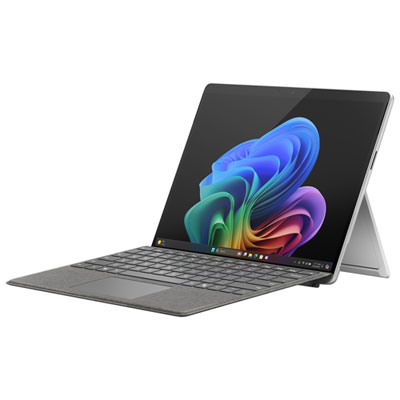
Microsoft Surface Pro (OLED) Copilot+ PC 13" 1TB Tablet with Snapdragon X Elite/16GB RAM (2024) - Platinum - Device Only
About this product
A platinum ultra-portable tablet featuring a 13" OLED display, Snapdragon X Elite, 16GB RAM, and 1TB storage.
What customers like
(25)$3,049.97 Your price for this item is $3049.97 -
6

MICROSOFT Refurbished (Good) - Surface Pro 6 12.3" 128GB Windows 10 Tablet With 8Th Gen Intel Core I5 -Platinum
About this product
A refurbished platinum tablet featuring an 8th Gen Intel Core i5, 128GB storage, and Windows 10.
What customers like
(1,268)$699.00 Your price for this item is $699 -
7
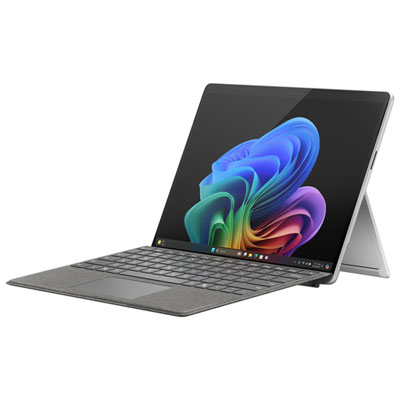
Microsoft Surface Pro (OLED) Copilot+ PC 13" 512GB Tablet with Snapdragon X Elite/16GB RAM (2024) - Platinum - Device Only
About this product
A platinum ultra-portable 13" OLED tablet featuring Snapdragon X Elite, 16GB RAM, and 512GB storage.
(18)$2,599.99 Your price for this item is $2599.99 -
8

LENOVO 100E 2Nd Gen 11.6" Chromebook Student - Mediatek Mt8173C 2.1Ghz - 4GB Lpddr3 - 32GB SSD - Chrome Os - In Black
About this product
A durable black Chromebook with 11.6" display, 4GB RAM, and Chrome OS for classroom use.
What customers like
(1,284)$499.99Your price for this item is $499.99SAVE $200 -
9

LENOVO 14E 14" Touchscreen Chromebook - Amd A4-9120 - 4GB Ddr4 - 32GB Flash Memory - Chromeos - In Gray
About this product
A 14" Chromebook with Full HD display, AMD A4 processor, 4GB RAM, and 32GB flash storage.
What customers like
(23)$389.99Your price for this item is $389.99SAVE $110 -
10
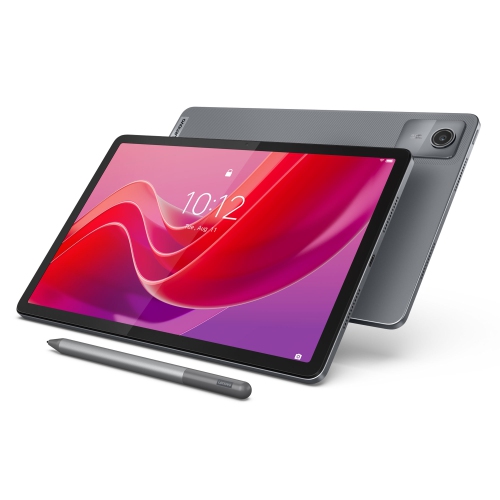
LENOVO Tab M11, 11" Ips 400 Nits, 4GB, 128GB Emmc
About this product
An 11" IPS tablet with 400 nits brightness, 4GB RAM, and 128GB eMMC storage.
What customers like
(131)$331.55Your price for this item is $331.55SAVE $17
FAQ
Look for compatibility with your required course apps, stylus support for handwritten notes, keyboard connectivity and multitasking options. Check whether your school's learning platform and assignment tools work with the tablet's operating system.
Common accessories include a compatible stylus for annotation, a keyboard for typing assignments and a stand for positioning the tablet on a desk. A USB hub may provide connections for peripherals, depending on the tablet's port and operating system.
Common app categories include note-taking tools, PDF readers, word processors, presentation software and calendar apps. Your courses may also require video calling software or subject-specific apps. Check app availability and school account requirements for your chosen operating system.
Many apps let you work on downloaded documents, read saved course materials and write notes offline. Online quizzes, live classes and some school portals require an internet connection. Offline access varies by app, so download materials and check access before heading to class.
You can transfer files through cloud storage, compatible USB connections or wireless file-sharing tools. Using the same school account across devices may also let you access documents in supported apps. Check file formats and sharing permissions when submitting assignments or collaborating with classmates.
Top selling and popular products
Discover more categories related to Best Tablets for School College

Some products may be subject to Environmental Handling Fees (EHF) depending on your province. Learn more about EHFs.