Best Type C Hub
Connect more of your essentials with the best Type-C hubs for expanding your device’s connectivity. Whether you need extra USB ports, a display connection, or a memory card reader, the right hub can help simplify your setup. Explore options ranked by user review ratings, and compare port selection, power delivery, and device compatibility to find the right fit for work, study, or travel.
What to look for in USB Type-C hubs
1. Device Compatibility
2. Port Selection
3. Charging Support
4. Display and Data Performance
-
1
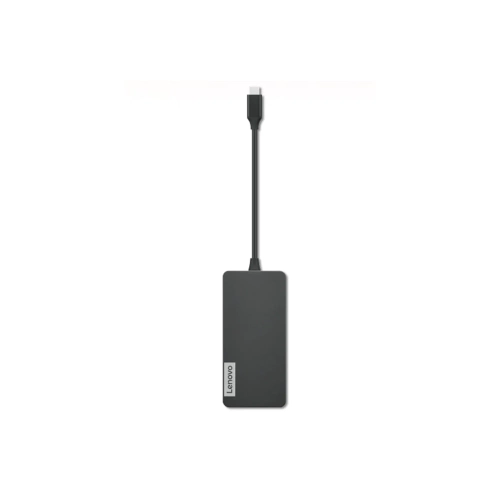
LENOVO USB-C 7-In-1 Hub
About this product
A versatile USB-C hub offering seven ports for expanded connectivity with laptops and tablets.
What customers like
(227)$169.68 Your price for this item is $169.68 -
2
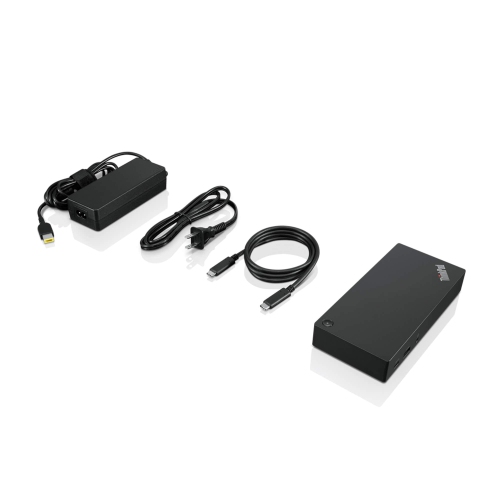
LENOVO Thinkpad USB-C Dock Gen 2 (40As0090Us) - USB 3.1, USB-C Ethernet, Display Port, HDMI
About this product
A versatile USB-C dock offering USB 3.1, Ethernet, DisplayPort, and HDMI connectivity for streamlined workspaces.
What customers like
(165)$159.99Your price for this item is $159.99SAVE $130 -
3
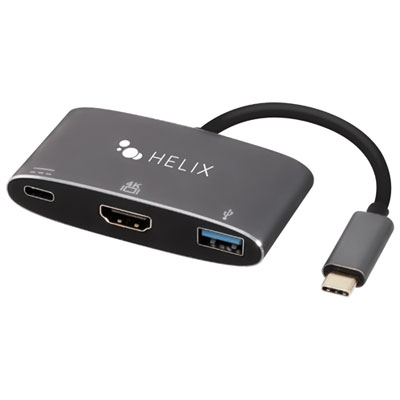
Helix 3-in-1 USB-C to HDMI/USB-C/USB-A Hub (ETHHUB3)
About this product
A compact space grey hub providing USB-A, USB-C, and HDMI ports for 4K video, charging, and fast data transfer.
(9)$34.99 Your price for this item is $34.99 -
4
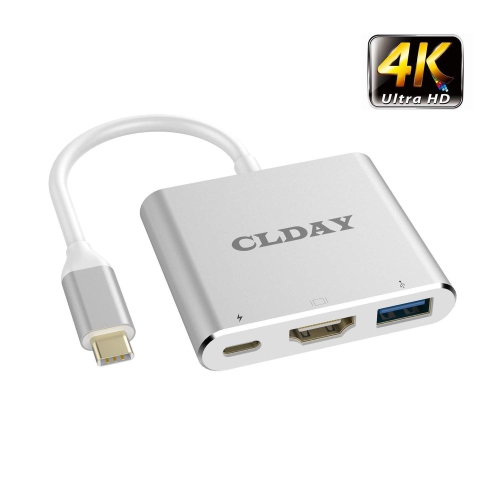
HLD 4K USB Type-C (Thunderbolt 3 Compatible) Multiport Hub, 3-In-1 With HDMI Port USB 3.0 Port And USB-C Fast Charging Port
About this product
A versatile 3-in-1 hub offering 4K HDMI, USB 3.0, and USB-C fast charging compatibility.
$45.96Your price for this item is $45.96SAVE $9 -
5

STARTECH.COM 4 -Port USB-C Hub 10GBps - 3X USB-A & 1X USB-C (Hb31C3A1Cb)
About this product
An aluminum USB-C hub offering three USB-A ports, one USB-C port, and 10Gbps SuperSpeed data transfer.
$82.37Your price for this item is $82.37SAVE $8 -
6
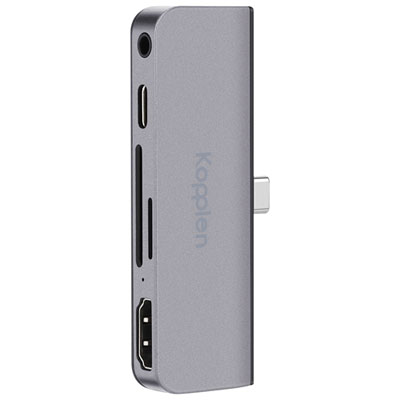
Kopplen 5-Port USB 3.0 Type-C Hub (HUB-C07SGR)
About this product
A slim, lightweight 5-port USB 3.0 Type-C hub with HDMI, audio input, and two memory card slots.
$58.97 Your price for this item is $58.97 -
7

STARTECH.COM 4 -Port USB-C Hub 10GBps - 2X USB-A & 2X USB-C (Hb31C2A2Cb)
About this product
A portable USB-C hub offering two USB-A and two USB-C ports with 10Gbps SuperSpeed data transfer.
(2)$88.37Your price for this item is $88.37SAVE $8 -
8
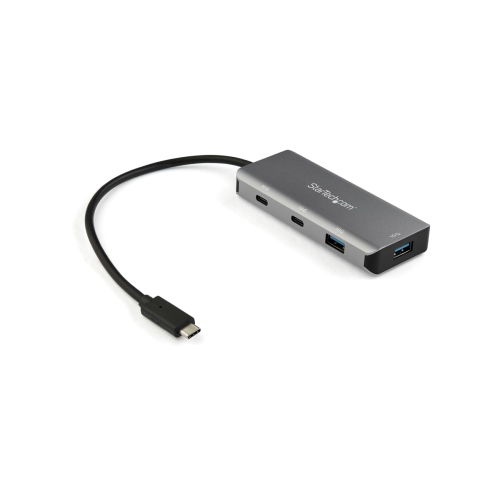
STARTECH USB-C Hub - 4Port - USBc & A (Hb31C2A2Cb)
About this product
A compact hub that adds two USB-C and two USB-A ports with 10Gbps data transfer speeds.
(2)$80.99Your price for this item is $80.99SAVE $14 -
9
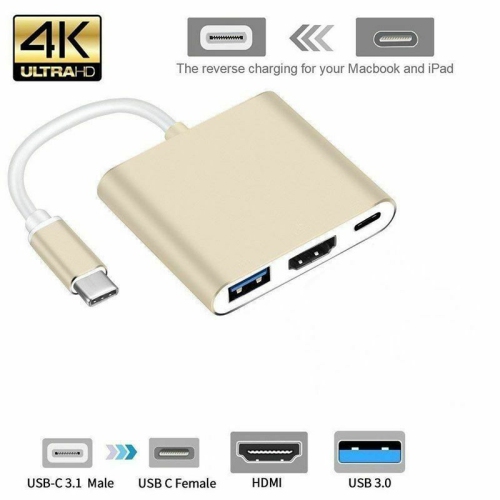
CSMART 3 In 1 USB 3.1 USB-C Type C to 4K HD HDMI USB 3.0 Type C Multiport Hub Converter Adapter Cable
About this product
A versatile adapter offering USB-C to 4K HDMI, USB 3.0, and Type C multiport connectivity.
(1)$9.99Your price for this item is $9.99SAVE $13 -
10
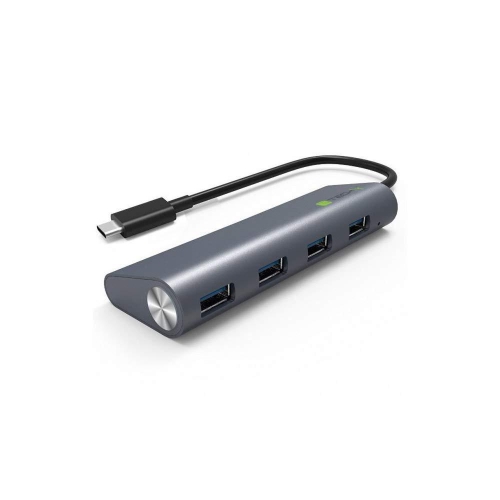
TECHLY New USB-C 3.1 Superspeed 4 Port Type A Hub
About this product
A USB-C 3.1 hub offering four superspeed Type-A ports for efficient device connectivity.
$53.68 Your price for this item is $53.68
FAQ
Choose a USB Type-C hub based on the connections you use regularly, such as USB-A for peripherals, HDMI or DisplayPort for monitors, Ethernet for wired networking, and memory card slots for file transfers. If you want to charge your laptop through the hub, look for USB Power Delivery pass-through. Check that your computer’s USB-C port supports the hub’s intended functions.
A USB-C connector does not guarantee support for every hub feature. Some ports support data transfer only, while others also support charging, video output, USB4, or Thunderbolt. Compare your device’s port specifications with the hub’s requirements, particularly if you plan to connect a monitor or use pass-through charging.
A USB Type-C hub typically adds several connections through one USB-C port and is convenient for moving between workspaces. A docking station generally offers more connections for a dedicated desk setup and often uses its own power adapter. Features overlap, so compare the available ports, display support, and charging capabilities rather than relying on the name alone.
Some USB Type-C hubs support multiple monitors, but the available display modes depend on the hub, your computer’s video capabilities, and its operating system. Multiple video ports do not always mean you can extend your desktop across separate displays. Check support for your intended monitor configuration, including resolution and refresh rate.
USB Power Delivery pass-through lets you connect a compatible USB-C charger to the hub, which then supplies power to your connected laptop or other supported device. The hub reserves some power for its own operation, so the power available to your device may be lower than the charger’s rated output. Check the hub’s stated power delivery to the host device and whether a charger is included.
Top selling and popular products
Discover more categories related to Best Type C Hub



Some products may be subject to Environmental Handling Fees (EHF) depending on your province. Learn more about EHFs.