USB C Hub for Mac
Upgrade your Mac's connectivity with a USB C Hub for Mac, designed to help you get the most out of your device. Perfect for expanding your workspace, these hubs offer a convenient way to connect multiple accessories and peripherals through a single port. Whether you're looking to streamline your workflow at home or on the go, finding the right USB C Hub for Mac ensures seamless compatibility and enhanced productivity. Explore a wide range of options to suit your needs and keep all your essential devices connected with ease.
Sort
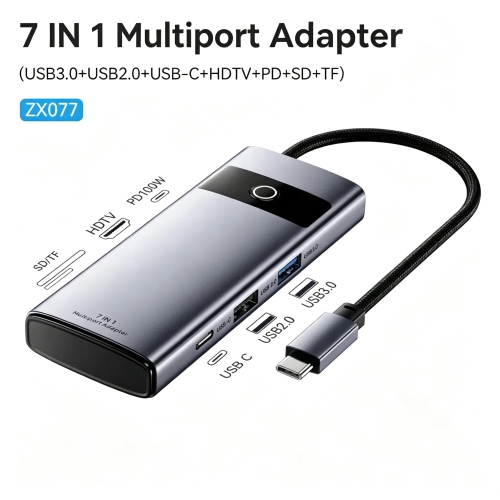
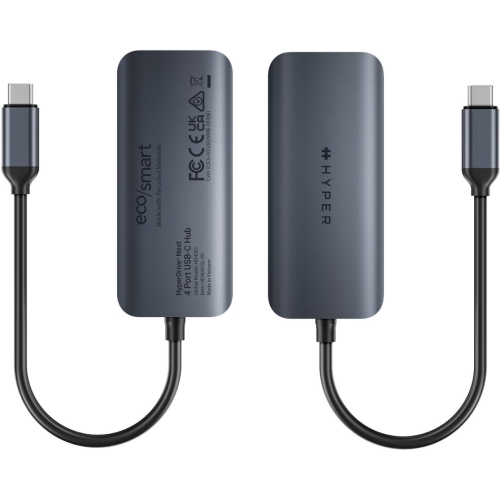
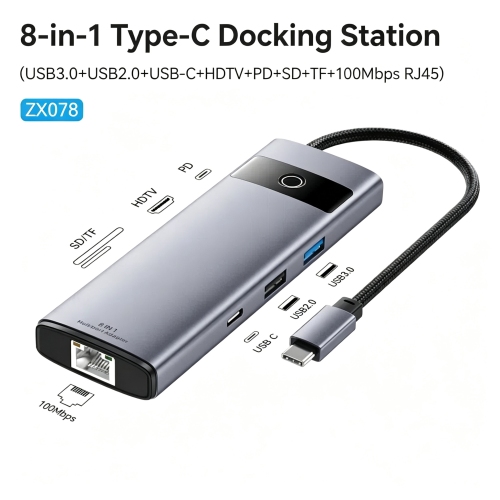
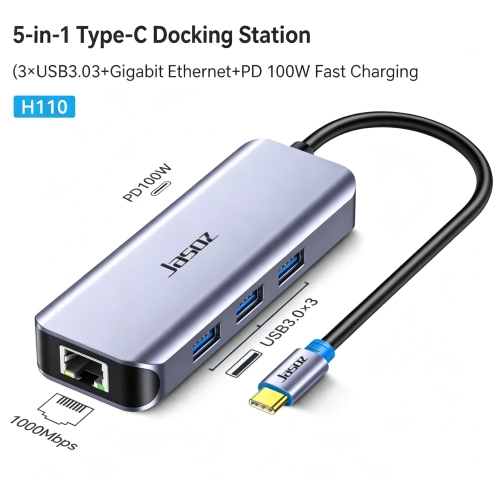
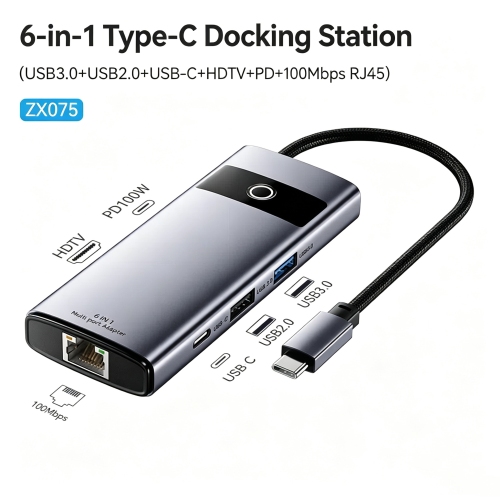
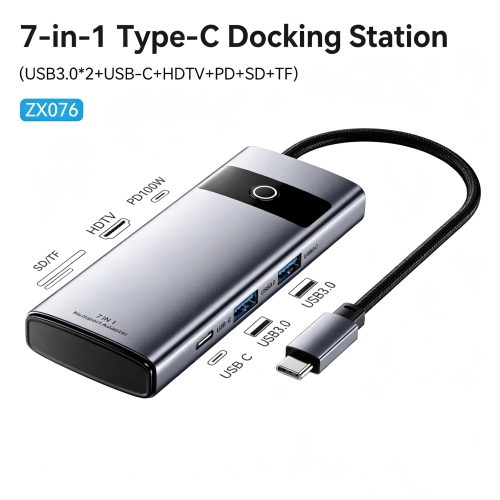
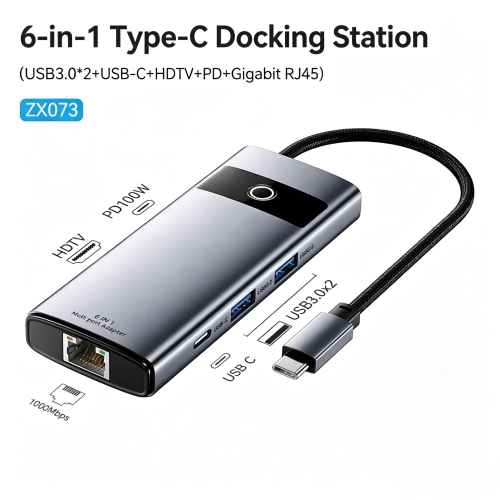
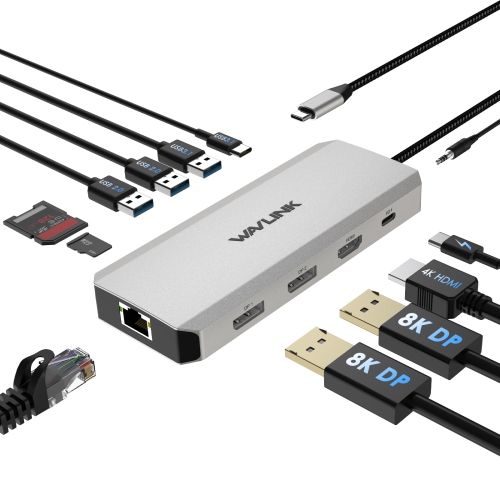
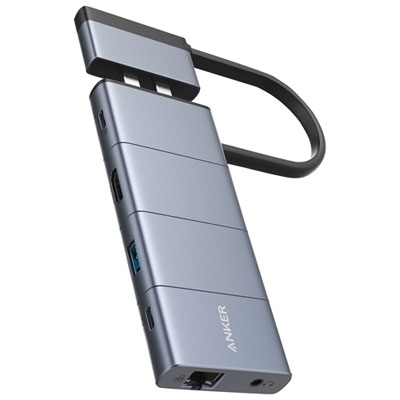
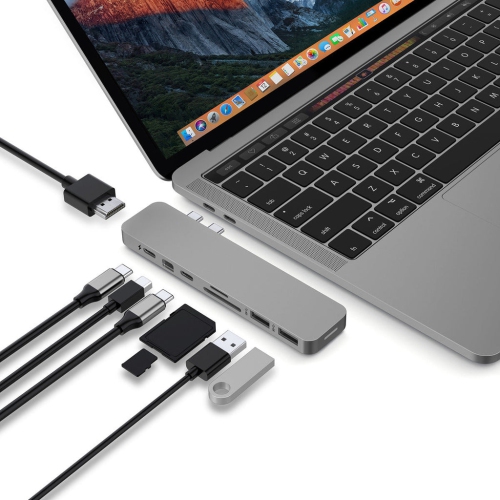
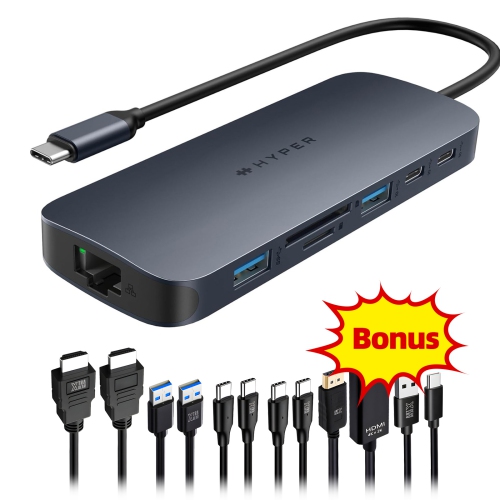
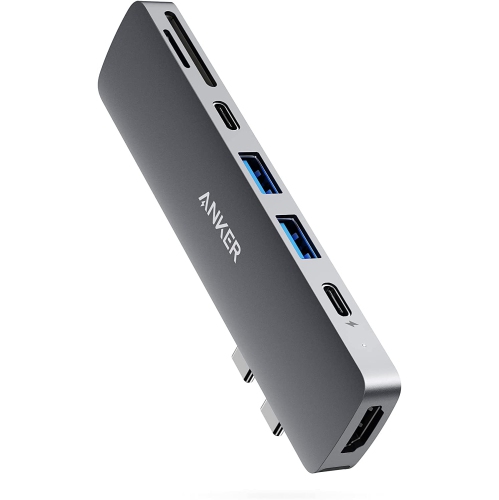
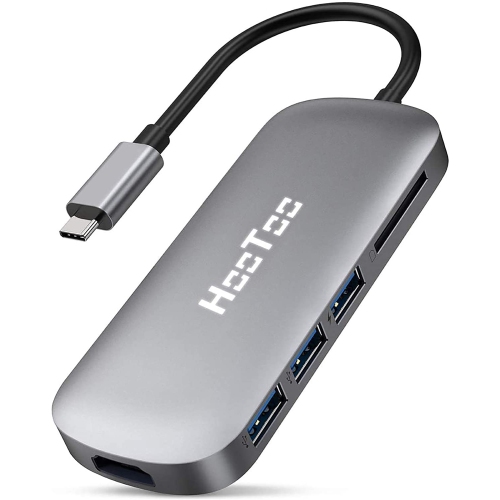
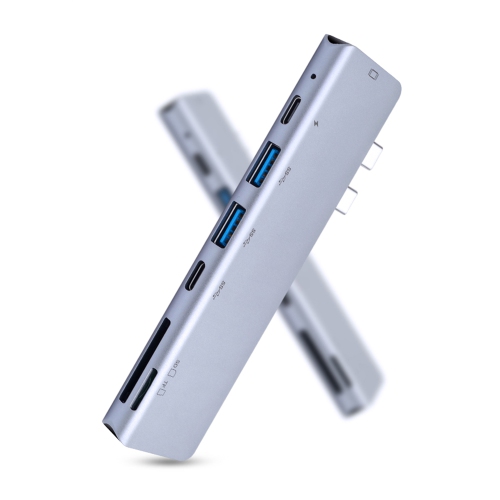
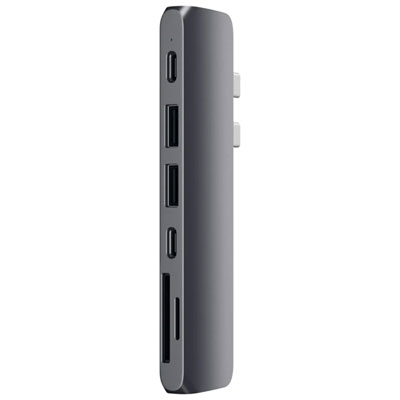
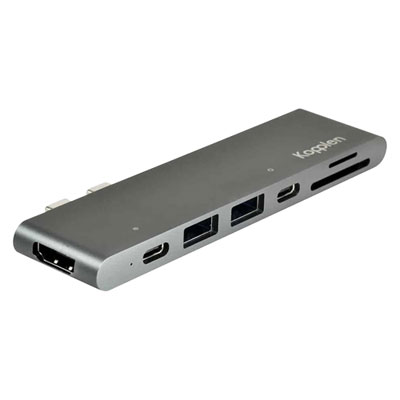
The right connections matter more than port count
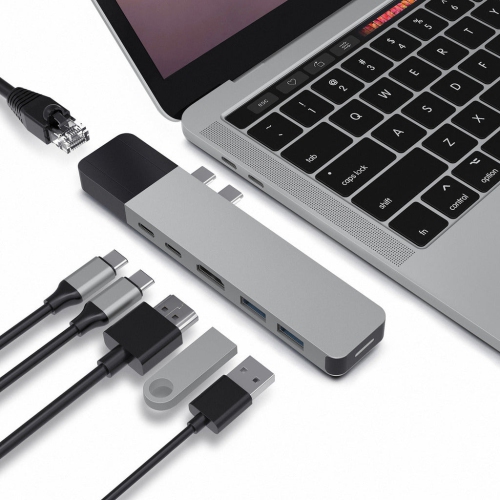
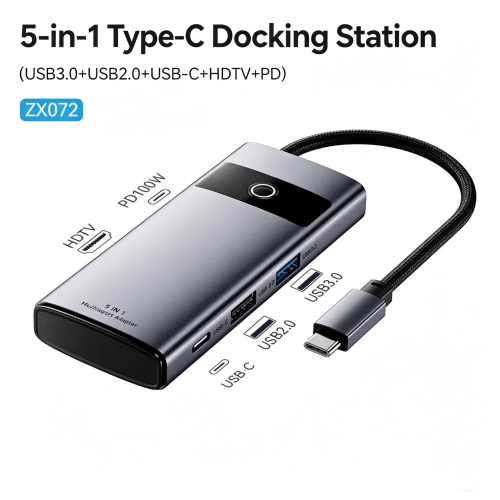
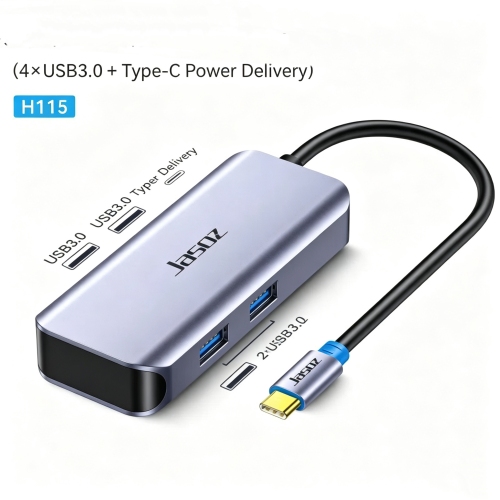
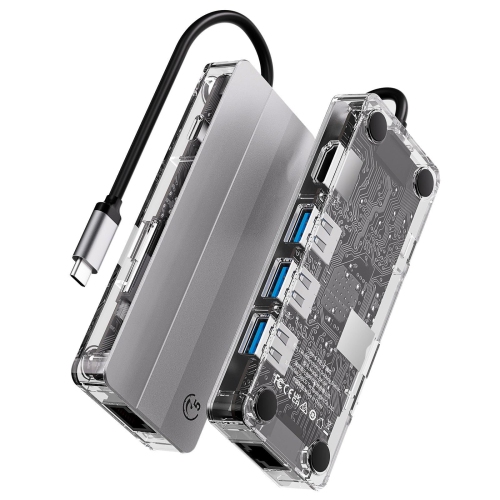
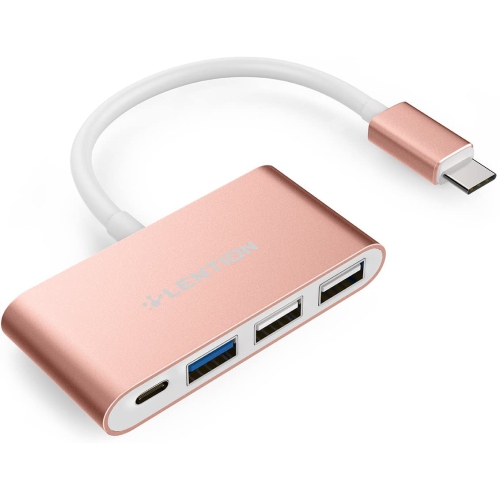
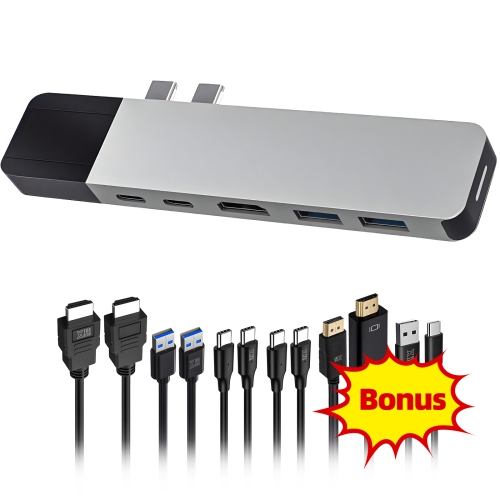
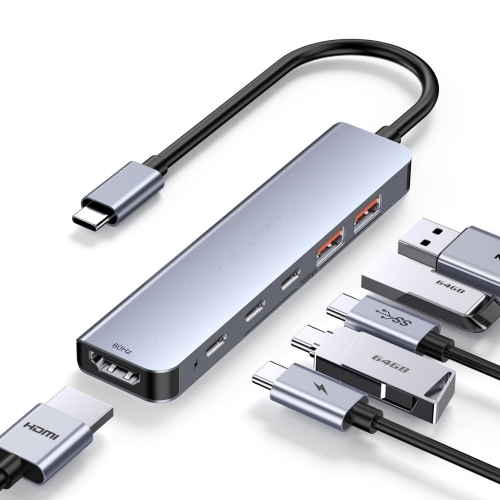
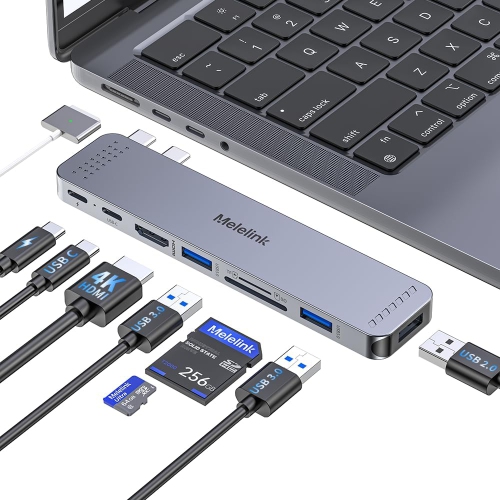
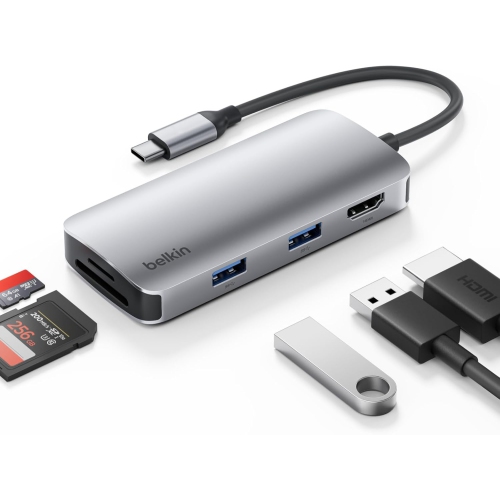
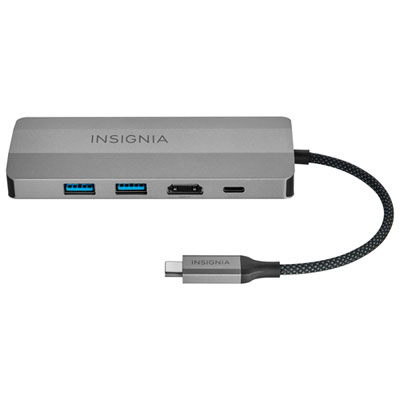
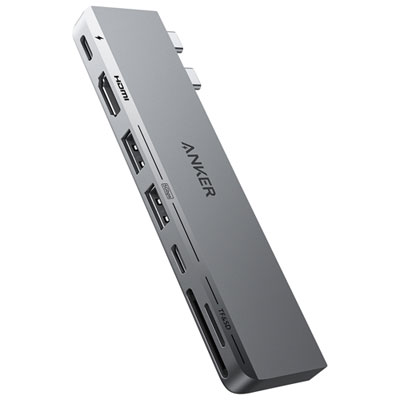
USB-C hubs for Mac bring everyday connections together through a single compatible port, making it easier to use familiar accessories alongside a laptop or desktop with limited built-in connections. A hub can provide USB-A ports for a keyboard, mouse or external drive, a memory card slot for transferring photos, a video output for a monitor, and Ethernet for a wired network connection. Some also offer USB-C power pass-through, allowing a compatible laptop to charge while the hub is connected. The most useful combination depends on what shares the workspace: a student may need a flash drive and classroom display, while a photographer may rely on memory card access and fast external storage. A home office might call for a monitor, webcam, headset and wired keyboard connected together. Rather than simply adding the greatest number of ports, a suitable hub provides the right connections with enough room to use them comfortably. Closely spaced sockets can make wide flash drives or bulky cable ends difficult to connect side by side. Port placement also affects how cables sit on a desk, especially when the laptop rests on a stand or beside a larger display. Compatibility matters beyond whether the plug fits. USB-C identifies the connector type, but it does not guarantee a particular transfer speed, charging capability or video feature. A hub’s supported functions need to match the host port, the connected accessories and the version of macOS in use. Thunderbolt and USB4 connections can offer capabilities beyond basic USB connections, but a hub with a USB-C plug does not automatically provide those features. Clear specifications for data speed, display output and power delivery make it easier to distinguish a compact accessory hub from a more capable connection point for a complete workspace. A small hub can be particularly useful when moving between rooms or work locations, keeping essential connections in one place without requiring a separate adapter for every accessory.
Display support and charging deserve particular attention because similar-looking hubs can behave quite differently. For video, the relevant details include the output connection, supported resolution and refresh rate, and the capabilities of the Mac and display cable. A hub that supports a high resolution at a lower refresh rate may be adequate for documents and presentations but feel less fluid when scrolling through a large spreadsheet or moving windows across a screen. Multiple HDMI or DisplayPort sockets do not, by themselves, guarantee separate extended displays on a Mac. The number of independent external displays depends on the Mac model, its hardware limits and the hub’s display technology. Some multi-display arrangements require additional software and permissions, while other configurations may mirror the same image across connected screens. These distinctions matter for anyone planning to keep a video meeting on one display and reference material on another. Power pass-through has its own limits. The maximum power accepted by a hub can be higher than the amount delivered to the laptop because the hub reserves some power for its operation and connected devices. The charger and cable must also support the intended power level, and an existing low-output charger may not keep pace with a laptop handling demanding work. A USB-C socket labelled for charging may not support data transfer or video, while another socket may be intended only for accessories. Storage performance is similarly dependent on the full connection: the hub, host port, cable and drive all contribute to transfer speed. Several devices using the same hub share its available bandwidth, so copying large video files while using other demanding connections can affect performance. Memory card readers also vary in the card formats and speed standards they support. Ethernet can provide a stable wired connection for calls or large transfers, although actual speeds still depend on the network equipment, cable and internet service. These details help match a hub to real tasks rather than relying on its port count alone.
Physical design makes a noticeable difference in how a USB-C hub fits into daily use. Metal housings can feel sturdy and help disperse heat, while lightweight plastic designs can be convenient in a laptop bag. Neither material alone determines durability; secure sockets, a well-supported cable and solid construction around the connector are just as important. A short attached cable keeps a portable setup tidy, but it needs enough reach to sit naturally beside the computer without pulling against the port. Direct-connect designs reduce loose cabling, yet their shape and connector spacing must suit the particular Mac, including any protective case. A hub should not hang under tension from a raised laptop or carry the weight of several heavy cables. For a permanent desk setup, a little extra cable length can allow the hub to sit flat and keep frequently used connections within reach. Compact models suit travel and occasional accessory use, while larger hubs or docking stations may better accommodate a monitor, several peripherals and a dedicated power supply. Connected drives and other power-hungry accessories can exceed what a small bus-powered hub can supply, making power requirements another practical consideration. Some warmth during operation is normal, but the hub should remain uncovered and positioned where heat can dissipate. Routine care is straightforward: disconnect it before cleaning, wipe the housing with a soft, dry cloth, and keep moisture and debris away from the sockets. A separate pouch can protect the connector from keys and other objects in a bag, while loosely coiling the cable helps avoid repeated sharp bends. For someone choosing a useful gift, knowing the recipient’s Mac connections and everyday accessories is more valuable than selecting by size alone. Households that also use a tablet can explore a USB C Hub for iPad, with compatibility assessed separately for the tablet and intended accessories. The best-fitting Mac setup is one that keeps essential devices easy to connect, supports the tasks performed most often, and feels comfortable to use throughout the day.
Top selling and popular products
-
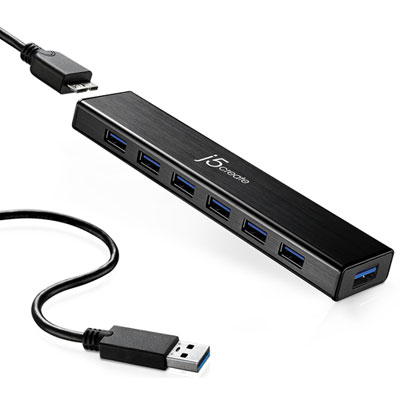 Your price for this item is $49.99
-
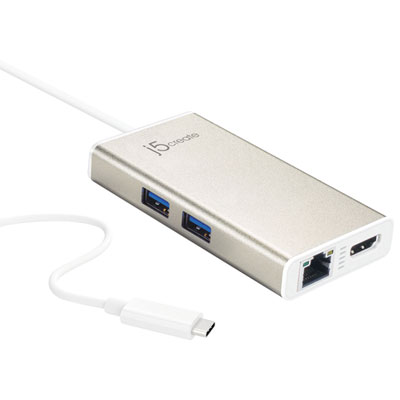 Your price for this item is $65.99
-
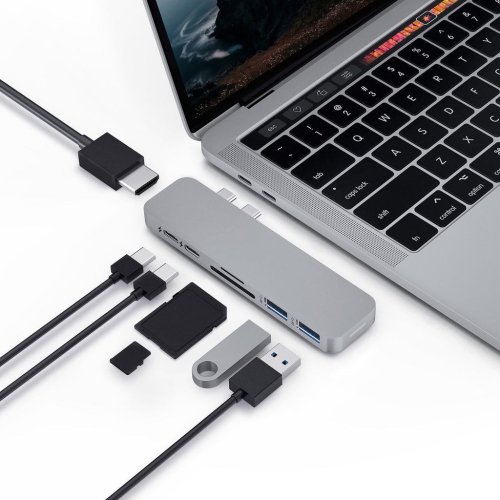 Your price for this item is $19.98
-
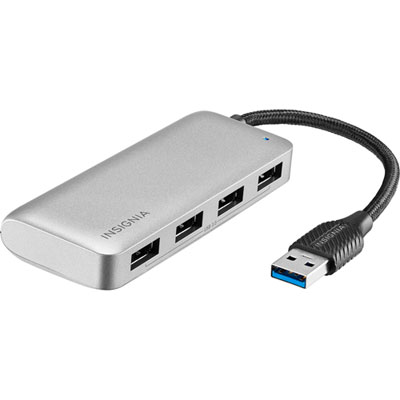 Your price for this item is $29.99
-
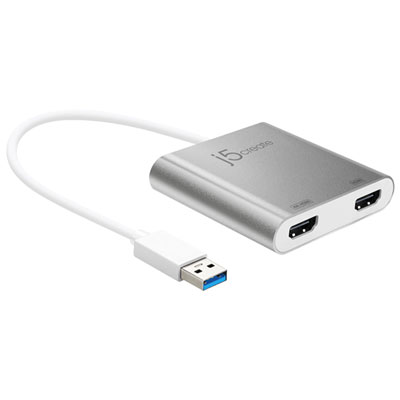 Your price for this item is $99.99
-
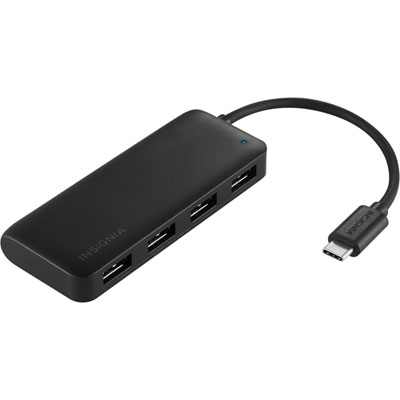 Your price for this item is $19.99
-
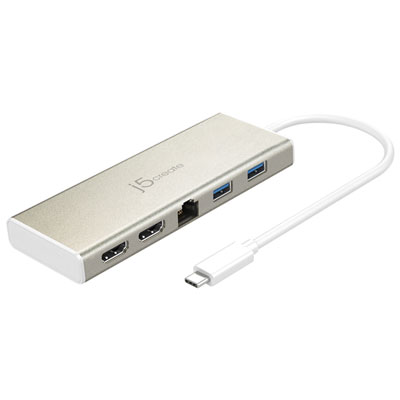 Your price for this item is $104.99
-
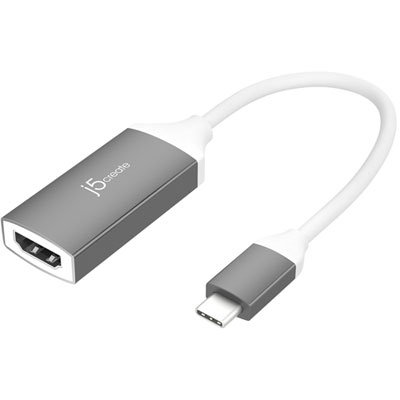 Your price for this item is $39.99
Discover more categories related to USB C Hub for Mac
Top Collections:
Best Black Friday Deals This Year, Best Black Friday Deals On Electronics, Kindle Devices, Pokemon Centers, Best Black Friday Deals On Apple Products, Best Cameras for Sports Photography, Dyson Airwrap, Pokémon 30th Celebration Cards, Apple iPhone 17 Pro, Canon G7X Cameras
Some products may be subject to Environmental Handling Fees
(EHF) depending on your province.
Learn more about EHFs.