Best USB Microphones For Students
The best USB microphones for students make it easier to sound clear during online classes, presentations, and group projects. Whether you’re recording a podcast for an assignment or joining a study session, a USB microphone offers a simple way to upgrade your audio setup. Explore options ranked by user review ratings to find a microphone that fits your study space, budget, and recording needs.
What to look for in USB microphones for students
1. Sound Quality and Pickup Pattern
2. Device Compatibility
3. Controls and Headphone Monitoring
4. Desk Fit and Portability
-
1
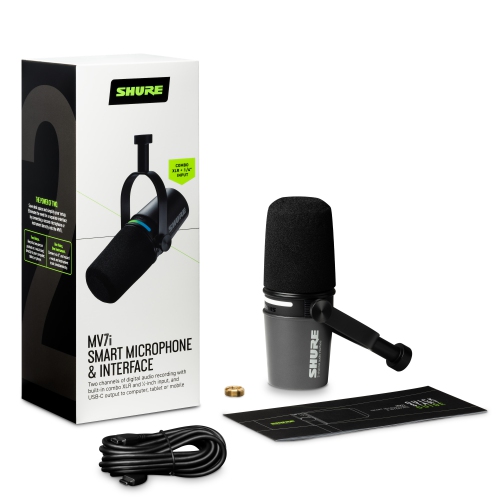
SHURE Mv7I USB-C Dynamic Microphone And Interface
About this product
A dynamic USB-C microphone and interface designed for high-quality vocal and instrument recording.
(2)$530.00 Your price for this item is $530 -
2
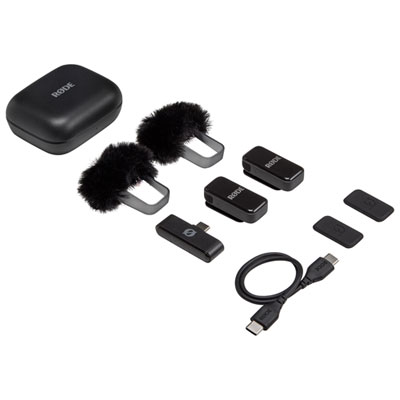
Rode Wireless Ultra-Compact Dual Wirelesss Microphone Kit
About this product
An ultra-compact black wireless microphone kit with dual transmitters, USB-C compatibility, and noise-reducing windshields.
What customers like
(120)$139.99 Your price for this item is $139.99 -
3
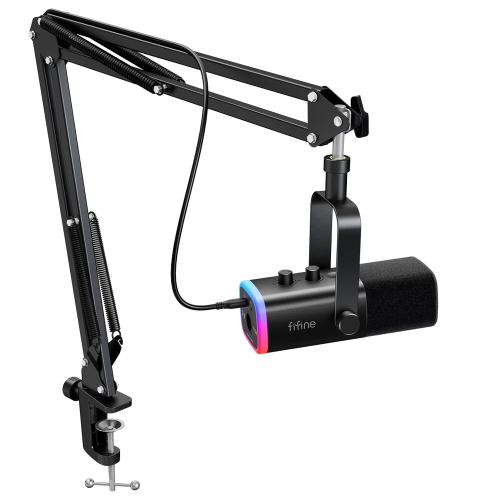
FIFINE AmpliGame AM8T USB/XLR Gaming Microphone Kit with Boom Arm Stand-Black
About this product
A black dynamic microphone bundle with USB/XLR connectivity, RGB lighting, mute control, and adjustable boom arm.
What customers like
(138)$109.99 Your price for this item is $109.99 -
4
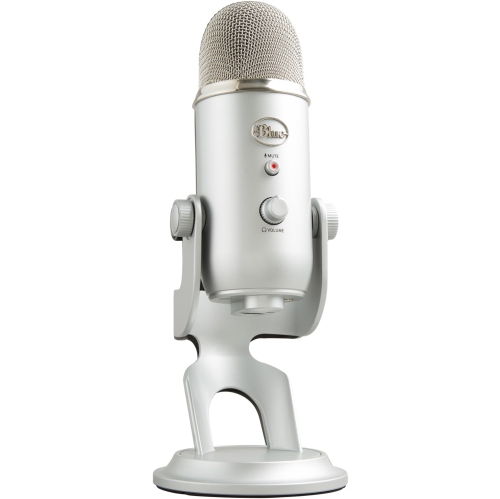
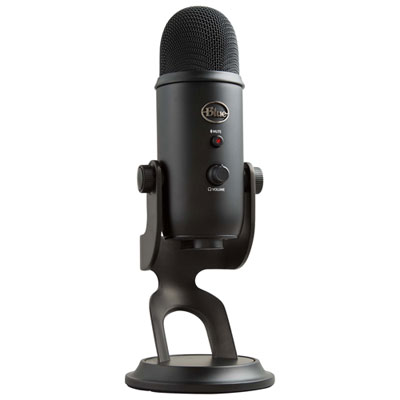
BLUE MICROPHONES Yeti Professional Multi-Pattern USB Mic for Recording & Streaming
About this product
A versatile blue USB condenser microphone with multiple pickup patterns for professional recording and streaming.
What customers like
(1,750)$204.37Your price for this item is $204.37SAVE $20 -
5
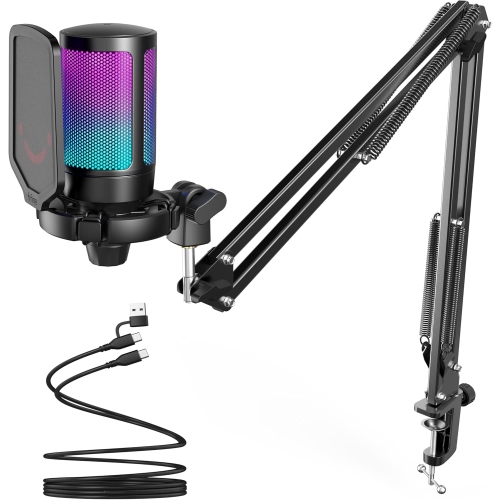
FIFINE A6T USB Condenser RGB Microphone With Boom Arm Kit for Gaming/streaming
About this product
A black USB cardioid condenser microphone with RGB lighting, metal boom arm stand, and easy audio controls.
What customers like
(92)$79.99Your price for this item is $79.99SAVE $16 -
6
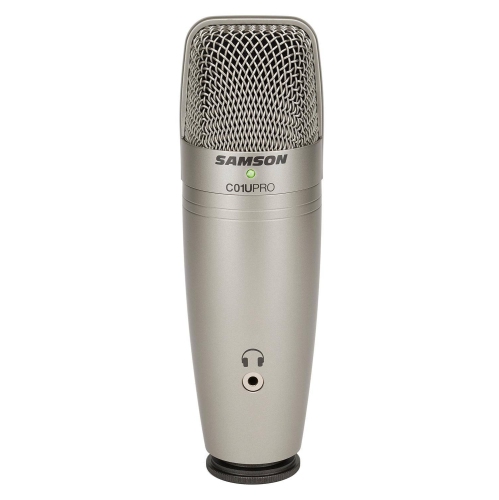
SAMSON USB Studio Condenser Microphone
About this product
A USB condenser microphone delivering clear, professional-quality audio for recording, streaming, or podcasting.
(3)$129.00Your price for this item is $129SAVE $30 -
7
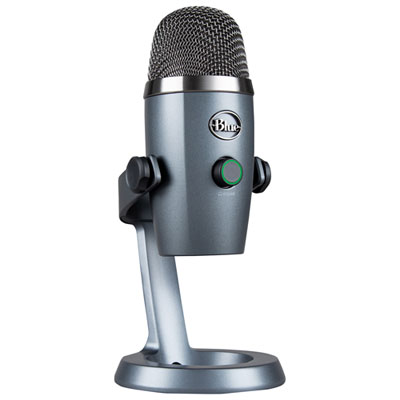
Blue Microphones Yeti Nano USB Microphone - Grey
About this product
A compact grey USB microphone delivering 24-bit sound quality and Blue VO!CE effects for professional audio.
What customers like
(994)$111.98Your price for this item is $111.98SAVE $18 -
8
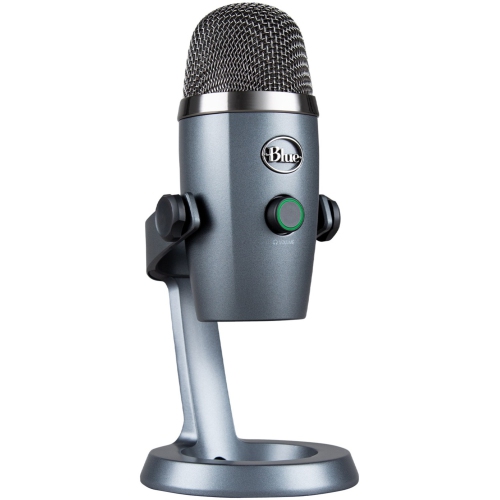
BLUE MICROPHONES Microphones Yeti Nano USB Microphone - Corded - Grey
About this product
A corded USB microphone in grey offering easy controls via the Blue Sherpa app for seamless recording.
What customers like
(982)$158.37Your price for this item is $158.37SAVE $15 -
9
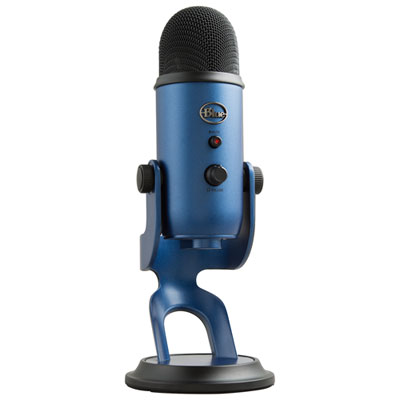
Blue Microphones Yeti USB Microphone - Midnight Blue
About this product
A versatile midnight blue USB microphone delivering broadcast-quality sound with four pattern modes and advanced voice effects.
What customers like
(102)$139.99Your price for this item is $139.99SAVE $20 -
10
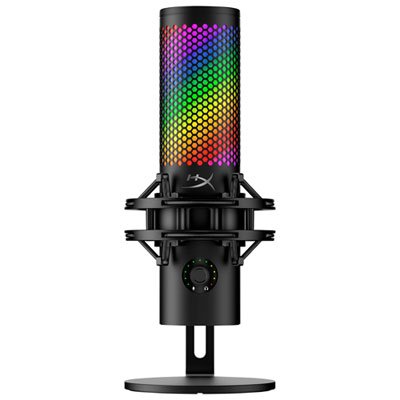
HyperX QuadCast 2 S Desktop USB Microphone - Black/Red
About this product
A versatile black and red USB microphone with four polar patterns, tap-to-mute, and customizable aRGB lighting.
What customers like
(270)$205.98Your price for this item is $205.98SAVE $14
FAQ
A USB microphone connects directly to a computer and includes the circuitry needed to convert sound into digital audio. Students can use one for online classes, narrated presentations, podcasts, interviews and voice recordings without a separate audio interface.
Check the microphone’s operating system requirements and whether its cable connects to a USB-A or USB-C port. Some setups require a compatible adapter. Once connected, select the microphone as the audio input in your computer settings and the app you plan to use.
A pickup pattern describes the directions from which a microphone captures sound. Cardioid patterns focus on sound from the front, omnidirectional patterns capture sound from all directions, and bidirectional patterns capture sound from the front and back. Some USB microphones let you switch between patterns for different recording setups.
Direct monitoring lets you listen to the microphone’s input through connected headphones without routing that audio through your recording software first. USB microphones with this feature typically have a headphone jack, and some include controls for headphone volume or the balance between microphone audio and computer playback.
Common accessories include headphones, a desktop stand or boom arm, a pop filter and a shock mount. A pop filter sits between the speaker and microphone to soften bursts of air from speech, while a shock mount isolates the microphone from vibrations transmitted through its support. Check mounting compatibility and what comes included before choosing accessories.
Top selling and popular products
Discover more categories related to Best USB Microphones For Students
Some products may be subject to Environmental Handling Fees (EHF) depending on your province. Learn more about EHFs.