Best Xlr Microphones for Streaming

Bring clear, detailed sound to your livestreams with the best XLR microphones for streaming, ranked by user review ratings. Whether you’re gaming, hosting live discussions, or sharing music, explore options to help your voice stand out. Pair your microphone with a compatible audio interface or mixer for a setup that suits your streaming style.

Read More

What to look for in XLR microphones for streaming

1. Microphone Type

Dynamic microphones are often a practical choice for close-up speech in untreated rooms. Condenser microphones can capture more vocal detail but may also make keyboard clicks and room noise more noticeable, depending on placement and recording levels.

2. Pickup Pattern

A cardioid pickup pattern focuses on sound in front of the microphone while reducing sound from behind it. Position the microphone with its least sensitive side facing unwanted noise, such as a computer fan.

3. Audio Interface Compatibility

An XLR microphone needs an audio interface or mixer with a compatible microphone input to connect to your streaming computer. Check that it provides enough gain for your microphone and, for most condenser models, 48V phantom power.

4. Placement and Accessories

Look for a stand or boom arm that supports the microphone’s weight and lets you position it close to your mouth without blocking your screen. A pop filter or windscreen can soften plosive sounds, while a shock mount can help reduce vibrations from your desk; check whether these accessories and an XLR cable are included.
Citrus catapult arrow
  1. 1

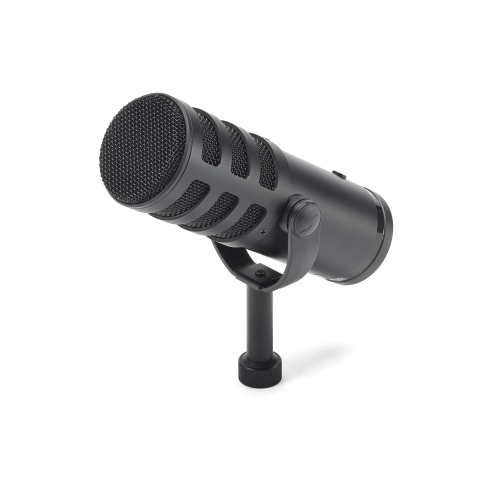
    SAMSON Q9U Xlr/USB Dynamic Broadcast Microphone

    About this product

    A versatile dynamic broadcast microphone offering both XLR and USB connectivity for professional-quality audio.

    What customers like

    • Effective noise reduction and clear audio
    • Versatile XLR and USB connectivity
    • Solid and professional build
    • Easy setup and user-friendly features
    • Excellent sound and broadcast quality
    (100)
    $265.00
    SAVE $34
    Your price for this item is $265
  2. 2

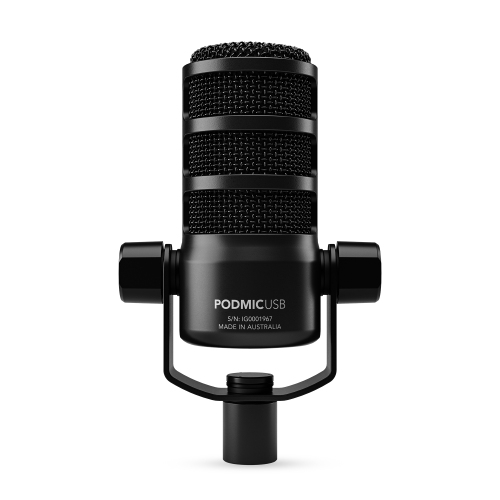
    RODE Podmic USB And Xlr Dynamic Broadcast Microphone - In Black

    About this product

    A versatile dynamic broadcast microphone offering both USB and XLR connectivity for professional-quality audio recording.

    What customers like

    • Easy to set up and use
    • Compact and portable design
    • Versatile USB and XLR connectivity
    • Sturdy build quality
    • Excellent sound quality
    (39)
    $289.00 Your price for this item is $289
  3. 3

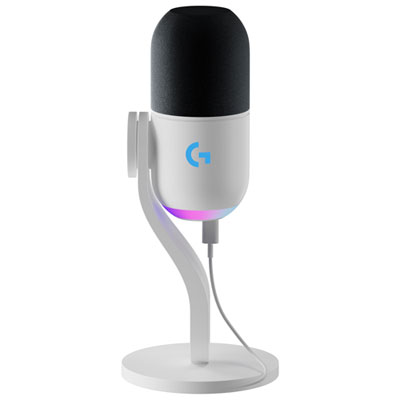
    Logitech Yeti GX RGB LIGHTSYNC Gaming USB Microphone - Off White - Only at Best Buy

    About this product

    A captivating white gaming USB microphone with advanced noise cancellation and customizable RGB lighting.

    What customers like

    • Durable and sturdy build
    • Versatile and flexible usage options
    • Customizable RGB lighting
    • Easy setup and compatibility with various devices
    • Excellent sound quality
    (21)
    $229.99 Your price for this item is $229.99
  4. 4

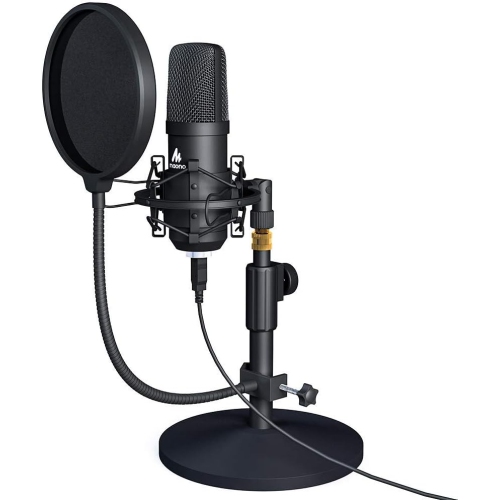
    HLD Maono USB Microphone Kit 192Khz/24Bit Au-A04T PC Condenser Podcast Streaming Cardioid Professional Mic Plug & Play for Computer, Gaming

    About this product

    A plug & play condenser microphone kit delivering 192kHz/24Bit audio quality for streaming, gaming, and recording.

    $116.96
    SAVE $37
    Your price for this item is $116.96
  5. 5

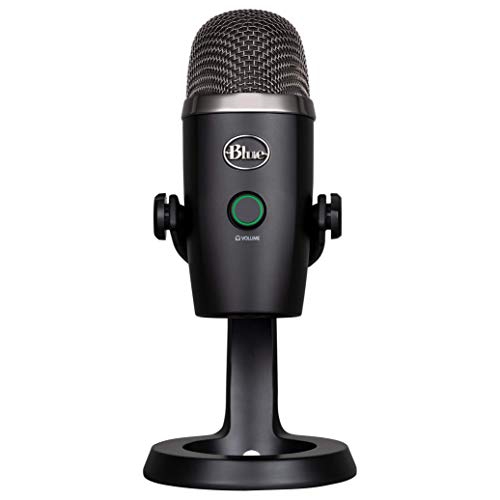
    BLUE MICROPHONES Yeti Nano Premium USB Mic for Recording And Streaming-Blackout

    About this product

    A premium blackout USB microphone designed for high-quality recording and streaming on computers.

    $168.68 Your price for this item is $168.68
  6. 6

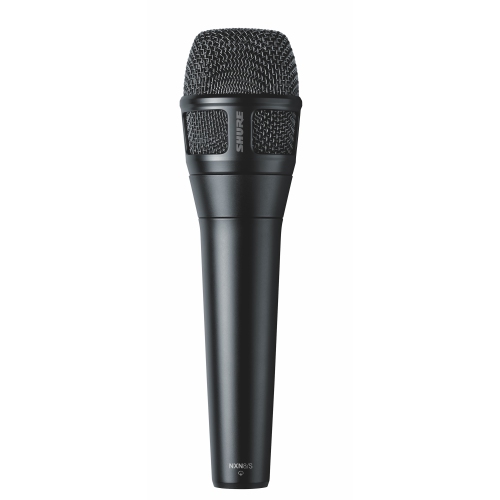
    SHURE Nxn8/s Nexadyne Supercardiod Xlr Microphone - In Black

    About this product

    A black supercardioid XLR microphone delivering precise, professional audio for live performances and recordings.

    $450.00 Your price for this item is $450
  7. 7

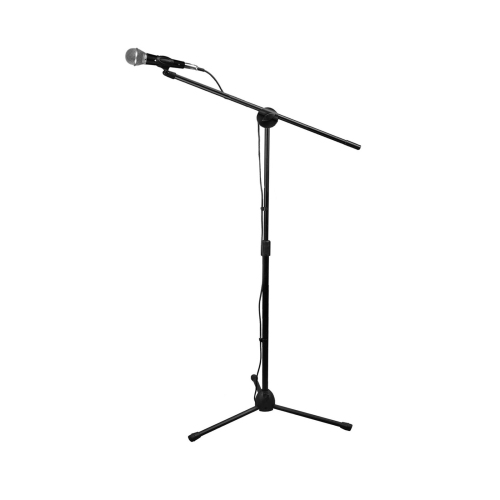
    TECHNICAL PRO Microphone Starter Tripod Package With Carrying Bag Xlr to Xlr Cable And 1/4-Inch Adapter

    About this product

    A complete microphone starter kit featuring a tripod, carrying bag, XLR cable, and 1/4-inch adapter.

    $69.99
    SAVE $10
    Your price for this item is $69.99
  8. 8

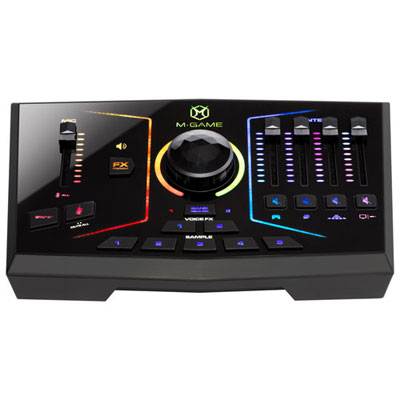
    Open Box - M-Audio M-Game RGB Dual USB Streaming Interface

    About this product

    An RGB streaming interface with dual USB ports, XLR mic input, and customizable mixer controls for livestreaming.

    $129.95 Your price for this item is $129.95
  9. 9

    SHURE Nxn8/c Nexadyne Cardiod Xlr Microphone - In Black

    About this product

    A professional black cardioid XLR microphone designed for clear, high-quality audio capture.

    $450.00 Your price for this item is $450
  10. 10

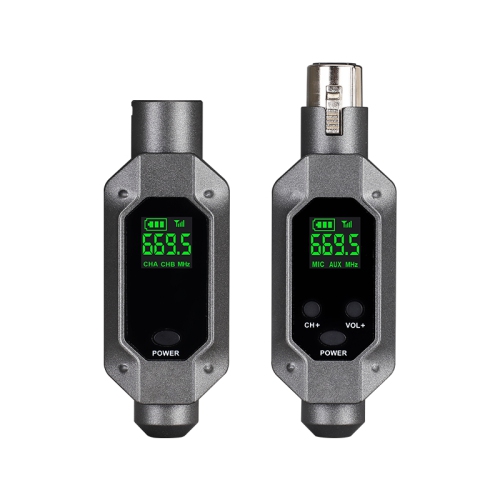
    MYACUC Wireless Microphone Converter Xlr Transmitter And Receiver Microphone Wireless System for Dynamic Microphone

    About this product

    A wireless XLR transmitter and receiver system offering stable, interference-resistant performance for dynamic microphones.

    $69.99 Your price for this item is $69.99

Clear streaming audio depends on more than your microphone

The best XLR microphones for streaming suit the speaker’s voice, the sound of the room, and the audio equipment connected to the computer. For spoken streams at a desk, a cardioid dynamic microphone is often a practical match: it supports close placement and can help keep the voice prominent against keyboard clicks and other room sounds when positioned carefully. A condenser microphone can capture more subtle vocal detail and quieter speech, making it appealing for controlled spaces, musical performances, and streams where delicate sounds matter. Neither type automatically removes background noise; pickup pattern, distance, microphone direction, and room acoustics all influence what listeners hear. XLR refers to the microphone’s connection, not a particular sound signature. A typical analogue XLR microphone sends its signal through a balanced cable to an audio interface or mixer, which provides amplification and converts the sound for a computer. This arrangement gives streamers separate control over the microphone and the equipment handling its signal, with room to change either part as their setup develops. Hybrid USB/XLR microphones offer another route, combining a direct computer connection with an XLR output for use with compatible audio equipment. That flexibility can suit someone starting with a compact desktop setup and later adding a mixer for guests, instruments, or more hands-on control. However, onboard processing, touch controls, lighting, and headphone monitoring may work differently over USB and XLR, so connection-specific features matter more than a long feature list. Across gaming, live commentary, interviews, online teaching, and creative demonstrations, the central goal is the same: speech that remains clear and comfortable to listen to throughout a session. A warm broadcast-style sound can be appealing, but intelligibility is more important than extra bass. Voices vary, and the most suitable microphone preserves natural character without making softer consonants disappear or sharper sounds become tiring. For a quiet speaker, a lively presenter, or someone alternating between conversation and laughter, useful performance comes from the complete signal chain rather than the microphone alone.

Pickup pattern and placement make a substantial difference in a streaming setup. A cardioid pattern is most sensitive at the front and less sensitive at the rear, which can help when the back of the microphone faces an unwanted sound source. Supercardioid and hypercardioid patterns have different rejection angles and some rear sensitivity, so they need more deliberate positioning. The physical orientation also varies: an end-address microphone takes sound from its tip, while a side-address design takes sound from a designated side of the grille. Speaking into the wrong surface can leave even capable equipment sounding thin or distant. Close placement usually improves the balance between voice and room sound, although directional microphones can add bass as the speaker moves closer, an effect known as proximity effect. A pop filter or suitable foam windscreen helps soften bursts of air from sounds such as “p” and “b”, while a slight angle away from the direct breath path can further reduce popping. During a game, keeping the microphone within comfortable speaking distance allows commentary to remain present without requiring a raised voice. For an art demonstration or a session involving frequent movement, a wider working distance may be more convenient, but it also makes room reflections and competing sounds more noticeable. Audio interface compatibility is equally important. Some dynamic microphones have low output and need substantial clean gain to bring ordinary speech to a useful level. An inline booster can help in certain setups, but it is not a universal requirement, and many interfaces provide sufficient gain on their own. Condenser microphones commonly require 48-volt phantom power, while active dynamic designs and some boosters may also require it; the specifications determine the correct arrangement. Passive dynamic microphones generally do not need phantom power. Direct headphone monitoring through a compatible interface can make it easier to hear speaking levels without the distracting delay that software monitoring sometimes introduces. Clear meters, accessible gain controls, and enough headroom for an unexpected laugh all contribute to smoother live audio.

The physical design of an XLR streaming microphone affects everyday comfort as much as its sound. Metal bodies, solid grilles, secure connectors, and well-made mounting hardware can withstand regular repositioning, although no microphone benefits from knocks or being dropped. Weight matters when matching a microphone to a boom arm: the arm needs to support the microphone together with its mount and any attached accessories without sagging or springing upward. Mounting threads and adapters also need to fit. At a compact desk, an adjustable arm can keep the keyboard area clear and place the microphone just outside the camera frame, while a stable desktop stand may suit a space where equipment stays in one position. A shock mount can reduce some vibration transmitted through the desk or stand, but it does not remove airborne typing sounds. Cable routing deserves attention too. Enough slack at the connector allows movement without strain, and keeping the cable away from chair wheels and busy hand movements helps prevent accidental pulls. Balanced XLR connections can resist electrical interference, though they cannot correct acoustic noise already captured by the microphone. For shoppers comparing connection styles and different desktop arrangements, Microphones for Streaming brings the broader category into view alongside an XLR-focused setup. These microphones can serve solo streamers, remote presenters, musicians, and podcast hosts who also broadcast live. They can also make a thoughtful gift for someone developing a channel, provided the recipient has a compatible interface or the microphone includes a suitable USB connection. Routine care is straightforward: keep drinks away, protect the grille from dust, and wipe exterior surfaces gently according to the manufacturer’s directions. Removable windscreens should be cleaned only as directed and allowed to dry fully before reuse. With a secure mount, appropriate amplification, and a comfortable speaking position, an XLR microphone becomes a dependable part of a streaming space, ready for a short conversation or an extended live session.
Read More

FAQ

Some products may be subject to Environmental Handling Fees (EHF) depending on your province. Learn more about EHFs.