Dynamic Microphones for Streaming
Elevate your online presence with a dynamic microphone for streaming, designed to deliver professional-quality audio for your broadcasts, podcasts, and live sessions. Whether you're gaming, hosting virtual events, or creating content for social media platforms, the right microphone enhances clarity and captures every detail of your voice. Explore a wide selection of dynamic microphones for streaming at Best Buy to find the ideal match for your setup and take your streaming experience to the next level.
Sort
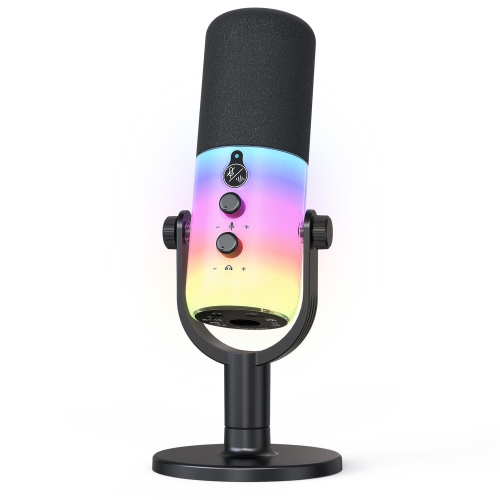
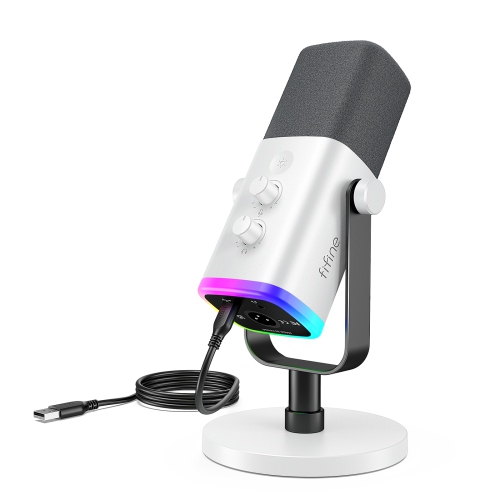
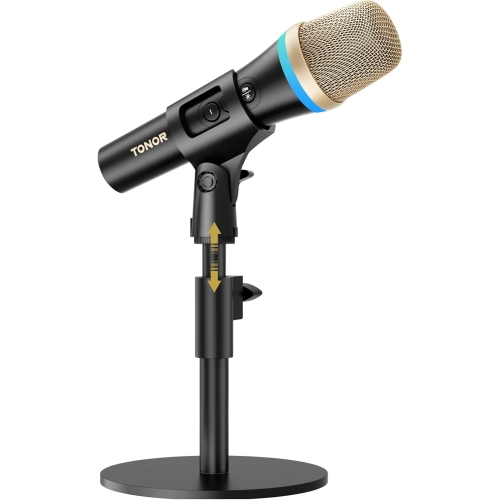
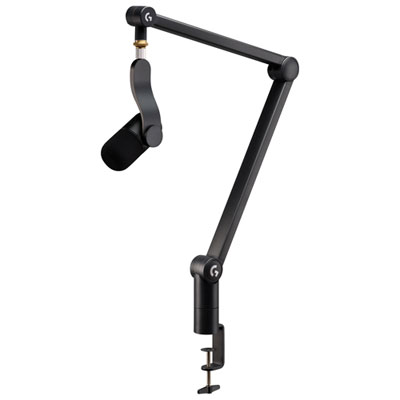
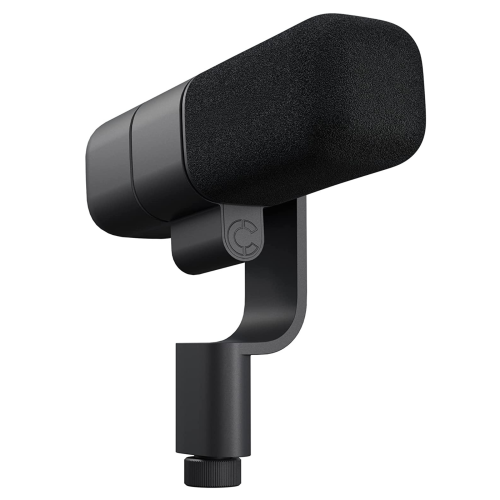
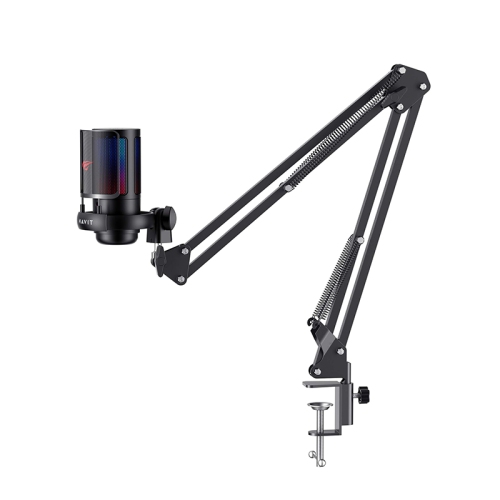
Why close microphone placement helps your voice stand out
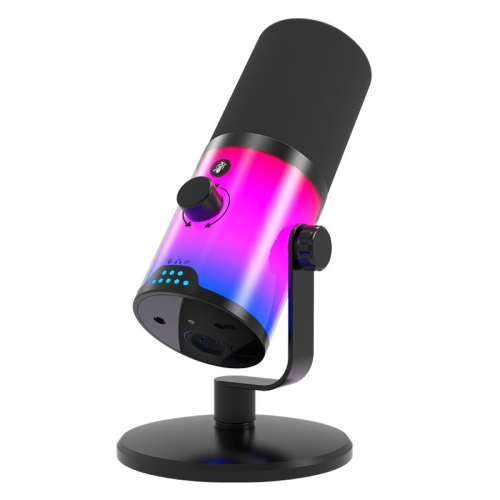
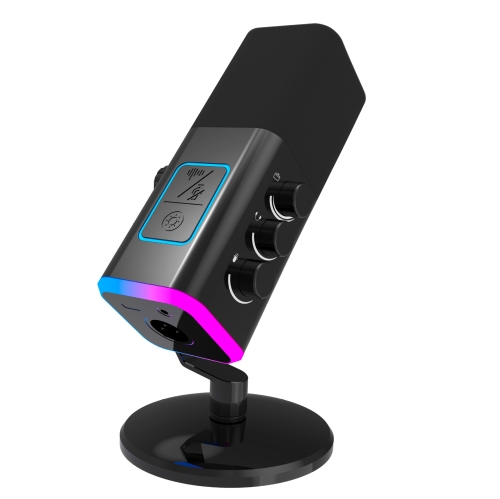
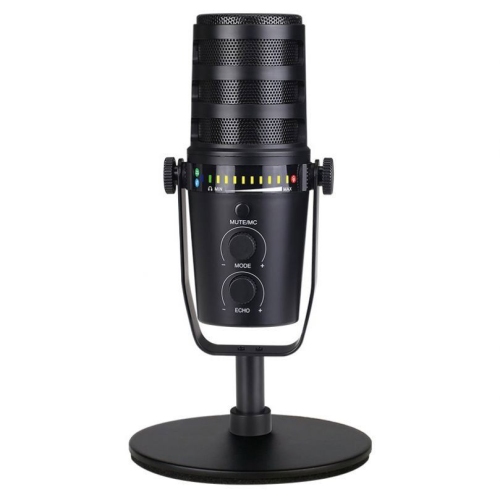
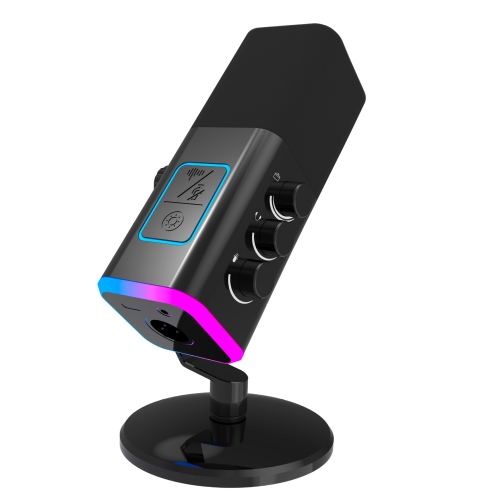
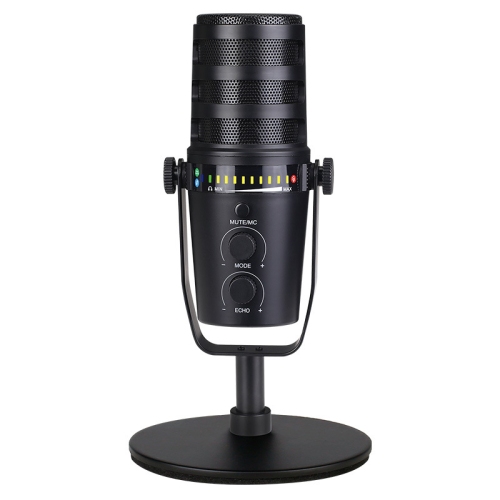
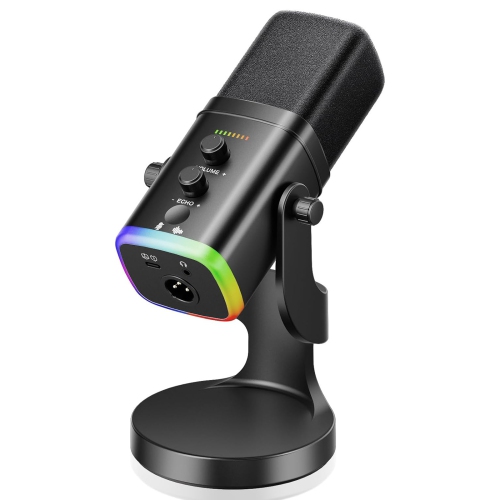
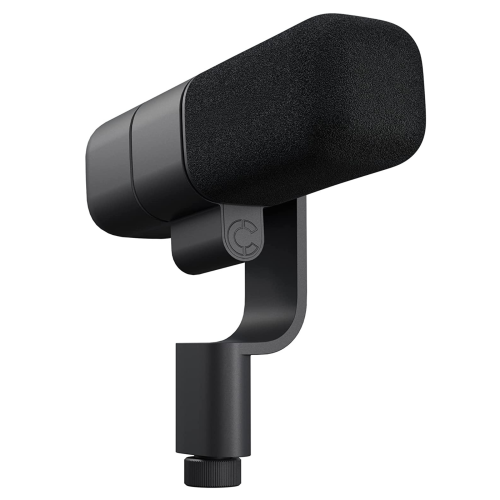
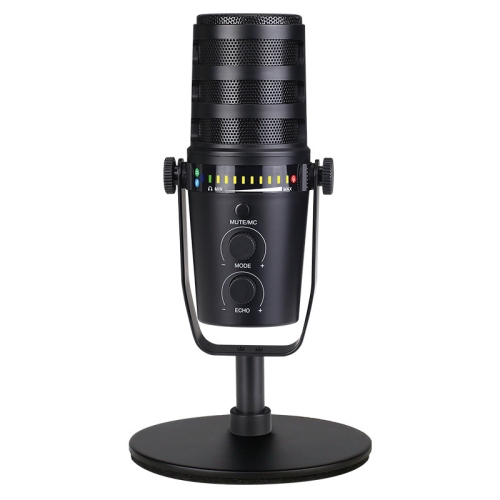
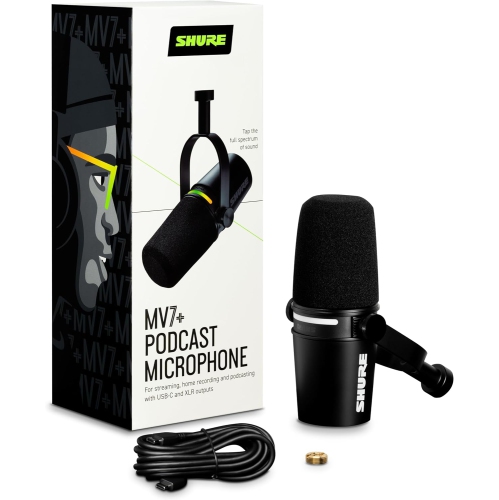
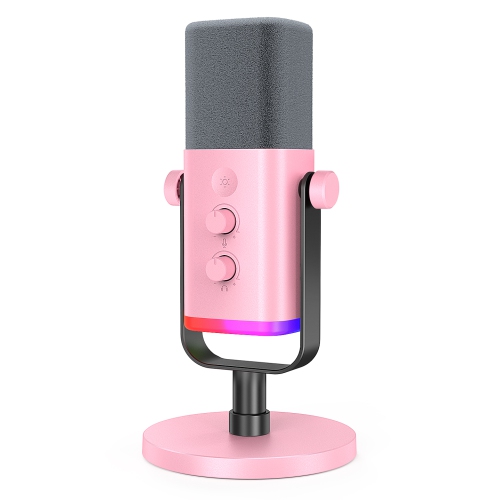
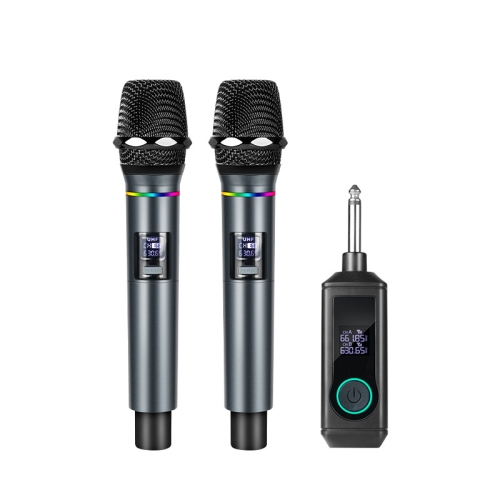
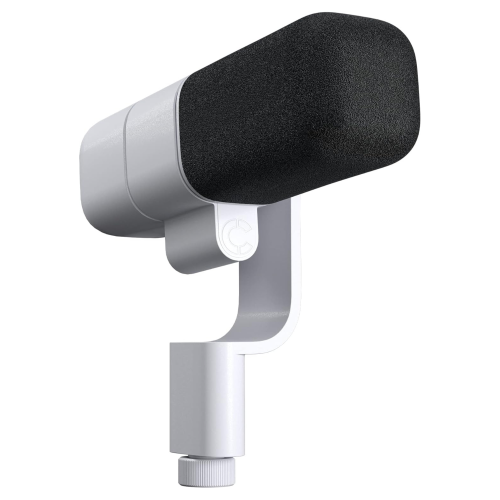
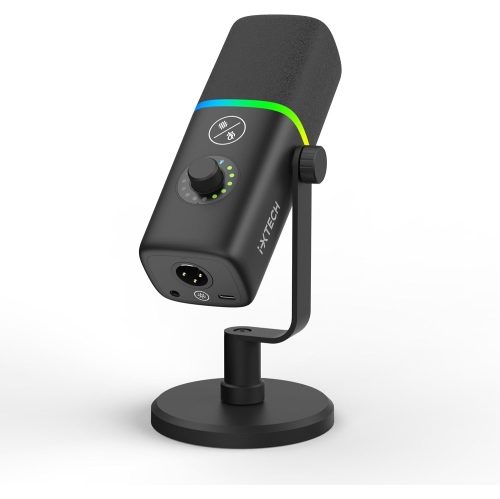
Dynamic microphones for streaming bring close, clear voice capture to gaming sessions, live conversations, online performances, and other broadcasts where speech needs to stand out. Most use a moving-coil capsule, which converts sound into an electrical signal through a diaphragm attached to a coil within a magnetic field. Their appeal at a streaming desk comes from how well they suit close microphone placement, often paired with a directional pickup pattern. Speaking a short distance from the grille can make a voice more prominent than keyboard clicks, computer fans, and sound reflected from nearby walls. Lower sensitivity alone does not remove background noise, however; microphone position, pickup pattern, recording level, and the distance between the speaker and surrounding sounds all affect the result. A cardioid pattern captures sound most strongly from the front while reducing pickup from the rear, making it useful when the microphone can face the speaker with its back towards an unwanted sound source. Other directional patterns offer different pickup angles and may retain some sensitivity behind the microphone. For a streamer sharing a room, those details can matter more than an impressive-looking grille. Dynamic microphones also tend to tolerate strong vocal peaks well, although the connected electronics can still distort if recording levels are set too high. An excited reaction during a match or a sudden laugh during an interview should remain intelligible rather than turn harsh and broken. Compared with many condenser microphones, dynamic designs often need more gain and reward a closer speaking position. Neither microphone type guarantees a better broadcast in every room. Voice character matters too: some microphones emphasize warmth, while others give consonants more presence or keep the overall balance relatively neutral. A deep voice may benefit from less added bass, while a softer voice may suit a clearer upper-midrange response. For spoken streams, the most useful sound is one that stays easy to understand through headphones, laptop speakers, and mobile devices without making every breath or sharp syllable distracting.
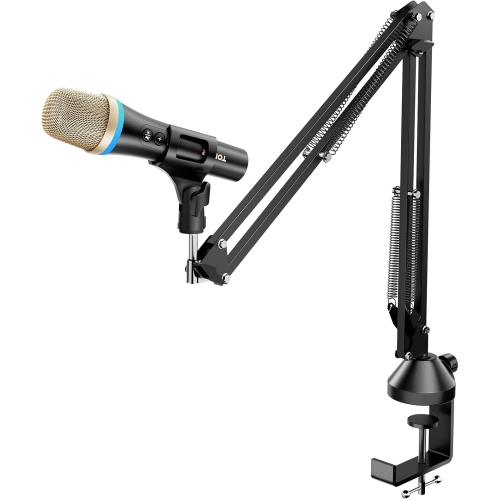
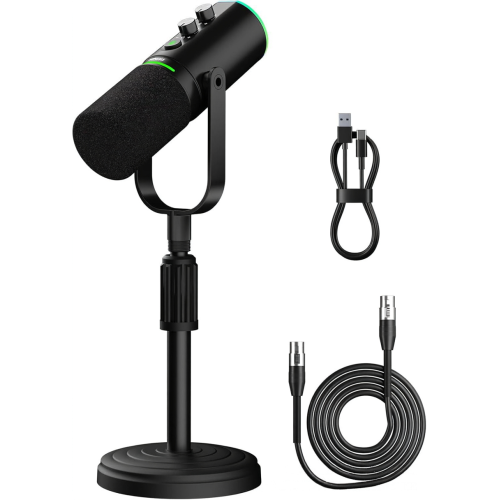
Connections and controls shape how a dynamic microphone fits into a streaming setup. USB models connect directly to a compatible computer and include the electronics needed to turn the microphone signal into digital audio. That arrangement can keep a desk straightforward, particularly for a single-person broadcast with limited space. XLR models connect through an audio interface or mixer, offering separate control over the microphone signal and room to build a setup with additional audio sources. Microphones with both USB and XLR connections can support different workflows, although the controls and headphone features available through each connection may vary. Compatibility extends beyond the shape of the plug: the computer’s operating system, streaming software, connection type, and any required adapters need to work together. A headphone socket with direct monitoring lets a speaker hear the microphone signal without the distracting delay that software monitoring can introduce. Accessible mute controls, clear status indicators, and separate headphone volume adjustment can also make a live session feel more manageable. For XLR setups, sufficient clean gain is important because many passive dynamic microphones produce a relatively low output. Most passive moving-coil microphones do not need phantom power, though designs with active electronics or certain inline accessories may require it. Physical placement is just as important as the connection. A desk stand can work well for someone who sits in one position, while a boom arm can bring the microphone closer without occupying space in front of a keyboard. The arm’s weight capacity, mounting thread, desk clamp, and cable routing should match the microphone and furniture. Close placement often means speaking from several centimetres away, with a slight off-axis angle to soften bursts of air from words beginning with “p” or “b.” A pop filter or foam windscreen can help further. Because directional microphones can produce more bass at close range, small changes in distance may noticeably change vocal tone. A comfortable position that stays consistent is usually more useful than one that requires leaning forward throughout a long broadcast.
Build quality becomes especially noticeable when a microphone is adjusted, muted, packed away, and used again day after day. Metal housings and sturdy grilles can provide reassuring protection against ordinary handling, but the capsule and internal connections still deserve care. Weight also has practical consequences: a substantial microphone needs a stable stand or suitably rated arm, while a lighter design may be easier to move between a streaming desk and a compact recording space. Secure connectors and well-supported cables help prevent accidental movement from interrupting a session. A shock mount can reduce vibrations travelling through a desk or stand, including some of the low thumps caused by typing, setting down a controller, or bumping the furniture. It cannot remove every sound in the room, and its usefulness depends on both the microphone and the mounting arrangement. For everyday care, a soft, dry cloth is generally suitable for the exterior, with manufacturer directions taking priority for removable windscreens and other washable parts. Liquid should stay away from the capsule and connectors, and a cleaned foam cover needs to dry completely before being refitted. Keeping drinks outside the microphone’s immediate reach and leaving a little slack in the cable can help avoid preventable damage. These practical details make dynamic microphones useful gifts for gaming enthusiasts, podcast hosts, musicians who stream performances, and anyone developing a regular live channel. The right fit depends on what the recipient already uses: a direct computer connection suits a different setup from an XLR microphone intended for an existing interface. Streamers comparing broader voice-capture options can also explore Professional Microphones for Streaming for additional approaches to a broadcast setup. Whether the space is a dedicated recording room or one corner of a shared desk, a microphone that suits the speaker’s voice, connection needs, and sitting position can make clear, consistent speech easier to maintain throughout a stream.
Top selling and popular products
-
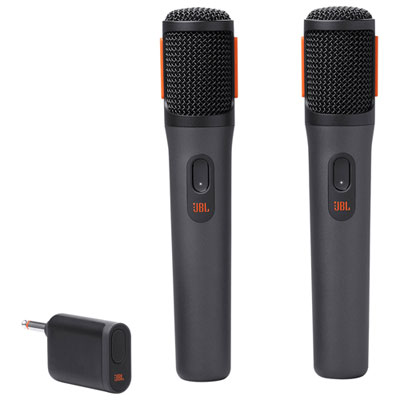 Your price for this item is $199.99
-
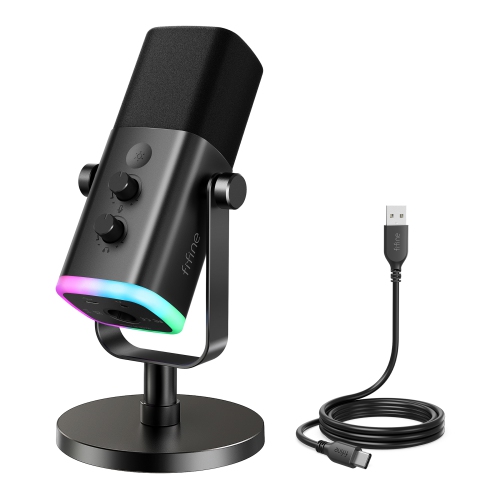 Your price for this item is $79.99
-
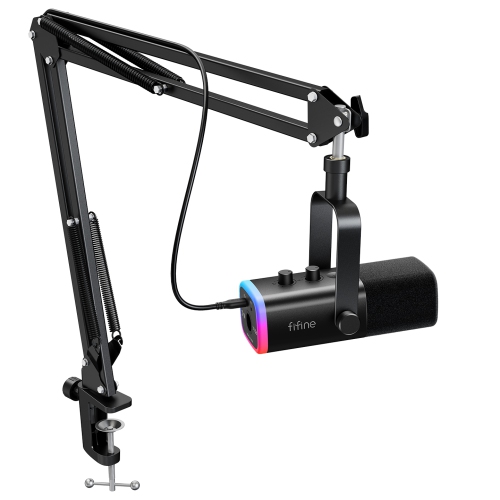 Your price for this item is $104.99
-
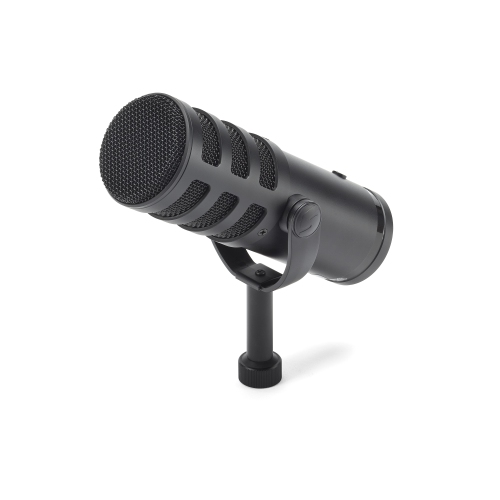 Your price for this item is $265
-
 Your price for this item is $149.99
-
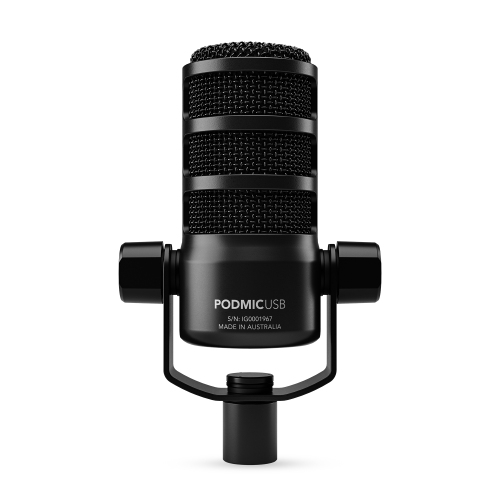 Your price for this item is $289
-
 Your price for this item is $219
-
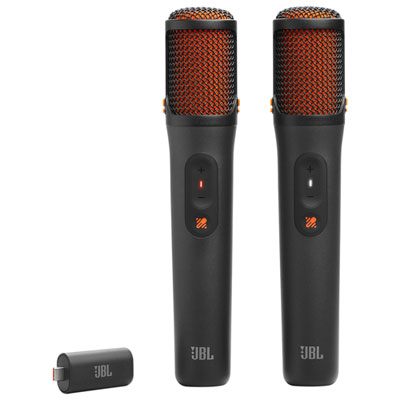 Your price for this item is $229.99
Discover more categories related to Dynamic Microphones for Streaming
Top Collections:
Best Black Friday Deals This Year, Best Black Friday Deals On Electronics, Kindle Devices, Pokemon Centers, Best Black Friday Deals On Apple Products, Best Cameras for Sports Photography, Dyson Airwrap, Pokémon 30th Celebration Cards, Apple iPhone 17 Pro, Canon G7X Cameras
Some products may be subject to Environmental Handling Fees
(EHF) depending on your province.
Learn more about EHFs.