Black Keycaps
Upgrade your keyboard with our selection of sleek and stylish black keycaps. Elevate your typing experience with these high-quality keycaps that not only offer a modern aesthetic but also provide durability and precision. Whether you're a gamer, programmer, or simply looking to customize your keyboard, these black keycaps are the perfect choice to add a touch of sophistication to your setup. Browse through our range of black keycaps to find the perfect fit for your keyboard and take your typing to the next level.
Sort
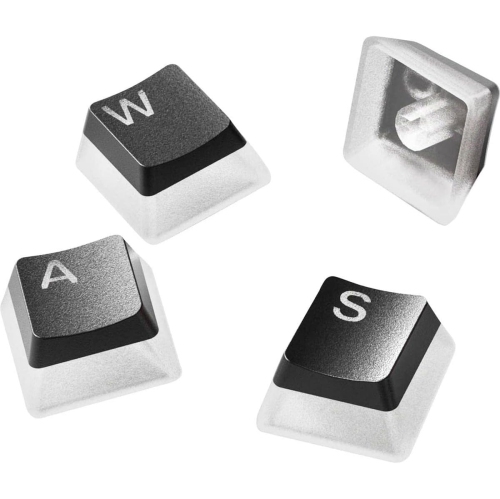

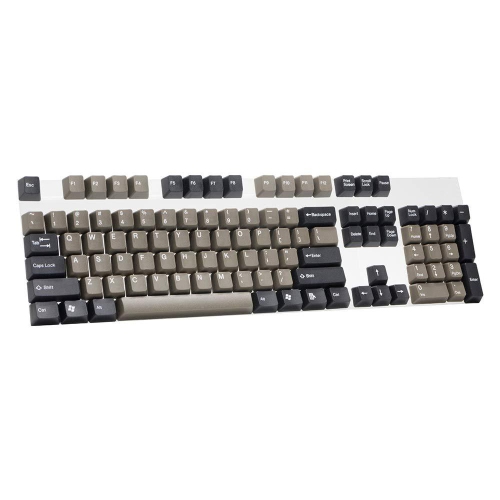
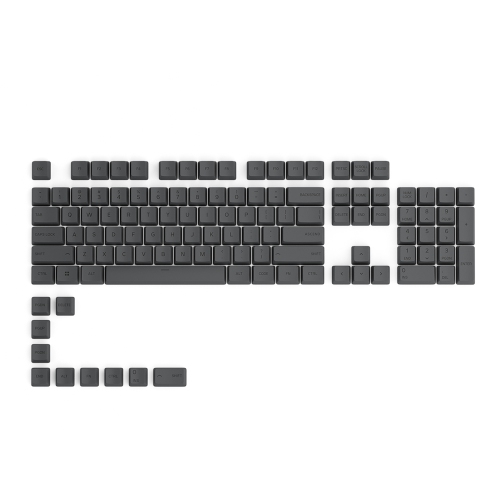
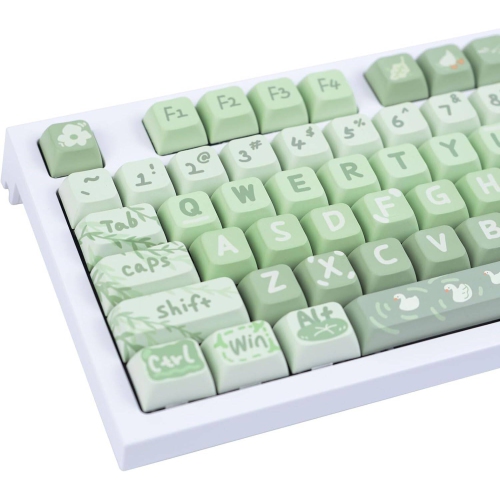
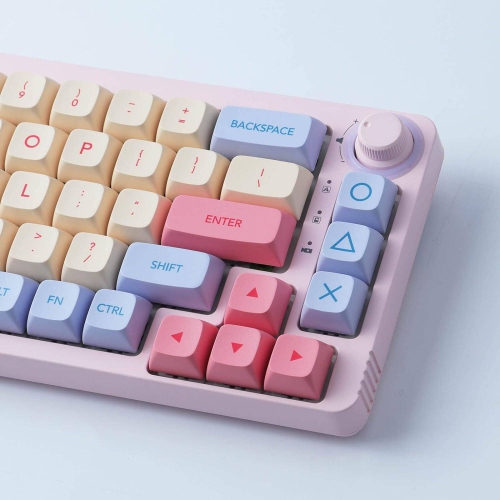
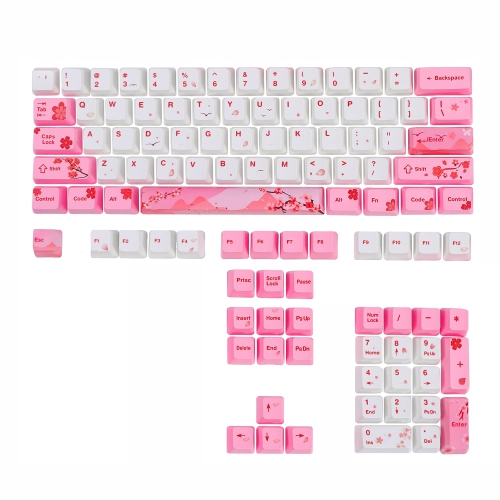
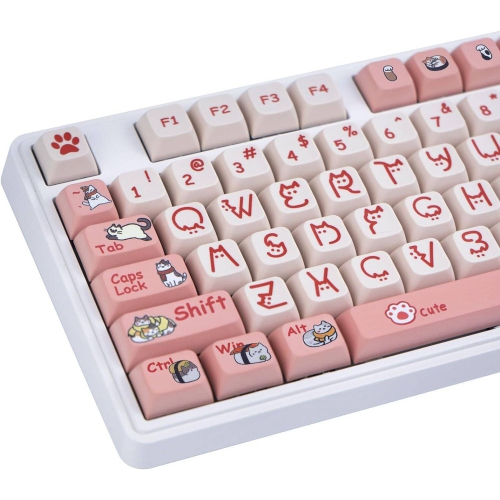
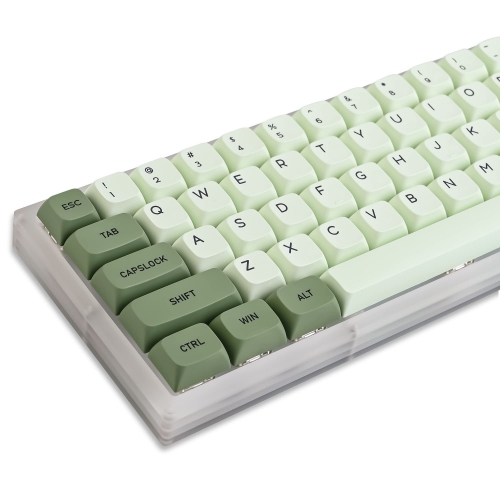
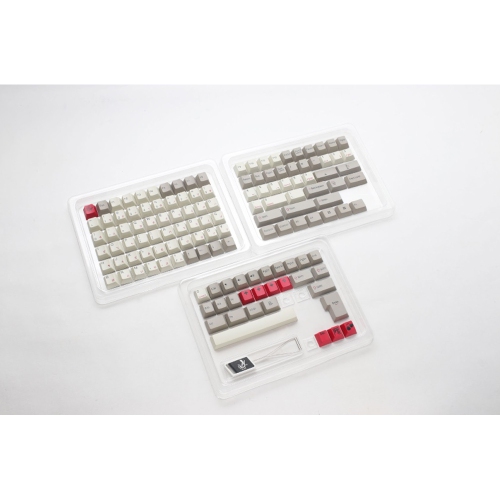
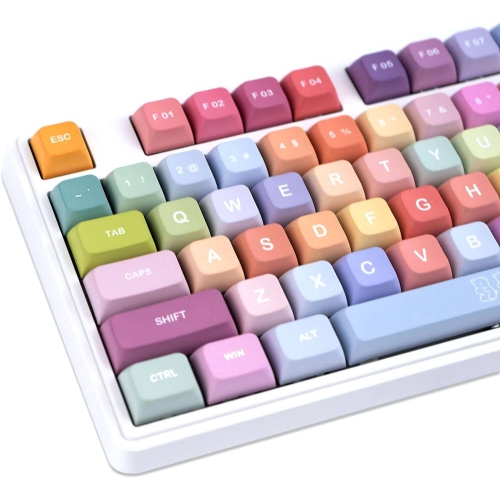
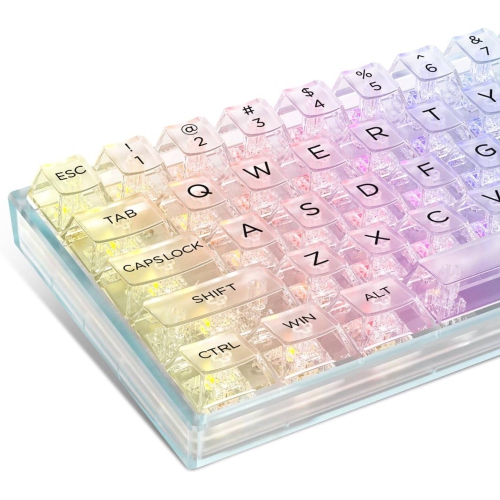
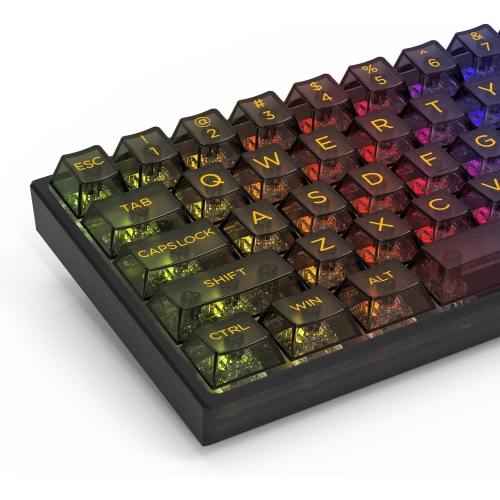
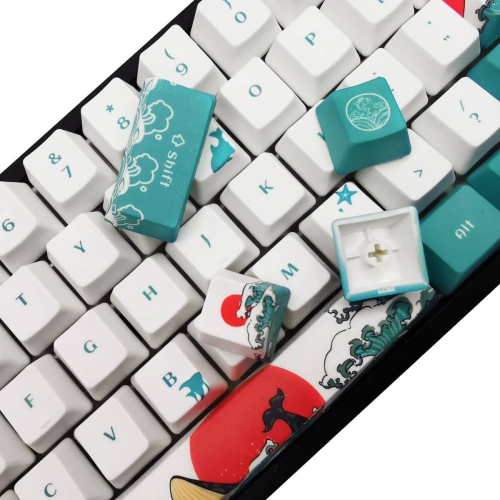
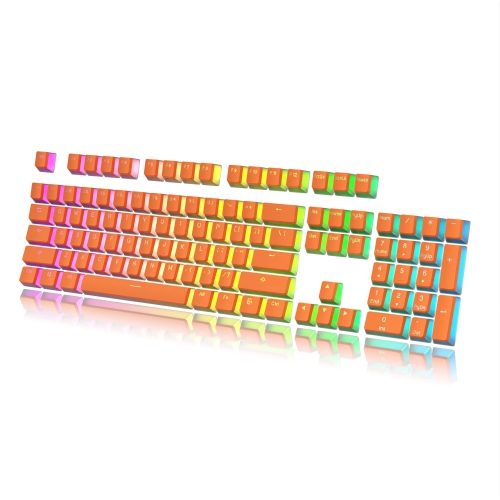


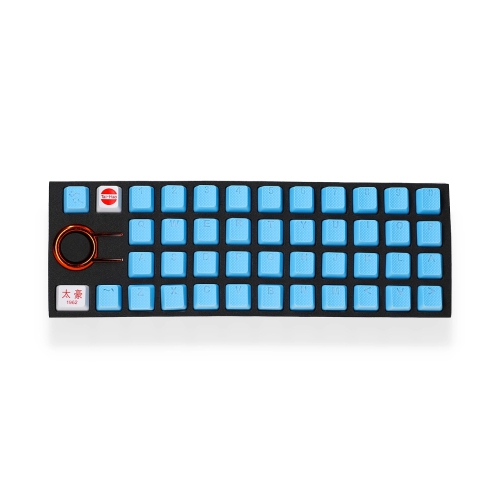
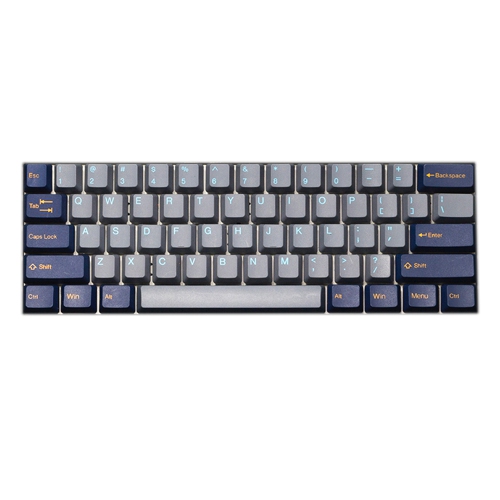
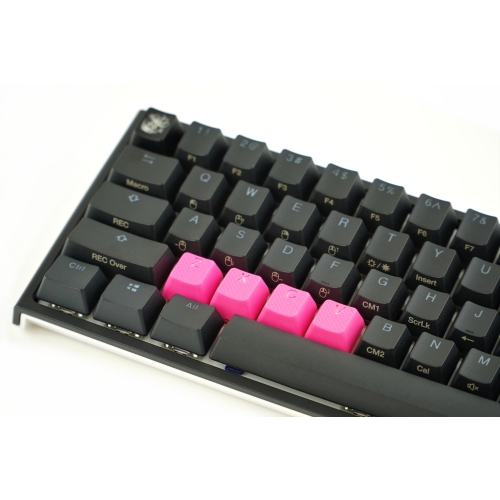
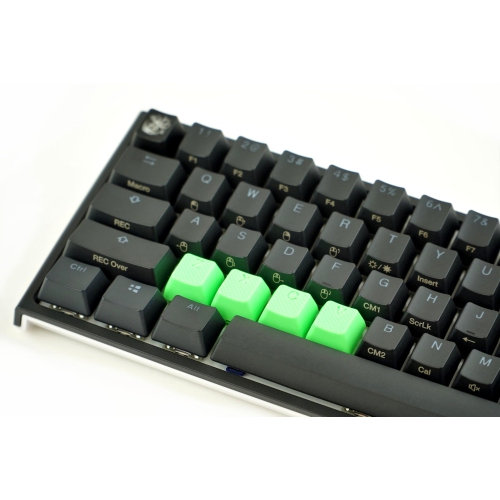
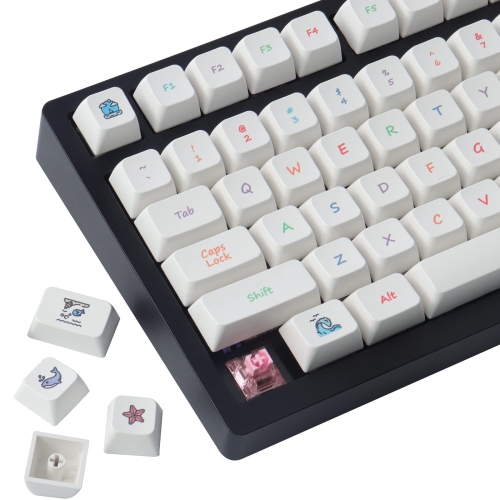
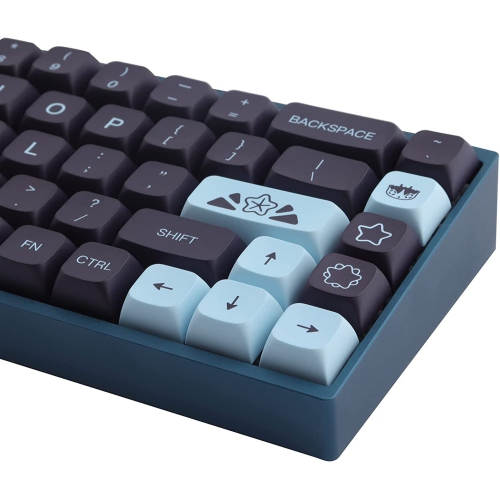
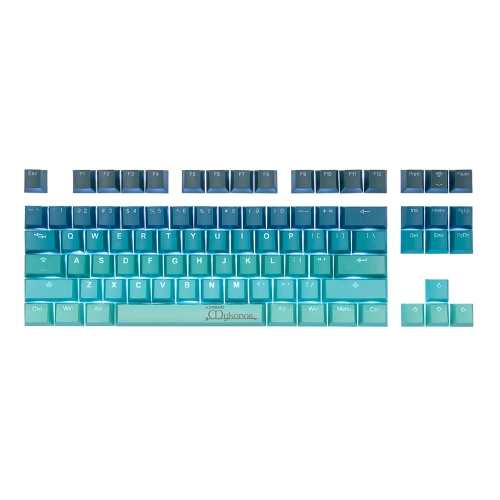
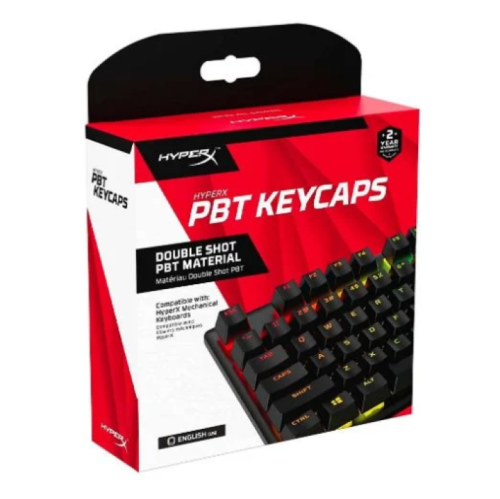
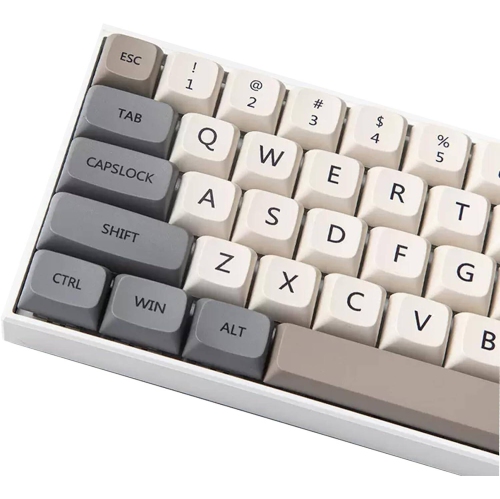
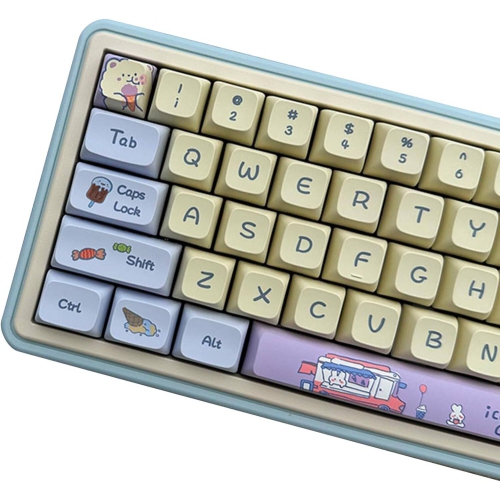
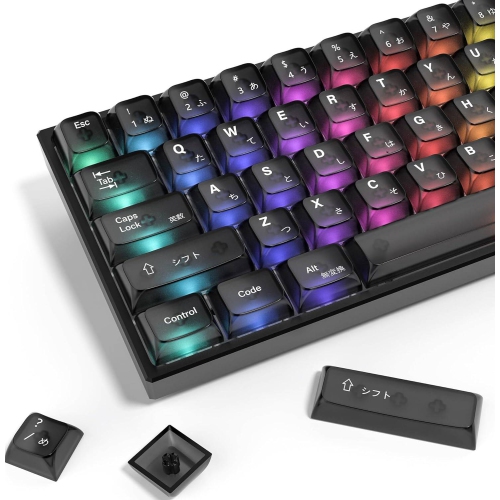
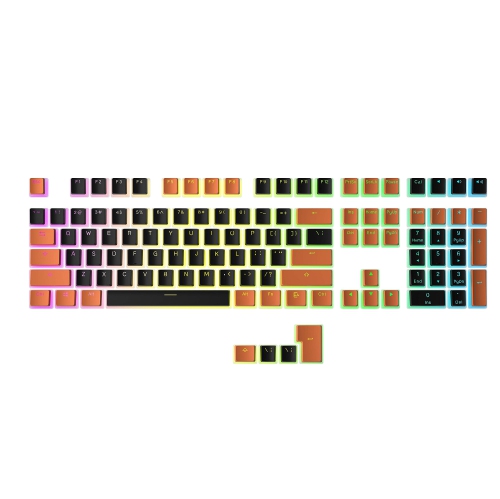
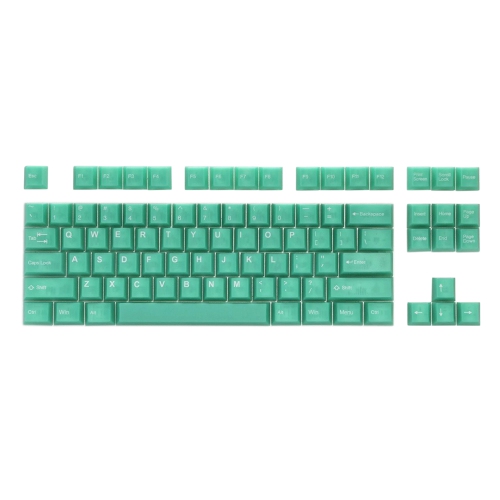
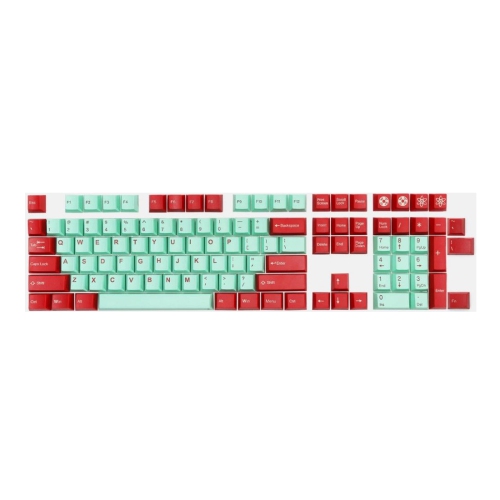
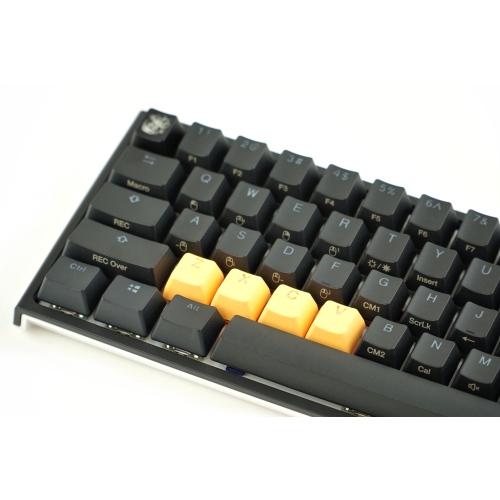
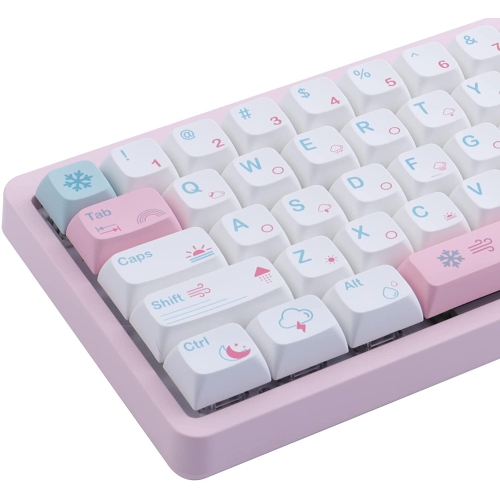
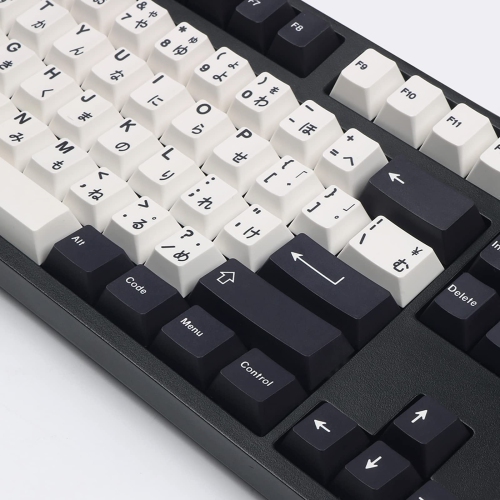
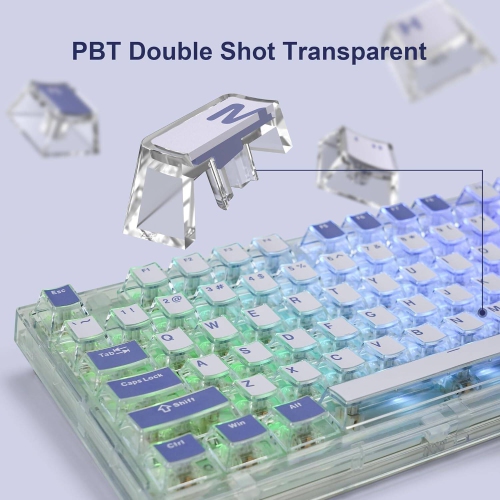
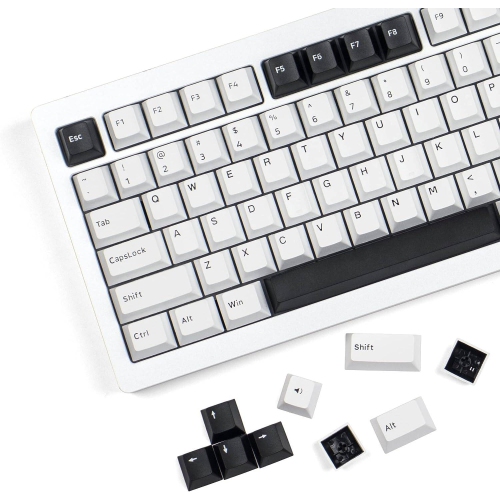

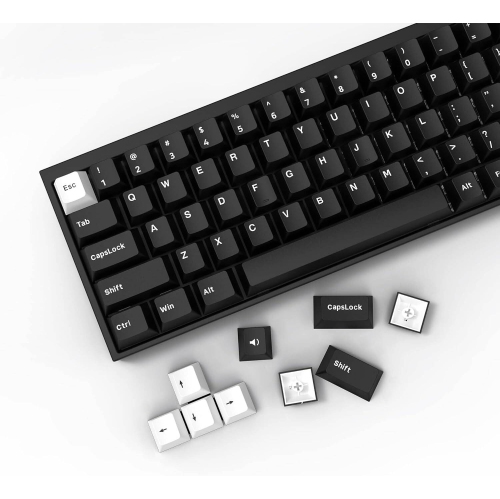
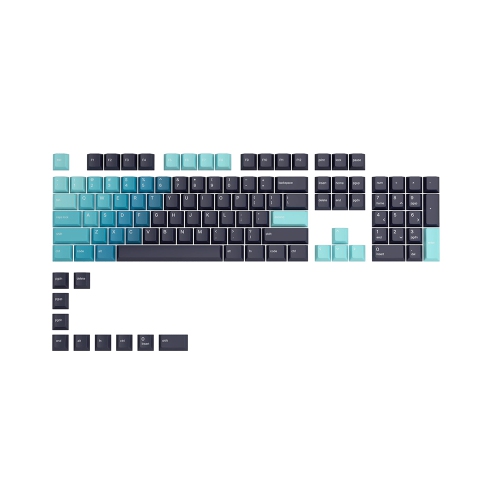
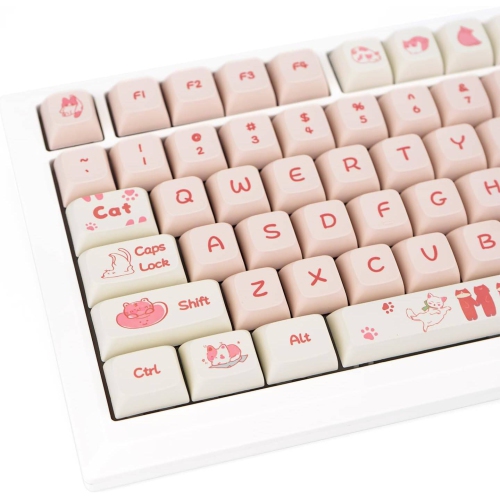
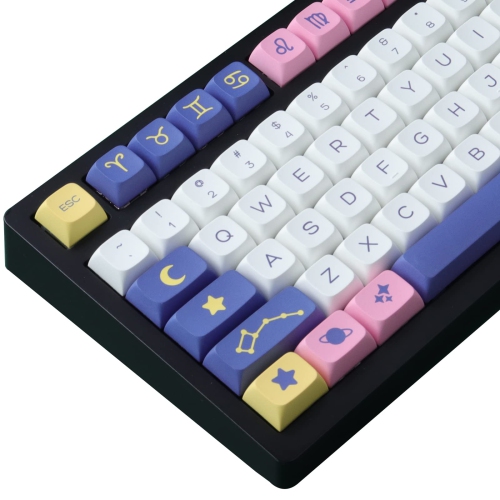
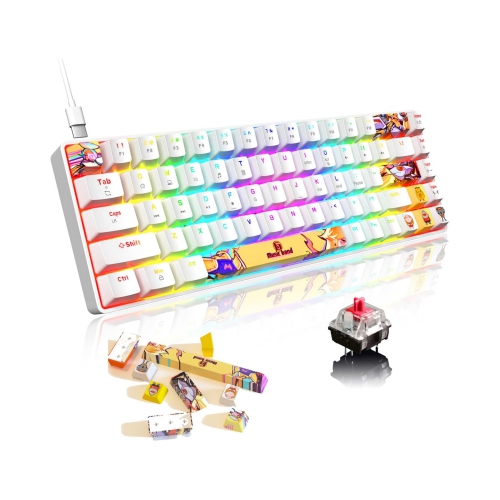
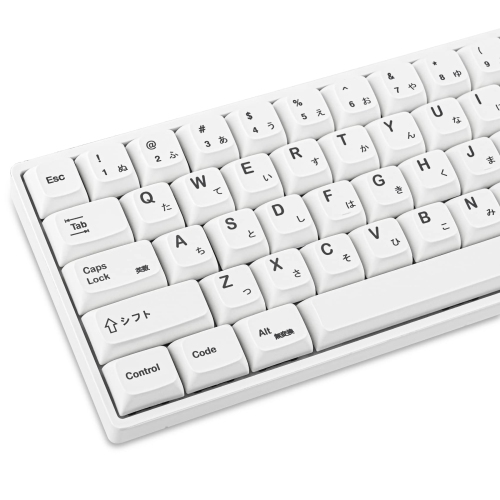
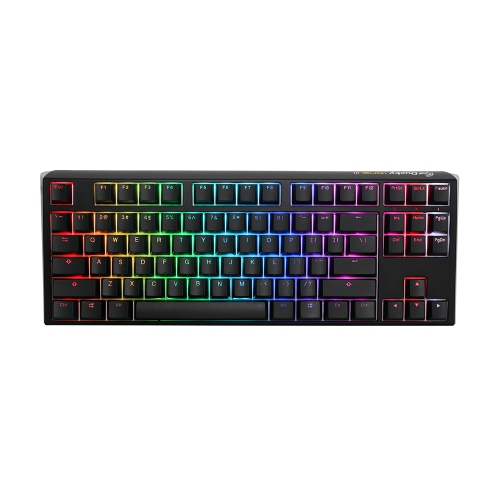
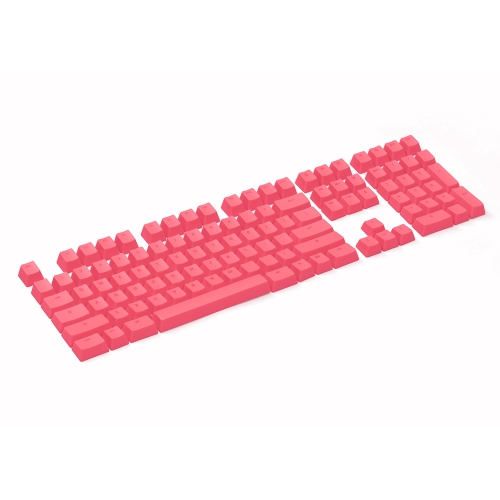
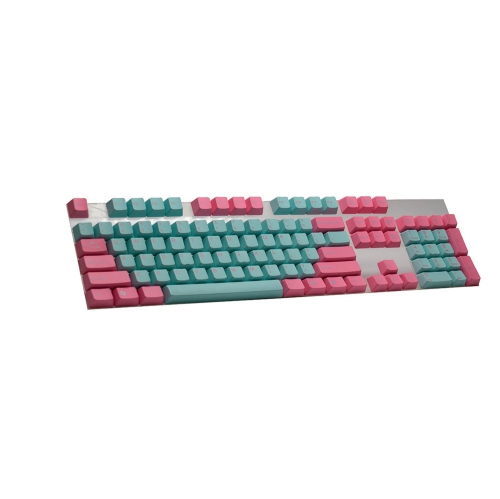
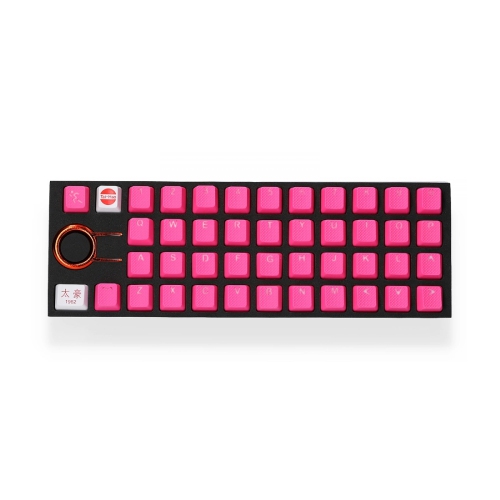

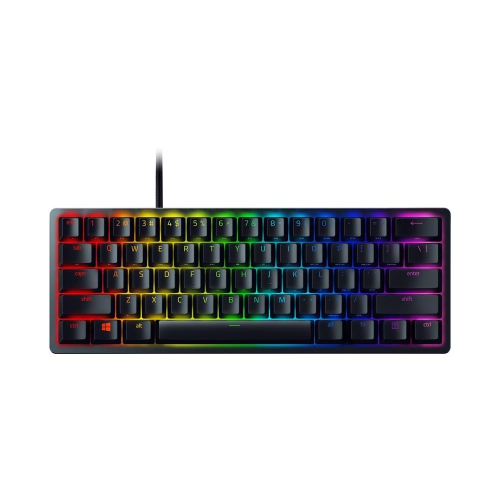
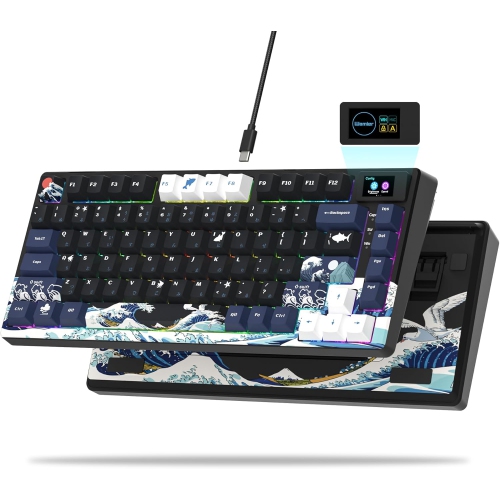
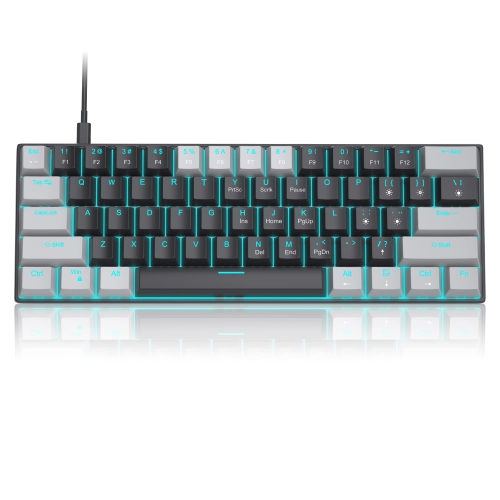
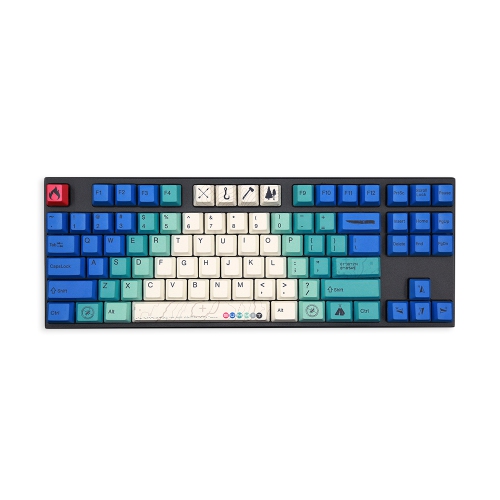
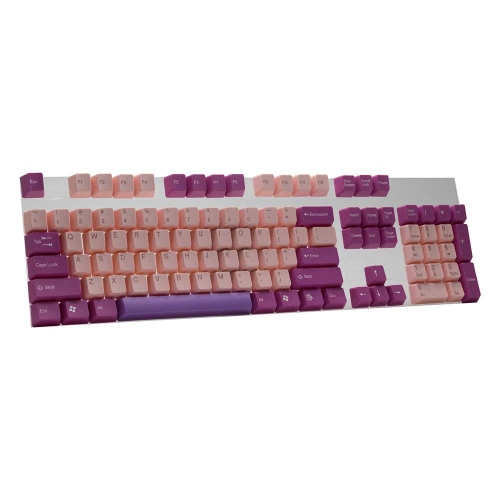

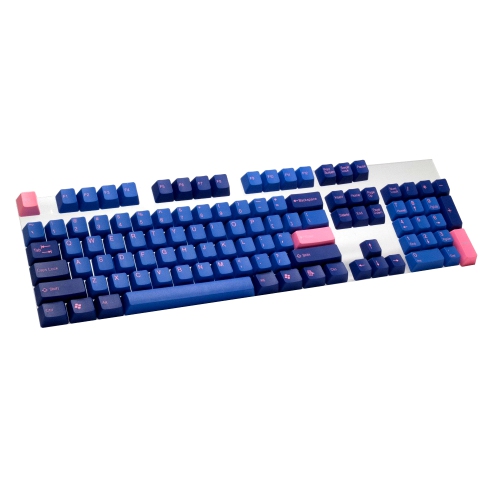
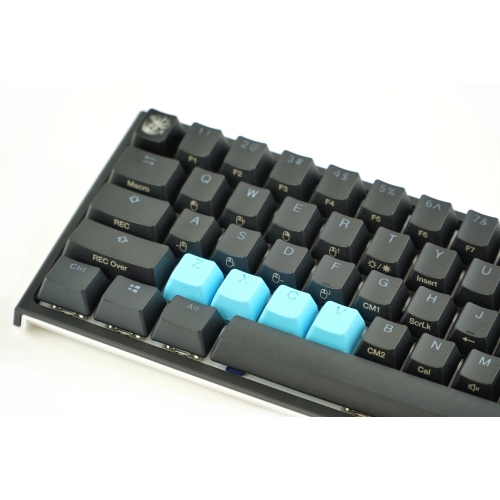
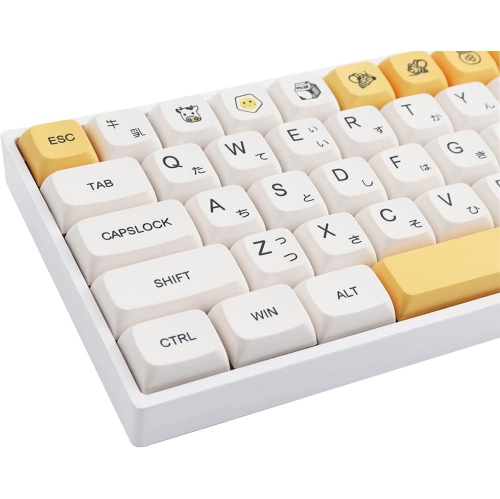
A darker keyboard finish with a different typing feel
Black keycaps are replacement keyboard caps that give a compatible keyboard a dark, coordinated finish while changing the texture, shape, and visibility of the keys beneath the fingertips. They suit everything from an understated office desk to a gaming setup with colourful backlighting, and their neutral appearance pairs easily with dark or light keyboard cases. A full black keycap set can create a uniform look across letters, numbers, modifiers, and the spacebar, while smaller accent sets can highlight frequently used controls. The main material choices are ABS plastic and PBT plastic. ABS keycaps often have a smooth feel and can develop polished areas with repeated use, especially on the spacebar and the keys used most often. PBT keycaps generally resist surface shine longer and often have a lightly textured finish, although texture and wear depend on manufacturing quality as well as the material itself. Neither material determines the entire typing experience: cap thickness, profile, switches, the keyboard plate, and the case all contribute to how a keystroke feels and sounds. Thicker caps may alter the sound, but black keycaps alone do not make a keyboard quieter or change how much force its switches require. The lettering, also called legends, matters just as much as the plastic. Double-shot keycaps use two moulded layers of plastic to form the cap and its legend, so the characters are not simply printed onto the surface. Other marking methods vary in their resistance to wear, making the stated construction worth checking when the keyboard sees hours of daily typing. White or light-coloured legends on black caps offer clear contrast for spreadsheets, school assignments, and everyday messages. Black-on-black legends create a more subtle appearance, but they can be harder to read in dim lighting. Blank black keycaps take that minimal look further and are usually better suited to confident touch typists who rarely need to glance down.
Fit is the most important consideration when choosing black keycap replacements, because a matching colour does not guarantee compatibility. The underside of each cap must match the keyboard’s switch stem, and the set must include the correct sizes for the board’s layout. Many mechanical keyboard caps fit a common cross-shaped stem, but that does not make them suitable for every mechanical keyboard, low-profile switch, laptop, or membrane keyboard. Laptop and scissor-switch caps often use model-specific clips, so a general replacement set is not a universal repair option. Keyboard size is only a starting point: full-size, tenkeyless, 75%, 65%, and 60% layouts can have different arrangements even within the same size category. A compact board may need a shorter right Shift key or differently sized keys along the bottom row. Spacebar length and stabilizer mounting positions also need to match. Key widths are often expressed in units, with a standard letter key measuring 1u; a keyboard’s layout diagram can make those measurements easier to compare. ANSI and ISO layouts differ around the Enter key and nearby keys, while Canadian French and other language layouts may require legends that are not included in every set. Changing keycaps changes the visible labels, not the keyboard language selected in the operating system. Profile is another part of fit and comfort. Sculpted profiles use different heights or angles across rows, creating a shaped surface that helps the fingers settle into position. Uniform profiles keep a consistent shape across rows and can make rearranging caps simpler where key widths allow. For a familiar typing feel, a profile close to the original caps may be preferable to a dramatic change in height. Clearance also matters, since some combinations of cap profile and switch orientation can cause unwanted contact during a keypress. As a gift for a gamer, programmer, student, or keyboard hobbyist, a black keycap set is a thoughtful personal touch when the recipient’s exact keyboard layout and switch compatibility are known.
Lighting, everyday handling, and care help determine which black keycaps feel right over time. Shine-through legends allow compatible keyboard backlighting to illuminate the characters, making them useful for an evening gaming session or typing at a softly lit desk. Opaque legends do not transmit light through the lettering, although lighting may still appear between the keys. The position of the keyboard’s LEDs matters: light near the top of a switch may illuminate top-positioned legends more effectively than front-facing characters. A shine-through set cannot add lighting to a keyboard that does not already have it, and brightness can vary with the cap’s construction and the placement of its transparent sections. Matte black surfaces can look restrained and feel grippy, while smoother finishes may feel silkier under quick finger movements. Dust, skin oils, and pale crumbs can stand out against a dark surface, so regular light cleaning helps keep the keyboard looking tidy. With the keyboard switched off and disconnected, a soft brush can loosen debris between the keys, and a lightly dampened microfibre cloth can clean accessible surfaces without soaking the board. Where the manufacturer permits removal, a suitable keycap puller helps lift compatible caps evenly; larger stabilized keys need extra care because their attachment points can differ. A photo of the original layout makes reassembly easier, especially when several rows have subtly different shapes. Removed caps should be cleaned according to their care instructions and allowed to dry completely before being fitted again. Harsh solvents, abrasive pads, and high heat can damage finishes, lettering, or plastic. Beyond upkeep, black caps offer plenty of room for personal styling without making the whole desk feel busy. A matching set can bring visual consistency to a well-used keyboard, while a contrasting Escape key or a few coloured modifiers can make essential controls easier to spot. For a softer contrast against a dark base, Pink Keycap Replacements offer another colour direction, provided the selected caps share the required fit and profile. The most satisfying combination balances a readable layout, a comfortable surface, and reliable compatibility with the keyboard used every day.
Fit is the most important consideration when choosing black keycap replacements, because a matching colour does not guarantee compatibility. The underside of each cap must match the keyboard’s switch stem, and the set must include the correct sizes for the board’s layout. Many mechanical keyboard caps fit a common cross-shaped stem, but that does not make them suitable for every mechanical keyboard, low-profile switch, laptop, or membrane keyboard. Laptop and scissor-switch caps often use model-specific clips, so a general replacement set is not a universal repair option. Keyboard size is only a starting point: full-size, tenkeyless, 75%, 65%, and 60% layouts can have different arrangements even within the same size category. A compact board may need a shorter right Shift key or differently sized keys along the bottom row. Spacebar length and stabilizer mounting positions also need to match. Key widths are often expressed in units, with a standard letter key measuring 1u; a keyboard’s layout diagram can make those measurements easier to compare. ANSI and ISO layouts differ around the Enter key and nearby keys, while Canadian French and other language layouts may require legends that are not included in every set. Changing keycaps changes the visible labels, not the keyboard language selected in the operating system. Profile is another part of fit and comfort. Sculpted profiles use different heights or angles across rows, creating a shaped surface that helps the fingers settle into position. Uniform profiles keep a consistent shape across rows and can make rearranging caps simpler where key widths allow. For a familiar typing feel, a profile close to the original caps may be preferable to a dramatic change in height. Clearance also matters, since some combinations of cap profile and switch orientation can cause unwanted contact during a keypress. As a gift for a gamer, programmer, student, or keyboard hobbyist, a black keycap set is a thoughtful personal touch when the recipient’s exact keyboard layout and switch compatibility are known.
Lighting, everyday handling, and care help determine which black keycaps feel right over time. Shine-through legends allow compatible keyboard backlighting to illuminate the characters, making them useful for an evening gaming session or typing at a softly lit desk. Opaque legends do not transmit light through the lettering, although lighting may still appear between the keys. The position of the keyboard’s LEDs matters: light near the top of a switch may illuminate top-positioned legends more effectively than front-facing characters. A shine-through set cannot add lighting to a keyboard that does not already have it, and brightness can vary with the cap’s construction and the placement of its transparent sections. Matte black surfaces can look restrained and feel grippy, while smoother finishes may feel silkier under quick finger movements. Dust, skin oils, and pale crumbs can stand out against a dark surface, so regular light cleaning helps keep the keyboard looking tidy. With the keyboard switched off and disconnected, a soft brush can loosen debris between the keys, and a lightly dampened microfibre cloth can clean accessible surfaces without soaking the board. Where the manufacturer permits removal, a suitable keycap puller helps lift compatible caps evenly; larger stabilized keys need extra care because their attachment points can differ. A photo of the original layout makes reassembly easier, especially when several rows have subtly different shapes. Removed caps should be cleaned according to their care instructions and allowed to dry completely before being fitted again. Harsh solvents, abrasive pads, and high heat can damage finishes, lettering, or plastic. Beyond upkeep, black caps offer plenty of room for personal styling without making the whole desk feel busy. A matching set can bring visual consistency to a well-used keyboard, while a contrasting Escape key or a few coloured modifiers can make essential controls easier to spot. For a softer contrast against a dark base, Pink Keycap Replacements offer another colour direction, provided the selected caps share the required fit and profile. The most satisfying combination balances a readable layout, a comfortable surface, and reliable compatibility with the keyboard used every day.
Top selling and popular products
-
 Your price for this item is $39.99
 -
 Your price for this item is $76.98
 -
 Your price for this item is $94.99
 -
 Your price for this item is $319.99
 -
 Your price for this item is $364.99
 -
 Your price for this item is $119.99
 -
 Your price for this item is $124
 -
 Your price for this item is $94.99
Discover more categories related to Black Keycaps
Top Collections:
Pokemon Centers, Budget 4K TVs, Kindle Devices, Canon G7X Cameras, Apple iPhones 16, iPhone 15 Apple, Laptops for Business Work, Flip Phones, Xiaomi Phones, Refurbished Apple Laptops
Some products may be subject to Environmental Handling Fees
(EHF) depending on your province.
Learn more about EHFs.