Pink Keycap Replacements
Upgrade your keyboard with a pop of color and style with our pink keycap replacements collection. With their durable construction and easy installation, you can effortlessly transform your keyboard into a statement piece that reflects your unique personality. Explore our pink keycap replacements collection today and let your keyboard shine in style!
Sort
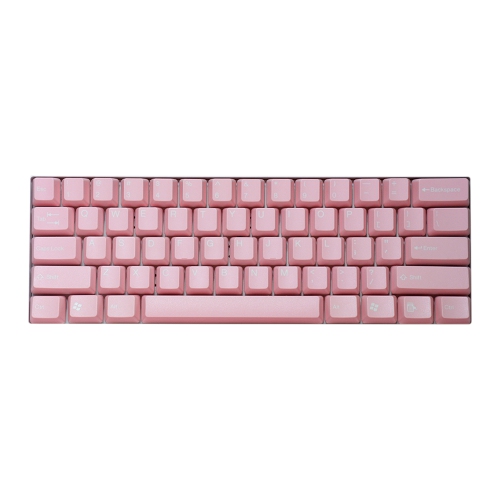
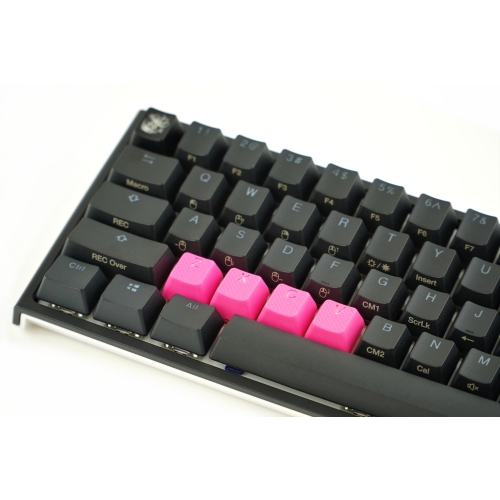
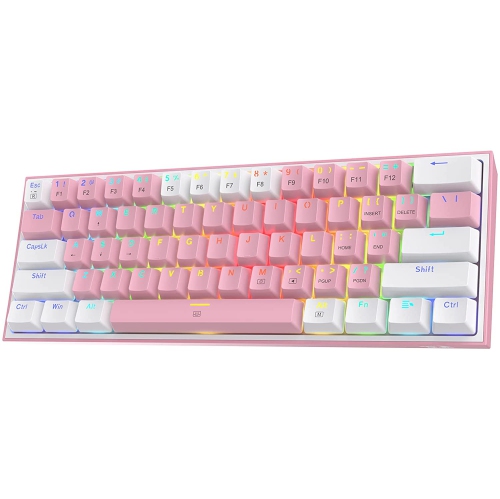
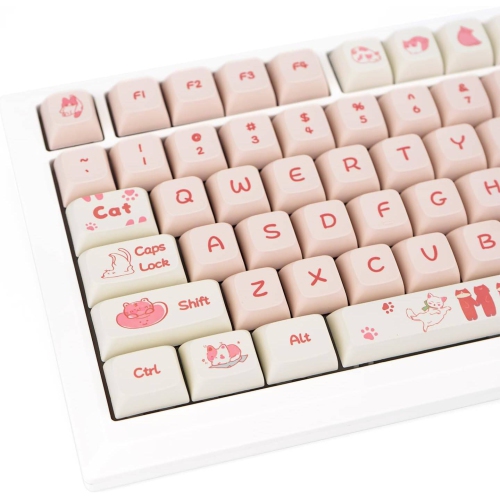
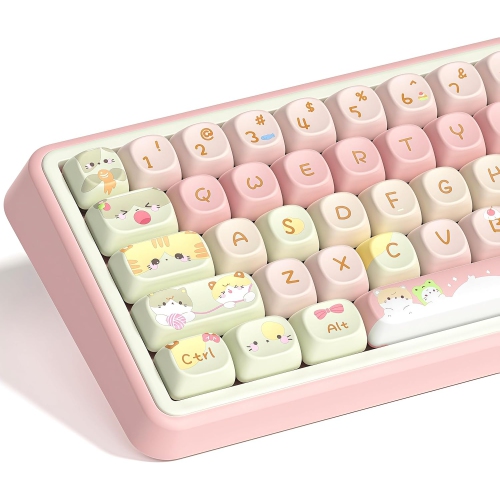
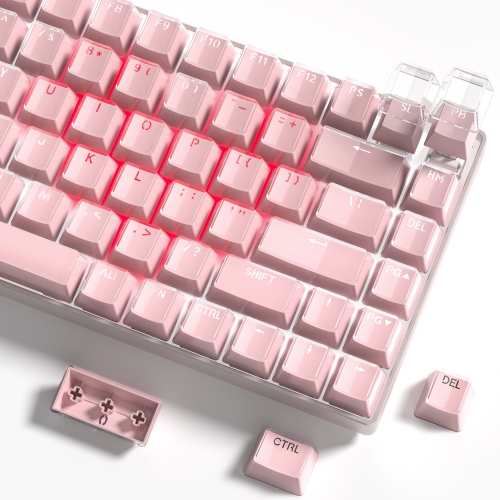
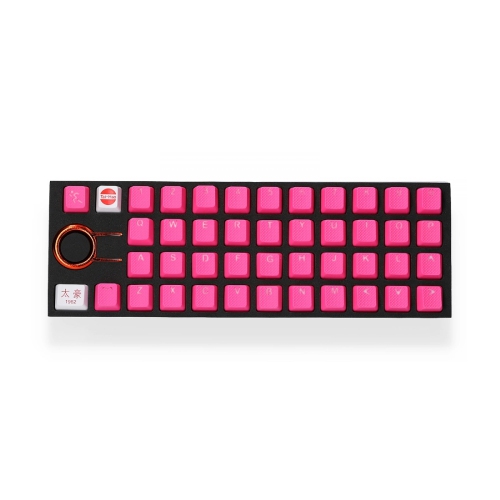
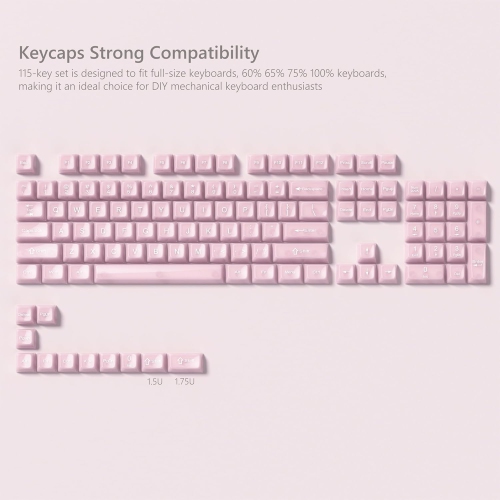
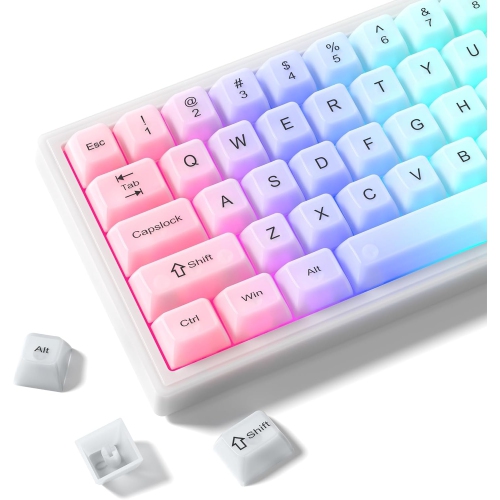
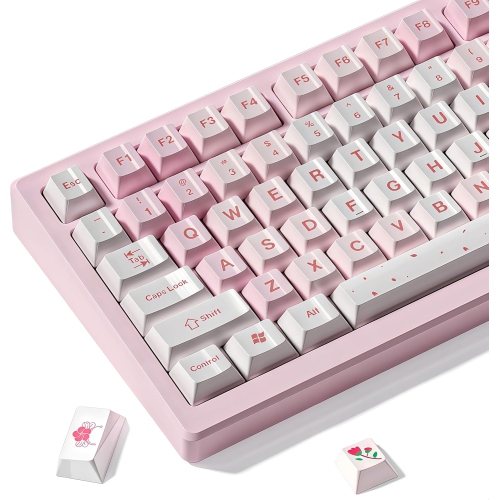
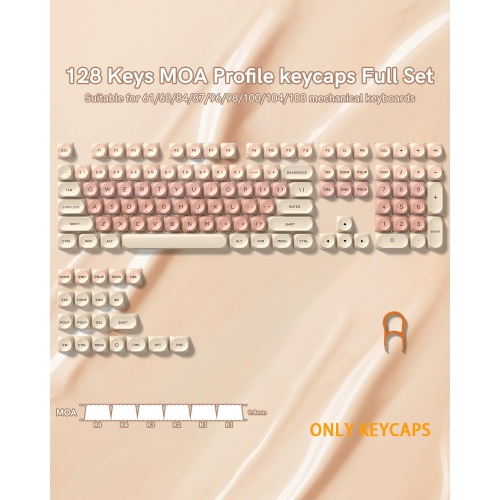
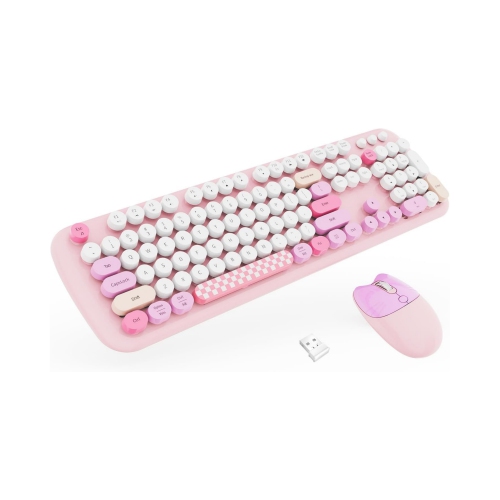
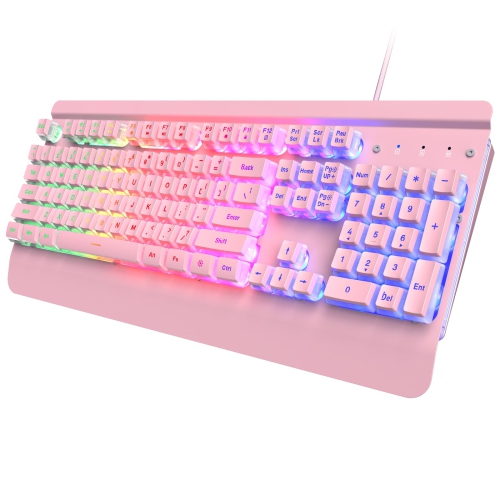
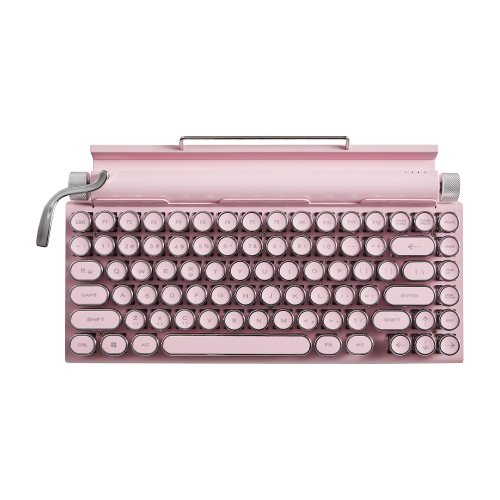
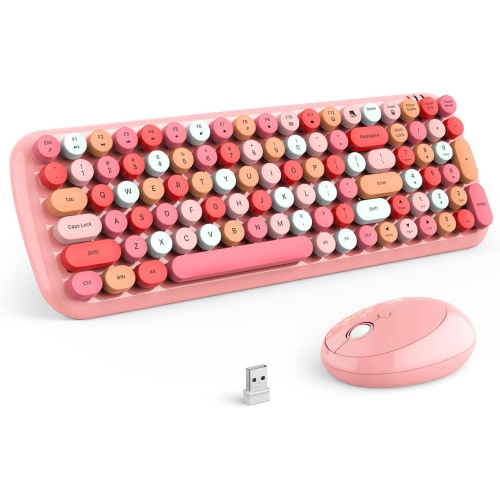
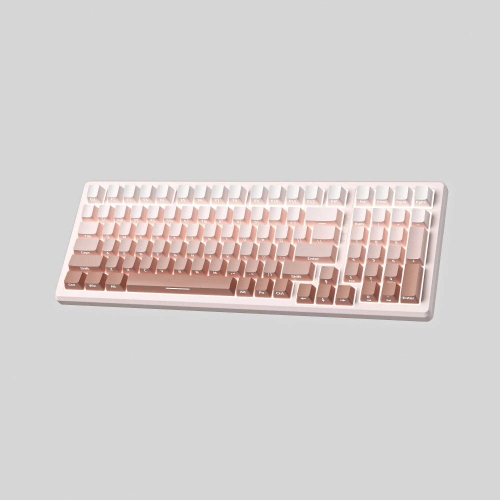

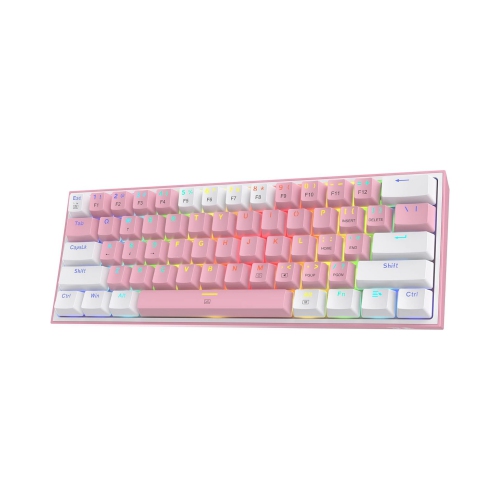
Refresh your keyboard with colour, comfort, and compatibility
Pink keycap replacements are an easy way to refresh the look and feel of a mechanical keyboard without replacing the entire board. They are available in shades ranging from soft blush and dusty rose to bright neon and translucent pink, making it possible to create a subtle accent or a much more expressive desktop setup. Some shoppers choose a complete keycap set to change every key, while others replace only the most frequently used keys, such as the space bar, escape key, arrow keys, or gaming controls. Smaller accent sets can be especially useful for highlighting movement keys or commonly used shortcuts, while full sets offer a coordinated finish across the whole keyboard. Pink keycaps may also be used to replace worn, cracked, stained, or missing caps, helping a familiar keyboard feel fresh again. For anyone who spends long hours typing, gaming, studying, editing photos, or working from a home office, changing the keycaps can make a desk feel more personal and inviting. A pale pink set paired with neutral accessories can create a calm, polished appearance, while vivid pink accents can stand out against a white, black, or brightly lit keyboard. Shoppers who prefer a darker contrast may also enjoy browsing Black Keycaps for another way to customize a keyboard’s appearance.
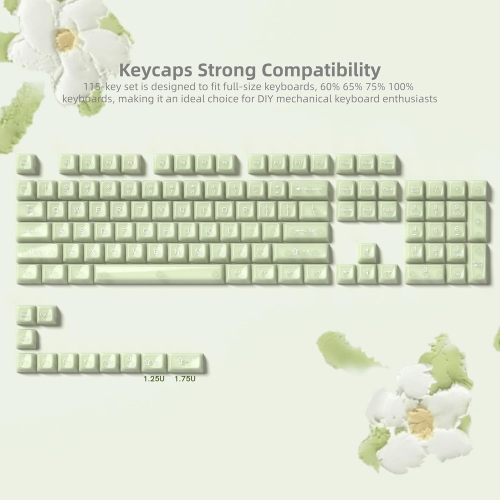
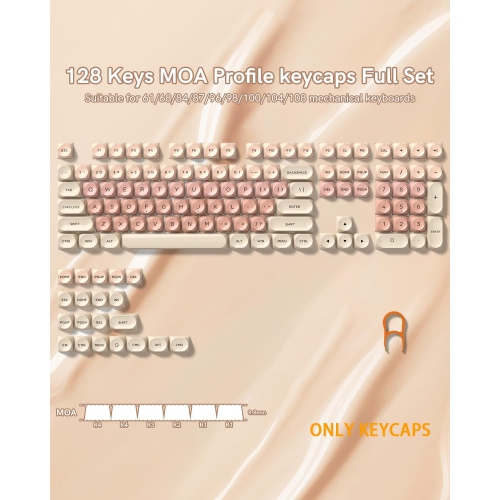
Compatibility should be the first consideration when choosing pink replacement keycaps. Most sets are designed for mechanical keyboards with common cross-shaped stems, including many keyboards using switches from the same general family of compatible designs. Even when the stem fits, the keycap set still needs to match the keyboard’s layout and key arrangement. Compact 60% keyboards, 65% and 75% layouts, tenkeyless 80% boards, and 100% full-size keyboards all use different numbers and combinations of keys. Some layouts include an unusually sized right shift key, a split backspace, a compact bottom row, or a different position for the delete, home, and navigation keys. A set with the right number of keycaps may still leave gaps if those less common sizes are not included, so checking the keyboard’s layout and comparing it with the replacement set’s key count is worthwhile. Sets intended for a specific arrangement often list compatibility details, while more flexible sets may include extra keys to support several layouts. It is also helpful to confirm whether the keyboard uses standard stems and whether any low-profile, non-mechanical, or proprietary keys require a different style of replacement. Before removing the existing caps, take a quick photo of the keyboard so each key can be returned to its correct position if needed. A keycap puller can make removal easier and help reduce the chance of scratching the keyboard’s surface, while pressing each new cap straight down over the switch stem usually provides a secure fit.
Material and profile affect both appearance and everyday comfort. PBT keycaps are often selected for their firm feel, textured surface, and resistance to the smooth, glossy sensation that can develop with frequent use. ABS keycaps can offer a lighter feel and are commonly available in bright colours, transparent finishes, or designs that allow more light to show through. Rubberized replacement caps are another option for small groups of keys, particularly for gaming controls that benefit from extra grip and a slightly cushioned touch. Textured surfaces can make it easier to locate movement keys by feel during a fast game, while smooth caps may suit people who prefer an even typing experience. Keycap profiles describe the shape and height of each row, so replacing a sculpted set with a different profile can noticeably change the way the keyboard feels under the fingers. OEM, Cherry-style, XDA, and other profiles may vary in height, contour, and row shape; mixing profiles is possible for decorative accents, but a full set with a consistent profile generally provides a more uniform result. Backlit keyboards also benefit from careful selection. Translucent or shine-through legends can let RGB or single-colour lighting appear through the characters, while side-printed or opaque designs create a more understated effect. Pink keycap replacements can make a thoughtful gift for a student setting up a study space, a gamer personalizing a favourite keyboard, a remote worker refreshing a desk during the cooler months, or a creative friend who enjoys building a distinctive computer setup. Prices commonly range from approximately $15 to $50 for many replacement options, with the final cost influenced by the number of keys, material, profile, included extras, and specialty finishes. Whether used for a complete colour change, a few high-impact accents, or a practical replacement for worn caps, the best set is one that fits the keyboard securely, supports the intended layout, and feels comfortable through every keystroke.
Compatibility should be the first consideration when choosing pink replacement keycaps. Most sets are designed for mechanical keyboards with common cross-shaped stems, including many keyboards using switches from the same general family of compatible designs. Even when the stem fits, the keycap set still needs to match the keyboard’s layout and key arrangement. Compact 60% keyboards, 65% and 75% layouts, tenkeyless 80% boards, and 100% full-size keyboards all use different numbers and combinations of keys. Some layouts include an unusually sized right shift key, a split backspace, a compact bottom row, or a different position for the delete, home, and navigation keys. A set with the right number of keycaps may still leave gaps if those less common sizes are not included, so checking the keyboard’s layout and comparing it with the replacement set’s key count is worthwhile. Sets intended for a specific arrangement often list compatibility details, while more flexible sets may include extra keys to support several layouts. It is also helpful to confirm whether the keyboard uses standard stems and whether any low-profile, non-mechanical, or proprietary keys require a different style of replacement. Before removing the existing caps, take a quick photo of the keyboard so each key can be returned to its correct position if needed. A keycap puller can make removal easier and help reduce the chance of scratching the keyboard’s surface, while pressing each new cap straight down over the switch stem usually provides a secure fit.
Material and profile affect both appearance and everyday comfort. PBT keycaps are often selected for their firm feel, textured surface, and resistance to the smooth, glossy sensation that can develop with frequent use. ABS keycaps can offer a lighter feel and are commonly available in bright colours, transparent finishes, or designs that allow more light to show through. Rubberized replacement caps are another option for small groups of keys, particularly for gaming controls that benefit from extra grip and a slightly cushioned touch. Textured surfaces can make it easier to locate movement keys by feel during a fast game, while smooth caps may suit people who prefer an even typing experience. Keycap profiles describe the shape and height of each row, so replacing a sculpted set with a different profile can noticeably change the way the keyboard feels under the fingers. OEM, Cherry-style, XDA, and other profiles may vary in height, contour, and row shape; mixing profiles is possible for decorative accents, but a full set with a consistent profile generally provides a more uniform result. Backlit keyboards also benefit from careful selection. Translucent or shine-through legends can let RGB or single-colour lighting appear through the characters, while side-printed or opaque designs create a more understated effect. Pink keycap replacements can make a thoughtful gift for a student setting up a study space, a gamer personalizing a favourite keyboard, a remote worker refreshing a desk during the cooler months, or a creative friend who enjoys building a distinctive computer setup. Prices commonly range from approximately $15 to $50 for many replacement options, with the final cost influenced by the number of keys, material, profile, included extras, and specialty finishes. Whether used for a complete colour change, a few high-impact accents, or a practical replacement for worn caps, the best set is one that fits the keyboard securely, supports the intended layout, and feels comfortable through every keystroke.
Top selling and popular products
-
 Your price for this item is $39.99
 -
 Your price for this item is $49.72
 -
 Your price for this item is $159
 -
 Your price for this item is $219.99
 -
 Your price for this item is $199.99
 -
 Your price for this item is $44.69
 -
 Your price for this item is $29.99
 -
 Your price for this item is $169.99
Discover more categories related to Pink Keycap Replacements
Top Collections:
Pokemon Centers, Budget 4K TVs, Kindle Devices, Canon G7X Cameras, Apple iPhones 16, iPhone 15 Apple, Laptops for Business Work, Flip Phones, Xiaomi Phones, Refurbished Apple Laptops
Some products may be subject to Environmental Handling Fees
(EHF) depending on your province.
Learn more about EHFs.