Black Laptop Briefcase
Whether you're a busy professional on the go or a student heading to class, these sleek and versatile black laptop briefcases are an essential accessory for those who need to carry their electronics and documents in style. With its timeless design and practical features, these black laptop briefcases offer both functionality and sophistication. From padded compartments to keep your laptop safe and secure, to multiple pockets for organizing your essentials, these must-have accessories ensure that you can stay organized and look polished wherever your day takes you. Discover the perfect black laptop briefcase to match your needs and elevate your everyday carry.
Sort




































Why laptop fit matters as much as workday style
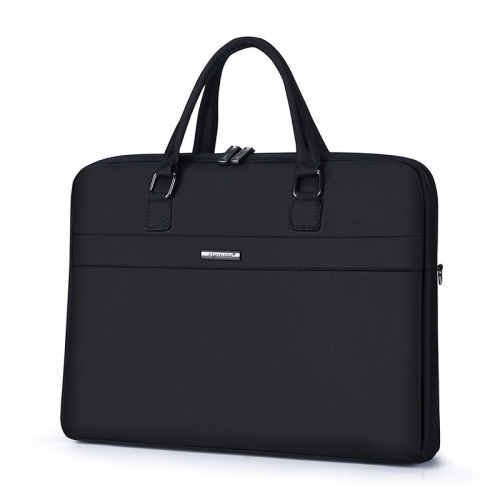
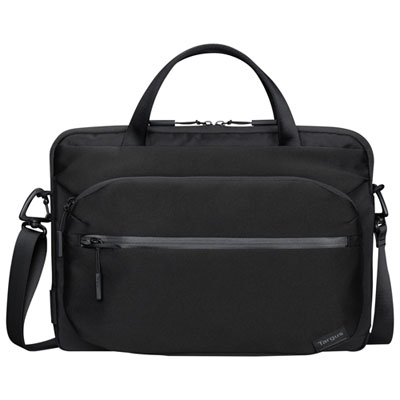
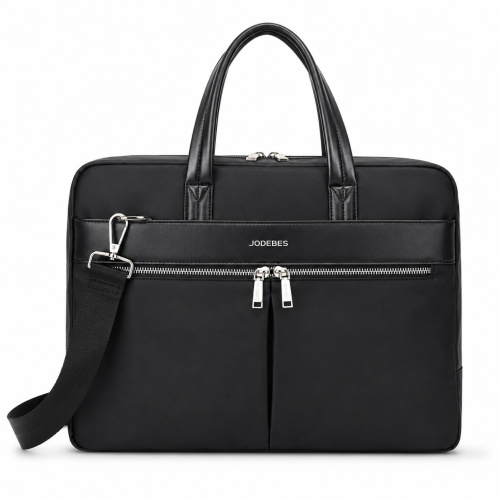
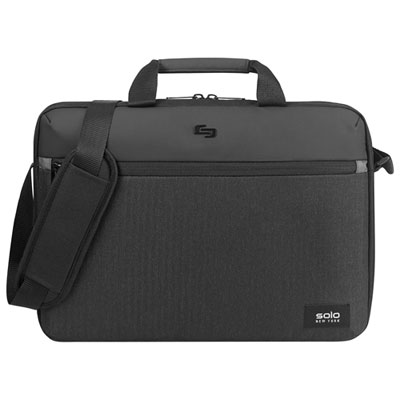
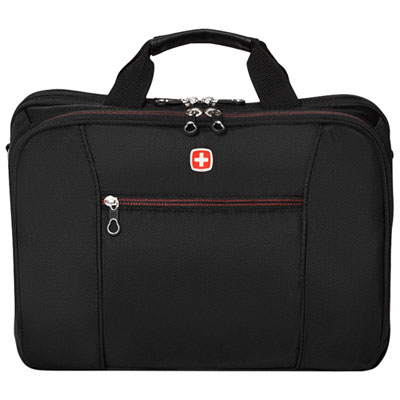
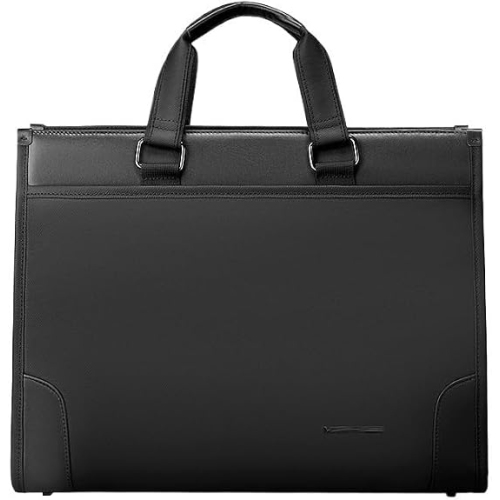
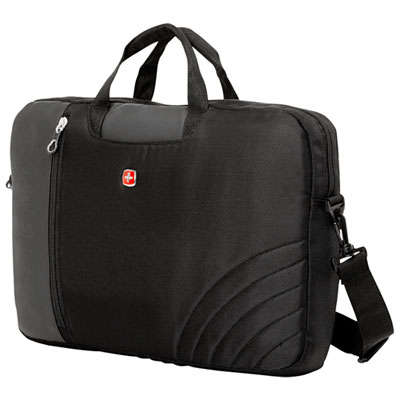
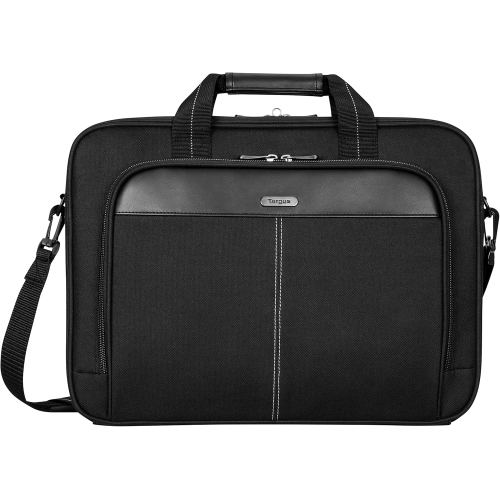
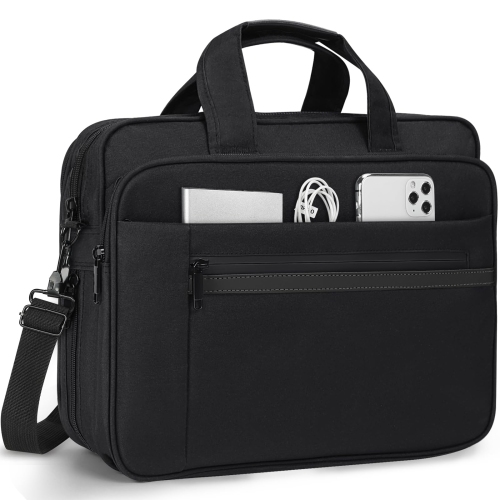
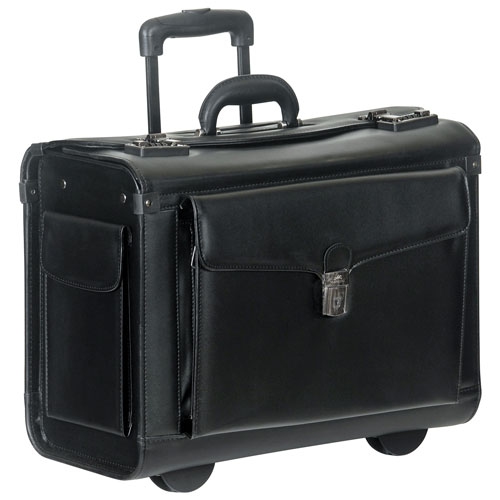
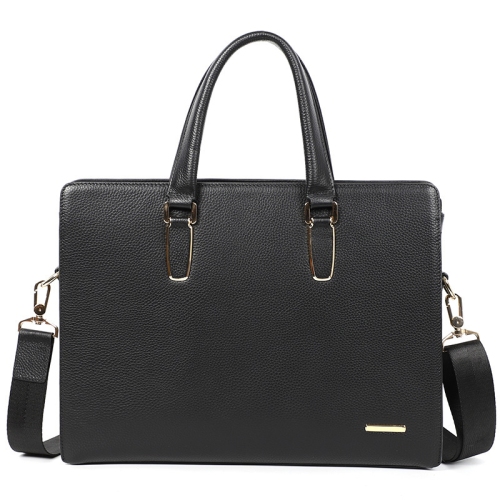
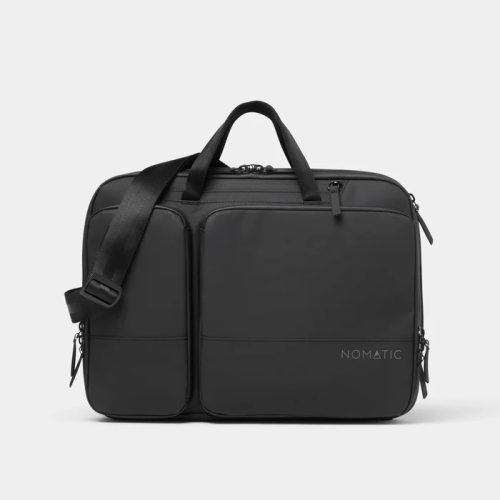
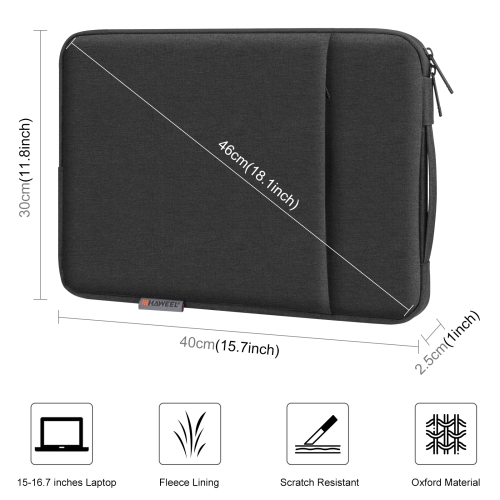
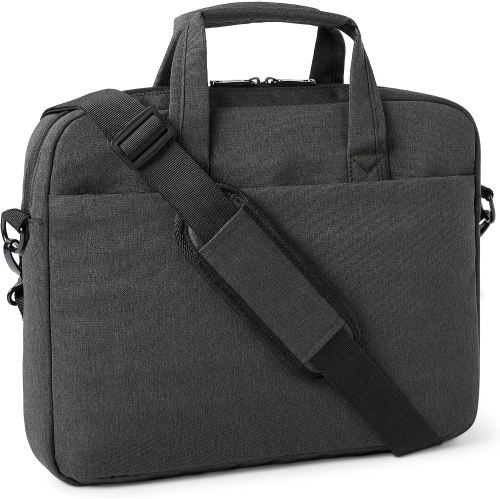
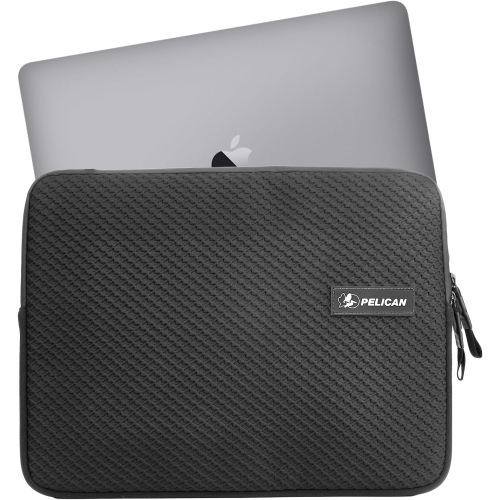
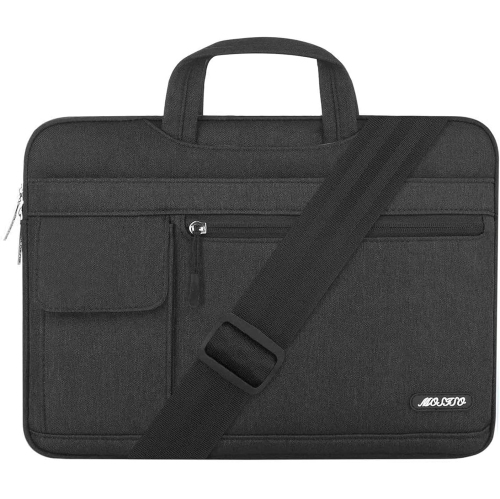
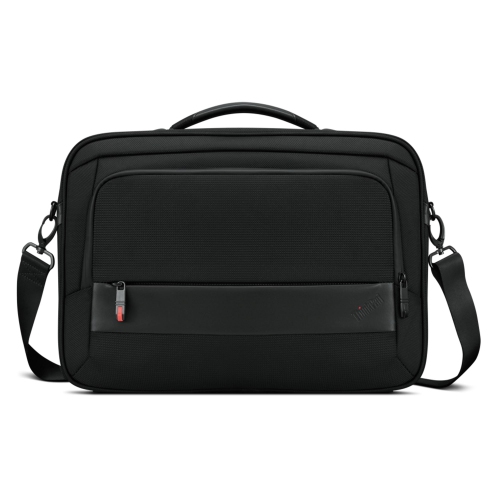
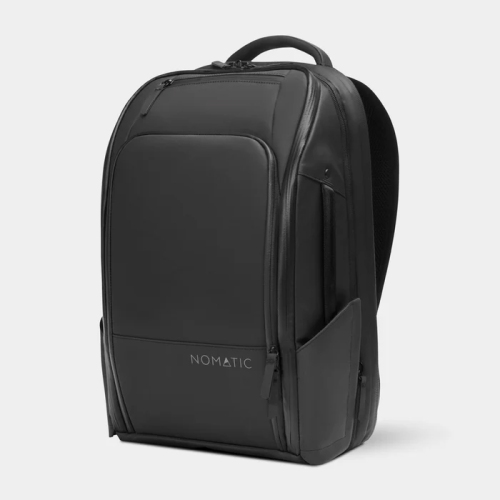
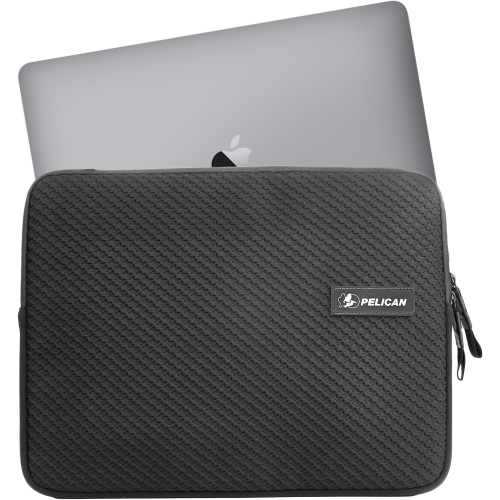
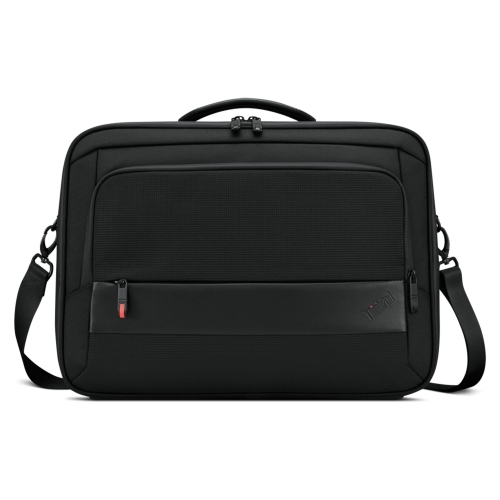
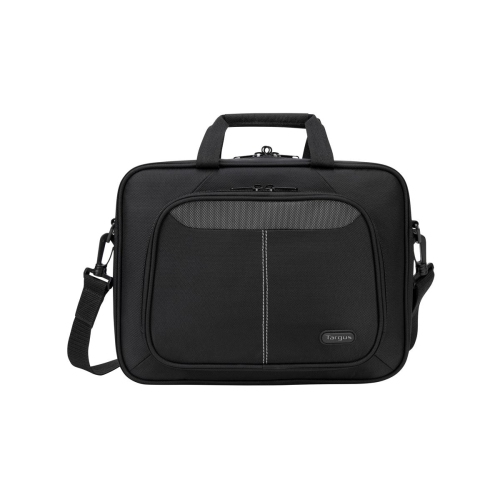
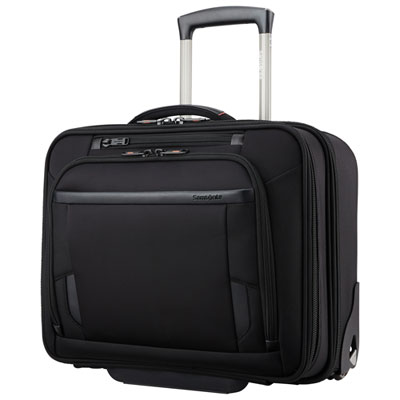
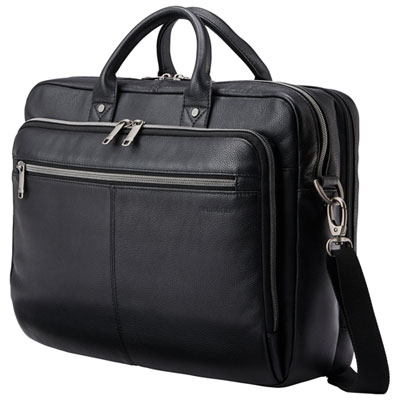
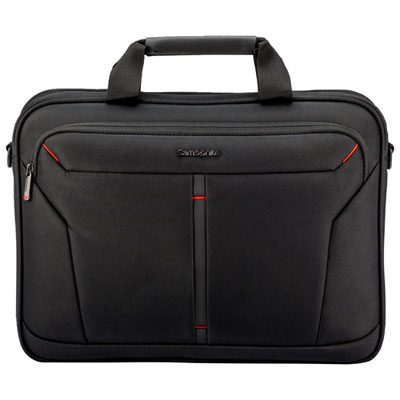
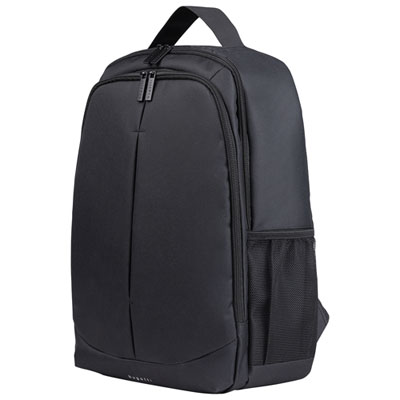
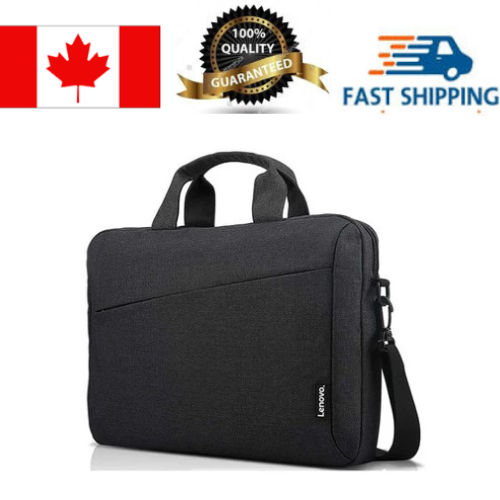
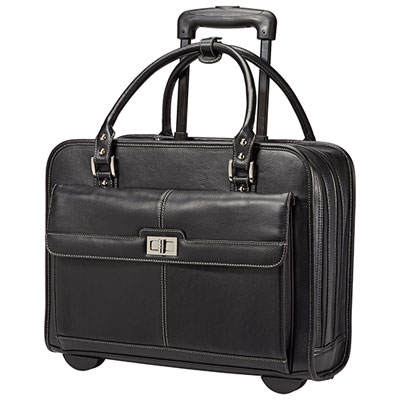
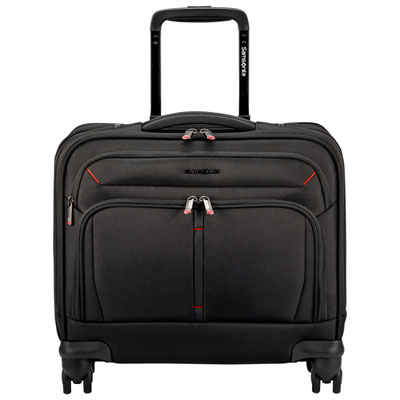
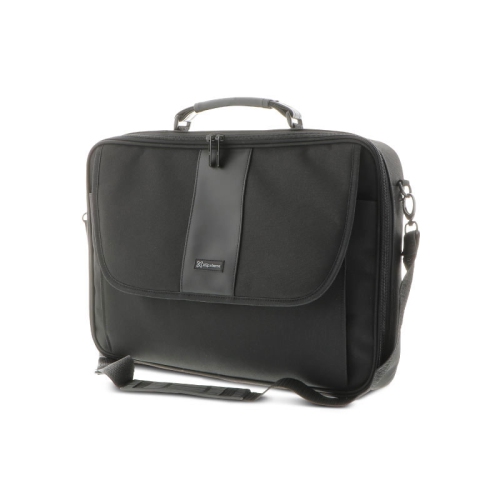
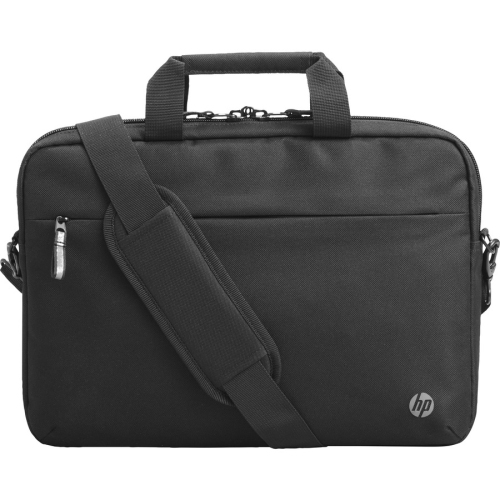
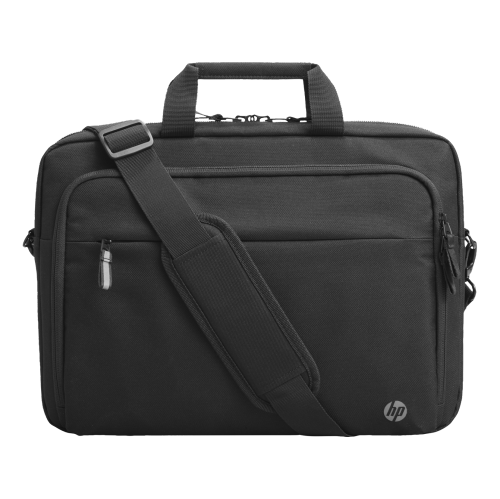
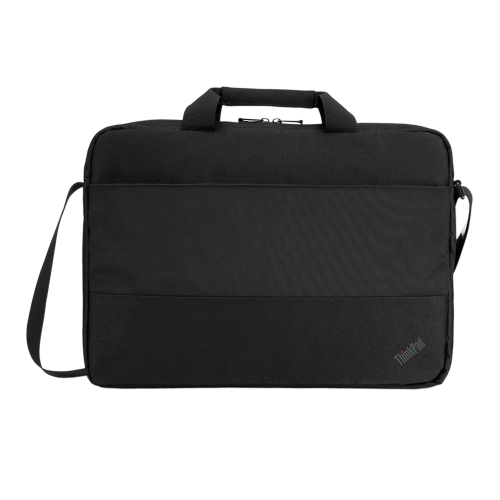
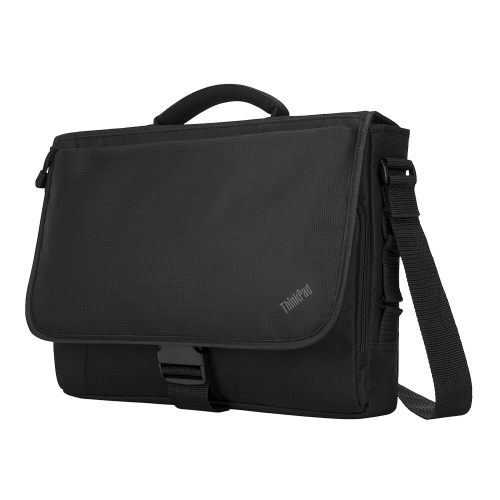
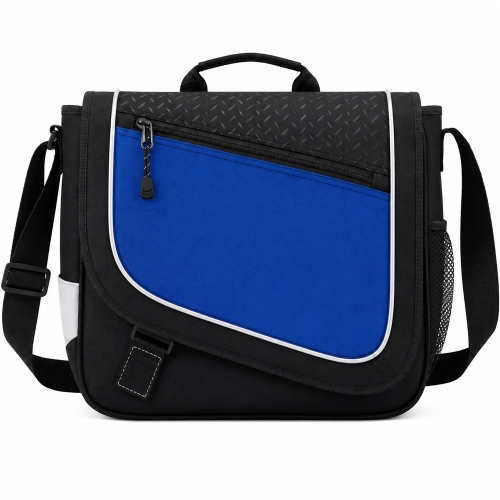
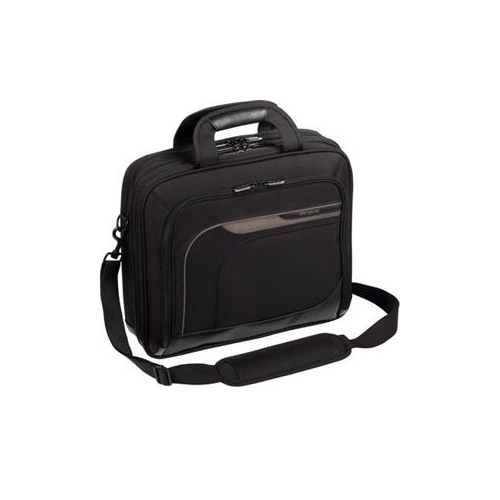
A black laptop briefcase combines dedicated computer storage with the clean, structured look of a traditional work bag. Its appeal is practical as much as visual: a dark exterior pairs easily with office clothing, keeps a coordinated appearance beside luggage, and suits settings ranging from shared workspaces to client meetings. Unlike an open tote, a briefcase typically has a zippered main compartment and handles designed for carrying the bag upright, with internal sections that help separate a laptop from everyday essentials. Some designs are slim enough for a computer, charging cable, and notebook, while others have a deeper profile for documents, headphones, and accessories. The material makes a noticeable difference to the bag’s feel and daily upkeep. Woven nylon and polyester can provide a lightweight, flexible exterior, while leather offers a more substantial feel and a surface that develops character with use. Faux leather has a similar visual finish but needs care suited to its particular coating and backing. For a traditional finish, Black Leather Laptop Cases offer another way to explore this understated style. Smooth panels, textured fabrics, matte hardware, and discreet stitching each give a black bag a different personality without making it difficult to coordinate. A soft-sided briefcase can feel comfortable against the body on a crowded train, whereas a more structured design holds its shape when set beside a desk. Neither appearance alone nor a thick exterior confirms how much protection a bag provides; the construction of the laptop compartment matters more. Reinforced corners, securely attached handles, and tidy seams are useful details in a bag that moves repeatedly between home, transit, and the workplace. For professionals, instructors, students on placements, and anyone who regularly carries a computer to appointments, this format keeps work essentials together without the bulk of a larger travel bag. It also allows easy access to paperwork without opening a separate suitcase or unpacking a full backpack.
Laptop fit is central to how well a briefcase performs. A screen measurement such as 14-inch, 15.6-inch, or 16-inch describes the display diagonally, not the computer’s complete width, depth, and thickness. Two laptops with the same screen size can therefore need different amounts of room, especially when one has a thicker chassis, extended hinges, or a protective shell. The usable dimensions of the laptop compartment provide a better reference than the bag’s overall exterior size. A suitable compartment holds the computer comfortably without forcing the zipper closed, while avoiding so much spare space that the device slides from side to side. Padding along the base and sides helps cushion everyday bumps, although a padded briefcase should not be treated as protection against every drop or impact. Some designs include a retaining strap or a sleeve raised slightly above the bottom seam, adding separation between the laptop and the surface beneath the bag. The surrounding organization is equally important during a working day. A charger stored in its own pocket is less likely to press against a computer lid, and smaller sections keep adapters, pens, and cables from collecting at the bottom. A separate tablet sleeve can be useful for someone who takes handwritten notes digitally, provided it leaves enough room for the main laptop. Document dividers help keep papers flat, while a light-coloured lining makes small black accessories easier to spot. External pockets offer convenient access to a transit pass or phone, but secure closures matter for anything carried close to the outside. A wider opening can make packing easier at a desk, while dual zipper pulls allow the main compartment to open from either side. Capacity is most useful when it matches the actual routine: a slim briefcase suits a short commute with a compact charger, whereas a deeper design accommodates a notebook, mouse, headset, and paperwork without crowding the laptop. Space for accessories should complement the computer compartment rather than require bulky objects to share its protective sleeve.
Comfort becomes especially noticeable when a briefcase is carried beyond the walk from a parking space to an office door. Padded handles can reduce pressure on the fingers, while an adjustable shoulder strap offers another carrying option when hands are occupied with a coffee or a suitcase. A broad shoulder pad spreads contact across a larger area, but the weight of the packed bag still matters; a roomy briefcase can become tiring if every pocket is filled. Detachable straps provide flexibility for meetings, and secure attachment points help keep the bag balanced during movement. For travel between offices or through an airport, a luggage pass-through can hold the briefcase against a rolling suitcase handle, reducing the need to carry both separately. The opening should fit the suitcase handle properly, and the packed bag should remain stable rather than twisting to one side. Day-to-day durability also depends on how the bag is handled and maintained. Setting it on a clean surface, keeping zippers clear of loose threads, and avoiding overfilled compartments can reduce unnecessary strain. Water-resistant fabric or a coated exterior may help with minor splashes, but that does not make the complete bag waterproof, particularly around seams and zippers. Spills are best addressed promptly using the care method specified for the material. Fabric bags may allow gentle spot cleaning, while leather often calls for a suitable cleaner and occasional conditioning according to the maker’s directions. Harsh cleaners, soaking, and direct heat can damage finishes, linings, or adhesives. When the briefcase is not in use, emptying the pockets and storing it without heavy objects on top helps preserve its shape. As a gift, a black laptop briefcase can mark a graduation, a new role, or a professional milestone without relying on a bold colour preference. Knowing the recipient’s laptop dimensions, usual carrying load, and preferred handle or shoulder-strap style makes the choice more personal and useful. The strongest fit is a bag that feels natural in their routine, with enough protection and organization to keep their working day moving smoothly.
Laptop fit is central to how well a briefcase performs. A screen measurement such as 14-inch, 15.6-inch, or 16-inch describes the display diagonally, not the computer’s complete width, depth, and thickness. Two laptops with the same screen size can therefore need different amounts of room, especially when one has a thicker chassis, extended hinges, or a protective shell. The usable dimensions of the laptop compartment provide a better reference than the bag’s overall exterior size. A suitable compartment holds the computer comfortably without forcing the zipper closed, while avoiding so much spare space that the device slides from side to side. Padding along the base and sides helps cushion everyday bumps, although a padded briefcase should not be treated as protection against every drop or impact. Some designs include a retaining strap or a sleeve raised slightly above the bottom seam, adding separation between the laptop and the surface beneath the bag. The surrounding organization is equally important during a working day. A charger stored in its own pocket is less likely to press against a computer lid, and smaller sections keep adapters, pens, and cables from collecting at the bottom. A separate tablet sleeve can be useful for someone who takes handwritten notes digitally, provided it leaves enough room for the main laptop. Document dividers help keep papers flat, while a light-coloured lining makes small black accessories easier to spot. External pockets offer convenient access to a transit pass or phone, but secure closures matter for anything carried close to the outside. A wider opening can make packing easier at a desk, while dual zipper pulls allow the main compartment to open from either side. Capacity is most useful when it matches the actual routine: a slim briefcase suits a short commute with a compact charger, whereas a deeper design accommodates a notebook, mouse, headset, and paperwork without crowding the laptop. Space for accessories should complement the computer compartment rather than require bulky objects to share its protective sleeve.
Comfort becomes especially noticeable when a briefcase is carried beyond the walk from a parking space to an office door. Padded handles can reduce pressure on the fingers, while an adjustable shoulder strap offers another carrying option when hands are occupied with a coffee or a suitcase. A broad shoulder pad spreads contact across a larger area, but the weight of the packed bag still matters; a roomy briefcase can become tiring if every pocket is filled. Detachable straps provide flexibility for meetings, and secure attachment points help keep the bag balanced during movement. For travel between offices or through an airport, a luggage pass-through can hold the briefcase against a rolling suitcase handle, reducing the need to carry both separately. The opening should fit the suitcase handle properly, and the packed bag should remain stable rather than twisting to one side. Day-to-day durability also depends on how the bag is handled and maintained. Setting it on a clean surface, keeping zippers clear of loose threads, and avoiding overfilled compartments can reduce unnecessary strain. Water-resistant fabric or a coated exterior may help with minor splashes, but that does not make the complete bag waterproof, particularly around seams and zippers. Spills are best addressed promptly using the care method specified for the material. Fabric bags may allow gentle spot cleaning, while leather often calls for a suitable cleaner and occasional conditioning according to the maker’s directions. Harsh cleaners, soaking, and direct heat can damage finishes, linings, or adhesives. When the briefcase is not in use, emptying the pockets and storing it without heavy objects on top helps preserve its shape. As a gift, a black laptop briefcase can mark a graduation, a new role, or a professional milestone without relying on a bold colour preference. Knowing the recipient’s laptop dimensions, usual carrying load, and preferred handle or shoulder-strap style makes the choice more personal and useful. The strongest fit is a bag that feels natural in their routine, with enough protection and organization to keep their working day moving smoothly.
Top selling and popular products
-
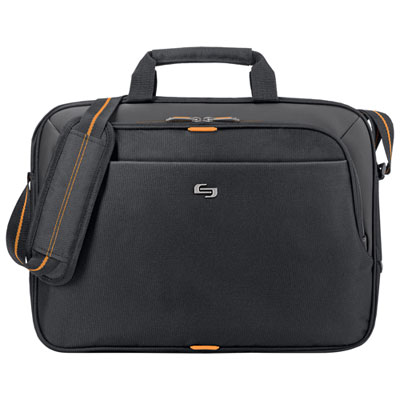 Your price for this item is $59.99
-
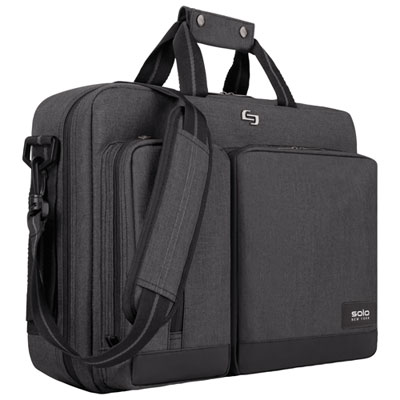 Your price for this item is $119.99
-
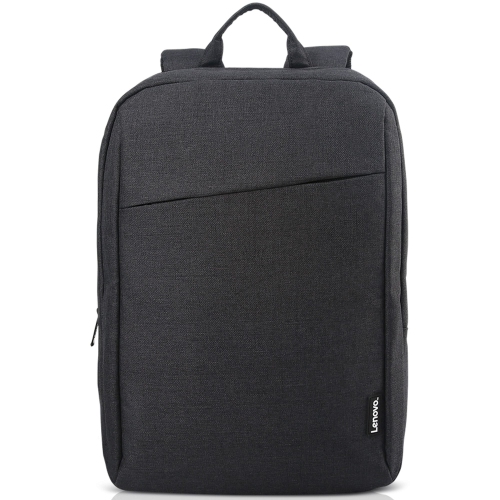 Your price for this item is $44.68
-
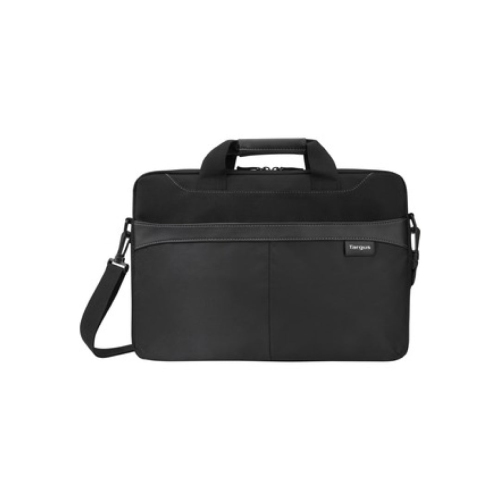 Your price for this item is $42.99
-
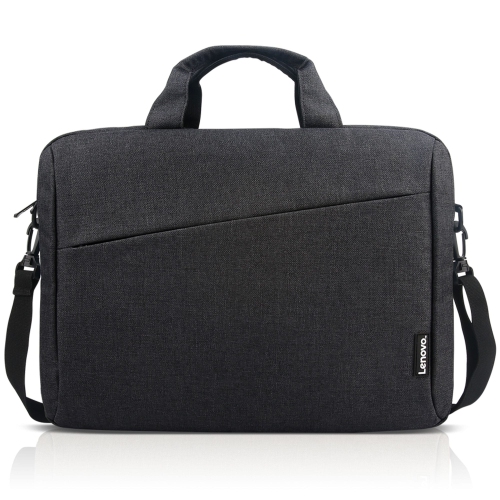 Your price for this item is $28.99
-
 Your price for this item is $83.99
-
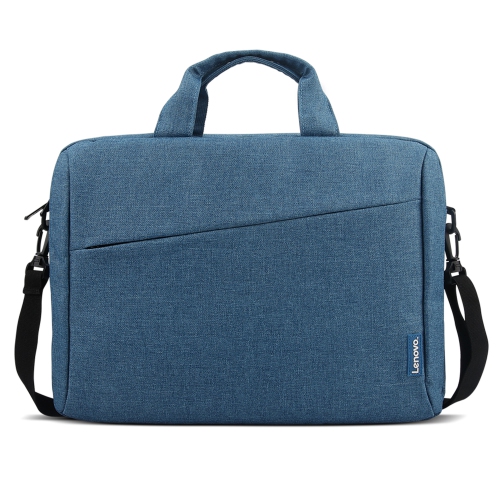 Your price for this item is $21.99
-
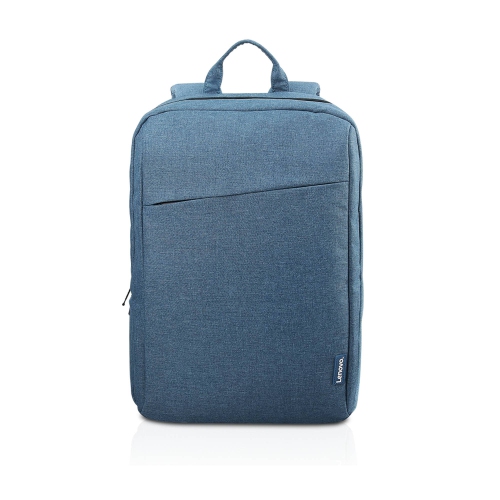 Your price for this item is $18.89
Discover more categories related to Black Laptop Briefcase

Top Collections:
Best Black Friday Deals This Year, Best Black Friday Deals On Electronics, Kindle Devices, Pokemon Centers, Best Black Friday Deals On Apple Products, Best Cameras for Sports Photography, Dyson Airwrap, Pokémon 30th Celebration Cards, Apple iPhone 17 Pro, Canon G7X Cameras
Some products may be subject to Environmental Handling Fees
(EHF) depending on your province.
Learn more about EHFs.