Blue Light Filters
Blue light filters are essential accessories designed to help reduce eye strain and improve sleep quality in today's digital age. With the increasing amount of time spent in front of screens, whether it be on computers, tablets, or smartphones, the blue light emitted can have negative effects on our eyes and overall well-being. These filters work by blocking or filtering out a portion of blue light, providing a more comfortable viewing experience for users. Discover a range of blue light filters that are compatible with various devices and start protecting your eyes today.
Sort
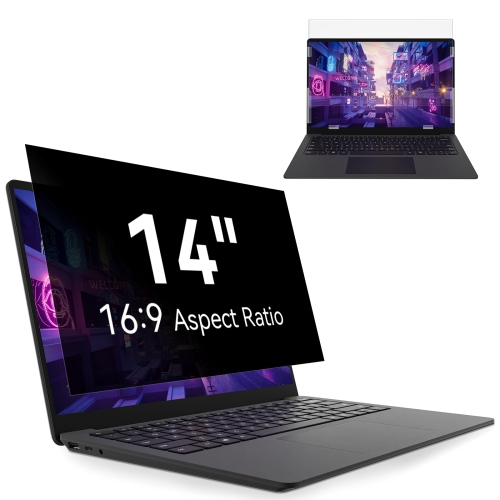

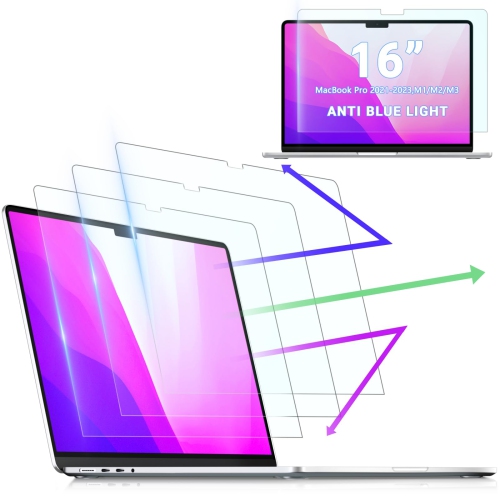
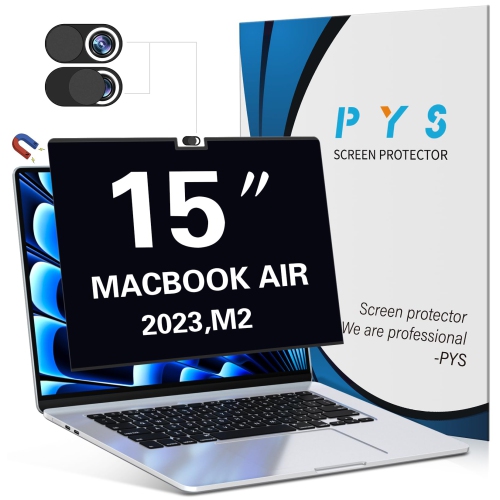
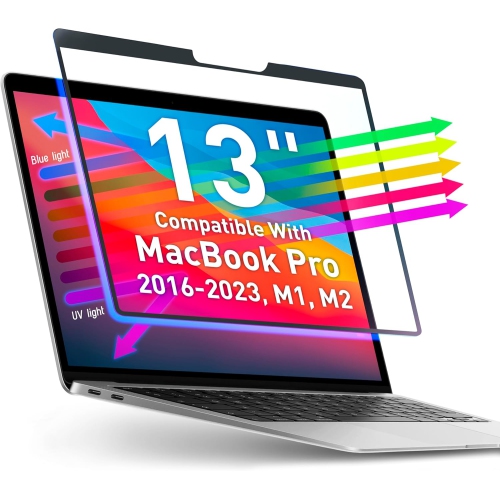
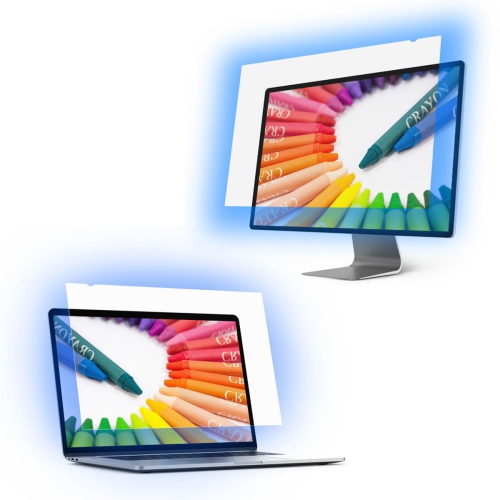
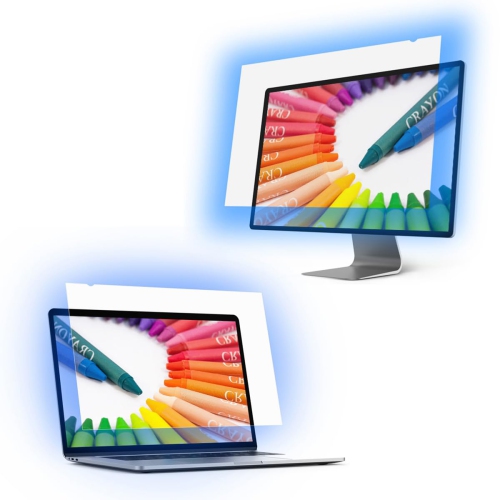
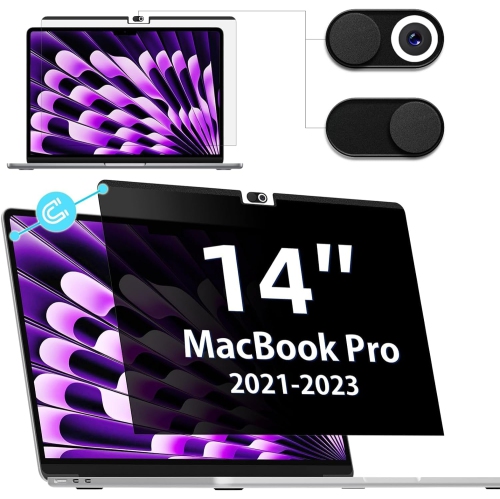
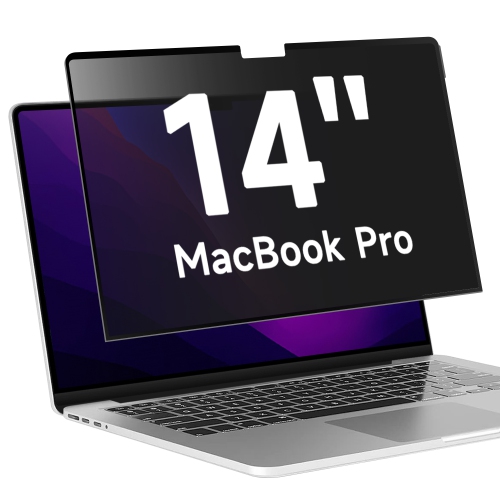
![PYS [3-Pack] Screen Protector for Macbook Pro 14 Inch, Anti Light Screen Filter, Matte Anti-Glare Film, In Blue](https://multimedia.bbycastatic.ca/multimedia/products/500x500/188/18887/18887391.jpeg)
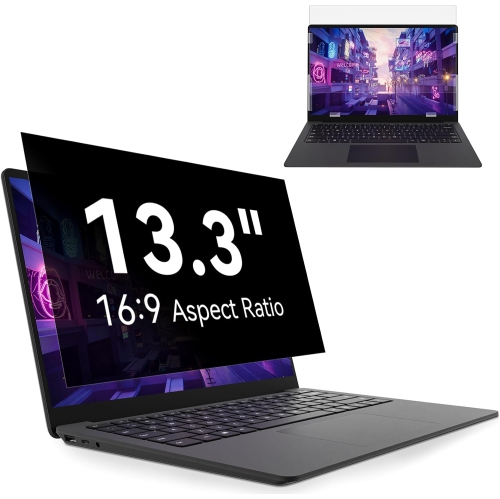
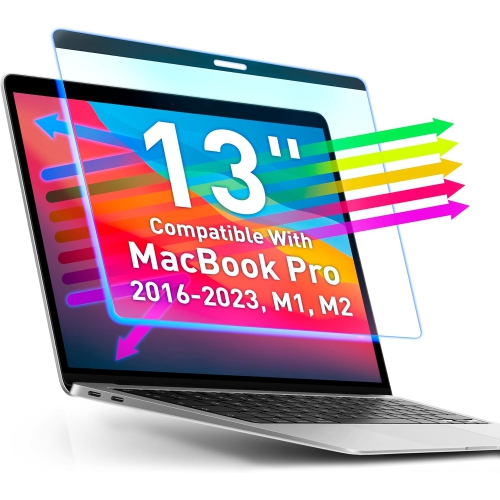
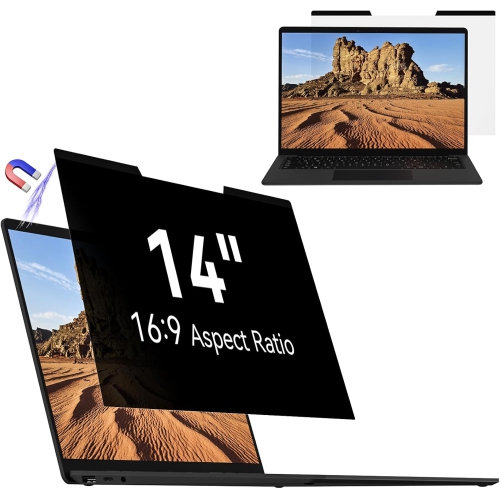
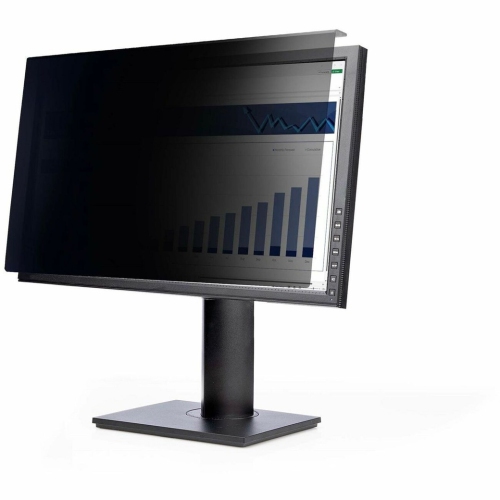
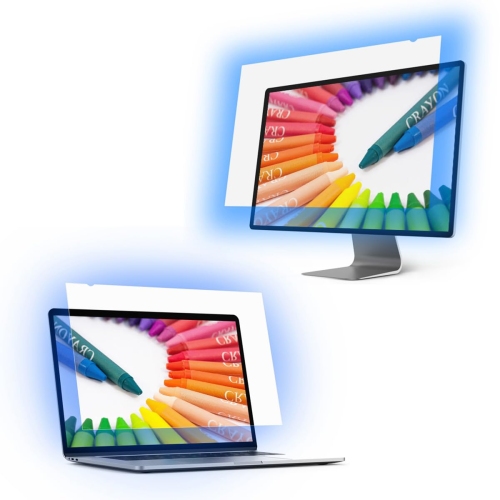
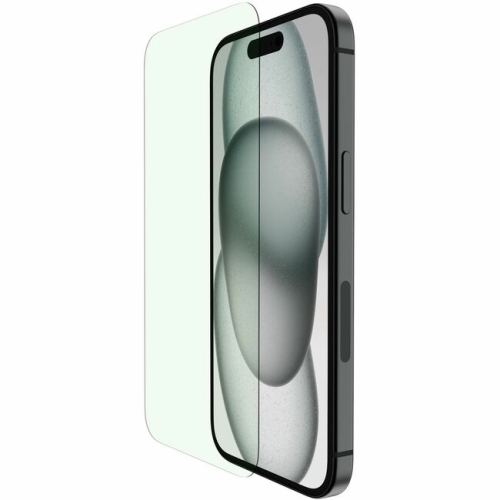
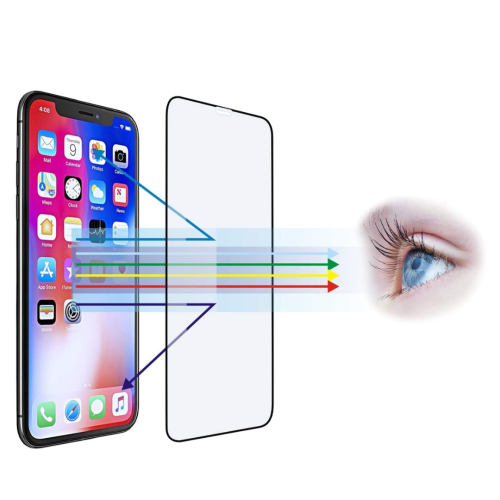
![CC Topsave [1 Piece] Anti Light, Protect Your Eyes for Better Sleep Tempered Glass, 9H Hardness, Case Friendly for Iphone 12, Iphone 12 Pro (6.1")](https://multimedia.bbycastatic.ca/multimedia/products/500x500/159/15952/15952728.jpeg)
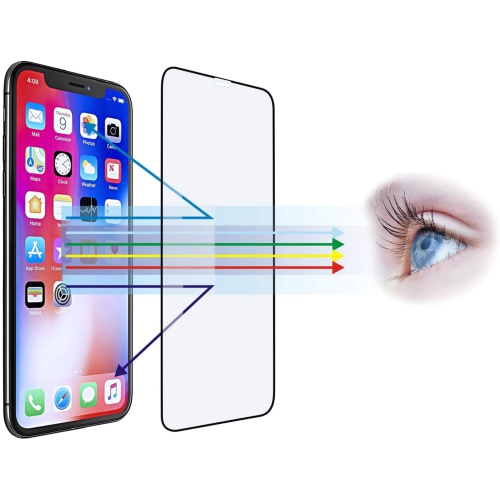
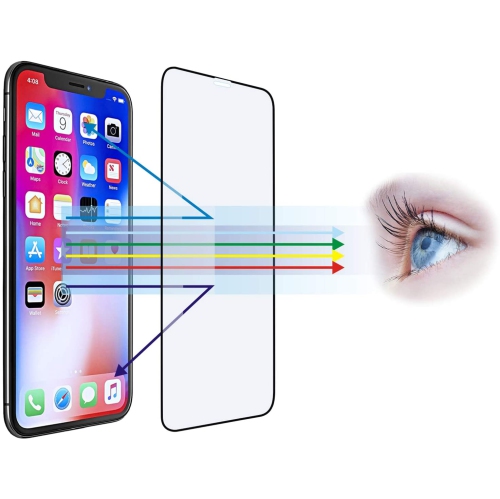
![CC Topsave [1 Piece] Anti Light, Protect Your Eyes for Better Sleep Tempered Glass, 9H Hardness, Case Friendly for Iphone 13 Mini (5.4") In Blue](https://multimedia.bbycastatic.ca/multimedia/products/500x500/159/15952/15952729.jpeg)
![CC Topsave [1 Piece] Anti Light, Full Sized Full Coverage Tempered Glass, 9H Hardness, Case Friendly for Iphone 13, Iphone 13 Pro (6.1") In Blue](https://multimedia.bbycastatic.ca/multimedia/products/500x500/159/15952/15952730.jpeg)
![CC Topsave [1 Piece] Anti Light, Protect Your Eyes for Better Sleep Tempered Glass, 9H Hardness, Case Friendly for Iphone 13 Pro Max (6.7") In Blue](https://multimedia.bbycastatic.ca/multimedia/products/500x500/159/15952/15952733.jpeg)
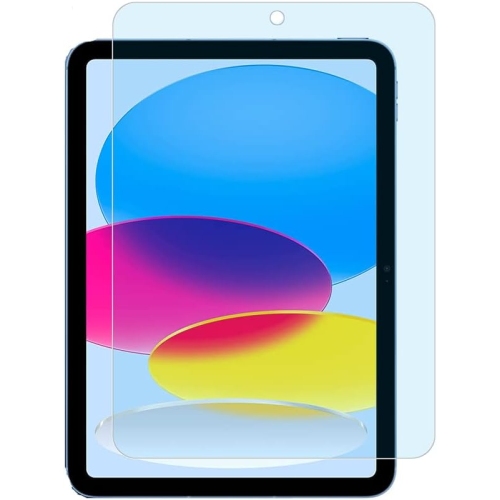
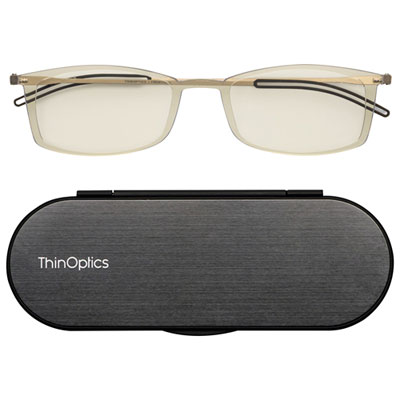
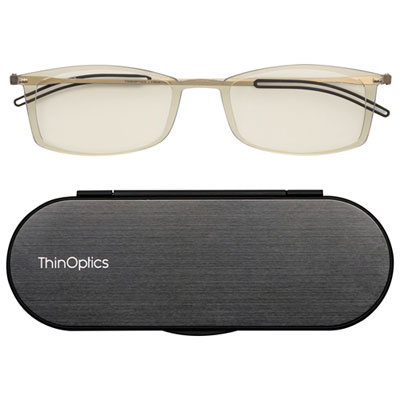
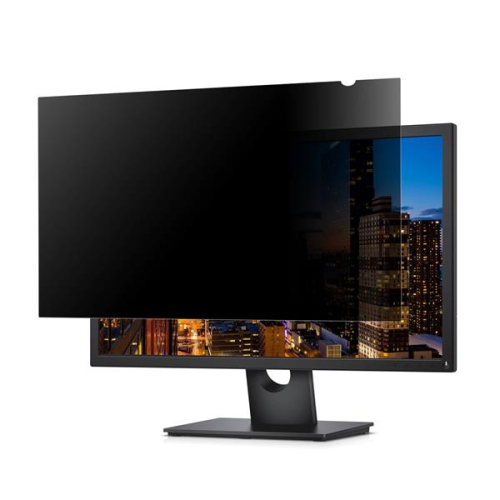
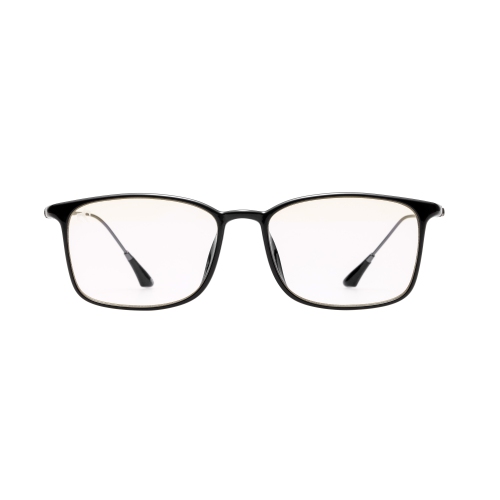
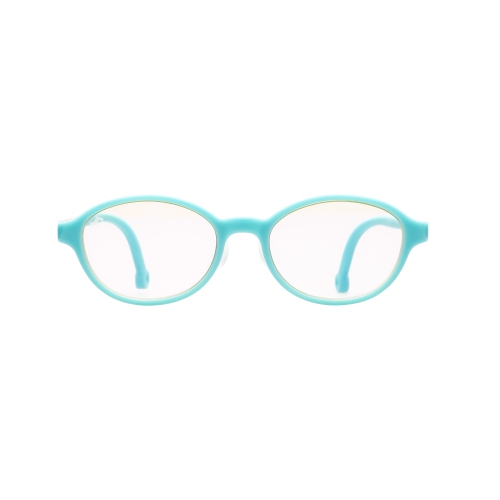
Ways to make evening screen time feel gentler
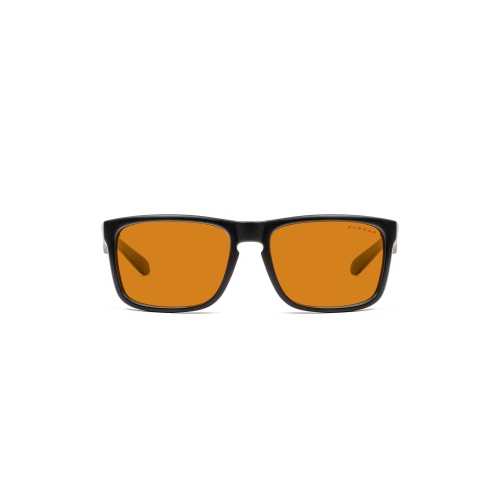
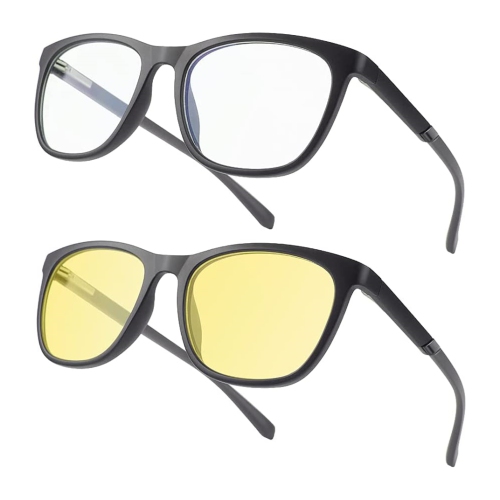
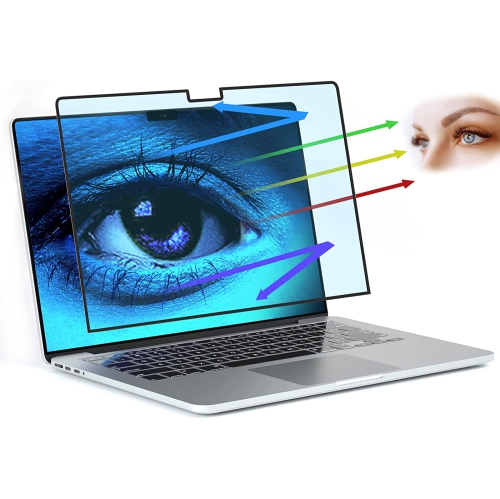
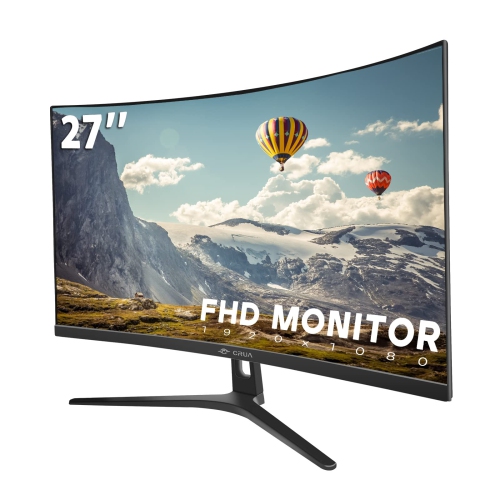
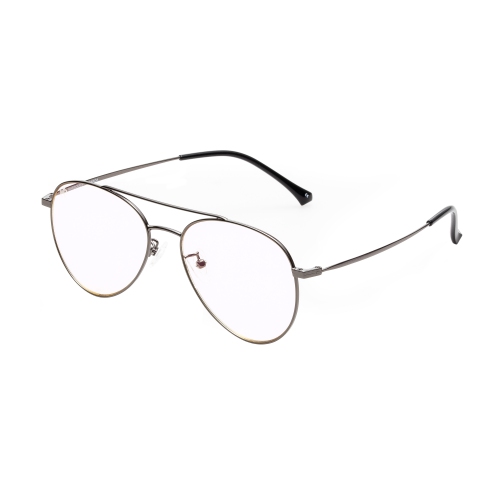
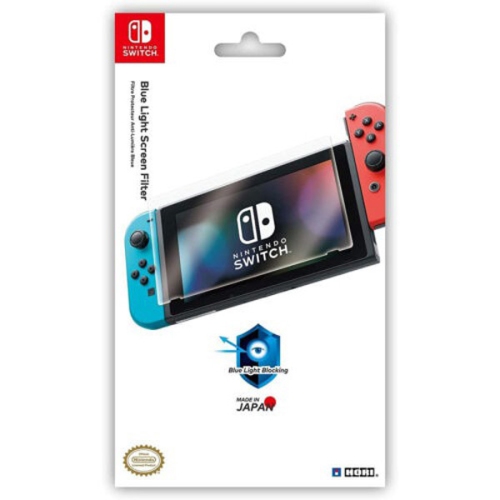
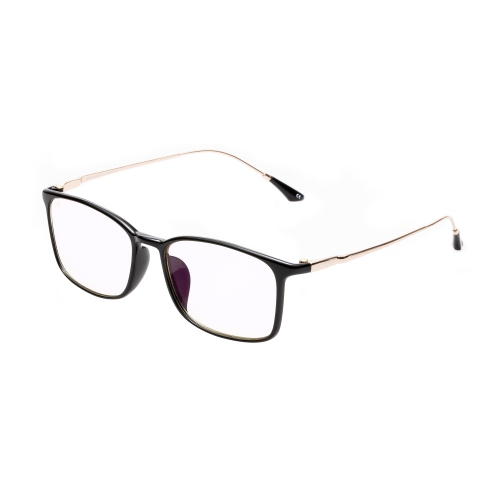
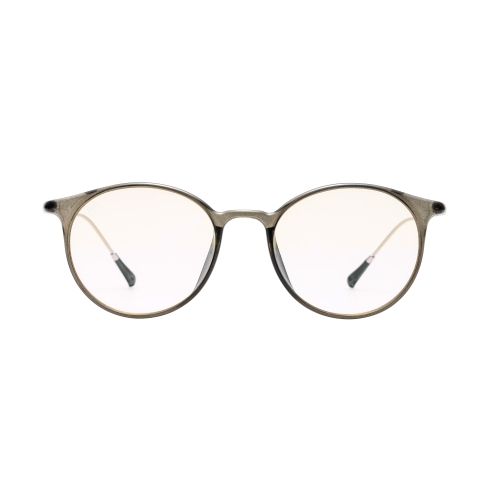
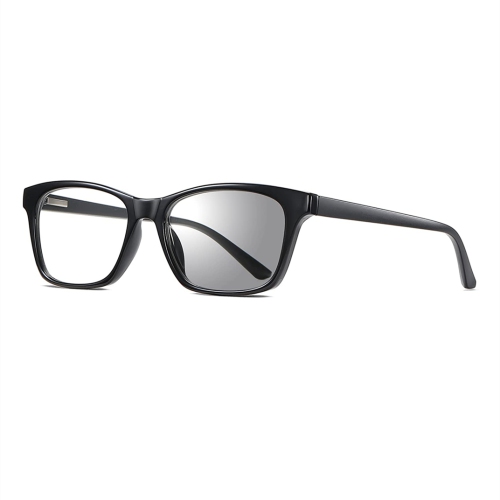
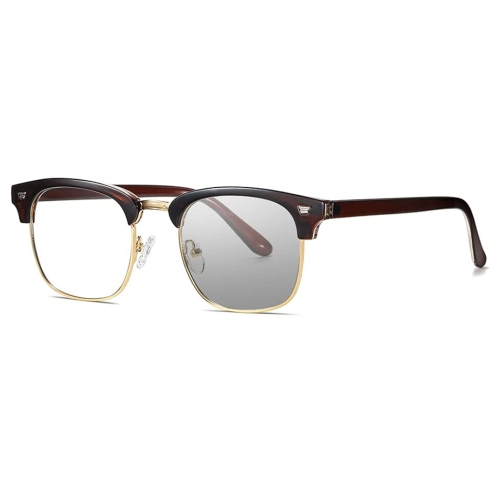
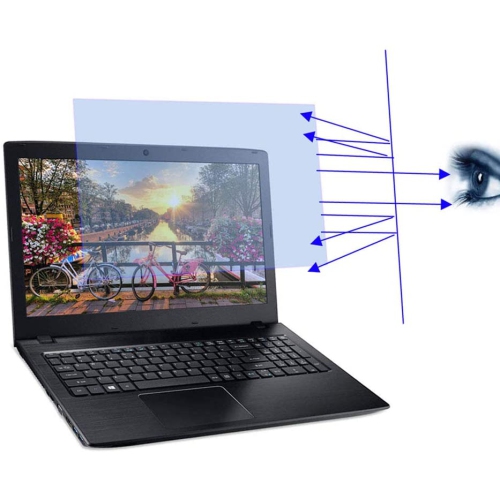
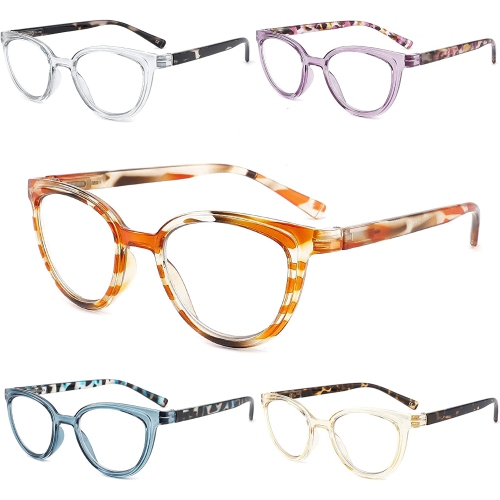
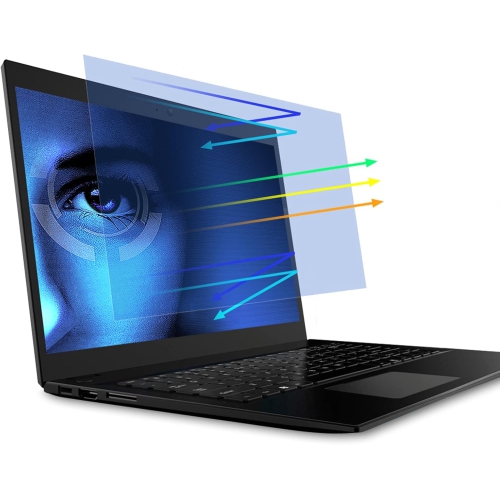
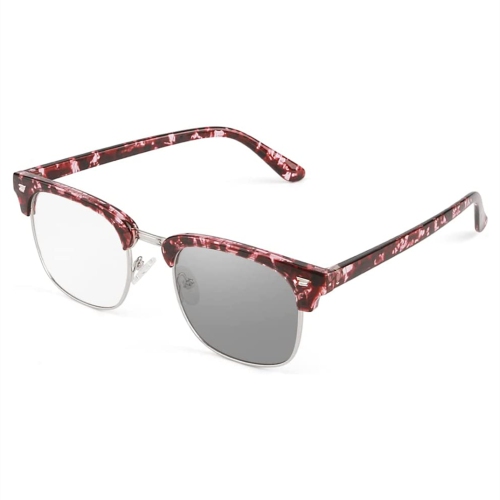
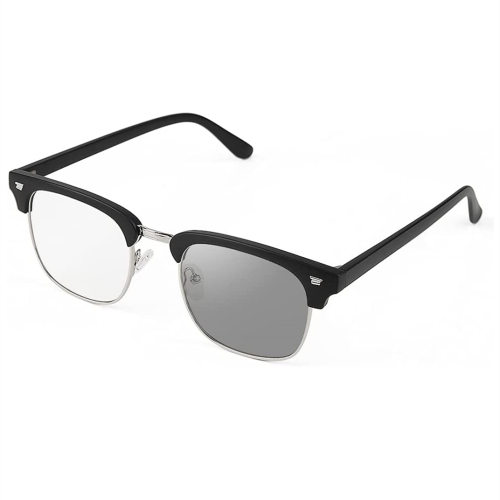
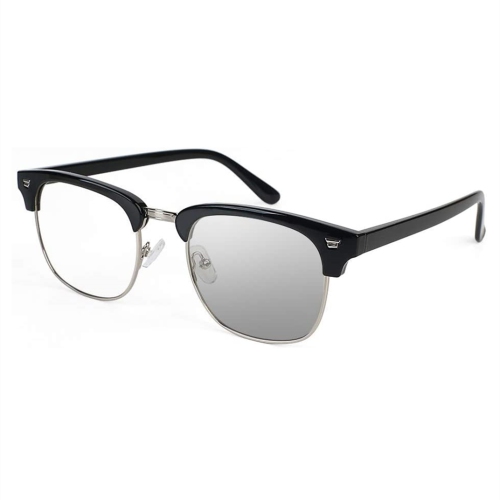
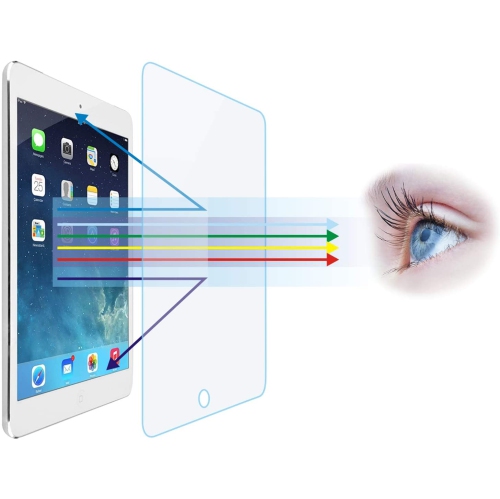
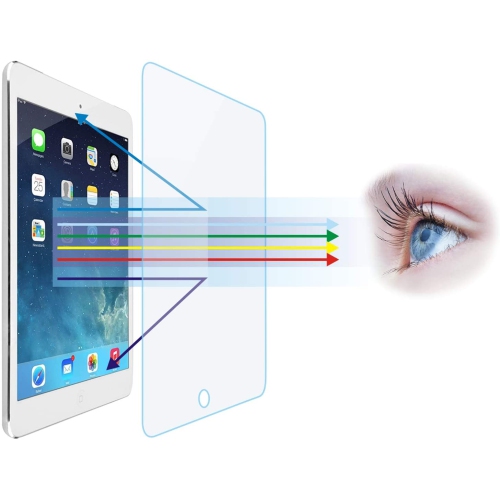
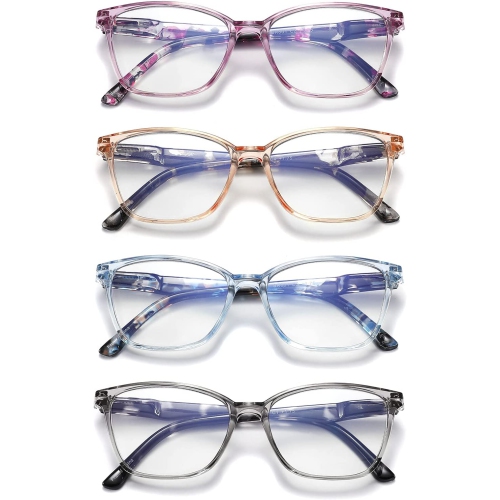
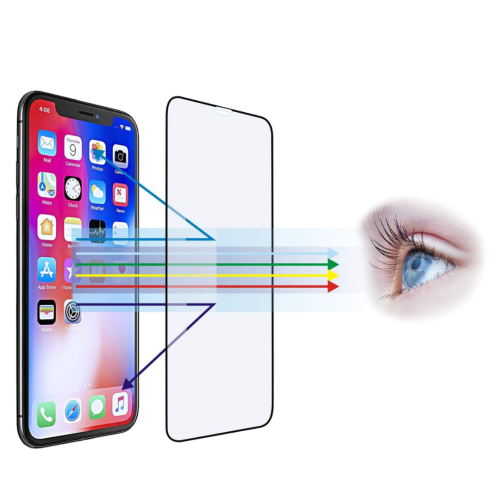
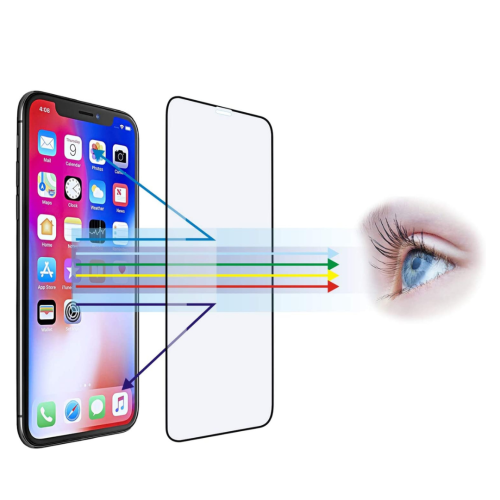
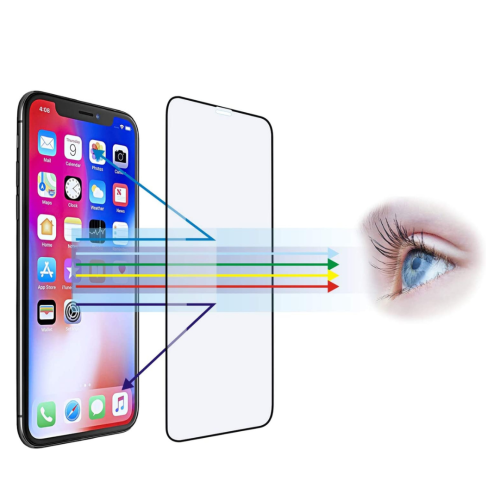
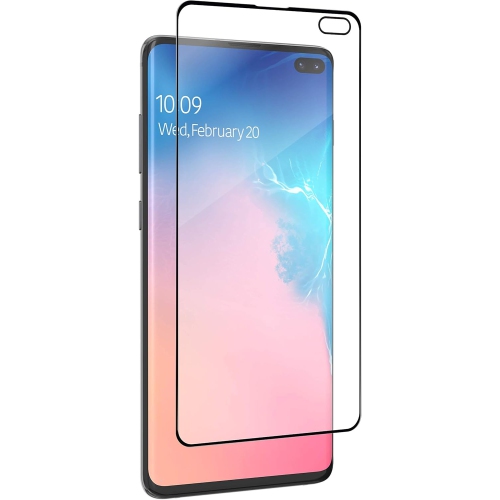
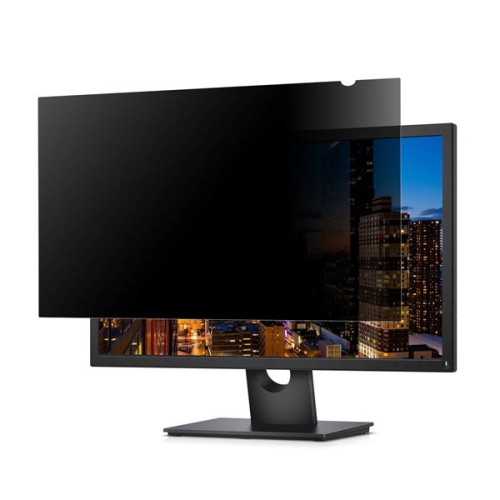
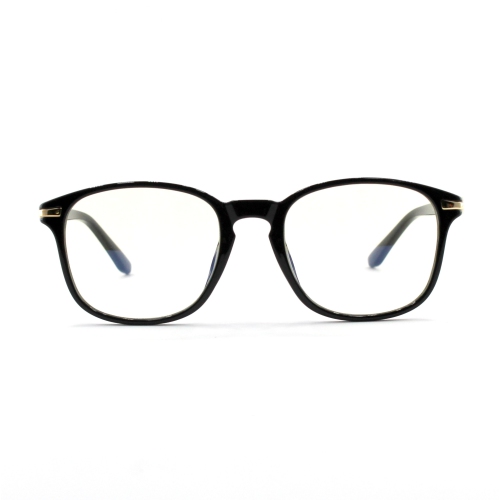
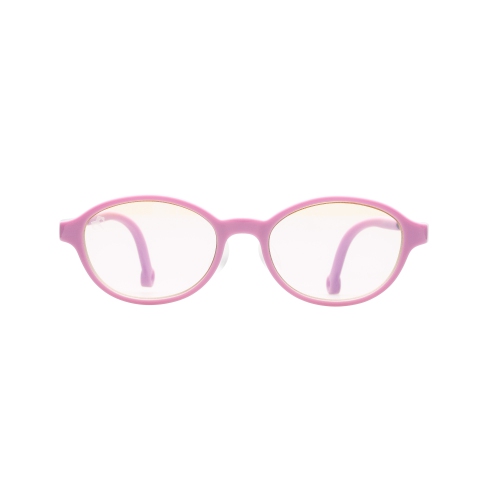
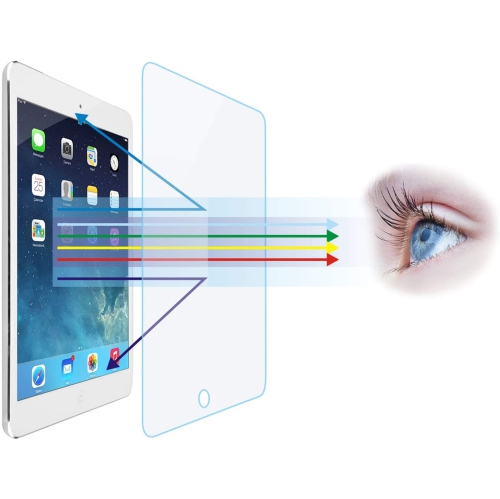
Blue light filters are designed to reduce the amount of short-wavelength blue light reaching your eyes from digital displays. They may be built into a phone, tablet, computer, monitor or e-reader as a software setting, or they may come as a physical screen accessory or pair of glasses. Software filters typically shift the display towards warmer amber, yellow or reddish tones, while physical filters can be placed over a screen to alter the light passing through it. These options can be useful for people who spend long periods reading, working, studying, gaming or watching content on screens, particularly during the evening when a bright, cool-toned display may feel more noticeable in a dim room. Many people also use blue light filters as part of a more comfortable bedtime routine. Exposure to bright light in the evening can affect the body’s natural production of melatonin, and reducing the intensity or coolness of a display may help create a gentler transition from screen time to sleep. Results can vary from person to person, and a filter is not a replacement for good sleep habits or professional medical advice, but it can be a practical adjustment for anyone looking to make digital activities feel easier on the eyes. A warm display may be especially welcome during the cooler months, when darker mornings and earlier evenings often mean more time using screens indoors. Students reviewing notes at a desk, remote workers finishing tasks after dinner, readers relaxing before bed and families sharing a television or tablet can all find a place for this type of accessory or setting in their daily routines. They can also make thoughtful gifts for people who work from home, spend time at a computer, enjoy late-night gaming or are setting up a new study area. For additional eyewear options intended to help manage blue light exposure, explore Blue Light Blockers.
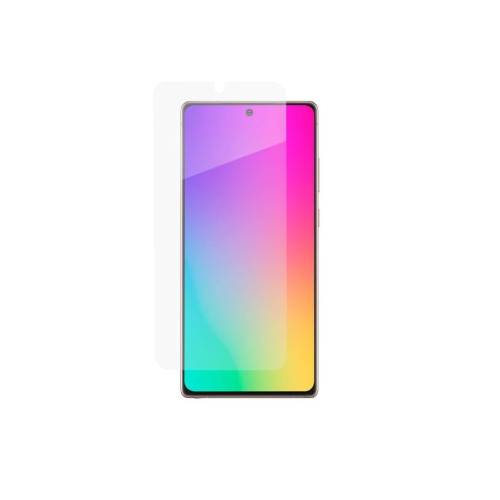
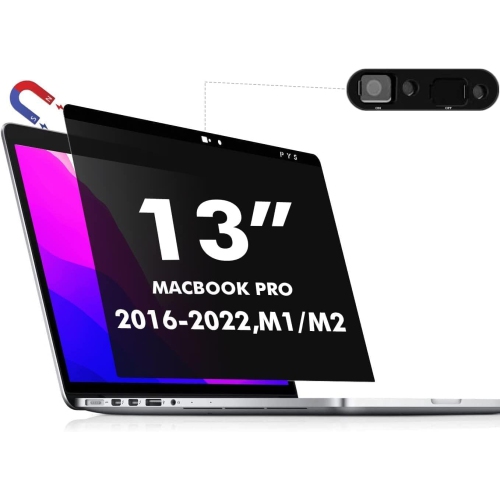
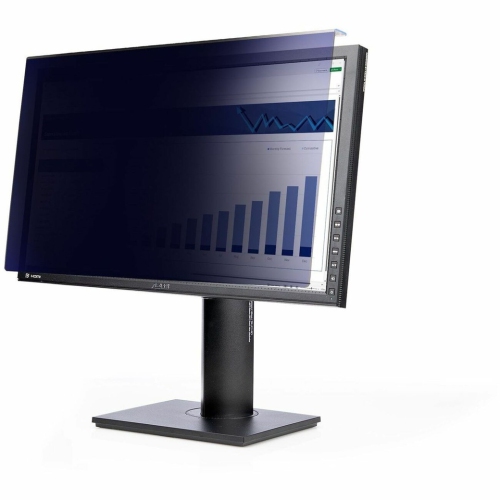
When choosing a blue light filter, start with the screen or device it will be used with and check the required dimensions, mounting method and compatibility details. A filter made for a desktop monitor may not suit a laptop, while a screen protector designed for one display size may leave gaps or interfere with a case on another device. Physical overlays should sit securely without slipping, bubbling or creating distracting reflections, and they should preserve enough clarity for reading small text, viewing photos or completing detailed work. If the screen supports touch controls, look for a filter intended to maintain touch sensitivity. Anti-glare properties can be helpful in rooms with overhead lighting or windows, while a removable design may suit shared workstations, classrooms and household devices used by more than one person. For glasses, consider lens tint, frame comfort, fit, prescription requirements and whether the glasses are intended for daytime use, evening use or both. A stronger amber tint may make colours appear less accurate, which can matter for photo editing, design, shopping or any task where colour matching is important. A lighter tint may offer a more neutral viewing experience but may not create the same noticeable shift in tone. Software options provide another flexible approach because they can usually be adjusted, scheduled or turned off when accurate colour is needed. On many mobile devices, a setting such as Night Shift, Eye Comfort or Night Light can be found through the display settings or the quick-access control panel. Computers commonly offer a night-light or night-shift option within display preferences. These settings can be scheduled to activate automatically in the evening and return to a normal colour profile in the morning, reducing the need to remember to change them manually. Brightness is also worth considering: lowering a display to a comfortable level, avoiding glare and keeping the screen at a sensible distance can make a bigger difference than colour temperature alone. A filter should complement, rather than replace, regular breaks, comfortable room lighting and a suitable viewing position.
Different users may prefer different approaches. Someone who reads messages in bed may appreciate a warm software setting that can be scheduled after sunset, while a professional who works in a bright office may prefer an anti-glare overlay that remains in place throughout the day. A gamer or movie watcher may choose an option that reduces cool tones without making the image feel overly orange, and a student may value a removable filter that works across study sessions without permanently changing the display. People who move between a home office, classroom and shared workspace may prefer lightweight glasses that travel easily in a case. When comparing options, think about how often the screen is used, whether several people will share it, how important colour accuracy is and whether the solution should be adjustable or always present. It is also useful to consider cleaning and care: smooth surfaces are easier to wipe, while coatings and lenses may require a soft cloth and manufacturer-approved method to avoid scratches. Blue light filters can make long periods of digital activity feel more comfortable for some users, but eye fatigue may also be related to dryness, glare, uncorrected vision or extended close-up focus. Following the 20-20-20 habit—looking at something about 20 feet away for 20 seconds every 20 minutes—can provide regular pauses during concentrated screen work. Blinking often, adjusting text size and keeping a lamp on instead of using a bright screen in a completely dark room can help create a more balanced setup. With the right fit and features, a blue light filter can become a simple part of a desk, bedside or travel routine, helping screens feel less harsh while supporting a more comfortable way to work, learn and unwind.
When choosing a blue light filter, start with the screen or device it will be used with and check the required dimensions, mounting method and compatibility details. A filter made for a desktop monitor may not suit a laptop, while a screen protector designed for one display size may leave gaps or interfere with a case on another device. Physical overlays should sit securely without slipping, bubbling or creating distracting reflections, and they should preserve enough clarity for reading small text, viewing photos or completing detailed work. If the screen supports touch controls, look for a filter intended to maintain touch sensitivity. Anti-glare properties can be helpful in rooms with overhead lighting or windows, while a removable design may suit shared workstations, classrooms and household devices used by more than one person. For glasses, consider lens tint, frame comfort, fit, prescription requirements and whether the glasses are intended for daytime use, evening use or both. A stronger amber tint may make colours appear less accurate, which can matter for photo editing, design, shopping or any task where colour matching is important. A lighter tint may offer a more neutral viewing experience but may not create the same noticeable shift in tone. Software options provide another flexible approach because they can usually be adjusted, scheduled or turned off when accurate colour is needed. On many mobile devices, a setting such as Night Shift, Eye Comfort or Night Light can be found through the display settings or the quick-access control panel. Computers commonly offer a night-light or night-shift option within display preferences. These settings can be scheduled to activate automatically in the evening and return to a normal colour profile in the morning, reducing the need to remember to change them manually. Brightness is also worth considering: lowering a display to a comfortable level, avoiding glare and keeping the screen at a sensible distance can make a bigger difference than colour temperature alone. A filter should complement, rather than replace, regular breaks, comfortable room lighting and a suitable viewing position.
Different users may prefer different approaches. Someone who reads messages in bed may appreciate a warm software setting that can be scheduled after sunset, while a professional who works in a bright office may prefer an anti-glare overlay that remains in place throughout the day. A gamer or movie watcher may choose an option that reduces cool tones without making the image feel overly orange, and a student may value a removable filter that works across study sessions without permanently changing the display. People who move between a home office, classroom and shared workspace may prefer lightweight glasses that travel easily in a case. When comparing options, think about how often the screen is used, whether several people will share it, how important colour accuracy is and whether the solution should be adjustable or always present. It is also useful to consider cleaning and care: smooth surfaces are easier to wipe, while coatings and lenses may require a soft cloth and manufacturer-approved method to avoid scratches. Blue light filters can make long periods of digital activity feel more comfortable for some users, but eye fatigue may also be related to dryness, glare, uncorrected vision or extended close-up focus. Following the 20-20-20 habit—looking at something about 20 feet away for 20 seconds every 20 minutes—can provide regular pauses during concentrated screen work. Blinking often, adjusting text size and keeping a lamp on instead of using a bright screen in a completely dark room can help create a more balanced setup. With the right fit and features, a blue light filter can become a simple part of a desk, bedside or travel routine, helping screens feel less harsh while supporting a more comfortable way to work, learn and unwind.
Top selling and popular products
-
 Your price for this item is $34.95
 -
 Your price for this item is $129.99
 -
 Your price for this item is $69.99
 -
 Your price for this item is $69.99
 -
 Your price for this item is $99.99
 -
 Your price for this item is $124
 -
 Your price for this item is $256.68
 -
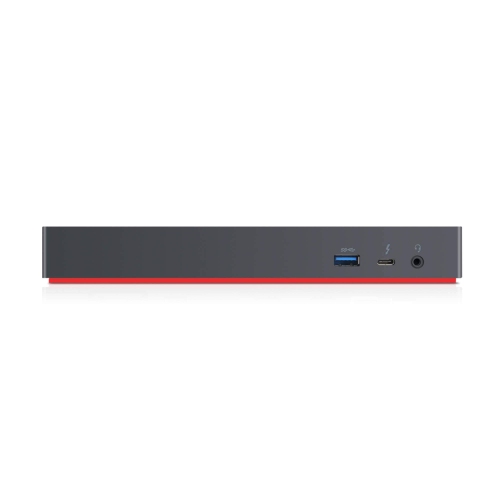 Your price for this item is $300
Discover more categories related to Blue Light Filters
Top Collections:
Pokemon Centers, Kindle Devices, Best Budget Office Chairs, Apple iPhones 16, Best Laptops for Writers, iPhone 15 Apple, Canon G7X Cameras, Refurbished Apple Laptops, Alarm Clock, Motorola Razr Phones
Some products may be subject to Environmental Handling Fees
(EHF) depending on your province.
Learn more about EHFs.