Blue Light Blockers
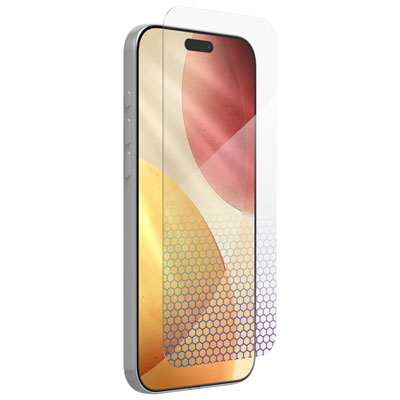
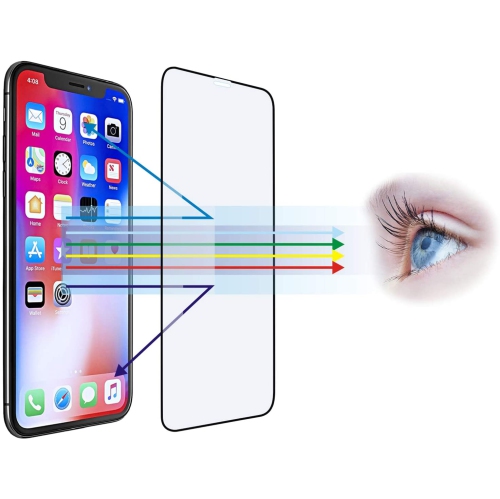
Blue light blockers are essential accessories for anyone who spends extended periods in front of digital screens. These innovative lenses are designed to filter out harmful blue light emitted by electronic devices, helping to reduce eye strain, improve sleep quality, and protect your eyes from potential damage. Whether you're working on a computer, scrolling through your phone, or binge-watching your favorite shows, blue light blockers offer a stylish and practical solution to minimize the negative effects of screen time. Discover a range of options that combine fashion with function to keep your eyes feeling fresh and comfortable throughout the day.
Sort
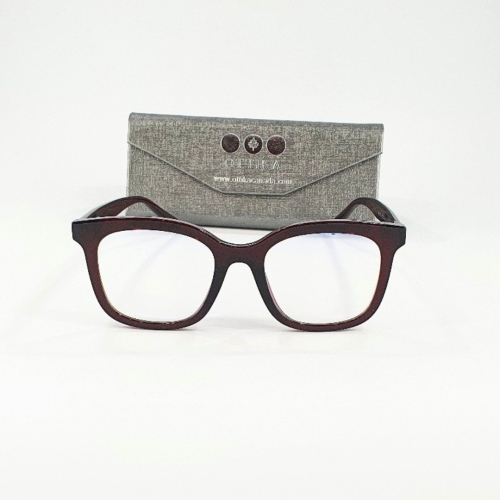
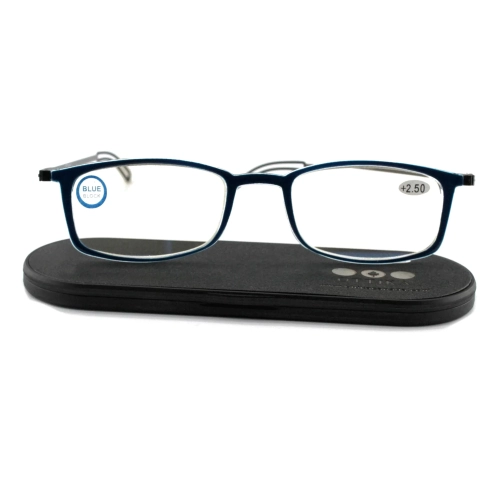

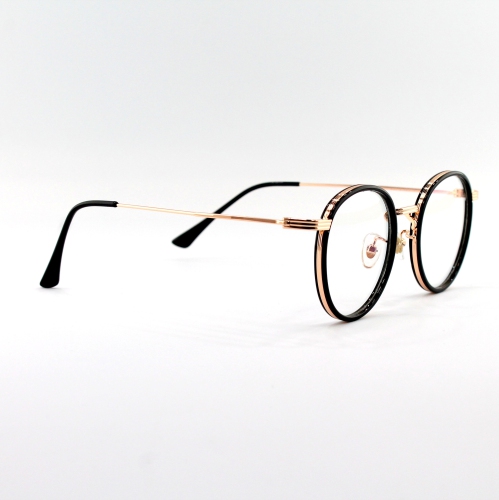
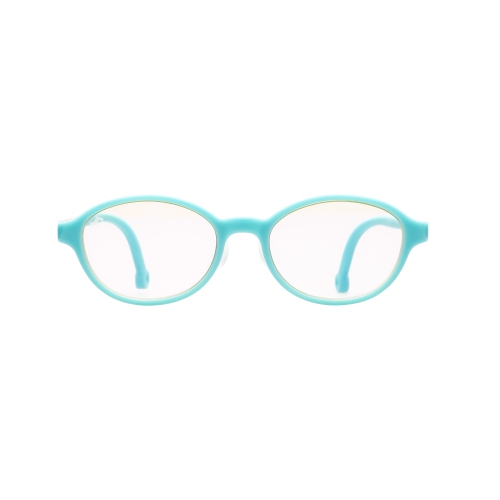
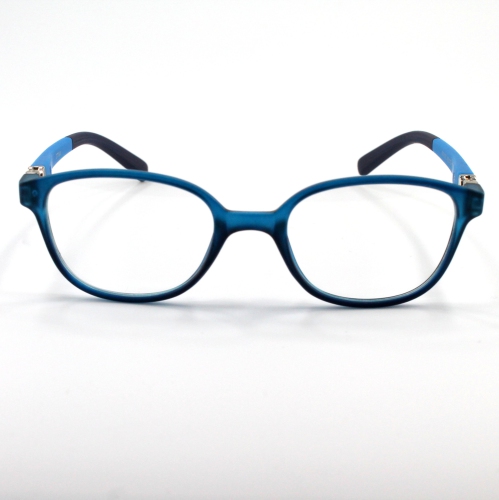
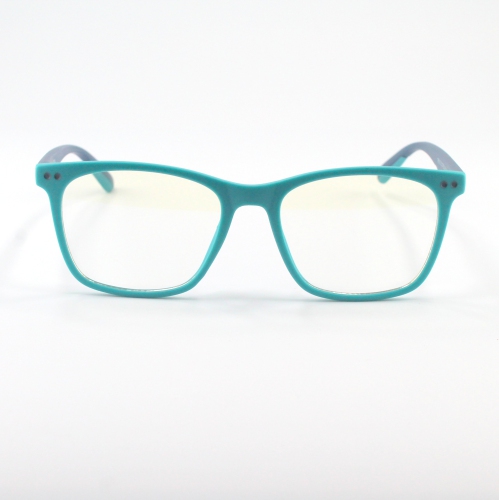
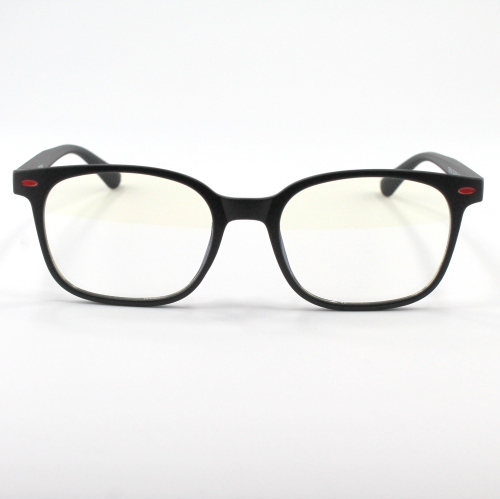
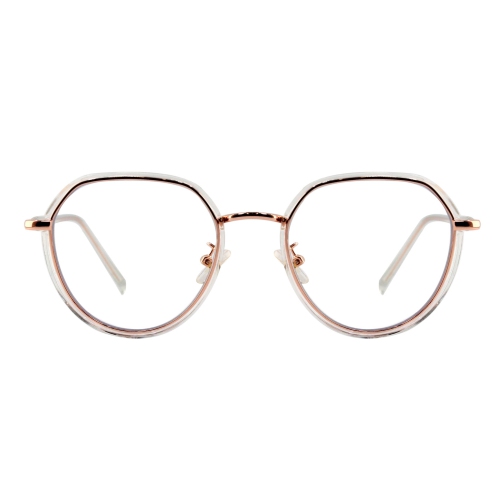
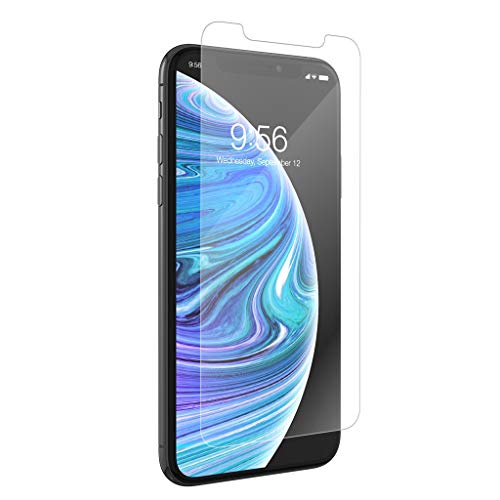
![CC Topsave [1 Piece] Anti Light, Protect Your Eyes for Better Sleep Tempered Glass, 9H Hardness, Case Friendly for Iphone 13 Pro Max (6.7") In Blue](https://multimedia.bbycastatic.ca/multimedia/products/500x500/159/15952/15952733.jpeg)
![CC Topsave [1 Piece] Anti Light, Protect Your Eyes for Better Sleep Tempered Glass, 9H Hardness, Case Friendly for Iphone 12 Pro Max (6.7") In Blue](https://multimedia.bbycastatic.ca/multimedia/products/500x500/159/15952/15952726.jpeg)
![CC Topsave [1 Piece] Anti Light, Protect Your Eyes for Better Sleep Tempered Glass, 9H Hardness, Case Friendly for Iphone 13 Mini (5.4") In Blue](https://multimedia.bbycastatic.ca/multimedia/products/500x500/159/15952/15952729.jpeg)
![CC Topsave [1 Piece] Anti Light, Protect Your Eyes for Better Sleep Tempered Glass, 9H Hardness, Case Friendly for Iphone 12, Iphone 12 Pro (6.1")](https://multimedia.bbycastatic.ca/multimedia/products/500x500/159/15952/15952728.jpeg)
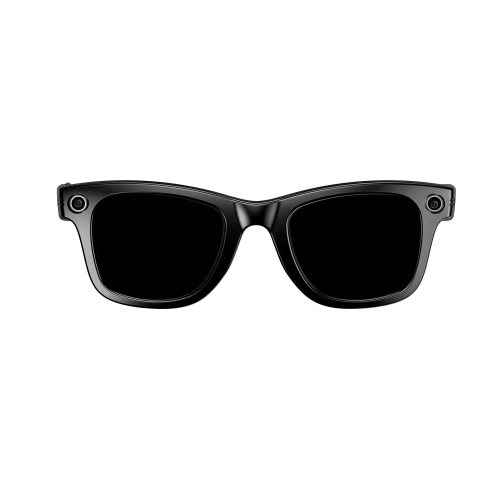
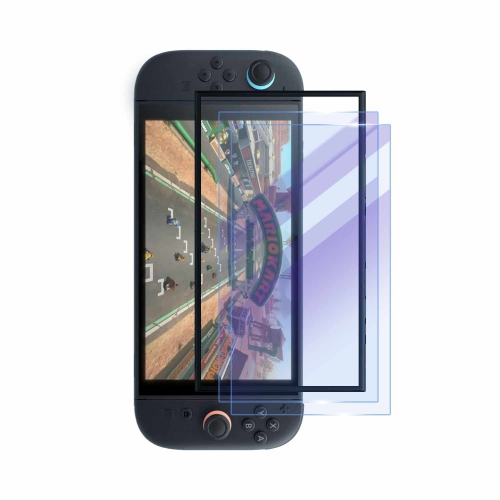
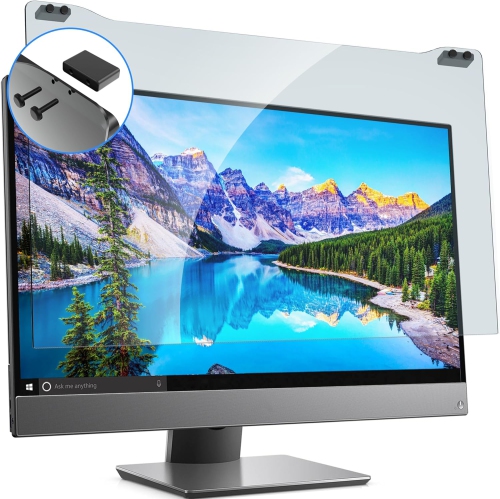
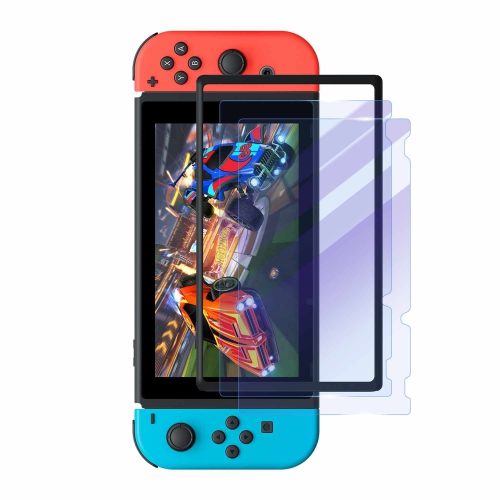
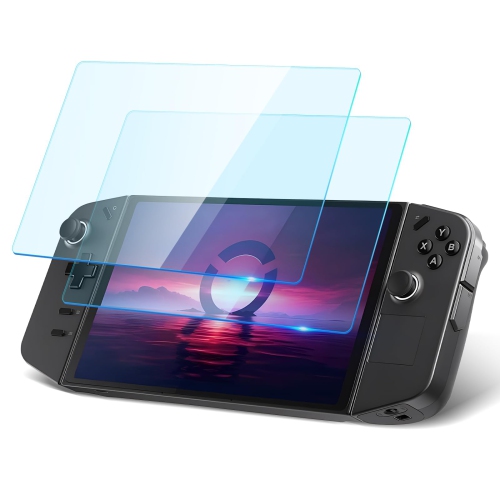
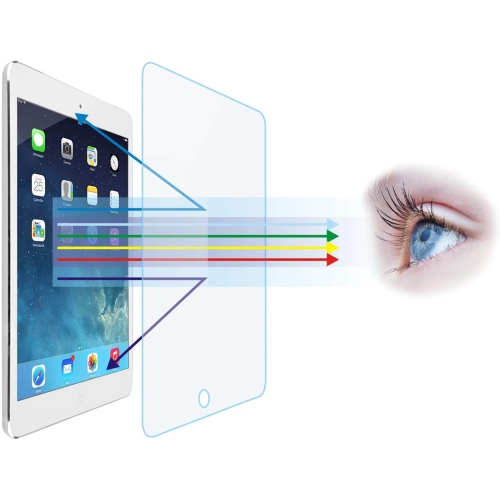
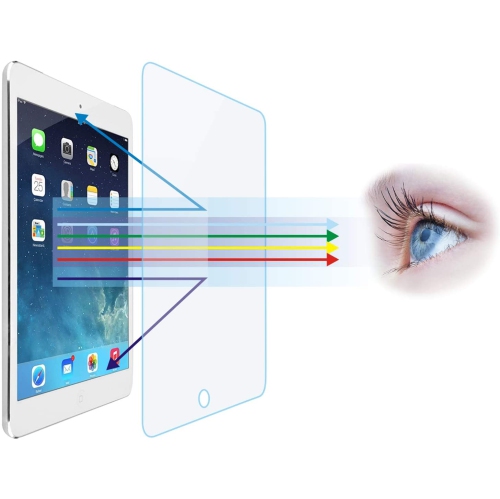
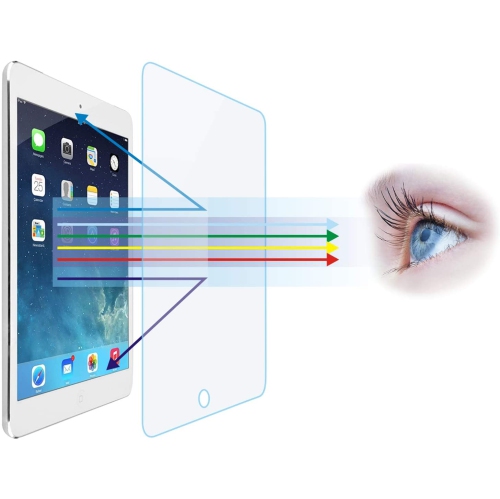
![GENERIC Anti-Blue Light Tempered Glass Screen Protector[2 Pack] for Ipad Air 3 & Ipad Pro 10.5"[Eye Care, Relieve Eye](https://multimedia.bbycastatic.ca/multimedia/products/500x500/198/19879/19879127.jpeg)
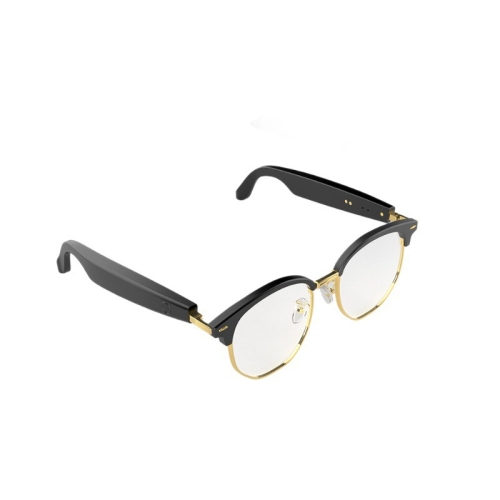
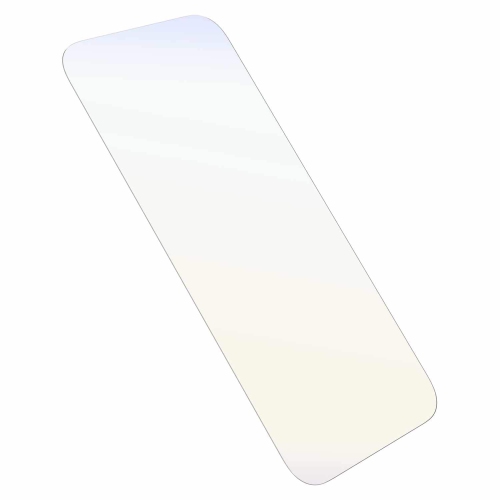
![GENERIC [2 Pack] Blue-Light Ing Privacy Screen Protector for Iphone 14 Pro, Anti-Spy Anti-Blue Light Eye Protection](https://multimedia.bbycastatic.ca/multimedia/products/500x500/199/19999/19999980.jpeg)

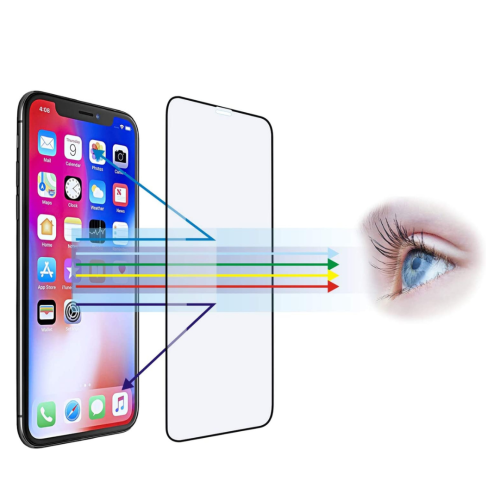
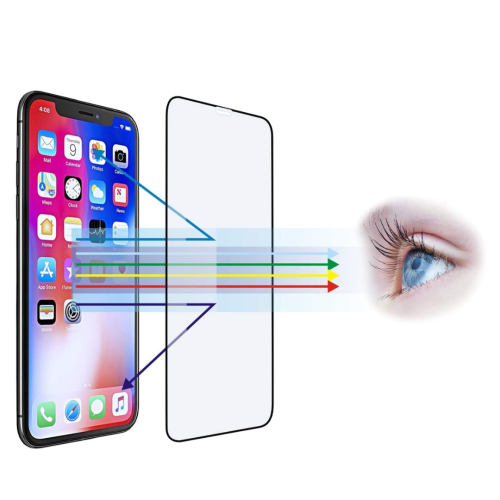
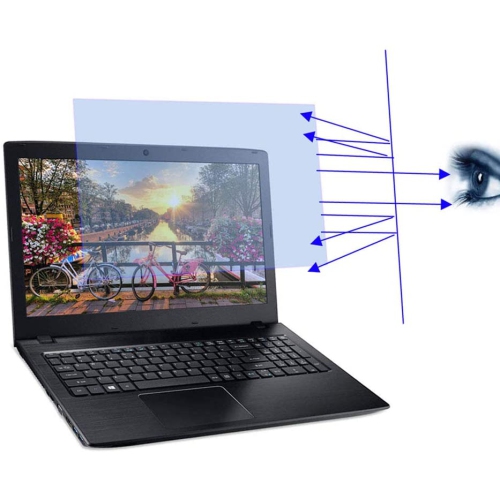
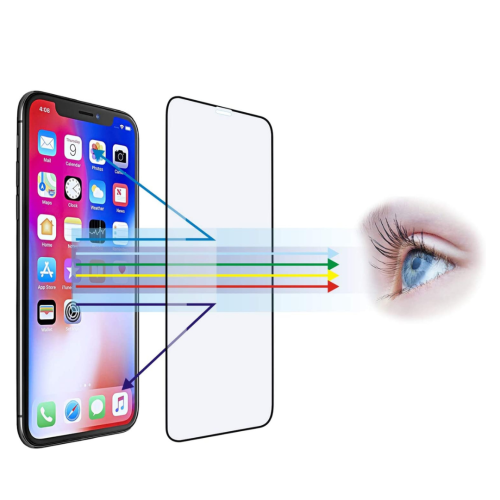
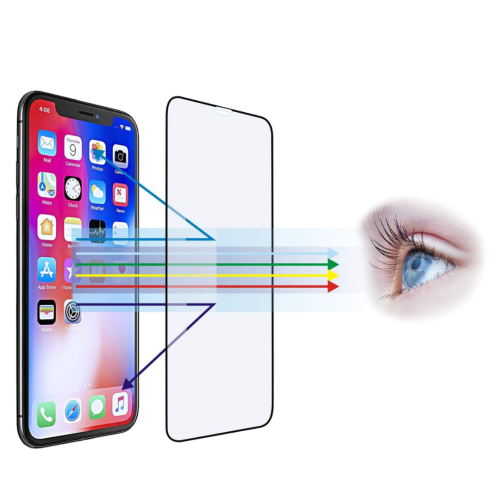
![GENERIC [2 Pack] Blue-Light Ing Privacy Screen Protector for Iphone 14 Pro Max, Anti-Spy Anti-Blue Light Eye Protection](https://multimedia.bbycastatic.ca/multimedia/products/500x500/199/19925/19925666.jpeg)
How glasses and filters fit different screen routines
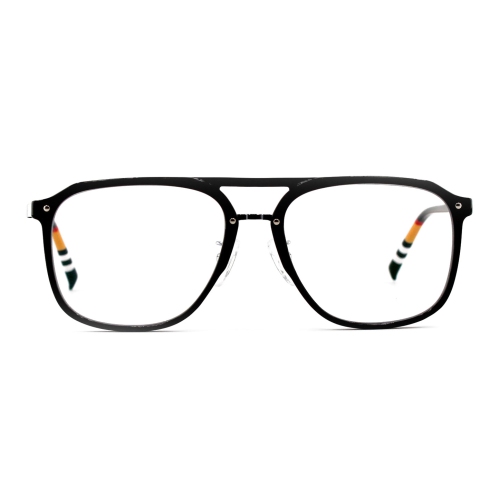
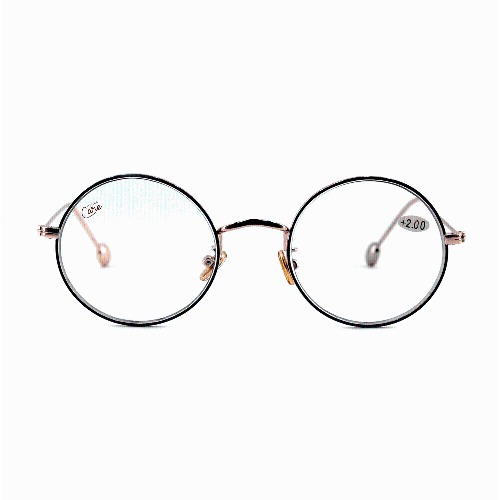
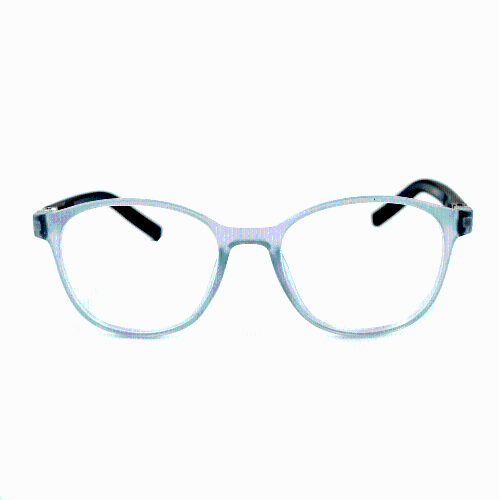
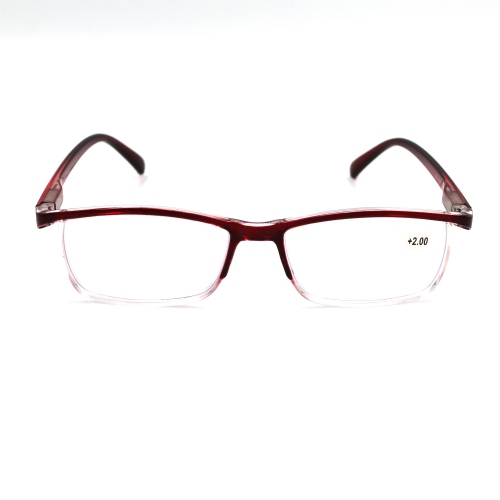
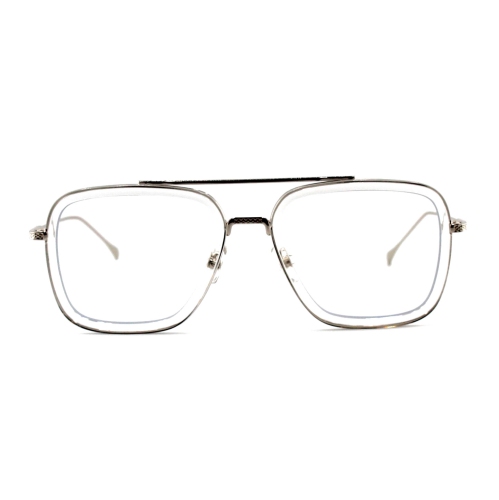
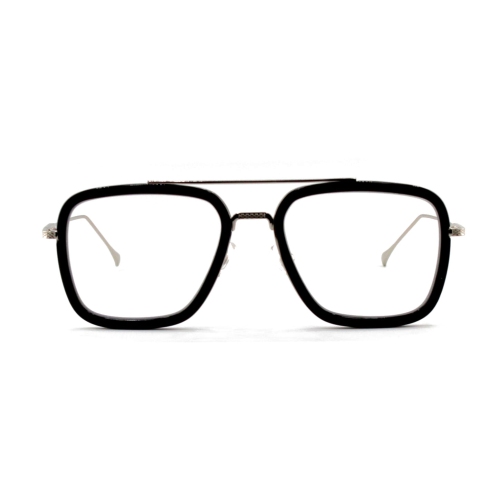
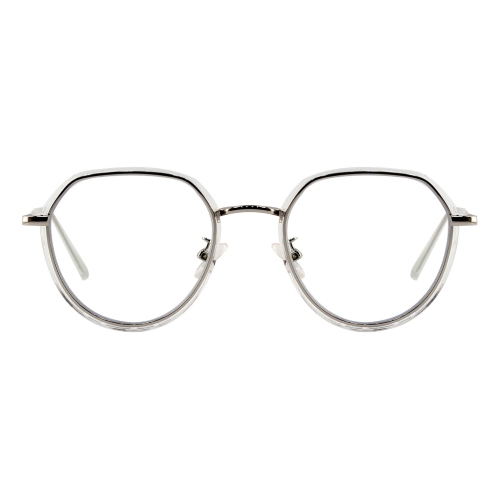
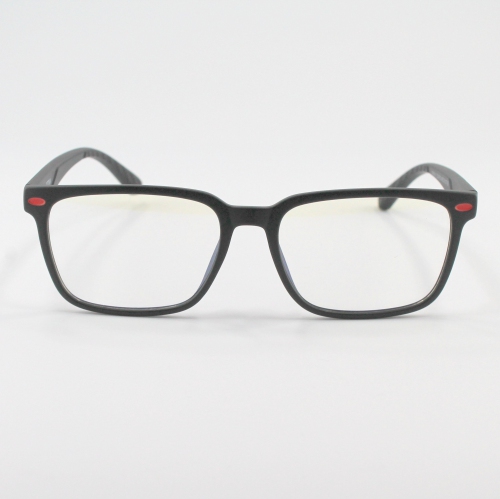
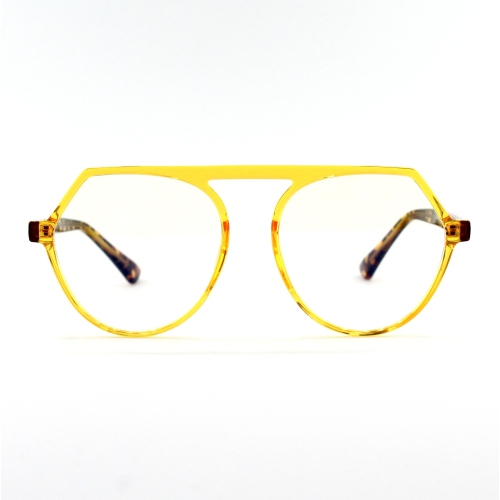
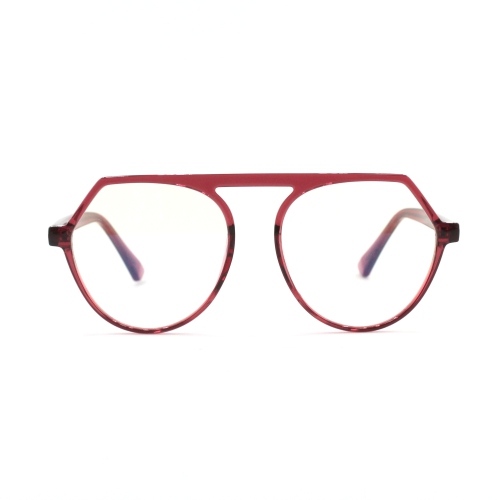
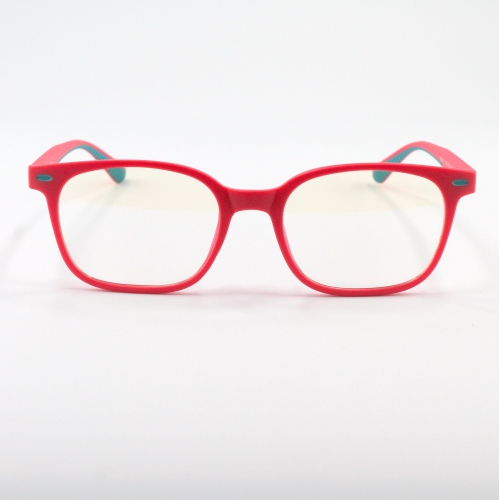
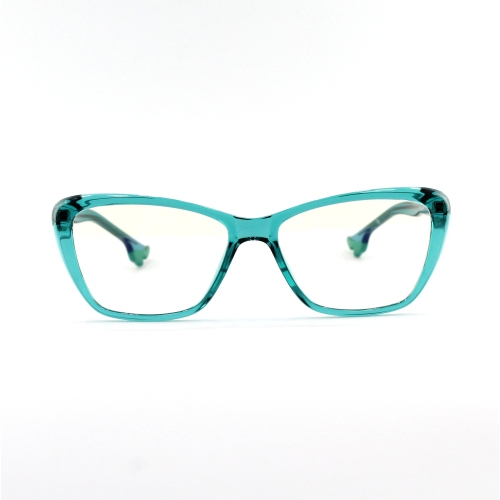
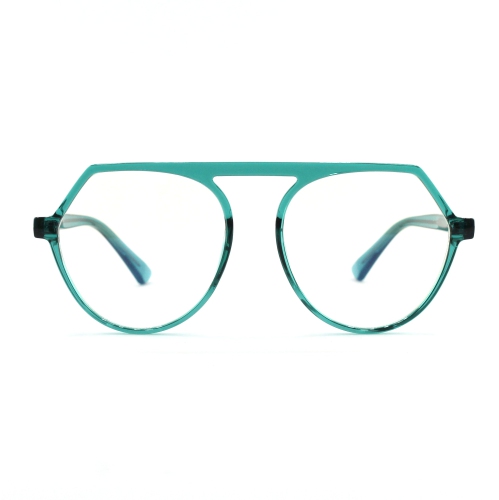
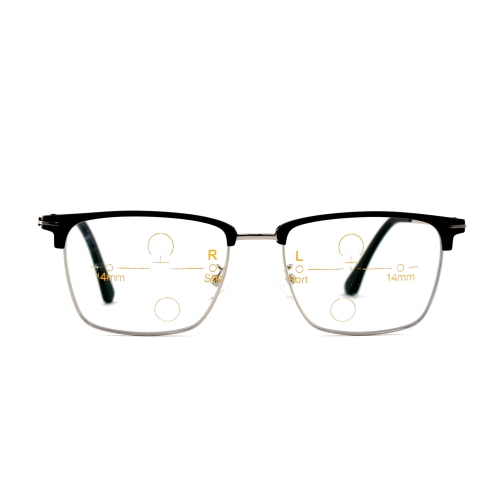
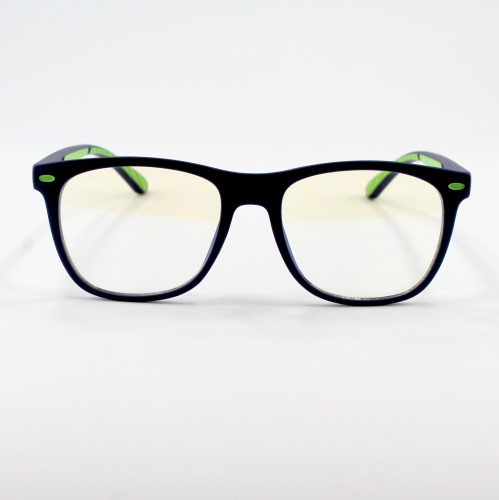
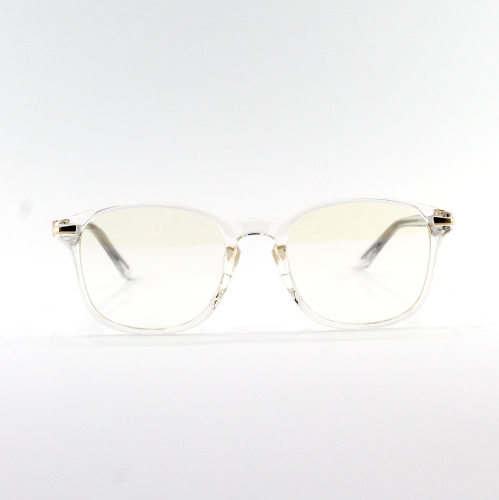
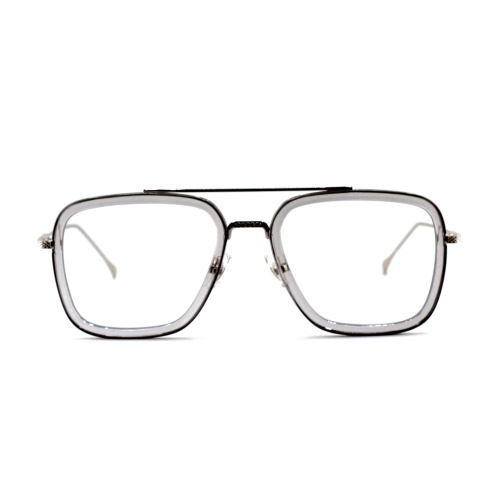
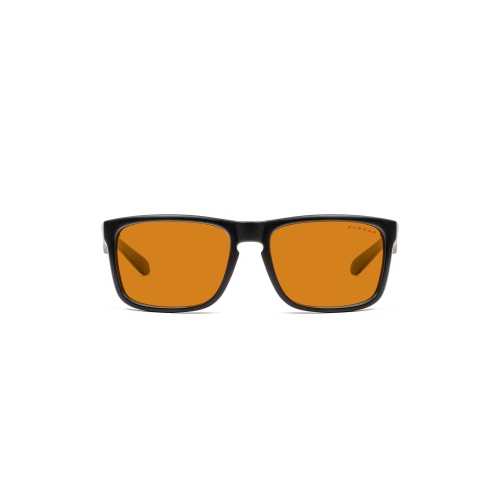
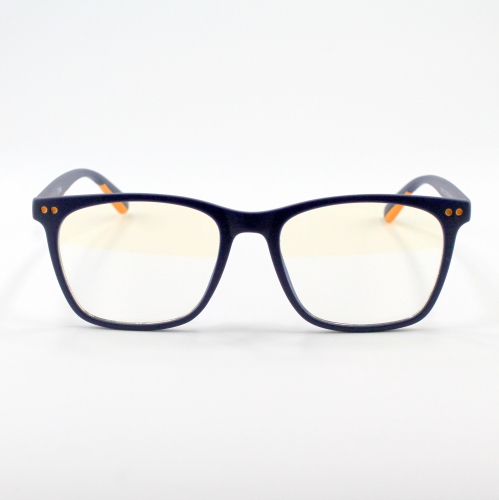
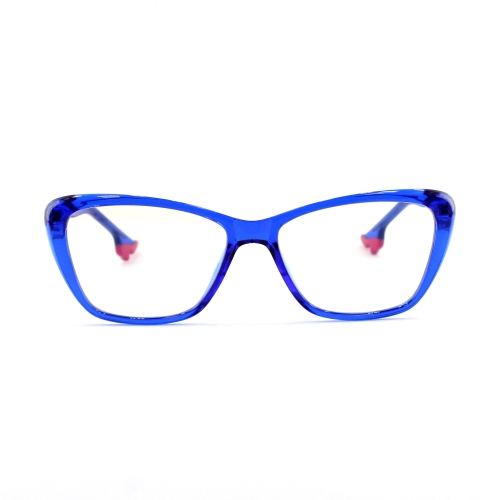
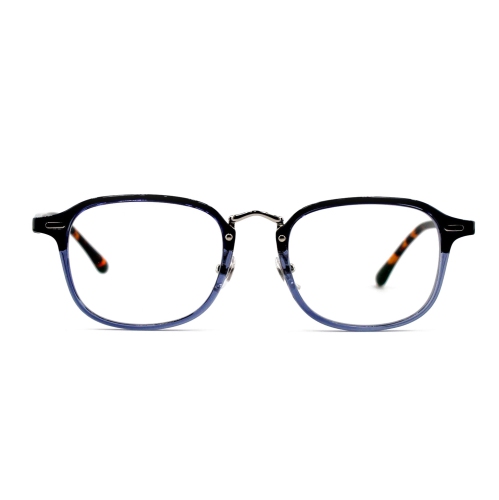
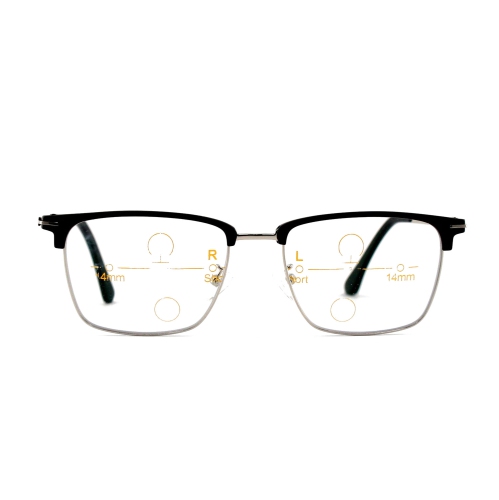
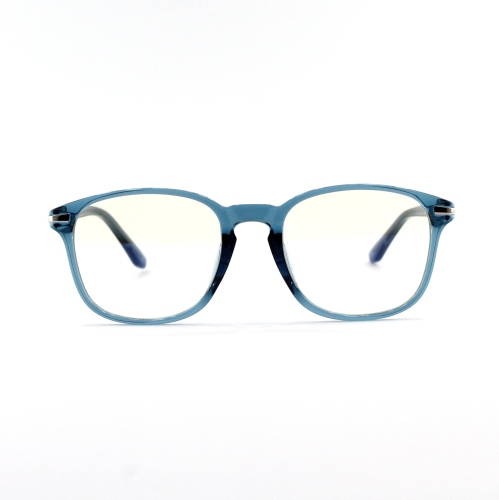
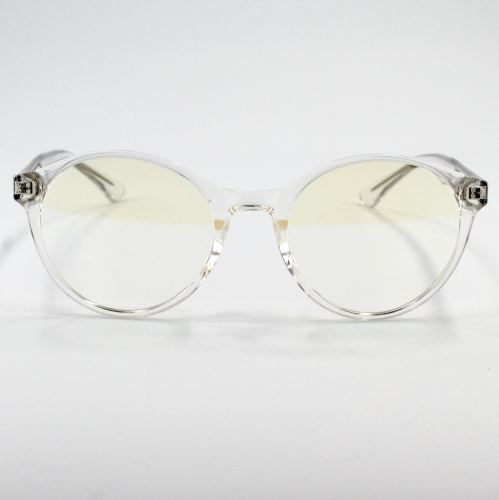
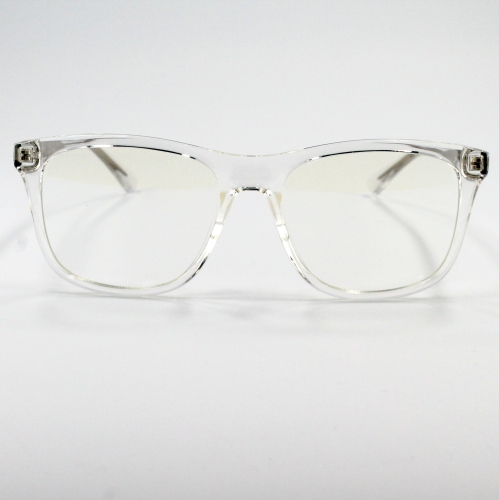
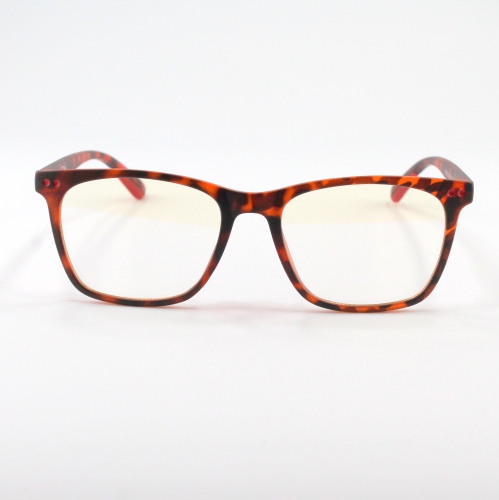
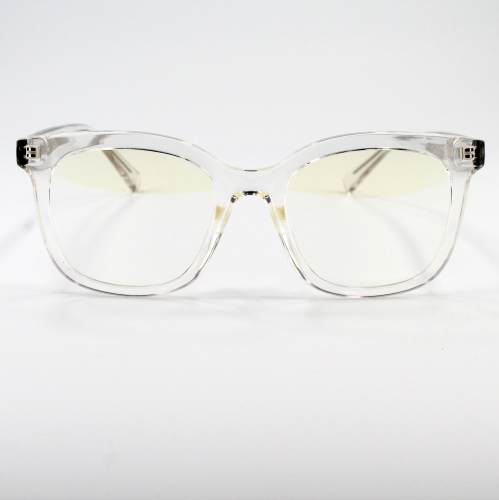
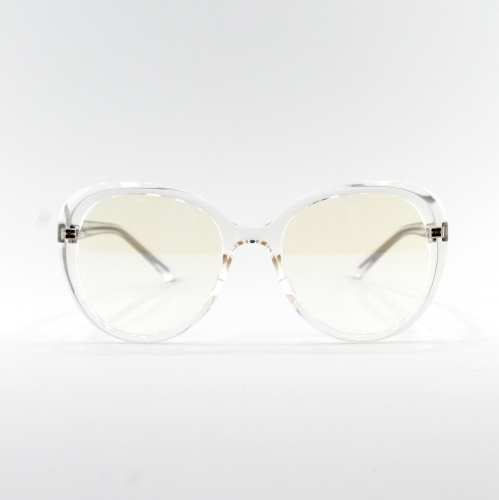
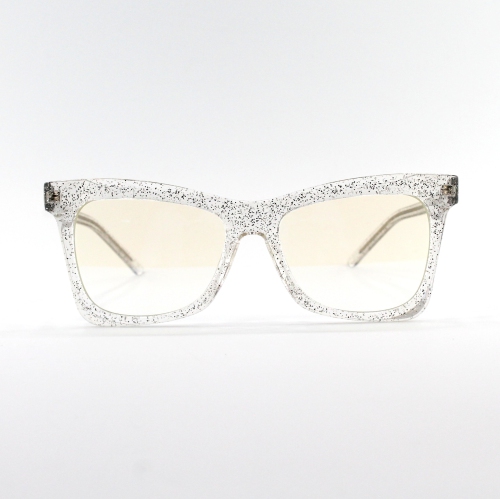
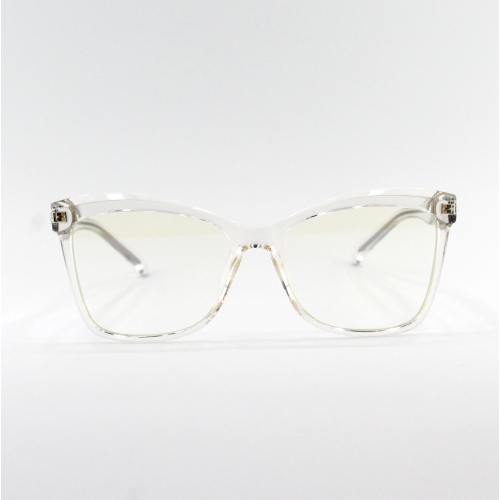
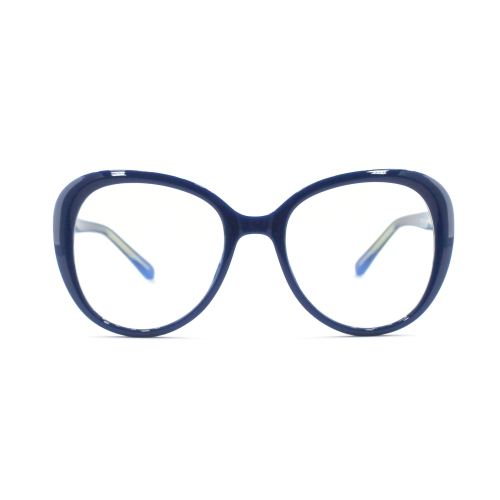
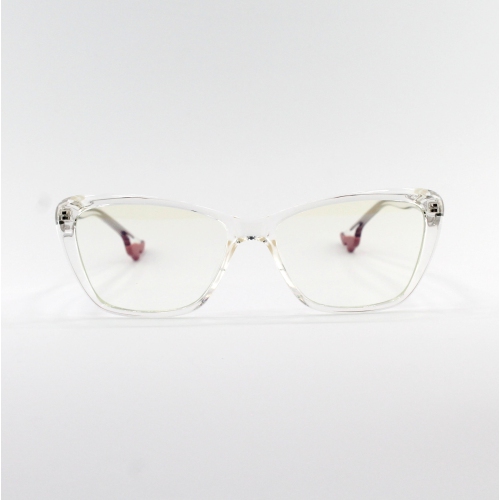
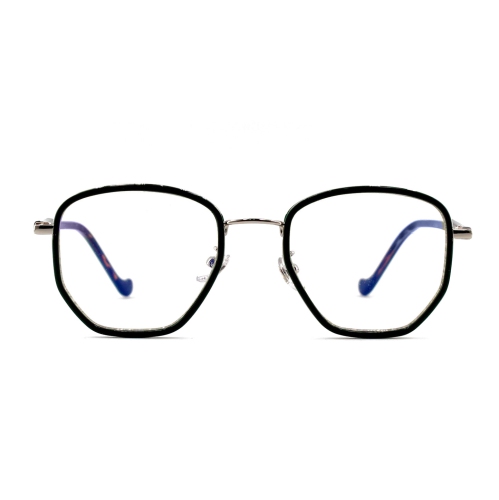
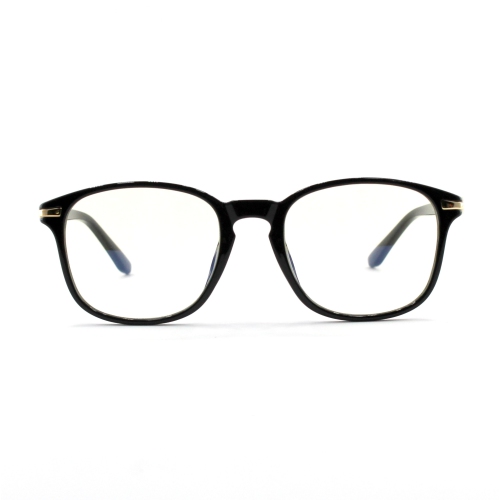
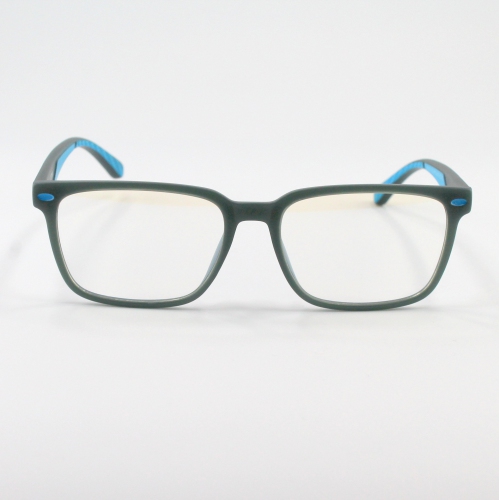
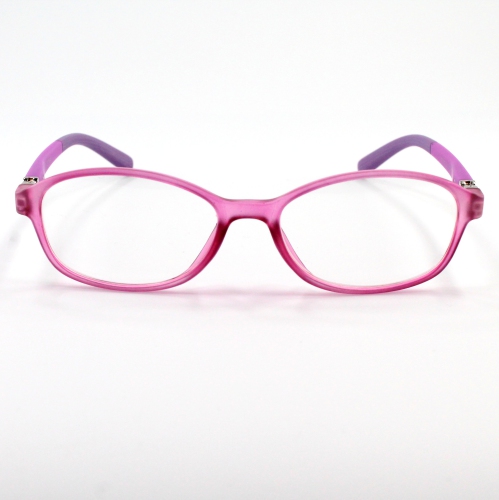
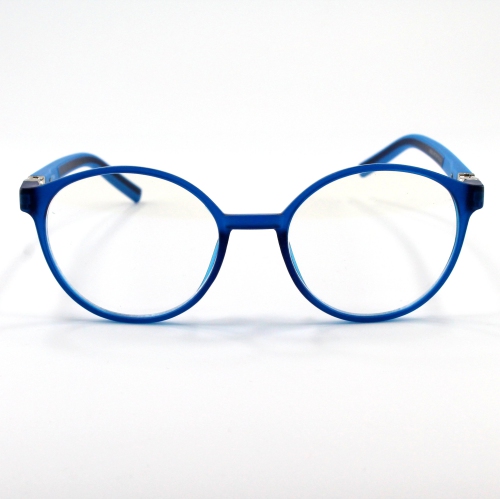
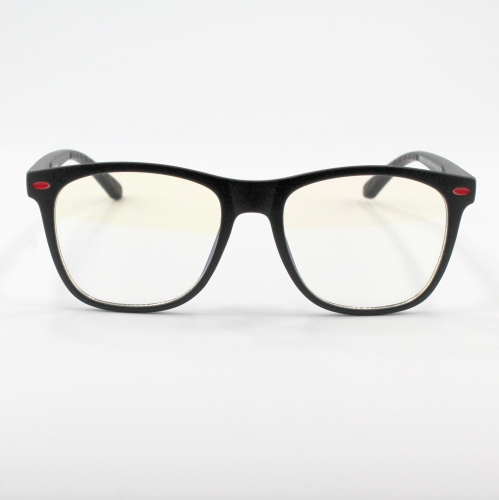
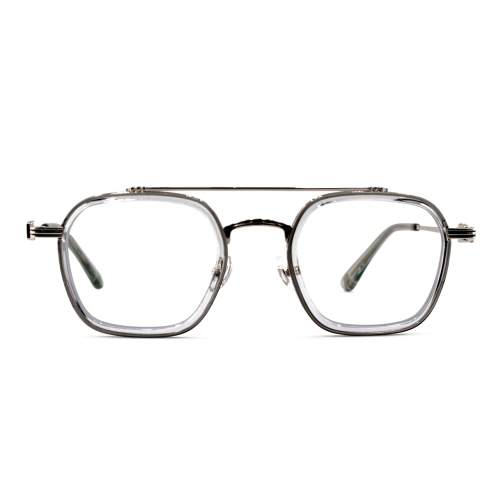
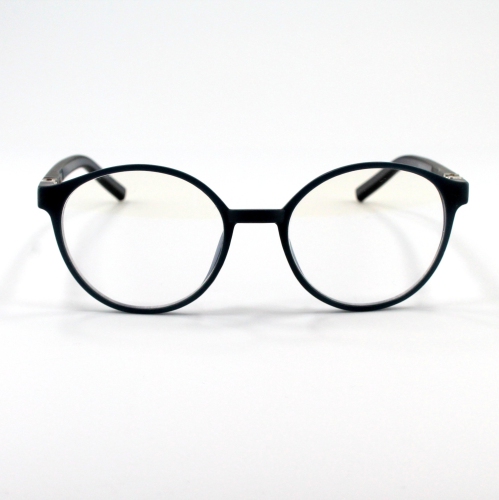
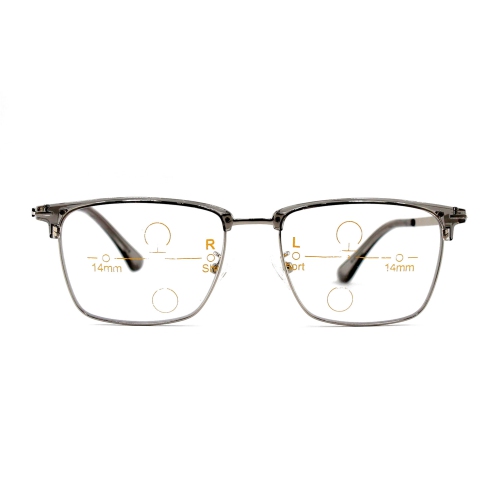
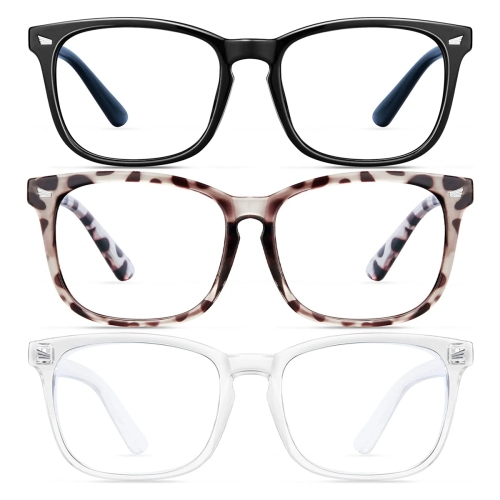
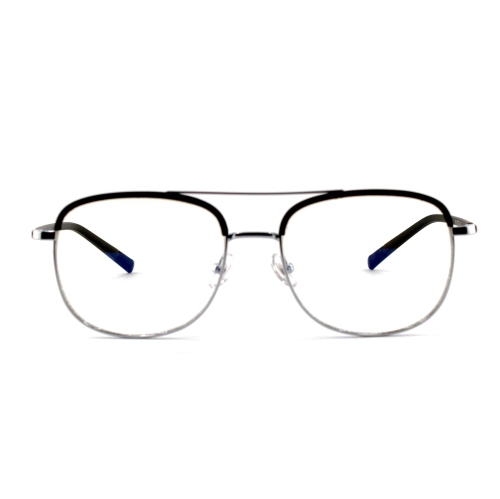
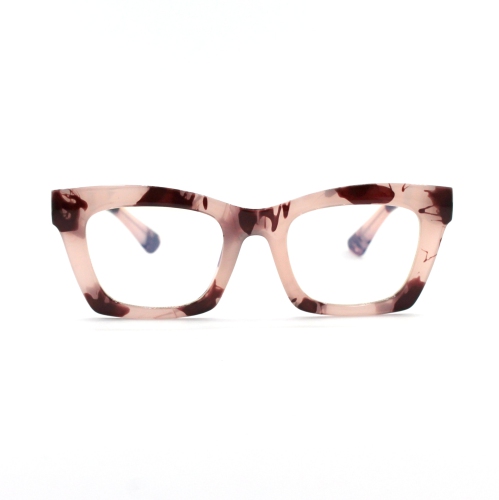
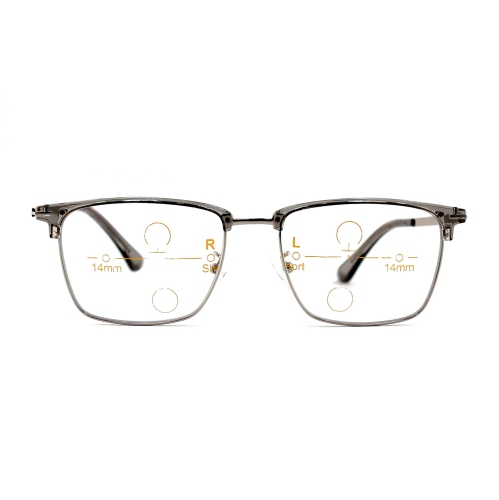
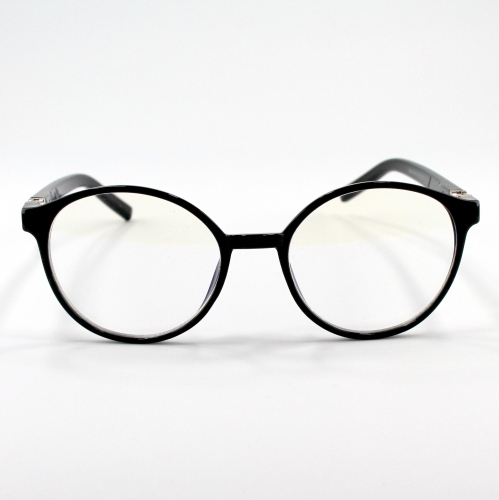
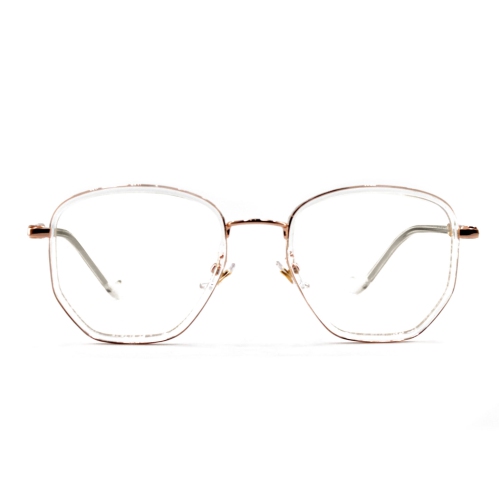
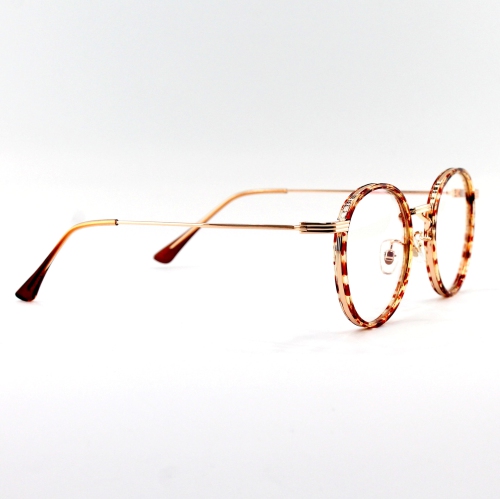
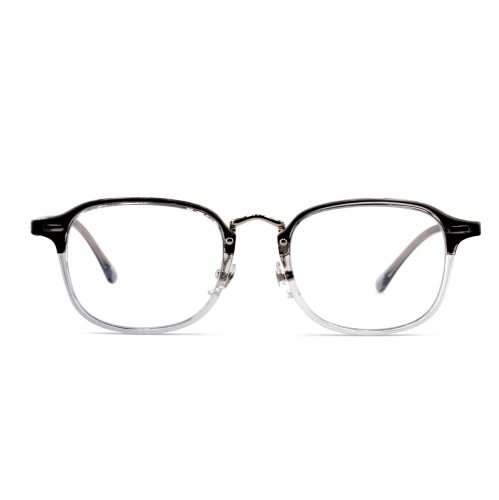
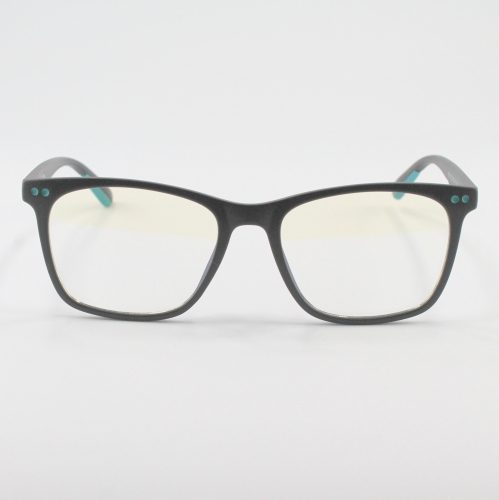
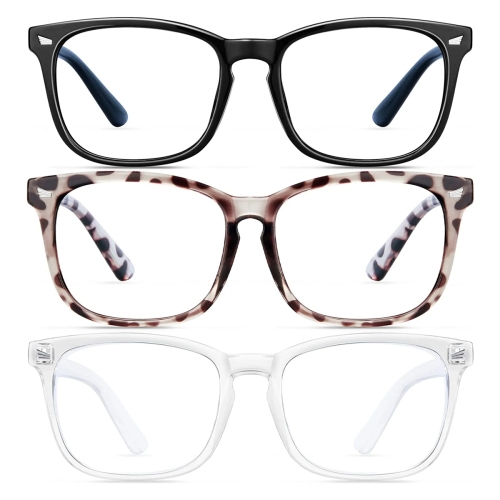
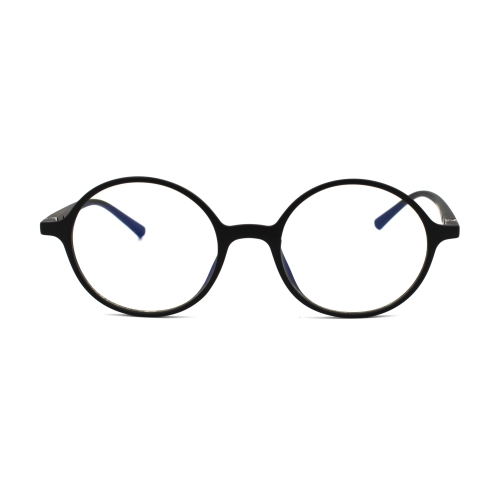
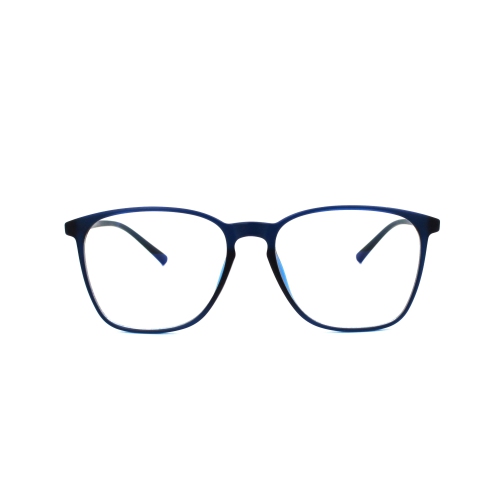
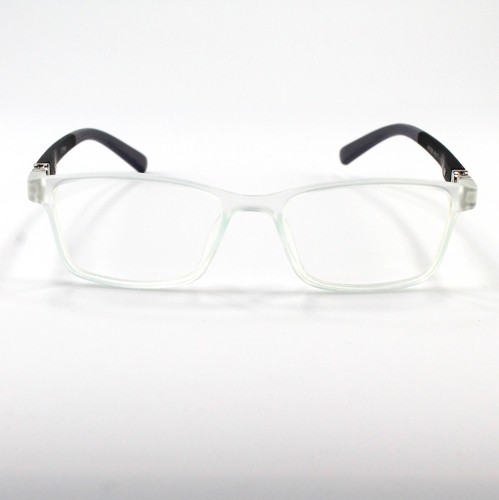
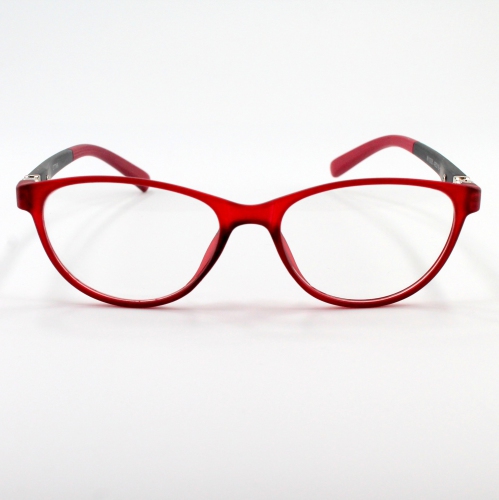
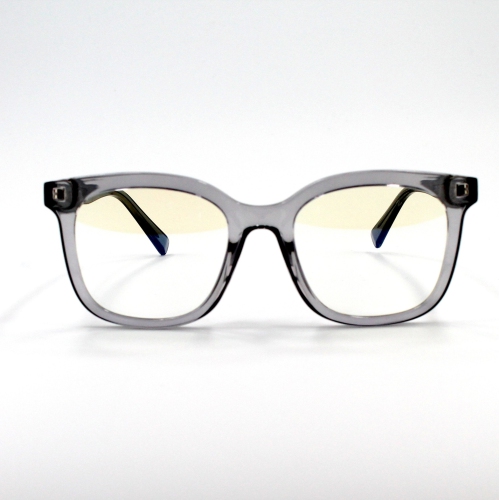
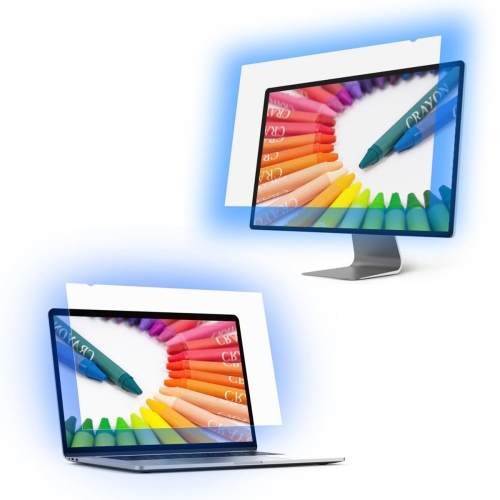
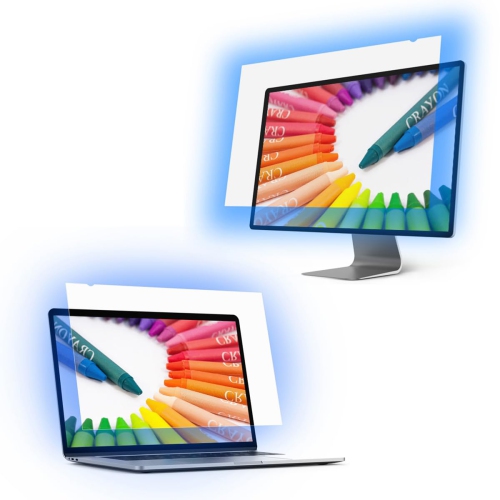
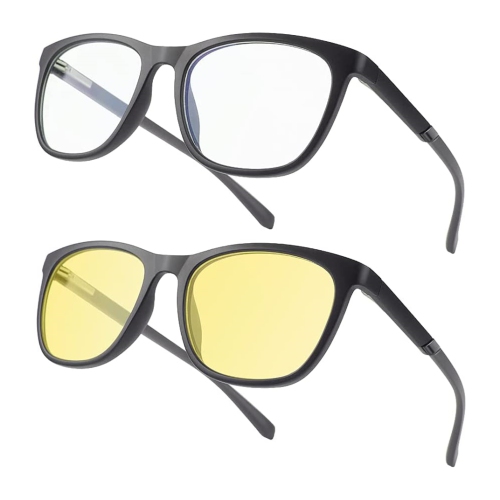
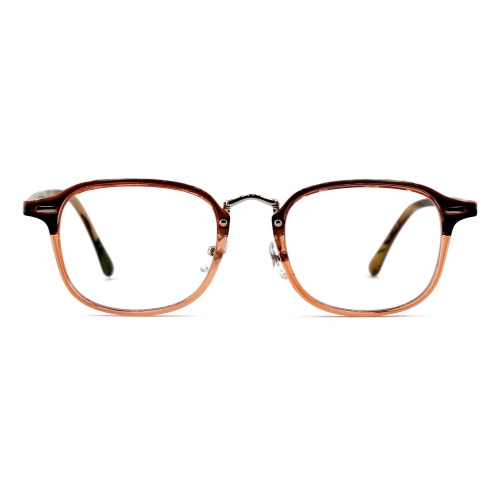
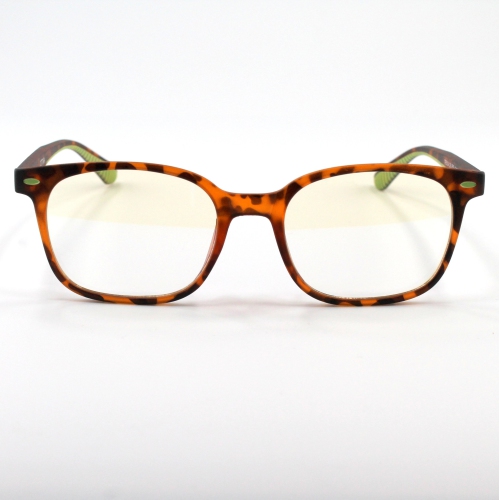
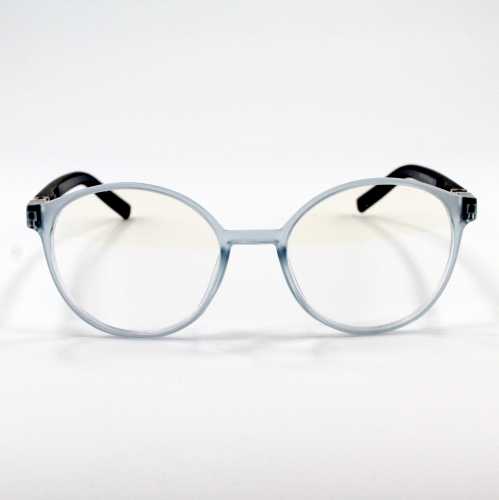
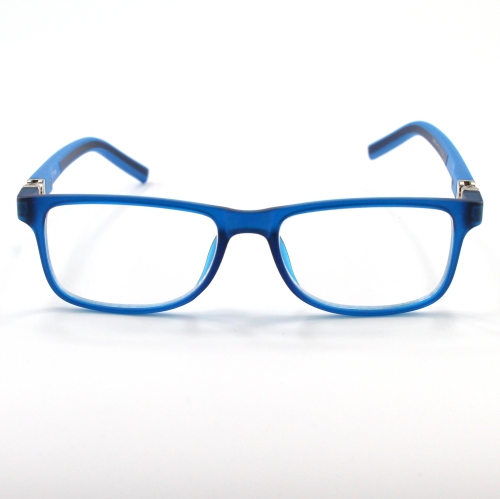
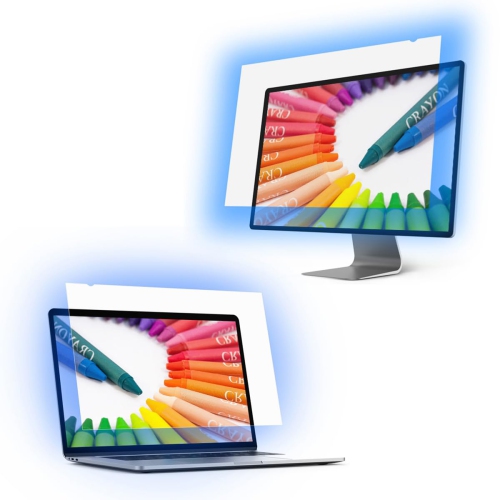
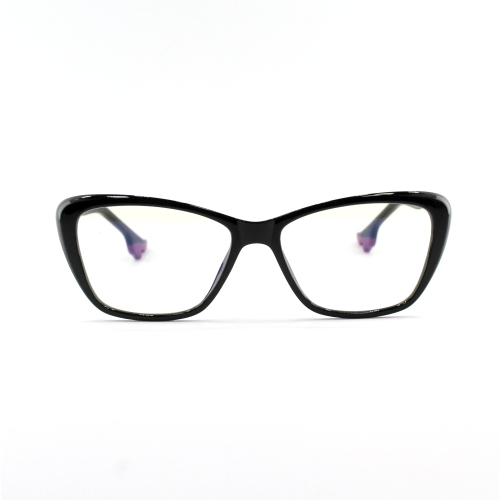
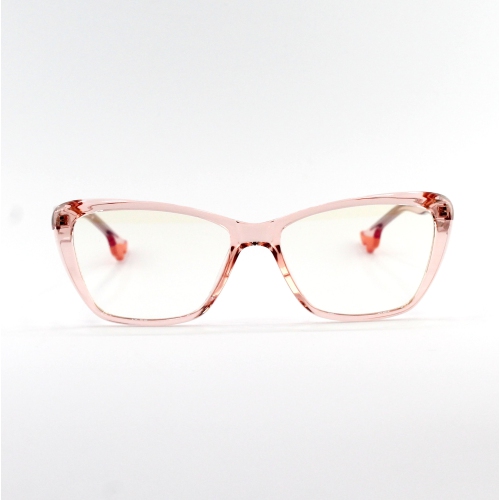
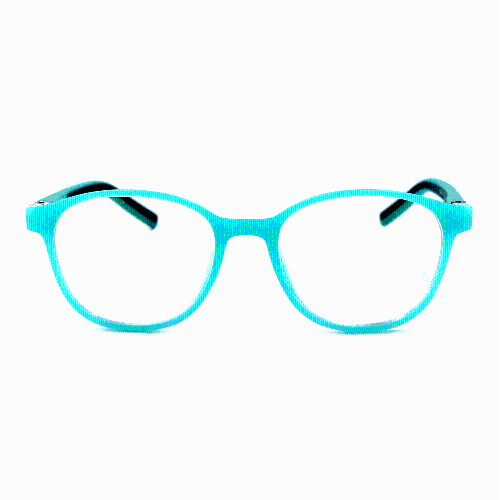
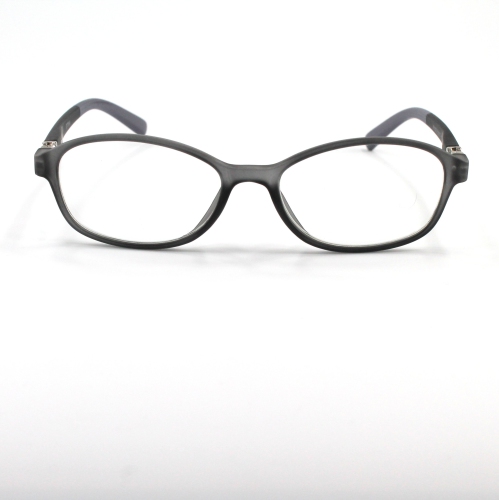
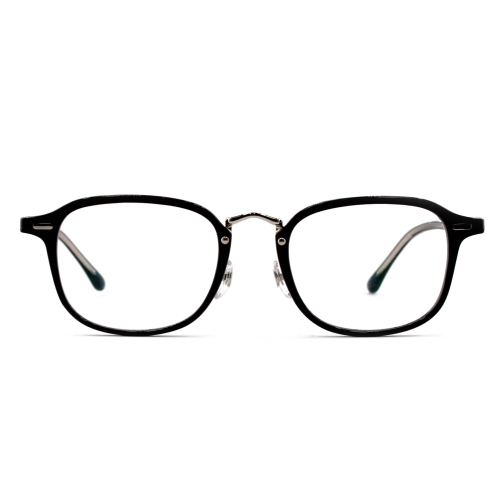
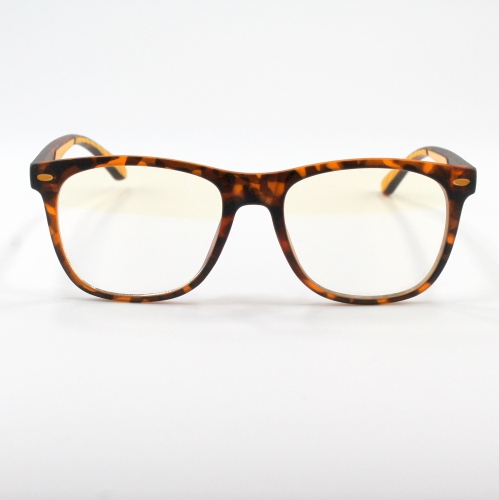
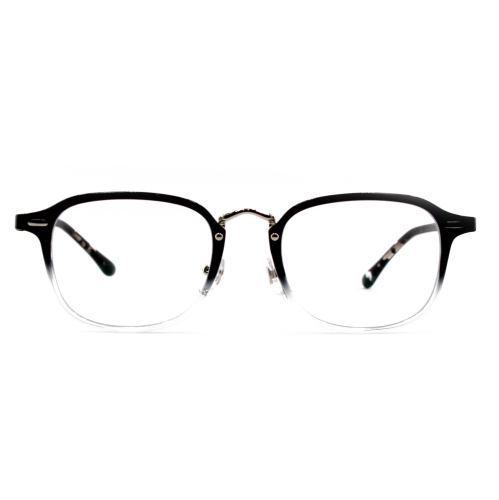
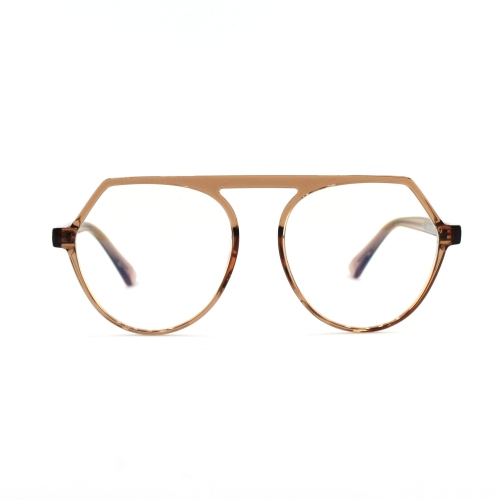
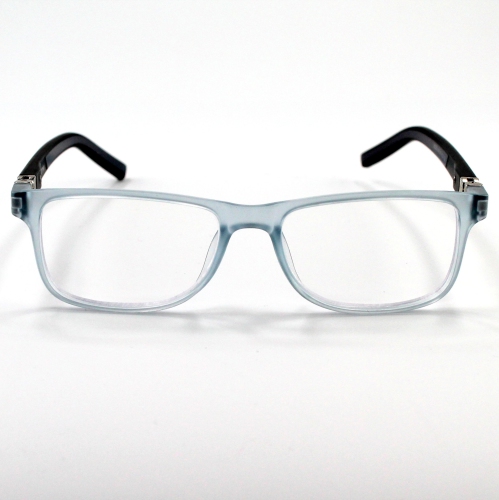
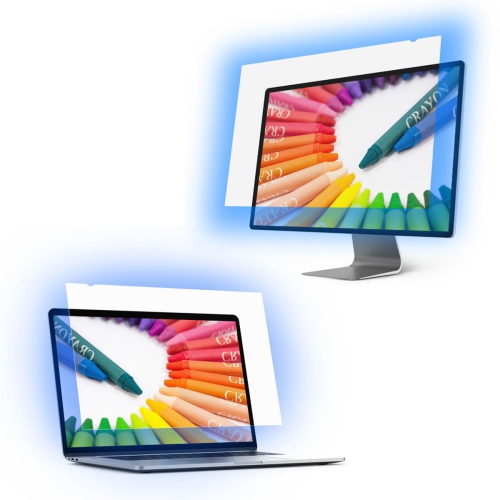
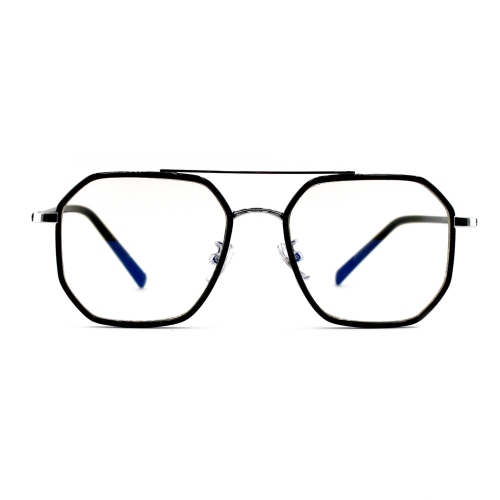
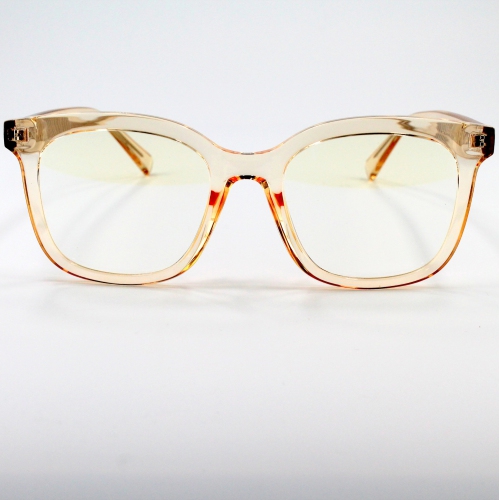
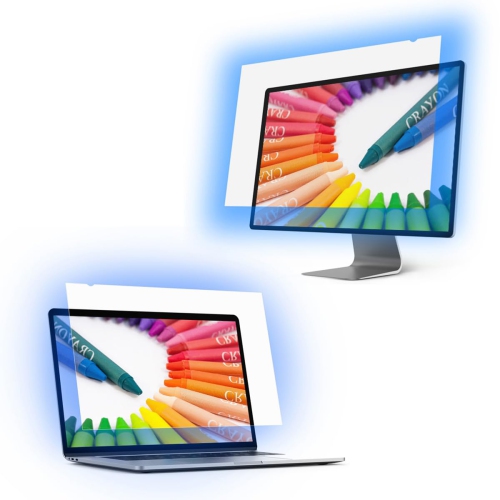
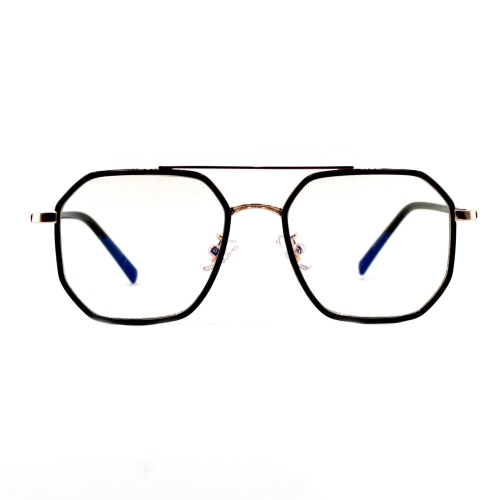
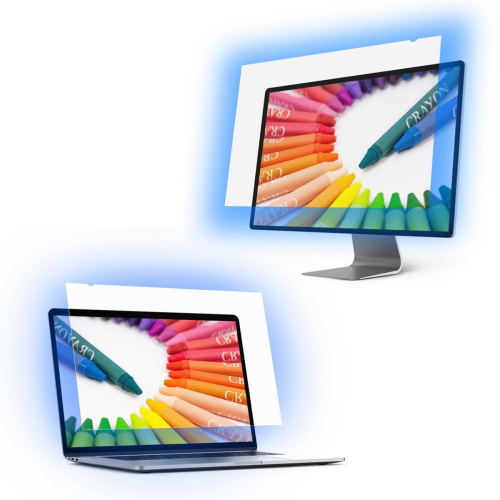
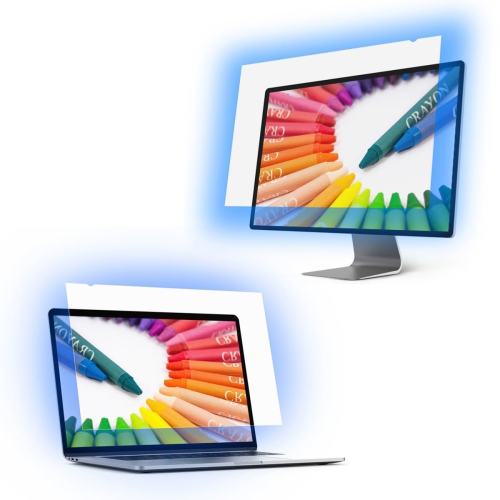
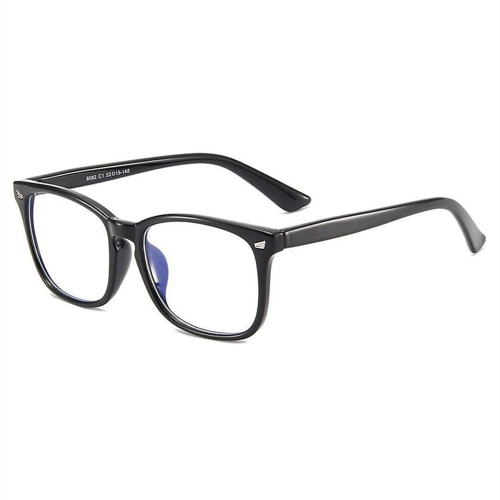
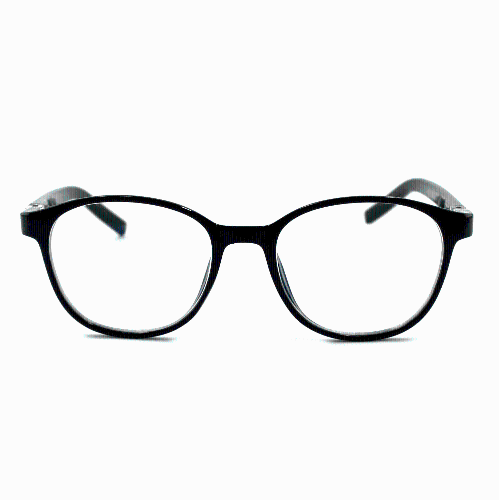
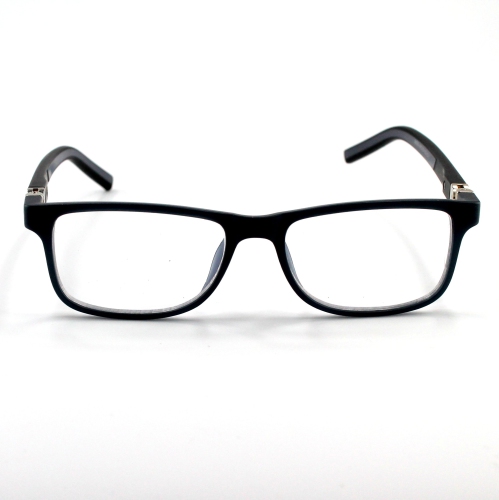
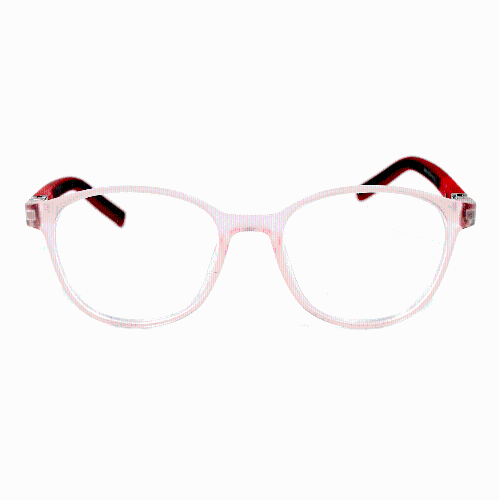
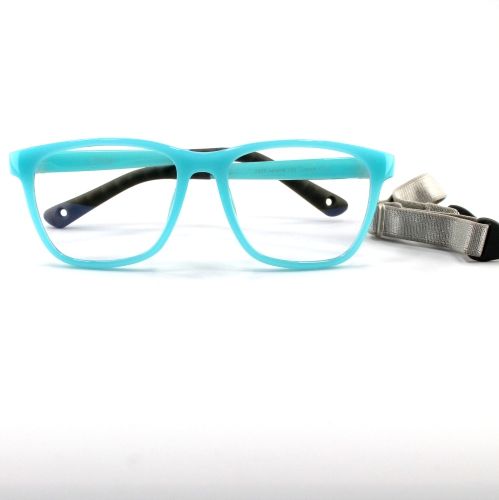
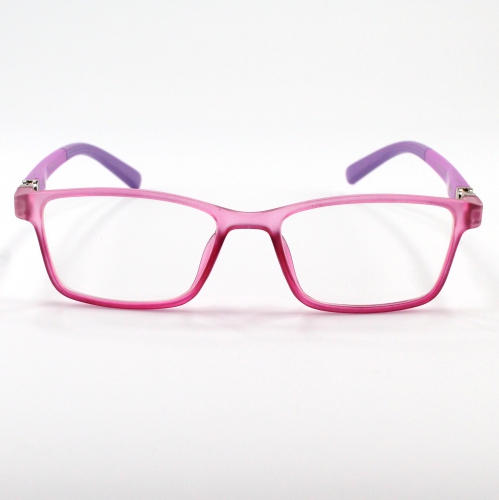
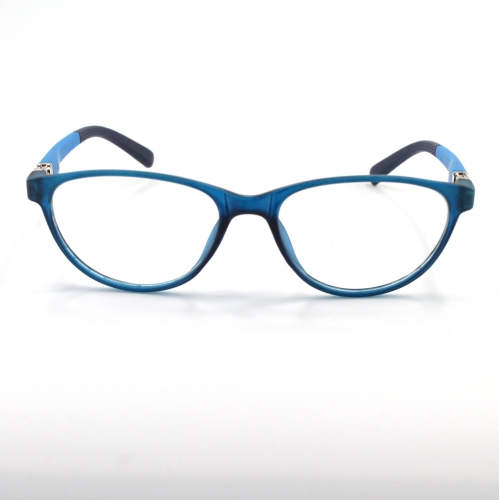
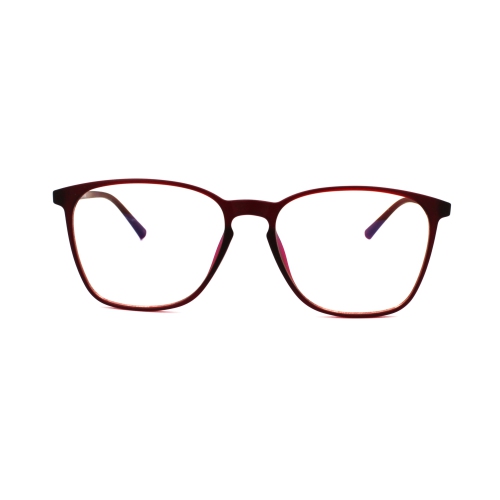
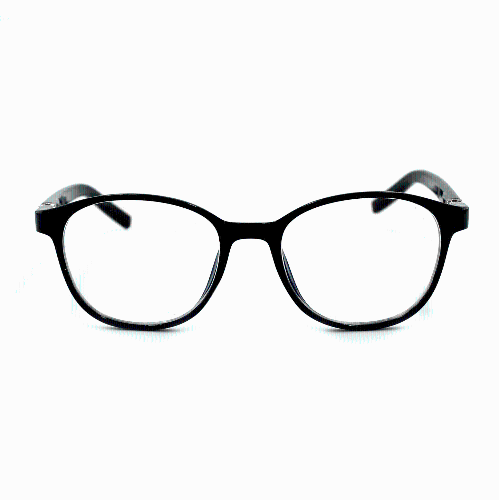
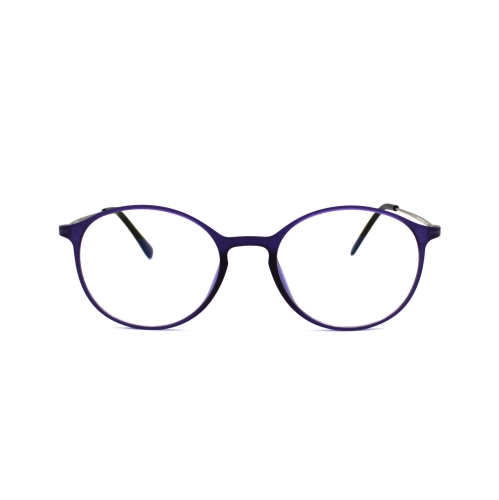
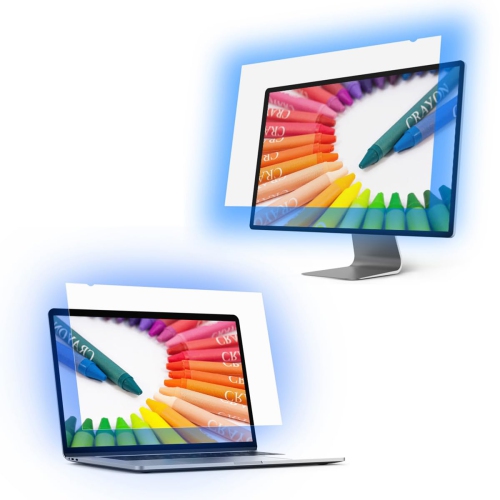
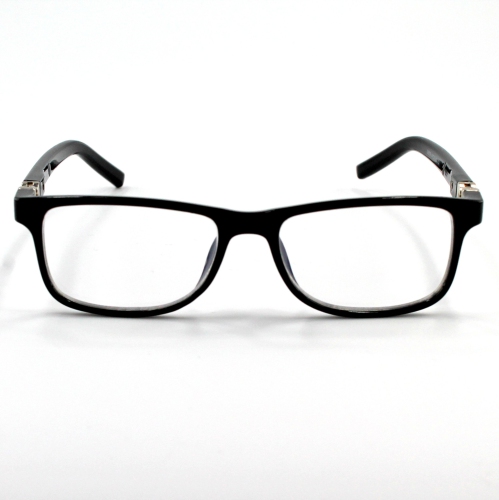
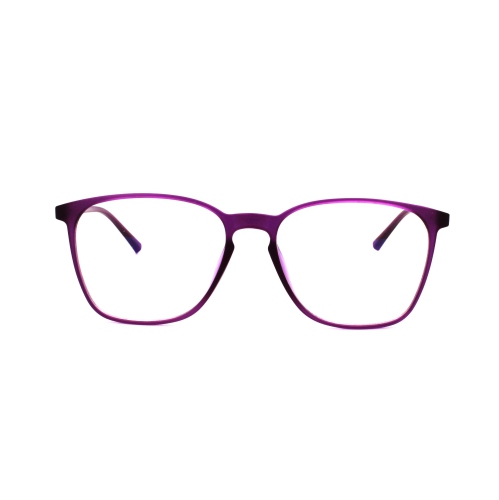
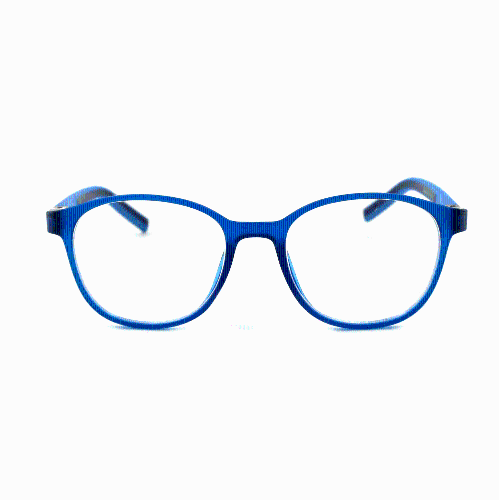
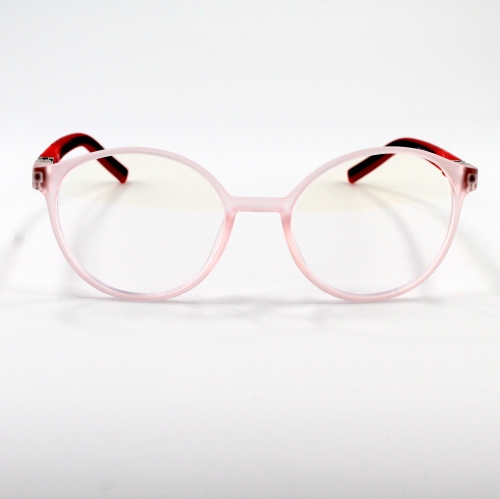
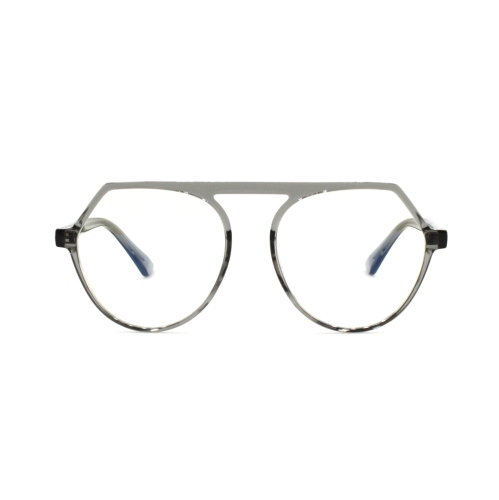
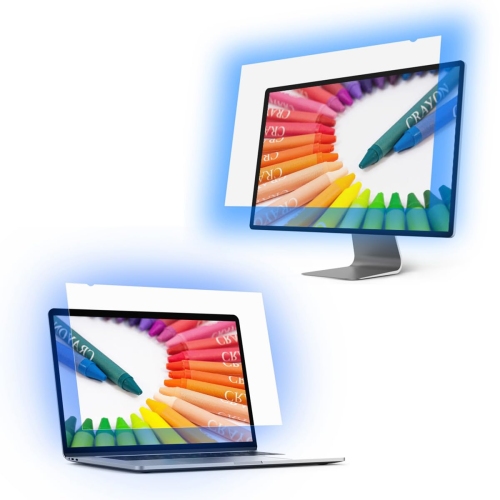
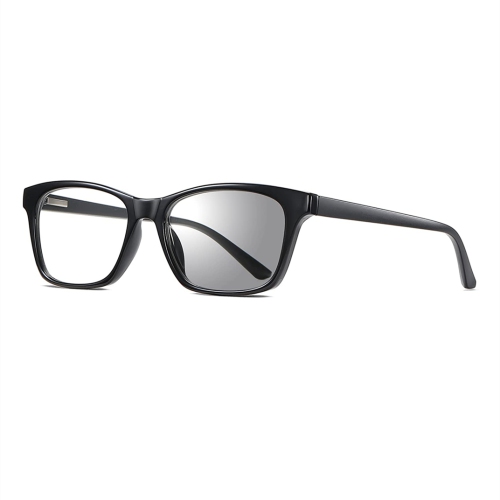
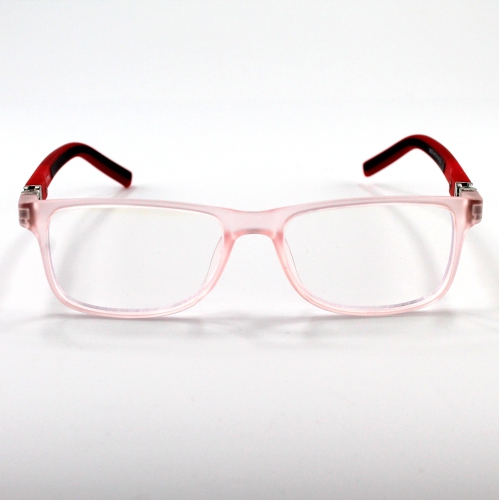
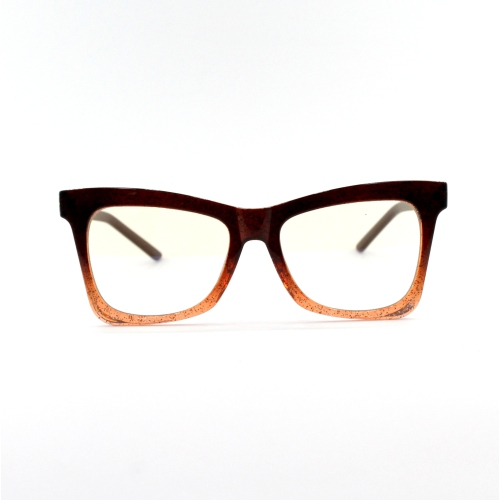
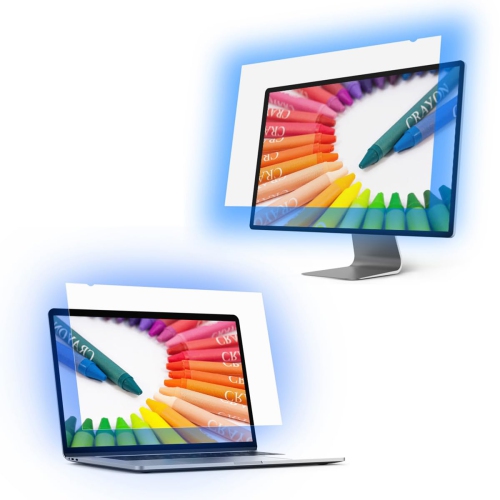
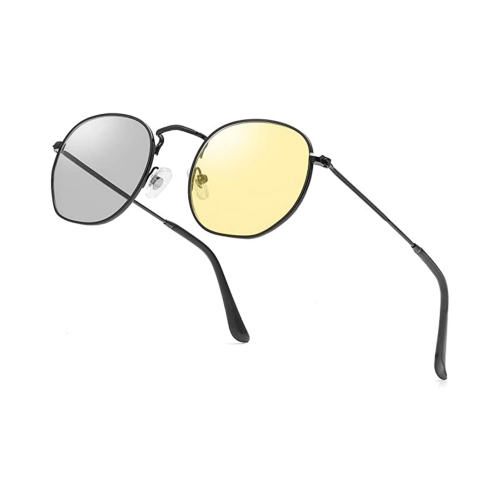
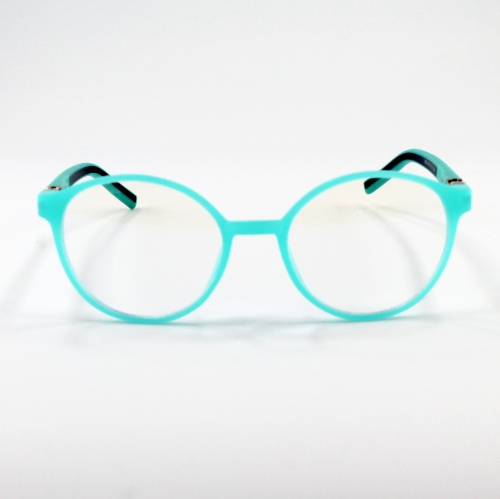
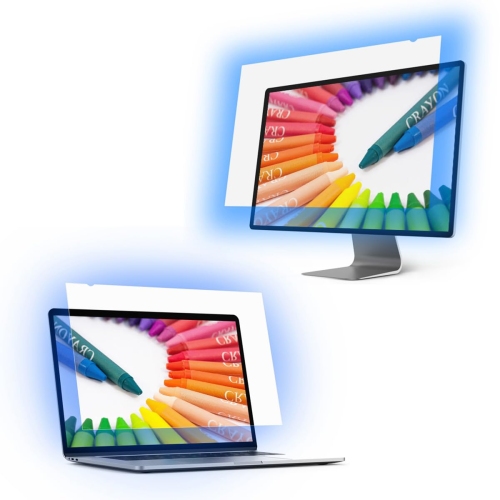
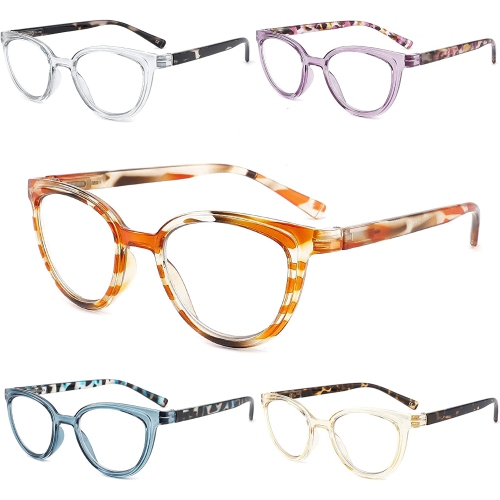
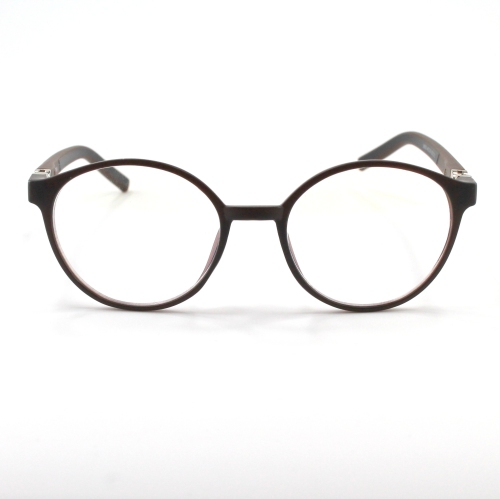
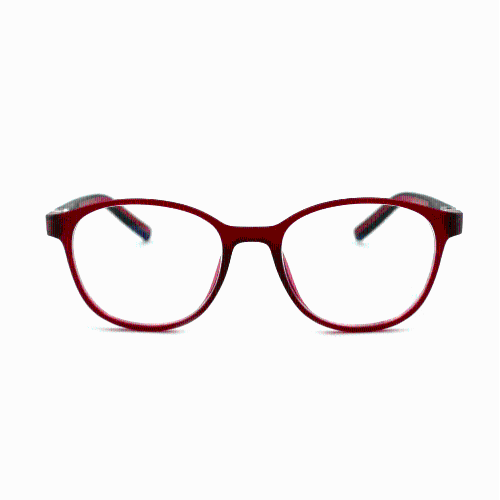
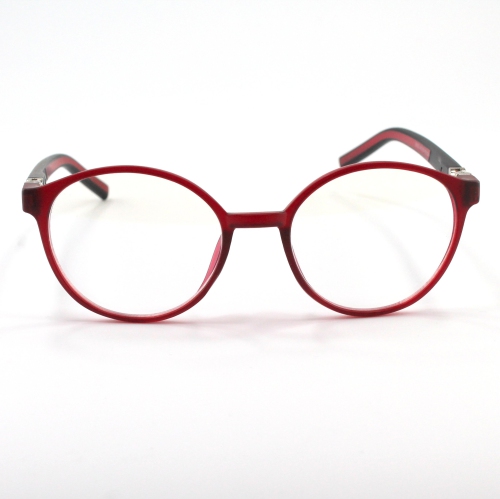
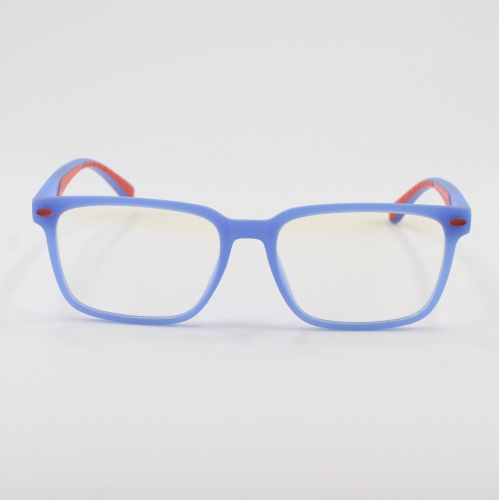
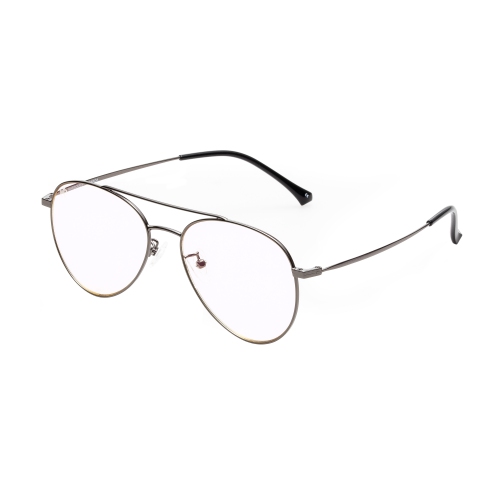
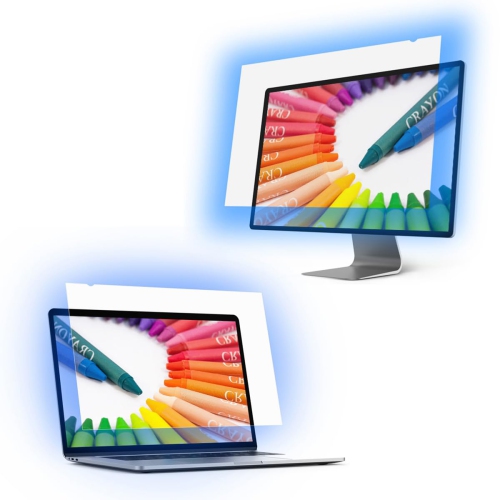
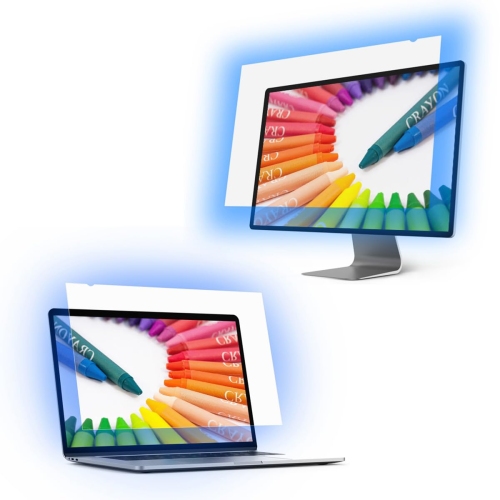
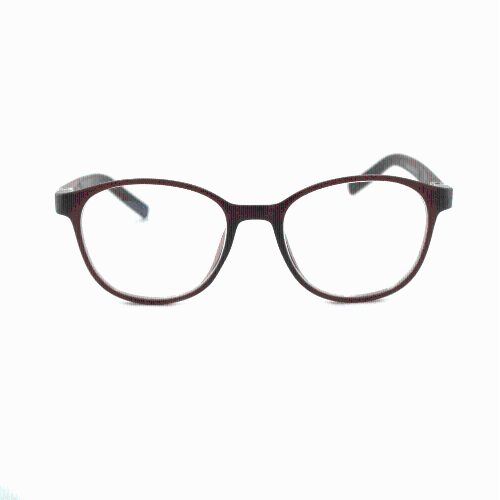
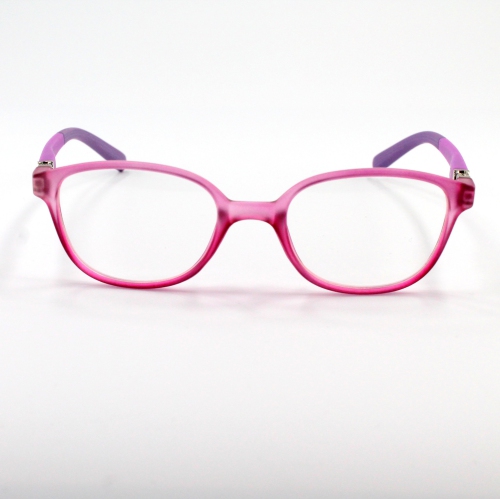
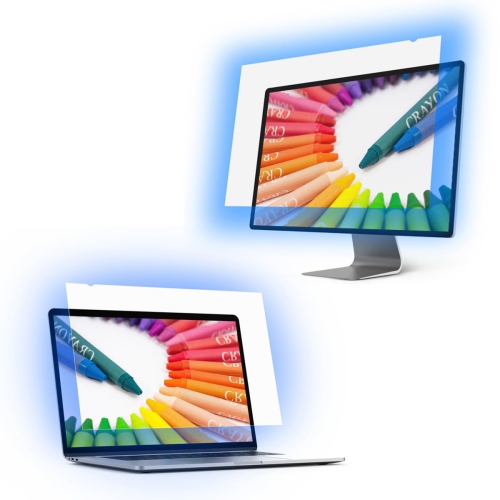
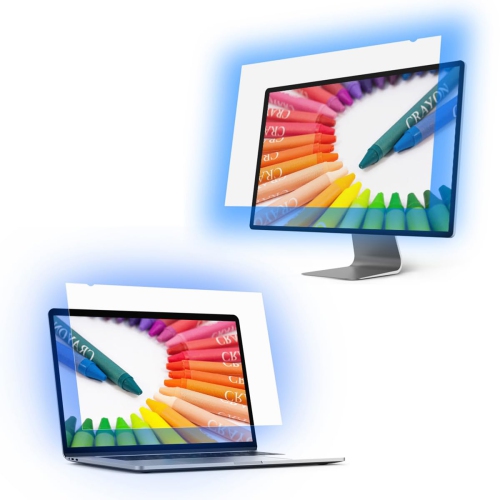
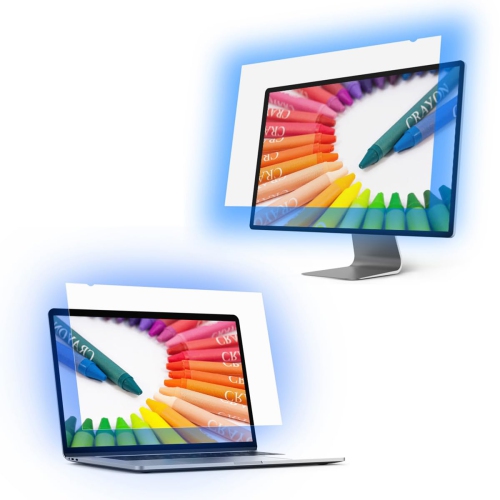
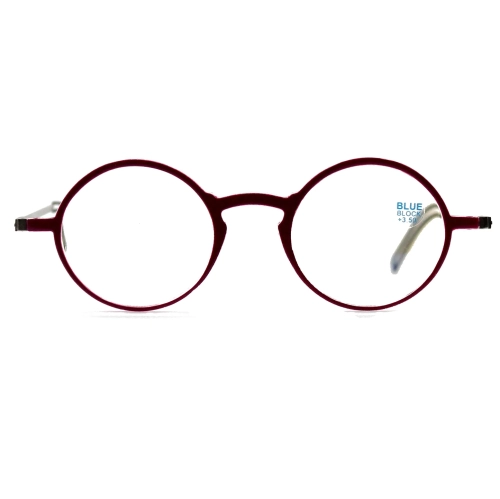
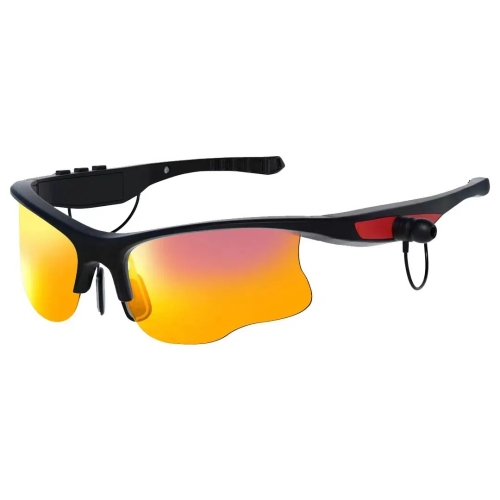
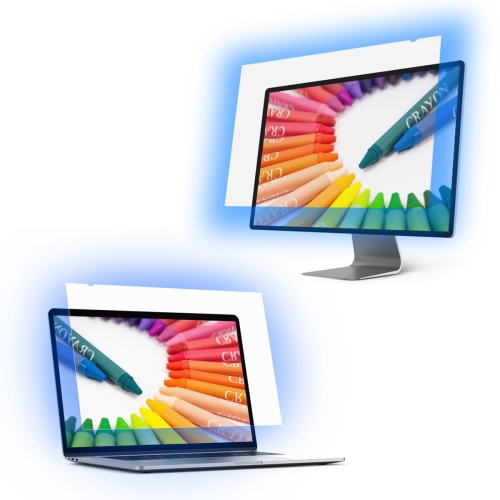
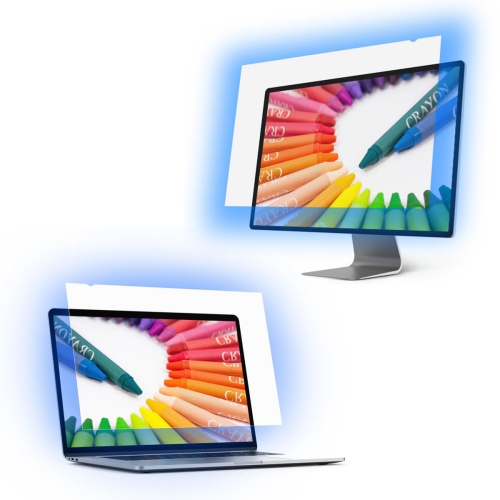
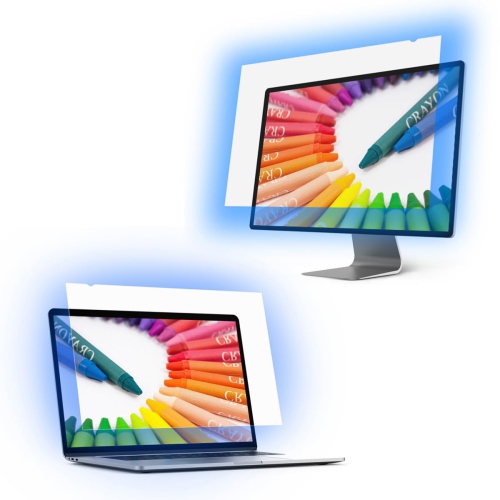
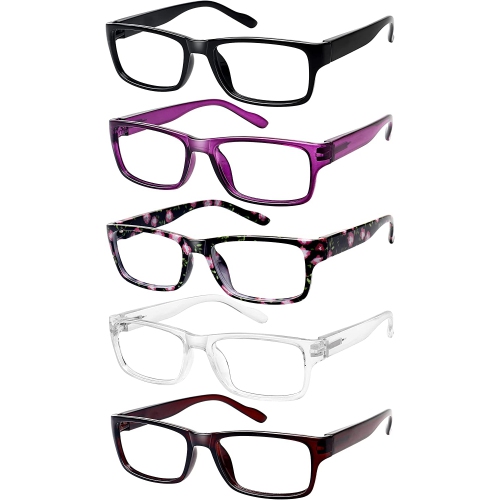
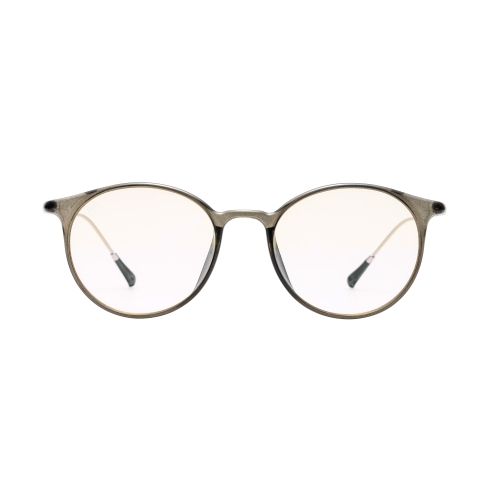
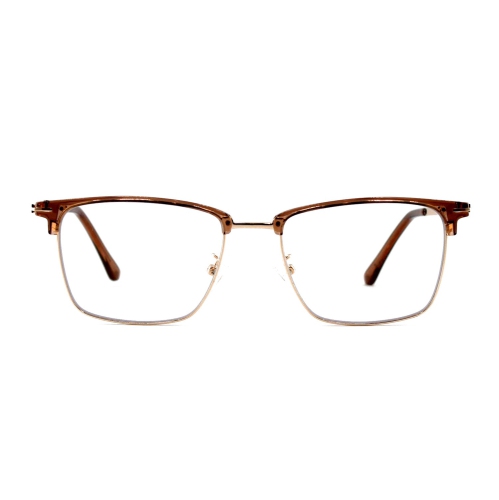
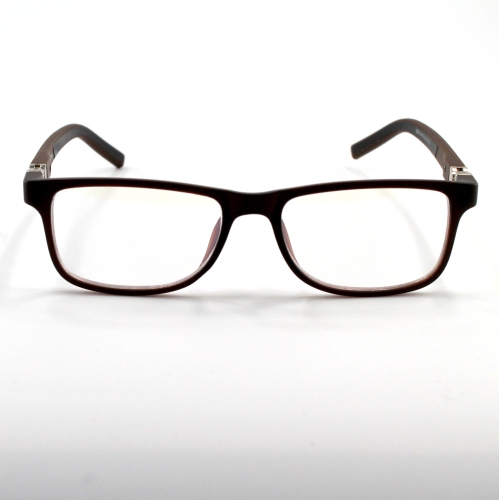
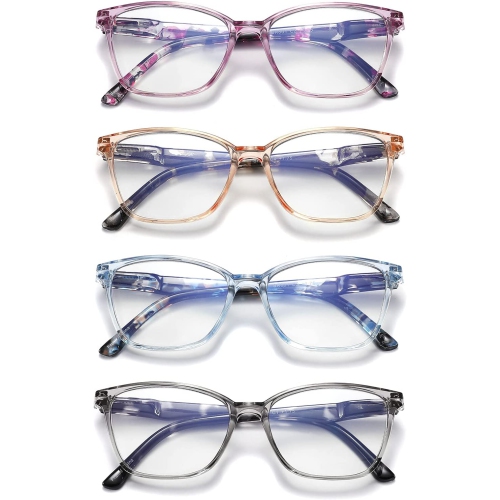
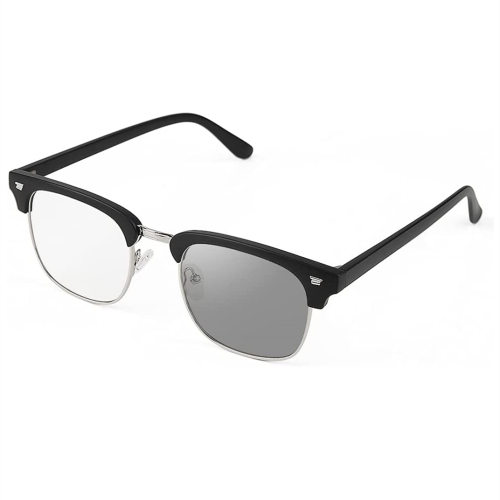
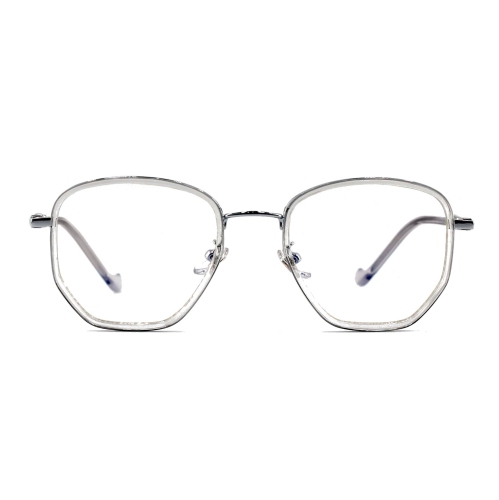
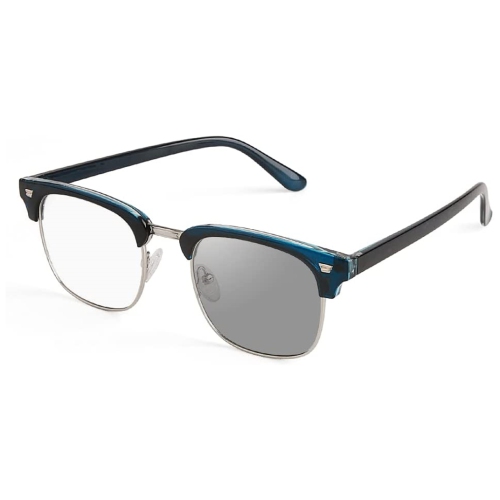
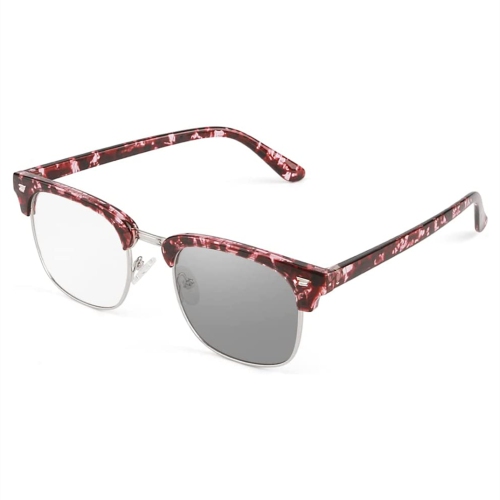
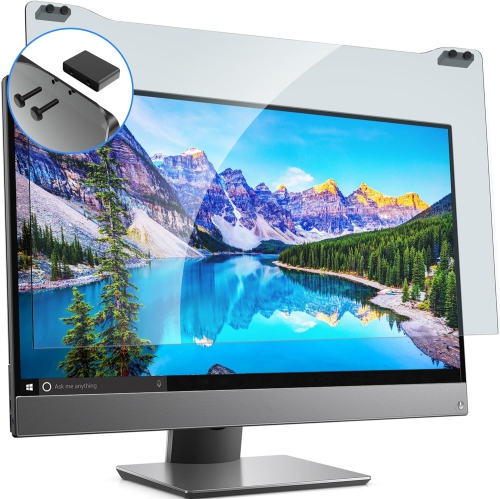
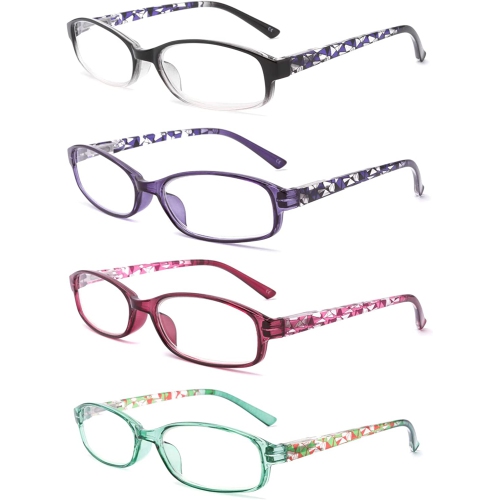
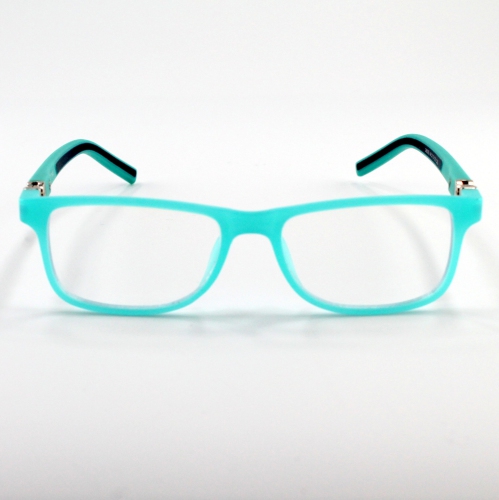
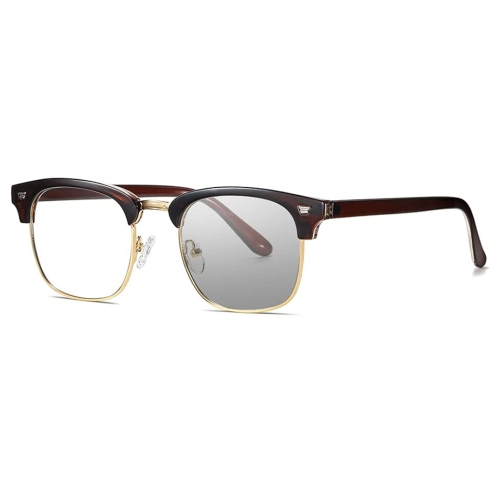
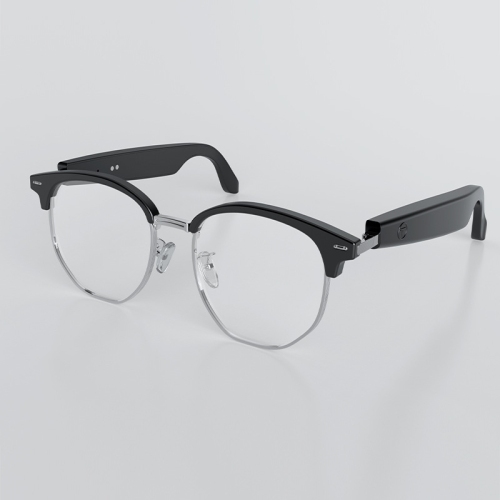
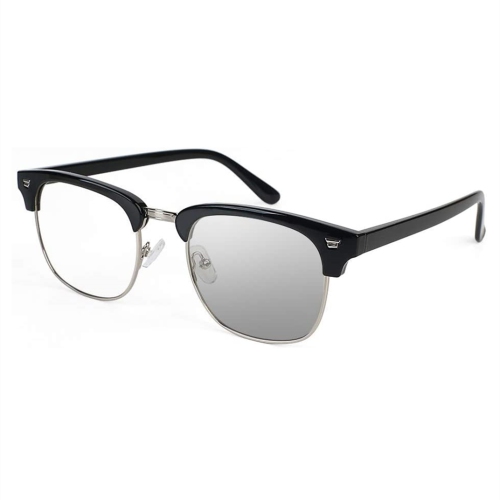
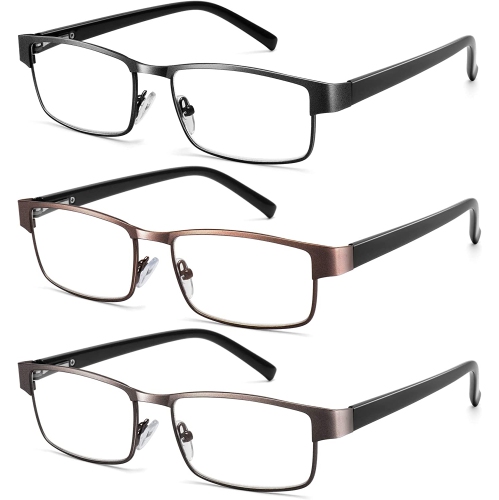
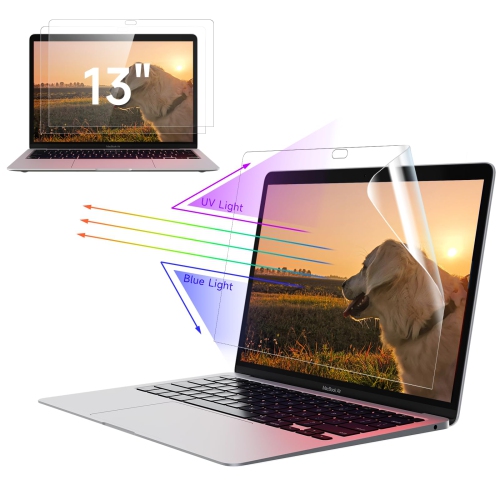
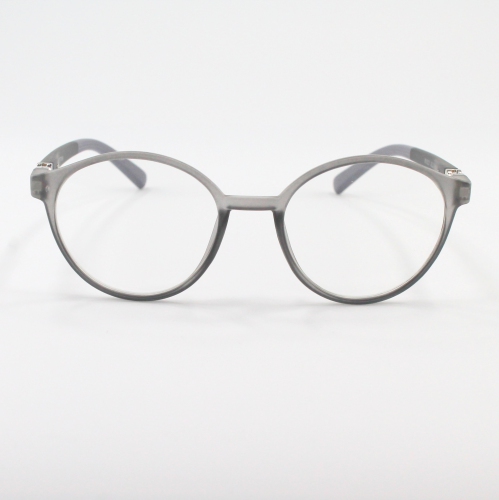
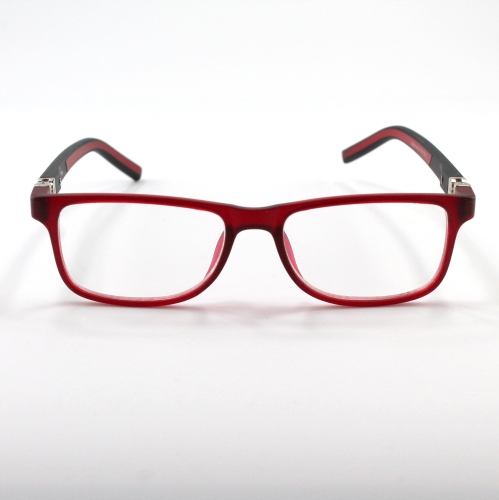
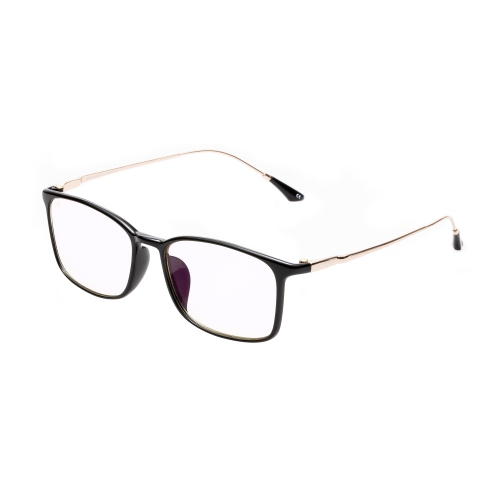
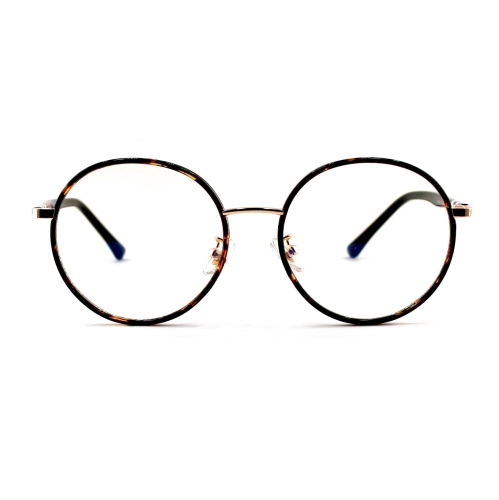
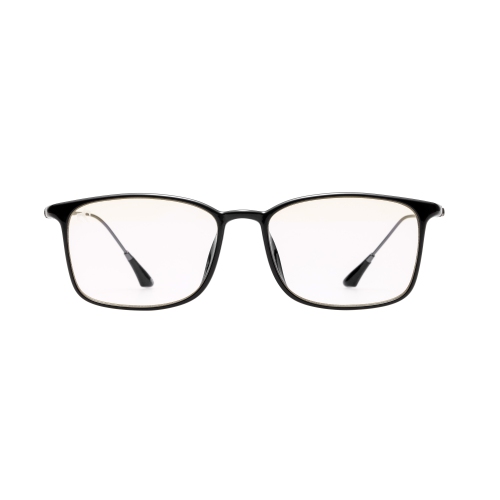
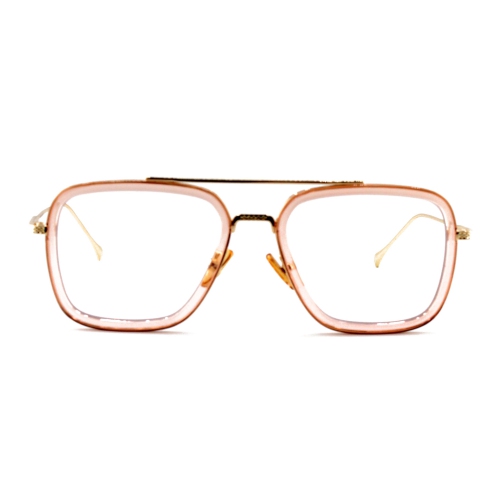
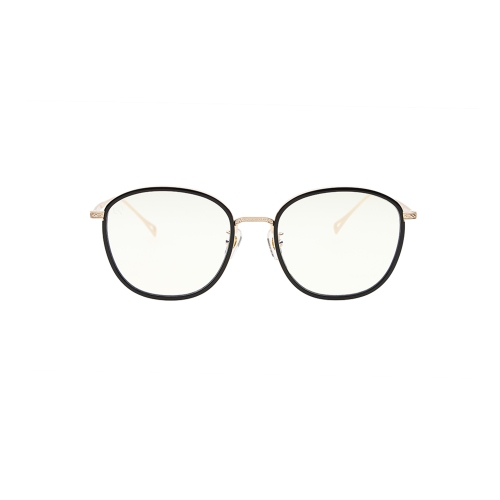
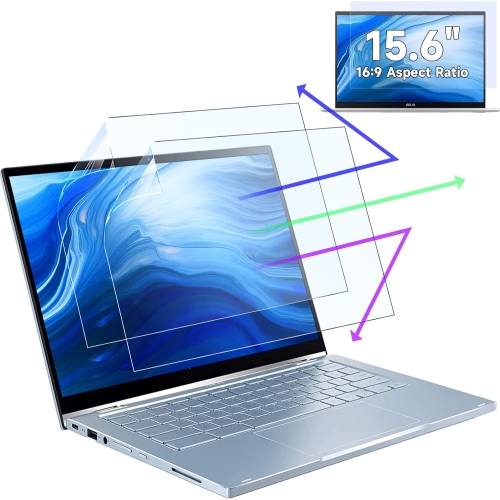
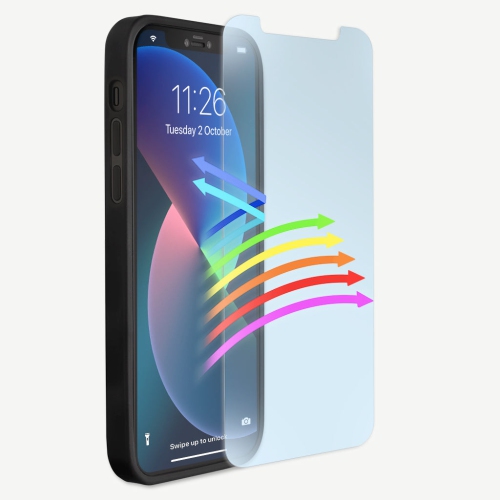
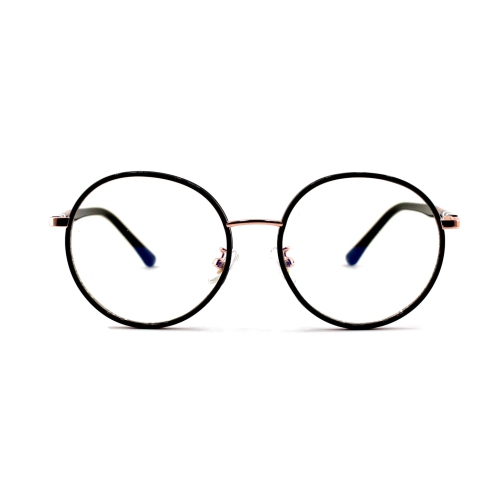
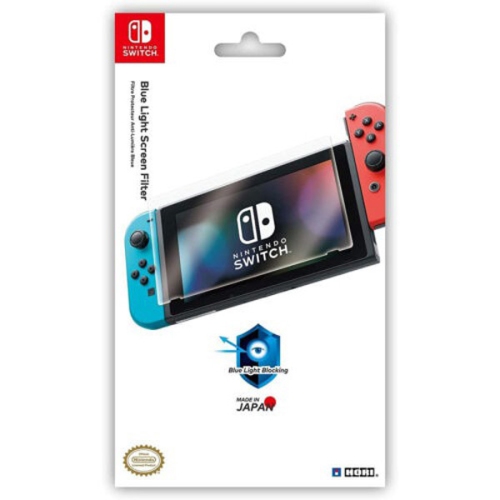
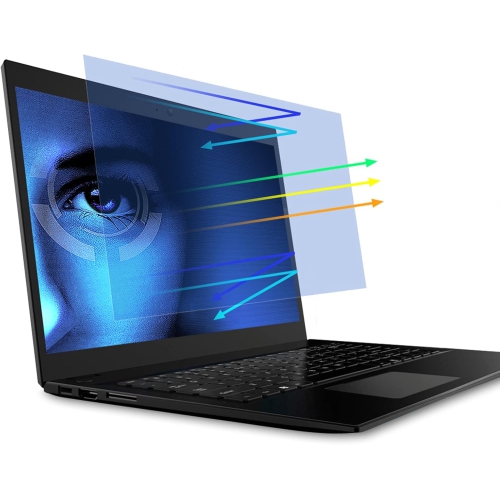
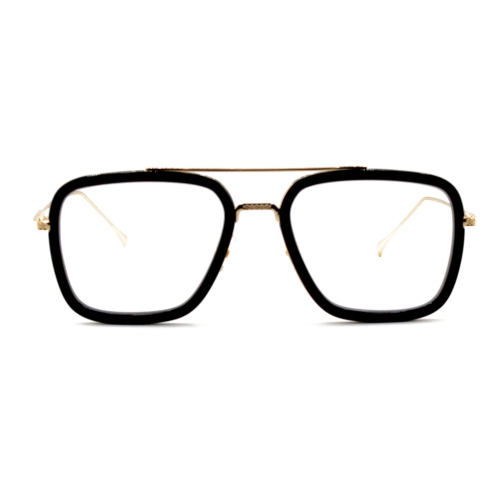
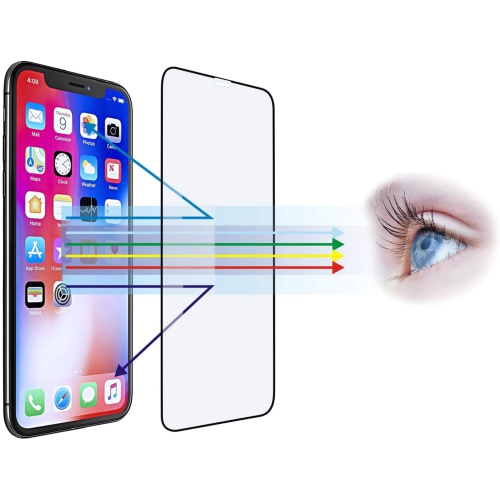
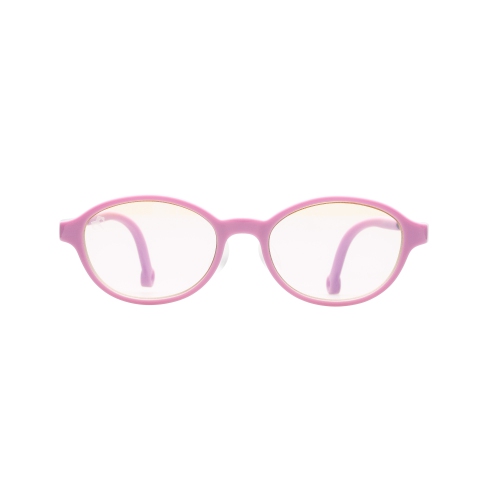
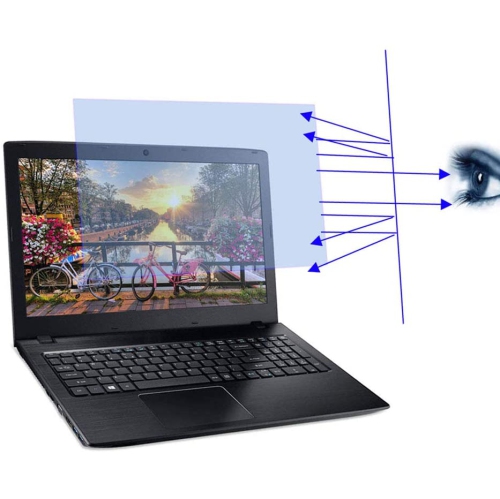
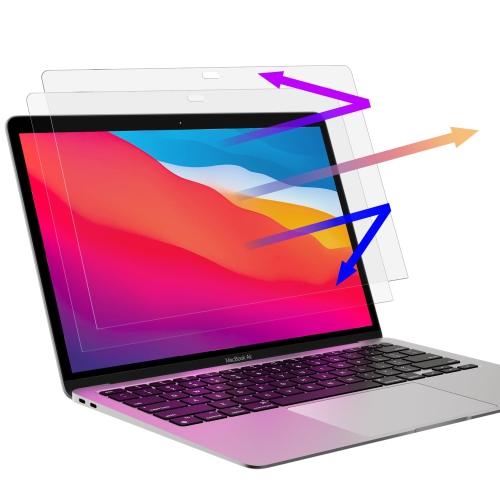
Blue light blockers are designed to help manage exposure to blue wavelengths from digital screens and artificial lighting. They are commonly available as glasses, screen filters, or coatings applied to lenses, giving shoppers several ways to choose an option that fits their routine. Blue light blocker glasses can have clear, lightly tinted, yellow, or amber lenses. Depending on the design, the lenses may absorb or reflect selected blue wavelengths while allowing you to see your screen clearly. Clear lenses can suit people who want a subtle everyday option for work, school, gaming, or browsing, while yellow or amber lenses may be preferred in the evening when reducing the appearance of cool, bright light is a priority. Screen filters attach directly to a laptop, desktop monitor, or other compatible display to filter light at its source, making them a practical choice for shared workspaces, home offices, and study areas. When comparing Blue Light Blocker Glasses, consider the type of screen use you expect, how often you wear eyewear, and whether you prefer a discreet or visibly tinted lens. Frame comfort matters during long sessions, especially if you spend hours moving between video calls, documents, games, and streaming content. Look for a fit that rests securely without pressing behind the ears or across the bridge of the nose, along with lenses that minimize distracting glare. Some styles are made for people who do not need vision correction, while others may offer magnification for reading or be suitable for adding to an existing prescription-lens routine. Anyone with prescription requirements should confirm compatibility with their eye-care professional before replacing or adding eyewear. For children and teens who use tablets, computers, or gaming displays for homework and entertainment, comfortable sizing and durable construction can be especially helpful. A pair can also make a thoughtful gift for a student setting up a desk, a remote worker refreshing a home office, or someone who enjoys late-night gaming and streaming. Although blue light blockers may be included in a broader approach to screen comfort, they should not be treated as a substitute for regular eye examinations or personalized advice from an optometrist.
Digital eye discomfort can feel familiar: after a long stretch of spreadsheets, a student may look up from a bright laptop and notice dry eyes, blurred focus, a tired forehead, or the urge to rub their eyes. Research and guidance from eye-care organizations generally indicate that digital eye strain is more closely associated with prolonged near-focus work, reduced blinking, glare, poor viewing distance, and fatigue than with blue light alone. Blue light blockers may be useful as one part of a comfortable screen routine, but simple habits are equally important. The 20-20-20 rule recommends looking at something about 20 feet away for 20 seconds every 20 minutes of screen time, giving the focusing muscles a brief change of pace. Adjusting the display brightness so it is not dramatically brighter than the surrounding room, increasing text size, reducing reflections from windows and lamps, and keeping the screen at a comfortable distance can also improve the experience. Remembering to blink fully is helpful during concentrated work, since people often blink less when reading or watching a display. A screen filter can be useful when reflections are difficult to control, particularly on a desk near a window or under overhead lighting. Glasses may be more convenient for people who move between several screens or share a workstation, while a monitor filter can provide a consistent solution for one display. If you are considering a pair for evening use, pay attention to the tint and the manufacturer’s intended use. Amber or warmer lenses are designed to filter more visible blue light than many clear options, but the available clinical evidence about whether blue light glasses improve sleep is mixed. Keeping screens dimmer in the evening, using device night-mode settings, and maintaining a regular wind-down routine may also support more comfortable nighttime habits. Blue light blockers are not a cure for persistent headaches, eye pain, ongoing blurred vision, or other symptoms; those concerns deserve assessment by a qualified eye-care professional.
Choosing the right blue light blocker starts with matching the format to the way your household uses technology. For a person who works at a fixed desktop, a monitor filter may be convenient because it stays in place and does not require remembering to put on glasses. For someone who carries a laptop from a desk to a kitchen table, classroom, or shared office, glasses can travel more easily and work across multiple screens. Shoppers who already wear prescription glasses may want to ask their optometrist about blue light filtering coatings or compatible non-prescription options that can be worn over their usual frames. Magnification can be useful for close reading, but it should be selected carefully so the viewing distance and lens strength feel natural rather than forcing you to lean forward. For gaming, wide temples, a stable fit, and lenses that preserve clear colour perception may be priorities; for office work, a lightweight frame, low-glare finish, and understated styling may matter more. People who read recipes from a tablet, manage family schedules, or enjoy a film before bed may appreciate an option that is easy to keep beside their usual seating area. During the cooler months, when evenings are often spent indoors with laptops, televisions, e-readers, and phones, a few small adjustments can make screen time feel more comfortable without changing the activities you enjoy. Store glasses in a case, clean lenses with an appropriate soft cloth, and check screen-filter instructions before applying or removing a protector. Product descriptions should be reviewed for lens tint, wavelength claims, frame measurements, magnification, compatibility, and intended wearing conditions. With realistic expectations and good screen habits, blue light blockers can be a convenient addition to a workspace, study area, gaming setup, or evening routine.
Digital eye discomfort can feel familiar: after a long stretch of spreadsheets, a student may look up from a bright laptop and notice dry eyes, blurred focus, a tired forehead, or the urge to rub their eyes. Research and guidance from eye-care organizations generally indicate that digital eye strain is more closely associated with prolonged near-focus work, reduced blinking, glare, poor viewing distance, and fatigue than with blue light alone. Blue light blockers may be useful as one part of a comfortable screen routine, but simple habits are equally important. The 20-20-20 rule recommends looking at something about 20 feet away for 20 seconds every 20 minutes of screen time, giving the focusing muscles a brief change of pace. Adjusting the display brightness so it is not dramatically brighter than the surrounding room, increasing text size, reducing reflections from windows and lamps, and keeping the screen at a comfortable distance can also improve the experience. Remembering to blink fully is helpful during concentrated work, since people often blink less when reading or watching a display. A screen filter can be useful when reflections are difficult to control, particularly on a desk near a window or under overhead lighting. Glasses may be more convenient for people who move between several screens or share a workstation, while a monitor filter can provide a consistent solution for one display. If you are considering a pair for evening use, pay attention to the tint and the manufacturer’s intended use. Amber or warmer lenses are designed to filter more visible blue light than many clear options, but the available clinical evidence about whether blue light glasses improve sleep is mixed. Keeping screens dimmer in the evening, using device night-mode settings, and maintaining a regular wind-down routine may also support more comfortable nighttime habits. Blue light blockers are not a cure for persistent headaches, eye pain, ongoing blurred vision, or other symptoms; those concerns deserve assessment by a qualified eye-care professional.
Choosing the right blue light blocker starts with matching the format to the way your household uses technology. For a person who works at a fixed desktop, a monitor filter may be convenient because it stays in place and does not require remembering to put on glasses. For someone who carries a laptop from a desk to a kitchen table, classroom, or shared office, glasses can travel more easily and work across multiple screens. Shoppers who already wear prescription glasses may want to ask their optometrist about blue light filtering coatings or compatible non-prescription options that can be worn over their usual frames. Magnification can be useful for close reading, but it should be selected carefully so the viewing distance and lens strength feel natural rather than forcing you to lean forward. For gaming, wide temples, a stable fit, and lenses that preserve clear colour perception may be priorities; for office work, a lightweight frame, low-glare finish, and understated styling may matter more. People who read recipes from a tablet, manage family schedules, or enjoy a film before bed may appreciate an option that is easy to keep beside their usual seating area. During the cooler months, when evenings are often spent indoors with laptops, televisions, e-readers, and phones, a few small adjustments can make screen time feel more comfortable without changing the activities you enjoy. Store glasses in a case, clean lenses with an appropriate soft cloth, and check screen-filter instructions before applying or removing a protector. Product descriptions should be reviewed for lens tint, wavelength claims, frame measurements, magnification, compatibility, and intended wearing conditions. With realistic expectations and good screen habits, blue light blockers can be a convenient addition to a workspace, study area, gaming setup, or evening routine.
Top selling and popular products
-
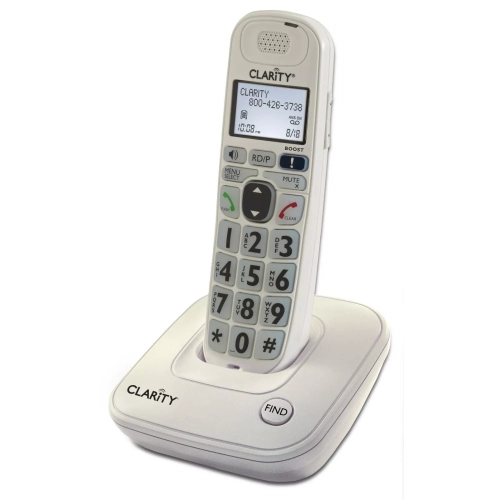 Your price for this item is $166.3
 -
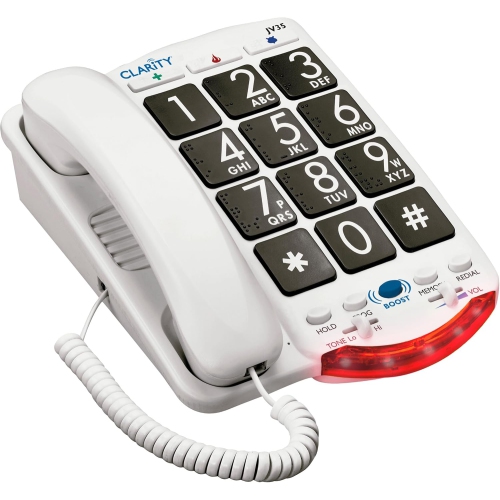 Your price for this item is $285.04
 -
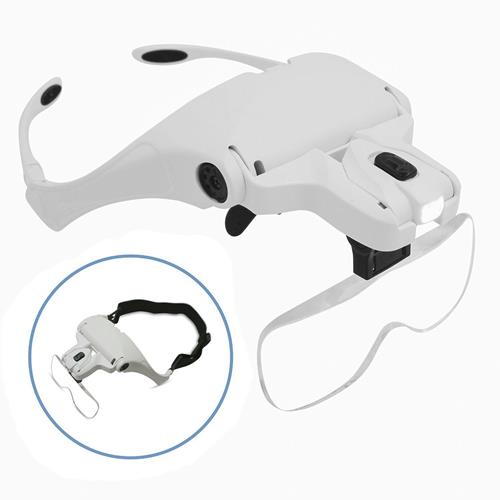 Your price for this item is $14.99
 -
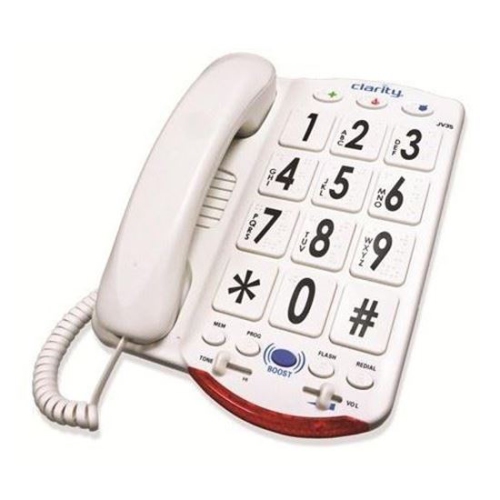 Your price for this item is $422.04
 -
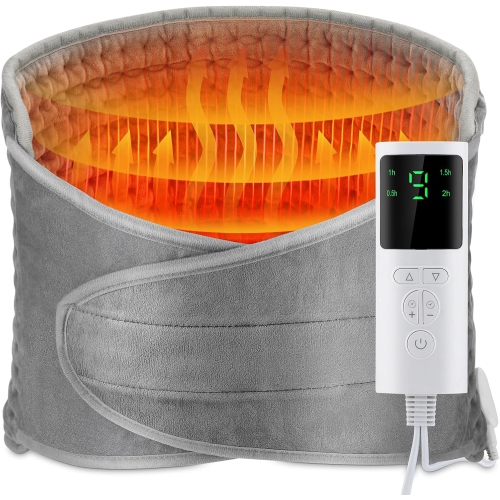 Your price for this item is $60.99
 -
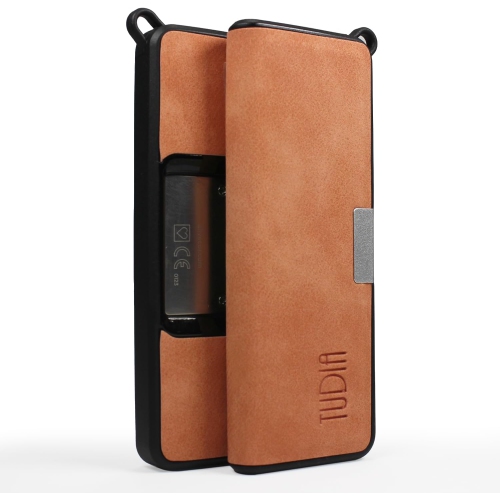 Your price for this item is $22.99
 -
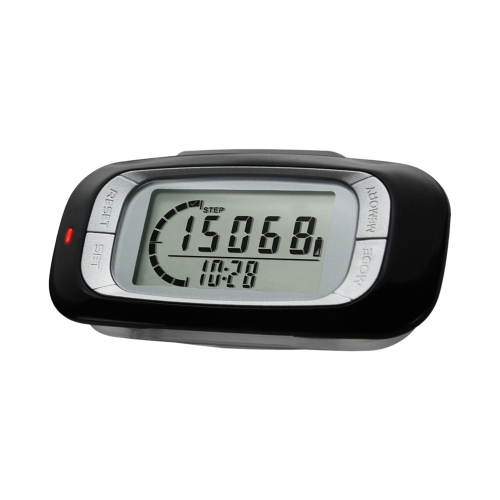 Your price for this item is $26.55
 -
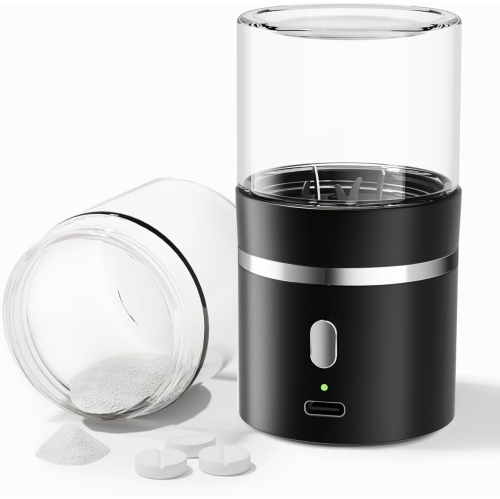 Your price for this item is $45.99
Discover more categories related to Blue Light Blockers
Top Collections:
Pokemon Centers, Best Cameras for Sports Photography, Kindle Devices, Samsung Galaxy Phones, Canon G7X Cameras, Pokémon 30th Celebration Cards, Refurbished Apple Laptops, iPhone 15 Apple, Laptops for Students, Budget Smartphones
Some products may be subject to Environmental Handling Fees
(EHF) depending on your province.
Learn more about EHFs.