Bluetooth Mice for MacBook Pro
A Bluetooth mouse is a great way to add wireless functionality to your laptop. You can connect your Bluetooth mouse directly to your Macbook Pro. Here are some of the best Bluetooth mice available today.
Sort


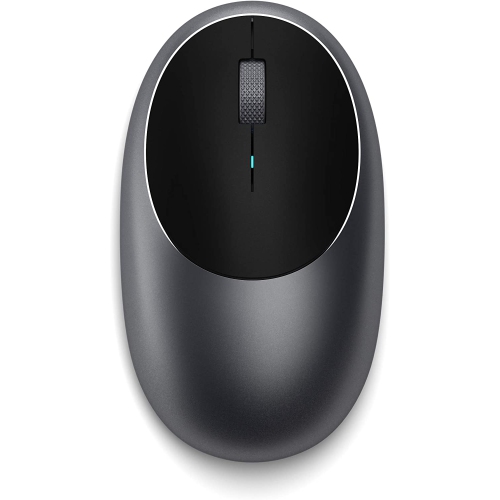
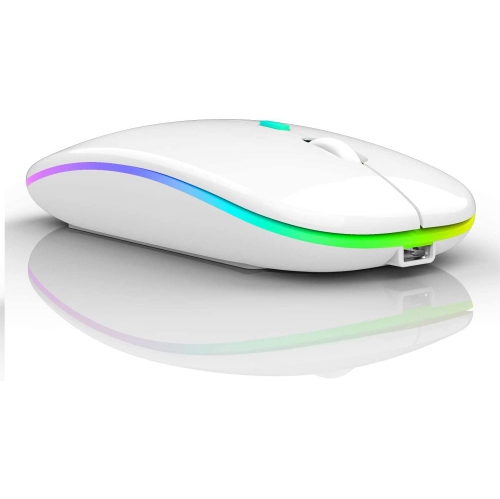
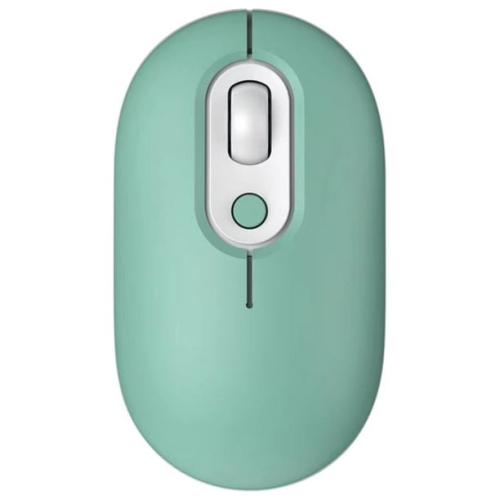
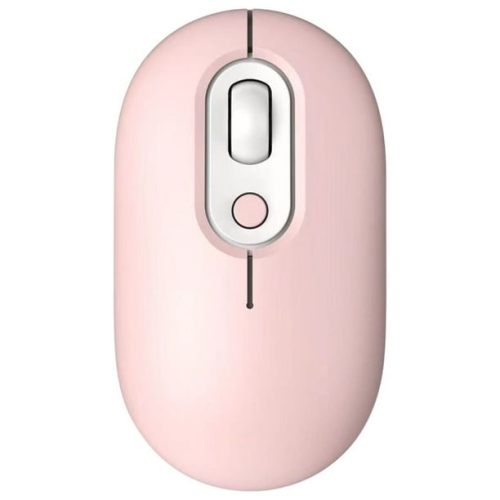

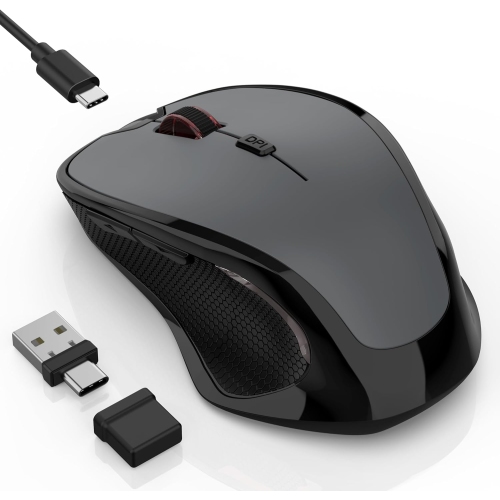
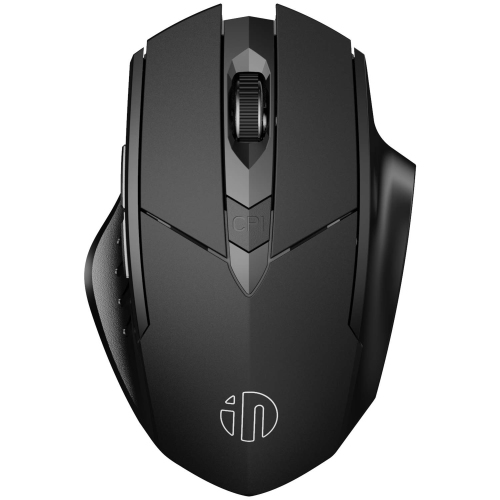
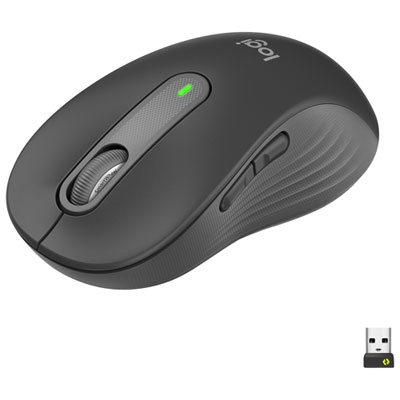
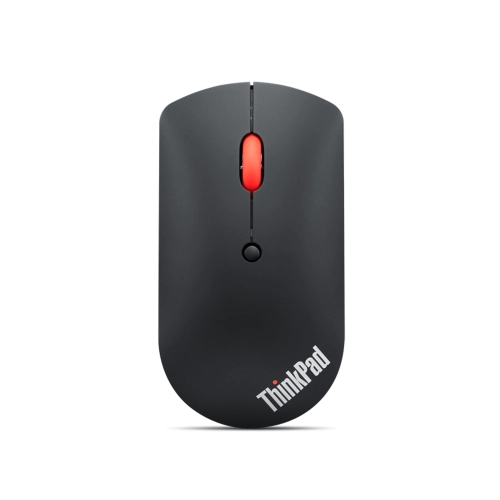
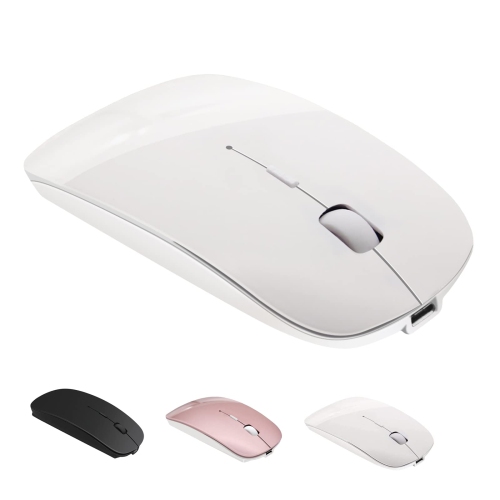
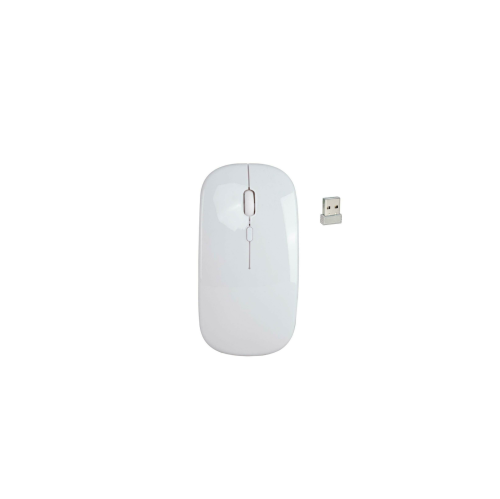
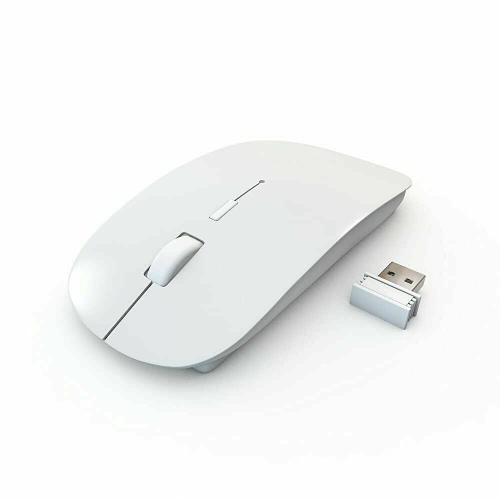
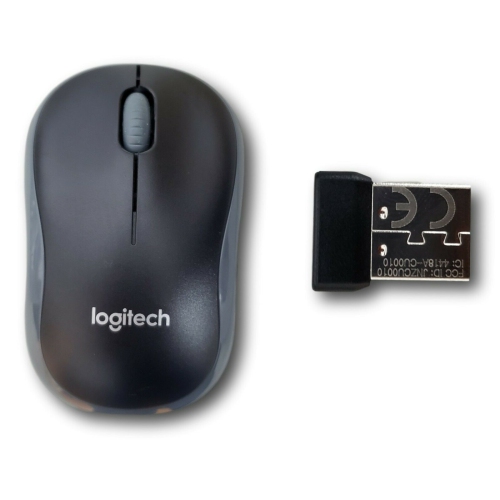
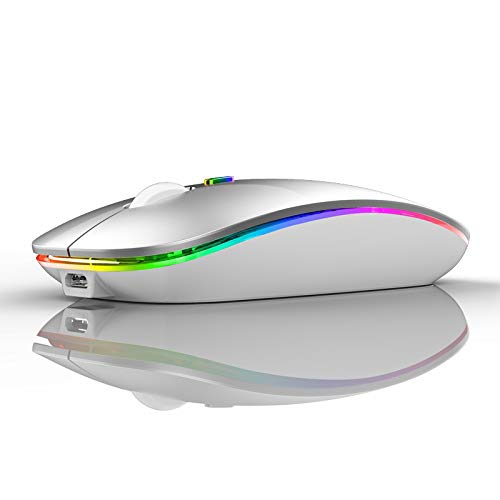
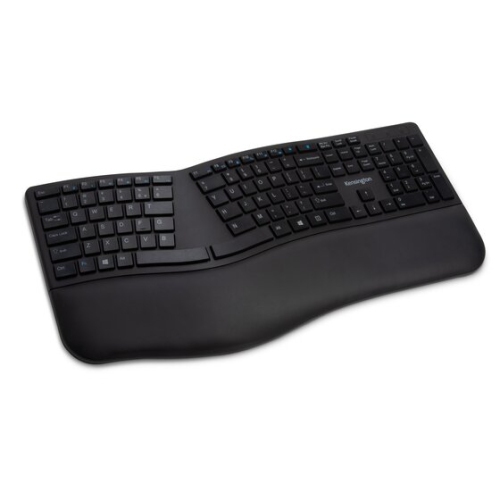
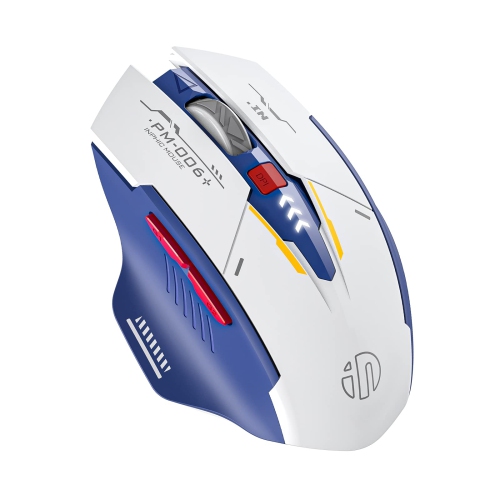
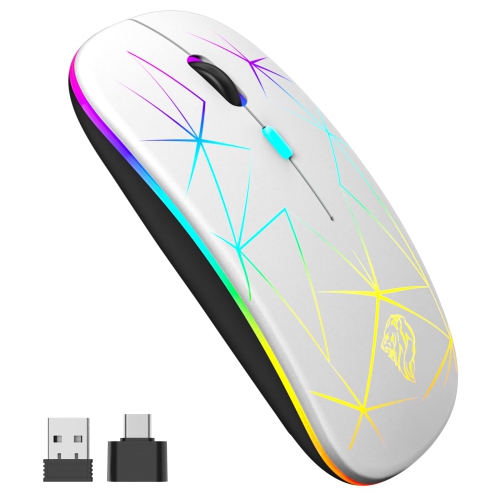
Key considerations for a comfortable MacBook Pro mouse
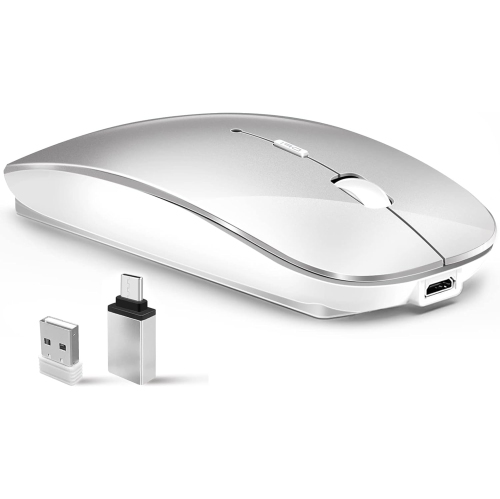
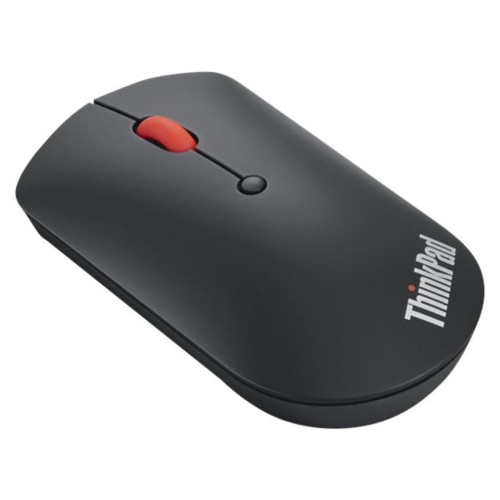
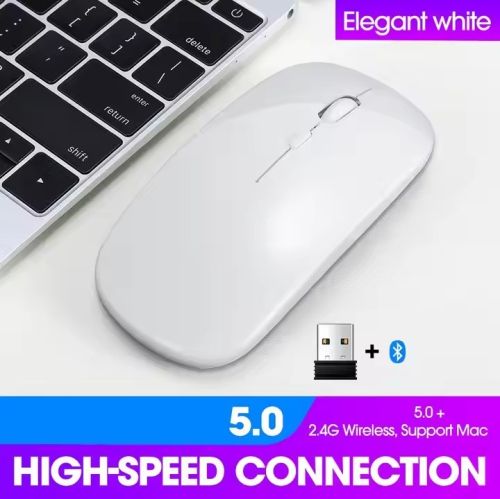
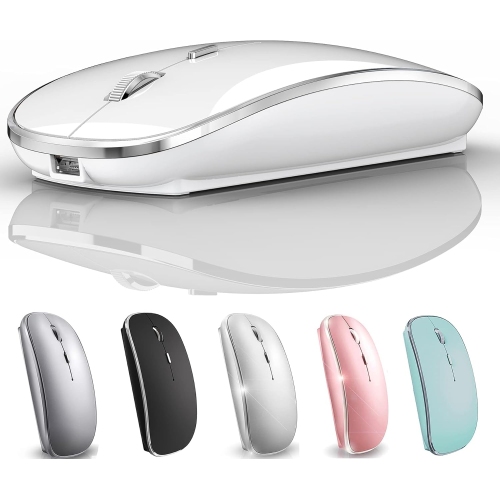
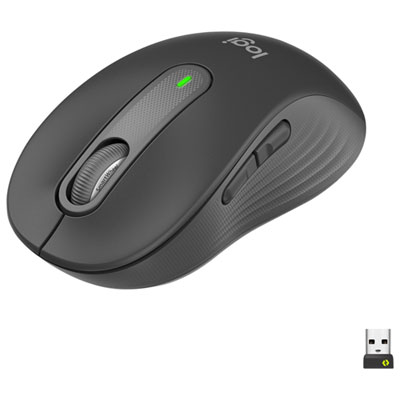
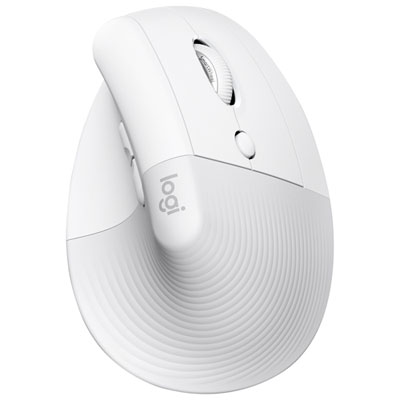
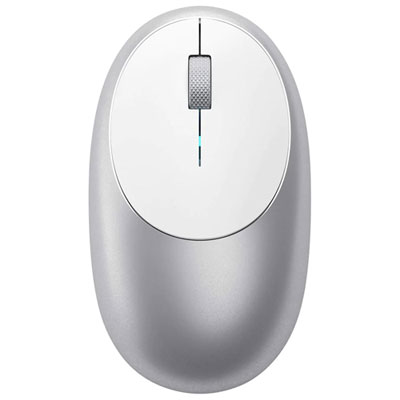
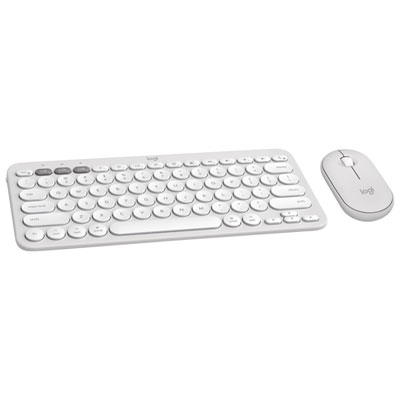
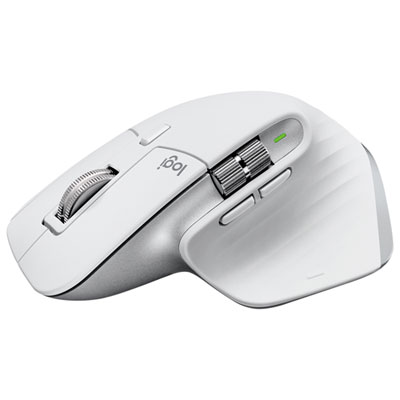
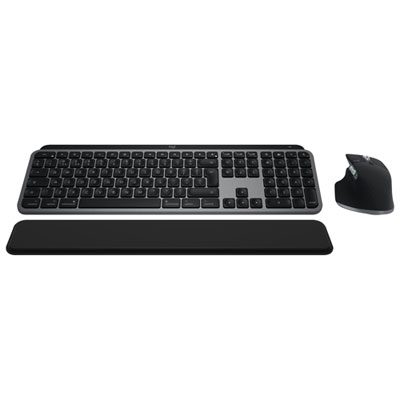
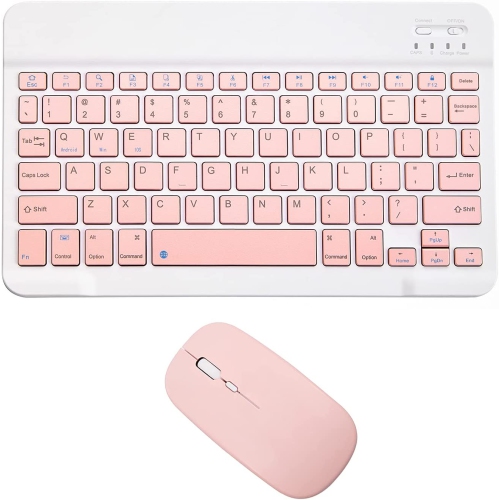
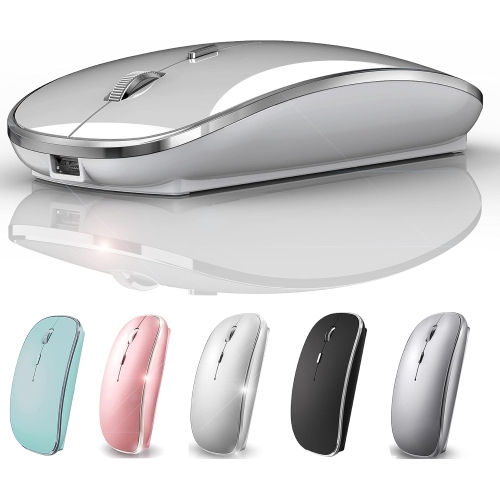
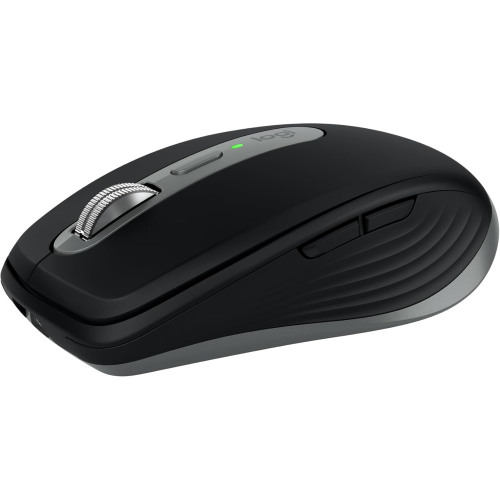
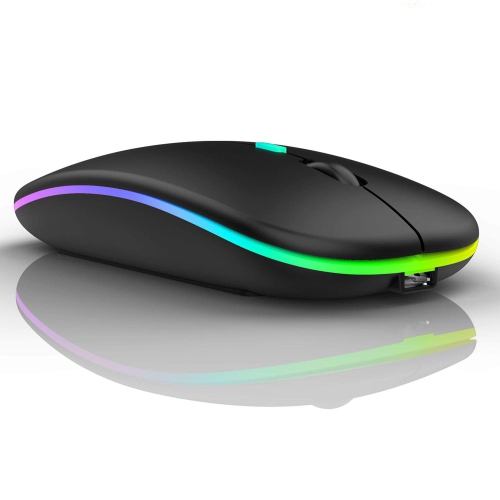
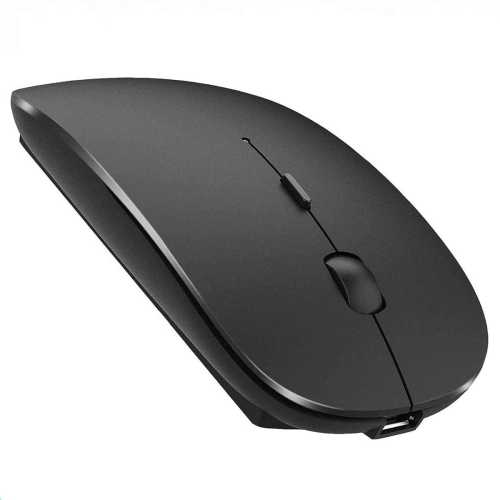
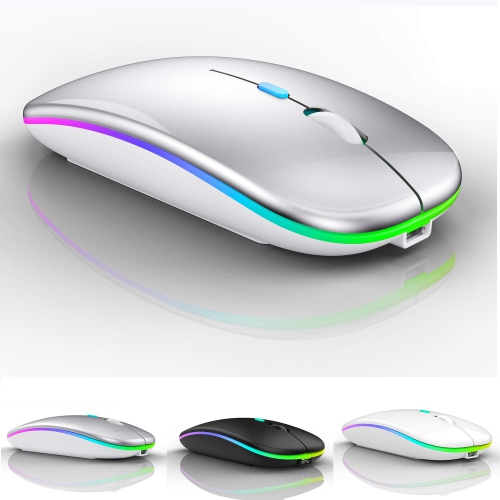
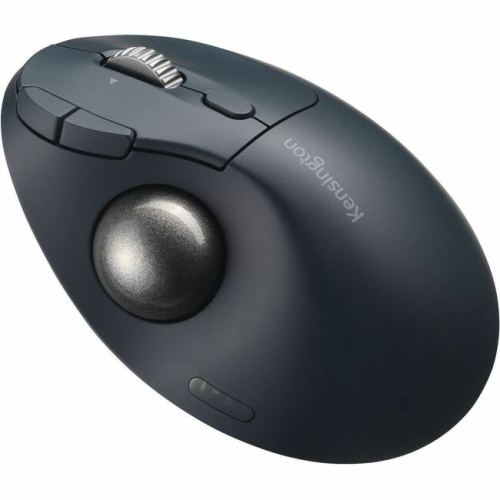
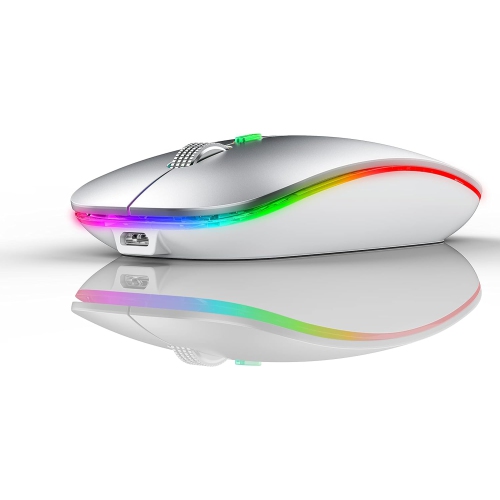
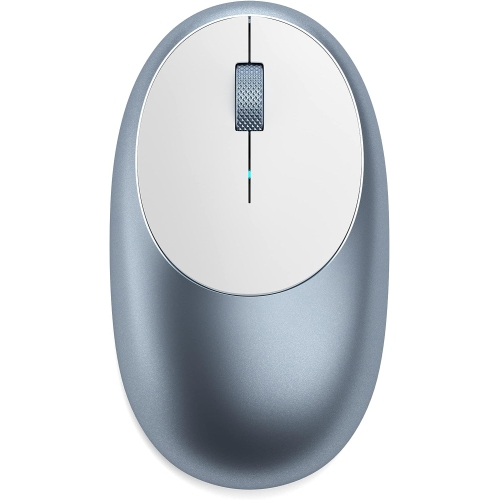
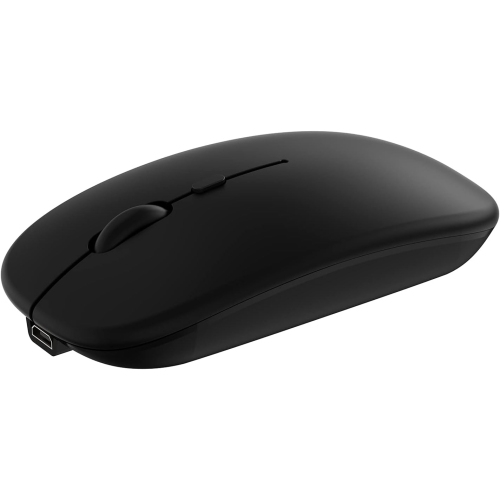
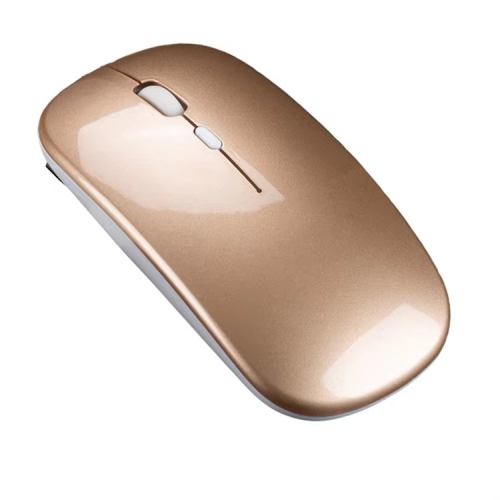
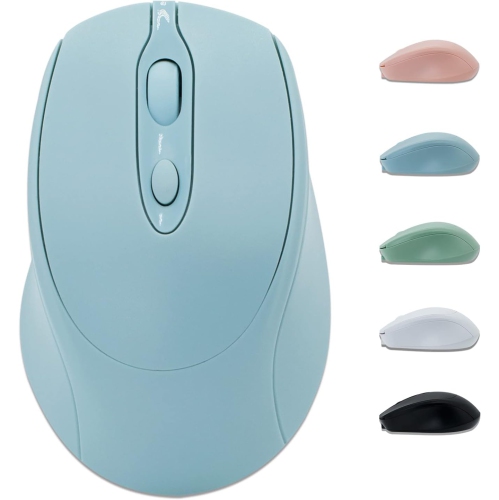
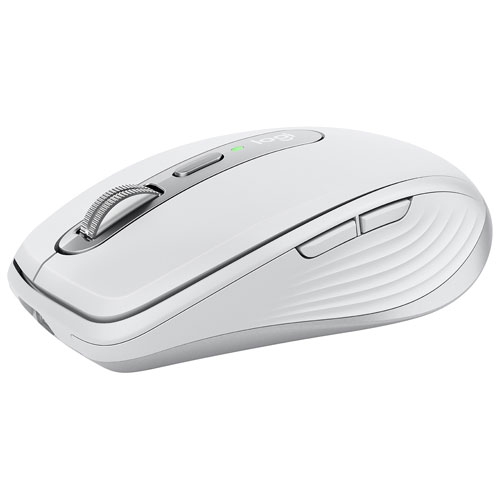
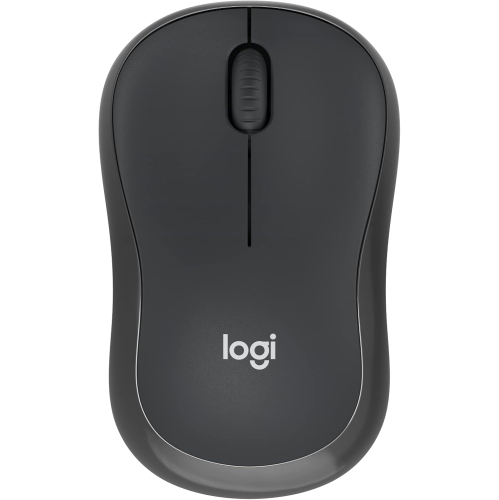
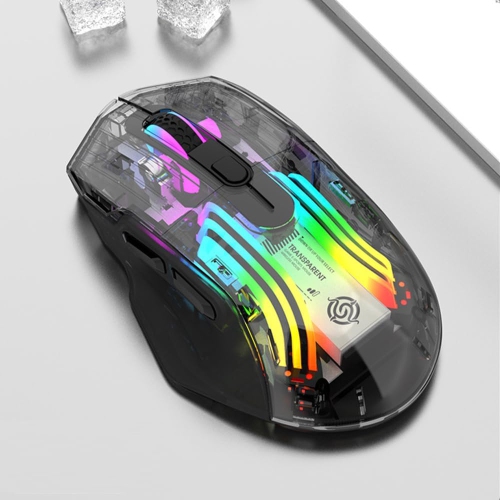
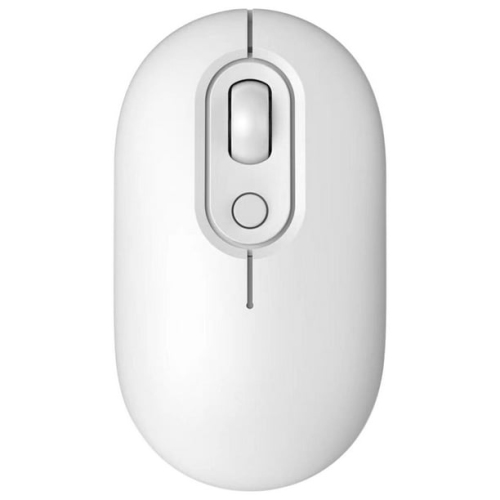
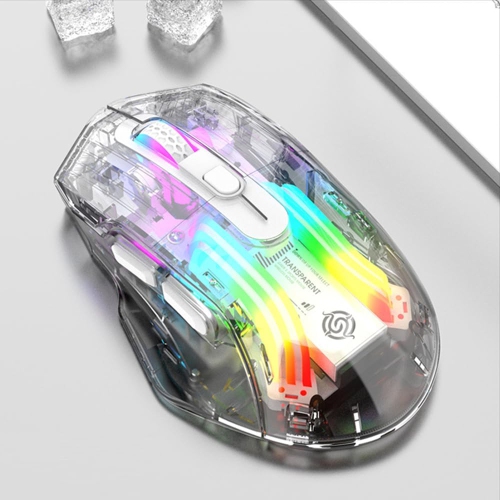
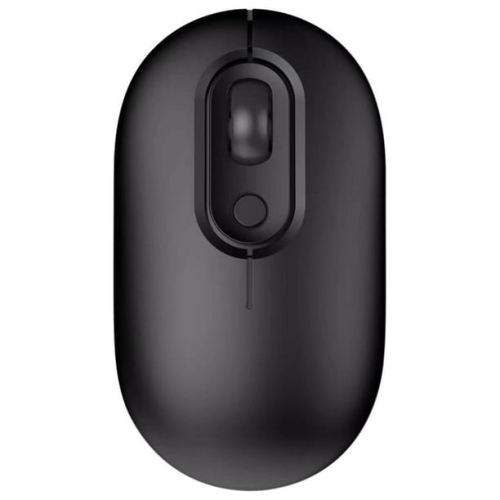
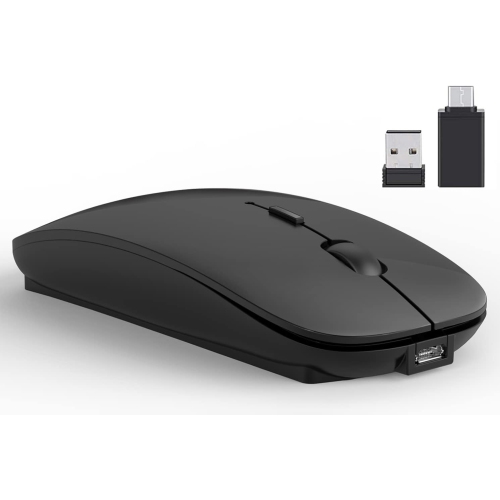
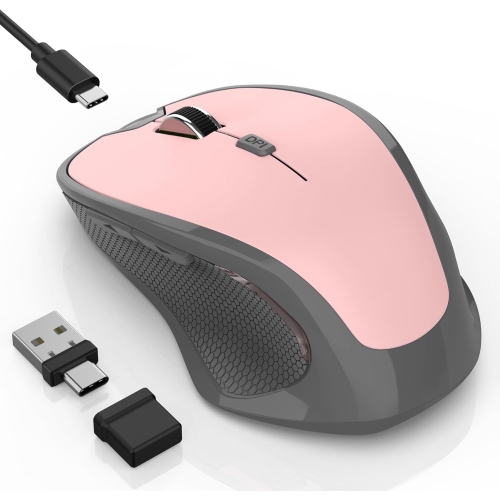
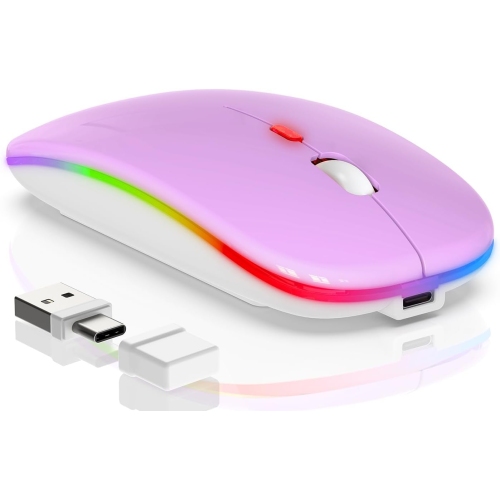
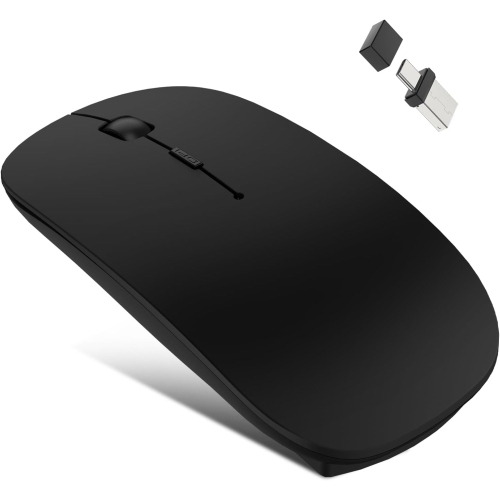
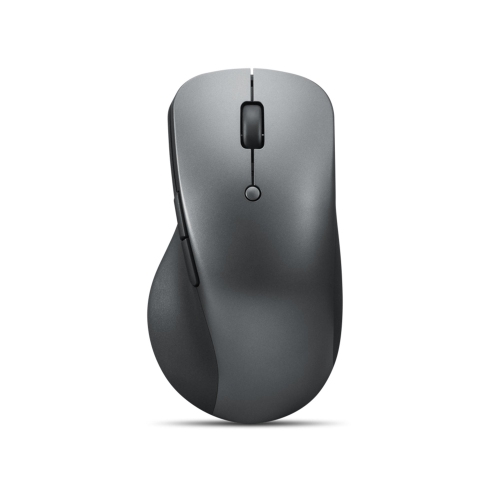
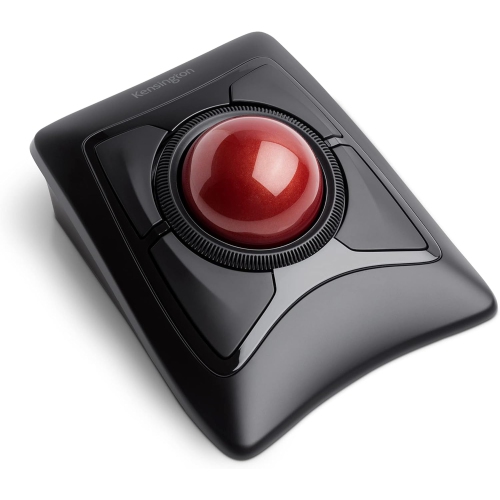
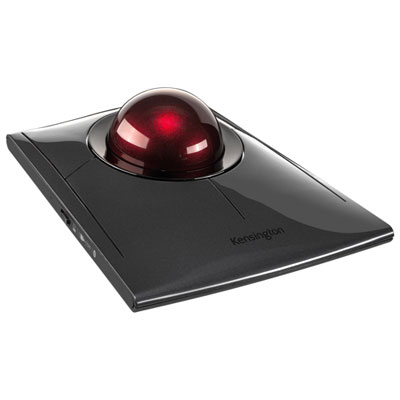
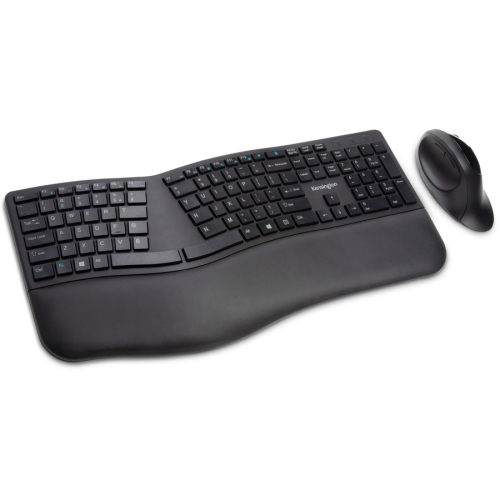
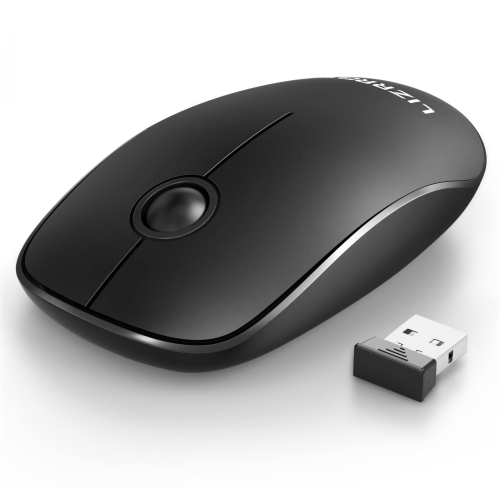
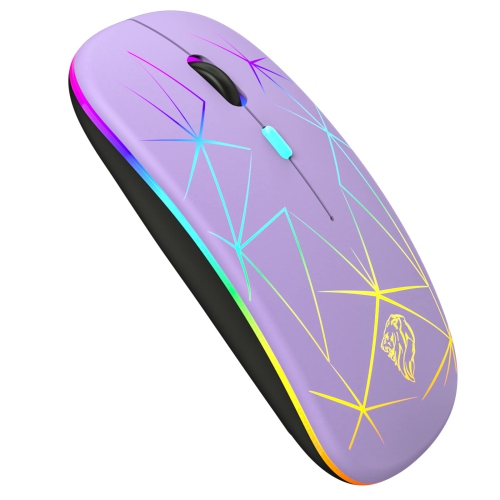
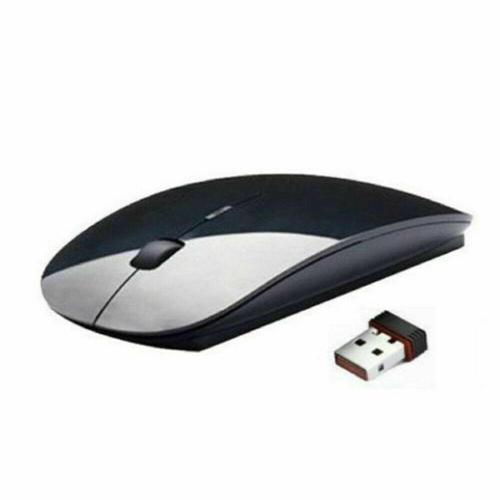
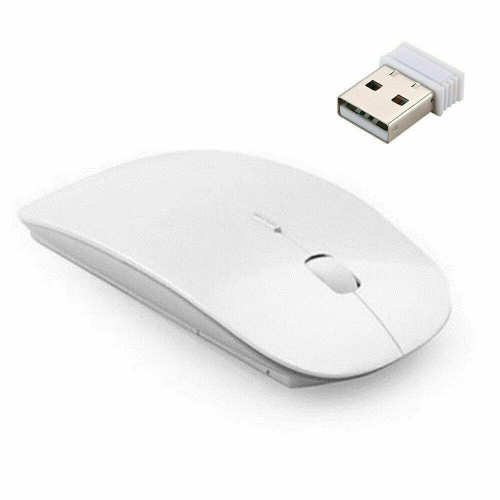
A Bluetooth mouse can make a MacBook Pro feel more comfortable and precise for everyday work, creative projects, study, and travel. Unlike a wired mouse or a wireless model that relies on a USB receiver, a Bluetooth mouse connects directly to your laptop, helping keep its USB-C ports available for charging, storage, displays, and other accessories. The best choice depends on how and where you use your MacBook Pro. A compact, lightweight design slips easily into a laptop sleeve and is convenient for working from a café, library, classroom, or shared office, while a larger contoured shape can provide more support during long hours of browsing, writing, coding, photo editing, or spreadsheet work. Consider the size and shape of the mouse in relation to your hand, as a low-profile model may be easy to carry but a fuller design may feel more natural over extended sessions. Button placement, scroll-wheel feel, click noise, and tracking accuracy can also make a noticeable difference when moving between documents, web pages, timelines, and detailed creative software. For a broad selection suited to Apple laptops, explore Bluetooth Mice for Mac and compare the features that fit your workspace and routine.
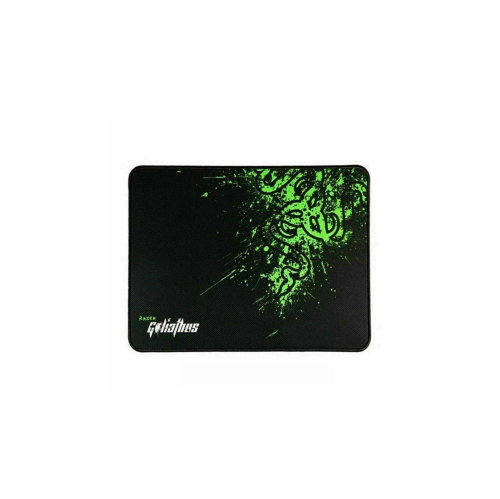
Battery and connection details are especially important when choosing Bluetooth mice for MacBook Pro. Rechargeable models can be topped up with a cable between tasks, while replaceable-battery designs may be useful for people who prefer to carry spare batteries rather than remember to recharge another device. Look for a battery life that matches your work habits, along with a visible charging indicator or low-power notification where available. A stable Bluetooth connection should respond smoothly without a receiver occupying a port, and some mice can remember more than one device, making it easier to move between a MacBook Pro, tablet, or desktop computer. Before purchasing, check that the mouse supports macOS and review any software requirements for adjusting button assignments, pointer speed, scrolling, or app-specific shortcuts. Pairing is generally straightforward: open System Settings on the MacBook Pro, select Bluetooth, turn on the mouse, and press its connect or pairing button until the indicator begins flashing. When the mouse appears in the device list, select Connect and move it across a desk or other suitable surface to confirm that tracking feels accurate. A mouse pad can help on glossy, patterned, or uneven surfaces, while a travel case or protective pouch can keep a portable mouse from collecting dust and scratches inside a bag. If the mouse does not connect immediately, switching it off and on, checking its charge, or removing an old saved connection can often resolve the issue.
Bluetooth mice for MacBook Pro can suit many different users and make a practical gift for someone setting up a home office, returning to school, upgrading a study area, or carrying a laptop between workspaces. A student may appreciate quiet clicks during lectures or late-night study sessions, while a professional who spends the day reviewing files may prefer a comfortable shape with a responsive scroll wheel and programmable controls. Designers, photographers, video editors, and other creative users can benefit from steady pointer movement and precise control when selecting small interface elements, adjusting layers, trimming clips, or navigating large canvases. A compact model is a thoughtful option for a frequent traveller, especially when every item in a laptop bag needs to earn its space, whereas an ergonomic model may be better for someone who works at a desk for several hours at a time. Consider the recipient’s hand size, preferred grip, desk setup, operating system, and whether they value portability, quiet operation, gesture support, or extensive customization. macOS gestures remain available through the MacBook Pro’s trackpad, but a Bluetooth mouse can provide a familiar pointer, faster scrolling, and a more relaxed alternative when the laptop is connected to a monitor or positioned farther back on a desk. With the right combination of comfort, tracking, battery performance, and easy pairing, a Bluetooth mouse can turn a MacBook Pro into a more flexible workstation during busy workdays, study sessions, and the cooler months when more time is spent indoors.
Battery and connection details are especially important when choosing Bluetooth mice for MacBook Pro. Rechargeable models can be topped up with a cable between tasks, while replaceable-battery designs may be useful for people who prefer to carry spare batteries rather than remember to recharge another device. Look for a battery life that matches your work habits, along with a visible charging indicator or low-power notification where available. A stable Bluetooth connection should respond smoothly without a receiver occupying a port, and some mice can remember more than one device, making it easier to move between a MacBook Pro, tablet, or desktop computer. Before purchasing, check that the mouse supports macOS and review any software requirements for adjusting button assignments, pointer speed, scrolling, or app-specific shortcuts. Pairing is generally straightforward: open System Settings on the MacBook Pro, select Bluetooth, turn on the mouse, and press its connect or pairing button until the indicator begins flashing. When the mouse appears in the device list, select Connect and move it across a desk or other suitable surface to confirm that tracking feels accurate. A mouse pad can help on glossy, patterned, or uneven surfaces, while a travel case or protective pouch can keep a portable mouse from collecting dust and scratches inside a bag. If the mouse does not connect immediately, switching it off and on, checking its charge, or removing an old saved connection can often resolve the issue.
Bluetooth mice for MacBook Pro can suit many different users and make a practical gift for someone setting up a home office, returning to school, upgrading a study area, or carrying a laptop between workspaces. A student may appreciate quiet clicks during lectures or late-night study sessions, while a professional who spends the day reviewing files may prefer a comfortable shape with a responsive scroll wheel and programmable controls. Designers, photographers, video editors, and other creative users can benefit from steady pointer movement and precise control when selecting small interface elements, adjusting layers, trimming clips, or navigating large canvases. A compact model is a thoughtful option for a frequent traveller, especially when every item in a laptop bag needs to earn its space, whereas an ergonomic model may be better for someone who works at a desk for several hours at a time. Consider the recipient’s hand size, preferred grip, desk setup, operating system, and whether they value portability, quiet operation, gesture support, or extensive customization. macOS gestures remain available through the MacBook Pro’s trackpad, but a Bluetooth mouse can provide a familiar pointer, faster scrolling, and a more relaxed alternative when the laptop is connected to a monitor or positioned farther back on a desk. With the right combination of comfort, tracking, battery performance, and easy pairing, a Bluetooth mouse can turn a MacBook Pro into a more flexible workstation during busy workdays, study sessions, and the cooler months when more time is spent indoors.
Top selling and popular products
-
 Your price for this item is $29.99
 -
 Your price for this item is $50.44
 -
 Your price for this item is $39.99
 -
 Your price for this item is $49.99
 -
 Your price for this item is $159.95
 -
 Your price for this item is $44.68
 -
 Your price for this item is $44.68
 -
 Your price for this item is $31
Discover more categories related to Bluetooth Mice for MacBook Pro
Top Collections:
Pokemon Centers, Kindle Devices, Best Budget Office Chairs, Apple iPhones 16, Best Laptops for Writers, iPhone 15 Apple, Canon G7X Cameras, Refurbished Apple Laptops, Alarm Clock, Motorola Razr Phones
Some products may be subject to Environmental Handling Fees
(EHF) depending on your province.
Learn more about EHFs.