Bluetooth Mice for Samsung Chromebook
Samsung Chromebook is a great laptop for students, but it's not exactly a gaming machine. If you're looking for something to help you with your productivity, then you might want to consider getting yourself a Bluetooth mouse.
Sort
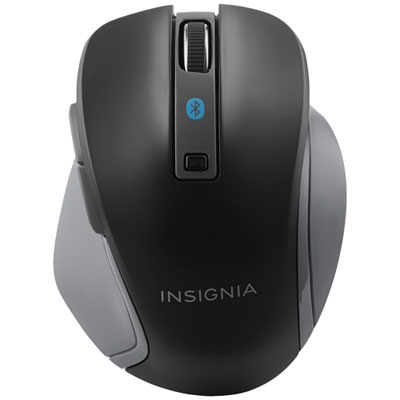

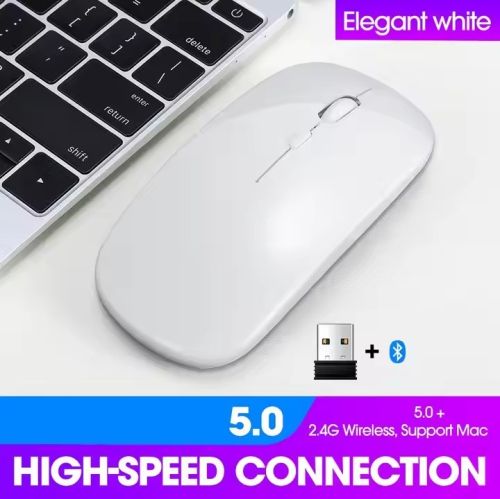
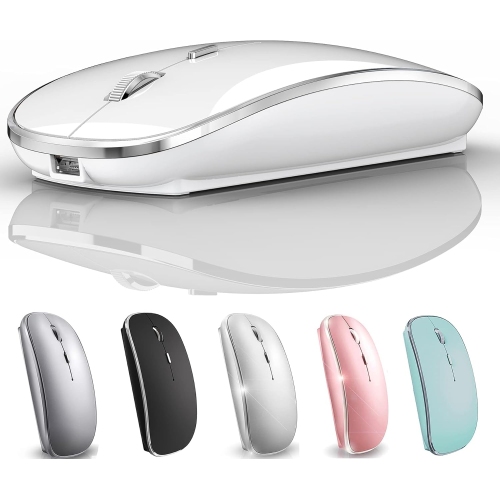
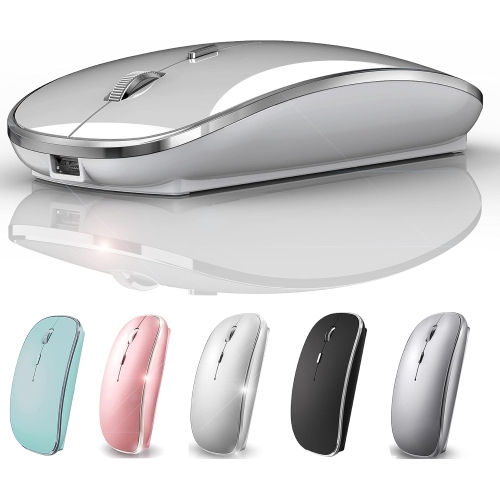
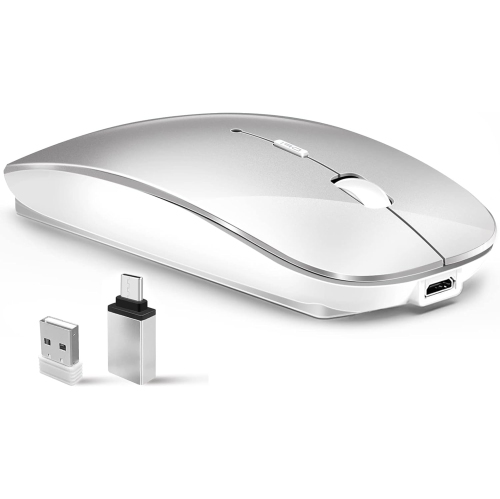

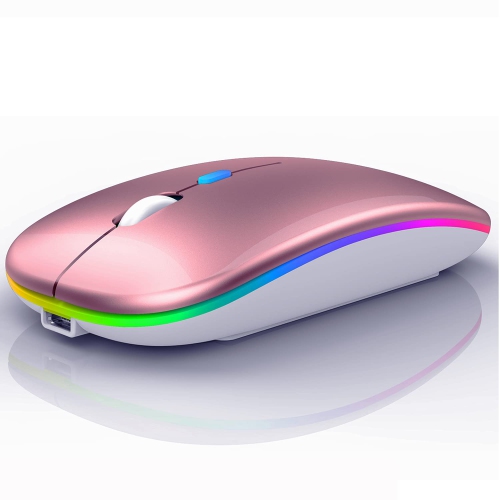
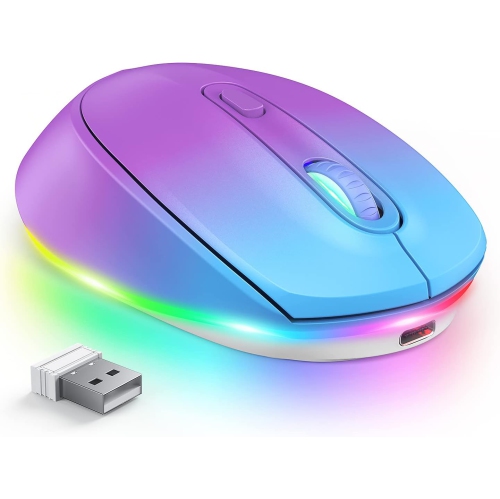
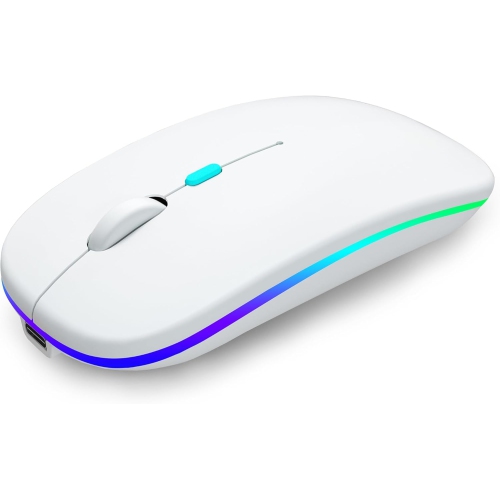
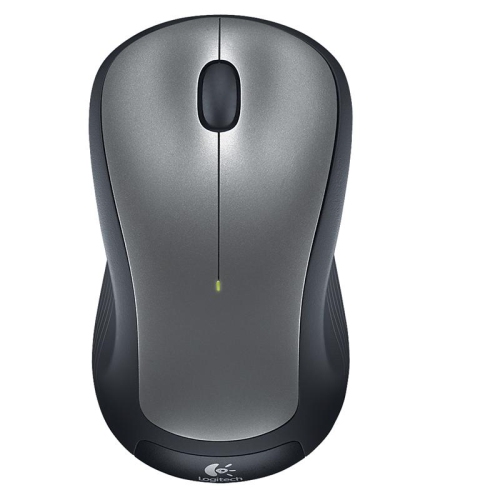
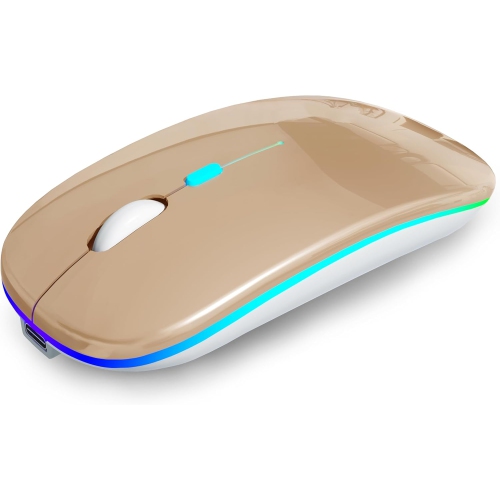
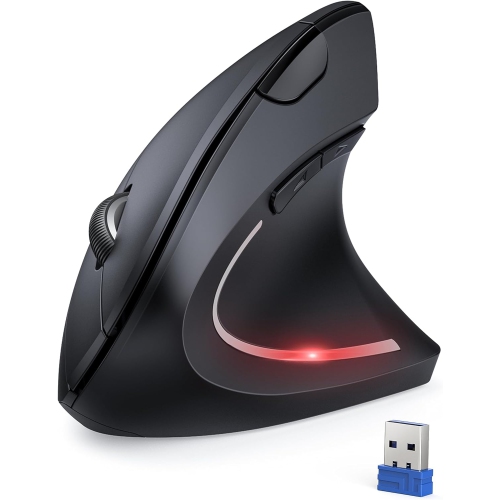

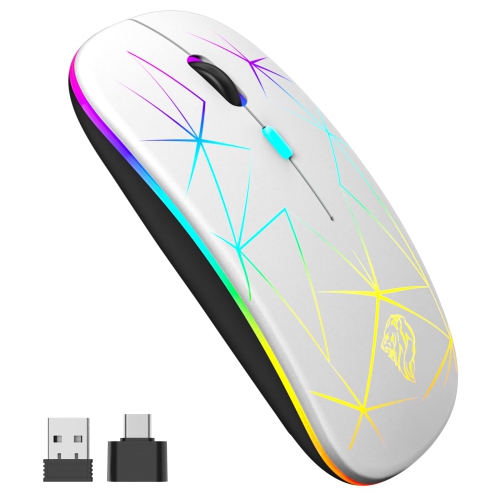
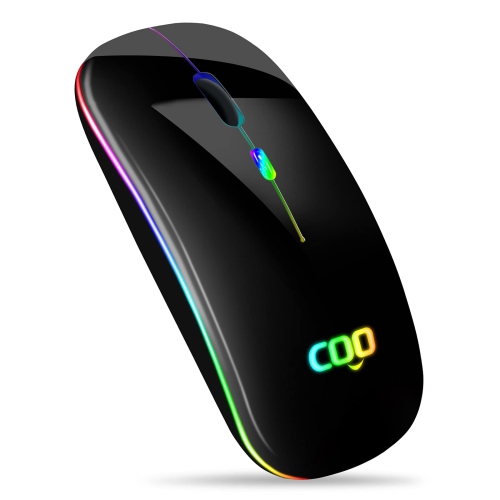
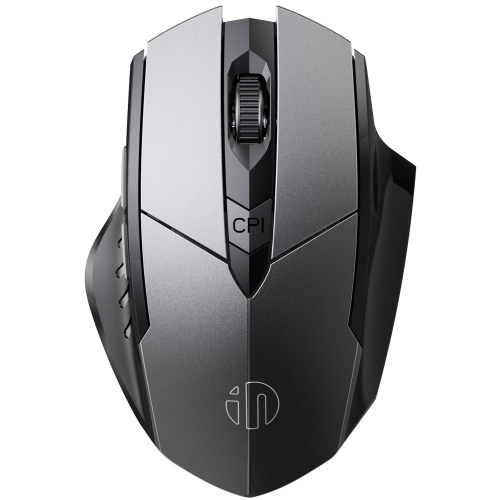
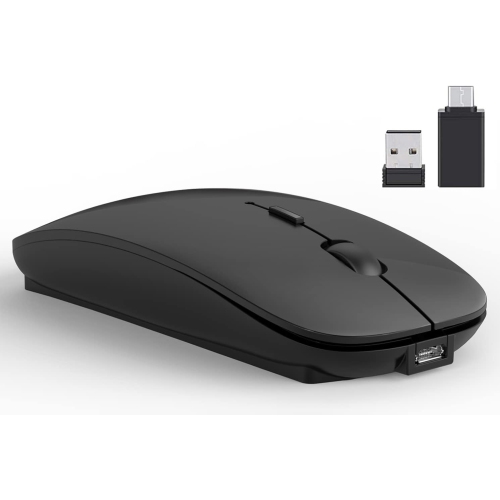
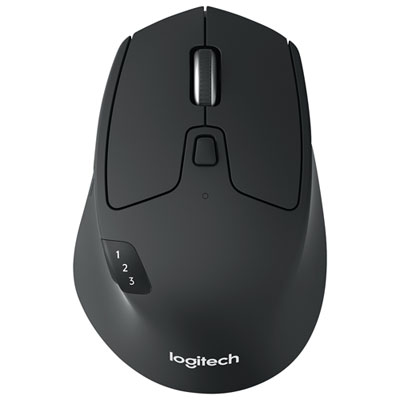
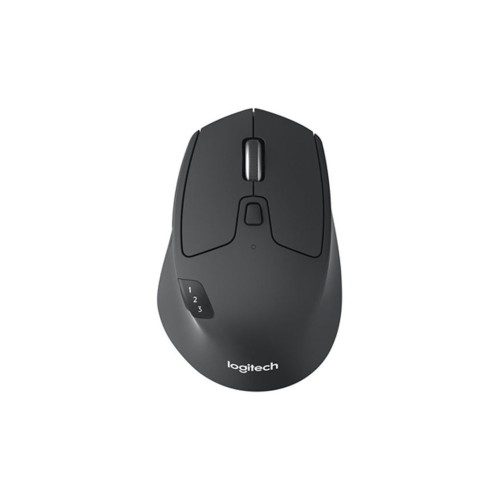
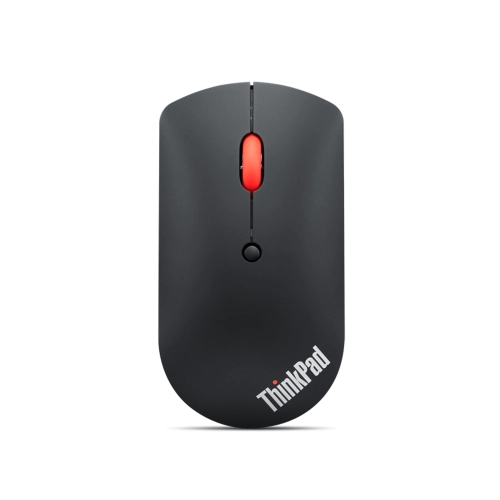
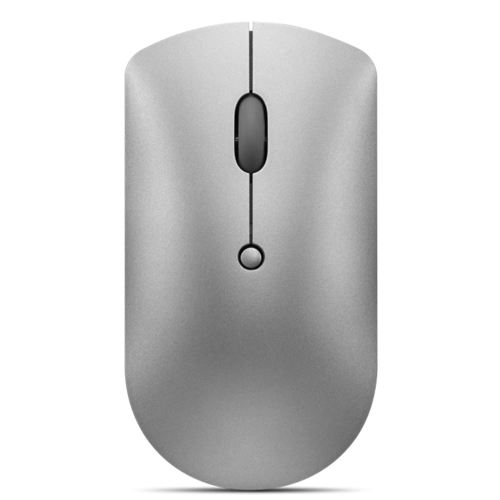
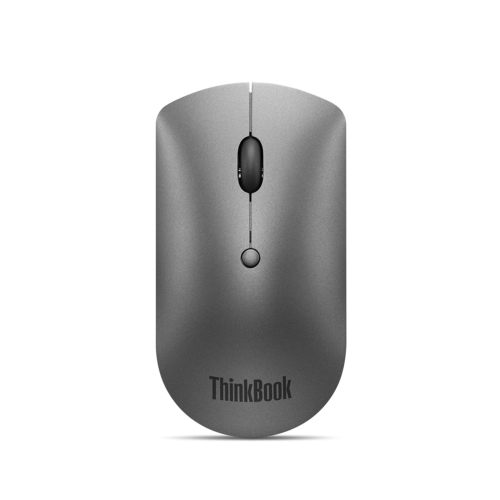

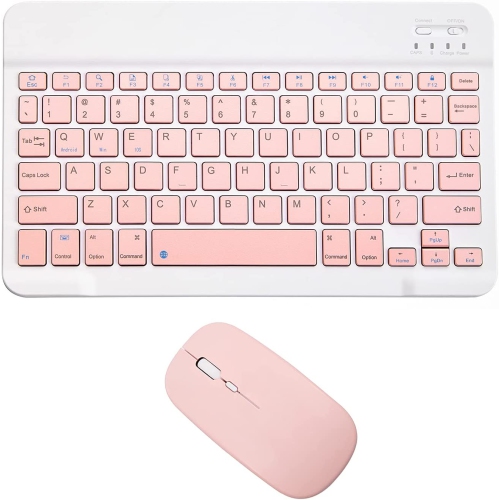
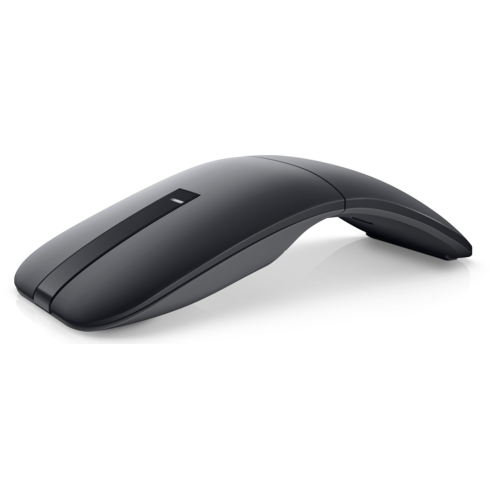
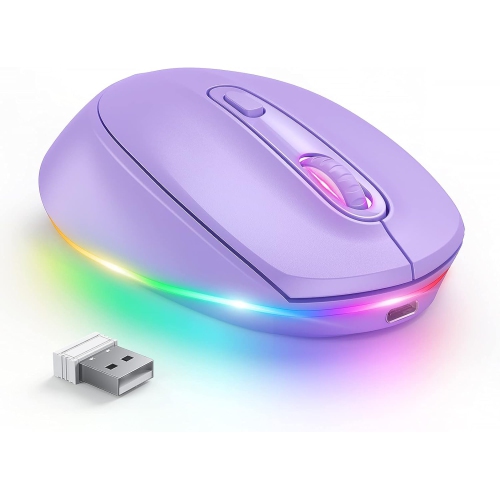
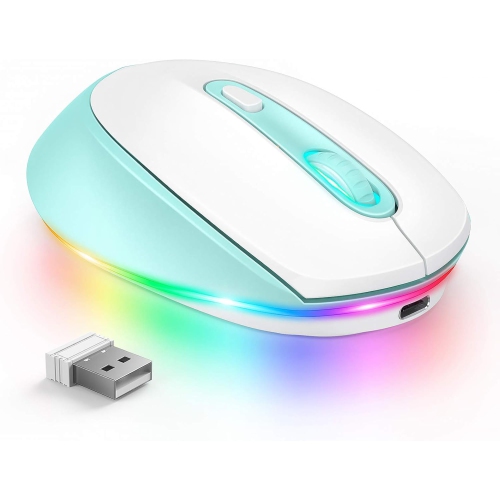

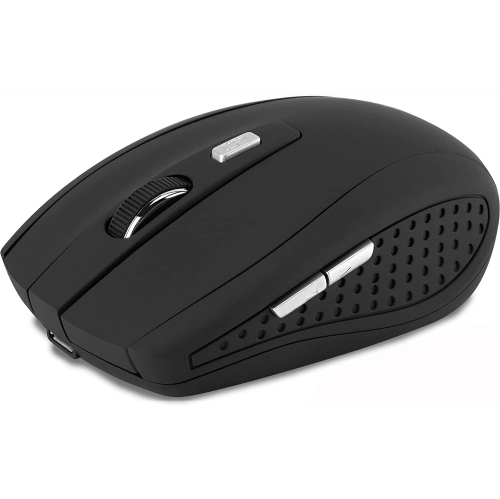
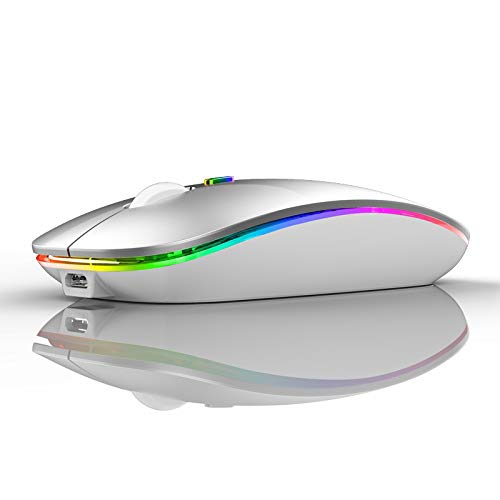
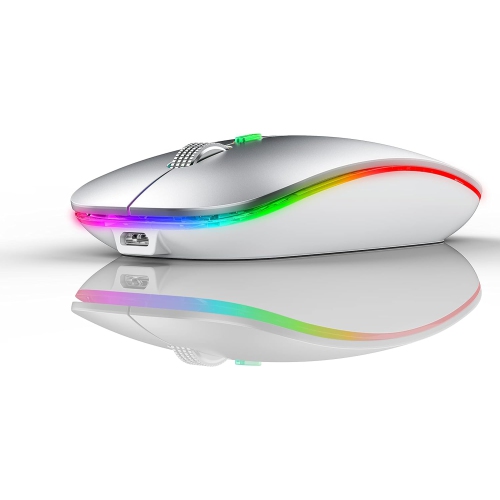
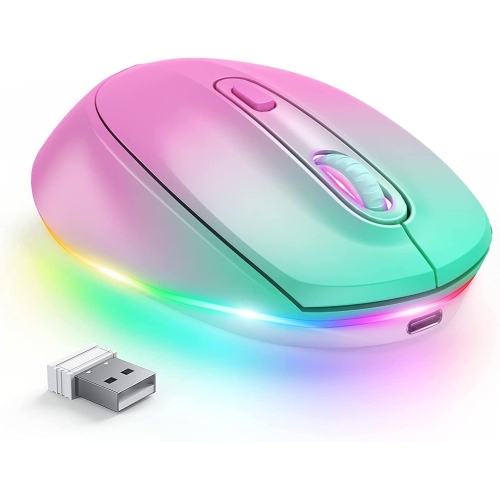
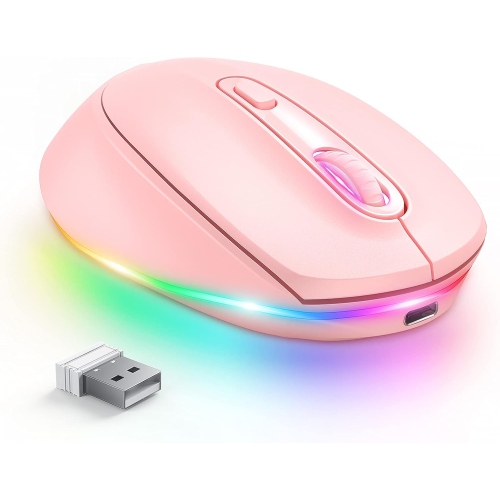
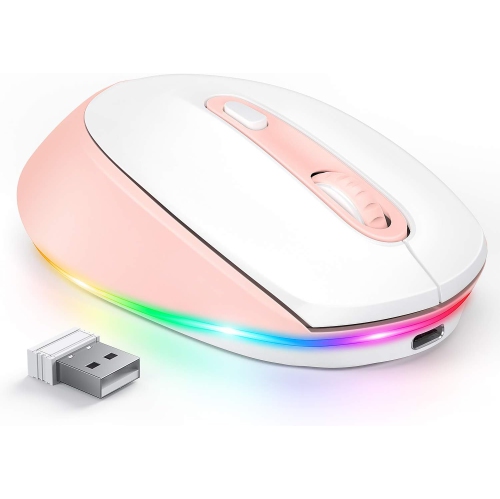
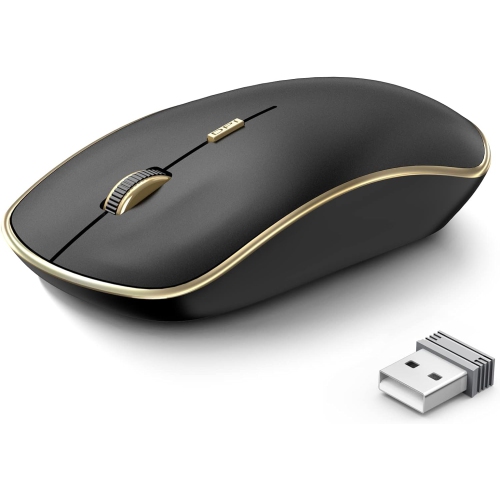
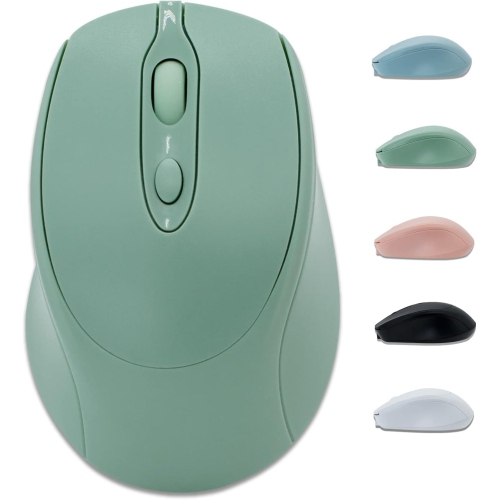

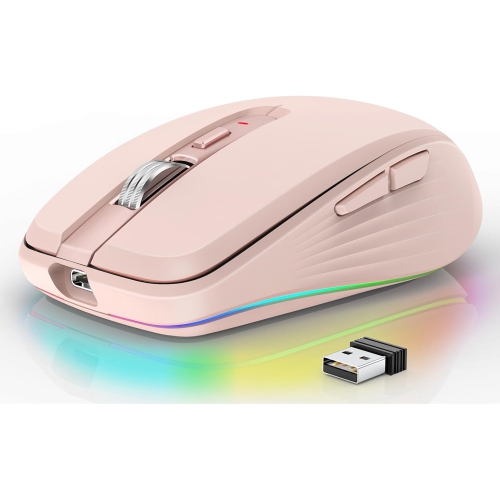
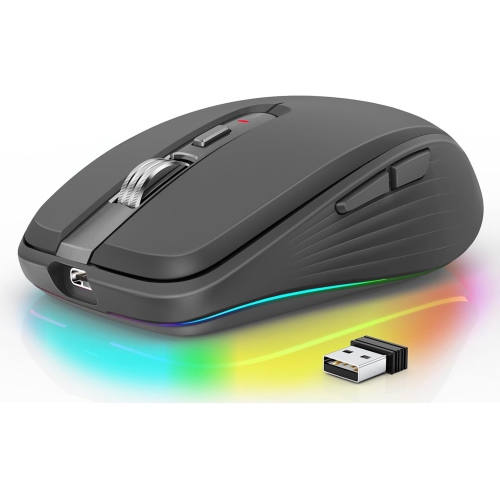
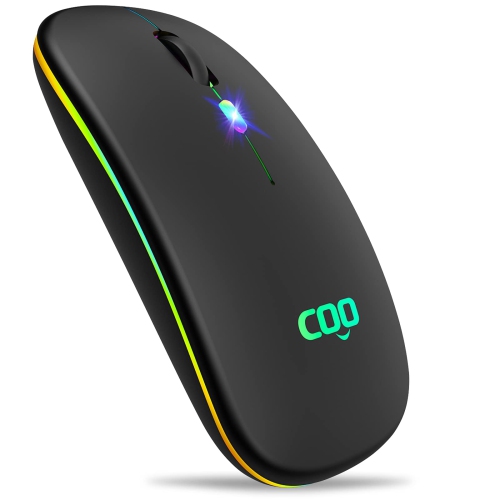
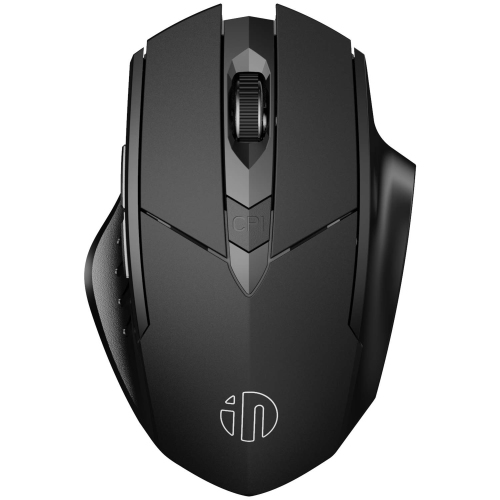
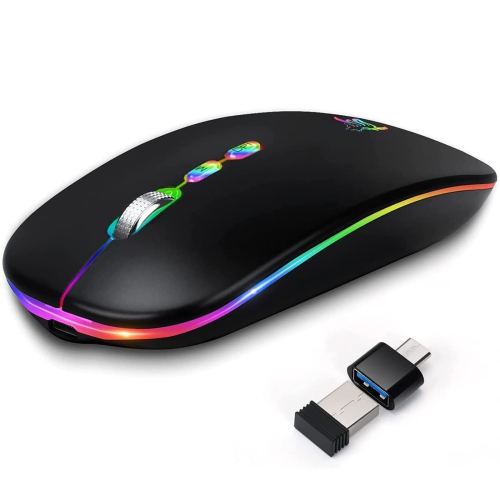
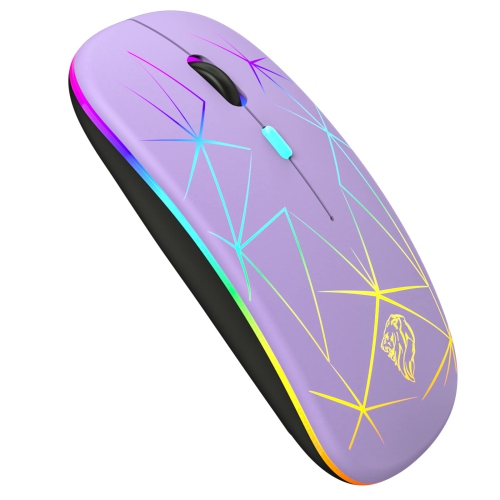
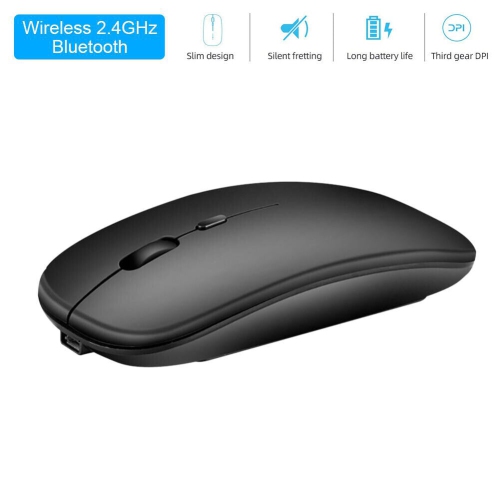
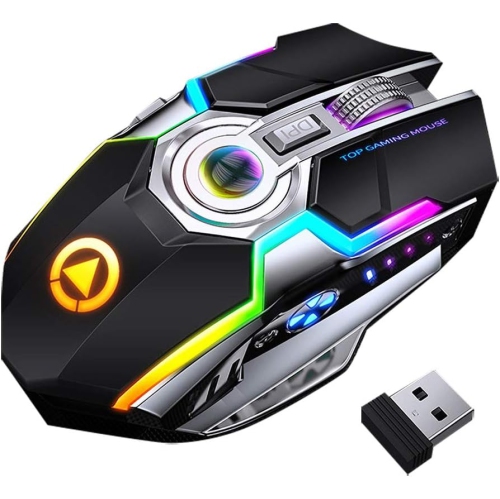
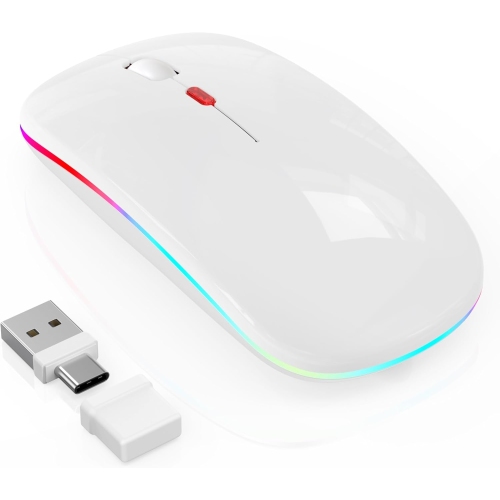
Wireless cursor control that leaves your USB ports free
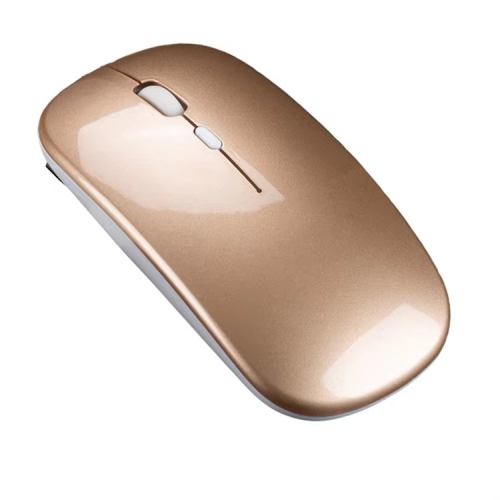
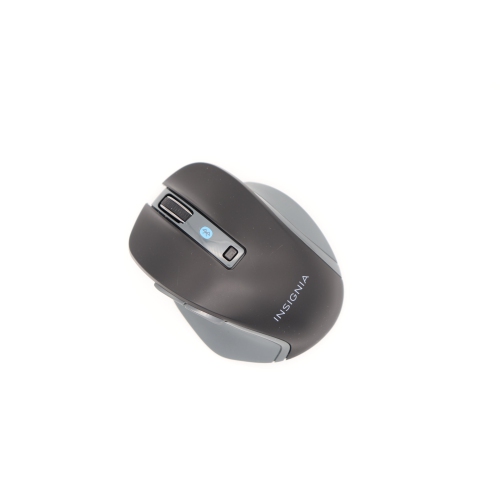
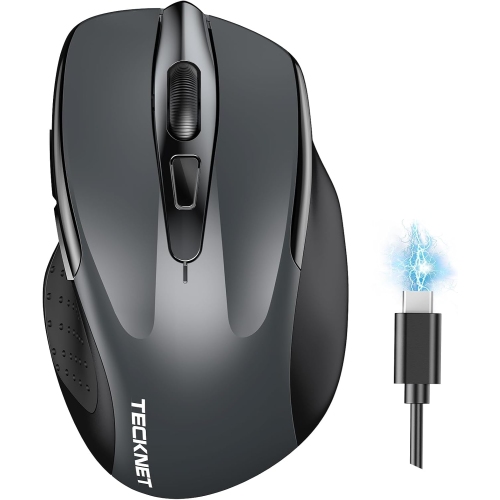
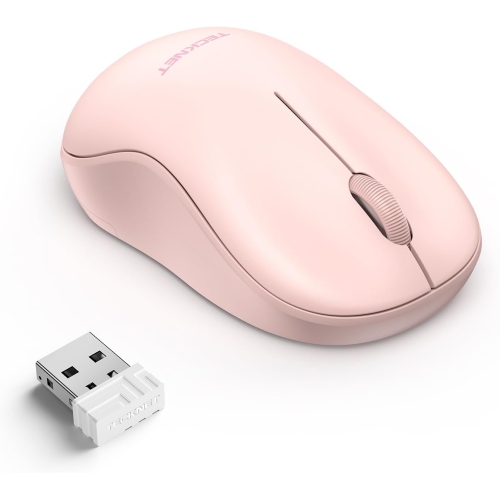
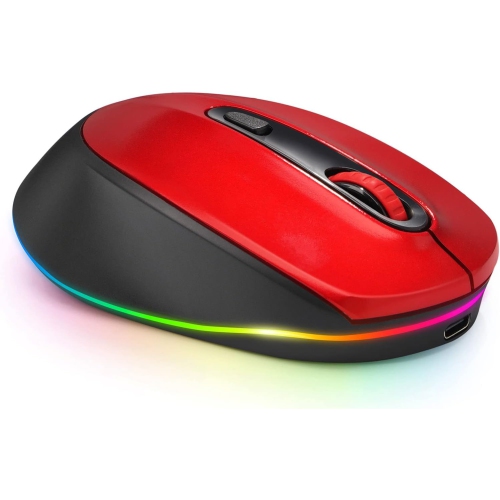
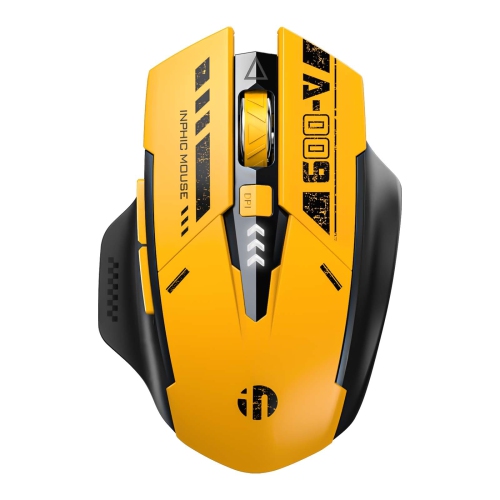
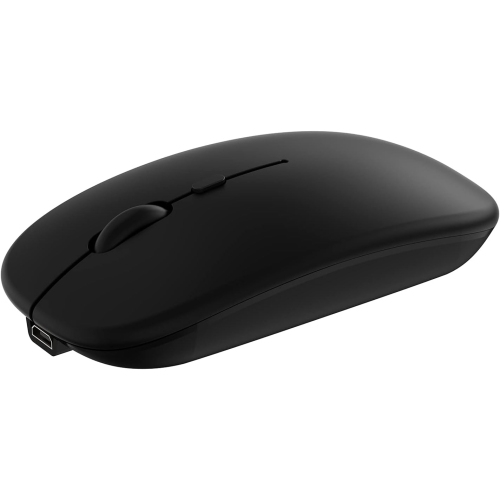
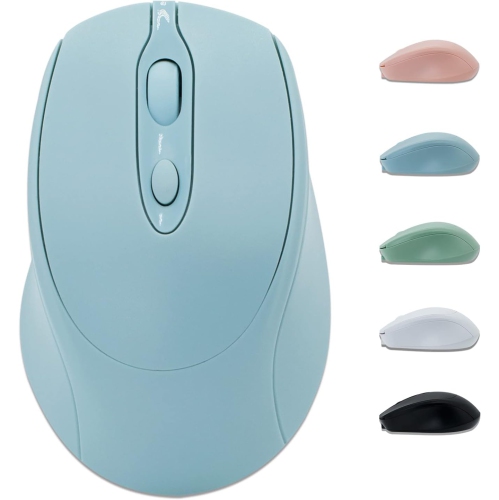
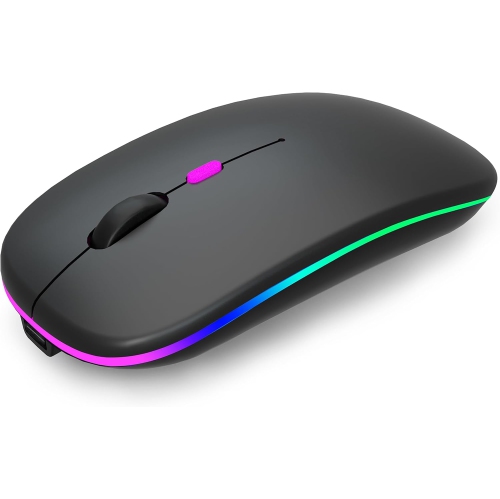
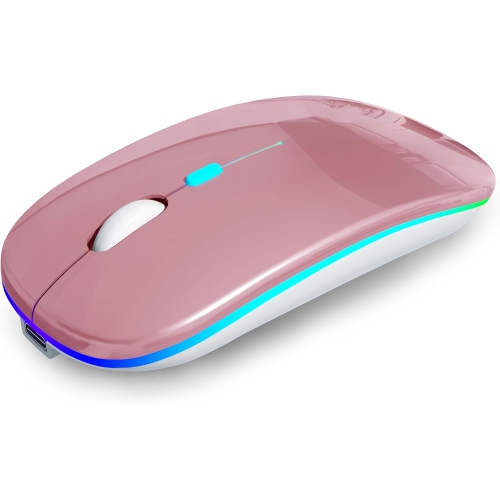
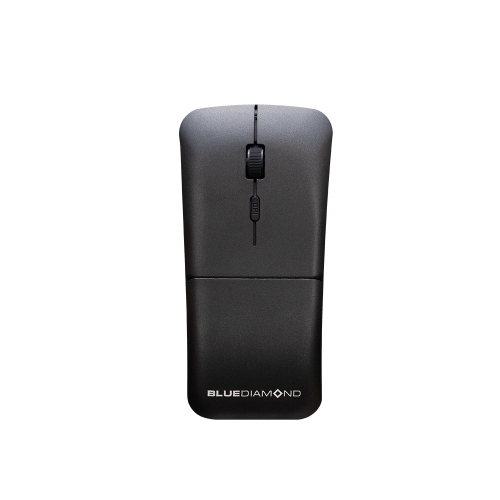
Bluetooth mice for a Chromebook offer wireless cursor control without requiring a USB receiver, leaving the laptop’s ports free for other accessories. A compatible mouse pairs through the Bluetooth section of ChromeOS settings after being placed in pairing mode; once paired, it can usually reconnect when powered on and within range. The important distinction is between Bluetooth connectivity and wireless connectivity that depends on a separate USB receiver. Some mice support both, while others use only one connection type, so a wireless label alone does not confirm direct Bluetooth pairing. Models that explicitly list ChromeOS compatibility provide a clearer indication of support, particularly when features extend beyond basic pointing, clicking, and scrolling. For everyday browsing, writing assignments, managing spreadsheets, and navigating online meetings, a mouse adds a familiar way to move between tabs, select text, and work across a larger screen. It can be especially useful with a laptop stand or external monitor, where reaching for the built-in touchpad may feel awkward. Students moving between classrooms, people sharing a home workspace, and frequent travellers can all benefit from a compact accessory that slips into a laptop bag without a trailing cable. Bluetooth also keeps a small desk free of an extra receiver, although a dual-mode model can offer flexibility when used with other compatible computers. The broader selection of Wireless Mice for Chromebook includes options worth considering when both direct pairing and receiver-based connections matter. A good match depends on more than the connection alone: the shape should suit the user’s hand, the controls should support their usual tasks, and the size should fit the space where the mouse will be used. A slim travel design and a fuller desktop design can serve the same basic purpose while feeling quite different through a long stretch of document editing or detailed cursor work.
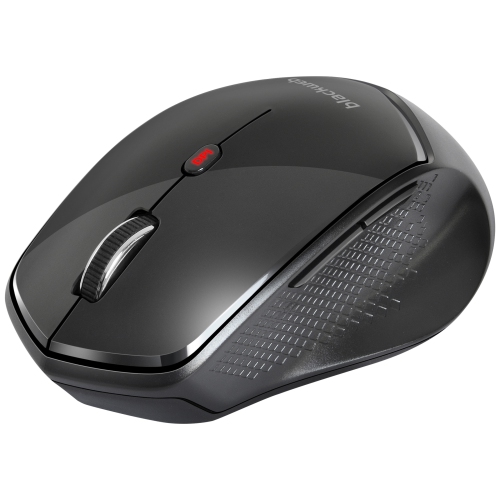
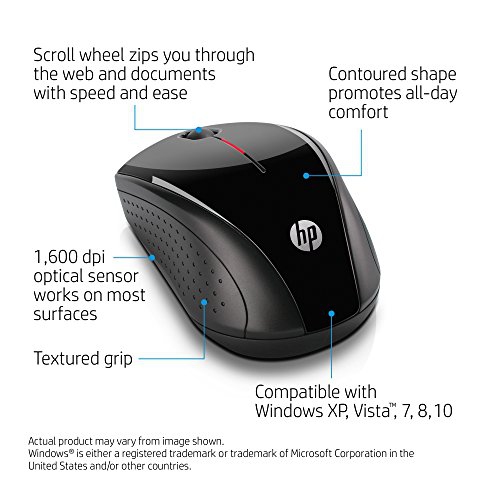
Comfort comes largely from the relationship between hand size, grip, and mouse shape. A low-profile body takes up little room in a sleeve or accessory pouch and may suit someone who steers mainly with their fingertips. A taller, contoured shell can provide more palm support for someone who rests their whole hand on the mouse. Neither shape is automatically the better choice for everyone. Overall length, width, and weight influence how easily the mouse can be lifted, repositioned, and moved across a desk. Symmetrical designs may suit either hand, but side-button placement and sculpted thumb rests can make a model more appropriate for right- or left-handed use. Vertical designs change the angle of the hand and forearm, though their comfort is personal and their shape takes more bag space than a flat travel mouse. Smooth plastic shells are easy to wipe down, while textured sides or rubberized grips can feel more secure during precise movements. Surface finishes also affect how fingerprints and everyday wear show over time. For shared study spaces and nearby colleagues, quiet-click switches can reduce the sharp tapping sound of repeated selections, although the scroll wheel and other buttons may still be audible. A clearly defined scroll wheel helps with moving through long documents a few lines at a time, while faster scrolling features can make lengthy webpages easier to navigate where supported. Adjustable sensitivity, often expressed as DPI, changes how far the pointer travels relative to the mouse’s movement. Lower sensitivity can make careful selections easier, while higher sensitivity can help cover a large display with less hand movement. The highest setting is not necessarily the most useful; predictable tracking and a comfortable pace matter more for everyday tasks. Extra buttons may offer convenient shortcuts, but customization can depend on software that is not supported by ChromeOS. Basic controls with clearly stated compatibility are often a more practical fit than numerous functions that cannot be configured on the intended laptop.
Battery design, everyday care, and portability help distinguish mice that otherwise look similar. Rechargeable models can reduce the need to keep spare batteries in a desk drawer, while models with replaceable batteries let the user restore power by swapping in a fresh set. Charging connections vary, and a USB-C port may allow a compatible charging cable to be shared with other accessories. A charging cable does not necessarily provide a wired data connection, however, and not every rechargeable mouse can be used while charging. Battery-life estimates depend on usage, sleep behaviour, lighting, and other features, making a power switch and a useful battery indicator worthwhile details for a mouse that travels regularly. Multi-device pairing can be helpful for someone moving between a Chromebook and another supported computer or tablet, but the number of saved connections and the method of switching vary by model. A dedicated device-switch button may simplify that change without repeating the initial pairing process. On the desk, a clean mouse pad offers a consistent tracking surface and helps protect the glide feet from grit. Optical sensors vary in their ability to track on reflective or transparent surfaces, so glass-table use calls for explicit support rather than an assumption. Dust around the sensor, debris beside the scroll wheel, and worn glide feet can affect everyday performance even when the connection is working properly. With the mouse switched off, gentle cleaning with a soft cloth, following the manufacturer’s care directions, helps keep the shell and contact surfaces tidy without letting moisture enter openings. A separate pocket or small case can protect buttons and the scroll wheel from pressure inside a crowded bag. Durability also involves details such as a secure battery cover, firmly seated buttons, and grips that tolerate regular handling. As a gift for a student, remote worker, or someone setting up a more comfortable desk, a Bluetooth mouse is most useful when matched to their device compatibility, preferred hand, and working habits. The right balance of shape, dependable controls, and manageable power needs makes it an accessory that fits naturally into daily use.
Comfort comes largely from the relationship between hand size, grip, and mouse shape. A low-profile body takes up little room in a sleeve or accessory pouch and may suit someone who steers mainly with their fingertips. A taller, contoured shell can provide more palm support for someone who rests their whole hand on the mouse. Neither shape is automatically the better choice for everyone. Overall length, width, and weight influence how easily the mouse can be lifted, repositioned, and moved across a desk. Symmetrical designs may suit either hand, but side-button placement and sculpted thumb rests can make a model more appropriate for right- or left-handed use. Vertical designs change the angle of the hand and forearm, though their comfort is personal and their shape takes more bag space than a flat travel mouse. Smooth plastic shells are easy to wipe down, while textured sides or rubberized grips can feel more secure during precise movements. Surface finishes also affect how fingerprints and everyday wear show over time. For shared study spaces and nearby colleagues, quiet-click switches can reduce the sharp tapping sound of repeated selections, although the scroll wheel and other buttons may still be audible. A clearly defined scroll wheel helps with moving through long documents a few lines at a time, while faster scrolling features can make lengthy webpages easier to navigate where supported. Adjustable sensitivity, often expressed as DPI, changes how far the pointer travels relative to the mouse’s movement. Lower sensitivity can make careful selections easier, while higher sensitivity can help cover a large display with less hand movement. The highest setting is not necessarily the most useful; predictable tracking and a comfortable pace matter more for everyday tasks. Extra buttons may offer convenient shortcuts, but customization can depend on software that is not supported by ChromeOS. Basic controls with clearly stated compatibility are often a more practical fit than numerous functions that cannot be configured on the intended laptop.
Battery design, everyday care, and portability help distinguish mice that otherwise look similar. Rechargeable models can reduce the need to keep spare batteries in a desk drawer, while models with replaceable batteries let the user restore power by swapping in a fresh set. Charging connections vary, and a USB-C port may allow a compatible charging cable to be shared with other accessories. A charging cable does not necessarily provide a wired data connection, however, and not every rechargeable mouse can be used while charging. Battery-life estimates depend on usage, sleep behaviour, lighting, and other features, making a power switch and a useful battery indicator worthwhile details for a mouse that travels regularly. Multi-device pairing can be helpful for someone moving between a Chromebook and another supported computer or tablet, but the number of saved connections and the method of switching vary by model. A dedicated device-switch button may simplify that change without repeating the initial pairing process. On the desk, a clean mouse pad offers a consistent tracking surface and helps protect the glide feet from grit. Optical sensors vary in their ability to track on reflective or transparent surfaces, so glass-table use calls for explicit support rather than an assumption. Dust around the sensor, debris beside the scroll wheel, and worn glide feet can affect everyday performance even when the connection is working properly. With the mouse switched off, gentle cleaning with a soft cloth, following the manufacturer’s care directions, helps keep the shell and contact surfaces tidy without letting moisture enter openings. A separate pocket or small case can protect buttons and the scroll wheel from pressure inside a crowded bag. Durability also involves details such as a secure battery cover, firmly seated buttons, and grips that tolerate regular handling. As a gift for a student, remote worker, or someone setting up a more comfortable desk, a Bluetooth mouse is most useful when matched to their device compatibility, preferred hand, and working habits. The right balance of shape, dependable controls, and manageable power needs makes it an accessory that fits naturally into daily use.
Top selling and popular products
-
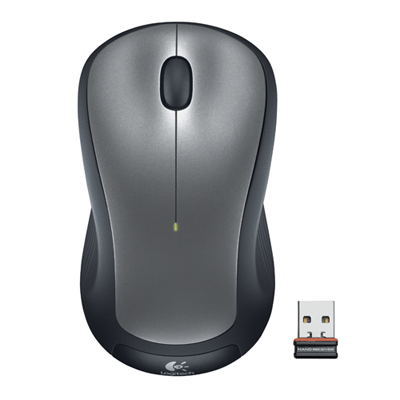 Your price for this item is $29.99
 -
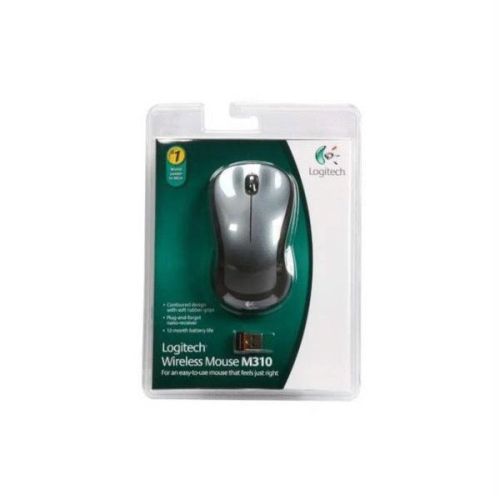 Your price for this item is $50.44
 -
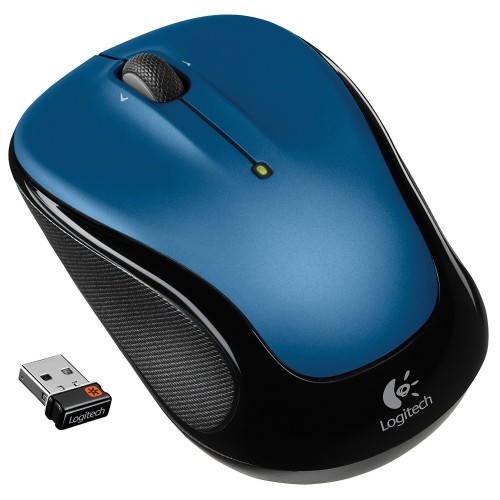 Your price for this item is $39.99
 -
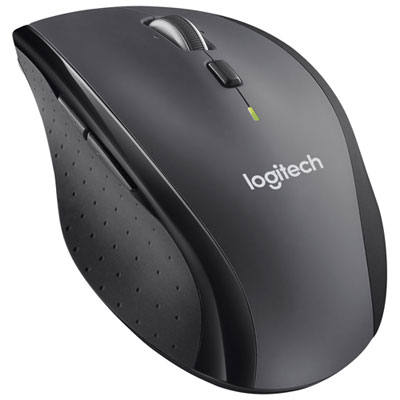 Your price for this item is $49.99
 -
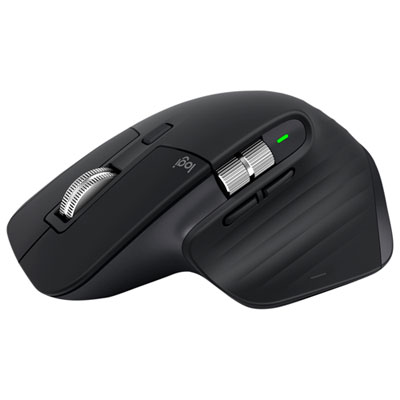 Your price for this item is $159.95
 -
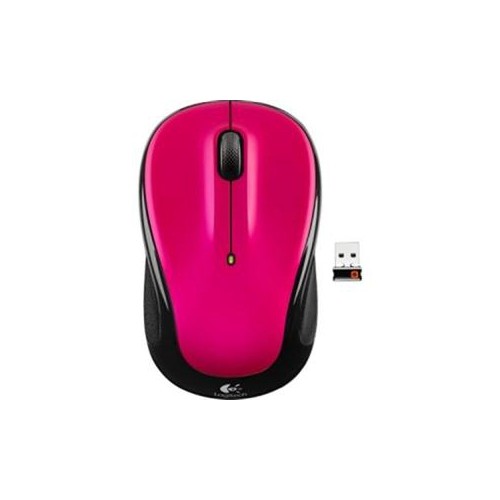 Your price for this item is $44.68
 -
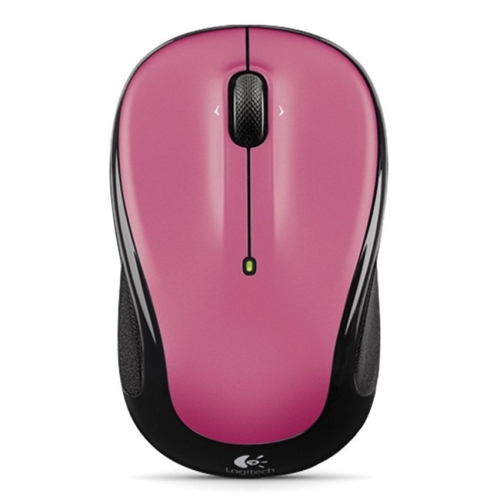 Your price for this item is $44.68
 -
 Your price for this item is $31
Discover more categories related to Bluetooth Mice for Samsung Chromebook
Top Collections:
Pokemon Centers, Kindle Devices, Best Budget Office Chairs, Apple iPhones 16, Best Laptops for Writers, iPhone 15 Apple, Canon G7X Cameras, Refurbished Apple Laptops, Alarm Clock, Motorola Razr Phones
Some products may be subject to Environmental Handling Fees
(EHF) depending on your province.
Learn more about EHFs.