Logitech Mouse On Chromebook
If you're looking for a great mouse to use with your Chromebook, you've come to the right place. These mice offer comfort, style, and performance. Here are some great options for mice compatible for Chromebooks.
Sort
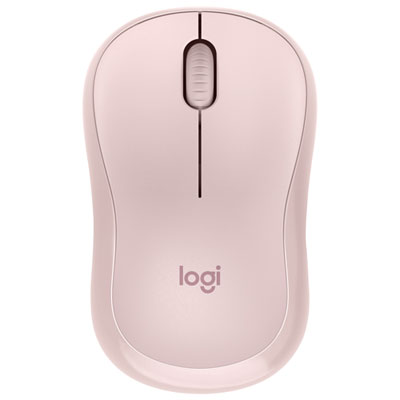
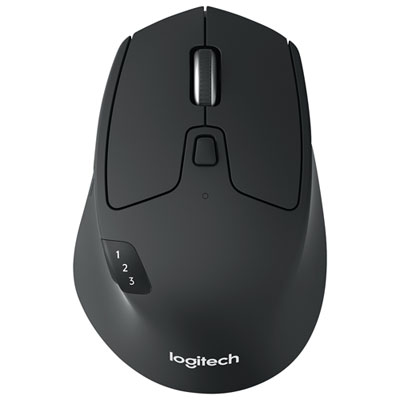
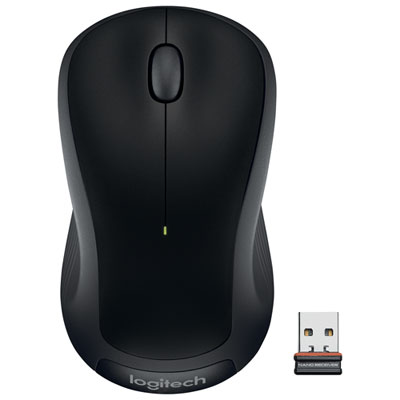
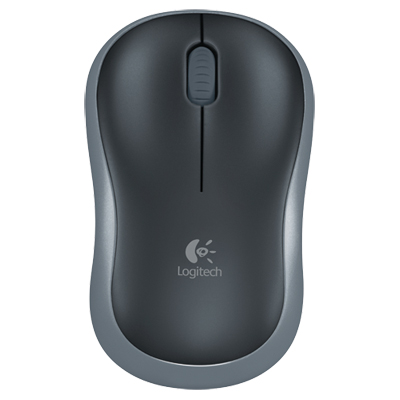
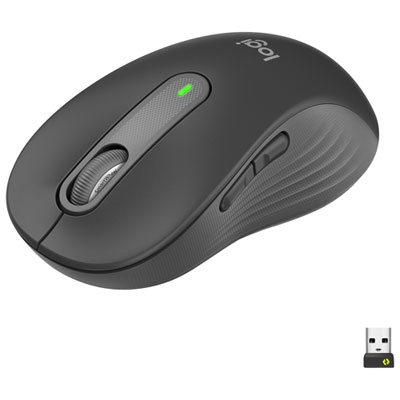
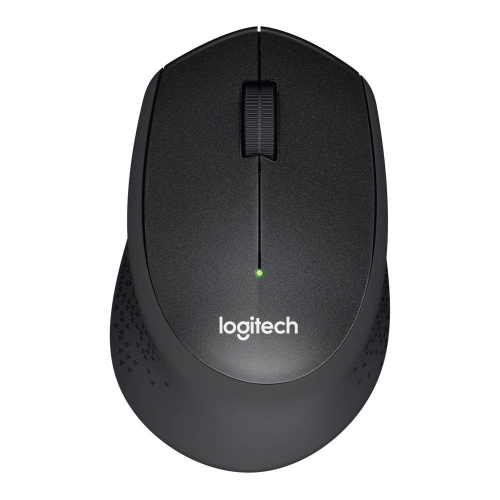
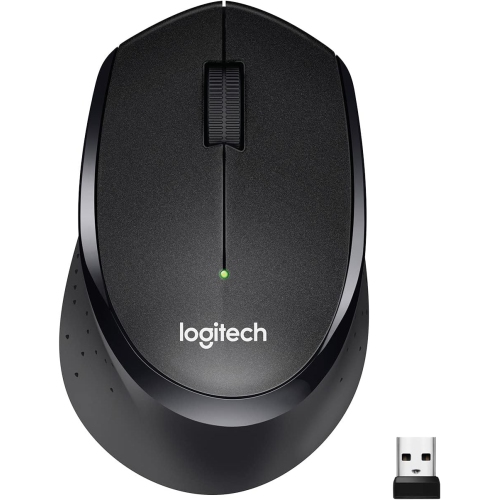
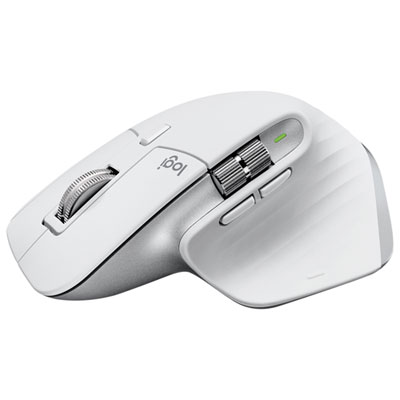
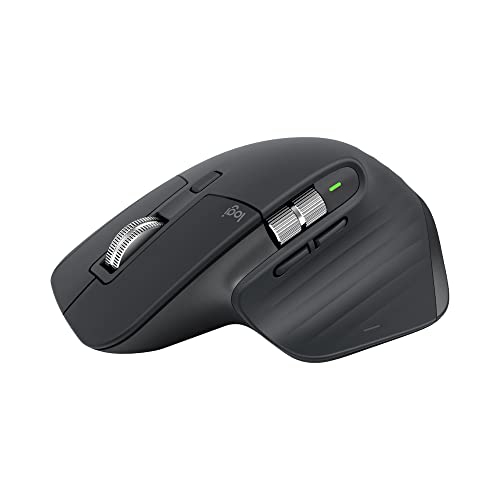

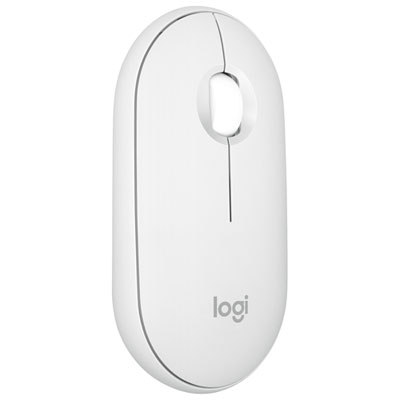
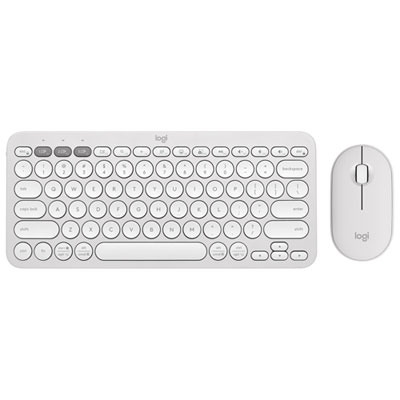
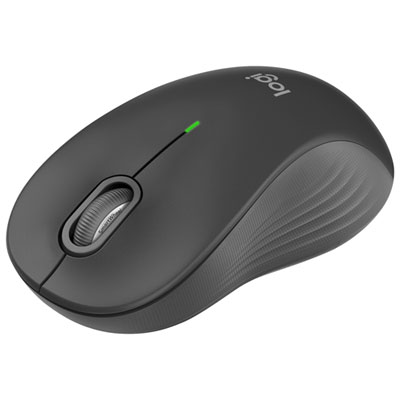
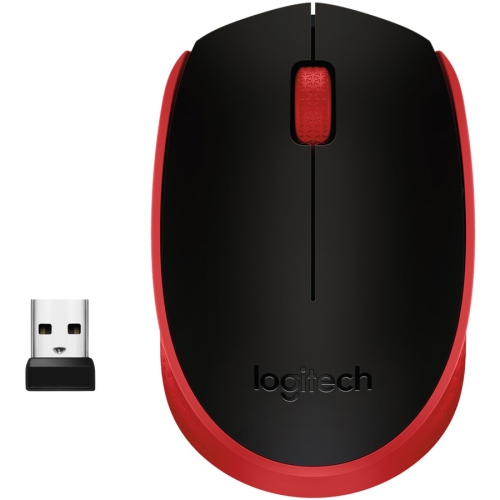
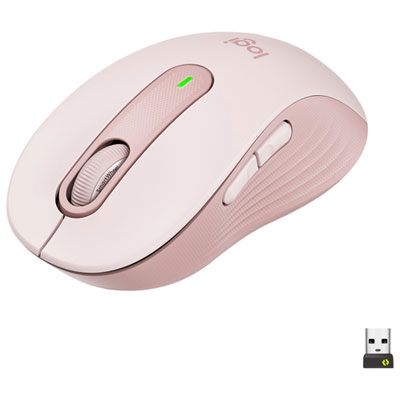
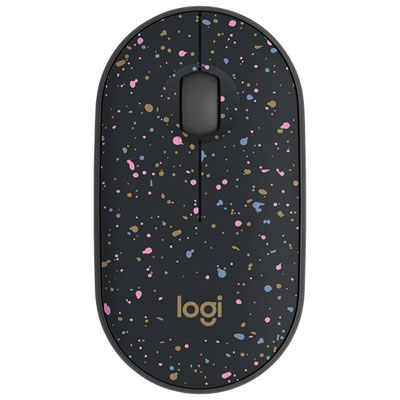
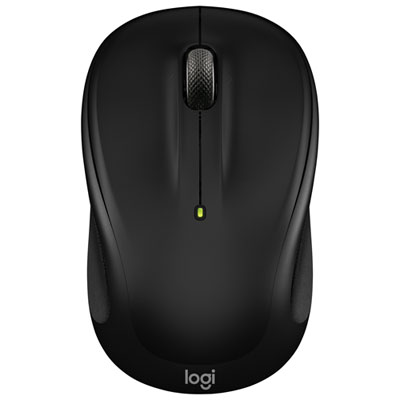
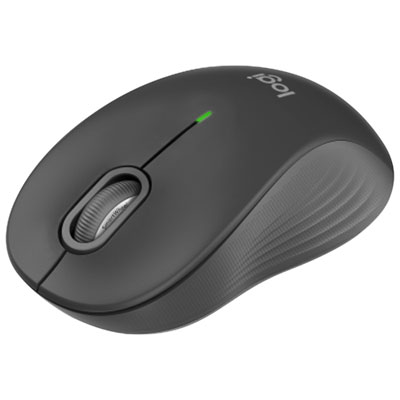
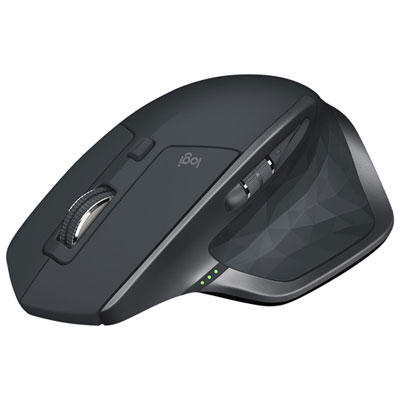
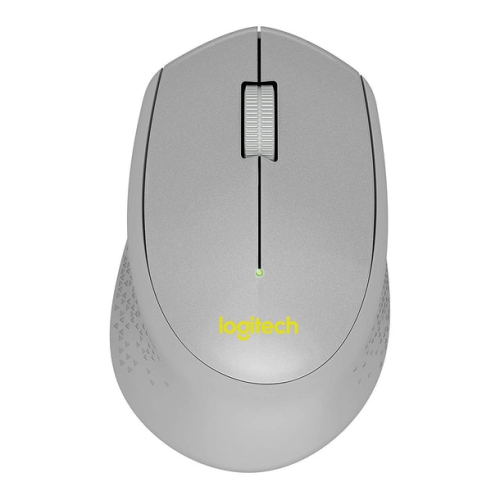
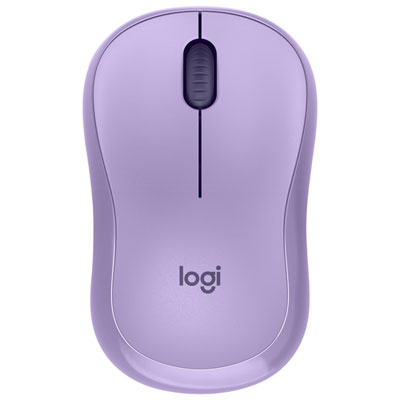
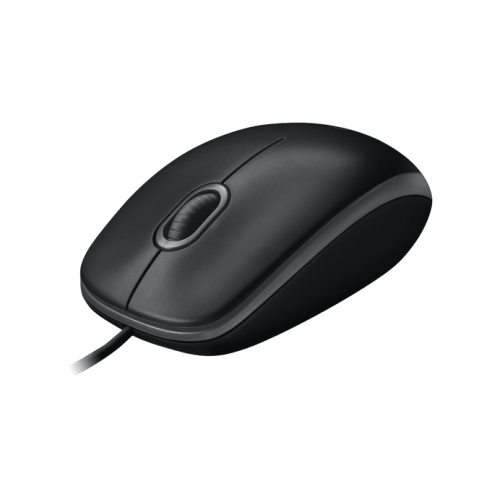
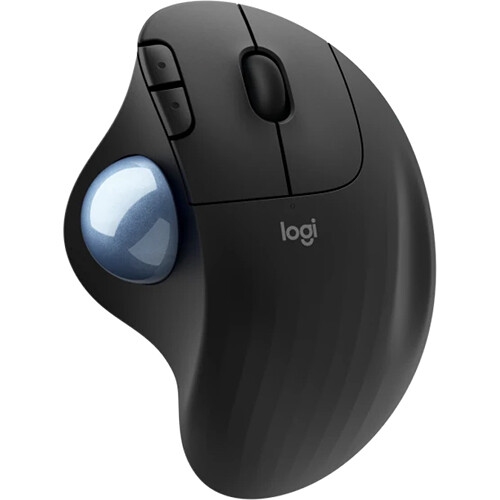
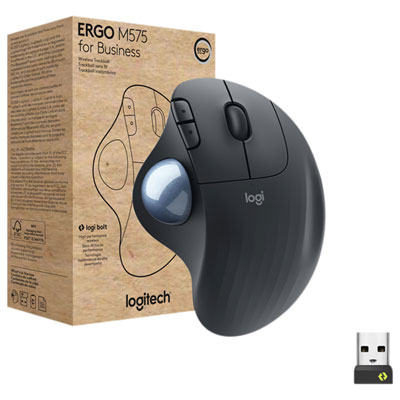
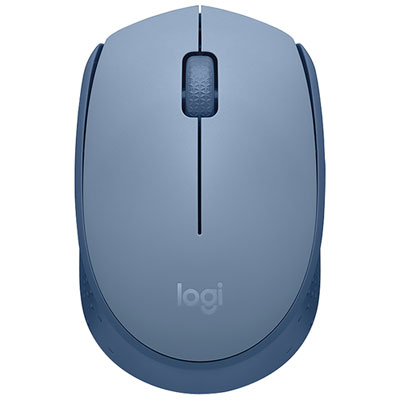
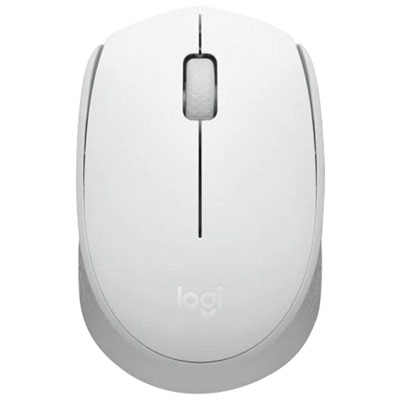
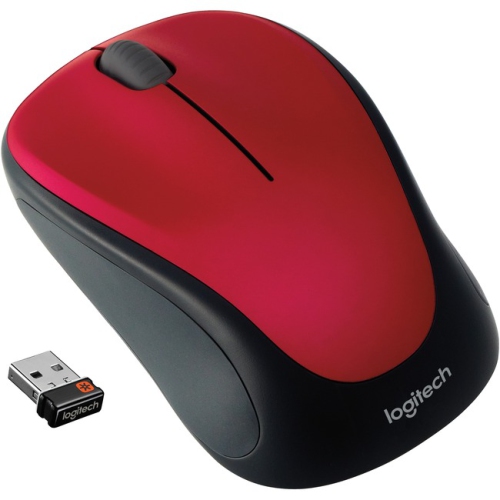
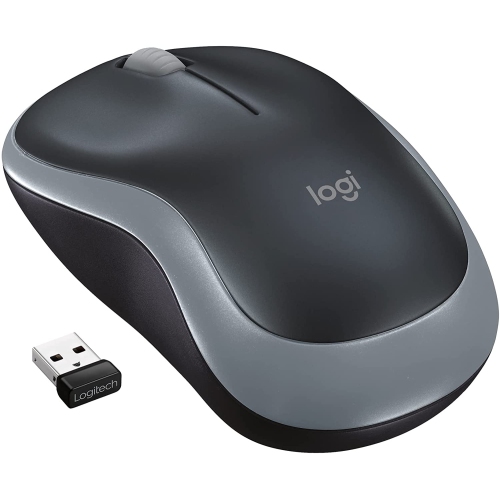
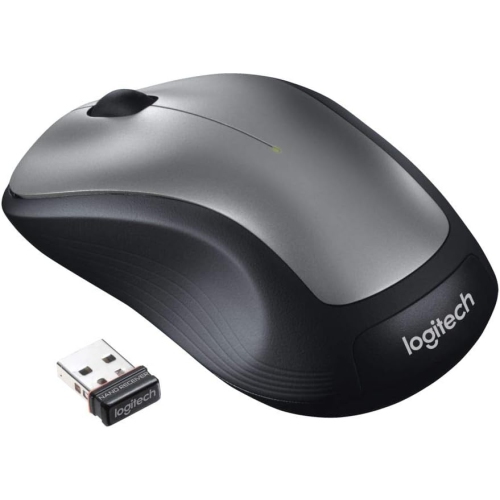
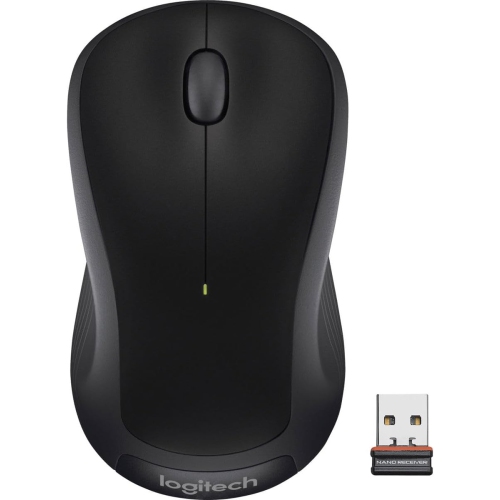
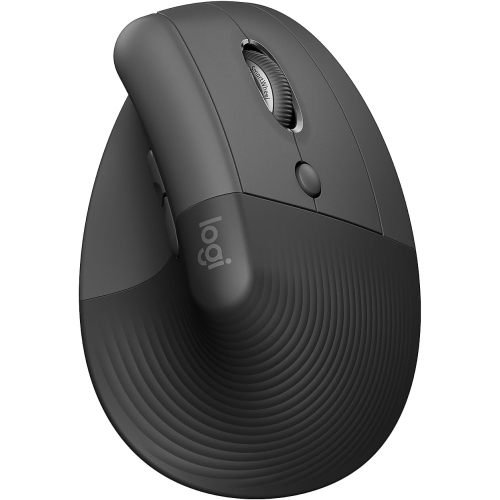
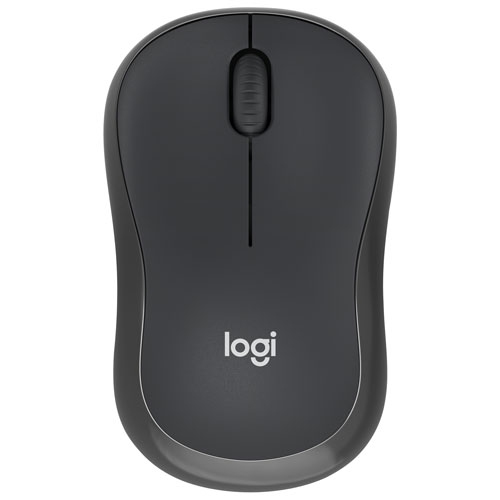
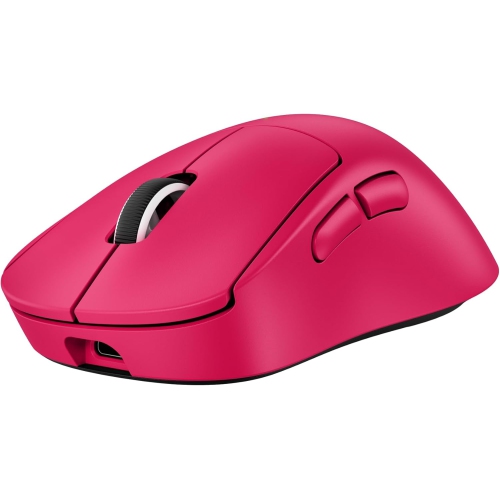
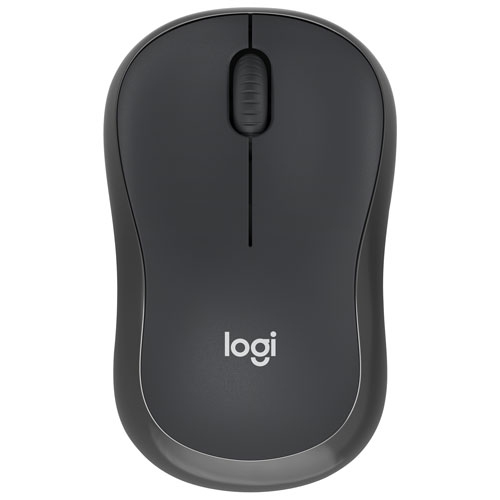
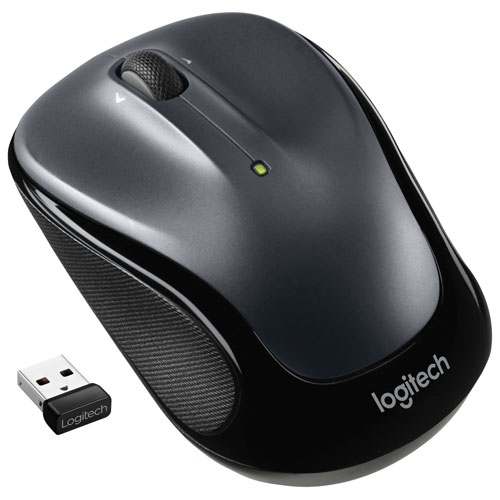

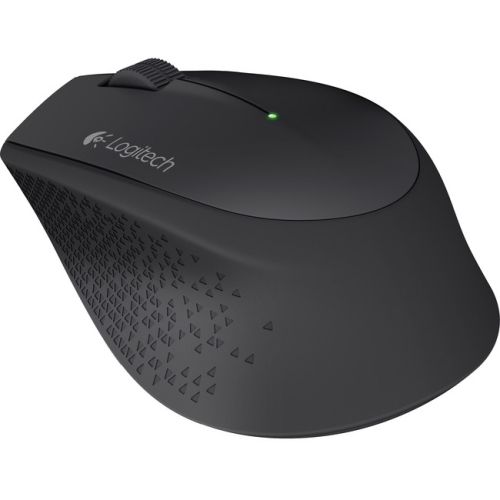
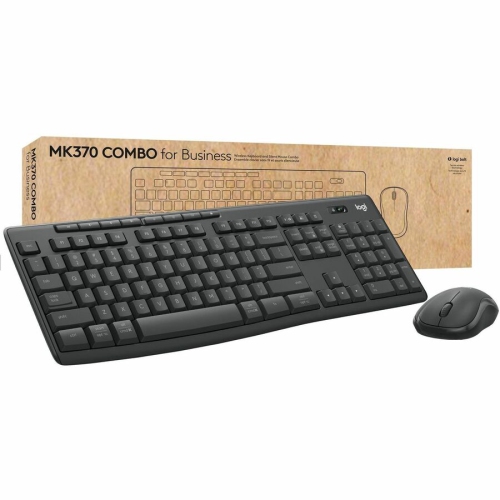
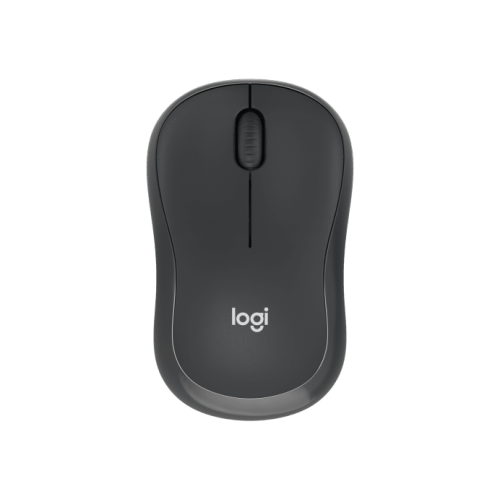
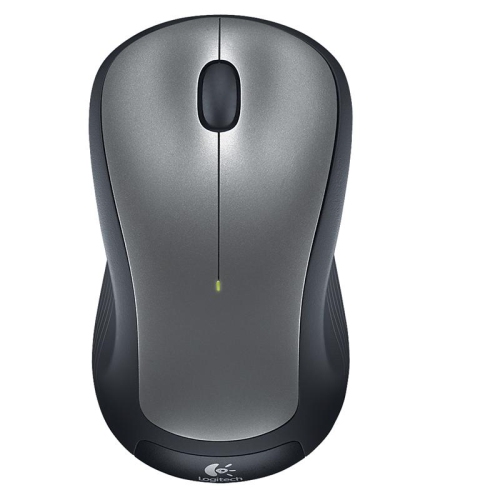
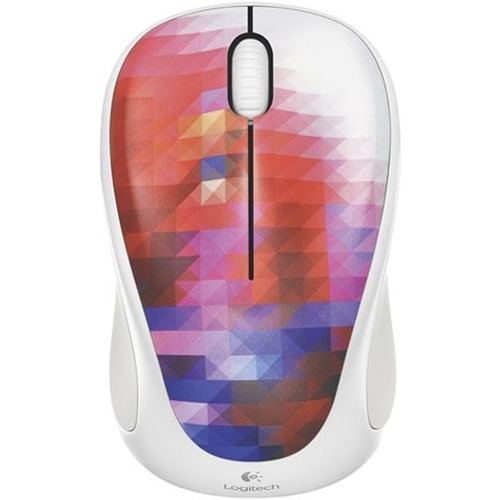
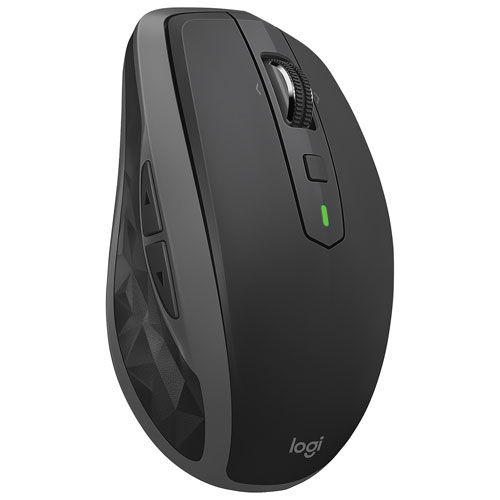
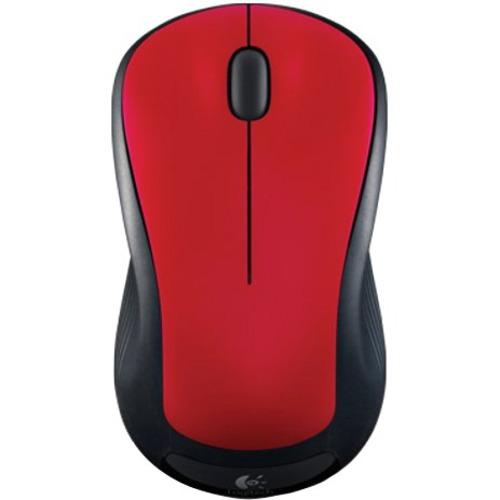
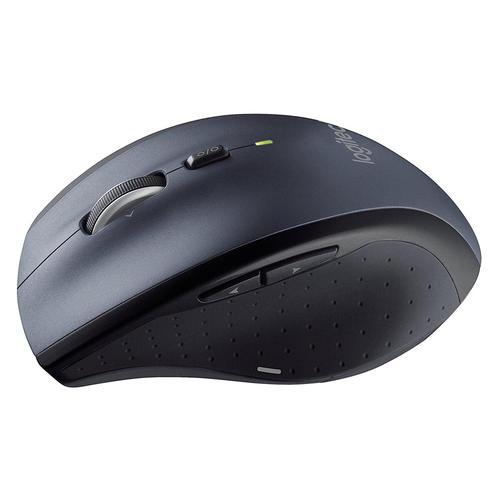
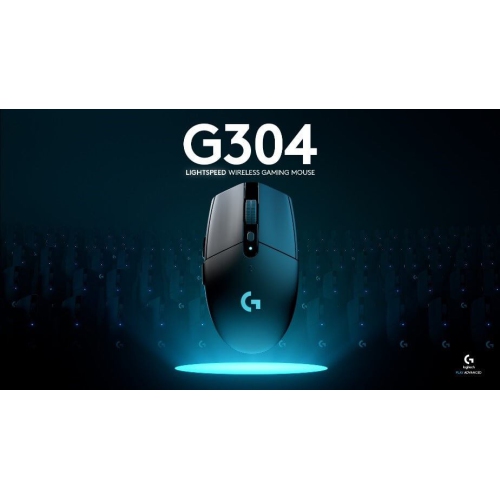
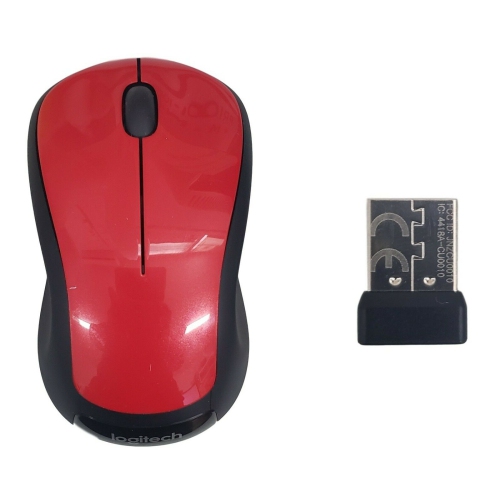
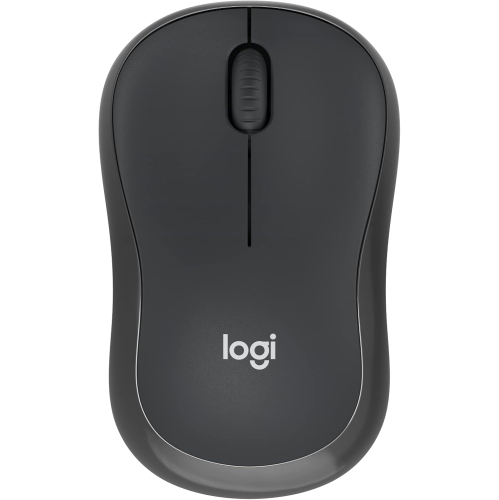
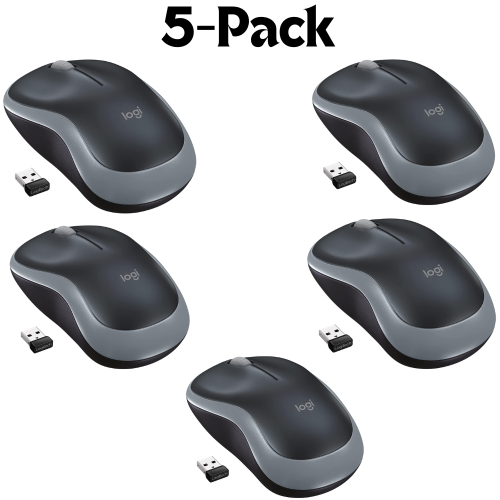
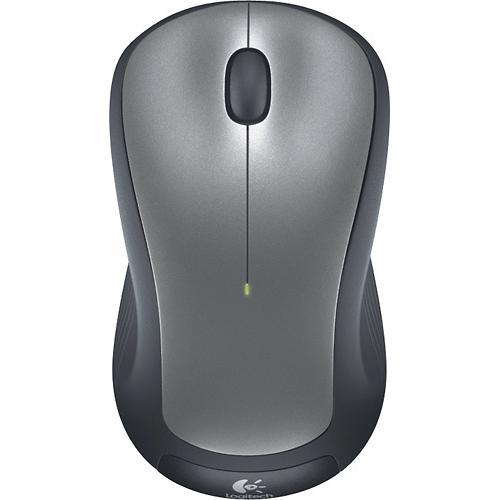
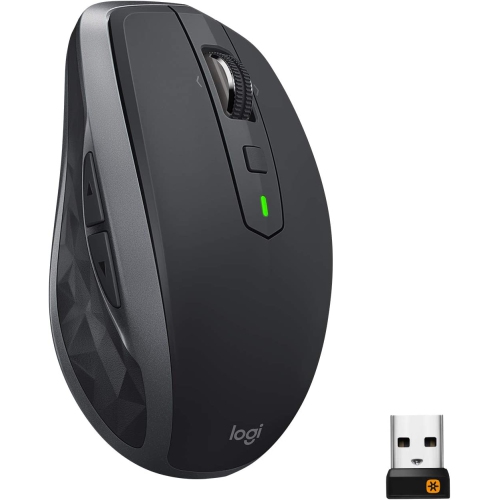
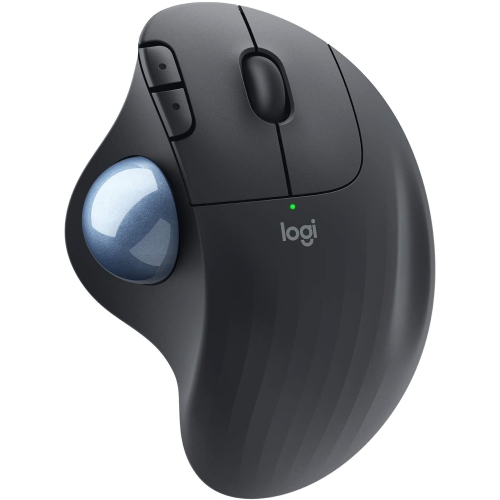
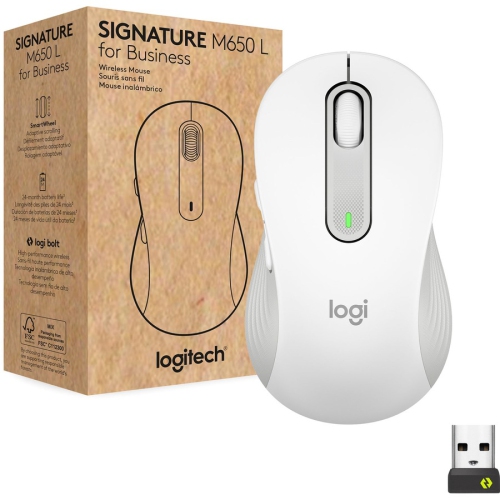
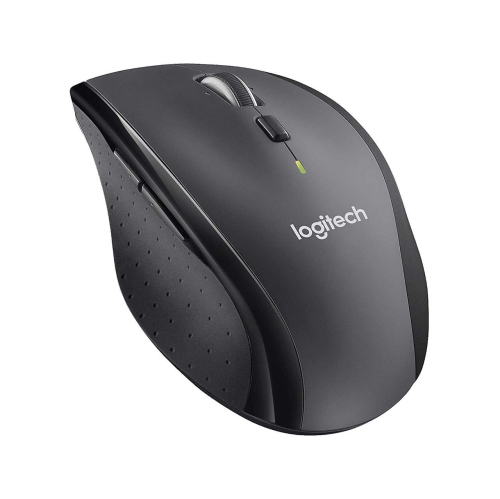
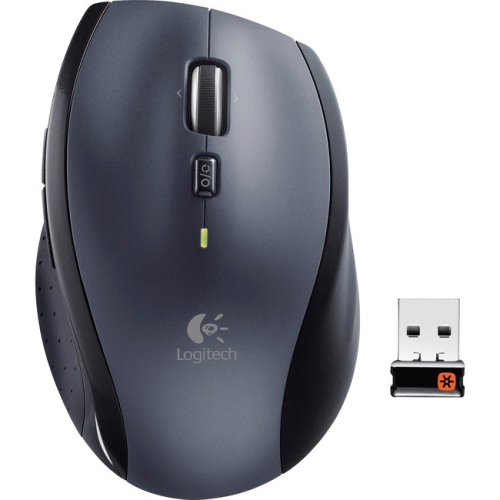
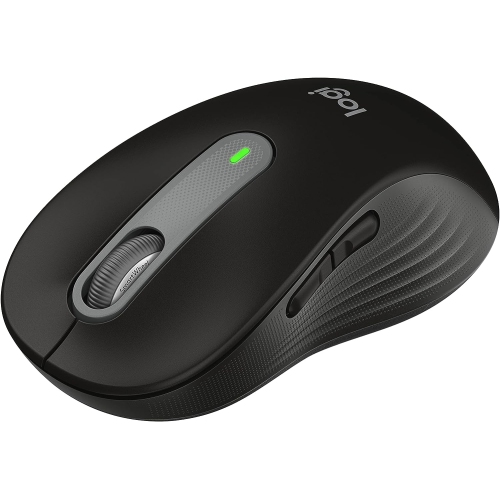
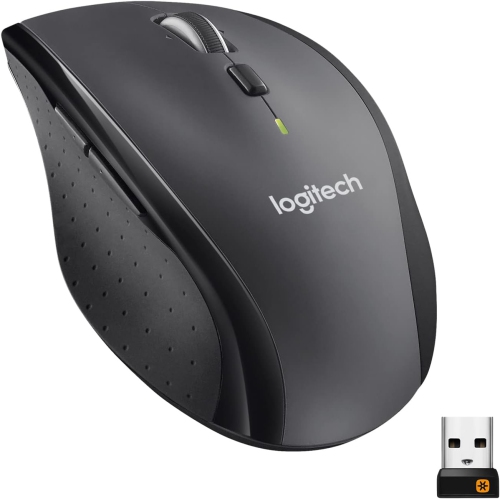
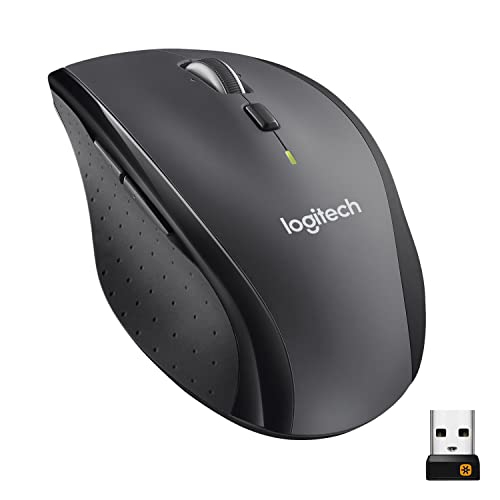
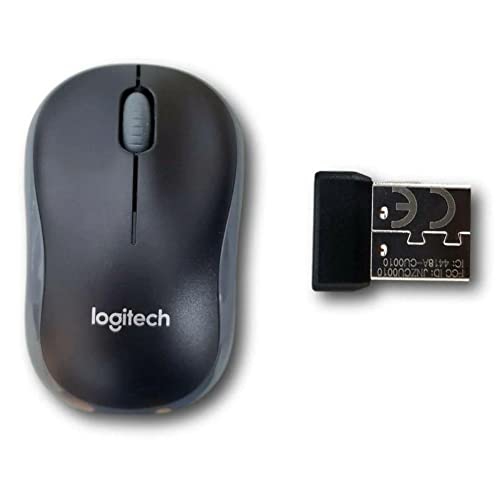
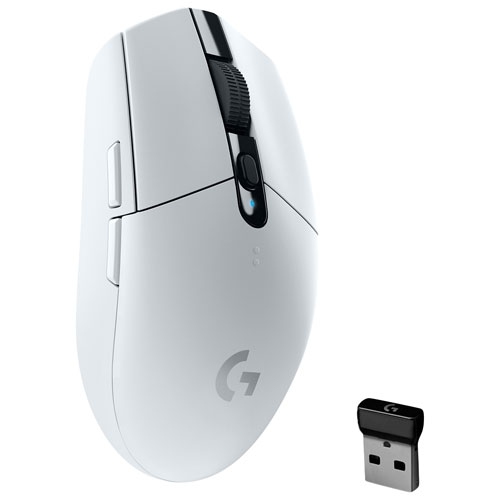
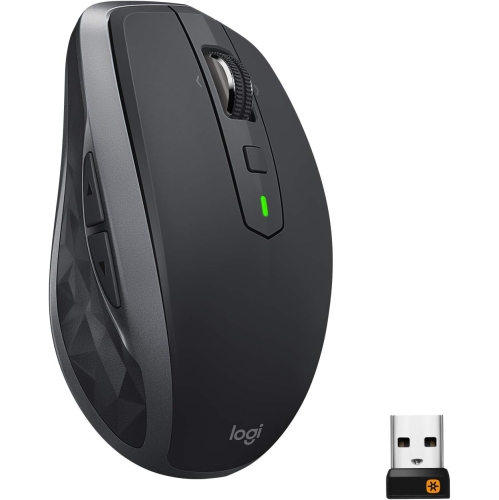
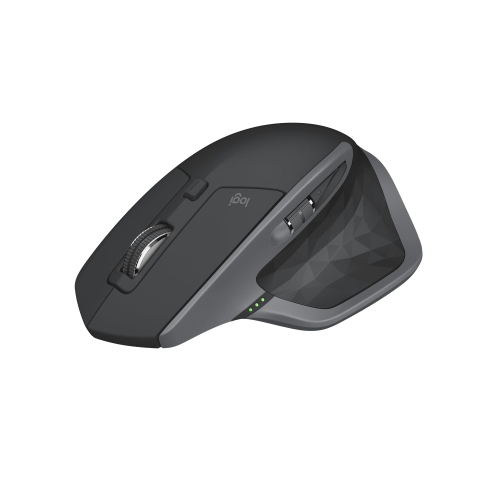
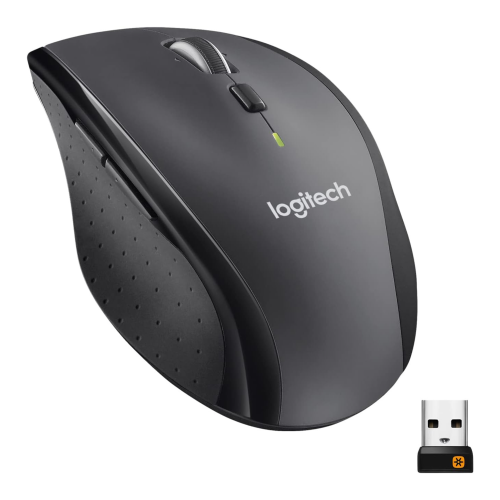
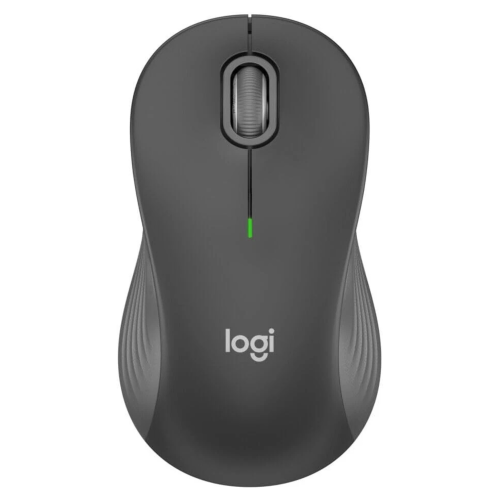
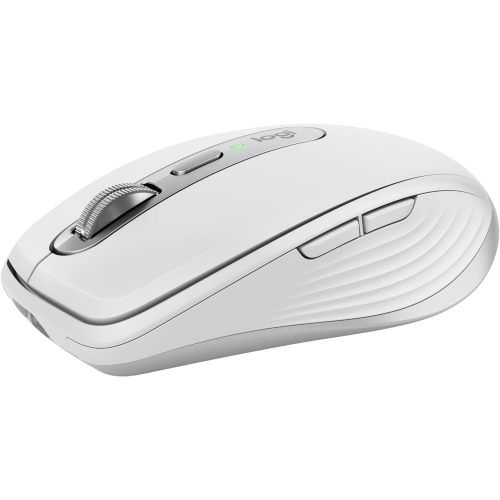
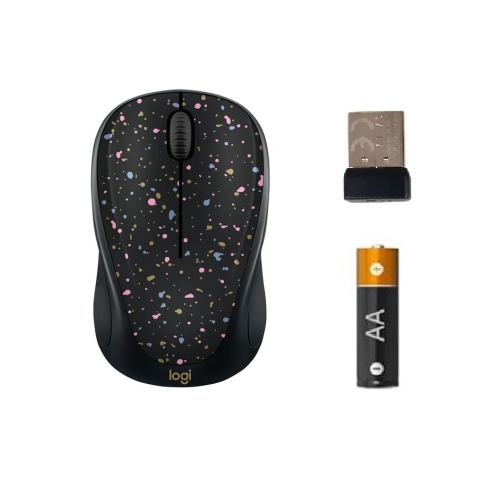
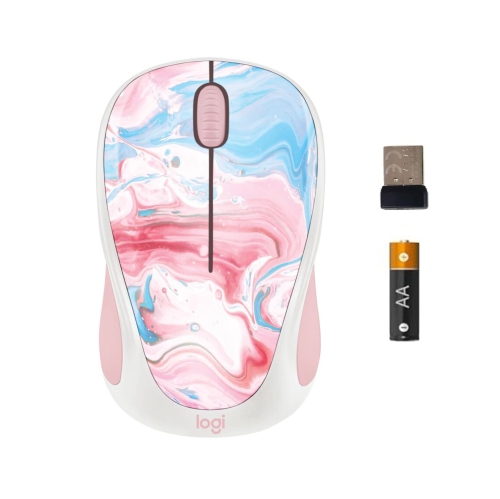
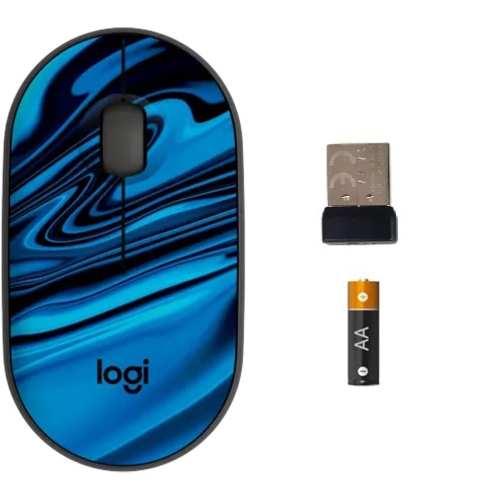
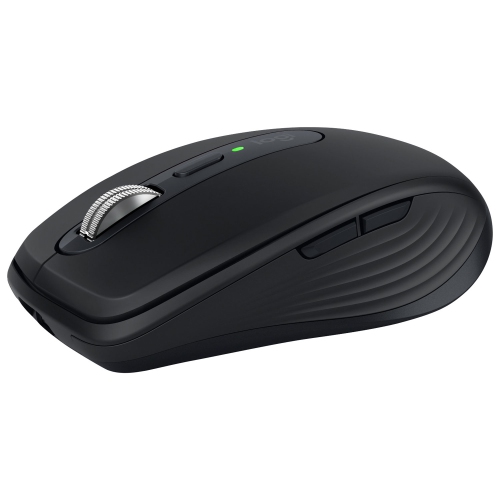
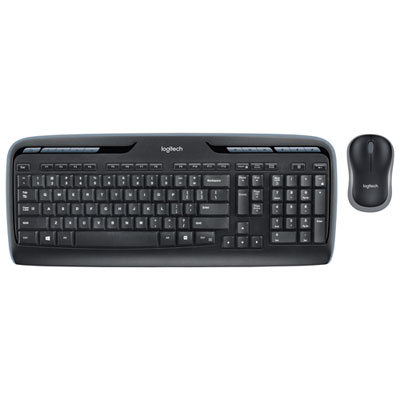


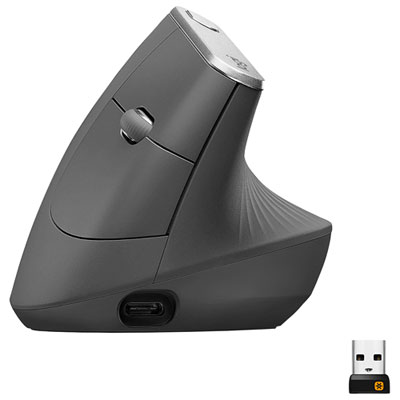

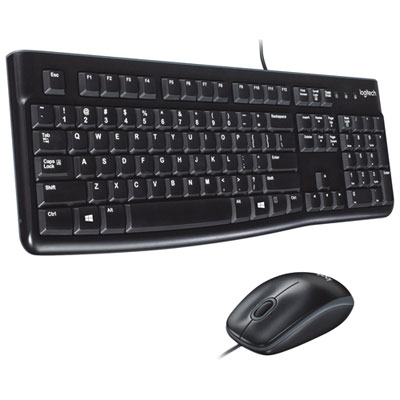
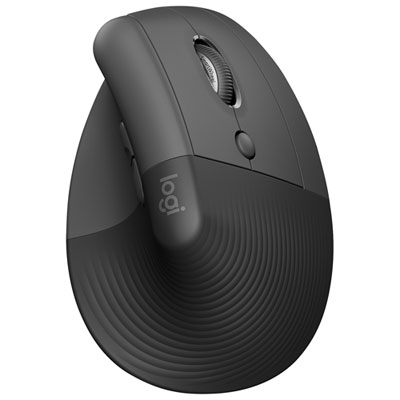
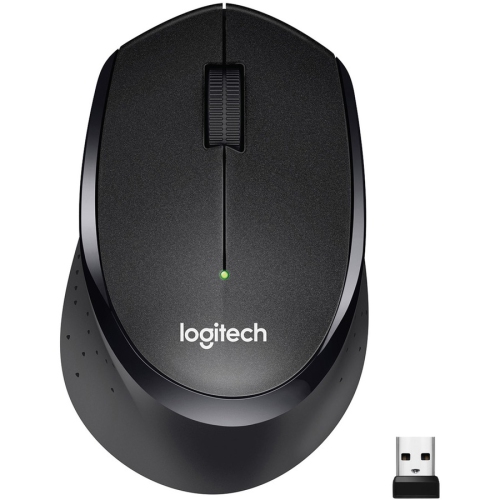
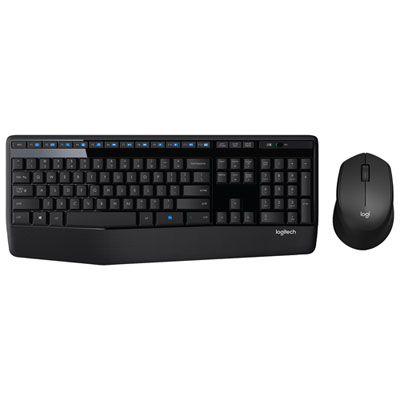
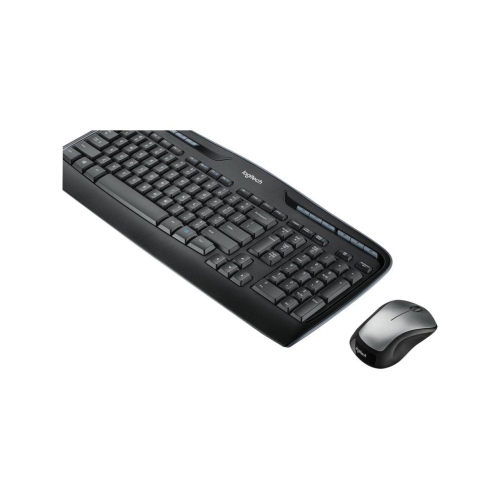
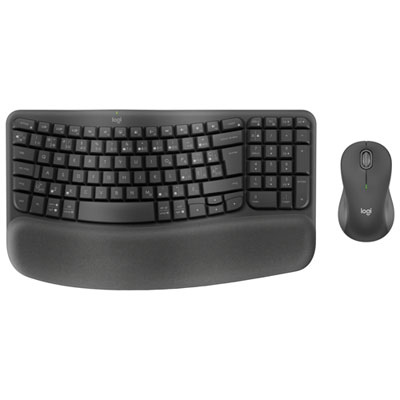
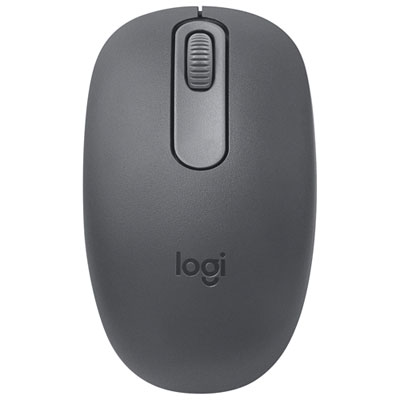
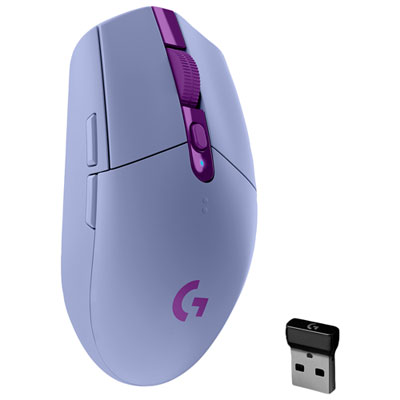
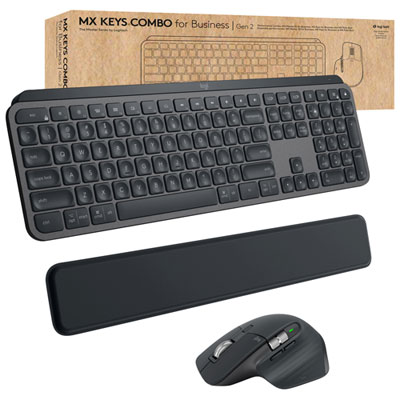
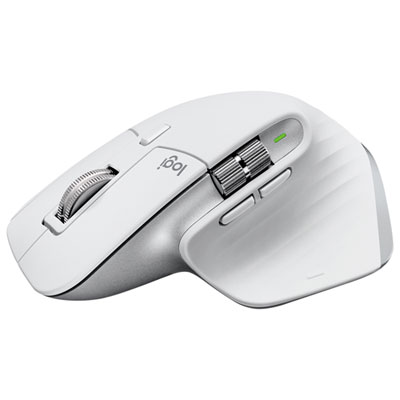
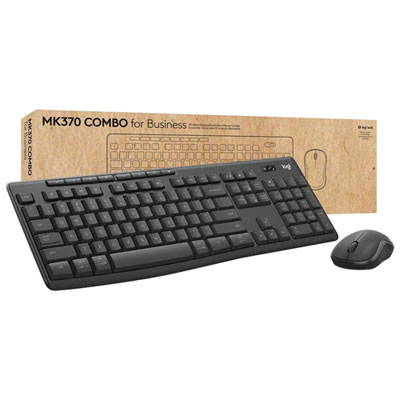
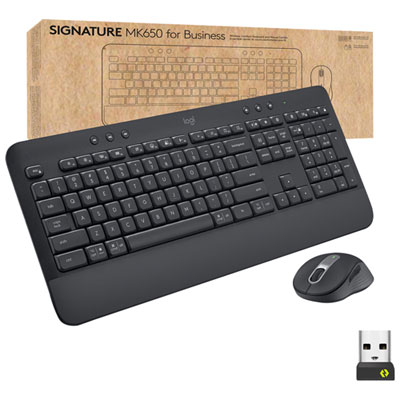
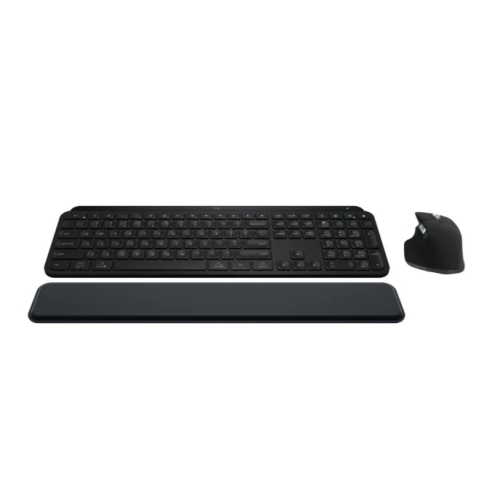

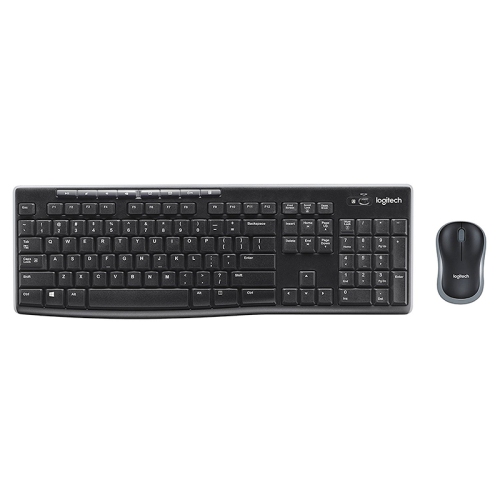
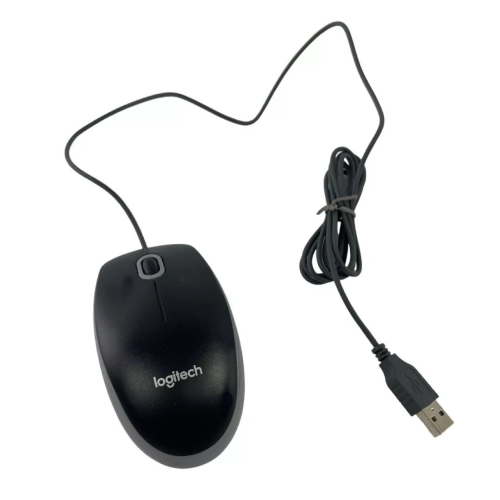
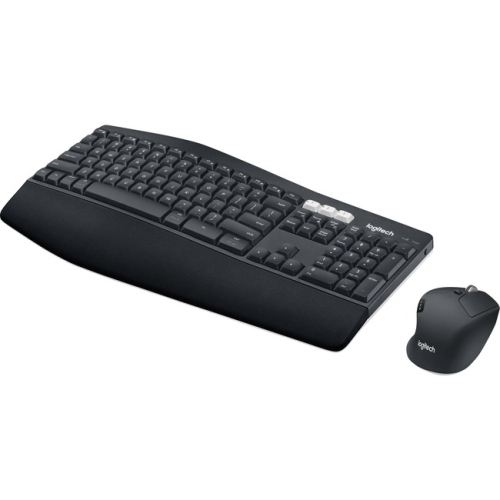
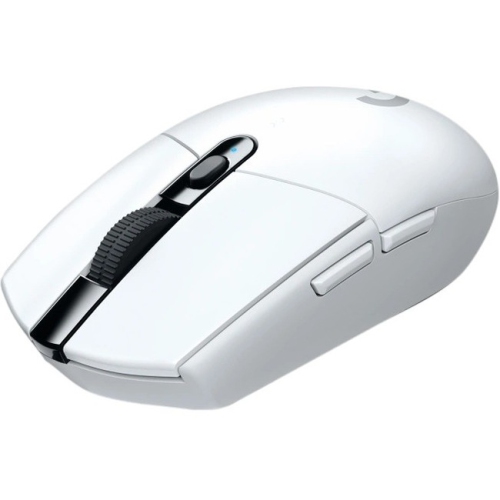
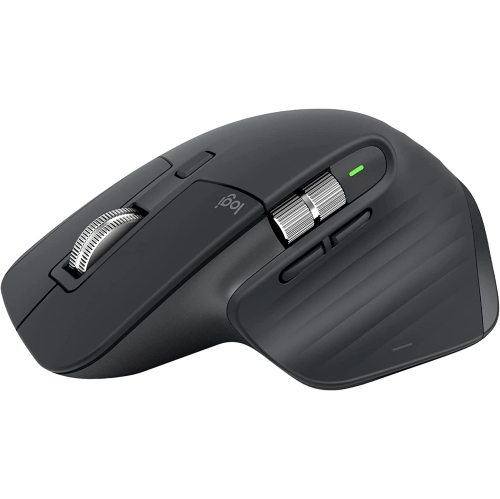
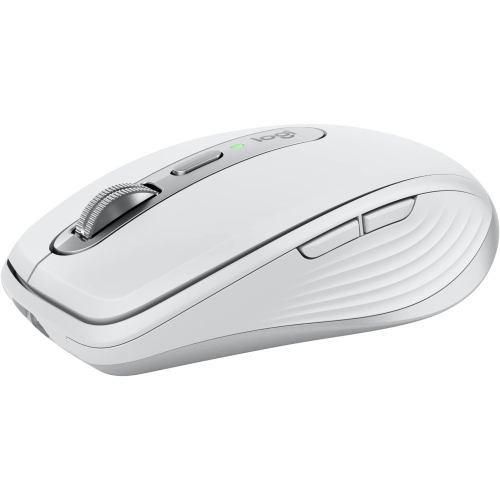
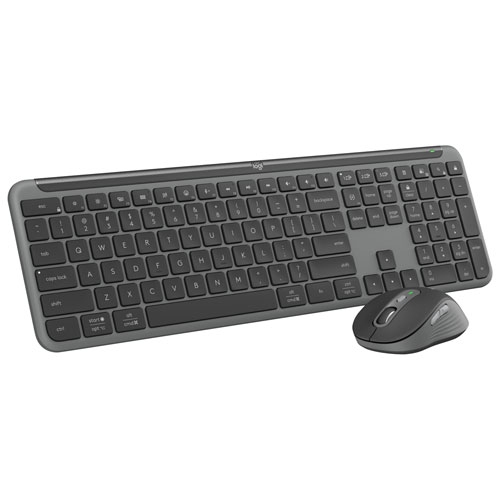
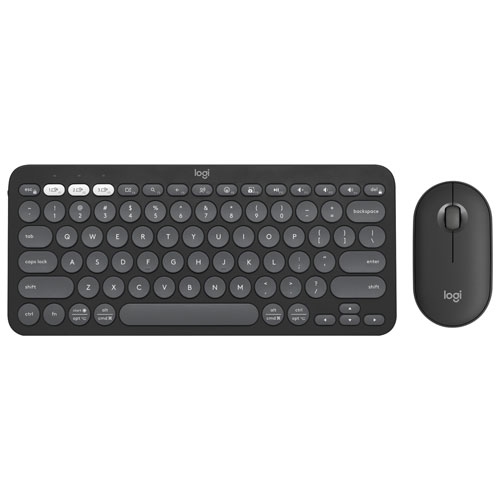
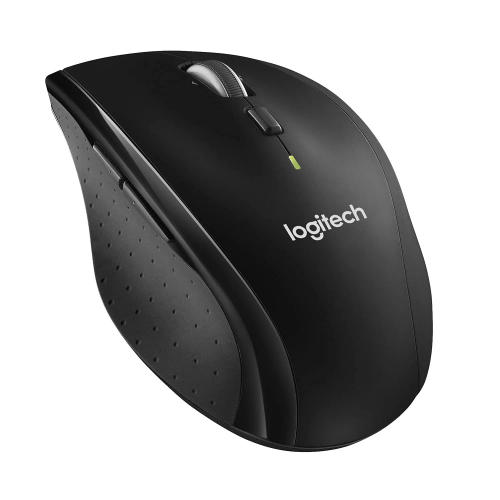
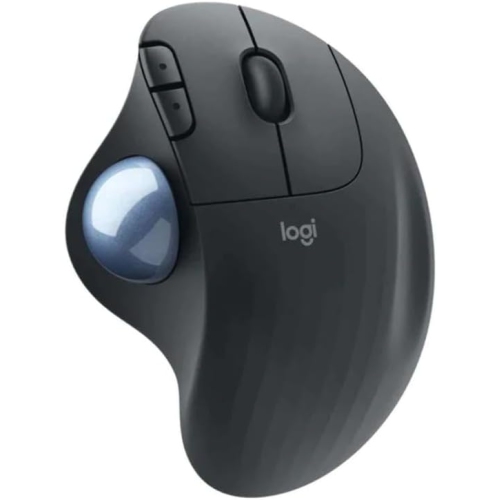
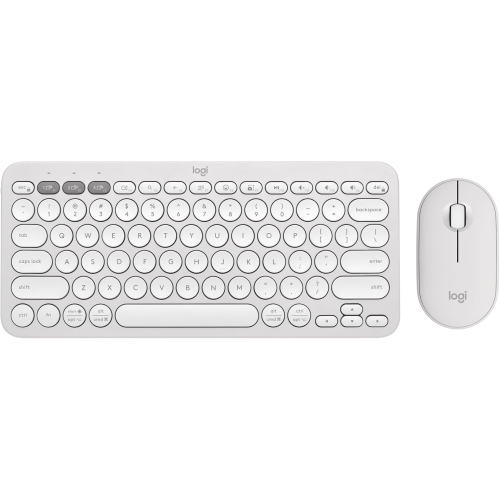
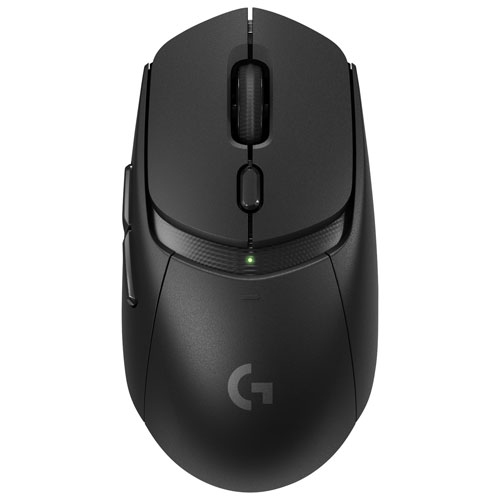
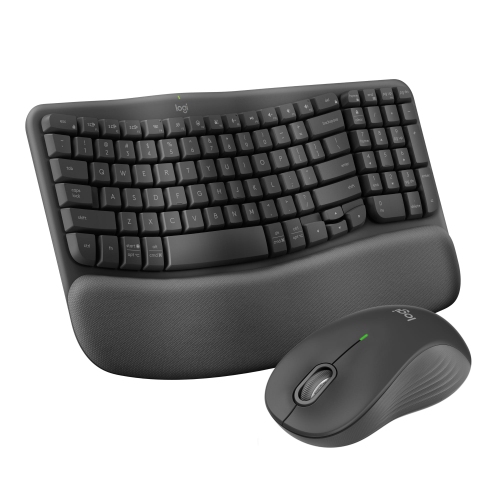
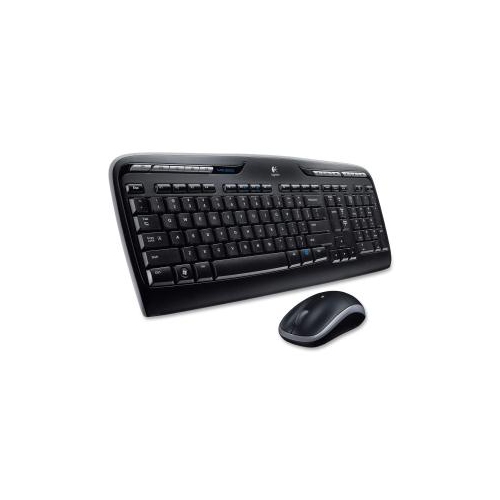
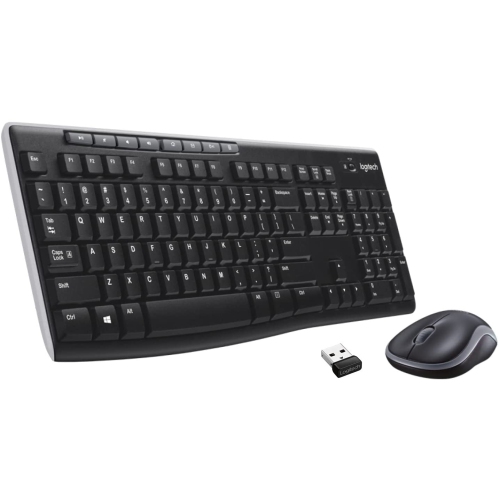
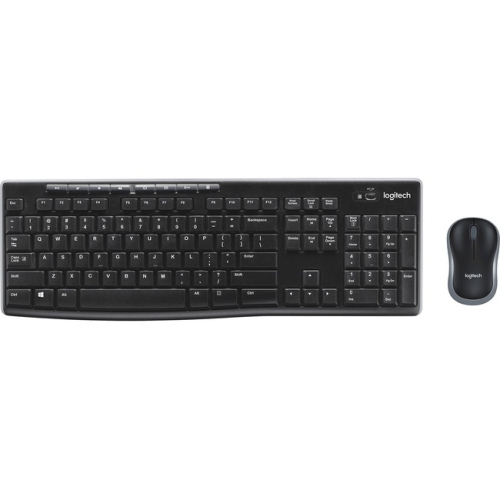
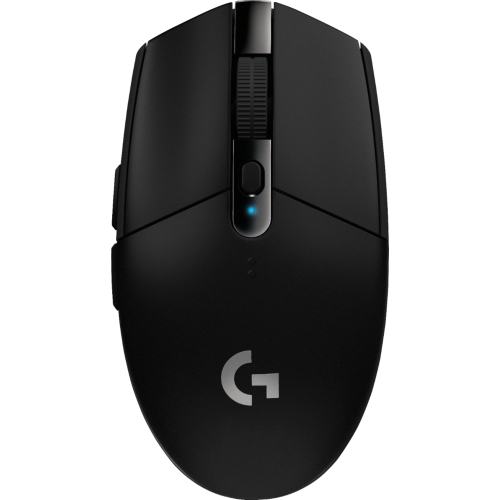
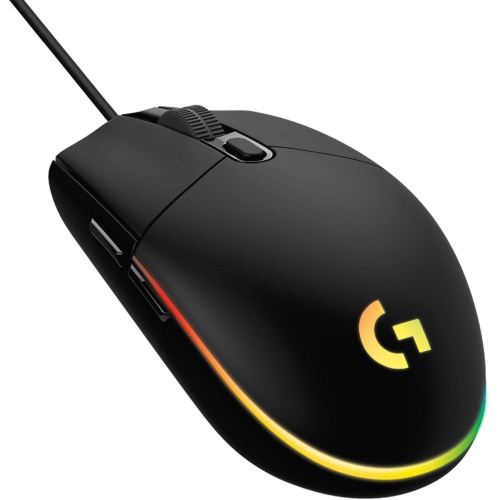
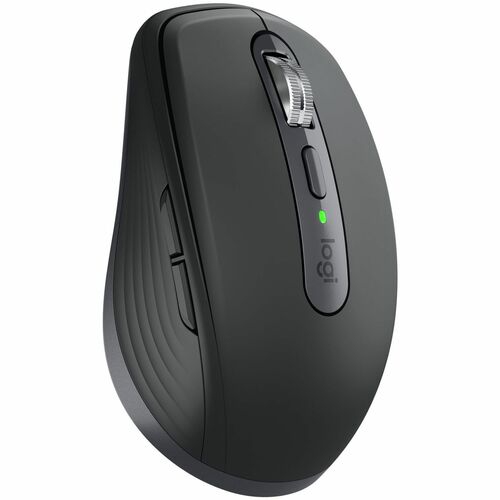
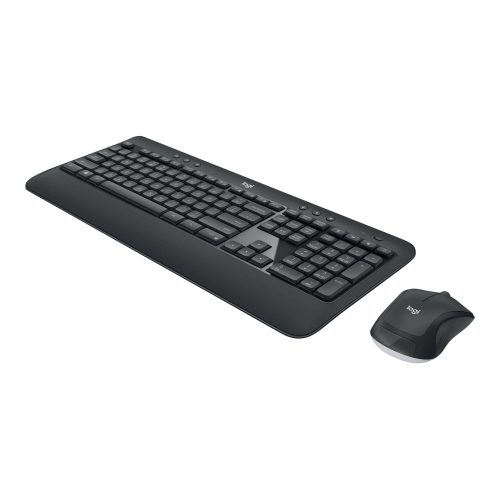
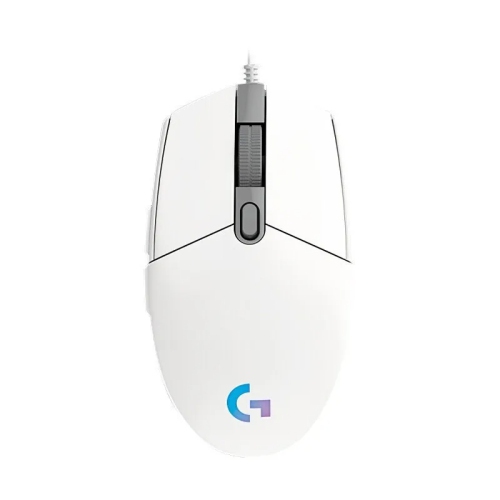
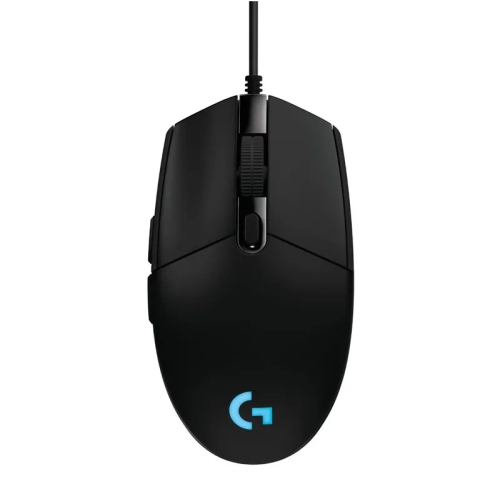
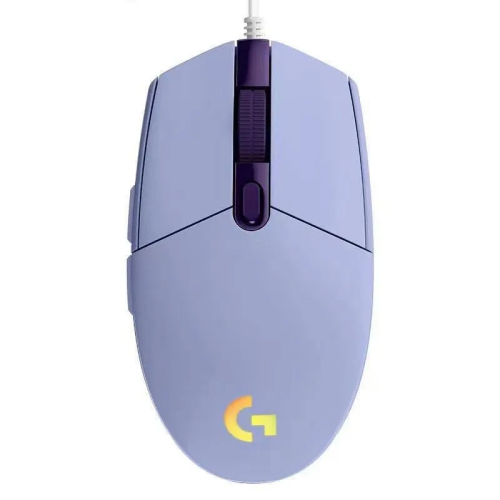
Smoother Chromebook navigation for work, learning, and everyday use
Using a mouse with a Chromebook can make everyday computing smoother, whether you’re at home, at school, or on the go. Many people find that a dedicated mouse offers more precise control than a trackpad, making it easier to navigate websites, edit documents, or work on creative projects. For students returning to class as the weather cools, or professionals setting up a home office, a compatible mouse can help boost productivity and comfort during long sessions. Families may also appreciate the simplicity of connecting a mouse for younger users learning their way around a Chromebook, or for older adults who prefer the familiar feel of a traditional mouse. Wireless models are especially popular, thanks to their ability to connect via Bluetooth or a USB receiver—simply plug in the receiver or pair through your Chromebook’s settings, and you’re ready to go. For Chromebooks equipped only with USB-C ports, a small adapter can bridge the gap, ensuring almost any modern mouse will work seamlessly.
When choosing a mouse for your Chromebook, it’s helpful to consider how and where you’ll use it. If you’re often moving between classrooms, coffee shops, or meeting rooms, a compact wireless mouse that slips easily into a backpack can be a game-changer. Look for features like adjustable DPI settings for sensitivity, or extra buttons for shortcuts, which can make tasks like scrolling through long documents or switching between tabs much easier. Left-handed users may appreciate ambidextrous designs, while those who spend hours at their computer might seek out models with ergonomic contours and soft-touch finishes for comfort. A mouse also makes a thoughtful gift for students heading back to school, tech enthusiasts upgrading their setup, or anyone who appreciates the convenience of quick, responsive navigation. As the days grow shorter and routines settle in, having the right accessories can help make the transition into busier schedules a little easier.
Many wireless mice are designed for straightforward compatibility with ChromeOS, so you won’t need to worry about installing extra drivers or software. Whether you’re connecting via Bluetooth or using a USB receiver, the pairing process is typically quick—just turn on your mouse, activate pairing mode, and select it from your Chromebook’s Bluetooth menu. For those who want to explore more options, you can find a full range of accessories tailored for Chromebook users, including models from other leading brands. If you’re interested in exploring additional choices, take a look at the selection of HP Chromebook Wireless Mice for more wireless solutions designed to work smoothly with your device. Whether you’re working, learning, or relaxing, the right mouse can help you get the most out of your Chromebook experience.
When choosing a mouse for your Chromebook, it’s helpful to consider how and where you’ll use it. If you’re often moving between classrooms, coffee shops, or meeting rooms, a compact wireless mouse that slips easily into a backpack can be a game-changer. Look for features like adjustable DPI settings for sensitivity, or extra buttons for shortcuts, which can make tasks like scrolling through long documents or switching between tabs much easier. Left-handed users may appreciate ambidextrous designs, while those who spend hours at their computer might seek out models with ergonomic contours and soft-touch finishes for comfort. A mouse also makes a thoughtful gift for students heading back to school, tech enthusiasts upgrading their setup, or anyone who appreciates the convenience of quick, responsive navigation. As the days grow shorter and routines settle in, having the right accessories can help make the transition into busier schedules a little easier.
Many wireless mice are designed for straightforward compatibility with ChromeOS, so you won’t need to worry about installing extra drivers or software. Whether you’re connecting via Bluetooth or using a USB receiver, the pairing process is typically quick—just turn on your mouse, activate pairing mode, and select it from your Chromebook’s Bluetooth menu. For those who want to explore more options, you can find a full range of accessories tailored for Chromebook users, including models from other leading brands. If you’re interested in exploring additional choices, take a look at the selection of HP Chromebook Wireless Mice for more wireless solutions designed to work smoothly with your device. Whether you’re working, learning, or relaxing, the right mouse can help you get the most out of your Chromebook experience.
Top selling and popular products
-
 Your price for this item is $29.99
 -
 Your price for this item is $50.44
 -
 Your price for this item is $39.99
 -
 Your price for this item is $49.99
 -
 Your price for this item is $159.95
 -
 Your price for this item is $44.68
 -
 Your price for this item is $44.68
 -
 Your price for this item is $31
Discover more categories related to Logitech Mouse On Chromebook
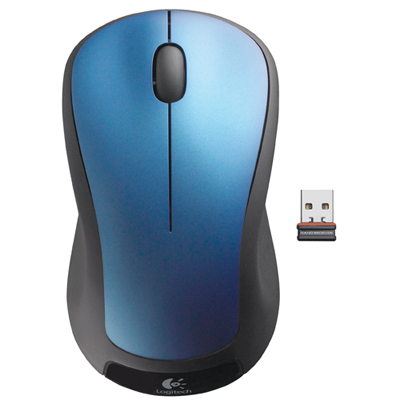
Top Collections:
Pokemon Centers, Kindle Devices, Best Budget Office Chairs, Apple iPhones 16, Best Laptops for Writers, iPhone 15 Apple, Canon G7X Cameras, Refurbished Apple Laptops, Alarm Clock, Motorola Razr Phones
Some products may be subject to Environmental Handling Fees
(EHF) depending on your province.
Learn more about EHFs.