Brand New Laptops
Looking for the perfect laptop to suit your needs? Look no further than our extensive selection of brand new laptops. Whether you're a student, a professional, or simply looking to upgrade your current device, we have the latest models and cutting-edge features to enhance your computing experience. From sleek designs to powerful performance, our range of brand new laptops offers something for everyone. Discover the perfect blend of style and functionality as you explore our diverse collection.
Sort
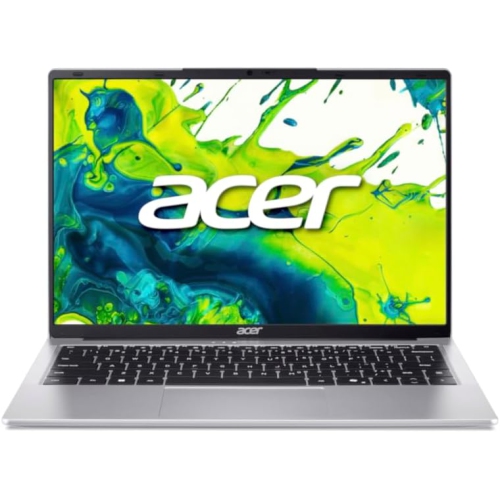
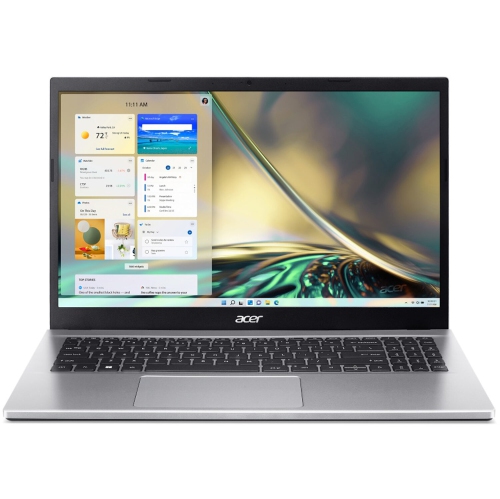
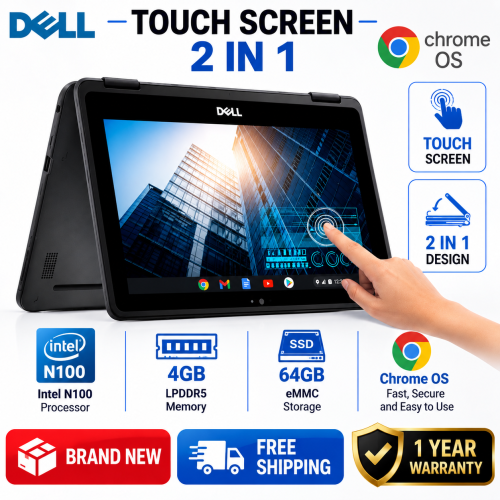
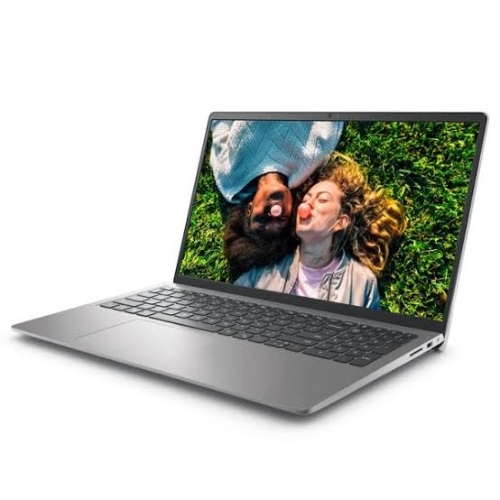


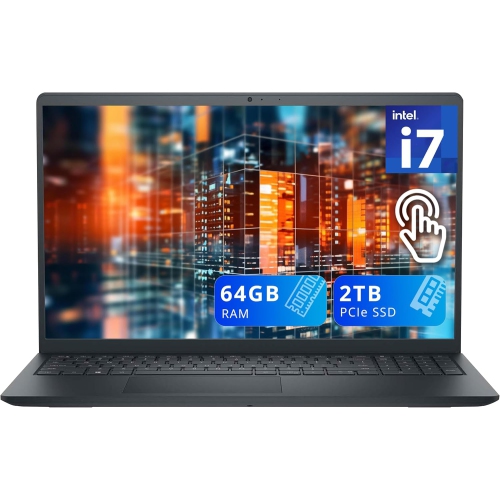
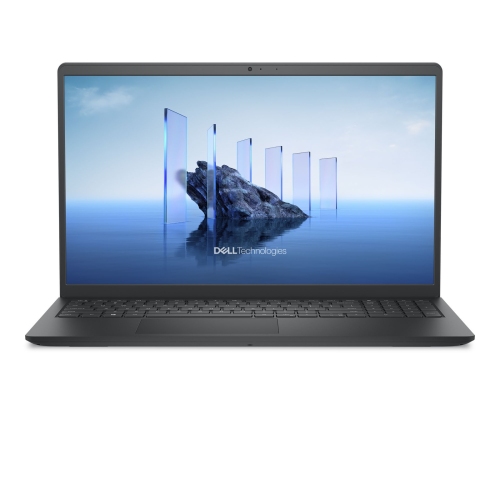
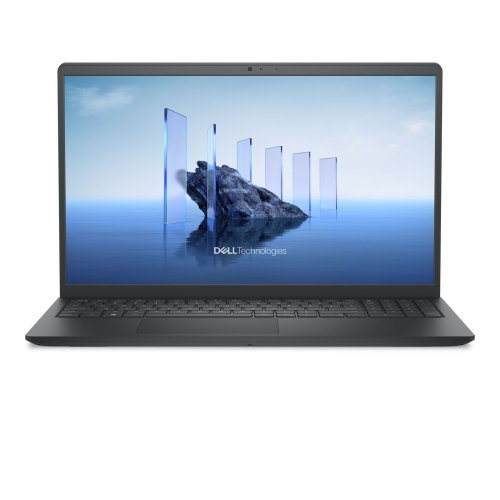
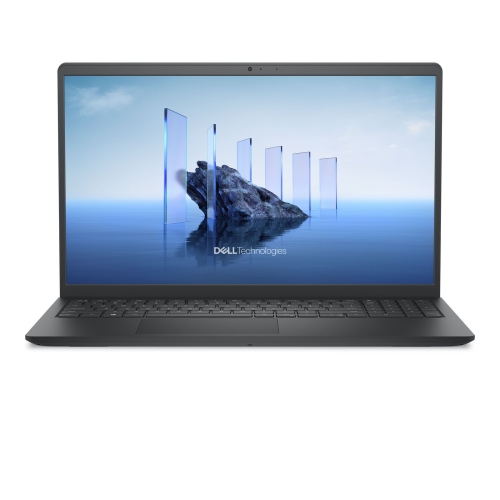

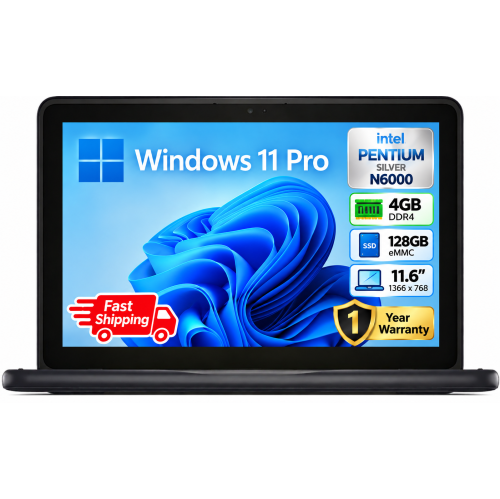
Why laptop specifications matter more than release dates
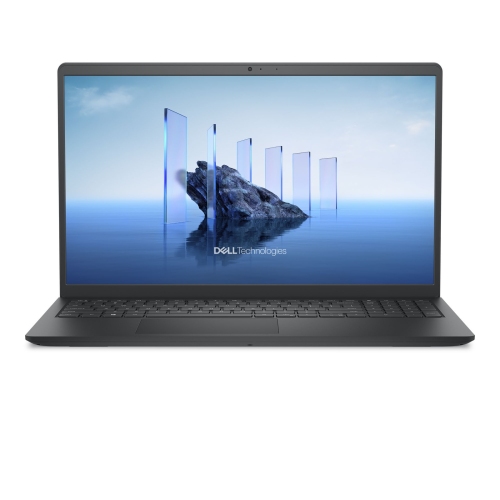
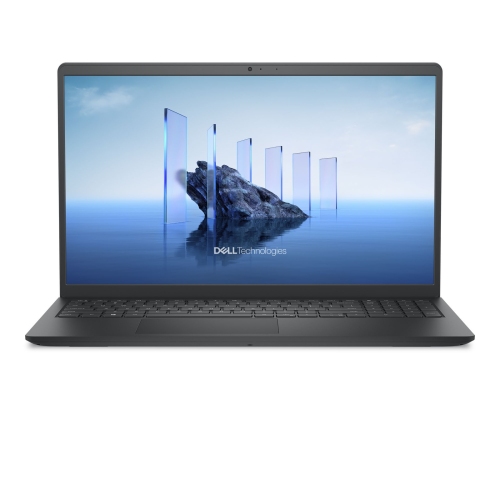
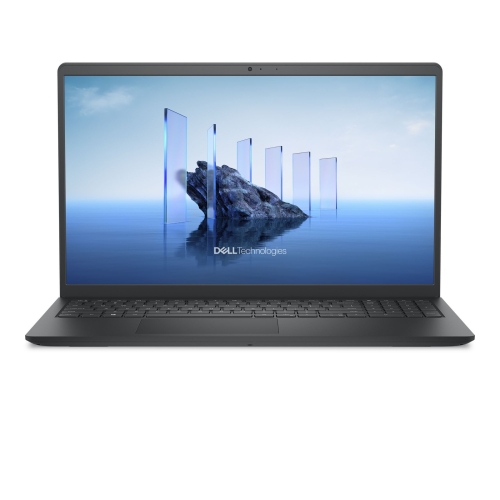
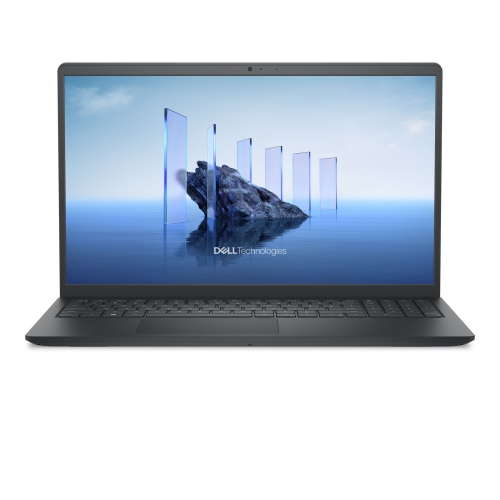
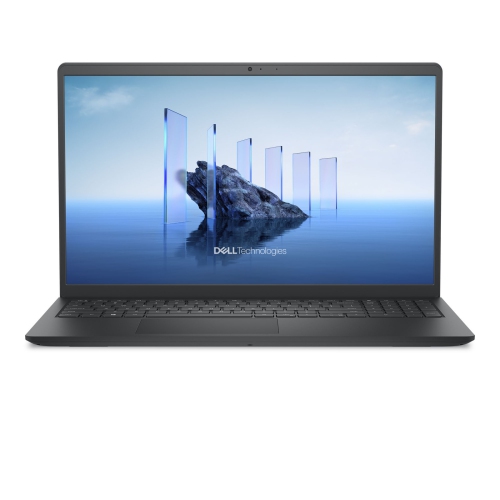
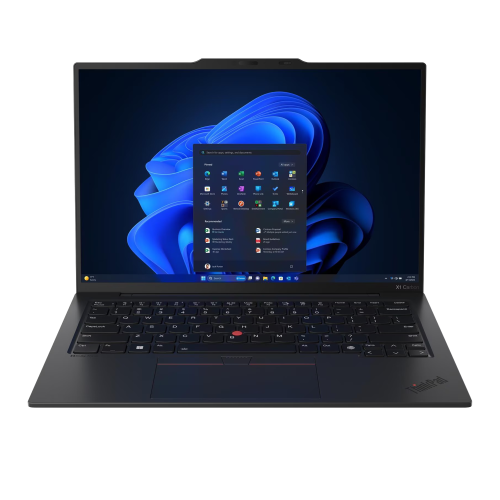
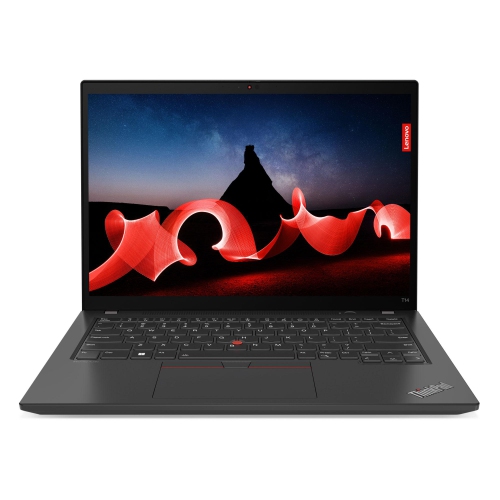
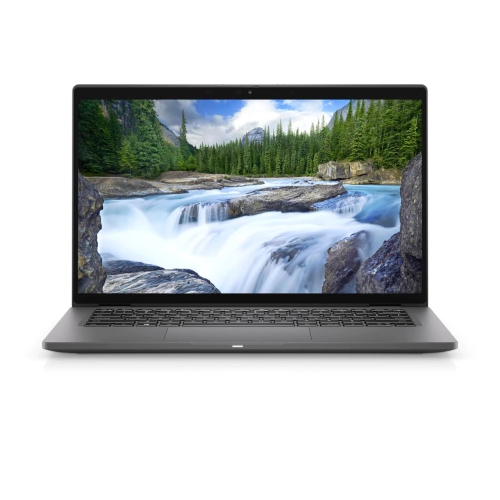
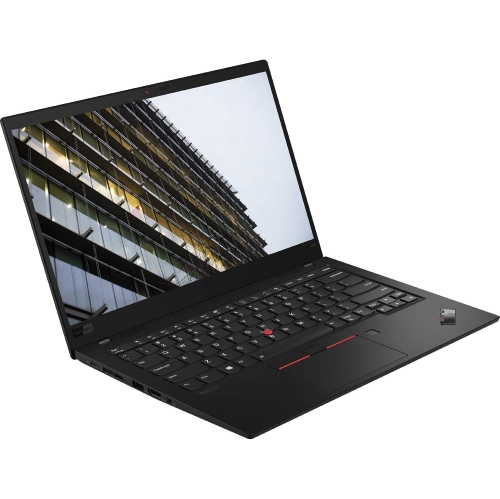
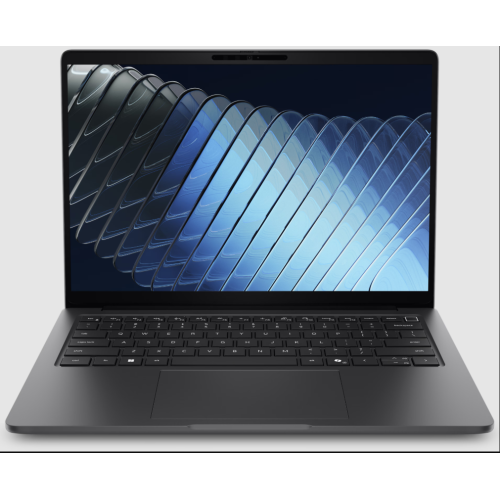
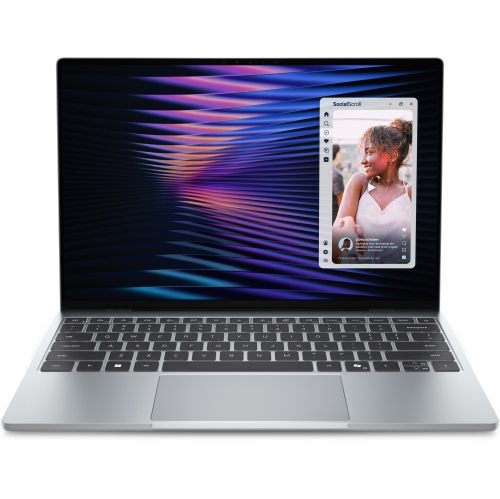
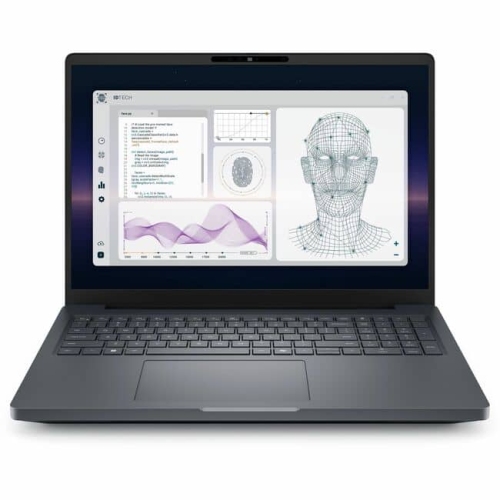
Brand new laptops are unused portable computers, distinct from previously owned or refurbished devices, and they serve a wide range of everyday, academic, creative, and professional needs. A new laptop can be a student’s main workspace for research and assignments, a home office computer for spreadsheets and video meetings, or a portable studio for editing photos and recording audio. New condition does not necessarily mean the latest hardware generation, so the processor, memory, storage, and display specifications tell more about a laptop’s capabilities than its release date alone. For everyday browsing, email, document editing, and streamed entertainment, balanced performance and a comfortable keyboard often matter more than specialized graphics hardware. More demanding work, such as editing high-resolution video, building detailed 3D models, or playing graphically intensive games, places greater demands on the processor, graphics capability, memory, and cooling system. Memory, also called RAM, holds the information that active applications need, while storage keeps files and installed software when the computer is switched off. A solid-state drive helps applications open promptly and makes large folders easier to navigate, although storage capacity still needs to suit the size of a person’s files. Someone who keeps years of photos and video footage locally has different needs from someone who mainly works with online documents. For many general-purpose workloads, 16GB of memory provides useful room for multitasking; intensive creative applications and large technical projects may benefit from more. Processor performance also depends on the software being used and how well the laptop manages heat during sustained work. A slim computer that feels quick while opening a document may behave differently during a lengthy video export. Some laptops allow memory or storage upgrades, while others have components fixed in place. That distinction matters for a computer expected to handle changing coursework, larger projects, or several years of daily use. The operating system is equally important, particularly when school software, workplace security tools, or creative applications require a particular platform or processor architecture.
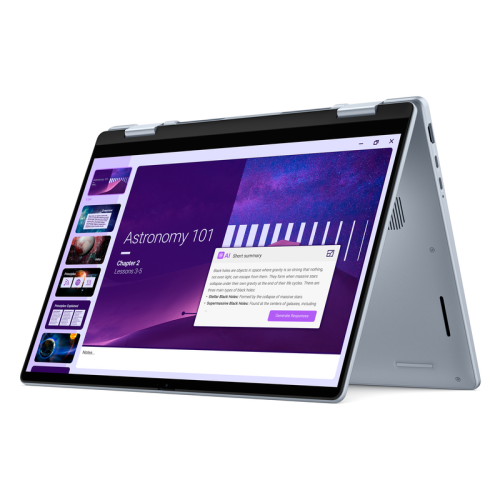
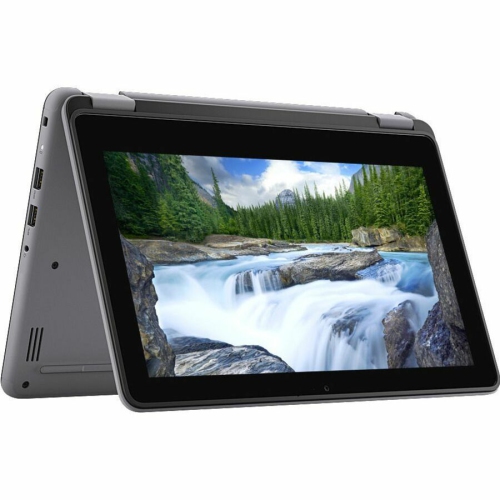
The best physical fit depends on where a laptop spends its day and how it is carried between tasks. A compact 13-inch or 14-inch screen can make sense for someone moving between lecture halls, meeting rooms, and a kitchen table, while a larger display gives spreadsheets, editing timelines, and side-by-side documents more breathing room. Screen size alone does not determine portability: chassis dimensions, weight, charger size, and battery life all affect what ends up in a backpack. A 15-inch or 16-inch laptop may suit a person who mostly works at a desk but still needs to take the computer elsewhere occasionally. Display resolution affects text and image detail, while brightness, screen finish, and colour accuracy influence how comfortable and useful that display feels in practice. Photographers and designers may place greater emphasis on consistent colour, whereas frequent readers may care more about clear text and an easily adjusted viewing angle. Touchscreens and convertible hinges support handwritten notes, sketches, and presentations when the hardware supports those functions; pen compatibility varies and should not be assumed. Keyboard layout matters just as much during a long assignment or a full day of data entry. Well-spaced keys, a responsive touchpad, and a number pad where needed can make repetitive tasks feel less cramped. For Canadian households working in more than one language, the physical keyboard layout and language settings are worth distinguishing, since changing software settings does not change the labels printed on the keys. Connectivity shapes the desk setup, too. USB ports, display outputs, headphone connections, and memory card readers determine which accessories connect directly and which require an adapter or dock. Not every USB-C port supports charging or an external display, even when the connector looks identical. Wi-Fi capability helps determine wireless compatibility, but connection quality also depends on the router, distance, and surrounding interference. For video calls, microphone clarity, camera quality, and speaker placement can be more noticeable than an extra increment of processor speed. Battery-life claims are best understood alongside the test conditions, since screen brightness, video meetings, gaming, and background applications can substantially change time away from an outlet.
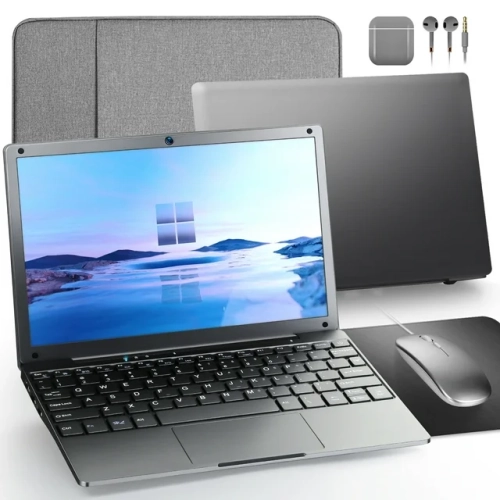
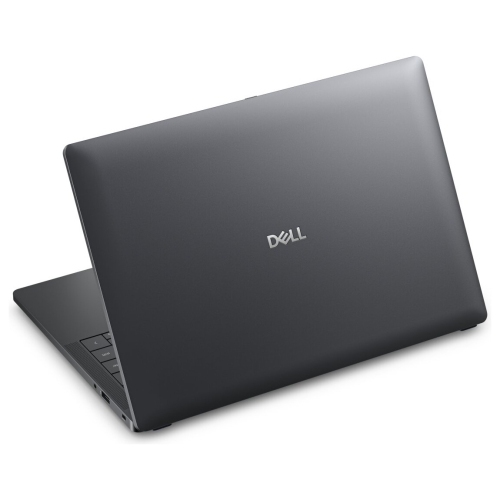
Materials and construction help determine how a brand new laptop feels and holds up to ordinary handling. Metal casings can feel rigid and substantial, while well-built plastic housings can keep weight down; neither material alone establishes durability. Hinge stability, the fit around ports, and support beneath the keyboard also matter, especially for a computer opened and closed several times a day. A padded sleeve or a bag with a dedicated laptop compartment helps protect against scratches and minor knocks during travel. Carrying a laptop by its base rather than its screen reduces stress on the display assembly, and keeping heavy objects off a closed lid helps prevent pressure damage. During use, a firm, flat surface leaves ventilation openings clear; blankets and upholstered cushions can block airflow and trap heat. Fans may become audible during games or demanding creative work, so cooling design can influence comfort in a shared room or quiet study space. Routine care is straightforward: shut the laptop down before cleaning, use a soft microfibre cloth, and follow the manufacturer’s directions for screen-safe cleaning methods. Liquid should not be sprayed directly onto the display or keyboard. Software updates, strong sign-in protection, and regular backups help protect the work stored inside, while reviewing battery-care settings can be useful for laptops that stay plugged in at a desk. Warranty coverage, technical support, and repair terms vary by manufacturer and seller and are separate from accidental-damage protection. As a gift for a graduate, a family member starting a course, or someone setting up a home workspace, a laptop is most useful when its software compatibility, keyboard, screen size, and carrying weight match the recipient’s routine. Those with particular processor, memory, or storage requirements may also wish to explore Custom Built Laptops. Whether the daily routine involves lecture notes, client presentations, family photos, or creative projects, a well-matched laptop brings together capable hardware, comfortable design, and the connections needed to get work done.
Top selling and popular products
-
 Your price for this item is $449
-
 Your price for this item is $3099
-
 Your price for this item is $1800.68
-
 Your price for this item is $664.05
-
 Your price for this item is $869.99
-
 Your price for this item is $2960.48
-
 Your price for this item is $499.68
-
 Your price for this item is $1951.79
Discover more categories related to Brand New Laptops
Top Collections:
Best Black Friday Deals This Year, Best Black Friday Deals On Electronics, Kindle Devices, Pokemon Centers, Best Black Friday Deals On Apple Products, Best Cameras for Sports Photography, Dyson Airwrap, Pokémon 30th Celebration Cards, Apple iPhone 17 Pro, Canon G7X Cameras
Some products may be subject to Environmental Handling Fees
(EHF) depending on your province.
Learn more about EHFs.