Budget-Friendly MacBooks For Students And Teachers
Finding the right technology for school or teaching doesn’t have to be expensive. Budget-friendly MacBooks for students and teachers offer reliable performance at a price that fits within your budget. Whether you’re managing assignments, creating lesson plans, or staying connected with classmates and colleagues, these options provide the tools you need for success in the classroom and beyond. Explore a selection of affordable MacBooks designed to support learning and productivity without breaking the bank.
Sort







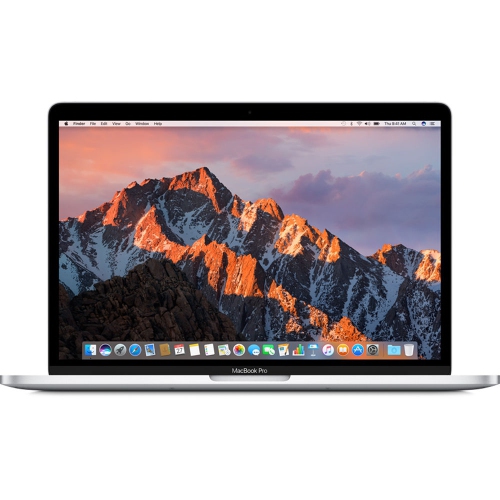
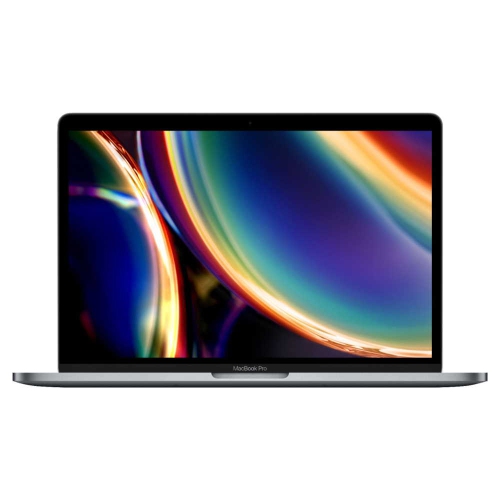
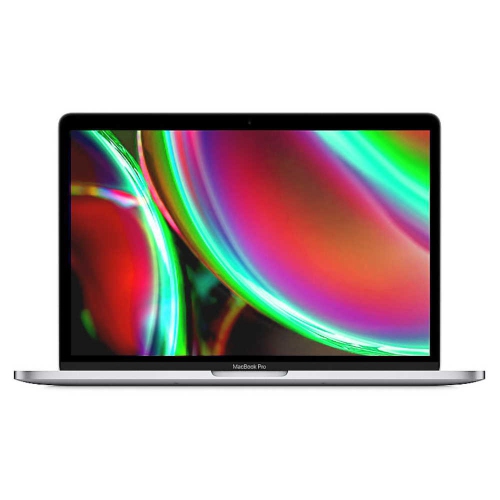
What matters in a MacBook for everyday schoolwork
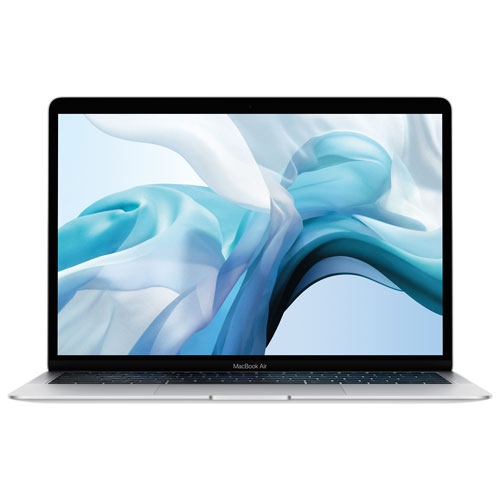
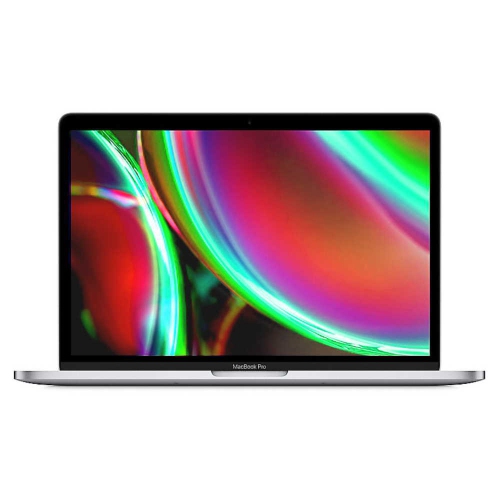
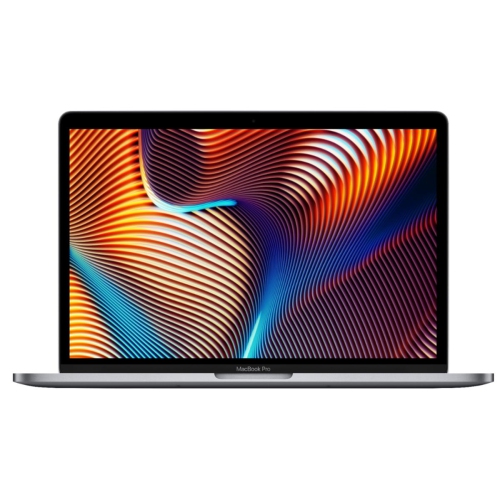
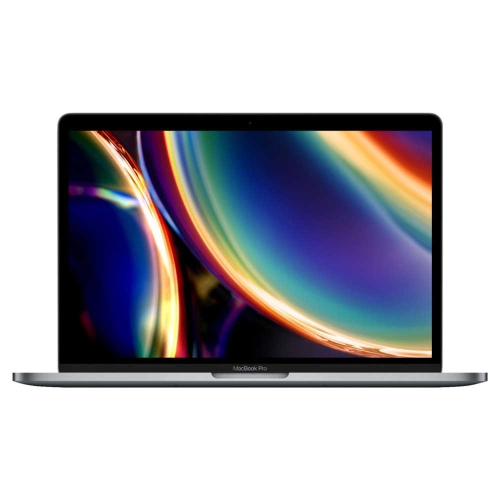
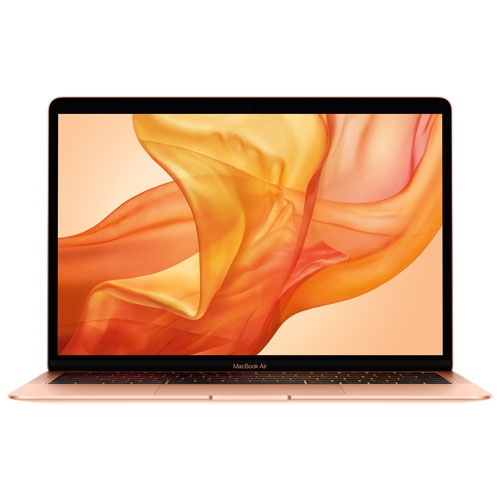
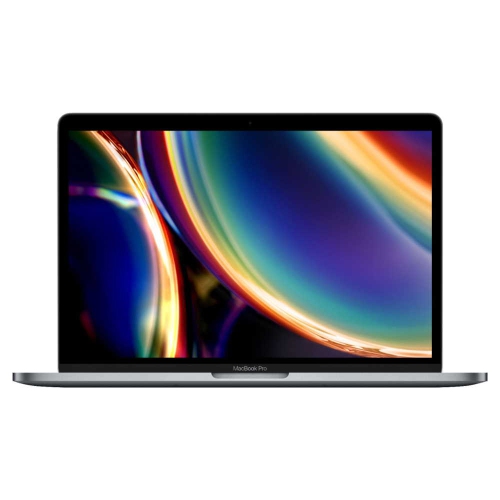
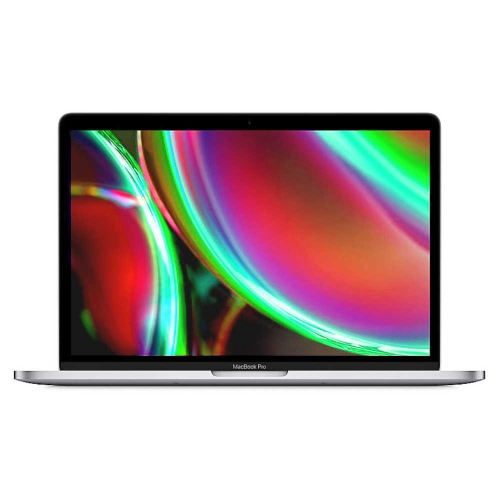
For students and teachers, an entry-level or earlier-generation laptop can be a practical fit for writing assignments, preparing lessons, joining video calls and working in browser-based learning platforms. A suitable notebook balances everyday responsiveness with portability, comfortable controls and software support that matches the school’s requirements. Typical study sessions often involve more than a single document: a research article stays open beside lecture slides, a spreadsheet holds lab results, and a video call runs while classmates edit a shared presentation. Memory helps keep that mix of tasks moving smoothly, while storage provides room for applications, downloaded course readings, photographs and recorded lessons. A solid-state drive can make opening files and launching applications feel responsive, although overall performance also depends on the processor, memory and software being used. For essay writing, online research and routine classroom administration, the newest processor is not always necessary. More demanding work, such as compiling large software projects, editing long videos or handling complex design files, can place different demands on the same machine. Students in specialized programs and teachers preparing media-rich lessons benefit from matching those requirements to the laptop’s actual capabilities. Integrated graphics may suit everyday visual tasks, but particular creative or technical applications can have additional hardware requirements. Screen space also changes how a study session feels. A compact display is easy to carry between classes, while a larger one gives lesson notes, reference material and a working document more breathing room. Resolution, brightness and text scaling affect readability as much as the screen’s dimensions. A comfortable keyboard and a precise trackpad matter during long stretches of writing, marking or organizing course material. For a student building a bibliography in the library or a teacher revising tomorrow’s slides at the kitchen table, those everyday details can be more noticeable than specifications that rarely come into play.
A notebook used for education needs to fit into a physical routine as well as an academic one. Weight and dimensions become especially noticeable when a bag also holds textbooks, a lunch container and classroom supplies. A slim aluminum enclosure can feel sturdy without adding much bulk, although no laptop casing is immune to dents, scratches or damage from a fall. A padded sleeve or a well-fitted laptop compartment helps keep the exterior separated from keys, charging plugs and other loose objects. The fit should allow the device to slide in without pressure on the lid or corners. At a desk, a firm, flat surface helps keep ventilation openings clear; a blanket or soft cushion can obstruct airflow on designs that rely on those openings. Everyday care is straightforward: shut the laptop down and unplug it before cleaning, use a soft, lint-free cloth, and follow the manufacturer’s directions for any cleaning solution. Liquid should never be sprayed directly onto the display or keyboard. Keeping drinks away from the work area and avoiding heavy objects on a closed lid can help prevent damage that interrupts coursework. Battery life is another practical consideration for moving between lectures, staff meetings and quiet study spaces. Advertised runtime does not represent every workload, since video calls, display brightness and demanding applications can affect how long a charge lasts. On a previously used notebook, battery condition is especially relevant, along with the condition of the charging port, keyboard, hinges and screen. Memory and internal storage are not upgradeable on many thin laptops, making the original configuration important for longer-term use. A dependable charging routine, adequate free storage and regular file backups also help keep a school laptop ready for everyday work. These habits matter whether it travels across campus each day or stays mostly on a home work surface for assignments and lesson preparation.
Classroom compatibility reaches beyond the laptop itself. A device may need to connect to a projector for a presentation, a monitor for marking, headphones for language practice or an external drive containing course files. Port types and the number of connections determine whether those tasks require an adapter or hub. External display support also varies by model and configuration, so a workspace with more than one monitor needs particular attention. Reliable Wi-Fi supports online lessons and shared documents, while offline access to downloaded readings can be useful when a connection is interrupted. A clear webcam, understandable microphone audio and comfortable headphone connections help students participate in seminars and teachers deliver remote instruction without unnecessary distractions. For more teaching-focused browsing, MacBooks For Teachers brings the focus to laptops for classroom preparation and related responsibilities. Required software remains central to suitability: browser-based tools may be widely accessible, while assessment platforms, accessibility utilities, laboratory applications and specialized course programs can require a particular operating system or processor architecture. The school’s published requirements are a useful reference, especially for programs involving engineering, design or other technical work. Remaining operating system and security-update support also matters on an earlier-generation device; a laptop that still handles documents well may not support every application version a course requires. Password protection, automatic screen locking and approved backup tools help protect assignments and teaching materials. Teachers handling student information also need to follow their school’s privacy and device-management requirements. For a family member giving a laptop to a student or educator, the recipient’s course list, preferred screen size and existing workspace offer more useful direction than appearance alone. A notebook that fits those routines can move naturally from taking lecture notes to collaborating on a group project, preparing a lesson or completing professional development. The right match supports that daily work without adding features that have little relevance to how the laptop will actually be used.
A notebook used for education needs to fit into a physical routine as well as an academic one. Weight and dimensions become especially noticeable when a bag also holds textbooks, a lunch container and classroom supplies. A slim aluminum enclosure can feel sturdy without adding much bulk, although no laptop casing is immune to dents, scratches or damage from a fall. A padded sleeve or a well-fitted laptop compartment helps keep the exterior separated from keys, charging plugs and other loose objects. The fit should allow the device to slide in without pressure on the lid or corners. At a desk, a firm, flat surface helps keep ventilation openings clear; a blanket or soft cushion can obstruct airflow on designs that rely on those openings. Everyday care is straightforward: shut the laptop down and unplug it before cleaning, use a soft, lint-free cloth, and follow the manufacturer’s directions for any cleaning solution. Liquid should never be sprayed directly onto the display or keyboard. Keeping drinks away from the work area and avoiding heavy objects on a closed lid can help prevent damage that interrupts coursework. Battery life is another practical consideration for moving between lectures, staff meetings and quiet study spaces. Advertised runtime does not represent every workload, since video calls, display brightness and demanding applications can affect how long a charge lasts. On a previously used notebook, battery condition is especially relevant, along with the condition of the charging port, keyboard, hinges and screen. Memory and internal storage are not upgradeable on many thin laptops, making the original configuration important for longer-term use. A dependable charging routine, adequate free storage and regular file backups also help keep a school laptop ready for everyday work. These habits matter whether it travels across campus each day or stays mostly on a home work surface for assignments and lesson preparation.
Classroom compatibility reaches beyond the laptop itself. A device may need to connect to a projector for a presentation, a monitor for marking, headphones for language practice or an external drive containing course files. Port types and the number of connections determine whether those tasks require an adapter or hub. External display support also varies by model and configuration, so a workspace with more than one monitor needs particular attention. Reliable Wi-Fi supports online lessons and shared documents, while offline access to downloaded readings can be useful when a connection is interrupted. A clear webcam, understandable microphone audio and comfortable headphone connections help students participate in seminars and teachers deliver remote instruction without unnecessary distractions. For more teaching-focused browsing, MacBooks For Teachers brings the focus to laptops for classroom preparation and related responsibilities. Required software remains central to suitability: browser-based tools may be widely accessible, while assessment platforms, accessibility utilities, laboratory applications and specialized course programs can require a particular operating system or processor architecture. The school’s published requirements are a useful reference, especially for programs involving engineering, design or other technical work. Remaining operating system and security-update support also matters on an earlier-generation device; a laptop that still handles documents well may not support every application version a course requires. Password protection, automatic screen locking and approved backup tools help protect assignments and teaching materials. Teachers handling student information also need to follow their school’s privacy and device-management requirements. For a family member giving a laptop to a student or educator, the recipient’s course list, preferred screen size and existing workspace offer more useful direction than appearance alone. A notebook that fits those routines can move naturally from taking lecture notes to collaborating on a group project, preparing a lesson or completing professional development. The right match supports that daily work without adding features that have little relevance to how the laptop will actually be used.
Top selling and popular products
-
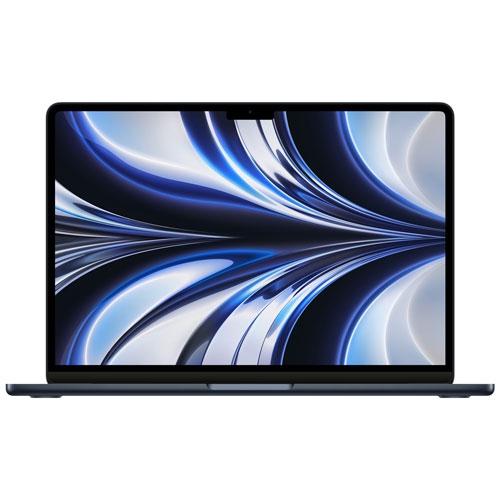 Your price for this item is $1299.99
-
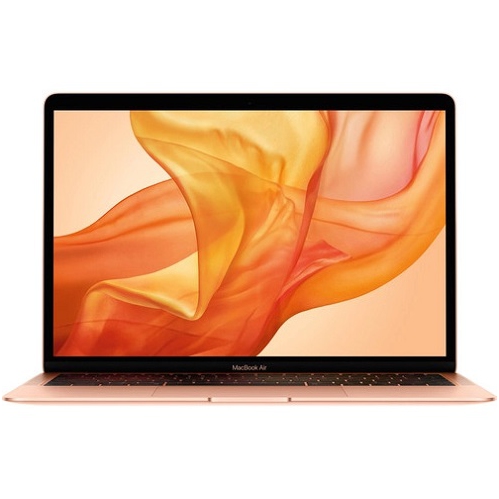 Your price for this item is $549.77
-
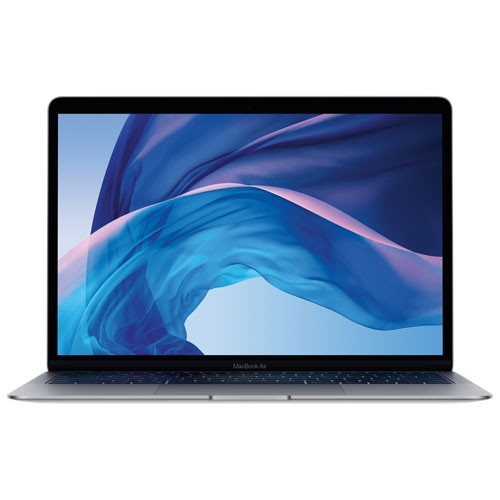 Your price for this item is $549.77
-
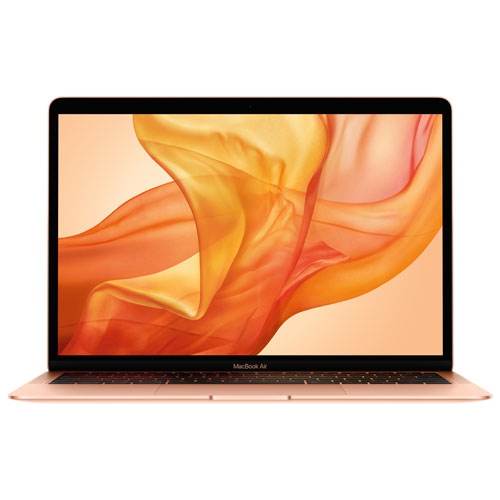 Your price for this item is $599.77
-
 Your price for this item is $1499
-
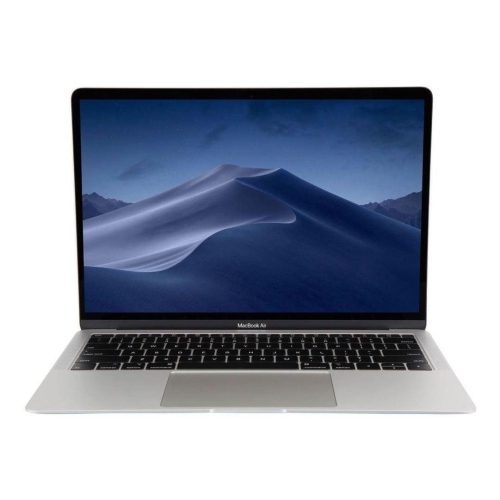 Your price for this item is $499
-
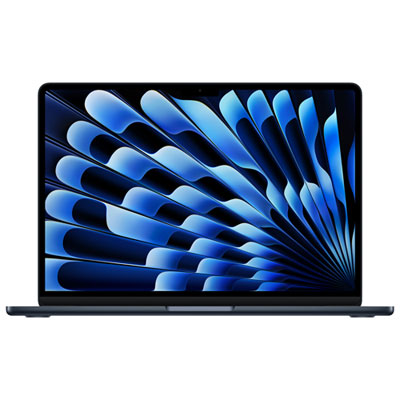 Your price for this item is $1789.99
-
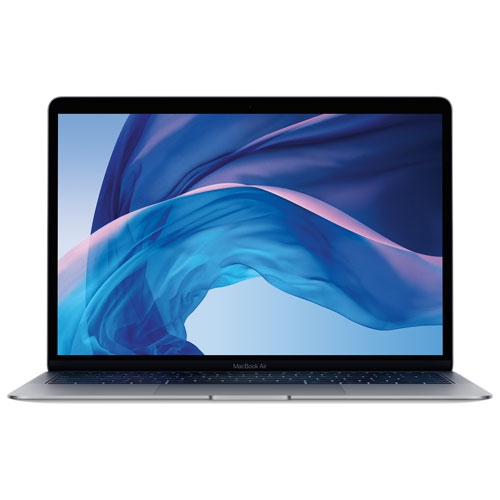 Your price for this item is $579.77
Discover more categories related to Budget-Friendly MacBooks For Students And Teachers
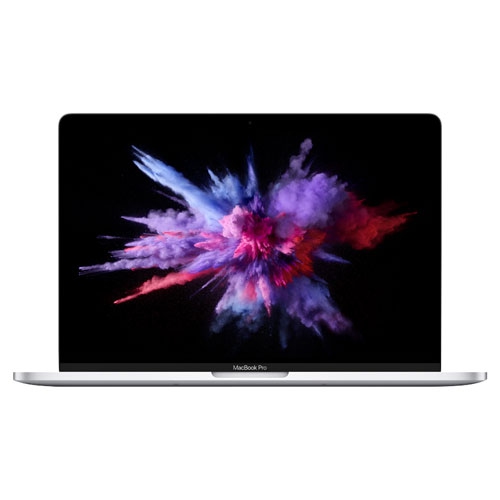
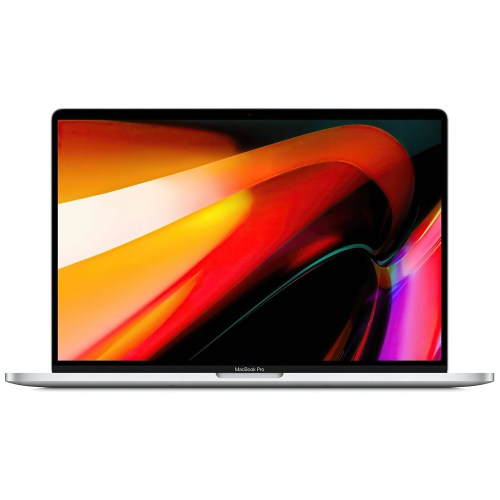


Top Collections:
Pokemon Centers, Best Black Friday Deals This Year, Best Black Friday Deals On Electronics, Kindle Devices, Best Budget Office Chairs, Best Black Friday Deals On Apple Products, Best Cameras for Sports Photography, Pokémon 30th Celebration Cards, Dyson Airwrap, Canon G7X Cameras
Some products may be subject to Environmental Handling Fees
(EHF) depending on your province.
Learn more about EHFs.