Budget Gaming Setup
Creating an immersive gaming experience doesn't have to break the bank. Dive into the world of budget-friendly gaming setups with our carefully curated selection of products designed to enhance your gameplay without compromising on quality. From ergonomic chairs and customizable desks to high-performance monitors and responsive keyboards, elevate your gaming station without exceeding your budget. Whether you're a seasoned gamer looking to upgrade or a newcomer setting up your first gaming space, discover the perfect balance between affordability and functionality with our range of budget gaming essentials.
Sort





What matters most when building on a budget
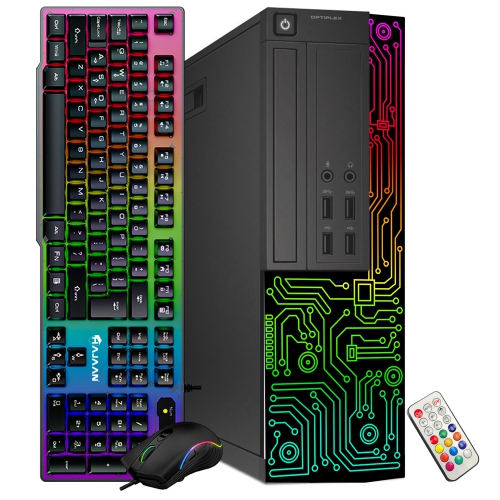
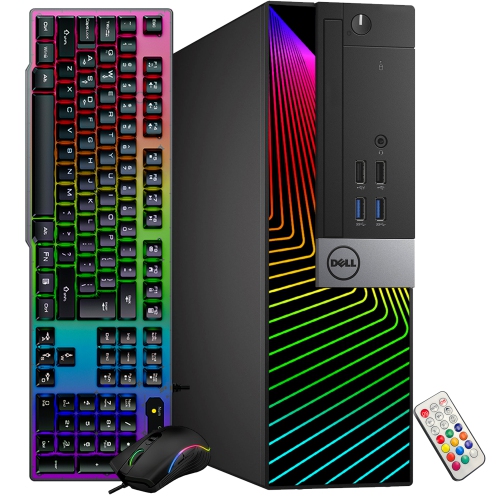
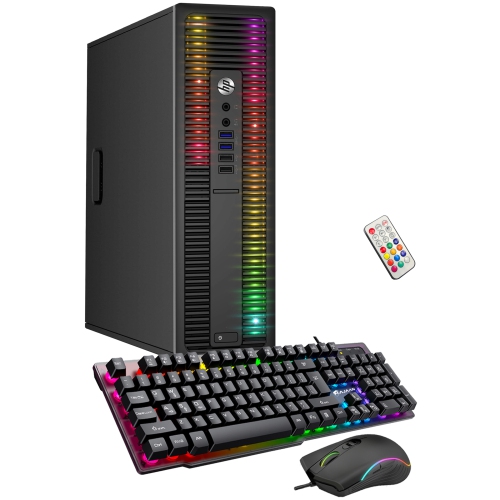
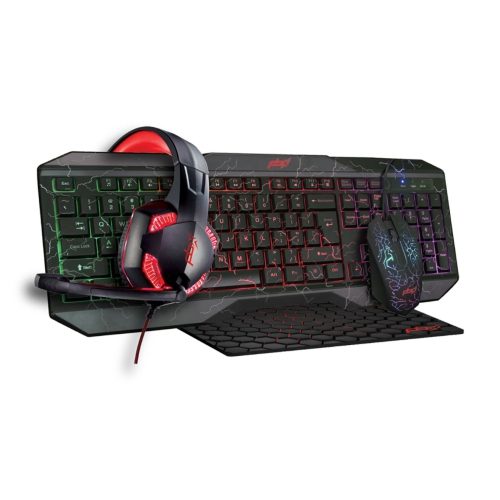
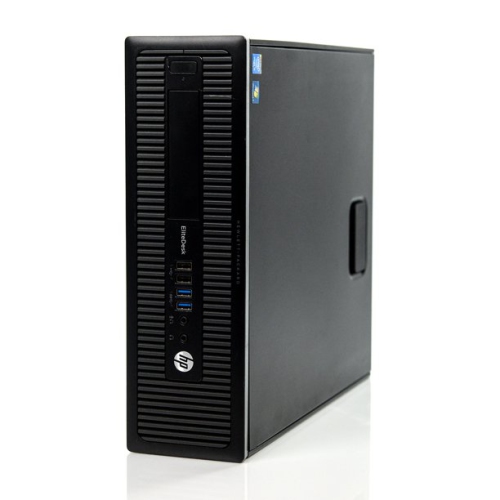
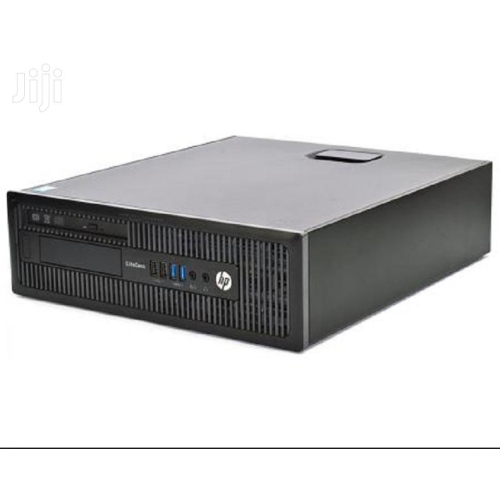
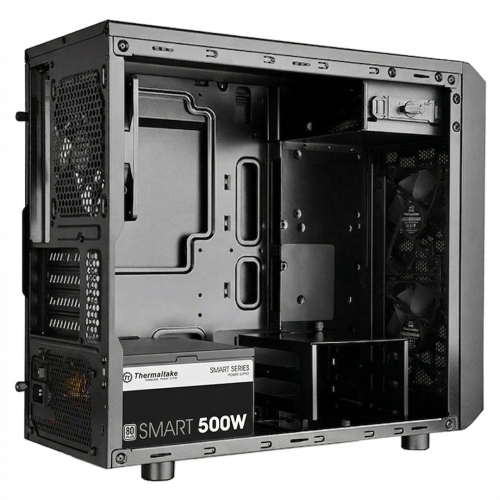
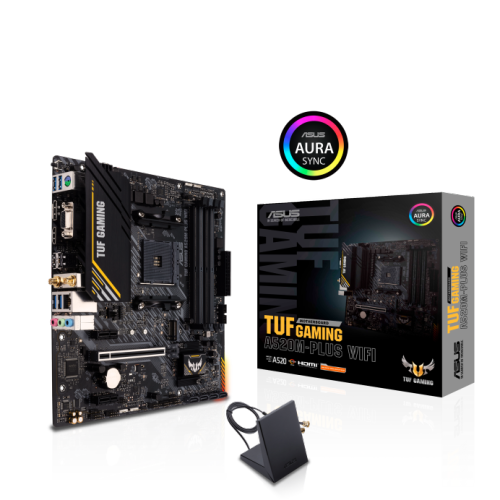
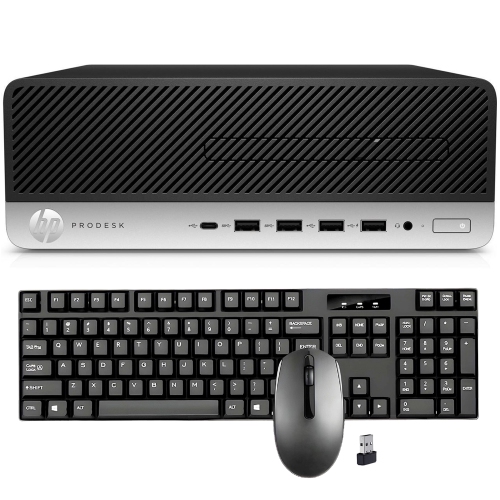
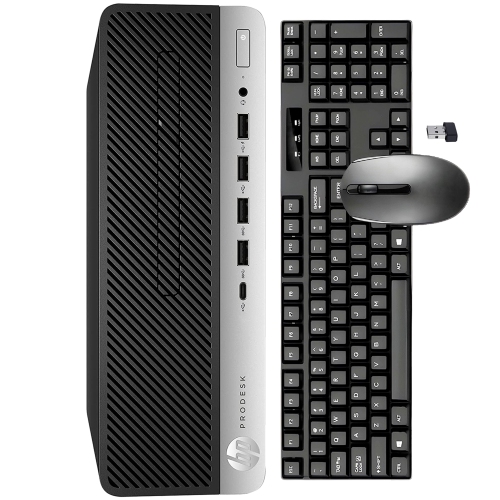
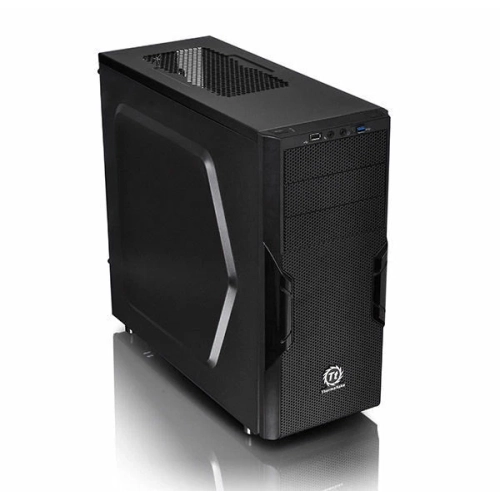
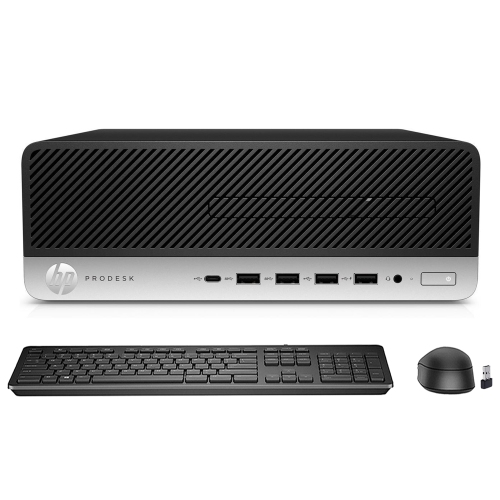
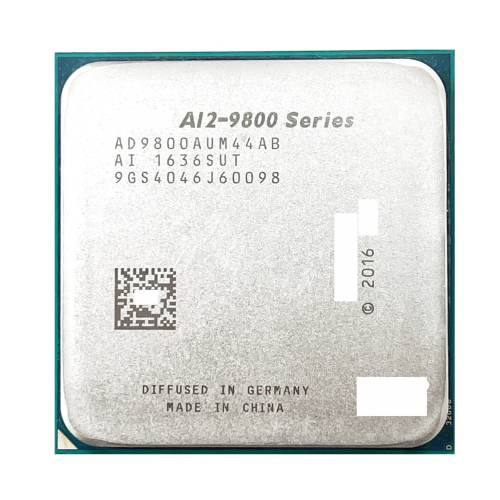
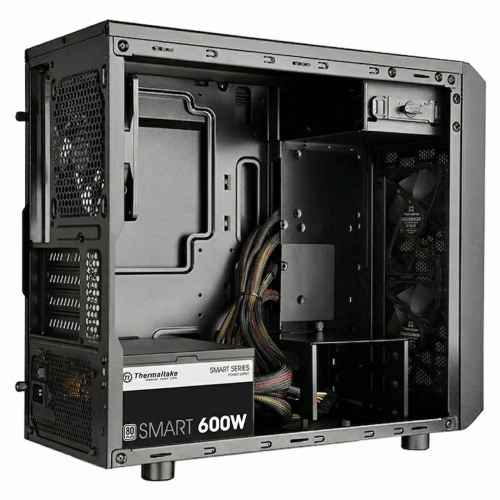
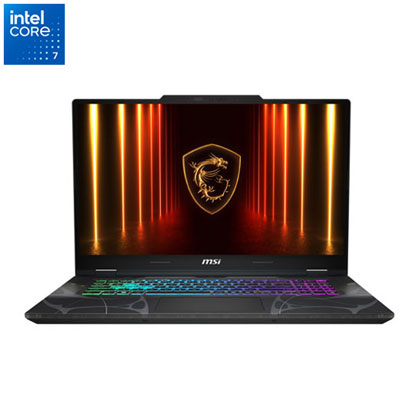
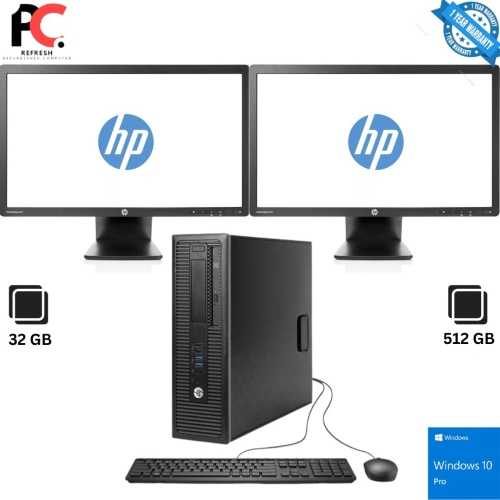
A budget gaming setup brings together the essential pieces for comfortable, responsive play without requiring a premium investment in every category. For many players, a practical starting range is approximately $500 to $700 CAD when the computer, display, desk, and core accessories all need to be purchased together, although the total can be lower when you already own a monitor, keyboard, or gaming computer. The best setup depends on the games you play, the performance you expect, and the space available at home. Casual and competitive games with modest system requirements can run well on an entry-level gaming computer, while visually demanding new releases may require a stronger processor, more memory, and a dedicated graphics card. A desktop computer typically offers more flexibility for future upgrades, whereas a gaming laptop can be a useful choice for students, renters, or anyone who moves between rooms. When comparing computers, pay attention to the processor, graphics hardware, system memory, storage capacity, and the type of games the system is designed to support. Fast solid-state storage helps games and applications load more quickly, while adequate memory allows the game, voice chat, browser windows, and other programs to run together more smoothly. A computer with balanced internal components is usually a better investment than one that emphasizes flashy lighting while using older or limited hardware. Checking the recommended specifications for favourite games is a sensible way to avoid paying for performance you will not use or ending up with a system that struggles with the intended titles.
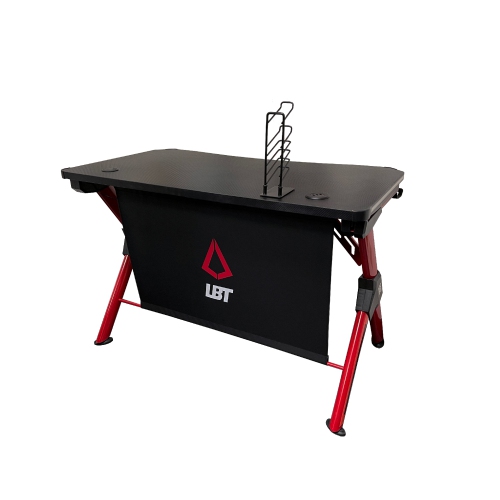
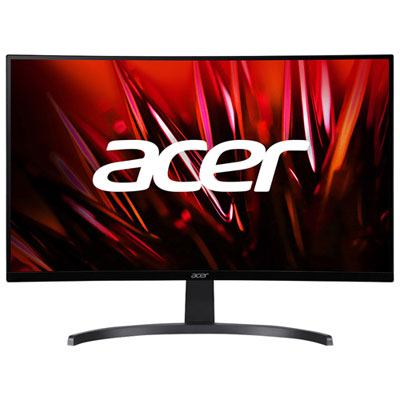
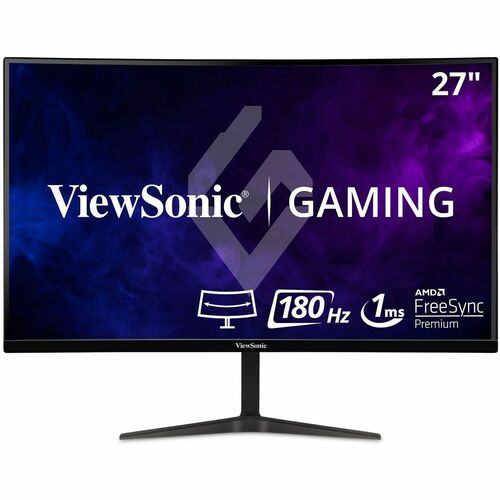
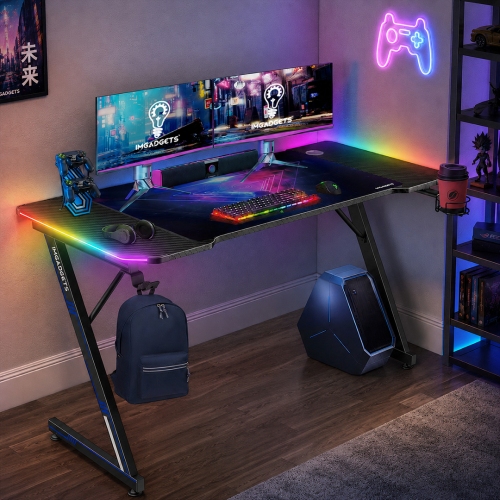
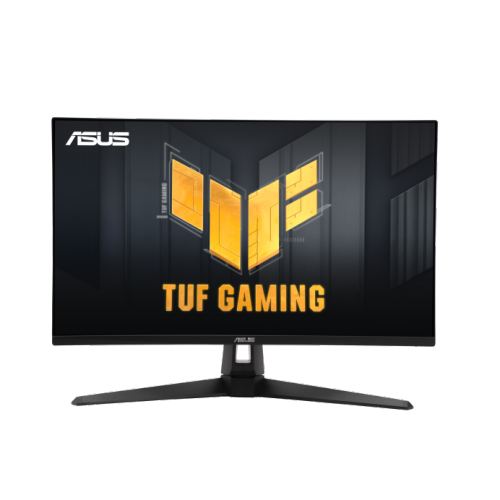
The monitor is another important part of a budget gaming setup because it is where every frame, map, menu, and match appears. A 1080p display remains a practical choice for affordable gaming, especially on smaller screens where the image can look sharp without placing excessive demands on the computer. Refresh rates from 100Hz to 180Hz can make camera movement and fast action feel more fluid than a traditional 60Hz display, provided the computer can produce enough frames to take advantage of that capability. Look for a response time suited to gaming, adaptive-sync support when compatible with the computer, and a size that fits comfortably on the desk. A compact display may leave more room for speakers and accessories, while a larger screen can create a more immersive experience for open-world games, racing titles, and split-screen play. The desk itself should provide enough surface area for the monitor, keyboard, mouse, and any notebooks or controllers that need to stay within reach. Compact or reversible L-shaped designs can work well in bedrooms, student spaces, and shared rooms, while a straightforward rectangular desk may be easier to position against a wall. Features such as a headphone hook, cable openings, shelves, or integrated power access can help keep the area organised, but they should not take priority over stability and usable legroom. A supportive gaming chair is helpful for longer sessions, though an existing office chair with adjustable height and lumbar support may be sufficient when funds are limited. Keeping cables routed along the back of the desk, using a power bar with enough outlets, and leaving clear ventilation around the computer can make an affordable arrangement feel much more comfortable and polished.
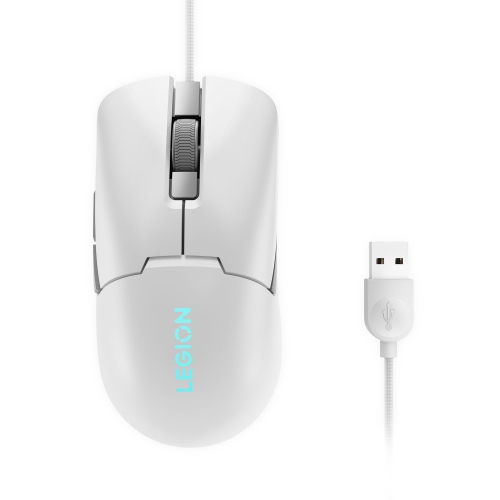
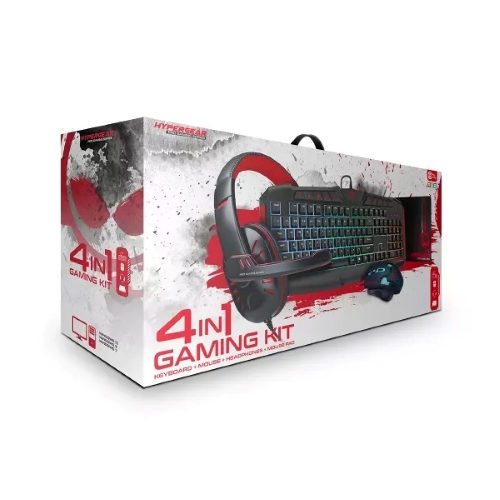
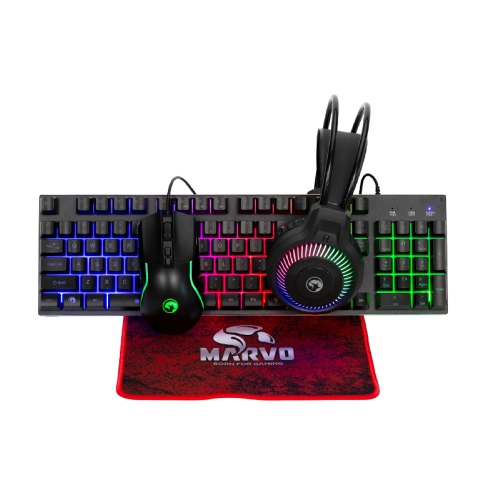
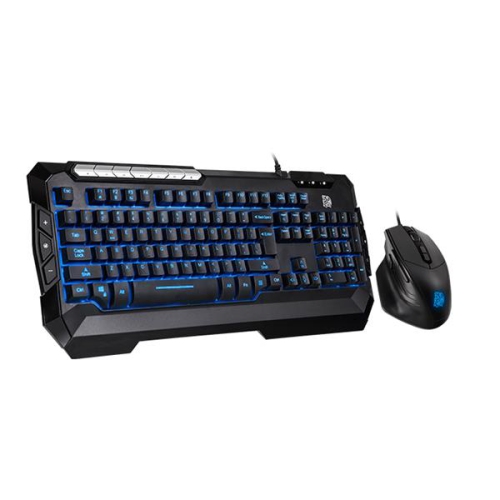
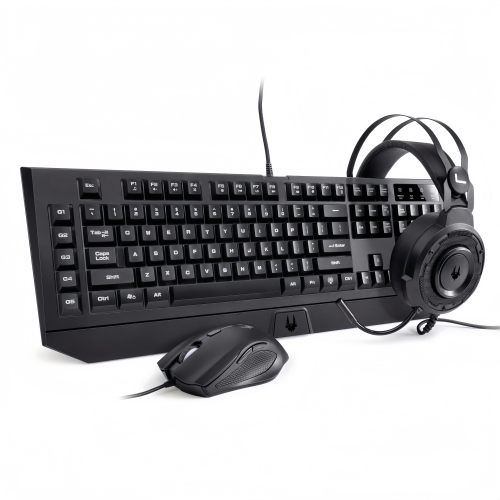
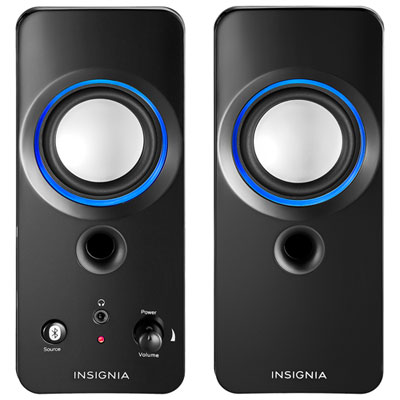
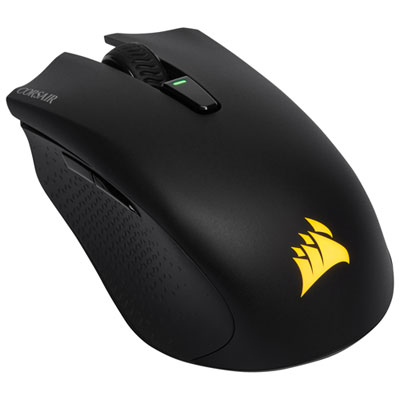
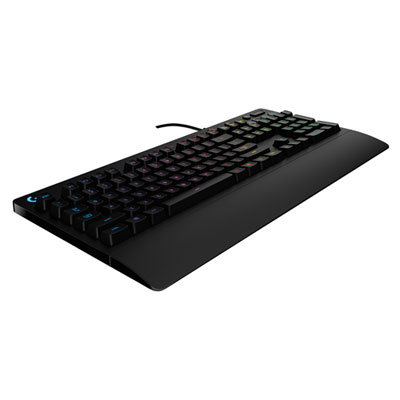
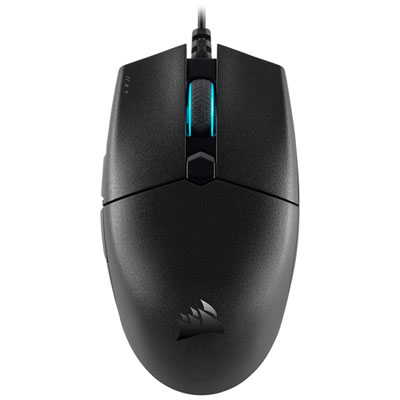
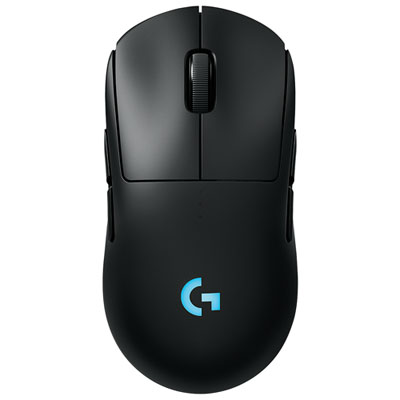
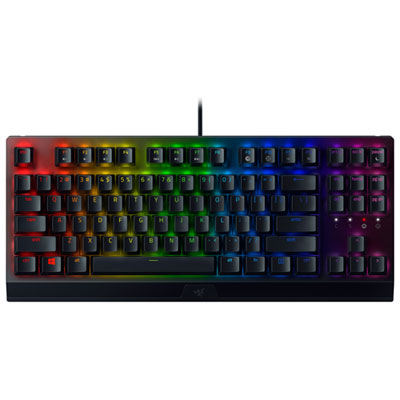
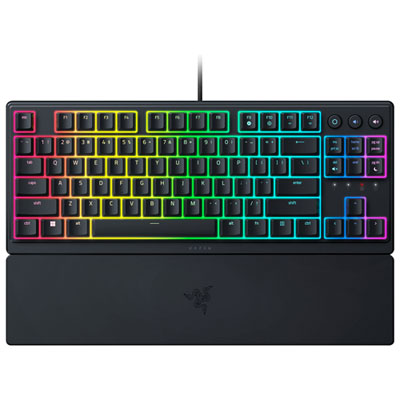
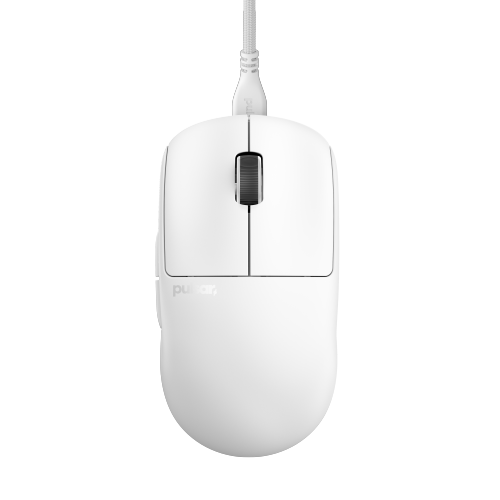
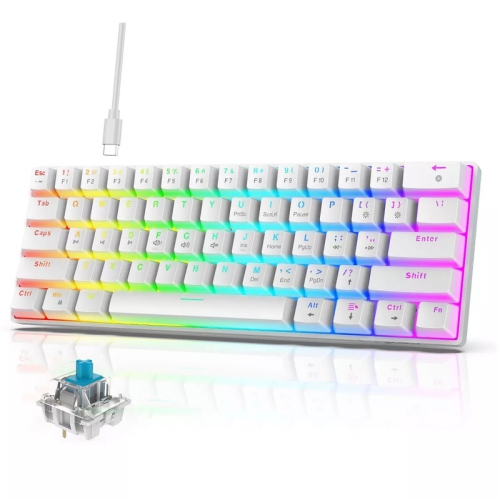
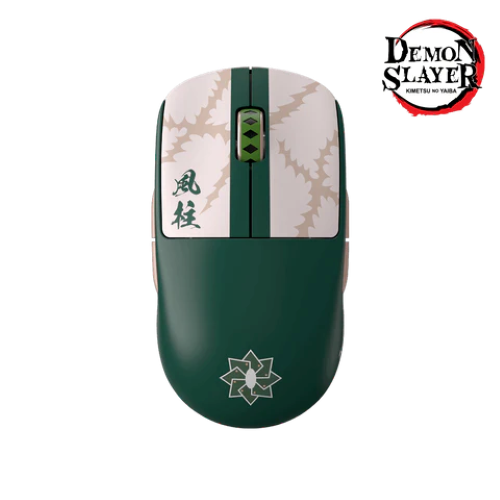
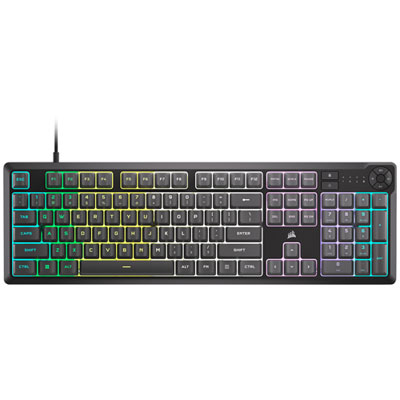
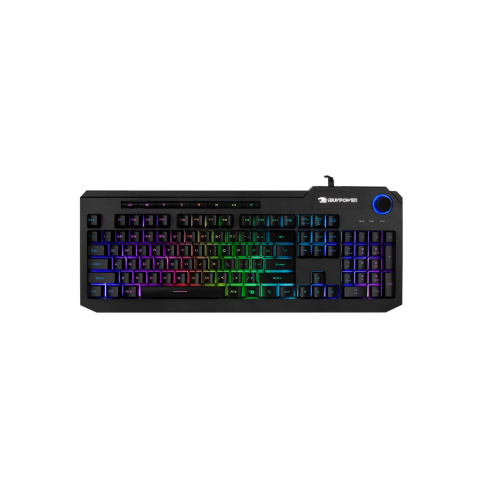
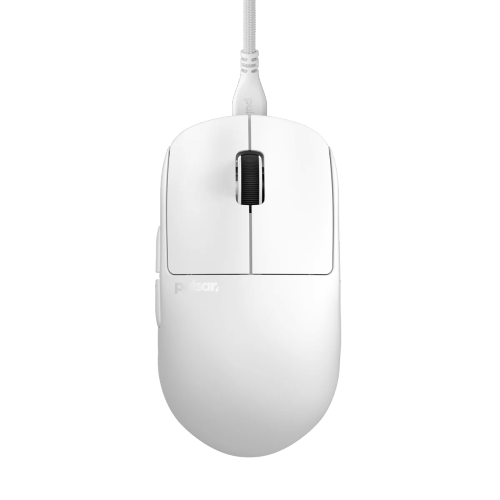
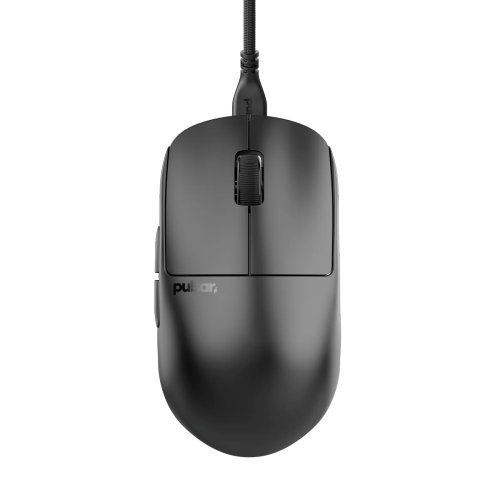
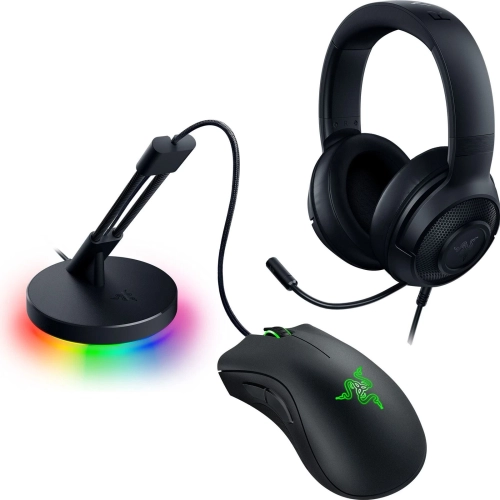
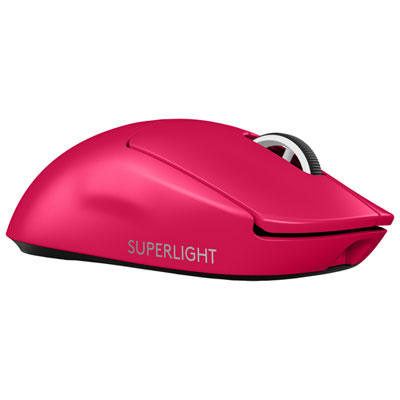
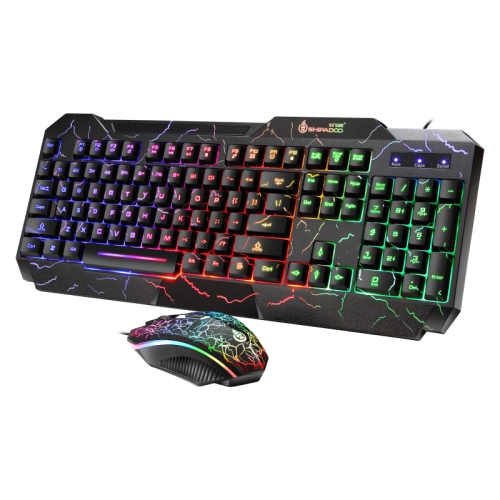
Peripherals complete the experience and can often be added or improved over time. A responsive keyboard, comfortable mouse, mousepad with enough room for broad movements, and headset with a clear microphone cover the basic needs of most PC players. Starter bundles can be useful for someone building a first setup because they provide several matching essentials at one price, while individual accessories allow experienced players to spend more on the feature that matters most to them. A mechanical or membrane keyboard may come down to personal preference, with considerations such as key feel, noise, backlighting, media controls, and compact sizing. For a mouse, shape and comfort are often more important than a long list of extra buttons; adjustable sensitivity and a reliable sensor are useful for everything from strategy games to fast-paced shooters. A headset should fit securely without creating pressure during longer sessions, and a detachable or adjustable microphone can be convenient for multiplayer chat, online classes, or calls. These products can make thoughtful gifts for a teenager setting up a first gaming corner, a student moving into a residence room, or a family member who enjoys cooperative games with friends. They can also refresh an existing console or computer area without replacing the entire system. A modest setup can be expanded gradually: begin with the computer and monitor, add the desk and core controls, then consider speakers, a webcam, extra storage, a larger display, or decorative lighting when the budget allows. Shoppers comparing options in one place can explore Budget Gaming Bundles to find combinations that suit different spaces and play styles. During the warmer and cooler parts of the year, a well-planned setup provides a comfortable place for evening matches, creative projects, streaming, and time with friends, with the flexibility to grow as gaming habits and available space change.
The monitor is another important part of a budget gaming setup because it is where every frame, map, menu, and match appears. A 1080p display remains a practical choice for affordable gaming, especially on smaller screens where the image can look sharp without placing excessive demands on the computer. Refresh rates from 100Hz to 180Hz can make camera movement and fast action feel more fluid than a traditional 60Hz display, provided the computer can produce enough frames to take advantage of that capability. Look for a response time suited to gaming, adaptive-sync support when compatible with the computer, and a size that fits comfortably on the desk. A compact display may leave more room for speakers and accessories, while a larger screen can create a more immersive experience for open-world games, racing titles, and split-screen play. The desk itself should provide enough surface area for the monitor, keyboard, mouse, and any notebooks or controllers that need to stay within reach. Compact or reversible L-shaped designs can work well in bedrooms, student spaces, and shared rooms, while a straightforward rectangular desk may be easier to position against a wall. Features such as a headphone hook, cable openings, shelves, or integrated power access can help keep the area organised, but they should not take priority over stability and usable legroom. A supportive gaming chair is helpful for longer sessions, though an existing office chair with adjustable height and lumbar support may be sufficient when funds are limited. Keeping cables routed along the back of the desk, using a power bar with enough outlets, and leaving clear ventilation around the computer can make an affordable arrangement feel much more comfortable and polished.
Peripherals complete the experience and can often be added or improved over time. A responsive keyboard, comfortable mouse, mousepad with enough room for broad movements, and headset with a clear microphone cover the basic needs of most PC players. Starter bundles can be useful for someone building a first setup because they provide several matching essentials at one price, while individual accessories allow experienced players to spend more on the feature that matters most to them. A mechanical or membrane keyboard may come down to personal preference, with considerations such as key feel, noise, backlighting, media controls, and compact sizing. For a mouse, shape and comfort are often more important than a long list of extra buttons; adjustable sensitivity and a reliable sensor are useful for everything from strategy games to fast-paced shooters. A headset should fit securely without creating pressure during longer sessions, and a detachable or adjustable microphone can be convenient for multiplayer chat, online classes, or calls. These products can make thoughtful gifts for a teenager setting up a first gaming corner, a student moving into a residence room, or a family member who enjoys cooperative games with friends. They can also refresh an existing console or computer area without replacing the entire system. A modest setup can be expanded gradually: begin with the computer and monitor, add the desk and core controls, then consider speakers, a webcam, extra storage, a larger display, or decorative lighting when the budget allows. Shoppers comparing options in one place can explore Budget Gaming Bundles to find combinations that suit different spaces and play styles. During the warmer and cooler parts of the year, a well-planned setup provides a comfortable place for evening matches, creative projects, streaming, and time with friends, with the flexibility to grow as gaming habits and available space change.
Top selling and popular products
-
 Your price for this item is $74.99
 -
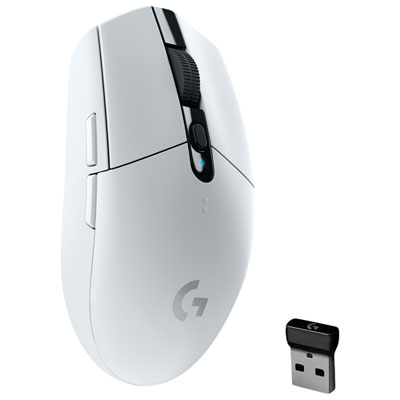 Your price for this item is $69.99
 -
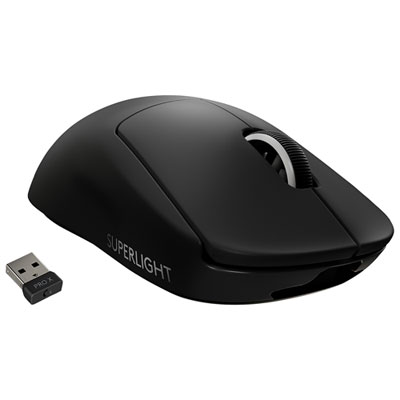 Your price for this item is $199.99
 -
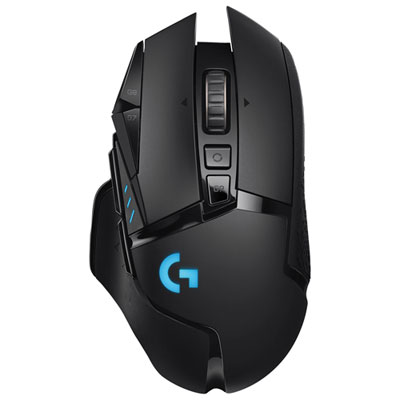 Your price for this item is $149.99
 -
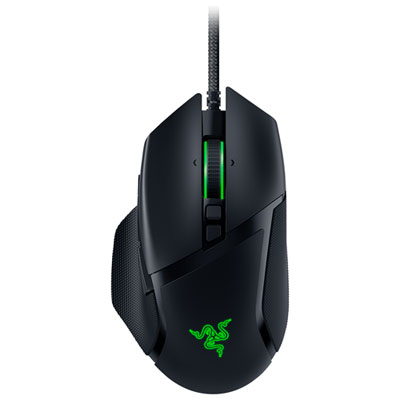 Your price for this item is $46.98
 -
 Your price for this item is $39.99
 -
 Your price for this item is $119.99
 -
 Your price for this item is $219.99
Discover more categories related to Budget Gaming Setup
Top Collections:
Best Laptops for Video Editing, Pokemon Centers, Samsung Z Fold, Kindle Devices, Best Cell Phones Under $300, Best Laptops for Writers, Best Budget Office Chairs, Best Cell Phones Under $500, Best Laptop Computers for Students, iPhone 15 Apple
Some products may be subject to Environmental Handling Fees
(EHF) depending on your province.
Learn more about EHFs.