Best Budget Computer Setup

Find the best budget computer setup for work, school, gaming, and everyday tasks. This selection features highly rated essentials chosen to help you build a reliable setup without overspending. Products are ranked by user review ratings, making it easier to compare top-rated options and find the right combination for your needs.

Read More

What to look for in the best budget computer setup

1. Performance

Choose a computer with enough processing power, memory, and storage for your everyday needs. For browsing, schoolwork, and office tasks, a basic processor and 8GB of RAM may be enough, while photo editing, gaming, and multitasking may require more.

2. Display

Look for a monitor with a comfortable screen size and clear resolution for your workspace. A 24-inch Full HD monitor is a practical choice for many budget setups, while a higher refresh rate may be useful for gaming.

3. Essential Accessories

A keyboard, mouse, webcam, speakers, and headset can complete your setup. Prioritize the accessories that match how you plan to use your computer so you can avoid paying for features you do not need.

4. Upgrade Potential

Check whether the computer supports future upgrades such as additional memory, storage, or a dedicated graphics card. Upgradeable components can help extend the useful life of your setup as your needs change.
Citrus catapult arrow
  1. 1

    About this product

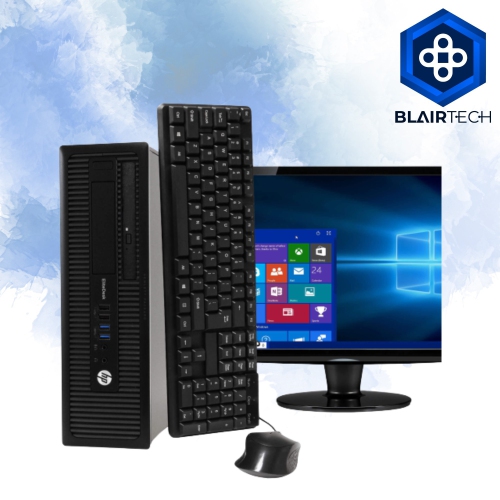
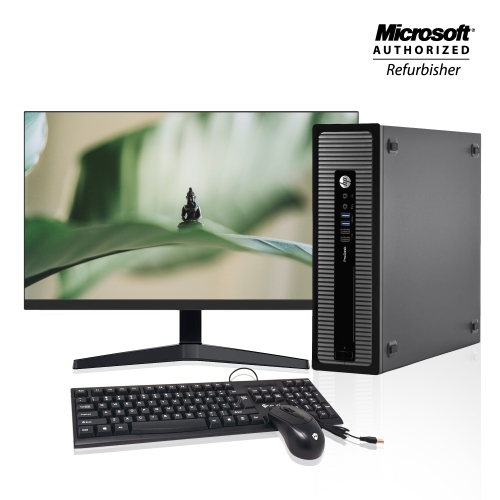
    A refurbished desktop PC with Intel Core i5, 16GB RAM, 1TB HDD, Wi-Fi, and 22" monitor.

    A refurbished desktop PC with Intel Core i5, 16GB RAM, 1TB HDD, Wi-Fi, and 22" monitor.

    (12)
    $430.33
    SAVE $68
    Your price for this item is $430.33
  2. 2

    About this product

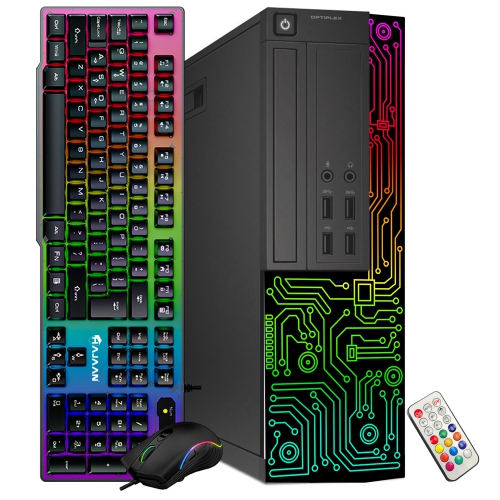
    A refurbished desktop PC with Intel i5, 8GB RAM, 512GB SSD, 22" monitor, and RGB accessories.

    A refurbished desktop PC with Intel i5, 8GB RAM, 512GB SSD, 22" monitor, and RGB accessories.

    (6)
    $384.99
    SAVE $95
    Your price for this item is $384.99
  3. 3

    About this product

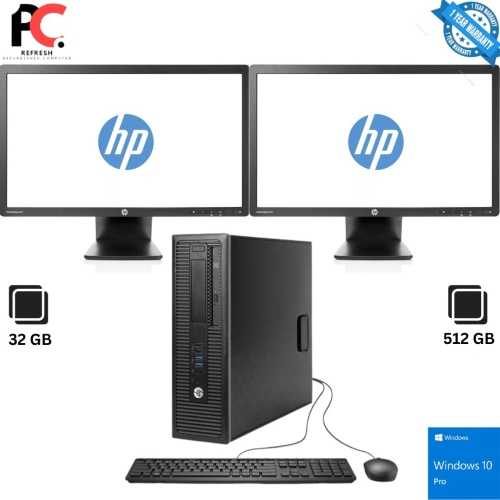
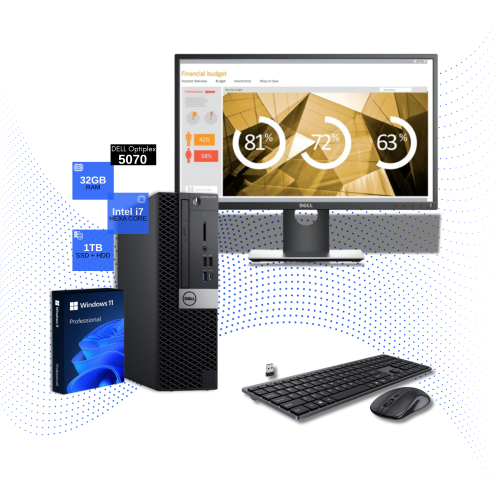
    A refurbished desktop bundle with Intel Core i7, 32GB RAM, 512GB SSD, dual monitors, and Wi-Fi.

    A refurbished desktop bundle with Intel Core i7, 32GB RAM, 512GB SSD, dual monitors, and Wi-Fi.

    (5)
    $355.00
    SAVE $95
    Your price for this item is $355
  4. 4

    About this product

    A refurbished desktop PC with Intel Core i5, 16GB RAM, 256GB SSD, 4K support, and Windows 10 Pro.

    A refurbished desktop PC with Intel Core i5, 16GB RAM, 256GB SSD, 4K support, and Windows 10 Pro.

    (1)
    $350.00 Your price for this item is $350
  5. 5

    About this product

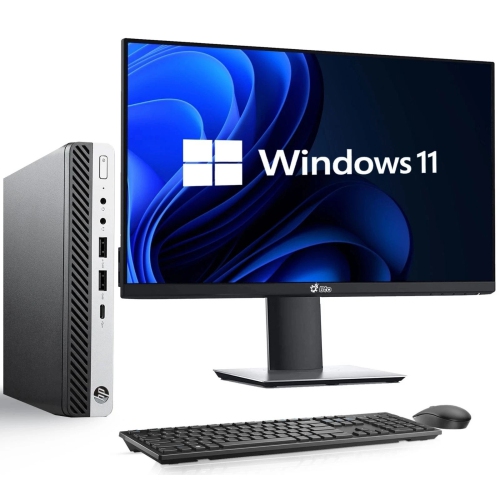
    A compact desktop bundle featuring AMD Ryzen 5 Pro, 16GB RAM, 256GB SSD, and a 24" monitor.

    A compact desktop bundle featuring AMD Ryzen 5 Pro, 16GB RAM, 256GB SSD, and a 24" monitor.

    (1)
    $380.00
    SAVE $170
    Your price for this item is $380
  6. 6

    About this product

    A refurbished desktop set featuring Intel Core i5, 4GB RAM, 500GB HDD, monitor, keyboard, and mouse.

    A refurbished desktop set featuring Intel Core i5, 4GB RAM, 500GB HDD, monitor, keyboard, and mouse.

    What customers like

    • User-friendly and easy to use
    • Affordable price
    • Includes all necessary accessories
    • Good performance for basic tasks
    • Lightweight and portable
    (25)
    $414.09
    SAVE $73
    Your price for this item is $414.09
  7. 7

    About this product

    A powerful desktop bundle featuring an Intel Core i7, 32GB RAM, dual drives, and dual 24" monitors.

    A powerful desktop bundle featuring an Intel Core i7, 32GB RAM, dual drives, and dual 24" monitors.

    (3)
    $410.00
    SAVE $240
    Your price for this item is $410
  8. 8

    About this product

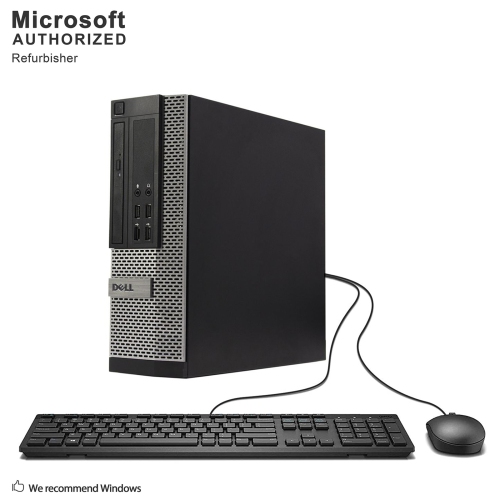
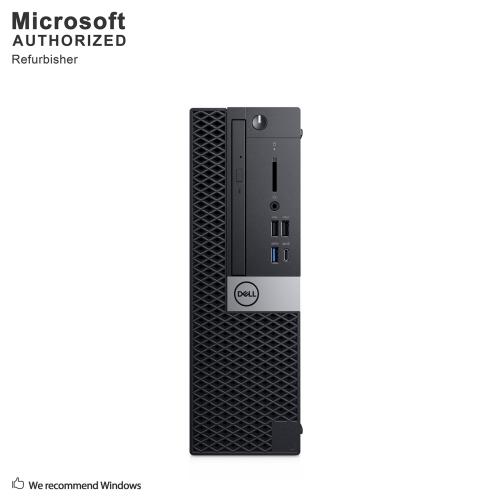
    A refurbished small form factor desktop with Intel Core i7, 16GB RAM, 1TB HDD, and Windows 10 Pro.

    A refurbished small form factor desktop with Intel Core i7, 16GB RAM, 1TB HDD, and Windows 10 Pro.

    (1)
    $410.65
    SAVE $24
    Your price for this item is $410.65
  9. 9

    About this product

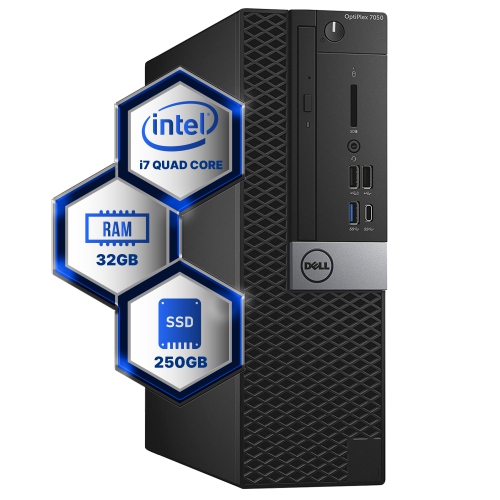
    A refurbished desktop featuring a quad-core Intel i7, 32GB DDR4 RAM, 250GB SSD, and Windows 10.

    A refurbished desktop featuring a quad-core Intel i7, 32GB DDR4 RAM, 250GB SSD, and Windows 10.

    (1)
    $469.61
    SAVE $29
    Your price for this item is $469.61
  10. 10

    About this product

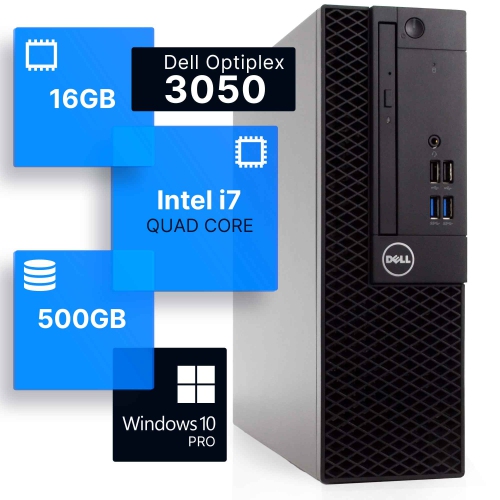
    A refurbished desktop featuring a quad-core Intel i7, 16GB DDR4 RAM, 500GB SSD, and Windows 10 Pro.

    A refurbished desktop featuring a quad-core Intel i7, 16GB DDR4 RAM, 500GB SSD, and Windows 10 Pro.

    (1)
    $419.99
    SAVE $60
    Your price for this item is $419.99

The essentials for a comfortable, capable home workstation

A budget computer setup can provide a practical place for schoolwork, home administration, video calls, browsing, streaming, and everyday creative projects without requiring a premium tower or elaborate accessories. A complete basic setup may include a desktop computer, monitor, keyboard, mouse, and the cables needed to connect everything, making it a convenient choice for a first home workstation or a shared family desk. Depending on whether the components are new, refurbished, or sold as a complete set, basic office and school setups can start at approximately $165 CAD, while reliable new pre-built desktop computers for everyday use commonly fall in the $650 to $700 CAD range. The most important step is matching the computer’s capabilities to the tasks it will handle. A recent multi-core processor can help pages open smoothly and keep routine applications responsive, while at least 8GB of memory is a sensible starting point for email, documents, online learning, light photo organization, and video calls. People who frequently keep many browser tabs open, move between several applications, or work with larger files may appreciate 16GB of memory for added breathing room. Storage also deserves attention: a 512GB solid-state drive offers a good balance of capacity and quick start-up times for many users, while a larger drive may be helpful for downloaded media, family photos, coursework, or a growing collection of files. A compact desktop can be especially useful in a bedroom, apartment, dorm room, or smaller home office, where every few inches of desk space matters. By contrast, a larger tower may provide more room for future upgrades, additional storage, or improved graphics hardware. Check what is included before buying, since some computer listings include a monitor and input devices while others cover the computer only. Confirm the number and types of available ports, the monitor’s size and resolution, wireless connectivity, webcam compatibility, and whether the operating system is ready for use. These details can prevent a frustrating unboxing experience in which a computer is ready to start but a required cable, display, or accessory is missing.

The right budget setup should feel comfortable after several hours, not merely affordable at checkout. For a desk used for writing, studying, or remote work, a monitor with a clear image and an adjustable viewing angle can reduce the need to lean forward, while a full-size keyboard with familiar spacing may make long typing sessions easier. A wired mouse and keyboard are often straightforward and dependable, whereas wireless accessories can help keep a compact workspace looking tidy and make it easier to move the keyboard aside when the desk is used for other activities. Consider the placement of the computer as well. Keeping the tower where air can circulate and dust is less likely to collect can support consistent performance, and placing the monitor near eye level can make the workstation feel more natural. Students might use a setup for research, essays, presentations, online classes, and group projects; parents may want a shared station for household forms, appointments, printing, and family entertainment; and older adults may value a larger screen, simple controls, and a clear, uncluttered layout for staying in touch with friends and relatives. A budget desktop can also be a thoughtful gift for someone moving into a first apartment, starting a course, setting up a home office, or replacing an aging family computer. For a young learner, it creates a dedicated spot for homework and creative software without putting a personal computer in every room. During the cooler months, a comfortable indoor workstation can become a regular part of the daily routine, supporting quiet reading, digital organization, casual gaming, and evenings spent catching up on shows or calls. Buyers should also think about sound, power use, warranty coverage, return policies, and technical support, particularly when the computer is intended for someone who may need help with setup. A simple, well-matched arrangement is often more useful than a powerful computer surrounded by accessories that never leave the packaging.

Performance expectations are especially important when a budget setup will be used for games, photo editing, video work, or other graphics-heavy applications. Computers intended for basic productivity generally rely on integrated graphics and are well suited to documents, streaming, web browsing, and many lighter applications, but demanding games may require a dedicated graphics processor, additional memory, stronger cooling, and a power supply with enough capacity for the components. Buyers comparing gaming-focused options should review the recommended requirements for the games they play rather than relying only on processor names or attractive case designs. Refresh rate, response time, display resolution, storage speed, and available upgrade paths can all affect the experience, and a suitable monitor may be just as important as the computer itself. Those exploring that category can browse Best Gaming Computers on a Budget for setups aimed at more demanding play. For general home use, however, a balanced computer with a fast solid-state drive, sufficient memory, a clear monitor, and dependable accessories is usually the better value than paying for graphics power that will rarely be used. Before ordering, measure the desk, check the available outlets, confirm the monitor connection, and make a short list of the tasks the computer must handle every day. A thoughtful match between specifications, space, comfort, and intended use can turn a modest purchase into a reliable centre for work, learning, communication, and entertainment throughout the seasons.
Read More

FAQ

Some products may be subject to Environmental Handling Fees(EHF) depending on your province. Learn more about EHFs.