Business Softwares
If you're looking to streamline your business operations and boost productivity, look no further than this extensive selection of business software solutions. Whether you're a small startup or a large enterprise, this range of professional-grade software options will help you manage your finances, enhance communication, and optimize workflow efficiency. From accounting and project management to customer relationship management and collaboration tools, we have the perfect software to meet your unique business needs.
Sort




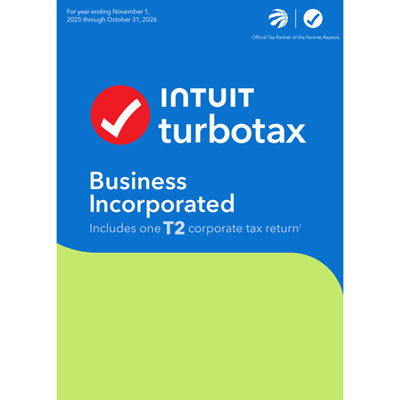
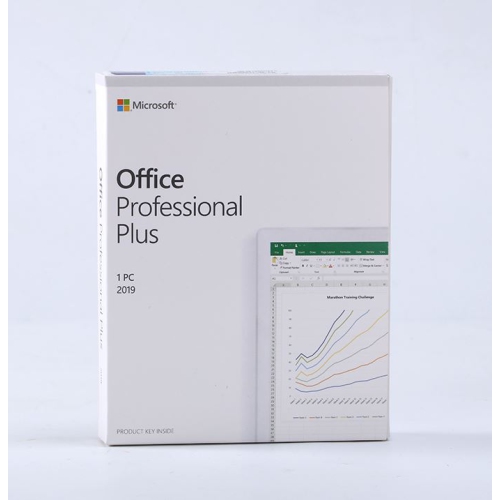
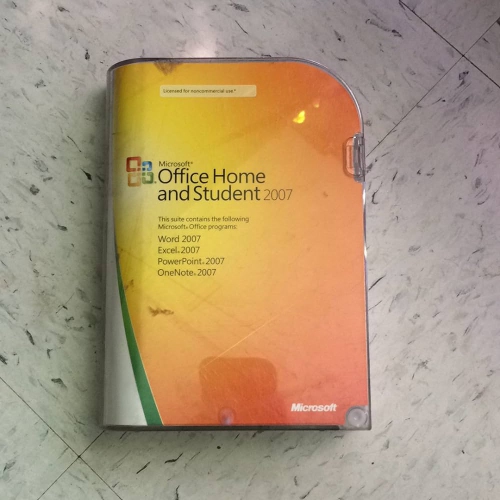
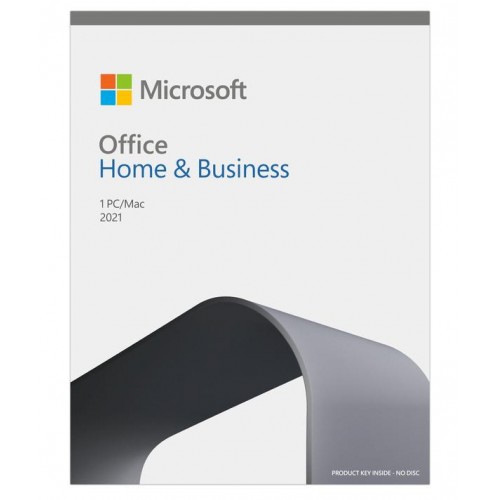
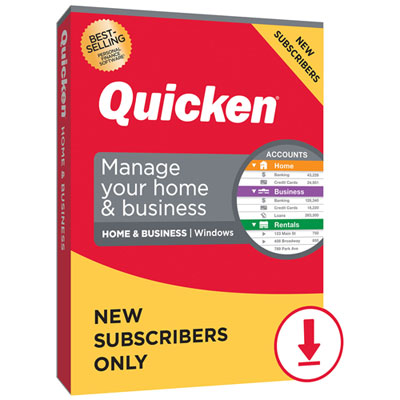
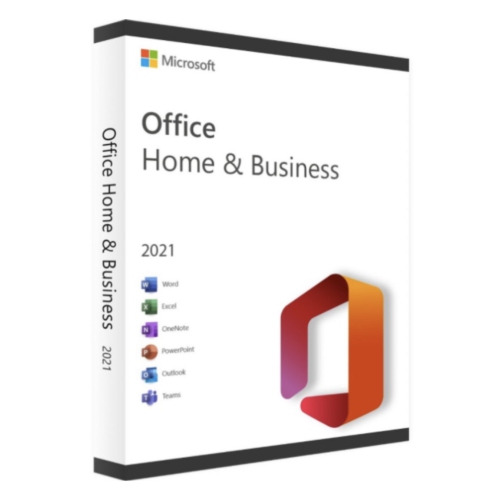
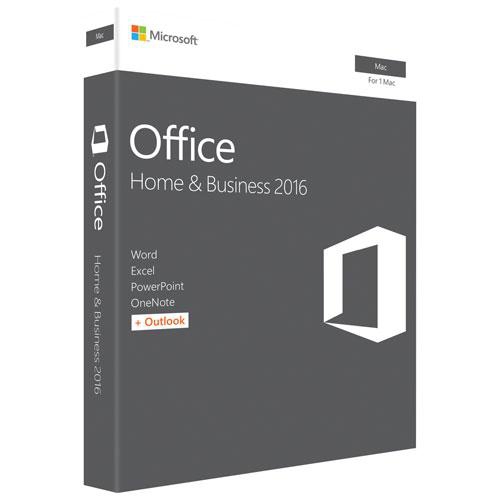








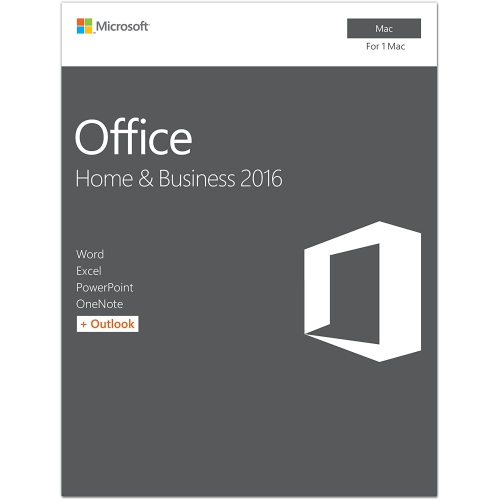


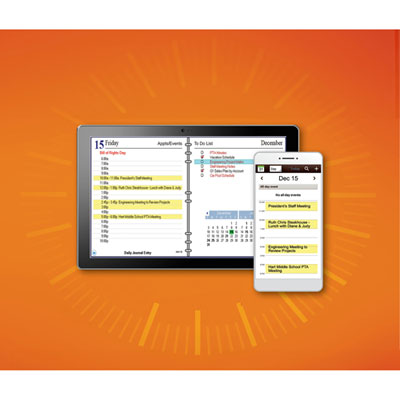


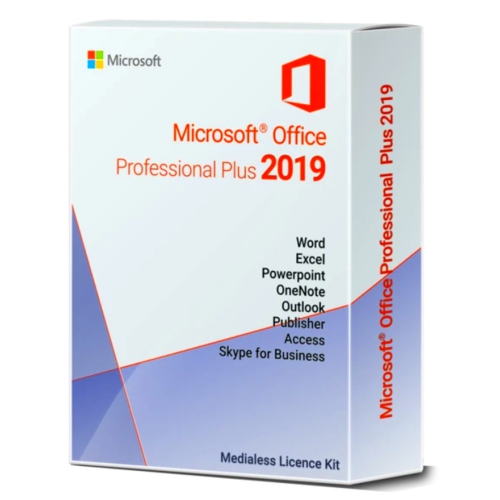

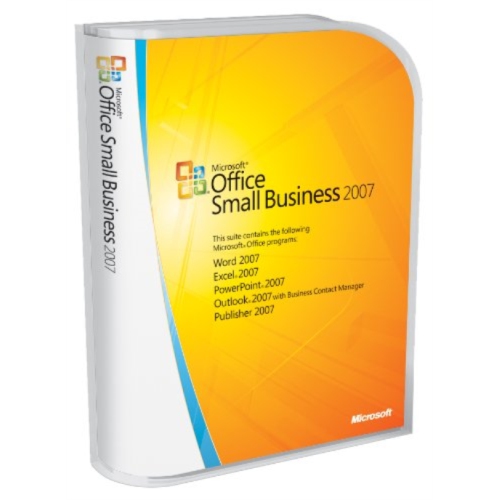
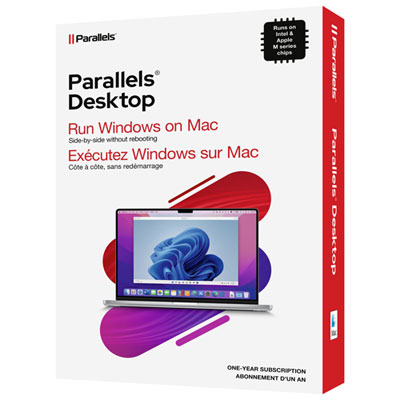
How software turns scattered information into organized work
Business software is a broad category of digital tools that helps organizations create documents, manage finances, coordinate projects, maintain customer relationships, and handle everyday operations. Its purpose is practical: turning information that might otherwise sit in separate spreadsheets, inboxes, and paper files into work that is easier to organize, share, and track. Accounting and finance software supports tasks such as bookkeeping, invoicing, expense tracking, and financial reporting. Customer relationship management software, often called CRM software, organizes contact details, sales opportunities, service requests, and communication histories. Productivity software brings together familiar office tasks, including word processing, spreadsheets, presentations, email, and calendars, while project management tools help teams assign responsibilities, track deadlines, and see how individual tasks contribute to a larger job. Depending on its capabilities, business software can also support payroll, appointment scheduling, document signing, payment processing, and reporting. These tools serve a wide range of users, from a self-employed consultant preparing proposals to an established company coordinating several departments. A small design studio might need shared documents and project timelines, while a trades business might prioritize estimates, customer details, and invoices that staff can access away from a desk. For a growing team, the value often comes from consistency: everyone works from the same information, follows the same process, and can find the latest version without searching through a long email thread. Some applications focus on a single function, while broader suites combine several functions under one account or interface. Neither approach suits every organization. A specialized application may provide greater depth for a particular task, whereas an integrated suite may reduce duplicate entry and simplify everyday administration. The most relevant business software fits the work being done, the people doing it, and the systems already in place. Clear menus, useful templates, searchable records, and accessible controls can matter as much as an extensive feature list, particularly when employees need to complete routine tasks quickly and accurately throughout the working day.
Compatibility and licensing shape how business software fits into daily operations. Desktop applications run on a computer and may suit work that depends on local files or particular hardware, although some features can still require an internet connection. Cloud-based applications are accessed online and can make shared information easier to reach across different locations, while mobile access can help staff review schedules, update contact notes, or approve documents between appointments. Offline access varies by application and feature, so a browser-based tool should not automatically be assumed to work without a connection. Operating system support, processor and memory requirements, storage needs, and browser compatibility all affect whether software will run as intended on existing devices. File compatibility is equally important when documents move between employees, clients, accountants, and suppliers. The ability to open common formats, preserve formatting, and export usable data helps prevent routine exchanges from becoming extra work. Licensing may be assigned by user, device, or organization, and permissions for installation, commercial use, and shared access differ. Subscription-based and perpetual licences also have different terms for continued access, updates, and support; a perpetual licence does not necessarily include every future version. For Canadian businesses, accounting features deserve particular attention because tax handling, payroll requirements, and reporting needs depend on the organization and where it operates. Support for GST/HST, applicable provincial sales taxes, Canadian-dollar transactions, and relevant reporting formats can be important, but those capabilities should be confirmed rather than assumed. Businesses serving English- and French-speaking customers may also need bilingual documents or interfaces. Integrations add another layer of fit. A connection between invoicing and bookkeeping tools, for example, may reduce repeated entry, while a calendar integration can help keep appointments visible to the right people. The practical details include which information transfers, how often it updates, and whether staff can correct errors without disrupting other records. Those details become especially noticeable when several people depend on the same information to complete their work.
Security, administration, and ongoing support influence the usefulness of business software long after installation. Customer contact details, employee information, contracts, and financial records need appropriate handling, whether they are stored on a local device or accessed through an online service. Features such as multi-factor authentication, role-based permissions, encryption, and activity logs can help protect access and make changes easier to trace, although their presence alone does not establish compliance with privacy obligations. Permissions are especially useful when different employees need different levels of access: a project coordinator may need to update deadlines without seeing payroll details, while an external accountant may need financial reports without access to unrelated client files. Software for device administration, endpoint protection, and related technical tasks serves a different but complementary role; Business IT Software covers tools associated with managing and supporting workplace technology. For everyday business applications, maintenance includes installing supported updates, reviewing account access when responsibilities change, and keeping a workable backup and recovery process. Synchronization is not always a substitute for backup, since an accidental deletion or unwanted change may also sync across connected devices. Data export options, retention settings, and recovery procedures therefore matter alongside convenience. Long-term suitability also depends on whether software can accommodate additional users, larger files, more complex reporting, or new workflows without forcing the organization to rebuild its processes. Training resources, clear documentation, and technical support can ease adoption, particularly when a team is replacing a familiar system. A straightforward interface may reduce the learning curve, but staff still need to understand where information belongs and who is responsible for keeping it accurate. For an independent professional, that might mean a dependable routine for sending invoices and recording expenses. For a larger workplace, it might mean coordinated approvals, consistent reporting, and controlled access across departments. Well-matched business software supports those routines with clear information and repeatable processes, leaving people better equipped to concentrate on customers, decisions, and the work itself.
Compatibility and licensing shape how business software fits into daily operations. Desktop applications run on a computer and may suit work that depends on local files or particular hardware, although some features can still require an internet connection. Cloud-based applications are accessed online and can make shared information easier to reach across different locations, while mobile access can help staff review schedules, update contact notes, or approve documents between appointments. Offline access varies by application and feature, so a browser-based tool should not automatically be assumed to work without a connection. Operating system support, processor and memory requirements, storage needs, and browser compatibility all affect whether software will run as intended on existing devices. File compatibility is equally important when documents move between employees, clients, accountants, and suppliers. The ability to open common formats, preserve formatting, and export usable data helps prevent routine exchanges from becoming extra work. Licensing may be assigned by user, device, or organization, and permissions for installation, commercial use, and shared access differ. Subscription-based and perpetual licences also have different terms for continued access, updates, and support; a perpetual licence does not necessarily include every future version. For Canadian businesses, accounting features deserve particular attention because tax handling, payroll requirements, and reporting needs depend on the organization and where it operates. Support for GST/HST, applicable provincial sales taxes, Canadian-dollar transactions, and relevant reporting formats can be important, but those capabilities should be confirmed rather than assumed. Businesses serving English- and French-speaking customers may also need bilingual documents or interfaces. Integrations add another layer of fit. A connection between invoicing and bookkeeping tools, for example, may reduce repeated entry, while a calendar integration can help keep appointments visible to the right people. The practical details include which information transfers, how often it updates, and whether staff can correct errors without disrupting other records. Those details become especially noticeable when several people depend on the same information to complete their work.
Security, administration, and ongoing support influence the usefulness of business software long after installation. Customer contact details, employee information, contracts, and financial records need appropriate handling, whether they are stored on a local device or accessed through an online service. Features such as multi-factor authentication, role-based permissions, encryption, and activity logs can help protect access and make changes easier to trace, although their presence alone does not establish compliance with privacy obligations. Permissions are especially useful when different employees need different levels of access: a project coordinator may need to update deadlines without seeing payroll details, while an external accountant may need financial reports without access to unrelated client files. Software for device administration, endpoint protection, and related technical tasks serves a different but complementary role; Business IT Software covers tools associated with managing and supporting workplace technology. For everyday business applications, maintenance includes installing supported updates, reviewing account access when responsibilities change, and keeping a workable backup and recovery process. Synchronization is not always a substitute for backup, since an accidental deletion or unwanted change may also sync across connected devices. Data export options, retention settings, and recovery procedures therefore matter alongside convenience. Long-term suitability also depends on whether software can accommodate additional users, larger files, more complex reporting, or new workflows without forcing the organization to rebuild its processes. Training resources, clear documentation, and technical support can ease adoption, particularly when a team is replacing a familiar system. A straightforward interface may reduce the learning curve, but staff still need to understand where information belongs and who is responsible for keeping it accurate. For an independent professional, that might mean a dependable routine for sending invoices and recording expenses. For a larger workplace, it might mean coordinated approvals, consistent reporting, and controlled access across departments. Well-matched business software supports those routines with clear information and repeatable processes, leaving people better equipped to concentrate on customers, decisions, and the work itself.
Top selling and popular products
-
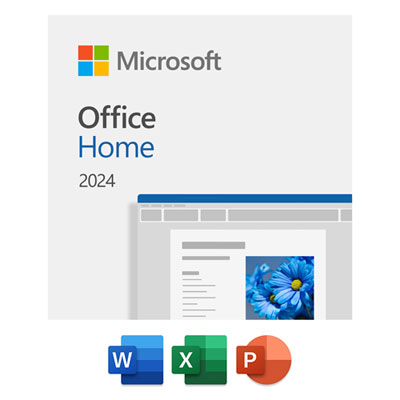 Your price for this item is $199.99
 -
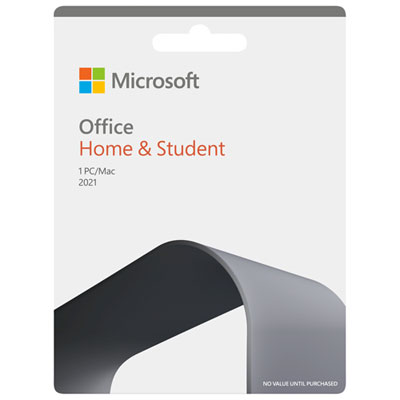 Your price for this item is $169.99
 -
 Your price for this item is $319.99
 -
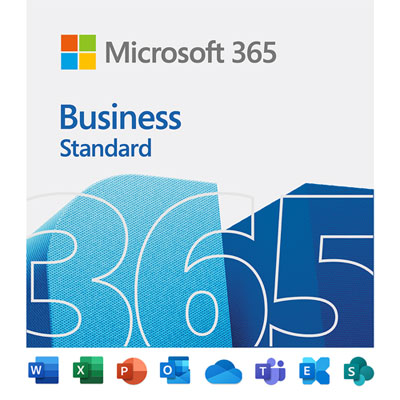 Your price for this item is $189.99
 -
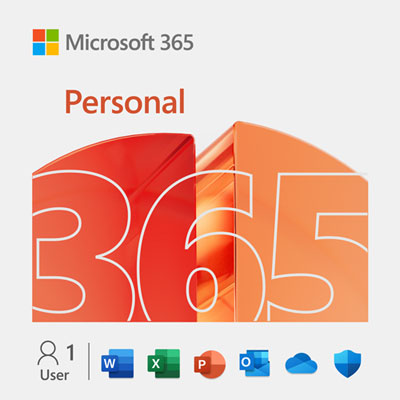 Your price for this item is $113.98
 -
 Your price for this item is $549
 -
 Your price for this item is $49.99
 -
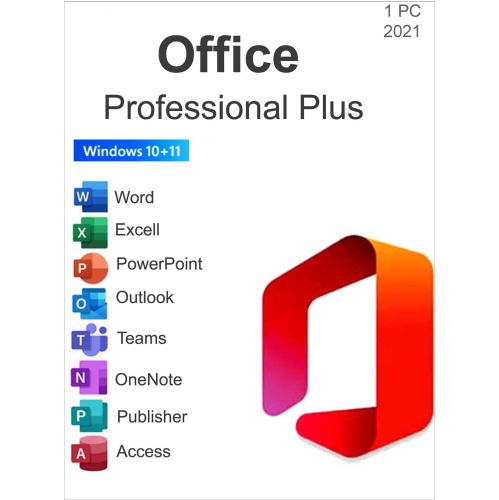 Your price for this item is $49.95
Discover more categories related to Business Softwares
Top Collections:
Pokemon Centers, Kindle Devices, Best Budget Office Chairs, Apple iPhones 16, Best Laptops for Writers, iPhone 15 Apple, Canon G7X Cameras, Refurbished Apple Laptops, Alarm Clock, Motorola Razr Phones
Some products may be subject to Environmental Handling Fees
(EHF) depending on your province.
Learn more about EHFs.