Microsoft Office for Professionals
Enhance productivity and streamline your workflow with Microsoft Office for professionals. Discover a wide selection of software solutions designed to support business tasks, collaboration, and organization. Whether you’re working in the office or remotely, find the tools you need to stay efficient and connected. Explore options that are ideal for professionals seeking reliable performance and seamless integration into their daily routines. Unlock new levels of efficiency with Microsoft Office for professionals and take your work to the next level.
Sort





The tools and licence terms behind everyday business work
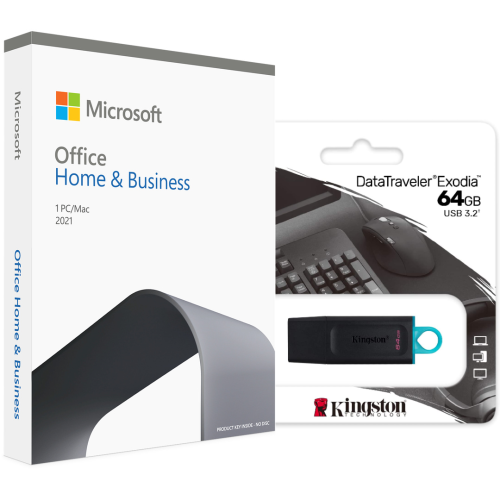
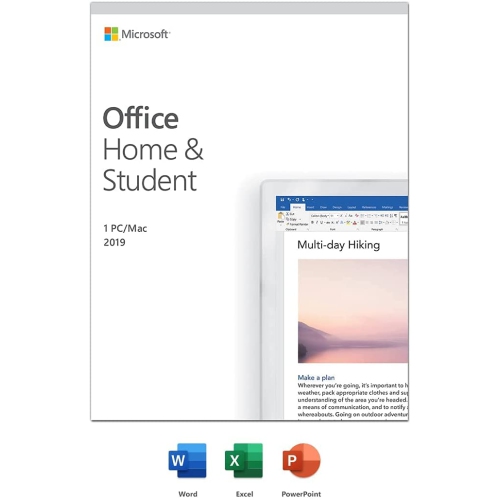
Professional office software brings document creation, spreadsheet analysis, presentations, and, in some editions, email and scheduling into a connected set of tools for everyday business work. It supports the tasks that sit behind a polished client experience: a clearly formatted proposal, an accurate project budget, a presentation that explains a complex idea, or a calendar that keeps appointments organized. For independent consultants, small-business owners, administrators, and people working across larger teams, the right suite depends on both the work involved and the terms of the software licence. A perpetual licence generally provides the right to use a particular software version through a one-time purchase, subject to its licence terms, rather than through a recurring subscription. It does not necessarily include future major versions, ongoing online services, or indefinite technical support. Subscription-based software typically provides access for the subscription term and may include feature updates, cloud storage, and collaboration services, depending on the plan. Those distinctions matter in practice. A consultant who prepares reports on one desktop computer may have different needs from a project manager who moves between a laptop, a shared workspace, and client meetings. Similarly, a business that exchanges files primarily as email attachments may not need the same collaboration features as a team editing shared documents throughout the day. The word “professional” describes an intended use, but it should not be treated as a guarantee that every edition contains the same applications or grants the same rights. Included programs, commercial-use permissions, supported operating systems, and installation limits are edition-specific details. A suitable licence should cover the intended user, device, and business activity. For organizations assigning software to employees, the distinction between an individual licence and a centrally managed business arrangement also affects how access is administered when roles or devices change. These practical differences help define how well a suite fits daily work, beyond the familiar appearance of its menus and toolbars.
The value of office software becomes clearest in the files people handle every day. Word-processing tools can turn a rough service outline into a structured agreement with consistent headings, page numbers, tables, and a readable layout. Comments and revision tracking, where included, help colleagues review wording without losing sight of proposed changes. Spreadsheet applications support tasks ranging from expense logs and staff schedules to forecasts built from formulas, charts, and larger sets of data. A bookkeeper reviewing several worksheets may need reliable calculation tools and clear printing controls, while an operations manager may depend on filtering and summaries to spot late orders or uneven workloads. Presentation software helps organize information for training sessions, project updates, and client pitches, with reusable layouts that keep slides visually consistent. Email and calendar applications, when part of the suite, can bring messages, meeting invitations, and contacts into a more manageable workflow, although an email application alone does not necessarily include a hosted business email service. Compatibility is especially important when documents move between organizations. A file that opens successfully can still display different fonts, shift page breaks, or lose functions that are unsupported in another application or version. Complex spreadsheet formulas, macros, external data connections, and specialized add-ins deserve particular attention when they are part of an established business process. Exporting a finished document to PDF can help preserve its appearance for sharing, while an editable original remains useful for later revisions. Accessibility features, where supported, can also make professional communications easier to use through descriptive image text, structured headings, readable tables, and checks for common accessibility issues. These capabilities matter for reports sent to clients as much as for training materials shared internally. For professionals producing bilingual documents, language support for spelling, proofing, and keyboard input can be another meaningful consideration. A suite that handles the actual documents, languages, and review steps involved in a job is more useful than one chosen only for the length of its feature list.
A dependable software setup also needs to fit the computer and the way it will be maintained. Operating system requirements, processor support, memory, and storage requirements establish the basic technical fit, but application support can differ across desktop platforms, browsers, and mobile devices. A familiar suite name does not mean that every version includes identical programs or features on every platform. Installation and activation may require an internet connection and an account, even when supported desktop applications can subsequently handle many tasks offline. Online collaboration, cloud-based files, and some connected features need internet access, and licence validation requirements vary. For someone working with confidential contracts or client records, storage choices are as important as editing tools. Locally saved files and cloud-stored files have different access and sharing arrangements; neither replaces thoughtful permissions, strong account protection, and a suitable backup routine. Automatic saving and file synchronization can be convenient, but they should not be assumed to provide an independent backup of every document. The useful life of a software purchase also depends on its support lifecycle. A perpetual licence does not extend security updates beyond the publisher’s support period, and a future computer replacement may introduce operating system or licence-transfer considerations. Keeping supported software updated, retaining purchase and licence records, and understanding account ownership can make reinstalls and device changes less disruptive. Professionals whose computing needs extend beyond dedicated business tasks may also find relevant context in Microsoft Home and Office, particularly where household administration and professional work share a computer. The distinction remains the intended use and the permissions attached to the licence, not simply where the device sits. Across a home workspace, a reception desk, or a growing business, well-matched office software provides a practical foundation for clear documents, consistent records, and organized communication. Its strongest contribution is often straightforward: helping a person complete familiar work accurately, share it in a usable format, and return to it later without unnecessary friction.
The value of office software becomes clearest in the files people handle every day. Word-processing tools can turn a rough service outline into a structured agreement with consistent headings, page numbers, tables, and a readable layout. Comments and revision tracking, where included, help colleagues review wording without losing sight of proposed changes. Spreadsheet applications support tasks ranging from expense logs and staff schedules to forecasts built from formulas, charts, and larger sets of data. A bookkeeper reviewing several worksheets may need reliable calculation tools and clear printing controls, while an operations manager may depend on filtering and summaries to spot late orders or uneven workloads. Presentation software helps organize information for training sessions, project updates, and client pitches, with reusable layouts that keep slides visually consistent. Email and calendar applications, when part of the suite, can bring messages, meeting invitations, and contacts into a more manageable workflow, although an email application alone does not necessarily include a hosted business email service. Compatibility is especially important when documents move between organizations. A file that opens successfully can still display different fonts, shift page breaks, or lose functions that are unsupported in another application or version. Complex spreadsheet formulas, macros, external data connections, and specialized add-ins deserve particular attention when they are part of an established business process. Exporting a finished document to PDF can help preserve its appearance for sharing, while an editable original remains useful for later revisions. Accessibility features, where supported, can also make professional communications easier to use through descriptive image text, structured headings, readable tables, and checks for common accessibility issues. These capabilities matter for reports sent to clients as much as for training materials shared internally. For professionals producing bilingual documents, language support for spelling, proofing, and keyboard input can be another meaningful consideration. A suite that handles the actual documents, languages, and review steps involved in a job is more useful than one chosen only for the length of its feature list.
A dependable software setup also needs to fit the computer and the way it will be maintained. Operating system requirements, processor support, memory, and storage requirements establish the basic technical fit, but application support can differ across desktop platforms, browsers, and mobile devices. A familiar suite name does not mean that every version includes identical programs or features on every platform. Installation and activation may require an internet connection and an account, even when supported desktop applications can subsequently handle many tasks offline. Online collaboration, cloud-based files, and some connected features need internet access, and licence validation requirements vary. For someone working with confidential contracts or client records, storage choices are as important as editing tools. Locally saved files and cloud-stored files have different access and sharing arrangements; neither replaces thoughtful permissions, strong account protection, and a suitable backup routine. Automatic saving and file synchronization can be convenient, but they should not be assumed to provide an independent backup of every document. The useful life of a software purchase also depends on its support lifecycle. A perpetual licence does not extend security updates beyond the publisher’s support period, and a future computer replacement may introduce operating system or licence-transfer considerations. Keeping supported software updated, retaining purchase and licence records, and understanding account ownership can make reinstalls and device changes less disruptive. Professionals whose computing needs extend beyond dedicated business tasks may also find relevant context in Microsoft Home and Office, particularly where household administration and professional work share a computer. The distinction remains the intended use and the permissions attached to the licence, not simply where the device sits. Across a home workspace, a reception desk, or a growing business, well-matched office software provides a practical foundation for clear documents, consistent records, and organized communication. Its strongest contribution is often straightforward: helping a person complete familiar work accurately, share it in a usable format, and return to it later without unnecessary friction.
Top selling and popular products
-
 Your price for this item is $199.99
 -
 Your price for this item is $169.99
 -
 Your price for this item is $319.99
 -
 Your price for this item is $189.99
 -
 Your price for this item is $109.98
 -
 Your price for this item is $49.99
 -
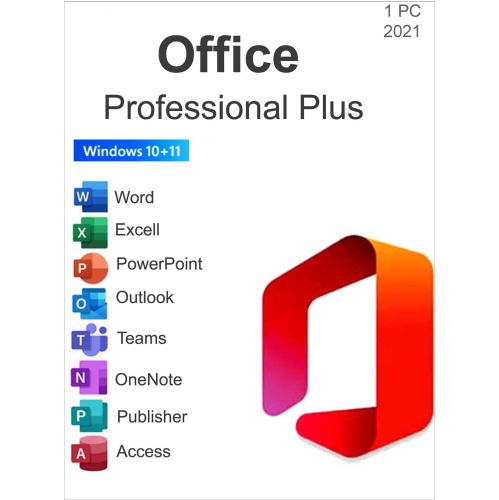 Your price for this item is $49.95
 -
 Your price for this item is $334.99
Discover more categories related to Microsoft Office for Professionals
Top Collections:
Pokemon Centers, Best Cameras for Sports Photography, Kindle Devices, Samsung Galaxy Phones, Canon G7X Cameras, Pokémon 30th Celebration Cards, Refurbished Apple Laptops, iPhone 15 Apple, Laptops for Students, Budget Smartphones
Some products may be subject to Environmental Handling Fees
(EHF) depending on your province.
Learn more about EHFs.