Cable Extenders
If you're looking to extend the reach of your cables, look no further than these cable extenders. Whether you need to connect devices in different rooms or simply want a longer cable for added flexibility, these cable extenders are designed to meet your needs. With a variety of lengths and types available, you'll have no trouble finding the perfect solution to keep your devices connected and running smoothly.
Sort
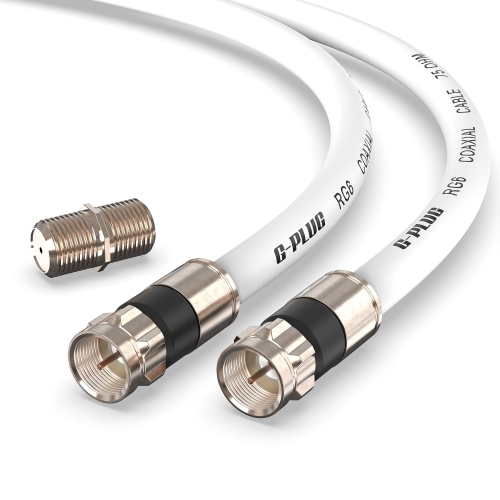


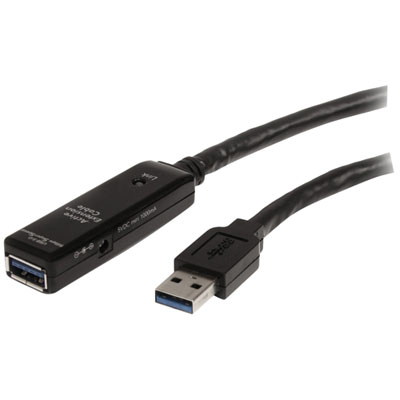
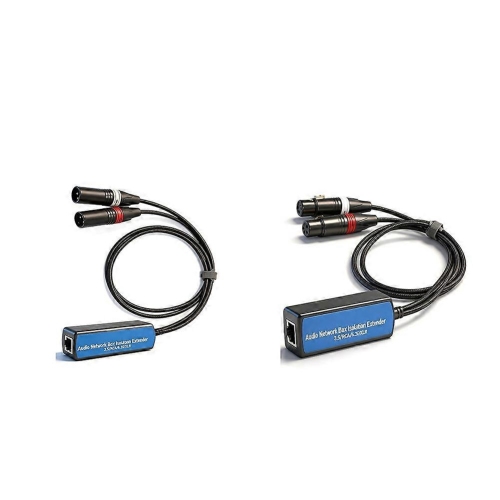
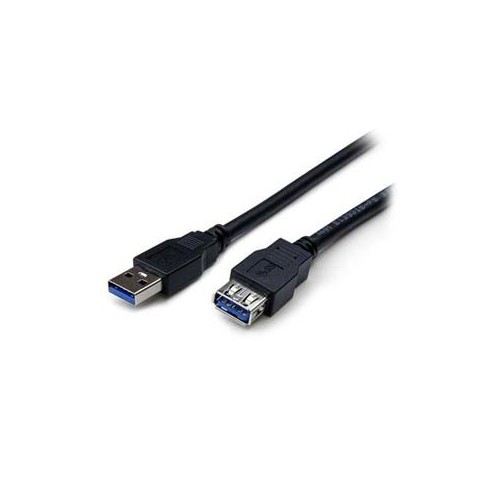
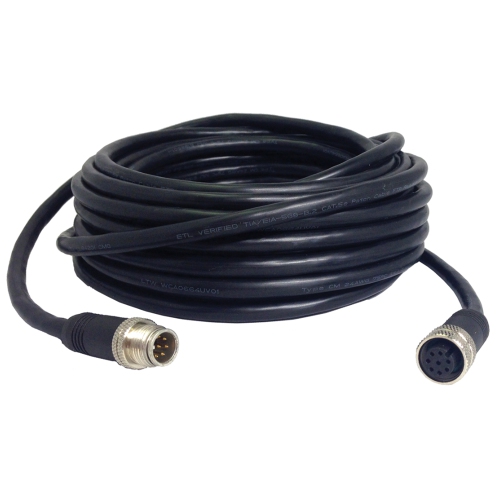
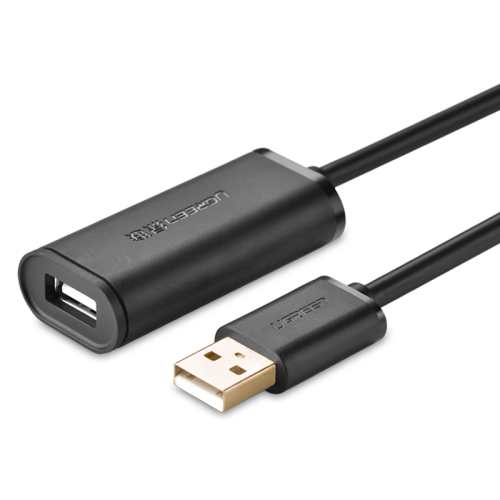
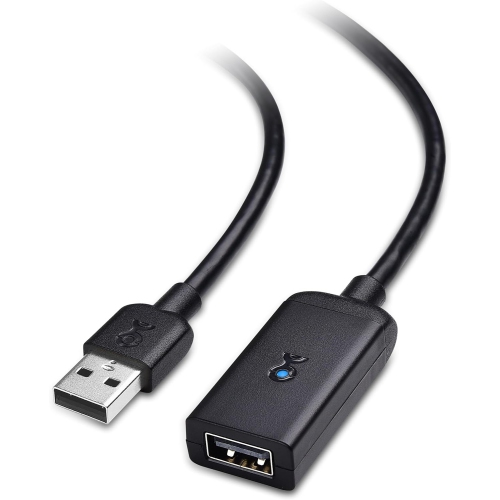
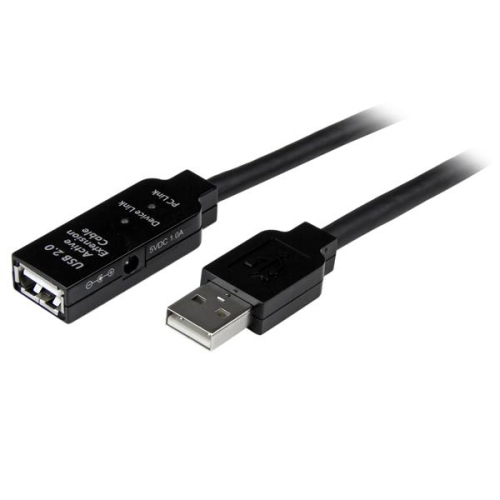
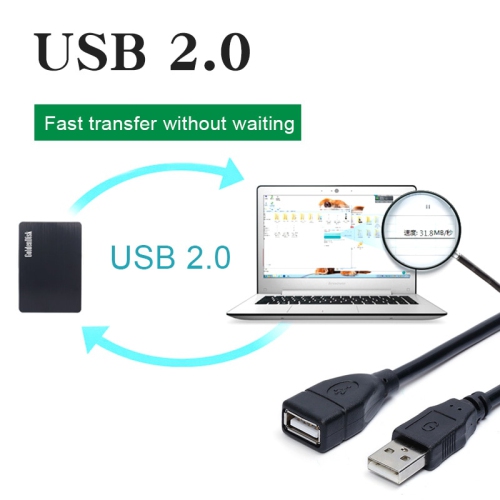
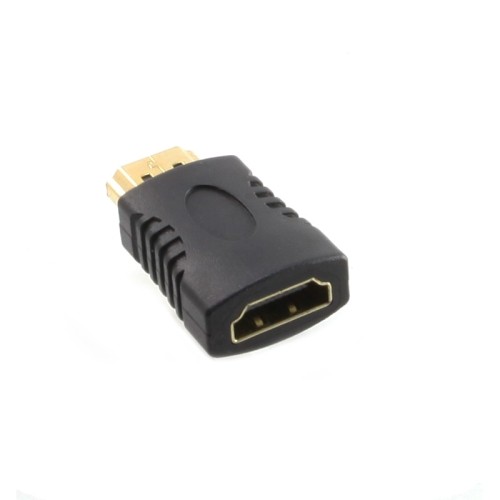
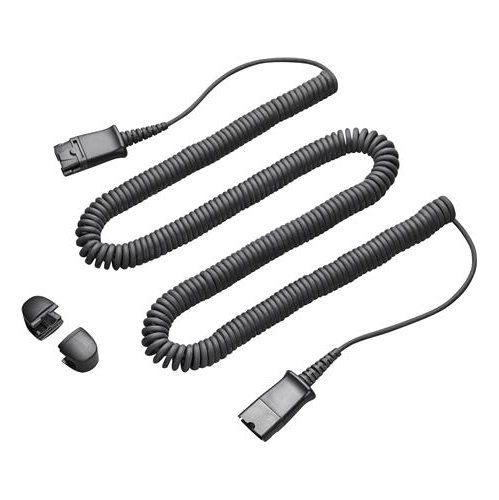
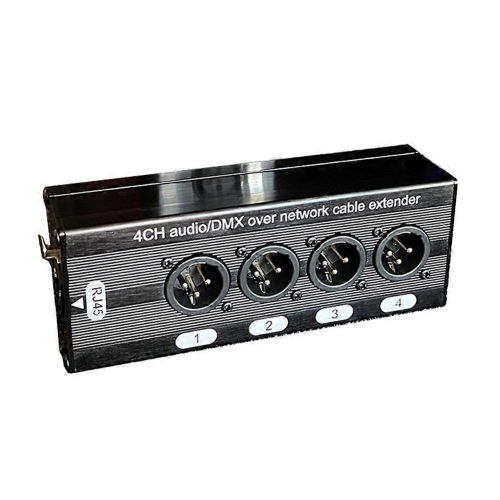
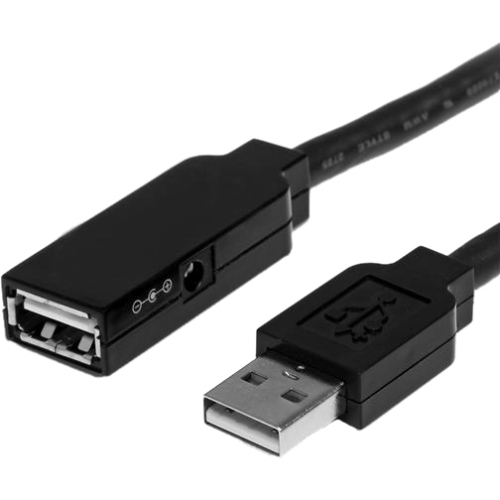
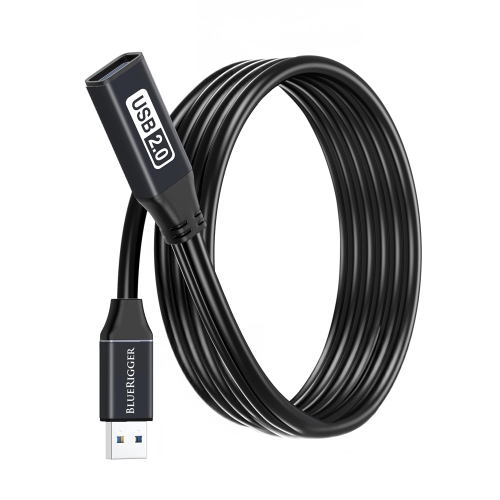
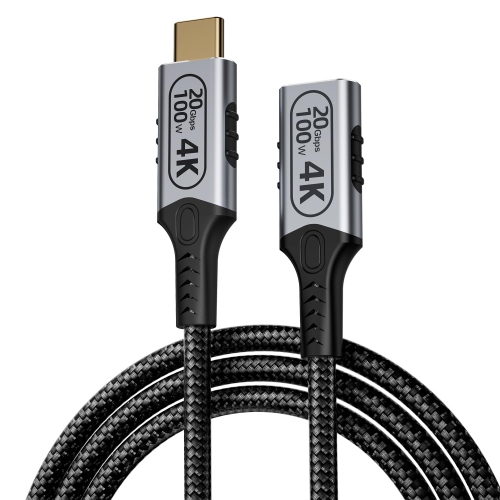
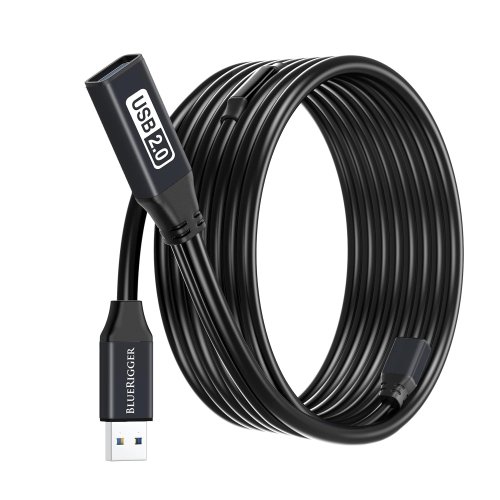

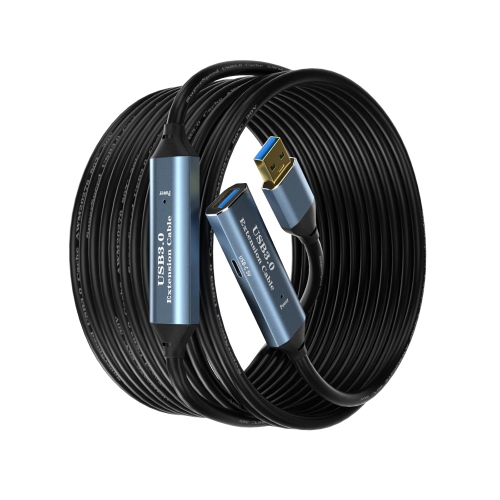
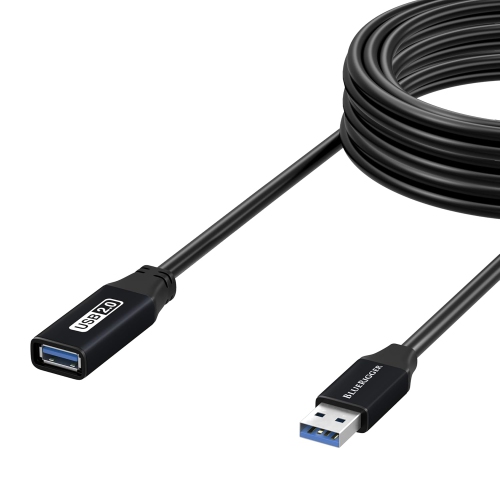
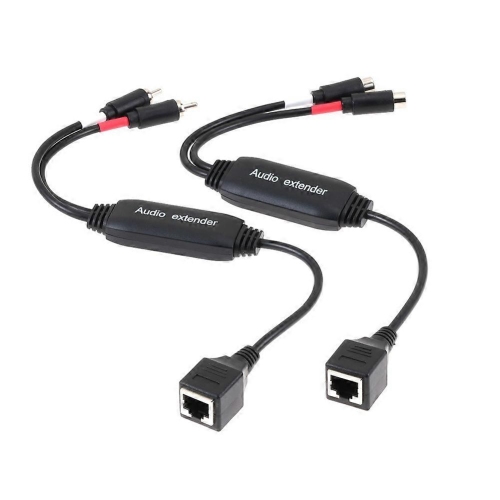
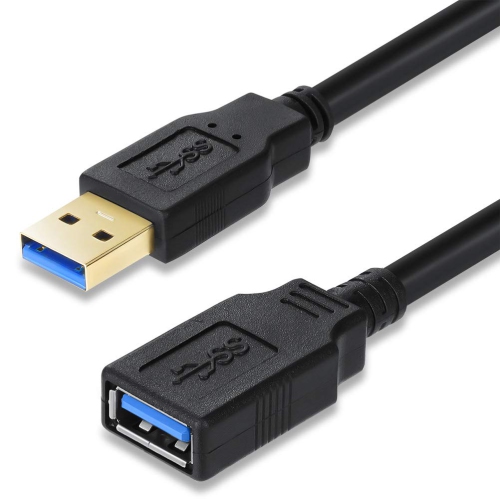
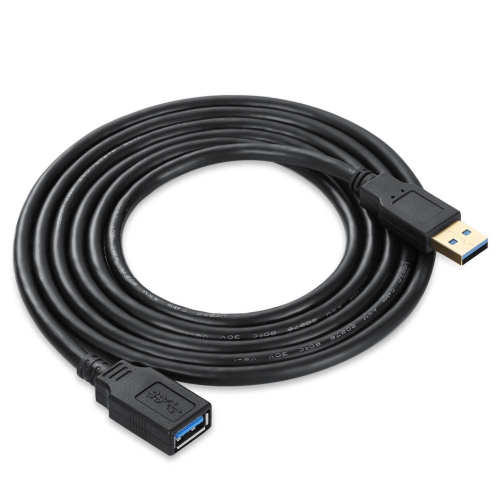
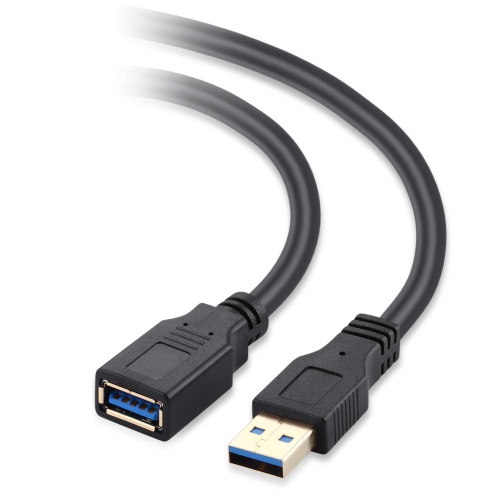
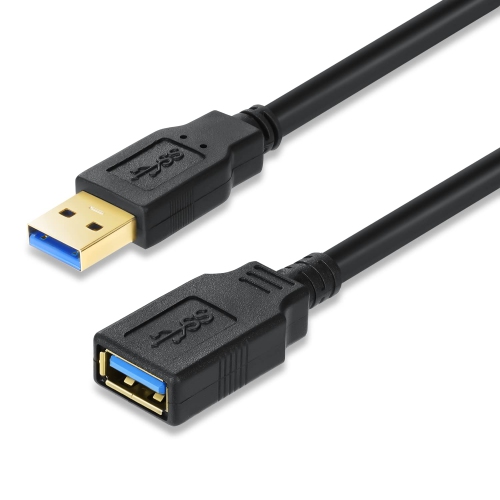

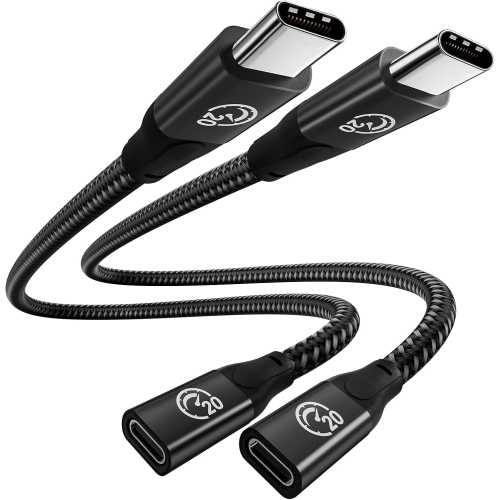
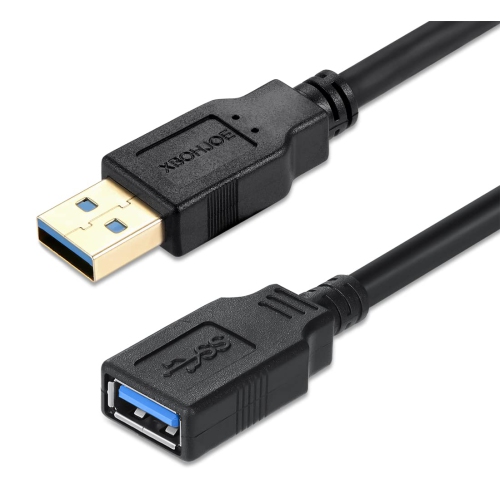

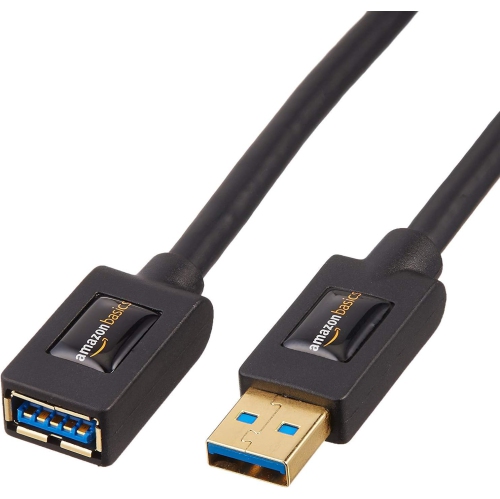
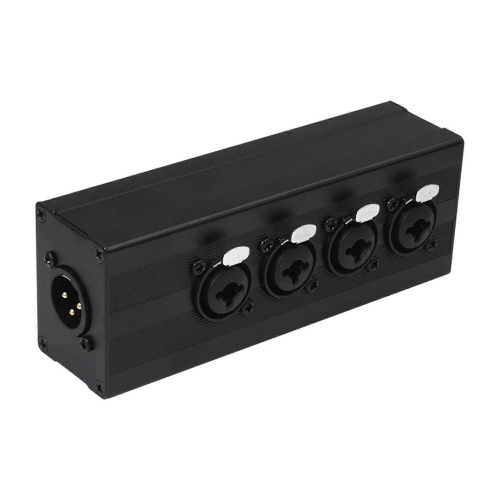
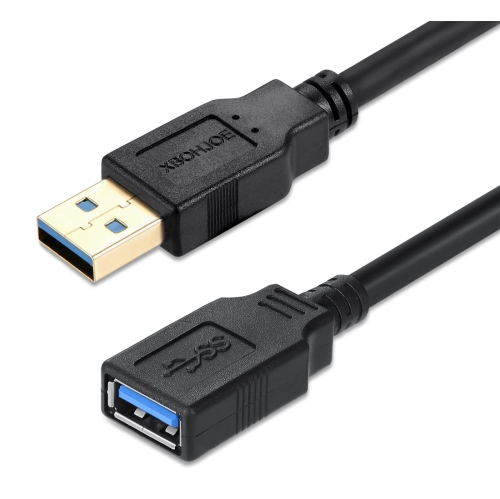
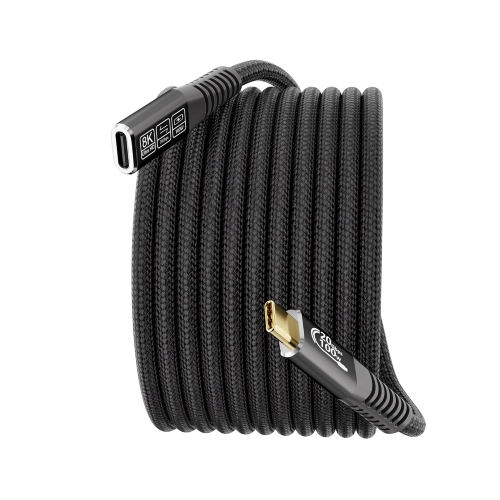
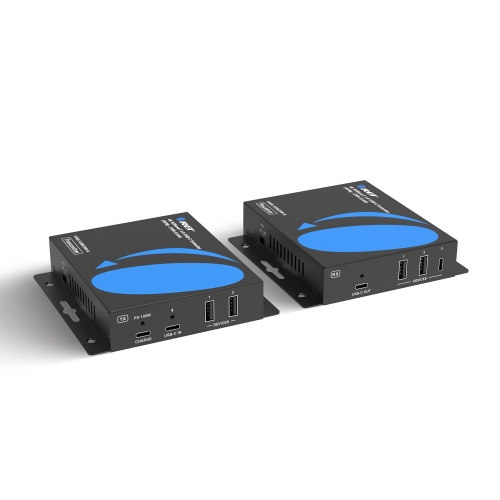
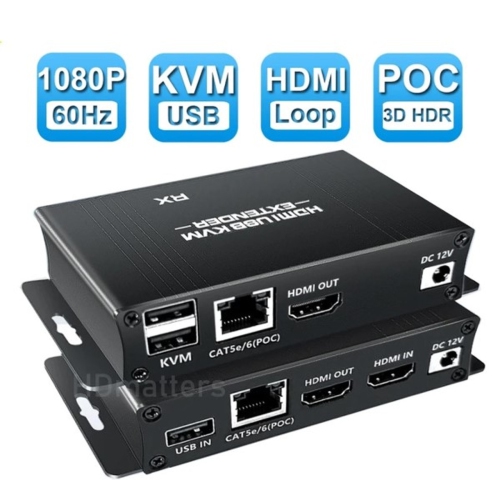
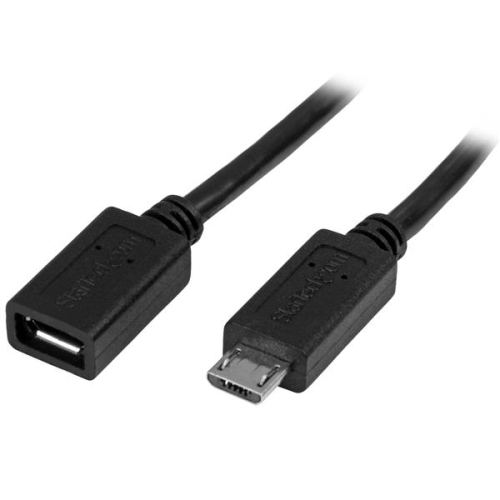
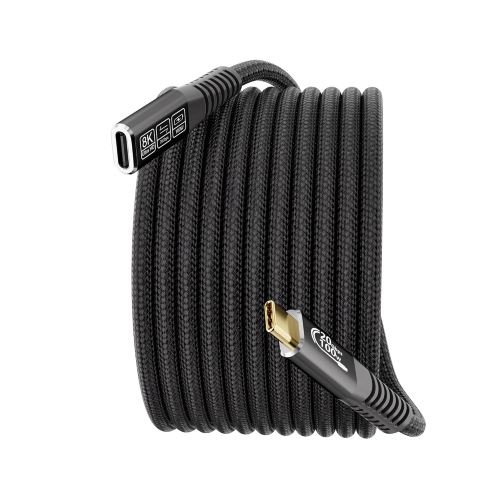
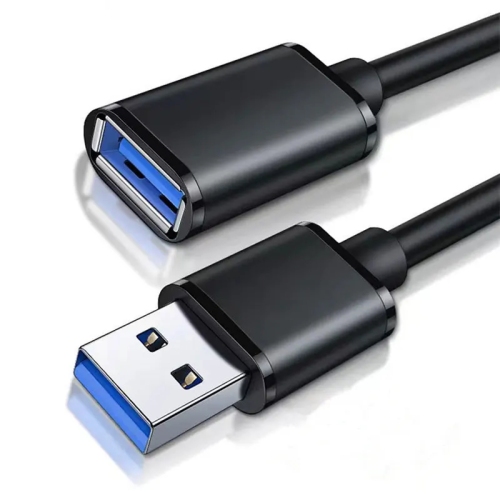
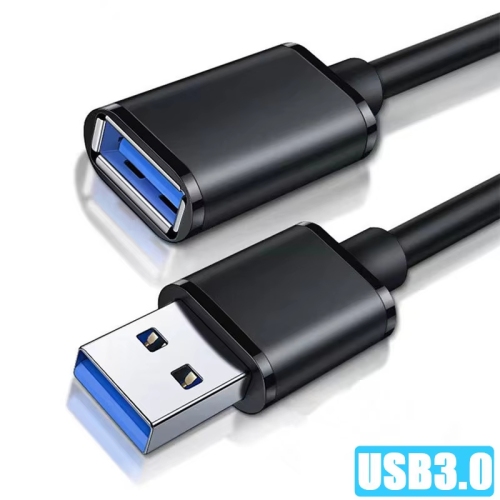
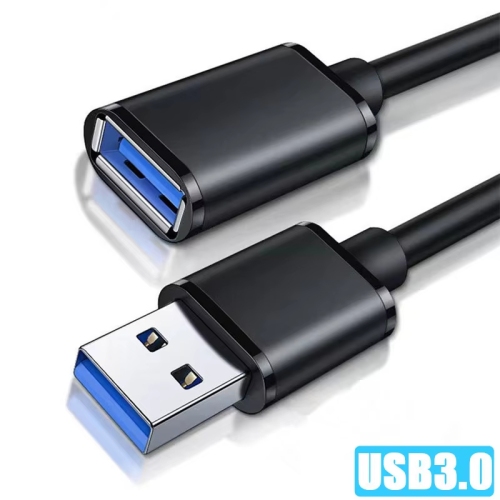
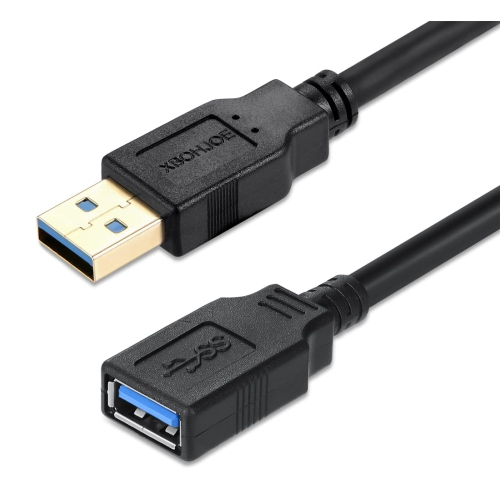
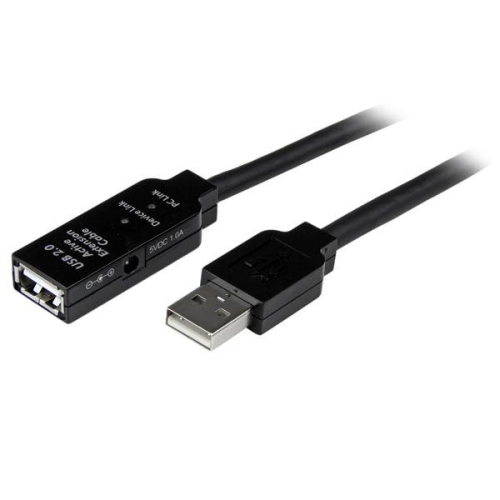
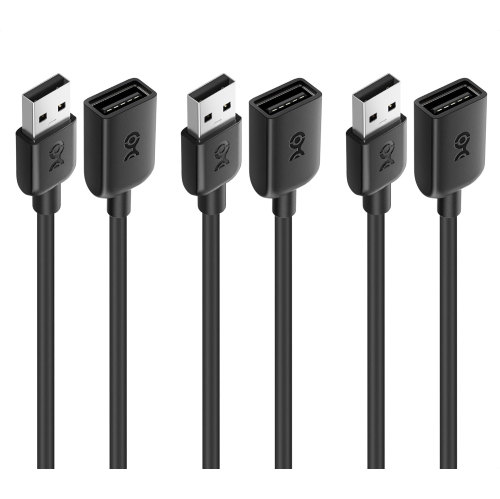
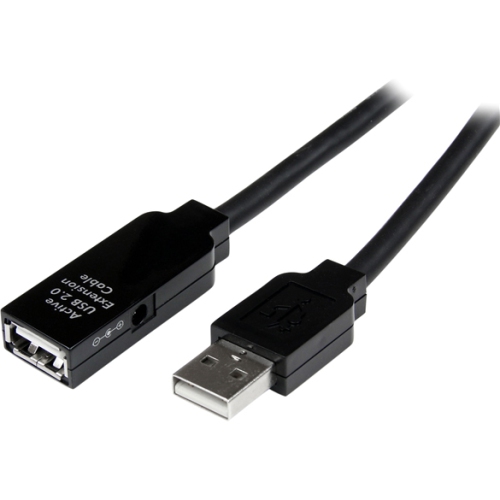
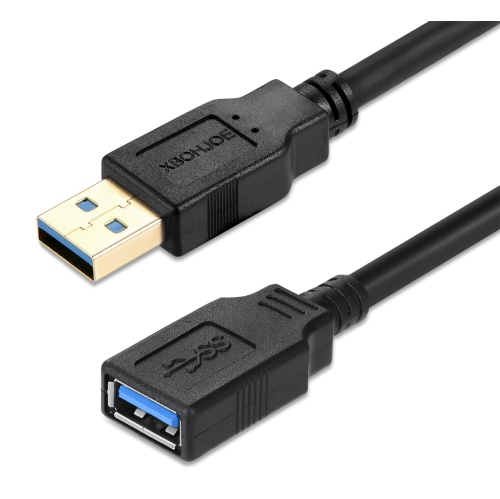
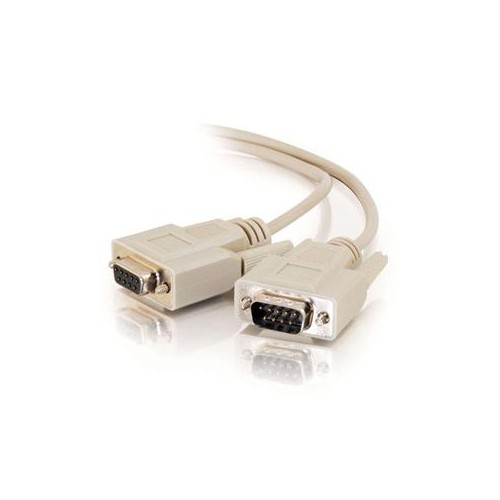
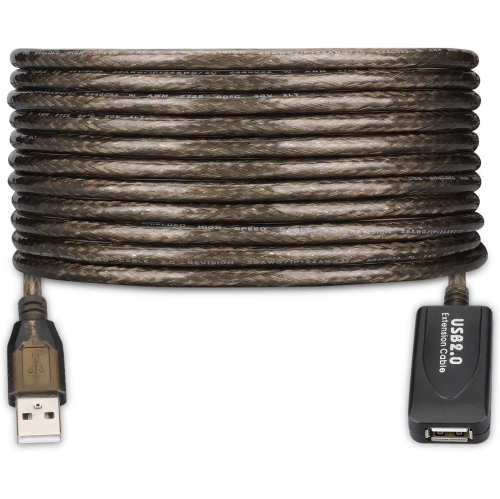
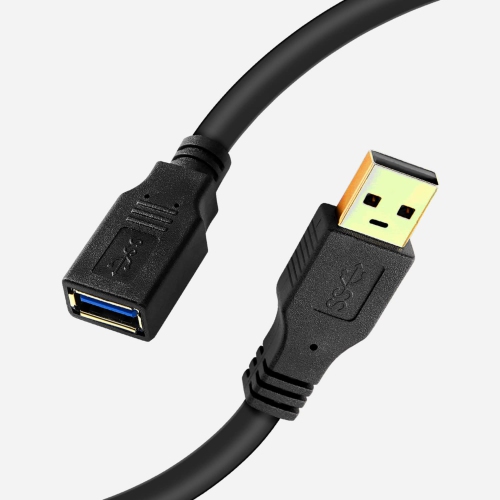
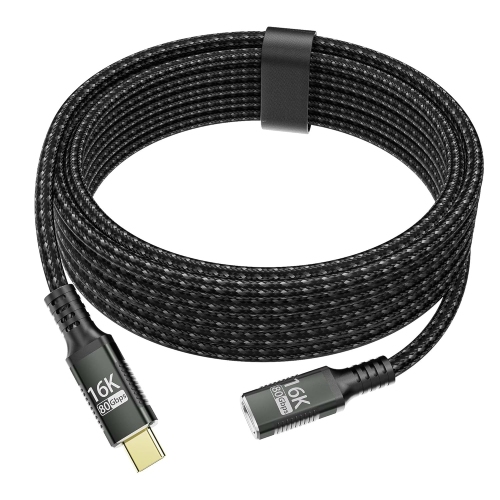

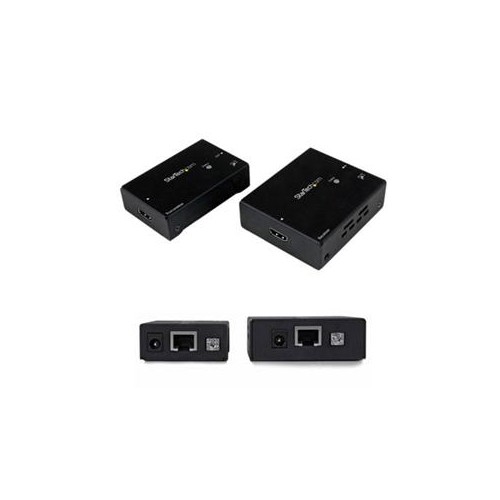
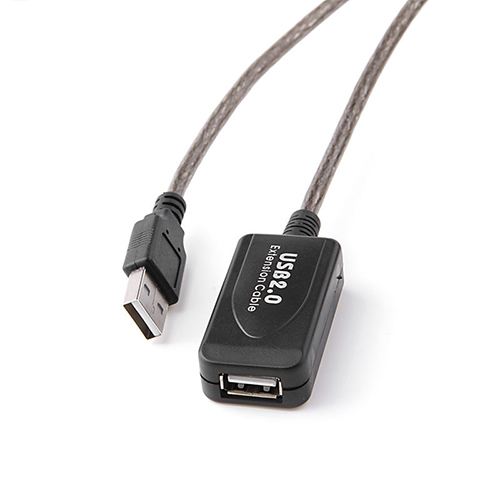
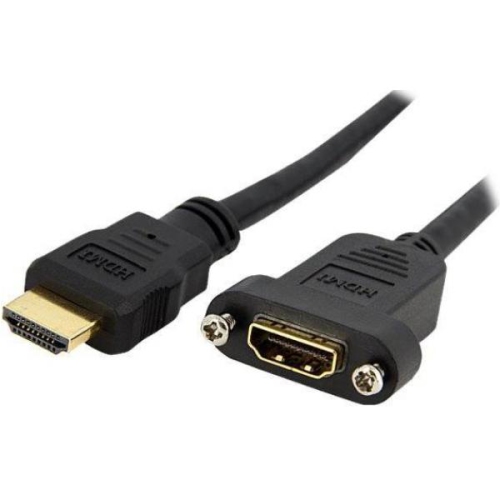

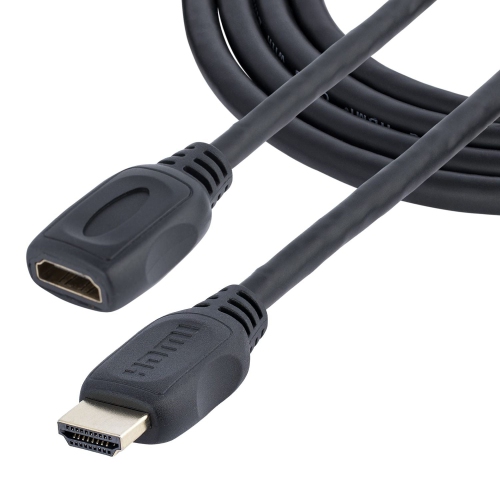
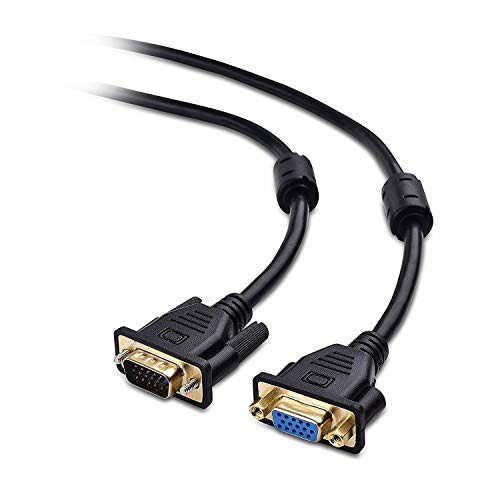
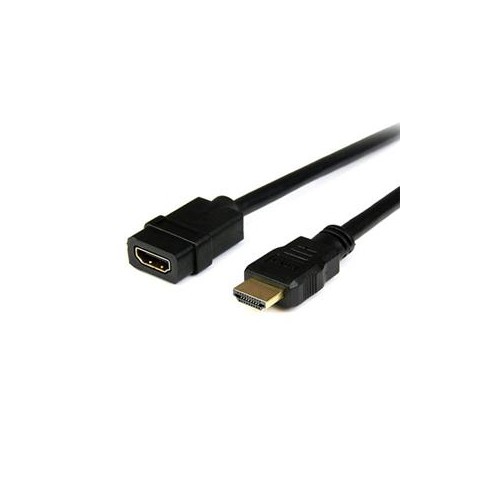
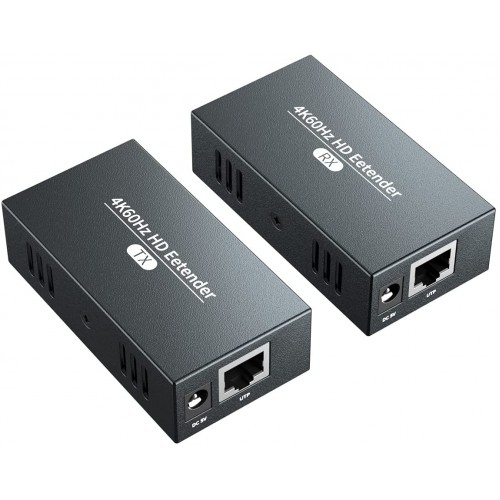
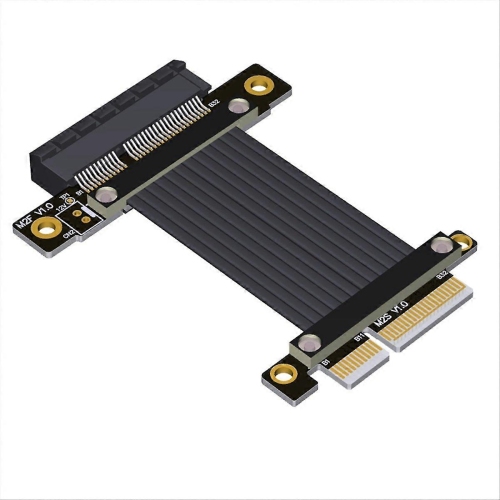
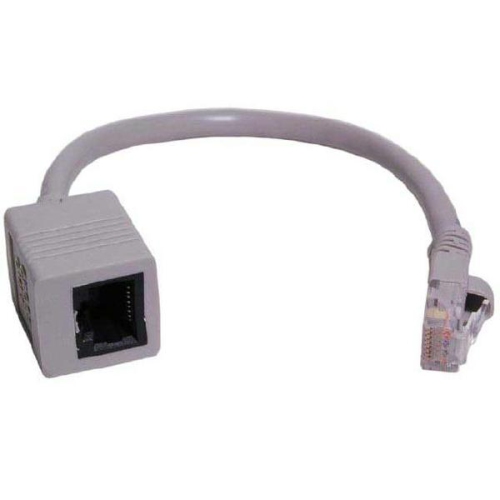
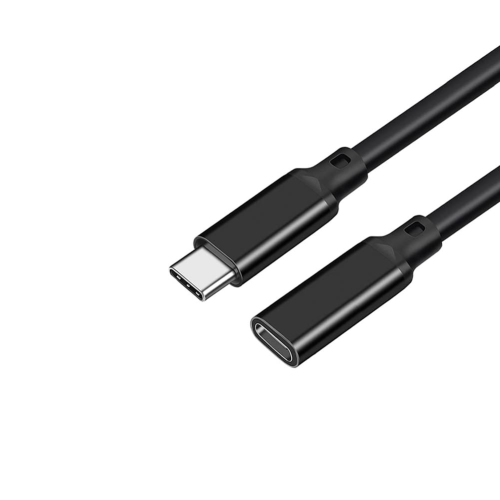
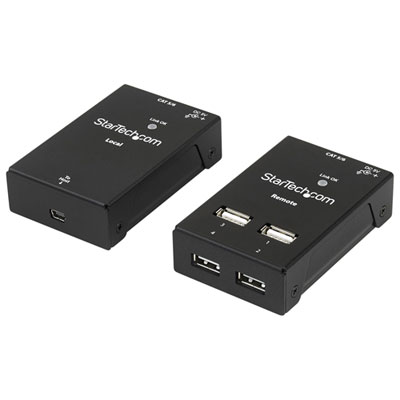

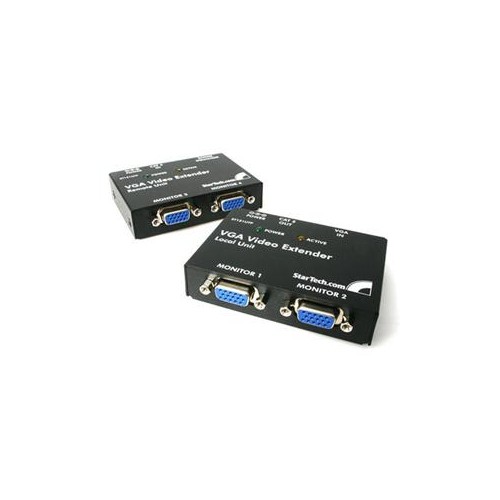
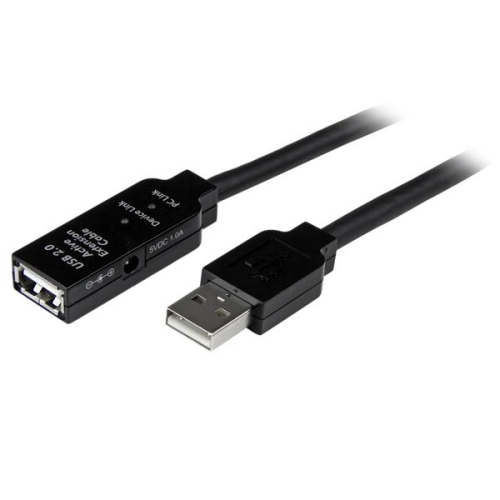
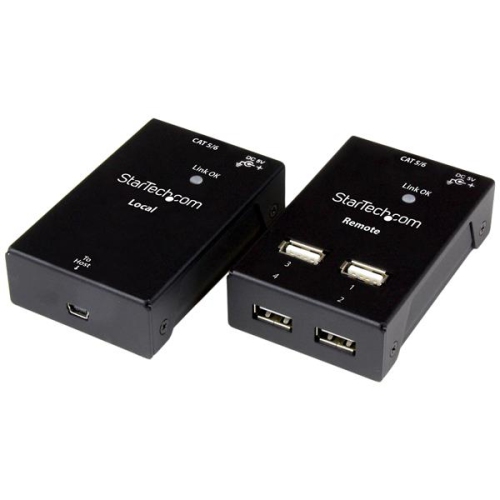
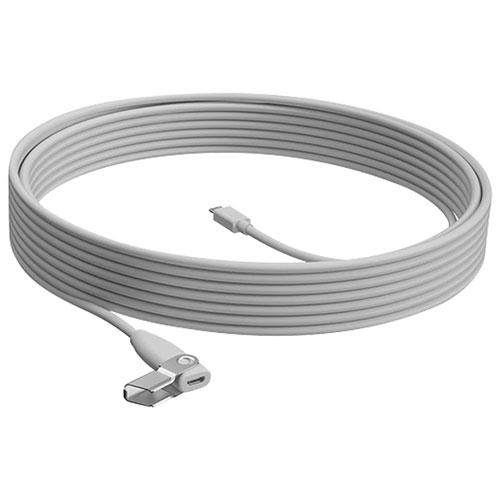
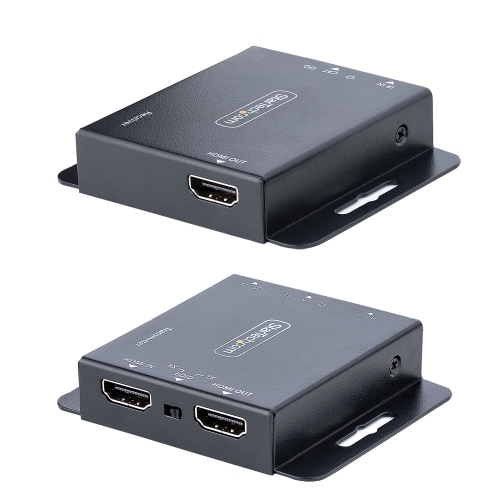
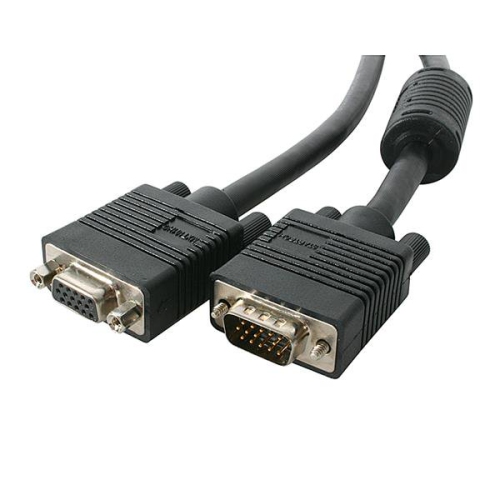
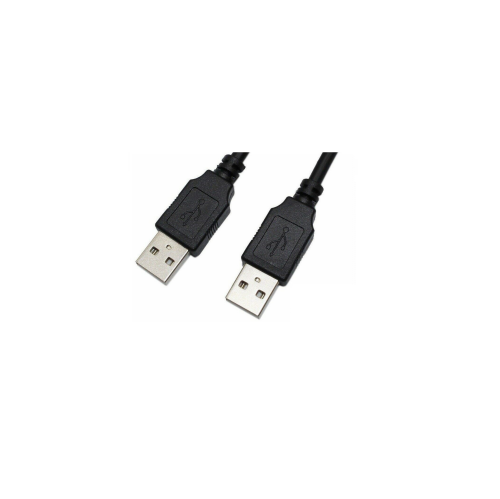
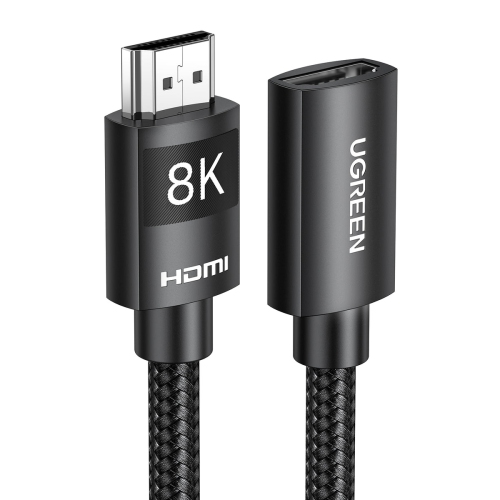
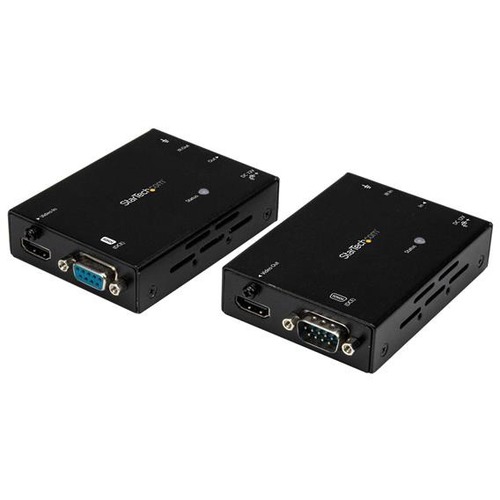
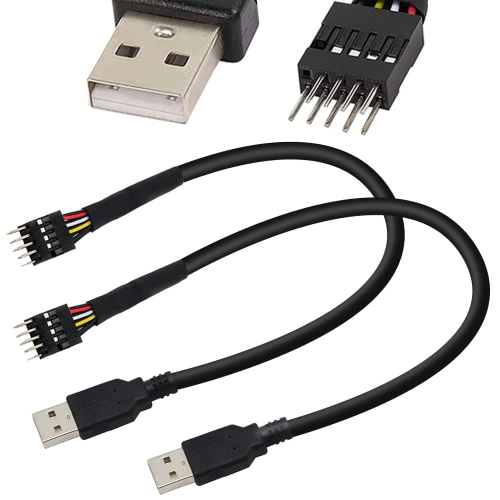
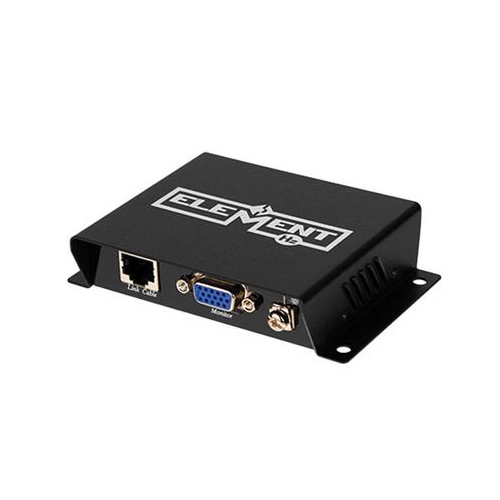
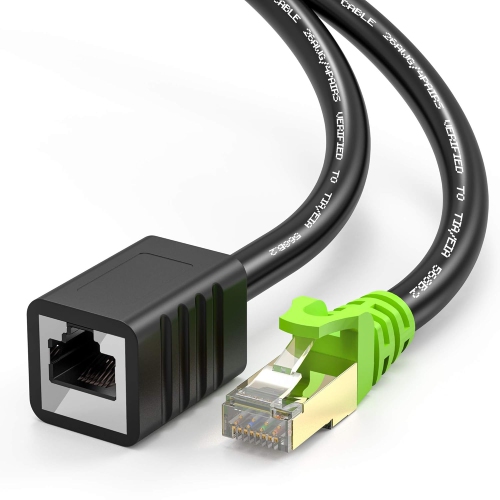
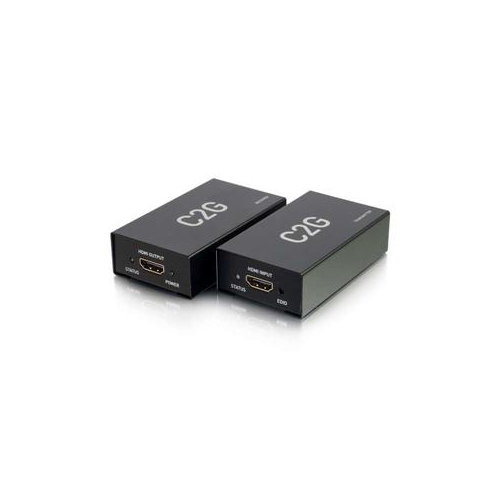
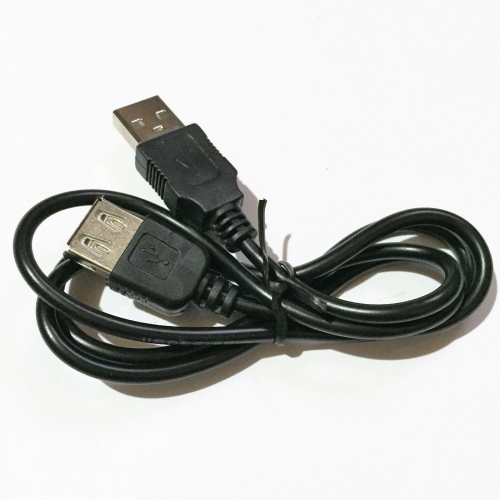
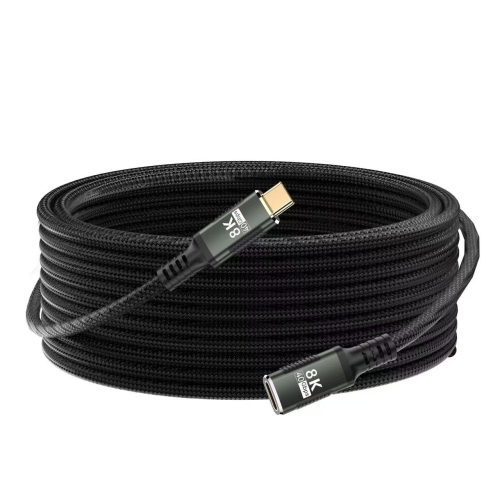
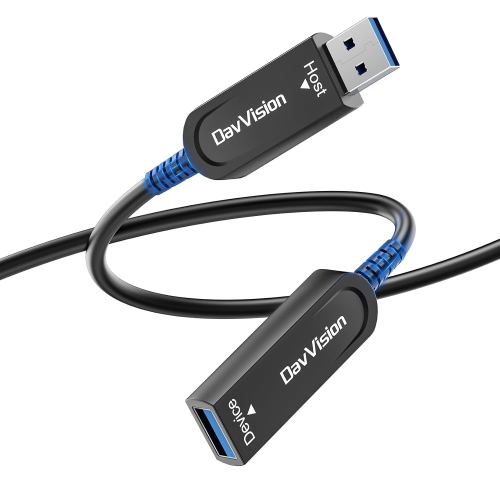
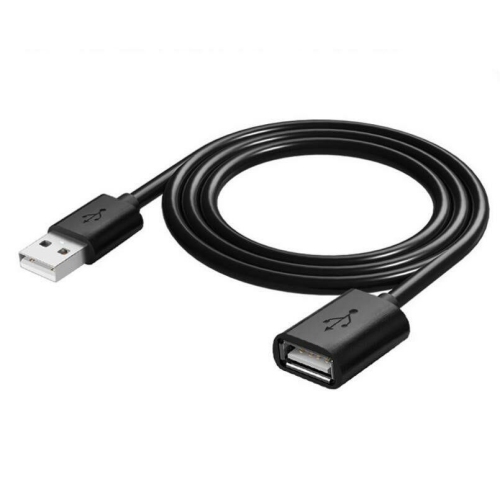
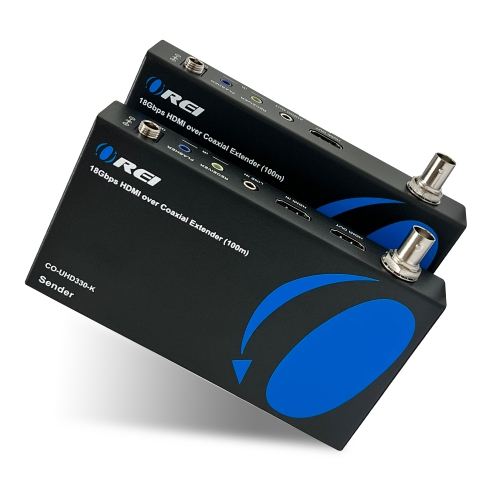
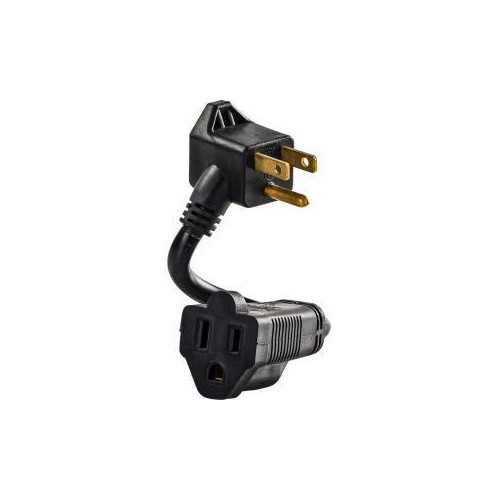
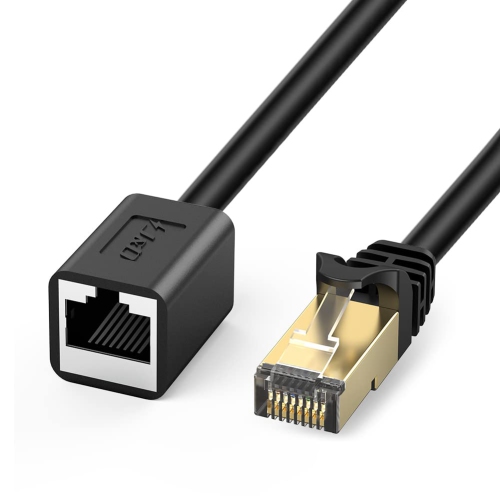
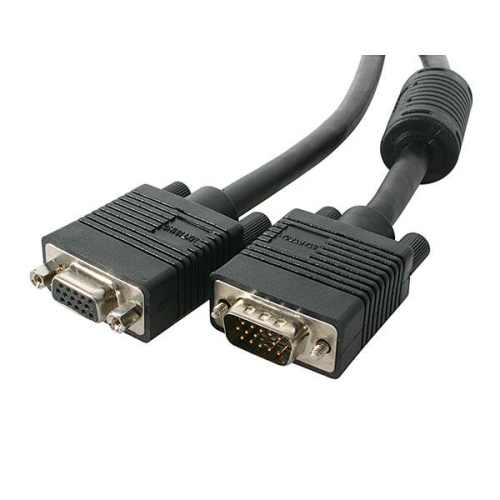
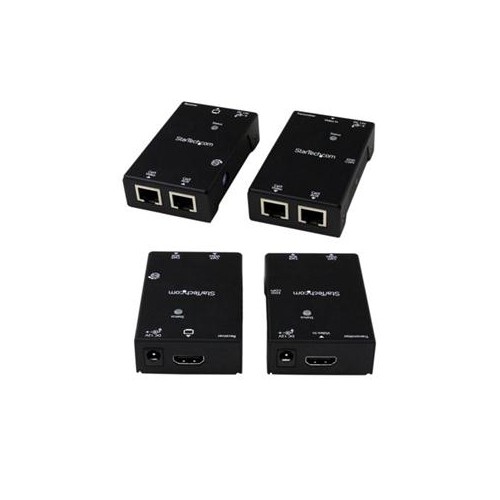
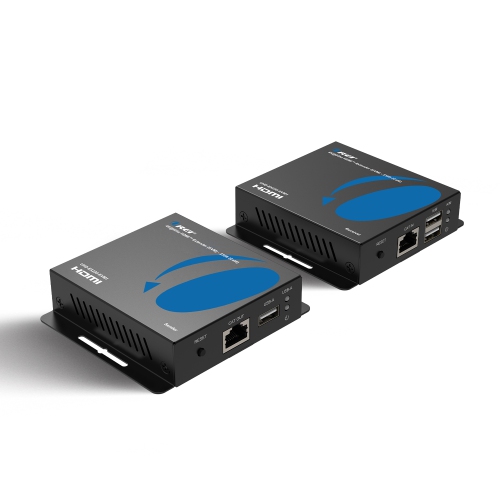
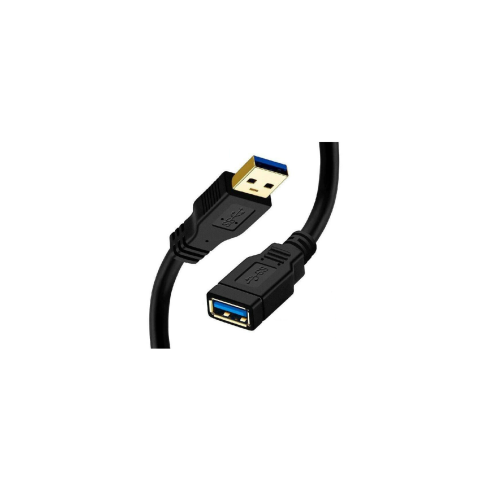
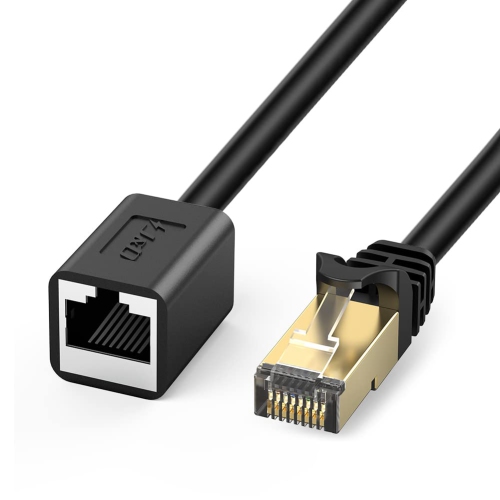
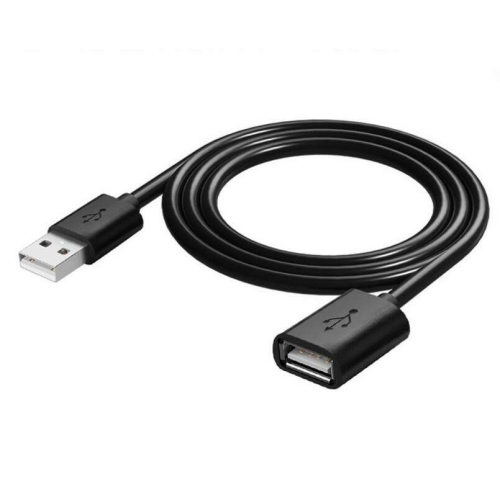
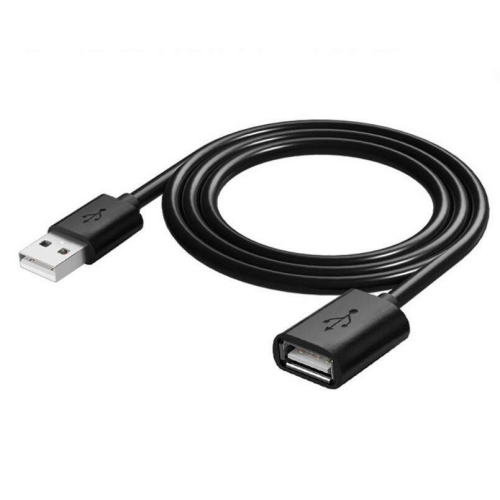

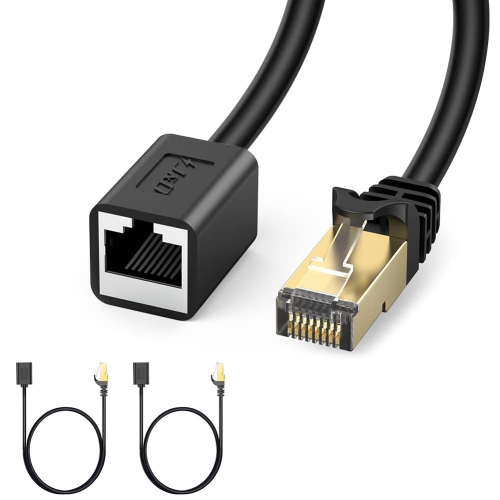
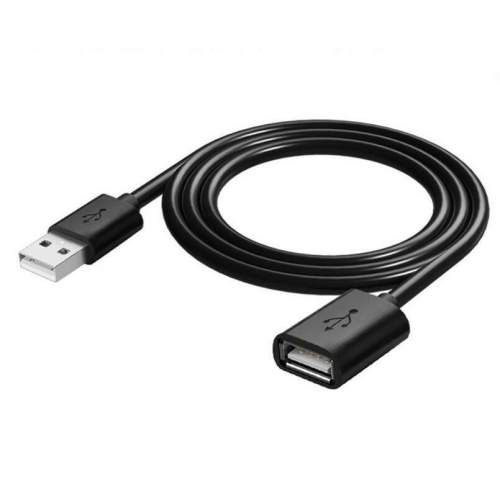
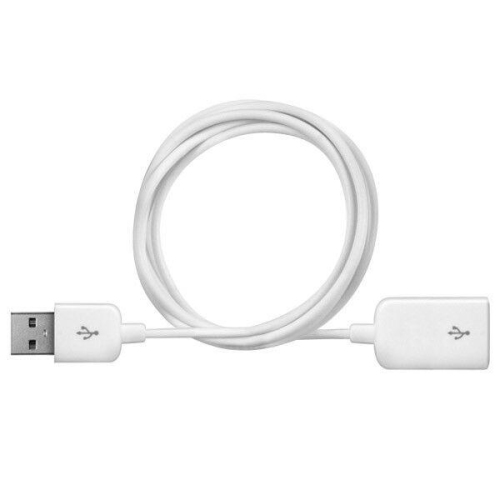
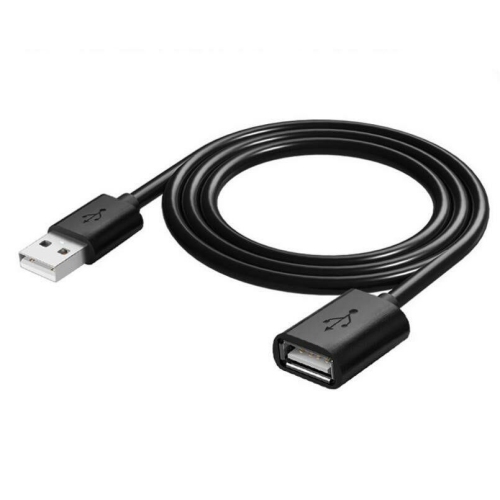
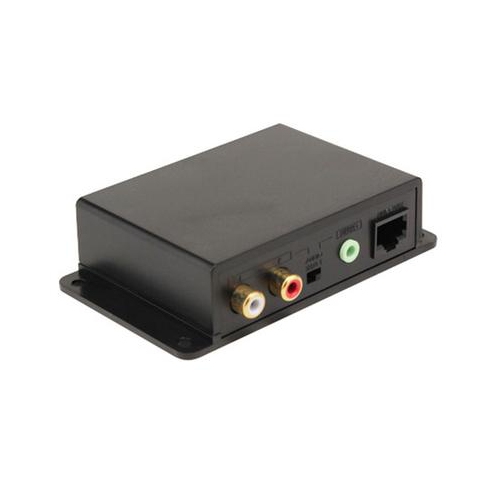
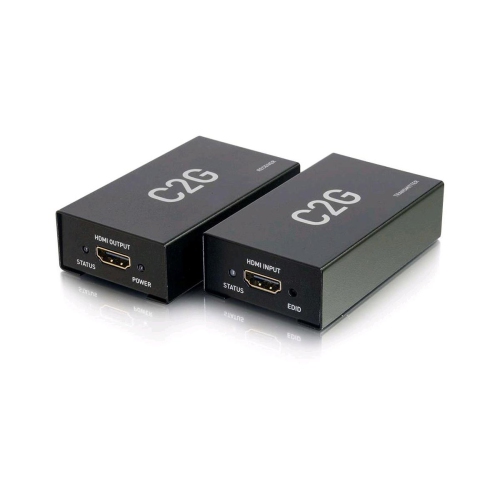
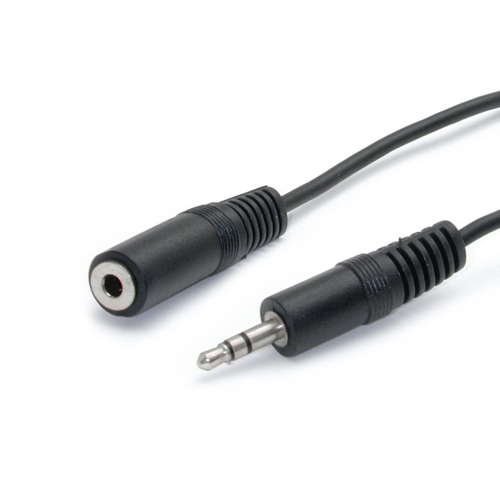
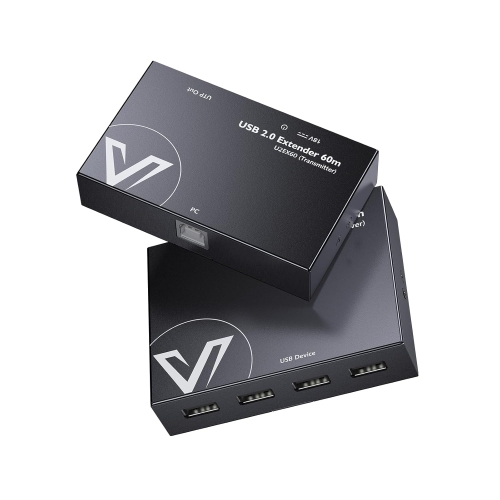
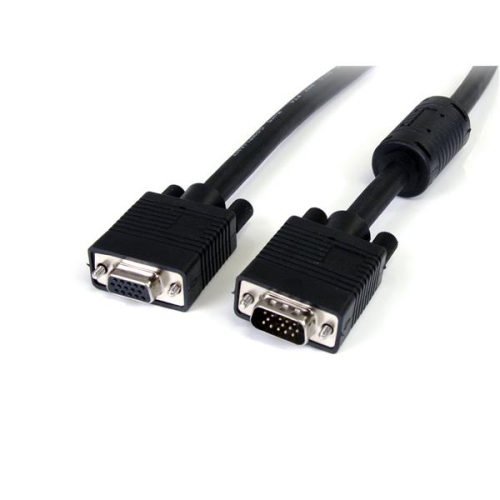
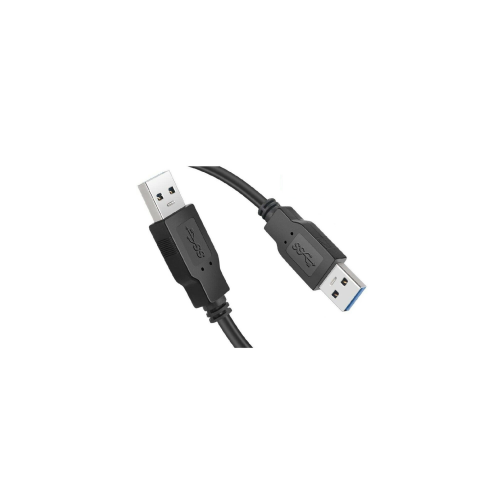
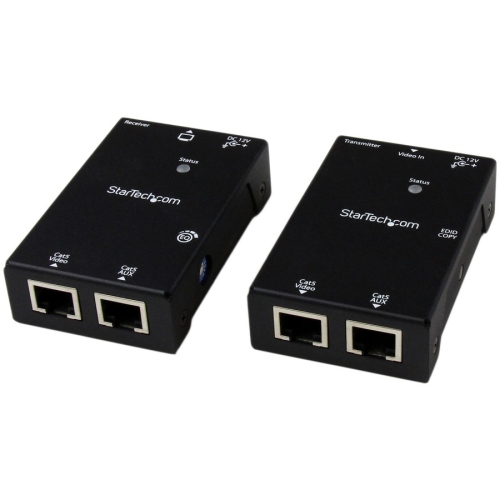
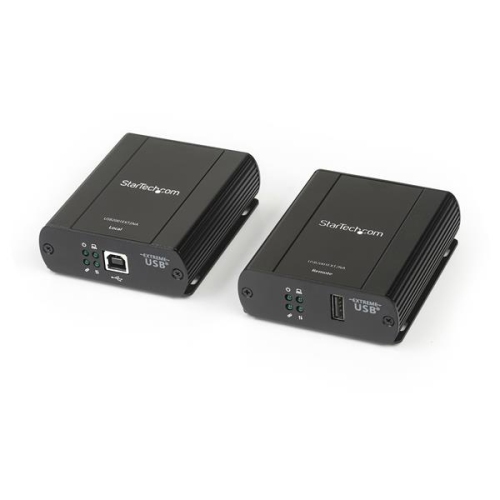
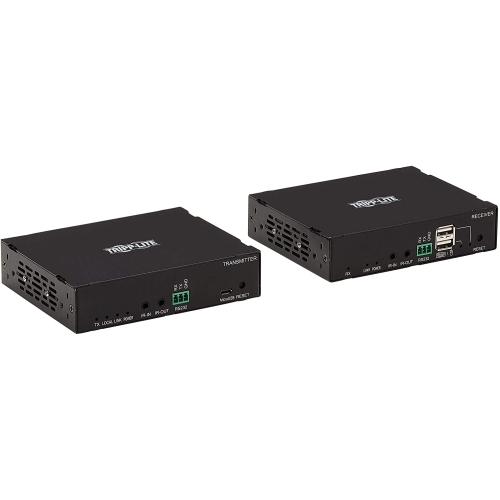
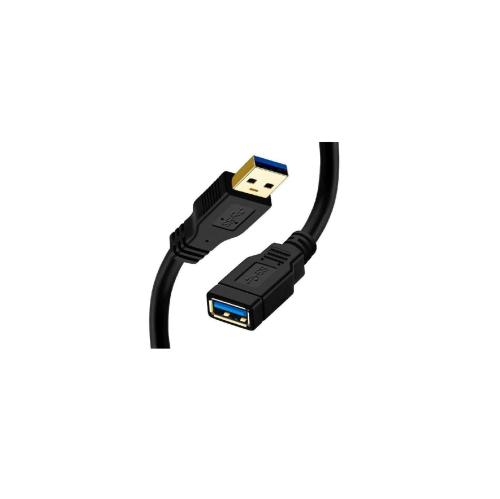
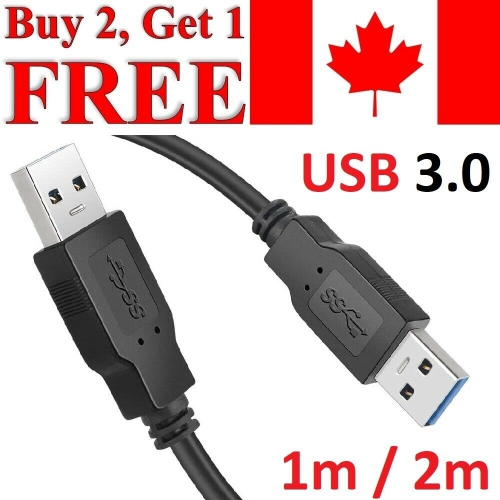
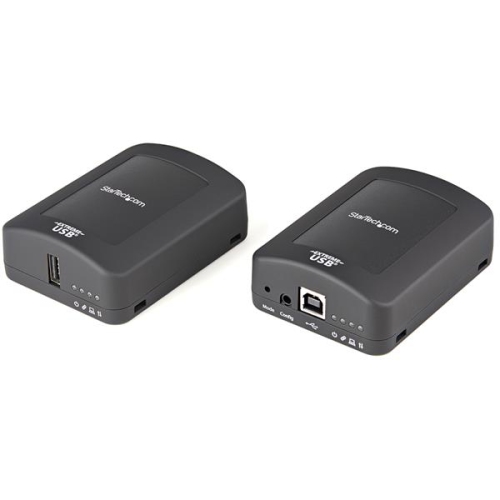
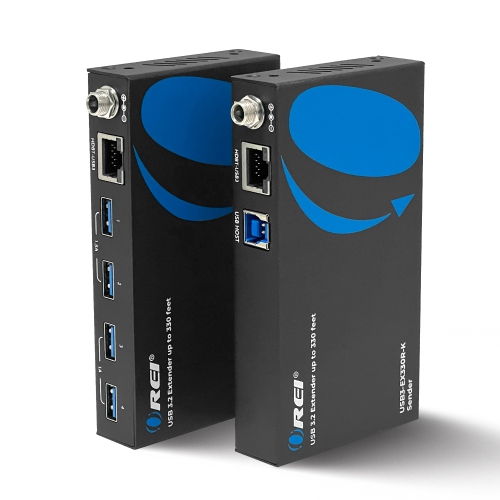
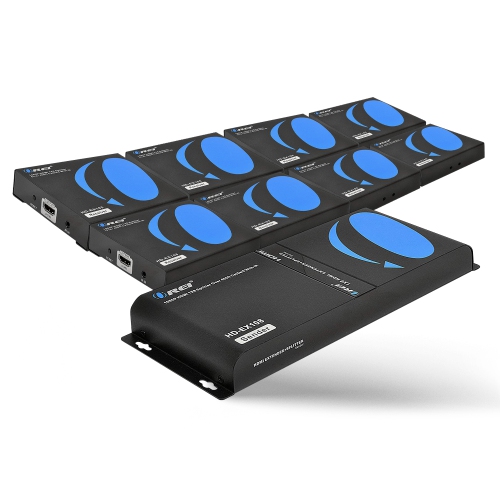
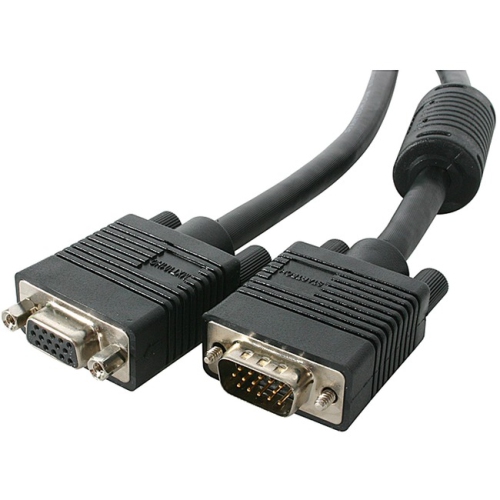
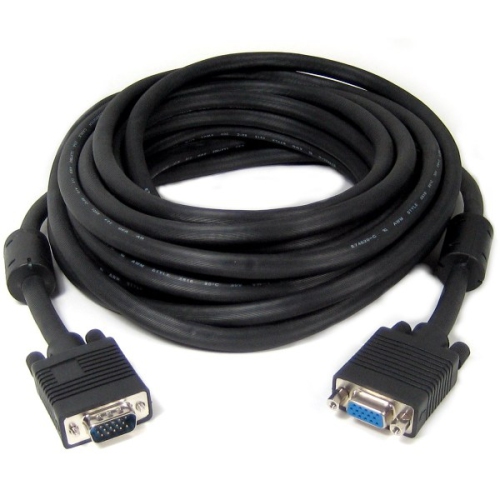
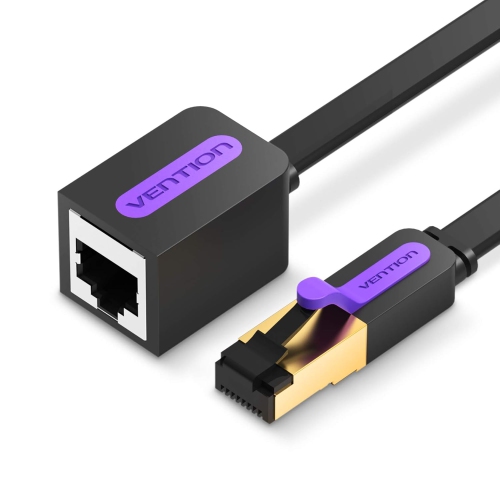
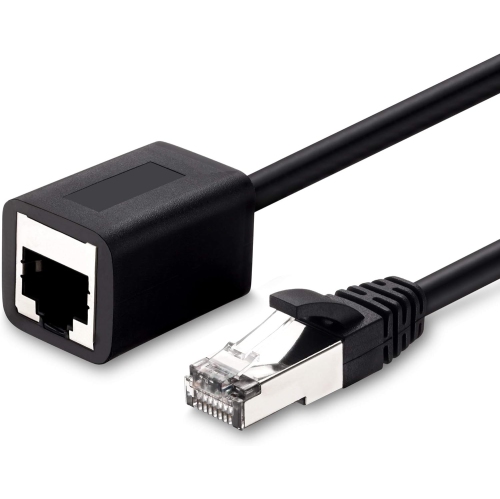
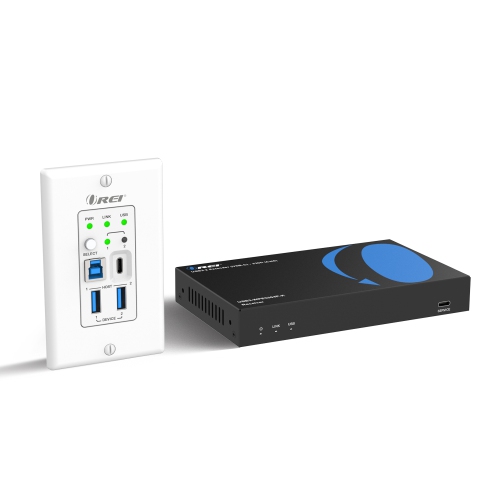
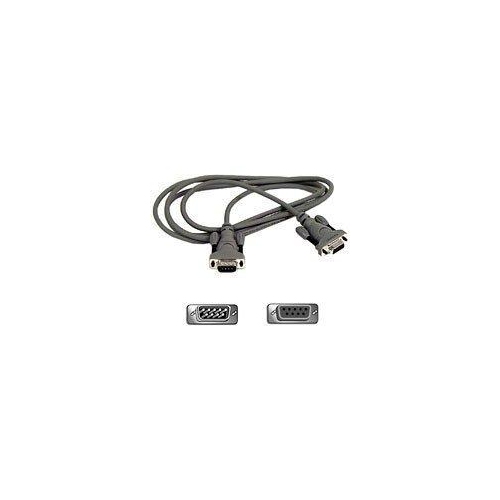
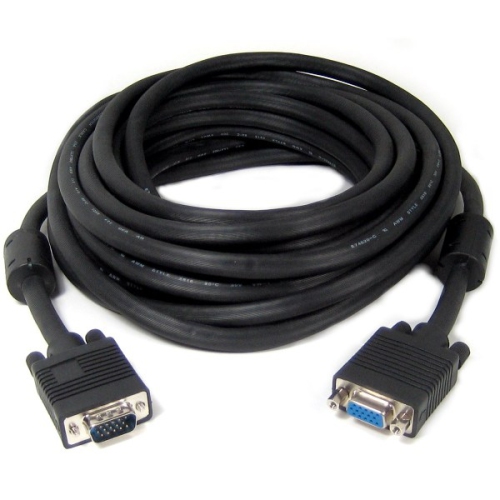
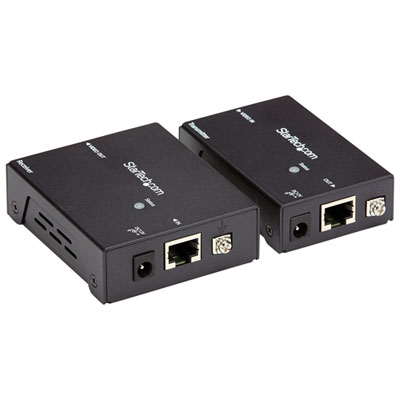
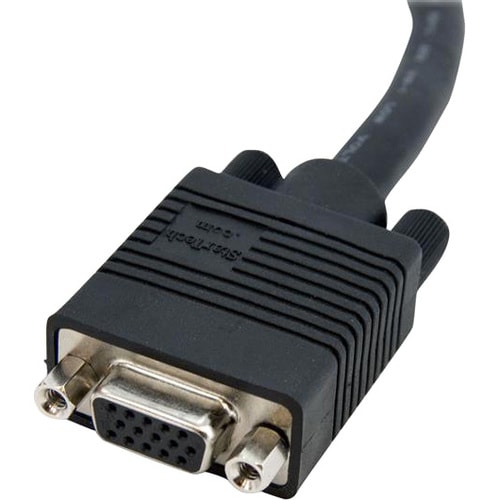
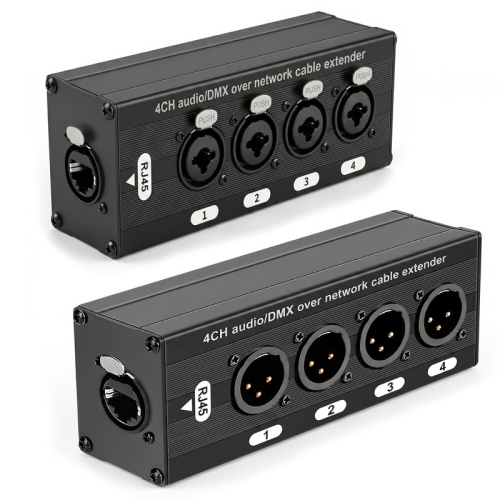
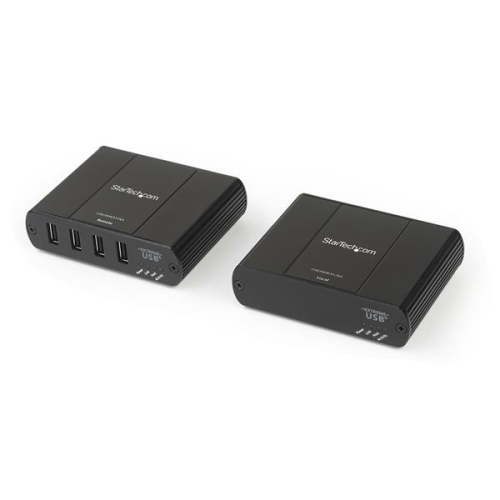
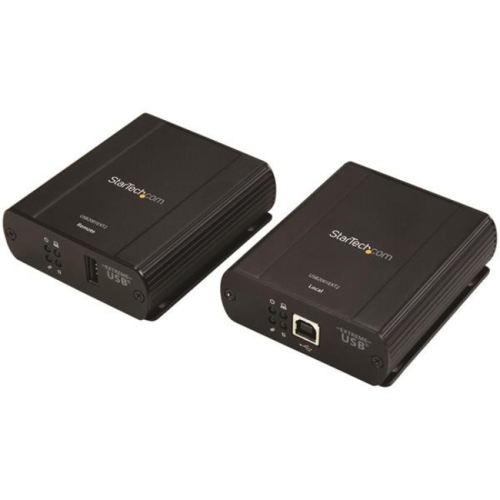
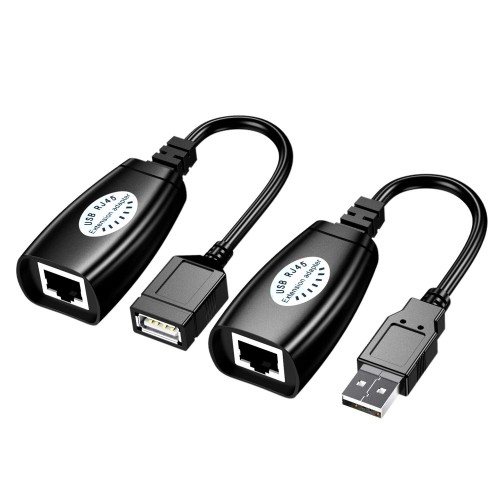
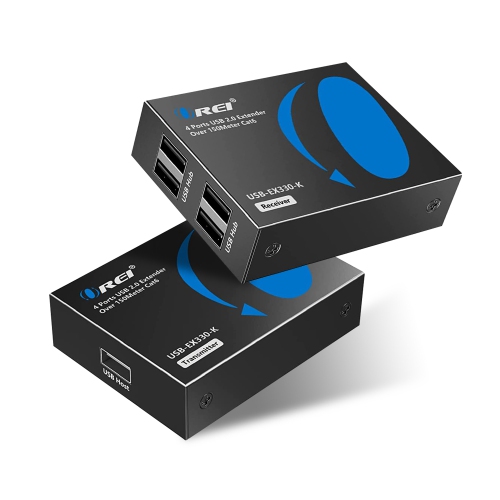
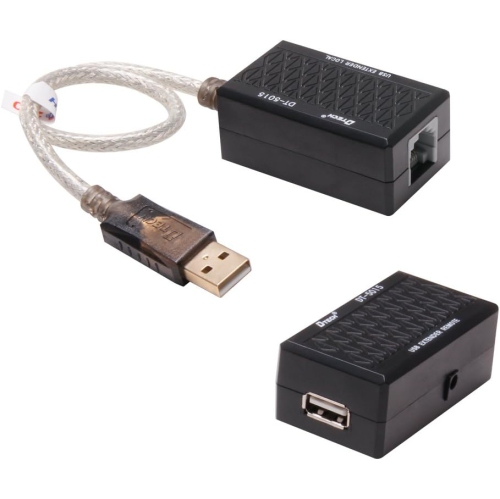
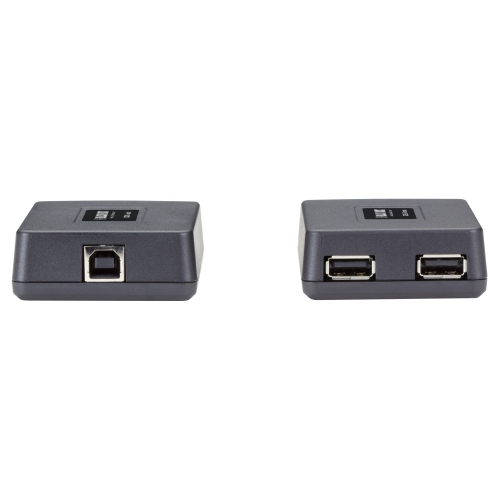
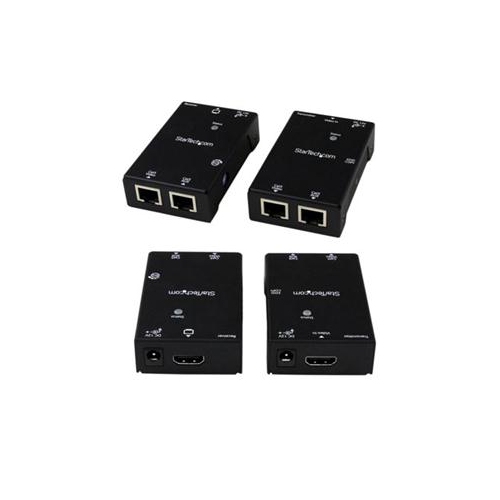
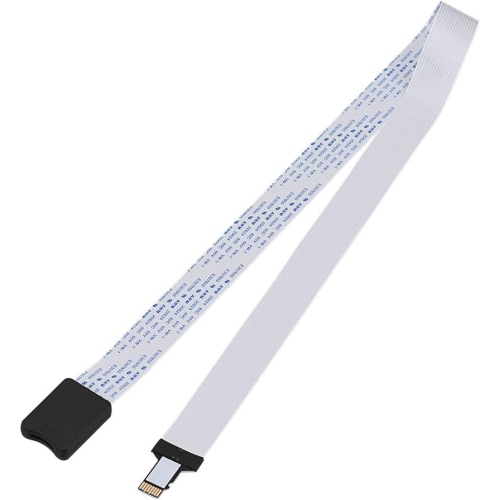
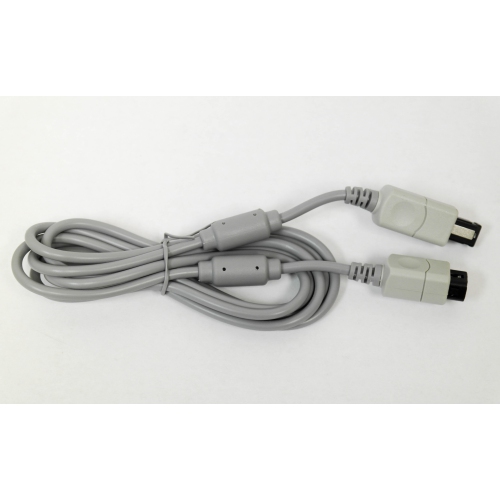
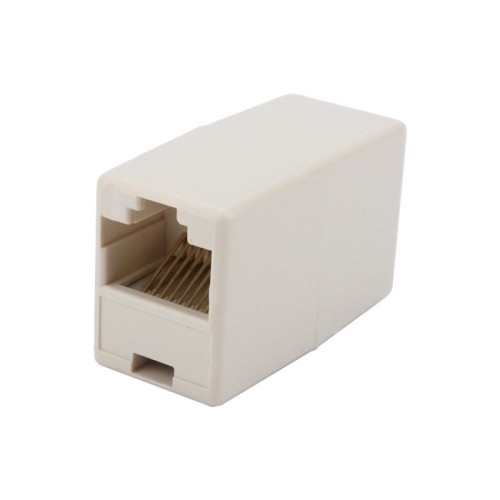
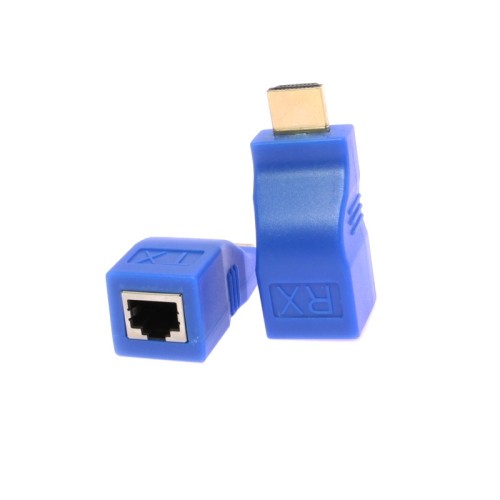
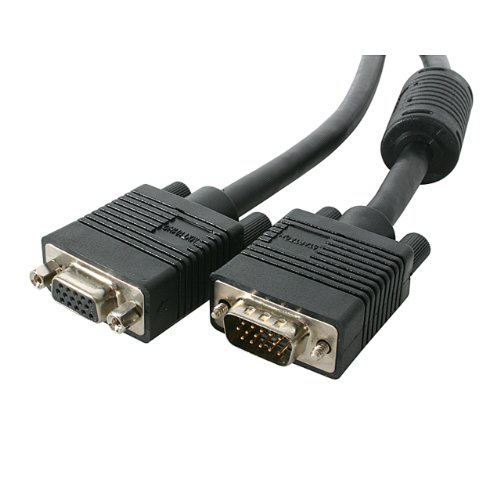
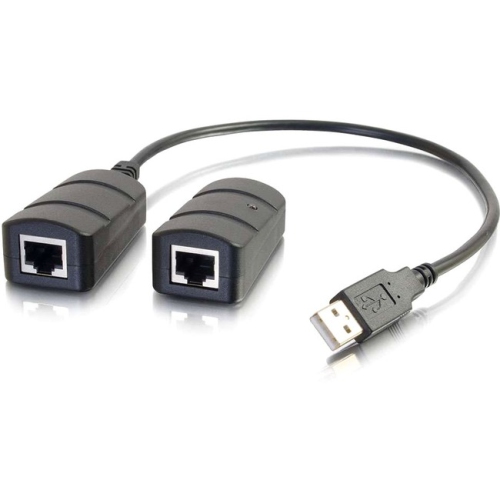
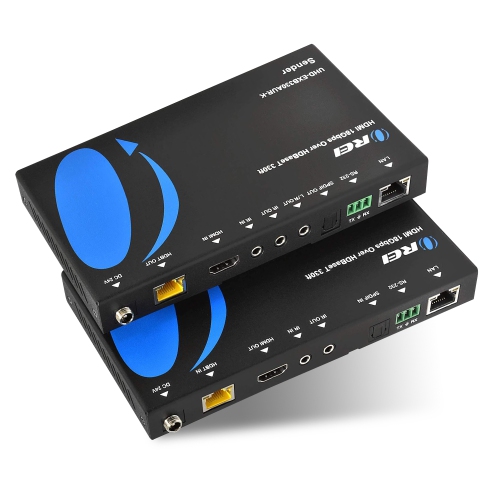
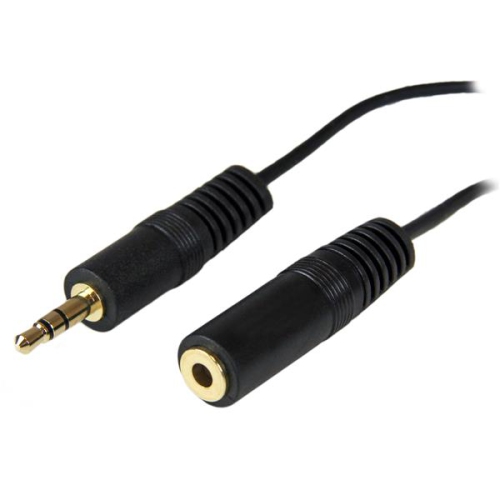
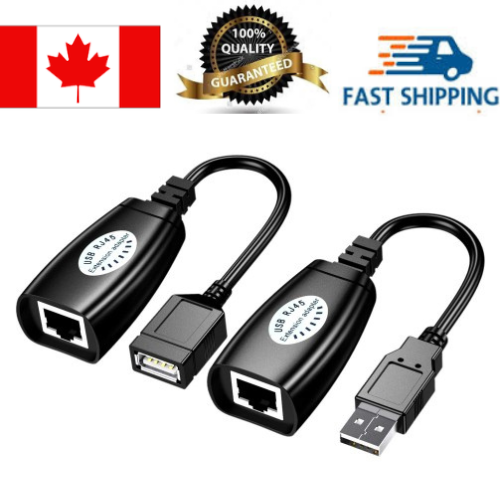
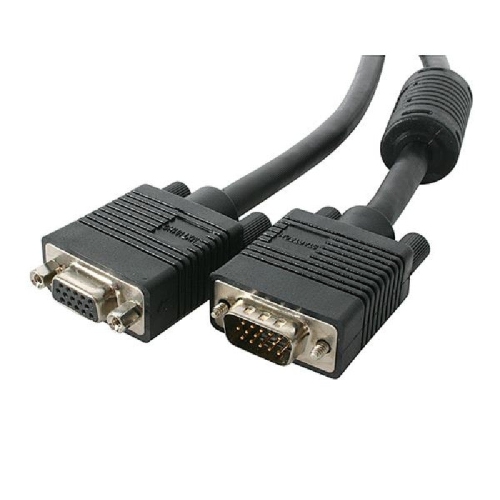
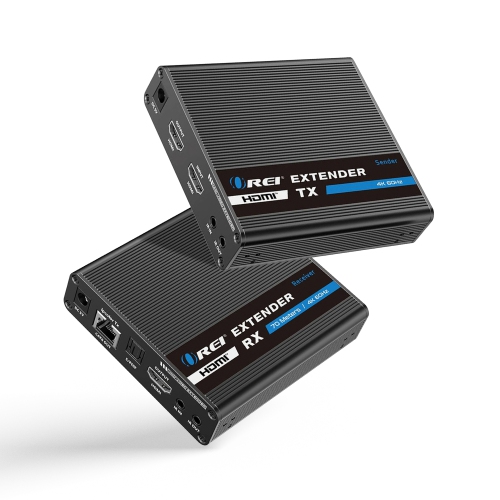
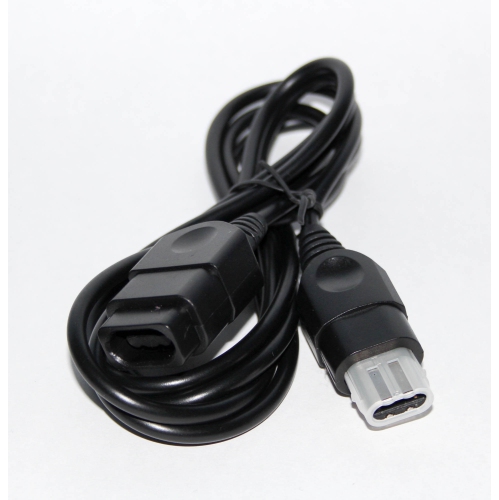
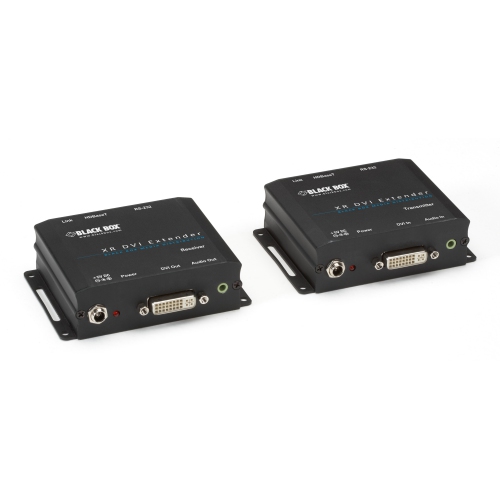
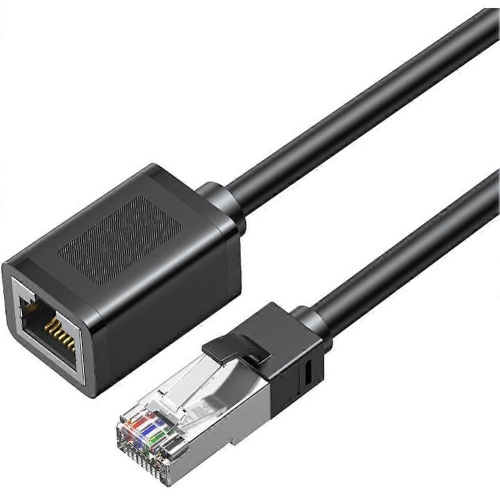
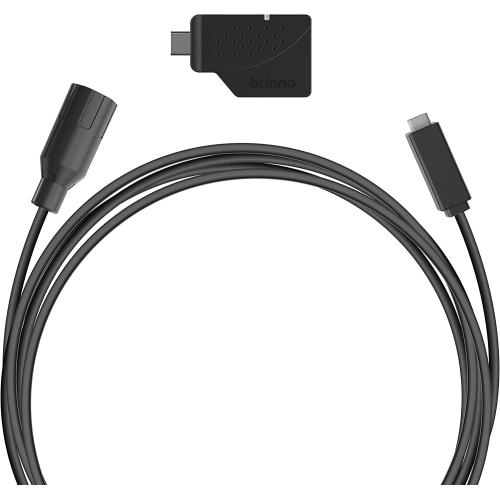
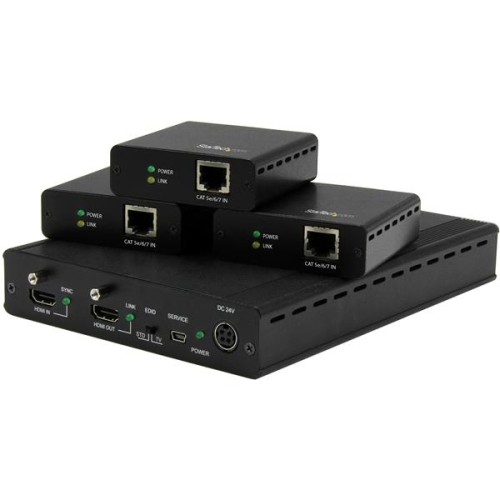
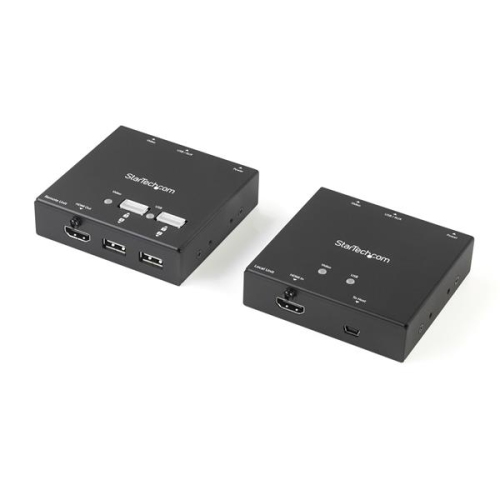
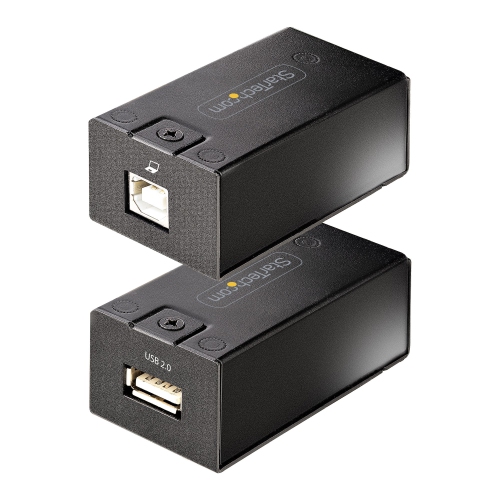

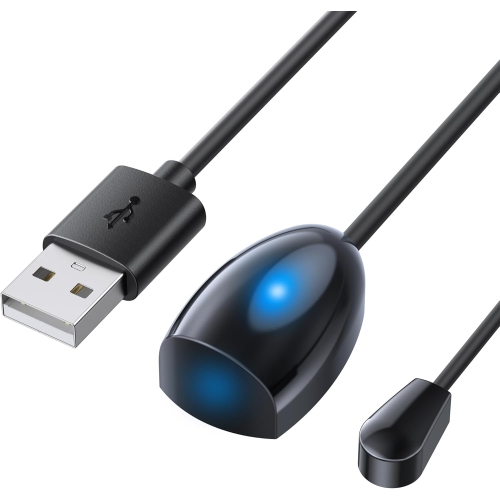
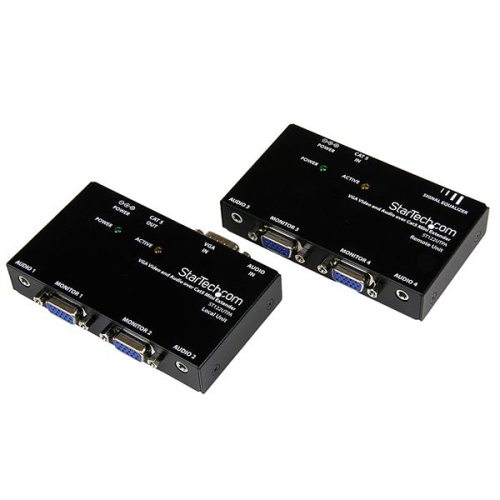
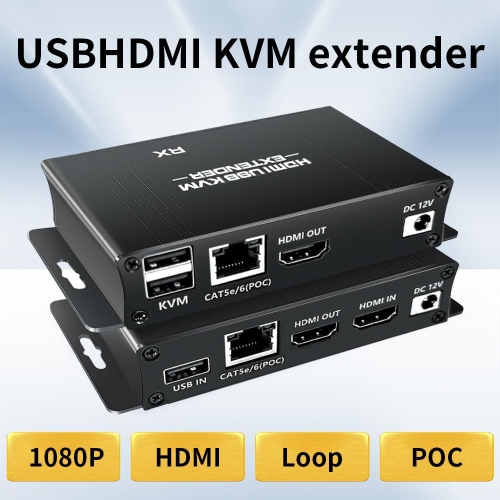

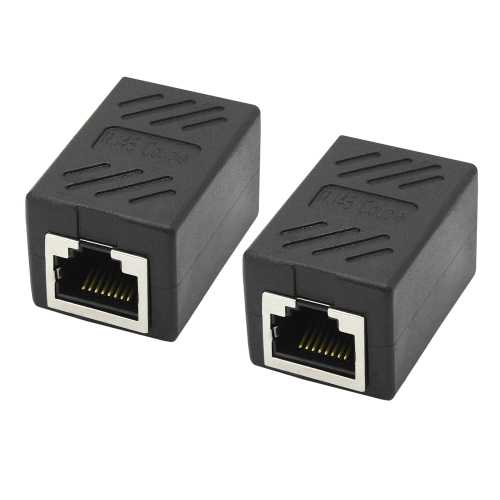
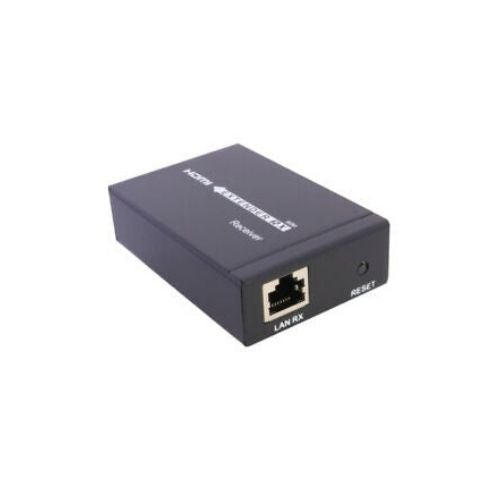
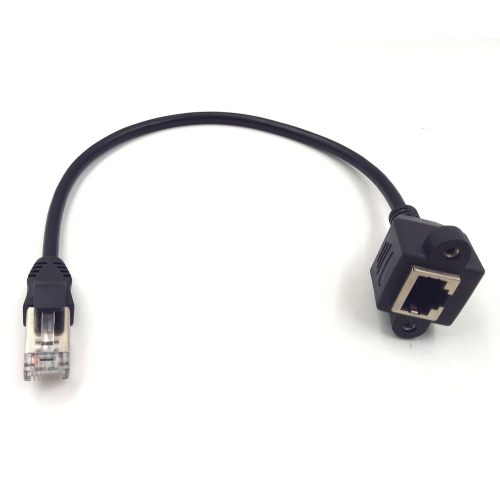
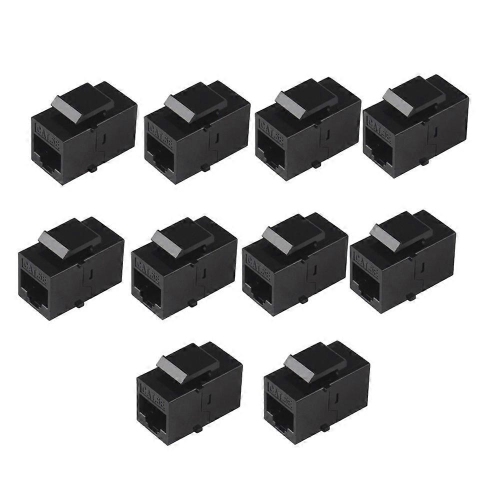
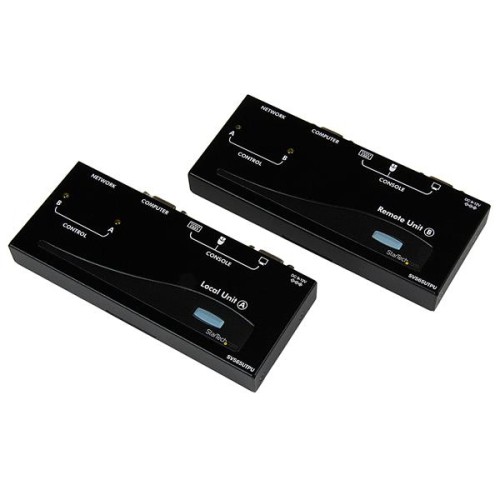
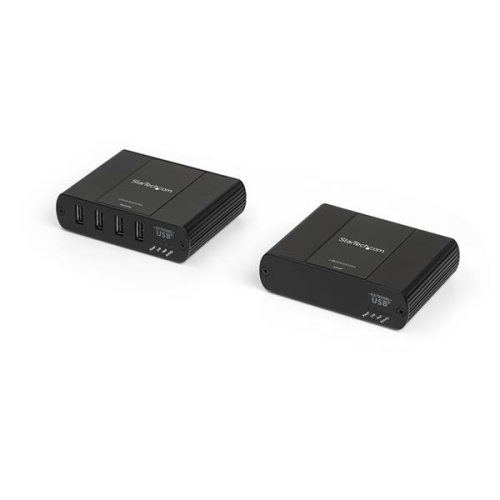
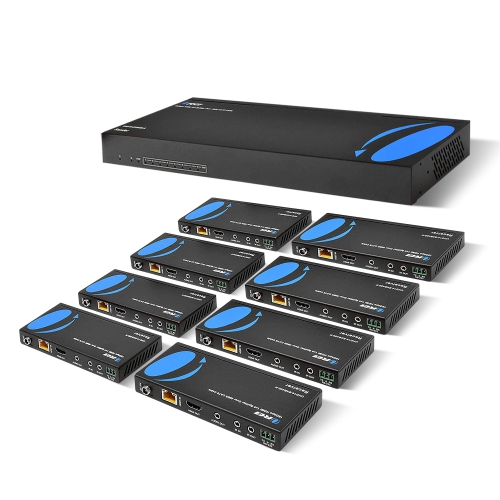
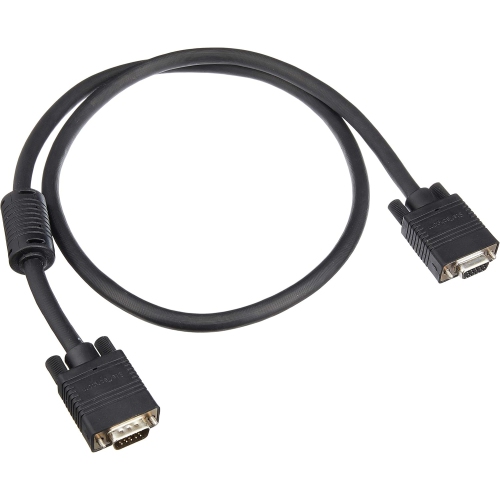
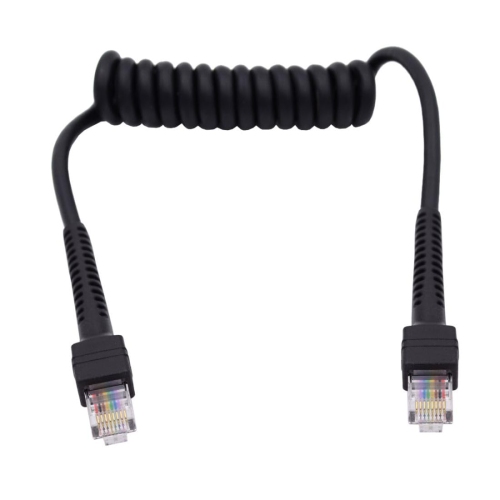
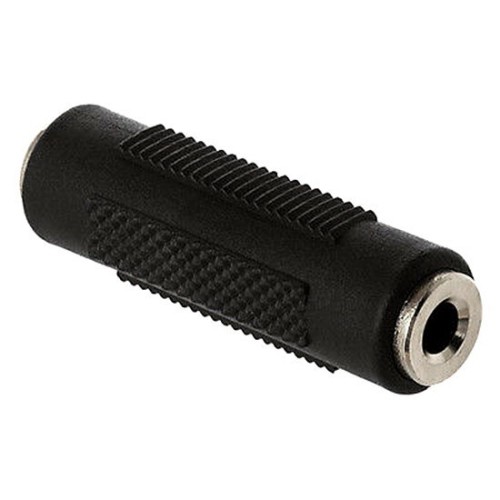
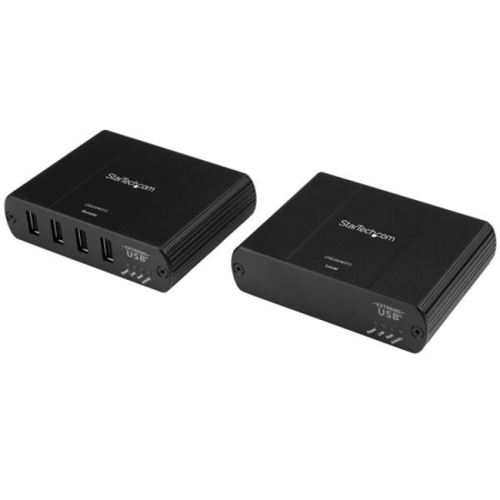
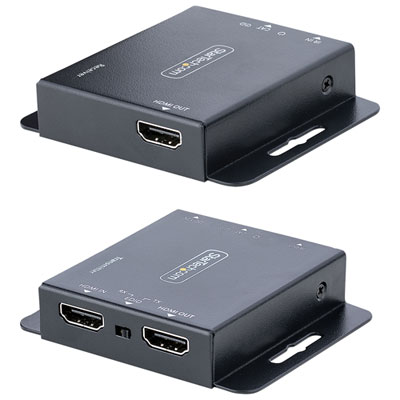
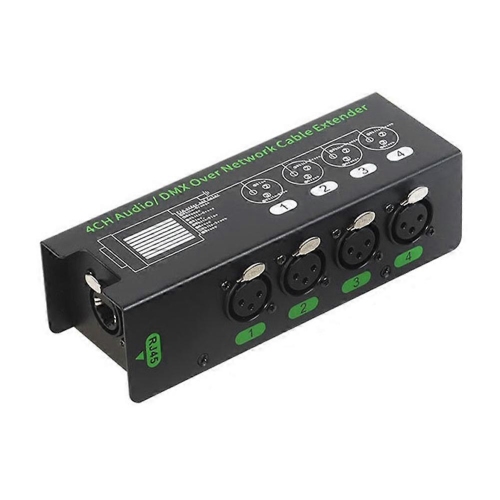
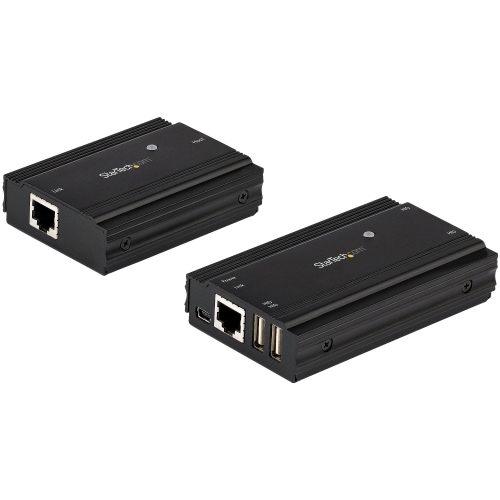
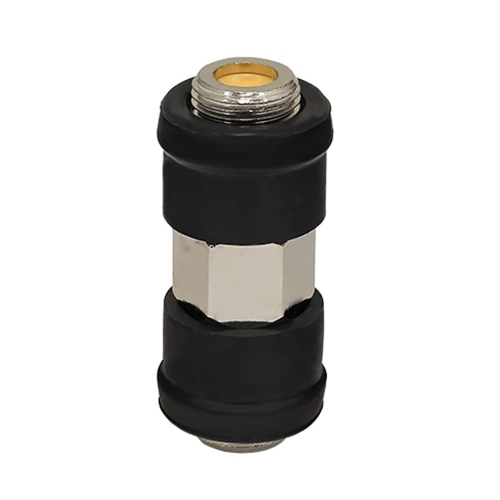
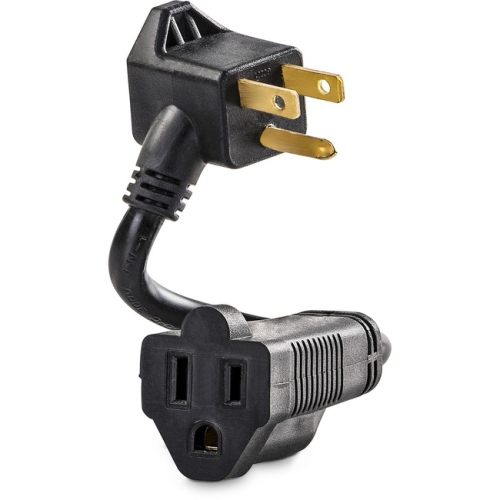
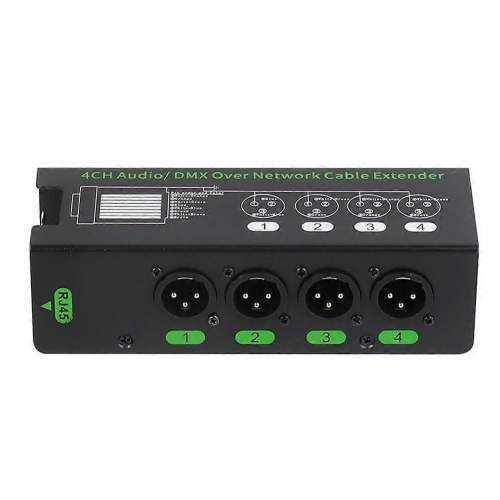
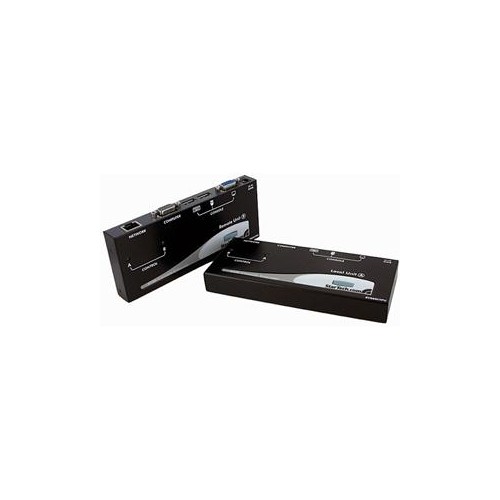
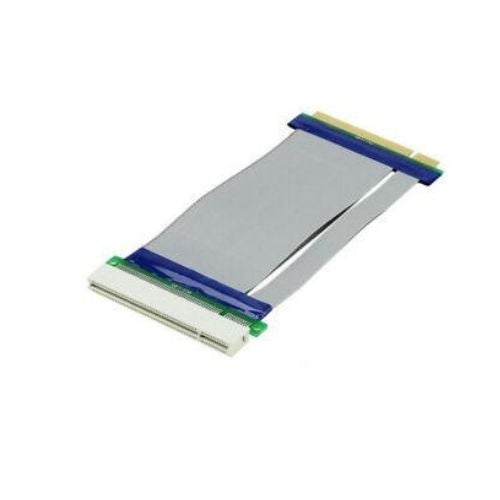
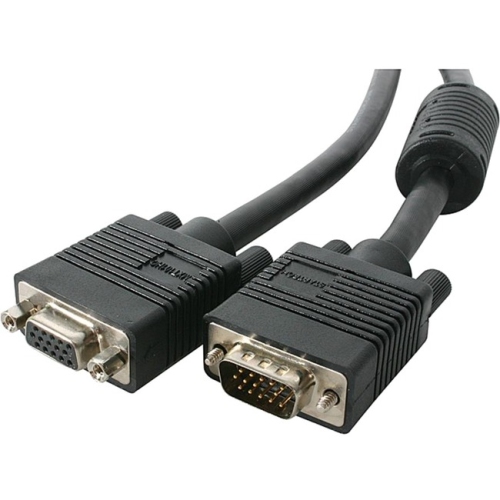
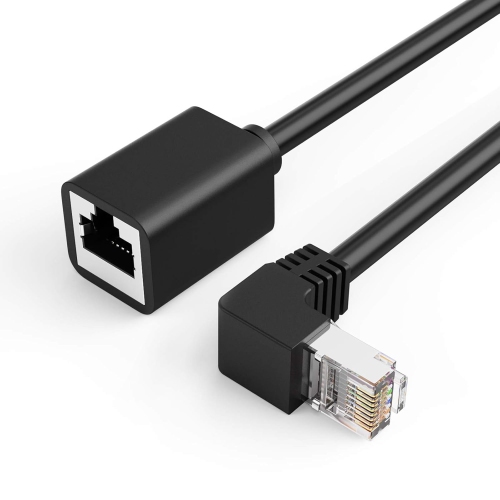
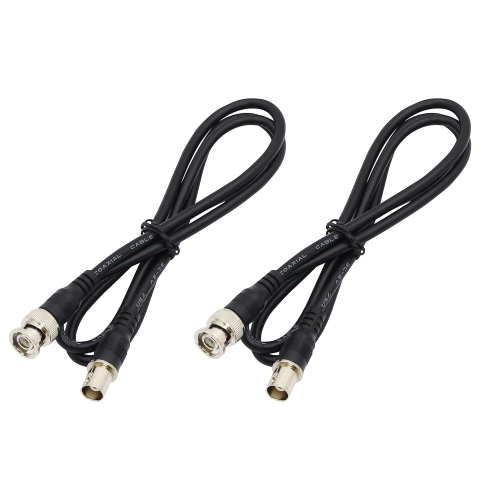
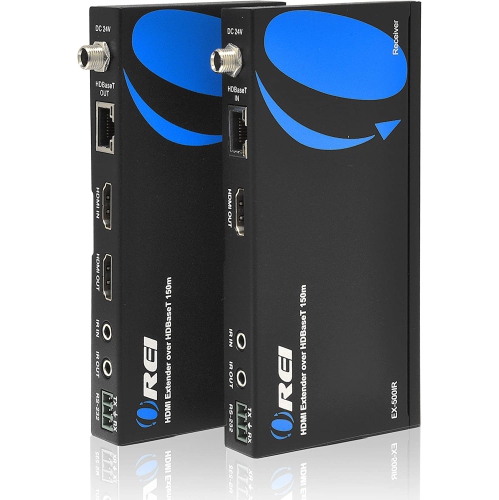
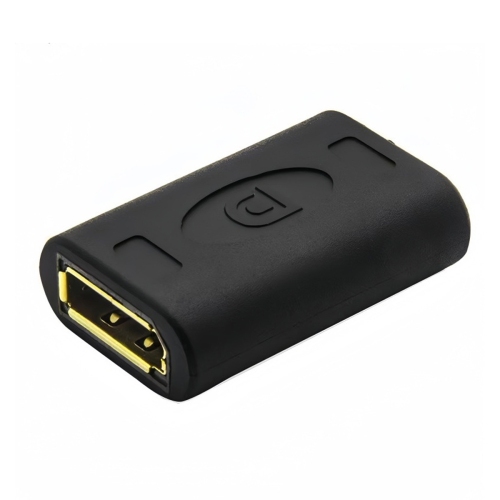
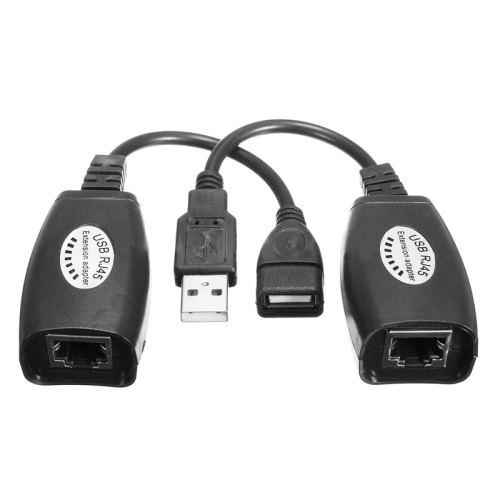
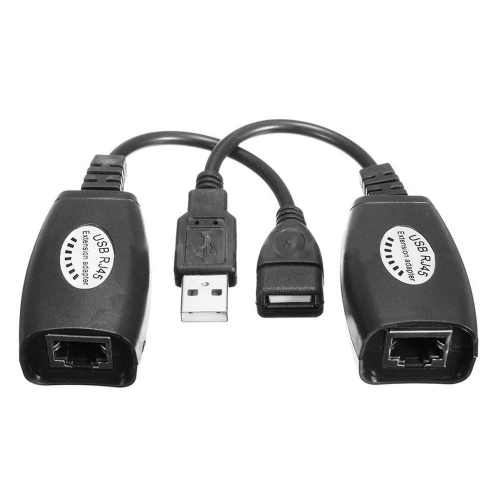
Extra reach for better-connected entertainment and workspaces
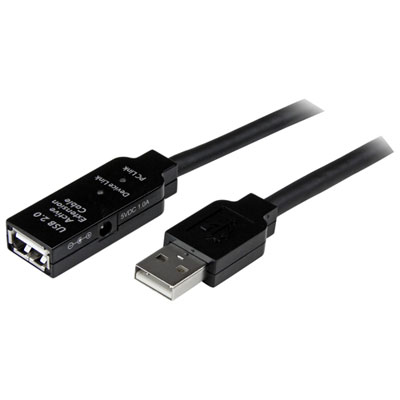
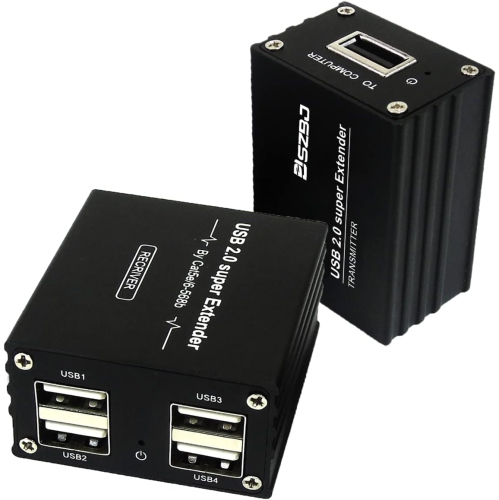
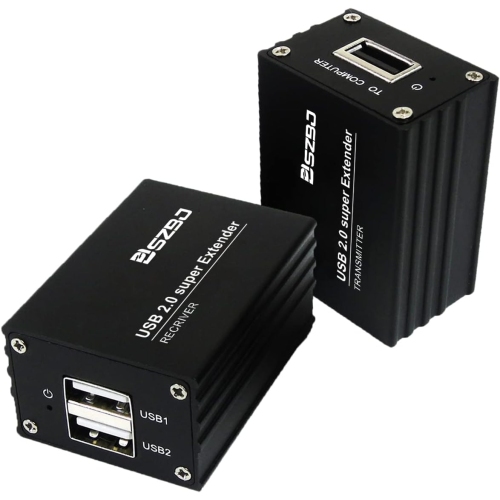
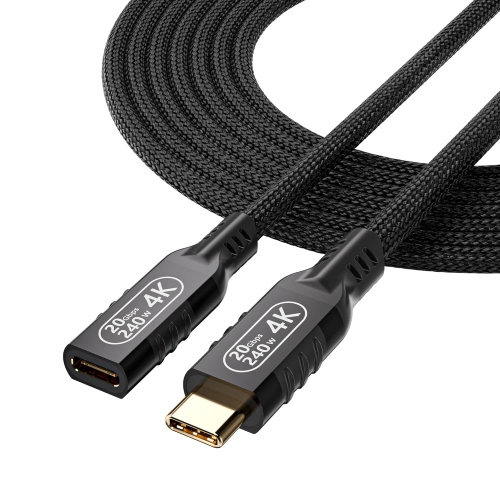
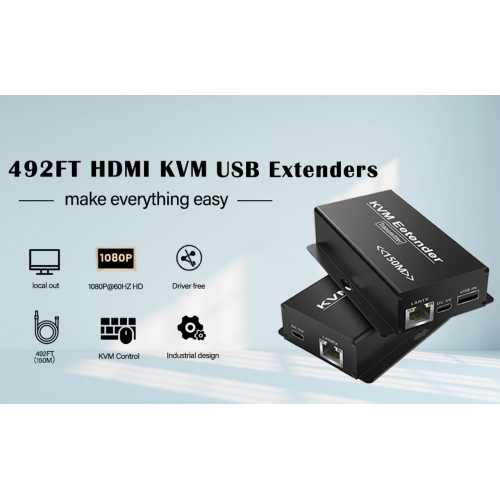
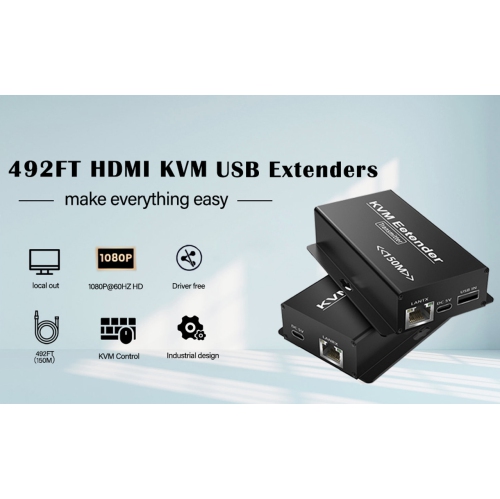
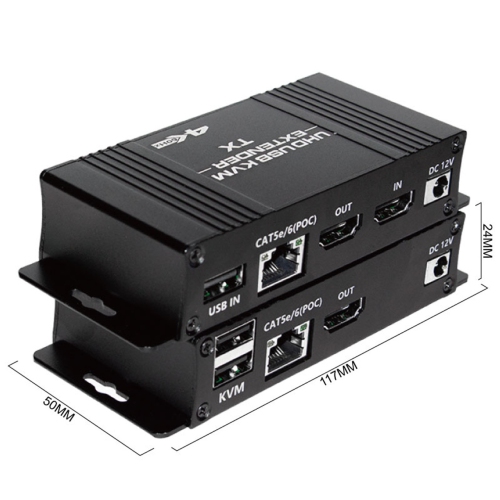
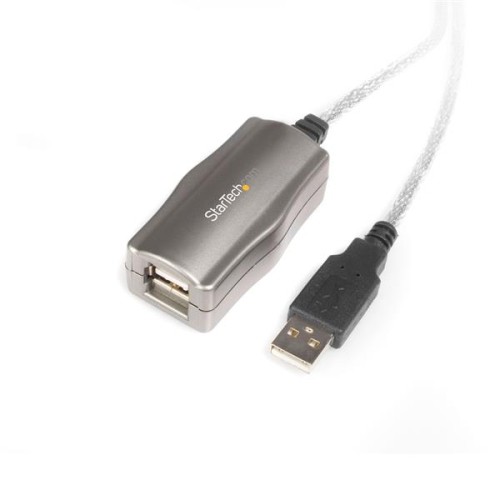
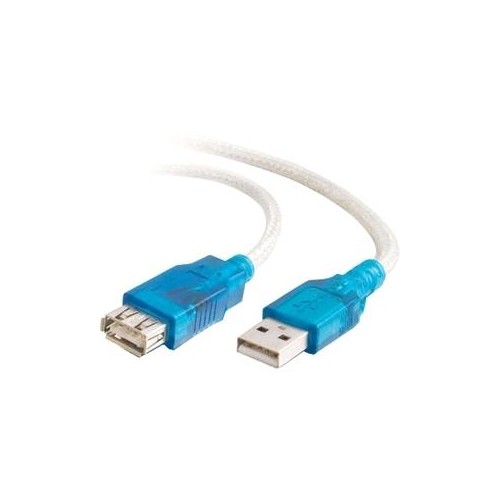
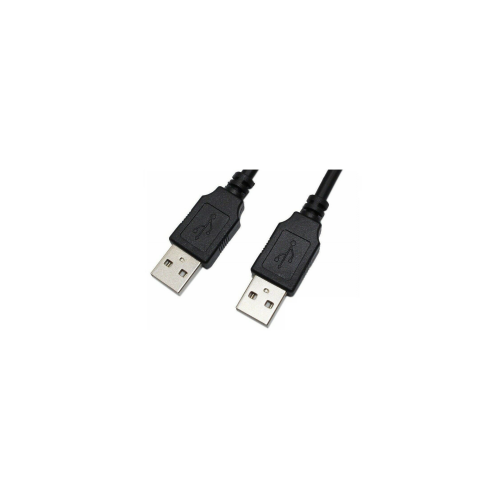
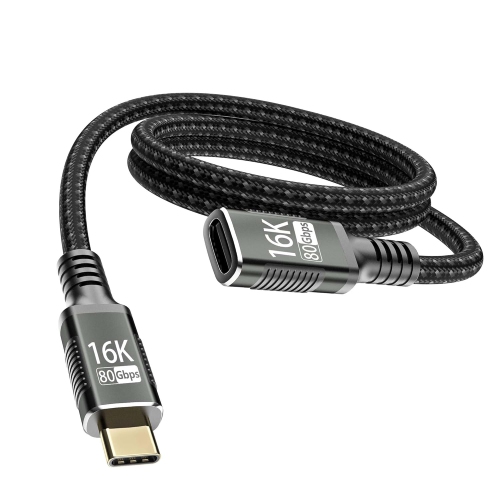
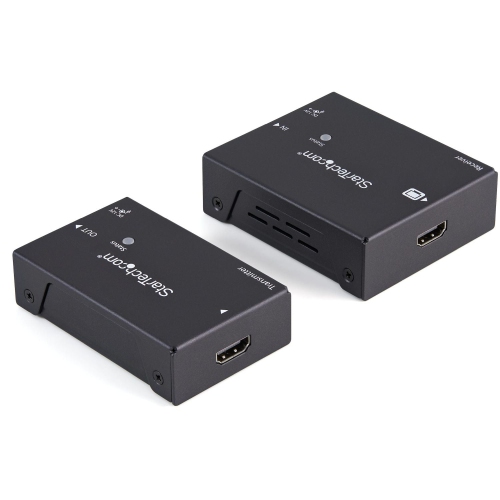
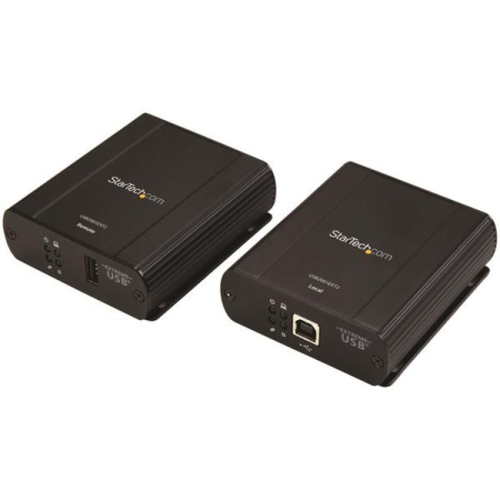
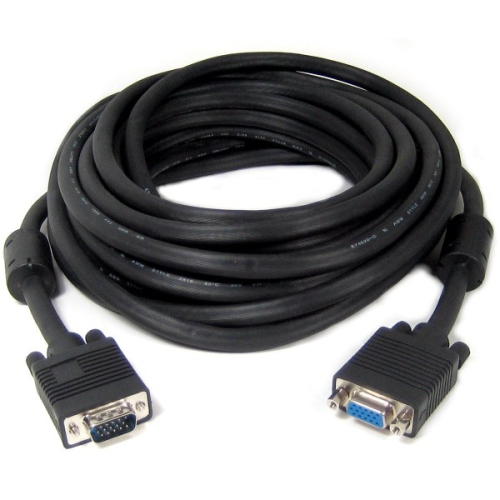
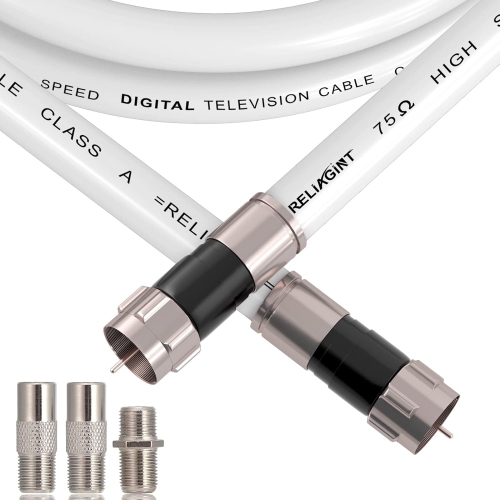
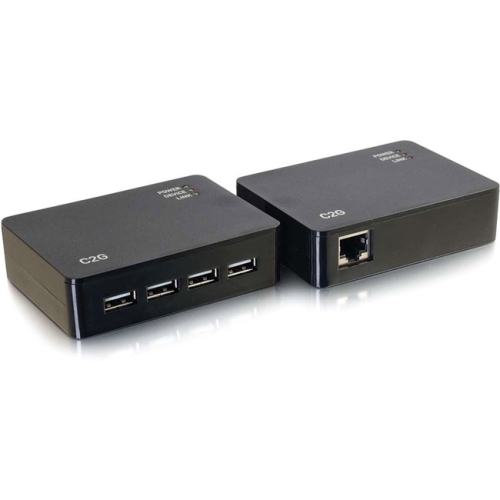
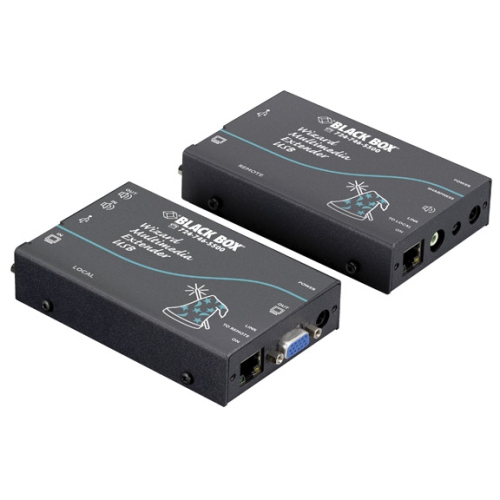
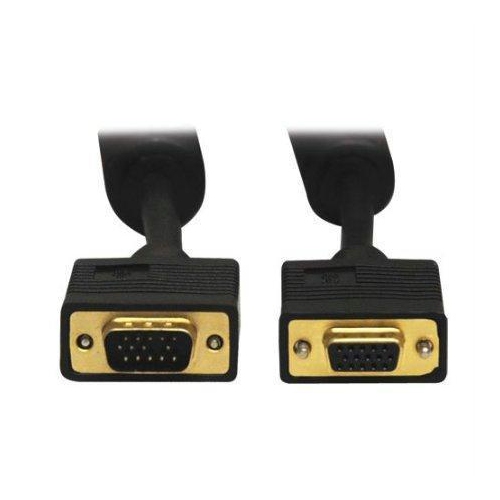
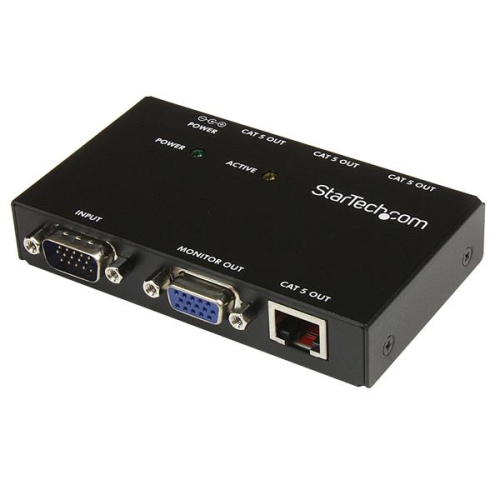
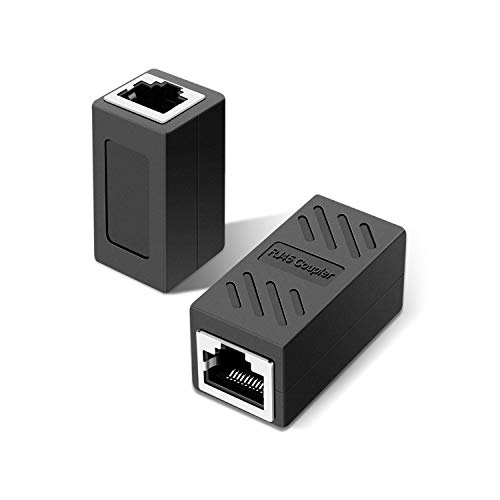
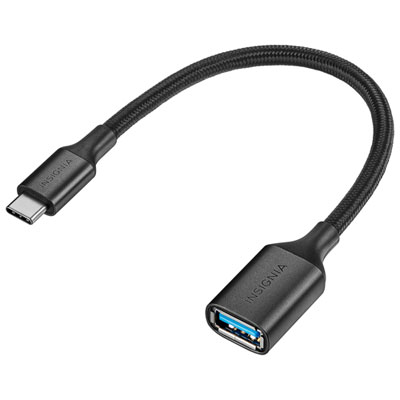
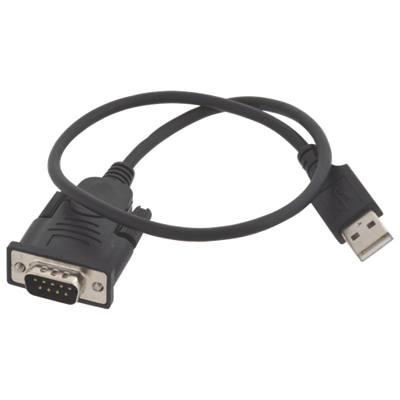
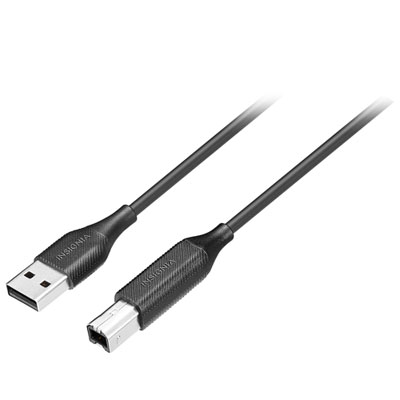
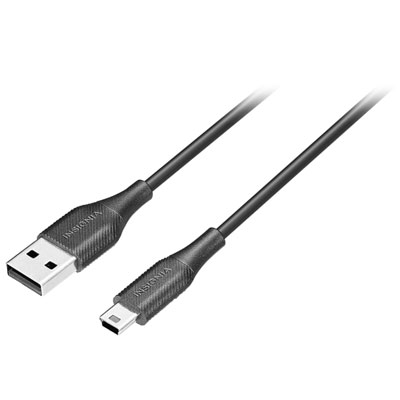
Cable extenders make it easier to position your electronics where you want them without rearranging an entire room around a short cable. A television mounted across the room from a media player, a computer tucked beneath a desk, a game console placed on a shelf, or a printer located on the other side of a home office can all benefit from a little extra reach. These products are designed to extend the distance between compatible devices while helping you keep connections organized and accessible. Depending on the cable type, an extender may support video, audio, data transfer, networking, charging, or signal distribution. The most important first step is identifying the connection already used by your equipment, including the connector shape, gender, version, and intended purpose. USB, HDMI, Ethernet, audio, power, and coaxial connections each have different capabilities, so an extender that looks similar may not deliver the same performance. For example, a cable intended primarily for charging may not support fast data transfer, while a video extender may need to meet the requirements of a high-resolution display, high refresh rate, or surround-sound setup. Checking the specifications for both the source device and the receiving device can help ensure that the extension supports the features you use every day.
Length is another practical consideration. A cable that is only slightly longer than the original may be enough for a neat desktop setup, while a television, projector, router, or outdoor antenna may require considerably more reach. Longer connections can sometimes be more sensitive to signal loss or interference, particularly when carrying high-bandwidth video or data, so it is worth choosing an extender designed for the distance and performance level you need rather than simply selecting the longest option available. Active extenders, signal boosters, and powered solutions may be useful for certain longer runs, whereas a straightforward passive extension can be a convenient choice for a short connection. Pay attention to whether the extender passes through features such as charging, data transfer, Ethernet networking, audio return, or control signals. For a home theatre, this can help keep a streaming device or game system within easy reach while the display remains mounted cleanly on the wall. In a workspace, extra cable length can allow a laptop dock, monitor, webcam, keyboard, or printer to sit in a more comfortable position, reducing the need to stretch cables across a walkway. For network equipment, an Ethernet extension can give a router, modem, smart-home hub, or access point more flexibility when planning coverage throughout a home. Those improving a television or antenna connection may also want to explore Coaxial Cable Extensions for compatible setups. Always match the extender to the connection type and avoid forcing a plug into a port, using an adapter as a substitute for compatibility, or combining several extensions when one properly rated solution would be safer and more reliable.
Cable extenders are useful for renters, homeowners, students, remote workers, gamers, content creators, and anyone updating a room without replacing all their existing equipment. They can be especially helpful during a move, when furniture and electronics end up farther apart than they were in the previous space. A desk that once sat beside a wall outlet may need to move near a window for better natural light, or a television may be relocated to make room for a larger seating area during the cooler months. An extender can provide the extra reach needed to test a new layout before committing to permanent cable routing. They also make practical gifts for someone setting up a first apartment, building a home office, adding a monitor, or organizing a family entertainment area. Before purchasing, consider the connector on each end, the required length, the supported standard, the equipment being connected, and whether the finished cable run will be visible, tucked behind furniture, or routed through a wall. Look for durable connectors and flexible construction when a cable will be moved often, and choose a suitable profile when it needs to fit behind a television or desk. For connections that carry power, use only products rated for that purpose and follow the manufacturer’s instructions; a data or audio extension should never be used in place of a power cable. Neat routing also matters: keeping cables away from sharp edges, heat sources, pinched furniture joints, and areas with frequent foot traffic helps protect the connection and creates a cleaner-looking setup. With the right match, a cable extender can turn a cramped arrangement into a more comfortable, accessible space, giving devices the reach they need while keeping everyday entertainment, work, and connectivity easier to manage.
Length is another practical consideration. A cable that is only slightly longer than the original may be enough for a neat desktop setup, while a television, projector, router, or outdoor antenna may require considerably more reach. Longer connections can sometimes be more sensitive to signal loss or interference, particularly when carrying high-bandwidth video or data, so it is worth choosing an extender designed for the distance and performance level you need rather than simply selecting the longest option available. Active extenders, signal boosters, and powered solutions may be useful for certain longer runs, whereas a straightforward passive extension can be a convenient choice for a short connection. Pay attention to whether the extender passes through features such as charging, data transfer, Ethernet networking, audio return, or control signals. For a home theatre, this can help keep a streaming device or game system within easy reach while the display remains mounted cleanly on the wall. In a workspace, extra cable length can allow a laptop dock, monitor, webcam, keyboard, or printer to sit in a more comfortable position, reducing the need to stretch cables across a walkway. For network equipment, an Ethernet extension can give a router, modem, smart-home hub, or access point more flexibility when planning coverage throughout a home. Those improving a television or antenna connection may also want to explore Coaxial Cable Extensions for compatible setups. Always match the extender to the connection type and avoid forcing a plug into a port, using an adapter as a substitute for compatibility, or combining several extensions when one properly rated solution would be safer and more reliable.
Cable extenders are useful for renters, homeowners, students, remote workers, gamers, content creators, and anyone updating a room without replacing all their existing equipment. They can be especially helpful during a move, when furniture and electronics end up farther apart than they were in the previous space. A desk that once sat beside a wall outlet may need to move near a window for better natural light, or a television may be relocated to make room for a larger seating area during the cooler months. An extender can provide the extra reach needed to test a new layout before committing to permanent cable routing. They also make practical gifts for someone setting up a first apartment, building a home office, adding a monitor, or organizing a family entertainment area. Before purchasing, consider the connector on each end, the required length, the supported standard, the equipment being connected, and whether the finished cable run will be visible, tucked behind furniture, or routed through a wall. Look for durable connectors and flexible construction when a cable will be moved often, and choose a suitable profile when it needs to fit behind a television or desk. For connections that carry power, use only products rated for that purpose and follow the manufacturer’s instructions; a data or audio extension should never be used in place of a power cable. Neat routing also matters: keeping cables away from sharp edges, heat sources, pinched furniture joints, and areas with frequent foot traffic helps protect the connection and creates a cleaner-looking setup. With the right match, a cable extender can turn a cramped arrangement into a more comfortable, accessible space, giving devices the reach they need while keeping everyday entertainment, work, and connectivity easier to manage.
Top selling and popular products
-
 Your price for this item is $39.99
 -
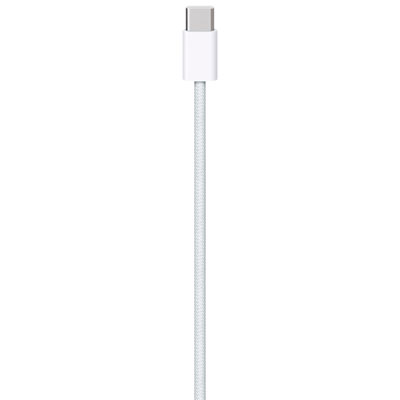 Your price for this item is $24.99
 -
 Your price for this item is $19.99
 -
 Your price for this item is $29.99
 -
 Your price for this item is $29.99
 -
 Your price for this item is $19.99
 -
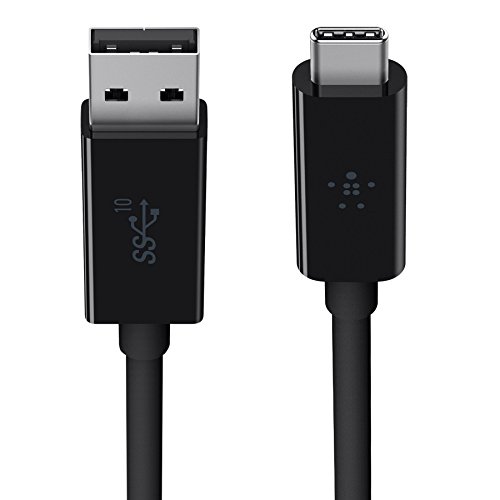 Your price for this item is $31.99
 -
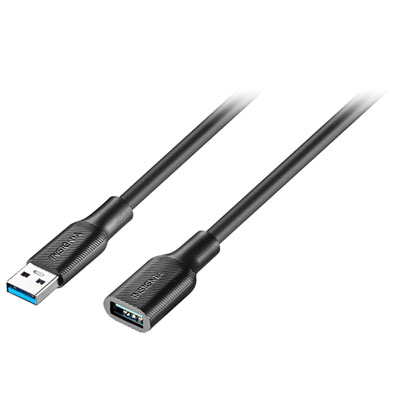 Your price for this item is $24.99
Discover more categories related to Cable Extenders
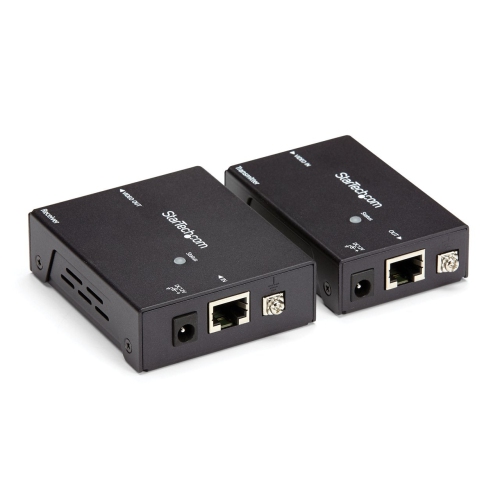
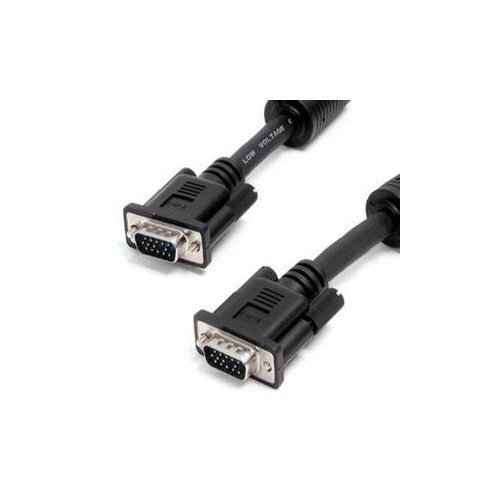
Top Collections:
Pokemon Centers, Kindle Devices, Best Budget Office Chairs, Canon G7X Cameras, Apple iPhones 16, Samsung Galaxy Phones, Refurbished Apple Laptops, Laptops for Students, iPhone 15 Apple, Budget Smartphones
Some products may be subject to Environmental Handling Fees
(EHF) depending on your province.
Learn more about EHFs.