CAD Workstations
If you're looking to take your CAD projects to the next level, look no further than these high-performance CAD workstations. Designed with the needs of professionals in mind, these powerful machines offer exceptional processing power, advanced graphics capabilities, and seamless multitasking capabilities. Whether you're a seasoned architect, engineer, or designer, these CAD workstations are built to handle even the most demanding tasks with ease.
Sort

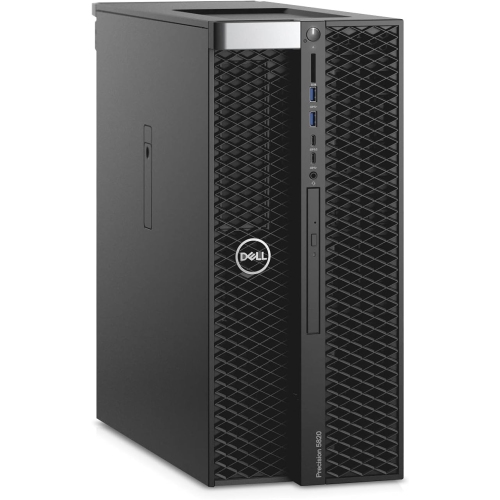
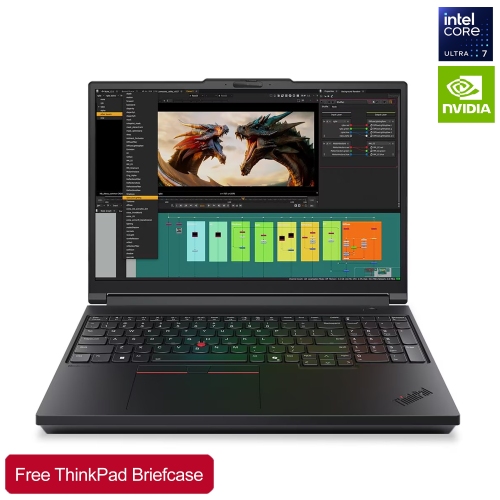
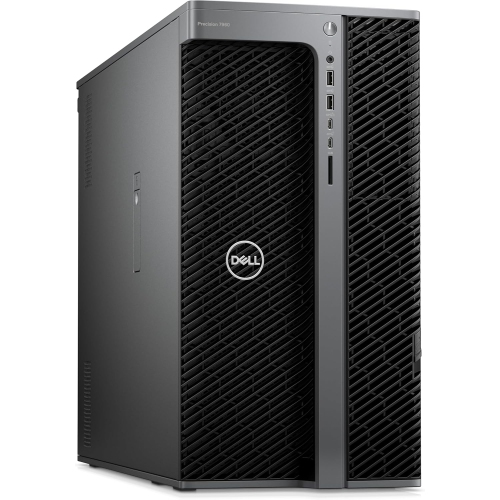
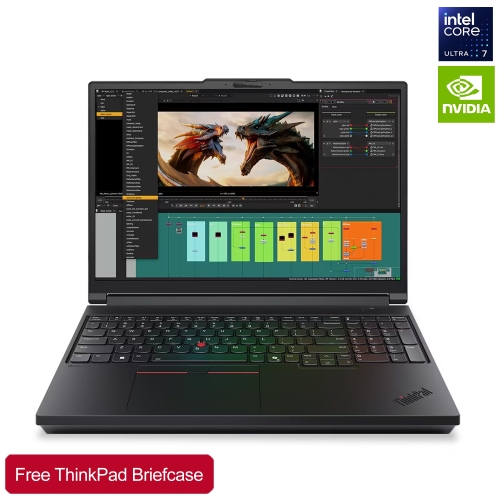
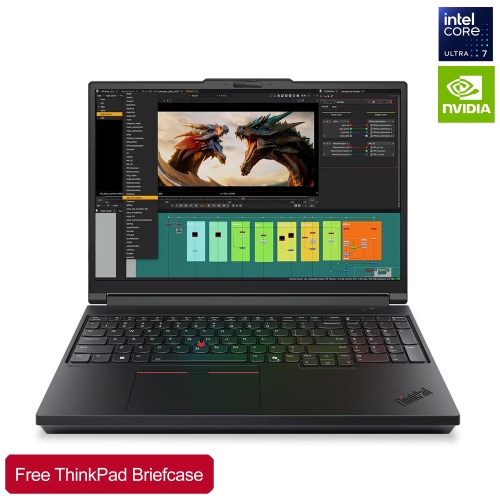
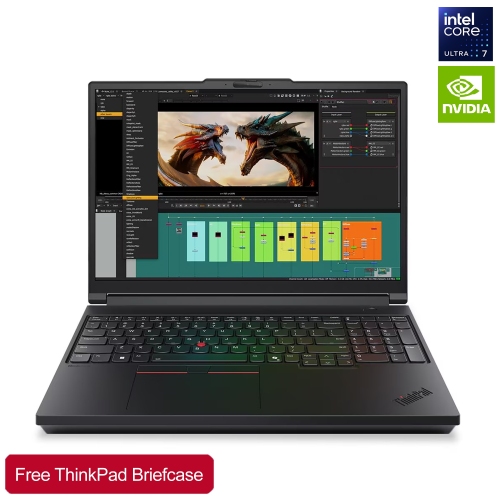
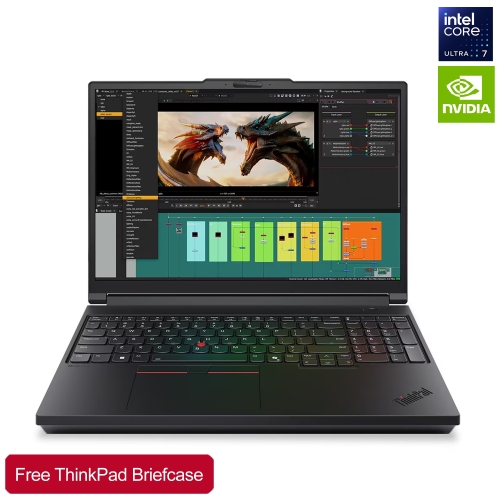
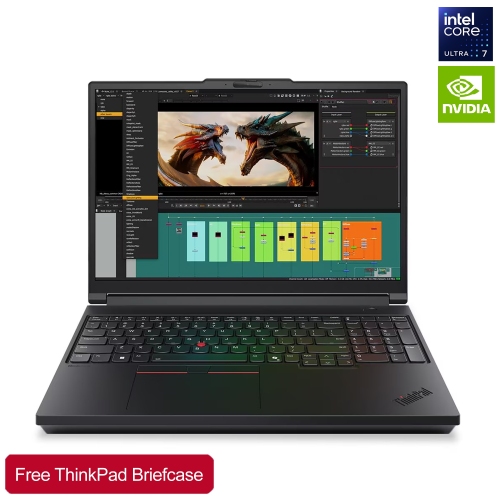
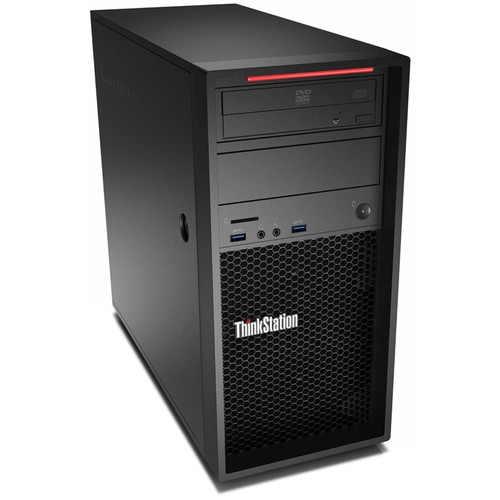
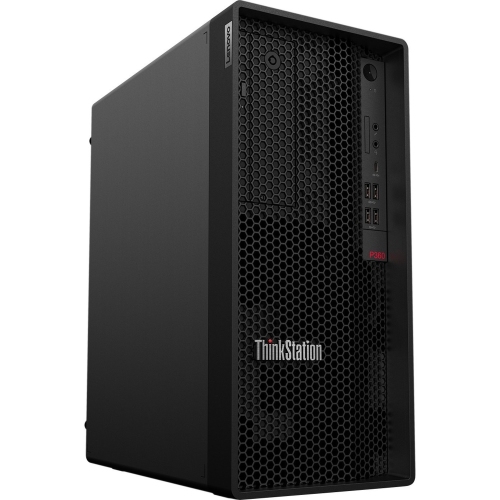
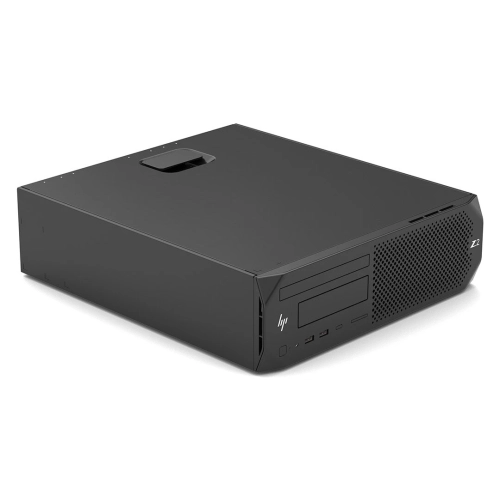
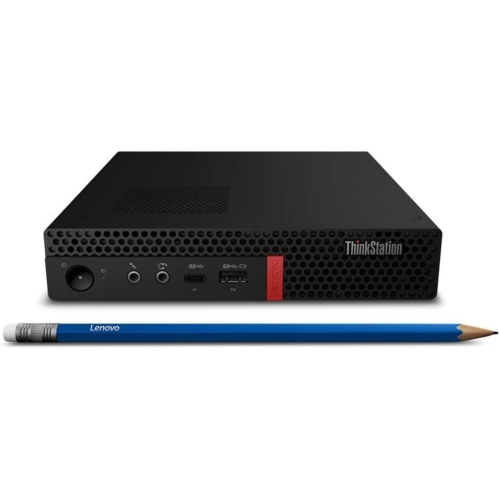
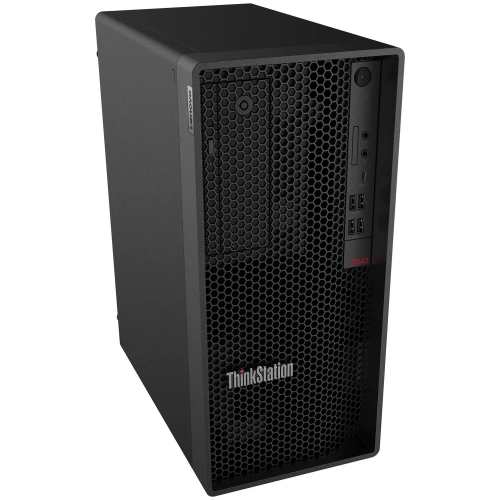
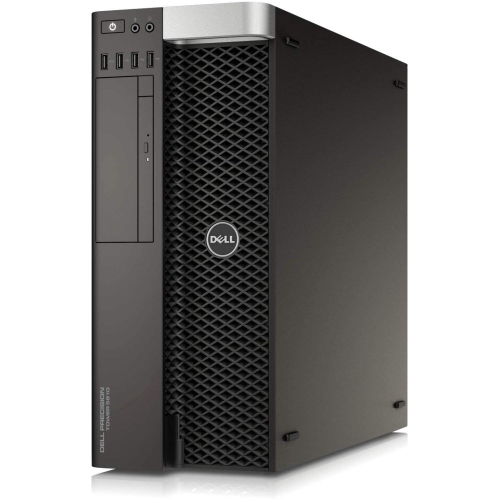
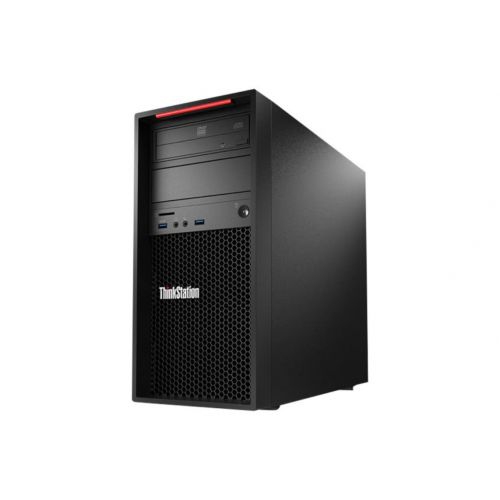
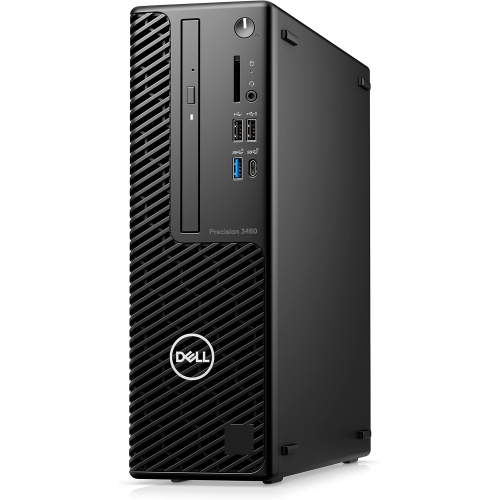
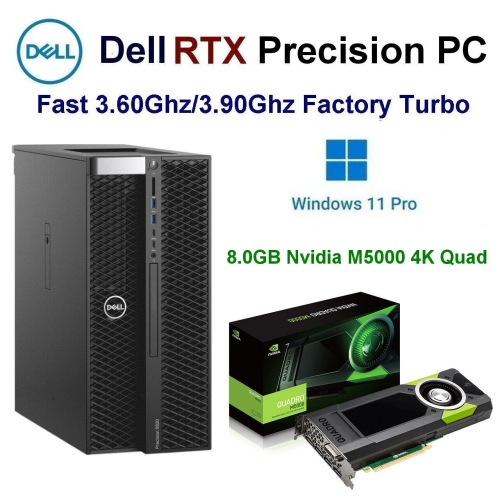
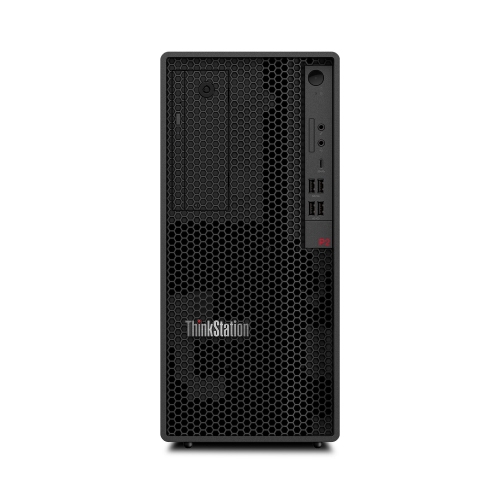
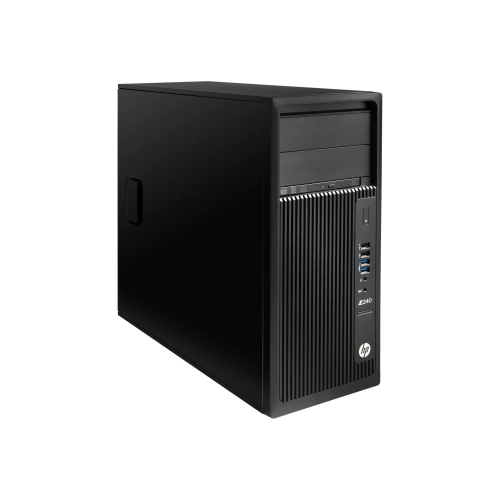
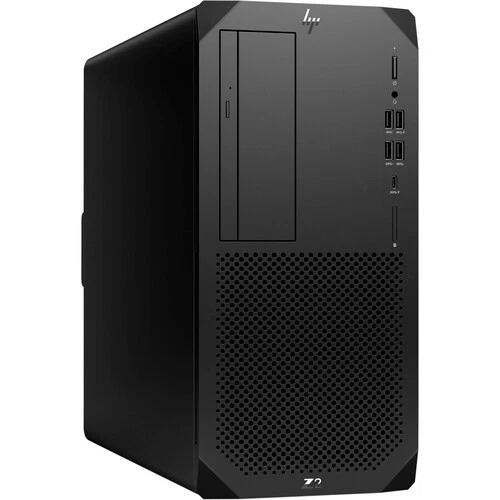

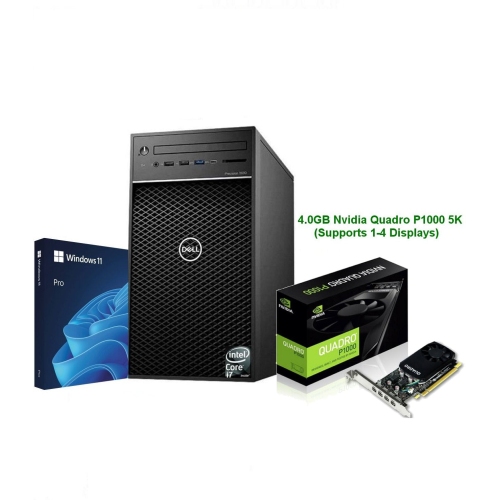
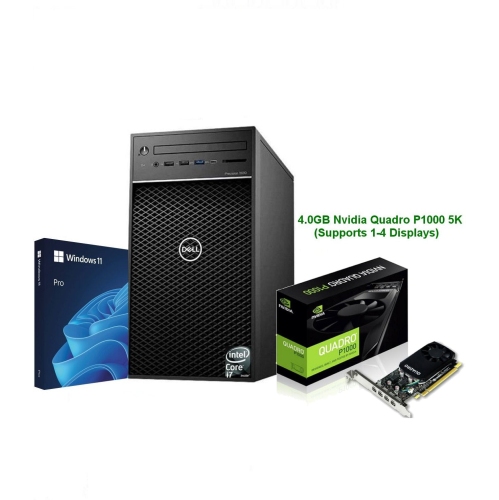
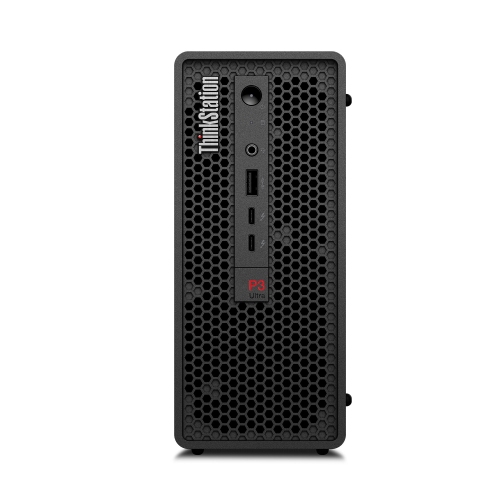
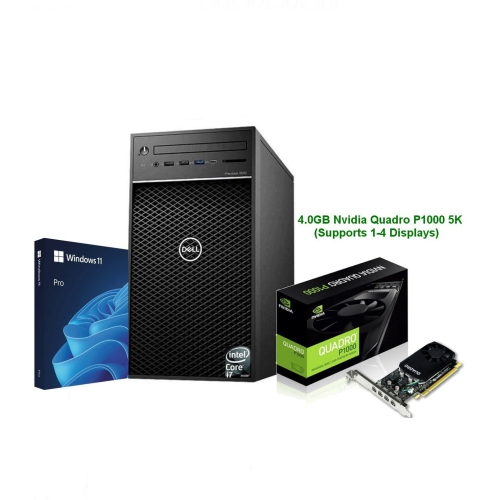
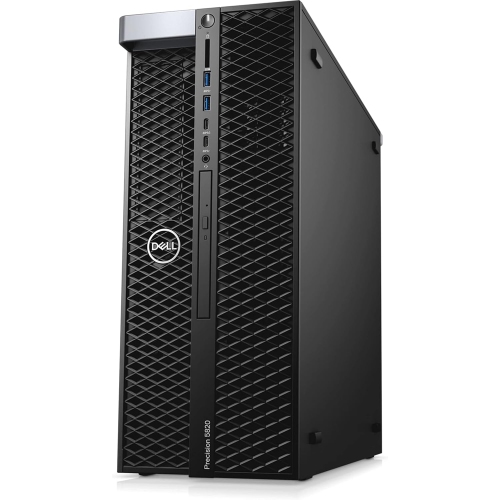
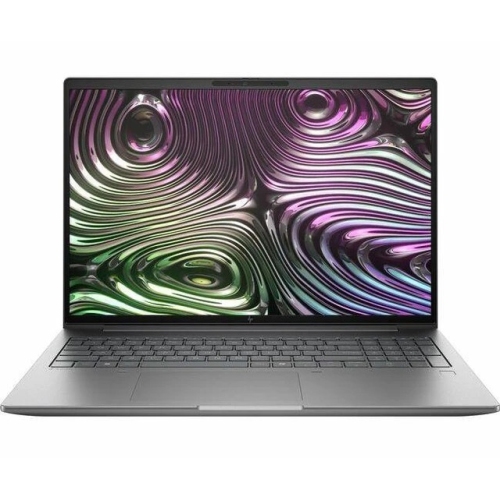
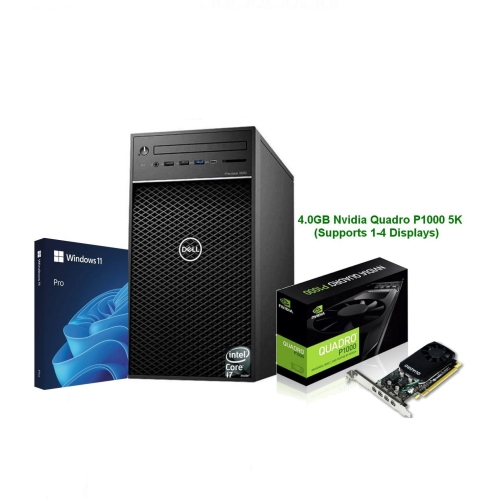
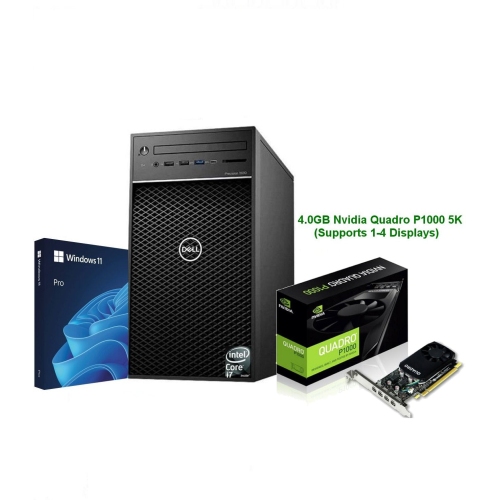
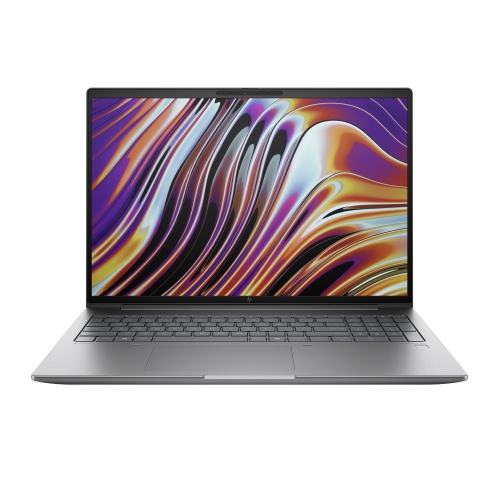
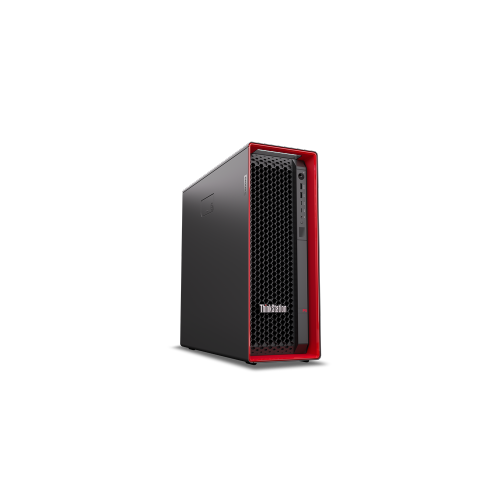
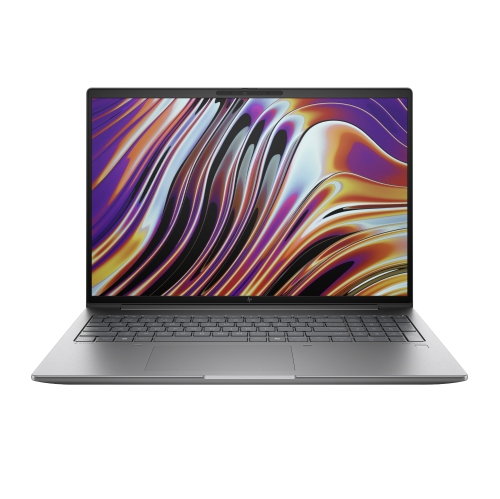
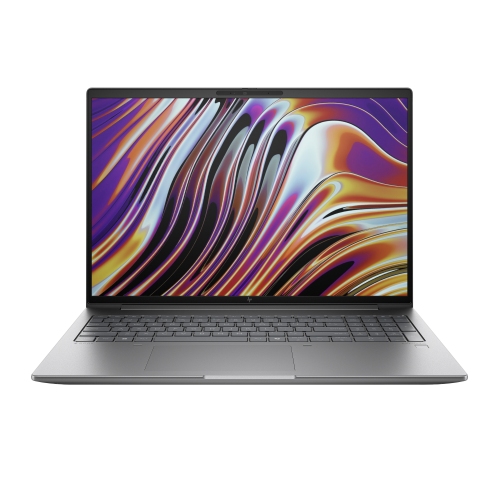
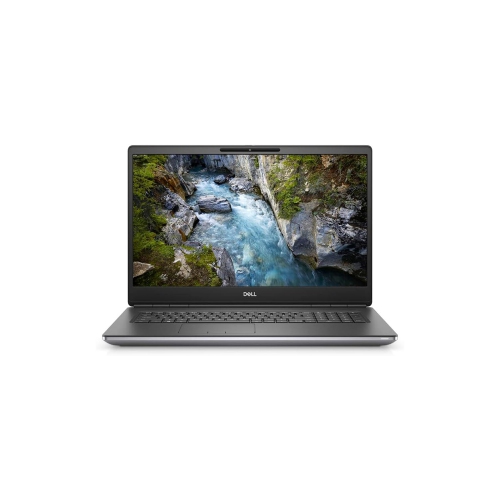
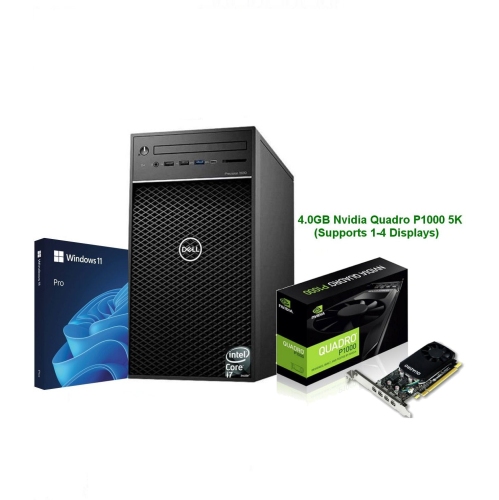
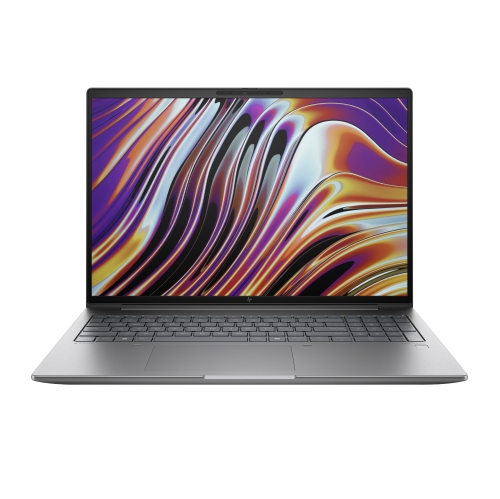
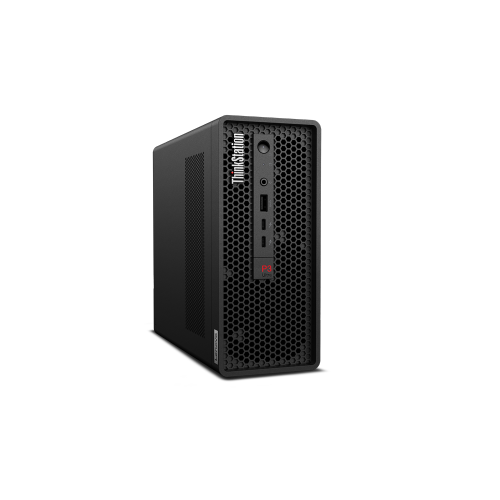

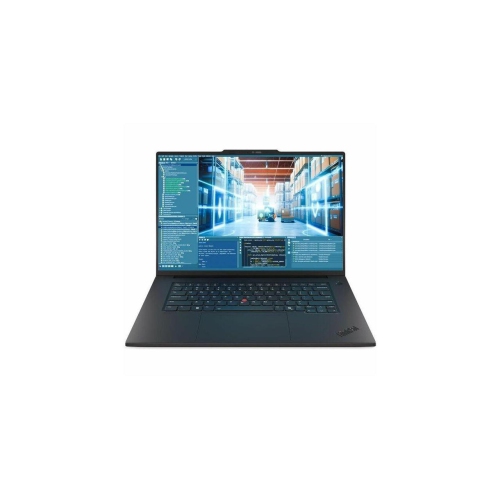
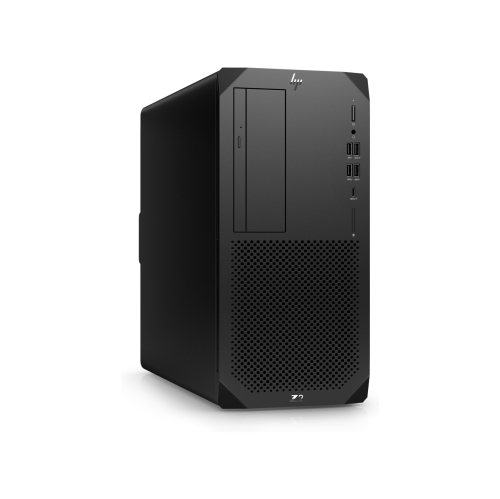
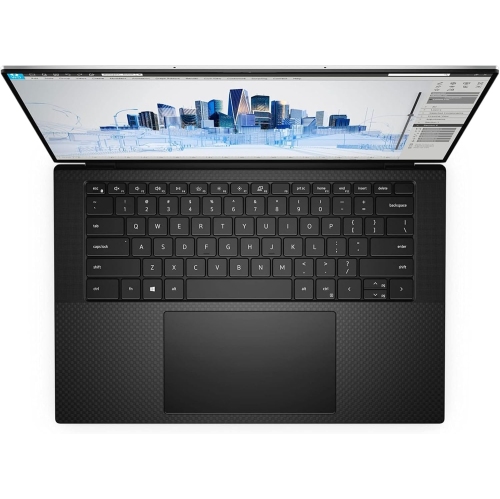

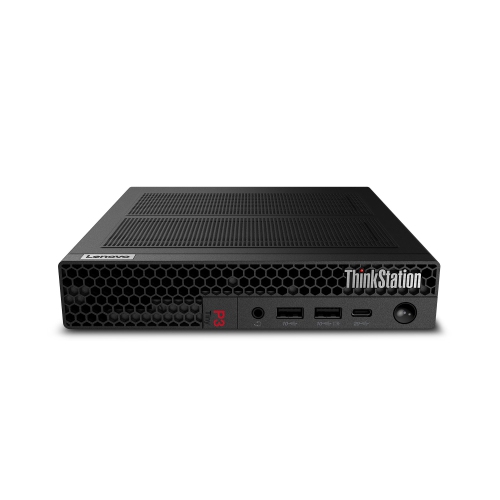
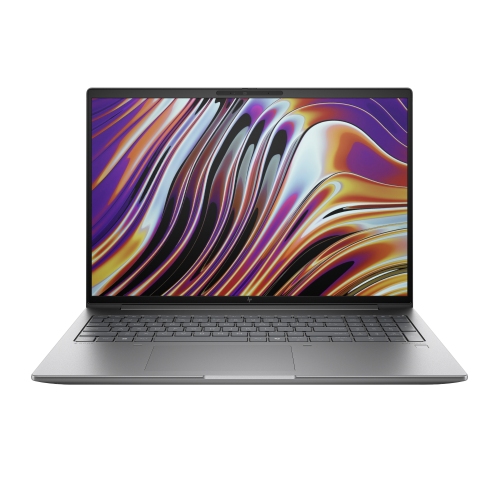
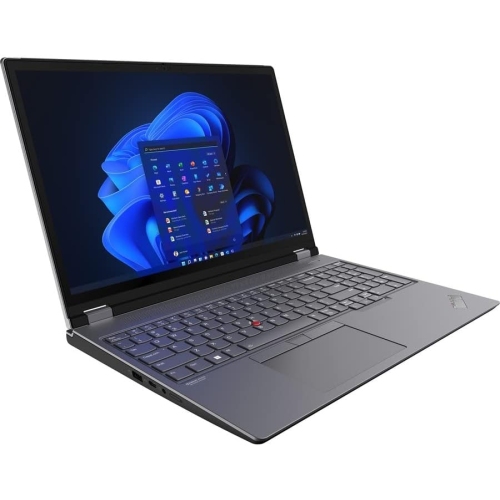
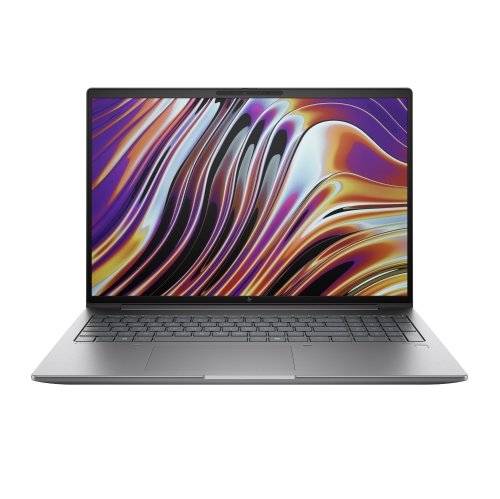
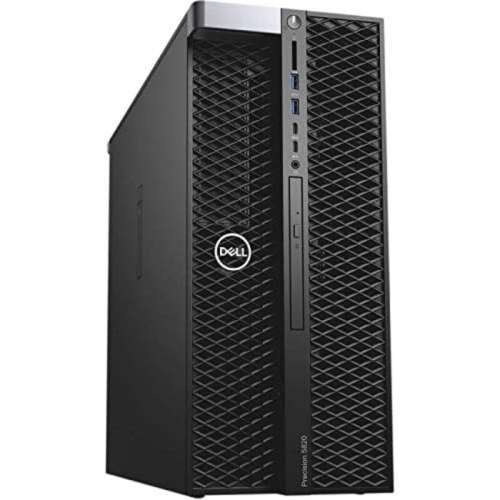
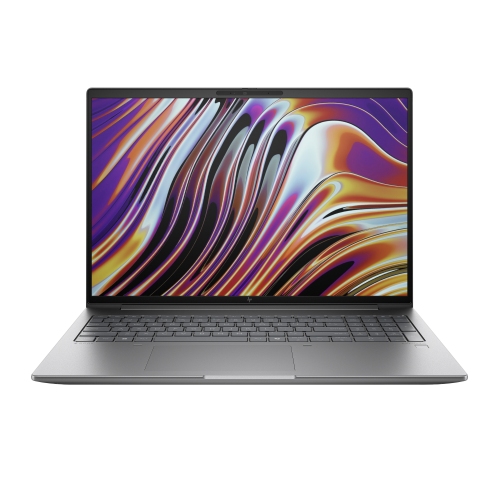
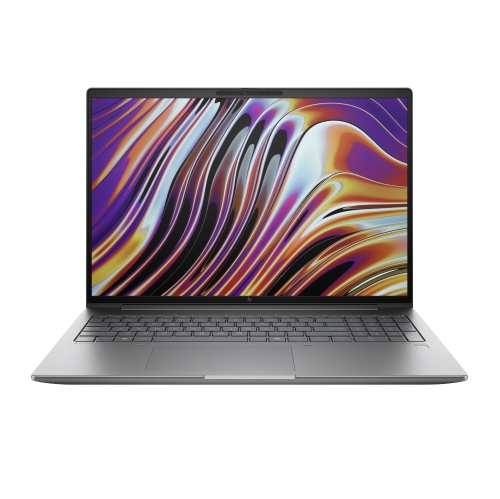
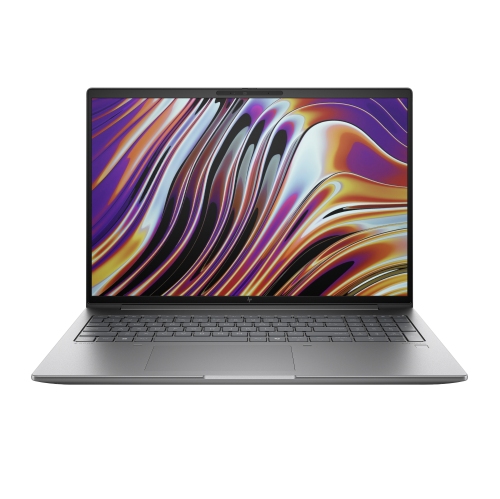
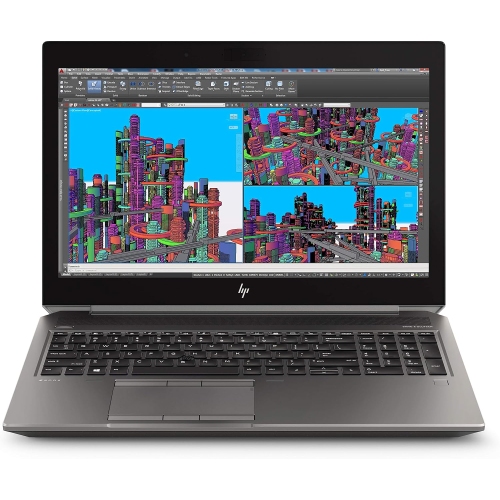
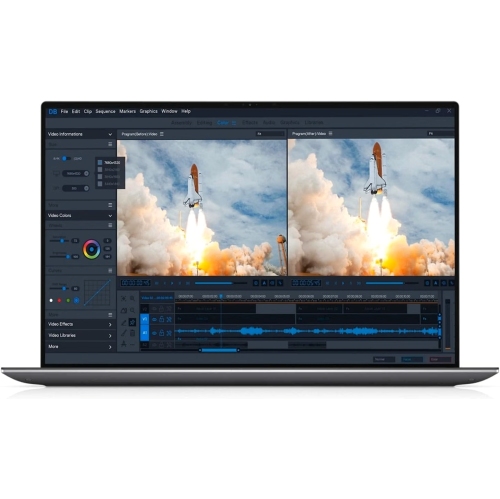
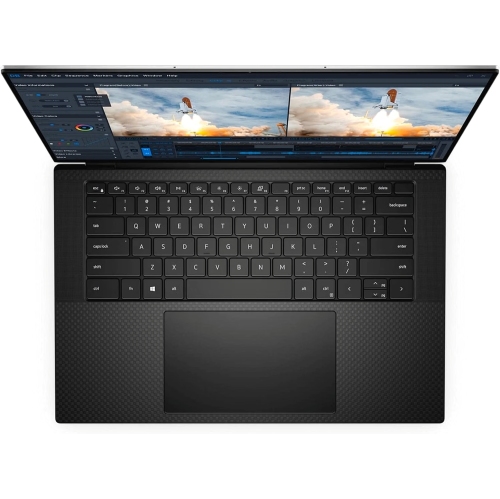


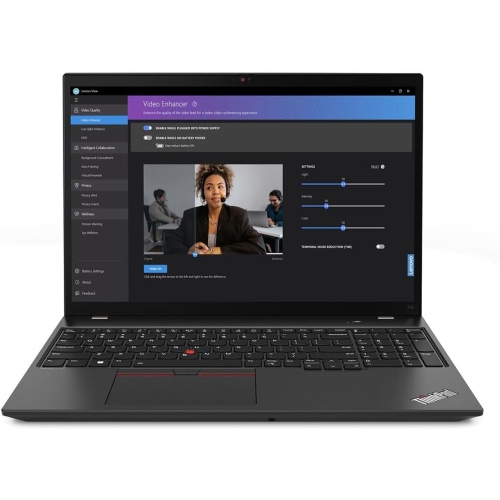
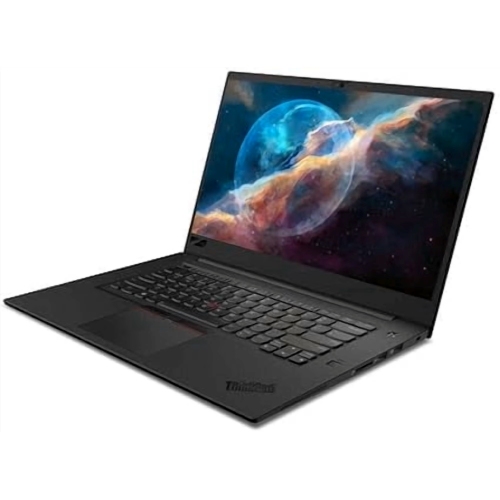

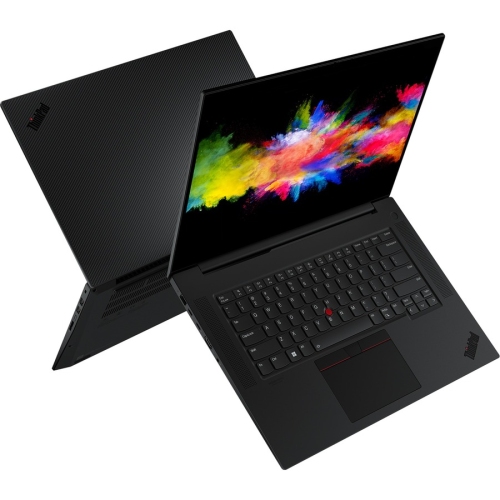
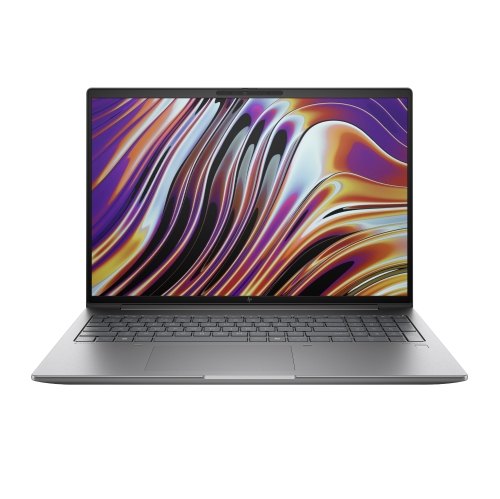

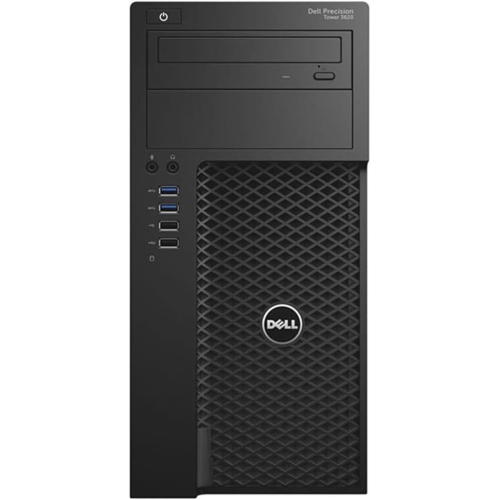
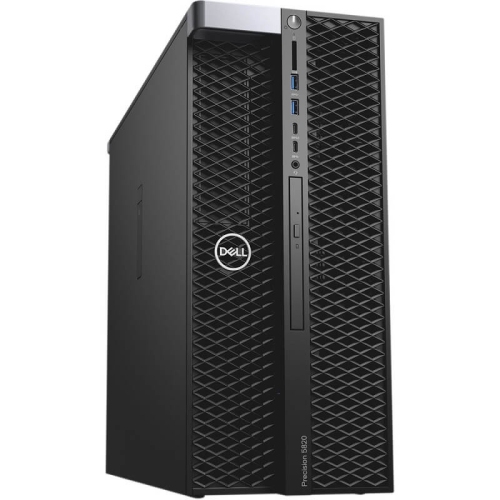
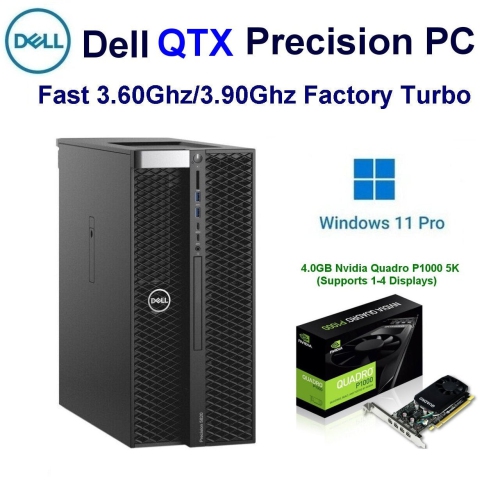
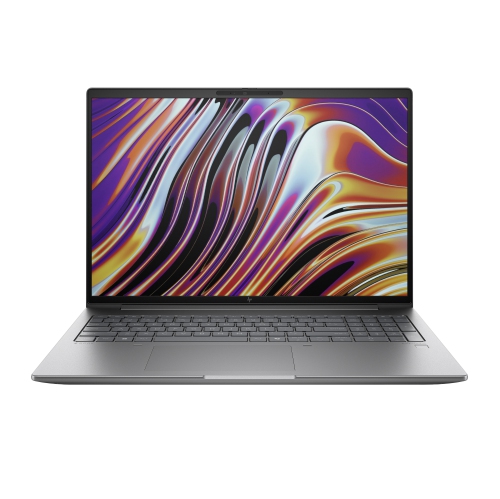
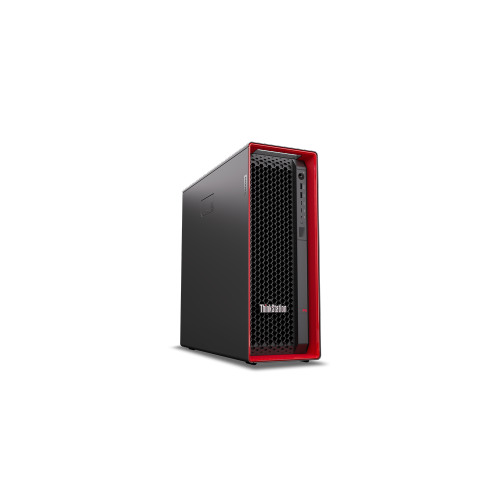
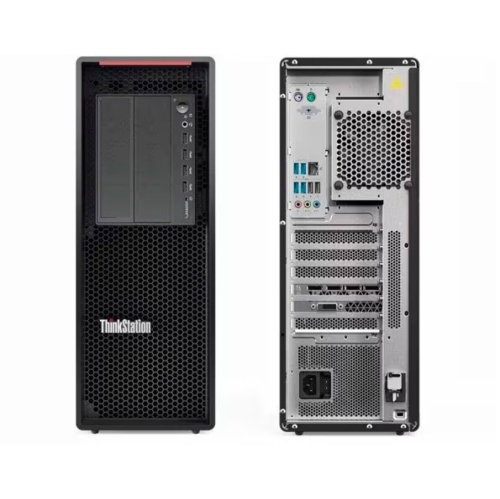
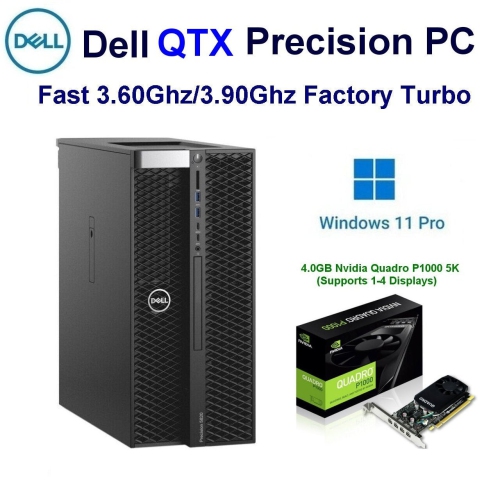
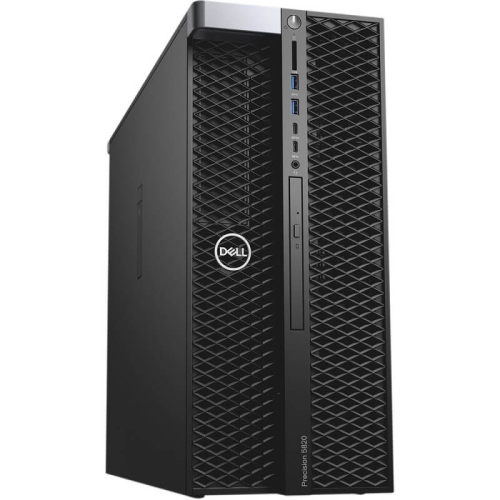
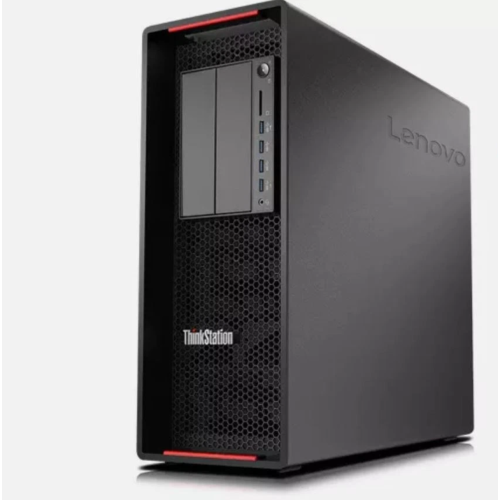
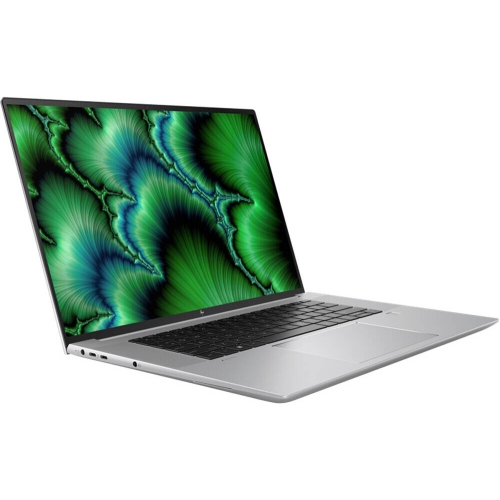
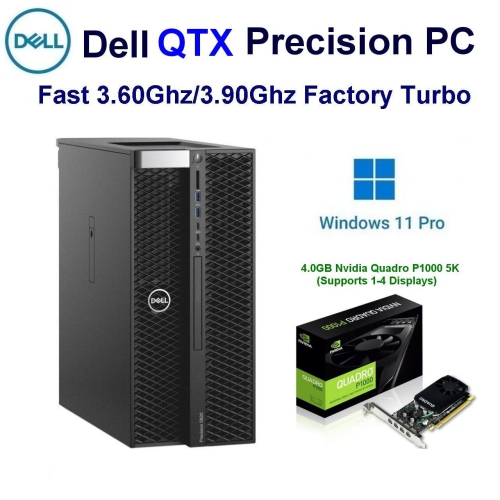
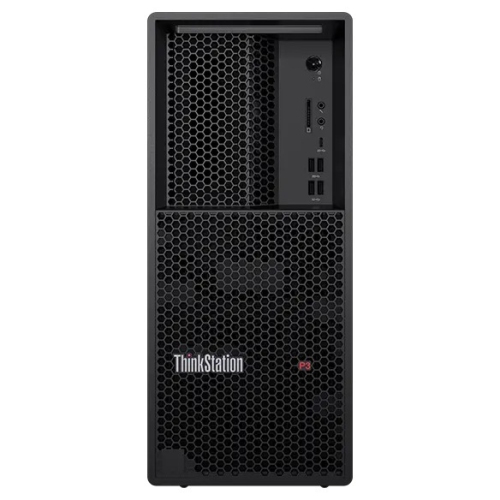
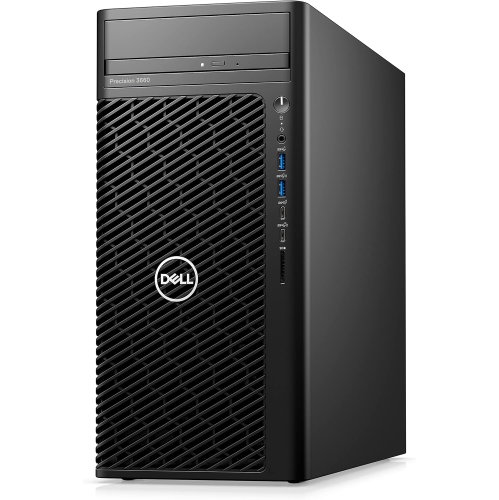
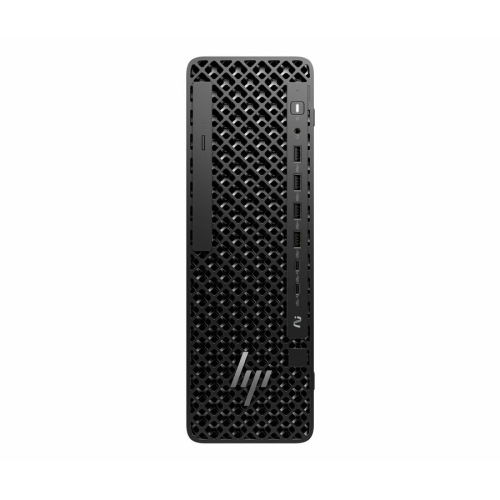
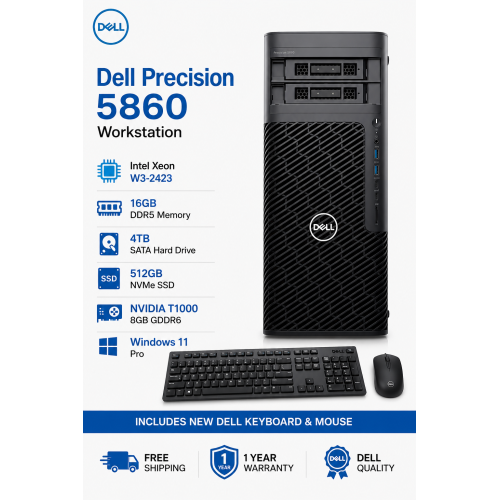

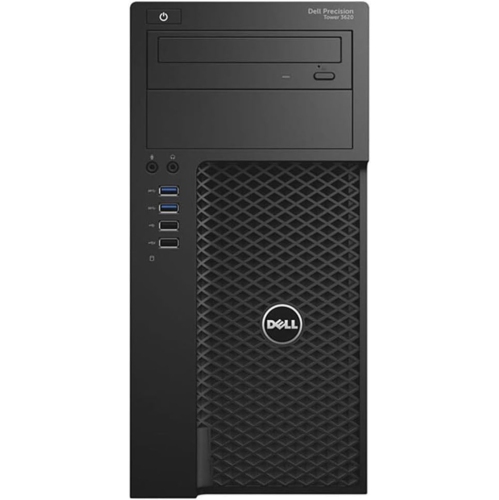
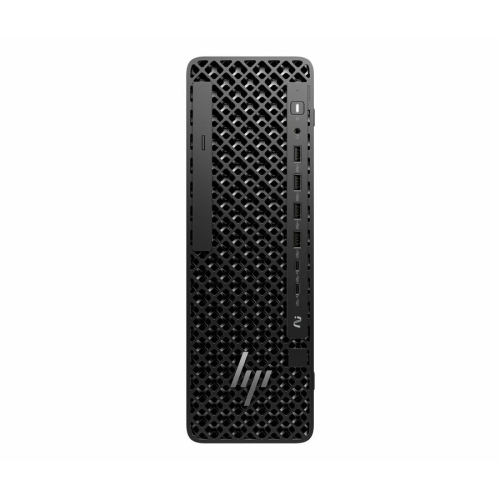
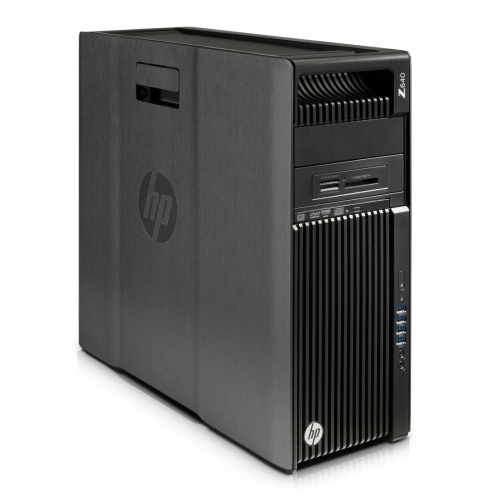
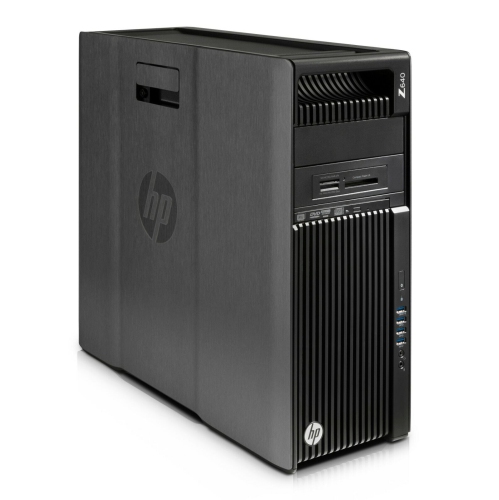

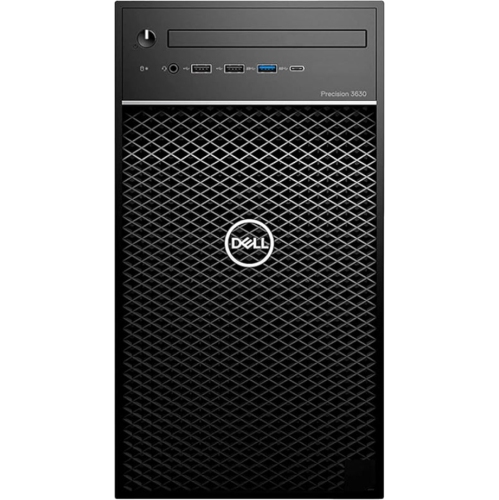
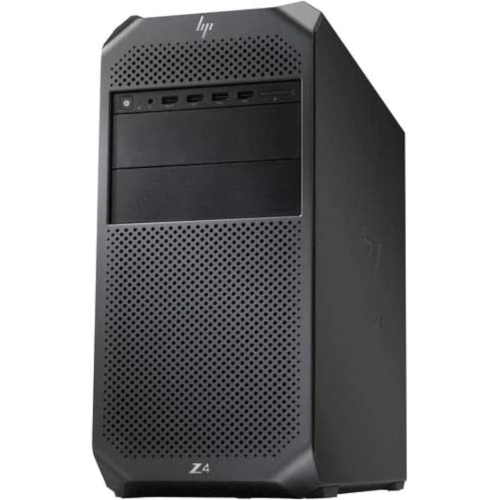
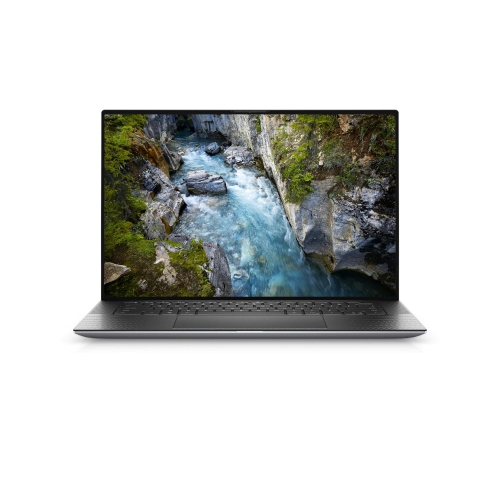
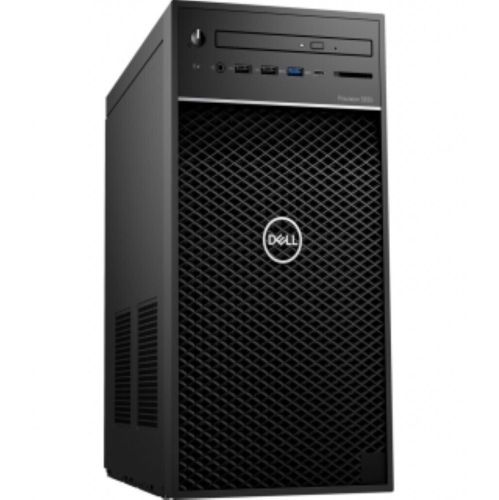

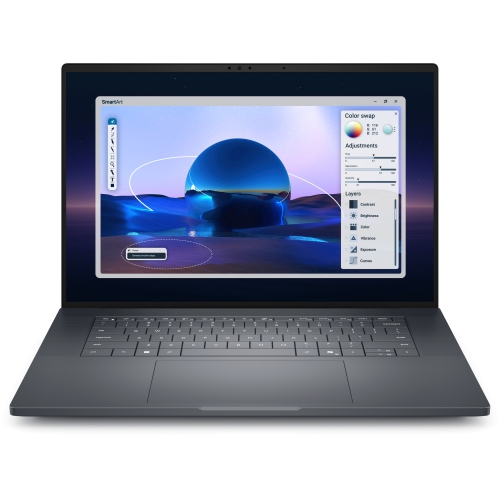
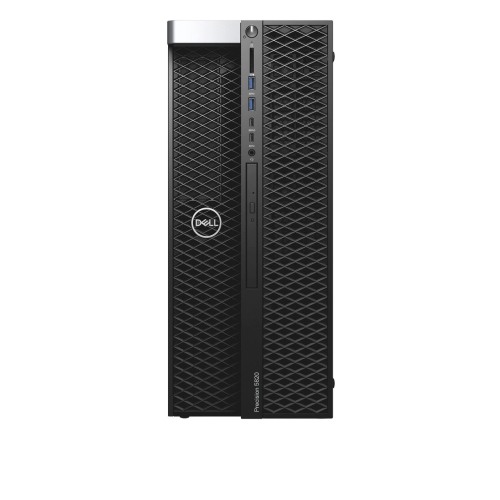
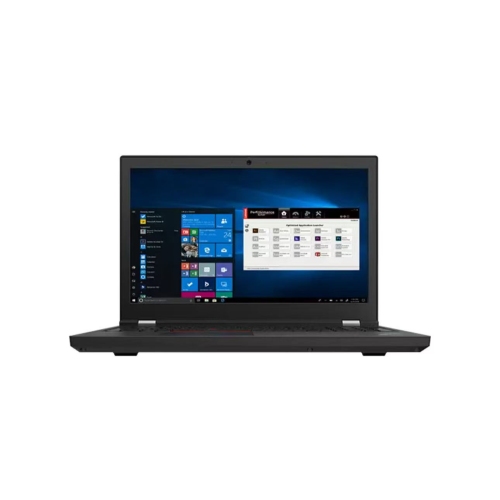
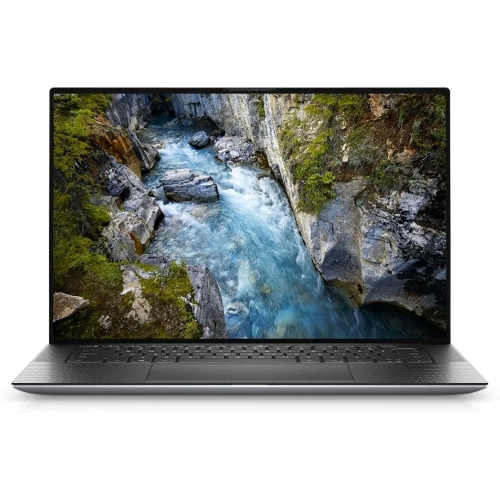
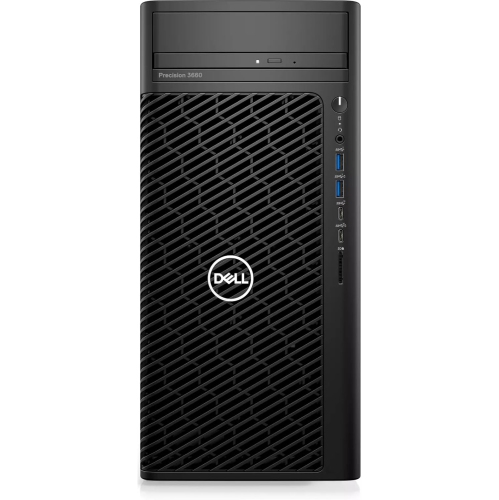
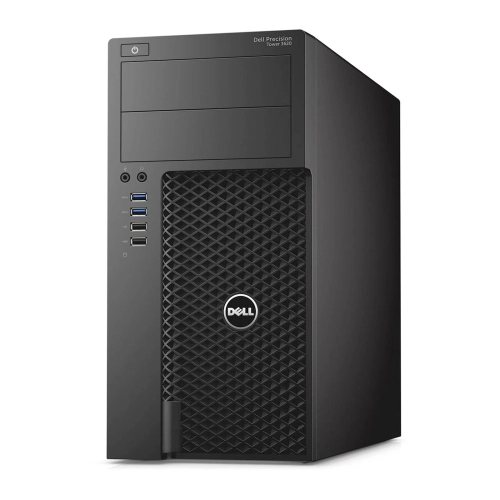



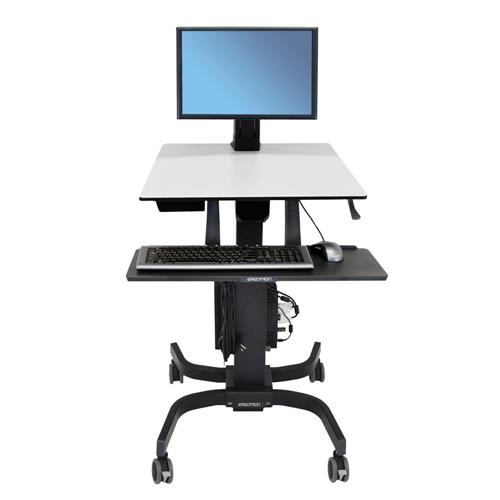
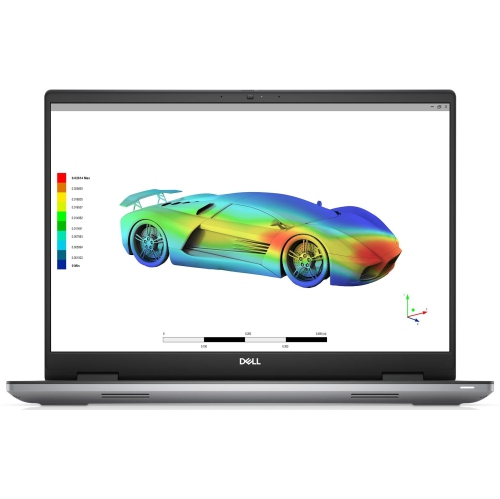
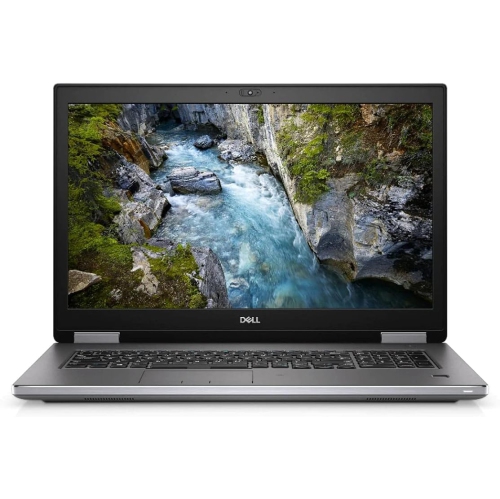
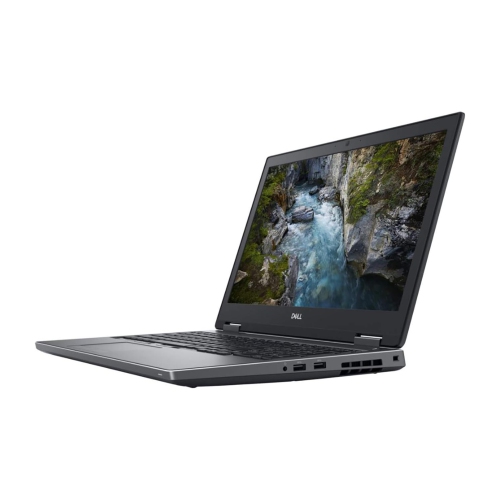
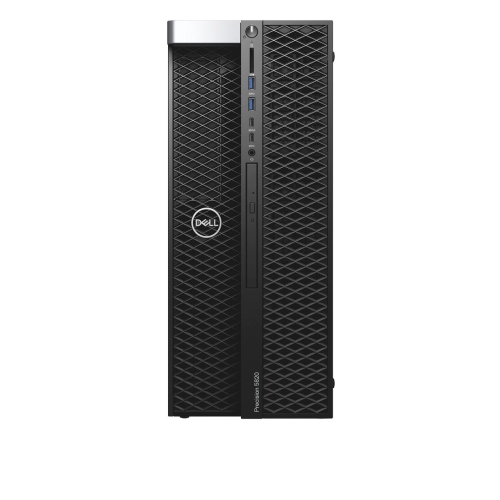
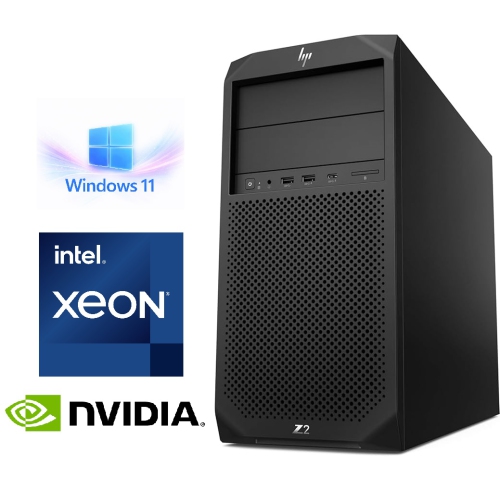
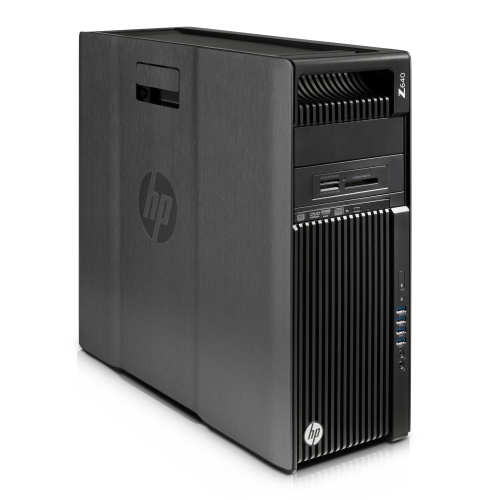
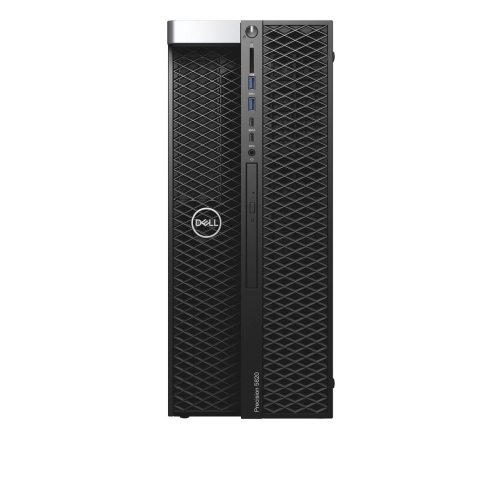
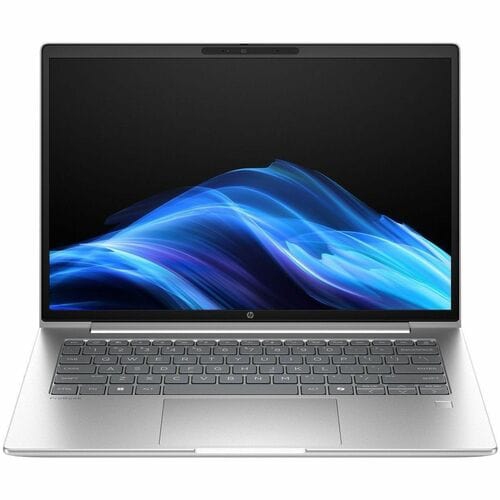
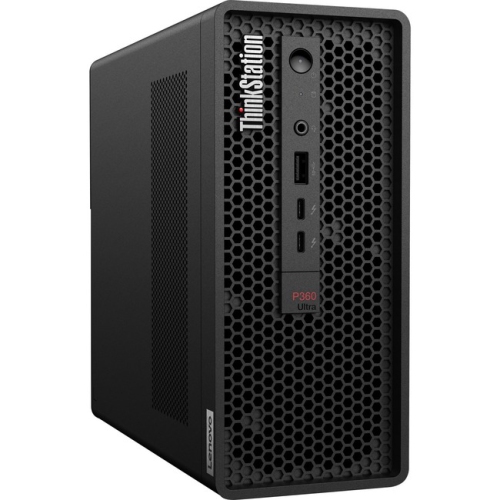
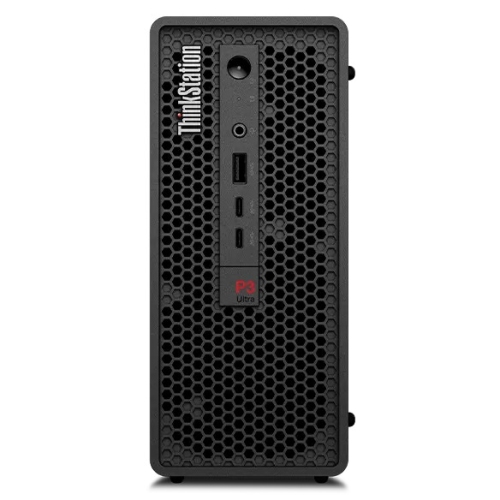
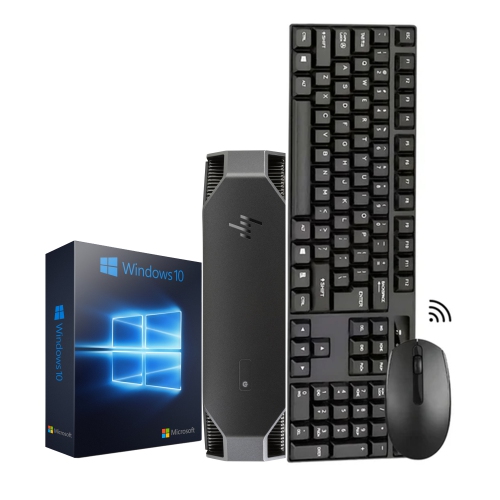
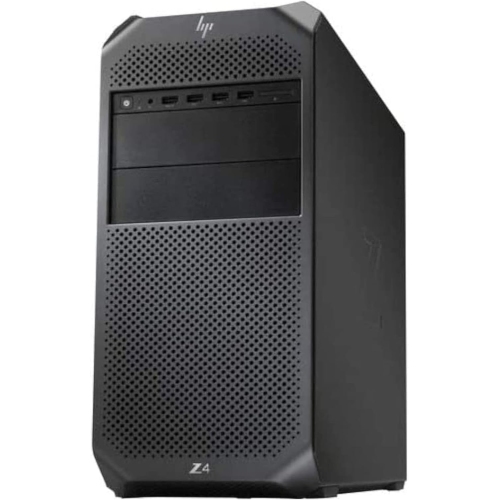

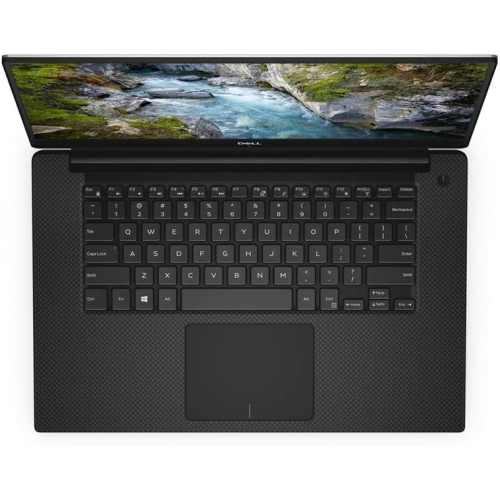
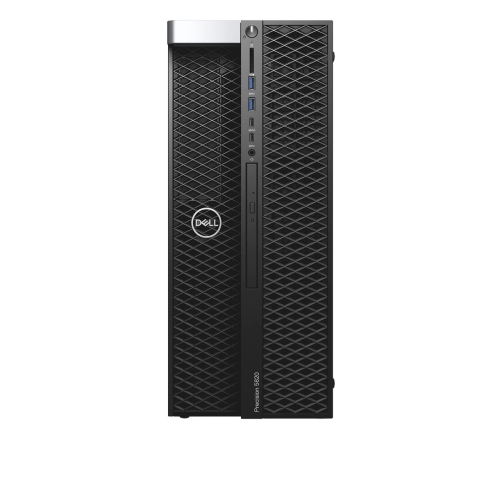
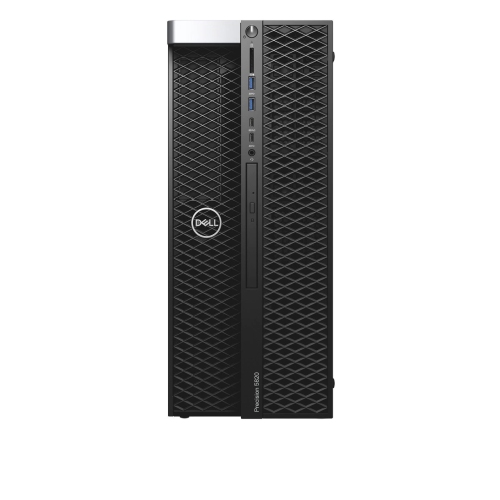
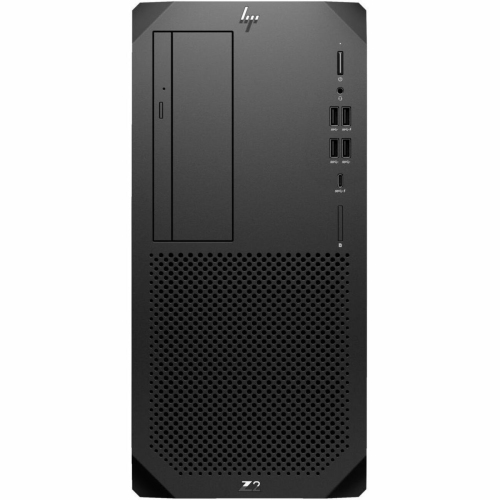
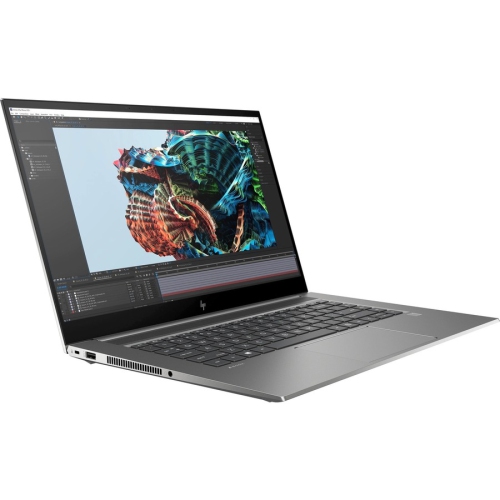
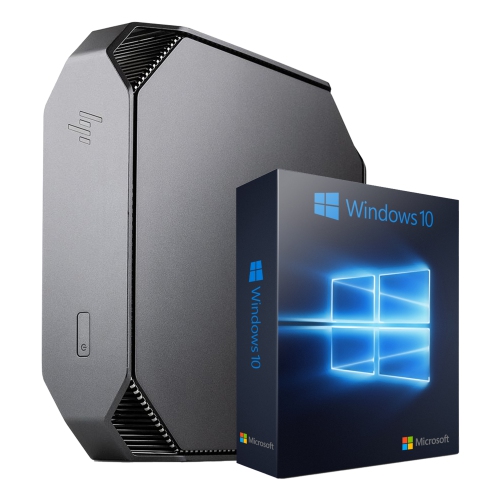

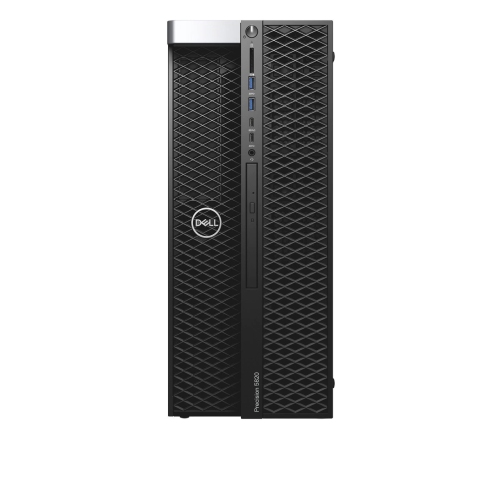
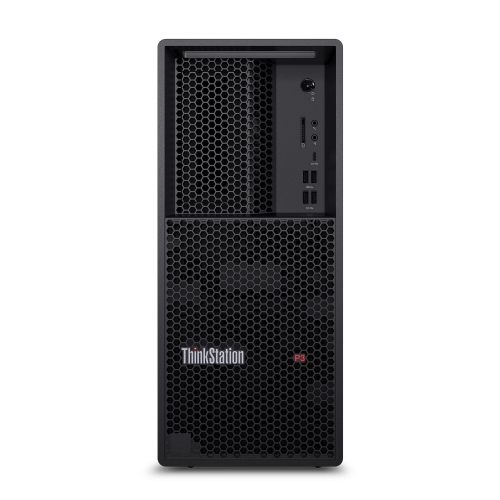
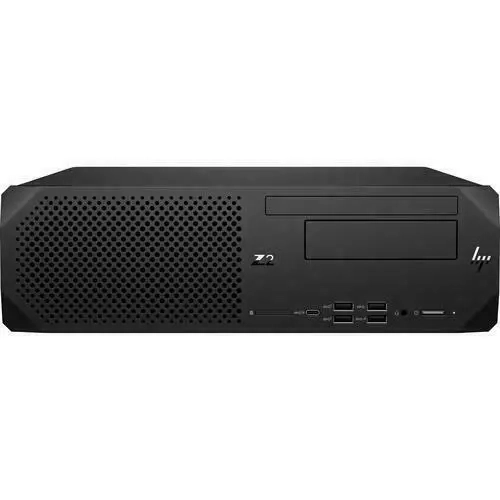

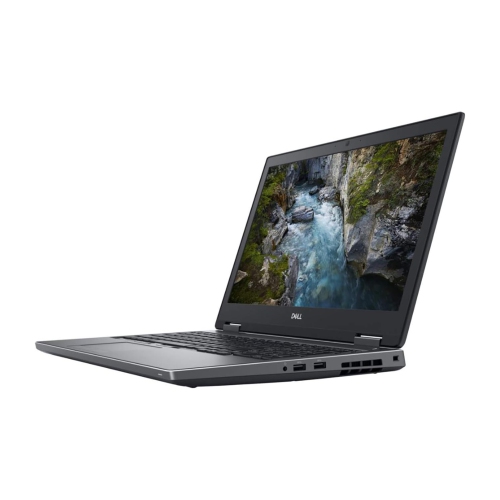
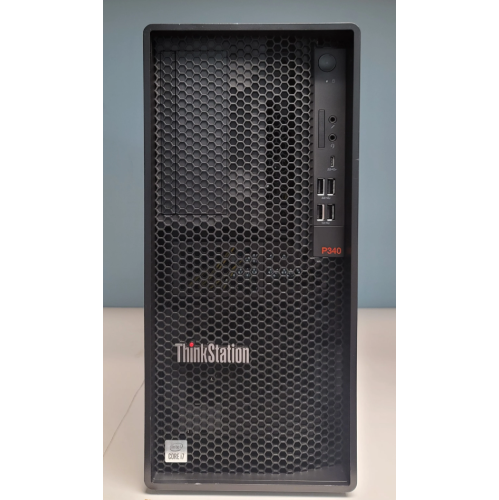
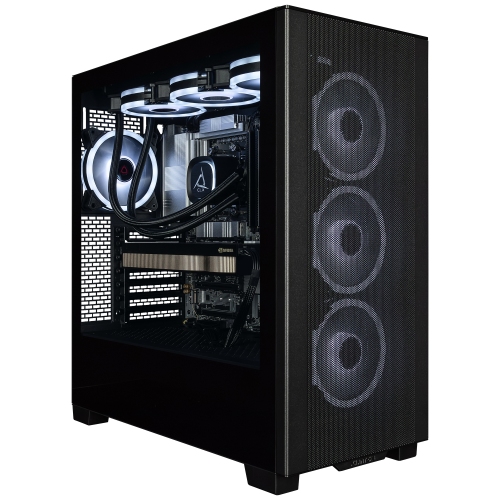
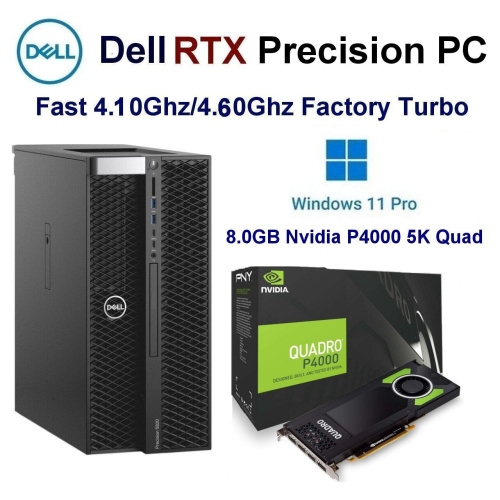
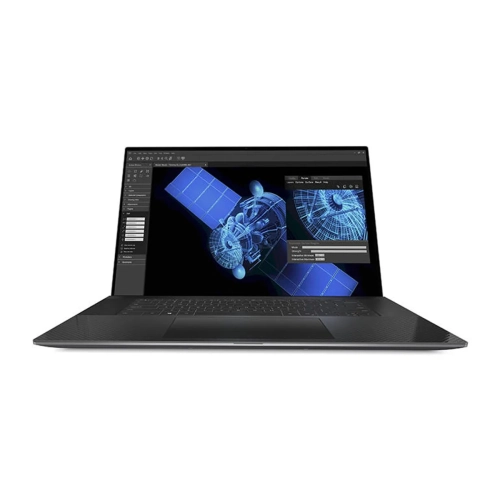
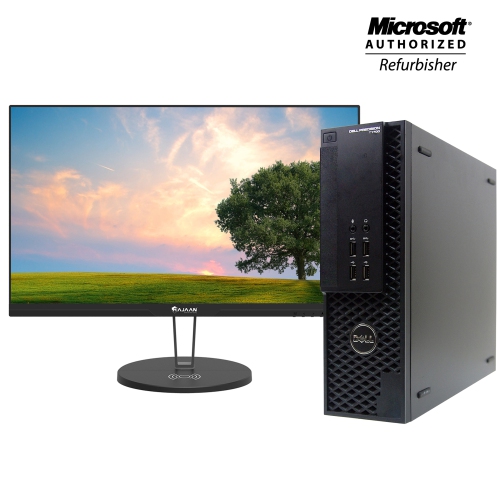
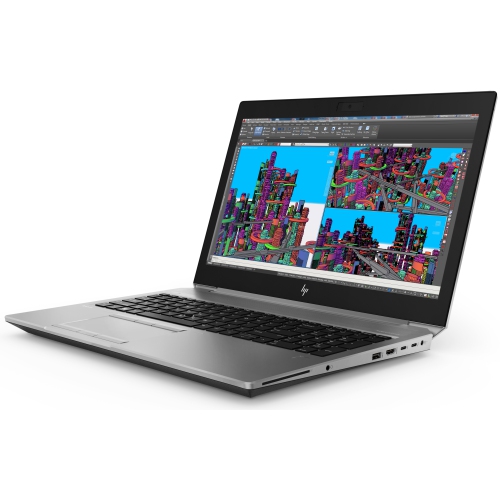
Key hardware considerations for demanding design workflows
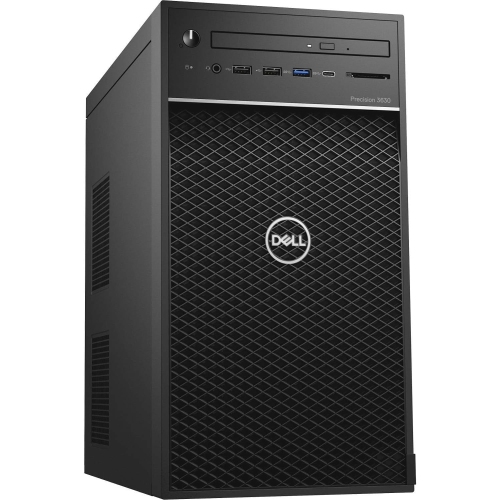
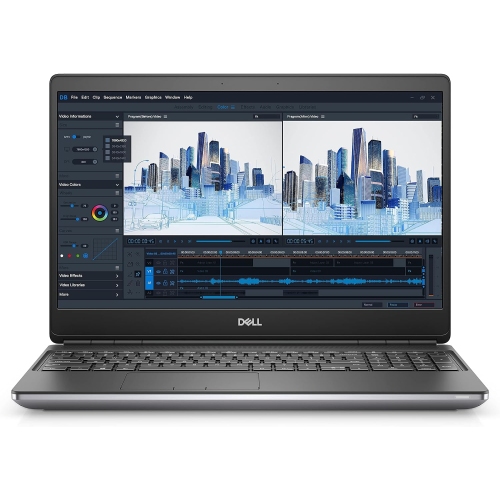
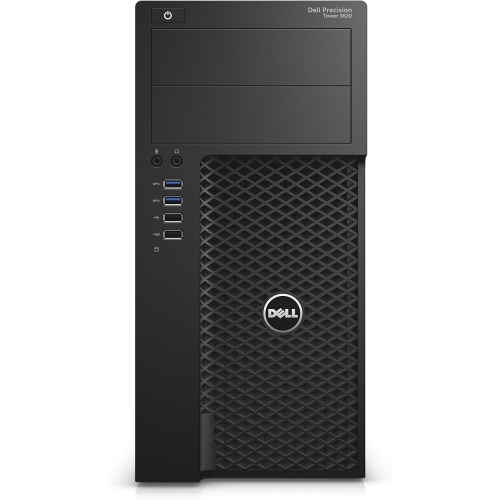
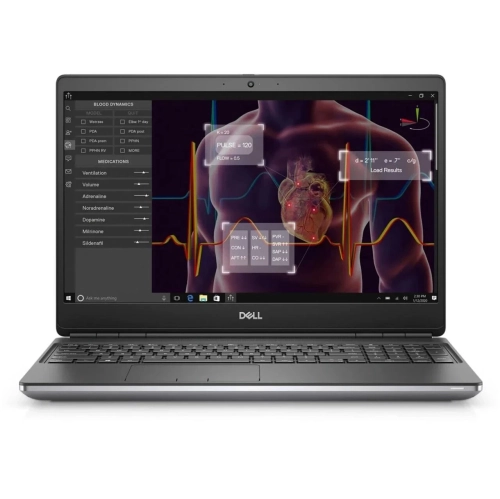
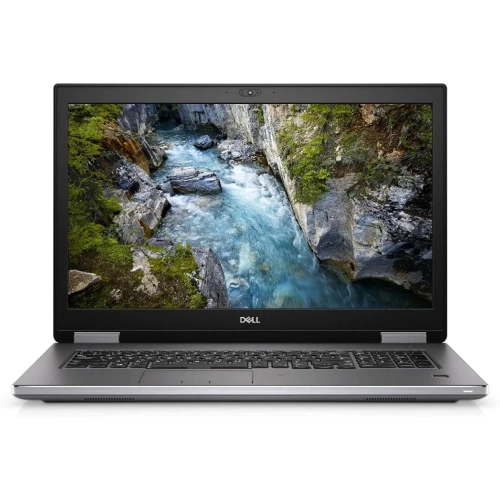
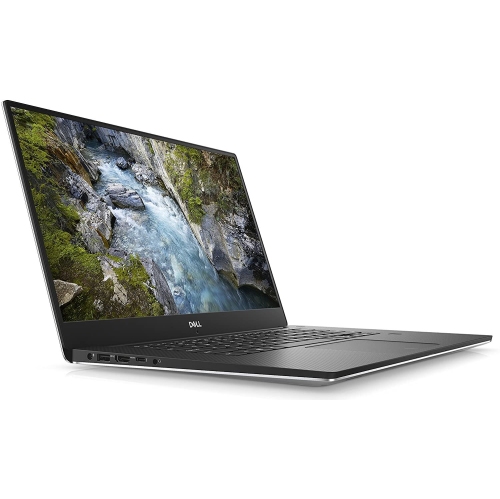
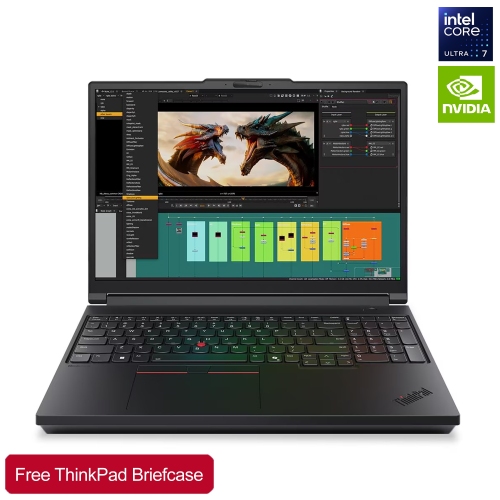
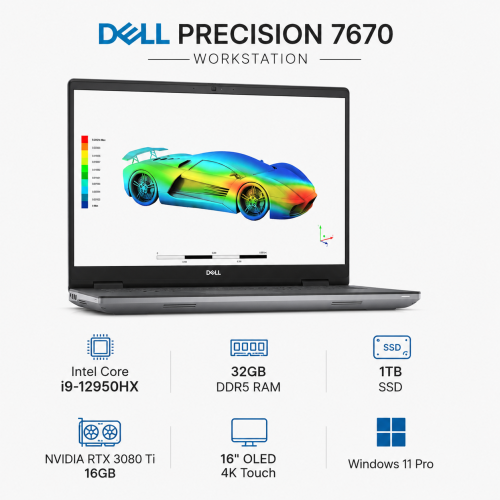
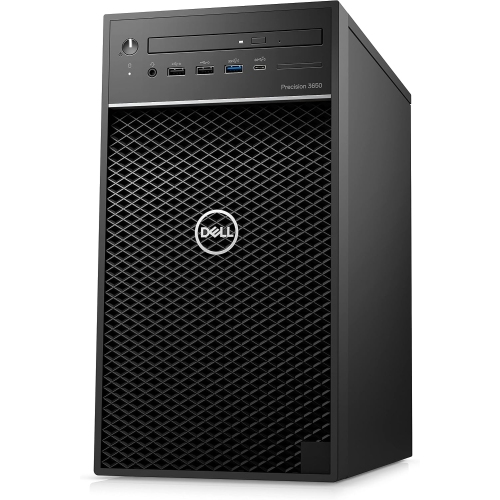
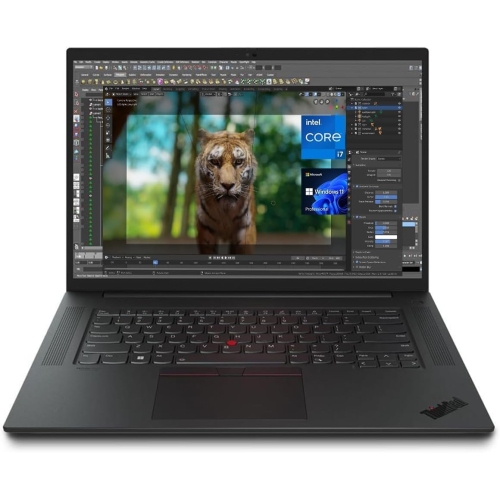
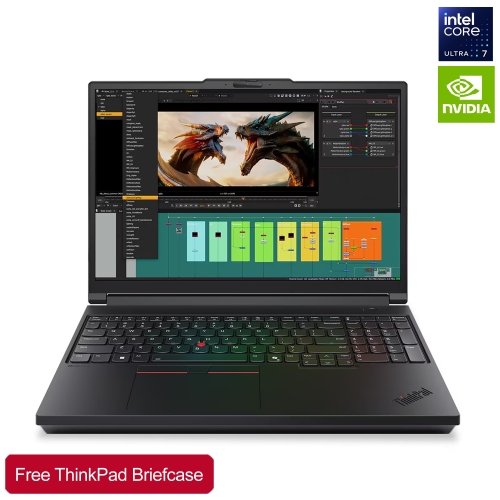
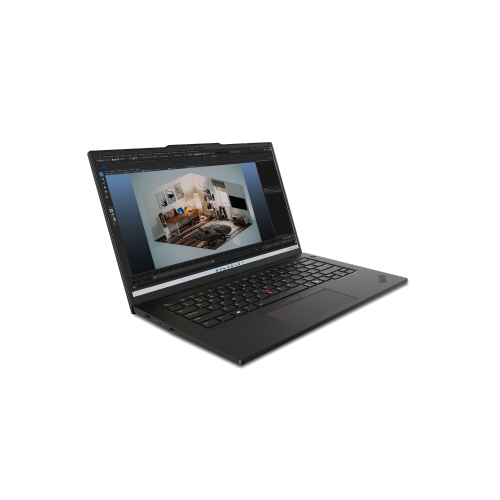
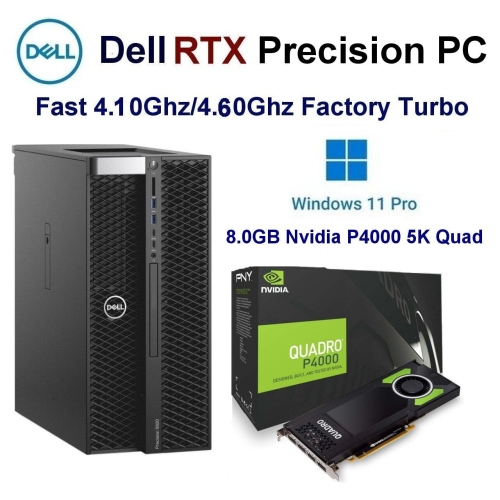
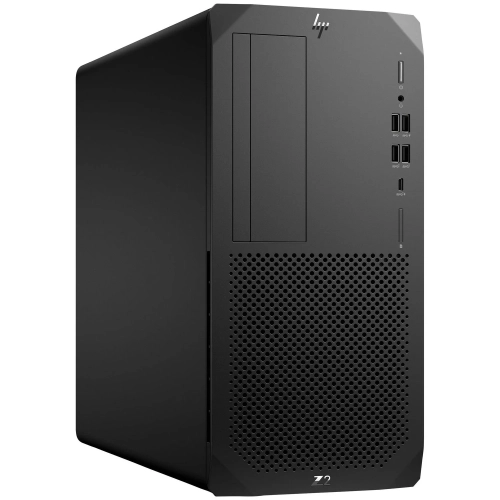
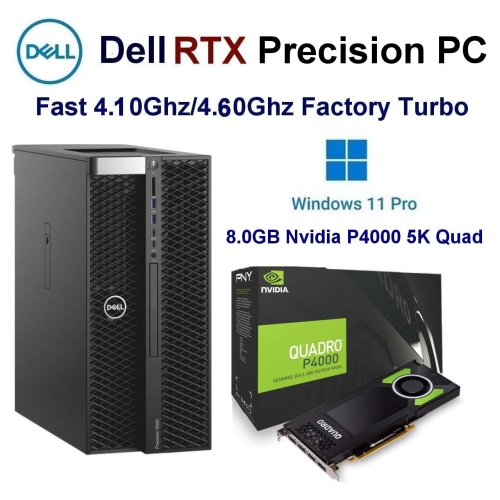
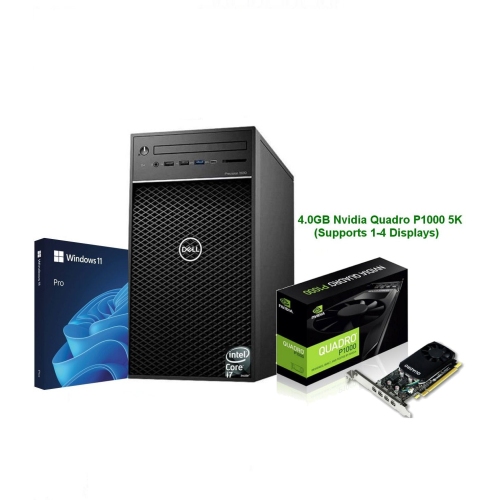
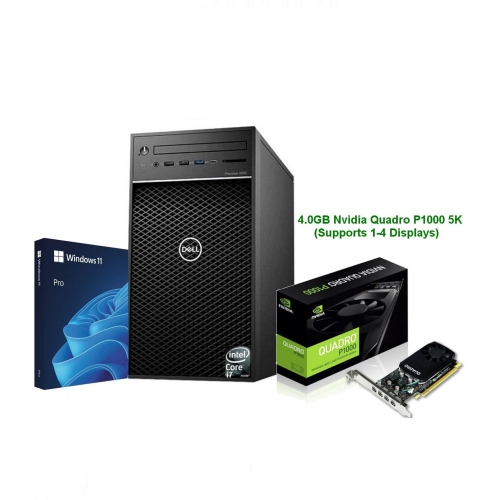
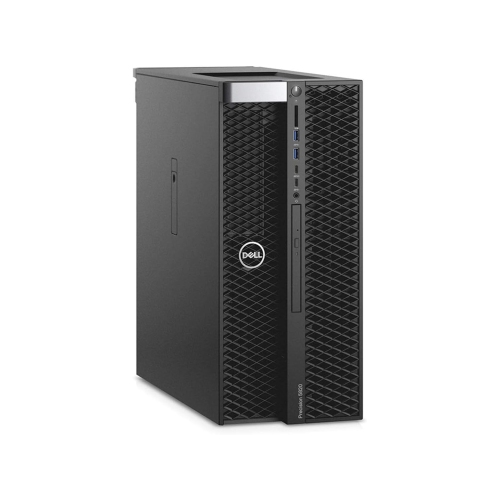
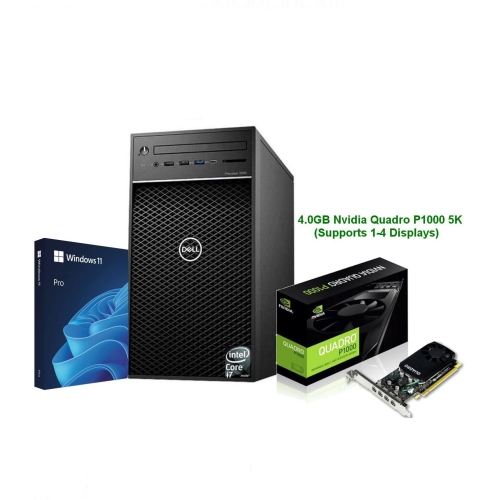
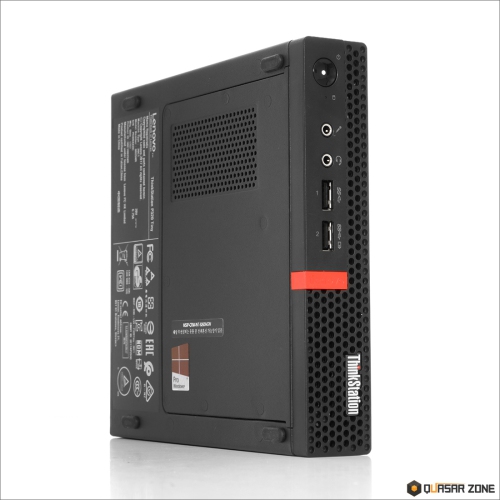
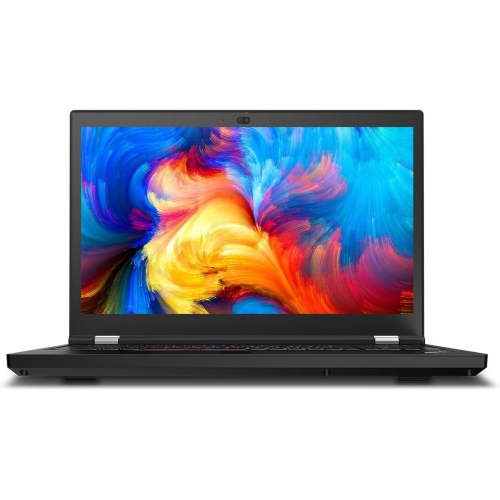
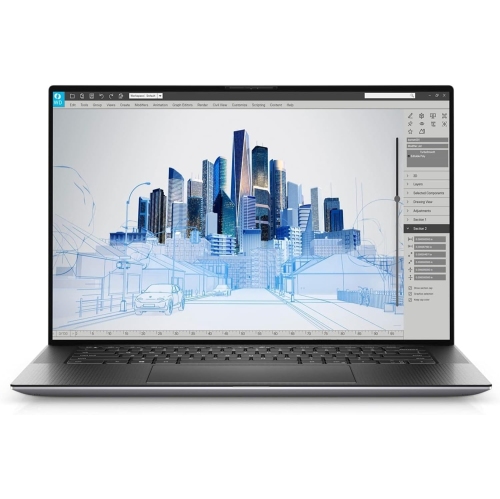
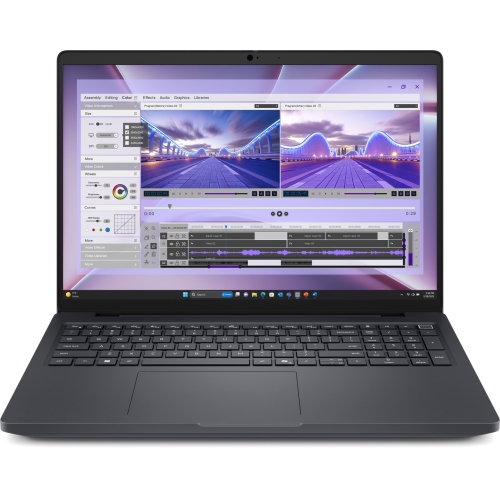
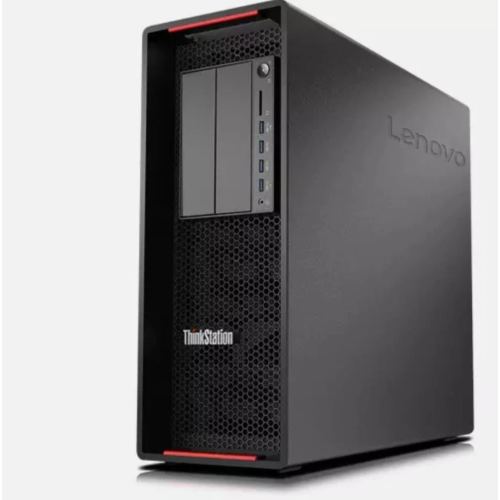
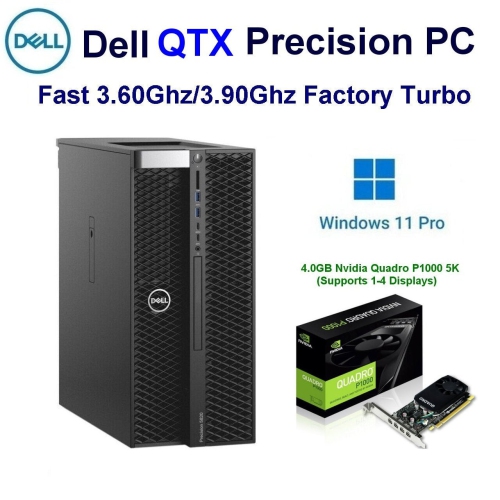
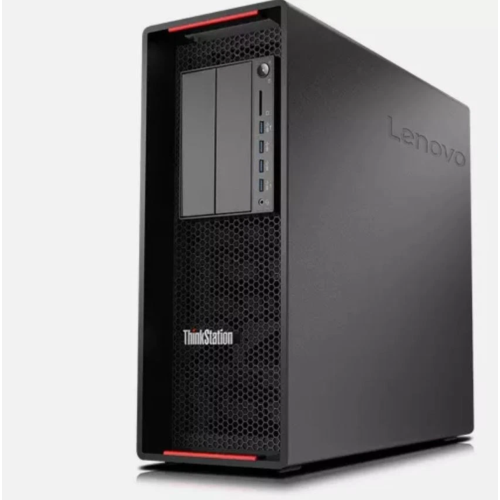
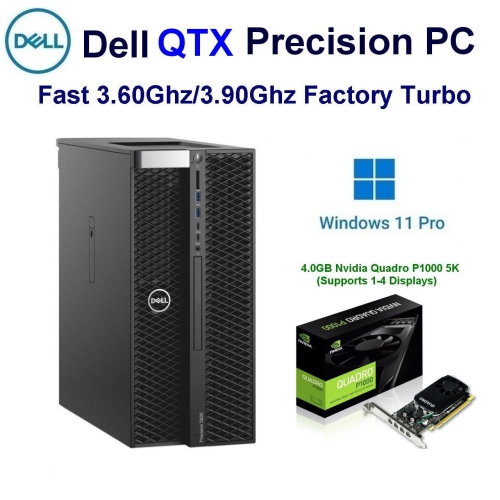
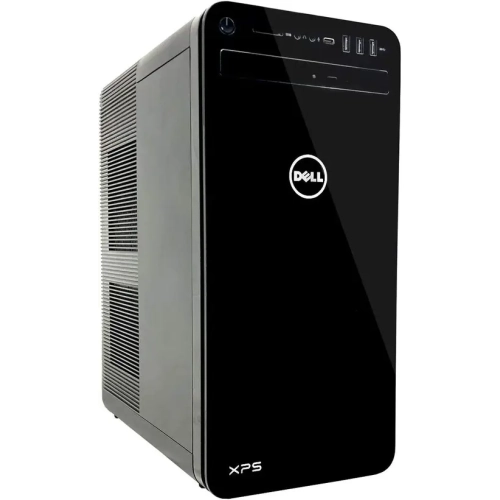
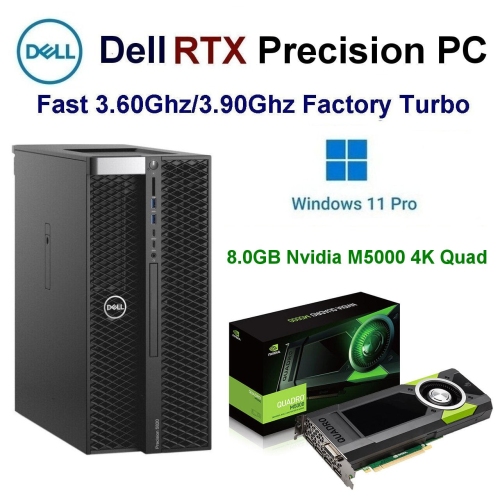
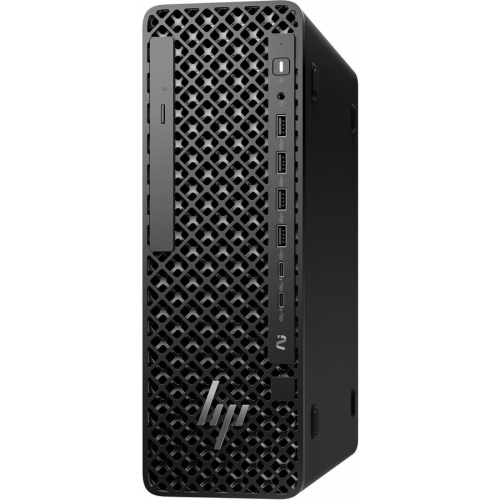
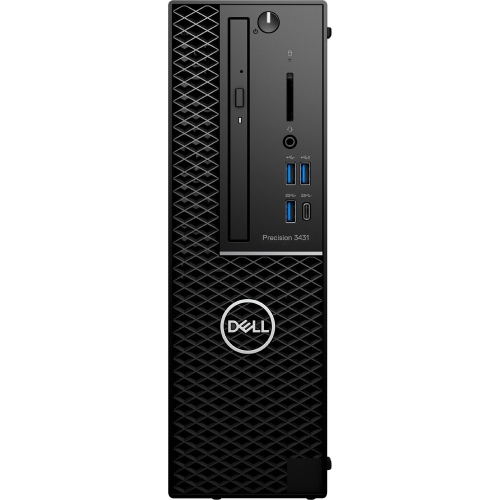
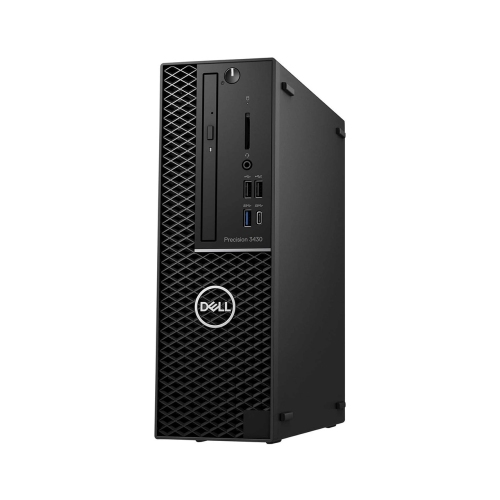
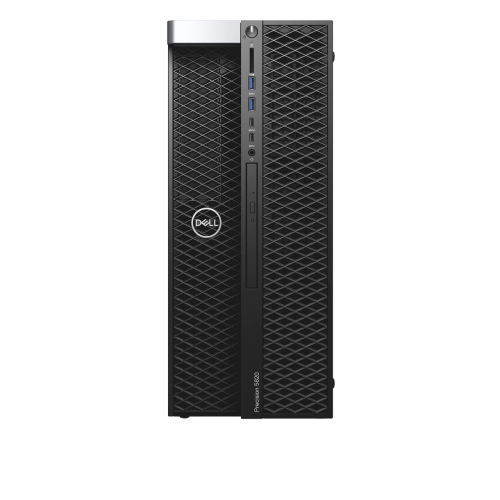
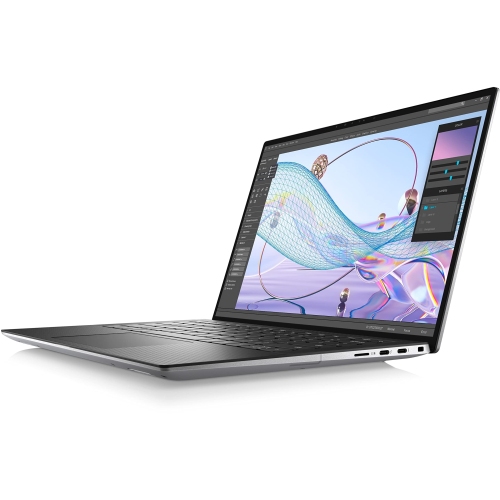
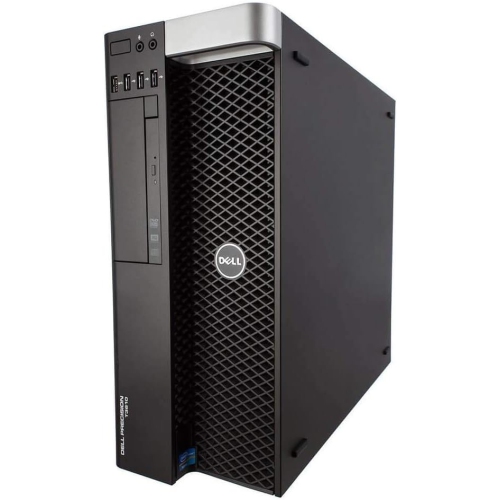
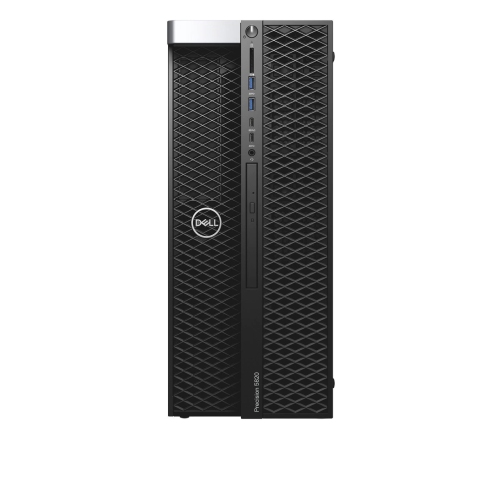
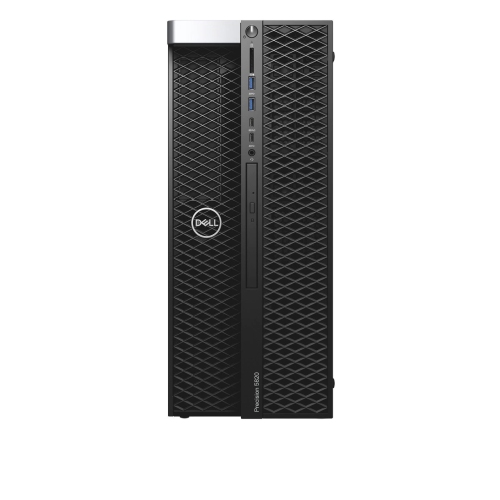
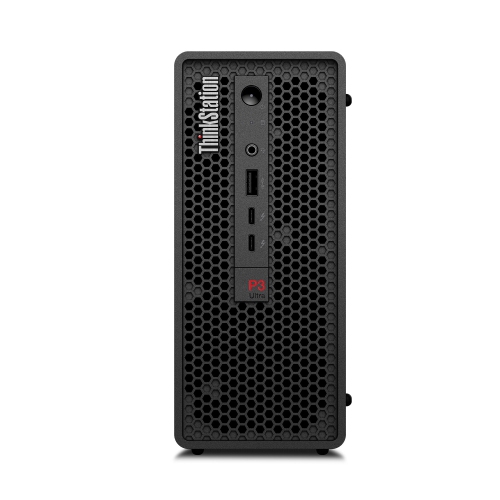
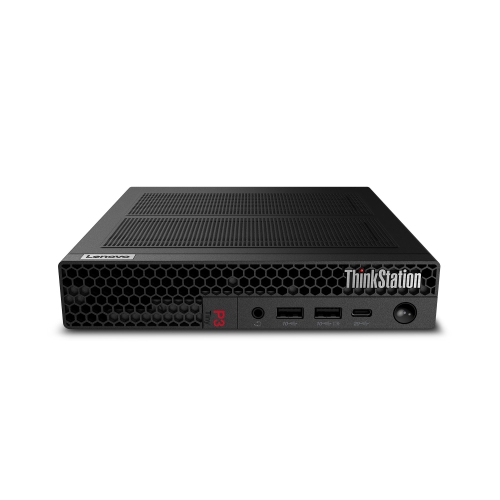
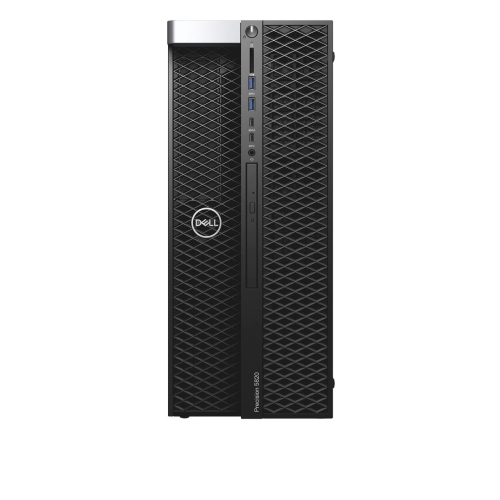
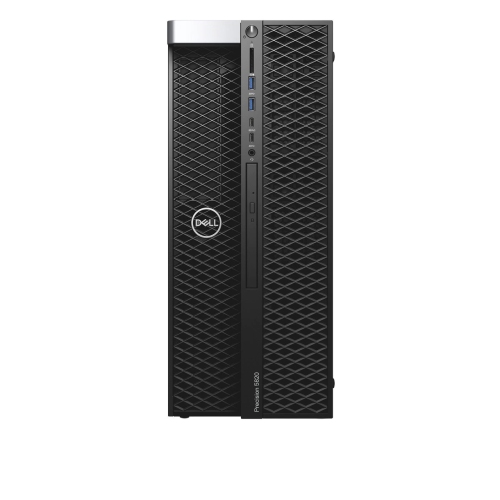
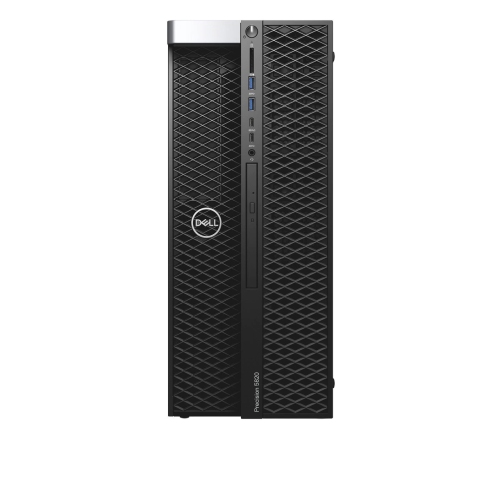
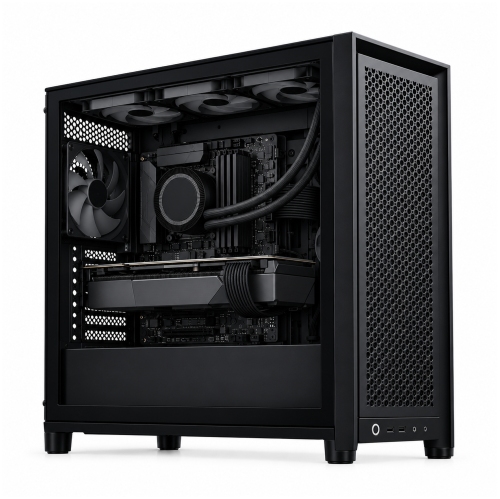
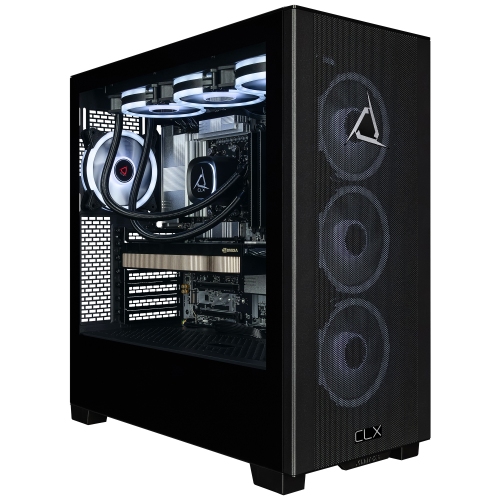
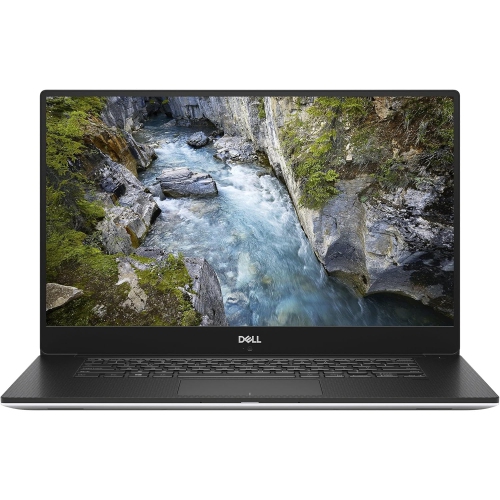
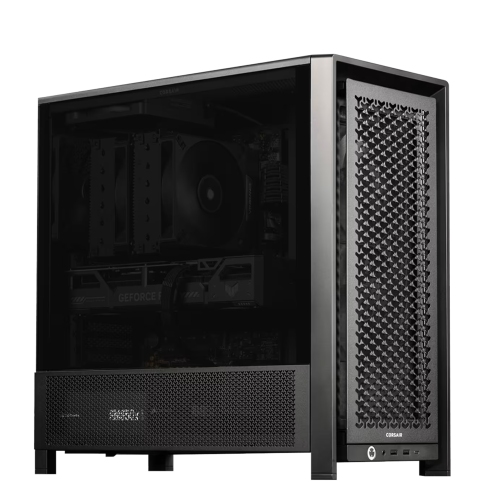
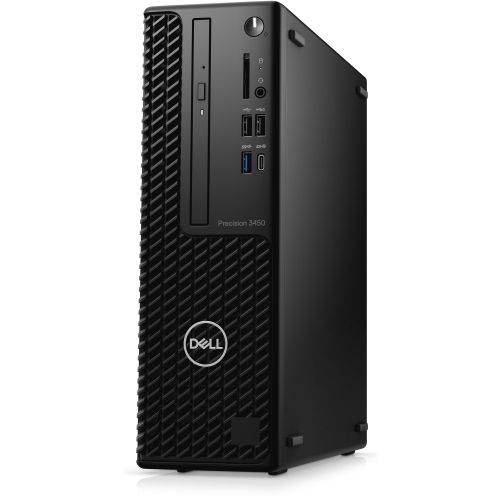
CAD workstations are high-performance computers designed for the demanding tasks involved in computer-aided design, 3D modelling, engineering analysis, architecture, manufacturing and building information modelling. Unlike a standard home or office computer, a workstation is built to handle detailed assemblies, complex surfaces, technical drawings and large project files with greater speed and stability. Professionals may use CAD workstations to create mechanical components, prepare architectural plans, develop interior layouts, design electrical systems, review construction models or produce realistic renderings. Students in engineering, architecture and industrial design programs can also benefit from a capable workstation as they learn professional software and work through increasingly detailed assignments. A well-equipped system can make the difference between a smooth design session and a frustrating one filled with delays, frozen viewports and lengthy file transfers. For additional options suited to academic and professional design work, explore High Performance Workstations for Engineering and Architecture Majors. When comparing CAD workstations, start by considering the applications you plan to run and the type of work you do most often. 2D drafting generally places fewer demands on hardware than 3D modelling, photorealistic rendering, simulation or work involving large assemblies. A fast processor is important for many modelling and drafting operations, particularly those that rely on strong single-core performance and quick response times. A processor with multiple cores can be especially useful for rendering, analysis and other tasks that can run several operations at once. The graphics processor is equally important for smooth navigation through 3D models, shaded views, visual effects and hardware-accelerated workflows. Dedicated graphics are generally preferable for professional CAD use, while a higher level of graphics performance can be valuable when working with intricate models, detailed textures or multiple high-resolution displays. Memory also deserves close attention: 32 GB of RAM is a practical starting point for many professional workflows, while 64 GB or more can provide useful headroom for large assemblies, complex BIM files, simulation work and multitasking. Fast solid-state storage helps applications open promptly and reduces the time needed to load, save and access project files. A capacity of 1 TB or more gives room for applications, reference materials and active projects, although users who work with extensive libraries or high-resolution renderings may prefer additional storage.
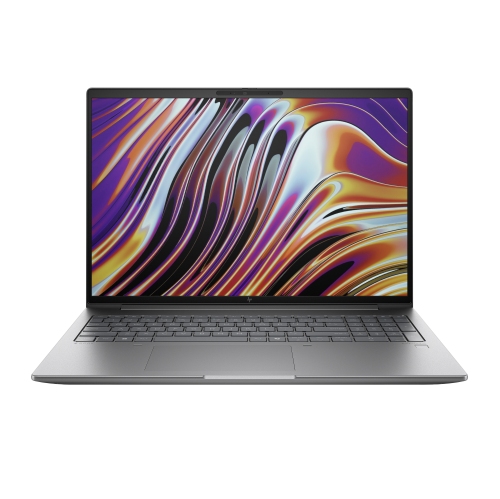
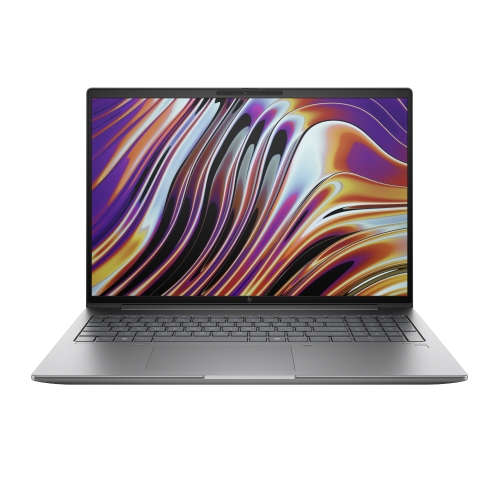
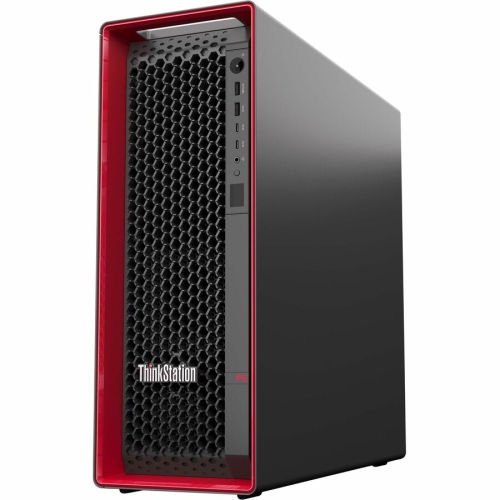
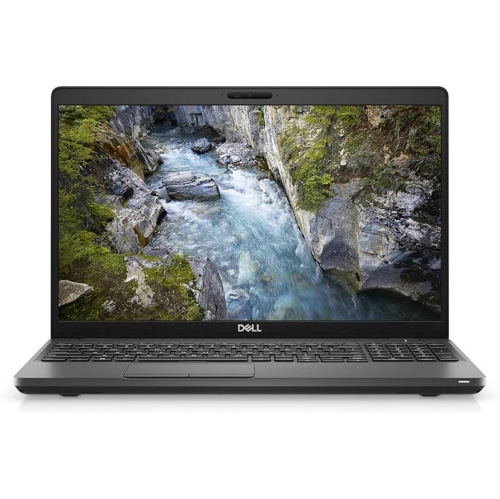
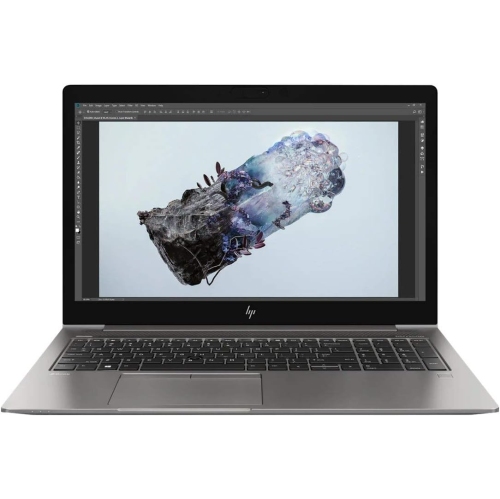
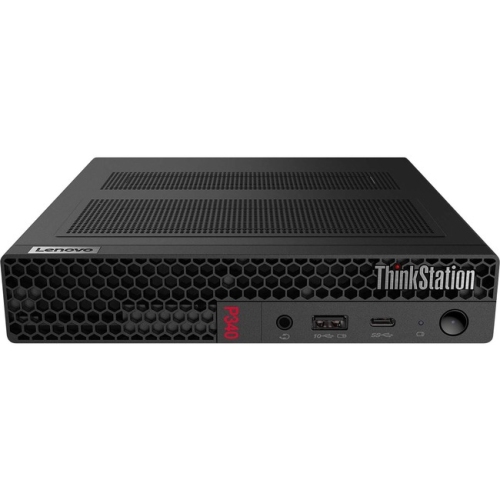
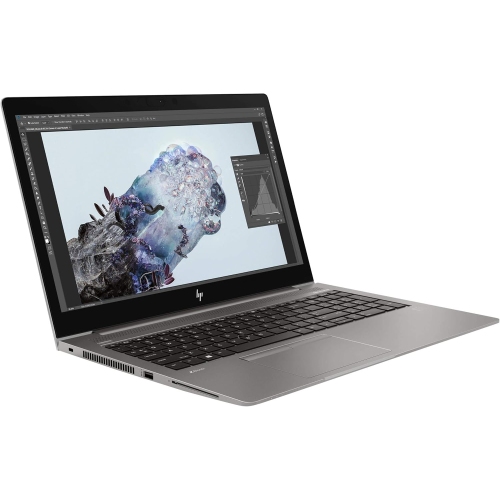
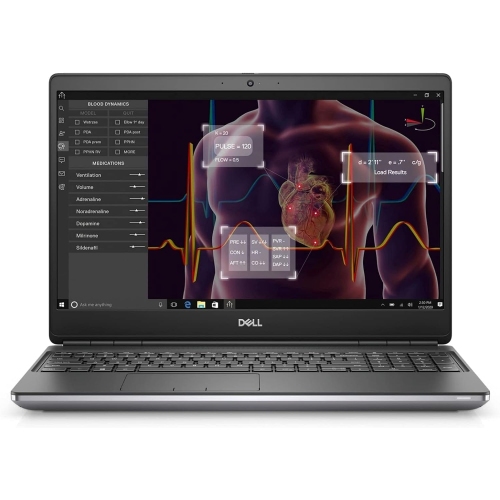
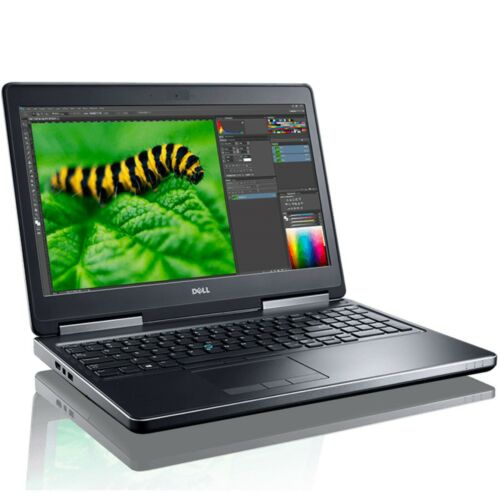
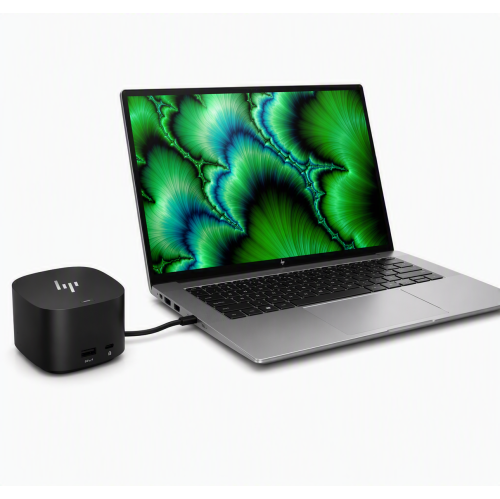
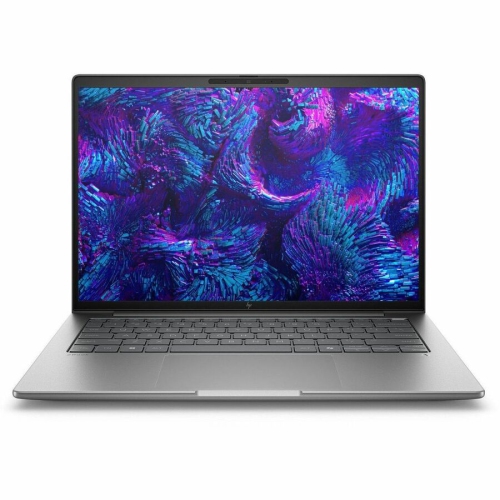
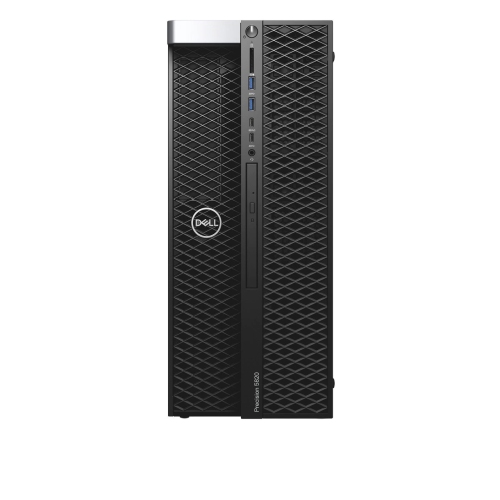
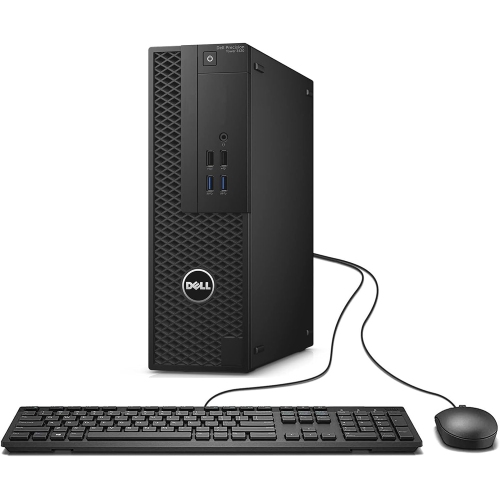
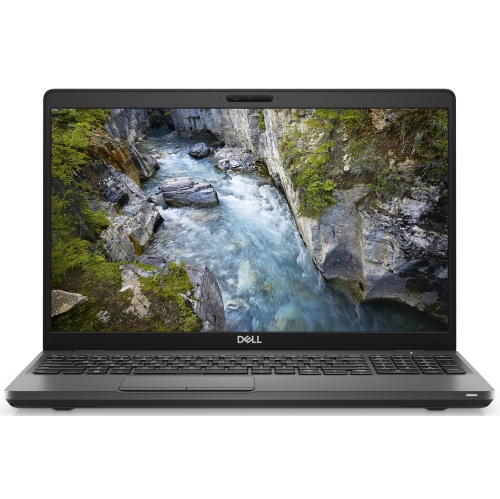
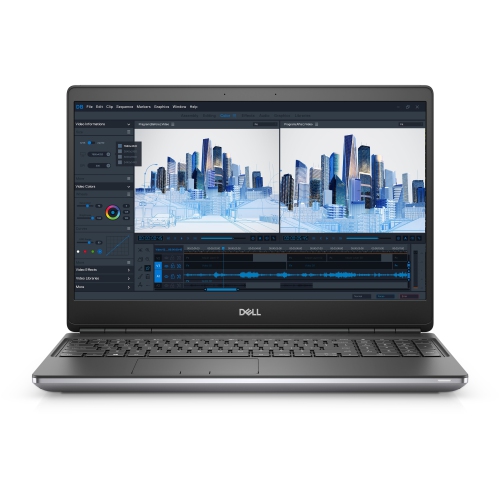
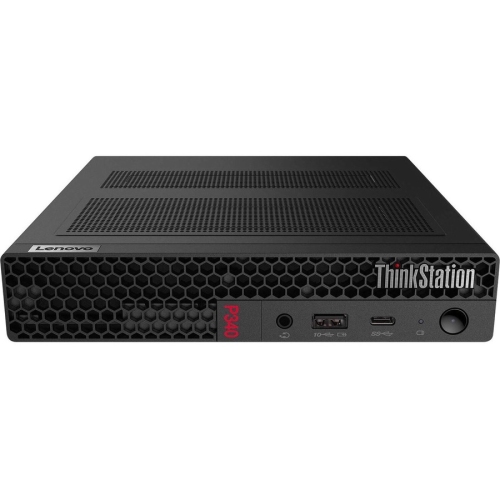
The right CAD workstation should fit both the scale of your projects and the way you work. A desktop tower is often a strong choice for a studio, classroom, office or home workspace because it can offer powerful components, effective cooling and a generous selection of ports without the compromises of a smaller form factor. It may also be easier to expand with additional memory, storage or graphics capability as project requirements grow. A mobile workstation can be a better fit for professionals who move between job sites, design offices, client meetings and classrooms. When portability matters, review the display size and resolution, keyboard comfort, battery expectations, weight and available connections alongside the internal specifications. A bright, sharp display can make fine linework easier to inspect, while multiple monitor support can help keep drawings, tool palettes, reference documents and communication windows visible at the same time. Certification and driver support may also matter for professional users. Workstations designed for engineering and architecture applications are often tested with widely used design software, which can provide reassurance when accuracy, stability and predictable performance are essential. Check the recommended and certified hardware requirements for your preferred applications before making a decision, since the ideal configuration for basic drafting may be very different from one intended for rendering or structural analysis. Other practical details include cooling, fan noise, warranty coverage, connectivity and the location of the computer in your workspace. A quiet system can be appreciated in a shared office or study area, while plentiful USB, video and network connections can simplify the addition of peripherals and external displays. CAD workstations are useful purchases for professional designers, engineers, architects, contractors, fabricators, educators and students, and they can be a thoughtful gift for someone beginning a demanding technical program when the configuration matches their course requirements. As the weather warms or during the cooler months, a dependable workstation can support projects from a dedicated home office just as readily as from a professional studio. Choosing enough processor performance, graphics capability, memory and storage for the work ahead helps create a responsive setup that feels ready when a simple drawing develops into a detailed model, a full assembly or a presentation-ready design.
The right CAD workstation should fit both the scale of your projects and the way you work. A desktop tower is often a strong choice for a studio, classroom, office or home workspace because it can offer powerful components, effective cooling and a generous selection of ports without the compromises of a smaller form factor. It may also be easier to expand with additional memory, storage or graphics capability as project requirements grow. A mobile workstation can be a better fit for professionals who move between job sites, design offices, client meetings and classrooms. When portability matters, review the display size and resolution, keyboard comfort, battery expectations, weight and available connections alongside the internal specifications. A bright, sharp display can make fine linework easier to inspect, while multiple monitor support can help keep drawings, tool palettes, reference documents and communication windows visible at the same time. Certification and driver support may also matter for professional users. Workstations designed for engineering and architecture applications are often tested with widely used design software, which can provide reassurance when accuracy, stability and predictable performance are essential. Check the recommended and certified hardware requirements for your preferred applications before making a decision, since the ideal configuration for basic drafting may be very different from one intended for rendering or structural analysis. Other practical details include cooling, fan noise, warranty coverage, connectivity and the location of the computer in your workspace. A quiet system can be appreciated in a shared office or study area, while plentiful USB, video and network connections can simplify the addition of peripherals and external displays. CAD workstations are useful purchases for professional designers, engineers, architects, contractors, fabricators, educators and students, and they can be a thoughtful gift for someone beginning a demanding technical program when the configuration matches their course requirements. As the weather warms or during the cooler months, a dependable workstation can support projects from a dedicated home office just as readily as from a professional studio. Choosing enough processor performance, graphics capability, memory and storage for the work ahead helps create a responsive setup that feels ready when a simple drawing develops into a detailed model, a full assembly or a presentation-ready design.
Top selling and popular products
-
 Your price for this item is $1599
 -
 Your price for this item is $1999.99
 -
 Your price for this item is $1629.79
 -
 Your price for this item is $1459.79
 -
 Your price for this item is $929
 -
 Your price for this item is $1299.99
 -
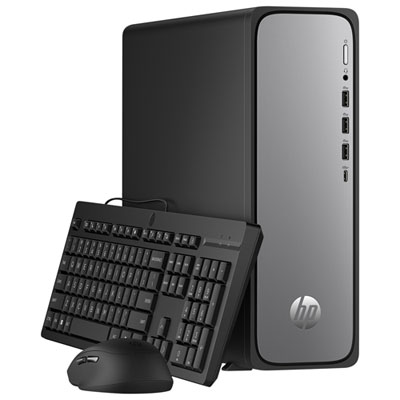 Your price for this item is $599.99
 -
 Your price for this item is $999.99
Discover more categories related to CAD Workstations
Top Collections:
Pokemon Centers, Kindle Devices, Best Cameras for Sports Photography, Pokémon 30th Celebration Cards, Apple iPhones 16, Canon G7X Cameras, iPhone 15 Apple, Flip Phones, Samsung Galaxy Phones, Alarm Clock
Some products may be subject to Environmental Handling Fees
(EHF) depending on your province.
Learn more about EHFs.