Mobile Workstations
Transform your workspace into a hub of productivity with our selection of mobile workstations. Designed to meet the demands of professionals on the go, these versatile devices offer a seamless blend of power and portability. Whether you're a creative genius, a business mogul, or a multitasking enthusiast, mobile workstations provide the tools you need to tackle almost any task with ease.
Sort
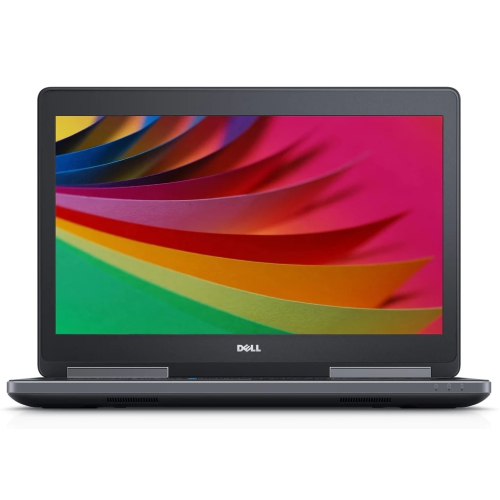
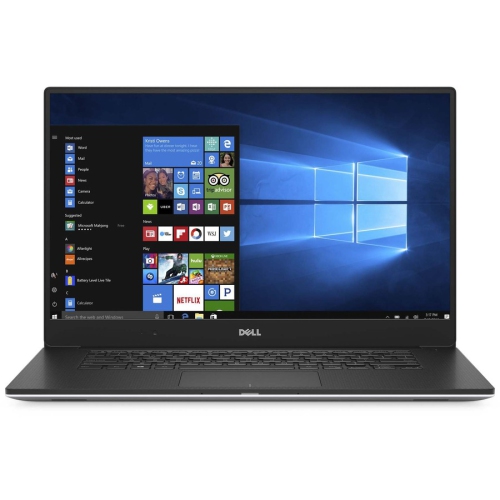
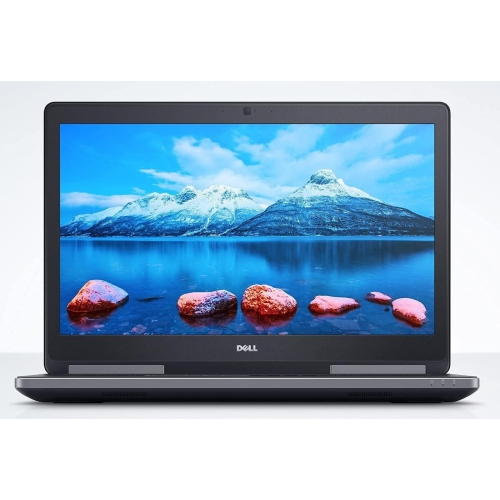
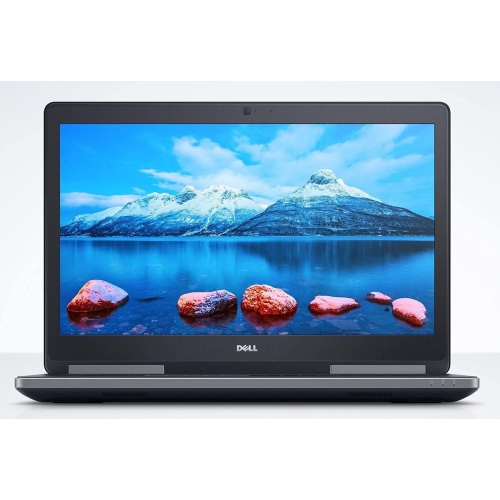
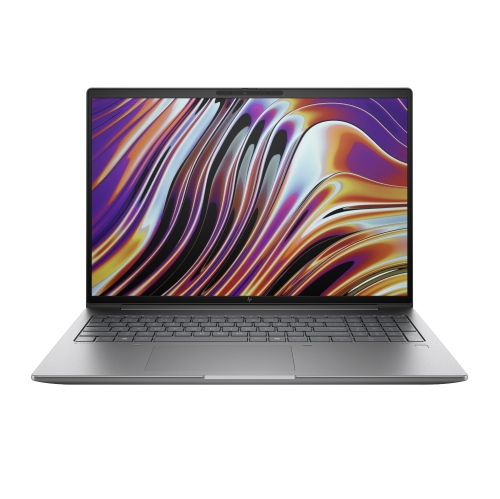
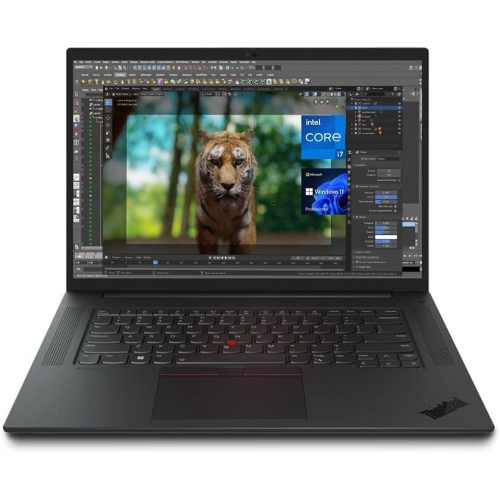
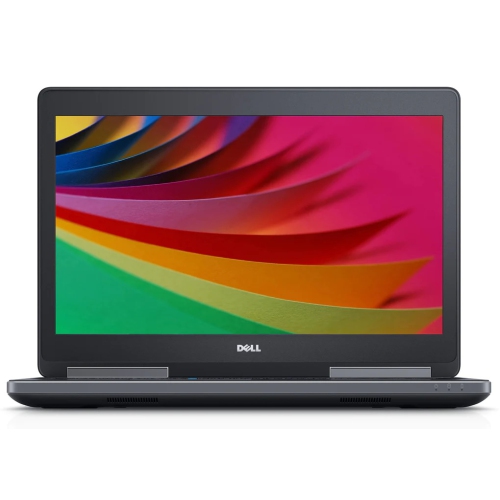
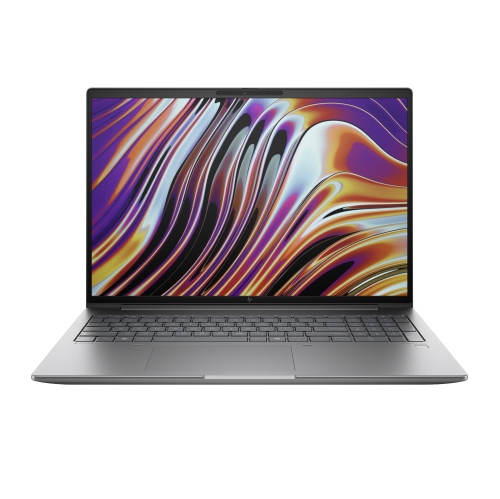

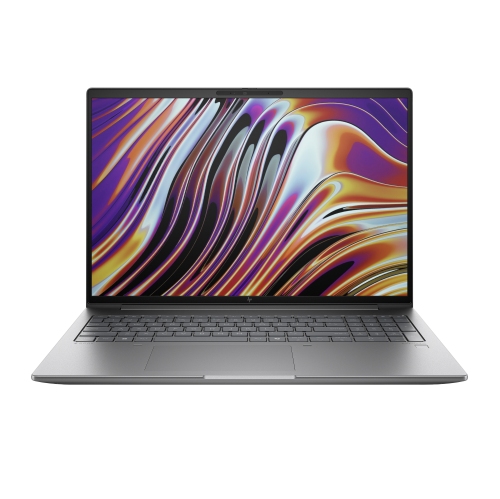
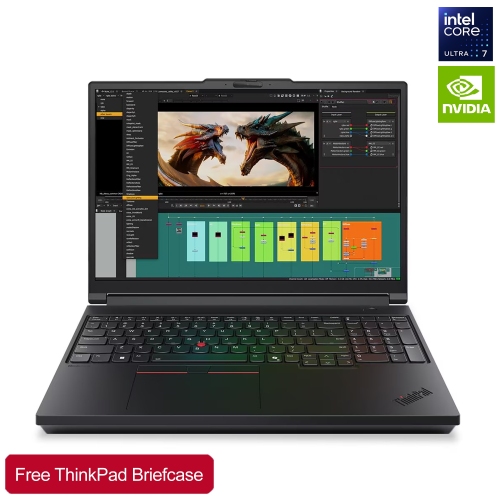
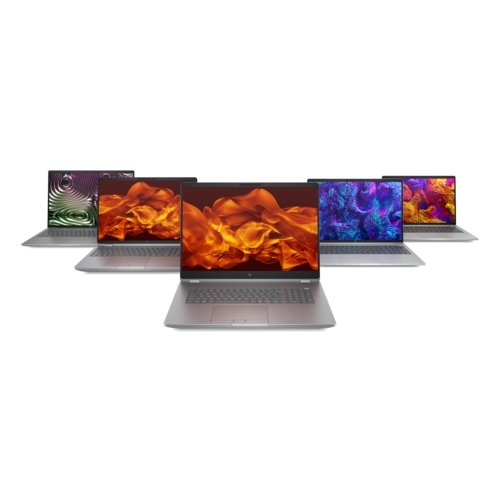

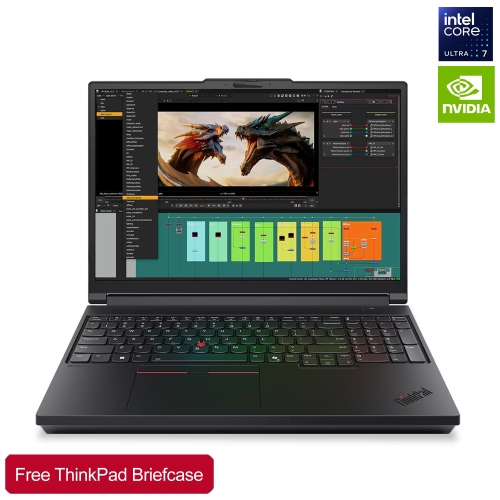
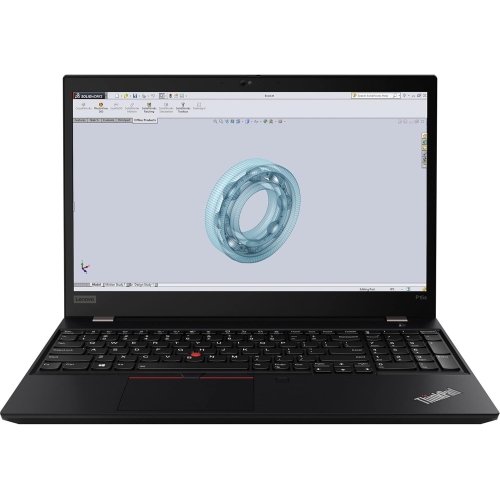
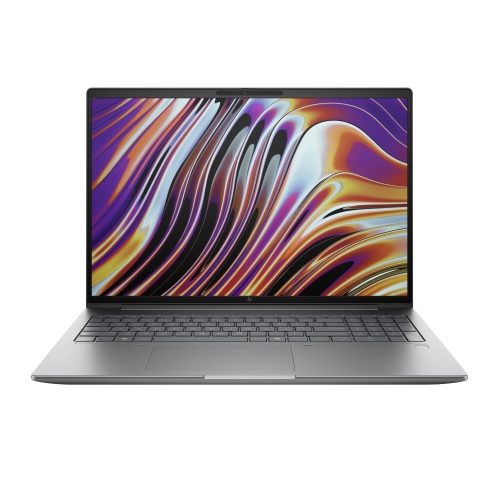
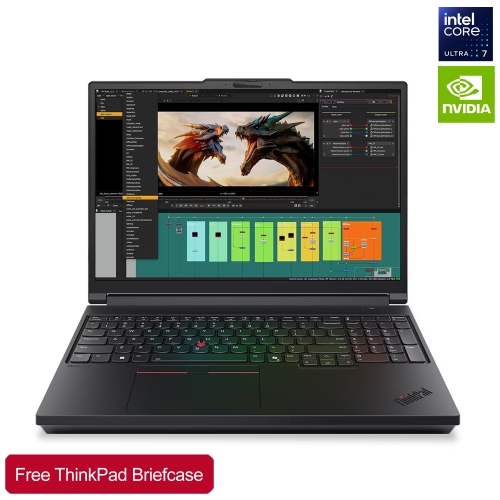
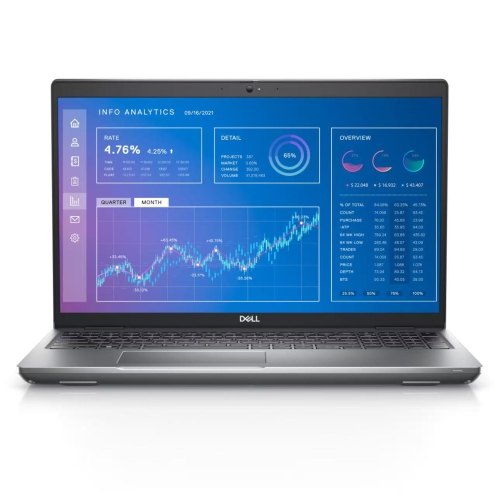


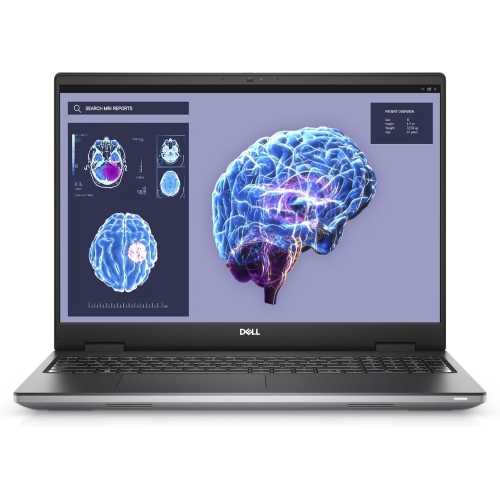
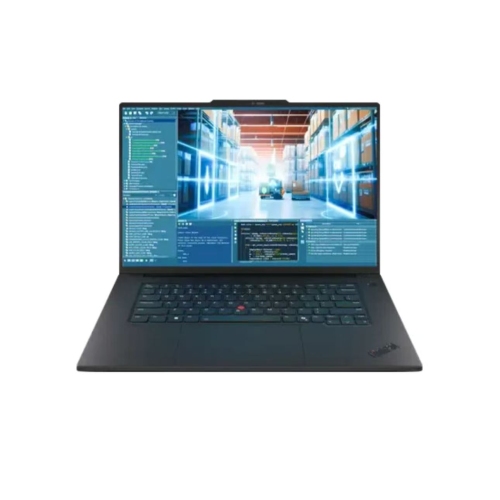
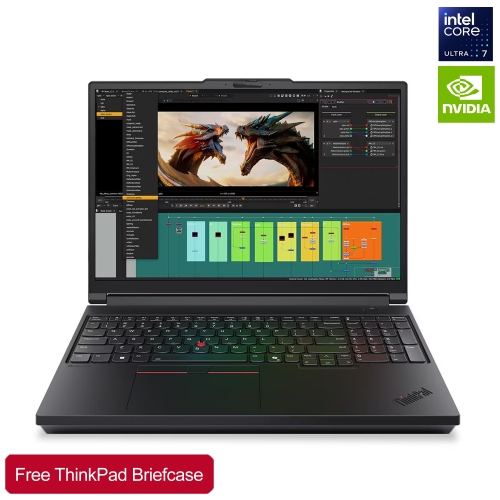
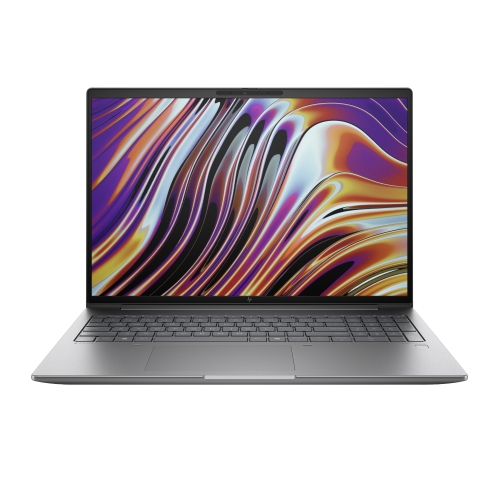

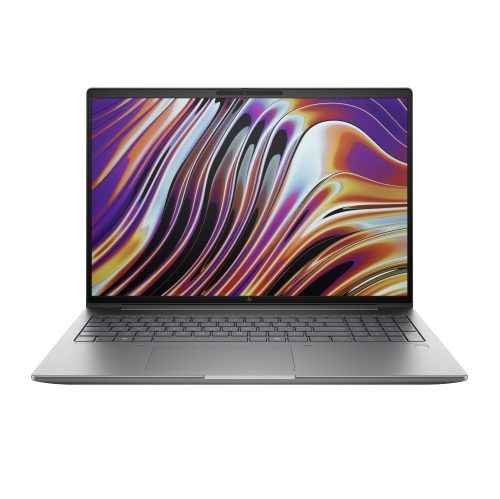
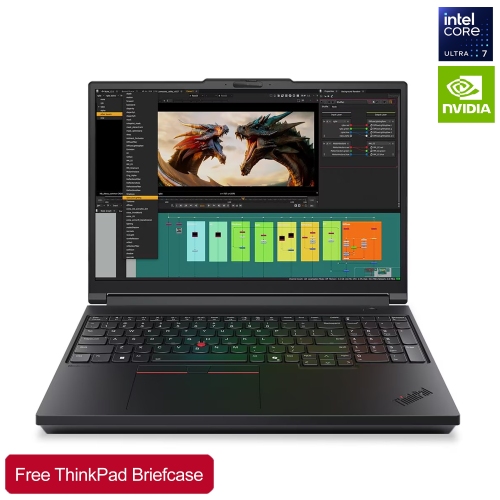
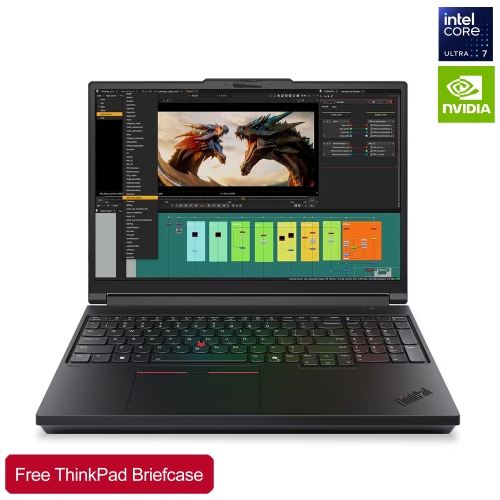
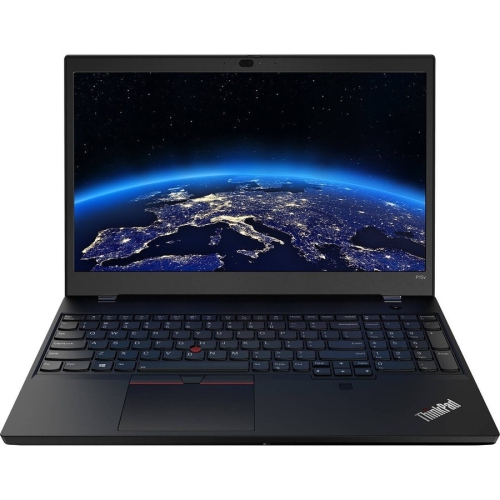
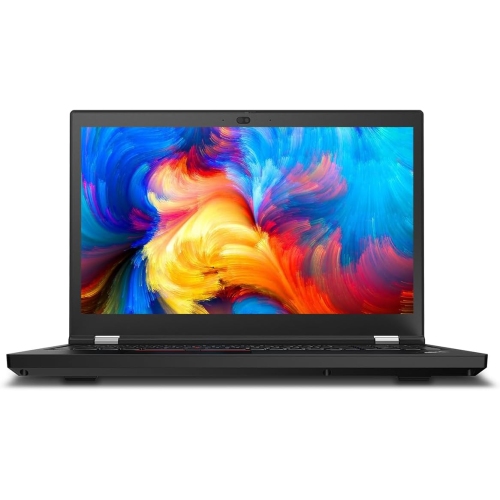


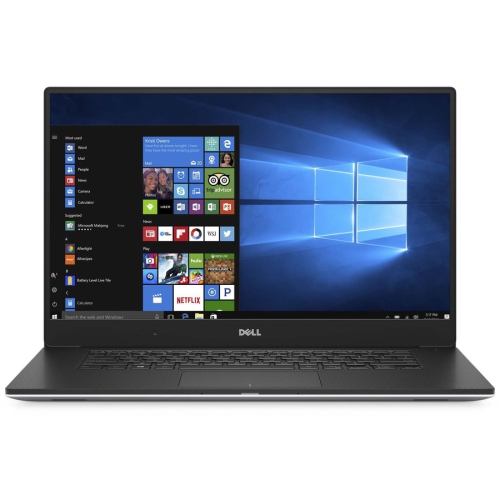
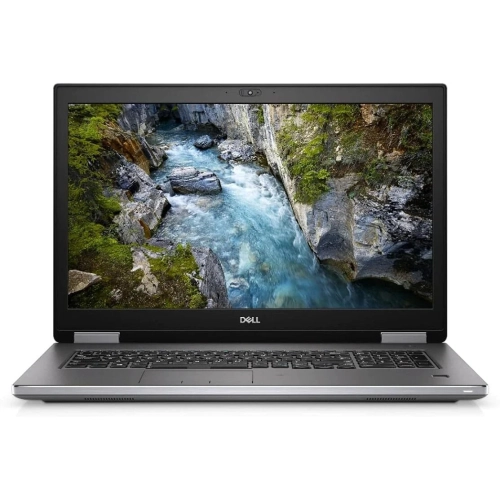
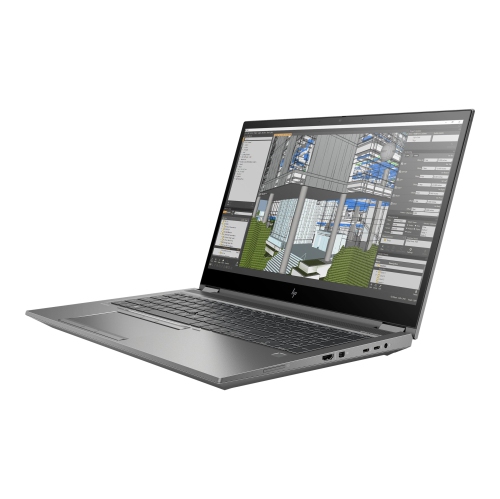
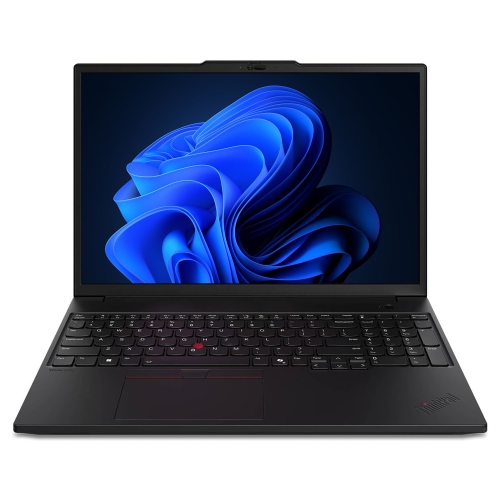
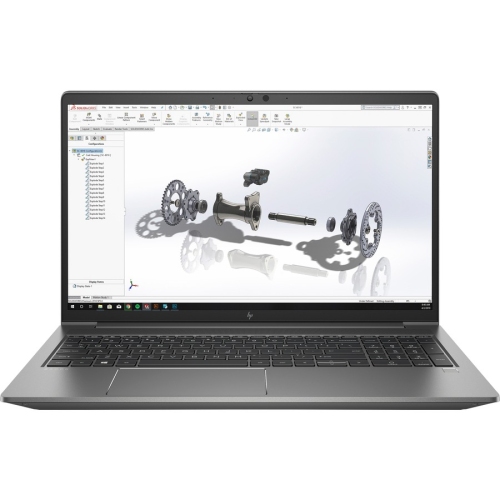
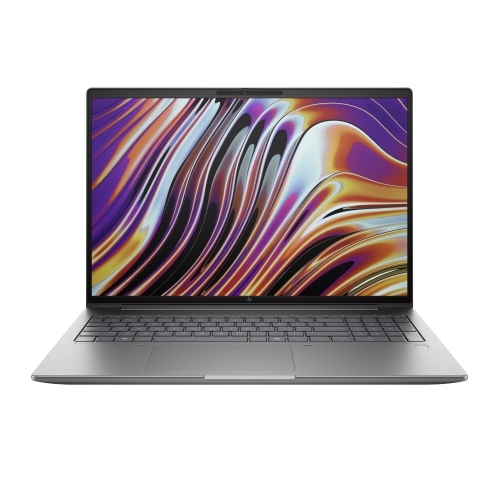
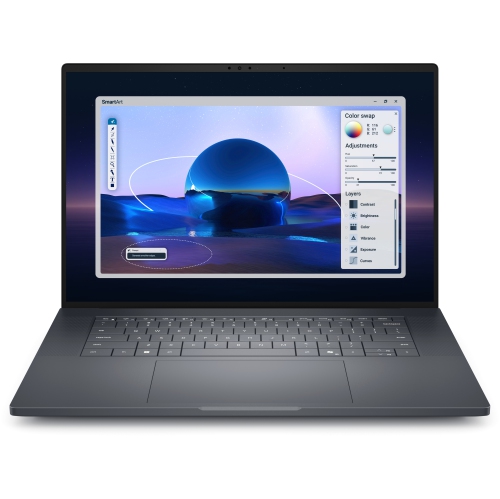
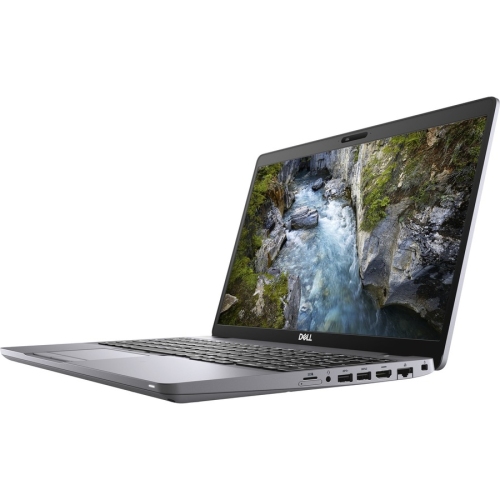


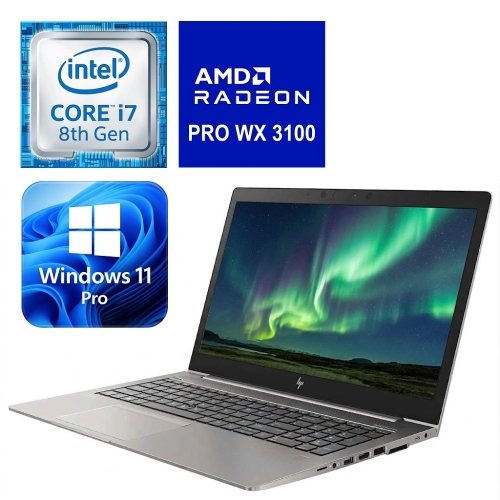
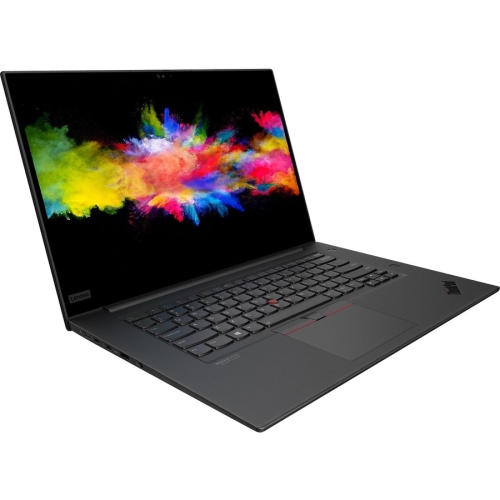
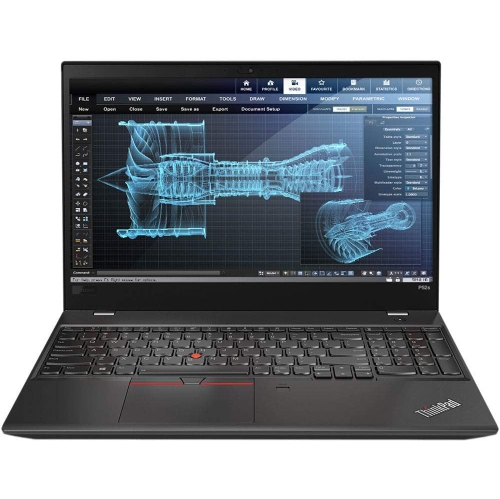
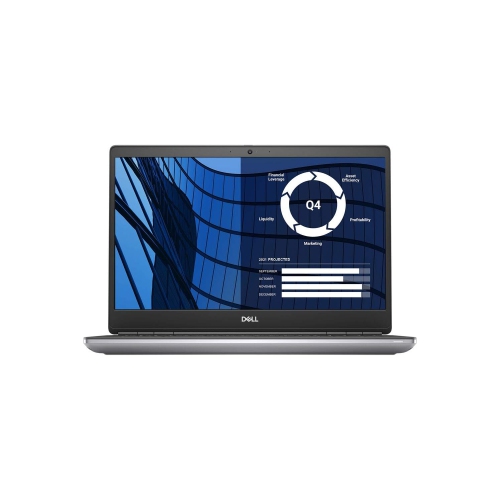
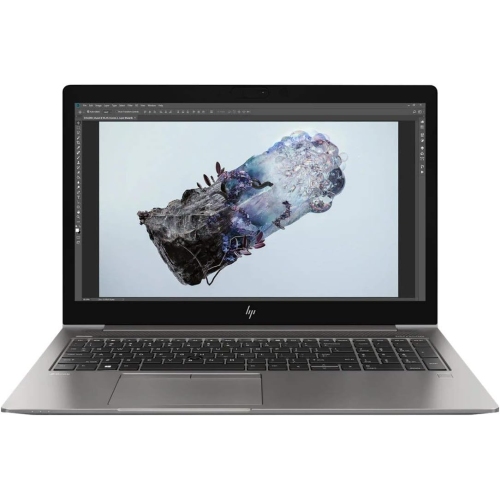
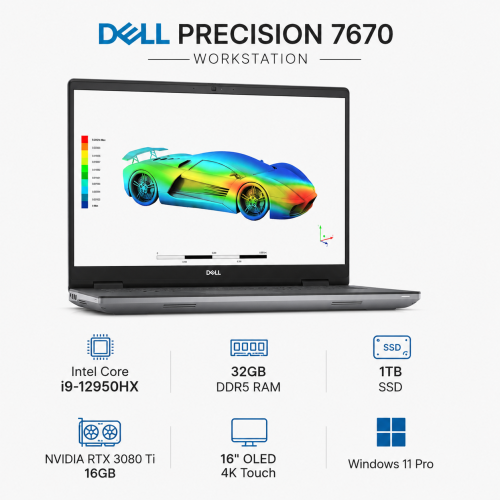
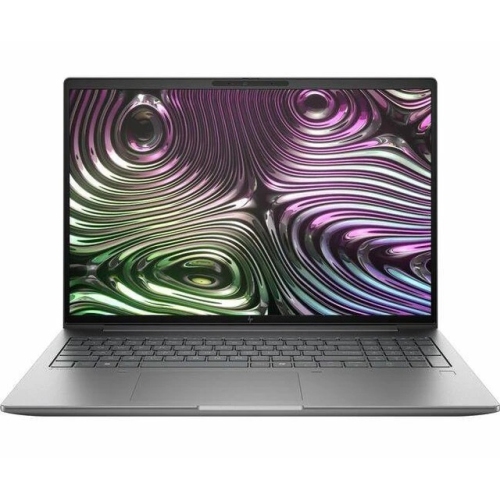
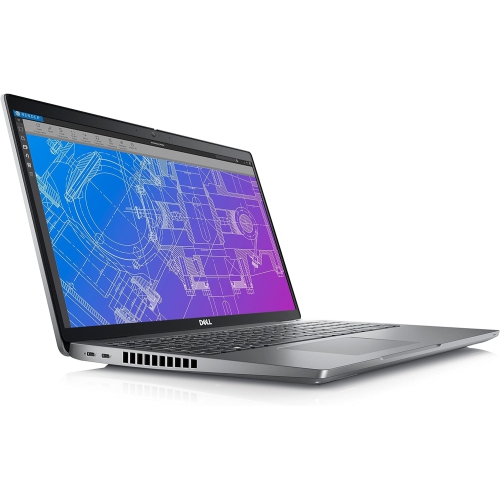
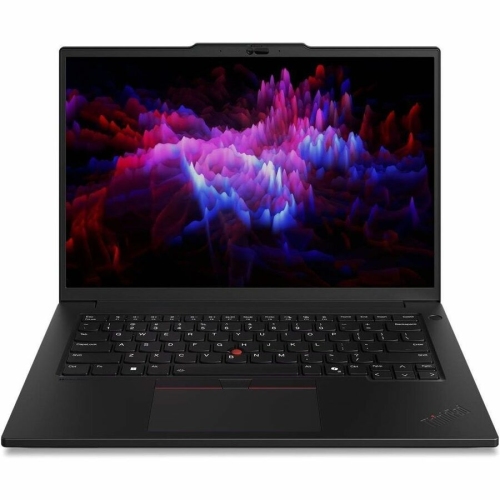
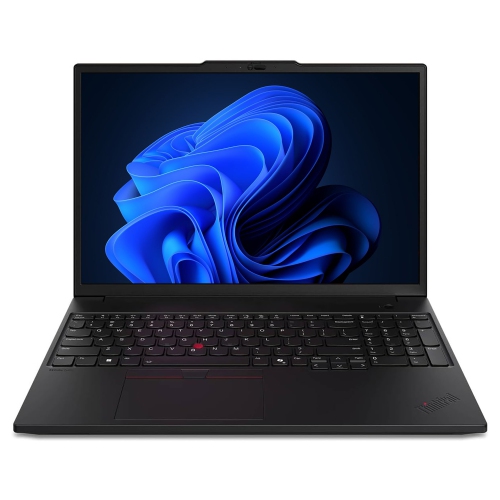
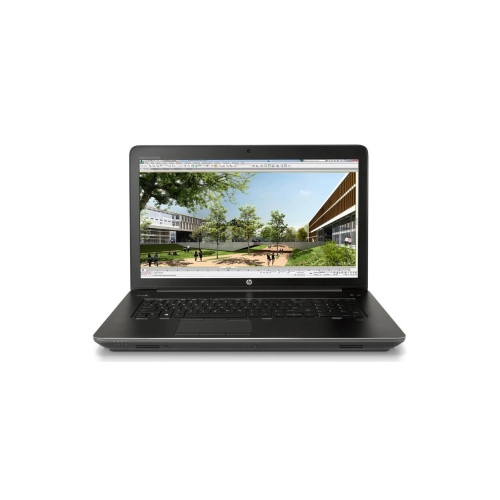
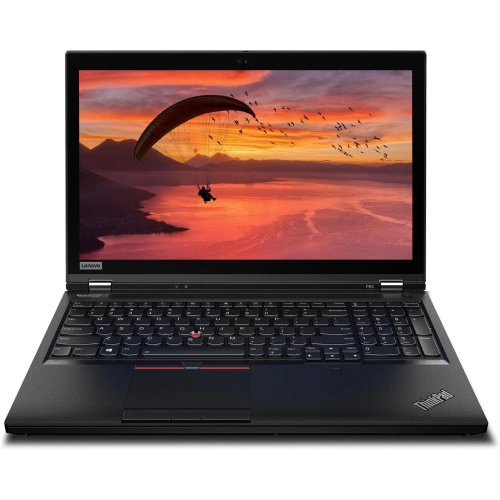


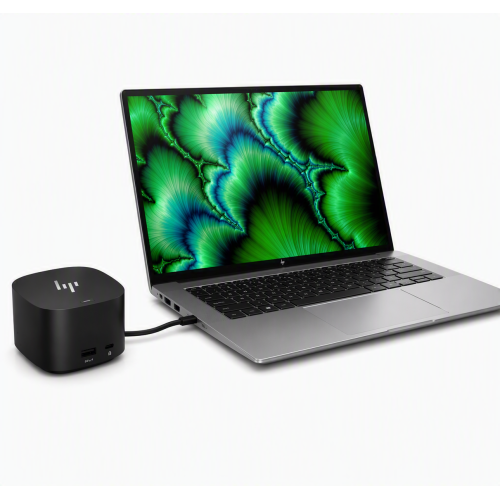

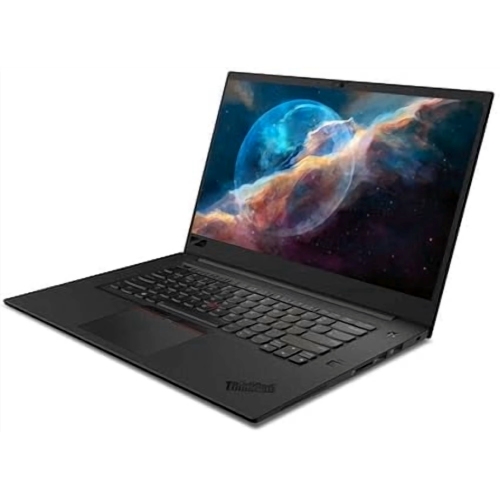

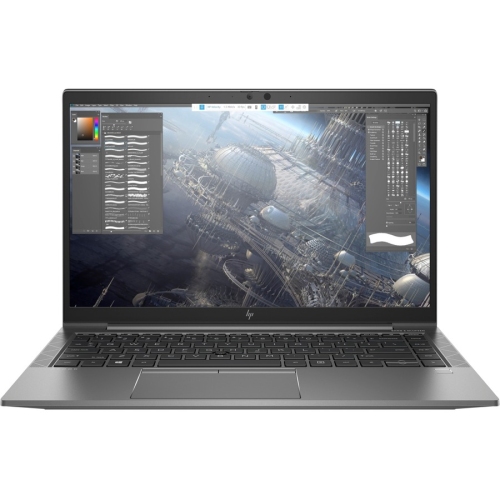
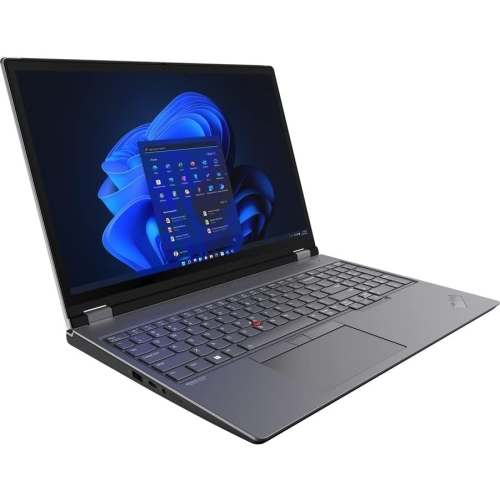



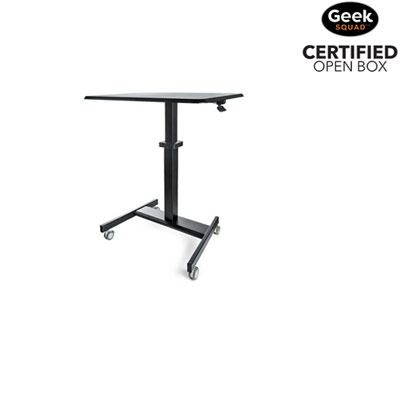

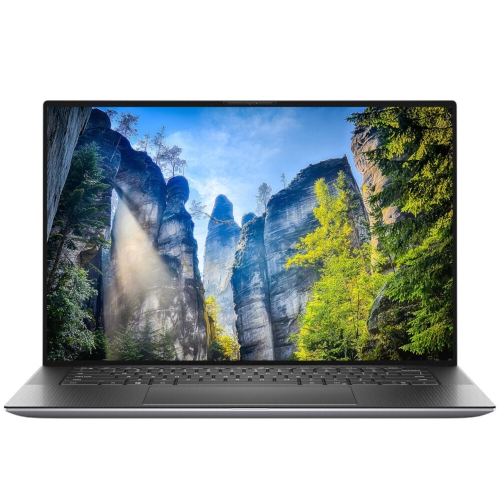

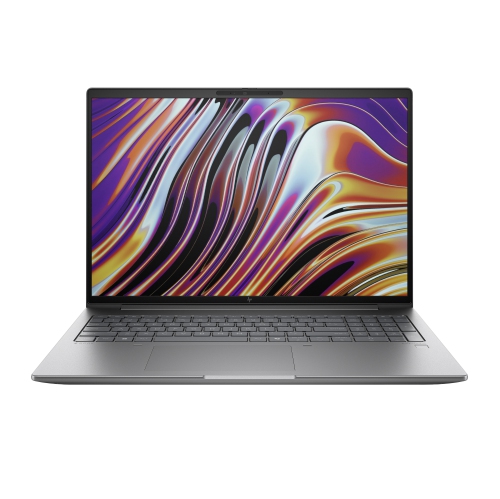
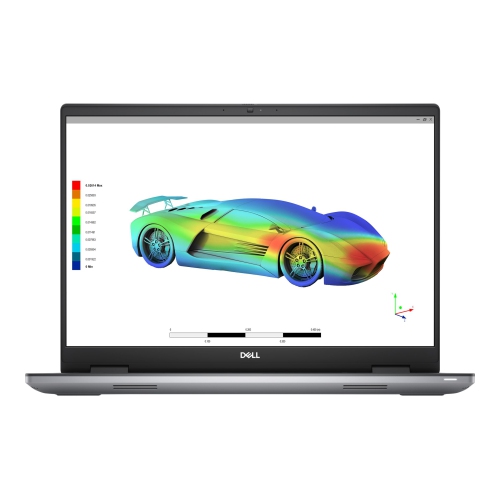
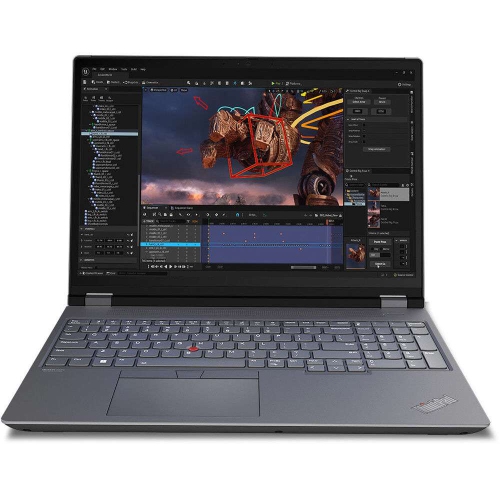
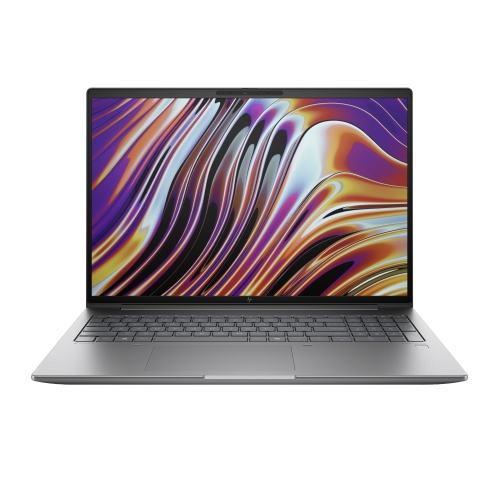
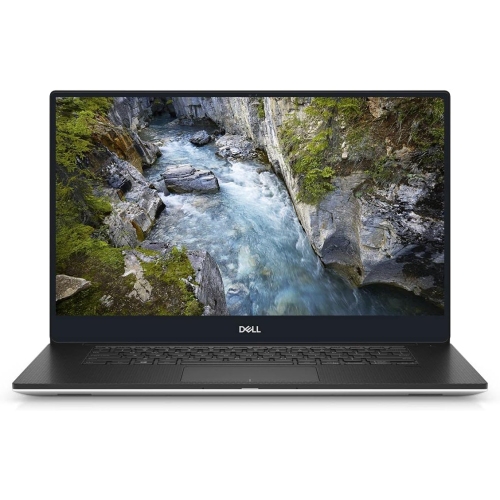

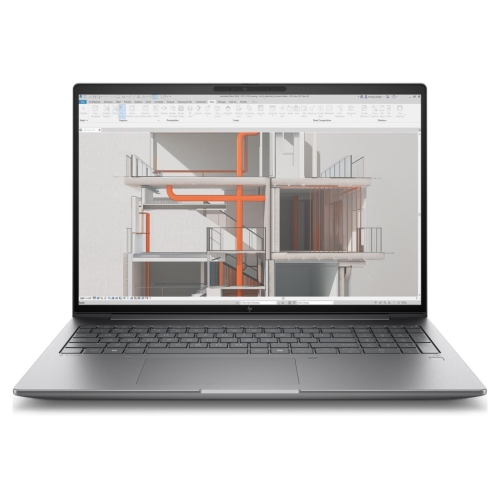
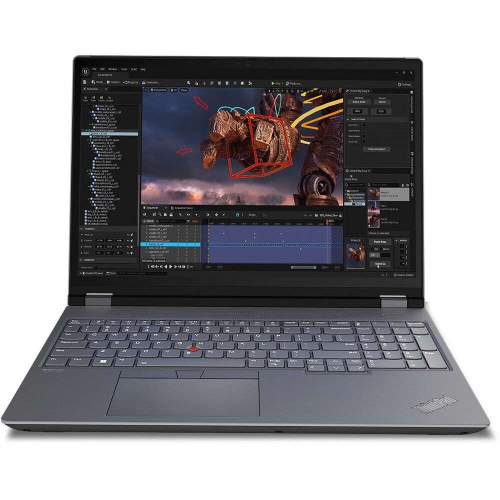
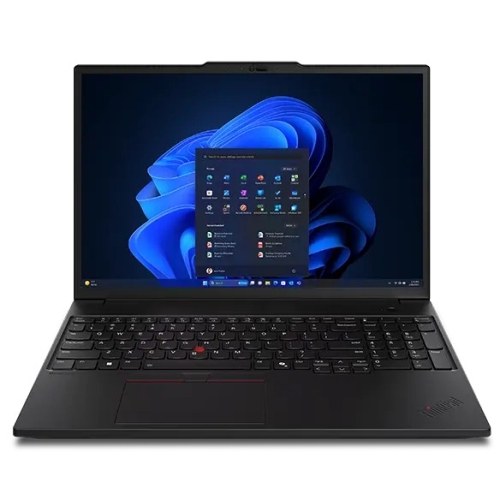

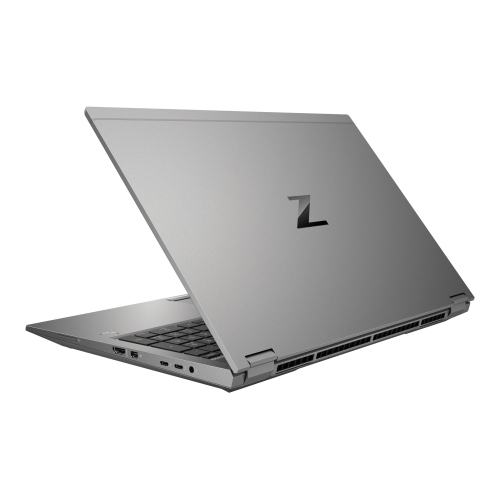

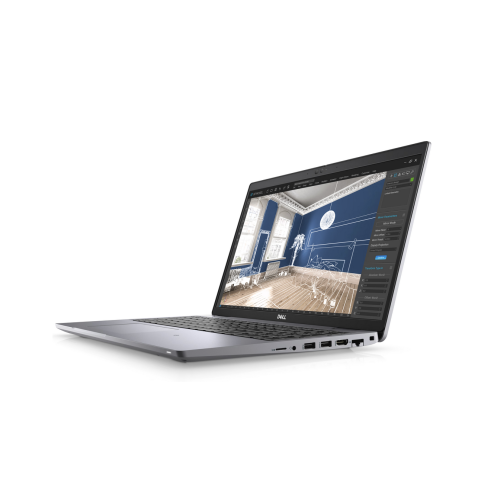
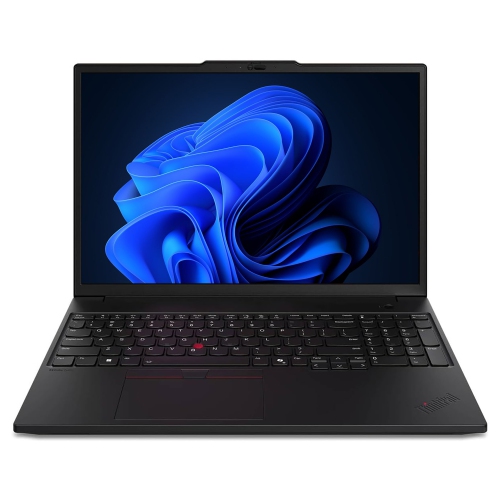
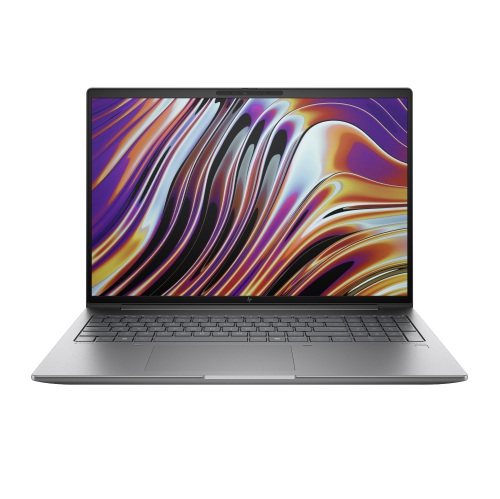
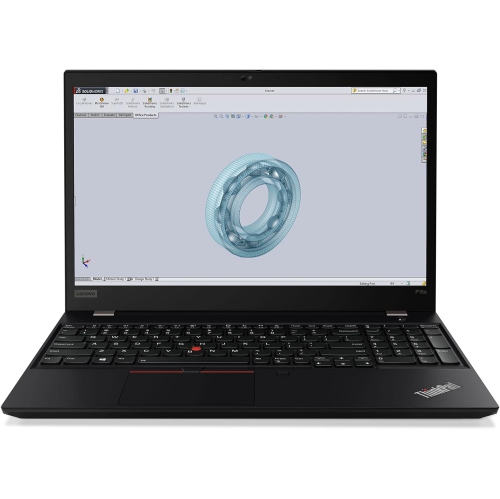
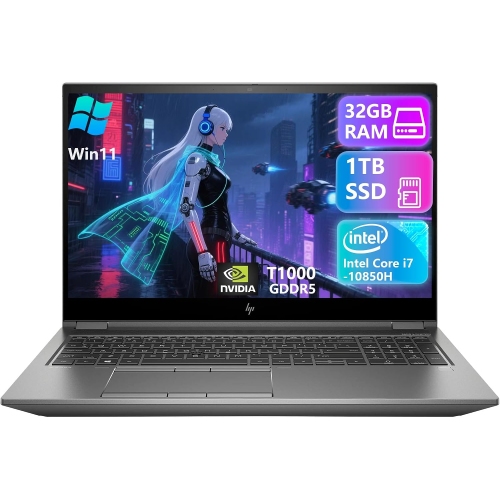

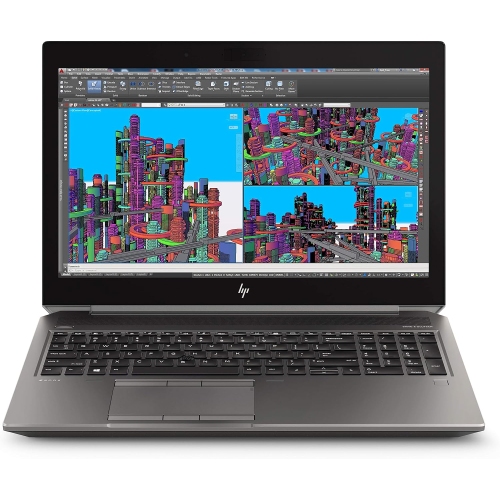
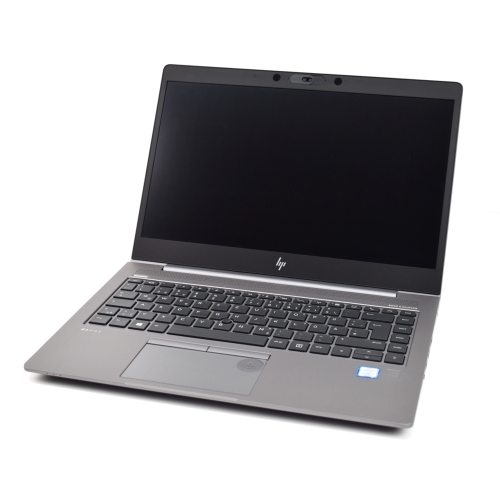
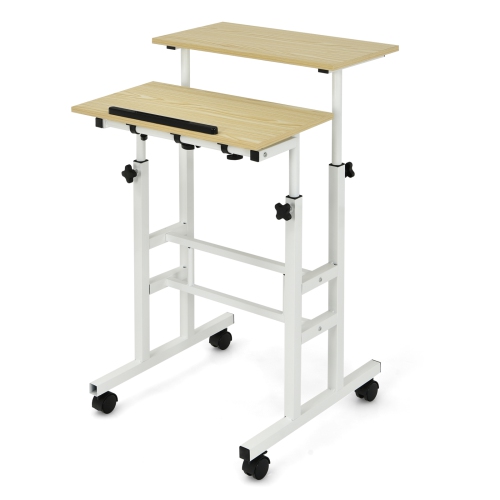
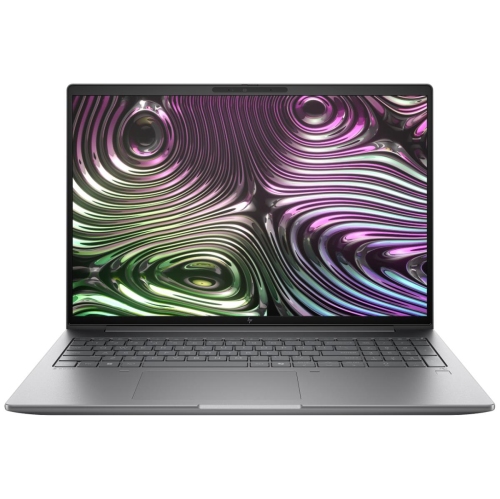
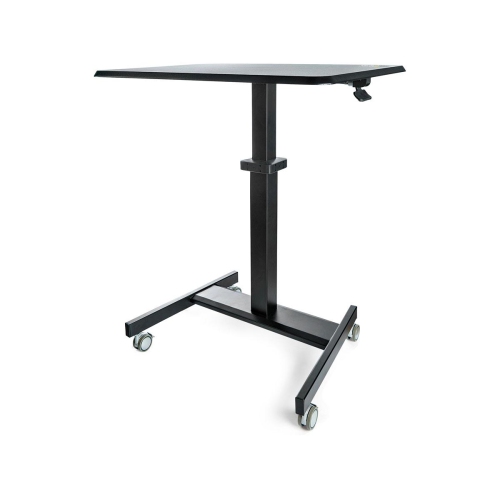
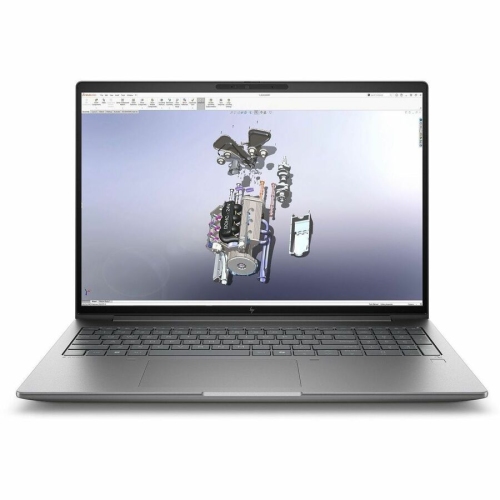


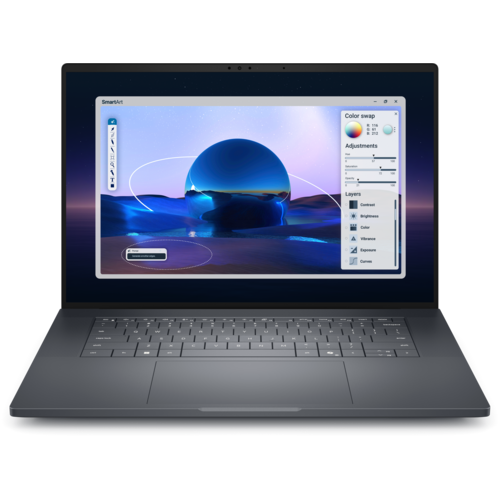
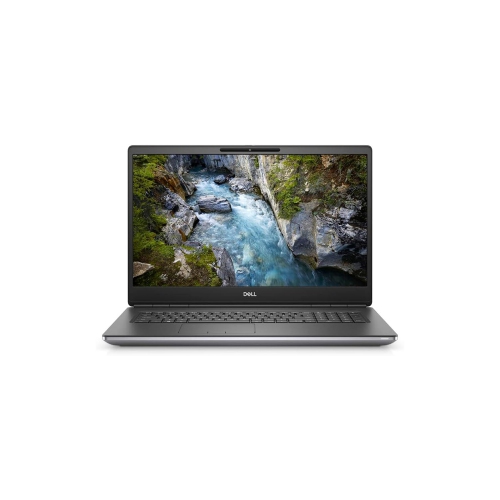
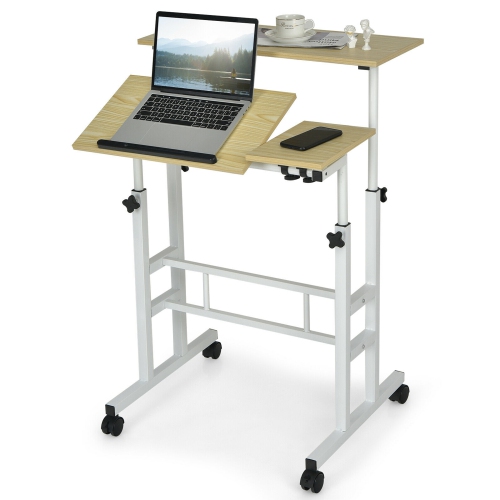
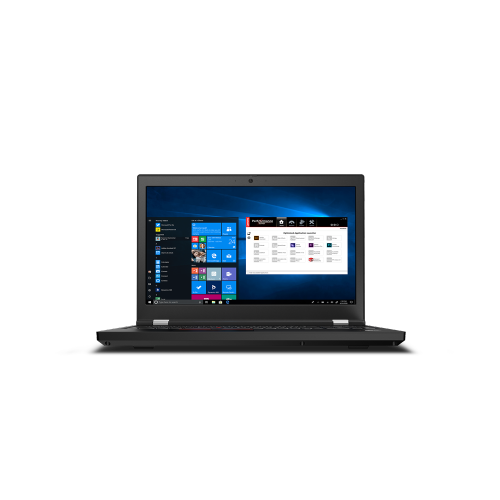





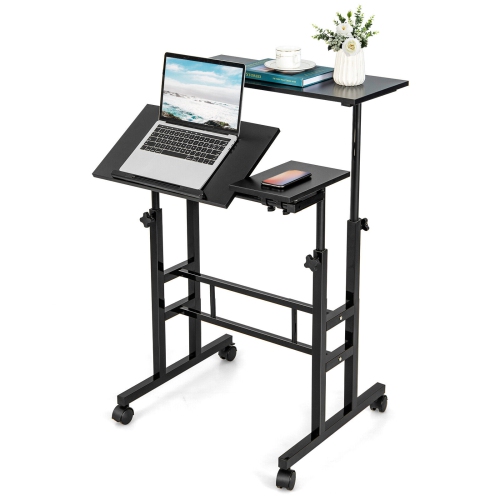
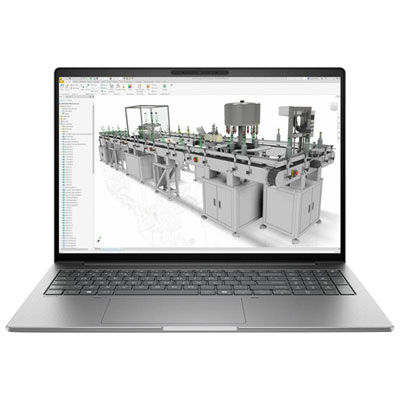
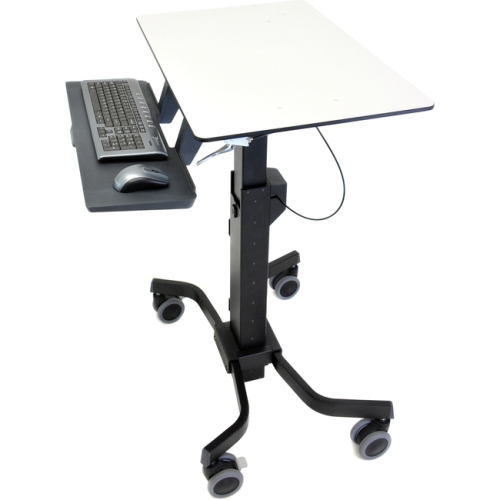
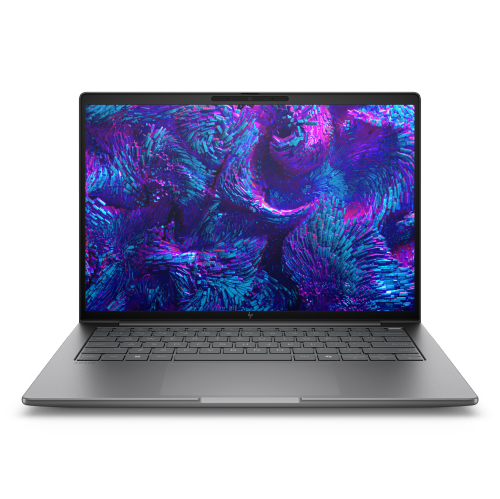





Demanding projects need more than a powerful processor
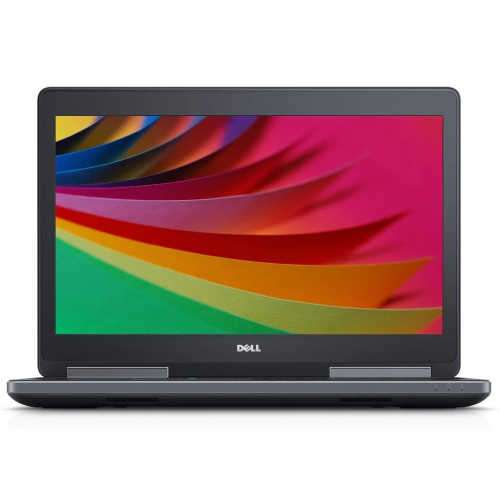
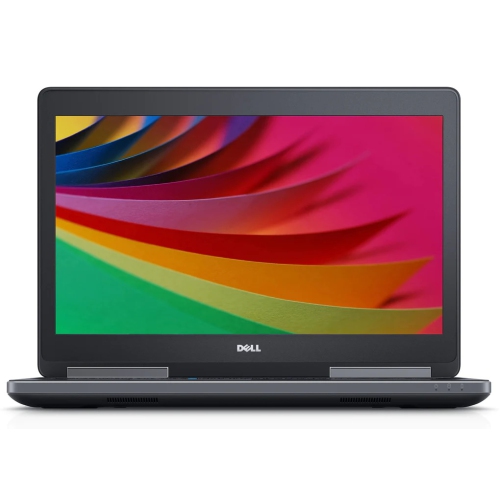
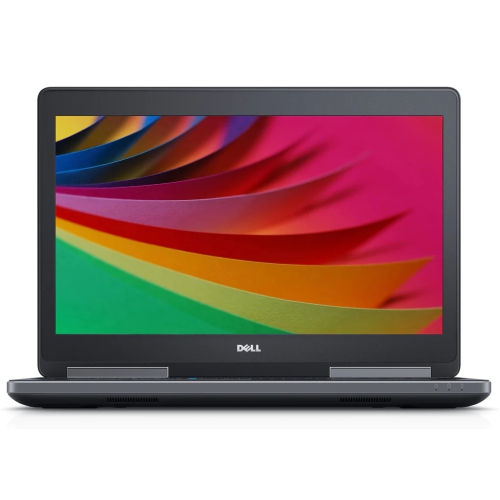
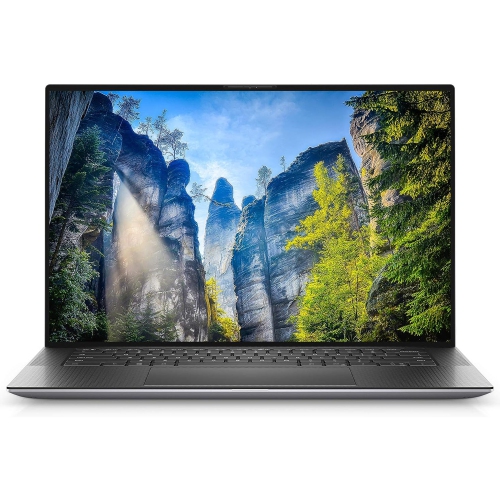
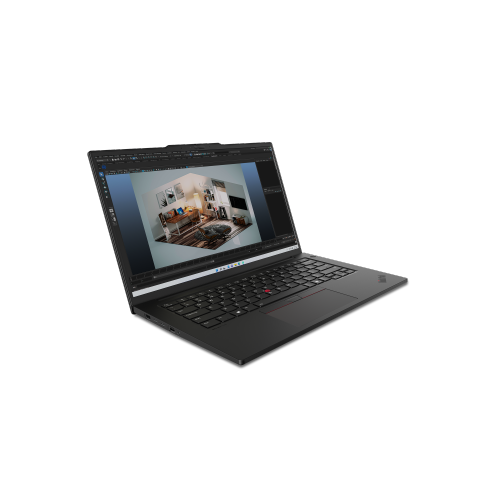
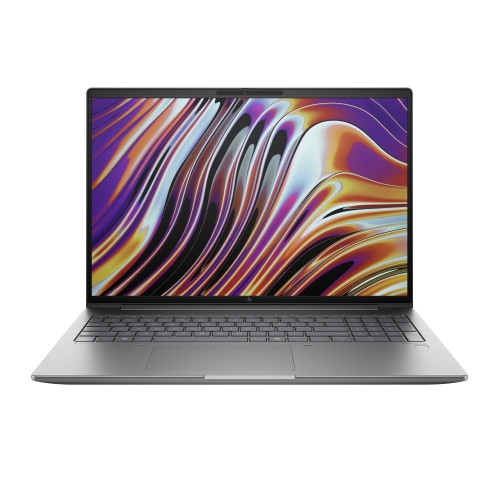
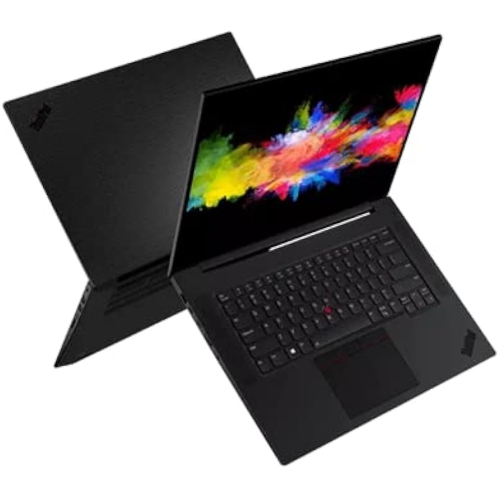
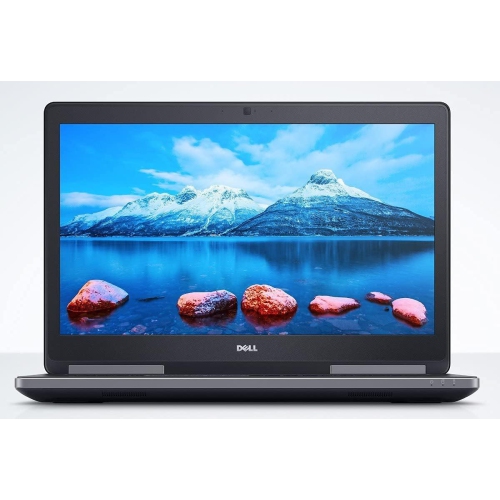
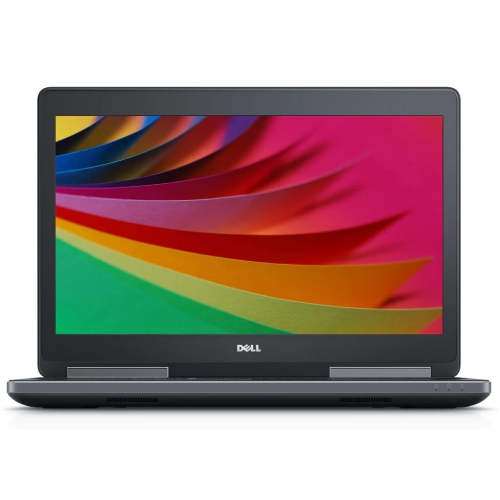
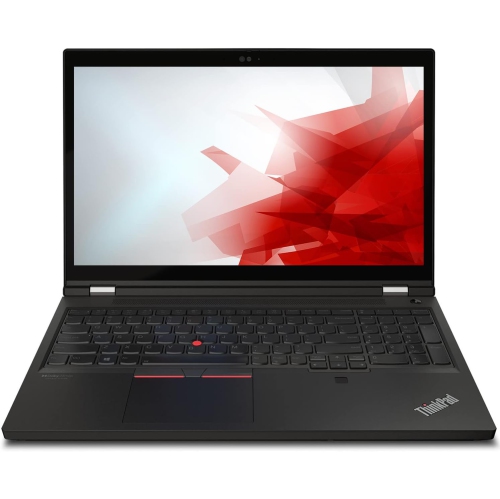
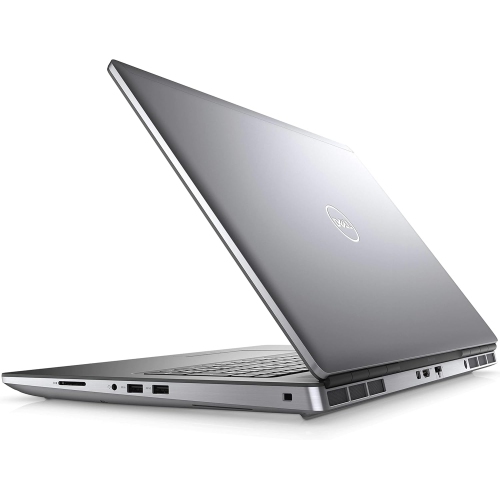
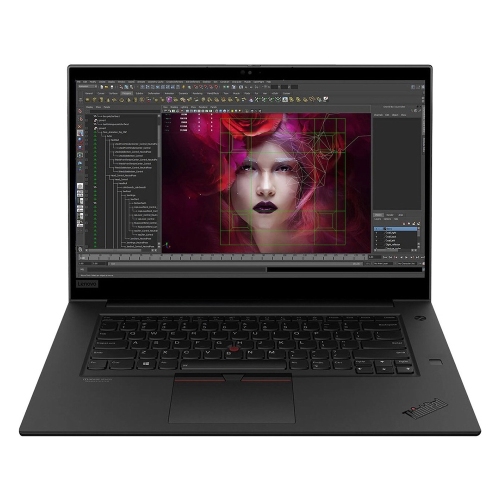
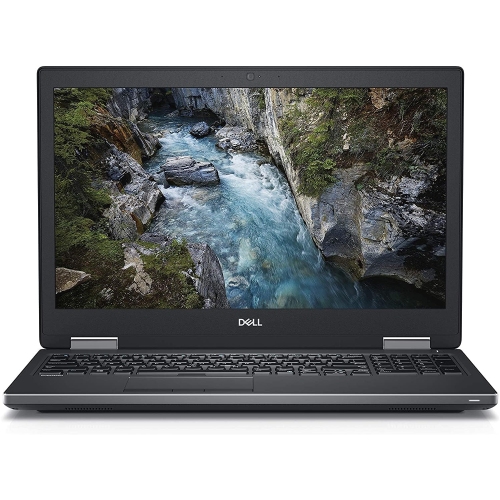
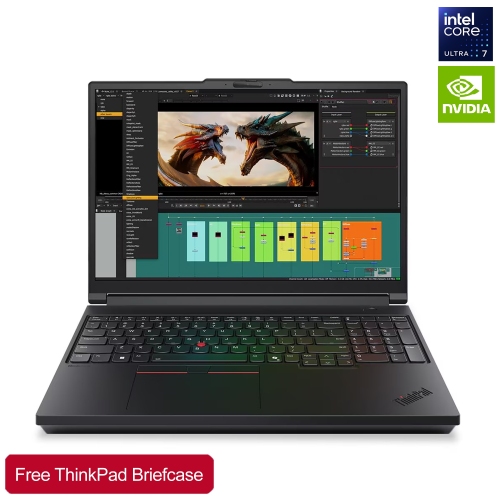
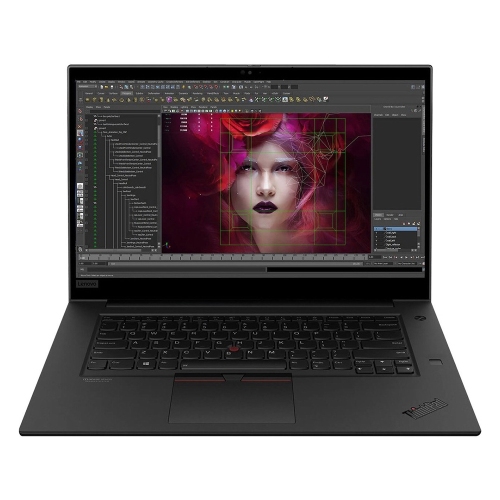
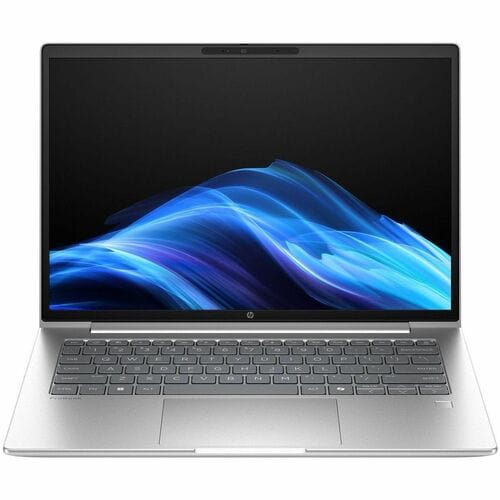
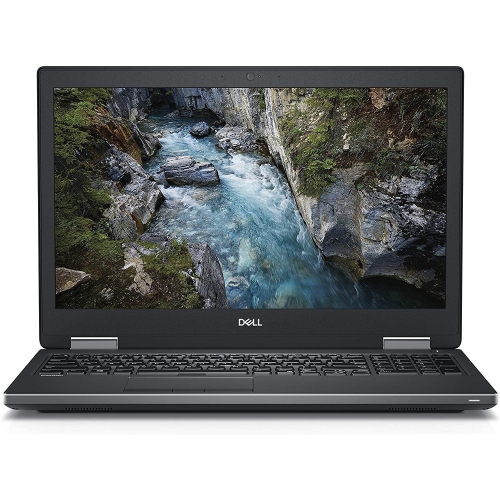
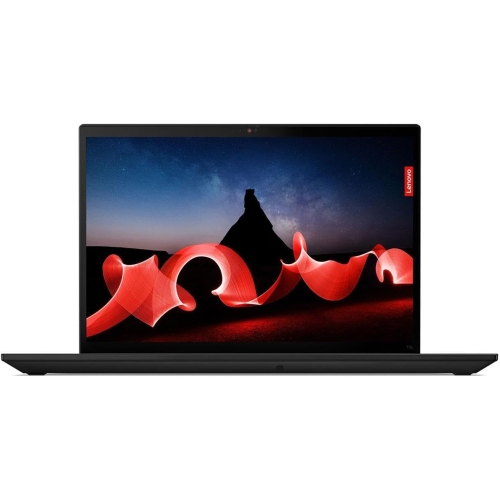
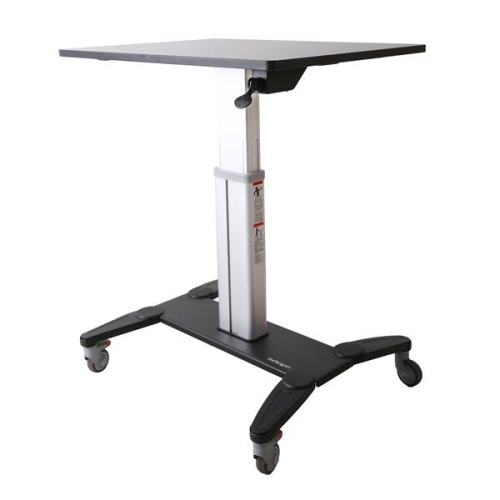
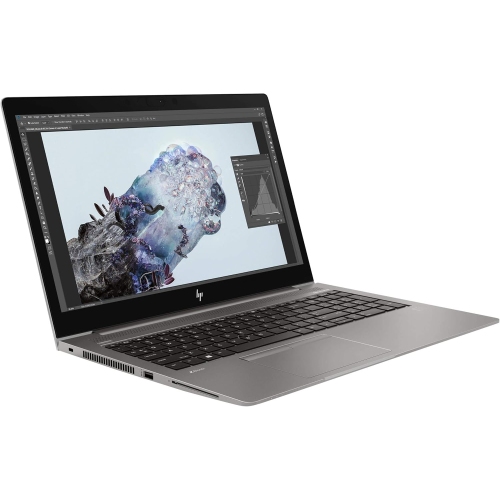
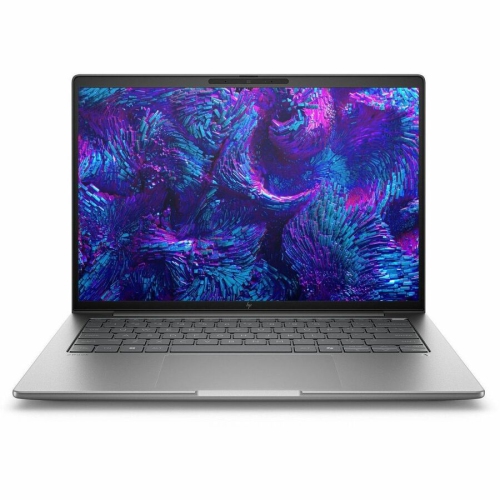
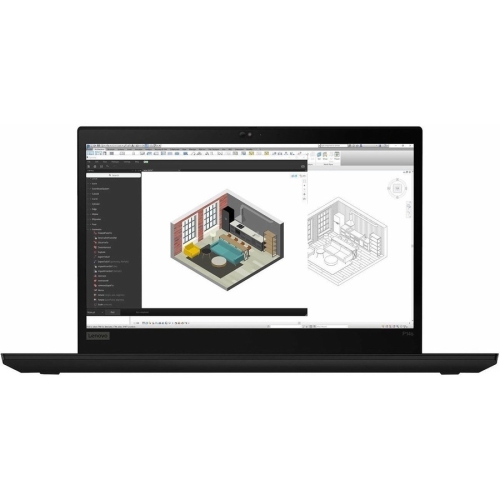
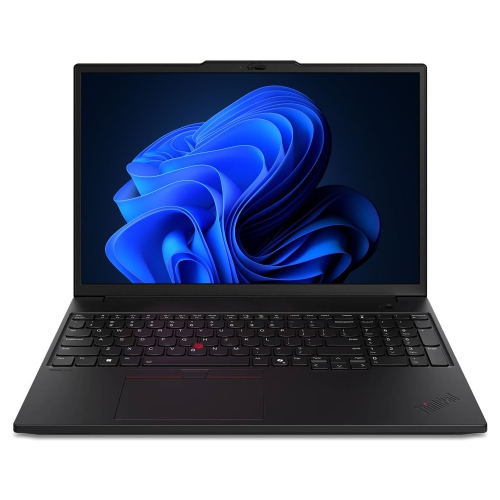
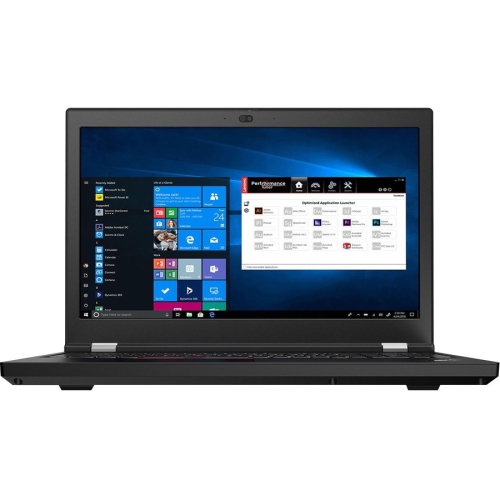
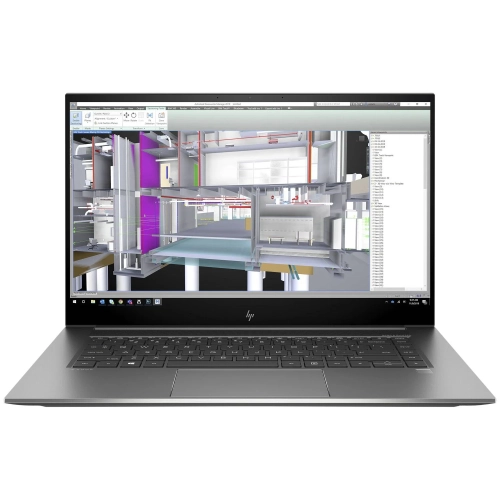
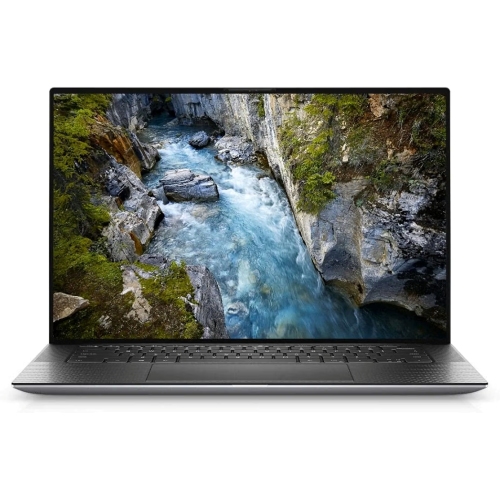
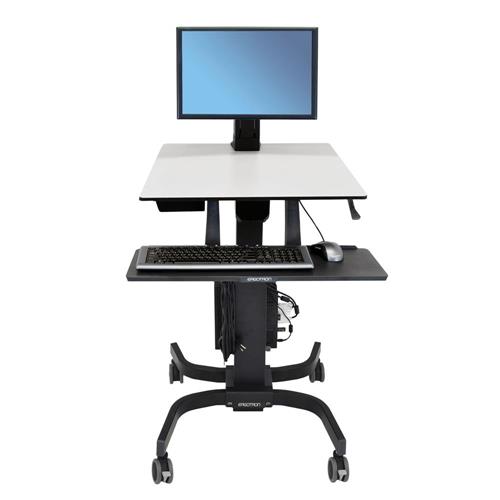
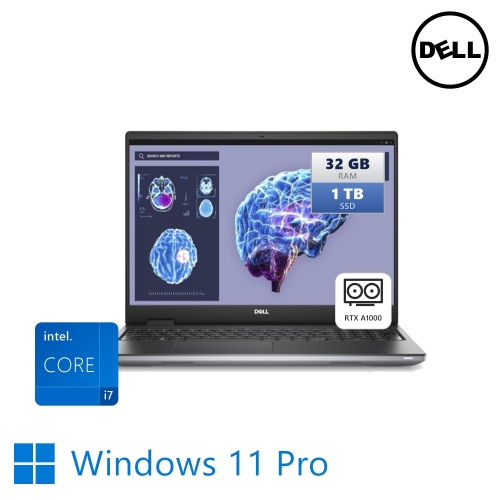
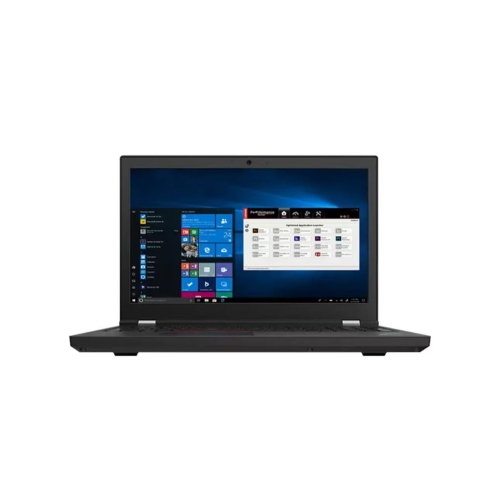
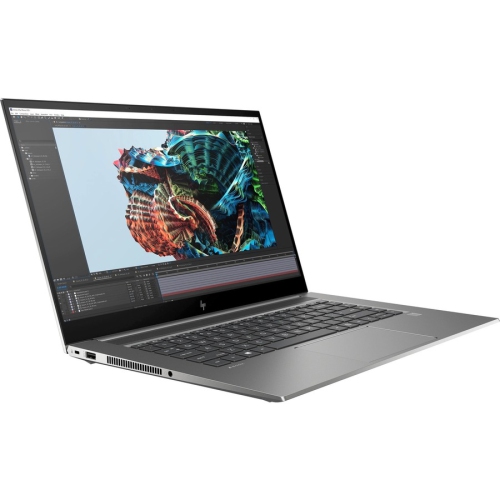
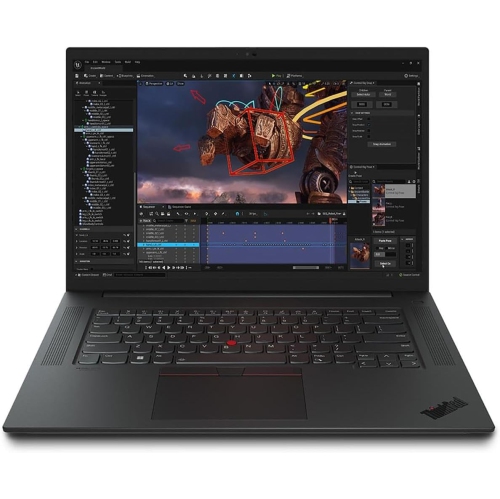
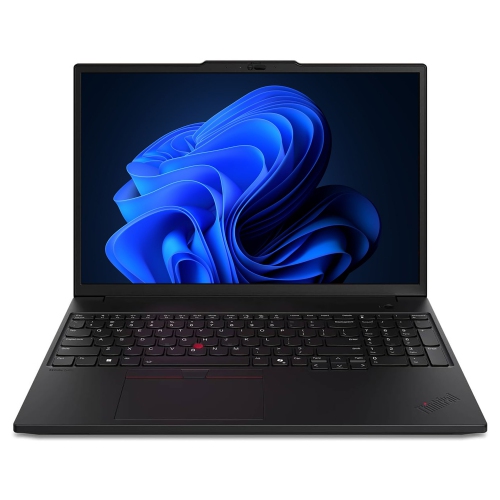
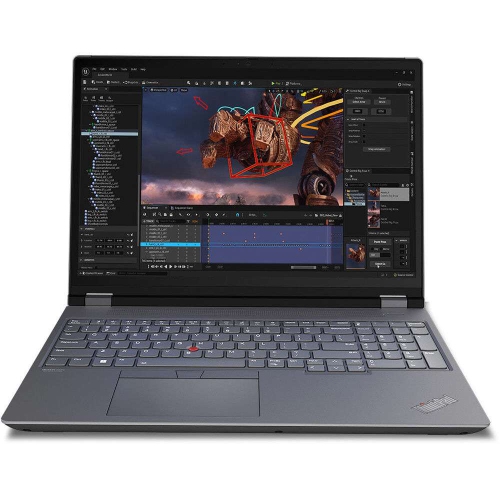
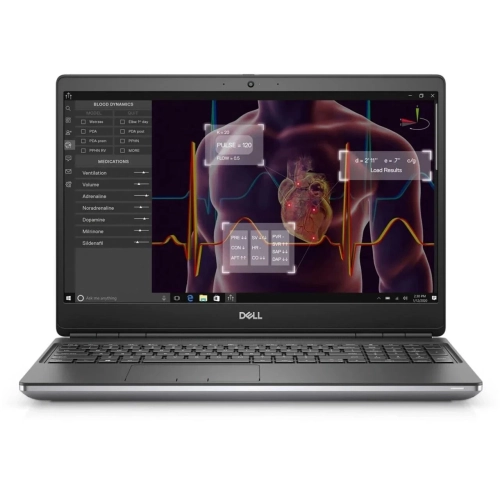
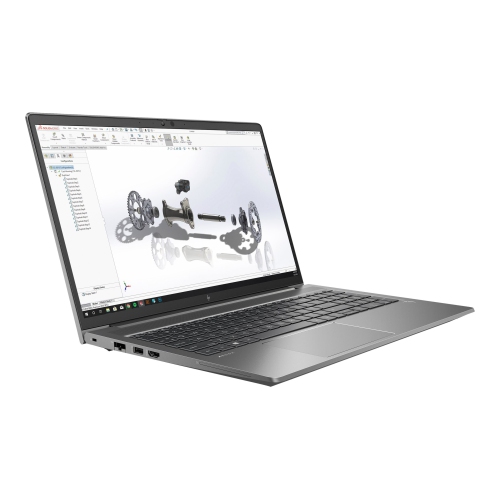
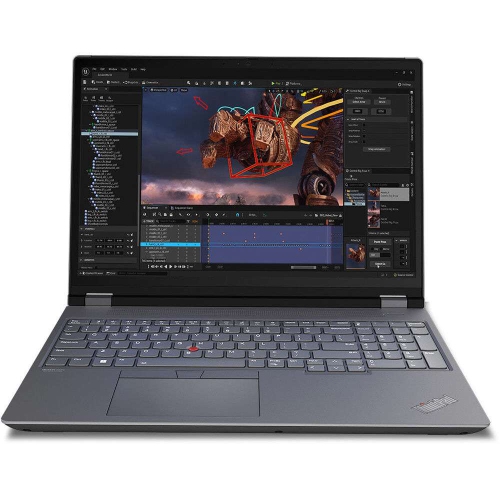
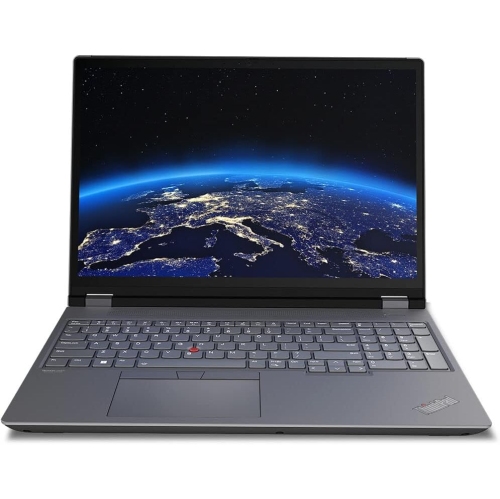
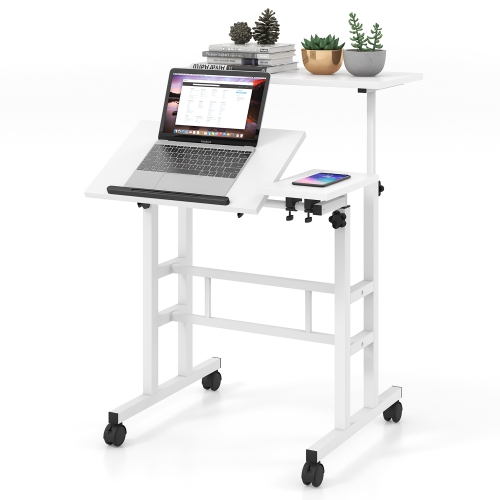
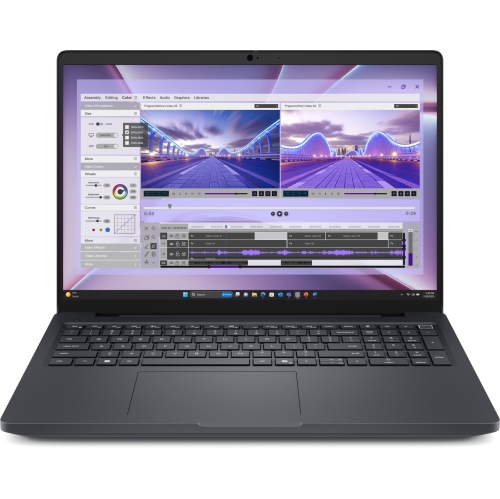
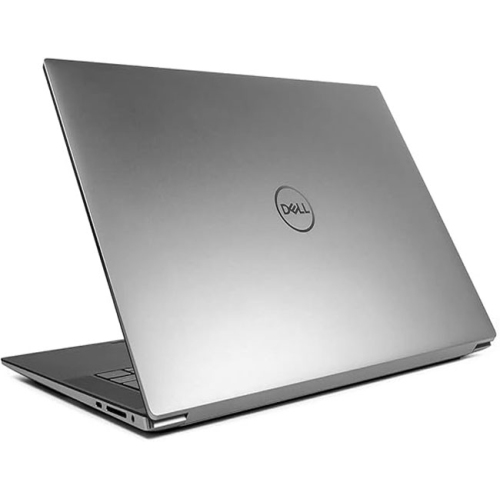
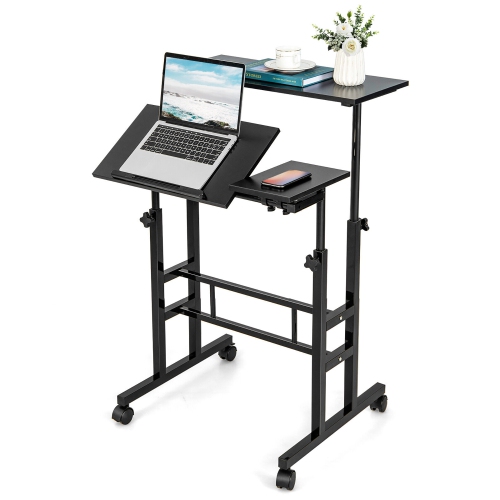
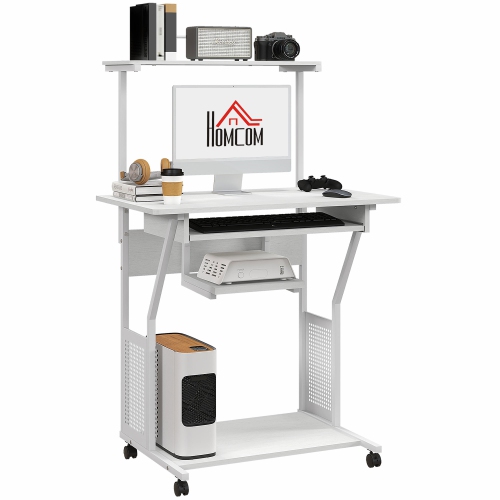
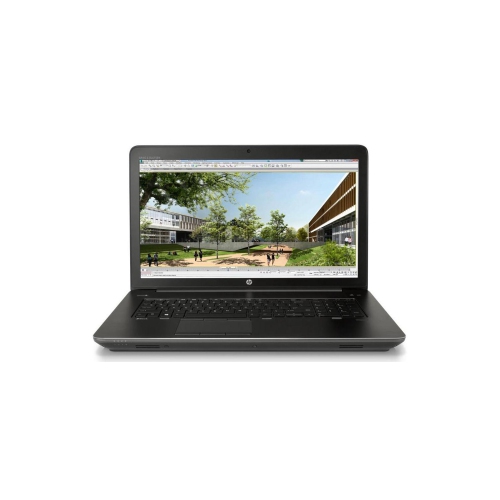
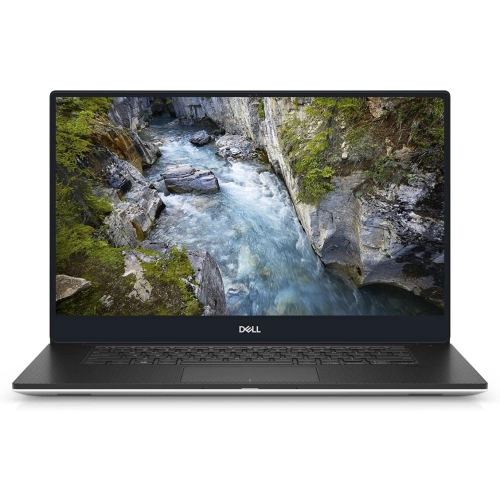
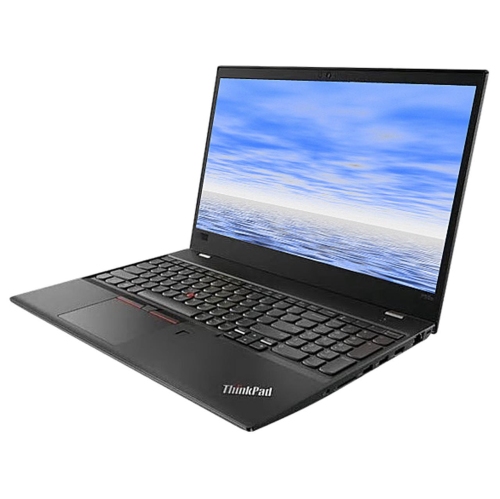
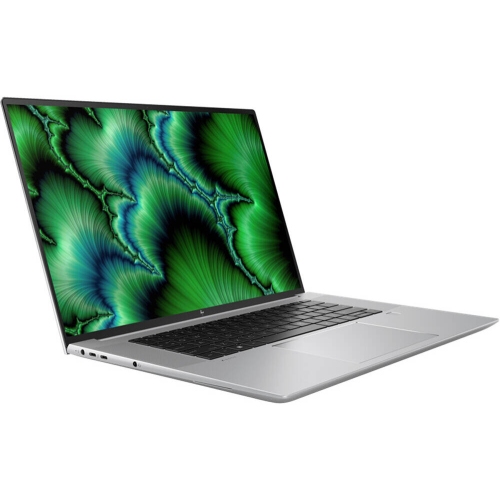
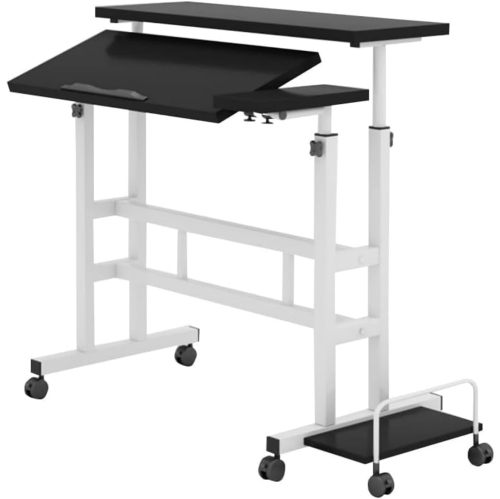
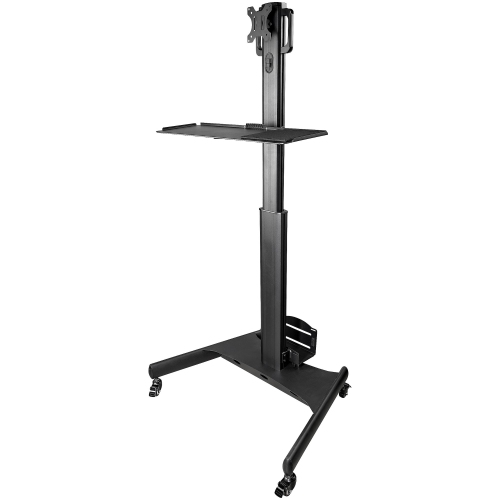
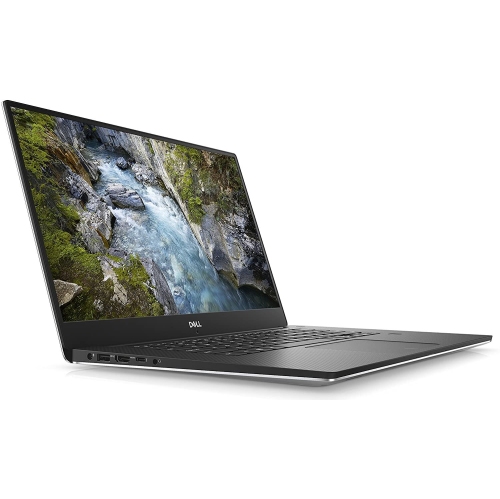
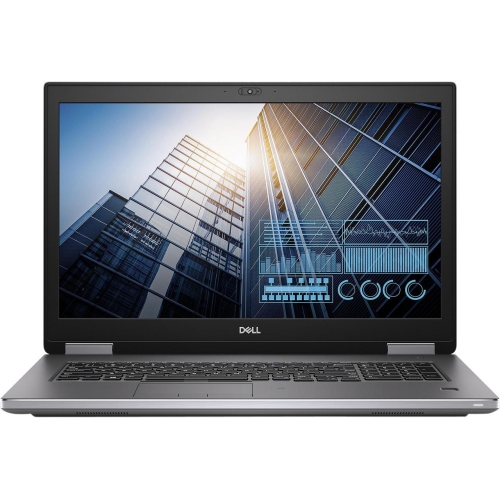
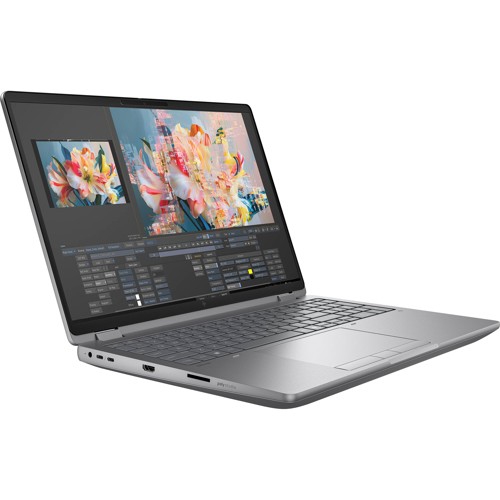
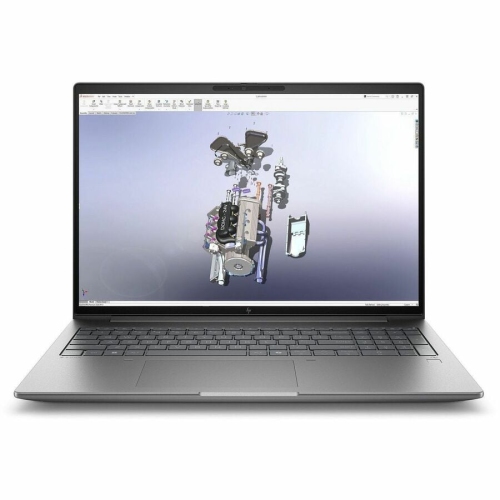
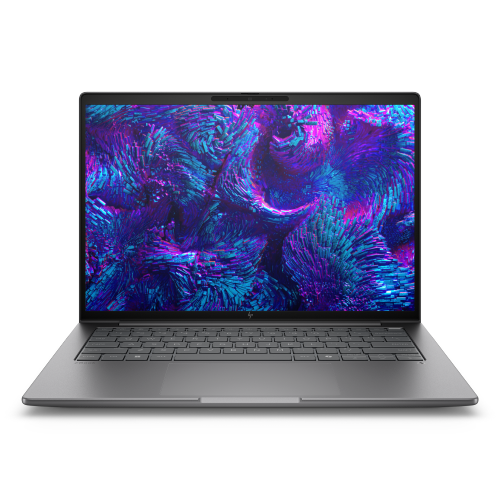
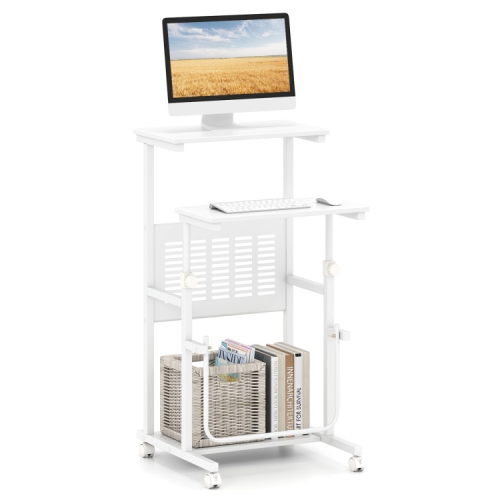
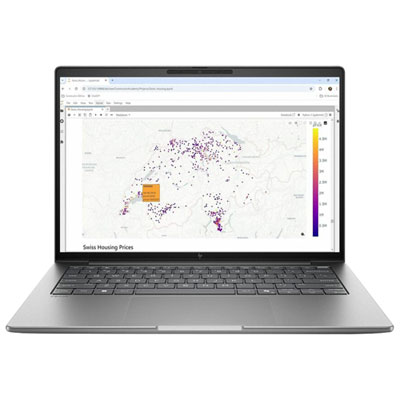
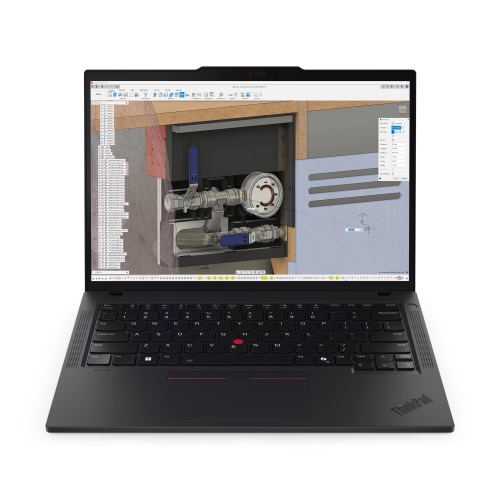
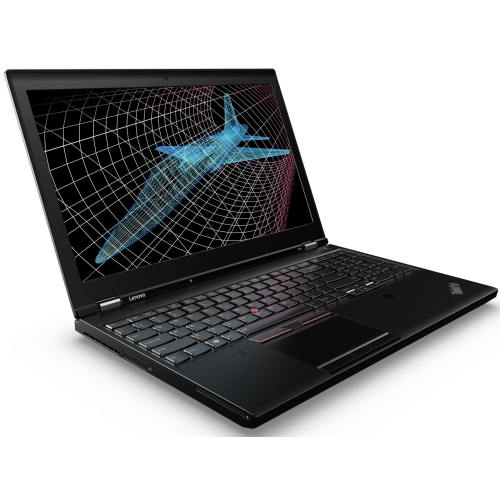
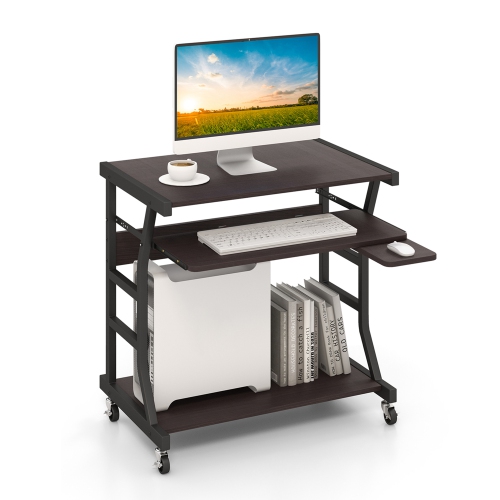
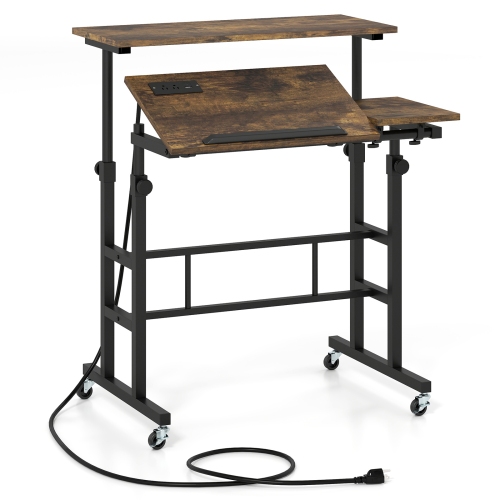
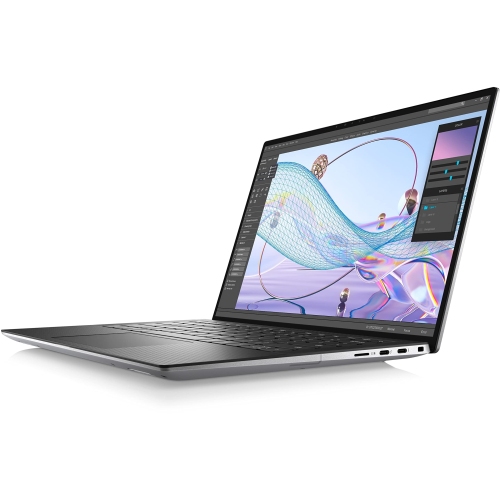
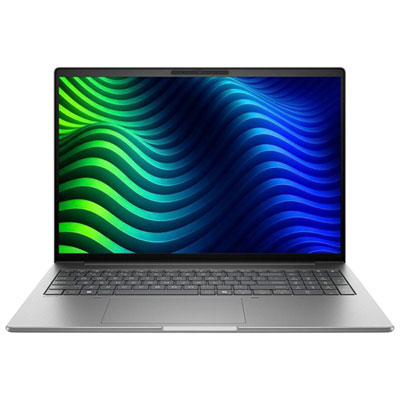
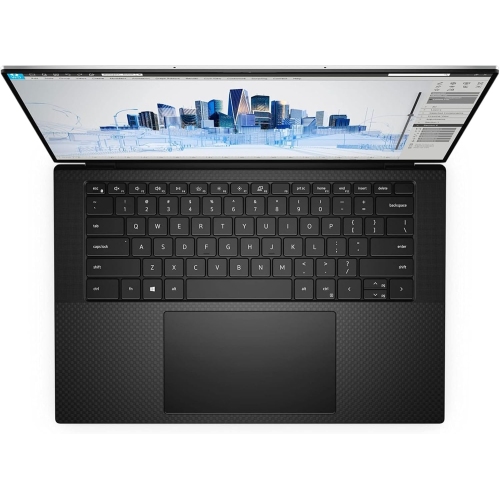
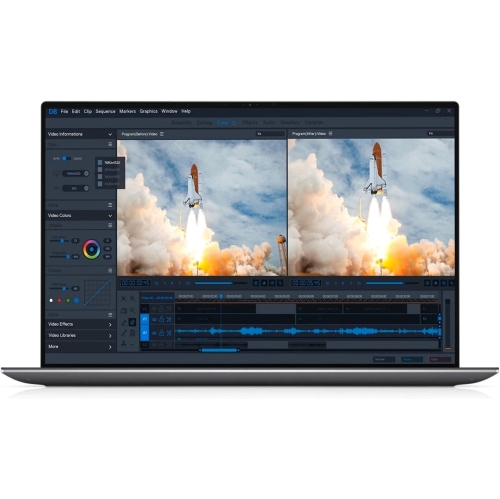
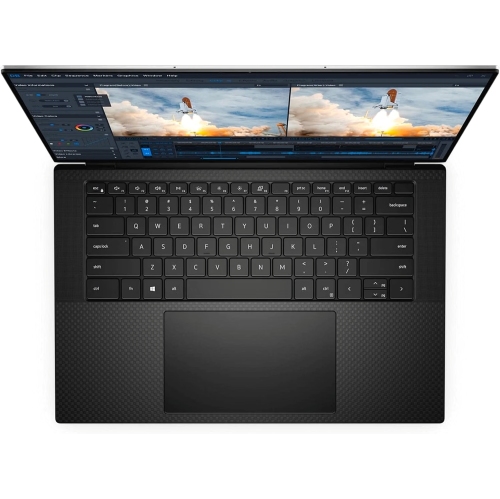
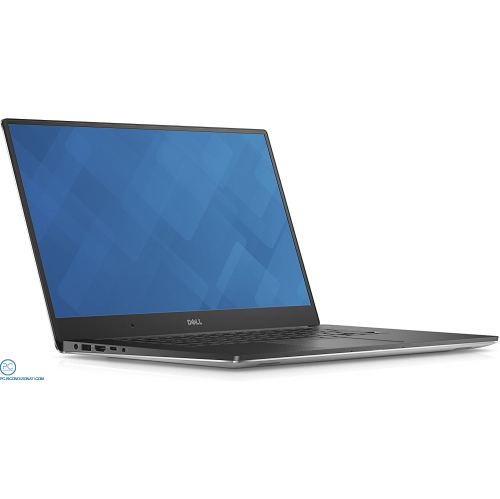
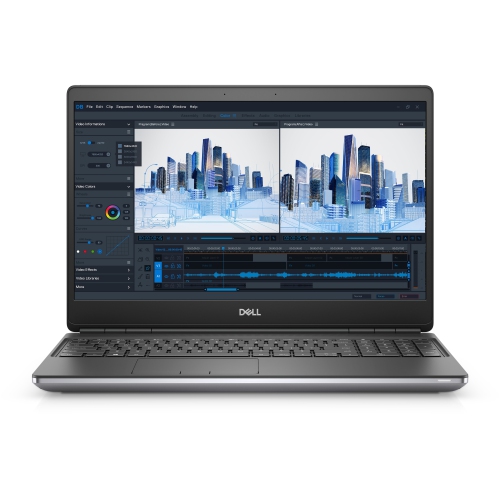
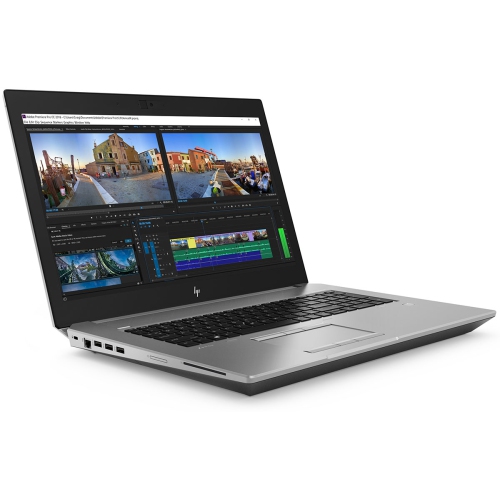
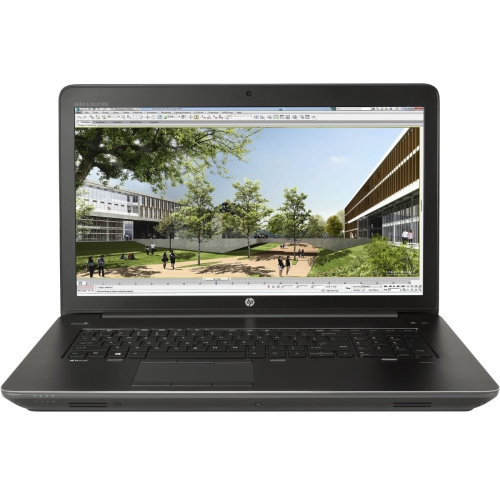
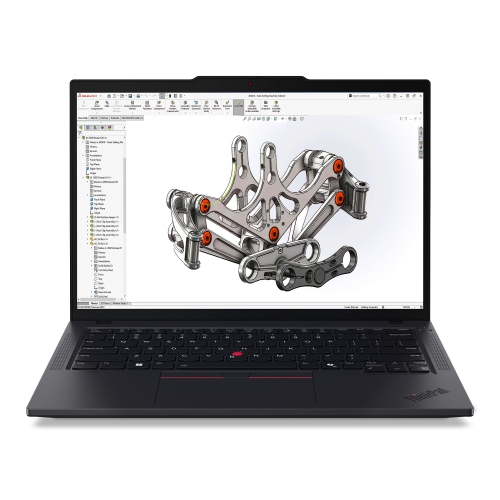
Mobile workstations are professional-grade laptops designed for demanding computing tasks such as computer-aided design, 3D modelling, video editing, engineering analysis and software development. They combine portability with processing power, memory capacity and graphics capabilities suited to complex projects. The term can also describe rolling computer carts, but in computing it generally refers to a portable workstation rather than the furniture used to move equipment. For an architect reviewing a detailed building model with a client, or an editor assembling high-resolution footage away from a studio, a workstation laptop keeps important files and applications together in one portable device. Its suitability depends on the software and the work being done, not simply on a high specification in one area. Processor performance affects everything from opening a large project to calculating a simulation, while the balance between single-core speed and multi-core performance matters differently across applications. Dedicated graphics can support complex visual work, although the benefits depend on how effectively an application uses the graphics processor. Graphics memory is particularly relevant when working with detailed models, large textures or demanding visual effects. Some configurations offer professional graphics drivers and certification for particular applications, which can help establish compatibility with supported software versions. System memory serves a different purpose: it gives active programs and project data room to work. Larger assemblies, virtual machines and several demanding applications running together may require considerably more memory than everyday browsing and document editing. Solid-state storage helps with loading software, opening project files and moving between tasks, while sufficient capacity leaves room for source footage, design assets and local working copies. A balanced configuration supports the entire workflow; a powerful processor alone cannot compensate for insufficient memory or storage that is nearly full. For shared projects, compatibility with an employer’s software, security requirements and file formats can be just as important as raw computing performance.
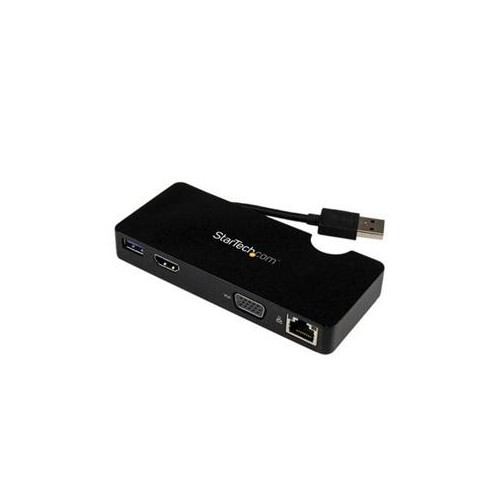
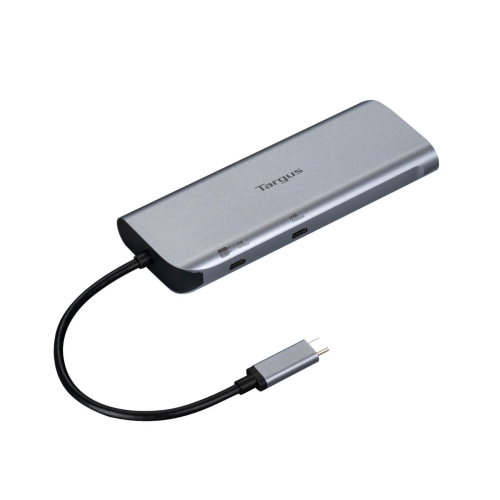
The physical design of a mobile workstation shapes how comfortably it fits into a working day. A laptop carried between home, an office and client appointments needs a different balance of weight and screen space from one that travels occasionally between established desks. Larger displays can make drawing tools, editing timelines and side-by-side documents easier to manage, while a smaller chassis takes up less space in a bag or on a compact table. Screen resolution affects how much detail is visible, but text scaling and application layout also influence usable space. For photography, design and video work, colour accuracy and coverage of the colour space used in the project matter more than resolution alone. A matte finish can reduce distracting reflections, and a comfortable keyboard and precise pointing device remain important during long sessions of writing code, entering measurements or reviewing documents. Chassis materials such as aluminum, magnesium alloy and reinforced plastics offer different combinations of weight, rigidity and surface feel. Durable hinges, a well-supported keyboard deck and a secure fit in a padded carrying case can matter as much as the finish. Inside the chassis, cooling design helps determine how consistently the processor and graphics hardware can perform under an extended workload. Rendering or simulation may produce noticeable fan noise, and battery runtime during those tasks can be much shorter than during light office work. Connections deserve similar attention because professional workflows often extend beyond the laptop itself. External displays, drawing tablets, storage drives, wired networks and audio equipment may require particular ports or adapters. USB-C ports do not all support the same charging, video output or data-transfer capabilities, so connector shape alone does not establish compatibility. Wi-Fi supports flexible connectivity, while a wired connection may suit large transfers where a suitable network is accessible. The power adapter also contributes to carrying weight, and a dock needs compatible power delivery and display support to function as intended. These practical details influence whether a workstation feels genuinely portable or simply movable.
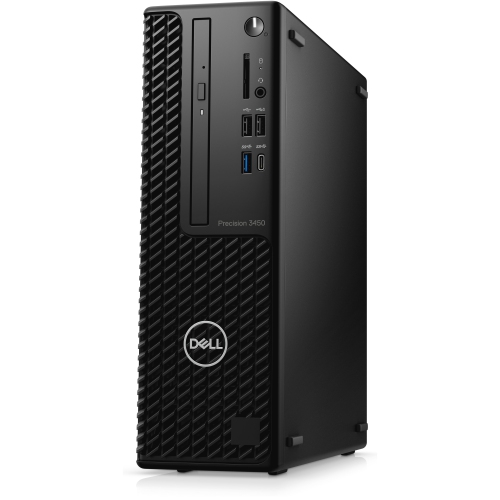
Mobile workstation laptops suit people whose work needs to travel without being reduced to basic document access. An engineer might examine a component assembly beside production equipment, a researcher might process data between lab sessions, and a developer might run a local testing setup during a client visit. Students in demanding design or technical programs may have similar needs, although course software requirements are a more useful starting point than the workstation label alone. At a regular desk, an external keyboard, mouse and monitor can create a comfortable working arrangement while keeping the laptop ready to disconnect for travel. A stand can raise the display closer to eye level when separate input devices are used, provided ventilation openings remain clear. For work that stays in one location, Workstation PCs offer another format, often with more space for internal components, cooling and future expansion. A mobile workstation trades some of that flexibility for an integrated screen, keyboard and battery. Upgrade options vary considerably: memory may be soldered or replaceable, storage access differs, and graphics hardware is generally not interchangeable in the way a desktop graphics card can be. Understanding those limits helps match the machine to projects that may grow over several years. Regular care supports dependable use, particularly for a device that moves frequently. A padded sleeve or fitted compartment helps protect the chassis during transport, while keeping loose accessories away from the screen reduces the chance of pressure damage and scratches. Screen cleaning should follow the manufacturer’s recommendations, using appropriate materials rather than harsh household cleaners. Clear ventilation openings and firm working surfaces help maintain airflow during demanding tasks. Operating system, application and driver updates should be managed with software compatibility in mind, especially where a project relies on a validated configuration. Reliable backups remain essential for working files, whether the laptop travels daily or spends most of its time connected to a dock. The most useful mobile workstation is one whose performance, construction and connections fit the work it needs to carry.
The physical design of a mobile workstation shapes how comfortably it fits into a working day. A laptop carried between home, an office and client appointments needs a different balance of weight and screen space from one that travels occasionally between established desks. Larger displays can make drawing tools, editing timelines and side-by-side documents easier to manage, while a smaller chassis takes up less space in a bag or on a compact table. Screen resolution affects how much detail is visible, but text scaling and application layout also influence usable space. For photography, design and video work, colour accuracy and coverage of the colour space used in the project matter more than resolution alone. A matte finish can reduce distracting reflections, and a comfortable keyboard and precise pointing device remain important during long sessions of writing code, entering measurements or reviewing documents. Chassis materials such as aluminum, magnesium alloy and reinforced plastics offer different combinations of weight, rigidity and surface feel. Durable hinges, a well-supported keyboard deck and a secure fit in a padded carrying case can matter as much as the finish. Inside the chassis, cooling design helps determine how consistently the processor and graphics hardware can perform under an extended workload. Rendering or simulation may produce noticeable fan noise, and battery runtime during those tasks can be much shorter than during light office work. Connections deserve similar attention because professional workflows often extend beyond the laptop itself. External displays, drawing tablets, storage drives, wired networks and audio equipment may require particular ports or adapters. USB-C ports do not all support the same charging, video output or data-transfer capabilities, so connector shape alone does not establish compatibility. Wi-Fi supports flexible connectivity, while a wired connection may suit large transfers where a suitable network is accessible. The power adapter also contributes to carrying weight, and a dock needs compatible power delivery and display support to function as intended. These practical details influence whether a workstation feels genuinely portable or simply movable.
Mobile workstation laptops suit people whose work needs to travel without being reduced to basic document access. An engineer might examine a component assembly beside production equipment, a researcher might process data between lab sessions, and a developer might run a local testing setup during a client visit. Students in demanding design or technical programs may have similar needs, although course software requirements are a more useful starting point than the workstation label alone. At a regular desk, an external keyboard, mouse and monitor can create a comfortable working arrangement while keeping the laptop ready to disconnect for travel. A stand can raise the display closer to eye level when separate input devices are used, provided ventilation openings remain clear. For work that stays in one location, Workstation PCs offer another format, often with more space for internal components, cooling and future expansion. A mobile workstation trades some of that flexibility for an integrated screen, keyboard and battery. Upgrade options vary considerably: memory may be soldered or replaceable, storage access differs, and graphics hardware is generally not interchangeable in the way a desktop graphics card can be. Understanding those limits helps match the machine to projects that may grow over several years. Regular care supports dependable use, particularly for a device that moves frequently. A padded sleeve or fitted compartment helps protect the chassis during transport, while keeping loose accessories away from the screen reduces the chance of pressure damage and scratches. Screen cleaning should follow the manufacturer’s recommendations, using appropriate materials rather than harsh household cleaners. Clear ventilation openings and firm working surfaces help maintain airflow during demanding tasks. Operating system, application and driver updates should be managed with software compatibility in mind, especially where a project relies on a validated configuration. Reliable backups remain essential for working files, whether the laptop travels daily or spends most of its time connected to a dock. The most useful mobile workstation is one whose performance, construction and connections fit the work it needs to carry.
Top selling and popular products
-
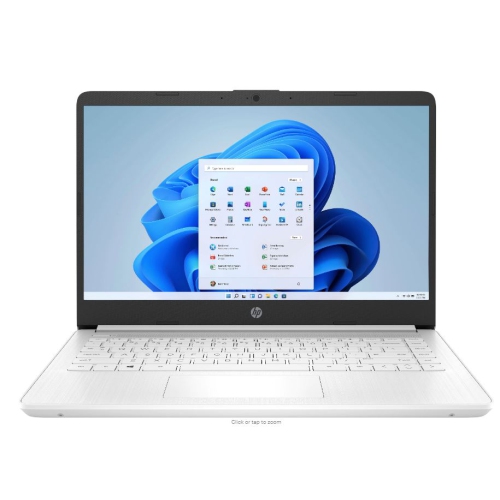 Your price for this item is $449
-
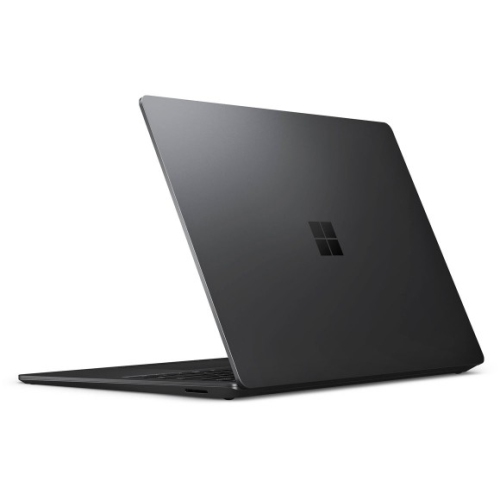 Your price for this item is $3099
-
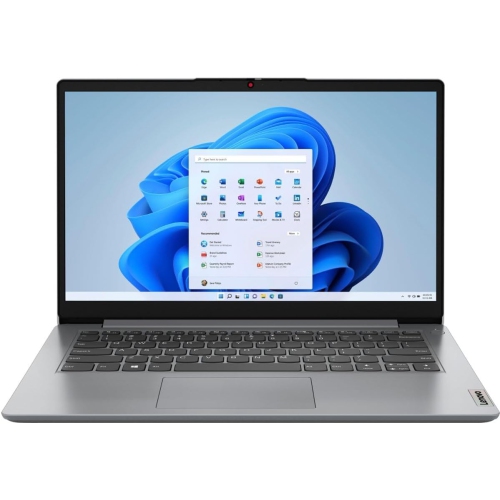 Your price for this item is $664.05
-
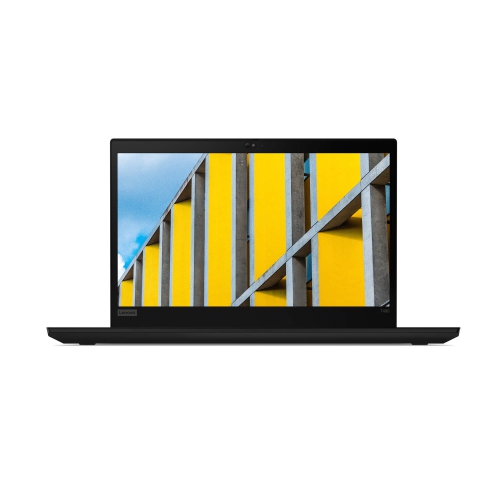 Your price for this item is $599.68
-
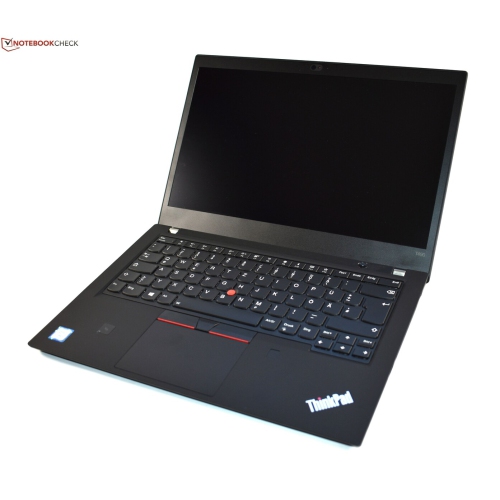 Your price for this item is $499.99
-
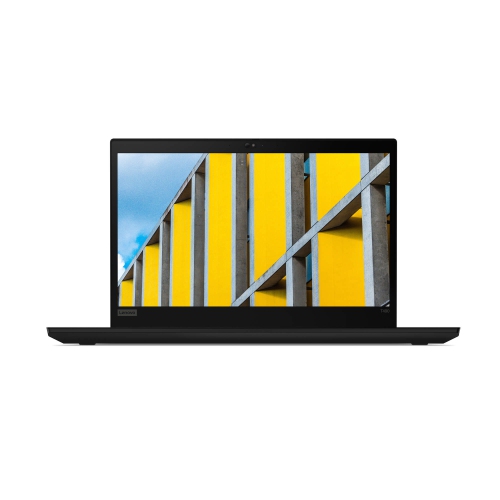 Your price for this item is $418.98
-
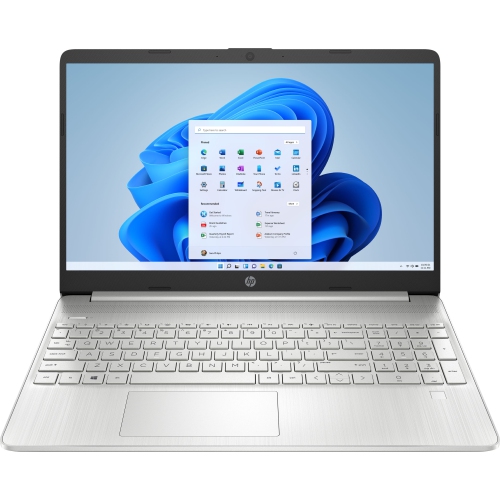 Your price for this item is $829
-
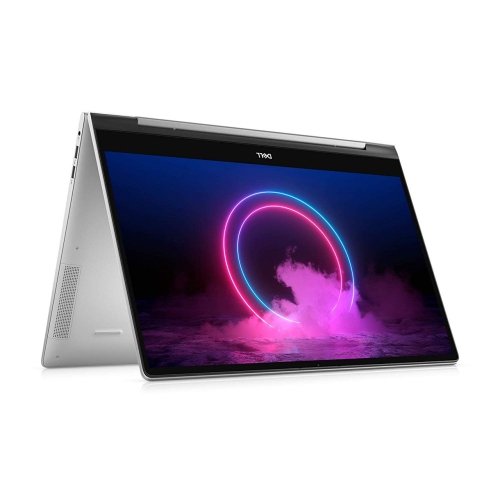 Your price for this item is $999.95
Discover more categories related to Mobile Workstations
Top Collections:
Pokemon Centers, Kindle Devices, Best Cameras for Sports Photography, Pokémon 30th Celebration Cards, Apple iPhones 16, Canon G7X Cameras, iPhone 15 Apple, Flip Phones, Samsung Galaxy Phones, Alarm Clock
Some products may be subject to Environmental Handling Fees
(EHF) depending on your province.
Learn more about EHFs.