Camera Covers for Laptops
Protect your laptop's camera with our selection of camera covers. Whether you're concerned about privacy or simply want to keep your camera lens safe from scratches and dust, these camera covers are the perfect solution. Designed to fit most laptops, these covers are easy to install and provide a sleek, low-profile look. With options ranging from slide covers to adhesive covers, you can find the perfect camera cover that suits your needs and style. Invest in the security of your laptop's camera today and shop our collection of camera covers for laptops.
Sort












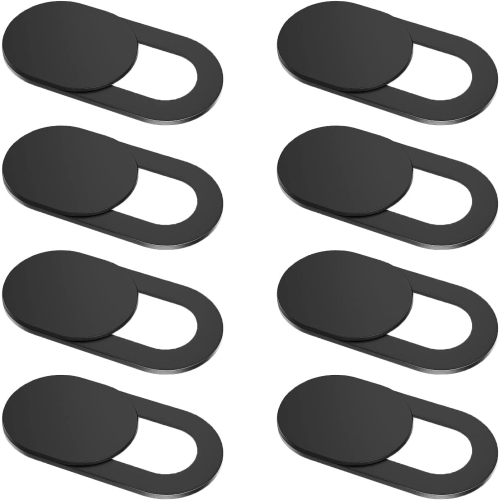
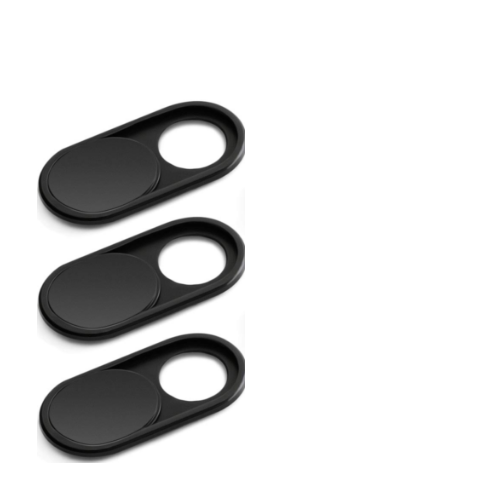


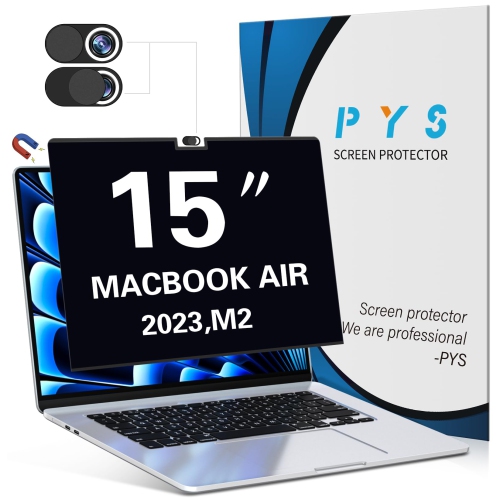
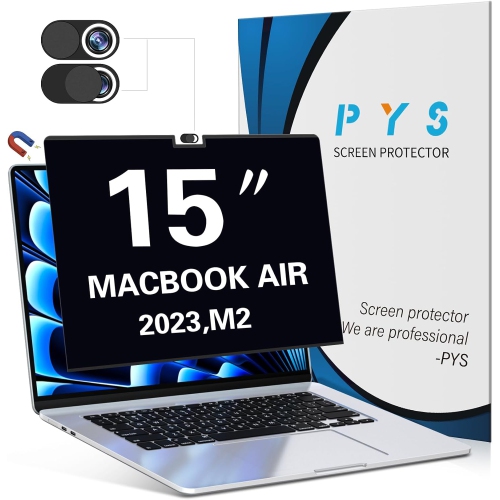



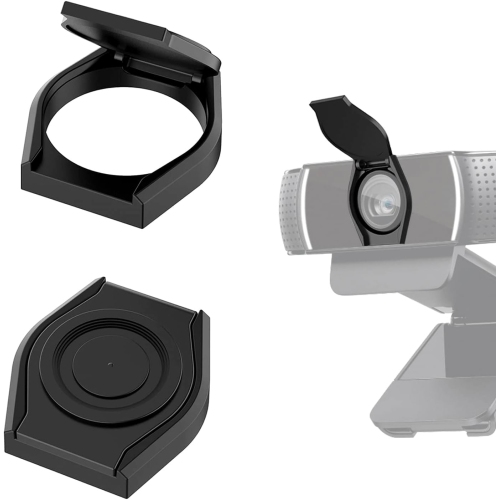

Webcam privacy starts with full coverage and proper fit
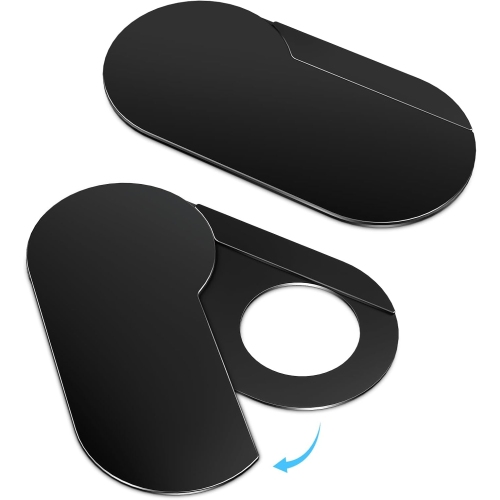
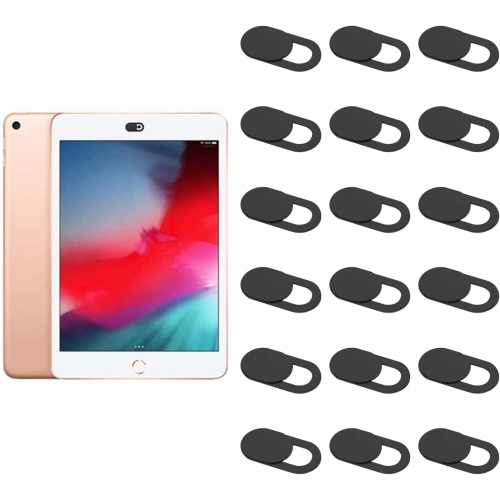
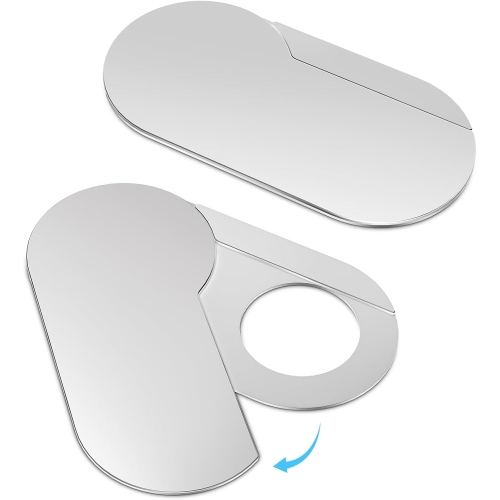
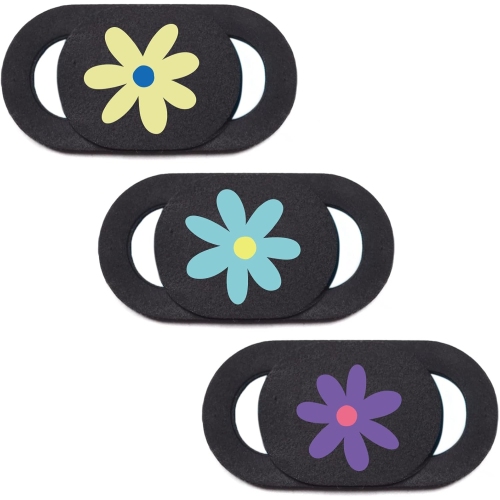
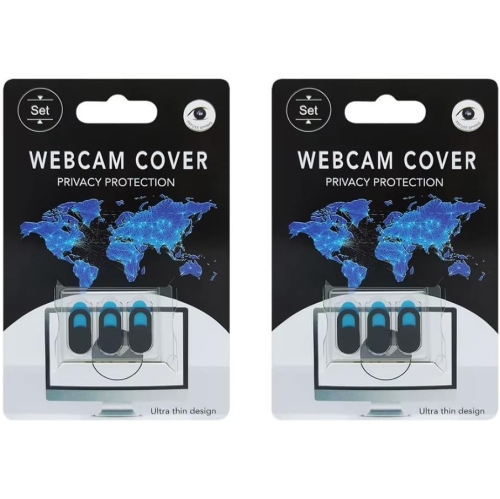
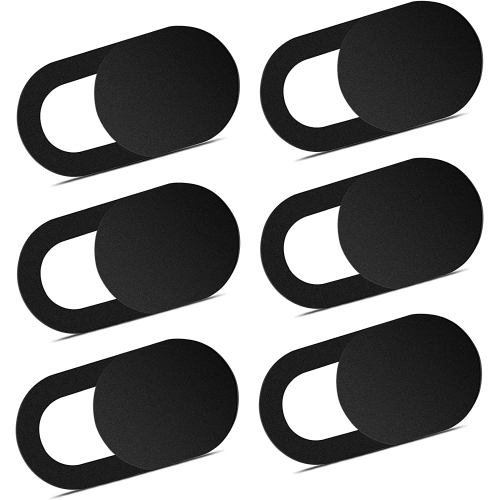
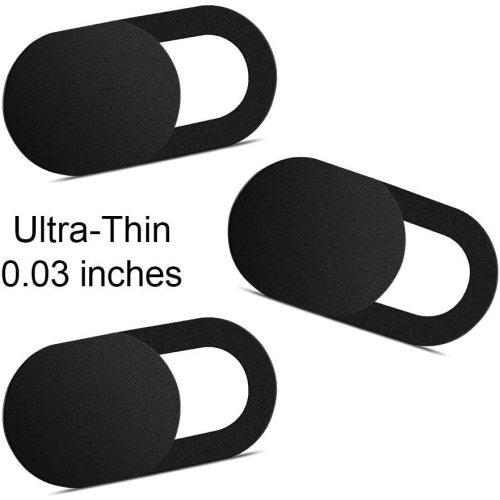
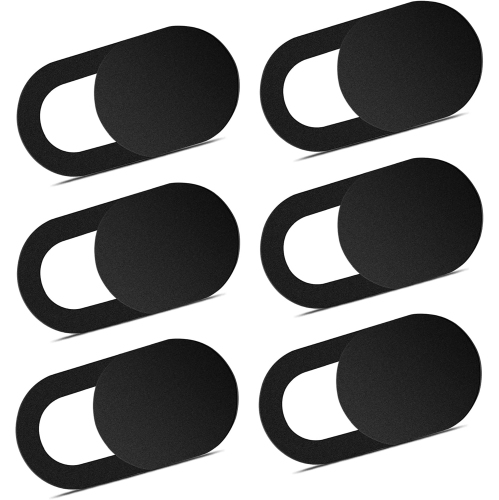
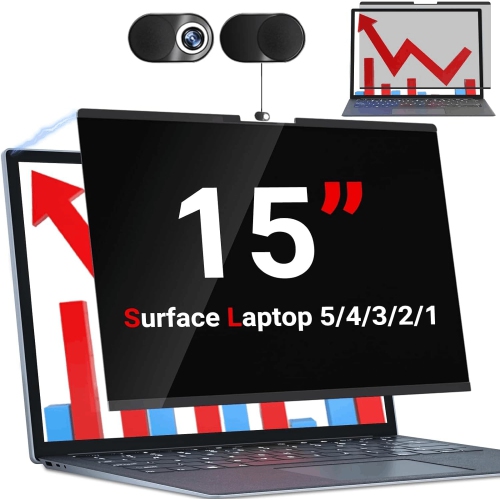
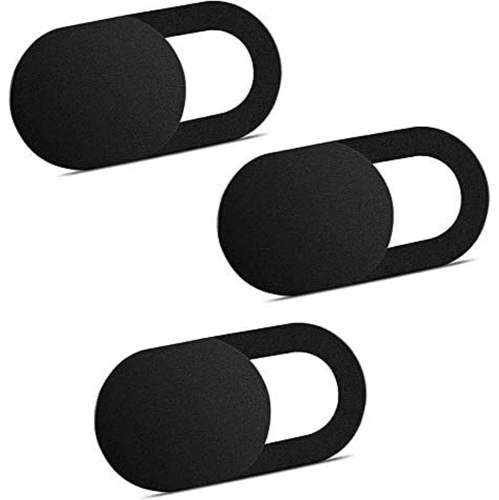
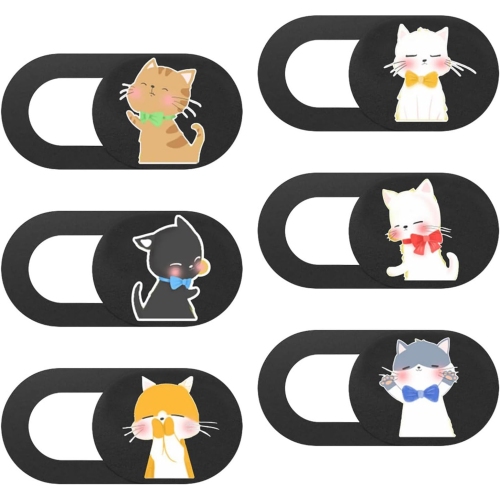
Camera covers for laptops are small shields that physically block the built-in webcam lens when the camera is not in use. They add a visible layer of privacy: with an opaque cover closed and properly aligned, the camera cannot capture a view through the covered lens. Sliding designs keep a small shutter attached to the laptop’s bezel, while flip-style and removable covers offer other ways to uncover the camera for a call. The appeal is straightforward for anyone whose laptop spends time open on a kitchen table, beside a sofa, or at a desk facing a shared room. A closed shutter can keep the room out of view between work meetings, online appointments, study sessions, and conversations with family. When a video call begins, a sliding cover can be opened without searching for a loose piece of tape or peeling something away from the lens. The cover’s opening needs to expose the entire lens rather than just its centre; a partially obstructed camera can produce dark edges or a blocked image. For people who switch frequently between camera-on and camera-off tasks, an easy-to-operate shutter makes that change more convenient. Others may prefer a removable shield for a laptop used mostly for writing, browsing, or coursework, with only occasional video calls. These accessories are physical privacy tools, not replacements for device security. A webcam cover does not disable the microphone, prevent unauthorized access to a laptop, or change an application’s camera permissions. Camera and microphone settings, account protection, and software updates still have separate roles. An opaque cover also blocks only the lens it actually covers, so laptops with more than one camera or sensor need particular attention to placement. The most useful design is one that suits the laptop’s layout and the owner’s routine, with a clear distinction between its open and closed positions.
Fit matters as much as the cover’s mechanism, especially on laptops with narrow bezels and tightly fitted lids. A cover needs enough suitable surface around the webcam for secure attachment without overlapping the display, an indicator light, a microphone opening, or a nearby sensor. Some laptops group the visible camera with infrared components used for facial sign-in; covering those components may interrupt that feature even if the main webcam opening appears correctly aligned. Cover width, height, opening size, and total thickness all affect compatibility. A compact shape may fit neatly above one screen yet extend onto the display or beyond the bezel of another. Thinness alone is not proof that a cover is safe to leave attached when the lid closes. Some laptop manufacturers advise against closing the screen with a camera cover in place because the clearance between the display and keyboard is extremely small. Even a slim accessory can create a pressure point that damages the screen. Manufacturer guidance for the exact laptop takes priority over a general compatibility claim, and a cover that is not permitted during closure needs to be removed before the lid is shut. A laptop with an integrated privacy shutter may not need an additional cover at all. Materials also influence everyday handling. Plastic covers, including those made from ABS, can provide a lightweight housing, while metal designs may offer a firmer feel; neither material guarantees a better fit or safer lid clearance. Smooth edges help reduce snagging, and a shutter that moves without excessive force is easier to use without pushing against the screen. The closed panel should be opaque, with enough overlap to block the lens completely. Adhesive-backed designs depend on both the adhesive and the surface beneath it, so textured, curved, or very narrow bezels may be unsuitable. Removable designs bring a different trade-off: they can leave the camera area clear when taken off, but the loose cover needs a dedicated place to stay between uses.
Everyday use and care help determine how well a laptop camera cover holds up. Repeated opening and closing puts wear on the sliding track or hinge, while dust and lint can collect around a small moving panel. A mechanism that stays in its selected position is useful when a laptop moves between a desk, a meeting room, and a bag, although transport should always follow the laptop manufacturer’s guidance on whether the cover must come off first. Attachment works best on a clean, dry, compatible bezel, with any cleaning method kept within the laptop and cover manufacturers’ recommendations. Liquid should not be allowed to run into the camera opening, and abrasive cleaning can scratch the nearby surface. Gentle handling is particularly important around the top edge of a thin display: forcing a stiff shutter or levering off a stuck cover can put unnecessary pressure on the screen assembly. Adhesive may leave residue or lose its grip after removal, so repositioning is not always possible unless the cover is designed for it. For a shared household laptop, an obvious closed position can make it easier for the next person to see whether the camera is covered before joining a call. Students using laptops for remote lessons, group projects, and presentations may value that same quick visual check, particularly when studying in shared accommodation or a busy family space. The selection of webcam covers for student laptops relates to those everyday study needs. A camera cover can also be a practical small gift for a student, a remote worker, or a family member who regularly makes video calls, provided the recipient’s laptop permits its use. For any owner, the lasting value comes from a simple combination: reliable lens coverage, comfortable operation, suitable attachment, and a fit that respects the laptop’s design.
Fit matters as much as the cover’s mechanism, especially on laptops with narrow bezels and tightly fitted lids. A cover needs enough suitable surface around the webcam for secure attachment without overlapping the display, an indicator light, a microphone opening, or a nearby sensor. Some laptops group the visible camera with infrared components used for facial sign-in; covering those components may interrupt that feature even if the main webcam opening appears correctly aligned. Cover width, height, opening size, and total thickness all affect compatibility. A compact shape may fit neatly above one screen yet extend onto the display or beyond the bezel of another. Thinness alone is not proof that a cover is safe to leave attached when the lid closes. Some laptop manufacturers advise against closing the screen with a camera cover in place because the clearance between the display and keyboard is extremely small. Even a slim accessory can create a pressure point that damages the screen. Manufacturer guidance for the exact laptop takes priority over a general compatibility claim, and a cover that is not permitted during closure needs to be removed before the lid is shut. A laptop with an integrated privacy shutter may not need an additional cover at all. Materials also influence everyday handling. Plastic covers, including those made from ABS, can provide a lightweight housing, while metal designs may offer a firmer feel; neither material guarantees a better fit or safer lid clearance. Smooth edges help reduce snagging, and a shutter that moves without excessive force is easier to use without pushing against the screen. The closed panel should be opaque, with enough overlap to block the lens completely. Adhesive-backed designs depend on both the adhesive and the surface beneath it, so textured, curved, or very narrow bezels may be unsuitable. Removable designs bring a different trade-off: they can leave the camera area clear when taken off, but the loose cover needs a dedicated place to stay between uses.
Everyday use and care help determine how well a laptop camera cover holds up. Repeated opening and closing puts wear on the sliding track or hinge, while dust and lint can collect around a small moving panel. A mechanism that stays in its selected position is useful when a laptop moves between a desk, a meeting room, and a bag, although transport should always follow the laptop manufacturer’s guidance on whether the cover must come off first. Attachment works best on a clean, dry, compatible bezel, with any cleaning method kept within the laptop and cover manufacturers’ recommendations. Liquid should not be allowed to run into the camera opening, and abrasive cleaning can scratch the nearby surface. Gentle handling is particularly important around the top edge of a thin display: forcing a stiff shutter or levering off a stuck cover can put unnecessary pressure on the screen assembly. Adhesive may leave residue or lose its grip after removal, so repositioning is not always possible unless the cover is designed for it. For a shared household laptop, an obvious closed position can make it easier for the next person to see whether the camera is covered before joining a call. Students using laptops for remote lessons, group projects, and presentations may value that same quick visual check, particularly when studying in shared accommodation or a busy family space. The selection of webcam covers for student laptops relates to those everyday study needs. A camera cover can also be a practical small gift for a student, a remote worker, or a family member who regularly makes video calls, provided the recipient’s laptop permits its use. For any owner, the lasting value comes from a simple combination: reliable lens coverage, comfortable operation, suitable attachment, and a fit that respects the laptop’s design.
Top selling and popular products
-
 Your price for this item is $104.68
-
 Your price for this item is $429.95
-
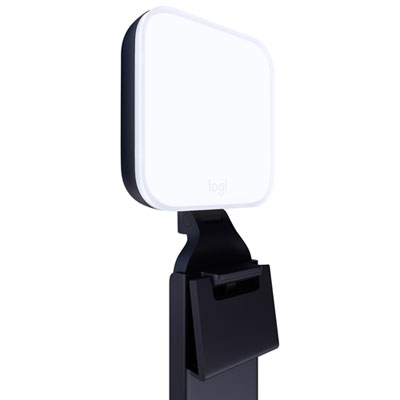 Your price for this item is $89.99
-
 Your price for this item is $72.49
-
 Your price for this item is $279.99
-
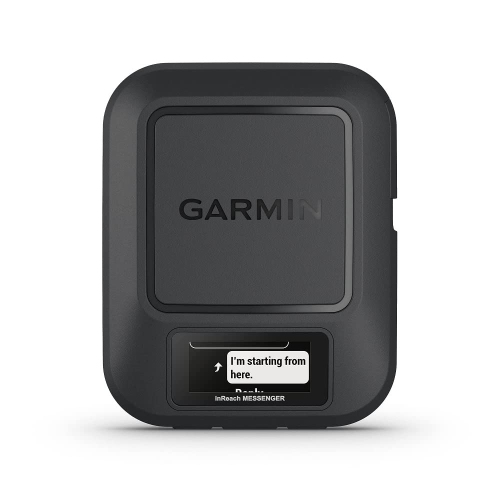 Your price for this item is $439
-
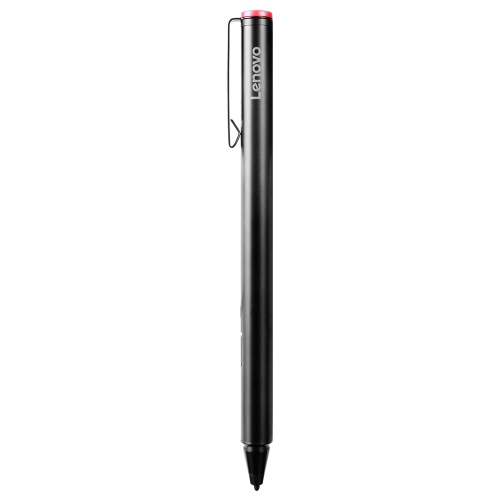 Your price for this item is $102.68
-
 Your price for this item is $128.68
Discover more categories related to Camera Covers for Laptops

Top Collections:
Best Black Friday Deals This Year, Best Black Friday Deals On Electronics, Kindle Devices, Pokemon Centers, Best Black Friday Deals On Apple Products, Best Cameras for Sports Photography, Dyson Airwrap, Pokémon 30th Celebration Cards, Apple iPhone 17 Pro, Canon G7X Cameras
Some products may be subject to Environmental Handling Fees
(EHF) depending on your province.
Learn more about EHFs.