Chromebook for Photo Editing
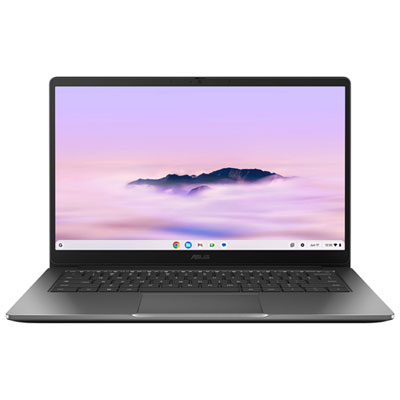
Looking to step up your photo editing game? A Chromebook might just be the perfect tool for you. With their sleek design, lightweight build, and impressive processing power, Chromebooks offer a convenient and efficient way to edit your photos on the go. Whether you're a professional photographer or simply enjoy capturing moments with your smartphone, a Chromebook for photo editing can help you enhance and transform your images with ease. Discover the endless possibilities and unleash your creativity with a Chromebook for photographers.
Sort
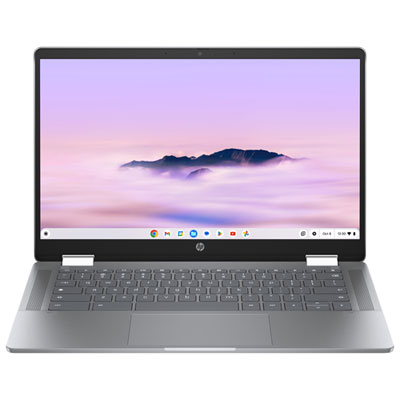
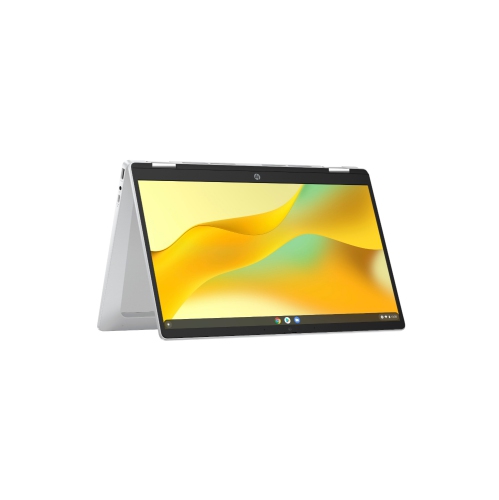
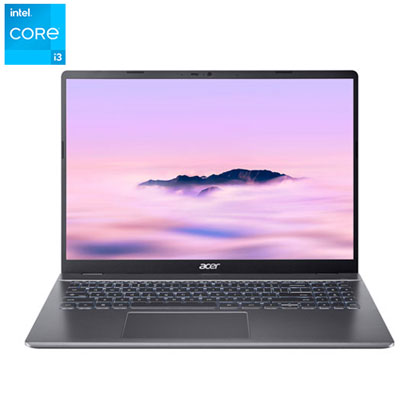
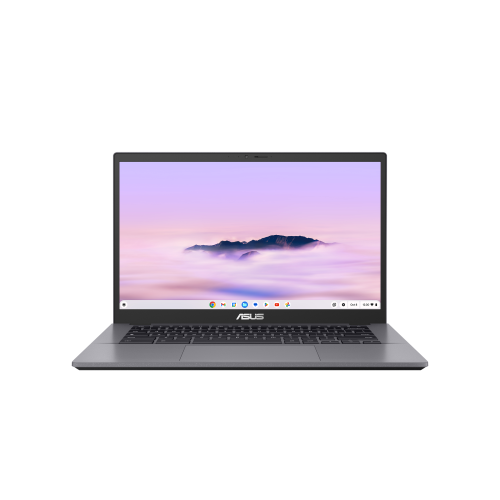
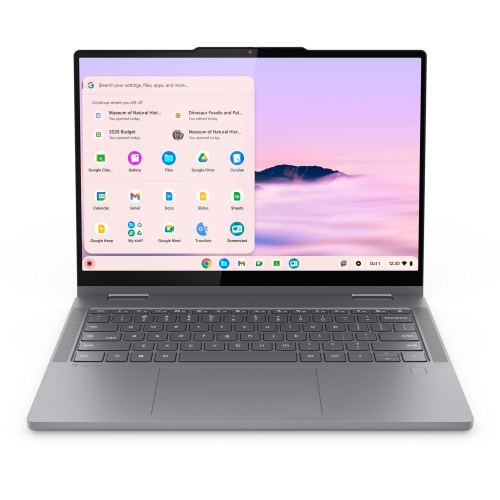
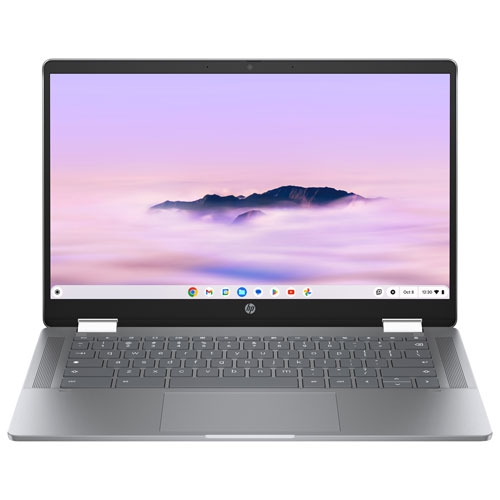
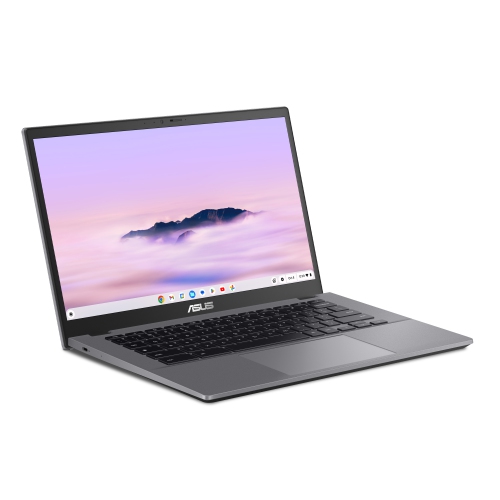
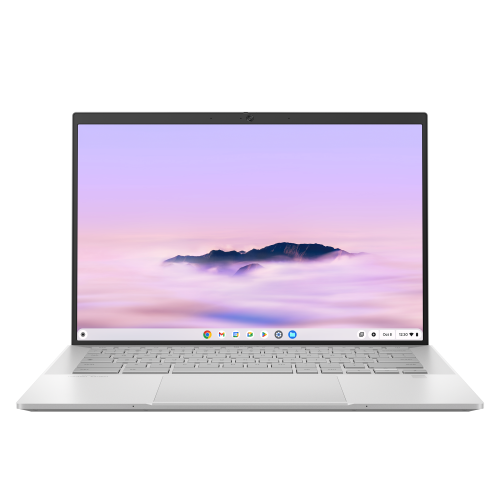
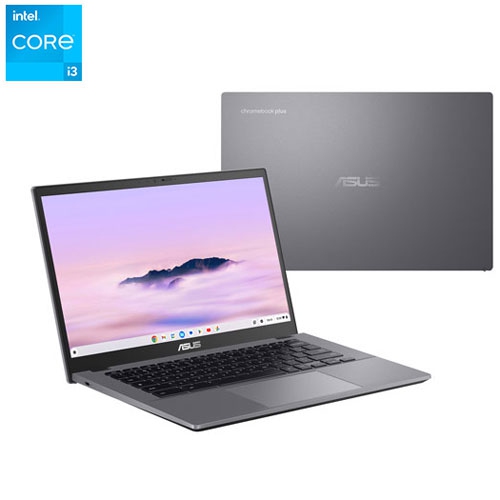
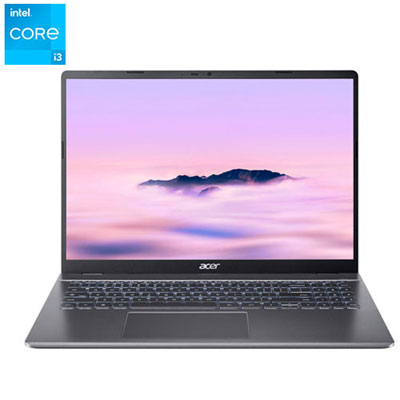
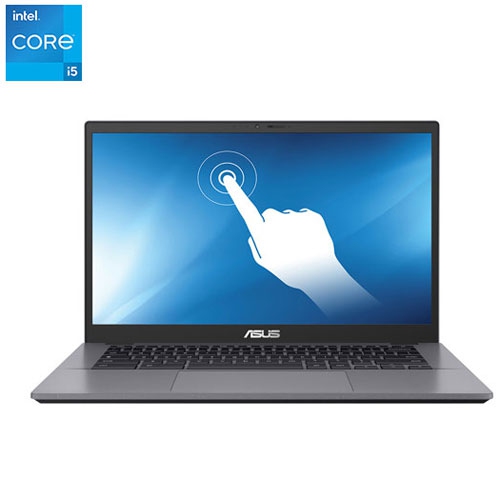

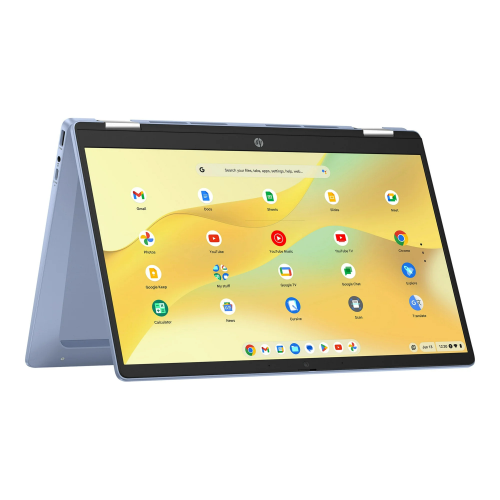
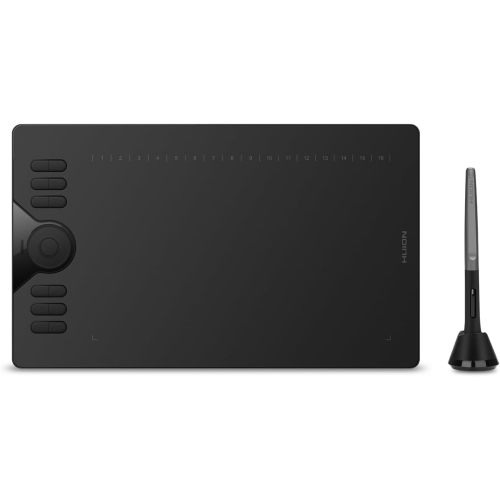
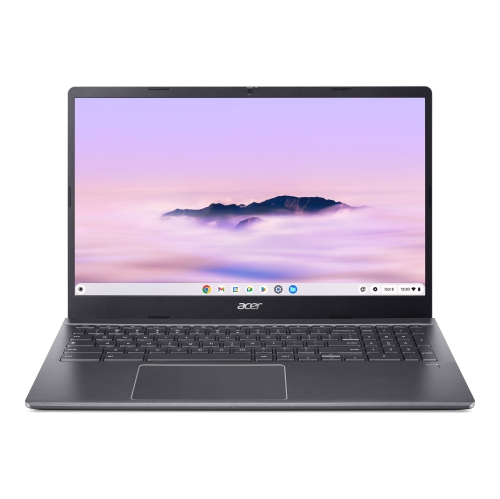
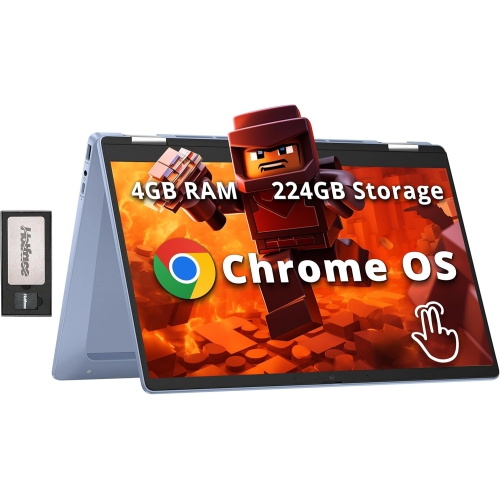
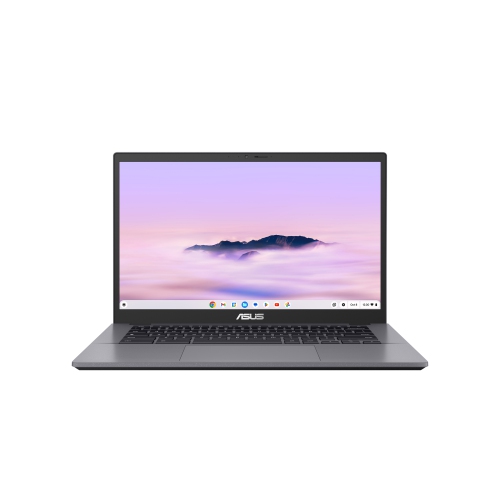
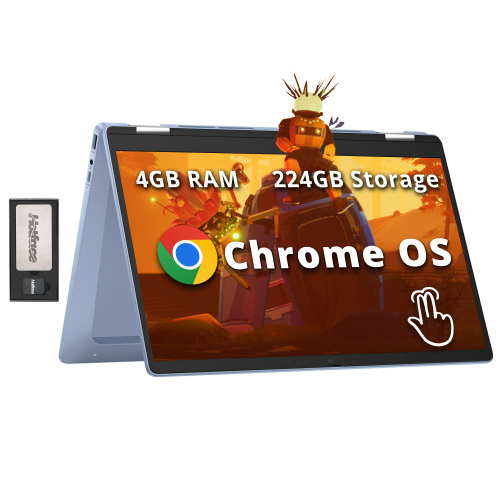
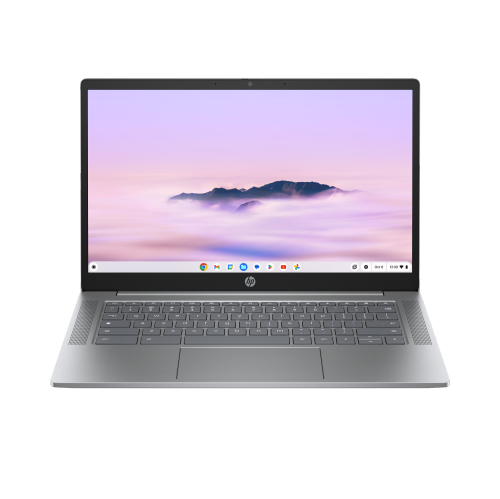
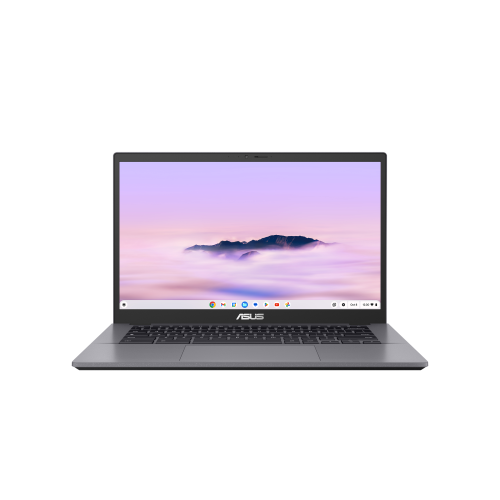
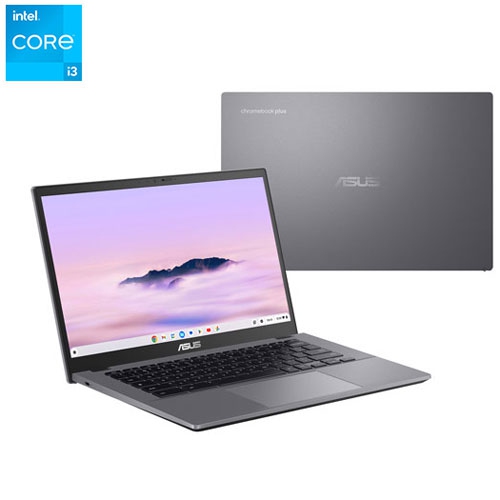
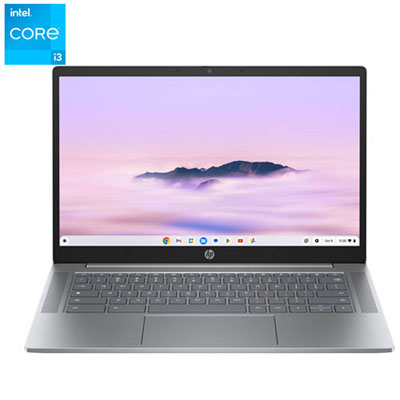
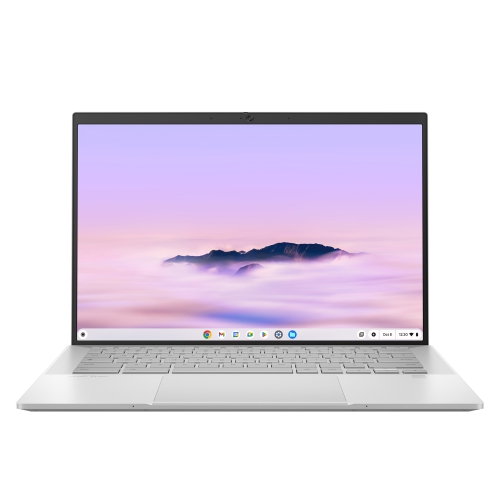
Photo editing depends on display quality, apps, storage, and portability
When considering a Chromebook for photo editing, it’s important to think about the unique blend of portability, performance, and software compatibility these devices offer. Chromebooks are designed for simplicity and speed, making them a popular choice for students, hobbyists, and anyone who values a lightweight device that’s easy to take on the go. As the weather warms and outdoor adventures become more frequent, many users find themselves capturing more photos—whether it’s family gatherings, travel snapshots, or creative projects inspired by the changing seasons. Having a Chromebook that can handle photo editing tasks means you can quickly enhance and organize images right after they’re taken, even if you’re working from a park bench, a bustling café, or a sunlit patio. For those who enjoy sharing memories with friends or building a portfolio, the convenience of browser-based editing tools and Android apps on a Chromebook makes it easy to adjust lighting, crop images, apply filters, or create collages wherever inspiration strikes.
Choosing the right Chromebook for photo editing involves balancing a few key factors. Display quality is crucial—look for models with high-resolution screens and accurate colour reproduction to ensure your edits look their best. Processing power and memory also matter, especially if you plan to work with larger files or use advanced online editors like the web version of Photoshop or Photopea. Many Chromebooks now support a wide range of Android apps from the Play Store, including popular options like Lightroom and Canva, giving users flexibility to experiment with different editing styles and workflows. Storage is another consideration; while many Chromebooks rely on cloud storage, having enough local space for your projects can be helpful, particularly when working offline or travelling. If you’re gifting a Chromebook to a budding photographer, a student, or a creative friend, think about their experience level and preferred editing tools, as well as the types of photos they love to capture—nature shots, portraits, or vibrant city scenes. For those who prioritize capturing high-quality images in the first place, it may be worth exploring options with superior built-in cameras, such as those featured on the Chromebook With Best Camera page.
Chromebooks make photo editing accessible and enjoyable, whether you’re organizing family albums, creating digital art, or preparing images for social media. The seamless integration with cloud-based services means you can pick up where you left off on any device, and the intuitive interfaces of most editing apps make it easy to get started—even for beginners. During the cooler months, when indoor activities become more appealing, a Chromebook can be the perfect companion for revisiting summer memories, touching up travel photos, or experimenting with creative projects at home. With a range of models suited to different needs and budgets, Chromebooks offer a versatile platform for anyone looking to edit photos efficiently and creatively, whether you’re a casual photographer or an aspiring artist.
Choosing the right Chromebook for photo editing involves balancing a few key factors. Display quality is crucial—look for models with high-resolution screens and accurate colour reproduction to ensure your edits look their best. Processing power and memory also matter, especially if you plan to work with larger files or use advanced online editors like the web version of Photoshop or Photopea. Many Chromebooks now support a wide range of Android apps from the Play Store, including popular options like Lightroom and Canva, giving users flexibility to experiment with different editing styles and workflows. Storage is another consideration; while many Chromebooks rely on cloud storage, having enough local space for your projects can be helpful, particularly when working offline or travelling. If you’re gifting a Chromebook to a budding photographer, a student, or a creative friend, think about their experience level and preferred editing tools, as well as the types of photos they love to capture—nature shots, portraits, or vibrant city scenes. For those who prioritize capturing high-quality images in the first place, it may be worth exploring options with superior built-in cameras, such as those featured on the Chromebook With Best Camera page.
Chromebooks make photo editing accessible and enjoyable, whether you’re organizing family albums, creating digital art, or preparing images for social media. The seamless integration with cloud-based services means you can pick up where you left off on any device, and the intuitive interfaces of most editing apps make it easy to get started—even for beginners. During the cooler months, when indoor activities become more appealing, a Chromebook can be the perfect companion for revisiting summer memories, touching up travel photos, or experimenting with creative projects at home. With a range of models suited to different needs and budgets, Chromebooks offer a versatile platform for anyone looking to edit photos efficiently and creatively, whether you’re a casual photographer or an aspiring artist.
Top selling and popular products
-
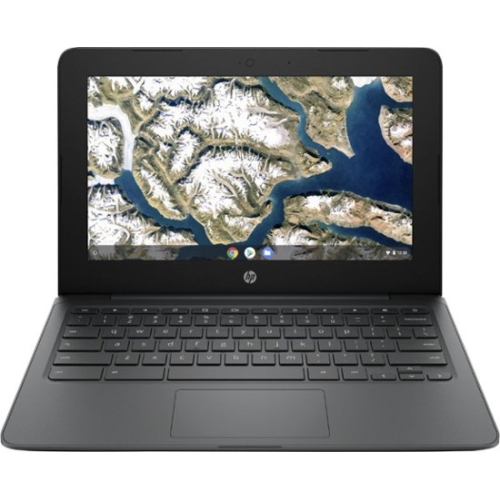 Your price for this item is $199.99
 -
 Your price for this item is $406.99
 -
 Your price for this item is $499.99
 -
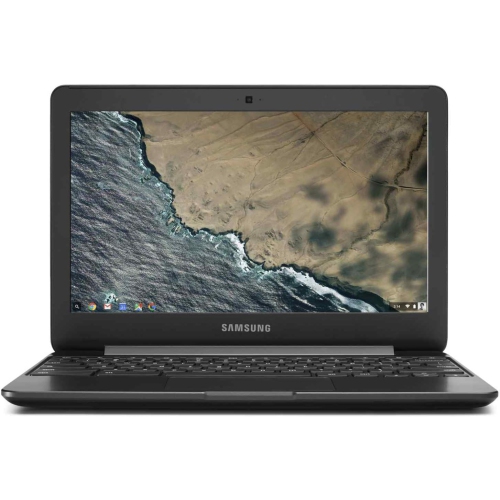 Your price for this item is $248
 -
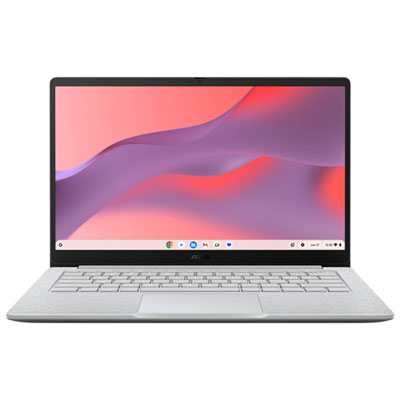 Your price for this item is $529.99
 -
 Your price for this item is $339.99
 -
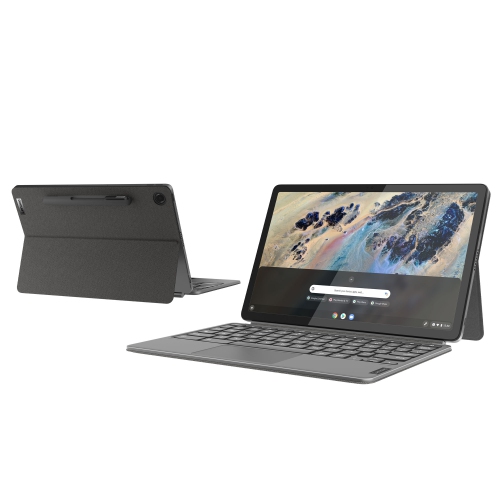 Your price for this item is $649
 -
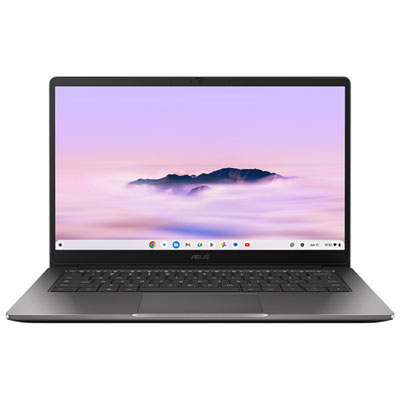 Your price for this item is $649.99
Discover more categories related to Chromebook for Photo Editing


Top Collections:
Pokemon Centers, Budget 4K TVs, Kindle Devices, Canon G7X Cameras, Apple iPhones 16, iPhone 15 Apple, Laptops for Business Work, Flip Phones, Xiaomi Phones, Refurbished Apple Laptops
Some products may be subject to Environmental Handling Fees
(EHF) depending on your province.
Learn more about EHFs.