Chromebooks for Everyday Use
Chromebooks for Everyday Use offer a convenient and reliable way to stay connected, productive, and entertained throughout your day. Perfect for browsing the web, managing schoolwork, streaming your favorite shows, or keeping up with emails, these versatile devices are designed to fit seamlessly into your daily routine. Explore a wide selection of Chromebooks for Everyday Use and find the ideal option to match your lifestyle and needs.
Sort
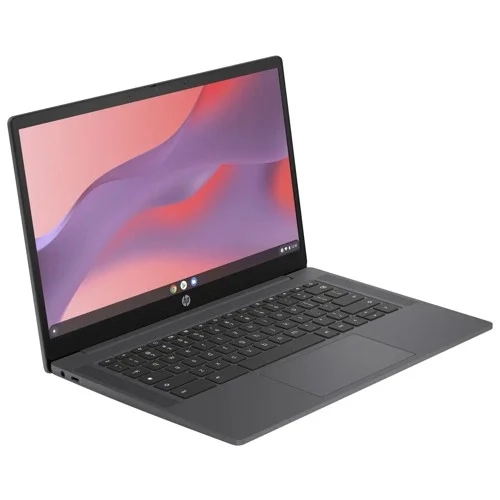
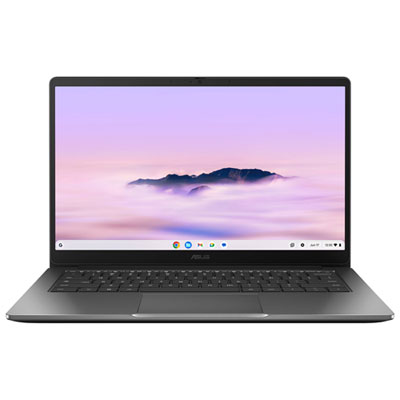

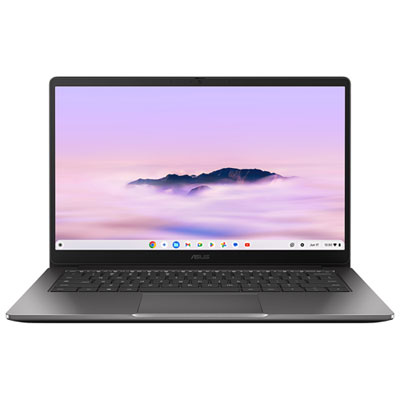
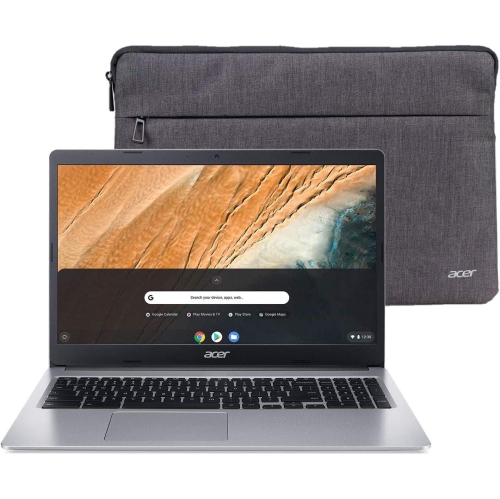
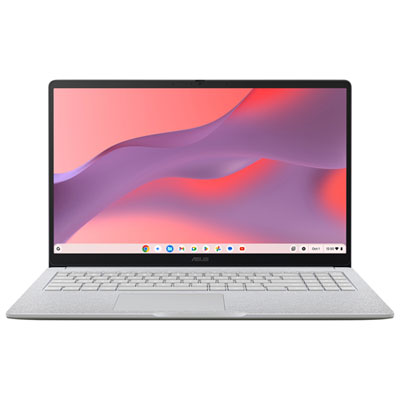

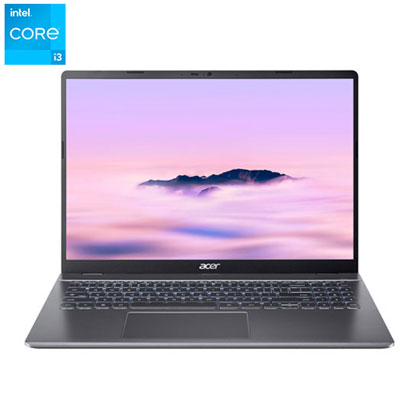
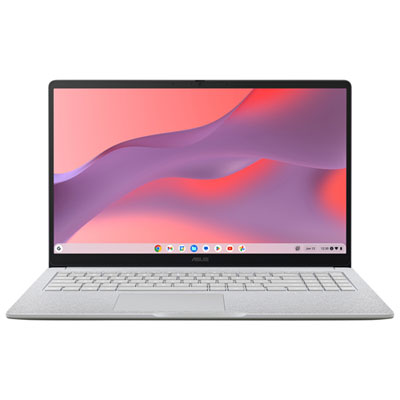


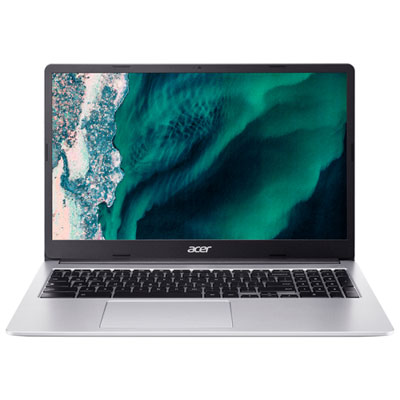
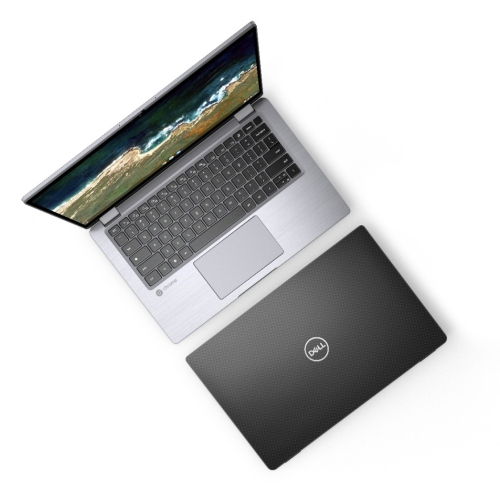
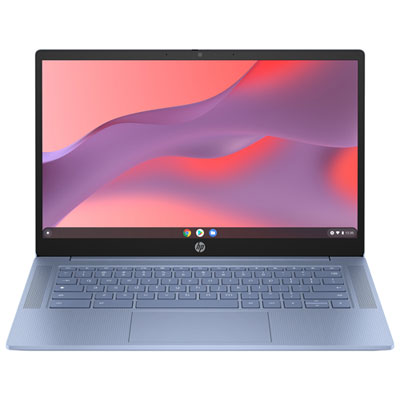

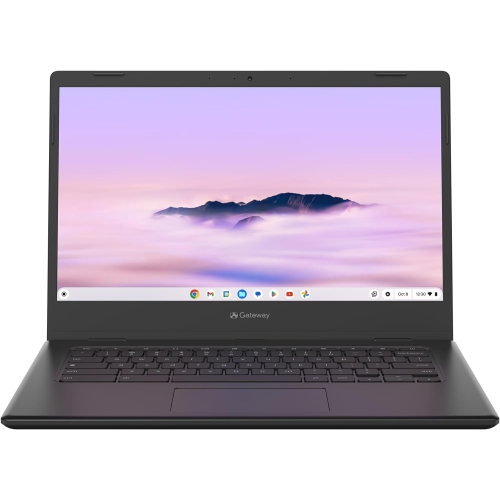
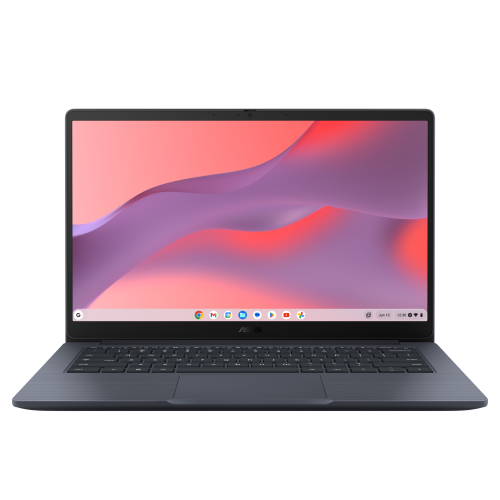
From morning emails to your favourite evening series
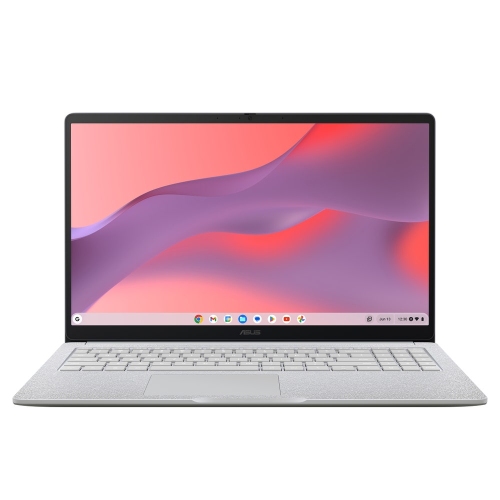
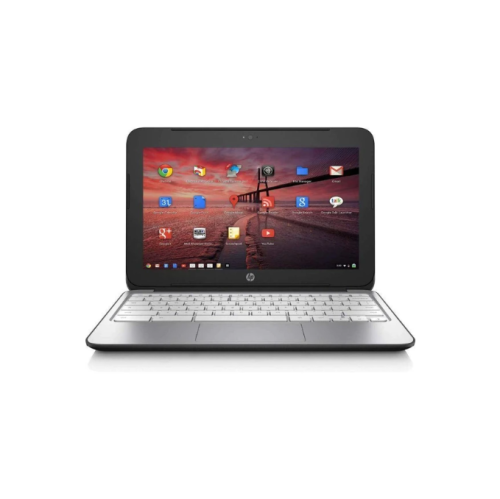
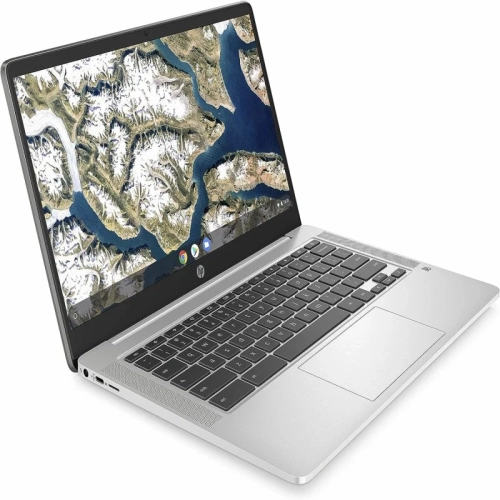
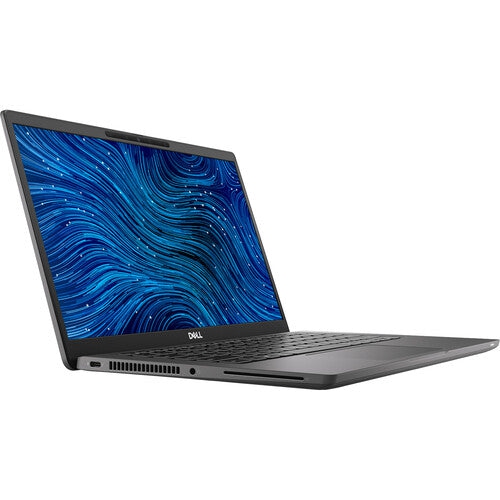
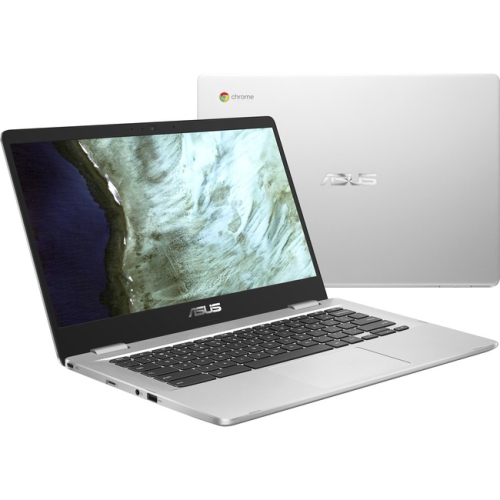
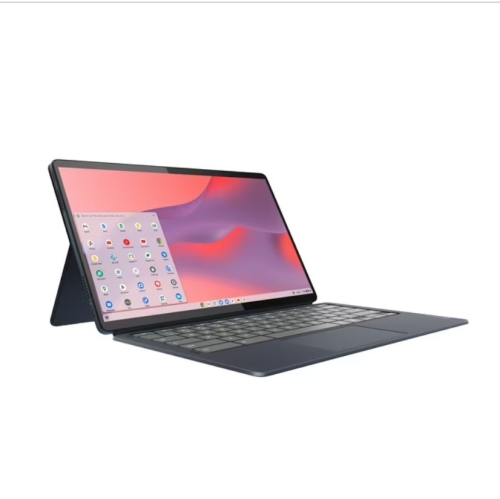
Chromebooks for everyday use are portable computers designed for familiar tasks such as web browsing, email, document editing, video calls and streaming. Their browser-focused operating system, built-in security features and automatic software updates during the supported update period make them a practical fit for people who spend much of their computer time online. A typical day might include checking appointments over breakfast, drafting a document at a desk, joining a video call and settling in with a favourite series. That range of activities makes Chromebooks useful for households, students, remote workers with browser-based workflows and anyone who wants a straightforward computer for personal tasks. The physical design makes a noticeable difference to how comfortably those activities fit together. Compact screens around 11 to 13 inches suit smaller bags and occasional use away from a desk, while larger displays provide more room for reading, spreadsheets and side-by-side windows. Screen resolution and brightness affect the clarity of small text and the visibility of darker scenes, while viewing angles matter when two people share a screen. A traditional clamshell design offers a familiar laptop layout, while a convertible design with a touchscreen can fold into different positions for reading, presenting or watching videos. Touch and pen support vary, so those features are worth distinguishing from the basic ability to type and browse. Keyboard spacing, a responsive touchpad and a comfortable palm rest can matter more than a thin profile during a long writing session. Some keyboards include backlighting for visibility in dim rooms. Plastic and metal chassis each have their place: weight, surface finish, hinge construction and overall build quality all contribute to how a computer feels when carried between rooms or packed into a bag. A textured finish may offer a more secure grip, while smooth surfaces can be easier to wipe clean. For everyday use, the most useful design is one that feels comfortable in the places where the computer will actually be used.
Everyday performance depends on more than opening a single web page quickly. Several browser tabs, a video meeting and a shared document can all compete for memory and processing resources, making a computer’s capabilities especially relevant to multitasking. More memory can help keep that combination responsive, while processor performance becomes more noticeable with complex websites, larger spreadsheets and frequent video calls. Storage serves a different purpose: it holds downloaded files, photos, applications and documents saved for offline access. Cloud storage can make files accessible across devices, but account storage limits and an internet connection still affect how conveniently that works. A Chromebook can handle some activities without Wi-Fi, including working on certain documents or playing downloaded media, provided the relevant applications support offline use and the files have been prepared beforehand. That distinction matters for commuting, travel or a workspace where the connection is unreliable. Application compatibility is equally important. Many everyday tools run in a browser, and some Chromebooks also support additional applications, but not every desktop program, game or specialist tool is available or works in the same way. Browser-based work involving email, scheduling and shared documents is a different requirement from professional video editing, detailed technical design or software that depends on a particular operating system. For students, the fit often comes down to the school’s learning platform, assignment tools and any required testing software. The Chromebooks for Students collection is relevant to that classroom-focused use, where portability, typing comfort and access to coursework are central considerations. At home, the same everyday capabilities can support personal budgets, online forms, recipe collections and family schedules. Accessibility features such as screen magnification, spoken feedback and keyboard adjustments can also make routine tasks more comfortable, although the options available depend on the operating system and application. A good everyday fit comes from matching these real activities to the computer’s capabilities rather than treating every workload as interchangeable.
Connections and small comfort features help a Chromebook settle into a regular routine. Wi-Fi performance relies on both the computer and the network, and a busy household connection can affect streaming or video calls even when the laptop itself is capable. A clear webcam, useful microphone placement and speakers suited to spoken dialogue make conversations easier to follow; headphones can provide a more private option in a shared room. USB ports, display connections and memory card slots vary across designs, which matters when attaching a mouse, external screen, storage drive or camera card. A USB-C port may support charging, video output or data transfer, but its capabilities are not identical on every computer. Printer compatibility also deserves attention, particularly with older equipment. Battery life varies with screen brightness, video calls, connected accessories and other tasks, so a full day of light browsing is not equivalent to a full day of demanding use. A comfortable charging setup and a supportive desk arrangement can be just as useful as portability. For longer sessions, an external keyboard and a raised screen can help create a more comfortable work surface. Daily care is straightforward: a padded sleeve helps protect against scratches in transit, clear ventilation openings support normal operation, and liquids belong away from the keyboard. Cleaning should follow the manufacturer’s directions, using suitable materials rather than abrasive cleaners or excess moisture. Separate user accounts can help household members keep their files and preferences organized, while strong passwords and additional account verification add protection beyond the device’s built-in safeguards. The published automatic update end date is another important detail because it identifies the expected period of operating system updates. As a gift, a Chromebook can suit a student, a family member who enjoys video calls or someone whose routine centres on browsing and documents. The most thoughtful match reflects the recipient’s software needs, preferred screen size and confidence with online accounts, giving everyday convenience a clear purpose.
Everyday performance depends on more than opening a single web page quickly. Several browser tabs, a video meeting and a shared document can all compete for memory and processing resources, making a computer’s capabilities especially relevant to multitasking. More memory can help keep that combination responsive, while processor performance becomes more noticeable with complex websites, larger spreadsheets and frequent video calls. Storage serves a different purpose: it holds downloaded files, photos, applications and documents saved for offline access. Cloud storage can make files accessible across devices, but account storage limits and an internet connection still affect how conveniently that works. A Chromebook can handle some activities without Wi-Fi, including working on certain documents or playing downloaded media, provided the relevant applications support offline use and the files have been prepared beforehand. That distinction matters for commuting, travel or a workspace where the connection is unreliable. Application compatibility is equally important. Many everyday tools run in a browser, and some Chromebooks also support additional applications, but not every desktop program, game or specialist tool is available or works in the same way. Browser-based work involving email, scheduling and shared documents is a different requirement from professional video editing, detailed technical design or software that depends on a particular operating system. For students, the fit often comes down to the school’s learning platform, assignment tools and any required testing software. The Chromebooks for Students collection is relevant to that classroom-focused use, where portability, typing comfort and access to coursework are central considerations. At home, the same everyday capabilities can support personal budgets, online forms, recipe collections and family schedules. Accessibility features such as screen magnification, spoken feedback and keyboard adjustments can also make routine tasks more comfortable, although the options available depend on the operating system and application. A good everyday fit comes from matching these real activities to the computer’s capabilities rather than treating every workload as interchangeable.
Connections and small comfort features help a Chromebook settle into a regular routine. Wi-Fi performance relies on both the computer and the network, and a busy household connection can affect streaming or video calls even when the laptop itself is capable. A clear webcam, useful microphone placement and speakers suited to spoken dialogue make conversations easier to follow; headphones can provide a more private option in a shared room. USB ports, display connections and memory card slots vary across designs, which matters when attaching a mouse, external screen, storage drive or camera card. A USB-C port may support charging, video output or data transfer, but its capabilities are not identical on every computer. Printer compatibility also deserves attention, particularly with older equipment. Battery life varies with screen brightness, video calls, connected accessories and other tasks, so a full day of light browsing is not equivalent to a full day of demanding use. A comfortable charging setup and a supportive desk arrangement can be just as useful as portability. For longer sessions, an external keyboard and a raised screen can help create a more comfortable work surface. Daily care is straightforward: a padded sleeve helps protect against scratches in transit, clear ventilation openings support normal operation, and liquids belong away from the keyboard. Cleaning should follow the manufacturer’s directions, using suitable materials rather than abrasive cleaners or excess moisture. Separate user accounts can help household members keep their files and preferences organized, while strong passwords and additional account verification add protection beyond the device’s built-in safeguards. The published automatic update end date is another important detail because it identifies the expected period of operating system updates. As a gift, a Chromebook can suit a student, a family member who enjoys video calls or someone whose routine centres on browsing and documents. The most thoughtful match reflects the recipient’s software needs, preferred screen size and confidence with online accounts, giving everyday convenience a clear purpose.
Top selling and popular products
-
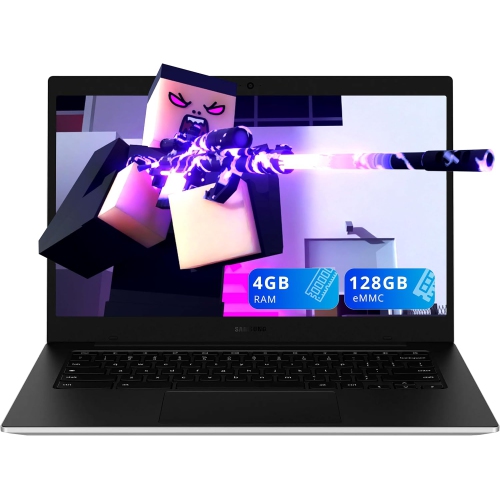 Your price for this item is $249.99
-
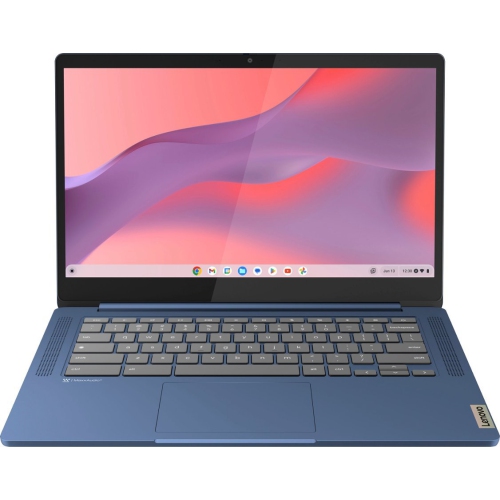 Your price for this item is $449
-
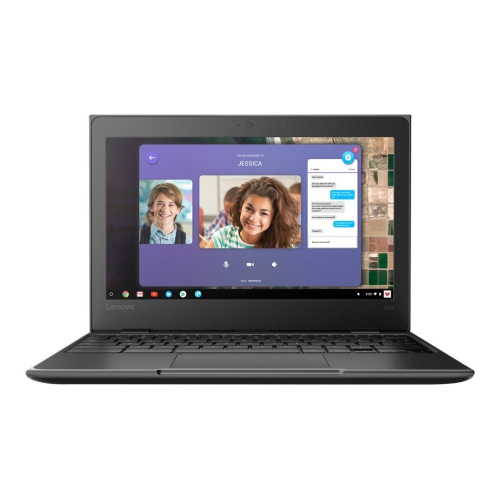 Your price for this item is $499.99
-
 Your price for this item is $549
-
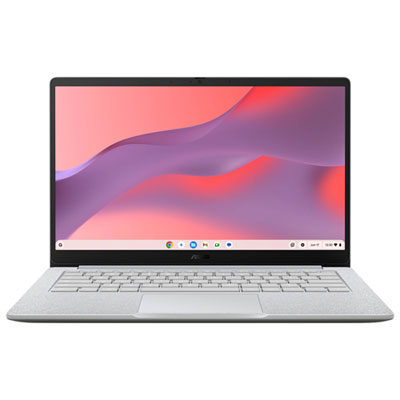 Your price for this item is $279.99
-
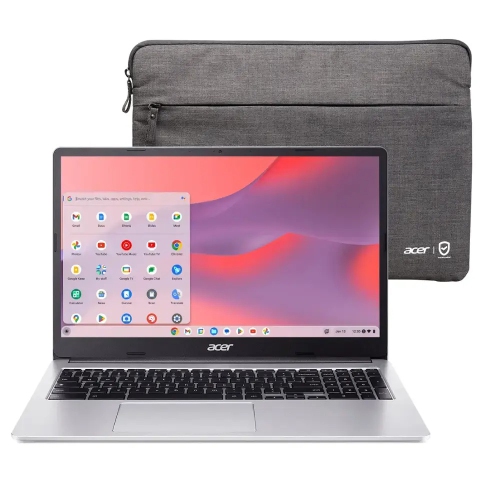 Your price for this item is $349.99
-
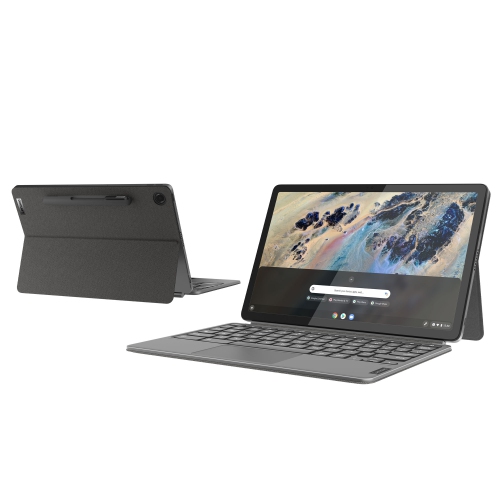 Your price for this item is $649
-
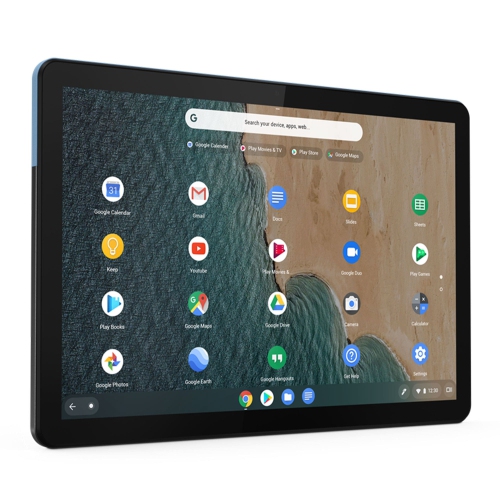 Your price for this item is $672.68
Discover more categories related to Chromebooks for Everyday Use
Top Collections:
Pokemon Centers, Best Black Friday Deals This Year, Best Black Friday Deals On Electronics, Kindle Devices, Best Budget Office Chairs, Best Black Friday Deals On Apple Products, Best Cameras for Sports Photography, Pokémon 30th Celebration Cards, Dyson Airwrap, Canon G7X Cameras
Some products may be subject to Environmental Handling Fees
(EHF) depending on your province.
Learn more about EHFs.