Chromebooks for Students
Chromebooks for students are the perfect blend of affordability, functionality, and portability, making them an ideal choice for academic success. Designed to keep up with the dynamic demands of student life, these laptops offer seamless integration with educational tools and resources. Whether you're taking notes in class, collaborating on group projects, or conducting research for assignments, Chromebooks provide a reliable platform to enhance learning experiences. With their lightweight design and long-lasting battery life, students can easily carry them from classroom to library without missing a beat. Discover how Chromebooks can support your educational journey with efficiency and ease.
Sort
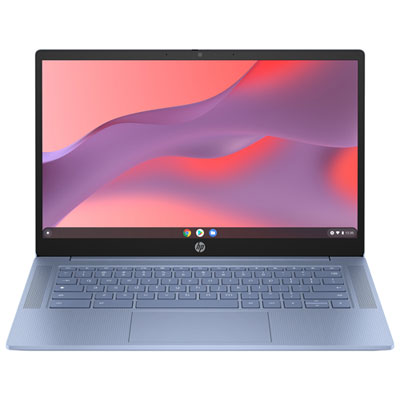
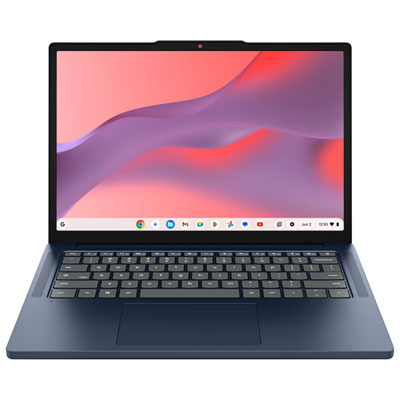
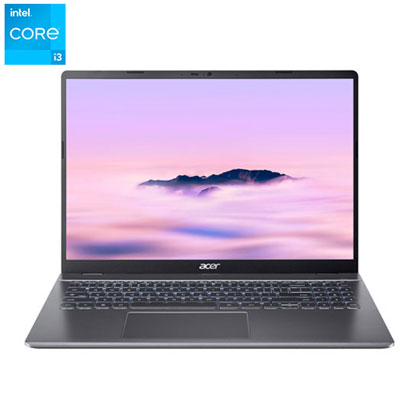
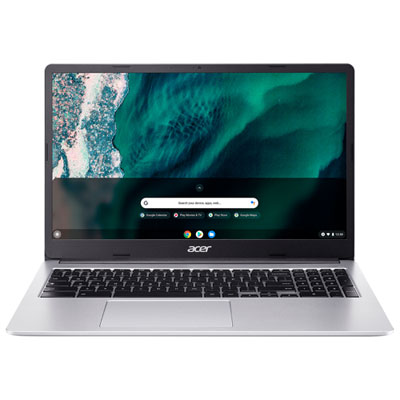

How browser-based laptops fit into everyday schoolwork
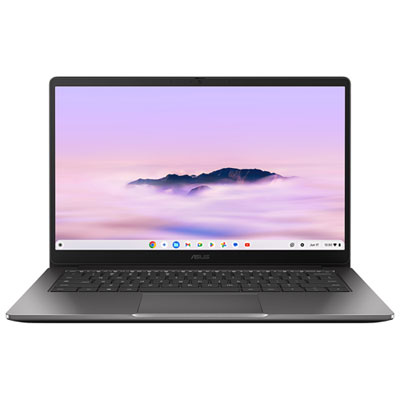
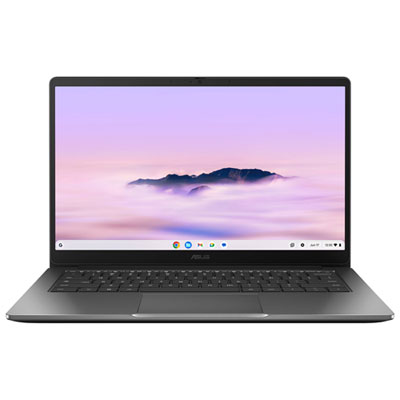
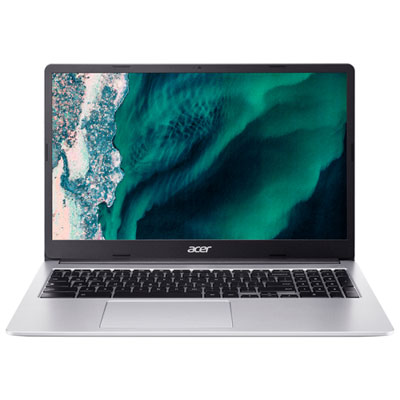
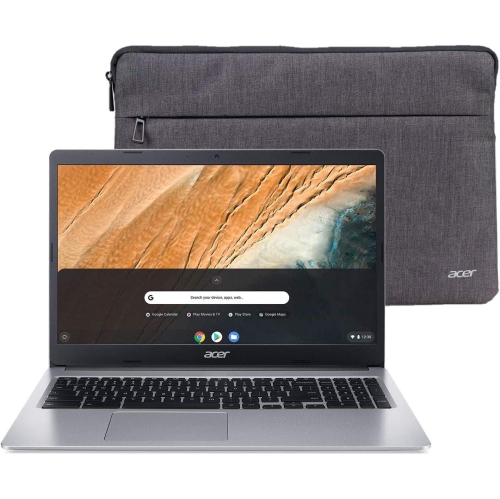
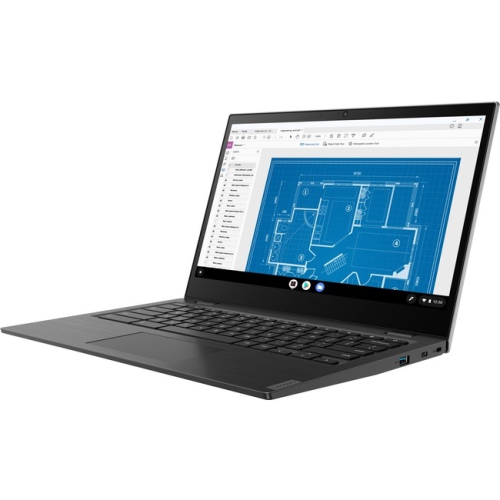
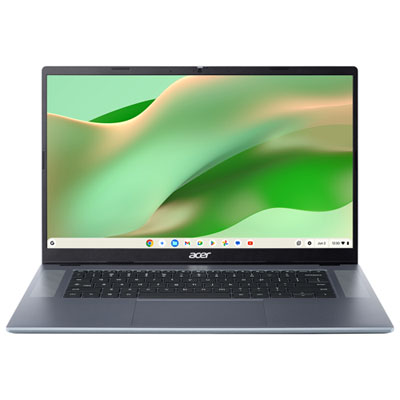
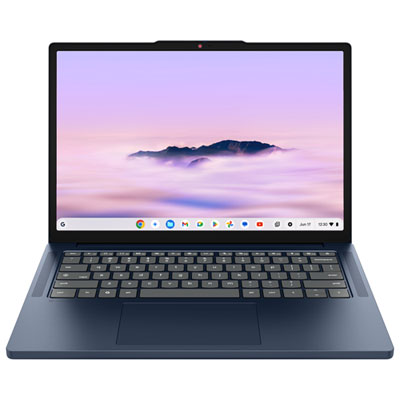
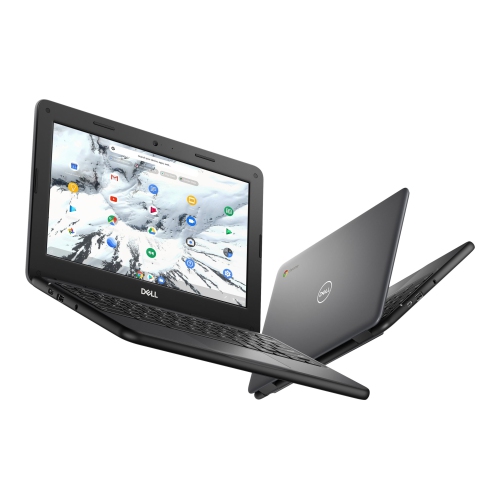
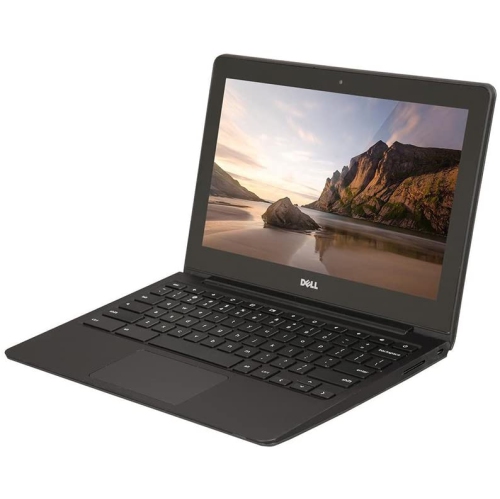
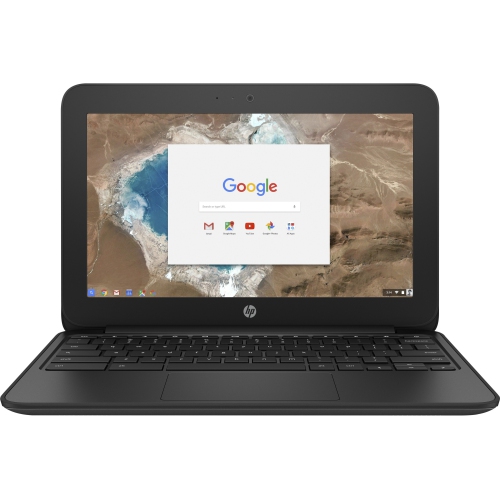
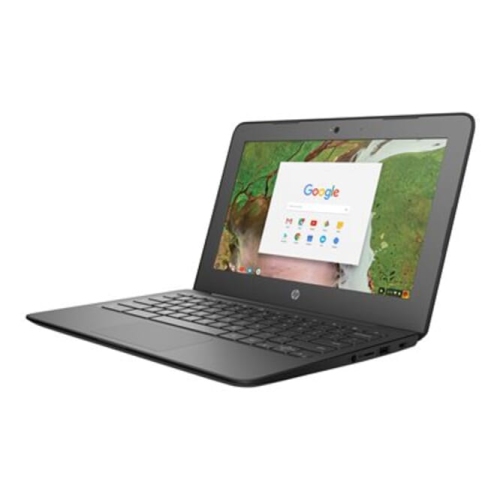
Chromebooks for students are laptops built around browser-based tasks, making them a practical fit for writing assignments, researching projects, joining online classes, and working with school-approved cloud tools. Many combine a lightweight design with straightforward operation, so they can move easily between a classroom desk, a library study space, and the kitchen table. Their usefulness comes from how closely they match everyday schoolwork: a student can draft an essay, check a learning portal, review a teacher’s comments, and collaborate on a presentation without needing a separate desktop application for every task. Files saved to a supported cloud service can be accessed from another compatible device after signing in, which can help when a project moves from school to home. Younger learners may use a Chromebook for reading activities, typing practice, and supervised lessons, while secondary school students often need room for several research tabs, documents, and video calls at once. At the post-secondary level, suitability depends more closely on the program. Reading course materials, submitting assignments, and taking lecture notes can be a good match, but specialized engineering, design, laboratory, or media production software may require a different operating system. A browser version of an application may also have fewer features than its desktop counterpart. School technology requirements therefore matter more than the label on the laptop alone. For coursework centred on online learning platforms and written assignments, Chromebooks for College Students offer a related category to explore. Some supported applications and documents can also work offline when set up beforehand, although internet access is still needed for many collaborative tools, live lessons, and cloud-based services. This balance makes a Chromebook especially relevant for students whose daily work happens primarily in a web browser rather than in demanding desktop software. It can also serve as a dedicated school computer in a household where other devices are shared, giving one student a consistent place to organize bookmarks, class materials, and assignments.
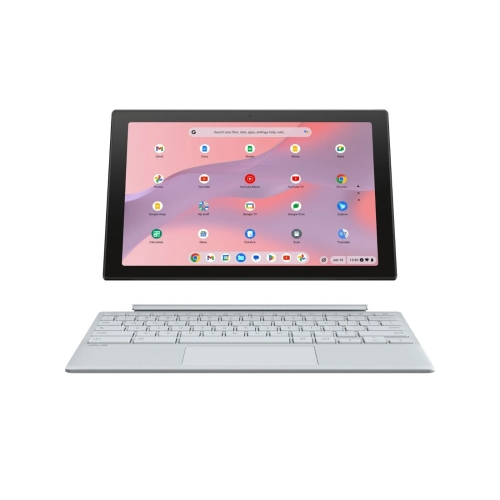
Physical design has a noticeable effect on how comfortably a student can use and carry a Chromebook. A compact screen takes up less space on a crowded desk and usually fits more easily into a backpack, while a larger display gives documents, spreadsheets, and side-by-side browser windows more breathing room. Screen size alone does not determine readability: resolution, brightness, viewing angles, and surface reflections all affect how clearly text appears. A matte display can reduce distracting reflections, and a touchscreen may be useful for interactive lessons or navigating documents with a fingertip. Convertible designs with a rotating hinge can support reading, presenting, or handwritten notes when compatible pen input is included; not every touchscreen supports an active stylus. Keyboard layout, key spacing, and touchpad responsiveness matter during longer writing sessions, particularly for students moving from a smaller shared device to their own laptop. A stable hinge helps keep the screen steady while typing, and a comfortable palm rest can make extended work less awkward. Chassis materials commonly include plastic, aluminium, or a combination of the two. The material name does not tell the whole durability story, since construction, hinge strength, and protection around the corners also influence how well a laptop handles regular travel. Reinforced designs or spill-resistant keyboards may offer added protection where specified, but those features do not make a computer waterproof or immune to damage. A padded sleeve and a separate pocket for the charger help prevent scuffs and pressure against the screen. Carrying the laptop closed, rather than lifting it by the display, reduces unnecessary strain on the hinge. Routine care is simple: a soft microfibre cloth removes fingerprints, while cleaning methods should follow the device maker’s directions. Food crumbs, loose pencils, and heavy textbooks pressed against the lid can cause problems that careful storage helps avoid. For younger students in particular, a manageable size and a secure place in the school bag can be more useful than an oversized display.
Performance and connectivity shape how smoothly a Chromebook fits into a student’s routine. Memory helps the computer keep several tasks active, such as a research document, a class portal, and a video meeting, while the processor influences responsiveness during more involved work. A basic workload built around reading and typing places different demands on a laptop than frequent multitasking or editing media. Local storage holds downloads, supported offline files, and installed applications; cloud storage is separate and may be subject to school account limits or service terms. Enough local space is useful for keeping essential readings accessible when an internet connection is unavailable. Battery life also varies with screen brightness, video calls, wireless activity, and the number of applications running, so an advertised estimate should not be treated as a guarantee for every school day. Wi-Fi compatibility matters at home and on campus, while the available ports determine how easily a student can connect a headset, mouse, external display, or storage device. USB-C connections do not all support the same charging, display, and data functions, and adapters may be needed for classroom equipment. A clear webcam and microphone are valuable for group discussions, presentations, and remote appointments with instructors. Headphone compatibility is equally helpful in shared study spaces. Automatic system updates support ongoing security and software maintenance, but each model has a defined update support period that deserves attention when considering long-term use. School-managed accounts can also restrict application installation, extensions, and settings, so personal preferences may not apply on a managed device. For a student receiving a Chromebook as a gift, course requirements, typing comfort, portability, and account compatibility are more meaningful than appearance alone. A well-matched laptop supports the ordinary details of learning: opening the right reading before class, keeping notes organized, sharing a group project, and finishing an assignment without an unsuitable device getting in the way.
Physical design has a noticeable effect on how comfortably a student can use and carry a Chromebook. A compact screen takes up less space on a crowded desk and usually fits more easily into a backpack, while a larger display gives documents, spreadsheets, and side-by-side browser windows more breathing room. Screen size alone does not determine readability: resolution, brightness, viewing angles, and surface reflections all affect how clearly text appears. A matte display can reduce distracting reflections, and a touchscreen may be useful for interactive lessons or navigating documents with a fingertip. Convertible designs with a rotating hinge can support reading, presenting, or handwritten notes when compatible pen input is included; not every touchscreen supports an active stylus. Keyboard layout, key spacing, and touchpad responsiveness matter during longer writing sessions, particularly for students moving from a smaller shared device to their own laptop. A stable hinge helps keep the screen steady while typing, and a comfortable palm rest can make extended work less awkward. Chassis materials commonly include plastic, aluminium, or a combination of the two. The material name does not tell the whole durability story, since construction, hinge strength, and protection around the corners also influence how well a laptop handles regular travel. Reinforced designs or spill-resistant keyboards may offer added protection where specified, but those features do not make a computer waterproof or immune to damage. A padded sleeve and a separate pocket for the charger help prevent scuffs and pressure against the screen. Carrying the laptop closed, rather than lifting it by the display, reduces unnecessary strain on the hinge. Routine care is simple: a soft microfibre cloth removes fingerprints, while cleaning methods should follow the device maker’s directions. Food crumbs, loose pencils, and heavy textbooks pressed against the lid can cause problems that careful storage helps avoid. For younger students in particular, a manageable size and a secure place in the school bag can be more useful than an oversized display.
Performance and connectivity shape how smoothly a Chromebook fits into a student’s routine. Memory helps the computer keep several tasks active, such as a research document, a class portal, and a video meeting, while the processor influences responsiveness during more involved work. A basic workload built around reading and typing places different demands on a laptop than frequent multitasking or editing media. Local storage holds downloads, supported offline files, and installed applications; cloud storage is separate and may be subject to school account limits or service terms. Enough local space is useful for keeping essential readings accessible when an internet connection is unavailable. Battery life also varies with screen brightness, video calls, wireless activity, and the number of applications running, so an advertised estimate should not be treated as a guarantee for every school day. Wi-Fi compatibility matters at home and on campus, while the available ports determine how easily a student can connect a headset, mouse, external display, or storage device. USB-C connections do not all support the same charging, display, and data functions, and adapters may be needed for classroom equipment. A clear webcam and microphone are valuable for group discussions, presentations, and remote appointments with instructors. Headphone compatibility is equally helpful in shared study spaces. Automatic system updates support ongoing security and software maintenance, but each model has a defined update support period that deserves attention when considering long-term use. School-managed accounts can also restrict application installation, extensions, and settings, so personal preferences may not apply on a managed device. For a student receiving a Chromebook as a gift, course requirements, typing comfort, portability, and account compatibility are more meaningful than appearance alone. A well-matched laptop supports the ordinary details of learning: opening the right reading before class, keeping notes organized, sharing a group project, and finishing an assignment without an unsuitable device getting in the way.
Top selling and popular products
-
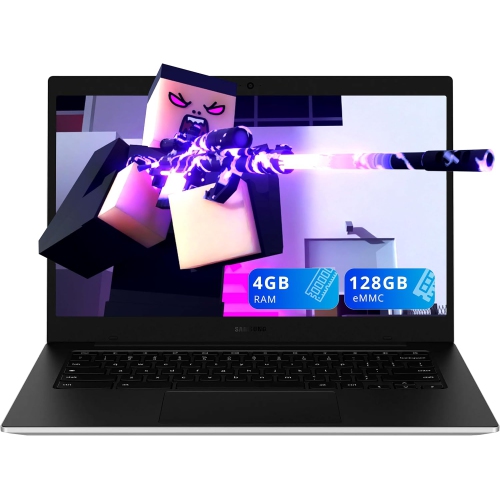 Your price for this item is $249.99
-
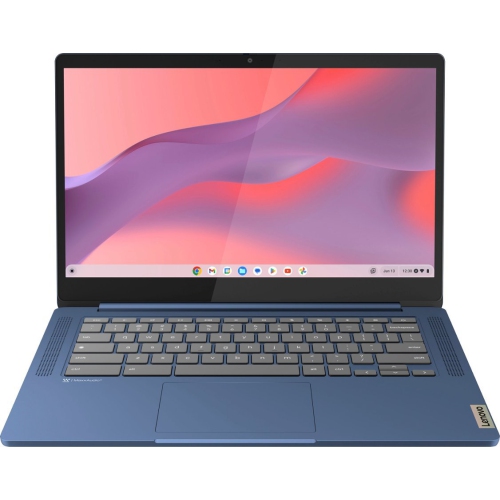 Your price for this item is $449
-
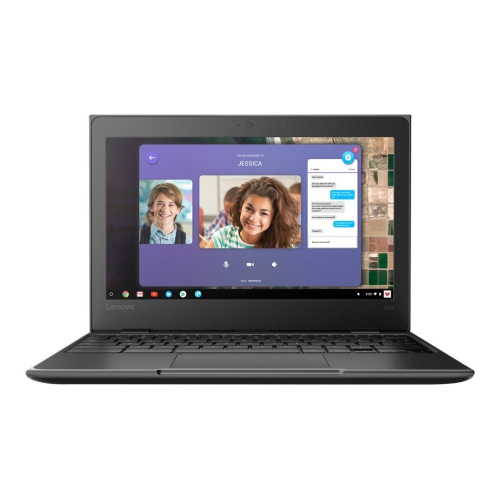 Your price for this item is $499.99
-
 Your price for this item is $549
-
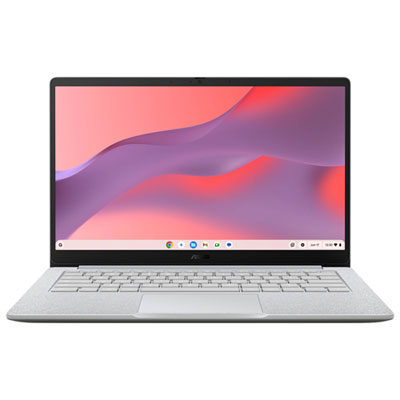 Your price for this item is $279.99
-
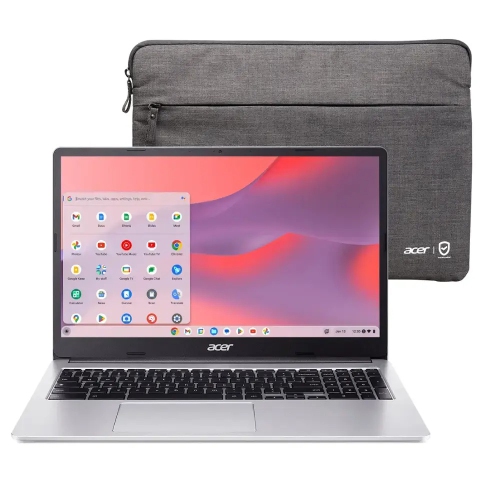 Your price for this item is $349.99
-
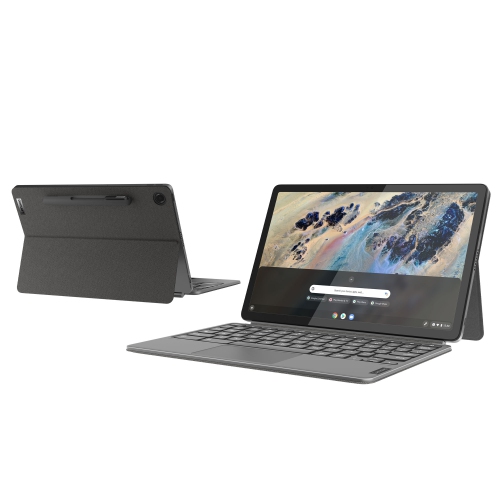 Your price for this item is $649
-
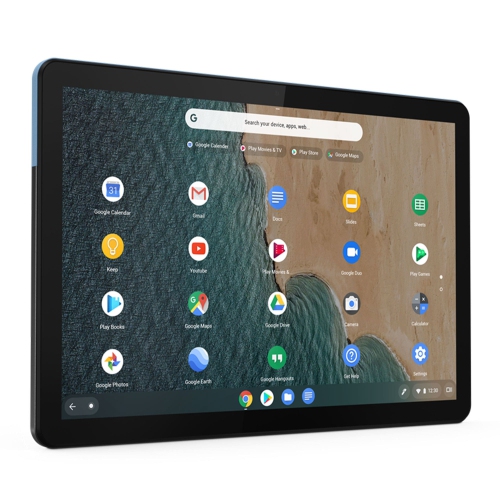 Your price for this item is $672.68
Discover more categories related to Chromebooks for Students
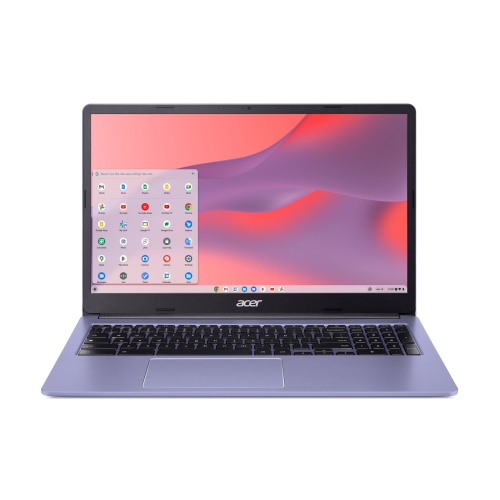
Top Collections:
Pokemon Centers, Best Black Friday Deals This Year, Best Black Friday Deals On Electronics, Kindle Devices, Best Budget Office Chairs, Best Black Friday Deals On Apple Products, Best Cameras for Sports Photography, Pokémon 30th Celebration Cards, Dyson Airwrap, Canon G7X Cameras
Some products may be subject to Environmental Handling Fees
(EHF) depending on your province.
Learn more about EHFs.