Color Scanners
Looking to bring your scanning game to the next level? Our collection of color scanners offers high-quality scanning capabilities that are perfect for capturing vivid images and detailed documents with precision. Whether you're a professional photographer, a graphic designer, or simply looking to digitize your important paperwork, these color scanners provide exceptional clarity and color accuracy to help you achieve stunning results every time. Browse our selection of color scanners to find the perfect device to meet your scanning needs.
Sort
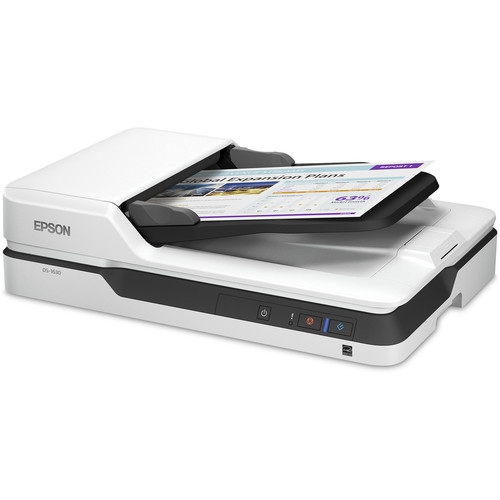
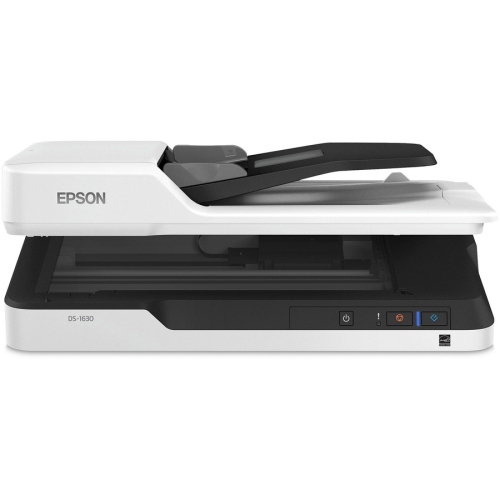
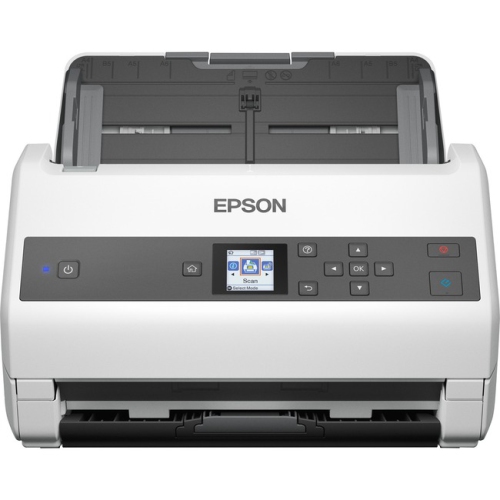
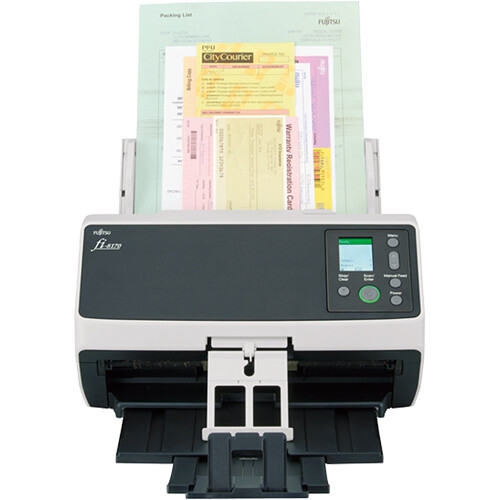
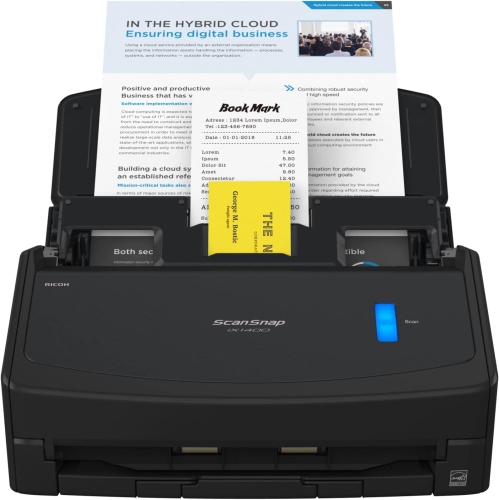
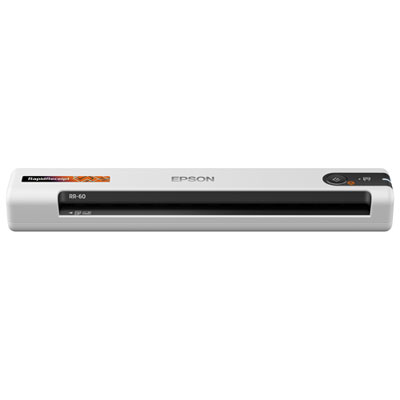


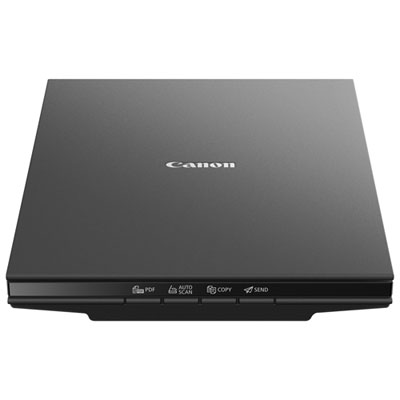
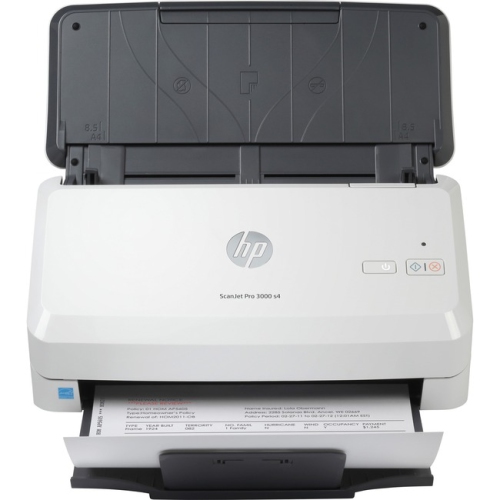
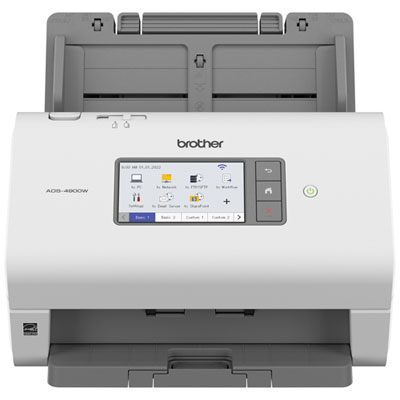
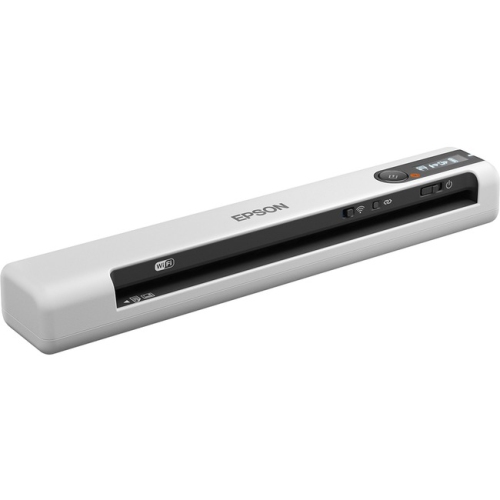
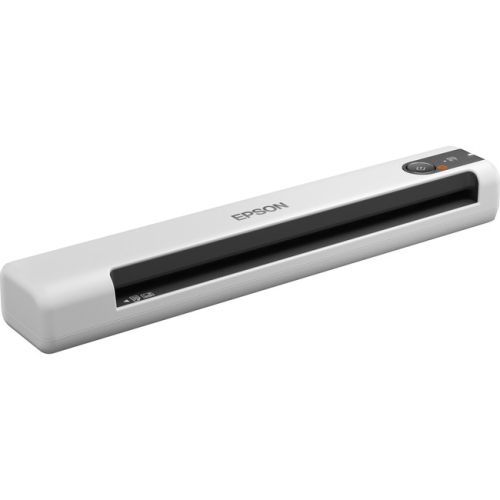
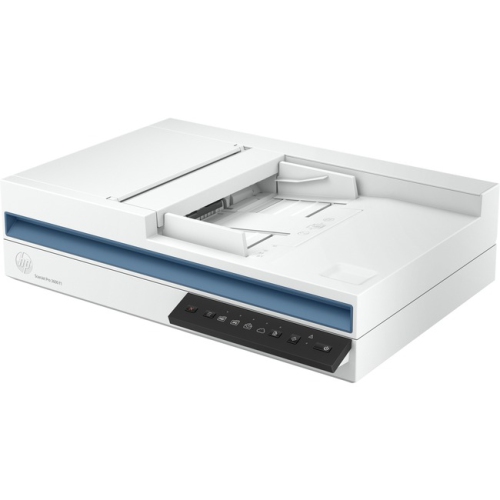
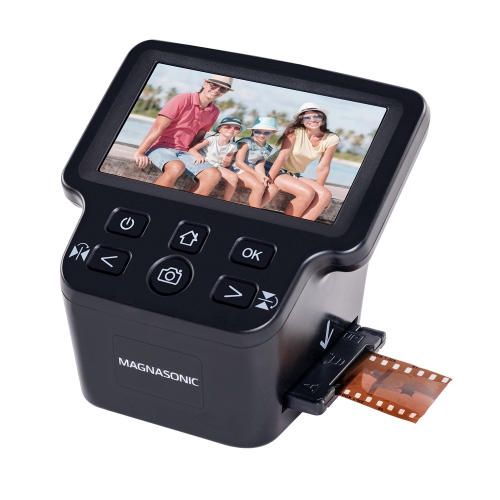
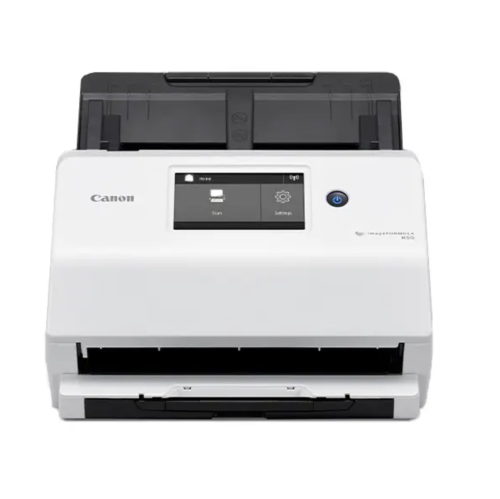
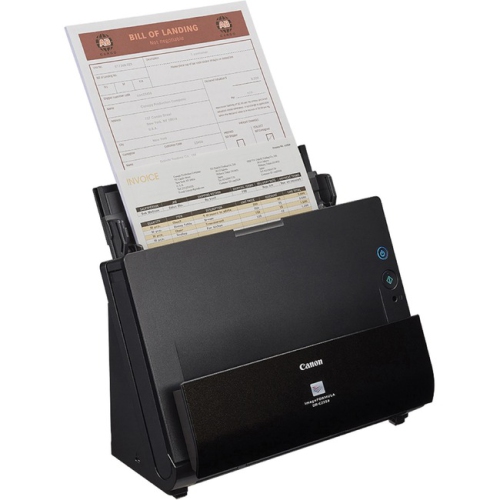
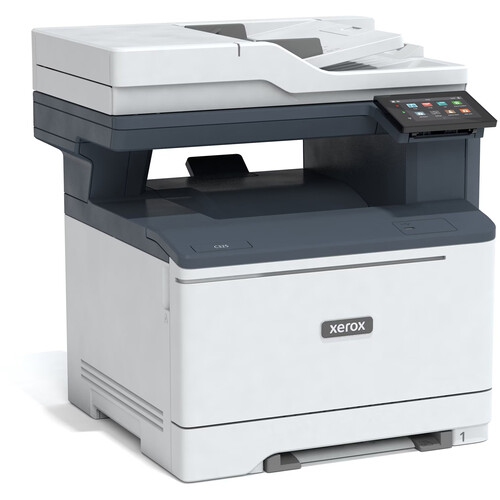
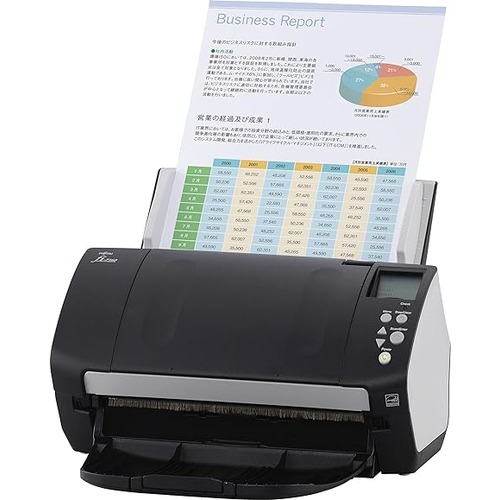
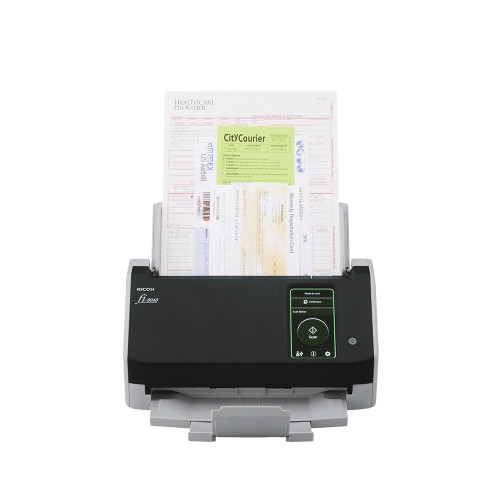
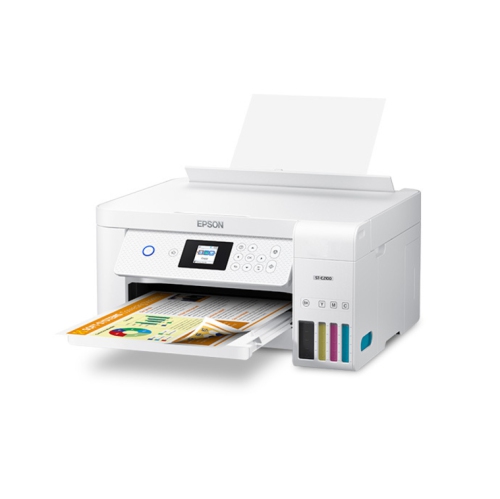
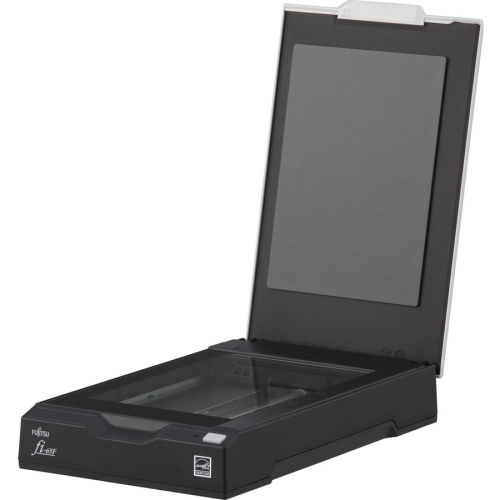
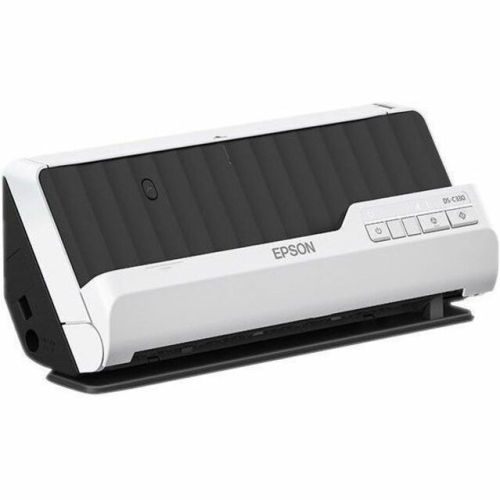
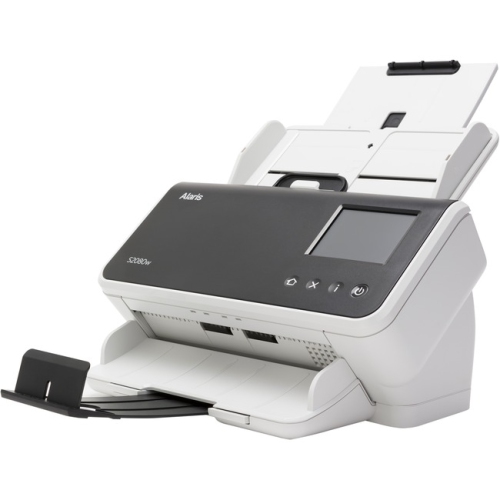
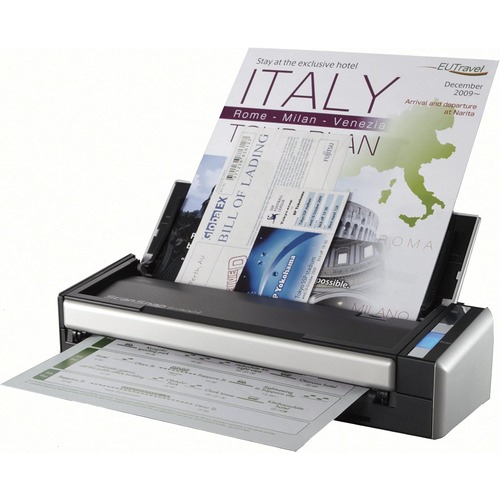
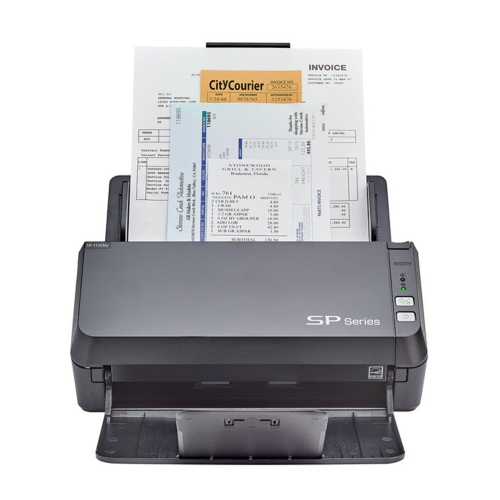
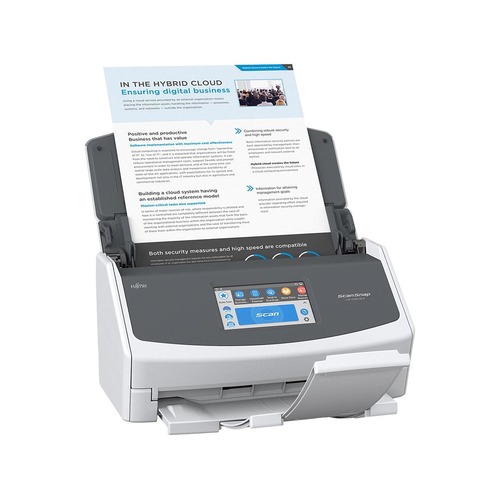
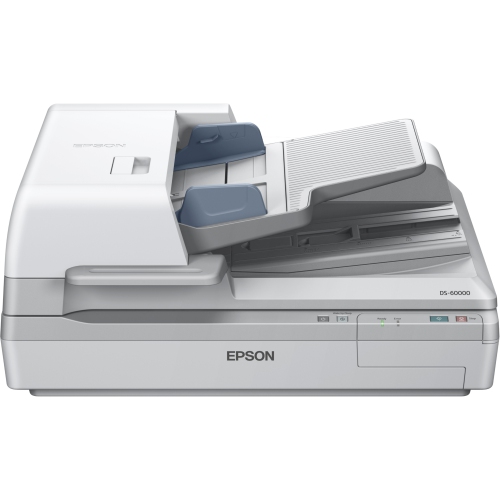
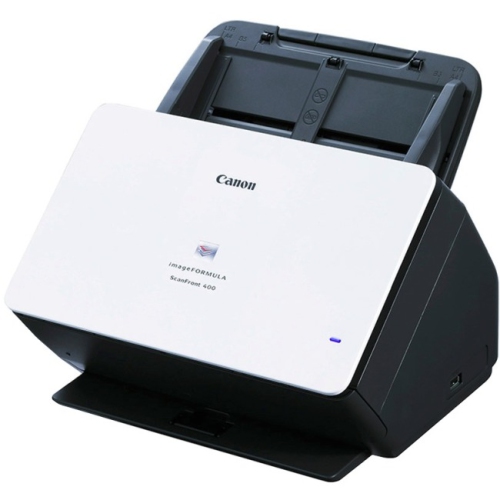
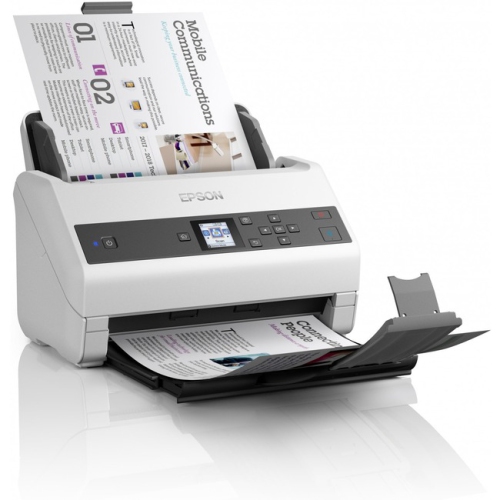
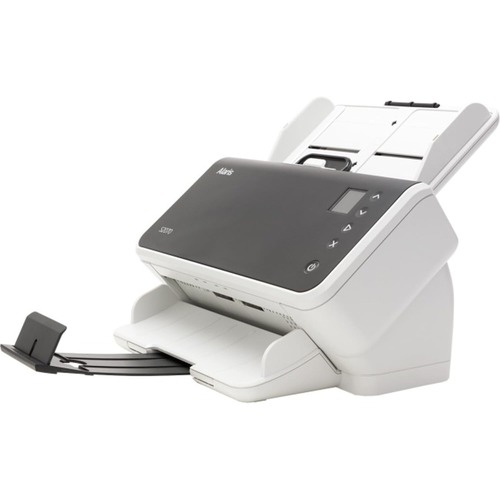
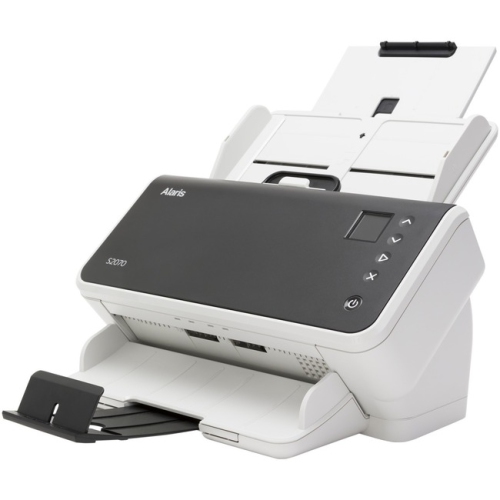
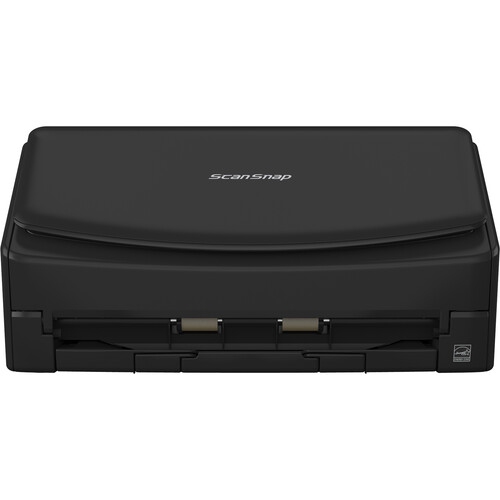
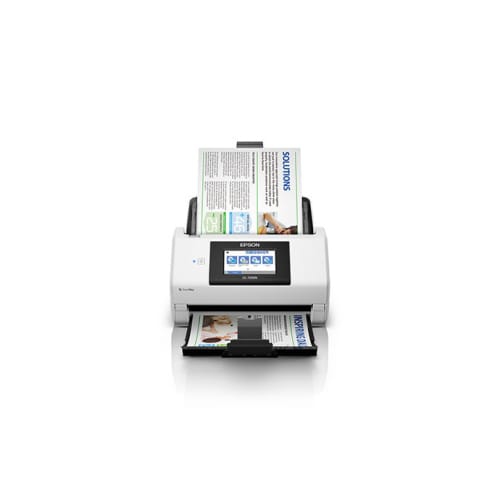
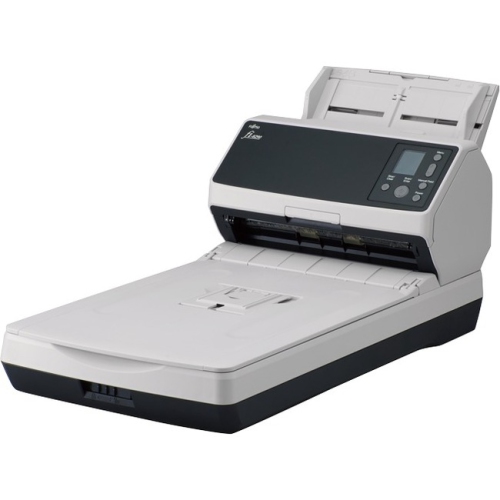
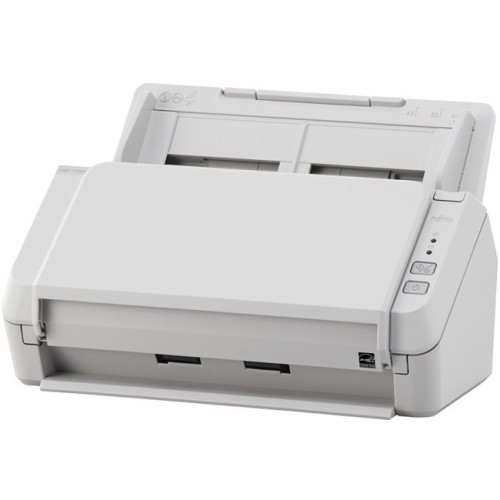
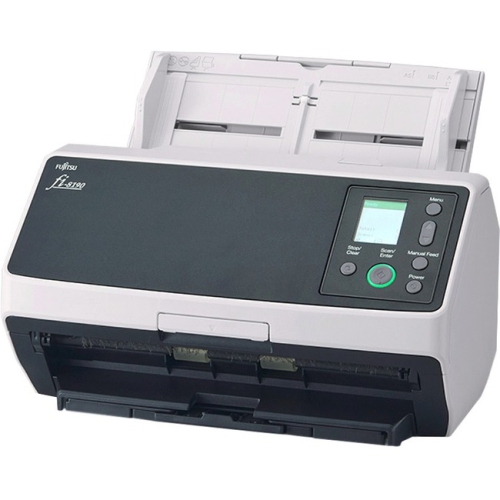

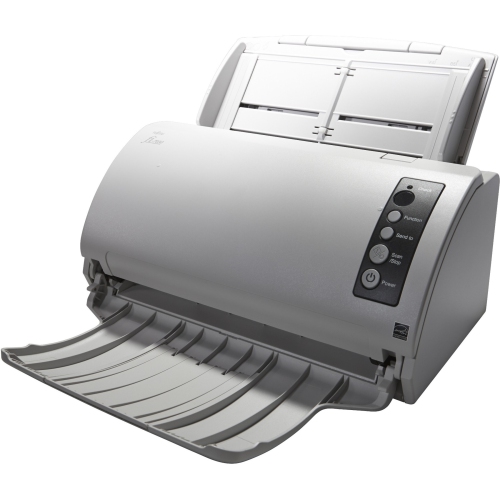
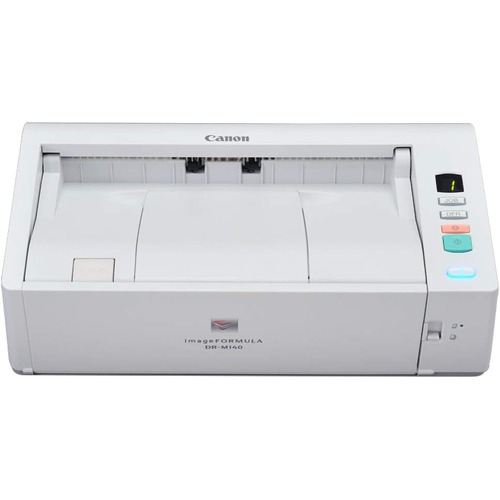
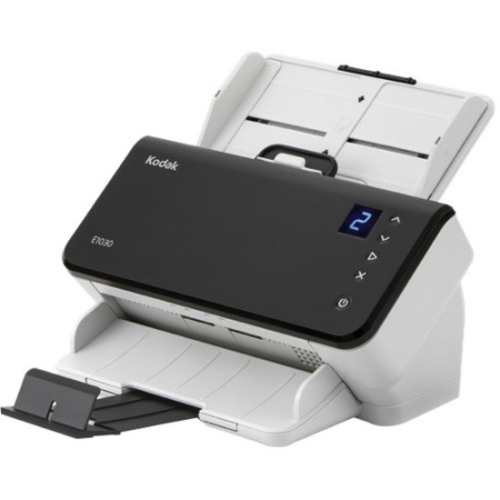
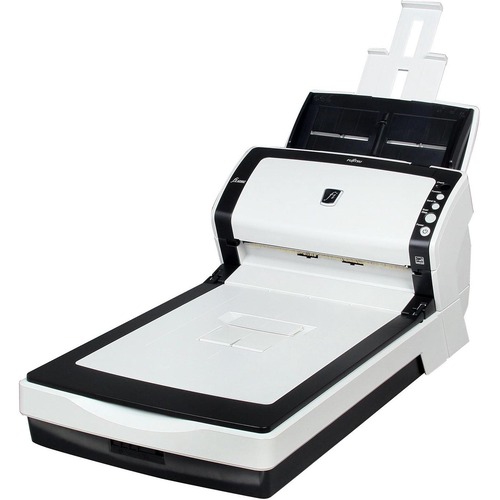
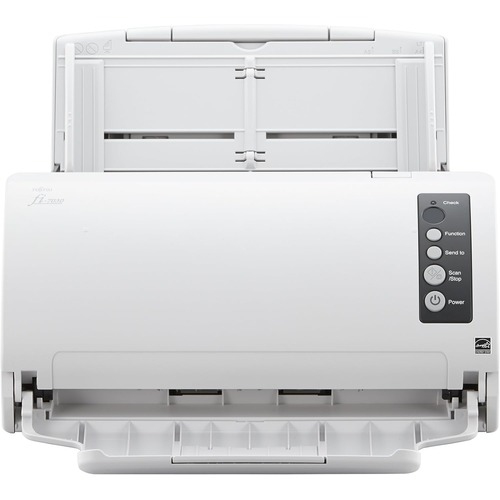


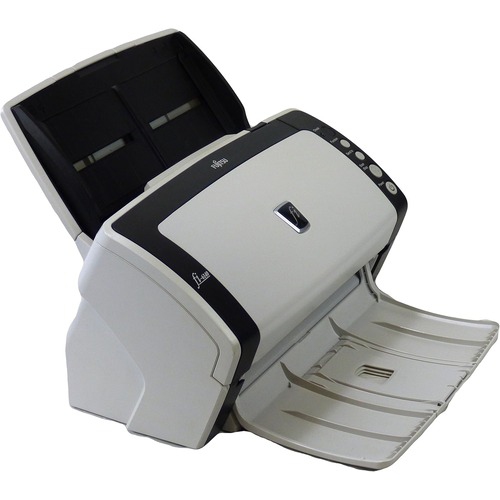
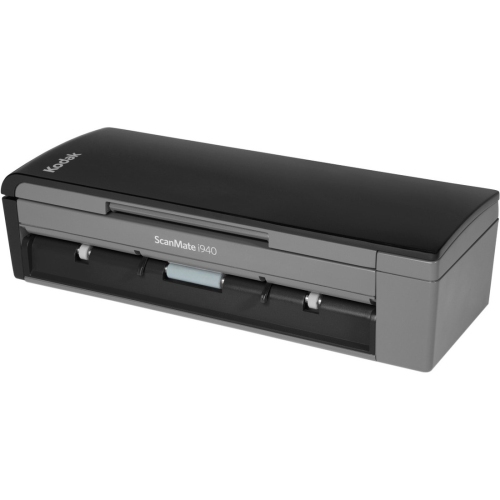
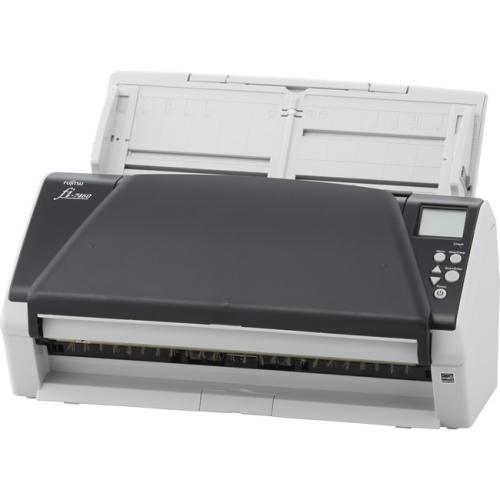

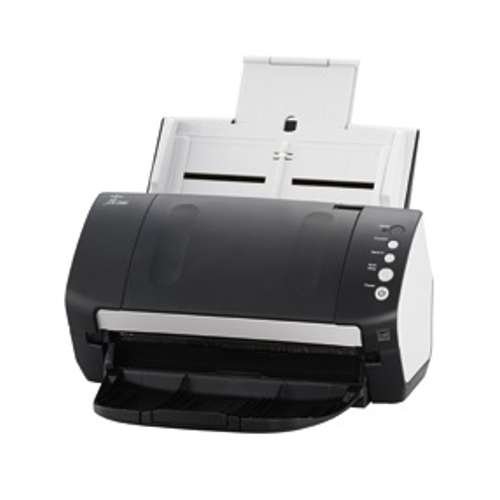
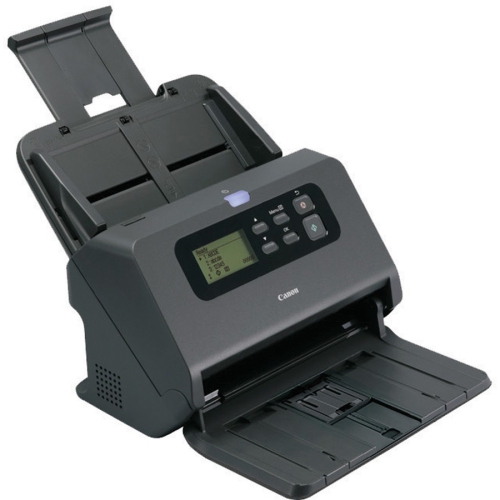
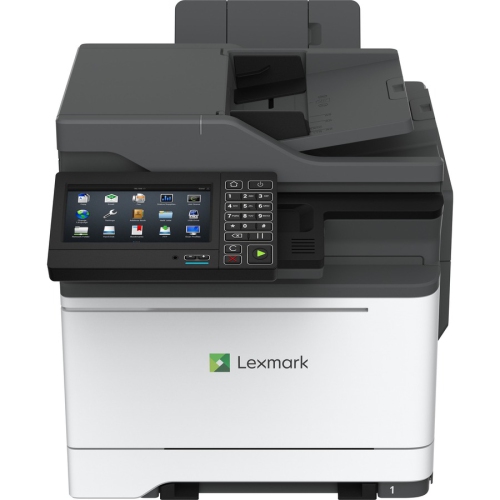
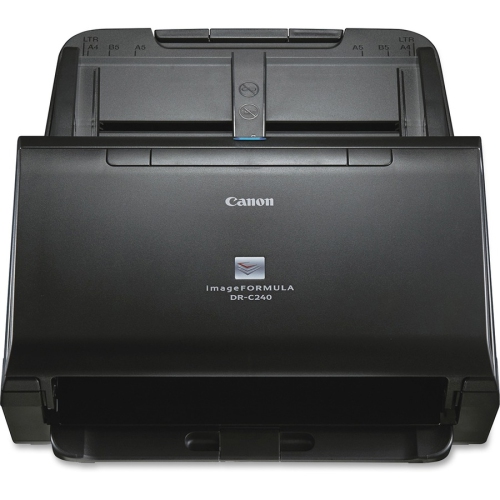
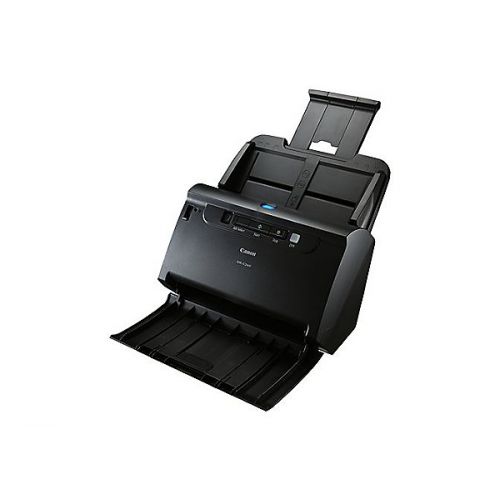
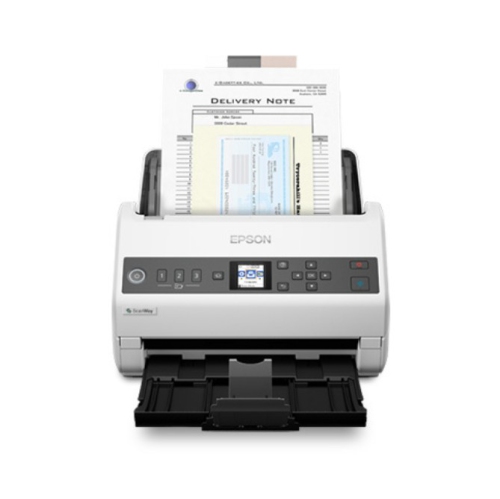
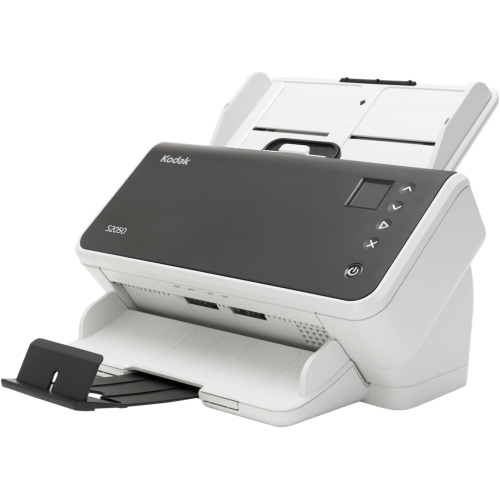
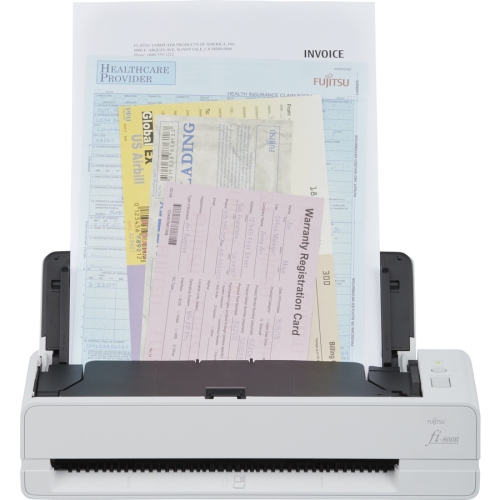
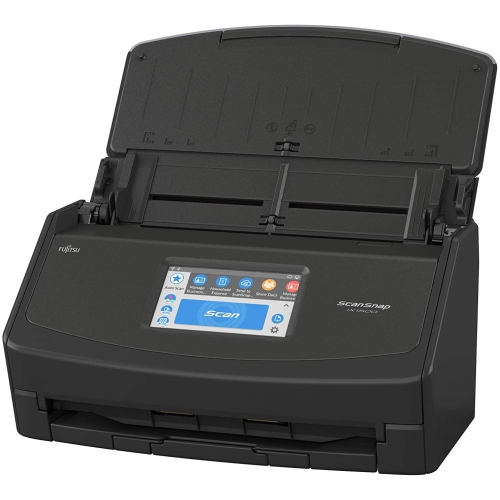
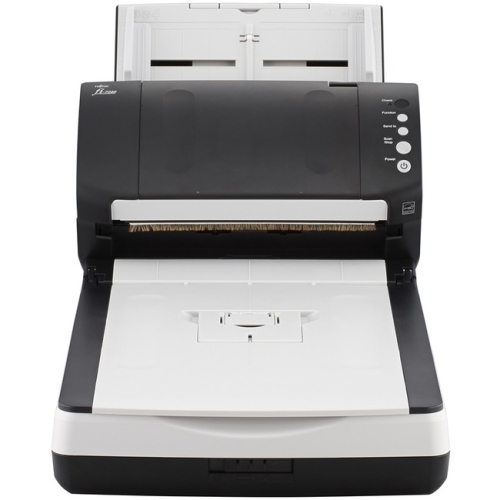
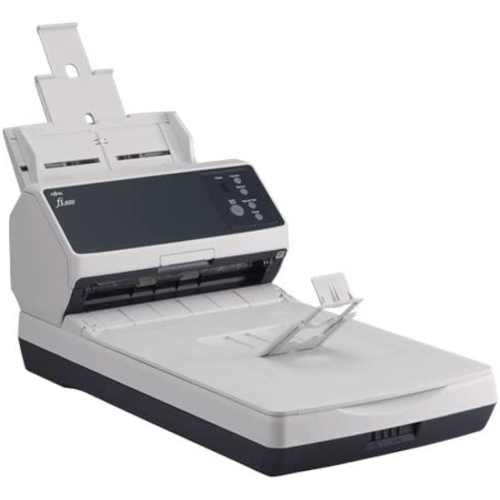
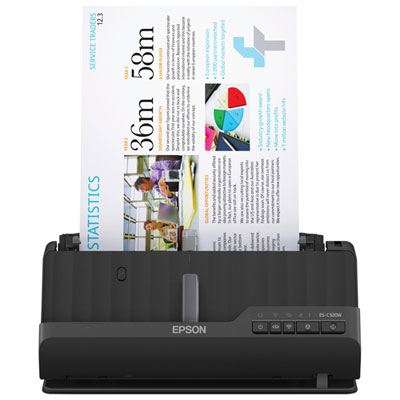
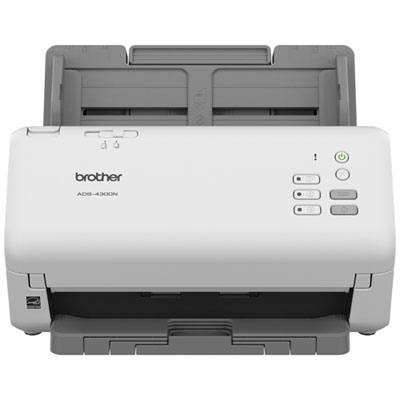
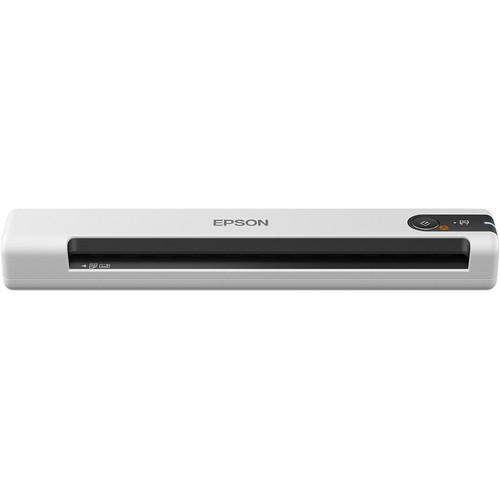
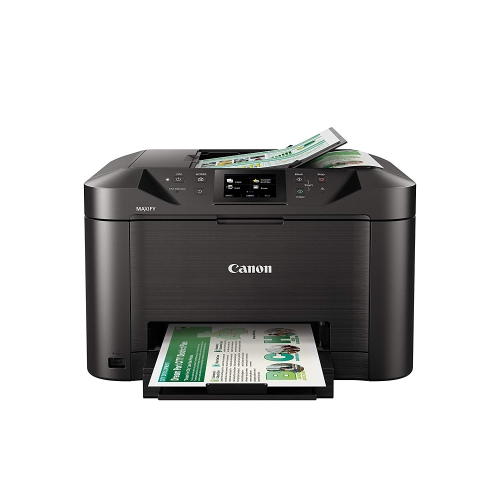
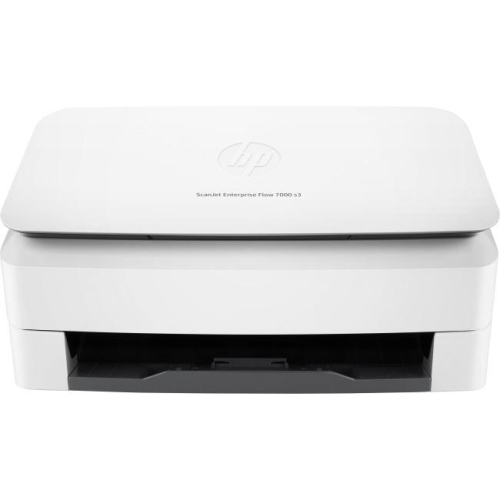

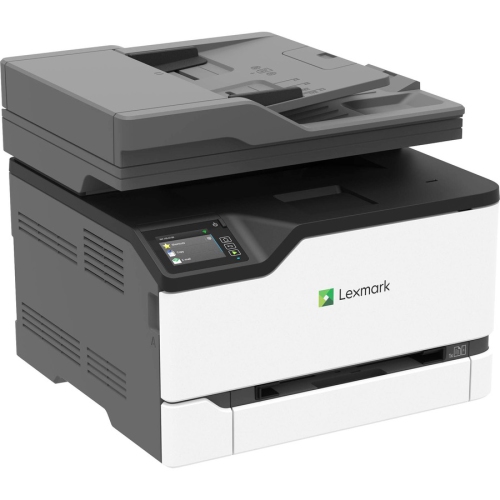
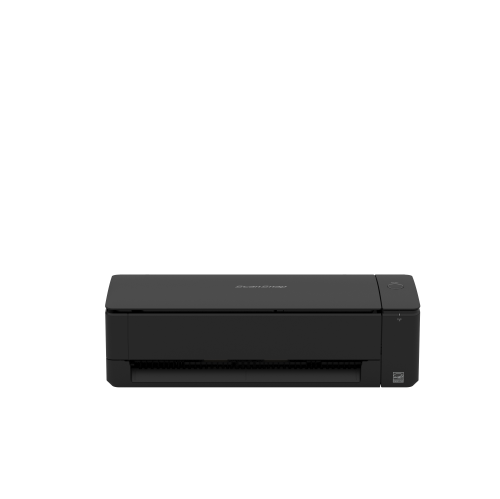
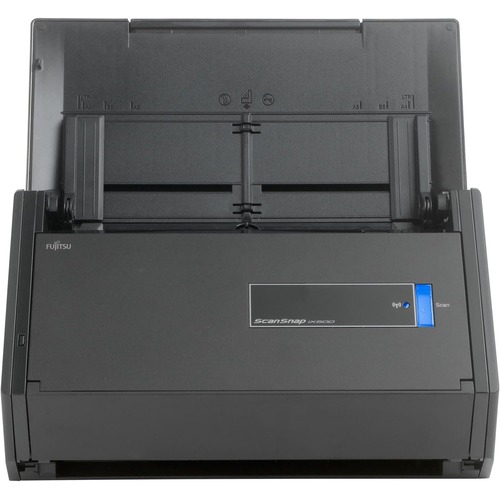
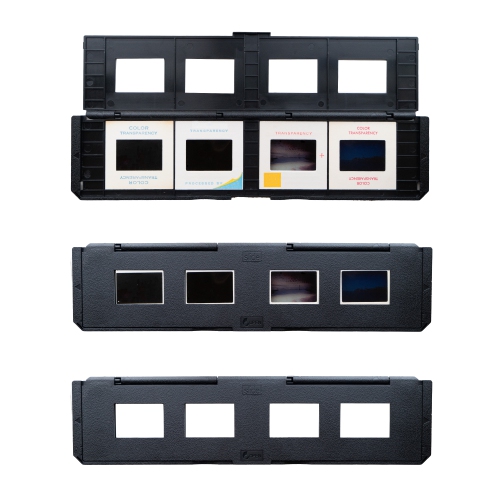
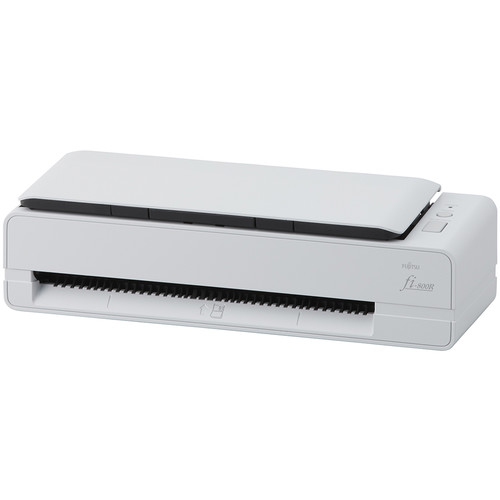
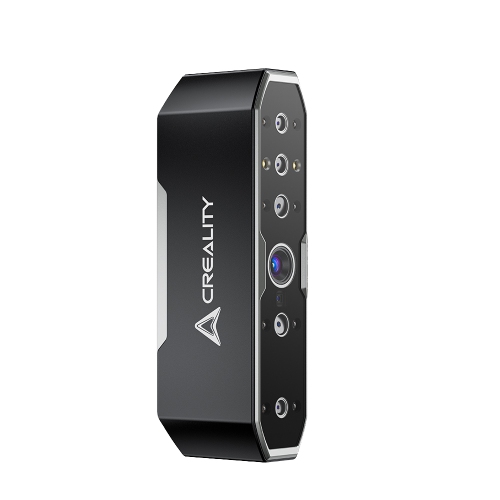
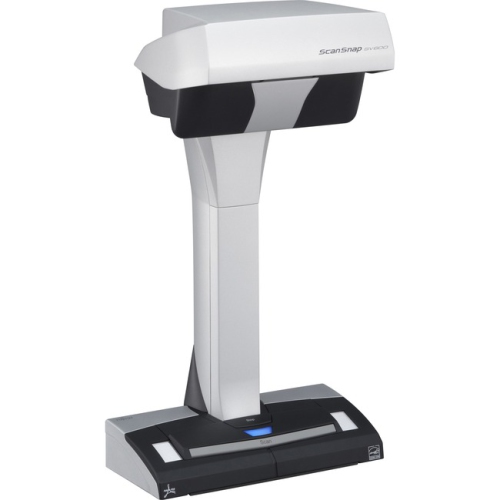
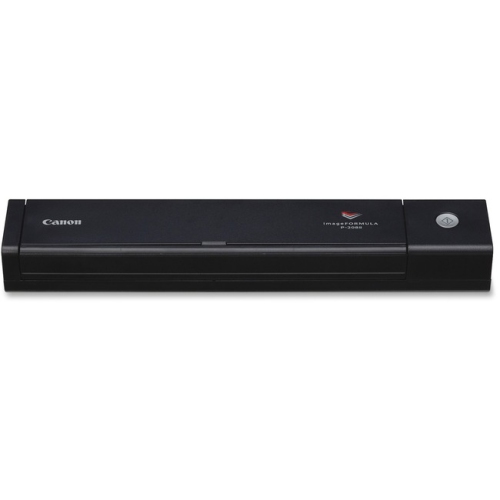
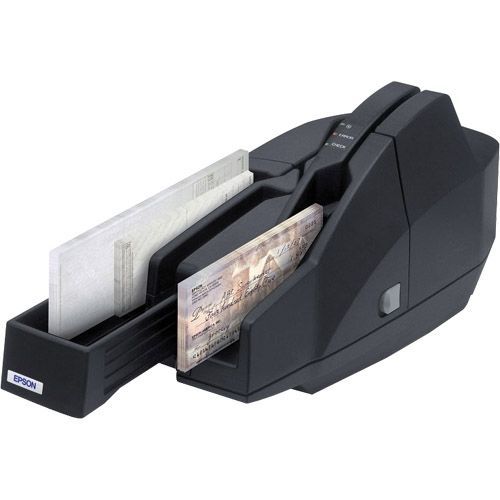
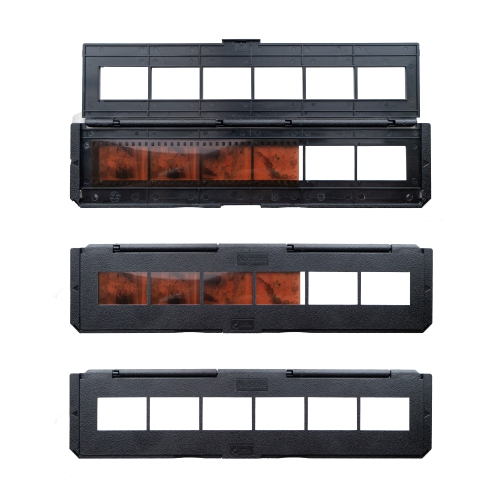
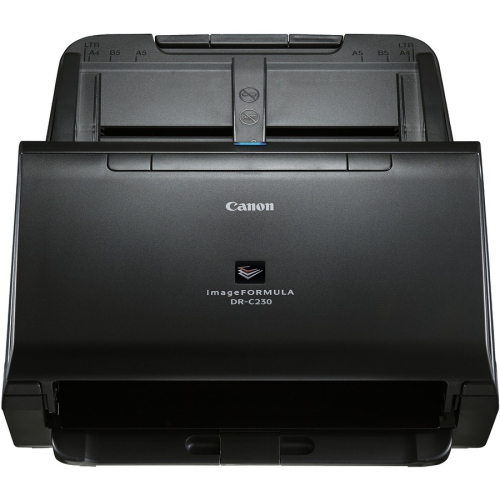
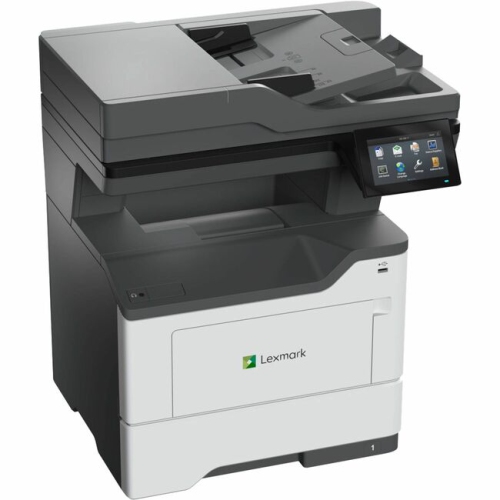

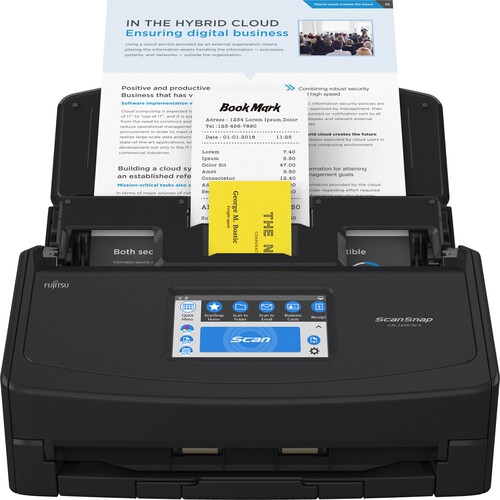
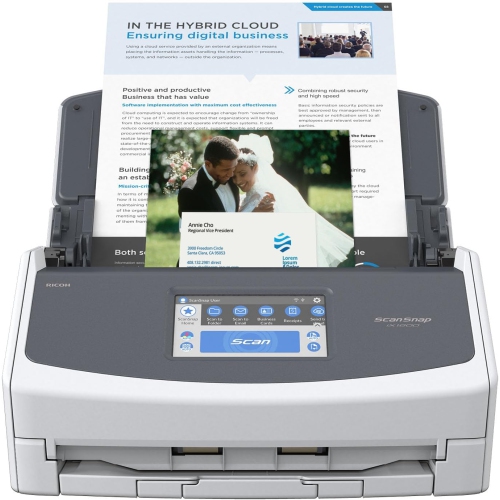
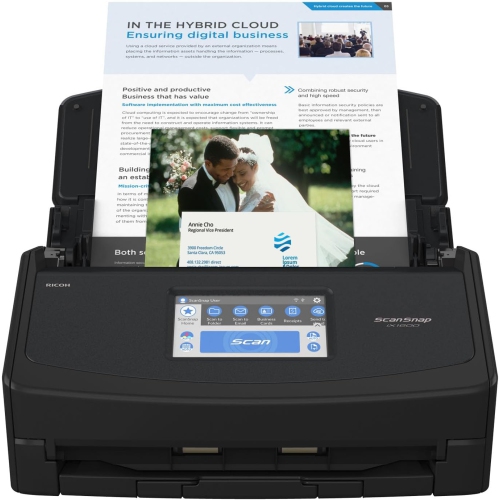
Preserving cherished photos and paperwork in detailed digital files
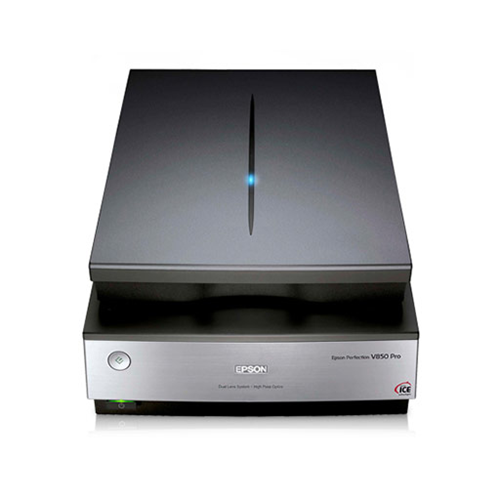
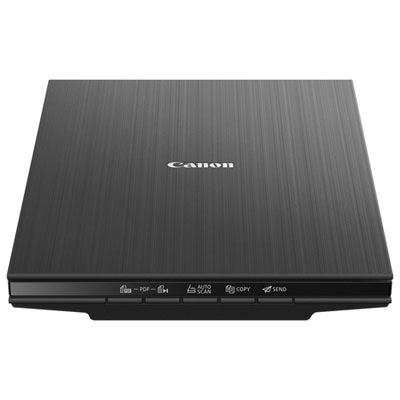
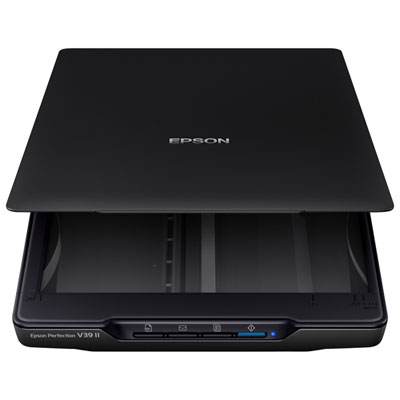
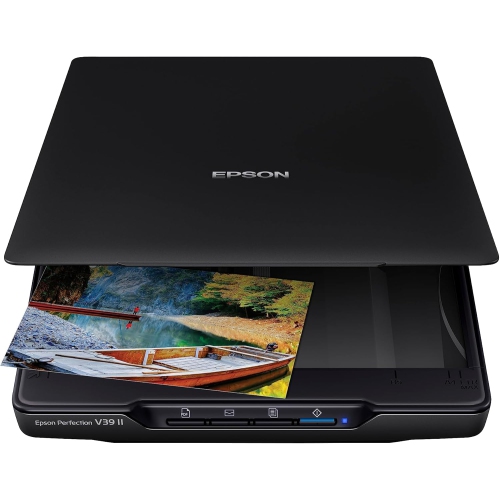
Color scanners make it easier to bring paper photos, artwork, receipts, forms, and other printed material into a digital workspace while preserving the colour, detail, and character of the original. In Canada, you may see these products described as both “color scanners” and “colour scanners,” but the key features are much the same: a scanning surface or feeder, an optical sensor, image-processing software, and a connection to a computer or mobile device. A flatbed colour scanner is often a comfortable choice for households, students, photographers, artists, and anyone digitizing items that should be handled gently. Place a photograph, recipe card, certificate, sketch, or page from a book on the glass, lower the lid, and create a clean digital file without folding or feeding the original through a narrow path. Flatbed designs are also useful for mixed-size materials and occasional scanning because they are simple to operate and can be stored on a desk, shelf, or home office cabinet. For everyday paperwork, a compact model with a USB connection may be all that is needed, particularly when scanning is done beside a computer. If preserving family photographs or artwork is a priority, look for higher optical resolution, good colour depth, and software that can correct dust, faded tones, crooked pages, or uneven borders. Resolution is measured in dots per inch, or dpi: lower settings are generally suitable for documents, while higher settings capture finer detail for prints, illustrations, and images that may be enlarged later. Keep in mind that a higher number does not automatically make every scan better; the quality of the original, the scanner’s sensor, lighting control, and the included software all contribute to the final result.
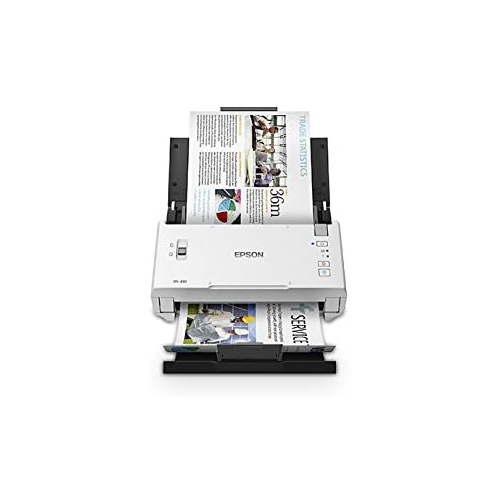
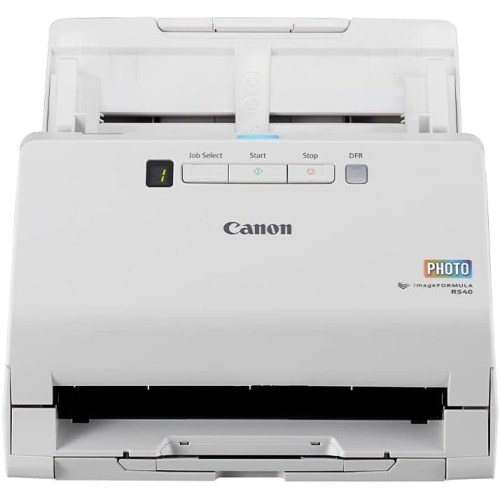
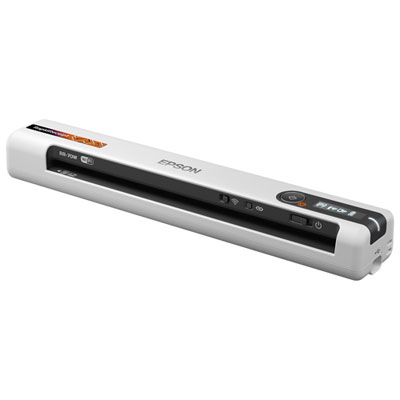
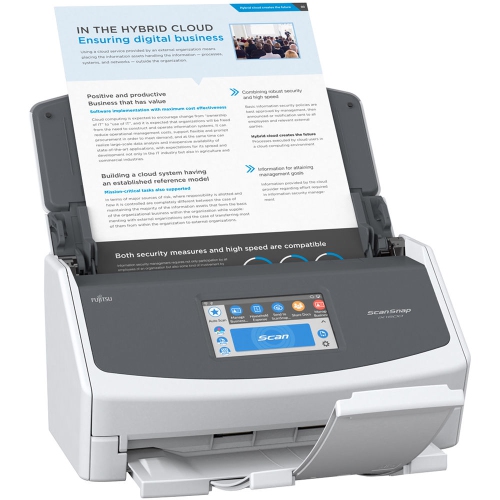
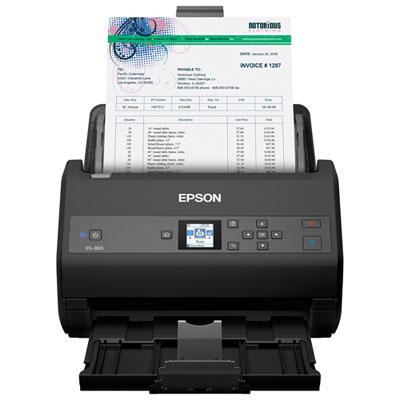
The right colour scanner depends largely on what you plan to scan most often and how many pages you need to process at a time. A flatbed model is well suited to occasional documents, treasured photographs, thick pages, books, and delicate paper. Its lid may lift or detach to accommodate bound materials, while a vertical stand can help save space between uses. A document scanner with an automatic document feeder, often called an ADF, is designed for stacks of loose pages. Instead of placing each sheet on a glass surface, you can load a group of documents and let the feeder move them through one after another. This can be especially helpful for home offices, school administration, small businesses, and busy households managing tax papers, invoices, forms, or archived correspondence. For larger batches, consider the feeder capacity, pages-per-minute rating, and whether the scanner can capture both sides of a sheet in one pass. Duplex scanning can reduce the time spent sorting pages and is useful for contracts, reports, booklets, and two-sided forms. Paper-handling features also matter: check the recommended paper sizes and weights, the ability to manage long pages or receipts, and safeguards designed to reduce misfeeds. Colour accuracy is important for photographs, artwork, labels, and marketing materials, whereas fast text recognition may matter more for office records. Optical character recognition, or OCR, converts printed words into editable and searchable text, making it easier to find information inside saved files. If you regularly scan receipts or narrow documents, confirm that the design can handle those formats without requiring extra trimming or mounting.
Connection options can shape how naturally a scanner fits into your routine. USB models are usually straightforward for a single workstation, with the scanner connected directly to a computer when needed. Wi-Fi models can offer more flexibility around a home or office, allowing scans to be sent to compatible computers, mobile devices, shared folders, cloud services, or email, depending on the software and network setup. Look for compatibility with your operating system and check whether drivers, mobile apps, OCR tools, and file-management features are included. PDF is a practical format for multipage documents, while JPEG or TIFF can be preferable for photographs and artwork, depending on how the files will be edited, printed, or stored. Before choosing, measure the available desk or shelf space and consider whether the scanner will stay connected or be put away between tasks. A colour scanner can also make a thoughtful gift for a student building a study setup, a family member organizing photographs, an artist preparing digital copies of original work, or someone creating a home office during the cooler months. It is useful for turning children’s drawings into keepsakes, preserving handwritten recipes, sharing old family pictures, and keeping important paperwork in a searchable digital library. For shoppers who need to process mostly business documents, compare the options in Office Scanners as well. Whether the priority is careful photo preservation, occasional household paperwork, or a steady stream of office pages, matching the scanner type, resolution, feeder capacity, connection method, and software to your daily habits will help you choose a practical fit.
The right colour scanner depends largely on what you plan to scan most often and how many pages you need to process at a time. A flatbed model is well suited to occasional documents, treasured photographs, thick pages, books, and delicate paper. Its lid may lift or detach to accommodate bound materials, while a vertical stand can help save space between uses. A document scanner with an automatic document feeder, often called an ADF, is designed for stacks of loose pages. Instead of placing each sheet on a glass surface, you can load a group of documents and let the feeder move them through one after another. This can be especially helpful for home offices, school administration, small businesses, and busy households managing tax papers, invoices, forms, or archived correspondence. For larger batches, consider the feeder capacity, pages-per-minute rating, and whether the scanner can capture both sides of a sheet in one pass. Duplex scanning can reduce the time spent sorting pages and is useful for contracts, reports, booklets, and two-sided forms. Paper-handling features also matter: check the recommended paper sizes and weights, the ability to manage long pages or receipts, and safeguards designed to reduce misfeeds. Colour accuracy is important for photographs, artwork, labels, and marketing materials, whereas fast text recognition may matter more for office records. Optical character recognition, or OCR, converts printed words into editable and searchable text, making it easier to find information inside saved files. If you regularly scan receipts or narrow documents, confirm that the design can handle those formats without requiring extra trimming or mounting.
Connection options can shape how naturally a scanner fits into your routine. USB models are usually straightforward for a single workstation, with the scanner connected directly to a computer when needed. Wi-Fi models can offer more flexibility around a home or office, allowing scans to be sent to compatible computers, mobile devices, shared folders, cloud services, or email, depending on the software and network setup. Look for compatibility with your operating system and check whether drivers, mobile apps, OCR tools, and file-management features are included. PDF is a practical format for multipage documents, while JPEG or TIFF can be preferable for photographs and artwork, depending on how the files will be edited, printed, or stored. Before choosing, measure the available desk or shelf space and consider whether the scanner will stay connected or be put away between tasks. A colour scanner can also make a thoughtful gift for a student building a study setup, a family member organizing photographs, an artist preparing digital copies of original work, or someone creating a home office during the cooler months. It is useful for turning children’s drawings into keepsakes, preserving handwritten recipes, sharing old family pictures, and keeping important paperwork in a searchable digital library. For shoppers who need to process mostly business documents, compare the options in Office Scanners as well. Whether the priority is careful photo preservation, occasional household paperwork, or a steady stream of office pages, matching the scanner type, resolution, feeder capacity, connection method, and software to your daily habits will help you choose a practical fit.
Top selling and popular products
-
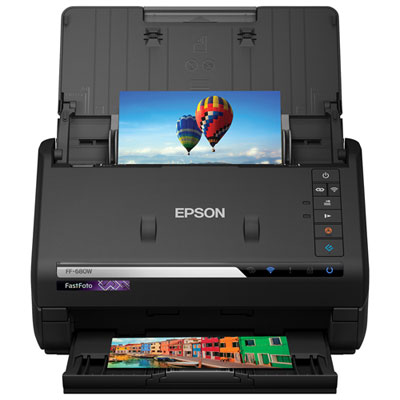 Your price for this item is $849.99
 -
 Your price for this item is $107.99
 -
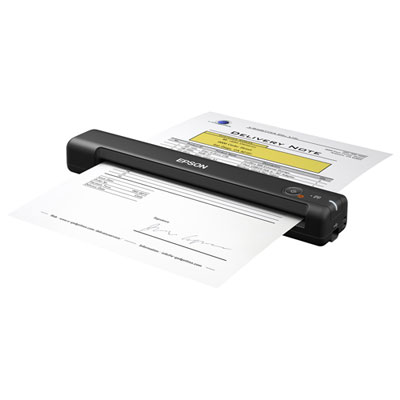 Your price for this item is $149.99
 -
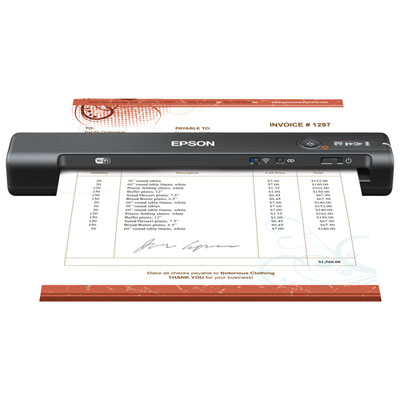 Your price for this item is $239.99
 -
 Your price for this item is $369.99
 -
 Your price for this item is $129.99
 -
 Your price for this item is $228.99
 -
 Your price for this item is $804
Discover more categories related to Color Scanners
Top Collections:
Pokemon Centers, Kindle Devices, Best Budget Office Chairs, Apple iPhones 16, Best Laptops for Writers, iPhone 15 Apple, Canon G7X Cameras, Refurbished Apple Laptops, Alarm Clock, Motorola Razr Phones
Some products may be subject to Environmental Handling Fees
(EHF) depending on your province.
Learn more about EHFs.