Office Scanners
Looking to streamline your office's document management process? Look no further than our selection of office scanners. These efficient devices are designed to digitize and organize your important paperwork with ease. Whether you need to scan contracts, invoices, or important memos, our office scanners offer high-quality imaging and fast scanning speeds to keep up with the demands of your busy workplace. With a range of features and options available, finding the perfect scanner to meet your office's needs has never been easier. Say goodbye to piles of paperwork and hello to a more efficient and organized workspace with our selection of office scanners.
Sort


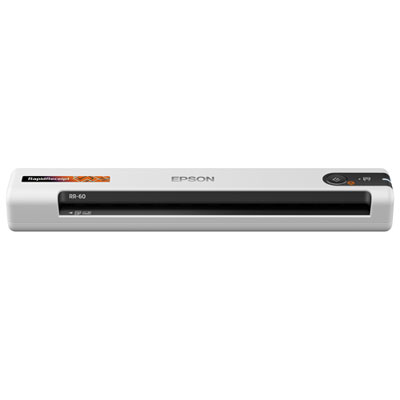
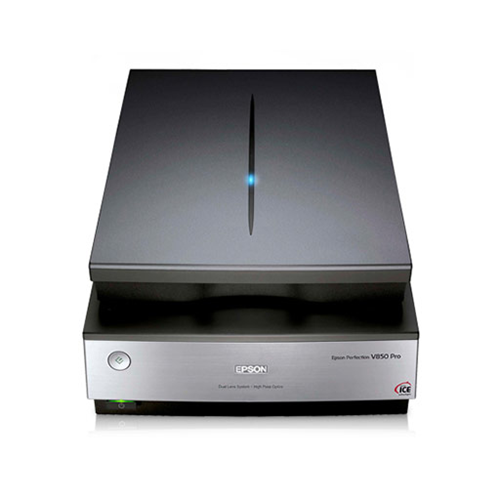
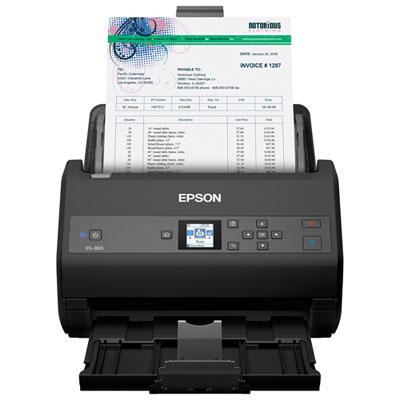
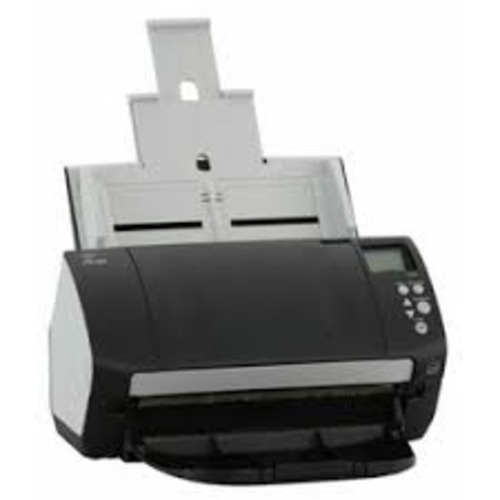


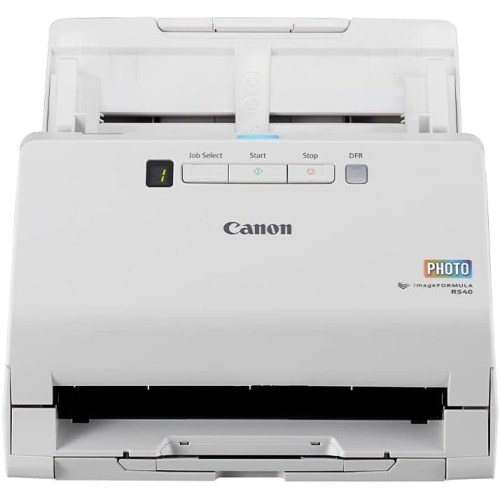
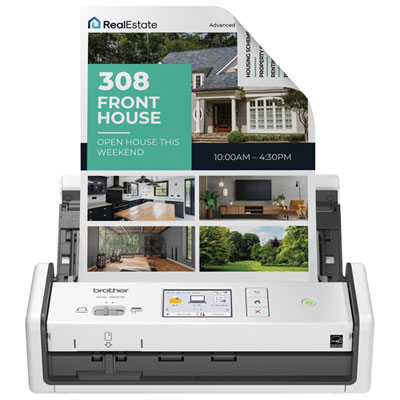
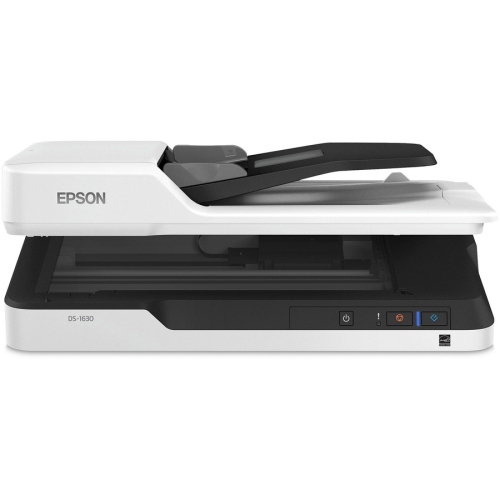
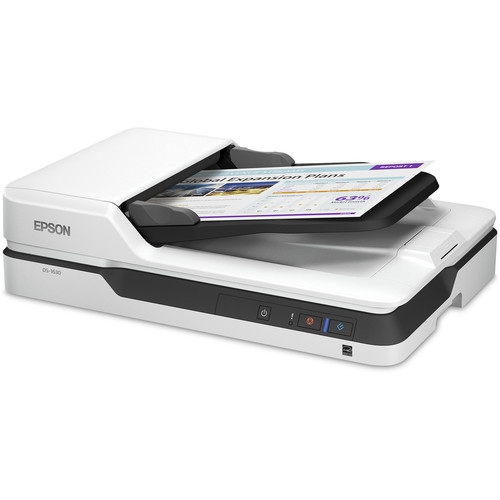
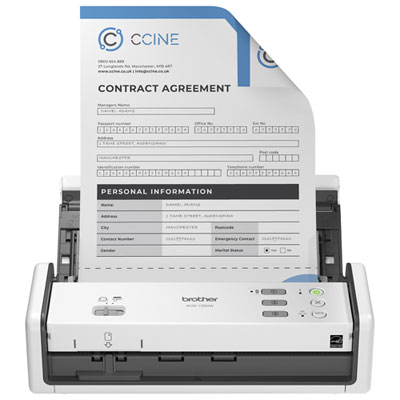
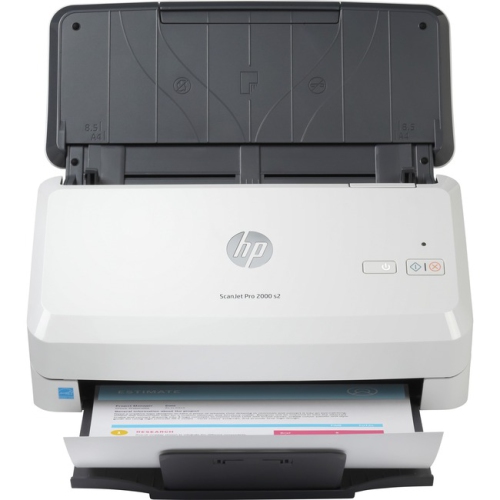
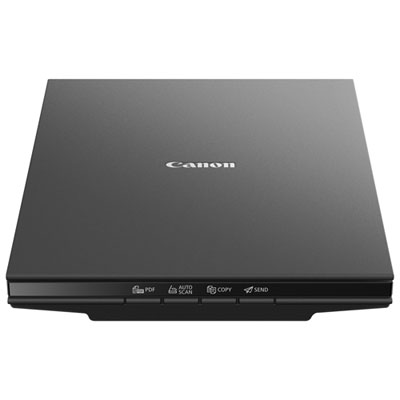
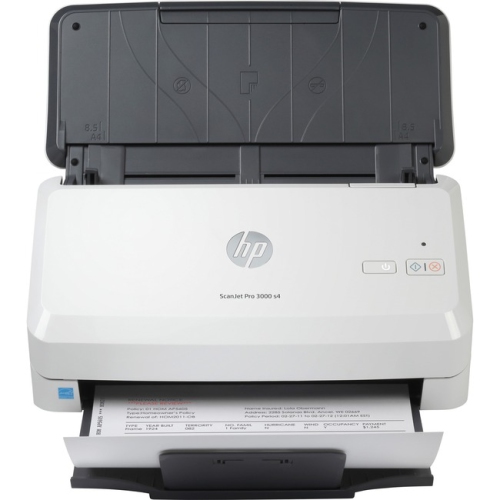
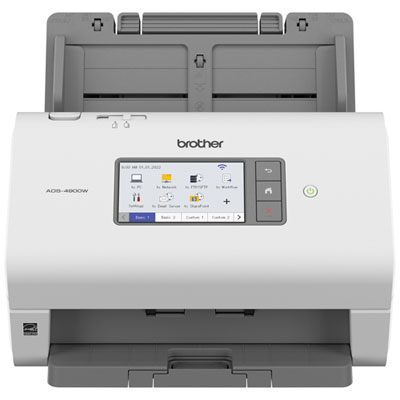
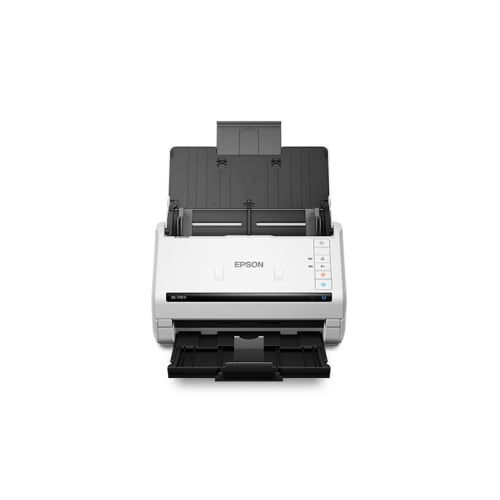
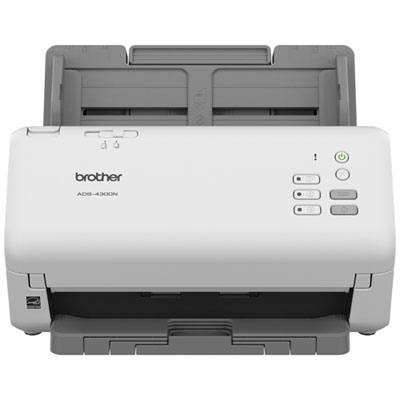
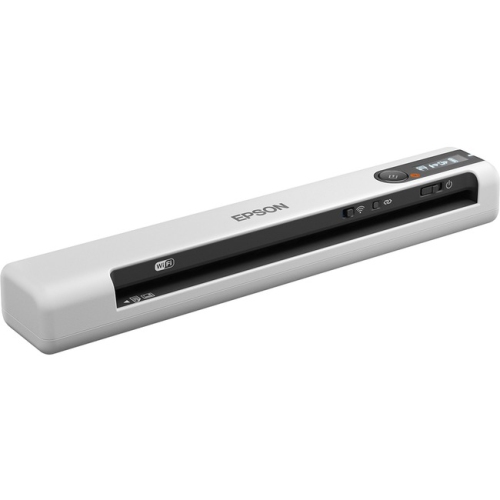
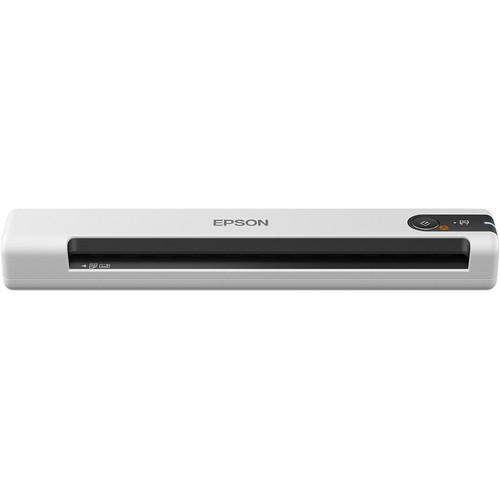
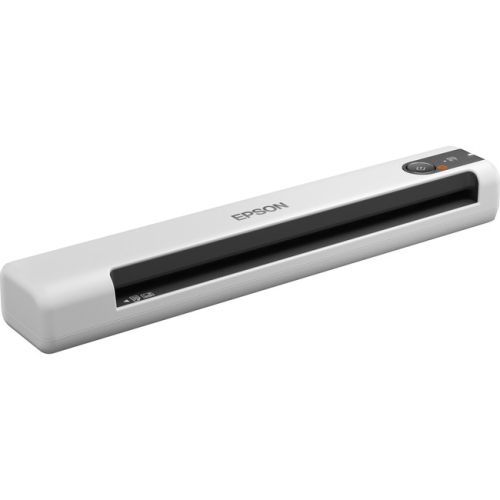
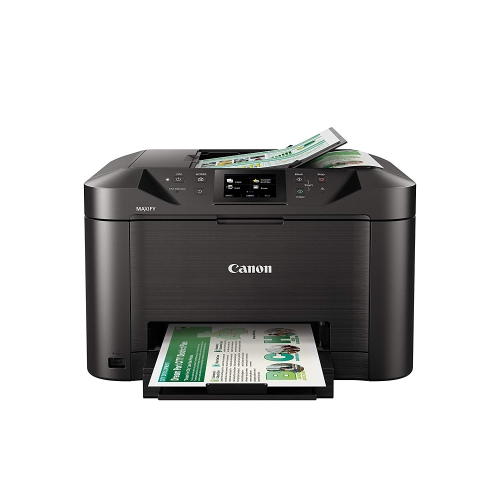

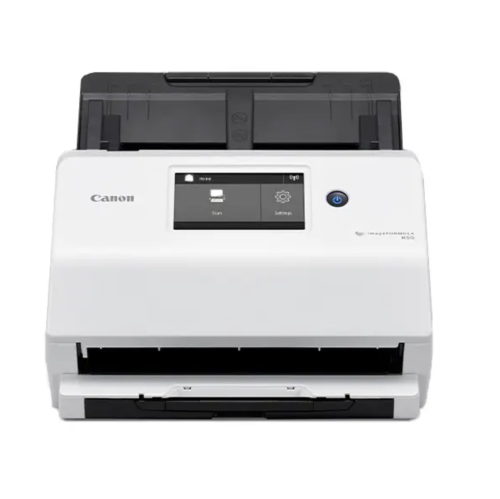
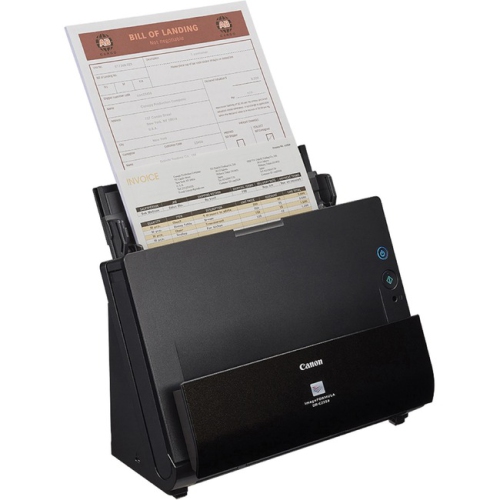
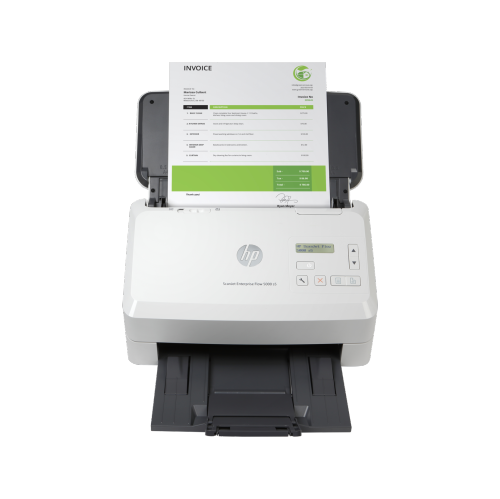
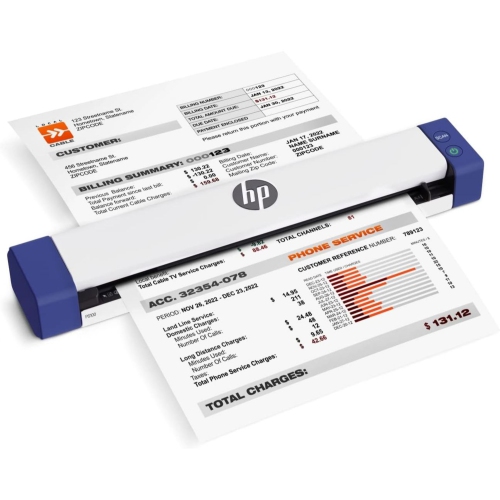
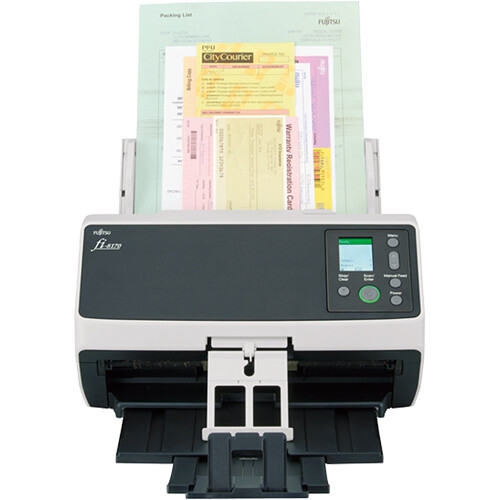
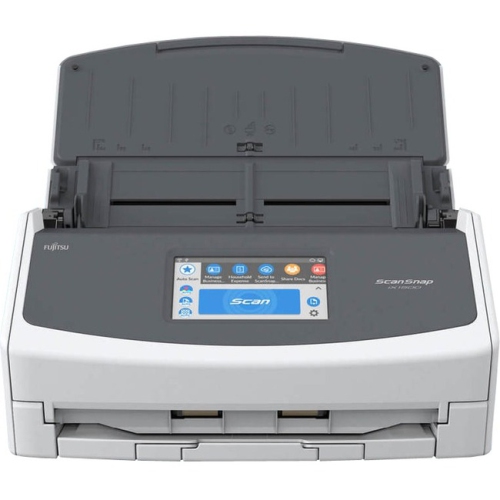
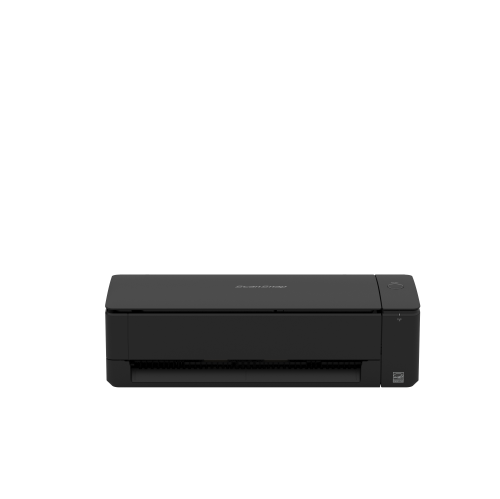
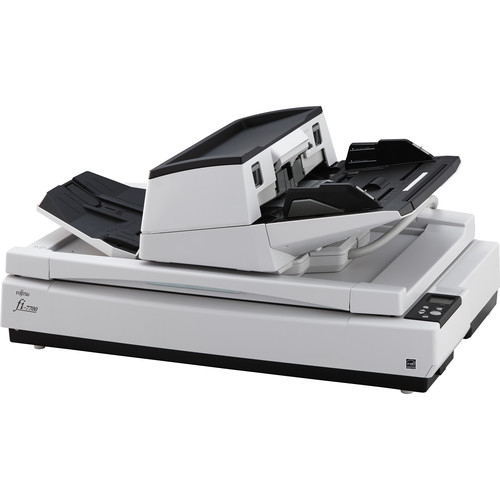
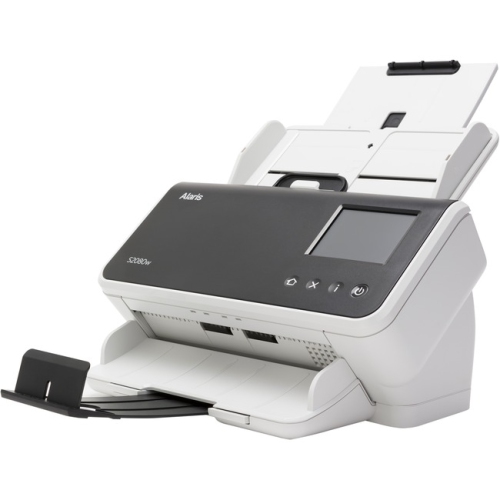
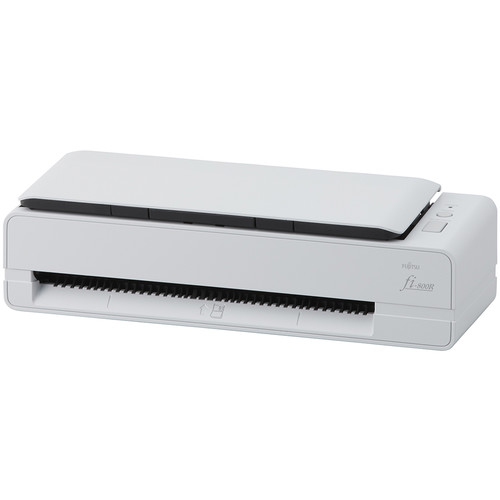
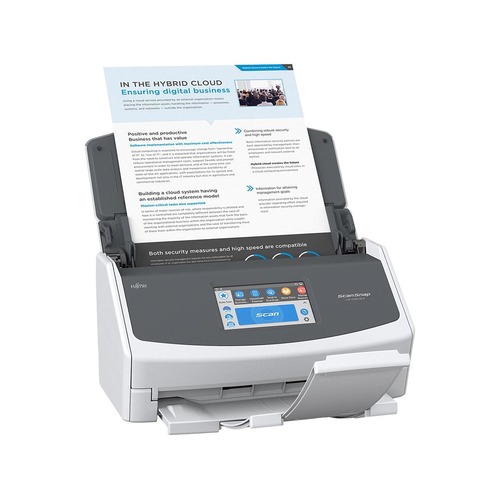
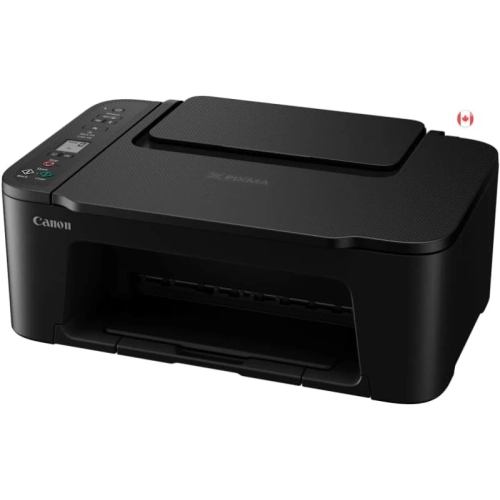
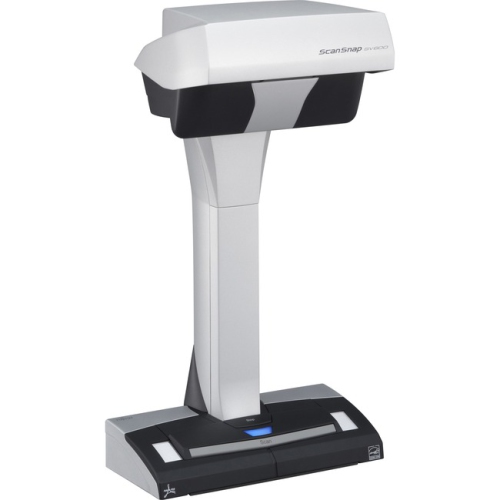
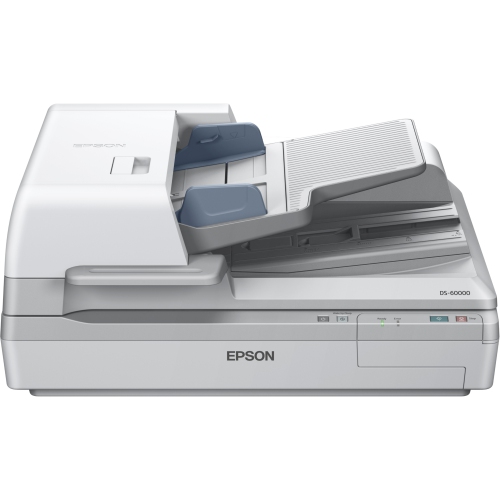
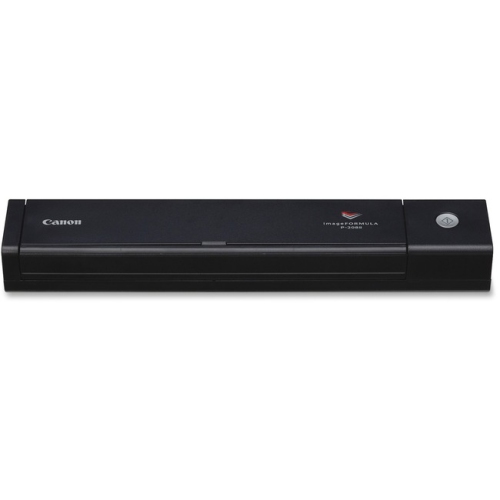
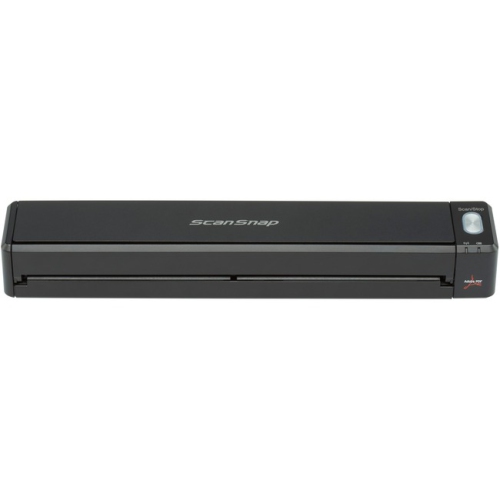
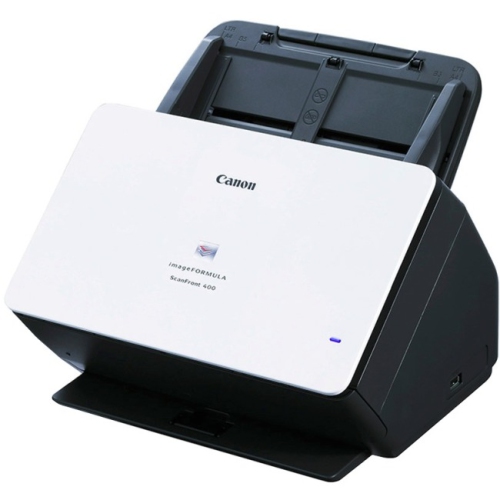
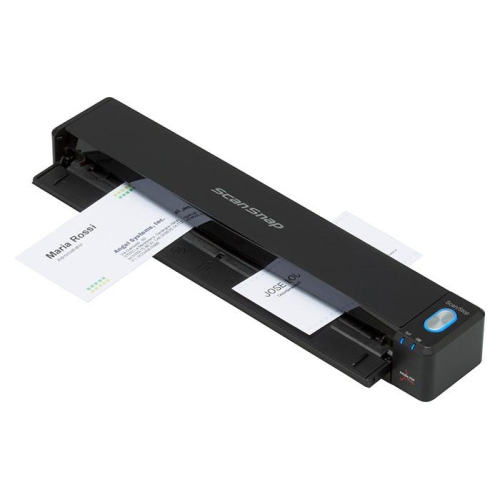
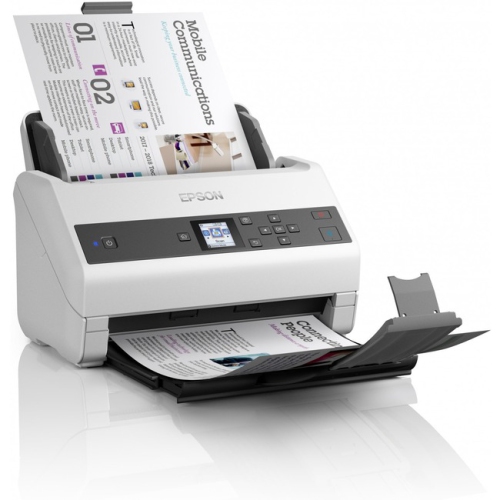
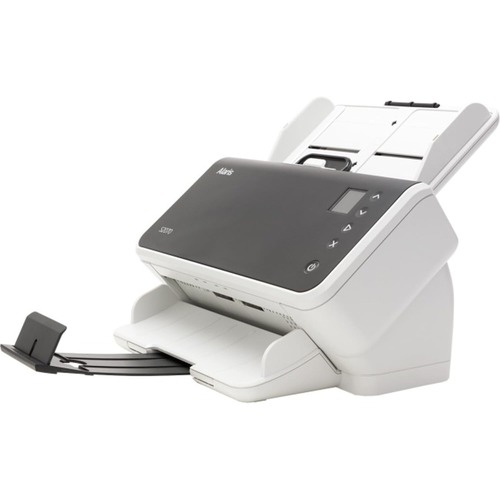
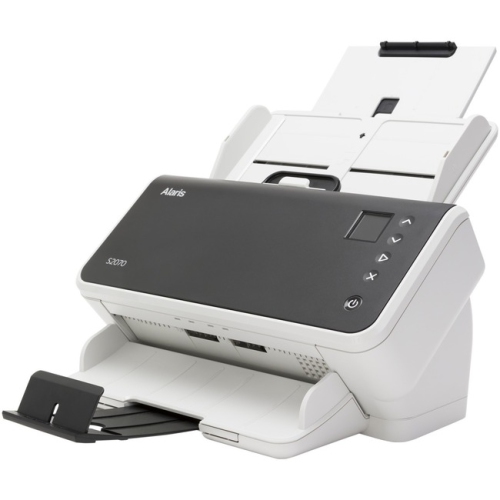
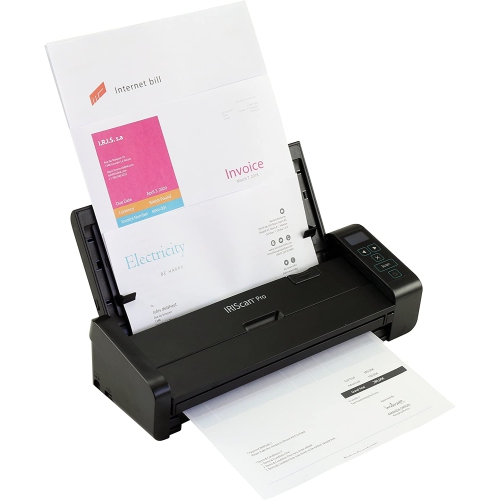
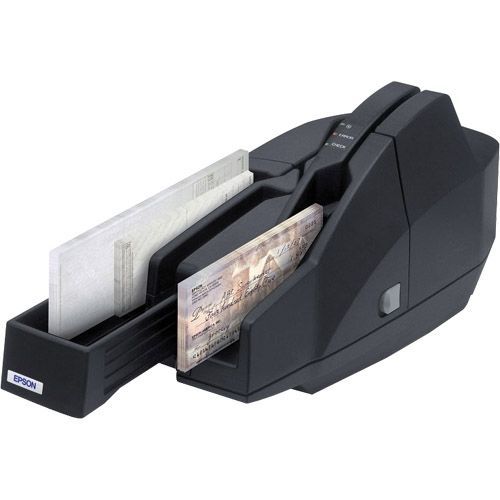
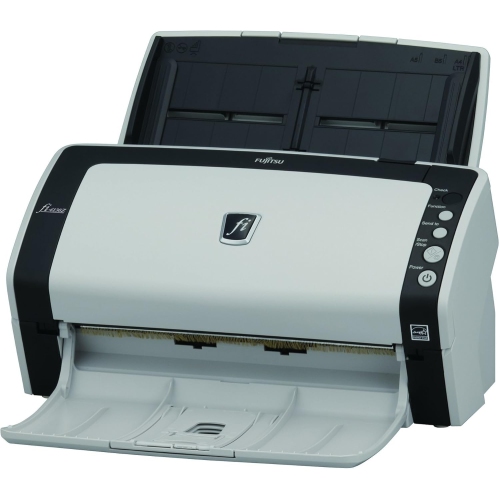
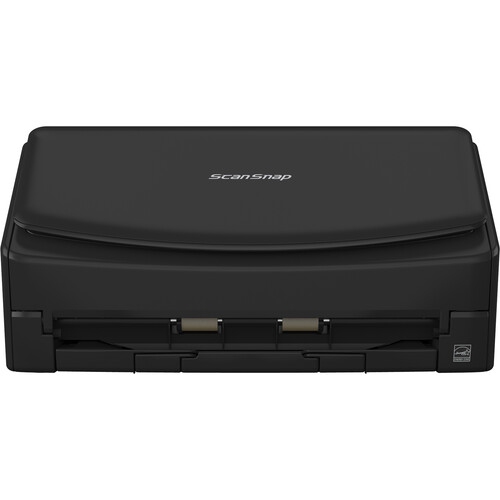
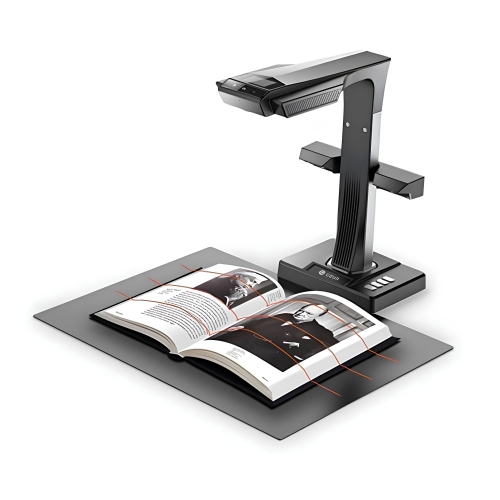
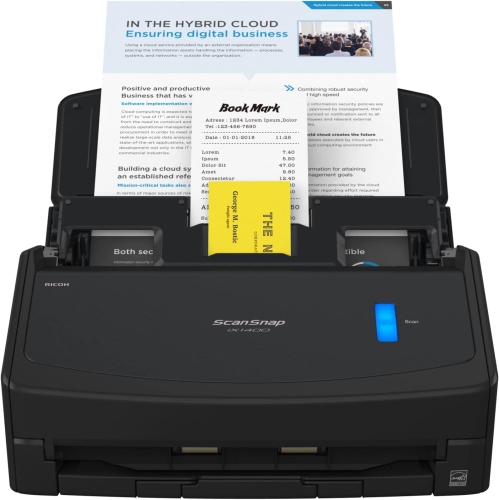
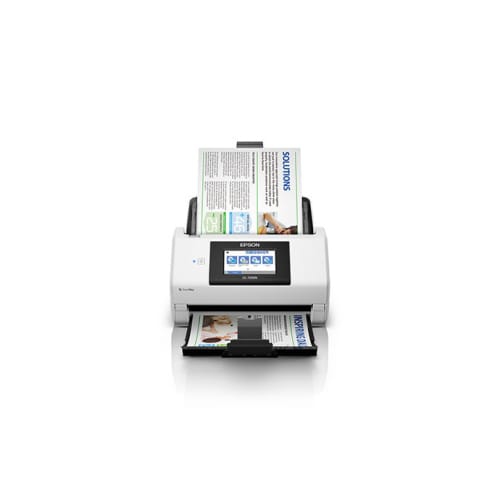
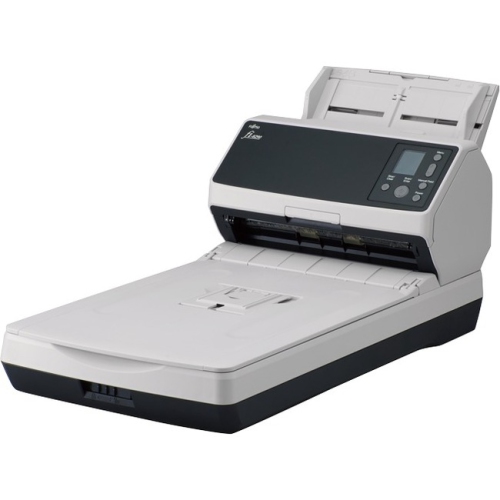
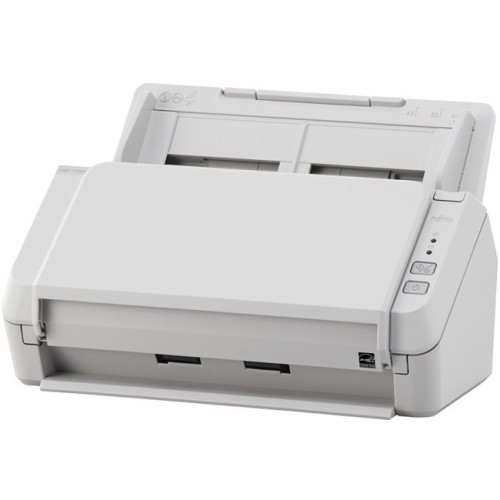
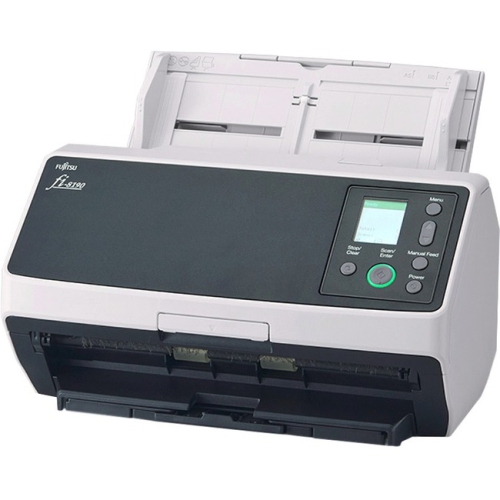
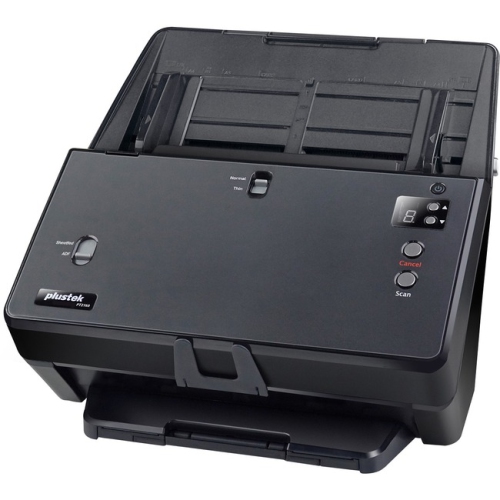
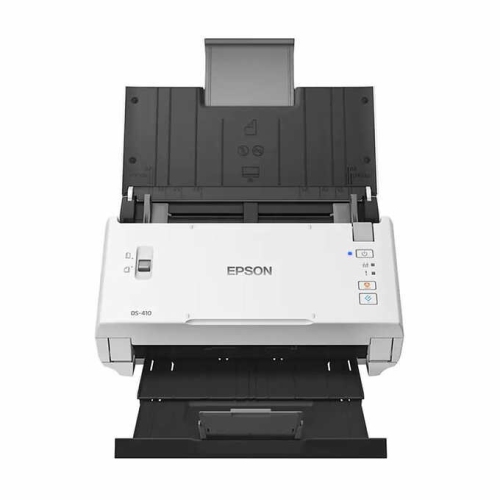
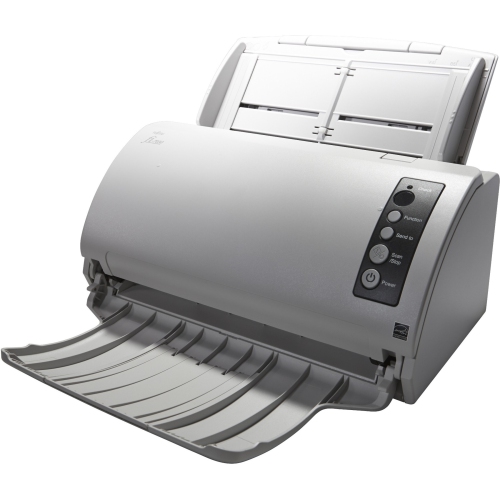
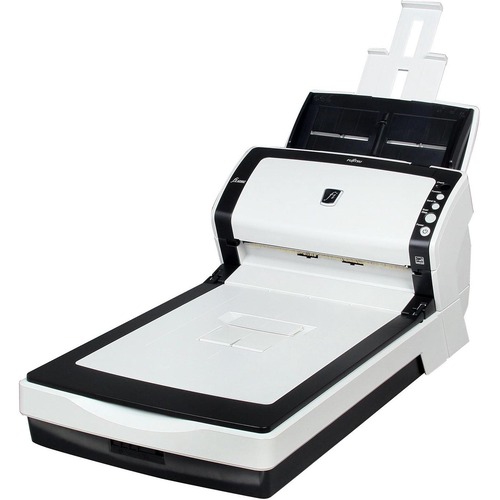
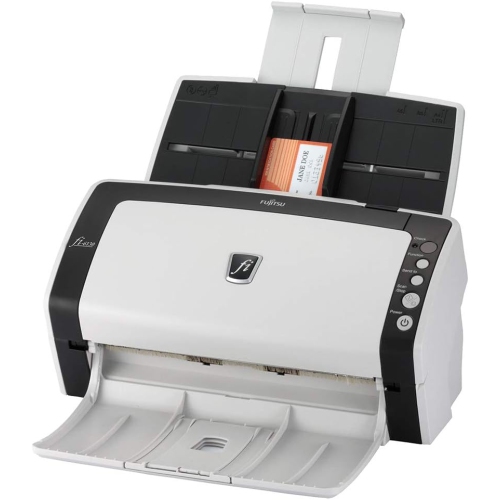
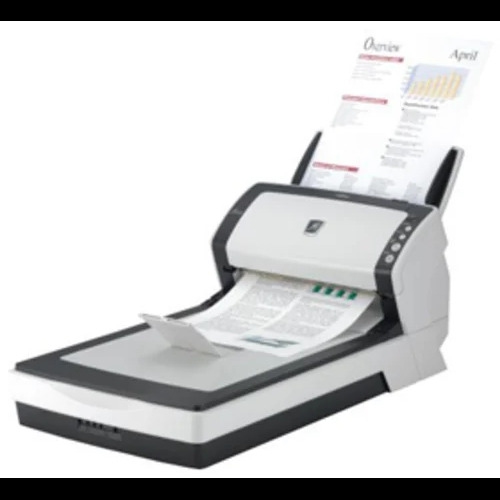


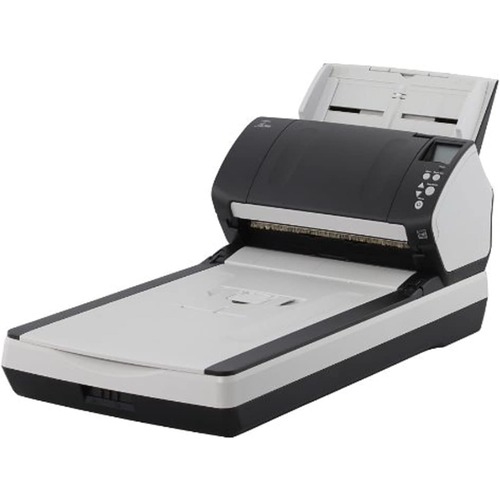
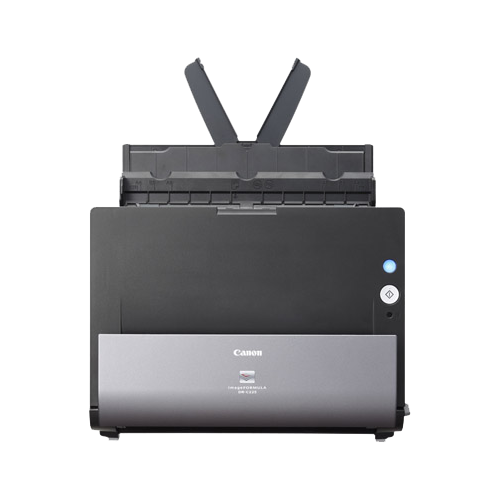
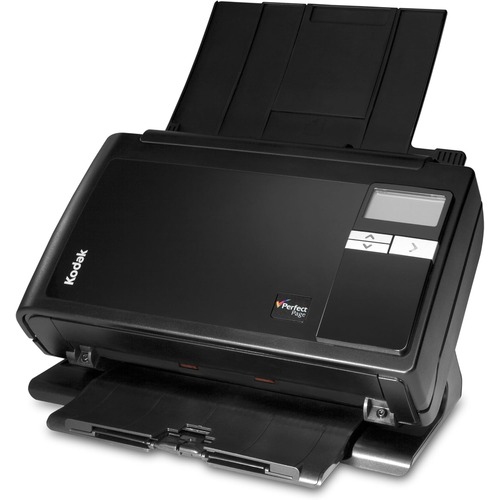
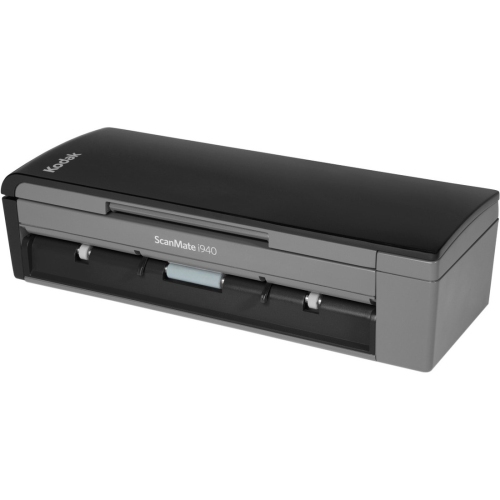

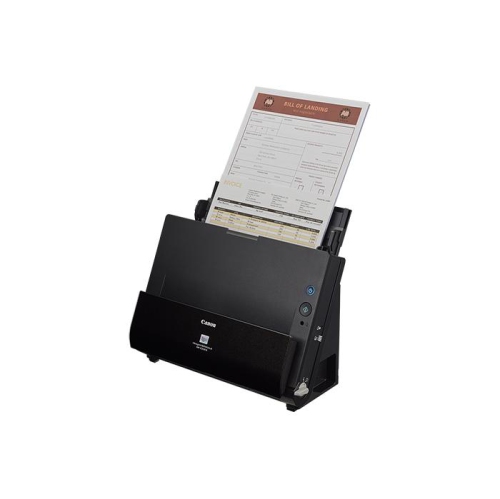
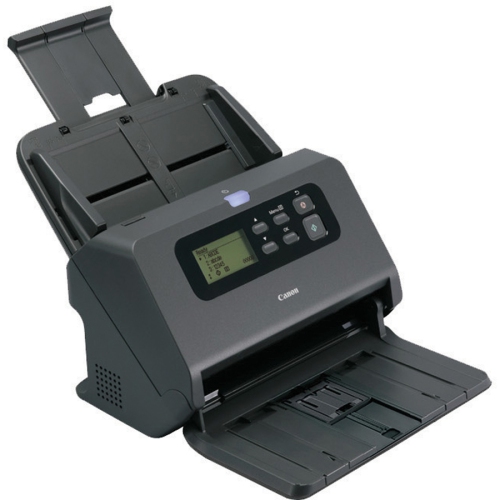
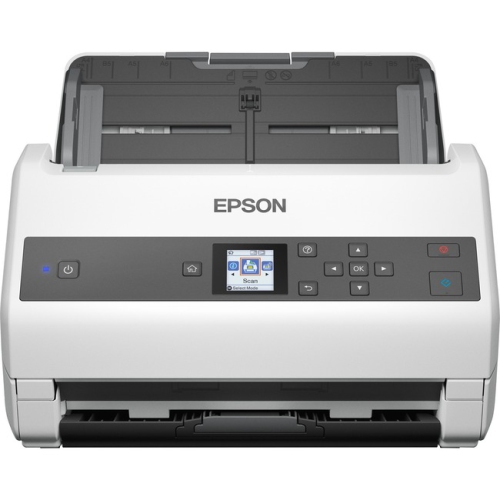

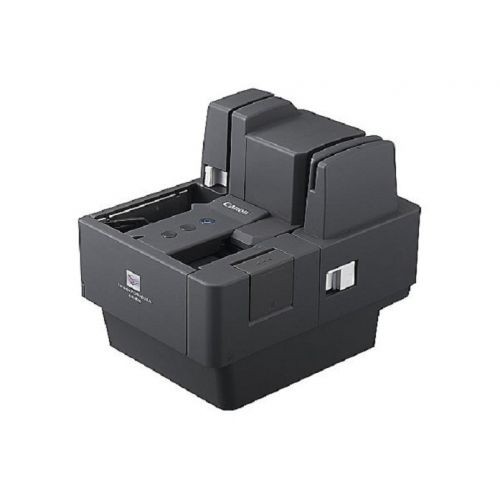


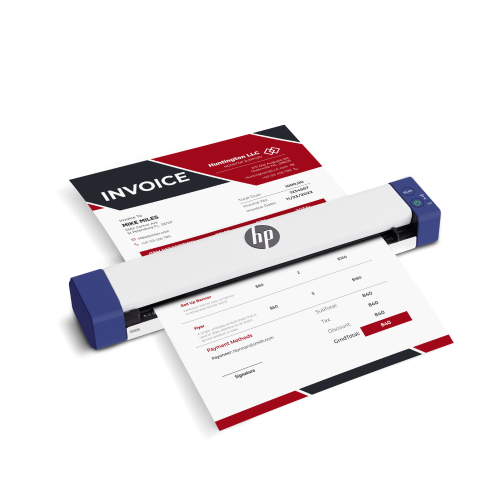
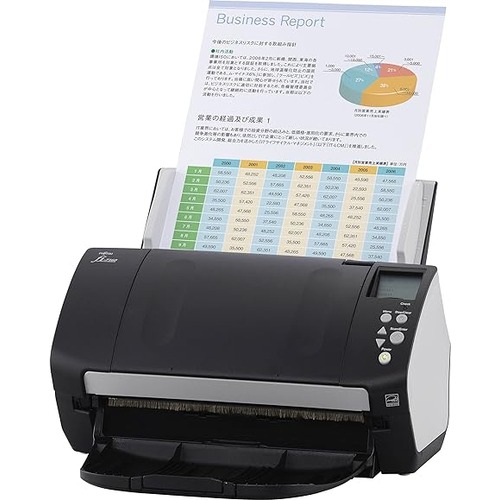
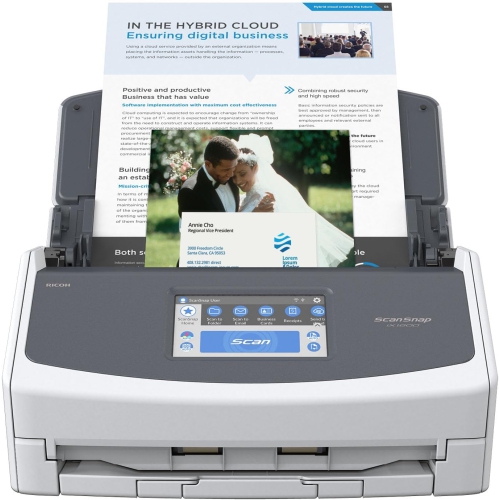
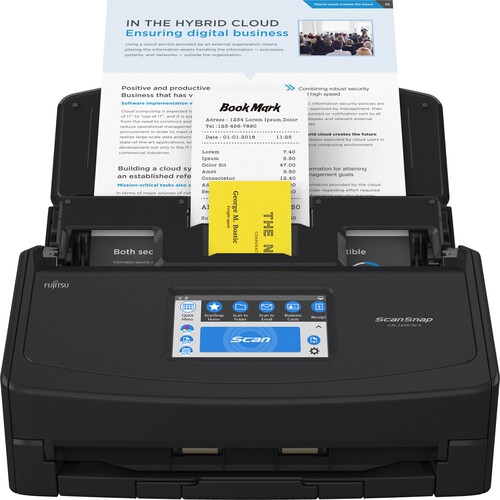
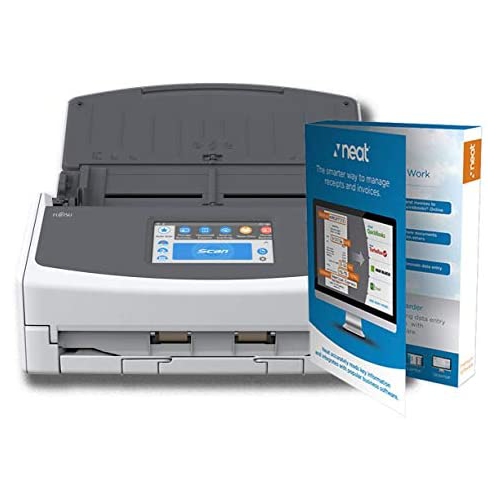
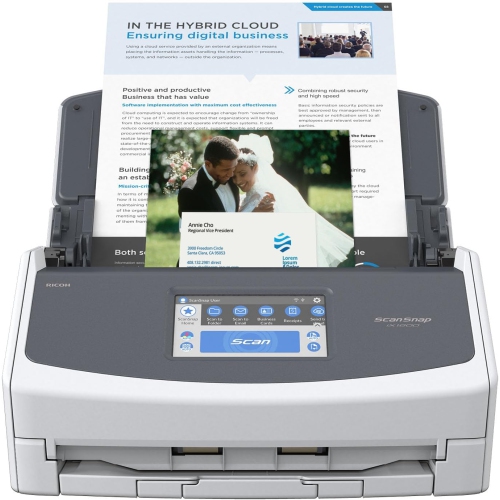
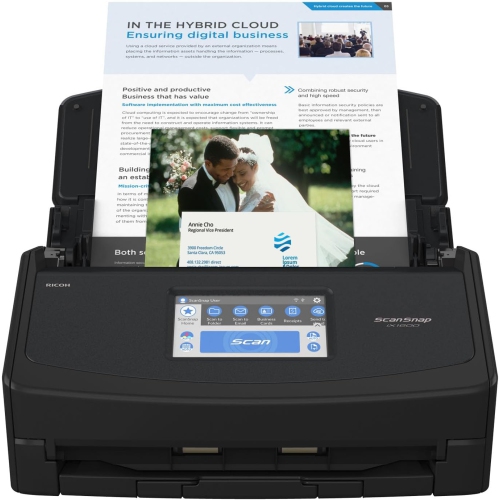
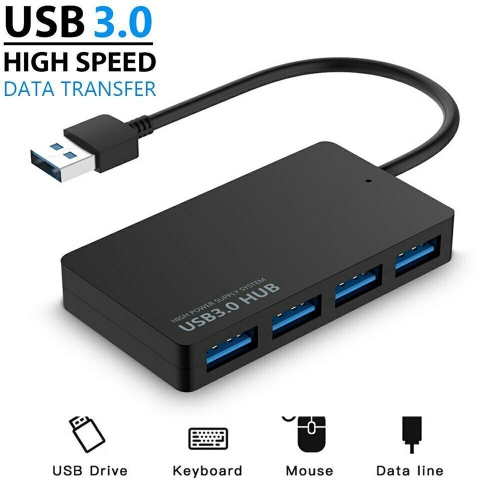
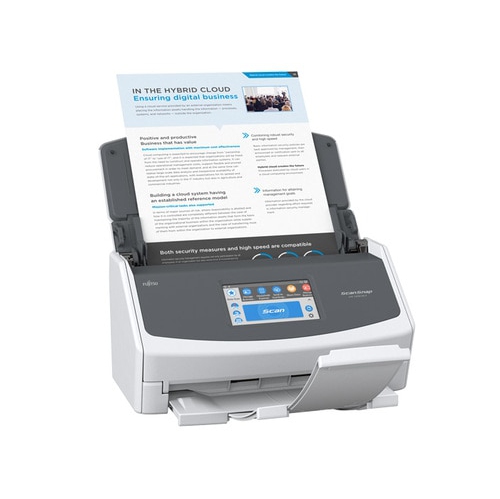
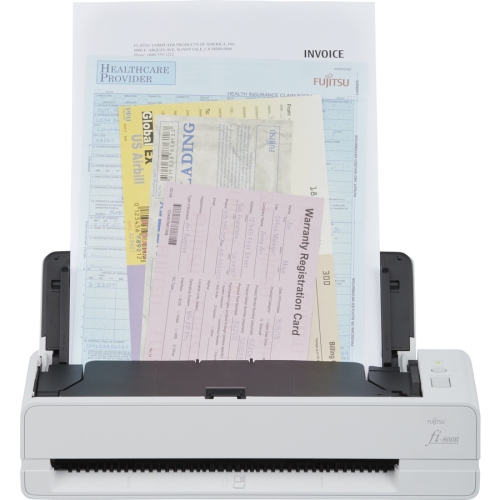
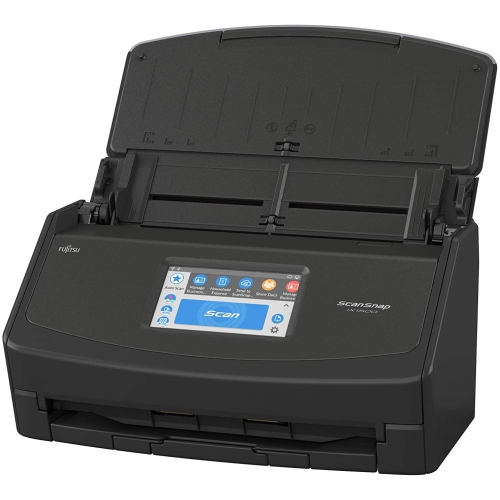
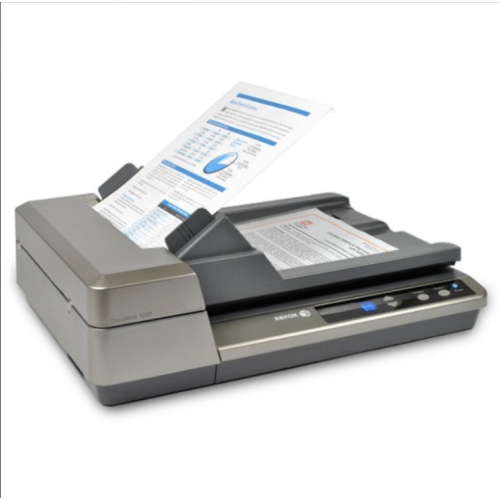
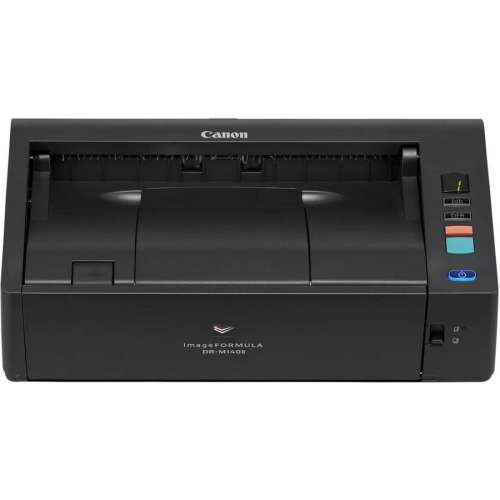
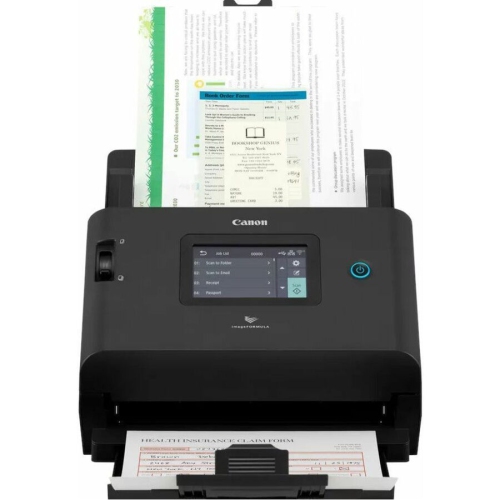
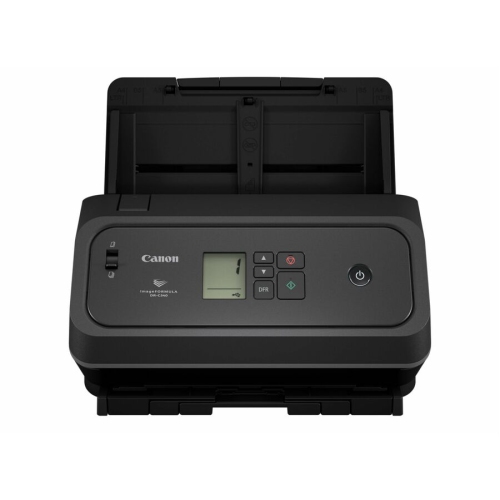
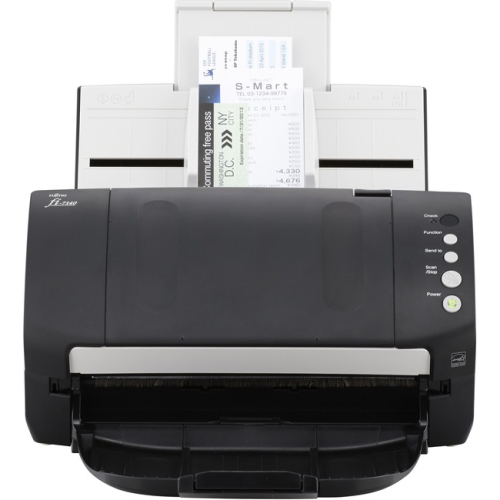

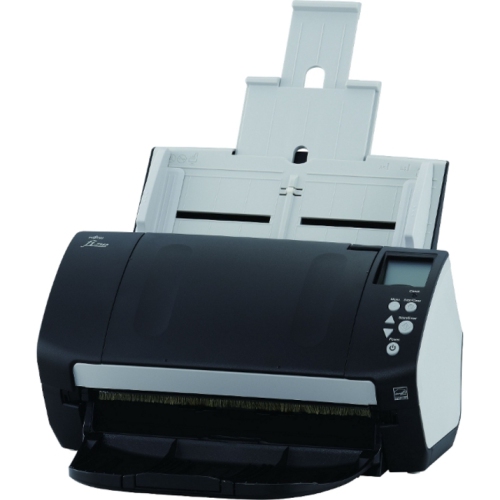


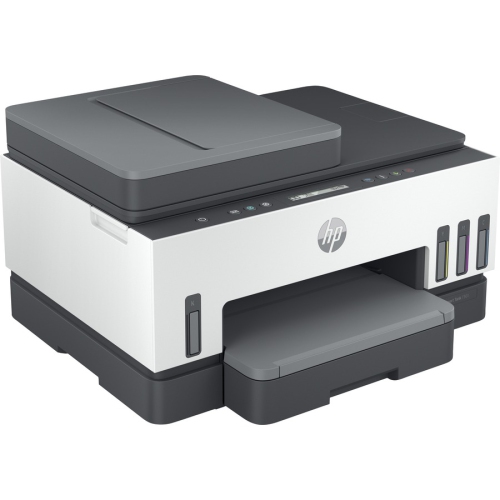
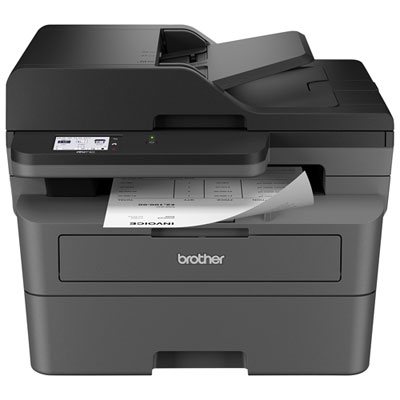
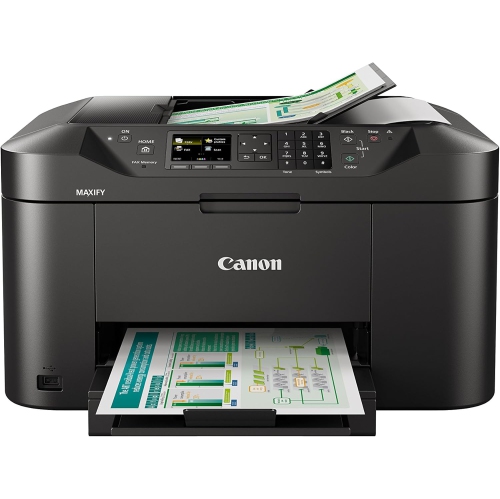
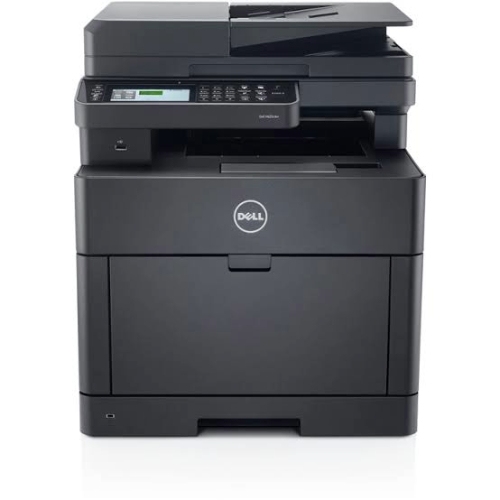
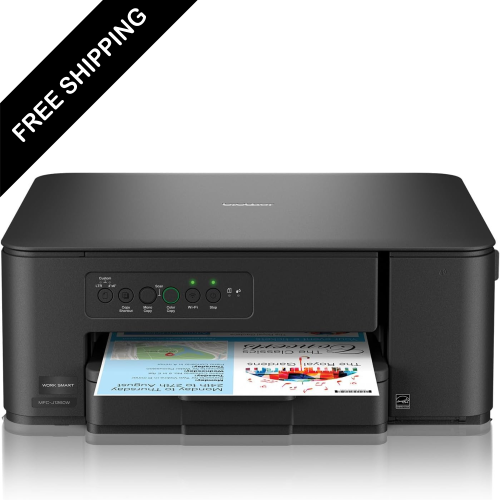
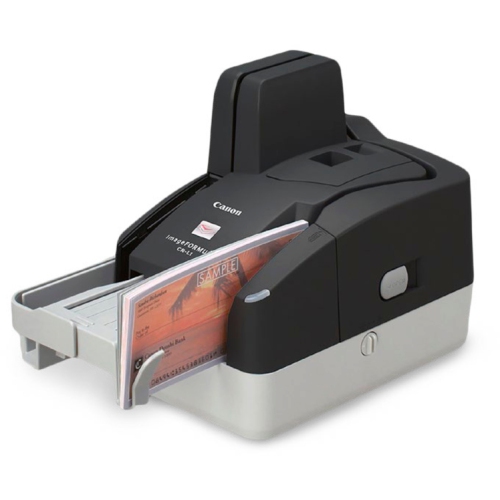
Turn Paperwork Backlogs Into Searchable Digital Files
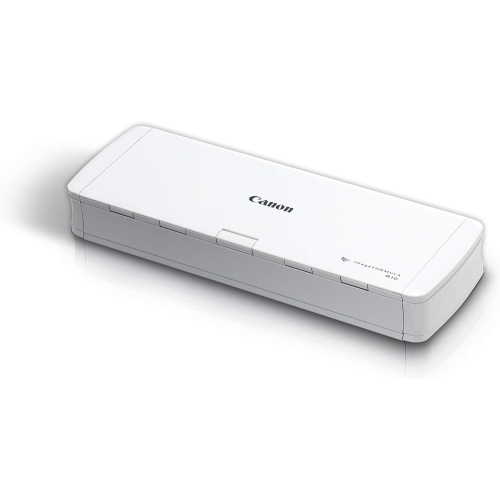
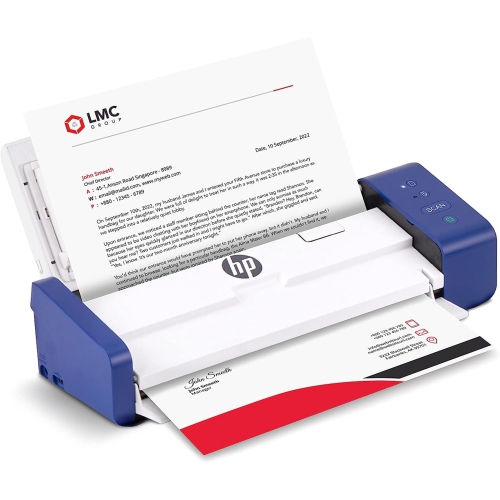
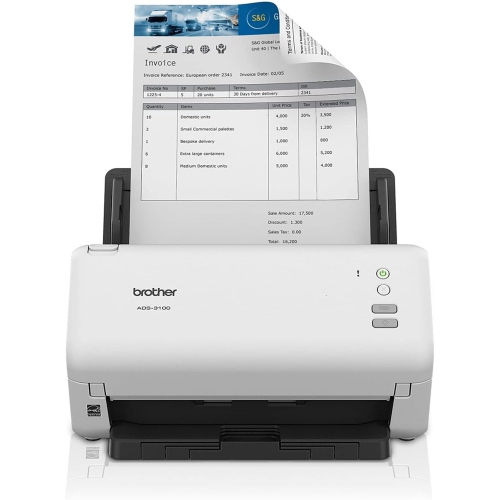
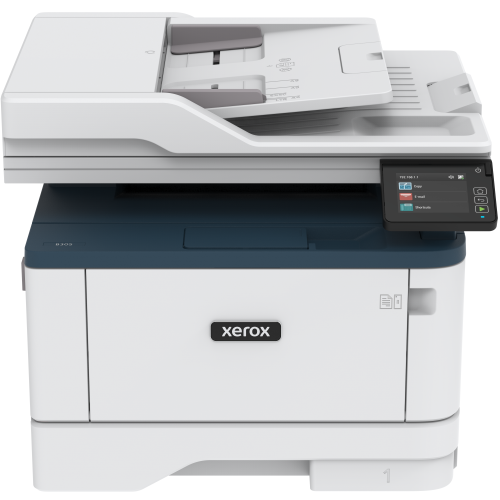
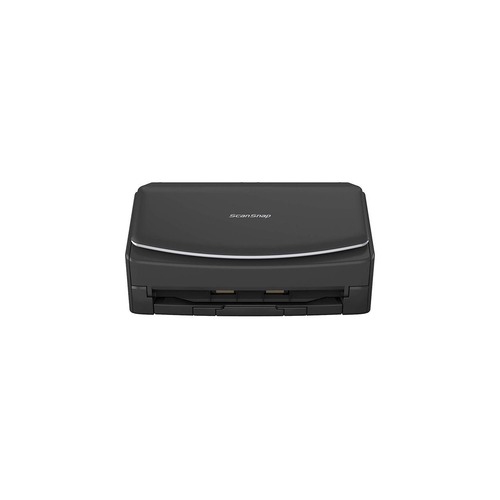
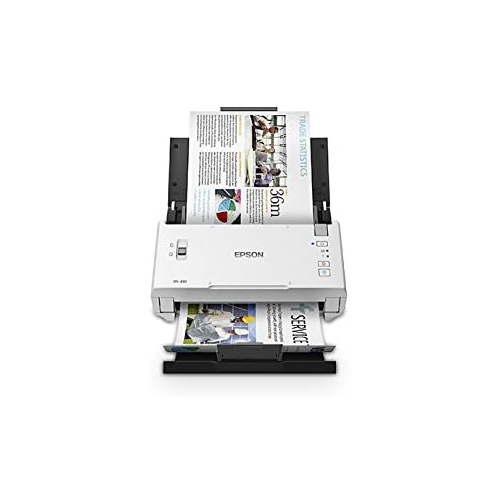
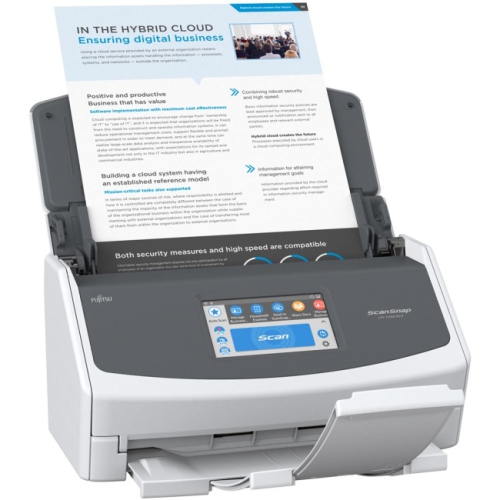
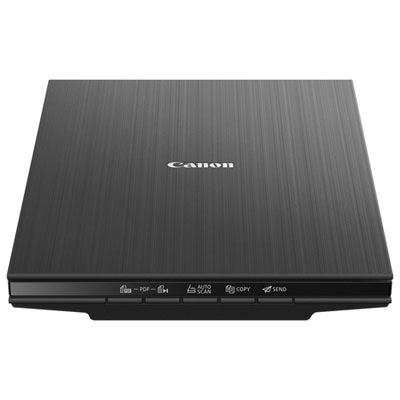
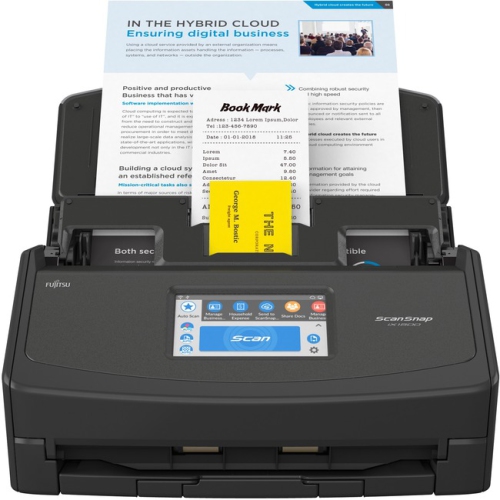
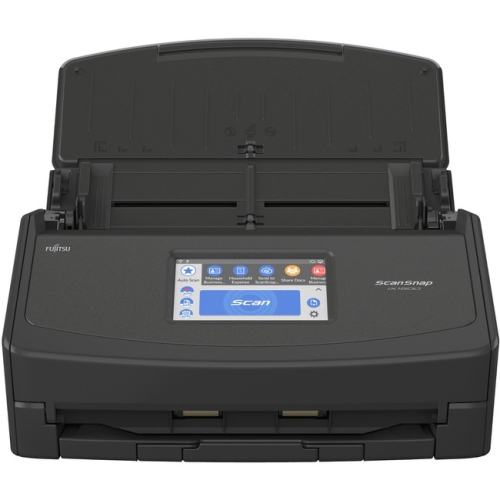
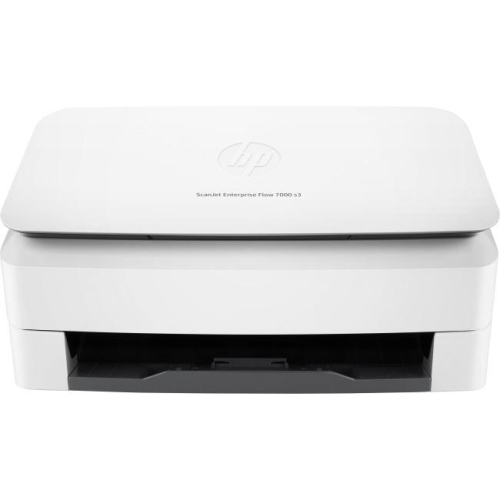
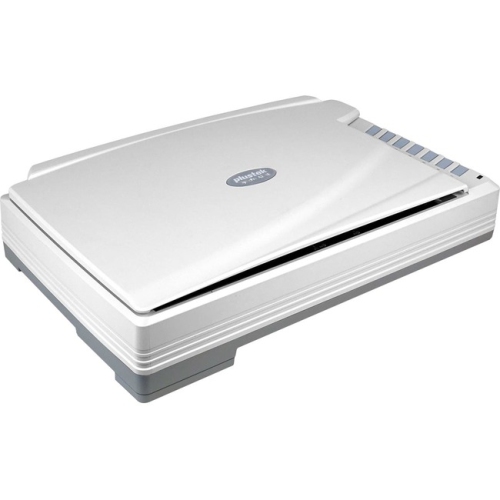
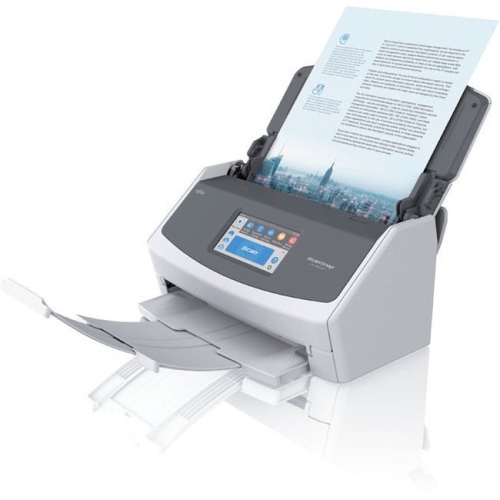
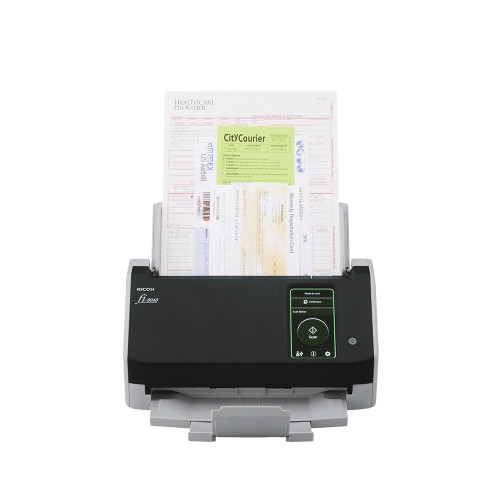
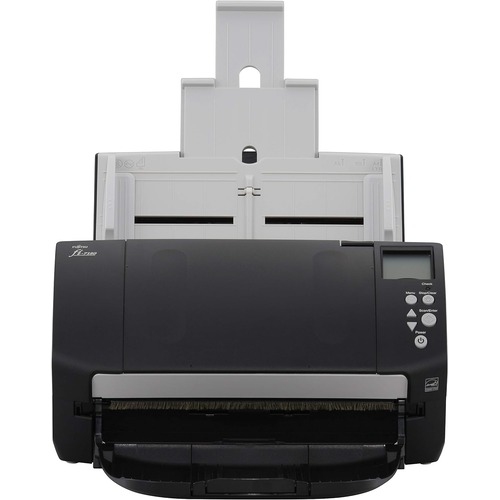
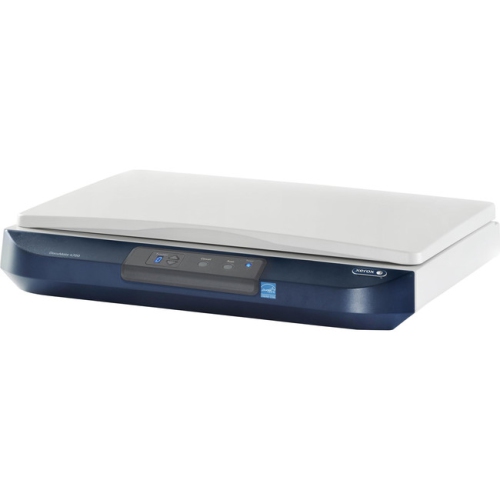
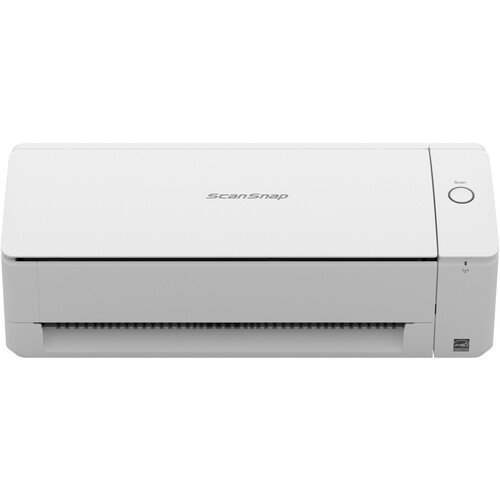
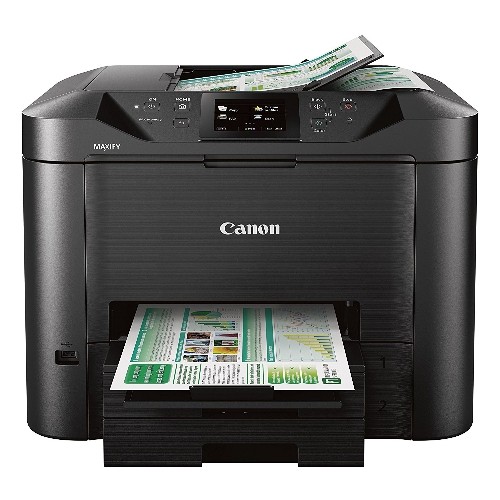
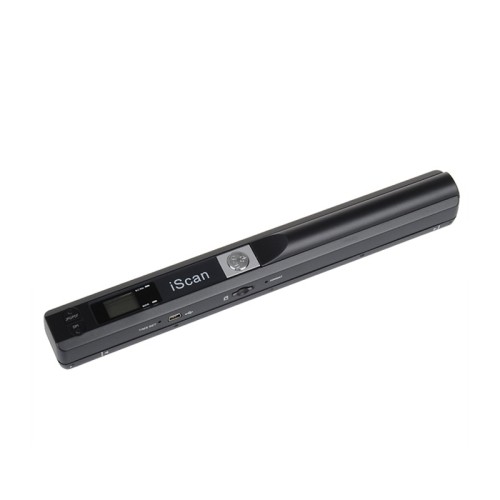
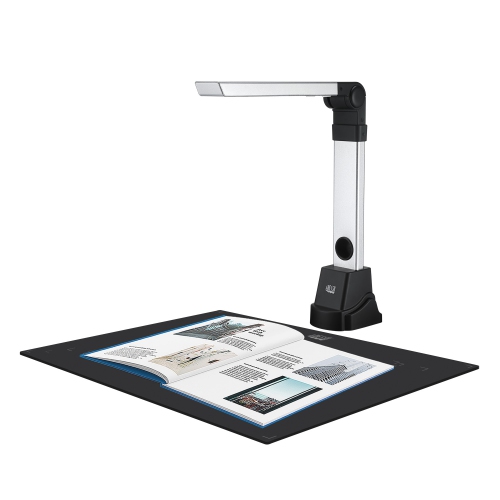
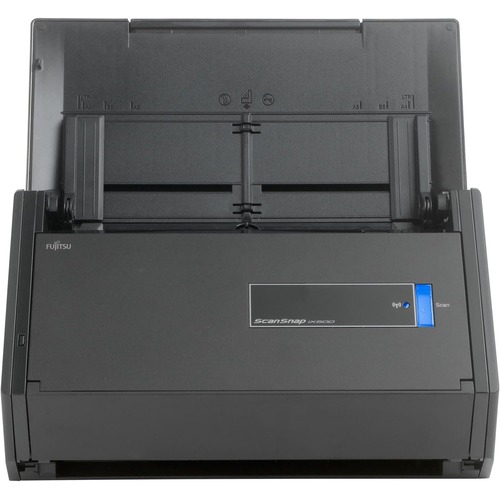
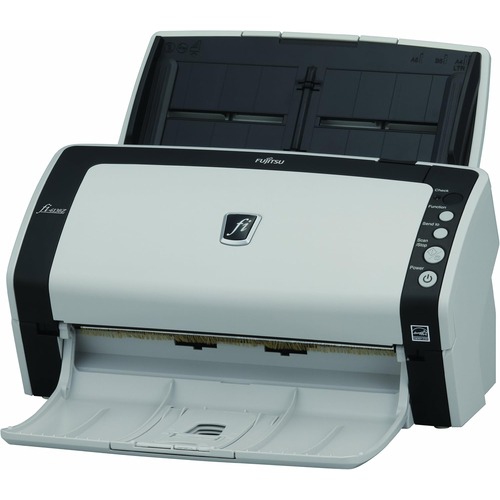
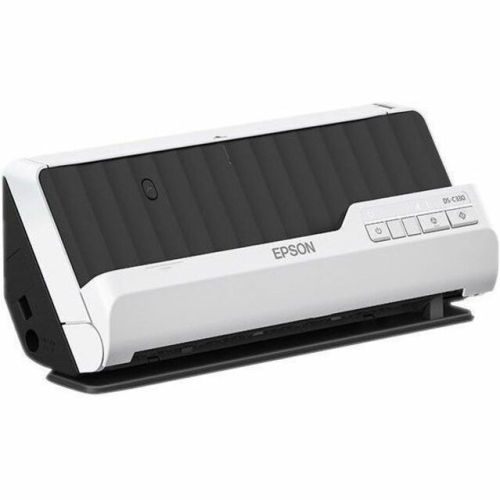
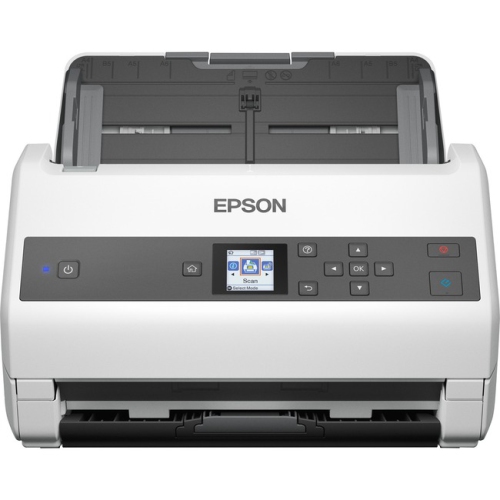
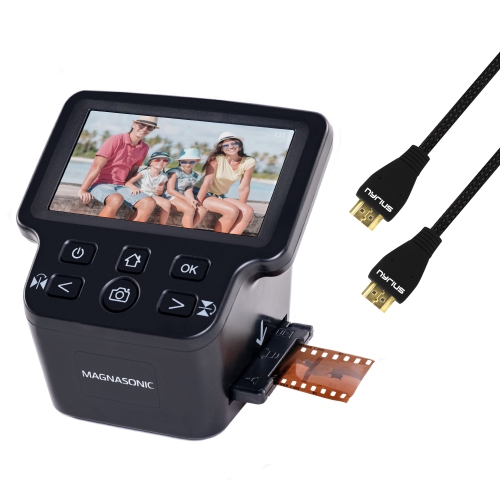
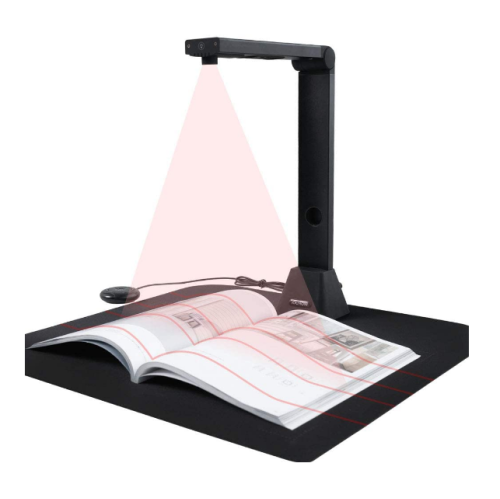
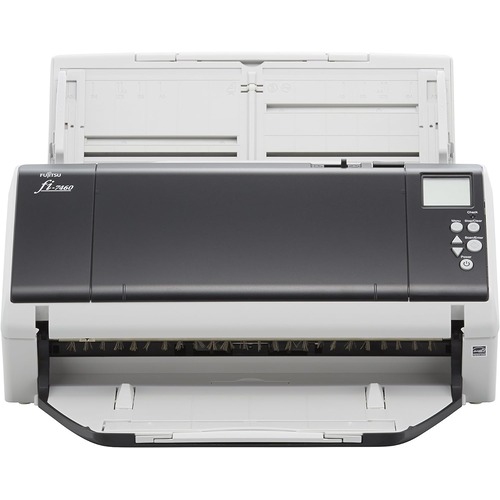
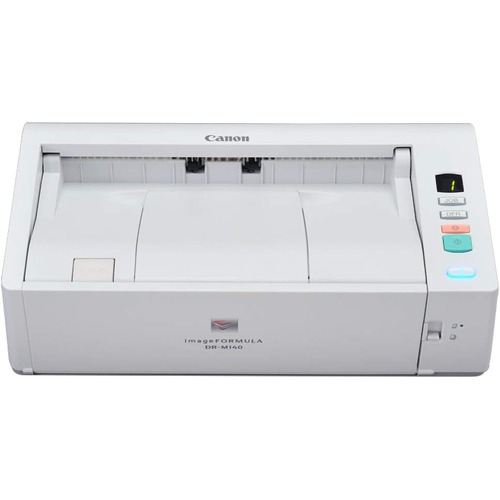
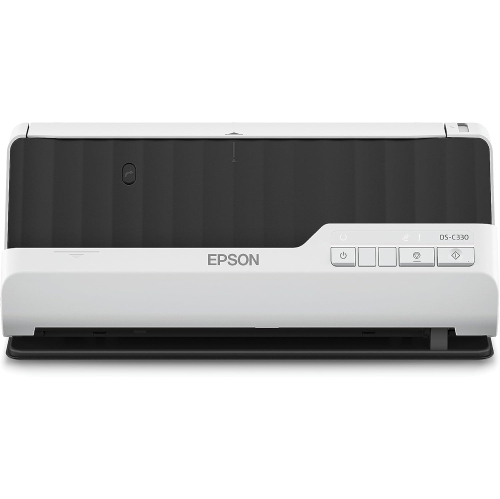
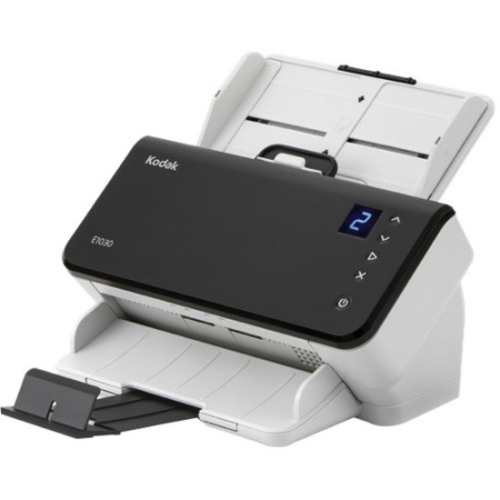
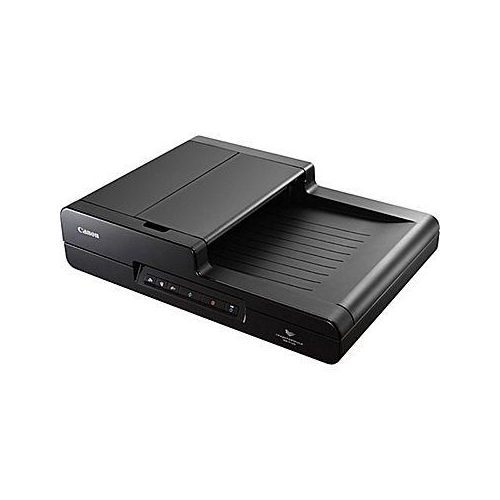
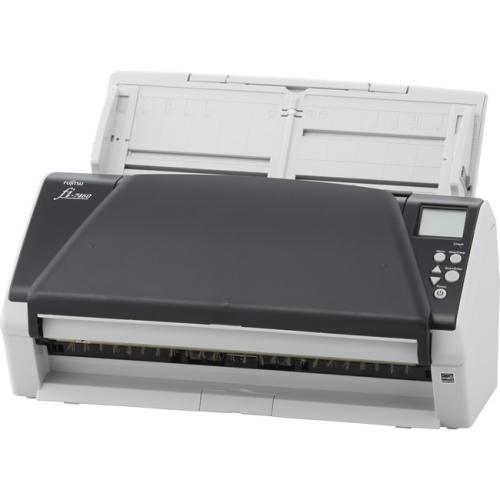
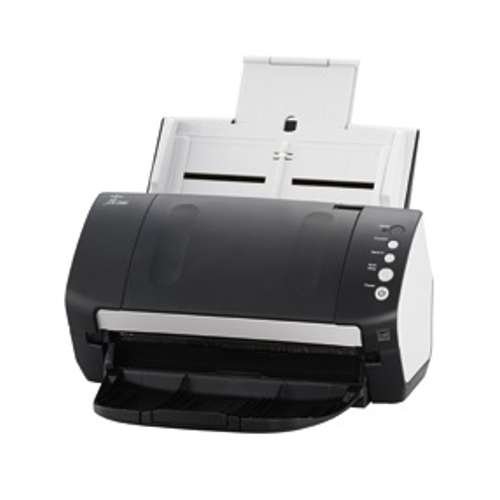
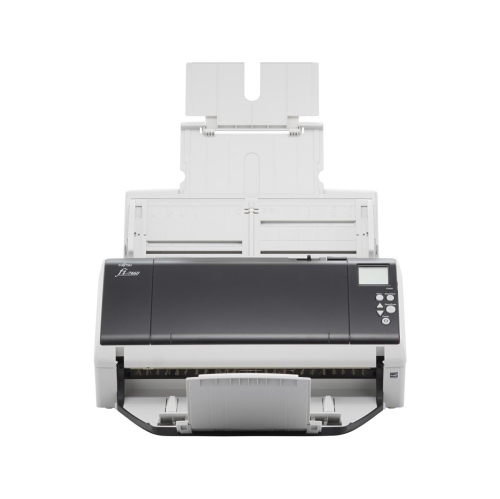
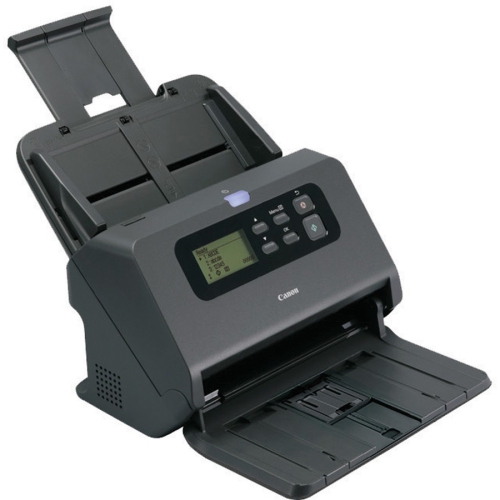
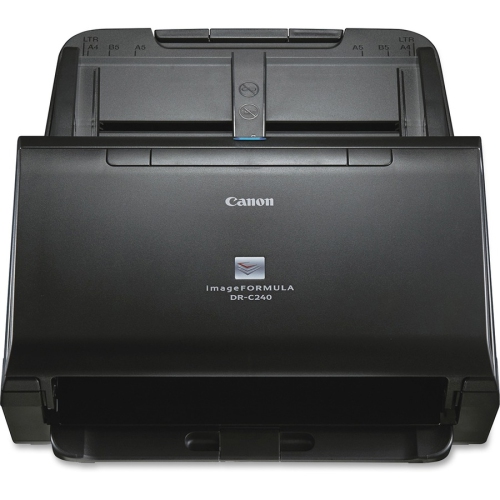
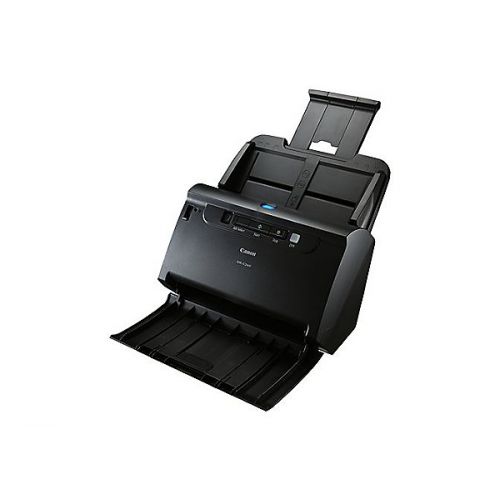
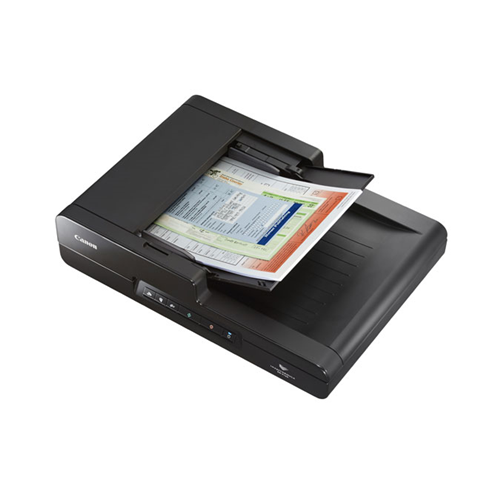
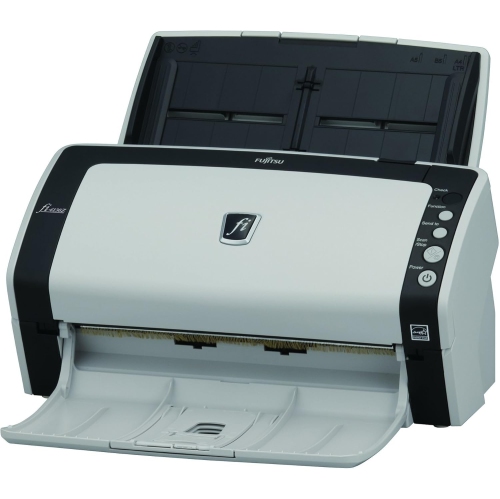
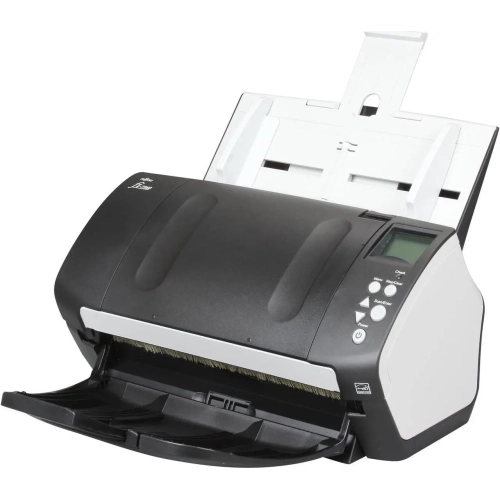
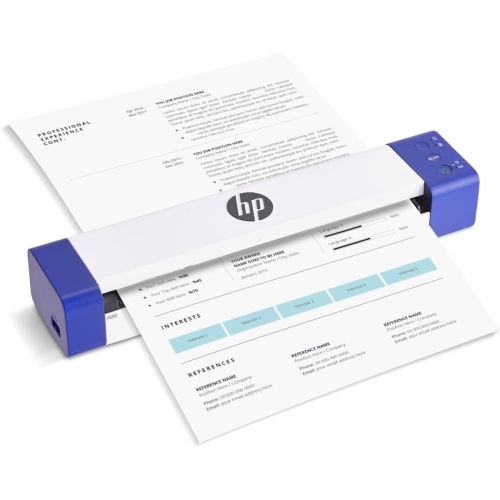
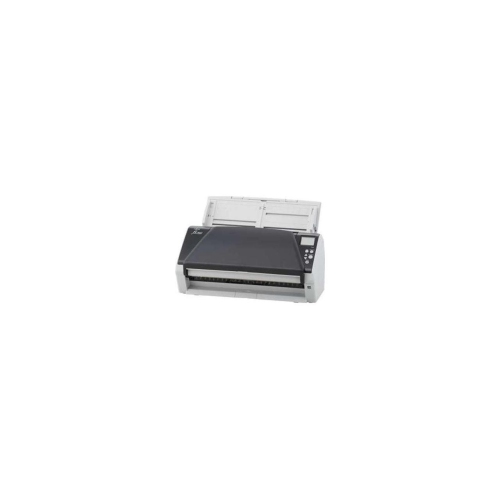
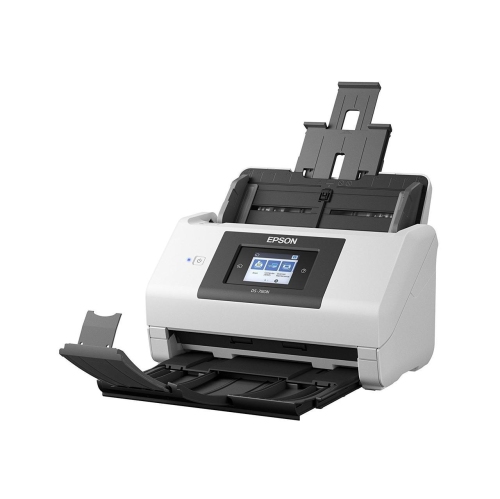
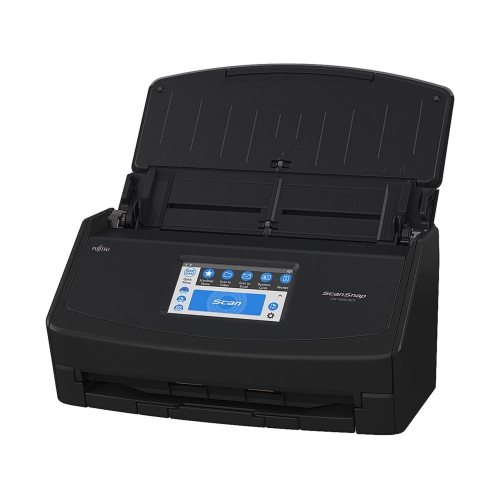
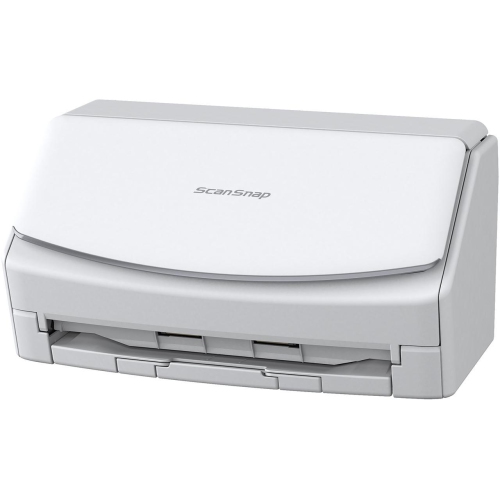
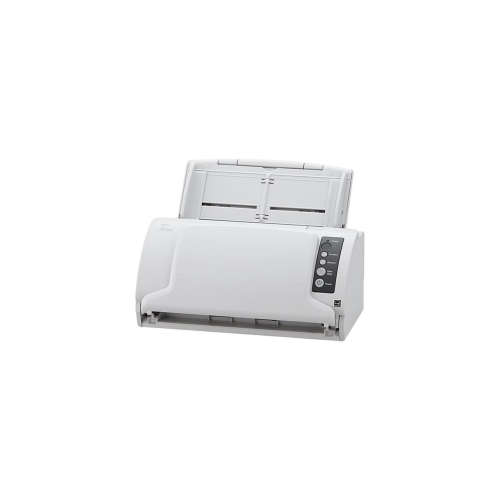
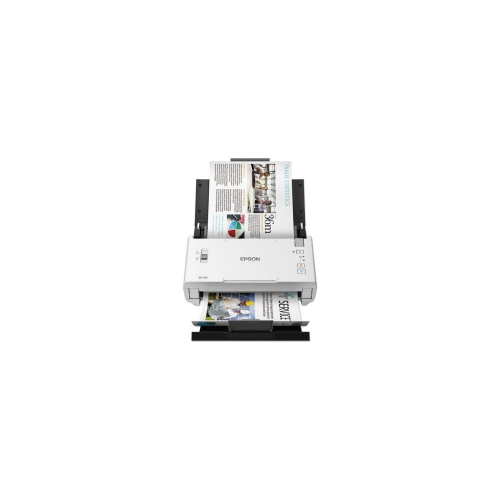
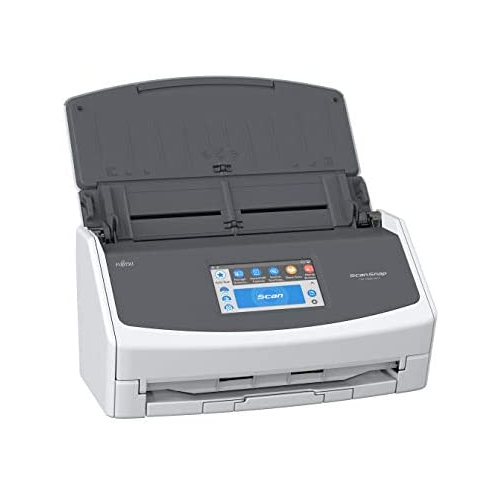
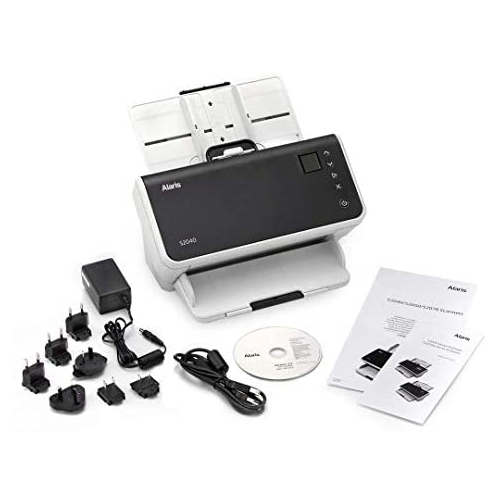
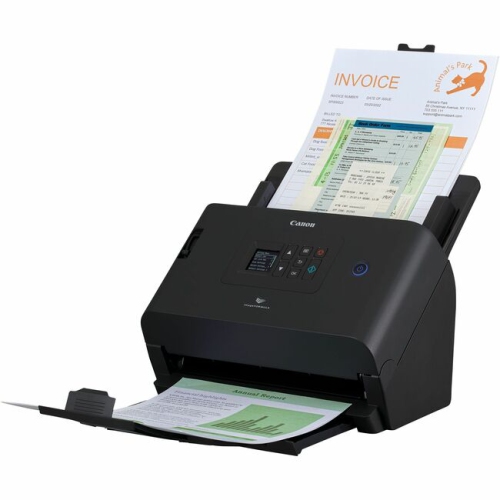
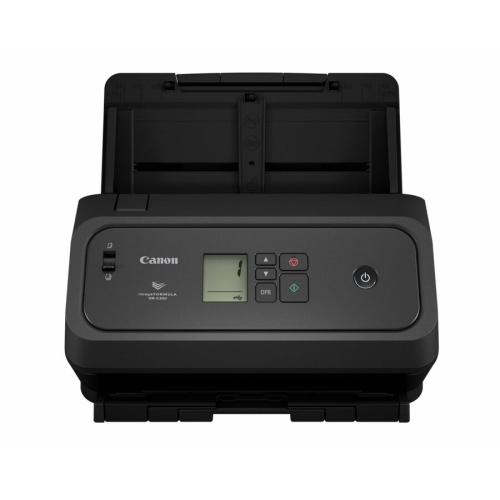
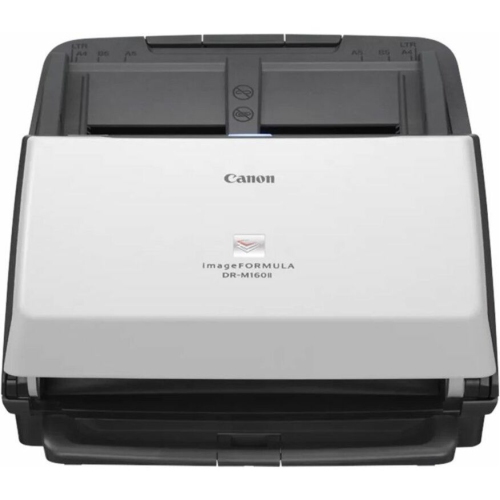
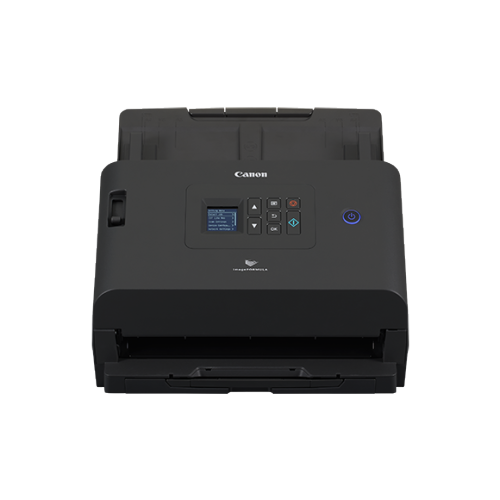
Office scanners help turn paper-heavy routines into organized digital workflows for businesses, home offices, classrooms, and shared workspaces. They are designed for people who need more than the occasional scan of a receipt or signed form, whether that means processing invoices at the end of a busy day, archiving client records, digitizing handwritten notes, or sending completed paperwork without standing beside a photocopier. A dedicated document scanner can make a noticeable difference when a desk begins to disappear under folders, envelopes, and forms. Instead of placing each sheet on a flatbed one at a time, you can load a stack into an automatic document feeder and let the scanner move through the pages in sequence. This is especially useful for accountants, administrators, real estate professionals, students, teachers, and small business owners who regularly work with multi-page documents. During the cooler months, when more work and study may happen indoors, an office scanner can also help keep household paperwork in one dependable place. For simpler scanning needs, an option such as Easy Scanners may suit users who mainly scan a few pages at a time, while office-focused models are better suited to larger batches and recurring tasks. The right choice depends on how often the scanner will be used, how many pages are handled in a typical session, and whether the device will serve one person or several people across a shared office.
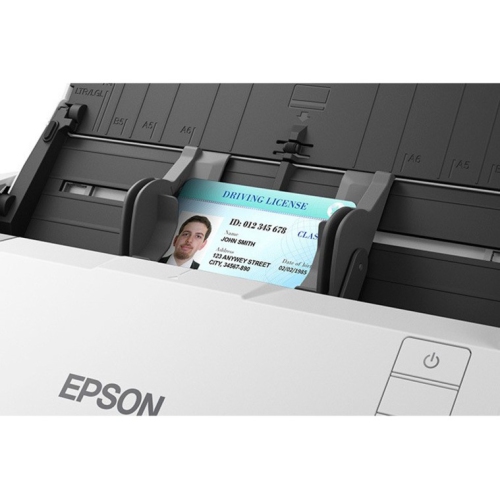
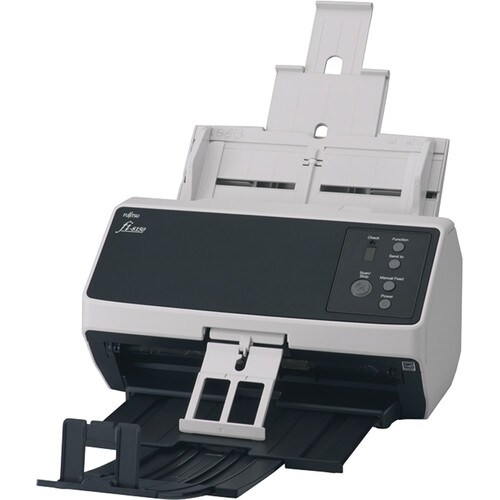
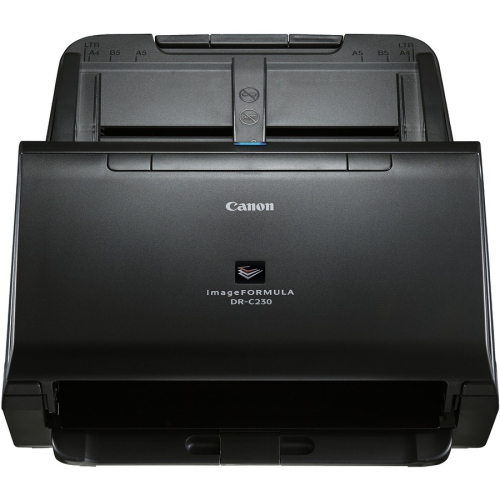
Scanning speed is one of the clearest specifications to compare. It is commonly listed in pages per minute, or ppm, and a higher rating can help shorten long scanning sessions when a desk is covered with receipts, contracts, applications, or archived files. A scanner rated for around 30 to 40 ppm may be a practical fit for many small and mid-sized offices, while heavier daily workloads call for a model designed to keep up with thousands of pages over time. The actual experience can also depend on document condition, resolution, file type, and whether optical character recognition is being used. Duplex scanning is another important feature because it captures both sides of a sheet in one pass. This saves time when working with double-sided forms, meeting notes, insurance paperwork, or reports, and it helps prevent the small but frustrating task of turning every page over by hand. Automatic document feeder capacity matters as well. A 50-sheet feeder can handle a useful stack for routine office work, while a larger feeder may be preferable for lengthy reports or several batches that need to be processed with minimal interruption. Look for feeder designs that accommodate a range of paper sizes and thicknesses if your documents include business cards, envelopes, identification pages, or mixed paperwork. A reliable model should also offer clear image capture, straightened pages, blank-page removal, and features that reduce skew or double feeding. These details may seem minor when comparing specifications, but they become valuable after the tenth stack of pages and can make digital files easier to review, search, and share.
Connectivity and software compatibility should match the way your office operates. USB is a straightforward choice for a scanner connected to one computer, while Wi-Fi can make placement more flexible and allow scanning from supported computers or mobile devices without running a cable across the desk. Ethernet can be useful in a shared office where several employees need access through a wired network. Before choosing, confirm that the scanner works with the computers and operating systems used in your space, and check whether the included software supports searchable PDFs, automatic file naming, cloud storage, email transfers, and document management programs. Searchable text is particularly helpful when you need to find a name, invoice number, or phrase inside a large archive rather than opening every file individually. Consider the size of the scanner, the location of the paper tray, and how easily it can be reached when the work surface is busy. A compact design may fit neatly beside a monitor, whereas a higher-capacity office unit may deserve a permanent position on a cabinet or shared workstation. Privacy is also worth considering: documents containing financial details, health information, employee records, or personal identification should be saved to an appropriate protected location and handled according to your organization’s policies. Office scanners can make thoughtful gifts for a new business owner, a student entering a document-heavy program, or someone setting up a home office, particularly when their current process involves taking pictures of pages with a phone. Whether you are preparing records for a tax appointment, digitizing family documents, organizing paperwork before a move, or clearing a backlog during a quieter workday, the best scanner is the one whose speed, feeder capacity, duplex capability, connection options, and software tools fit naturally into your everyday routine.
Scanning speed is one of the clearest specifications to compare. It is commonly listed in pages per minute, or ppm, and a higher rating can help shorten long scanning sessions when a desk is covered with receipts, contracts, applications, or archived files. A scanner rated for around 30 to 40 ppm may be a practical fit for many small and mid-sized offices, while heavier daily workloads call for a model designed to keep up with thousands of pages over time. The actual experience can also depend on document condition, resolution, file type, and whether optical character recognition is being used. Duplex scanning is another important feature because it captures both sides of a sheet in one pass. This saves time when working with double-sided forms, meeting notes, insurance paperwork, or reports, and it helps prevent the small but frustrating task of turning every page over by hand. Automatic document feeder capacity matters as well. A 50-sheet feeder can handle a useful stack for routine office work, while a larger feeder may be preferable for lengthy reports or several batches that need to be processed with minimal interruption. Look for feeder designs that accommodate a range of paper sizes and thicknesses if your documents include business cards, envelopes, identification pages, or mixed paperwork. A reliable model should also offer clear image capture, straightened pages, blank-page removal, and features that reduce skew or double feeding. These details may seem minor when comparing specifications, but they become valuable after the tenth stack of pages and can make digital files easier to review, search, and share.
Connectivity and software compatibility should match the way your office operates. USB is a straightforward choice for a scanner connected to one computer, while Wi-Fi can make placement more flexible and allow scanning from supported computers or mobile devices without running a cable across the desk. Ethernet can be useful in a shared office where several employees need access through a wired network. Before choosing, confirm that the scanner works with the computers and operating systems used in your space, and check whether the included software supports searchable PDFs, automatic file naming, cloud storage, email transfers, and document management programs. Searchable text is particularly helpful when you need to find a name, invoice number, or phrase inside a large archive rather than opening every file individually. Consider the size of the scanner, the location of the paper tray, and how easily it can be reached when the work surface is busy. A compact design may fit neatly beside a monitor, whereas a higher-capacity office unit may deserve a permanent position on a cabinet or shared workstation. Privacy is also worth considering: documents containing financial details, health information, employee records, or personal identification should be saved to an appropriate protected location and handled according to your organization’s policies. Office scanners can make thoughtful gifts for a new business owner, a student entering a document-heavy program, or someone setting up a home office, particularly when their current process involves taking pictures of pages with a phone. Whether you are preparing records for a tax appointment, digitizing family documents, organizing paperwork before a move, or clearing a backlog during a quieter workday, the best scanner is the one whose speed, feeder capacity, duplex capability, connection options, and software tools fit naturally into your everyday routine.
Top selling and popular products
-
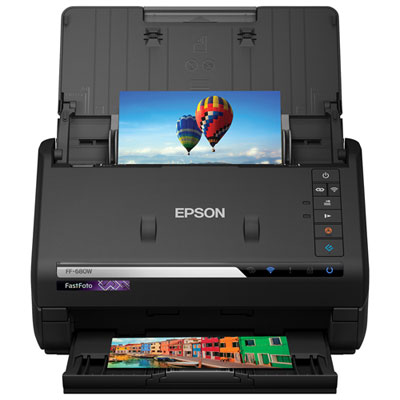 Your price for this item is $849.99
 -
 Your price for this item is $107.99
 -
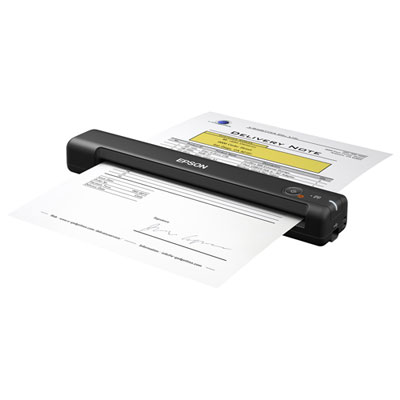 Your price for this item is $149.99
 -
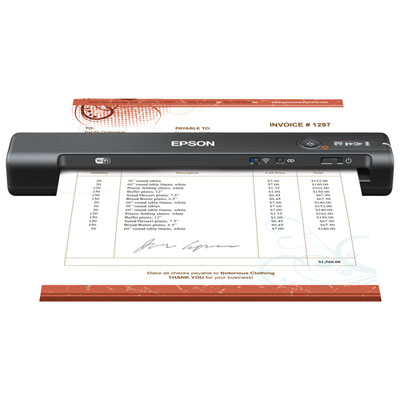 Your price for this item is $239.99
 -
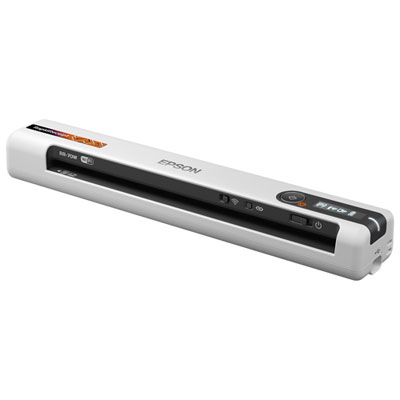 Your price for this item is $369.99
 -
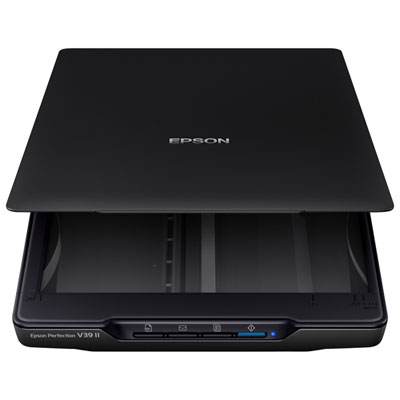 Your price for this item is $129.99
 -
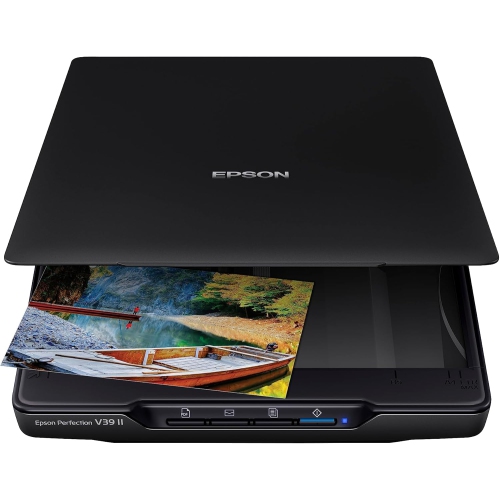 Your price for this item is $228.99
 -
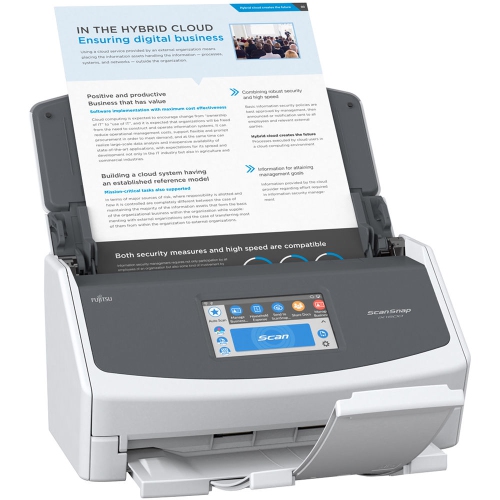 Your price for this item is $804
Discover more categories related to Office Scanners
Top Collections:
Pokemon Centers, Kindle Devices, Best Budget Office Chairs, Apple iPhones 16, Best Laptops for Writers, iPhone 15 Apple, Canon G7X Cameras, Refurbished Apple Laptops, Alarm Clock, Motorola Razr Phones
Some products may be subject to Environmental Handling Fees
(EHF) depending on your province.
Learn more about EHFs.