Comfortable Wireless Mice
Experience seamless productivity and effortless navigation with a comfortable wireless mouse. Perfect for both work and play, these mice offer the freedom to move without tangled cords, making them an ideal choice for any setup. Whether you're upgrading your home office or looking for a reliable companion on the go, discover options designed to enhance your comfort and efficiency. Find the right comfortable wireless mouse to suit your needs and enjoy smooth, responsive control every day.
Sort




How hand size and grip shape mouse comfort
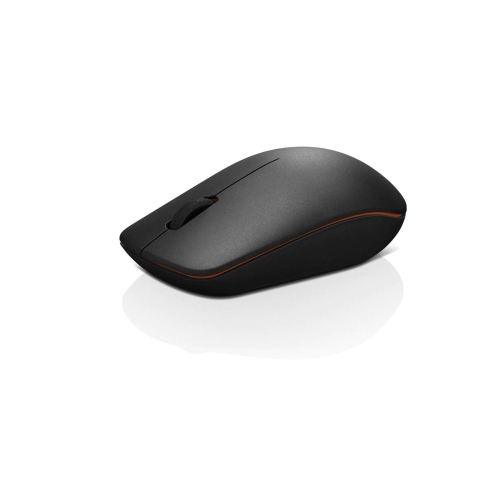
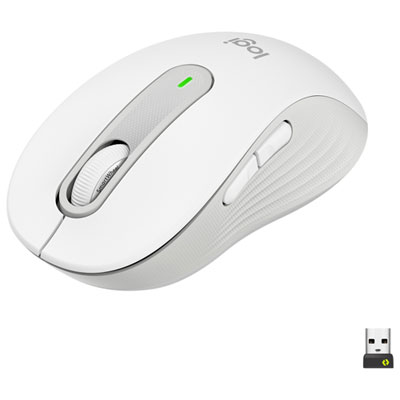
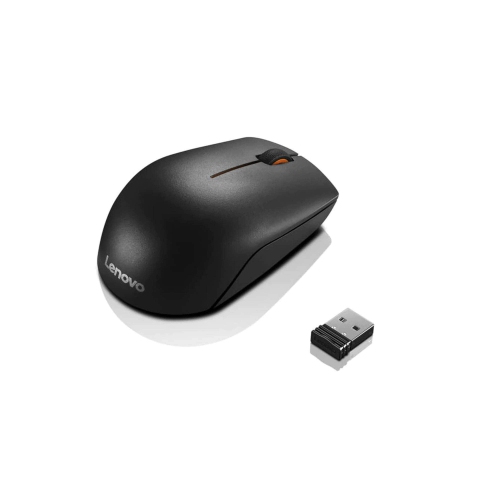
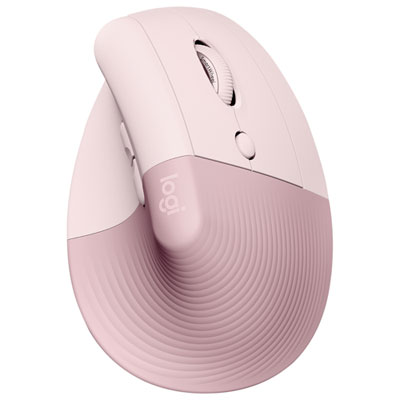
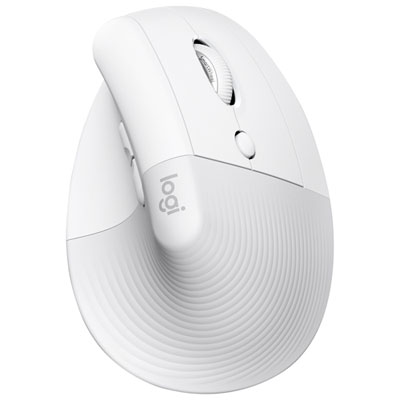
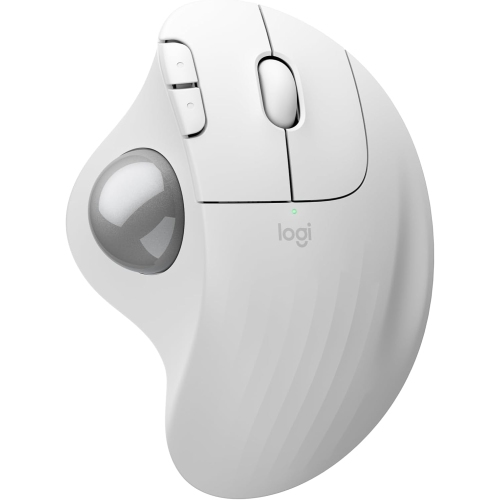
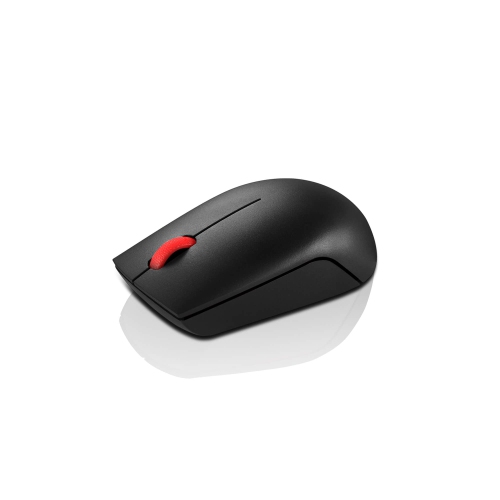
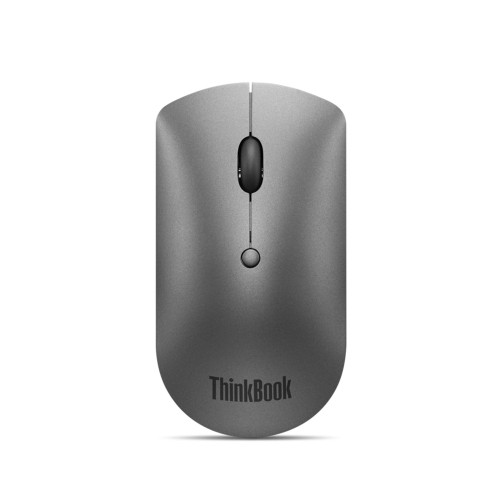
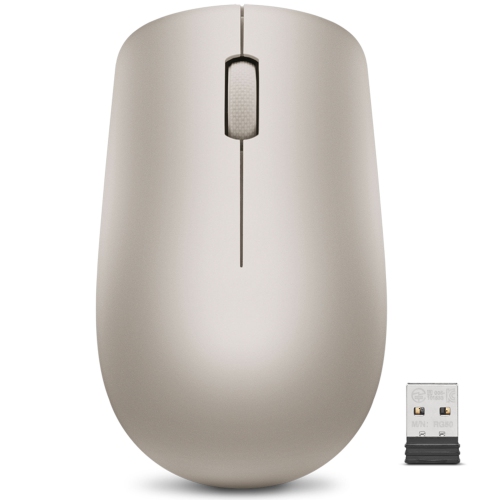
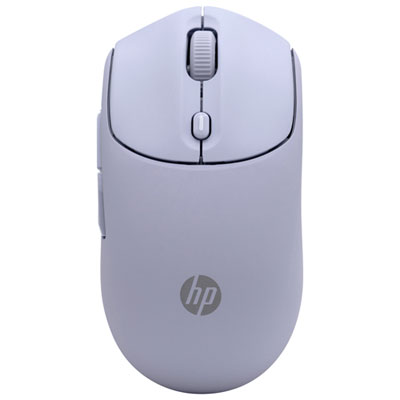
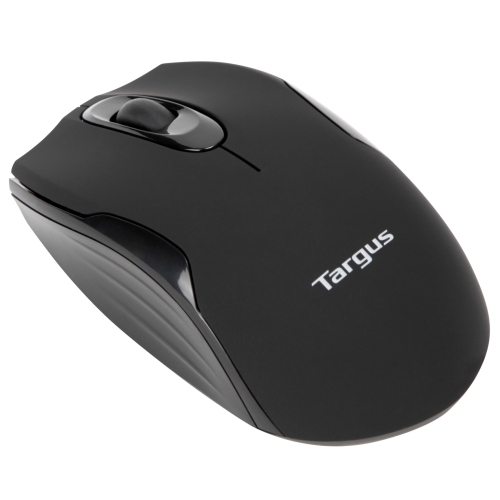
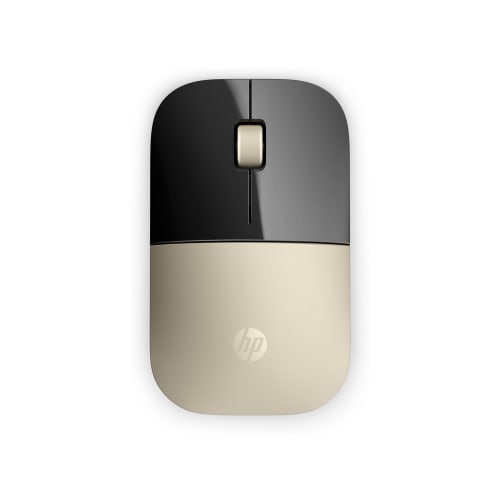
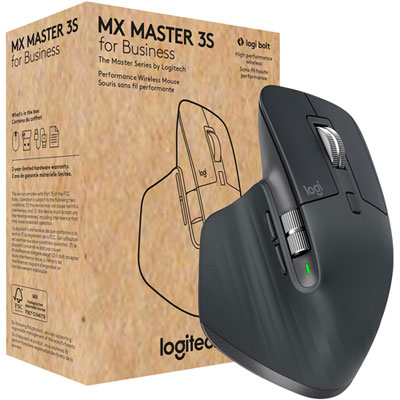
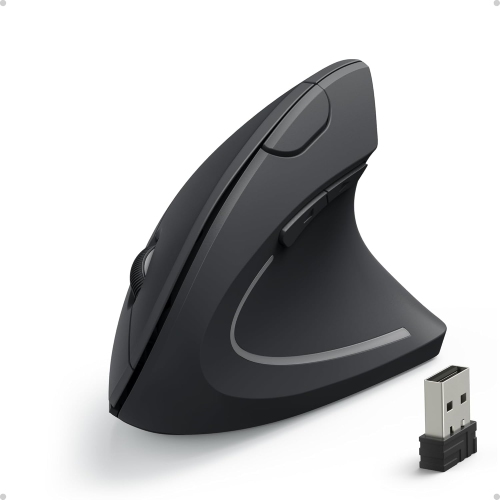
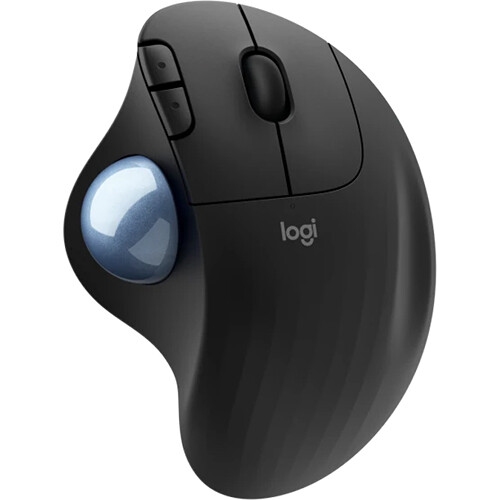
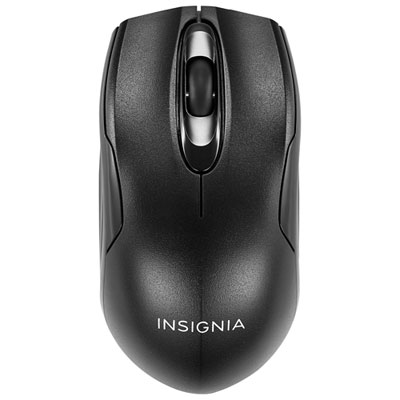
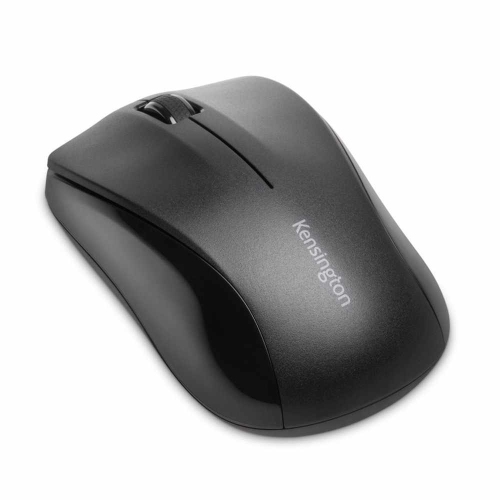
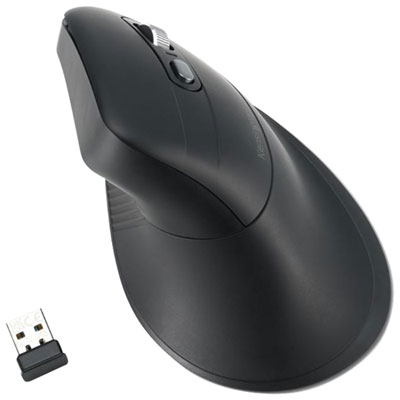
Comfortable wireless mice pair a shape that suits the hand with easy-to-reach controls, predictable tracking, and enough freedom of movement for the task at hand. Comfort depends less on a single feature than on how the mouse fits into everyday use, whether that means editing a spreadsheet, organizing photos, or moving between browser tabs during a video call. A fuller body can support more of the palm, while a shorter, lower-profile shape may suit someone who steers mainly with their fingertips. Hand size matters in both cases: a mouse that feels supportive in a larger hand can leave a smaller hand stretching for the scroll wheel, while a compact design may feel cramped when the fingers extend well beyond its buttons. Palm, claw, and fingertip grips also place contact in different areas. Palm grips rest more of the hand on the shell, claw grips arch the fingers, and fingertip grips use relatively little palm contact. Traditional contoured mice offer a familiar layout, often with a shaped thumb area, while vertical wireless mice position the hand at an angle rather than flat over the desktop. That more upright posture can feel comfortable for some users, though it changes how the mouse is held and may take practice. Wireless trackballs provide another approach, keeping the device stationary while a thumb or finger moves the pointer through a rolling ball. They can be useful where there is limited room to slide a mouse, but their control method feels different from conventional tracking. Handedness is equally important, since a sculpted right-handed shell will not provide the same fit in the left hand, and a symmetrical body may still have side buttons on only one side. Across these designs, comfortable placement means keeping the mouse within easy reach, with room for the forearm to move and without the edge of the work surface pressing into the wrist.
The details of clicking, scrolling, and pointer movement become especially noticeable during repeated tasks. Buttons that respond without excessive pressure can make frequent selections feel easier, while clearly separated controls help prevent accidental clicks. Quiet-click designs reduce the sound of routine use in shared offices, study spaces, and rooms where someone else is on a call, although quieter switches can have a different feel from conventional ones. A well-positioned scroll wheel should be reachable without shifting the whole hand. Tactile scrolling can help with moving through a document line by line, while faster scrolling modes, where supported, make long reports and spreadsheets easier to navigate. Side buttons can bring common actions within reach, provided their position suits the user's thumb and any customization features work with the computer's operating system. Adjustable pointer sensitivity is another useful comfort feature: a suitable setting lets the cursor cross the screen without either sweeping movements or constant corrections. A higher sensitivity rating is not automatically more comfortable, particularly for precise selections or detailed image work. Weight also changes the experience. A lighter mouse may feel easier to reposition repeatedly, whereas a heavier body can feel steadier to someone who prefers more resistance. Connection type affects the practical fit of the setup as well. Bluetooth can connect without occupying a USB port when the computer supports it, while receiver-based wireless connections require a compatible port or adapter. Some mice offer both methods or support switching between compatible devices, which can simplify moving from a desktop computer to a laptop. Battery arrangements deserve similar attention. Replaceable-battery designs and rechargeable designs have different routines, and weight, charging-port placement, and whether the mouse works while connected to a charging cable can all influence daily convenience. For travel or shared workstations, secure receiver storage and an accessible power switch are useful details that help keep the setup straightforward.
Materials and finishing affect how a wireless mouse feels after more than a quick test. Smooth moulded plastic can allow the hand to change position easily, while textured sides or rubberized contact areas provide a different level of grip. Neither finish suits everyone: a pronounced texture may feel reassuring to one person and distracting to another. Rounded edges, neatly joined panels, and a thumb rest that does not crowd the hand are worth noticing because these are the surfaces touched throughout the day. The feet underneath matter too, helping the mouse move consistently across a suitable mouse pad or work surface. Sensor performance varies by model, so tracking on glass or other difficult surfaces should not be assumed. A clean, even mouse pad can provide a more predictable feel and keep small crumbs from interfering with movement. Routine care is generally simple: switch the mouse off, disconnect any charging cable, and follow its cleaning instructions. A soft cloth, lightly dampened only where permitted, can remove marks from the shell; liquid should not be sprayed into buttons, seams, or the sensor opening. Dry hands and a clean storage space help keep frequently touched areas tidy, while a protective pouch can prevent scratches and pressure on buttons inside a laptop bag. Over time, consistent button response, a stable scroll wheel, and securely attached feet contribute to dependable everyday use. Comfortable wireless mice suit home offices, schoolwork, creative projects, and general browsing, with different shapes serving different habits rather than one design being best for everyone. They can also make a thoughtful gift for someone setting up a study area or replacing a mouse that feels awkward, especially when their preferred size and handedness are known. When browsing Popular Wireless Mice, those personal details remain more useful than appearance alone. The most comfortable choice is the one whose shape, controls, movement, and connection fit naturally into the recipient's routine.
The details of clicking, scrolling, and pointer movement become especially noticeable during repeated tasks. Buttons that respond without excessive pressure can make frequent selections feel easier, while clearly separated controls help prevent accidental clicks. Quiet-click designs reduce the sound of routine use in shared offices, study spaces, and rooms where someone else is on a call, although quieter switches can have a different feel from conventional ones. A well-positioned scroll wheel should be reachable without shifting the whole hand. Tactile scrolling can help with moving through a document line by line, while faster scrolling modes, where supported, make long reports and spreadsheets easier to navigate. Side buttons can bring common actions within reach, provided their position suits the user's thumb and any customization features work with the computer's operating system. Adjustable pointer sensitivity is another useful comfort feature: a suitable setting lets the cursor cross the screen without either sweeping movements or constant corrections. A higher sensitivity rating is not automatically more comfortable, particularly for precise selections or detailed image work. Weight also changes the experience. A lighter mouse may feel easier to reposition repeatedly, whereas a heavier body can feel steadier to someone who prefers more resistance. Connection type affects the practical fit of the setup as well. Bluetooth can connect without occupying a USB port when the computer supports it, while receiver-based wireless connections require a compatible port or adapter. Some mice offer both methods or support switching between compatible devices, which can simplify moving from a desktop computer to a laptop. Battery arrangements deserve similar attention. Replaceable-battery designs and rechargeable designs have different routines, and weight, charging-port placement, and whether the mouse works while connected to a charging cable can all influence daily convenience. For travel or shared workstations, secure receiver storage and an accessible power switch are useful details that help keep the setup straightforward.
Materials and finishing affect how a wireless mouse feels after more than a quick test. Smooth moulded plastic can allow the hand to change position easily, while textured sides or rubberized contact areas provide a different level of grip. Neither finish suits everyone: a pronounced texture may feel reassuring to one person and distracting to another. Rounded edges, neatly joined panels, and a thumb rest that does not crowd the hand are worth noticing because these are the surfaces touched throughout the day. The feet underneath matter too, helping the mouse move consistently across a suitable mouse pad or work surface. Sensor performance varies by model, so tracking on glass or other difficult surfaces should not be assumed. A clean, even mouse pad can provide a more predictable feel and keep small crumbs from interfering with movement. Routine care is generally simple: switch the mouse off, disconnect any charging cable, and follow its cleaning instructions. A soft cloth, lightly dampened only where permitted, can remove marks from the shell; liquid should not be sprayed into buttons, seams, or the sensor opening. Dry hands and a clean storage space help keep frequently touched areas tidy, while a protective pouch can prevent scratches and pressure on buttons inside a laptop bag. Over time, consistent button response, a stable scroll wheel, and securely attached feet contribute to dependable everyday use. Comfortable wireless mice suit home offices, schoolwork, creative projects, and general browsing, with different shapes serving different habits rather than one design being best for everyone. They can also make a thoughtful gift for someone setting up a study area or replacing a mouse that feels awkward, especially when their preferred size and handedness are known. When browsing Popular Wireless Mice, those personal details remain more useful than appearance alone. The most comfortable choice is the one whose shape, controls, movement, and connection fit naturally into the recipient's routine.
Top selling and popular products
-
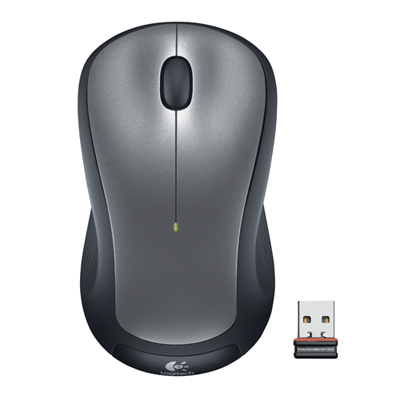 Your price for this item is $29.99
-
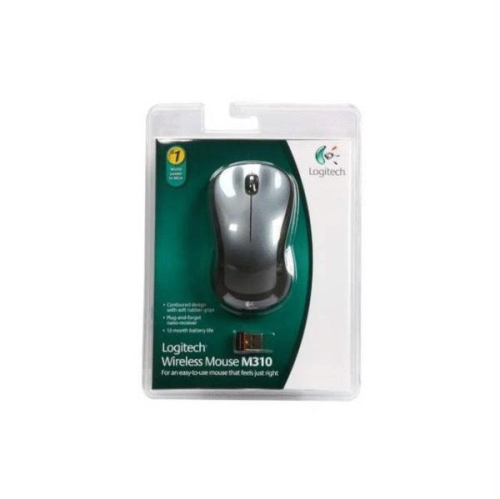 Your price for this item is $50.44
-
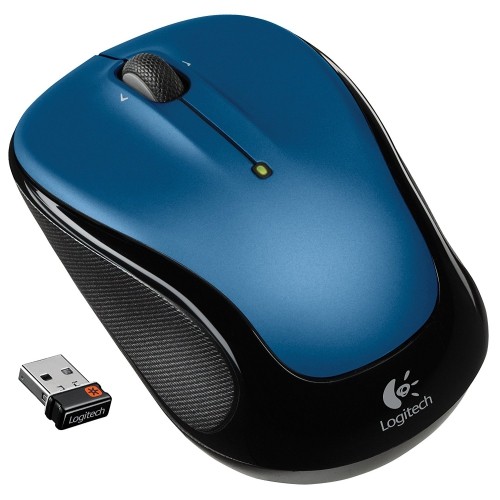 Your price for this item is $39.99
-
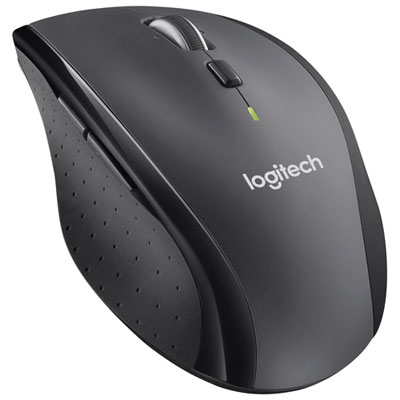 Your price for this item is $49.99
-
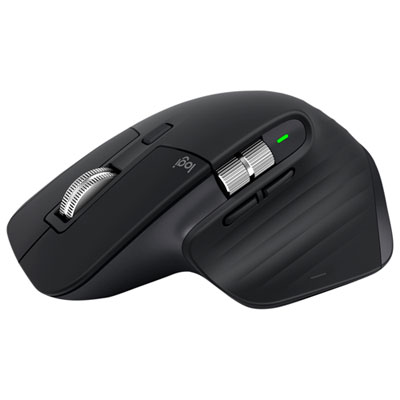 Your price for this item is $159.97
-
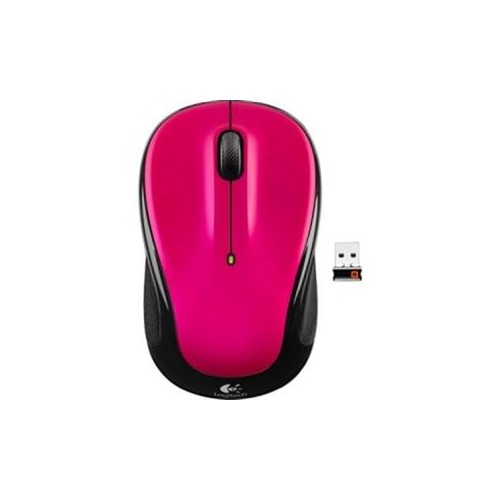 Your price for this item is $64.68
-
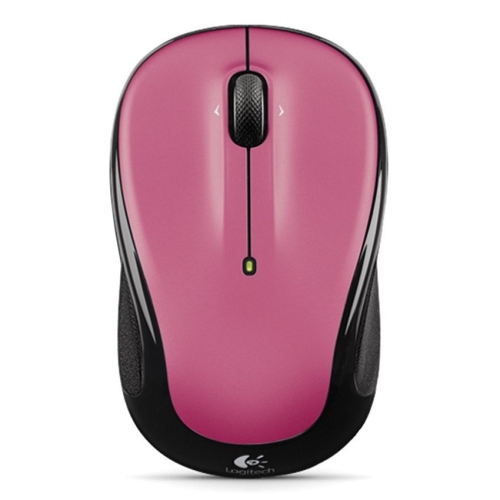 Your price for this item is $48.68
-
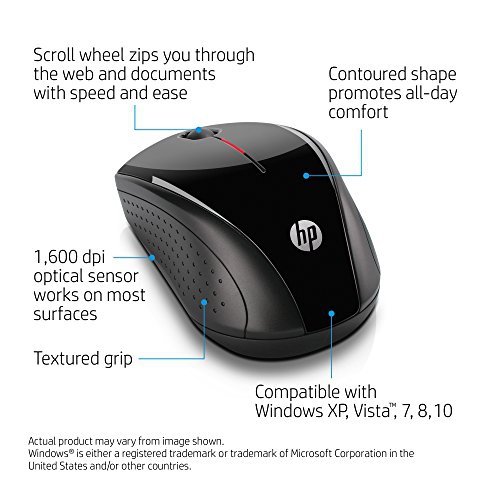 Your price for this item is $31
Discover more categories related to Comfortable Wireless Mice
Top Collections:
Best Black Friday Deals This Year, Best Black Friday Deals On Electronics, Kindle Devices, Pokemon Centers, Best Black Friday Deals On Apple Products, Best Cameras for Sports Photography, Dyson Airwrap, Pokémon 30th Celebration Cards, Apple iPhone 17 Pro, Canon G7X Cameras
Some products may be subject to Environmental Handling Fees
(EHF) depending on your province.
Learn more about EHFs.