Ergonomic Wireless Laser Mice
Upgrade your workspace and enjoy seamless navigation with an ergonomic wireless laser mouse. Designed to enhance comfort during long hours of use, these innovative mice offer the freedom of wireless connectivity combined with precision control. Whether you're working, gaming, or browsing, an ergonomic wireless laser mouse can help reduce hand fatigue and improve productivity. Explore a variety of styles and configurations to find the perfect fit for your needs.
Sort







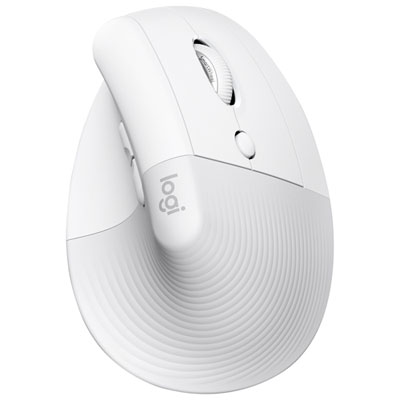
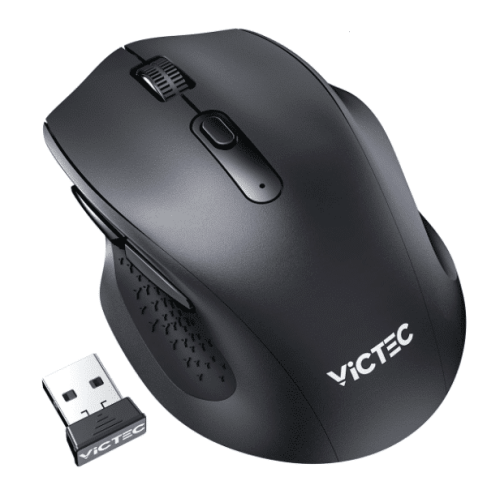
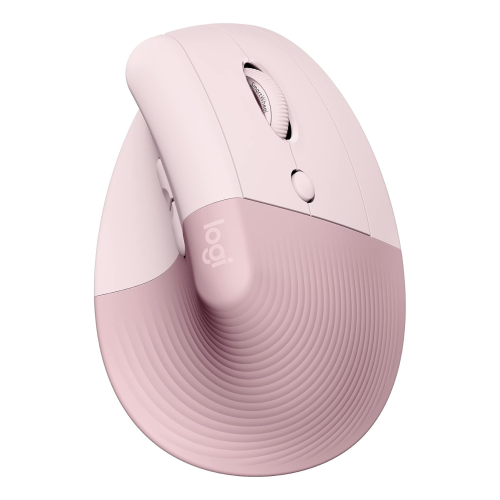
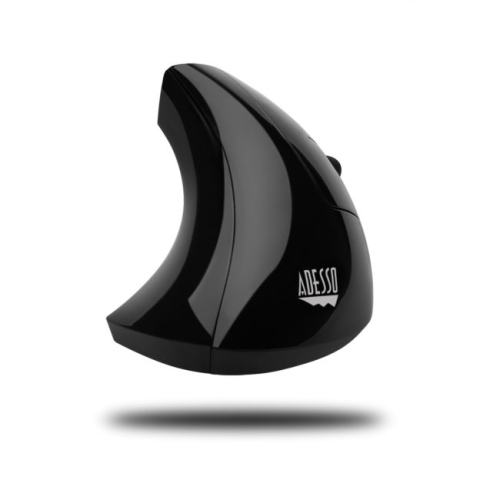
What makes a mouse fit your hand and desk
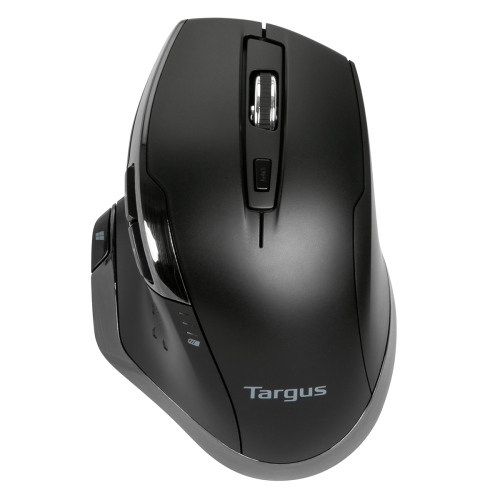
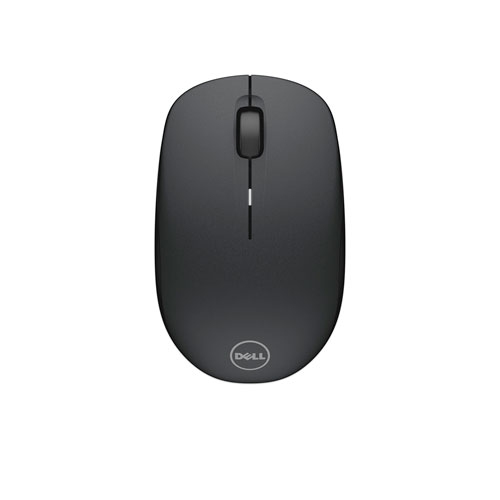
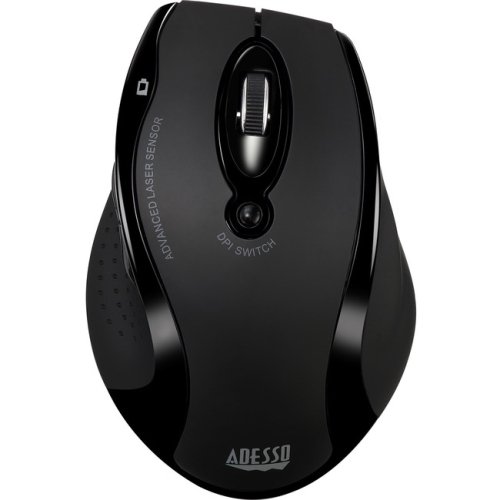
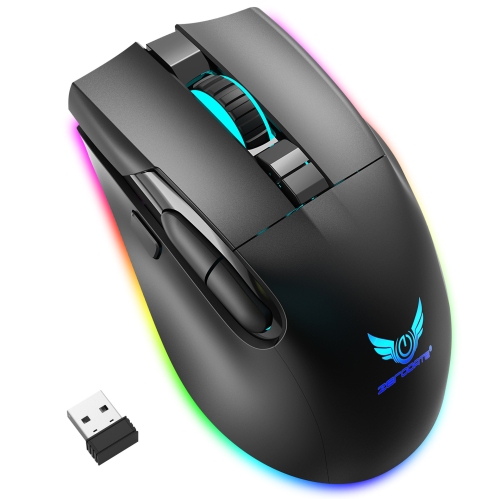
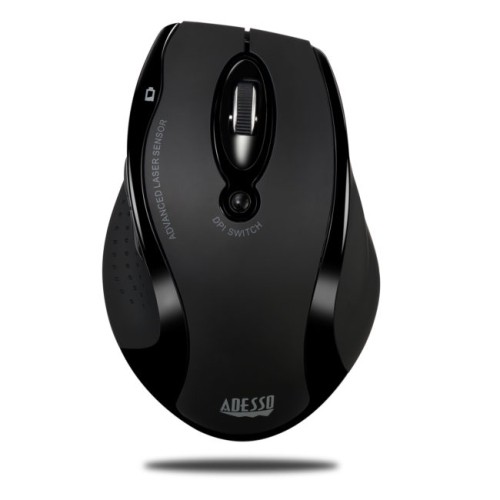
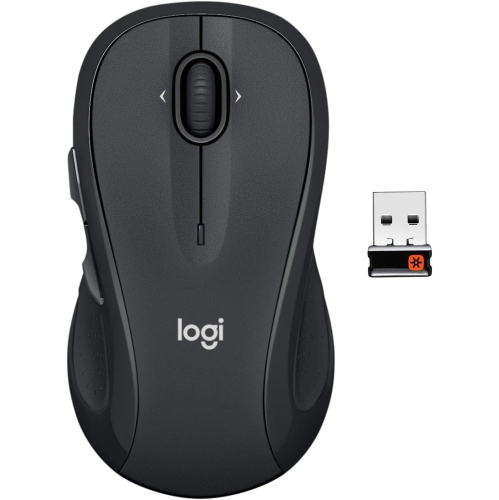
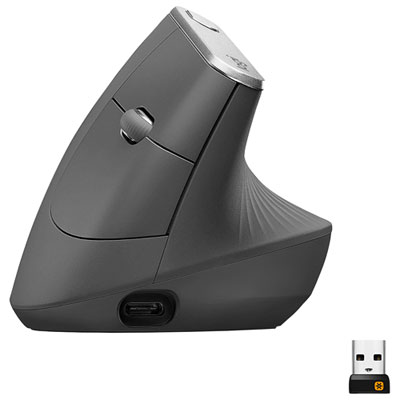
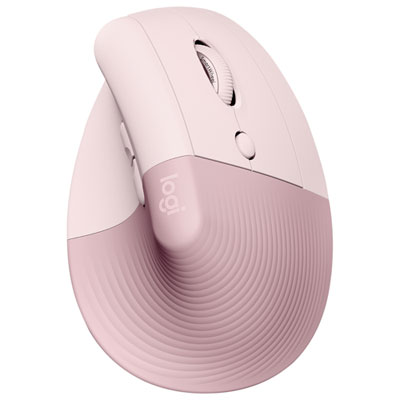
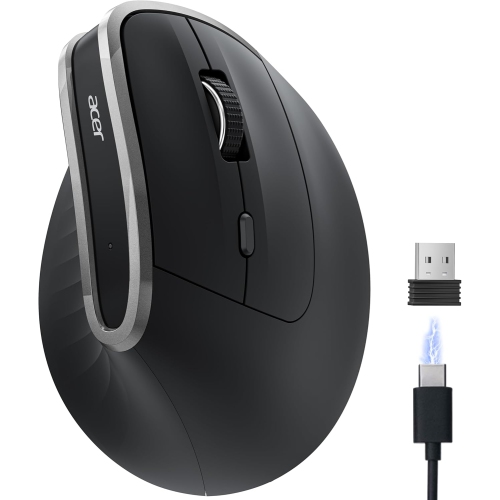
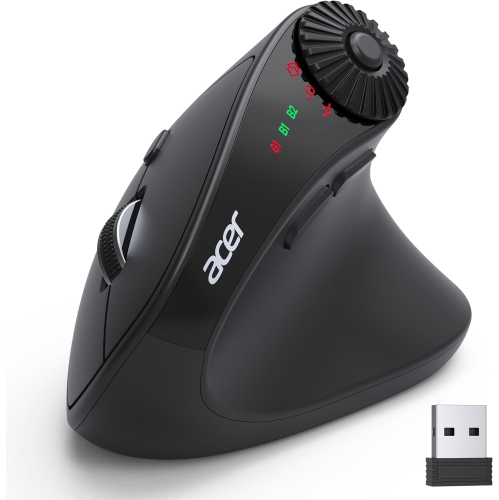
Ergonomic wireless laser mice combine a contoured grip, cordless connectivity and a laser sensor that tracks movement across a range of work surfaces. The shape makes the most immediate difference in how the mouse feels. A vertical mouse sets the hand at an angle closer to a handshake, so the forearm doesn’t have to turn as far to bring the palm down toward the desk. Some vertical designs have a ledge along the bottom that keeps the little finger from brushing the work surface. A sculpted mouse with a lower profile keeps the hand closer to the position of a conventional mouse, with a raised section under the palm or a rest for the thumb. That familiar angle can suit someone who likes the feel of a standard mouse but wants more support during a day of spreadsheets, design work or editing. Fit depends as much on the placement of the buttons as on the height of the shell. On a mouse that’s too long, the fingers may have to stretch to reach the main buttons or scroll wheel. On one that’s too narrow, the thumb and little finger may pinch the sides each time the mouse is lifted. A good fit lets the fingers settle naturally over the buttons and the thumb rest without bumping a side control. Many sculpted shapes are made for one hand, so a left-handed or symmetrical design is worth distinguishing from a right-handed mouse with buttons that can simply be reassigned. Desk layout matters, too: even a well-fitting mouse can feel awkward if a wide keyboard leaves it far off to the side. Keeping the mouse close to the keyboard leaves room to move it without reaching, while a tall vertical shape may need extra clearance when the keyboard and mouse share a pull-out tray.
Laser tracking is useful when the mouse regularly moves between surfaces, such as a matte desktop at home and a polished conference table at work. The sensor uses laser light to read fine surface detail, but that doesn’t mean every laser mouse will work on clear glass or a mirror-like finish. Tracking on glass is a feature to look for explicitly when the work surface calls for it. A mouse pad can provide a more consistent surface when the pointer skips on a glossy desktop or when the mouse feet catch on the grain of textured wood. Sensitivity, often listed in dots per inch (DPI), affects how far the pointer moves relative to the mouse. A higher setting can help the pointer cross two displays with a shorter sweep of the hand, while a lower setting can make it easier to place the cursor between characters or line up a small detail in a drawing. A higher maximum setting doesn’t, on its own, mean more accurate tracking. Wireless connectivity is a separate consideration. A mouse with a USB receiver needs a compatible port on the computer or dock, while a Bluetooth mouse can leave that port free if the computer supports it. That distinction matters on a slim laptop with few ports, just as the option to pair with more than one device can matter at a desk shared by a laptop and a desktop computer. Replaceable batteries can be swapped when they run down, while a rechargeable model needs a charging cable and a place to plug it in. For a fixed desk where a cable won’t get in the way, Ergonomic Wired Mice offer similar grip styles without the need to recharge or replace batteries.
Materials and controls influence how an ergonomic mouse feels after hours of ordinary use. A smooth plastic shell is easy to wipe down, while a matte finish or textured thumb panel gives the hand more purchase when lifting and repositioning the mouse. Soft grip panels can feel secure with a light hold, though they can also show wear at the points the fingers touch most. The glide feet underneath are easy to overlook until grit or uneven wear makes the mouse drag. Keeping the work surface clear of crumbs and dust helps the feet glide smoothly and keeps debris away from the sensor opening. For routine cleaning, switch the mouse off and wipe the shell with a soft cloth, following any care directions for the finish and keeping moisture out of the button gaps and charging port. Button and wheel feel also matter for everyday work: a notched wheel makes it easier to move through a document a few lines at a time, while a free-spinning mode, where included, is handy for getting from one end of a long spreadsheet to the other. Side buttons can save repeated trips to the browser toolbar, provided they sit within easy reach and don’t get pressed during a normal grip. A compact design can slip into a laptop bag and leave room beside a notebook on a shared table, while a fuller shell may give a larger hand more room to rest at a permanent workstation. An ergonomic wireless laser mouse can make a practical gift for a student setting up a study space, a hybrid worker who carries a laptop between desks or someone who spends hours editing photos. Knowing which hand the recipient uses, how much desk space they have and whether they prefer a familiar low profile or a more upright grip is more useful than choosing by the number of buttons alone.
Laser tracking is useful when the mouse regularly moves between surfaces, such as a matte desktop at home and a polished conference table at work. The sensor uses laser light to read fine surface detail, but that doesn’t mean every laser mouse will work on clear glass or a mirror-like finish. Tracking on glass is a feature to look for explicitly when the work surface calls for it. A mouse pad can provide a more consistent surface when the pointer skips on a glossy desktop or when the mouse feet catch on the grain of textured wood. Sensitivity, often listed in dots per inch (DPI), affects how far the pointer moves relative to the mouse. A higher setting can help the pointer cross two displays with a shorter sweep of the hand, while a lower setting can make it easier to place the cursor between characters or line up a small detail in a drawing. A higher maximum setting doesn’t, on its own, mean more accurate tracking. Wireless connectivity is a separate consideration. A mouse with a USB receiver needs a compatible port on the computer or dock, while a Bluetooth mouse can leave that port free if the computer supports it. That distinction matters on a slim laptop with few ports, just as the option to pair with more than one device can matter at a desk shared by a laptop and a desktop computer. Replaceable batteries can be swapped when they run down, while a rechargeable model needs a charging cable and a place to plug it in. For a fixed desk where a cable won’t get in the way, Ergonomic Wired Mice offer similar grip styles without the need to recharge or replace batteries.
Materials and controls influence how an ergonomic mouse feels after hours of ordinary use. A smooth plastic shell is easy to wipe down, while a matte finish or textured thumb panel gives the hand more purchase when lifting and repositioning the mouse. Soft grip panels can feel secure with a light hold, though they can also show wear at the points the fingers touch most. The glide feet underneath are easy to overlook until grit or uneven wear makes the mouse drag. Keeping the work surface clear of crumbs and dust helps the feet glide smoothly and keeps debris away from the sensor opening. For routine cleaning, switch the mouse off and wipe the shell with a soft cloth, following any care directions for the finish and keeping moisture out of the button gaps and charging port. Button and wheel feel also matter for everyday work: a notched wheel makes it easier to move through a document a few lines at a time, while a free-spinning mode, where included, is handy for getting from one end of a long spreadsheet to the other. Side buttons can save repeated trips to the browser toolbar, provided they sit within easy reach and don’t get pressed during a normal grip. A compact design can slip into a laptop bag and leave room beside a notebook on a shared table, while a fuller shell may give a larger hand more room to rest at a permanent workstation. An ergonomic wireless laser mouse can make a practical gift for a student setting up a study space, a hybrid worker who carries a laptop between desks or someone who spends hours editing photos. Knowing which hand the recipient uses, how much desk space they have and whether they prefer a familiar low profile or a more upright grip is more useful than choosing by the number of buttons alone.
Top selling and popular products
-
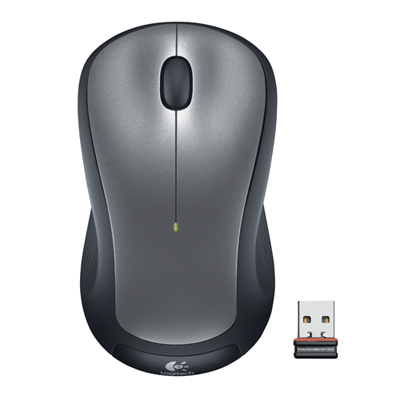 Your price for this item is $29.99
-
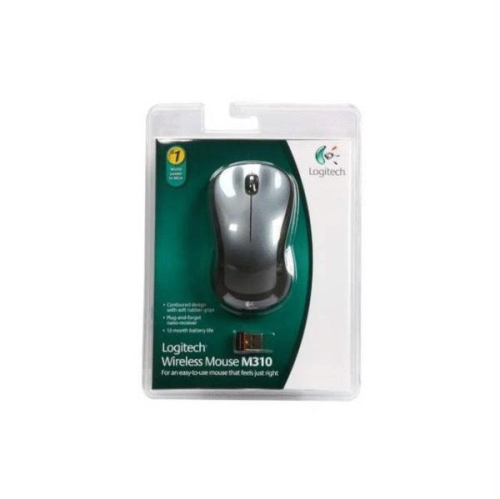 Your price for this item is $50.44
-
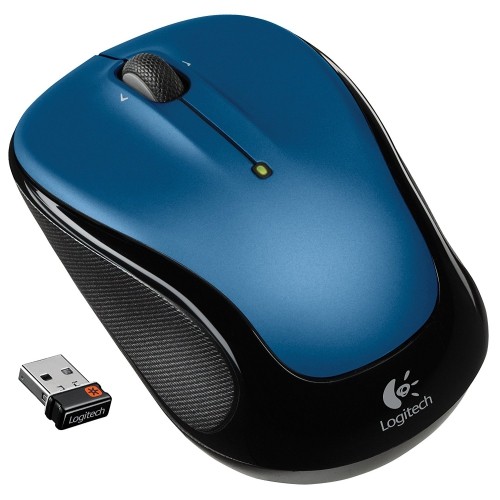 Your price for this item is $39.99
-
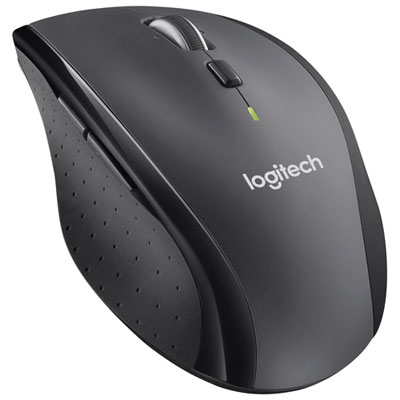 Your price for this item is $49.99
-
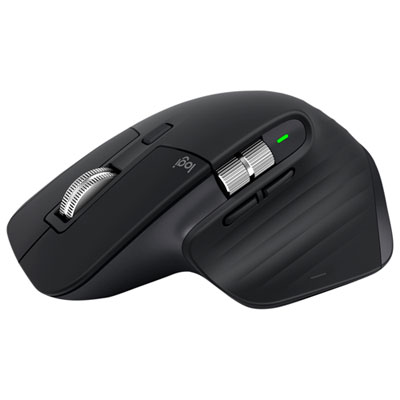 Your price for this item is $159.97
-
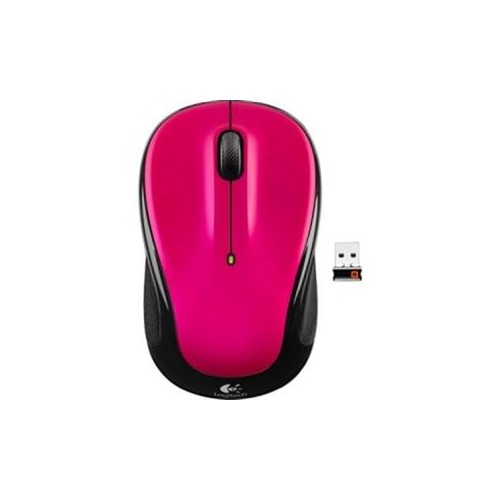 Your price for this item is $64.68
-
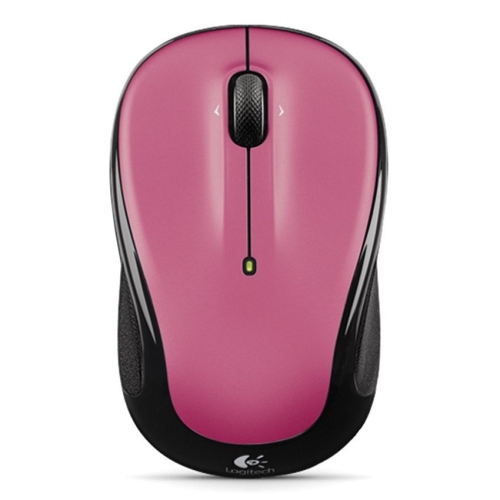 Your price for this item is $48.68
-
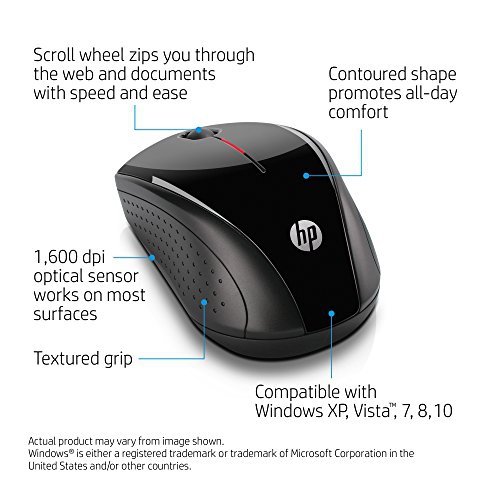 Your price for this item is $31
Discover more categories related to Ergonomic Wireless Laser Mice
Top Collections:
Best Black Friday Deals This Year, Best Black Friday Deals On Electronics, Kindle Devices, Pokemon Centers, Best Black Friday Deals On Apple Products, Best Cameras for Sports Photography, Dyson Airwrap, Pokémon 30th Celebration Cards, Apple iPhone 17 Pro, Canon G7X Cameras
Some products may be subject to Environmental Handling Fees
(EHF) depending on your province.
Learn more about EHFs.