Computer Case Accessories
Enhance your computer setup with a wide range of essential accessories designed to optimize your computing experience. From sleek and durable laptop bags to convenient cable management solutions, computer case accessories are here to help you stay organized, protect your devices, and unleash your productivity. Whether you're a student, professional, or avid gamer, these must-have accessories are sure to elevate your computing setup to new heights.
Sort






























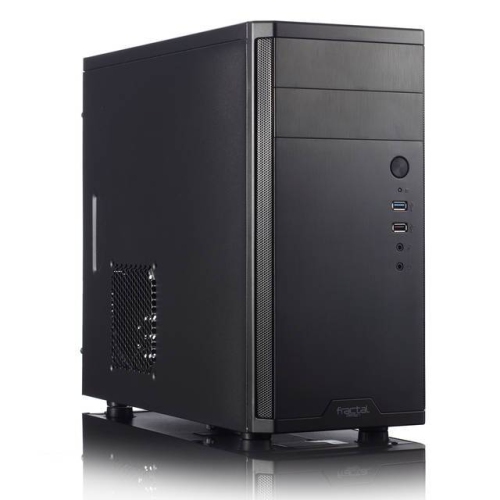
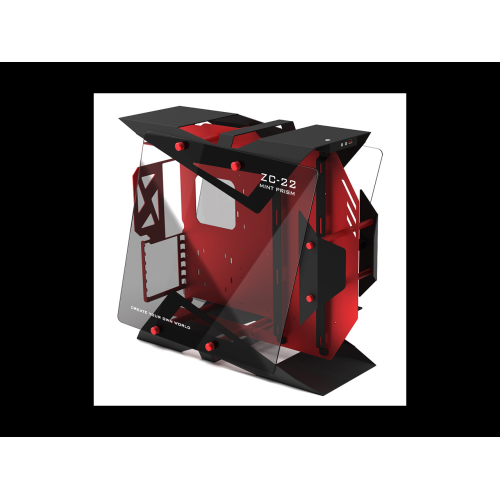
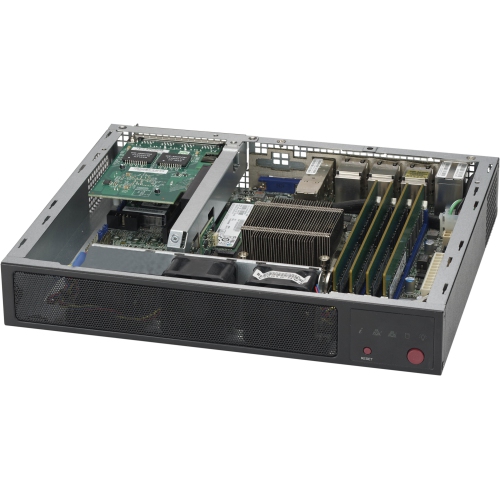
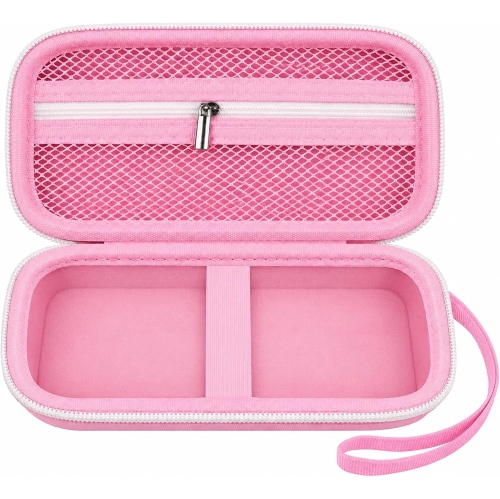
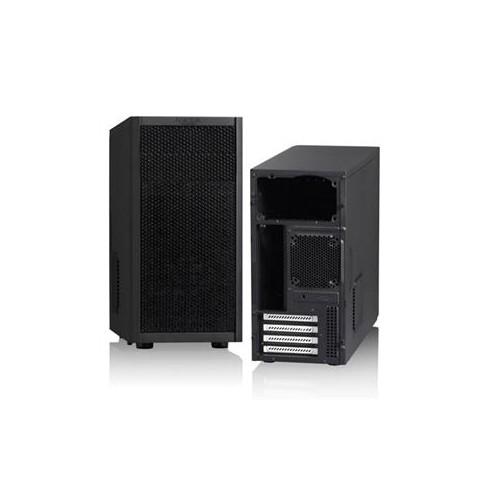

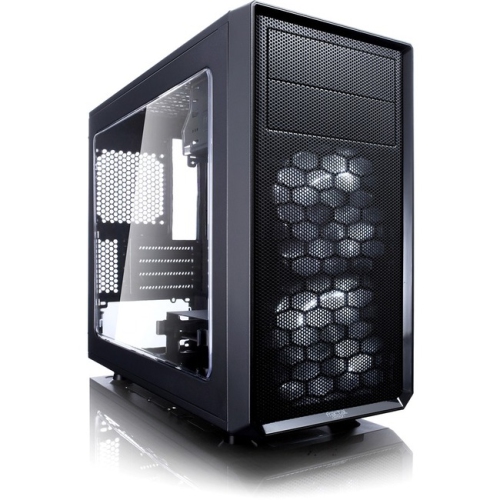
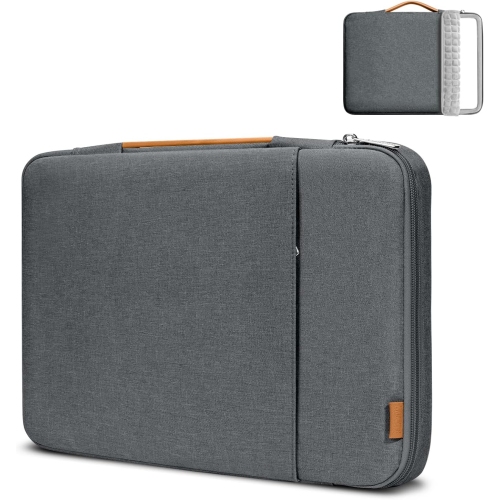


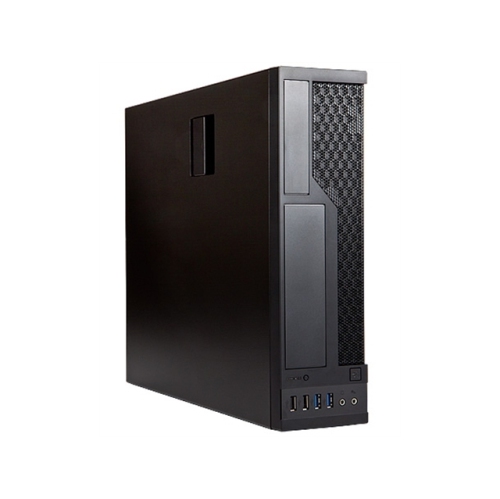

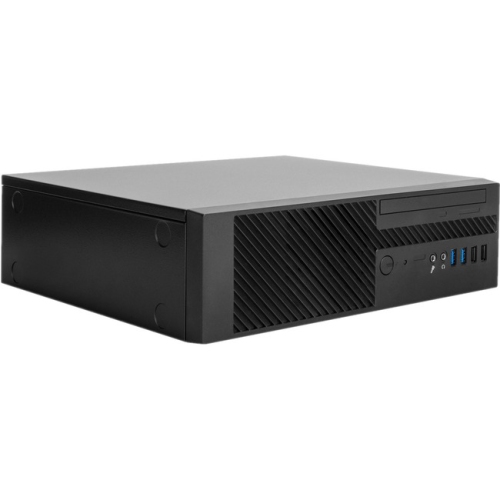

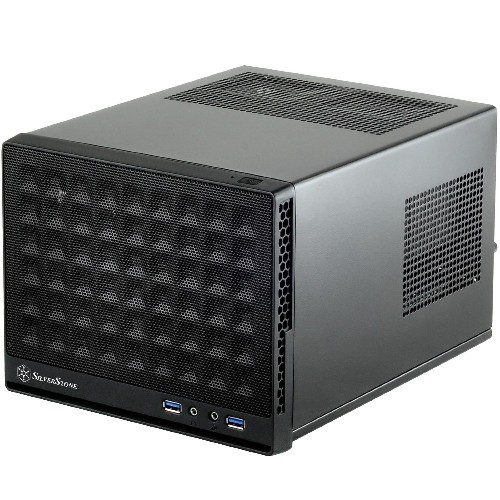
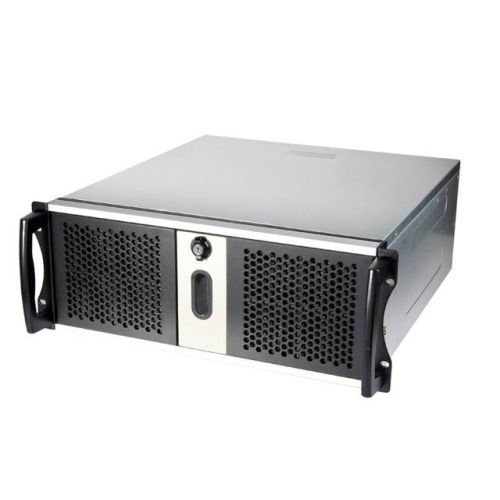
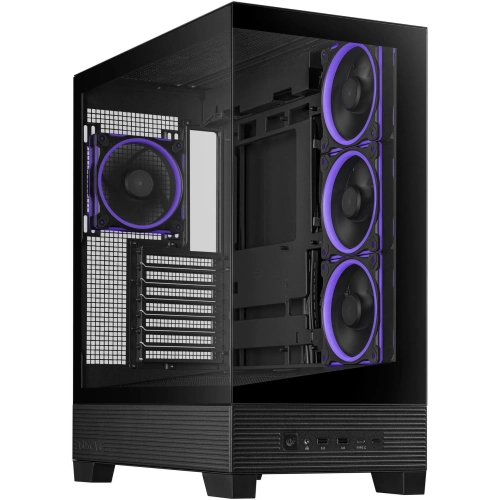
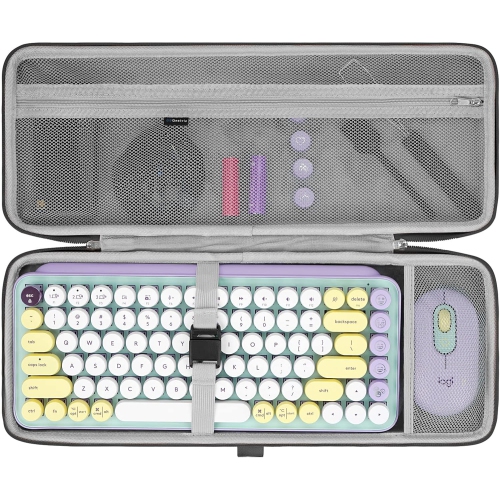




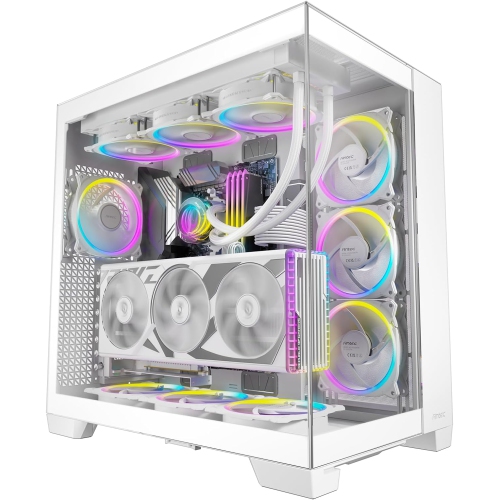
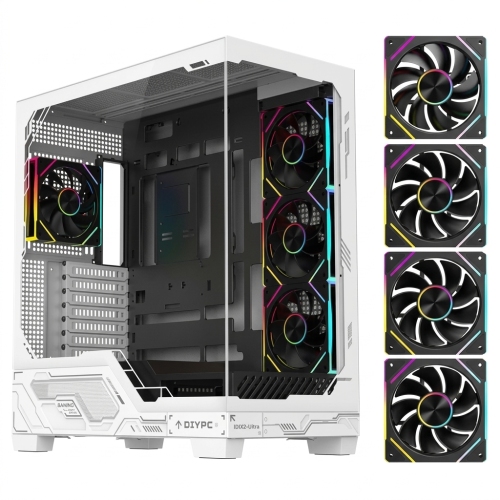
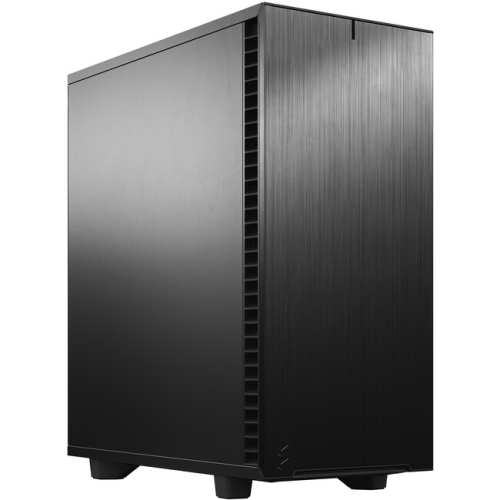
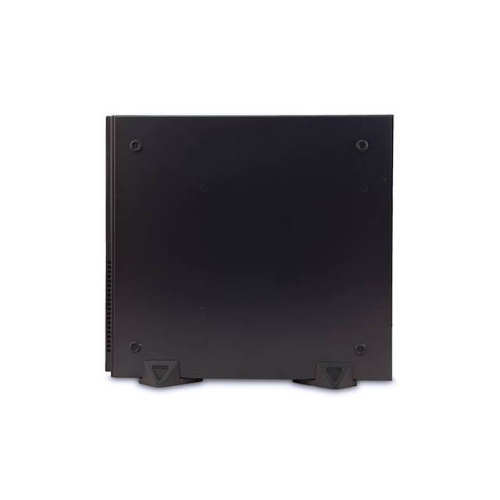
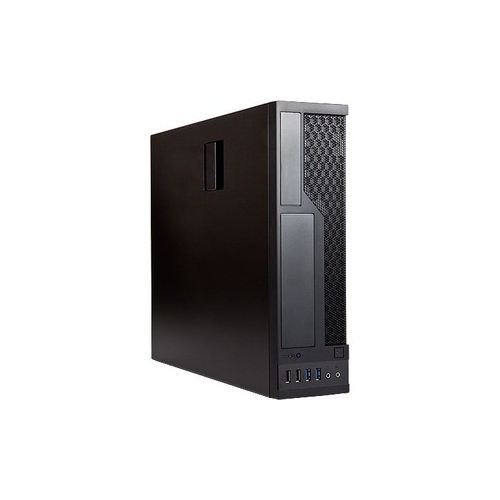
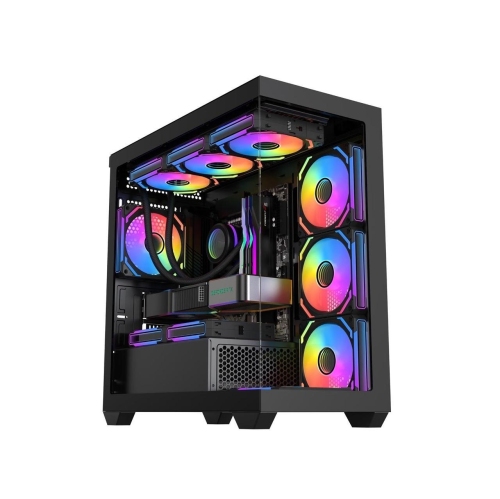

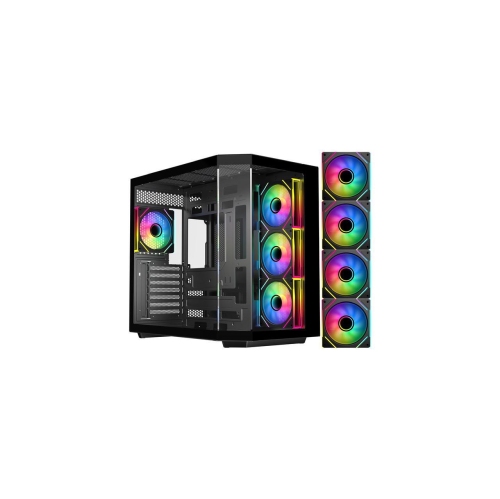
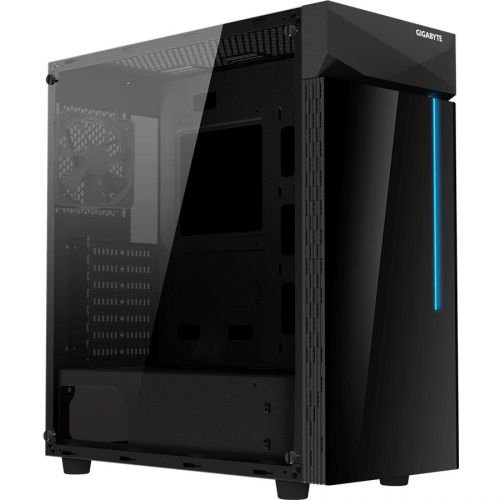

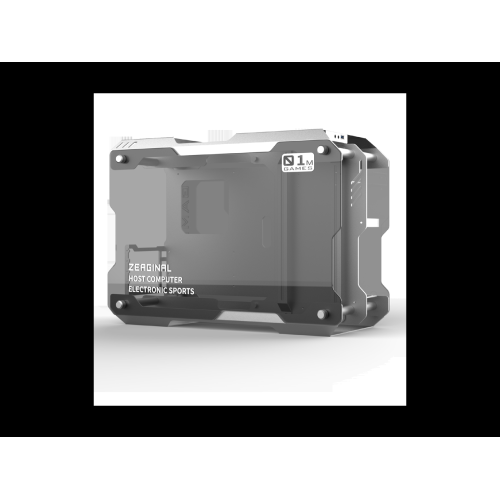
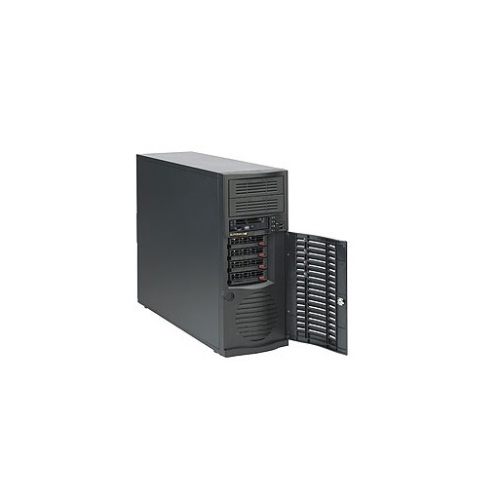


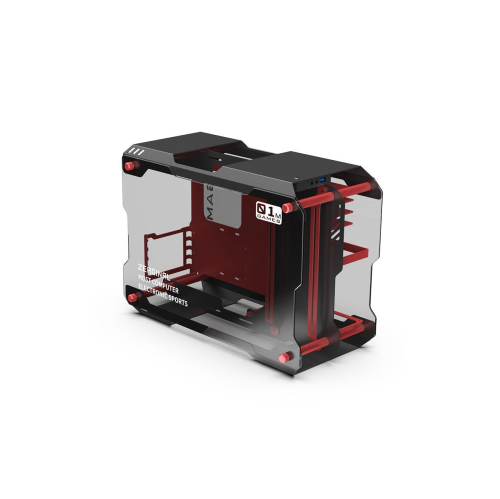
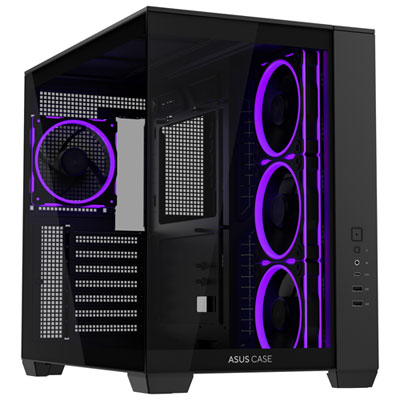
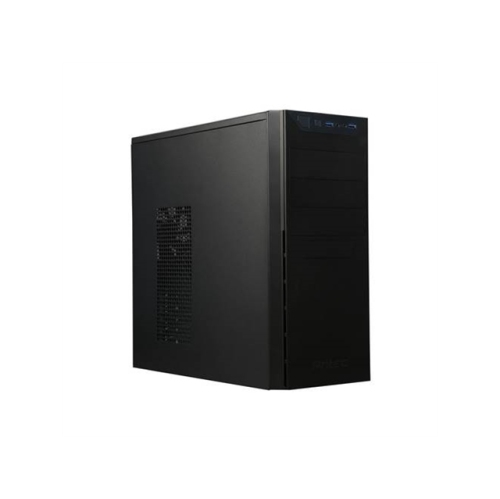
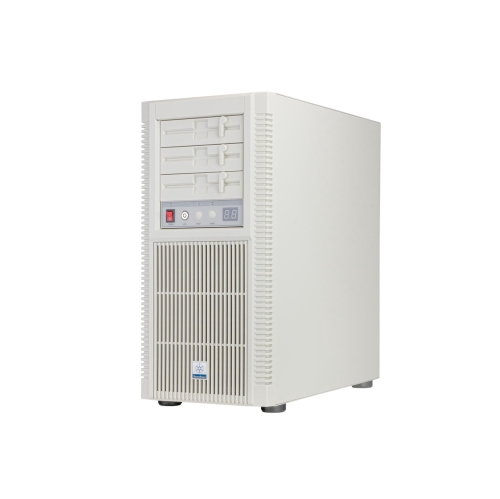


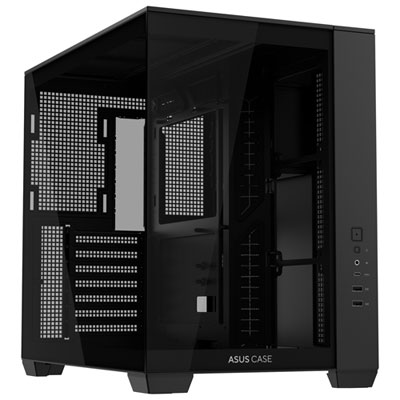
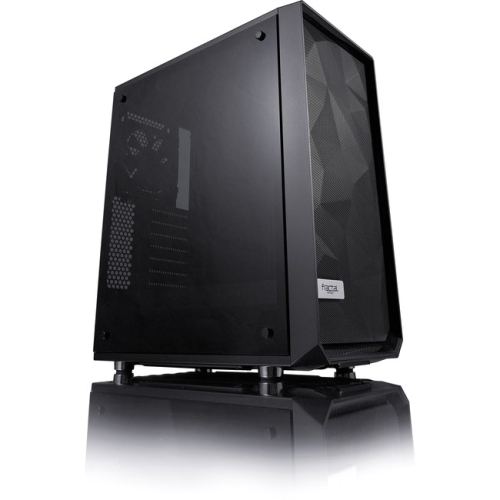
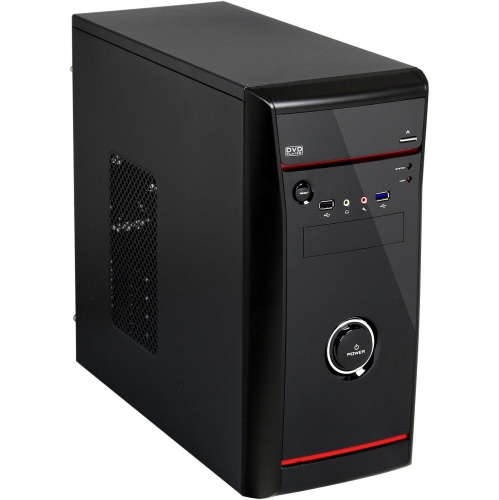
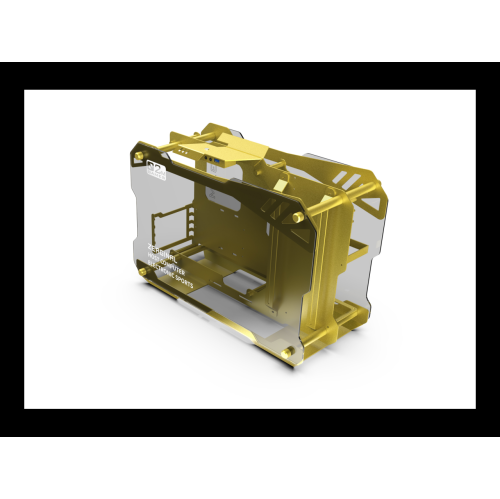

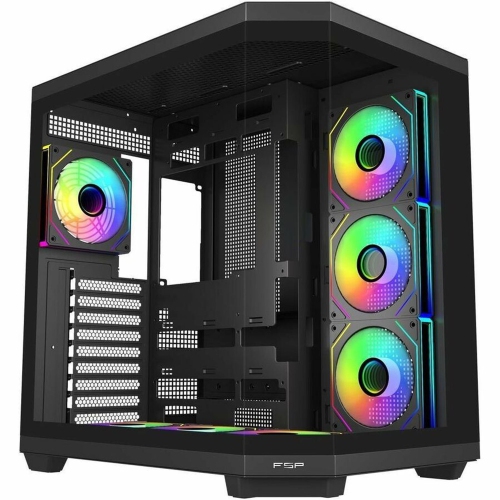
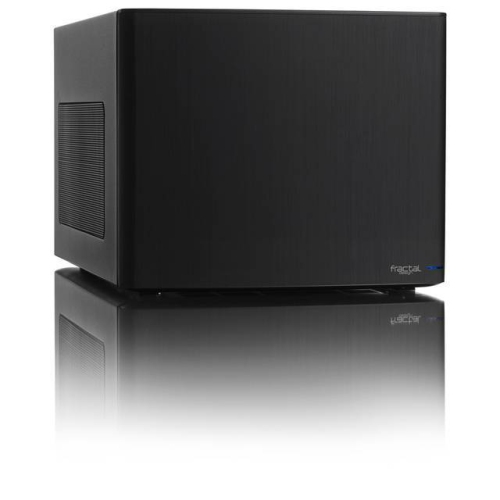
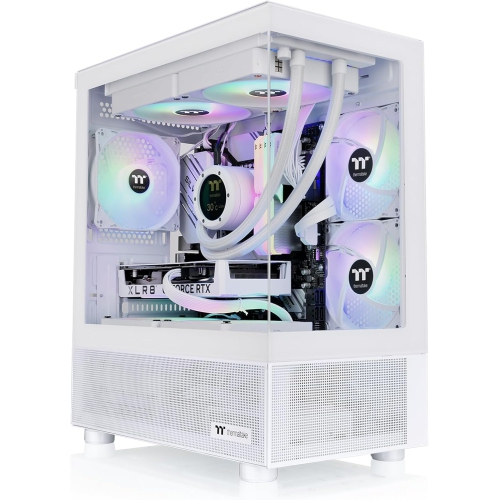
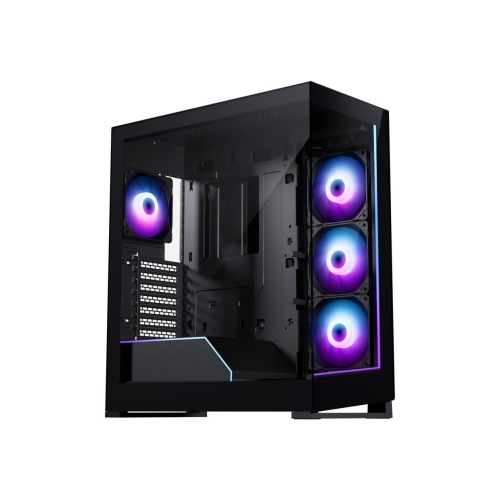
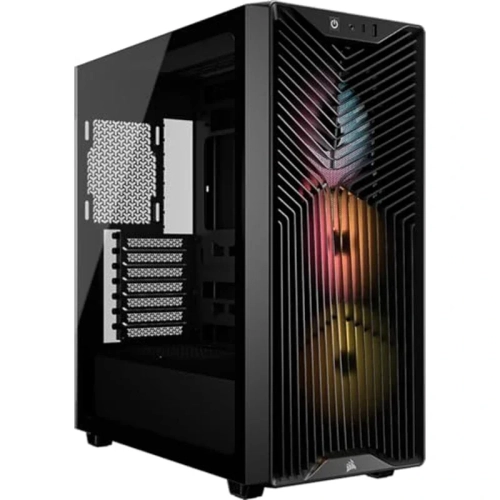
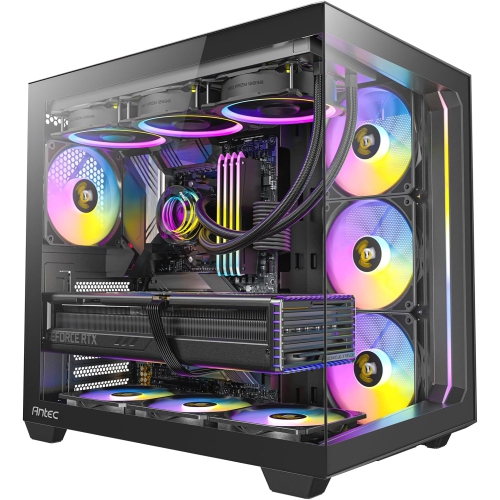
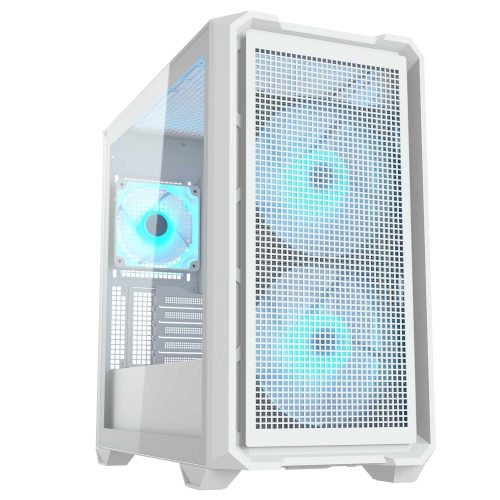
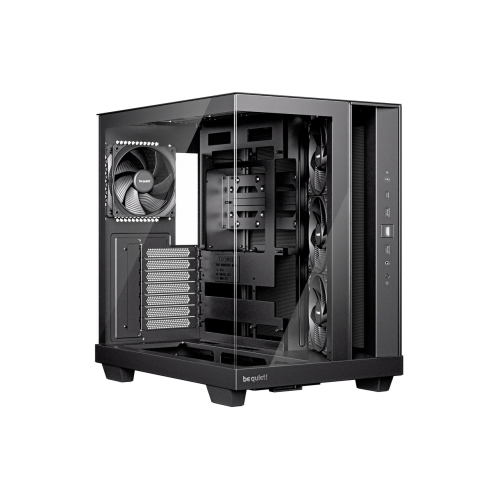

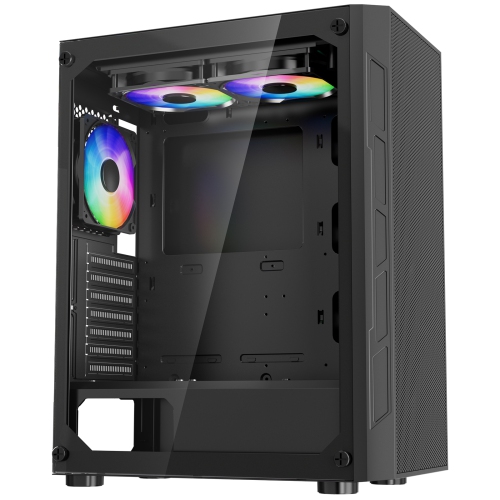
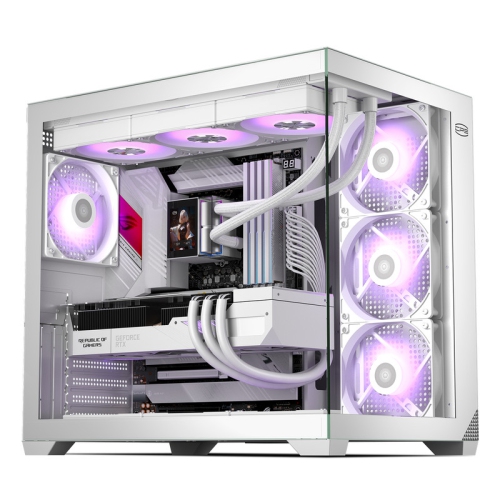
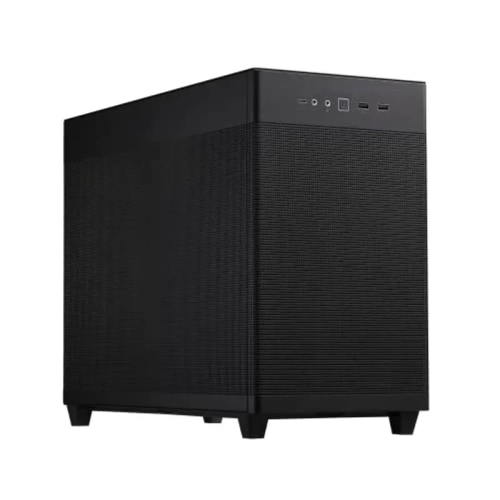
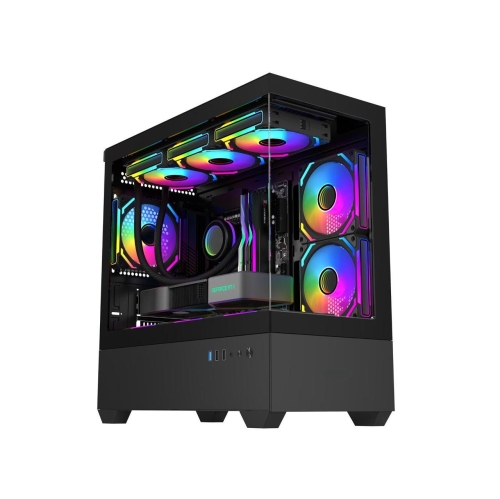
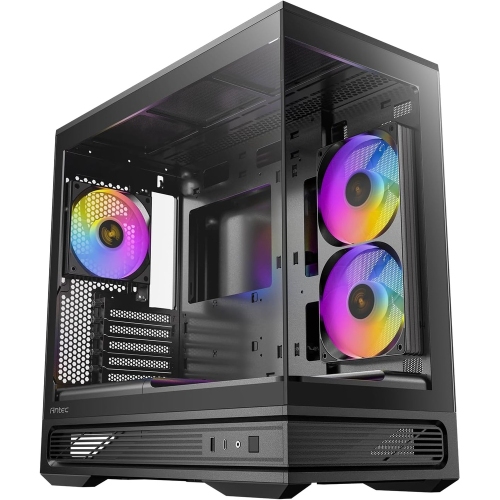
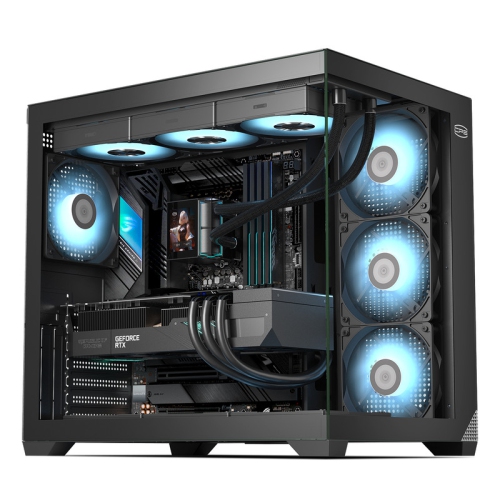
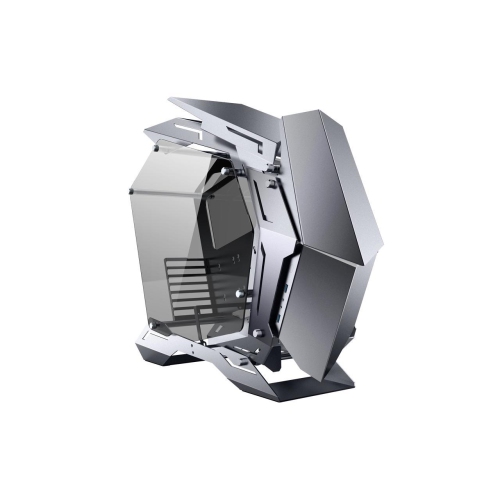
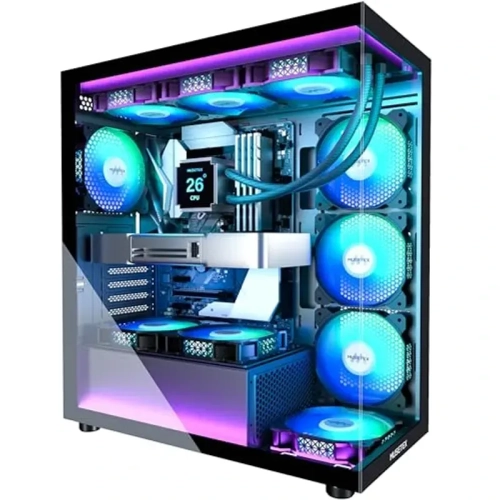
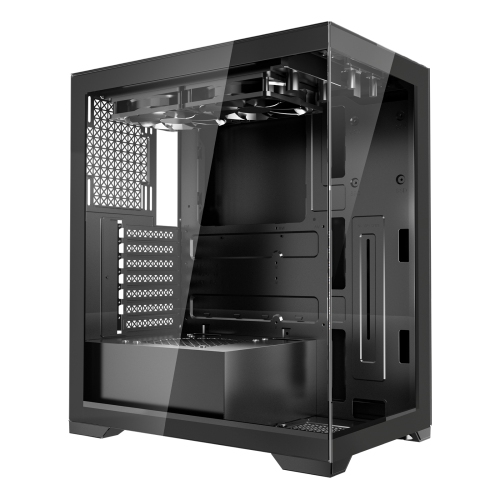

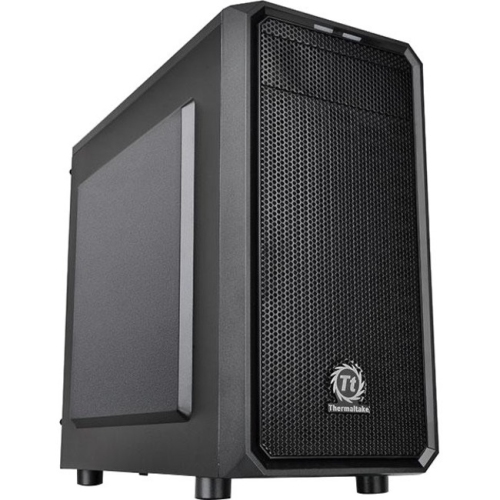
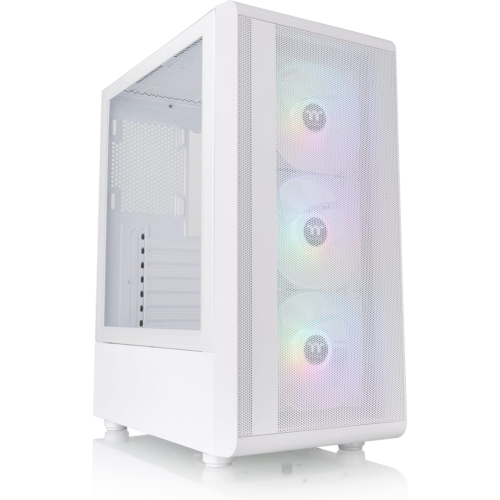
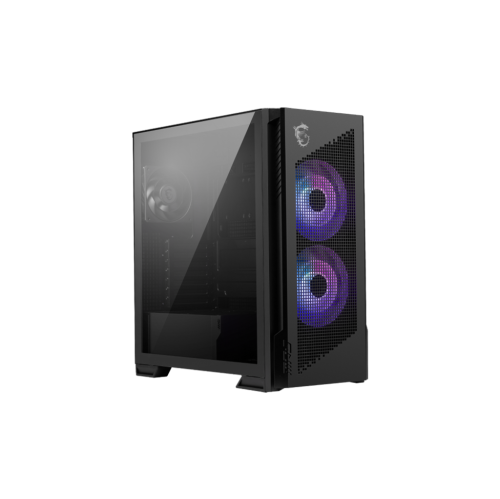
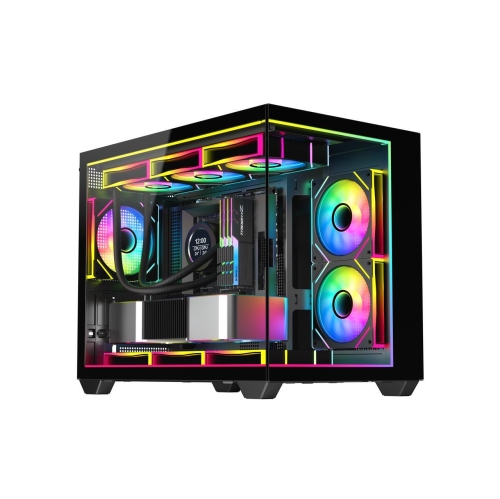
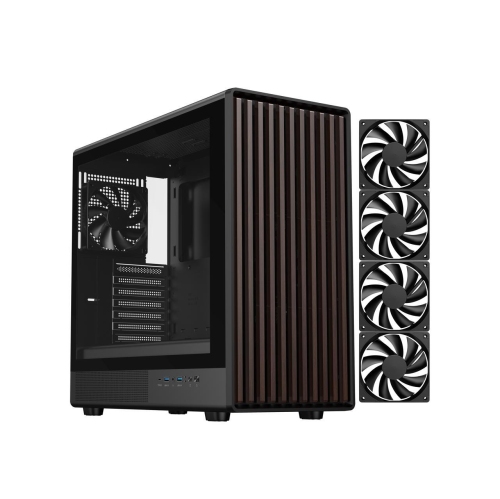

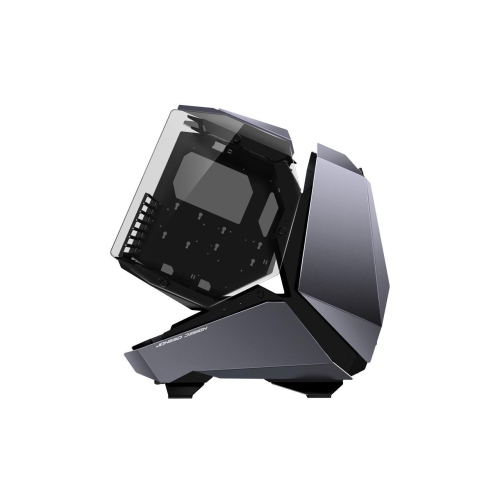
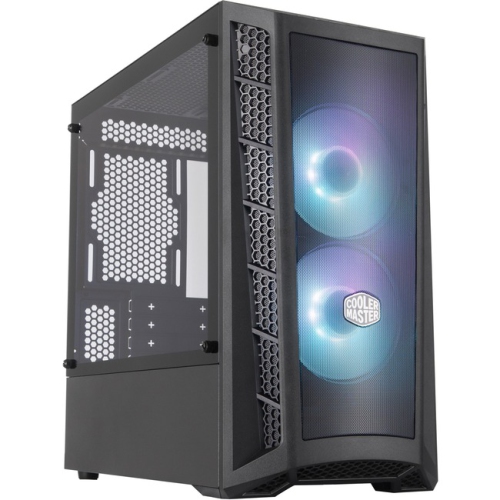
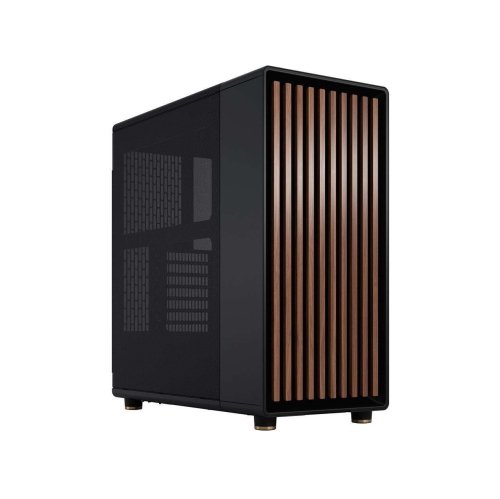
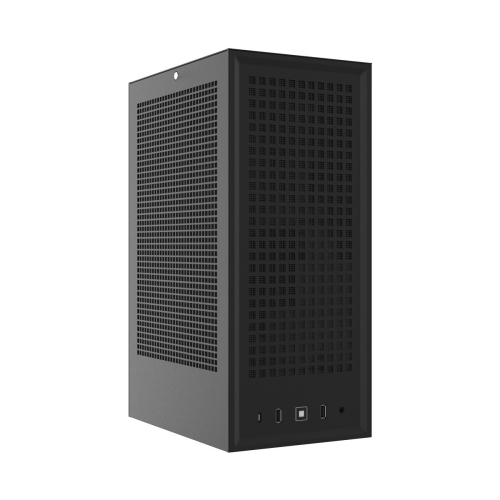
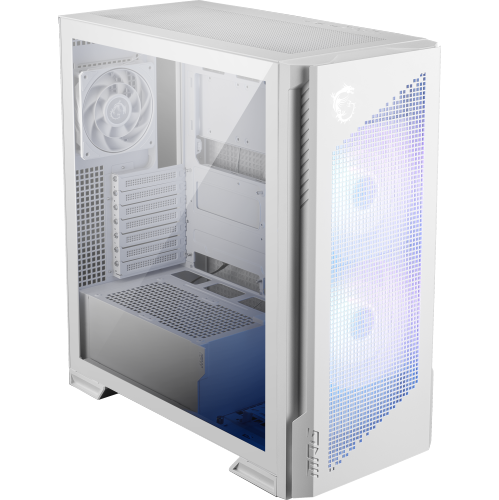
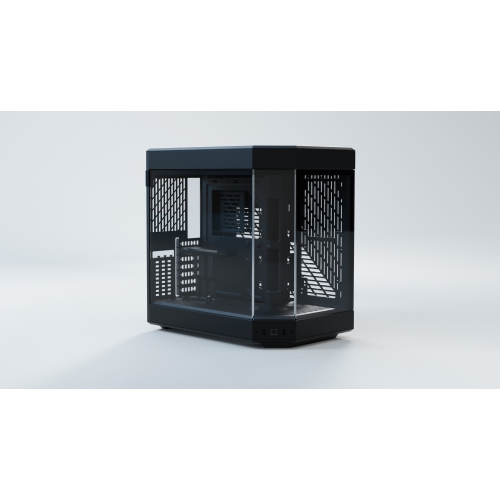
The small parts behind a well-organized PC build
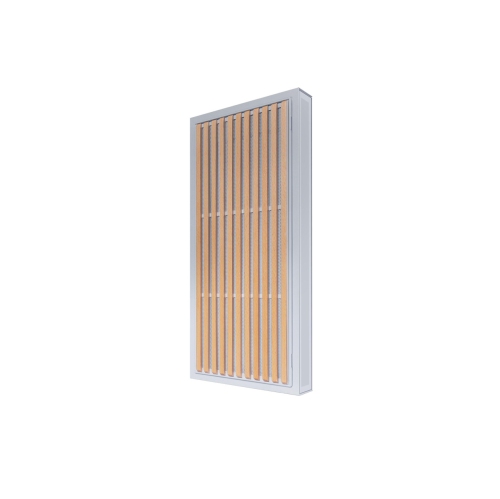
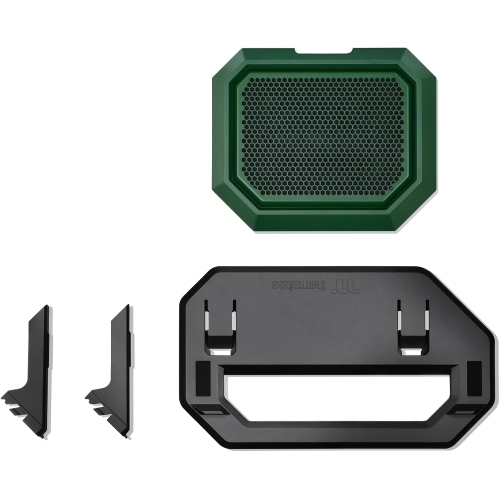
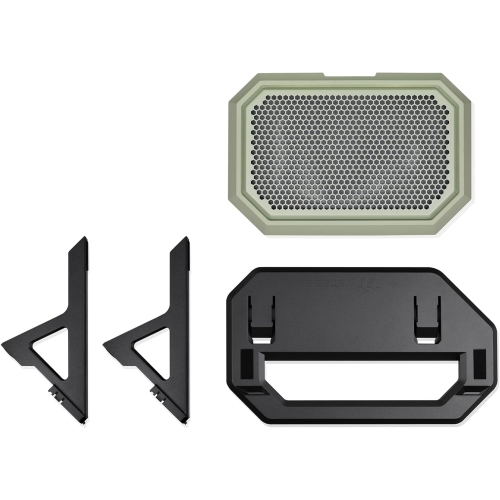
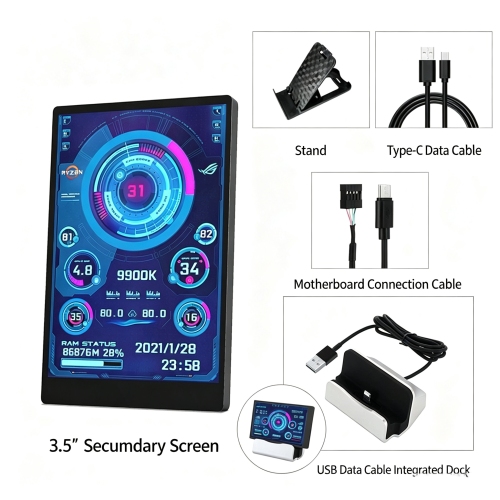
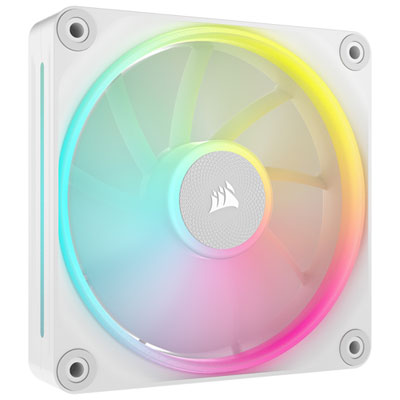
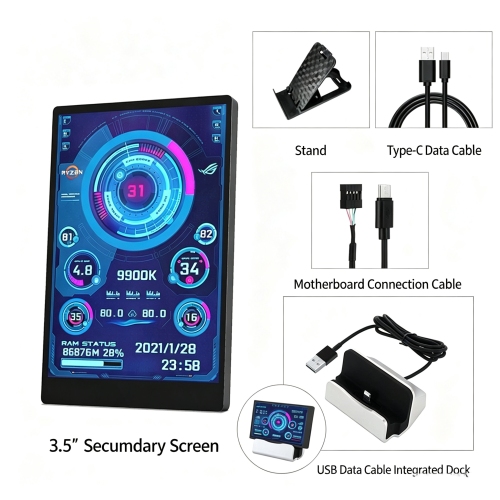
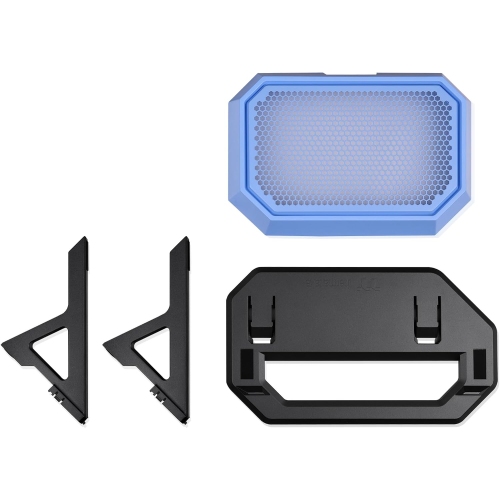
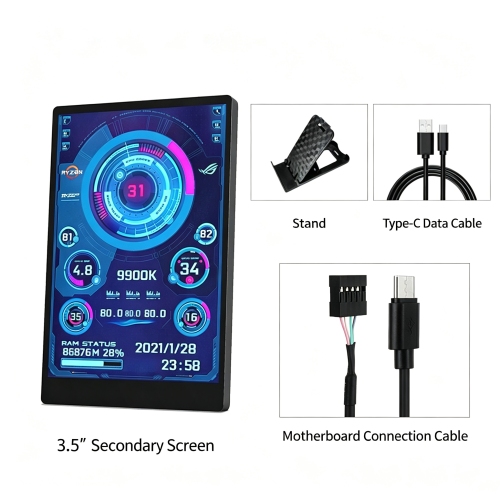
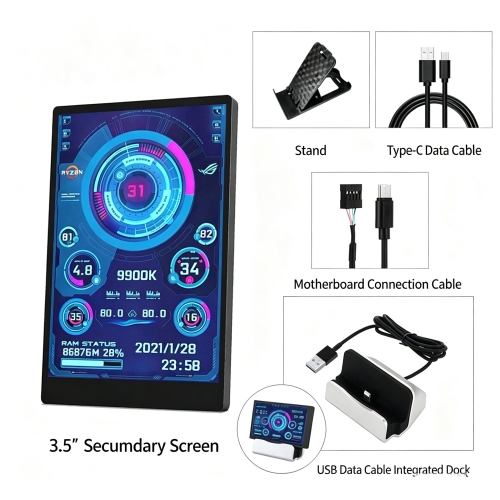
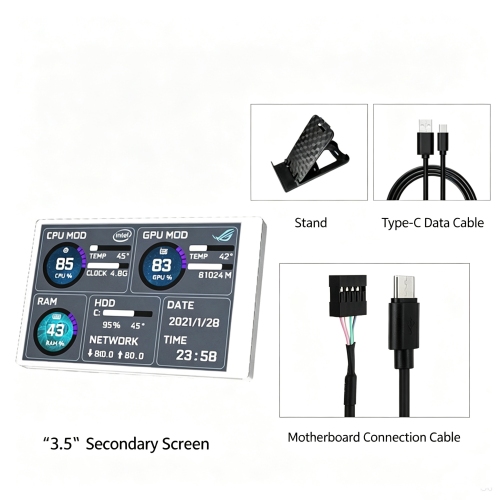
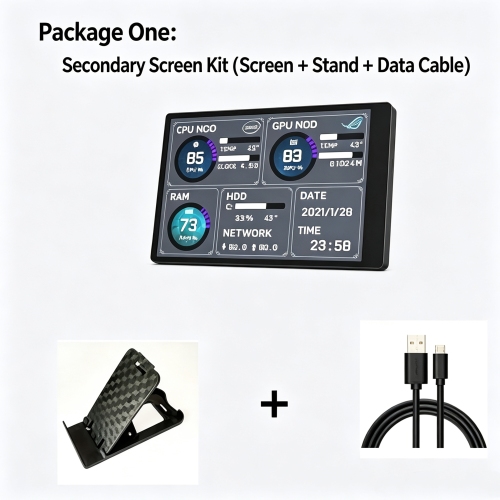
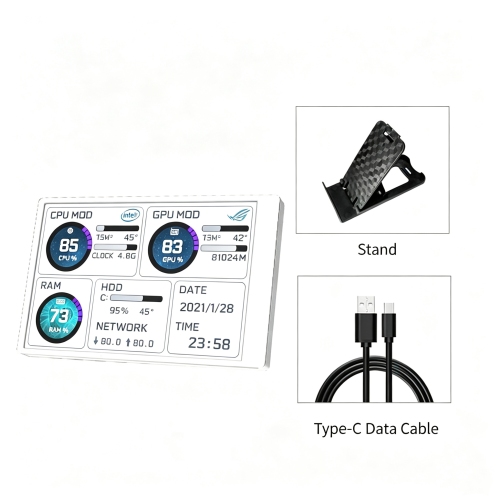
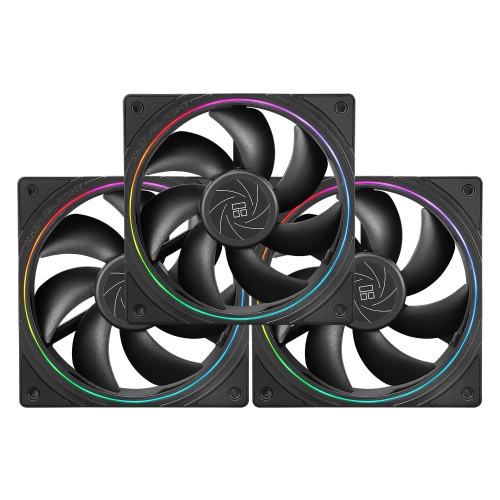
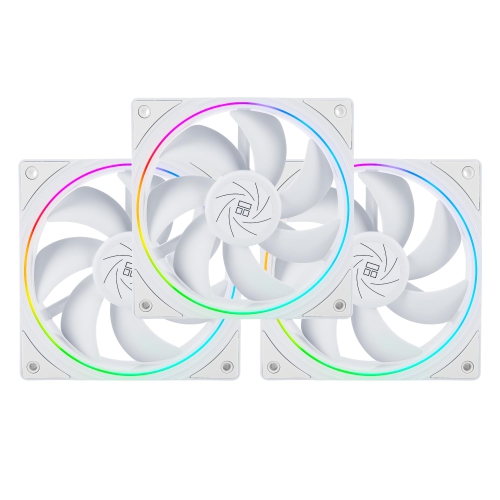
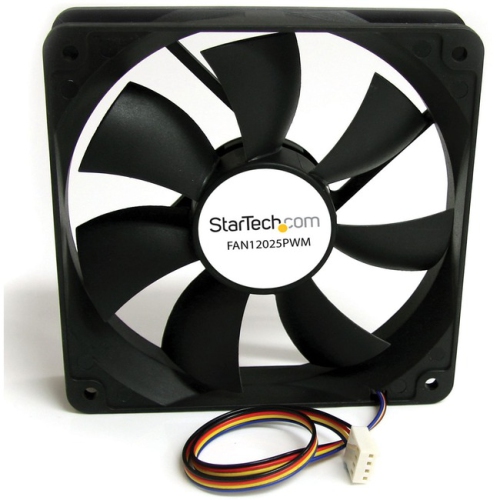
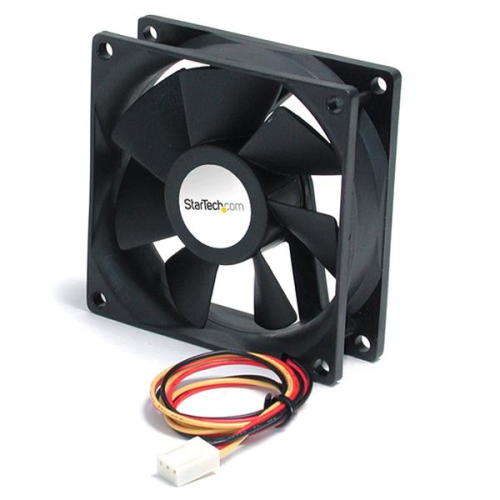
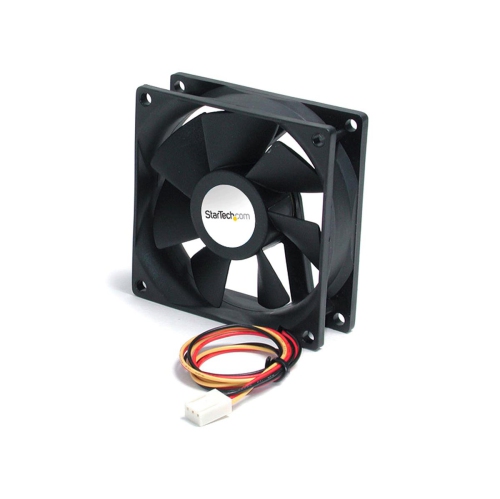
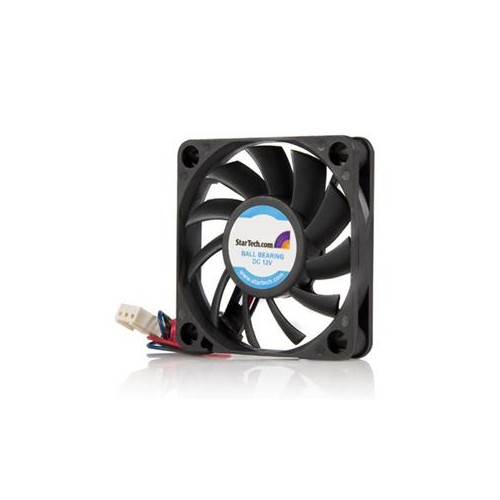
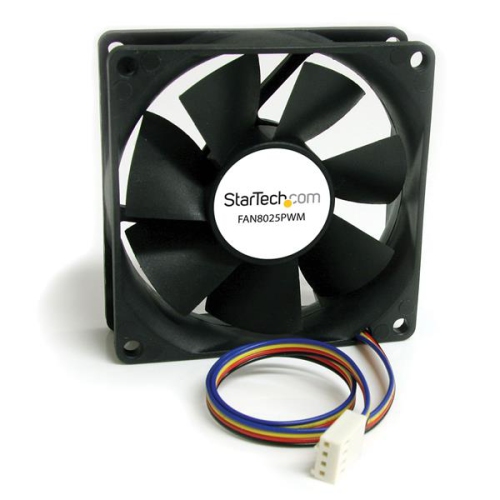
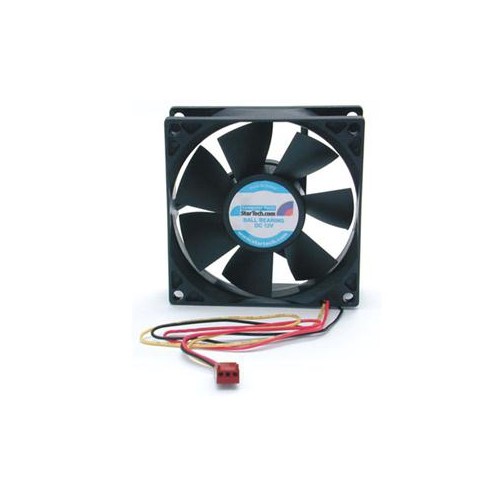
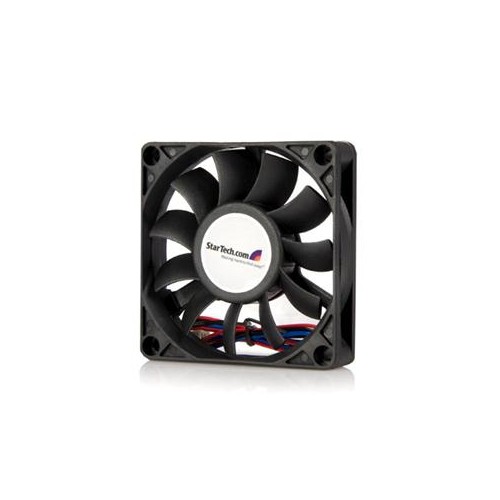
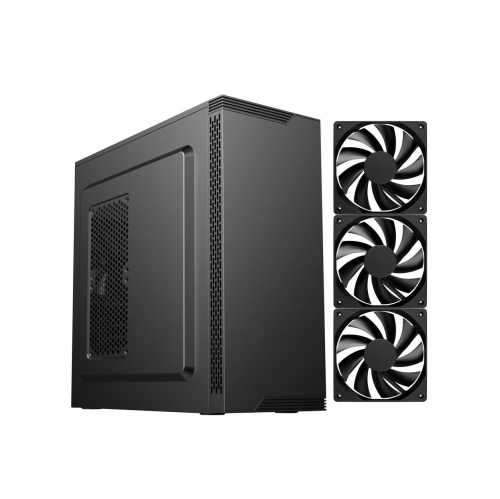
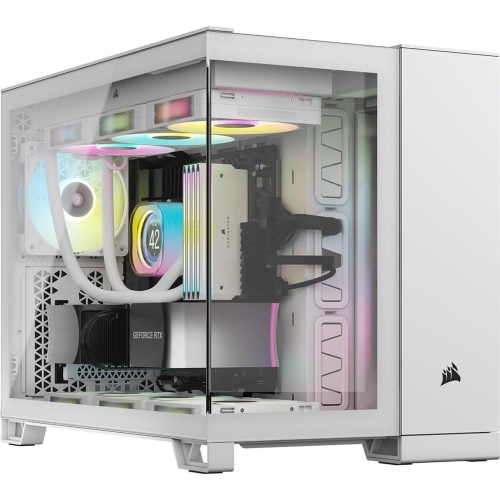
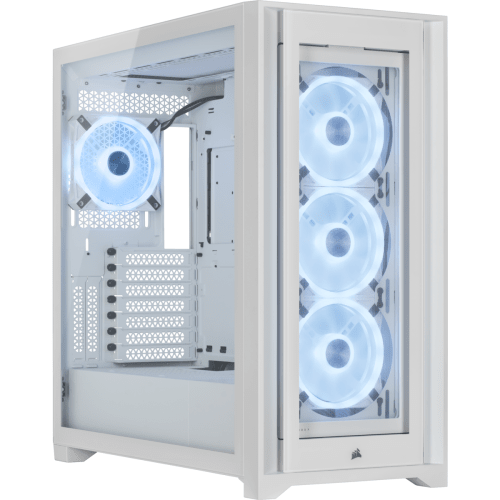
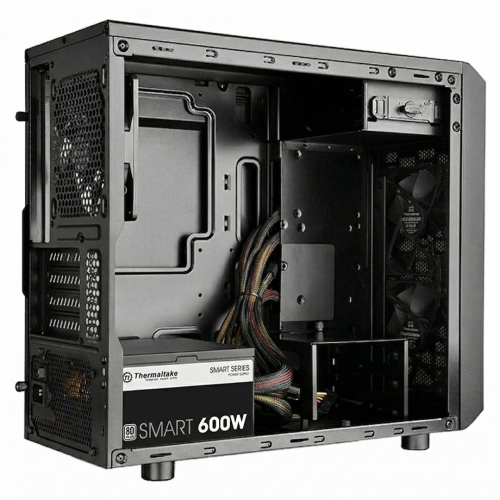
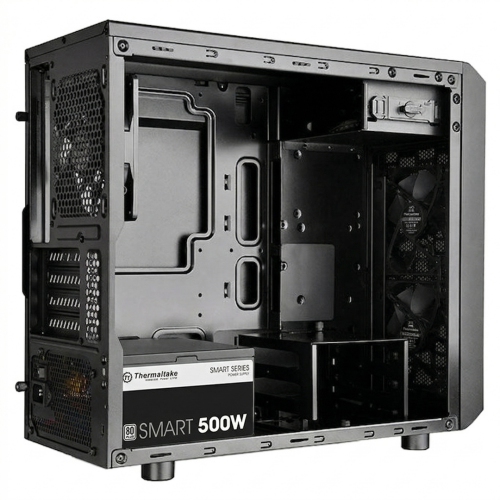
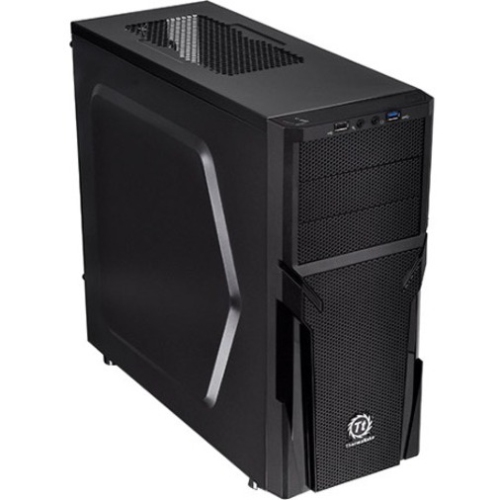
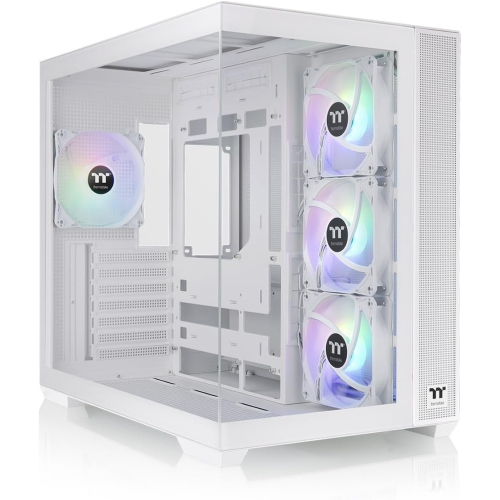
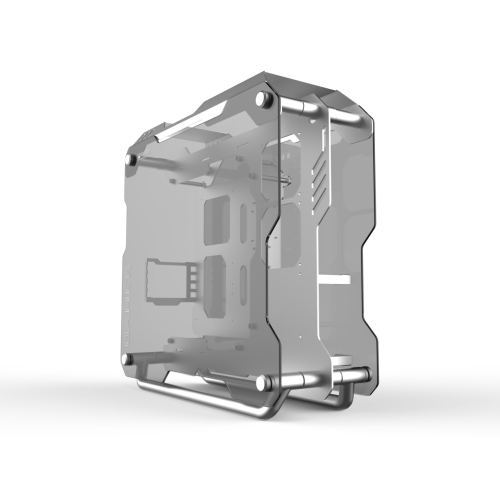
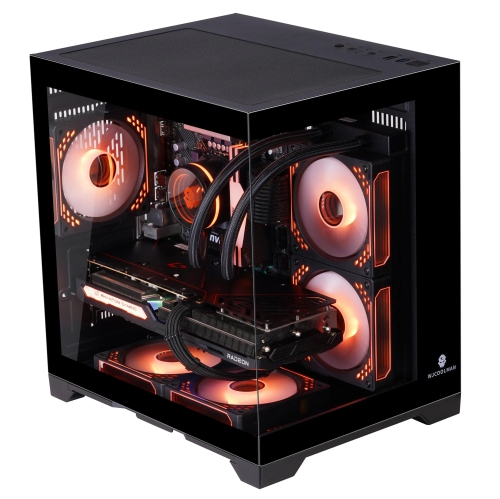
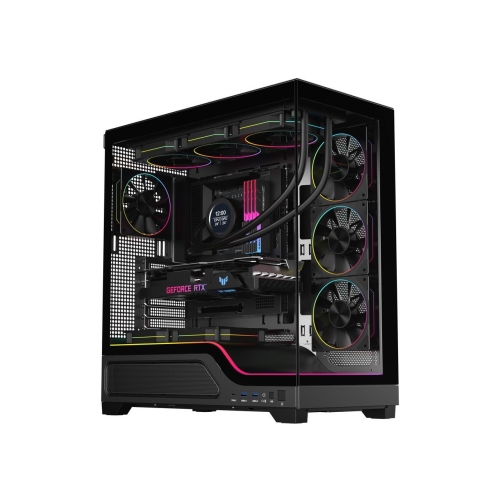
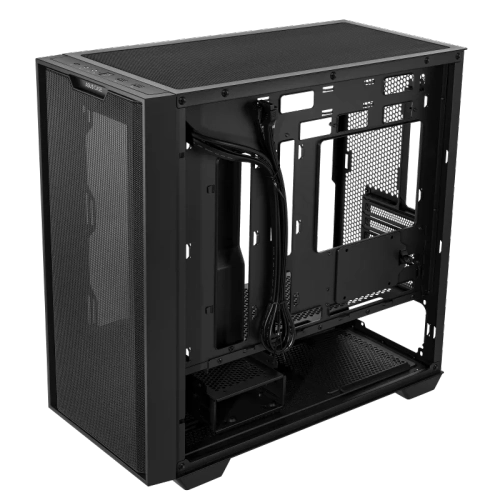
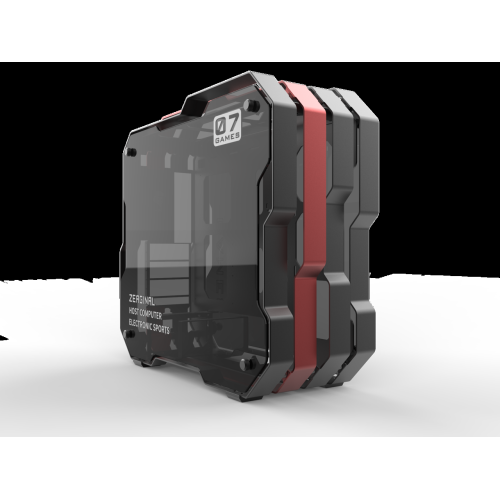
Computer case accessories support a desktop PC’s cooling, cable management, component mounting, appearance, and hardware monitoring. They include the smaller parts that help a computer enclosure work with the components inside it, from fan mounts and dust filters to drive brackets and expansion-slot covers. For a gaming setup, their role may be to make room for a larger graphics card or keep cables away from cooling fans. In a home office or creative workspace, the priority may be quieter operation, easier maintenance, or a tidy interior that makes future upgrades less awkward. Cooling accessories are particularly useful where intake vents collect dust or several components share a confined space. Mesh filters can reduce dust entering through covered openings, while fan brackets and mounting hardware help position compatible fans securely. Filters do add airflow resistance, so their mesh density and placement matter alongside the case’s ventilation design. A filter should cover its intended opening without interfering with a panel latch, fan blade, or nearby connector. Magnetic frames are convenient on suitable steel surfaces, while other designs rely on clips, screws, or adhesive mounting. Materials affect handling as well as fit: a rigid frame can help a filter hold its shape, and flexible mesh may be easier to remove from a tight opening. Fan controllers, compatible hubs, and sensor displays can also make cooling settings or operating information more accessible, although their functions depend on the connections and software supported by the build. More fans do not automatically make a computer quieter or improve cooling; clear intake and exhaust paths, suitable fan placement, and unobstructed vents remain important. Vibration-reducing mounts can help limit noise transferred from a fan to the chassis, but they need to suit the mounting arrangement. For a tower placed beside a desk, these details can influence both the sound heard during everyday use and how easily routine dust removal fits into the workspace.
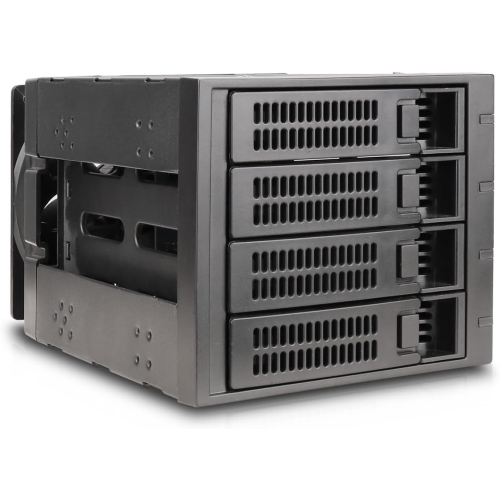
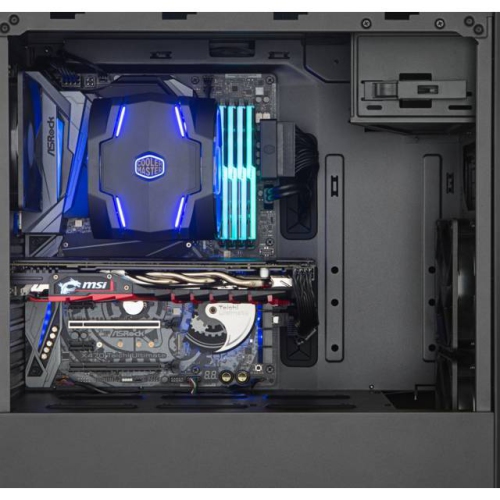
Inside the enclosure, mounting and cable-management accessories help give each component a secure position and keep connections accessible. Cable ties, reusable straps, routing clips, and cable combs serve different purposes: some gather loose wiring, while others hold individual cables in a more orderly arrangement. A clean-looking interior is useful, but the practical benefit is keeping wires away from moving fan blades and reducing tangles around drives, connectors, and removable panels. Enough slack should remain for a side panel to open and for a connector to sit naturally, without sharp bends or tension at the socket. This is especially relevant in compact cases, where a bundle behind the motherboard tray can prevent the rear panel from closing properly. Materials and fastening methods affect repeated use. Fabric straps can be reopened during upgrades, while plastic clips and ties vary in flexibility and resistance to repeated bending. Mounting accessories require equally careful matching. Motherboard standoffs, drive trays, screws, and expansion-slot hardware are not interchangeable simply because they look similar. Thread type, mounting-hole position, component dimensions, and the case’s own attachment system determine whether a part will fit. Storage brackets may adapt a supported drive size to a particular bay, but they still need enough space for power and data connectors. Graphics card supports can help carry the weight of a long or heavy card, provided the support reaches a suitable contact point without pressing against fans or delicate components. Front-panel accessories and internal connection hubs introduce electrical compatibility considerations as well as physical ones. A front USB connection needs the appropriate motherboard header, and a fan or lighting hub must match the connector type and power requirements of the connected devices. Similar-looking lighting connectors can use different voltages and should not be treated as substitutes. For anyone assembling a first desktop or revising a familiar build, these accessories are most useful when they solve a clear layout or connection need rather than simply adding more hardware inside the case.
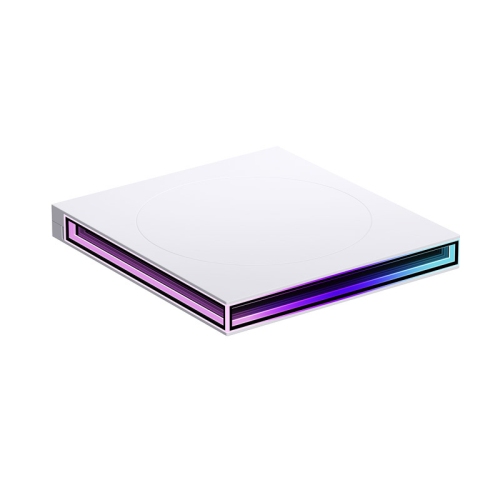
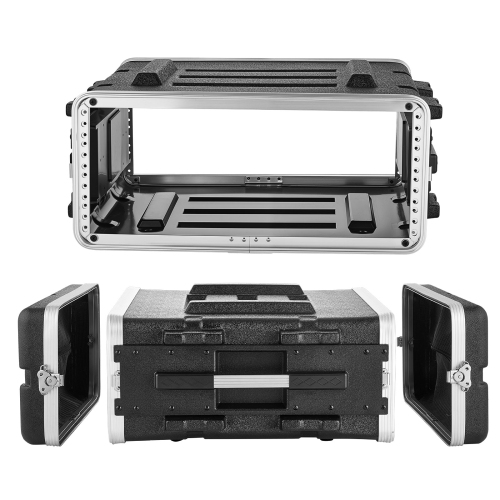
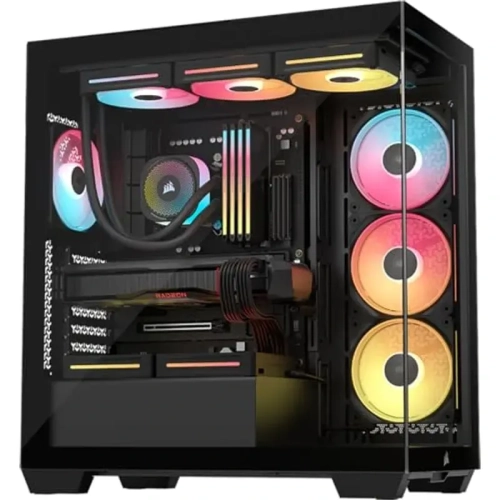
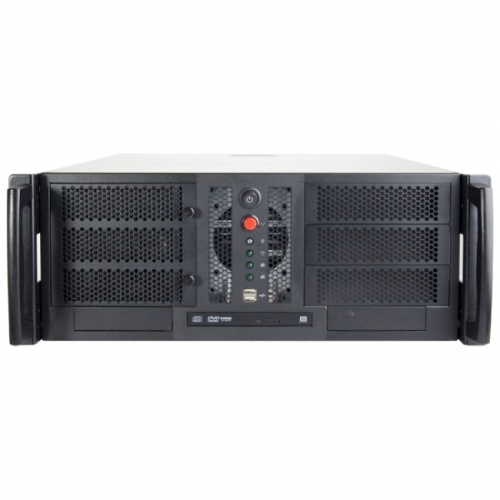
Appearance and everyday access also shape the choice of computer case accessories. A transparent side panel can make coordinated cables, lighting, and component placement part of the desk setup, while a solid panel offers a more understated finish. Replacement panels generally need to match the exact enclosure design, including its hinges, tabs, screw positions, and edge dimensions; a similar overall size is not enough to establish compatibility. Tempered glass, acrylic, steel, and aluminium each bring different handling and care considerations. Glass panels are rigid but need protection from impacts, particularly along their edges. Acrylic is lighter and can scratch more readily, while painted metal surfaces may show wear around frequently used fasteners. Lighting accessories can highlight the interior, but their mounting position should leave vents, service points, and moving parts clear. Diffused lighting can create a softer effect than exposed light sources, especially when a tower sits at eye level. Practical finishing pieces, such as compatible replacement feet, panel fasteners, and slot covers, can be just as valuable as decorative additions when they restore stability or close unused openings. Care is usually straightforward: the computer should be shut down and disconnected before internal cleaning or adjustments, with removable filters cleaned according to their material and allowed to dry fully before refitting. Harsh cleaners and abrasive cloths can damage clear panels or surface finishes. Keeping small fasteners organized also makes later maintenance less frustrating. Desktop tower accessories differ from the hardware used to mount and organize equipment in a rack; for rack-based setups, Server Rack Accessories address a different enclosure format. Whether the desktop belongs to a student, a gamer, a designer, or a hands-on PC enthusiast, the most useful additions suit both the case and the way it is used, leaving components secure, connections reachable, and the interior easier to maintain.
Inside the enclosure, mounting and cable-management accessories help give each component a secure position and keep connections accessible. Cable ties, reusable straps, routing clips, and cable combs serve different purposes: some gather loose wiring, while others hold individual cables in a more orderly arrangement. A clean-looking interior is useful, but the practical benefit is keeping wires away from moving fan blades and reducing tangles around drives, connectors, and removable panels. Enough slack should remain for a side panel to open and for a connector to sit naturally, without sharp bends or tension at the socket. This is especially relevant in compact cases, where a bundle behind the motherboard tray can prevent the rear panel from closing properly. Materials and fastening methods affect repeated use. Fabric straps can be reopened during upgrades, while plastic clips and ties vary in flexibility and resistance to repeated bending. Mounting accessories require equally careful matching. Motherboard standoffs, drive trays, screws, and expansion-slot hardware are not interchangeable simply because they look similar. Thread type, mounting-hole position, component dimensions, and the case’s own attachment system determine whether a part will fit. Storage brackets may adapt a supported drive size to a particular bay, but they still need enough space for power and data connectors. Graphics card supports can help carry the weight of a long or heavy card, provided the support reaches a suitable contact point without pressing against fans or delicate components. Front-panel accessories and internal connection hubs introduce electrical compatibility considerations as well as physical ones. A front USB connection needs the appropriate motherboard header, and a fan or lighting hub must match the connector type and power requirements of the connected devices. Similar-looking lighting connectors can use different voltages and should not be treated as substitutes. For anyone assembling a first desktop or revising a familiar build, these accessories are most useful when they solve a clear layout or connection need rather than simply adding more hardware inside the case.
Appearance and everyday access also shape the choice of computer case accessories. A transparent side panel can make coordinated cables, lighting, and component placement part of the desk setup, while a solid panel offers a more understated finish. Replacement panels generally need to match the exact enclosure design, including its hinges, tabs, screw positions, and edge dimensions; a similar overall size is not enough to establish compatibility. Tempered glass, acrylic, steel, and aluminium each bring different handling and care considerations. Glass panels are rigid but need protection from impacts, particularly along their edges. Acrylic is lighter and can scratch more readily, while painted metal surfaces may show wear around frequently used fasteners. Lighting accessories can highlight the interior, but their mounting position should leave vents, service points, and moving parts clear. Diffused lighting can create a softer effect than exposed light sources, especially when a tower sits at eye level. Practical finishing pieces, such as compatible replacement feet, panel fasteners, and slot covers, can be just as valuable as decorative additions when they restore stability or close unused openings. Care is usually straightforward: the computer should be shut down and disconnected before internal cleaning or adjustments, with removable filters cleaned according to their material and allowed to dry fully before refitting. Harsh cleaners and abrasive cloths can damage clear panels or surface finishes. Keeping small fasteners organized also makes later maintenance less frustrating. Desktop tower accessories differ from the hardware used to mount and organize equipment in a rack; for rack-based setups, Server Rack Accessories address a different enclosure format. Whether the desktop belongs to a student, a gamer, a designer, or a hands-on PC enthusiast, the most useful additions suit both the case and the way it is used, leaving components secure, connections reachable, and the interior easier to maintain.
Top selling and popular products
-
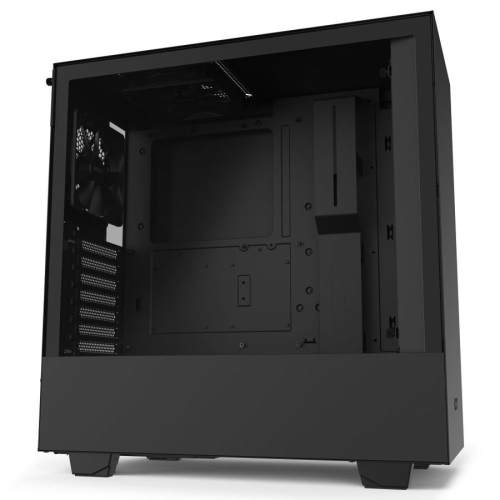 Your price for this item is $299
-
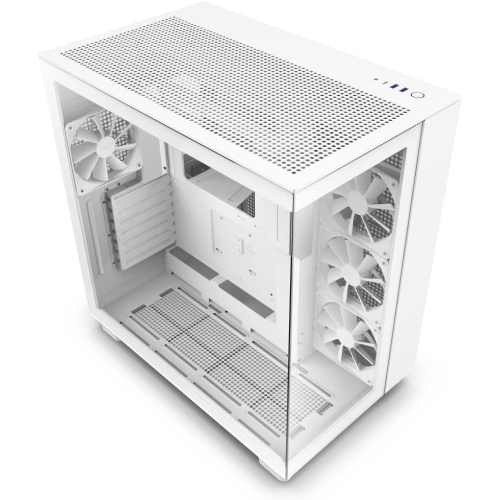 Your price for this item is $514.68
-
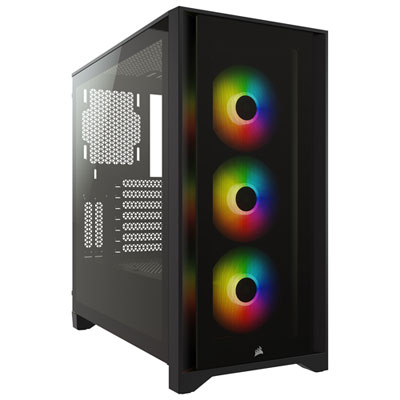 Your price for this item is $149.97
-
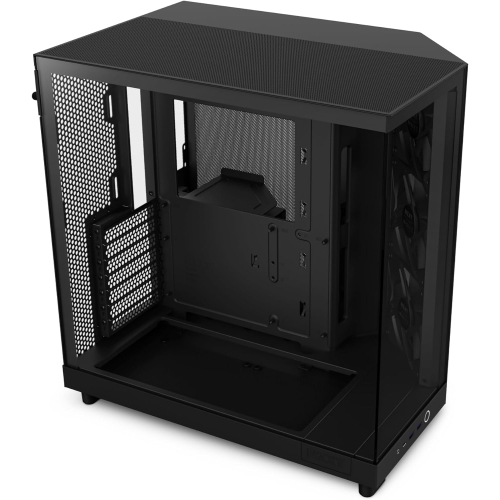 Your price for this item is $169.99
-
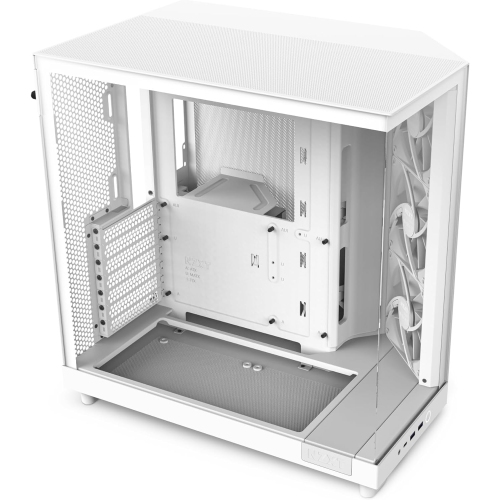 Your price for this item is $116.49
-
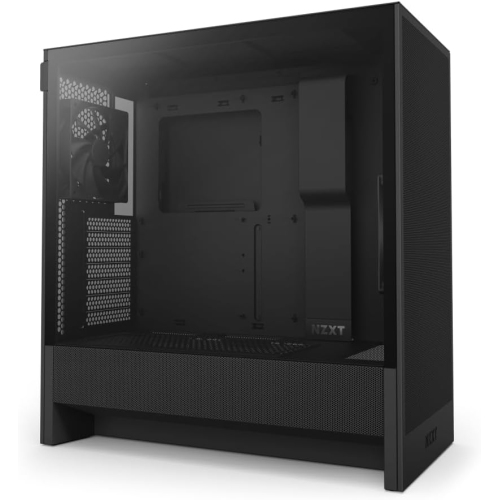 Your price for this item is $116.49
-
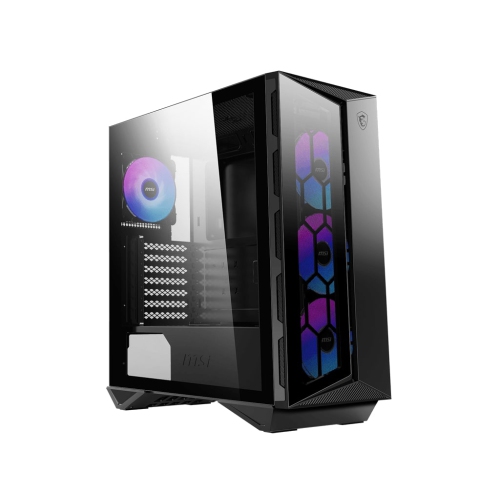 Your price for this item is $157.68
-
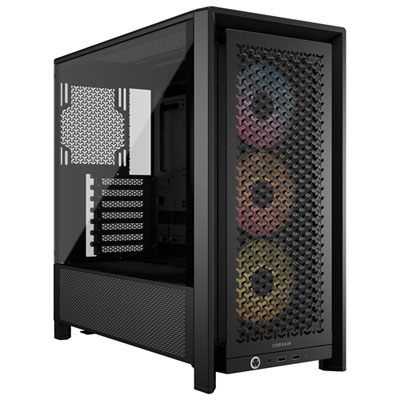 Your price for this item is $154.99
Discover more categories related to Computer Case Accessories

Top Collections:
Best Black Friday Deals This Year, Best Black Friday Deals On Electronics, Kindle Devices, Pokemon Centers, Best Black Friday Deals On Apple Products, Best Cameras for Sports Photography, Dyson Airwrap, Pokémon 30th Celebration Cards, Apple iPhone 17 Pro, Canon G7X Cameras
Some products may be subject to Environmental Handling Fees
(EHF) depending on your province.
Learn more about EHFs.