PC Setup Accessories
Enhance your PC setup with a range of must-have accessories designed to elevate your computing experience. From ergonomic keyboards and precision mice to high-speed USB hubs and cable management solutions, our selection of PC setup accessories offers everything you need to create a workspace that is both functional and stylish. Whether you're a professional seeking efficiency or a gamer looking to optimize your gameplay, these accessories are sure to take your computer setup to the next level.
Sort




![STEELSERIES Rival 105 Wired Gaming Mouse [PC Accessory]](https://multimedia.bbycastatic.ca/multimedia/products/500x500/165/16590/16590941.jpeg)
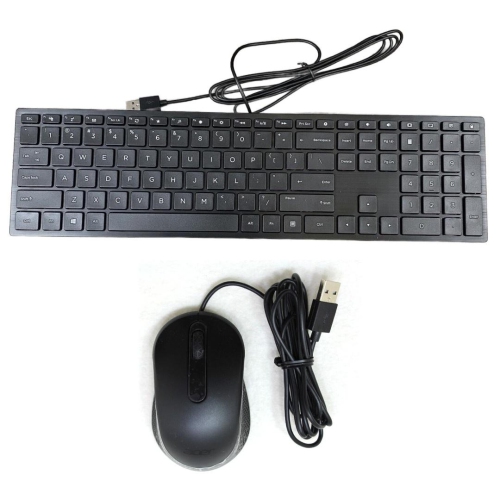
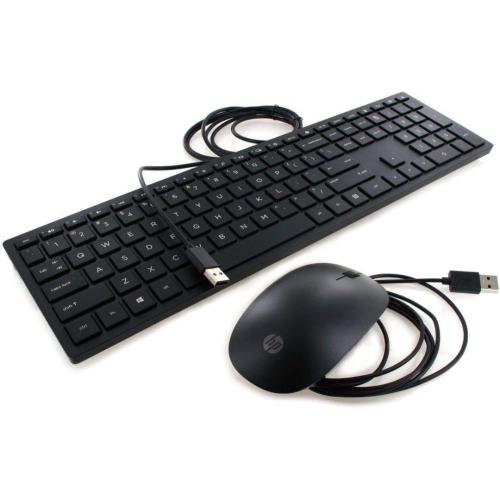
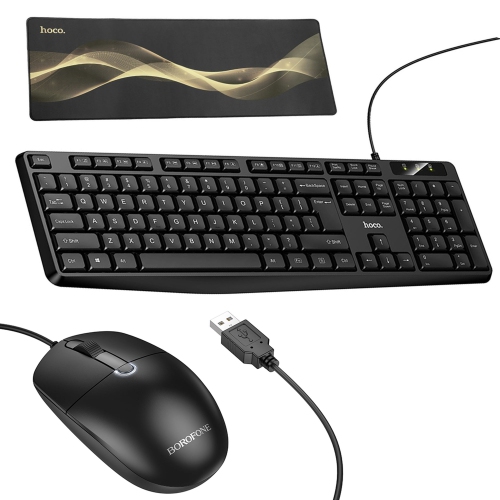
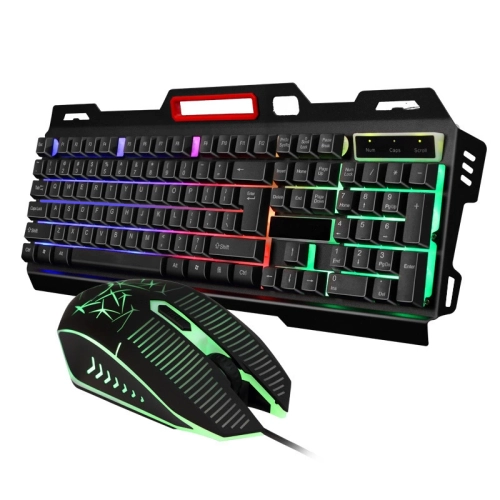
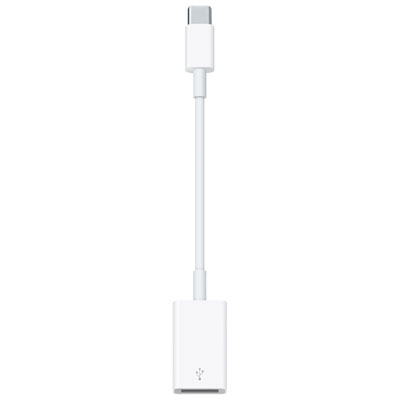

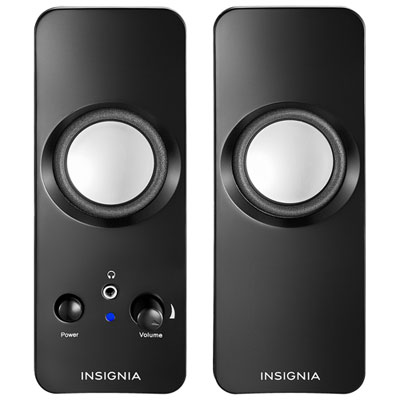
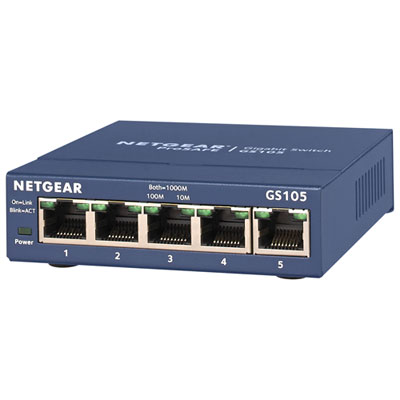
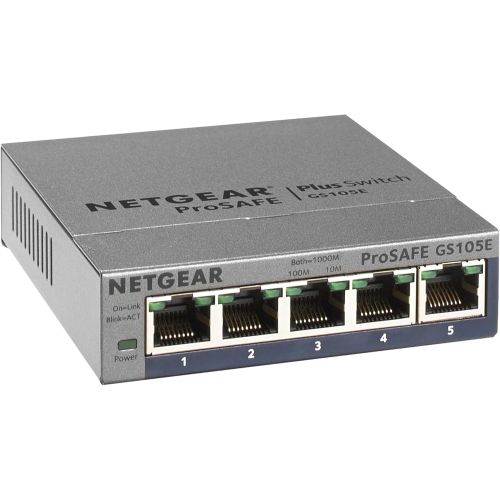
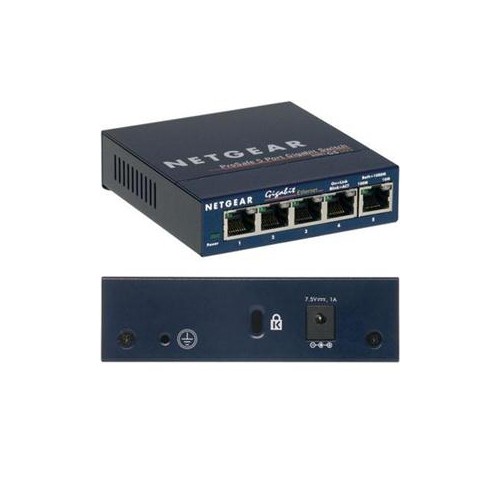

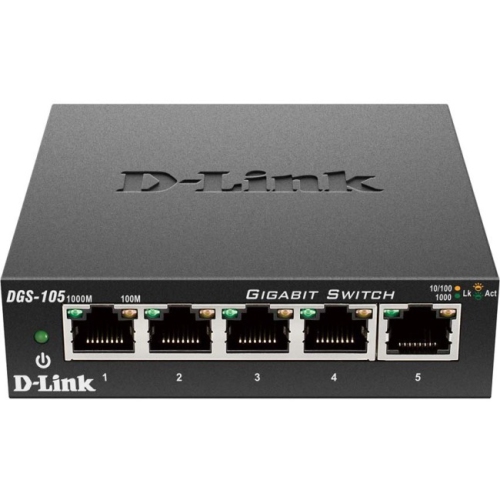
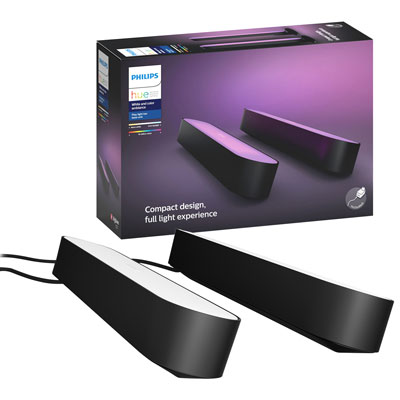
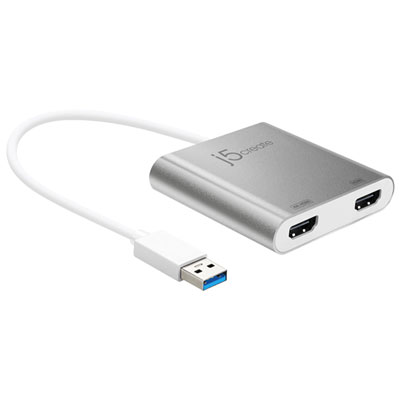

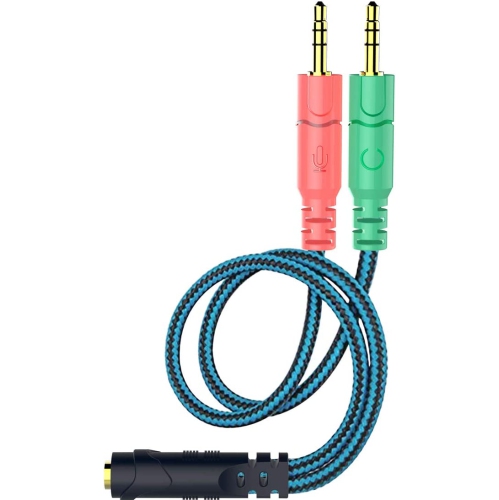
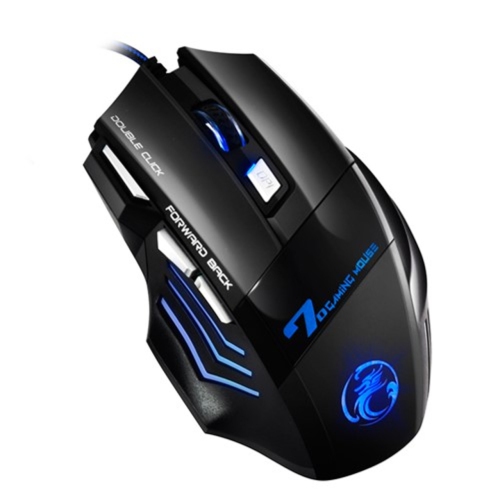

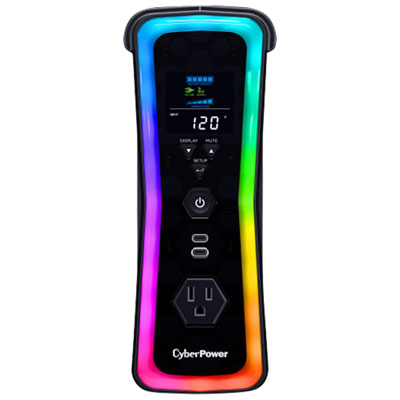
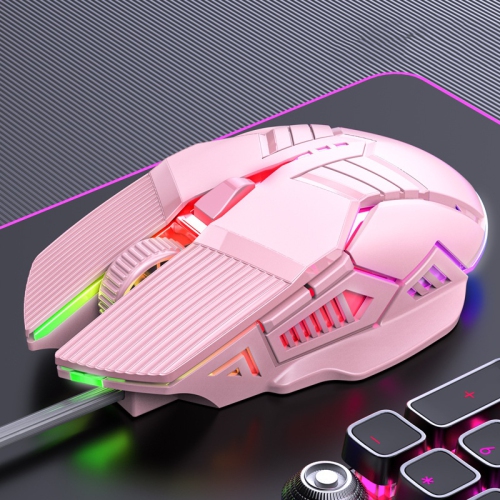

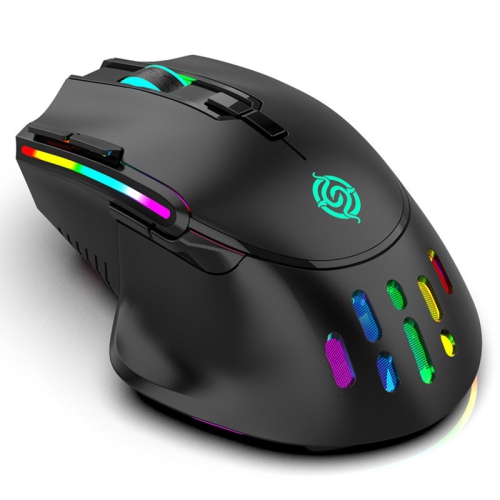
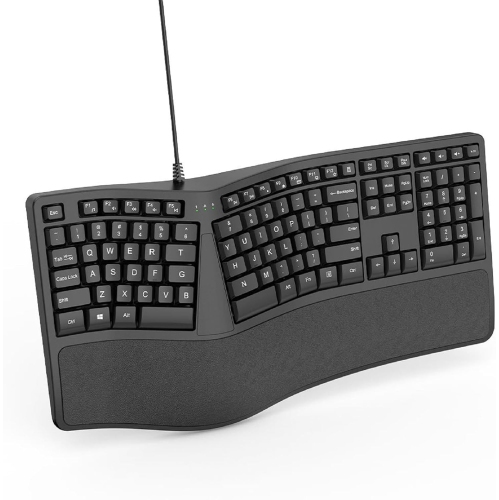
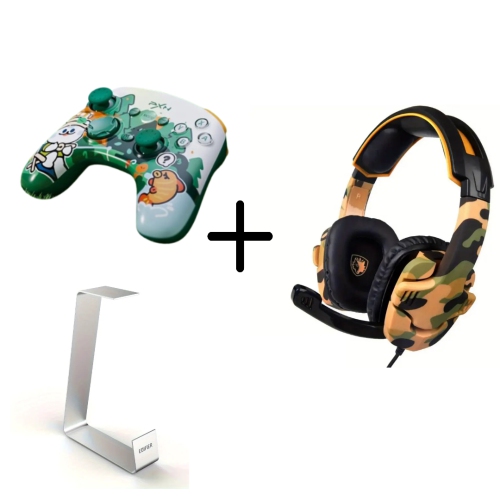
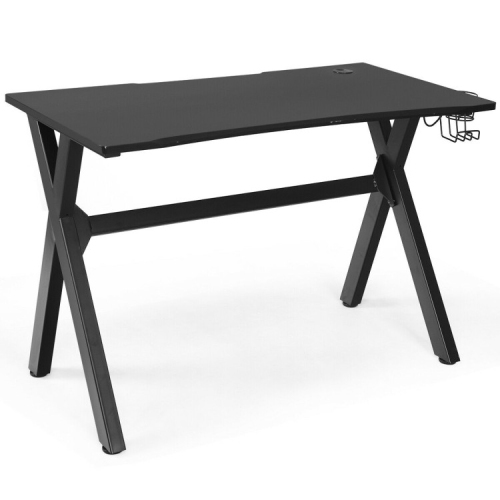


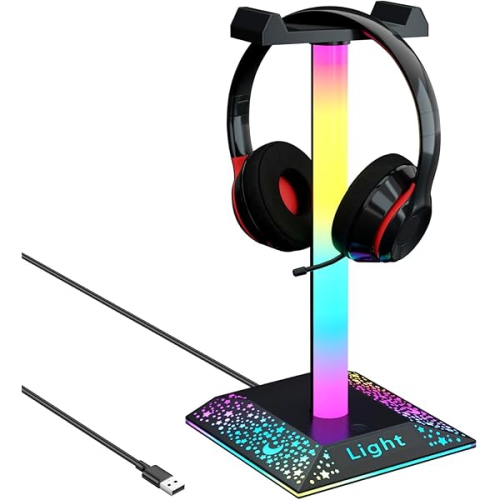


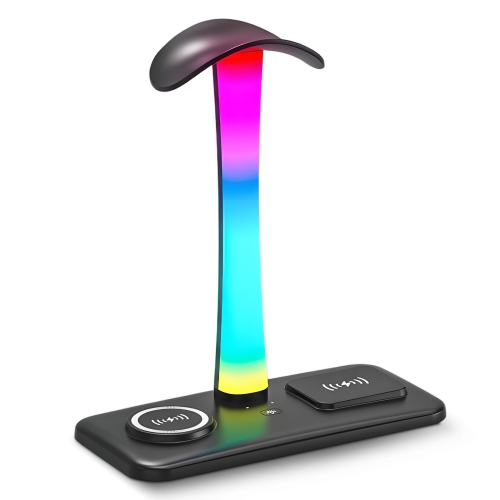
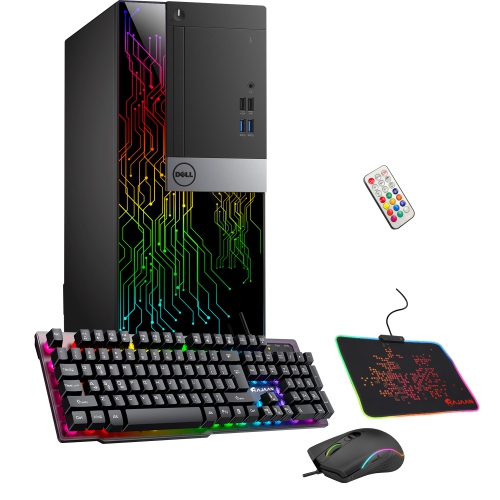
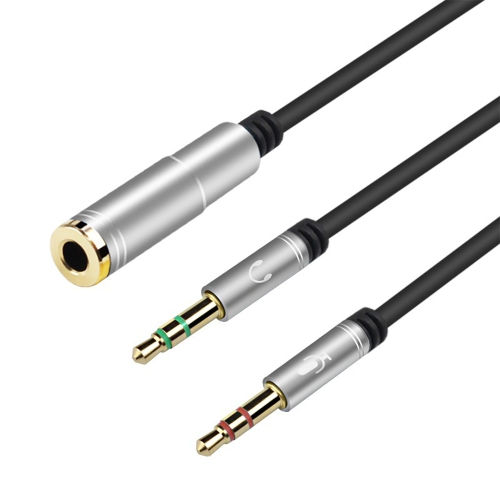
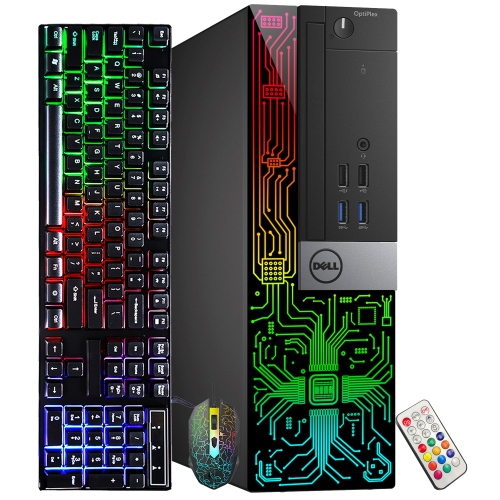
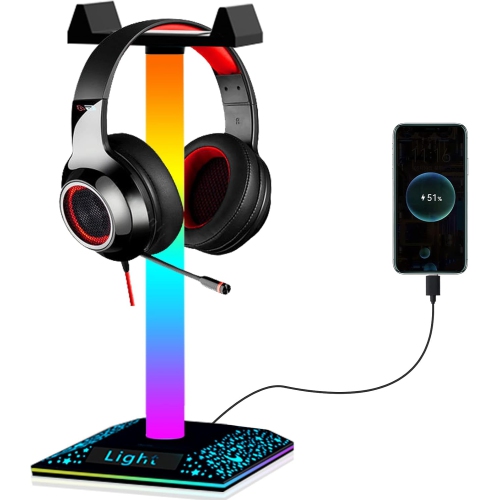
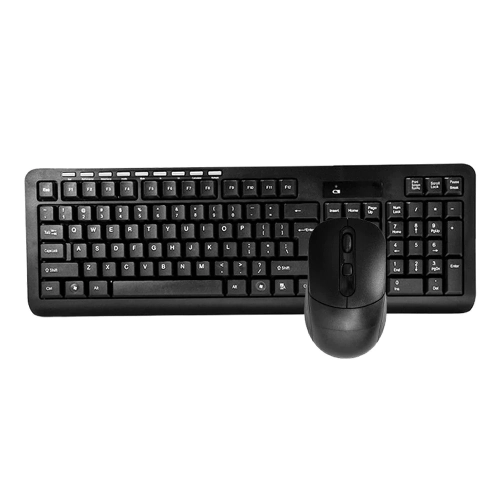
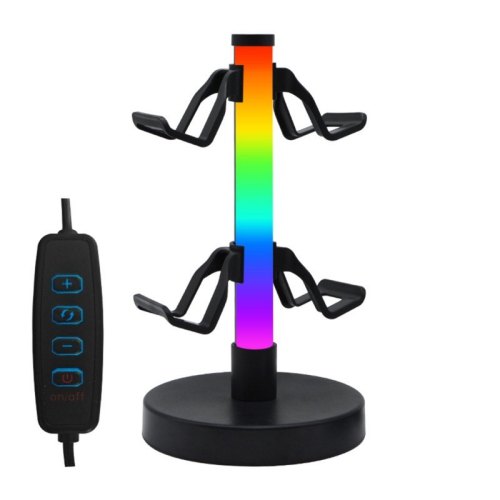
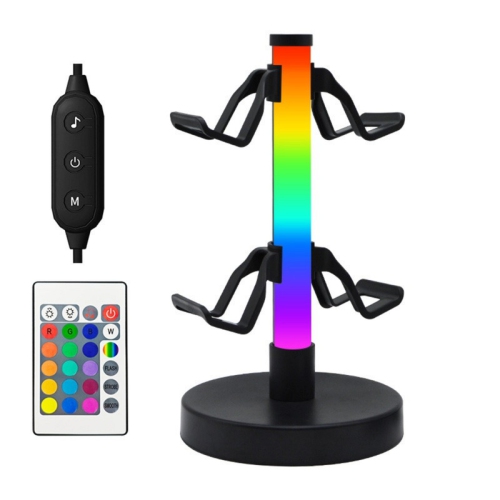
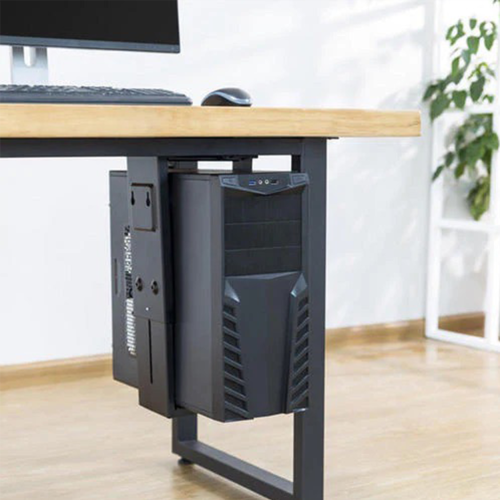
More room to work above and below your desk
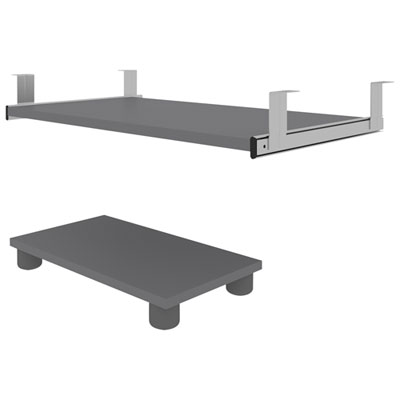
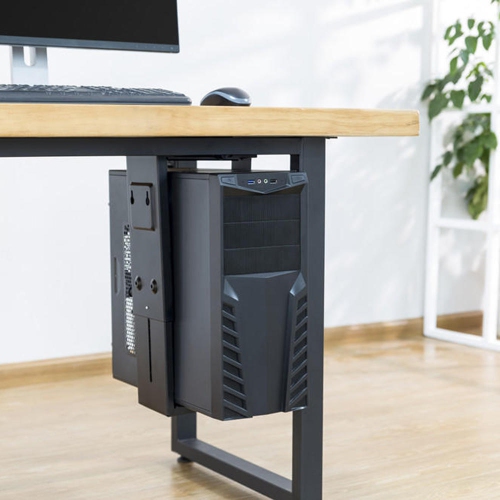
PC setup accessories bring structure to the space around a computer, giving the tower, keyboard, mouse, displays, and cables a practical place in everyday use. They can make a compact study desk easier to share with notebooks, keep a home office ready for video calls, or help a larger workstation feel less crowded. Under-desk tower mounts, adjustable keyboard trays, desk mats, monitor supports, and cable organizers each address a different part of that layout. A tower mount moves a compatible computer case off the floor, freeing floor space and making the area beneath it easier to clean. Depending on its position, it may also reduce exposure to floor-level dust, although it does not replace regular cleaning or guarantee better airflow. The case still needs clearance around its intake and exhaust vents, with room to reach the power button, connect headphones, and remove panels for maintenance. Mount fit depends on the tower’s width, height, depth, and weight, as well as the desk’s construction. Adjustable steel brackets and strap-supported designs offer different ways to hold a case, while sliding or swivelling mechanisms can make rear connections easier to reach. Secure support depends on the stated load limit, suitable mounting hardware, and a desktop that can accept the required attachment. A thin desktop, hollow-core surface, or frame with crossbars may not suit every mounting method. Beneath a height-adjustable desk, a tower attached to the desktop can travel with the work surface, provided that the mount is designed for that arrangement and cables have sufficient slack throughout its movement. On a fixed-height desk, placement matters just as much: a securely mounted case should remain clear of knees, chair arms, and footrests. These details are especially relevant to people who switch between focused computer work and tasks that need open desk space, such as sketching, reviewing paperwork, or assembling a presentation with printed notes beside the screen.
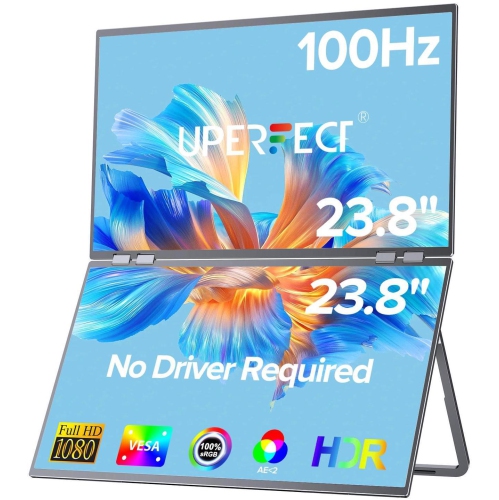
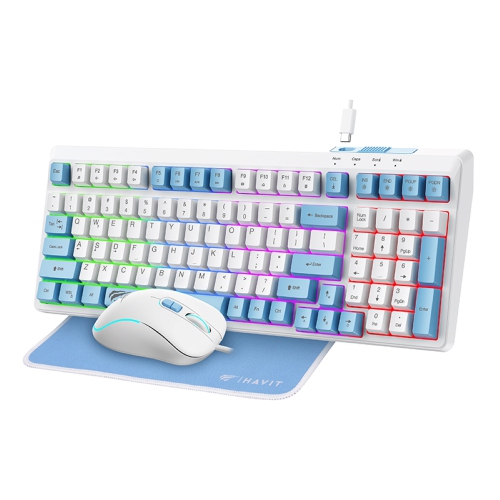
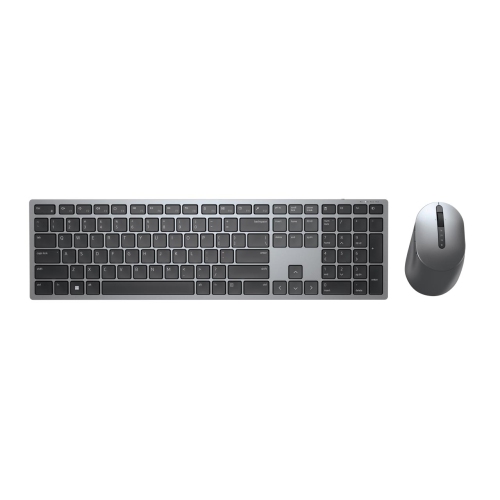
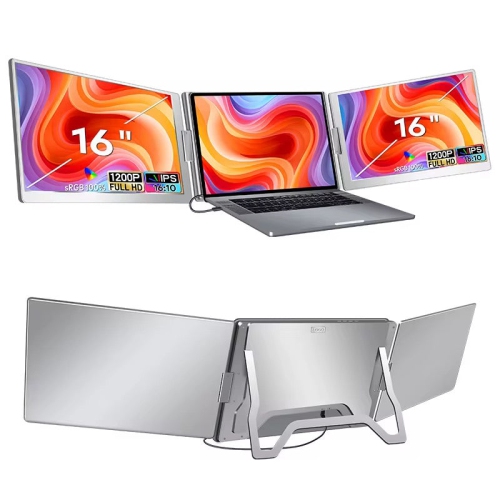
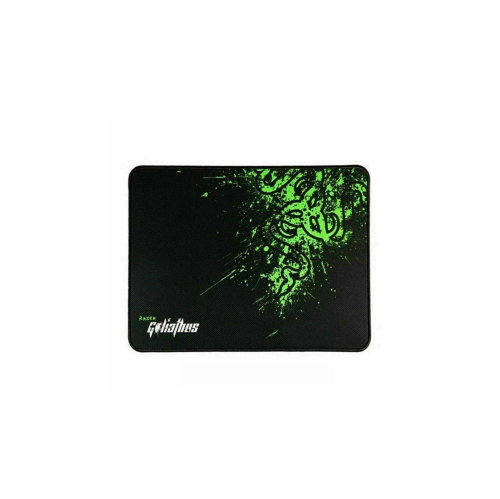
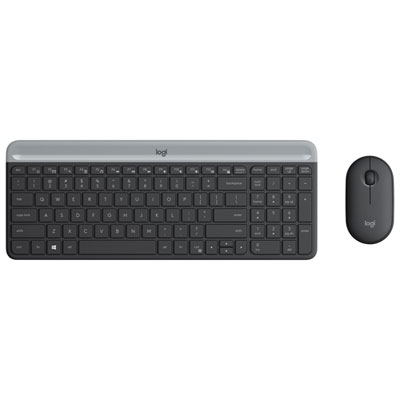
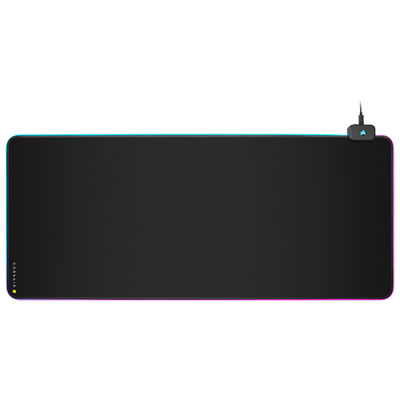
Accessories at desktop level shape how a workstation feels over hours of typing, browsing, studying, or playing. An under-desk keyboard and mouse tray can clear the main work surface while placing both input devices within comfortable reach. Useful dimensions include not only the tray’s overall width but also the space left for mouse movement beside a full-size keyboard. A narrower platform may suit a compact keyboard, while broad mouse movements call for a larger usable surface. Height, tilt, and swivel adjustments allow different positions, but comfort depends on the relationship between the chair, tray, and desk rather than any single feature. A tray that sits too low can crowd the thighs; one that extends too far can push the user away from the display. Smooth tracks, a stable platform, and a locking mechanism help keep the surface steady during use. Wrist supports vary in firmness and covering, and are generally best used for resting between typing sessions rather than pressing against the wrists while typing. Desk mats serve a different purpose, providing a consistent surface beneath a keyboard and mouse while helping protect the desktop from everyday scuffs. Woven fabric offers a soft texture, while coated surfaces may be easier to wipe clean, depending on their care instructions. A grippy backing helps limit movement, and flat edges reduce interference with a moving mouse. Stitched edges can help resist fraying, though some users prefer a lower-profile border beneath their forearms. Spill resistance is not the same as waterproofing, so liquids still need prompt attention, particularly near electronics or exposed desk edges. Size also affects daily convenience: an extended mat can define the typing area, but it should leave room for monitor feet, charging equipment, and other essentials. Monitor arms and risers can open up additional space, with compatibility determined by screen weight, mounting pattern, desk thickness, and attachment style. Adjustable positioning can help keep the display centred on the main working position without relying on an awkward stack of books.
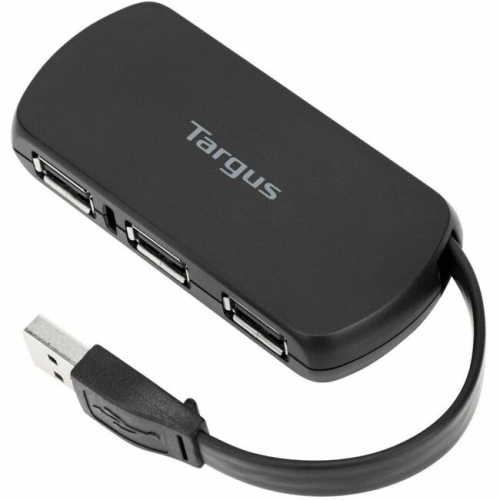
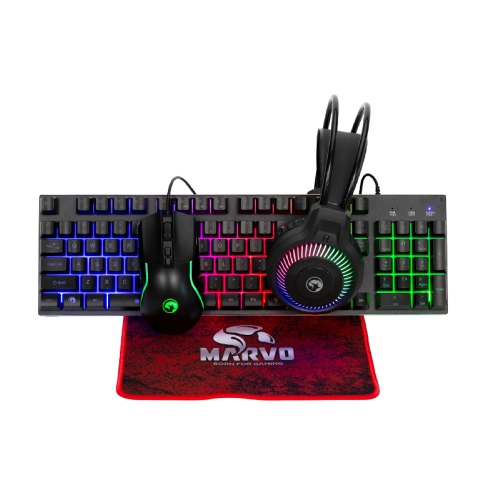
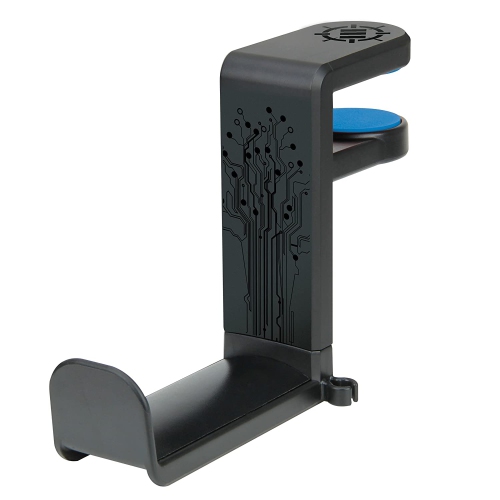
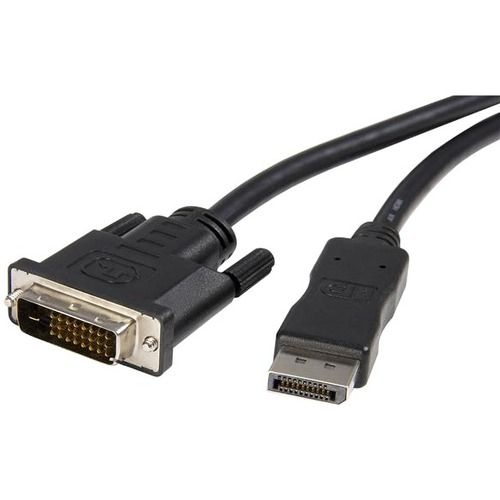
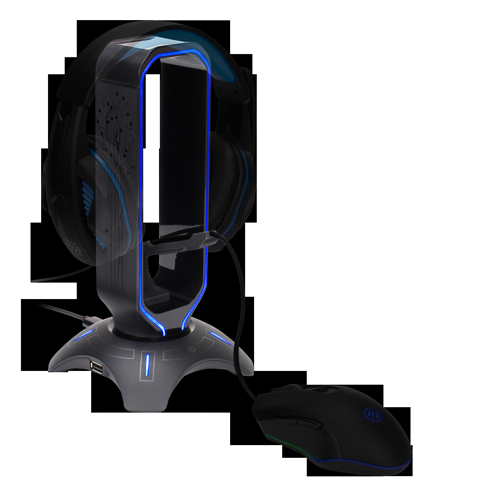
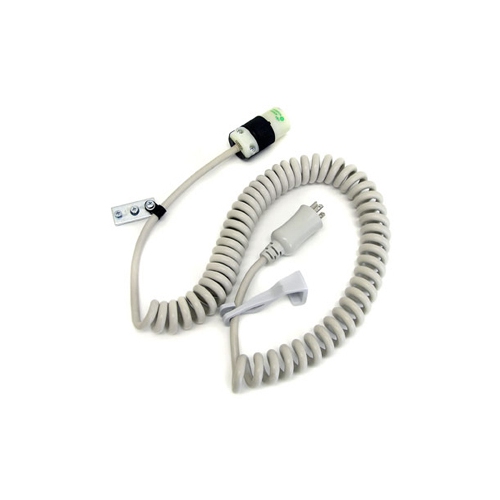
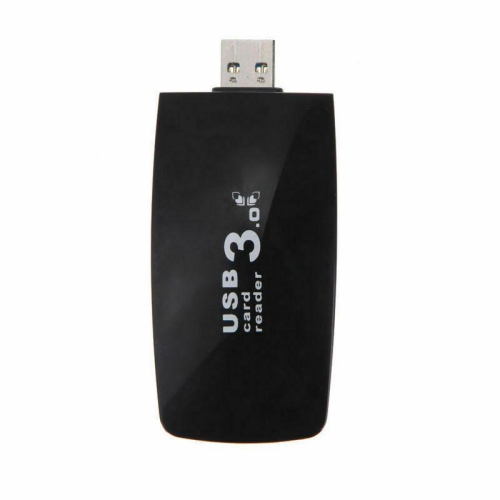
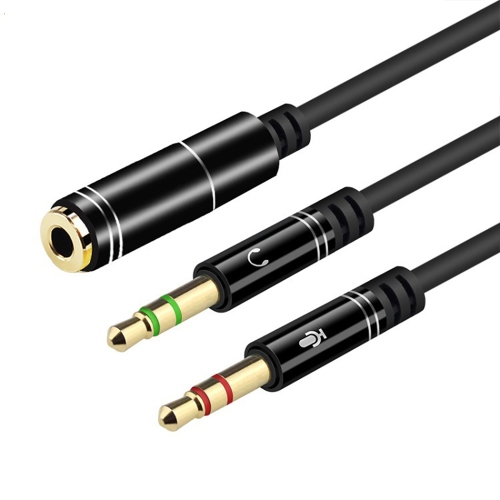
Cable management and connection accessories handle the less visible details that keep a PC setup practical. Under-desk trays support loose cable runs, clips keep frequently used leads near the desk edge, and sleeves gather several cords into a more orderly bundle. Reusable straps are useful where equipment changes often, since individual cables can be removed without cutting through a fixed tie. A little slack at each connection helps prevent tension on ports, and cable routes should stay clear of chair wheels, moving desk components, and walking paths. Power bars need accessible switches, appropriate electrical ratings, and placement that follows their instructions; they should not be linked together to extend capacity. USB hubs and docking accessories can bring connections within reach, but a matching connector shape does not guarantee matching capabilities. Data speed, display support, charging output, and the computer’s port specifications all affect compatibility. A desktop used with several peripherals may benefit from an externally powered hub, while a shared desk may place more value on easy connection and removal. Headset hooks, controller stands, and small accessory holders can keep frequently handled equipment away from the mouse area without taking over the desktop. For spaces that also centre on play, Gaming Setup Accessories offers a related focus for arranging controls, audio equipment, and other gaming essentials. Across these accessory categories, durability comes down to details such as firm joints, smooth adjustment mechanisms, suitable fasteners, and finishes that tolerate regular handling. Adhesive attachments depend on a clean, compatible surface and their specified weight limits, while clamp-mounted accessories need secure contact without damaging the desk. Care is usually straightforward but material-specific: fabric, coated surfaces, metal hardware, and padded supports may require different cleaning methods. These practical additions can also make thoughtful gifts for students, remote workers, and PC enthusiasts when desk dimensions and equipment requirements are known. The most useful choices support the way the space is actually used, whether that means clearing room for coursework, making connections easier to reach, or keeping a shared workstation organized.
Accessories at desktop level shape how a workstation feels over hours of typing, browsing, studying, or playing. An under-desk keyboard and mouse tray can clear the main work surface while placing both input devices within comfortable reach. Useful dimensions include not only the tray’s overall width but also the space left for mouse movement beside a full-size keyboard. A narrower platform may suit a compact keyboard, while broad mouse movements call for a larger usable surface. Height, tilt, and swivel adjustments allow different positions, but comfort depends on the relationship between the chair, tray, and desk rather than any single feature. A tray that sits too low can crowd the thighs; one that extends too far can push the user away from the display. Smooth tracks, a stable platform, and a locking mechanism help keep the surface steady during use. Wrist supports vary in firmness and covering, and are generally best used for resting between typing sessions rather than pressing against the wrists while typing. Desk mats serve a different purpose, providing a consistent surface beneath a keyboard and mouse while helping protect the desktop from everyday scuffs. Woven fabric offers a soft texture, while coated surfaces may be easier to wipe clean, depending on their care instructions. A grippy backing helps limit movement, and flat edges reduce interference with a moving mouse. Stitched edges can help resist fraying, though some users prefer a lower-profile border beneath their forearms. Spill resistance is not the same as waterproofing, so liquids still need prompt attention, particularly near electronics or exposed desk edges. Size also affects daily convenience: an extended mat can define the typing area, but it should leave room for monitor feet, charging equipment, and other essentials. Monitor arms and risers can open up additional space, with compatibility determined by screen weight, mounting pattern, desk thickness, and attachment style. Adjustable positioning can help keep the display centred on the main working position without relying on an awkward stack of books.
Cable management and connection accessories handle the less visible details that keep a PC setup practical. Under-desk trays support loose cable runs, clips keep frequently used leads near the desk edge, and sleeves gather several cords into a more orderly bundle. Reusable straps are useful where equipment changes often, since individual cables can be removed without cutting through a fixed tie. A little slack at each connection helps prevent tension on ports, and cable routes should stay clear of chair wheels, moving desk components, and walking paths. Power bars need accessible switches, appropriate electrical ratings, and placement that follows their instructions; they should not be linked together to extend capacity. USB hubs and docking accessories can bring connections within reach, but a matching connector shape does not guarantee matching capabilities. Data speed, display support, charging output, and the computer’s port specifications all affect compatibility. A desktop used with several peripherals may benefit from an externally powered hub, while a shared desk may place more value on easy connection and removal. Headset hooks, controller stands, and small accessory holders can keep frequently handled equipment away from the mouse area without taking over the desktop. For spaces that also centre on play, Gaming Setup Accessories offers a related focus for arranging controls, audio equipment, and other gaming essentials. Across these accessory categories, durability comes down to details such as firm joints, smooth adjustment mechanisms, suitable fasteners, and finishes that tolerate regular handling. Adhesive attachments depend on a clean, compatible surface and their specified weight limits, while clamp-mounted accessories need secure contact without damaging the desk. Care is usually straightforward but material-specific: fabric, coated surfaces, metal hardware, and padded supports may require different cleaning methods. These practical additions can also make thoughtful gifts for students, remote workers, and PC enthusiasts when desk dimensions and equipment requirements are known. The most useful choices support the way the space is actually used, whether that means clearing room for coursework, making connections easier to reach, or keeping a shared workstation organized.
Top selling and popular products
-
 Your price for this item is $39.99
 -
 Your price for this item is $56.37
 -
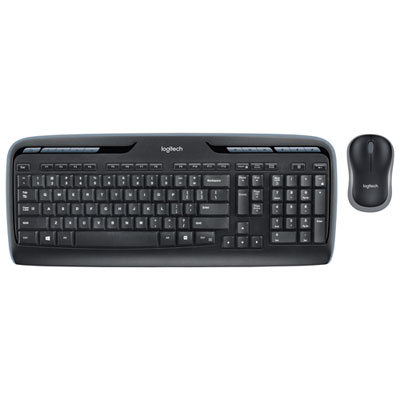 Your price for this item is $59.99
 -
 Your price for this item is $59.99
 -
 Your price for this item is $69.98
 -
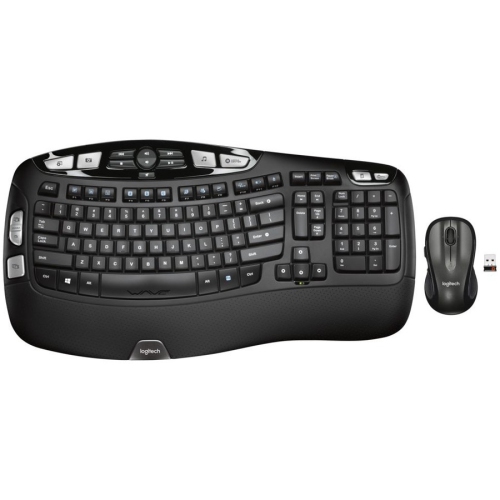 Your price for this item is $126.49
 -
 Your price for this item is $99.99
 -
 Your price for this item is $69.99
Discover more categories related to PC Setup Accessories

Top Collections:
Pokemon Centers, Kindle Devices, Best Budget Office Chairs, Apple iPhones 16, Best Laptops for Writers, iPhone 15 Apple, Canon G7X Cameras, Refurbished Apple Laptops, Alarm Clock, Motorola Razr Phones
Some products may be subject to Environmental Handling Fees
(EHF) depending on your province.
Learn more about EHFs.