Computer Connector Types
Looking to connect your computer to various devices and peripherals? Look no further than our comprehensive selection of computer connector types. With the ever-evolving world of technology, it's crucial to have the right connectors to ensure seamless compatibility and optimal performance. Whether you need to transfer data, connect to external displays, or simply charge your devices, our range of computer connector types has got you covered. From USB and HDMI cables to Thunderbolt and VGA adapters, explore our collection and find the perfect connector for your needs.
Sort




















Why matching plugs do not always mean compatibility
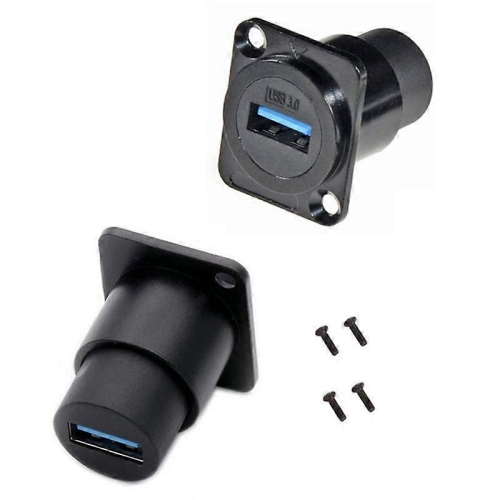
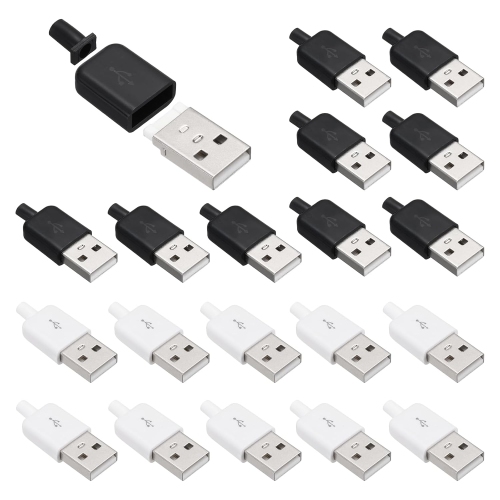
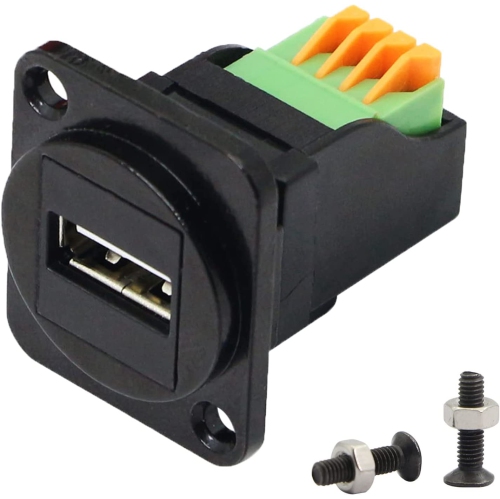
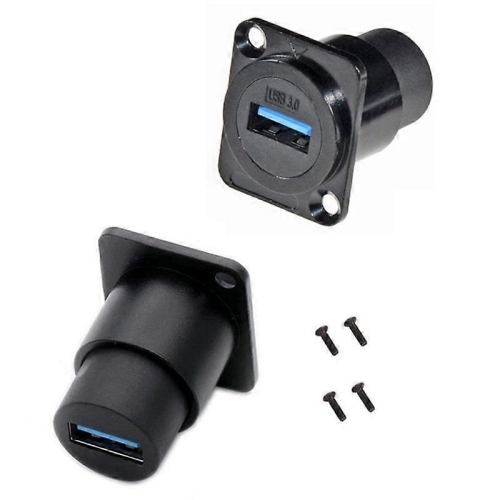
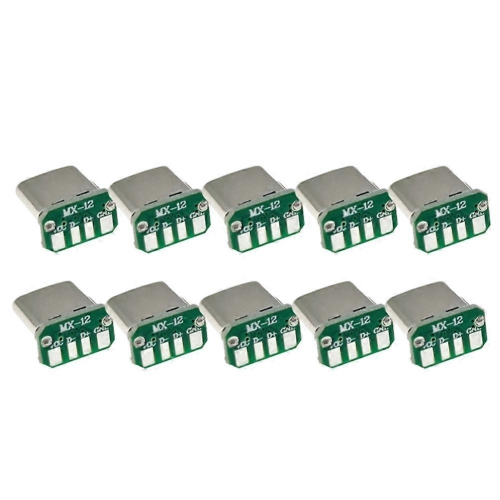
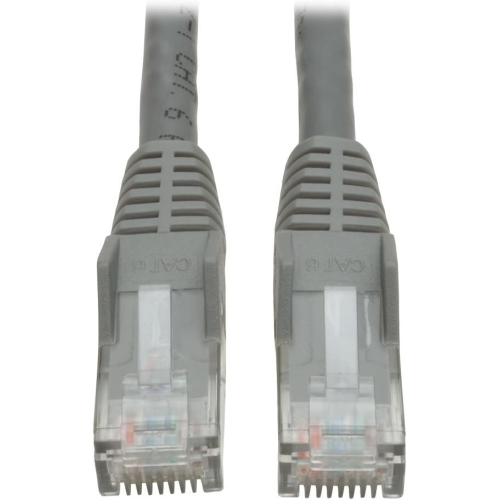
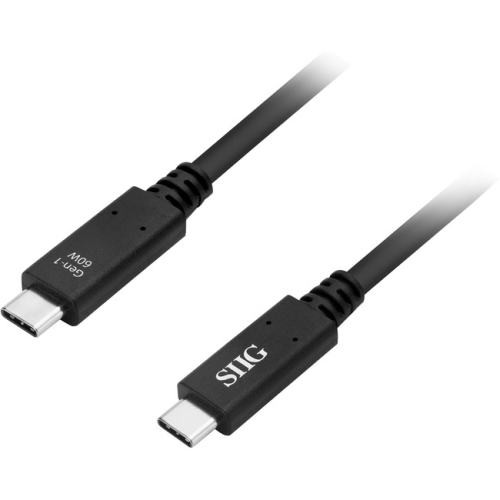
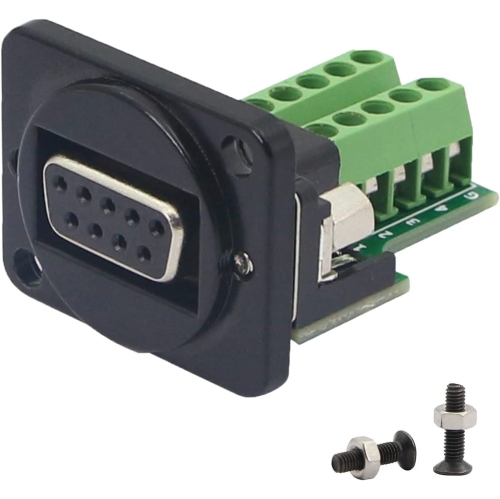
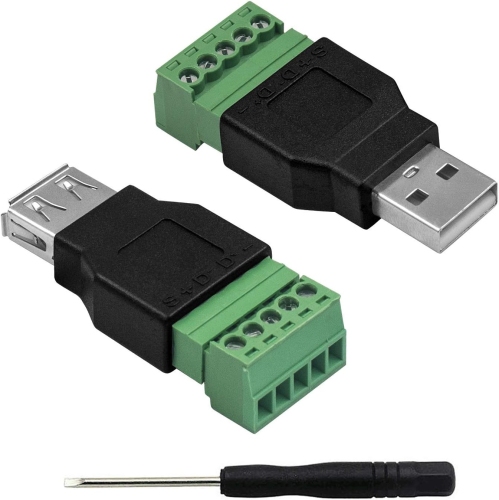
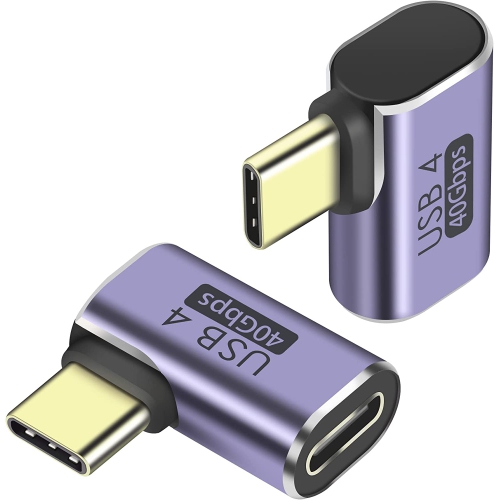
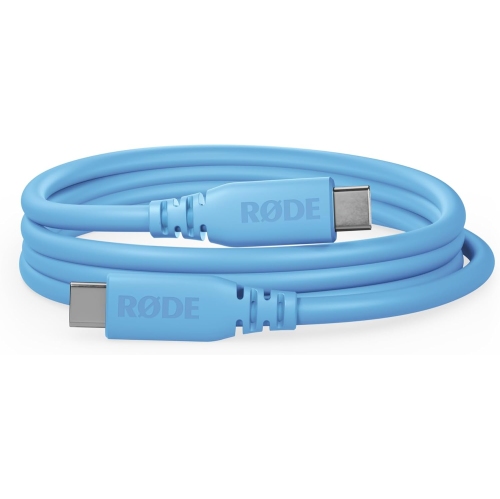
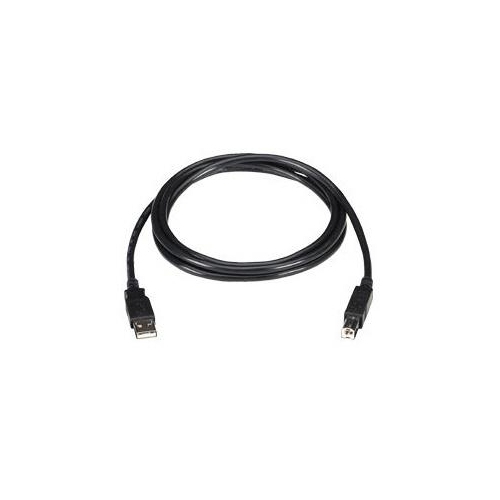
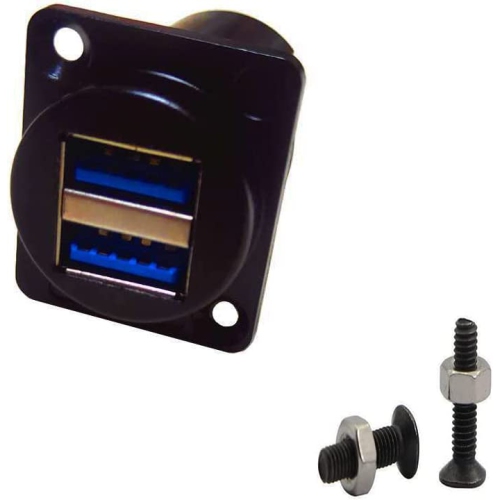
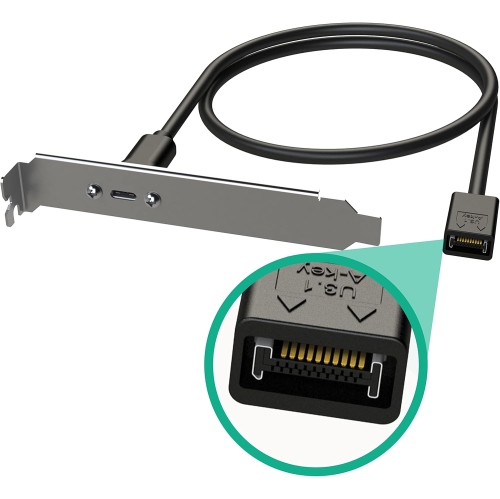
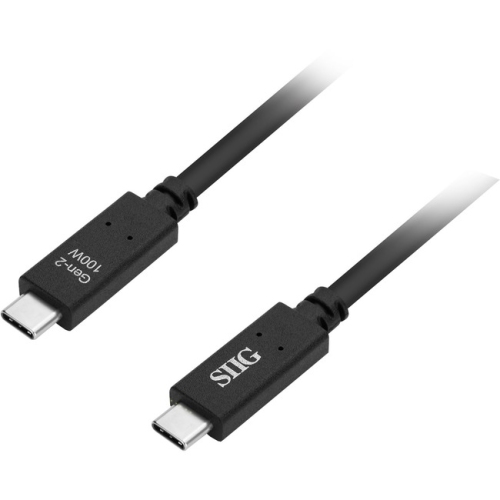
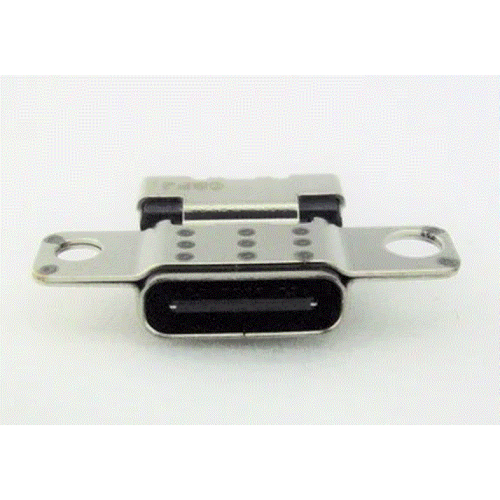
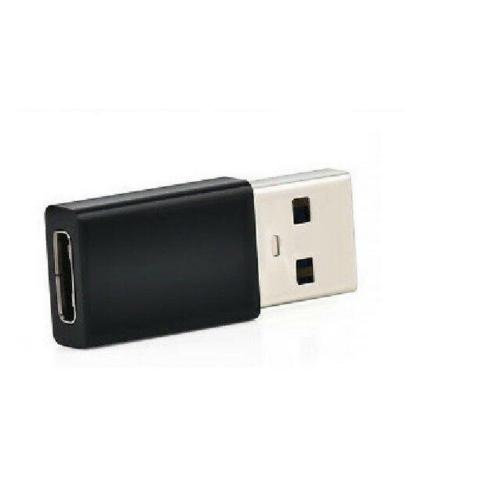
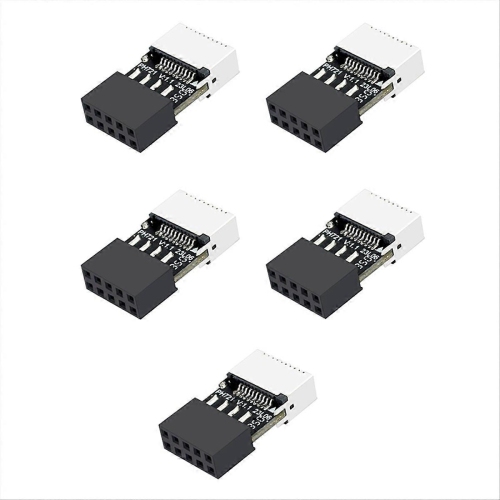
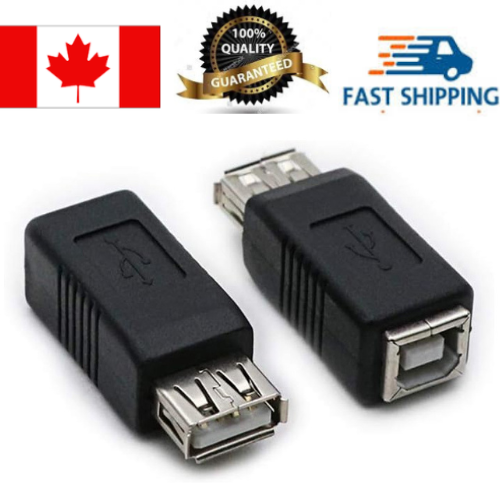
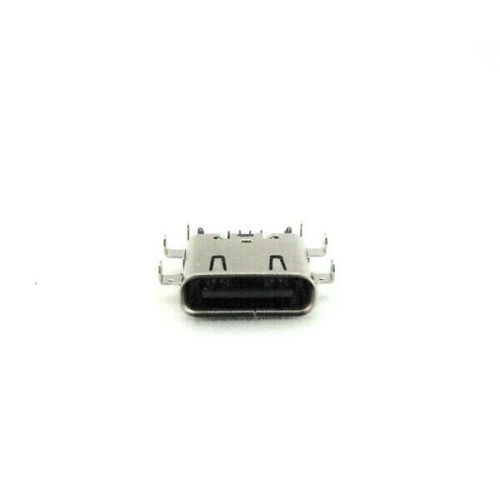
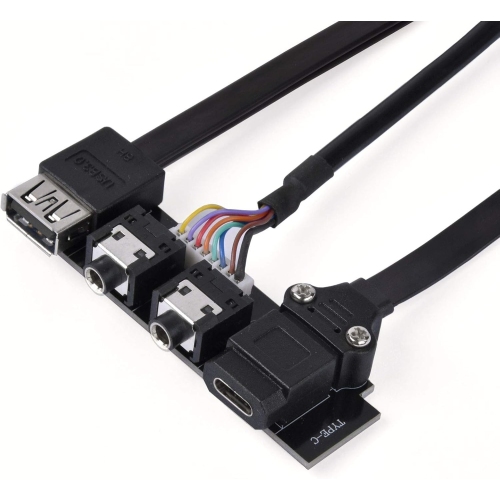
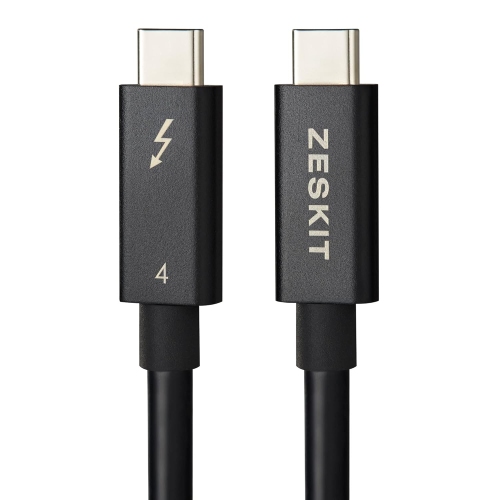
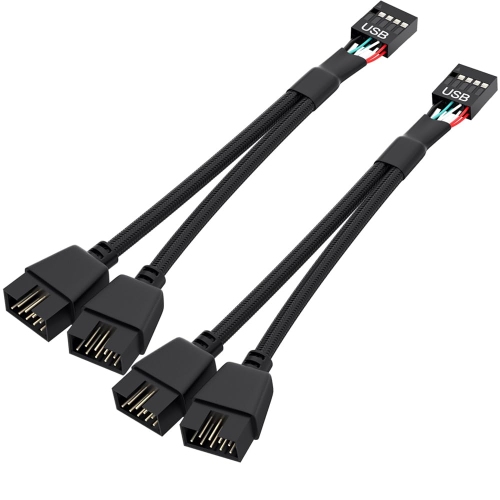
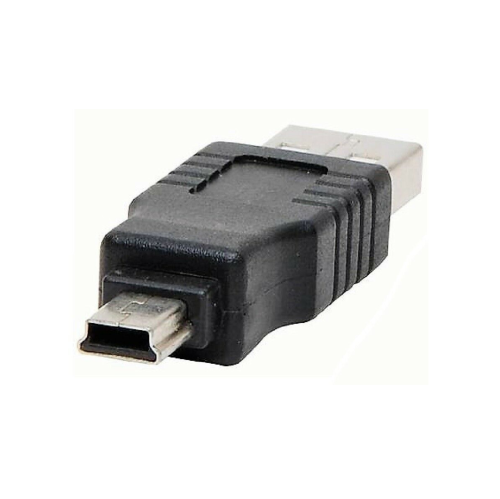
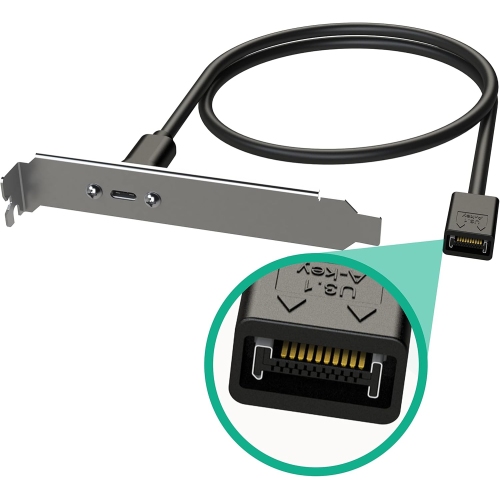
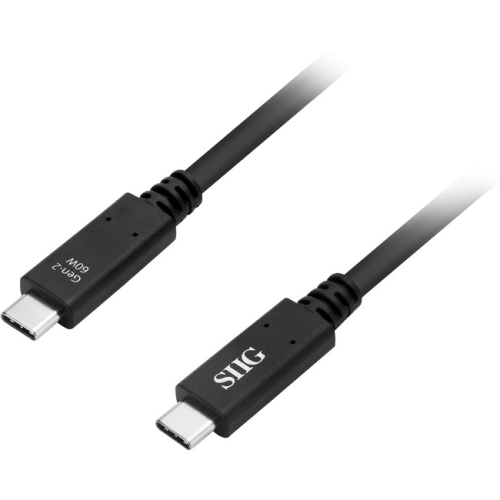
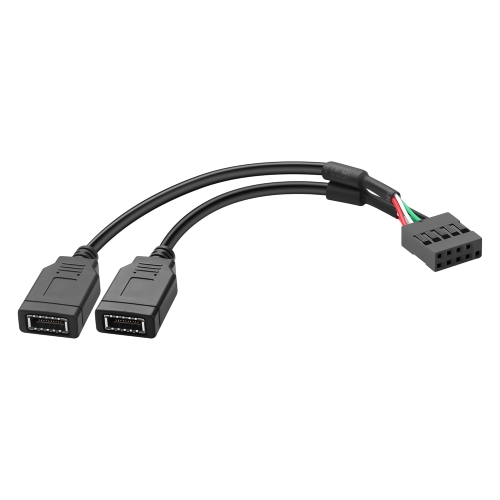
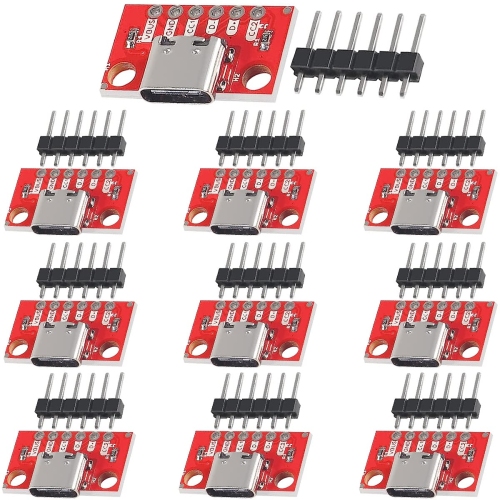
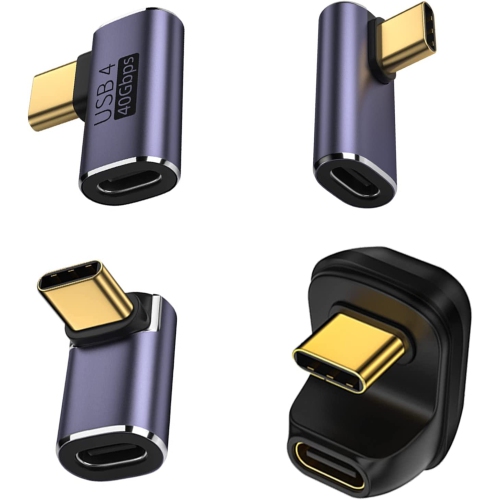
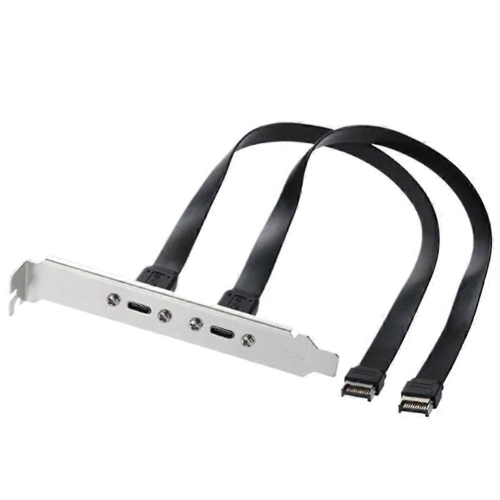
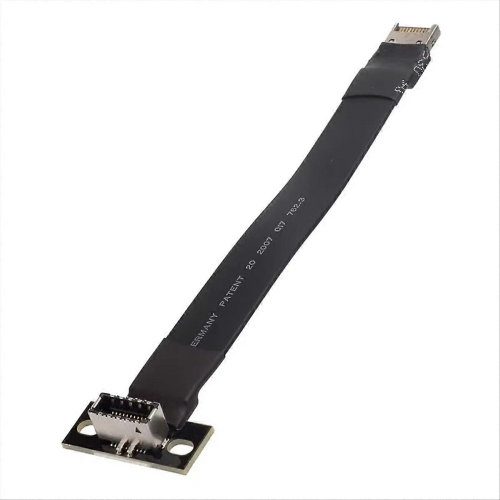
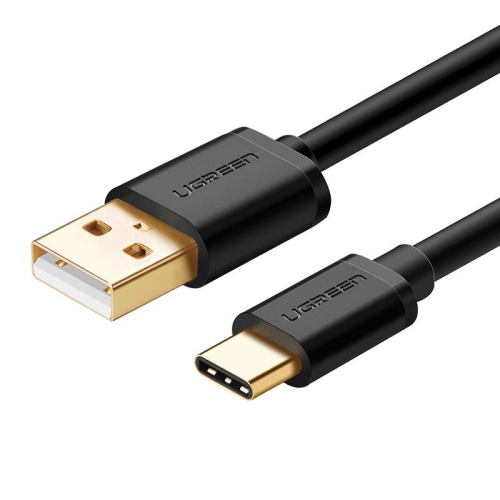
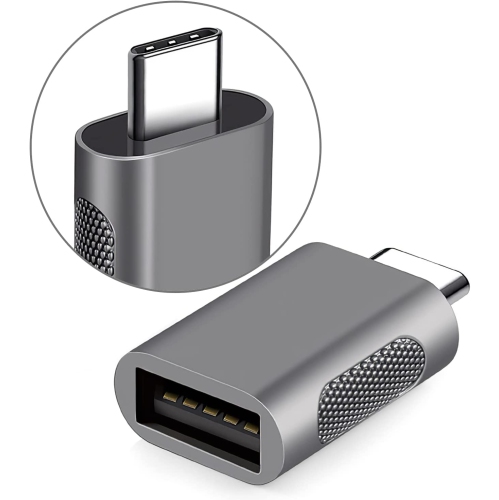
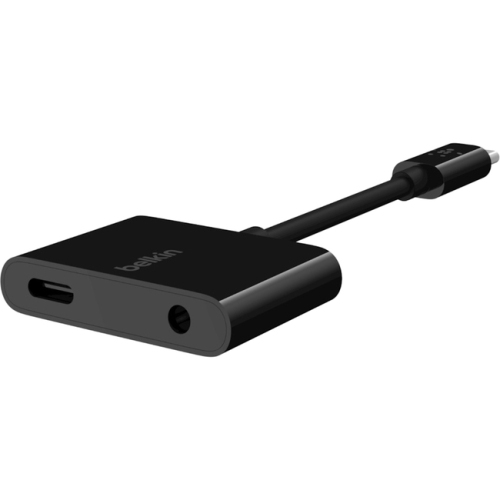
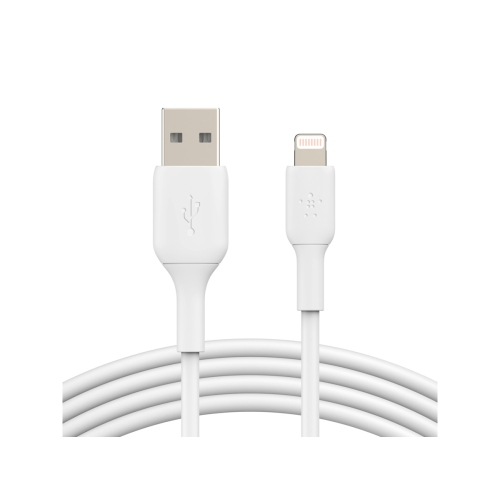
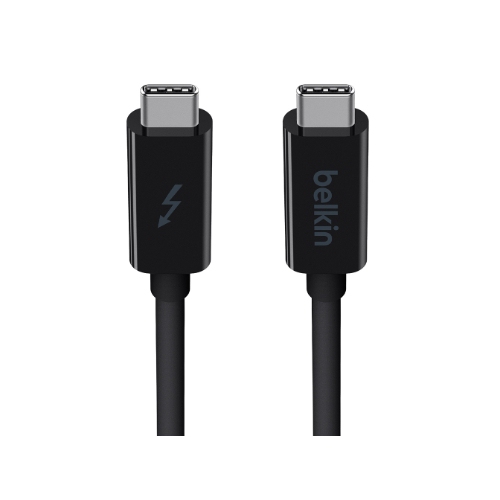
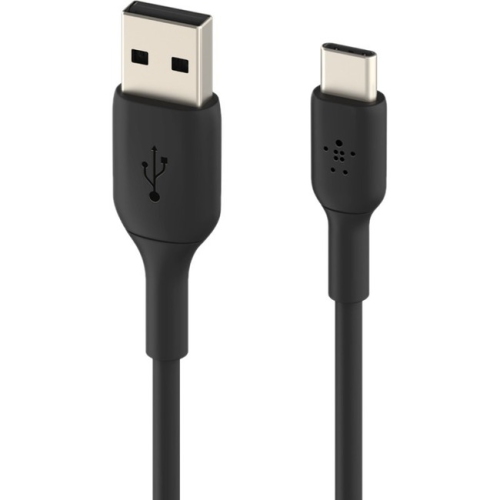
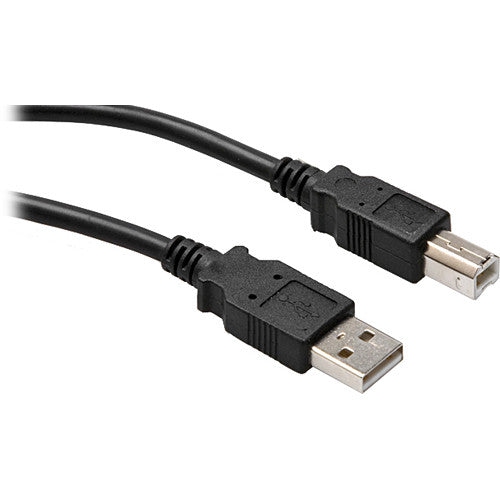
Computer connectors are the physical plugs and ports that link a computer to displays, networks, power sources, storage, and everyday accessories. Cables, adapters, hubs, and docking stations bring these connections together, whether the setup is a laptop on a kitchen table or a desktop with several monitors and external drives. Common computer connector types include USB-A and USB-C for peripherals and data, HDMI and DisplayPort for displays, Ethernet for wired networking, and 3.5 mm jacks for audio. The connector’s shape determines where it fits, but its supported standard determines what it can carry and how well it suits a particular task. USB-A has a flat, rectangular shape familiar from keyboards, mice, and flash drives. USB-C is smaller, oval, and reversible, making it convenient for devices that are frequently connected and unplugged. Depending on the equipment and cable, a USB-C connection may support data transfer, charging, video output, or several of these functions together. Matching plugs alone do not guarantee matching capabilities: a cable intended mainly for charging may not support the data speed or display features needed for a desk setup. USB Power Delivery also requires compatible equipment, with charging performance depending on the power source, cable rating, and receiving device. Thunderbolt 3 and later connections use the USB-C shape, but their supported functions require compatible ports, cables, and accessories rather than simply a plug that fits. For someone connecting a keyboard to a newer laptop or keeping a familiar wired keyboard in service, Keyboard Connectors relate to that everyday need. Older keyboards may use round PS/2 plugs, while many wired keyboards use USB-A at the computer end. A simple plug adapter does not necessarily translate between connection standards, so compatibility matters as much as the physical shape. These distinctions are useful for students moving between study spaces, home-office users sharing accessories, and anyone bringing older peripherals into a newer workspace.
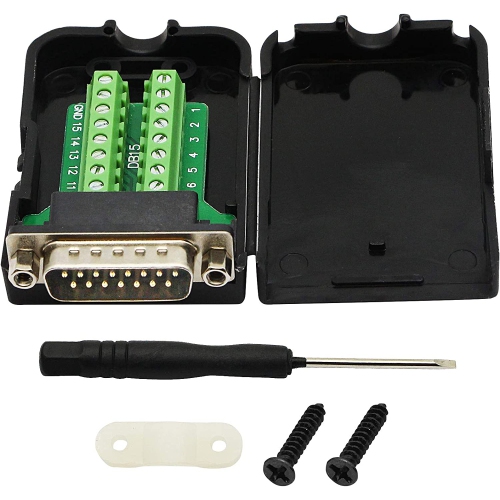
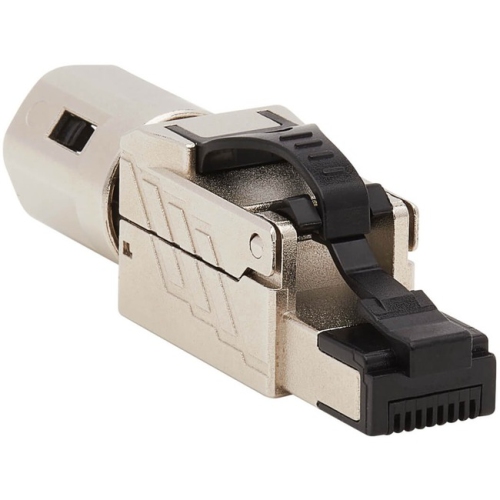
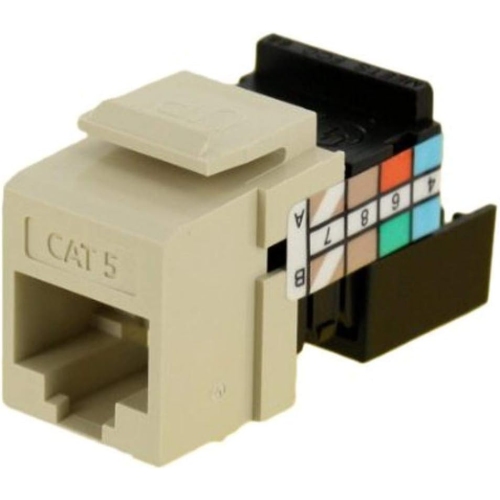
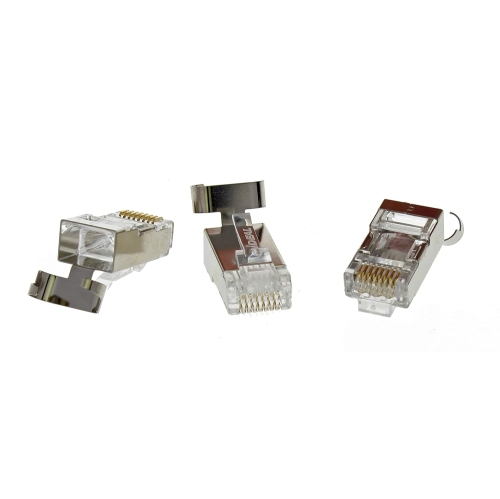
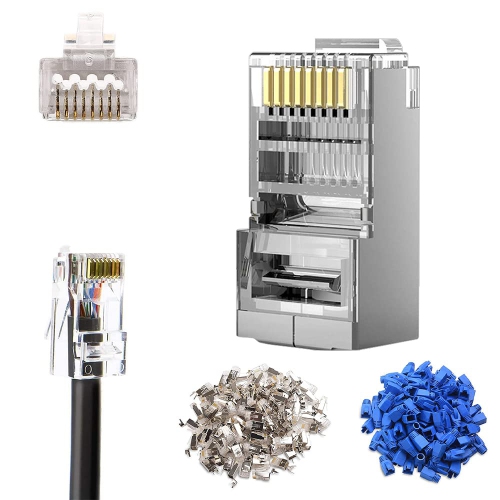
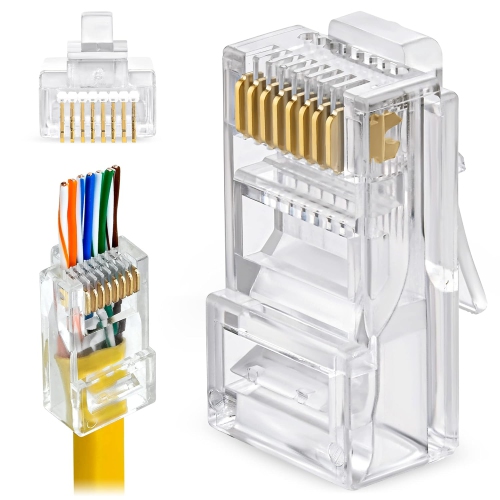
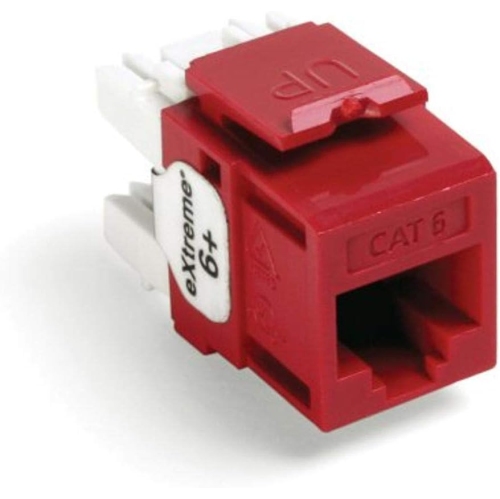
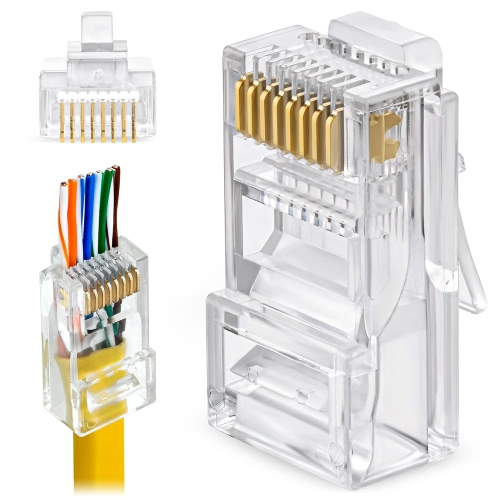
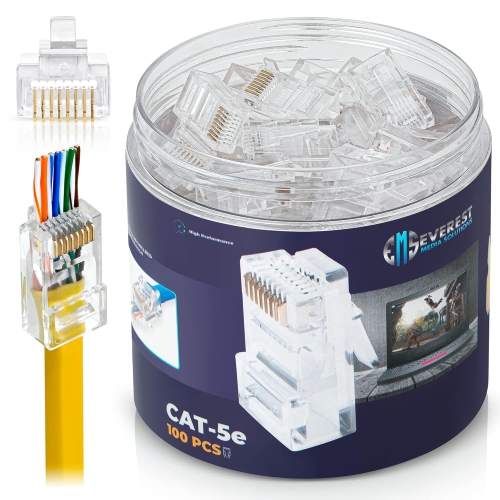
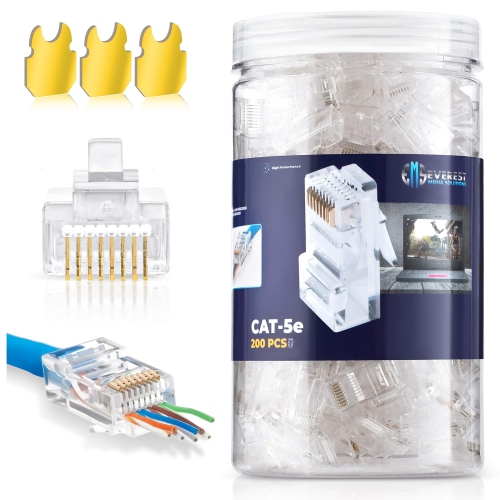
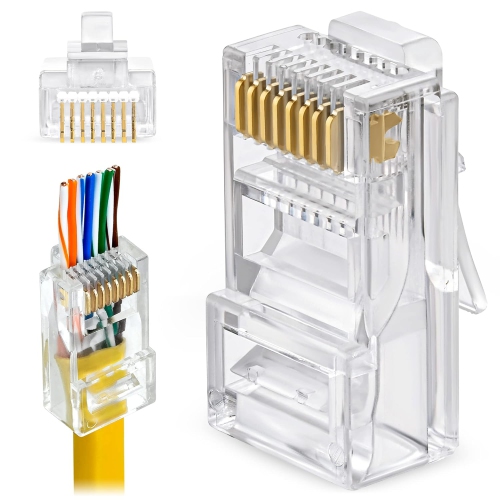
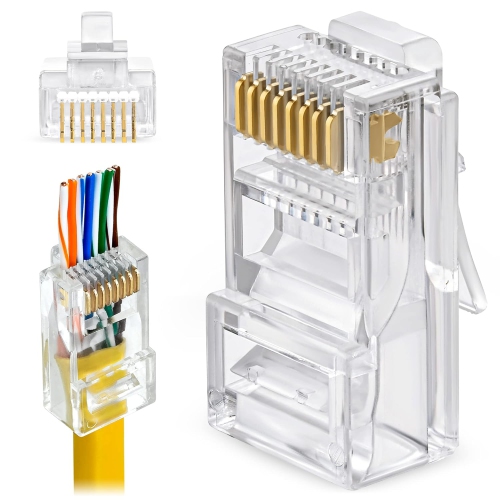
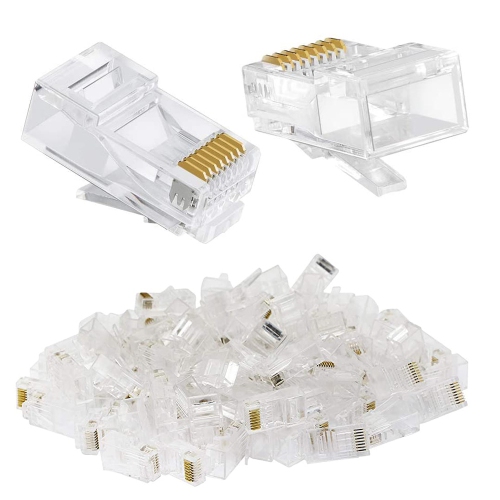
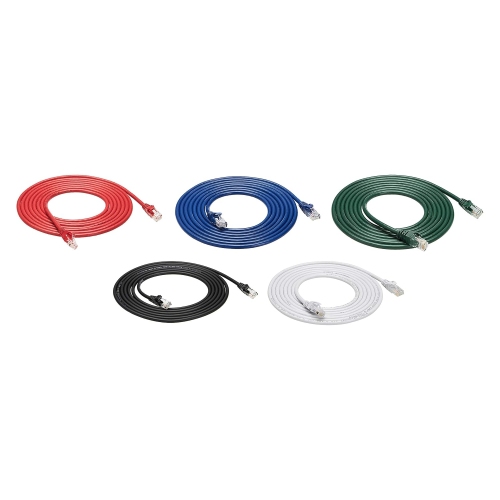
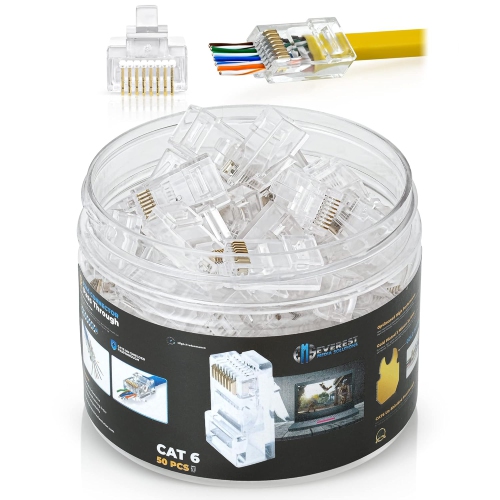
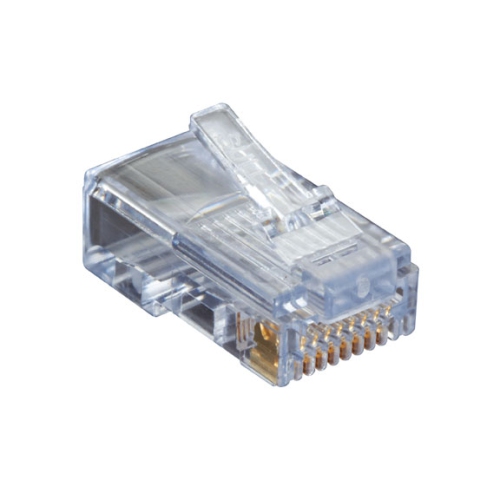
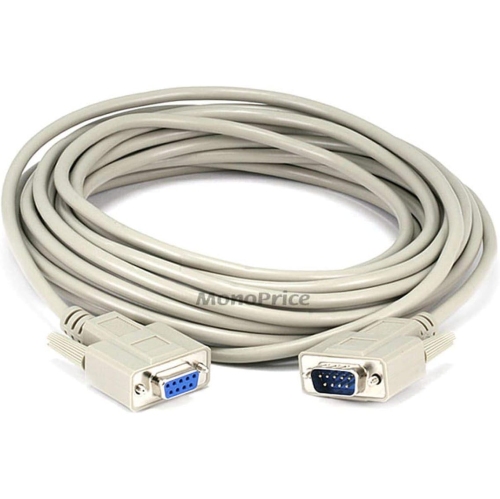
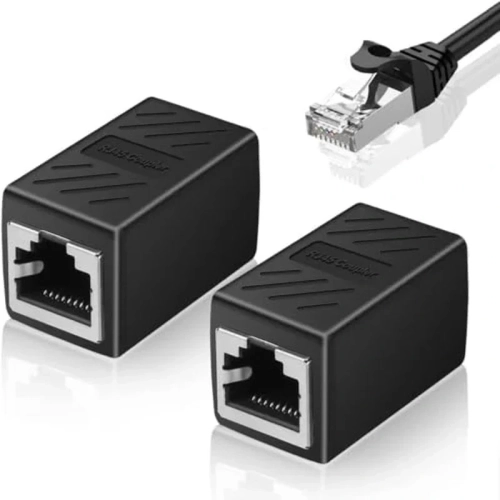
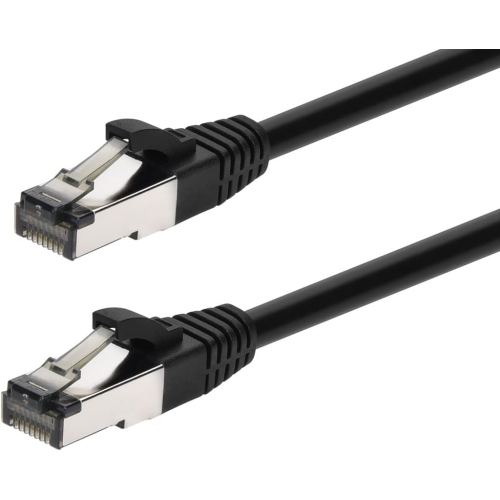
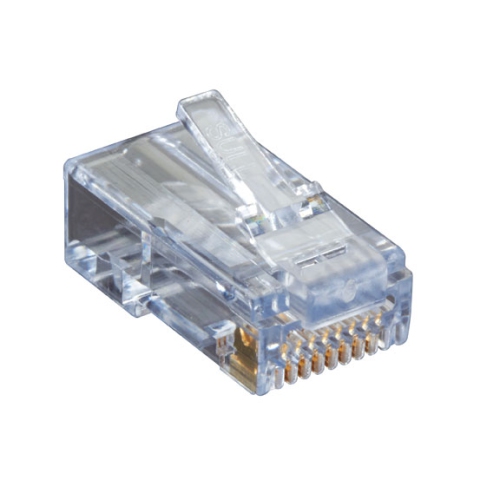
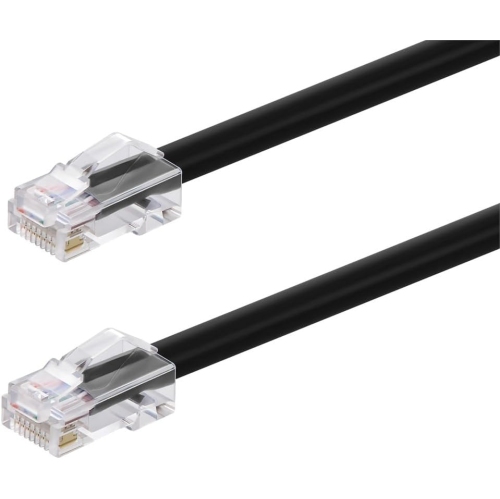
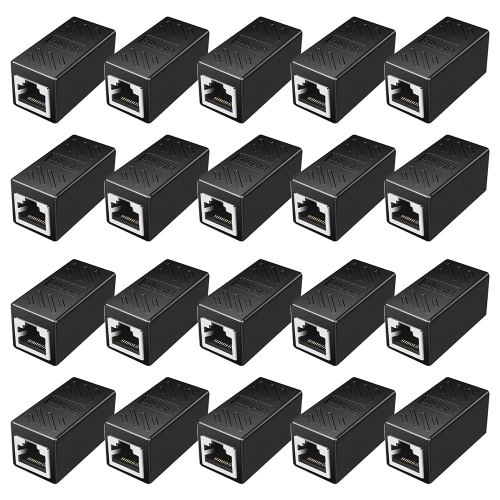
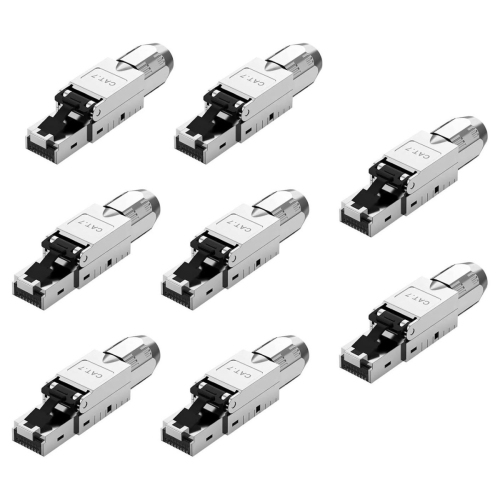
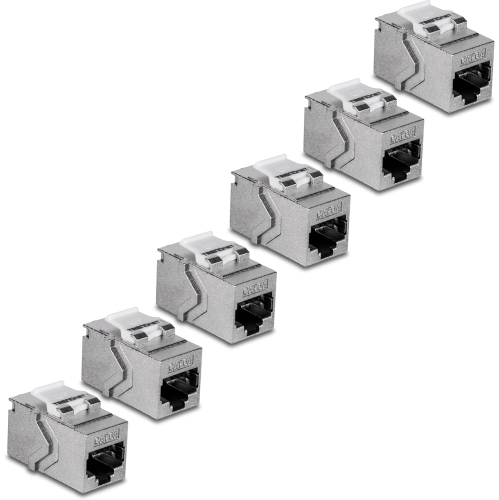
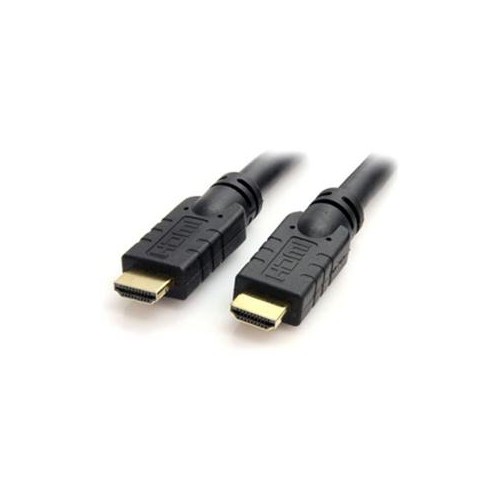
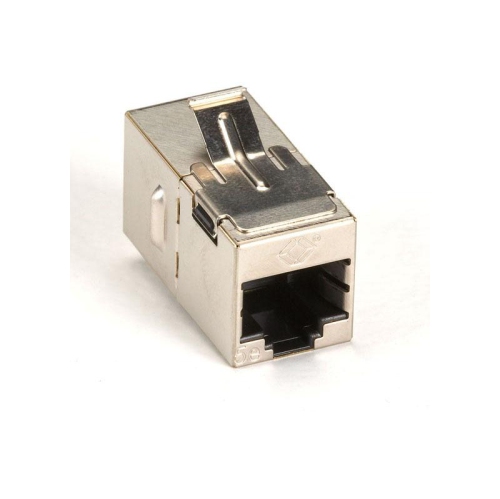
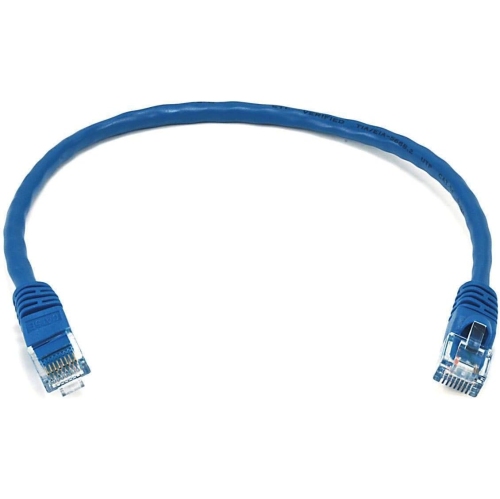
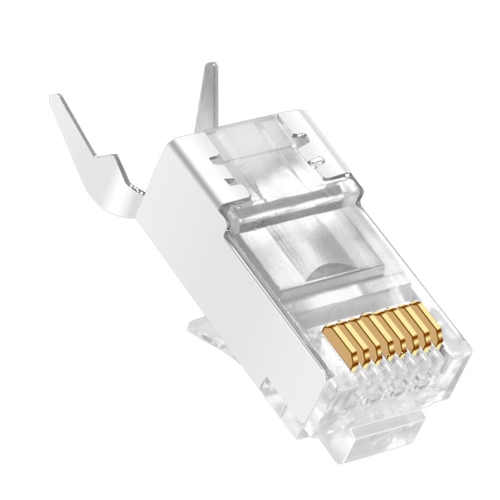
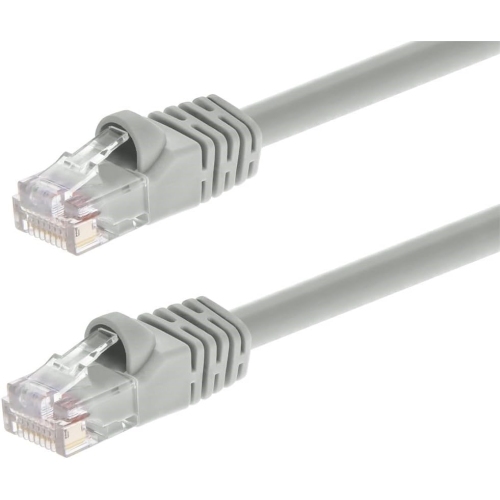
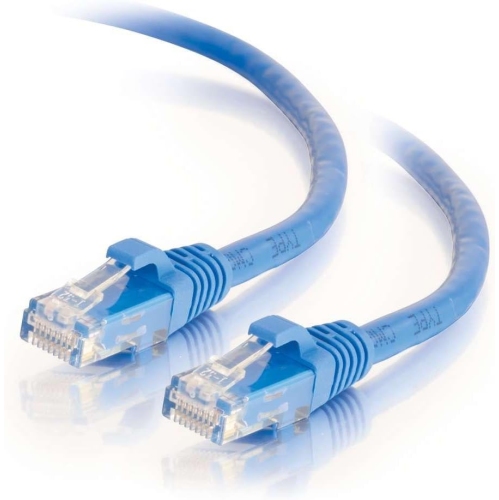
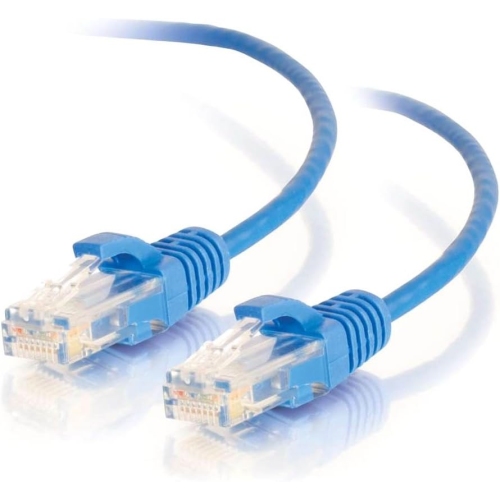
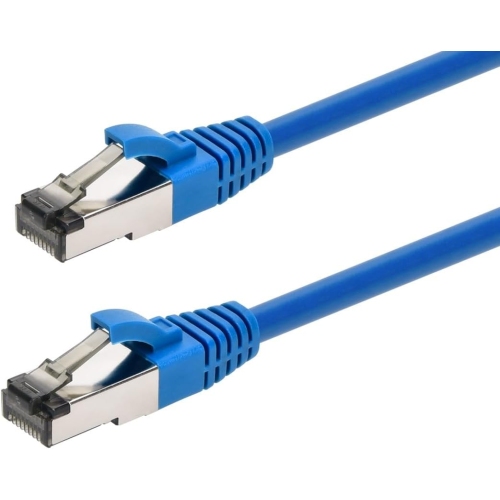
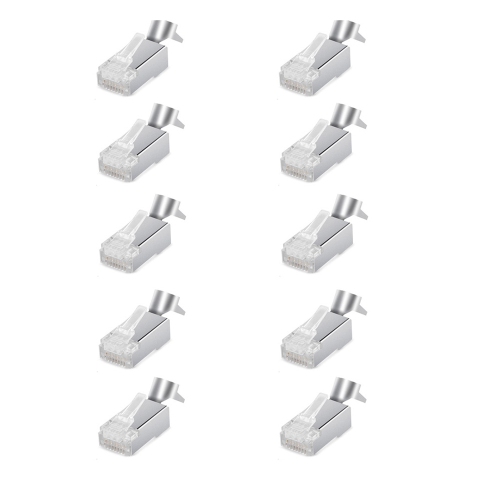
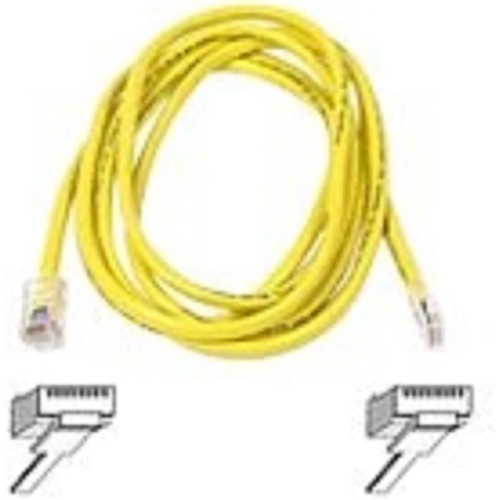
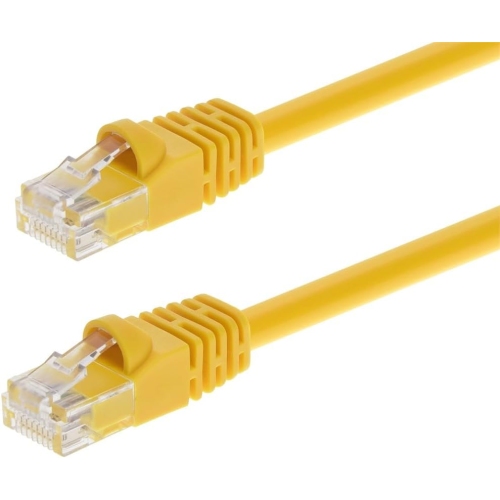
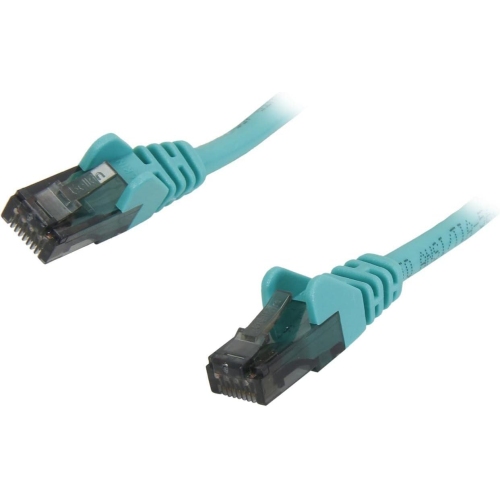
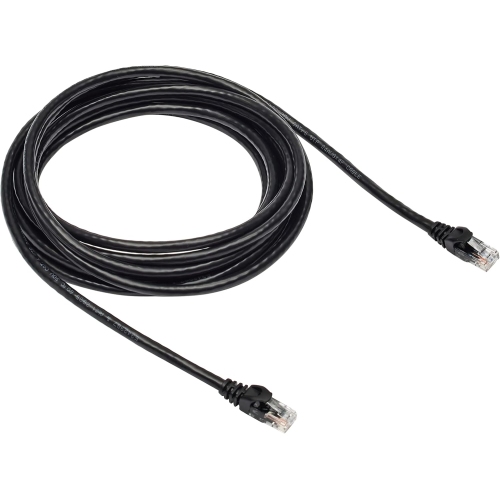
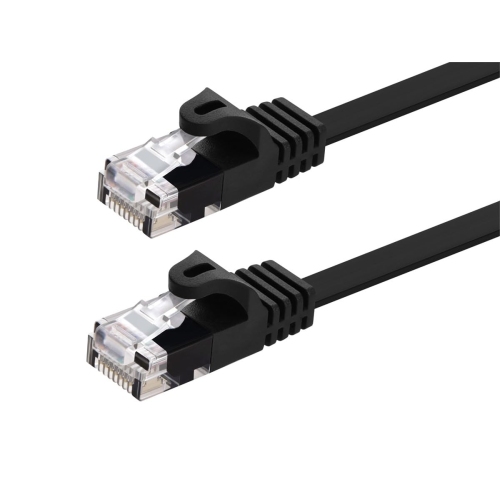
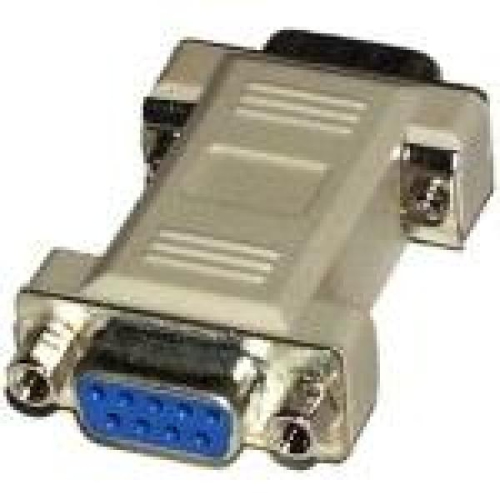
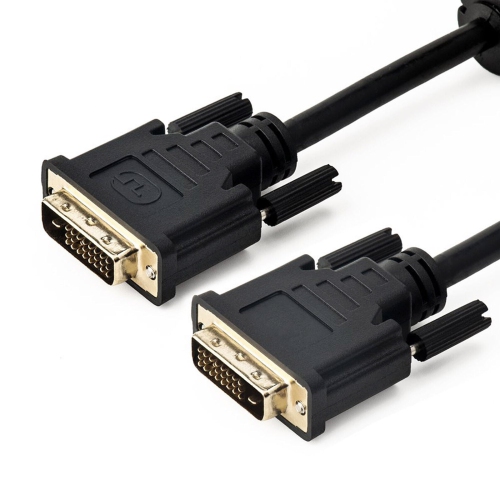
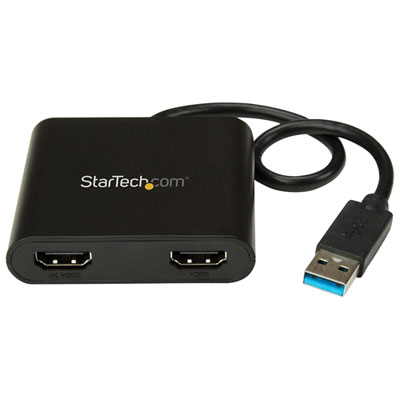
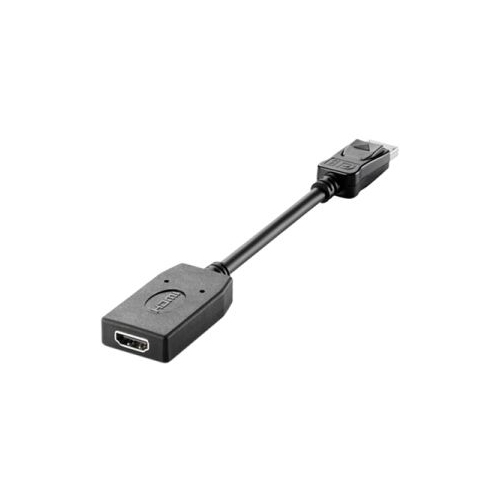
Display and audio connectors shape how a computer fits into work, entertainment, and creative tasks. HDMI carries digital video and audio through one cable and is common on monitors, televisions, and projectors. DisplayPort also carries digital video and audio and is widely used with computer monitors, including displays intended for high refresh rates. The resolution and refresh rate a connection can support depend on the capabilities of the computer, display, cable, and any adapter between them. A monitor used for spreadsheets has different demands from one used for fast-moving games or detailed video work, even when both accept the same connector shape. USB-C can also carry a display signal when the source port supports an appropriate video mode, such as DisplayPort Alt Mode; a USB-C port intended only for data cannot gain video output from an ordinary passive adapter. Older display connections remain relevant in established offices and shared meeting spaces. VGA uses a 15-pin connector and carries analogue video, while DVI capabilities vary by connector type and equipment. Connecting a digital-only output to an analogue VGA input generally requires active signal conversion, and many display adapters work in only one direction. A laptop-to-projector connection therefore needs an adapter suited to that particular signal path, not just the correct ends. For sound, 3.5 mm plugs connect many wired headphones, microphones, and desktop speakers. A combined headset socket and separate headphone and microphone sockets have different wiring requirements, so the number of contacts and the device’s audio arrangement matter. Ethernet connections, commonly called RJ-45, use a modular plug with a retaining clip to connect a computer to a router, switch, or wall network socket. They provide a wired alternative to Wi-Fi for work calls, large file transfers, and stationary desk setups. Cable category, length, and network equipment influence the supported speed. Hubs and docking stations can gather several of these connections into a more convenient workspace, although their display, charging, and data functions still depend on the host computer’s capabilities.
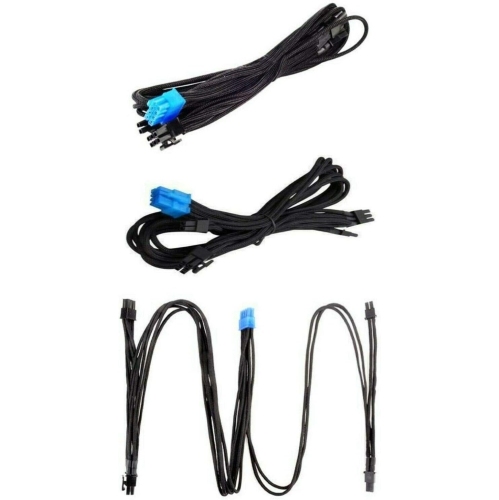
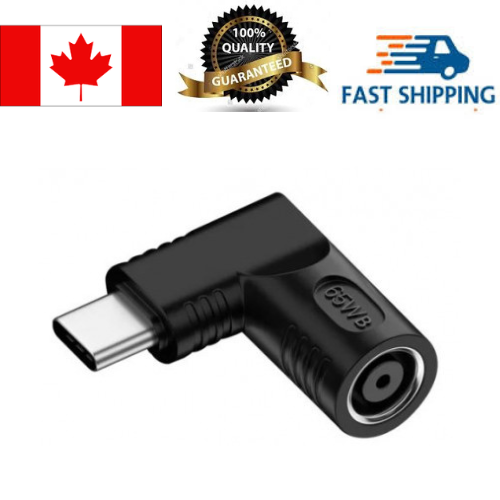
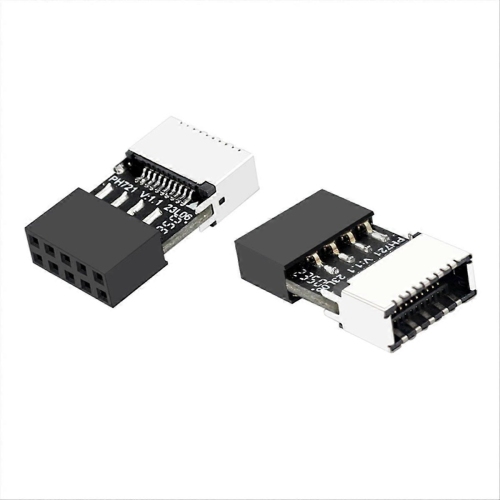
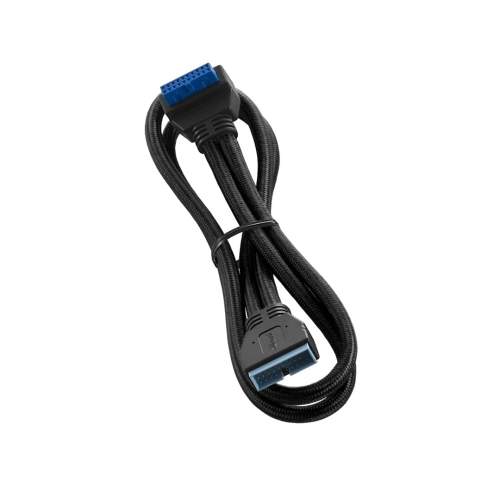
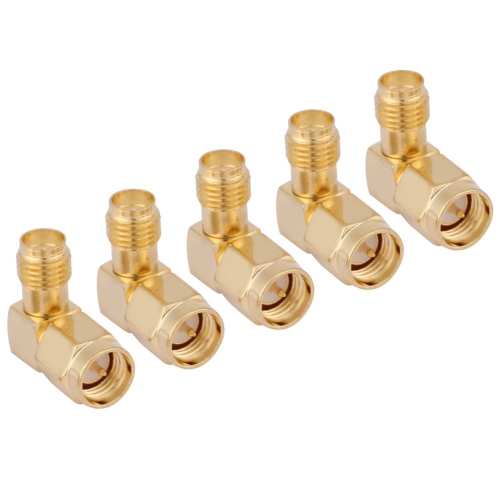
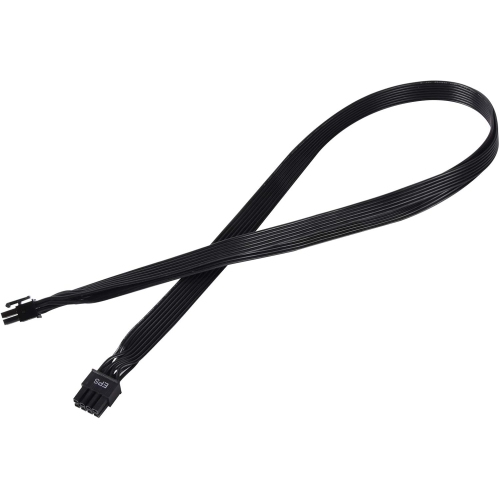
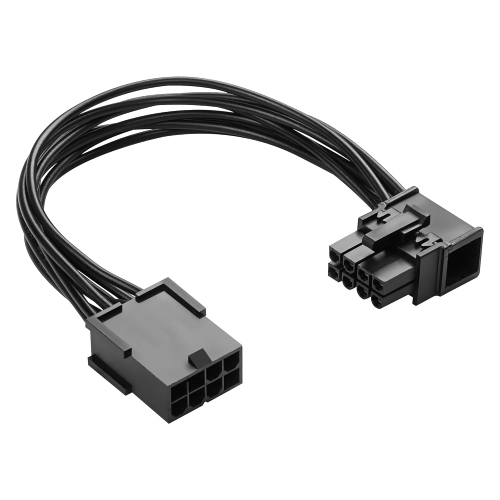
Construction, fit, and cable routing influence how comfortable computer connections are to use over time. Flexible plastic jackets can be practical behind a desk, while braided outer coverings may offer added abrasion resistance where cables regularly brush against a bag or furniture. Neither finish alone establishes performance; conductor quality, shielding, connector construction, and the stated cable specifications are more useful indicators of suitability. Moulded strain relief helps reduce sharp bending where the cable enters the plug, a common stress point when a laptop moves between rooms. Slim connector housings can fit more easily beside neighbouring ports, while bulkier housings may be easier to grip but crowd a compact hub. Right-angle plugs can help with tight clearances when their orientation suits the port layout. Cable length deserves similar attention: a short cable keeps a portable setup tidy, while a longer run may be needed to reach a monitor arm or a desktop tower beneath a desk. Excess length can catch under chair wheels, and unsupported cable weight can pull against a port. For desktop builders and people upgrading storage, internal computer connectors serve different purposes from external accessory connections. SATA data cables link compatible drives to the motherboard, while SATA power connectors supply electricity from the power supply. ATX motherboard power, CPU power, and PCIe graphics-card power connectors have distinct roles and must match the component requirements. Modular power-supply cables are not universally interchangeable, even when their plugs appear similar, so compatibility with the exact power-supply model is essential. Day-to-day care is straightforward: handle connections by the plug rather than tugging the cable, release retaining clips before removal, and avoid forcing a connector into place. Gentle loops are preferable to tight bends during storage, and connectors should stay dry and free of debris. Internal connections require the computer to be shut down and disconnected from mains power before work begins. Whether intended for a shared family computer, a travel bag, or a permanent workstation, well-matched connectors help keep everyday equipment working together without unnecessary strain or clutter.
Display and audio connectors shape how a computer fits into work, entertainment, and creative tasks. HDMI carries digital video and audio through one cable and is common on monitors, televisions, and projectors. DisplayPort also carries digital video and audio and is widely used with computer monitors, including displays intended for high refresh rates. The resolution and refresh rate a connection can support depend on the capabilities of the computer, display, cable, and any adapter between them. A monitor used for spreadsheets has different demands from one used for fast-moving games or detailed video work, even when both accept the same connector shape. USB-C can also carry a display signal when the source port supports an appropriate video mode, such as DisplayPort Alt Mode; a USB-C port intended only for data cannot gain video output from an ordinary passive adapter. Older display connections remain relevant in established offices and shared meeting spaces. VGA uses a 15-pin connector and carries analogue video, while DVI capabilities vary by connector type and equipment. Connecting a digital-only output to an analogue VGA input generally requires active signal conversion, and many display adapters work in only one direction. A laptop-to-projector connection therefore needs an adapter suited to that particular signal path, not just the correct ends. For sound, 3.5 mm plugs connect many wired headphones, microphones, and desktop speakers. A combined headset socket and separate headphone and microphone sockets have different wiring requirements, so the number of contacts and the device’s audio arrangement matter. Ethernet connections, commonly called RJ-45, use a modular plug with a retaining clip to connect a computer to a router, switch, or wall network socket. They provide a wired alternative to Wi-Fi for work calls, large file transfers, and stationary desk setups. Cable category, length, and network equipment influence the supported speed. Hubs and docking stations can gather several of these connections into a more convenient workspace, although their display, charging, and data functions still depend on the host computer’s capabilities.
Construction, fit, and cable routing influence how comfortable computer connections are to use over time. Flexible plastic jackets can be practical behind a desk, while braided outer coverings may offer added abrasion resistance where cables regularly brush against a bag or furniture. Neither finish alone establishes performance; conductor quality, shielding, connector construction, and the stated cable specifications are more useful indicators of suitability. Moulded strain relief helps reduce sharp bending where the cable enters the plug, a common stress point when a laptop moves between rooms. Slim connector housings can fit more easily beside neighbouring ports, while bulkier housings may be easier to grip but crowd a compact hub. Right-angle plugs can help with tight clearances when their orientation suits the port layout. Cable length deserves similar attention: a short cable keeps a portable setup tidy, while a longer run may be needed to reach a monitor arm or a desktop tower beneath a desk. Excess length can catch under chair wheels, and unsupported cable weight can pull against a port. For desktop builders and people upgrading storage, internal computer connectors serve different purposes from external accessory connections. SATA data cables link compatible drives to the motherboard, while SATA power connectors supply electricity from the power supply. ATX motherboard power, CPU power, and PCIe graphics-card power connectors have distinct roles and must match the component requirements. Modular power-supply cables are not universally interchangeable, even when their plugs appear similar, so compatibility with the exact power-supply model is essential. Day-to-day care is straightforward: handle connections by the plug rather than tugging the cable, release retaining clips before removal, and avoid forcing a connector into place. Gentle loops are preferable to tight bends during storage, and connectors should stay dry and free of debris. Internal connections require the computer to be shut down and disconnected from mains power before work begins. Whether intended for a shared family computer, a travel bag, or a permanent workstation, well-matched connectors help keep everyday equipment working together without unnecessary strain or clutter.
Top selling and popular products
-
 Your price for this item is $105.68
-
 Your price for this item is $33.99
-
 Your price for this item is $45.99
-
 Your price for this item is $30.99
-
 Your price for this item is $30
-
 Your price for this item is $76.68
-
 Your price for this item is $78.99
-
 Your price for this item is $52.68
Discover more categories related to Computer Connector Types


Top Collections:
Pokemon Centers, Kindle Devices, Best Cameras for Sports Photography, Pokémon 30th Celebration Cards, Apple iPhones 16, Canon G7X Cameras, iPhone 15 Apple, Flip Phones, Samsung Galaxy Phones, Alarm Clock
Some products may be subject to Environmental Handling Fees
(EHF) depending on your province.
Learn more about EHFs.