Computer Servers
Computer Server solutions are essential for businesses and individuals looking to manage data, support applications, and enhance network performance. Whether setting up a new office or upgrading an existing IT infrastructure, finding the right computer server can streamline operations and provide reliable connectivity. Explore a diverse selection of computer servers designed to meet a range of needs, from small business environments to large-scale enterprise demands. Discover options that help keep your systems running smoothly and efficiently.
Sort
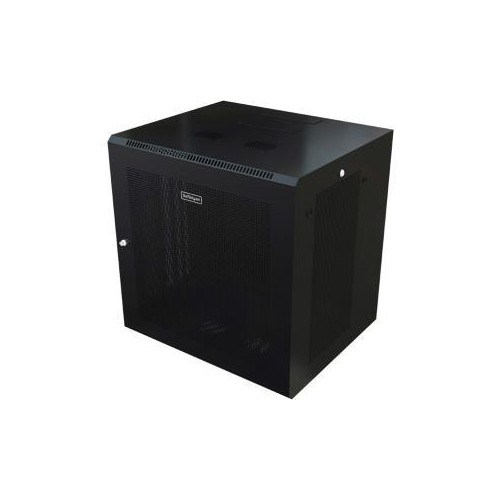
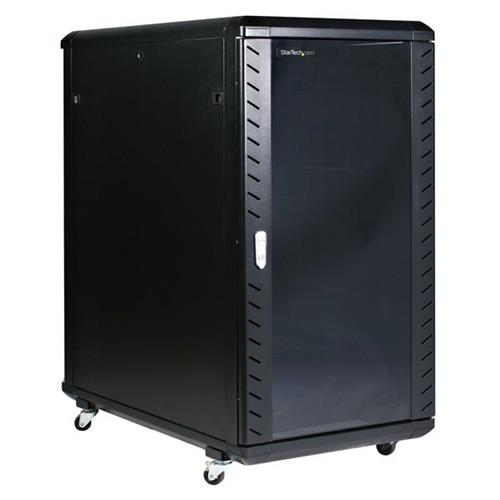
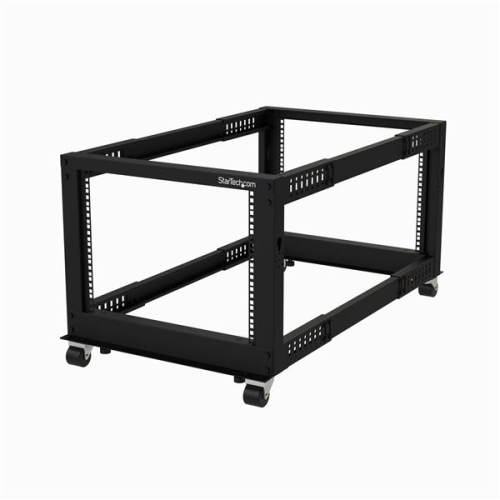
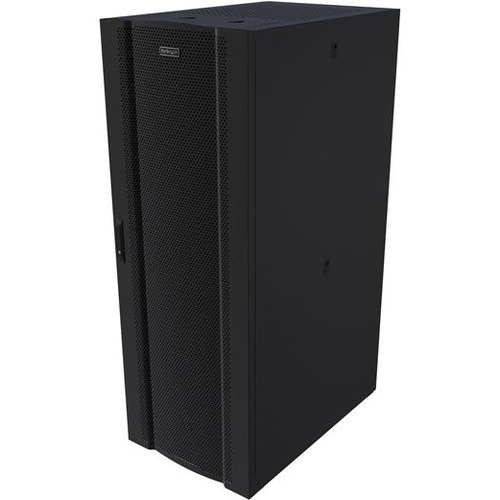
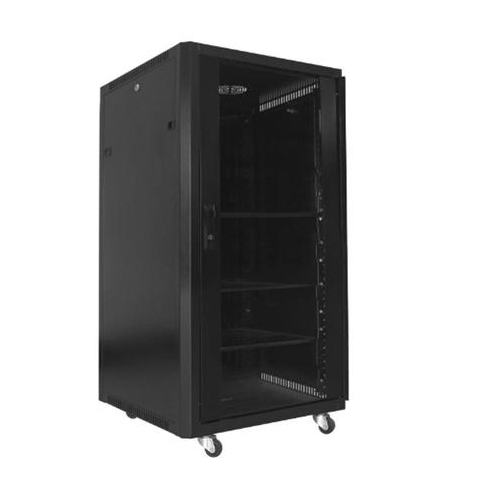
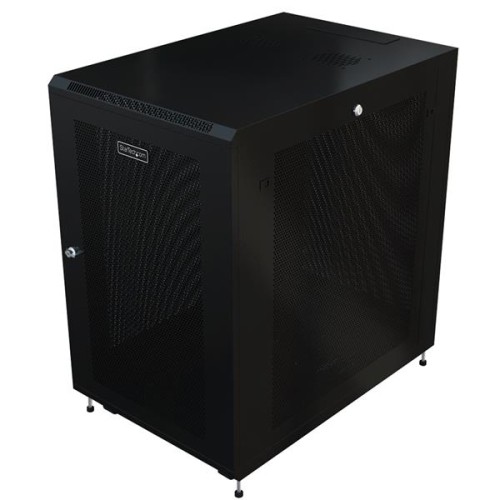
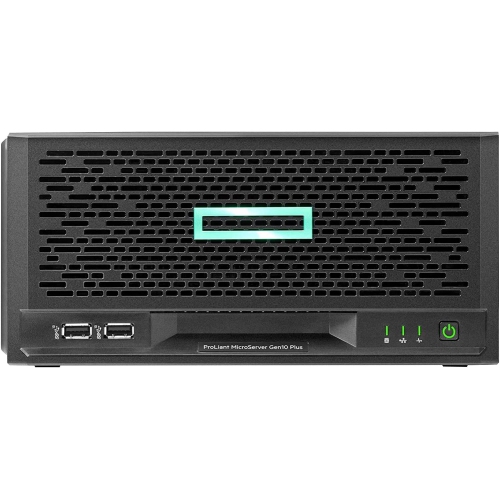
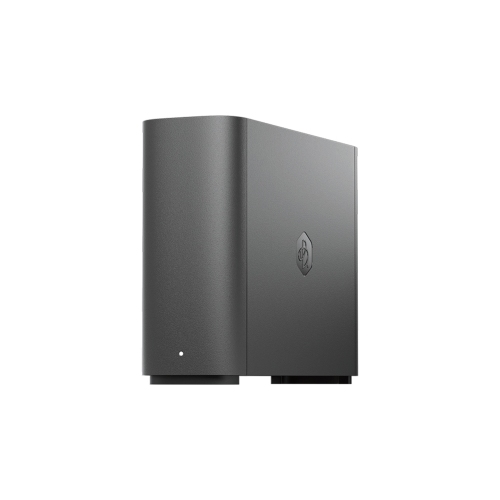
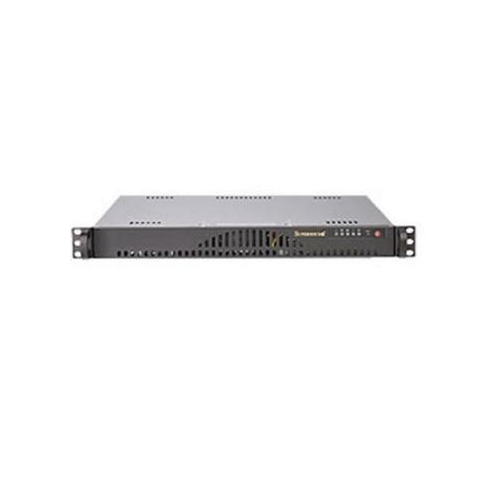
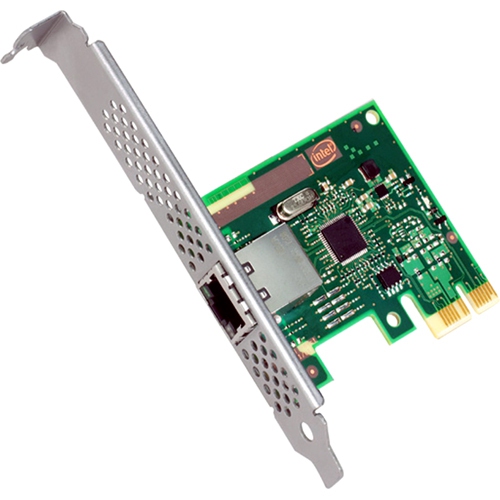
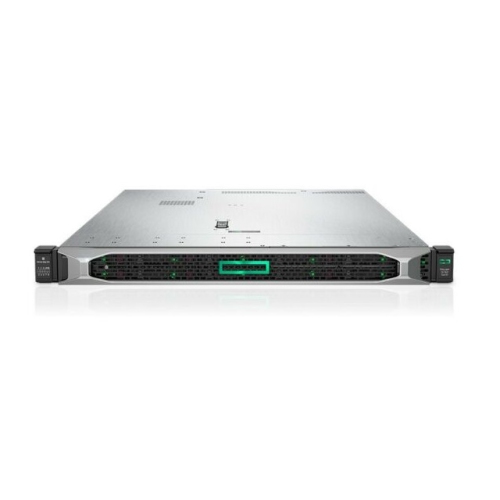
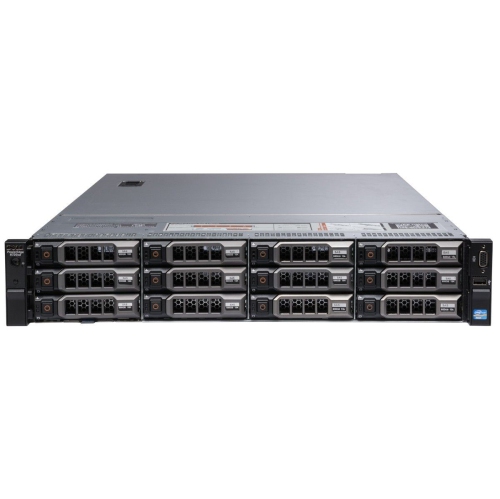

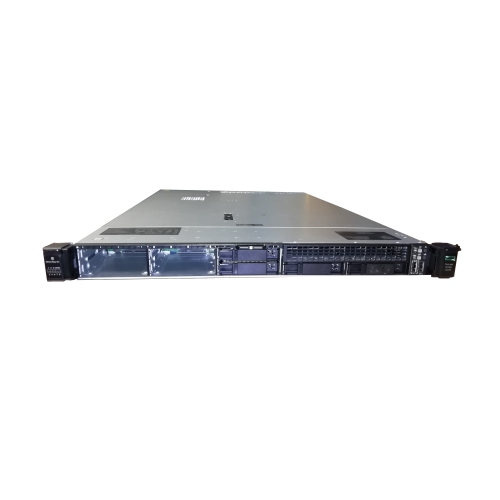
Centralized storage and processing for connected devices
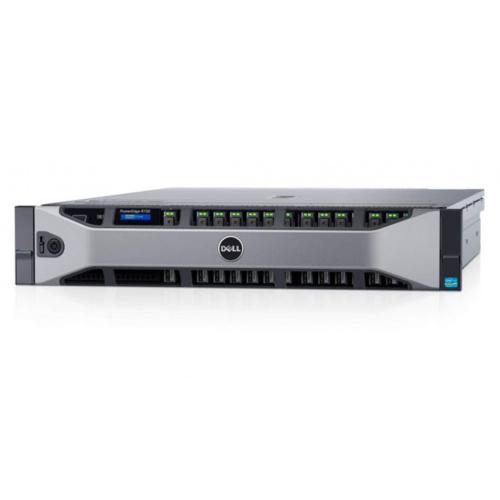
Computer servers are specialized computer systems that process requests and deliver data, applications, or other shared resources to connected devices on a network. In a typical client-server model, computers, phones, workstations, or other client devices send requests, while the server handles the processing and returns the information or service. This arrangement creates a central hub for a home office, small business, school, studio, or larger organization. Instead of keeping every shared document, database, application, or media file on individual computers, users can access information from one managed location. A server may host websites, store files, manage user accounts, run business software, support backups, or coordinate network traffic. Some servers are designed for a focused role, while others can handle several tasks through virtualization or carefully configured software. Web servers deliver pages and online services to browsers; file servers organize shared documents and folders; application servers run centralized programs; and database servers process structured information such as inventory records, customer details, schedules, or sales data. To explore systems intended for structured data workloads, consider Database Servers. Computer servers are commonly built for continuous operation, making them useful for services that need to remain available outside normal working hours. A small business may use one to keep accounting files accessible to authorized staff, while a creative team may rely on shared storage for large project folders. At home, a server can support local file sharing, automated backups, media libraries, smart-home services, or remote access when configured correctly. During the cooler months, a server may also become a practical way to keep household documents, photographs, and important records organized in one dependable location rather than scattered across several devices. Because servers can run for long periods, placement matters: choose a well-ventilated area with a stable power connection, sufficient clearance, and a network connection that matches the intended workload. A tower server often resembles a traditional desktop and can be easier to place in an office, storage room, or dedicated workspace. Rack servers are designed to slide into a compatible rack and are often selected for organized server rooms where multiple systems, switches, and storage units need to fit together. The right form factor depends on available space, noise tolerance, expansion plans, and the number of devices that will connect.
When comparing computer servers, begin with the work the system must perform and the number of people or devices expected to use it. A multi-core CPU can handle several calculations and requests at once, while ample RAM helps a server work with multiple users, applications, virtual machines, or large files without slowing down as easily. Storage should be considered just as carefully. Solid-state storage can provide fast access and quick system response, while hard disk storage may offer greater capacity for large archives, media collections, and routine file storage. Some servers support multiple drives and RAID configurations, which can improve availability or protect against certain drive failures, although RAID should not be treated as a complete backup. A separate backup plan remains important, with copies stored on another device or in another location. Look for the connection options required by the network, including the appropriate wired network speed, and check compatibility with the operating system, server software, virtualization tools, and existing equipment. Features such as error-correcting code memory, hot-swappable drives, remote management, and redundant power supplies can be valuable for systems that support important business services. Redundant power supplies allow a compatible server to continue operating if one power unit develops a fault, which can reduce interruption during maintenance or an unexpected failure. Some systems also offer drive bays, expansion slots, or additional memory capacity so the server can grow with changing needs. Before purchase, account for licensing, installation, data migration, security settings, user permissions, cooling, and ongoing maintenance. A server can centralize access, but it also becomes an important part of the network, so strong passwords, software updates, malware protection, access controls, and regular backups should be part of the setup. New server owners may appreciate equipment that supports straightforward monitoring, clear status indicators, and accessible service components, especially when the system will be maintained by a small team. For a home user or small office, a compact tower with practical storage and moderate processing power may be more suitable than a large rack-mounted system. For a growing organization, higher memory capacity, multiple processors, redundant components, and room for additional drives may help support more simultaneous requests. Computer servers are generally purchased for practical use rather than as conventional gifts, but they can be a thoughtful choice for a technically skilled person building a home lab, hosting personal services, learning network administration, or creating a private file and backup system. Whatever the intended use, matching the processor, memory, storage, expansion options, and support features to the workload helps create a server that feels responsive today and remains useful as more users, files, and services are added.
When comparing computer servers, begin with the work the system must perform and the number of people or devices expected to use it. A multi-core CPU can handle several calculations and requests at once, while ample RAM helps a server work with multiple users, applications, virtual machines, or large files without slowing down as easily. Storage should be considered just as carefully. Solid-state storage can provide fast access and quick system response, while hard disk storage may offer greater capacity for large archives, media collections, and routine file storage. Some servers support multiple drives and RAID configurations, which can improve availability or protect against certain drive failures, although RAID should not be treated as a complete backup. A separate backup plan remains important, with copies stored on another device or in another location. Look for the connection options required by the network, including the appropriate wired network speed, and check compatibility with the operating system, server software, virtualization tools, and existing equipment. Features such as error-correcting code memory, hot-swappable drives, remote management, and redundant power supplies can be valuable for systems that support important business services. Redundant power supplies allow a compatible server to continue operating if one power unit develops a fault, which can reduce interruption during maintenance or an unexpected failure. Some systems also offer drive bays, expansion slots, or additional memory capacity so the server can grow with changing needs. Before purchase, account for licensing, installation, data migration, security settings, user permissions, cooling, and ongoing maintenance. A server can centralize access, but it also becomes an important part of the network, so strong passwords, software updates, malware protection, access controls, and regular backups should be part of the setup. New server owners may appreciate equipment that supports straightforward monitoring, clear status indicators, and accessible service components, especially when the system will be maintained by a small team. For a home user or small office, a compact tower with practical storage and moderate processing power may be more suitable than a large rack-mounted system. For a growing organization, higher memory capacity, multiple processors, redundant components, and room for additional drives may help support more simultaneous requests. Computer servers are generally purchased for practical use rather than as conventional gifts, but they can be a thoughtful choice for a technically skilled person building a home lab, hosting personal services, learning network administration, or creating a private file and backup system. Whatever the intended use, matching the processor, memory, storage, expansion options, and support features to the workload helps create a server that feels responsive today and remains useful as more users, files, and services are added.
Top selling and popular products
-
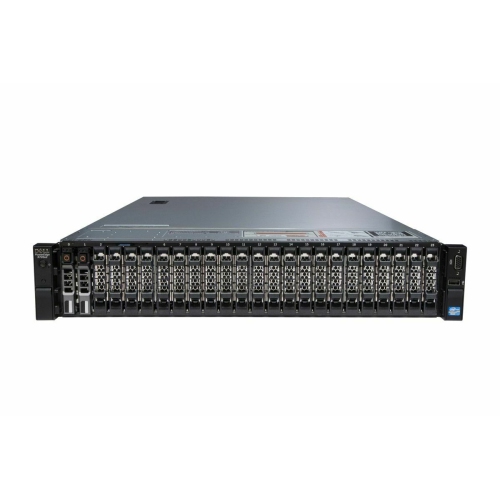 Your price for this item is $3000
 -
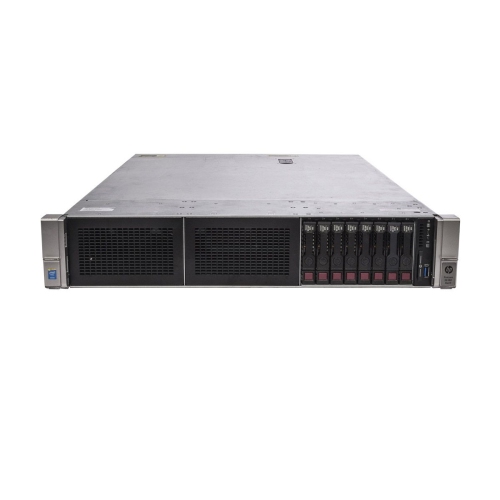 Your price for this item is $4350
 -
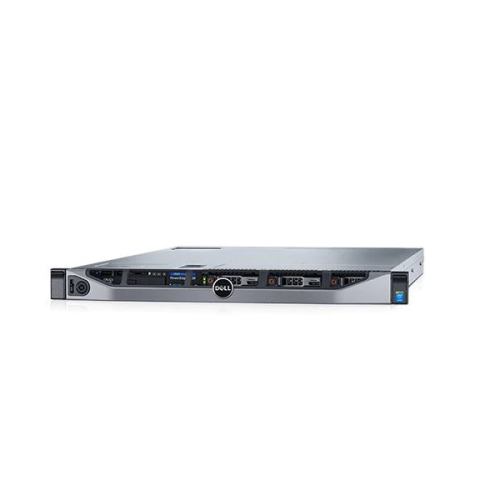 Your price for this item is $2895
 -
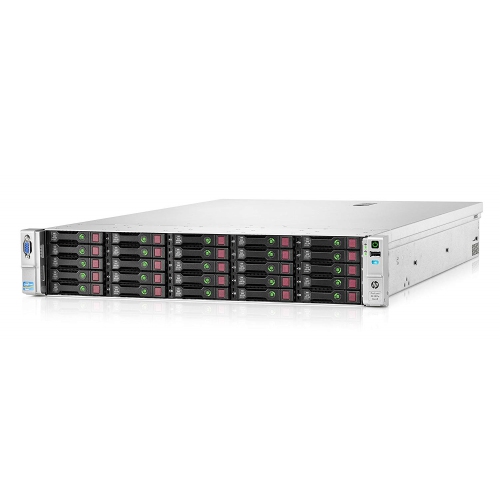 Your price for this item is $1065
 -
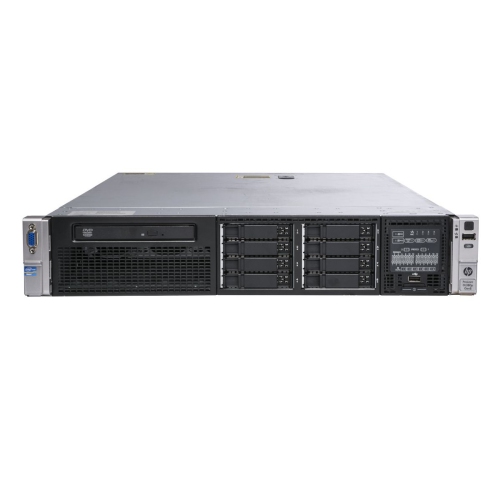 Your price for this item is $1395
 -
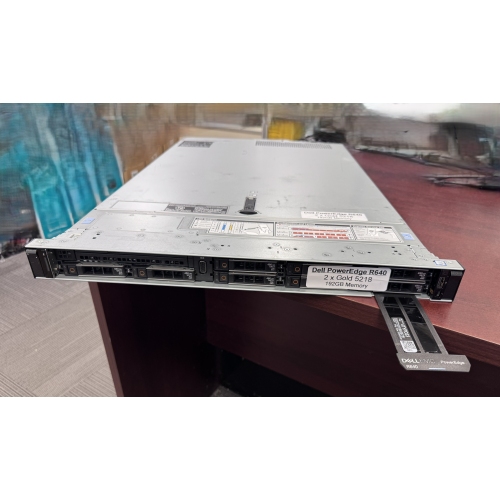 Your price for this item is $1649.99
 -
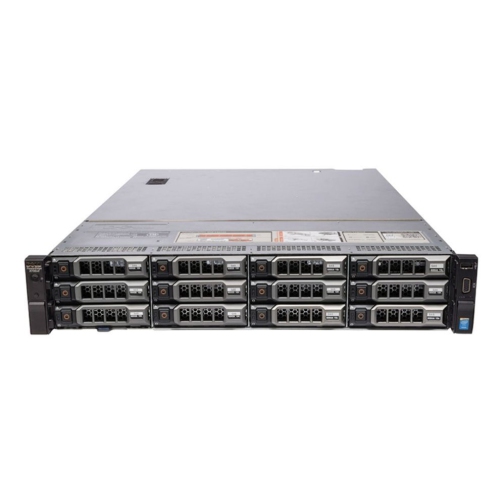 Your price for this item is $9995
 -
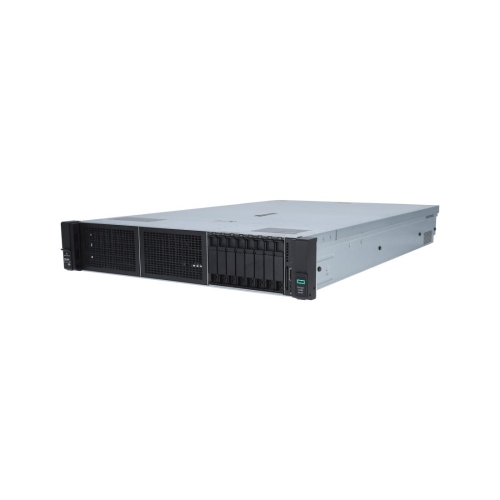 Your price for this item is $4200
Discover more categories related to Computer Servers

Top Collections:
Pokemon Centers, Kindle Devices, Best Budget Office Chairs, Apple iPhones 16, Samsung Galaxy Phones, Canon G7X Cameras, iPhone 15 Apple, Flip Phones, Best Laptops for Writers, Alarm Clock
Some products may be subject to Environmental Handling Fees
(EHF) depending on your province.
Learn more about EHFs.