Networking Servers
Our networking servers collection has everything you need to take your connectivity to the next level. Whether you're a small business owner looking for a reliable server solution or a tech enthusiast seeking to build a high-performance home network, our range of networking servers offers the power and versatility you require. From rack-mounted servers to tower servers, we have options to suit every need and budget. Explore our selection of networking servers and unlock seamless connectivity for all your devices and applications.
Sort
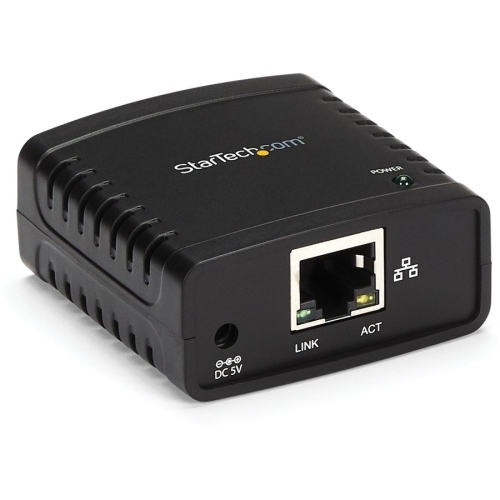
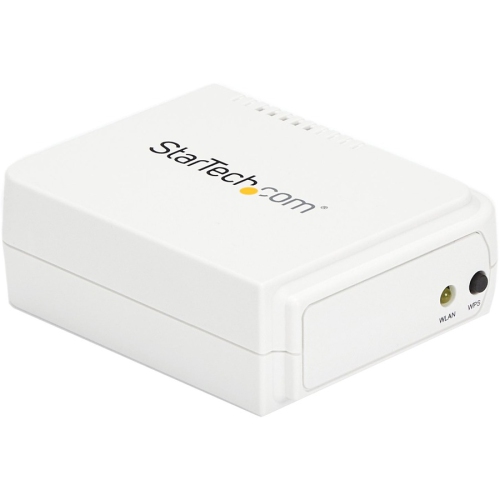
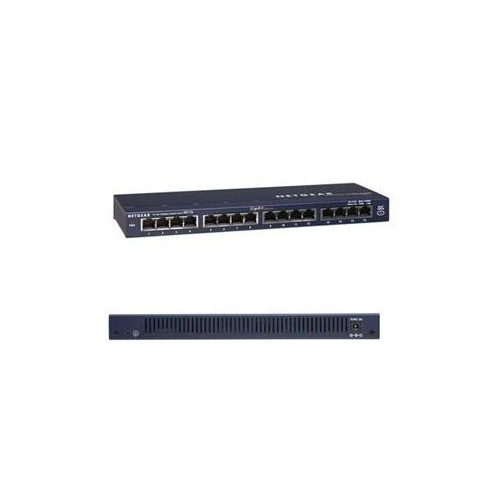
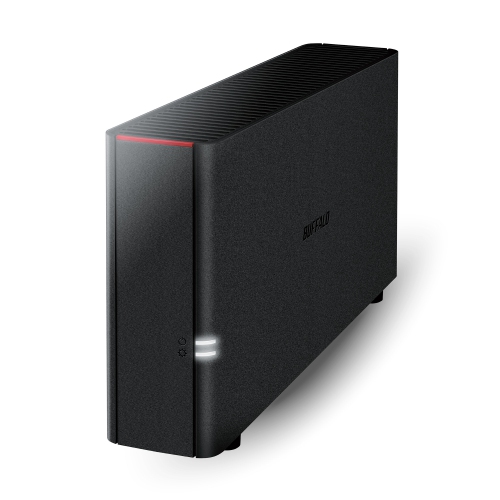
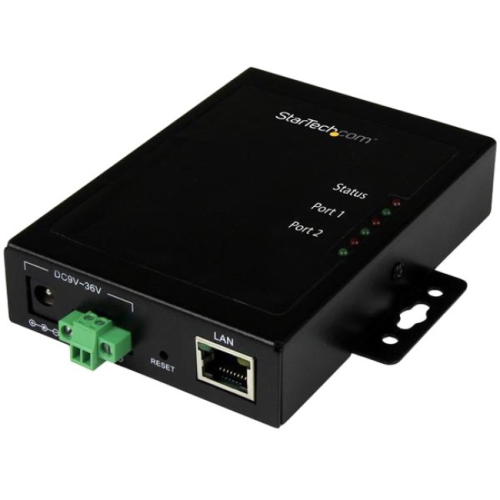
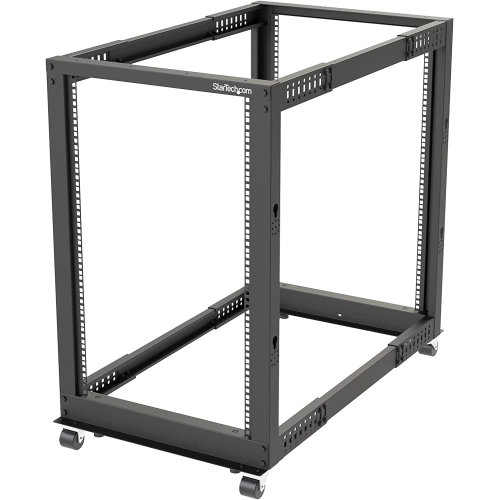
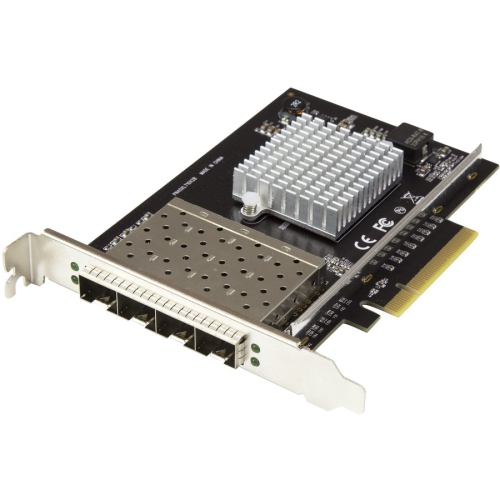
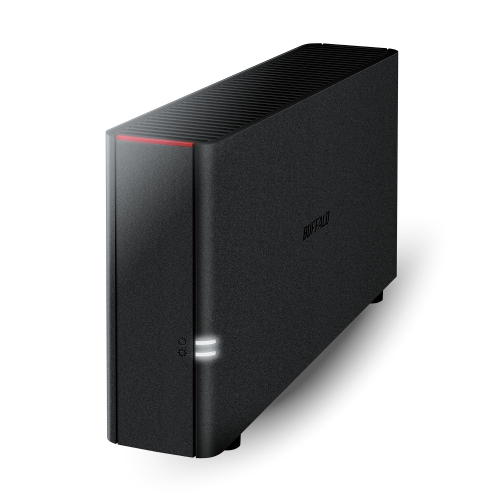
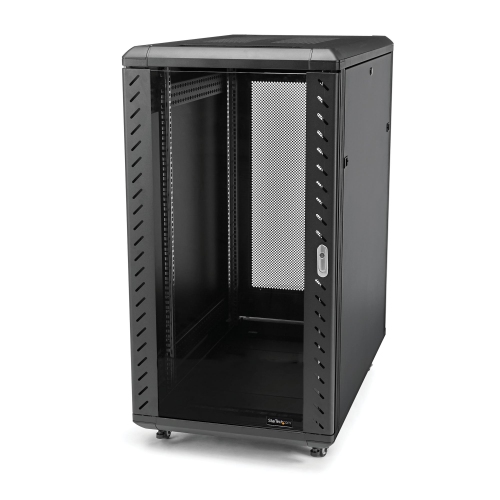
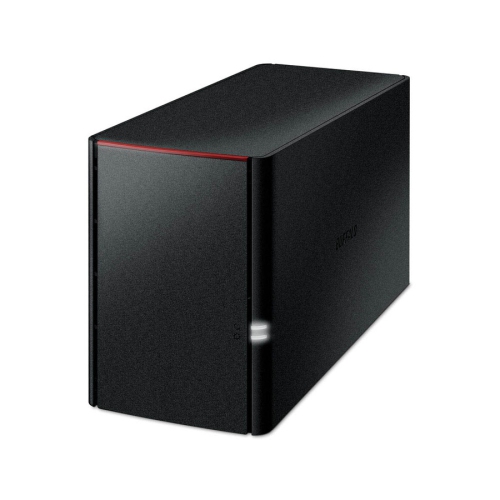
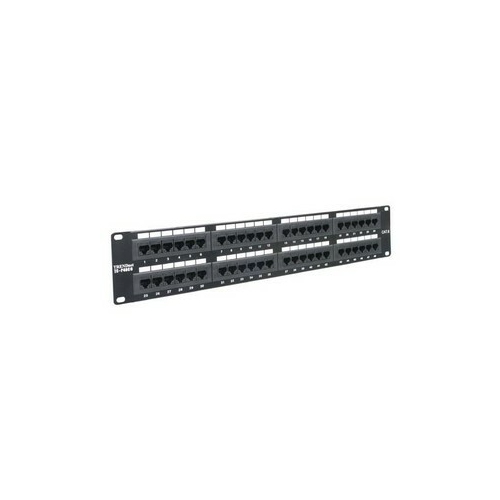
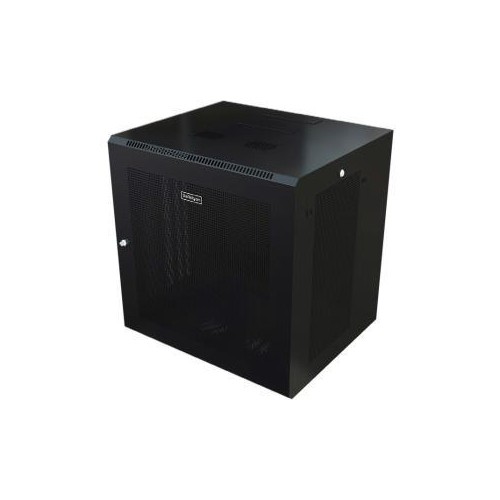

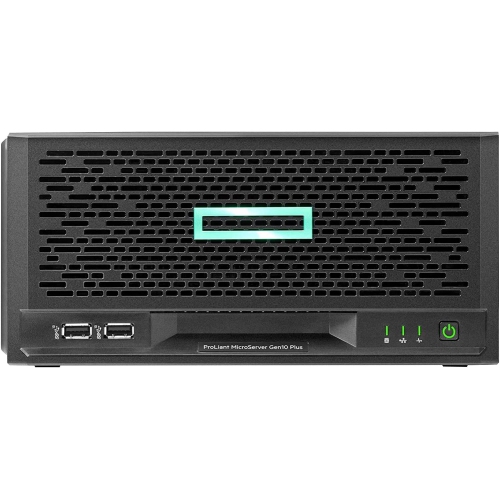

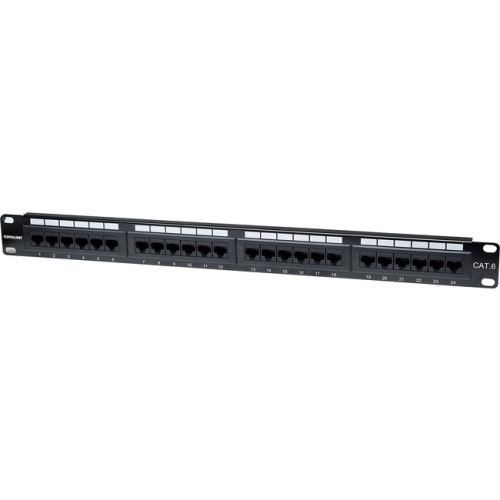
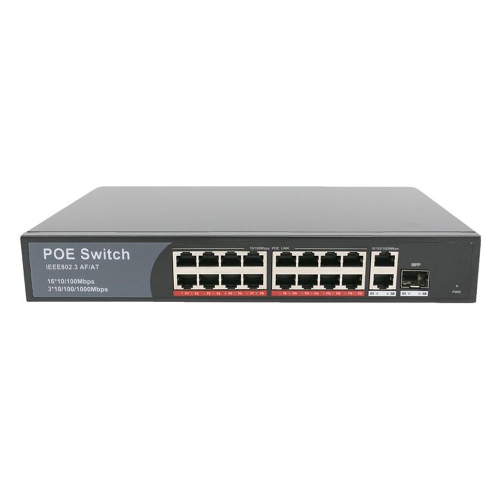
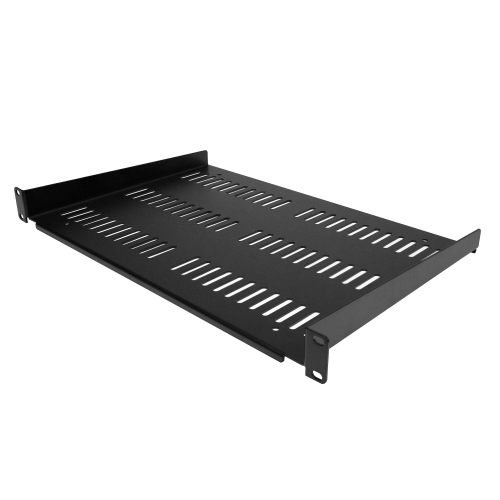
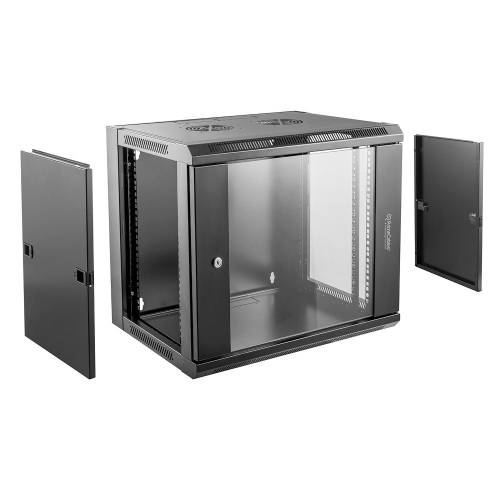

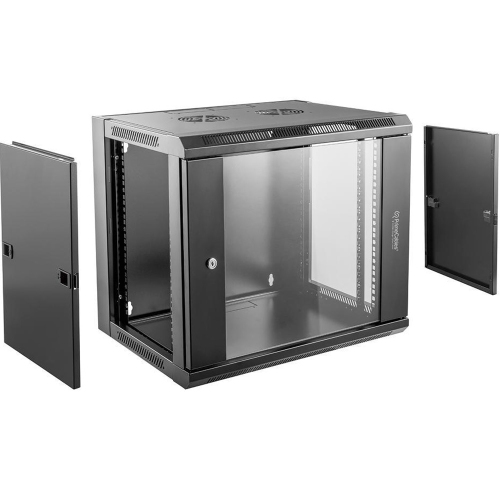
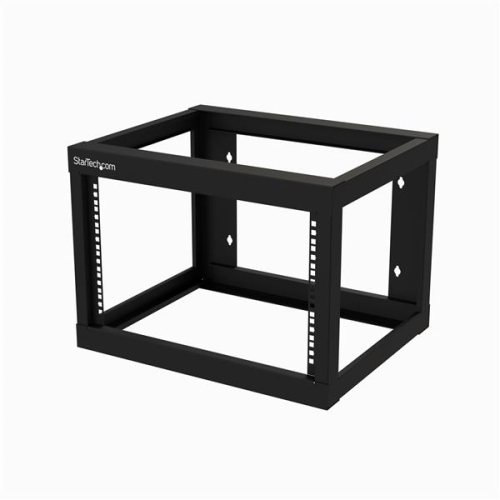
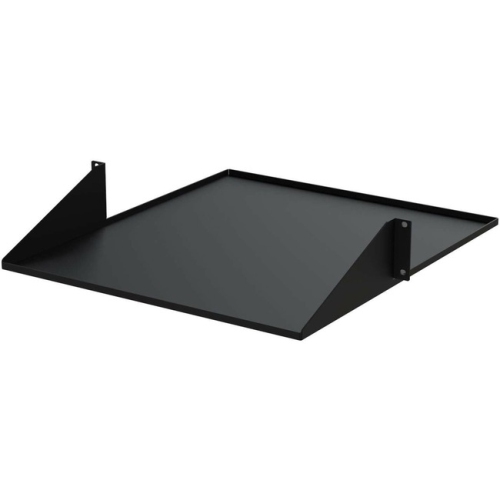
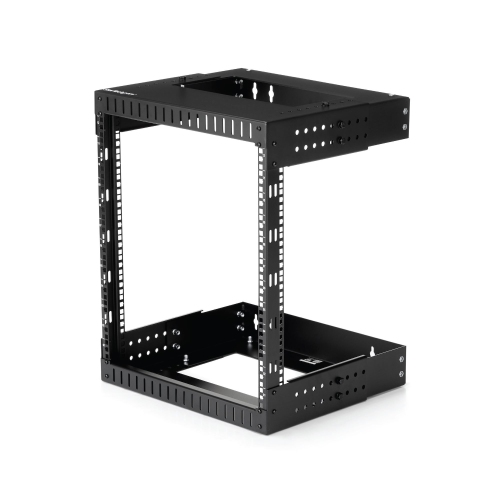
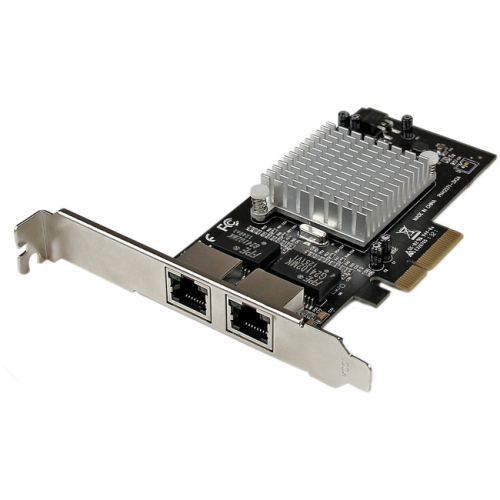
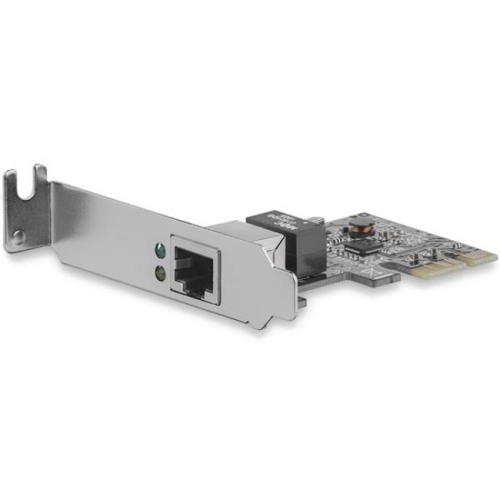
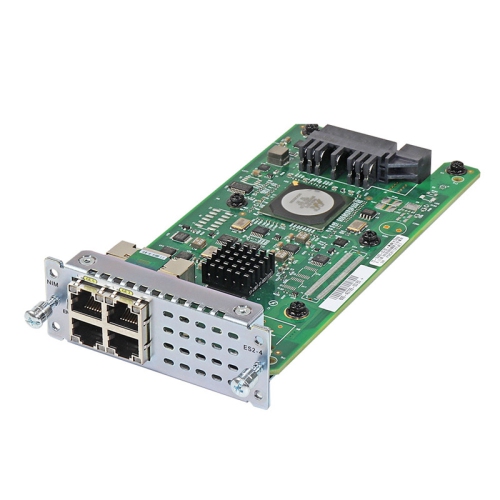

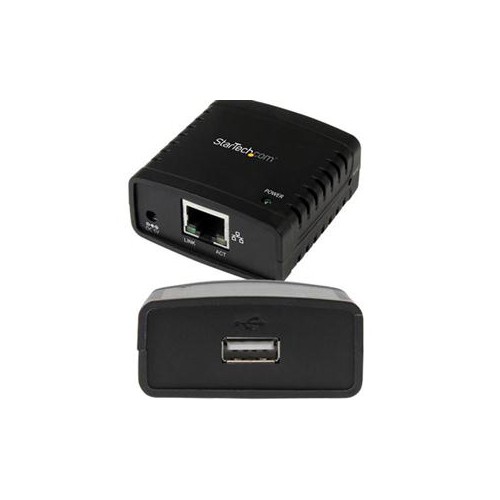
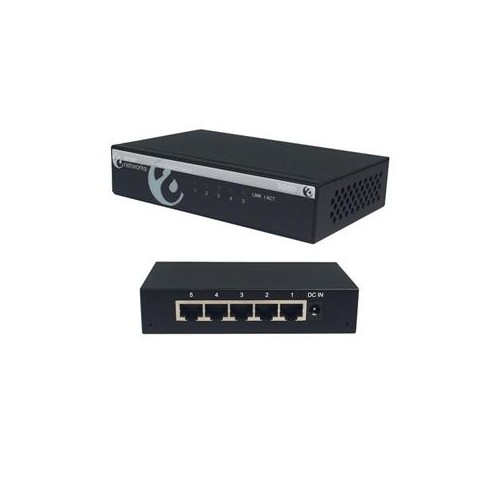
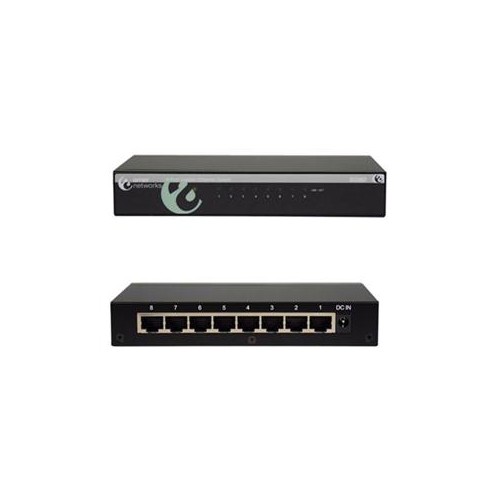
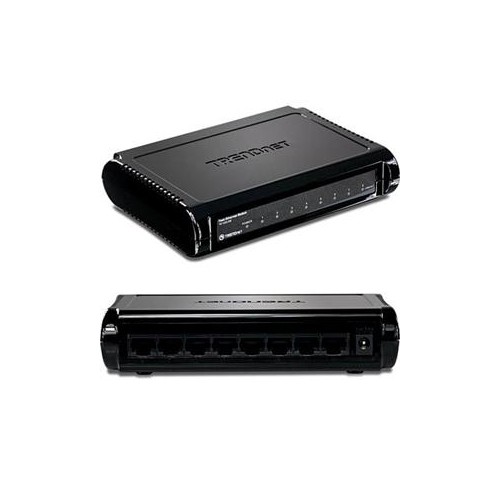
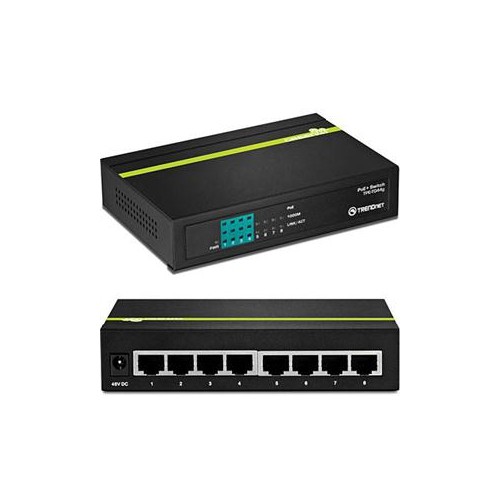
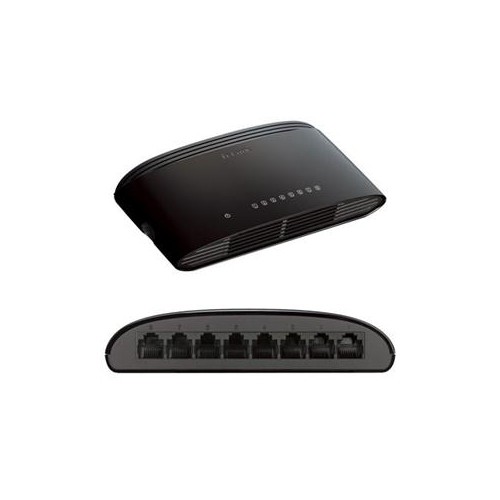

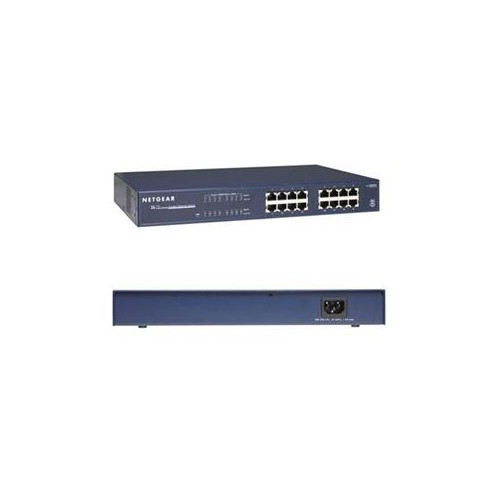
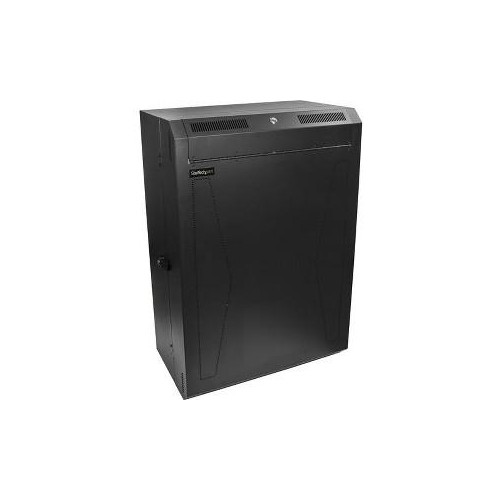
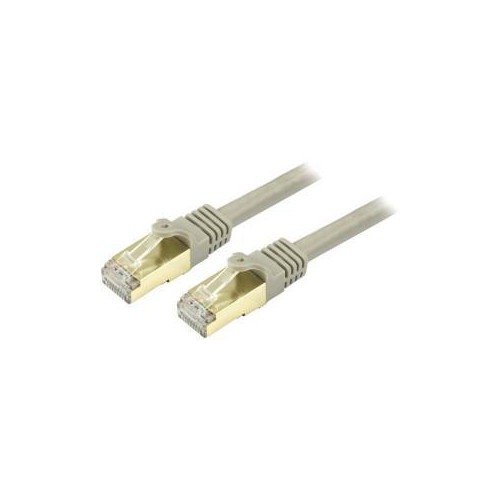
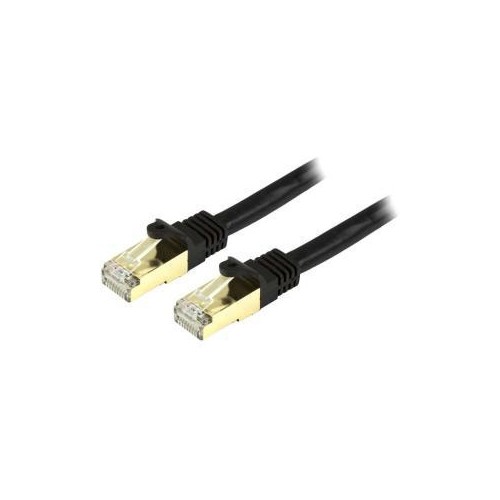
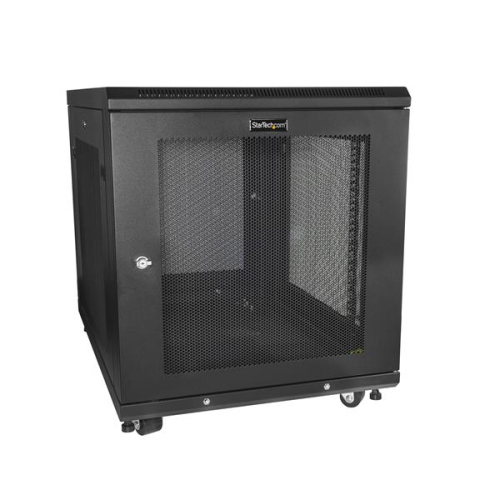
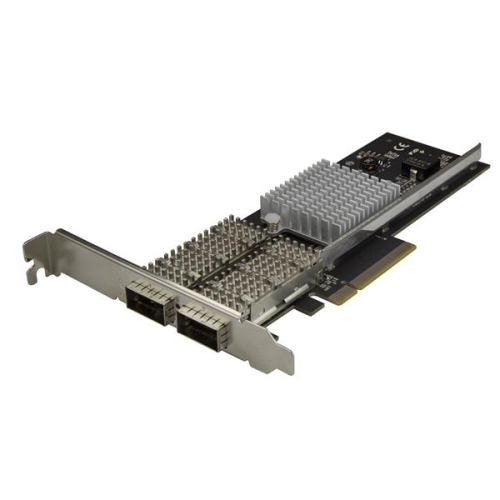

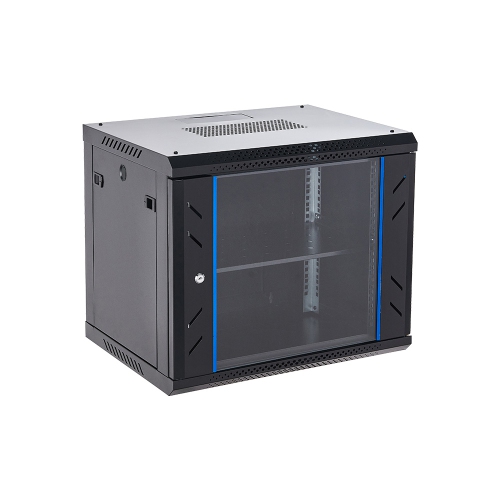

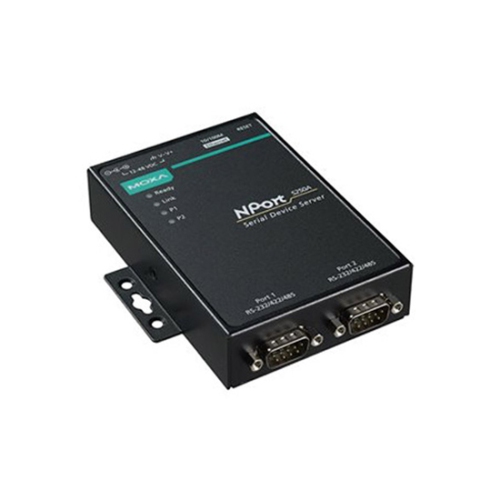
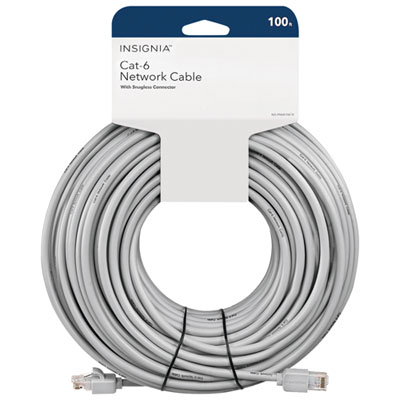
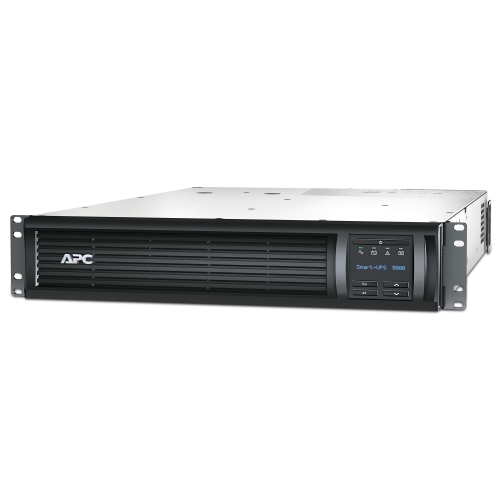


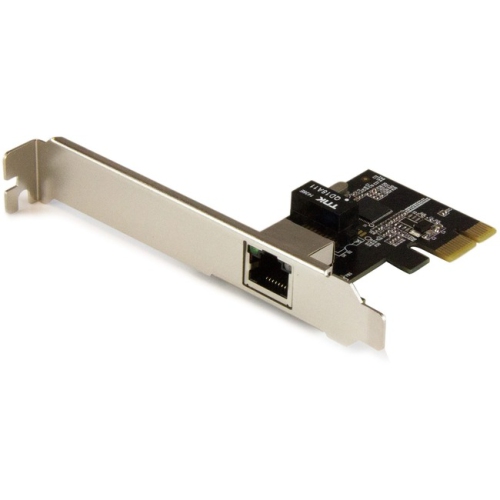
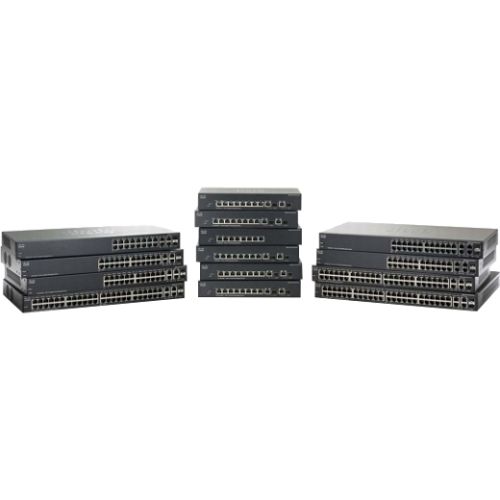
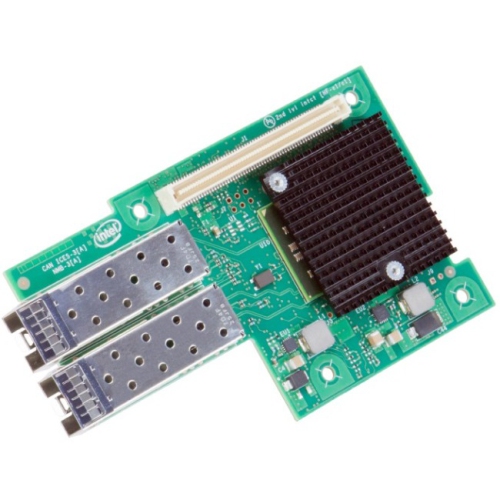
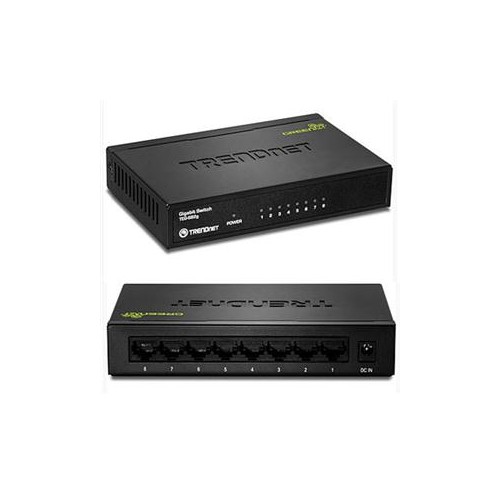
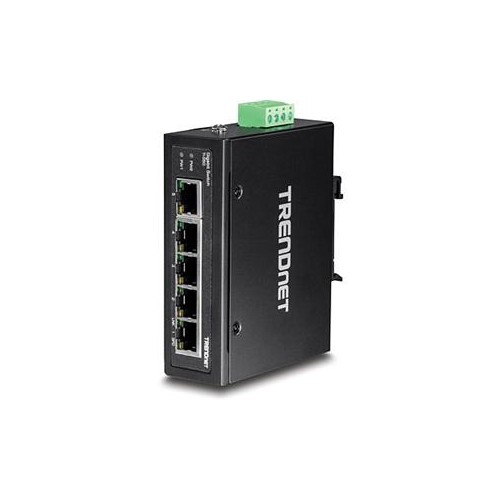
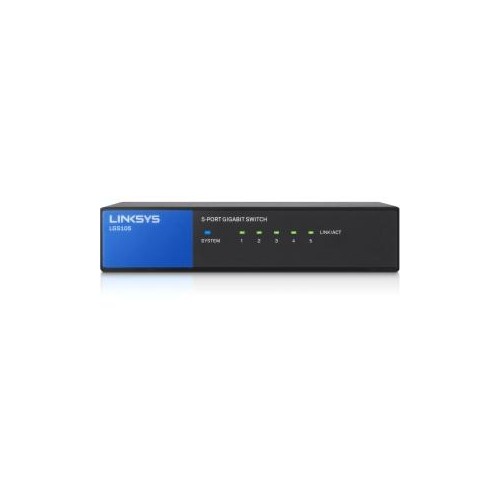
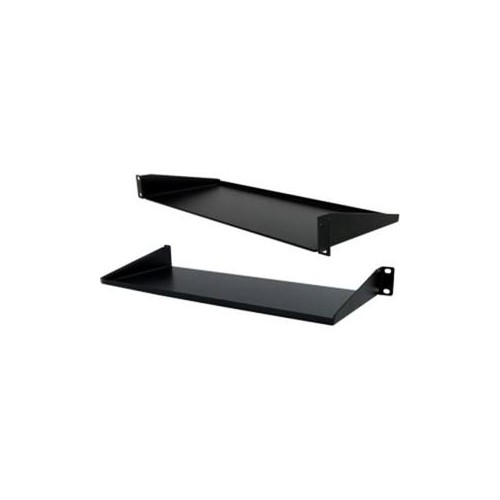
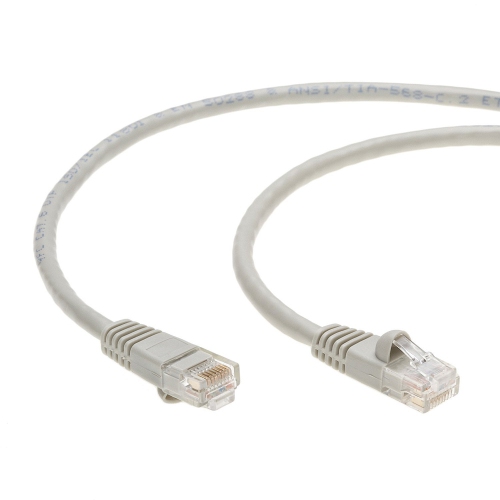
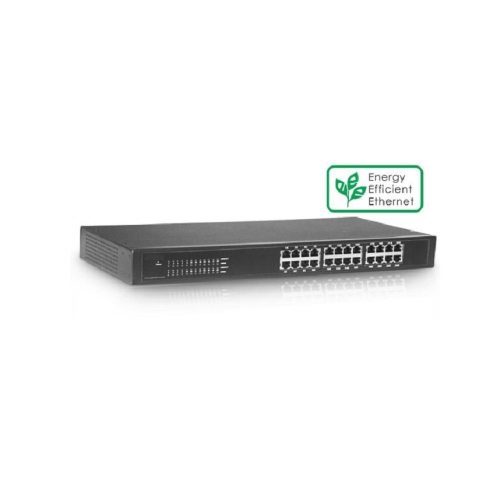
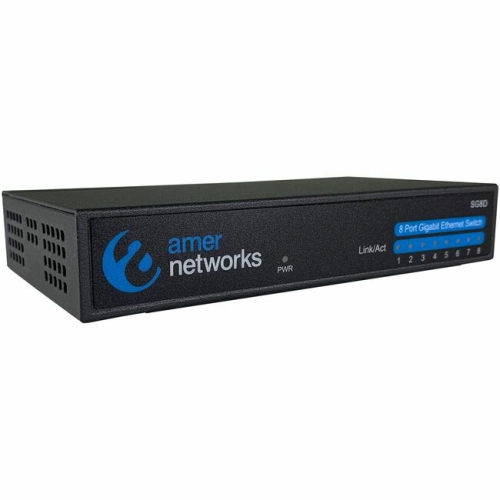
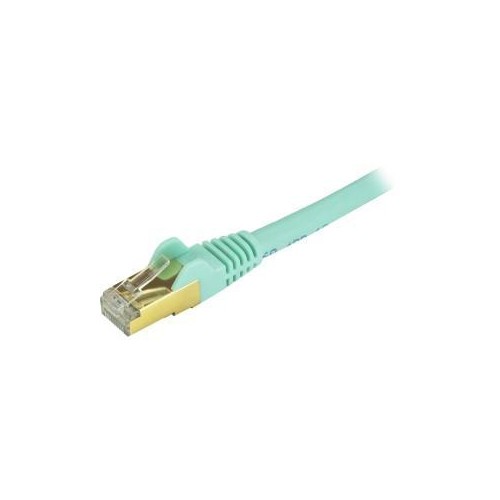
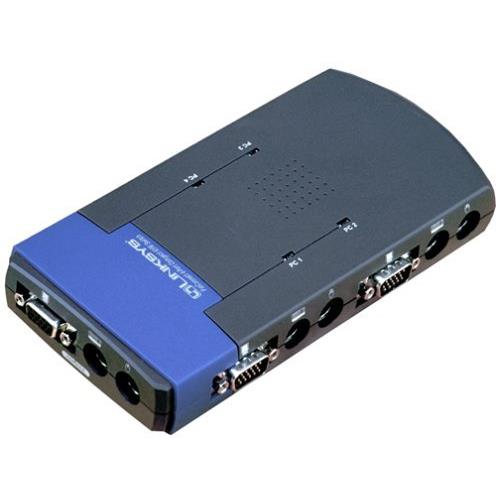

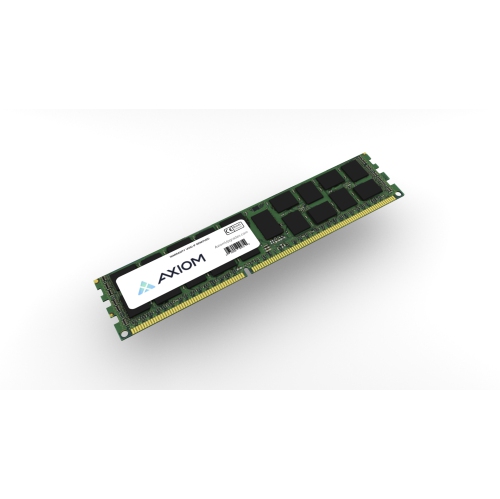
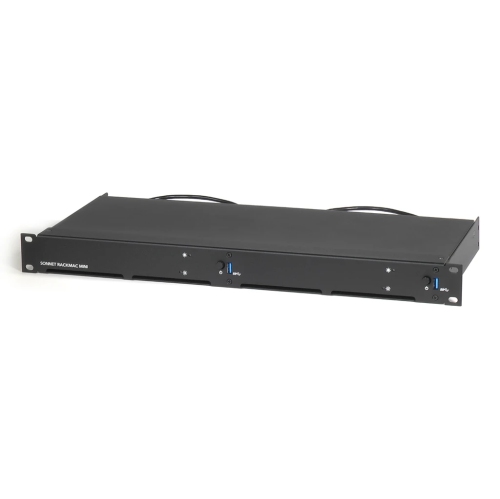
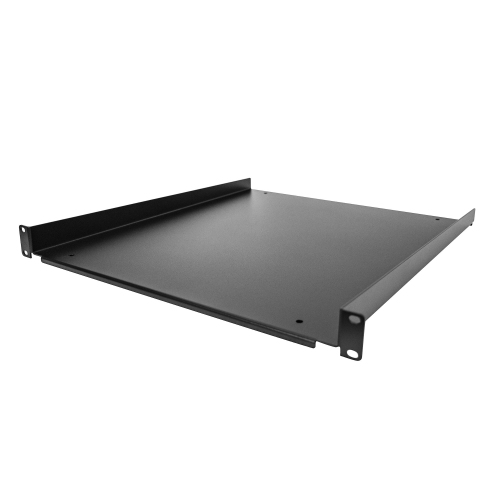


How servers centralize files, services, and access across networks
Networking servers are dedicated computers or software-based systems that help connected devices access shared information and services. On a local network or over the internet, a server waits for requests from client devices such as desktop computers, laptops, point-of-sale terminals, printers, security systems, or mobile devices. When a request arrives, it processes the task, locates the required information or resource, and sends the correct response back across the network. This behind-the-scenes work can make a noticeable difference in how smoothly a home office, small business, classroom, studio, or growing organization operates. A file server can centralize documents so authorized users can open, edit, and save files from different workstations. A web server can host and deliver webpages. A print server can organize print jobs for several computers, while a database server can store and manage structured information used by business applications. Some networking servers are designed for specialized duties, and others can support multiple services depending on the hardware, operating system, storage configuration, and software installed. For anyone building a dependable network, the right server can create one organized place for important data and applications rather than leaving files scattered across individual computers, external drives, and cloud accounts. It can also help administrators manage user access, monitor activity, schedule backups, and keep shared resources available when several people are working at once.
Choosing among networking servers starts with understanding the environment and the work the system needs to handle. Consider how many users and client devices will connect today, as well as whether that number may grow as a business adds staff, workstations, cameras, phones, or other connected equipment. Processor performance, memory, storage capacity, drive speed, and the ability to expand each influence how quickly a server can respond when several requests arrive at the same time. Storage needs deserve particular attention: a small office may mainly need room for documents and accounting files, while a creative team, architectural practice, or media workspace may require substantial capacity for large images, video, project folders, and archives. Redundancy features can help protect access to data if a drive fails, but they should not be treated as a complete backup plan. A separate backup routine, with copies stored in another location or through a suitable online service, remains an important part of responsible server management. Network connections also matter. A server supporting large files or many simultaneous users benefits from fast wired networking, while compatible switches, cabling, routers, and Wi-Fi access points help the whole system perform as intended. Review operating system compatibility, supported applications, remote access options, security tools, warranty coverage, and the availability of technical support before making a decision. Physical dimensions, noise levels, ventilation, and power requirements are practical considerations as well, particularly when a server will sit near desks, in a reception area, or in a compact home office rather than in a dedicated equipment room.
Networking servers are useful for small businesses, professionals working from home, community organizations, schools, clubs, and experienced home users who want greater control over shared resources. A photographer could use a centralized server to organize client galleries and project folders; a trades business could keep estimates, schedules, and invoices accessible to authorized employees; and a family with several computers could store shared media, household records, or backups in one managed location. People who enjoy building home labs may also appreciate a server as a hands-on way to practise network administration, virtualization, file sharing, and access controls. It can be a thoughtful gift for a technology enthusiast, student, or new business owner when the recipient has a clear project in mind, although server equipment is usually selected around a specific workload rather than purchased as a general-purpose present. For organizations comparing options, our selection of Servers for Small Businesses can help narrow the search around common office requirements. Before installation, map out which users need access, what information must remain private, how often data should be backed up, and who will handle updates and maintenance. During the cooler months or as work routines shift after summer, it can be a convenient time to review an existing network, tidy shared folders, replace ageing equipment, and prepare for increased demands. A well-planned networking server is more than a storage box: it is a central point that listens for requests, processes them reliably, and delivers the right files, services, or applications to the people and devices that depend on the network.
Choosing among networking servers starts with understanding the environment and the work the system needs to handle. Consider how many users and client devices will connect today, as well as whether that number may grow as a business adds staff, workstations, cameras, phones, or other connected equipment. Processor performance, memory, storage capacity, drive speed, and the ability to expand each influence how quickly a server can respond when several requests arrive at the same time. Storage needs deserve particular attention: a small office may mainly need room for documents and accounting files, while a creative team, architectural practice, or media workspace may require substantial capacity for large images, video, project folders, and archives. Redundancy features can help protect access to data if a drive fails, but they should not be treated as a complete backup plan. A separate backup routine, with copies stored in another location or through a suitable online service, remains an important part of responsible server management. Network connections also matter. A server supporting large files or many simultaneous users benefits from fast wired networking, while compatible switches, cabling, routers, and Wi-Fi access points help the whole system perform as intended. Review operating system compatibility, supported applications, remote access options, security tools, warranty coverage, and the availability of technical support before making a decision. Physical dimensions, noise levels, ventilation, and power requirements are practical considerations as well, particularly when a server will sit near desks, in a reception area, or in a compact home office rather than in a dedicated equipment room.
Networking servers are useful for small businesses, professionals working from home, community organizations, schools, clubs, and experienced home users who want greater control over shared resources. A photographer could use a centralized server to organize client galleries and project folders; a trades business could keep estimates, schedules, and invoices accessible to authorized employees; and a family with several computers could store shared media, household records, or backups in one managed location. People who enjoy building home labs may also appreciate a server as a hands-on way to practise network administration, virtualization, file sharing, and access controls. It can be a thoughtful gift for a technology enthusiast, student, or new business owner when the recipient has a clear project in mind, although server equipment is usually selected around a specific workload rather than purchased as a general-purpose present. For organizations comparing options, our selection of Servers for Small Businesses can help narrow the search around common office requirements. Before installation, map out which users need access, what information must remain private, how often data should be backed up, and who will handle updates and maintenance. During the cooler months or as work routines shift after summer, it can be a convenient time to review an existing network, tidy shared folders, replace ageing equipment, and prepare for increased demands. A well-planned networking server is more than a storage box: it is a central point that listens for requests, processes them reliably, and delivers the right files, services, or applications to the people and devices that depend on the network.
Top selling and popular products
-
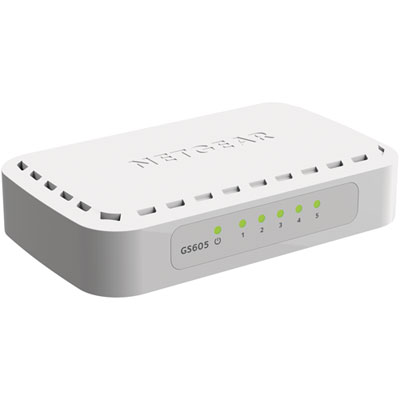 Your price for this item is $34.99
 -
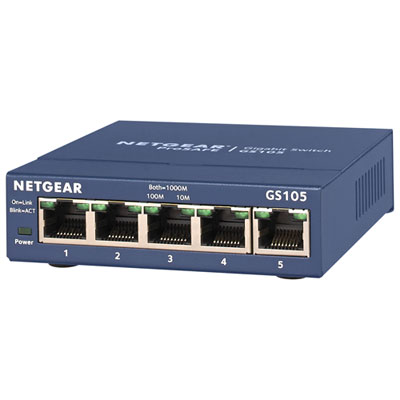 Your price for this item is $44.99
 -
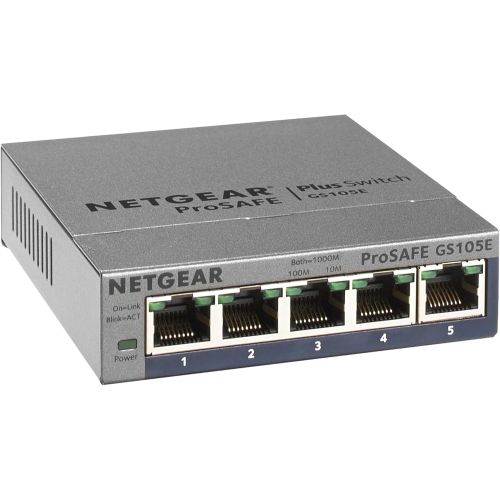 Your price for this item is $52.68
 -
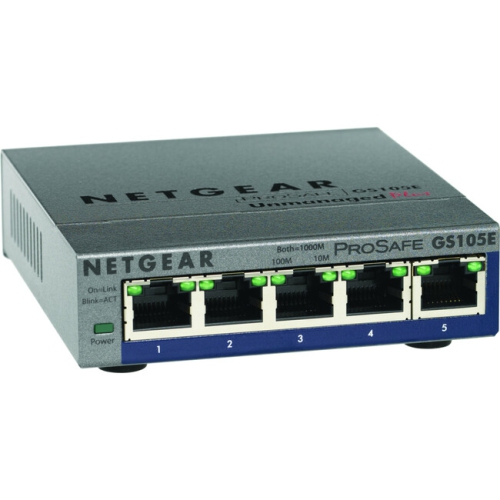 Your price for this item is $76.99
 -
 Your price for this item is $52.68
 -
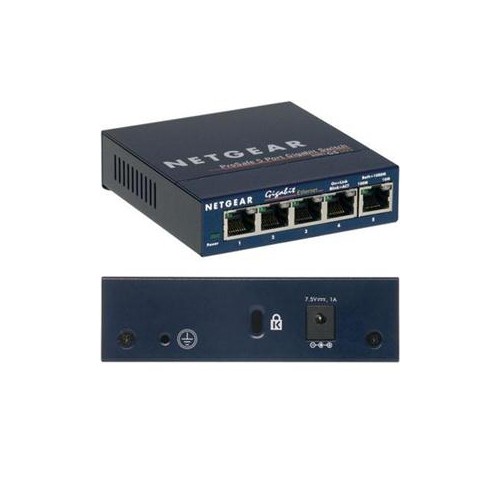 Your price for this item is $49.68
 -
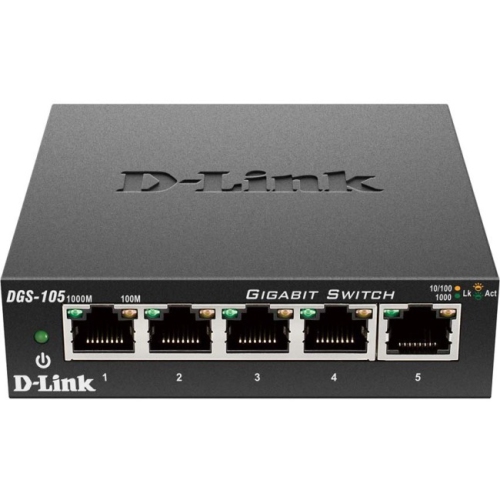 Your price for this item is $29.99
 -
 Your price for this item is $49.99
Discover more categories related to Networking Servers
Top Collections:
Pokemon Centers, Kindle Devices, Best Budget Office Chairs, Apple iPhones 16, Samsung Galaxy Phones, Canon G7X Cameras, iPhone 15 Apple, Flip Phones, Best Laptops for Writers, Alarm Clock
Some products may be subject to Environmental Handling Fees
(EHF) depending on your province.
Learn more about EHFs.