Computer Skins
Transform your laptop or desktop into a personalized masterpiece with our wide selection of computer skins. Perfect for adding a touch of individuality, these skins offer an easy and stylish way to protect your device from everyday wear and tear. Whether you prefer bold patterns, sleek minimalist designs, or vibrant colors, there's something to match every personality and style. Dive into our collection and discover how computer skins can enhance the look of your tech while keeping it safe from scratches and scuffs.
Sort
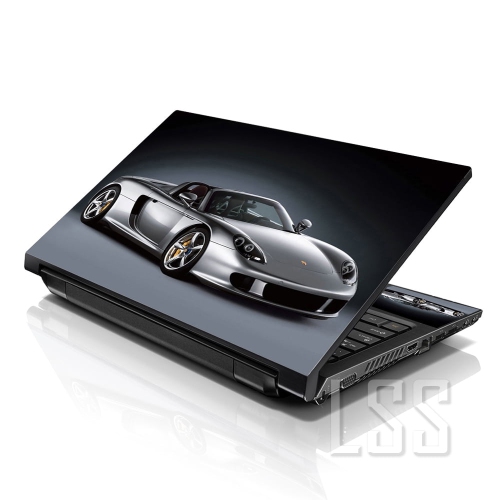
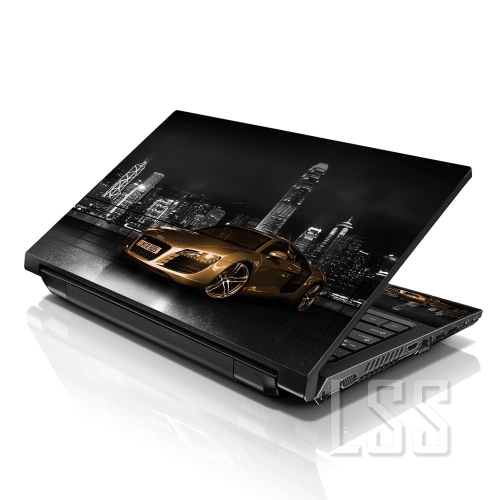
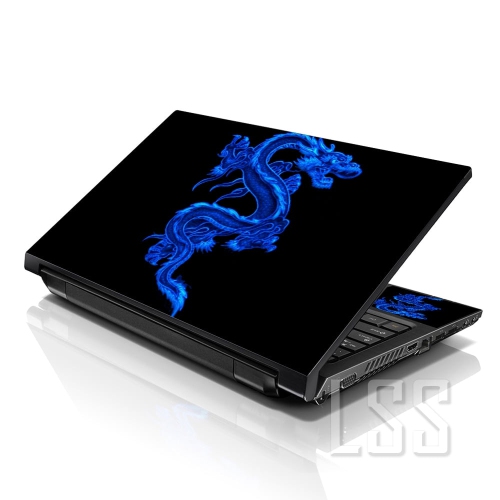
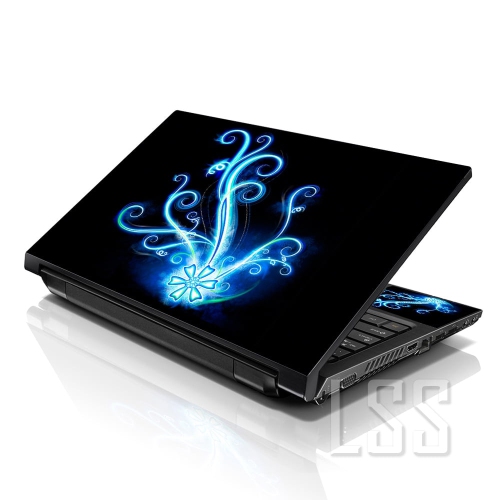
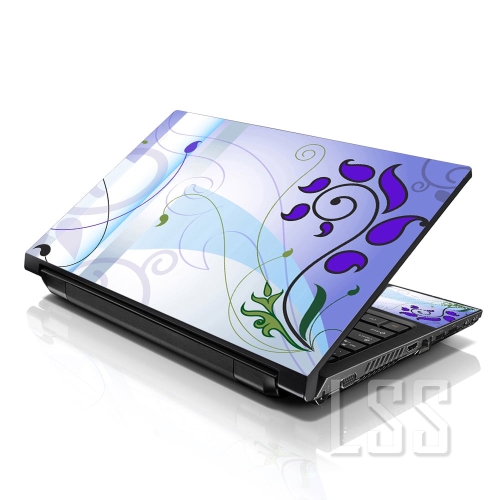
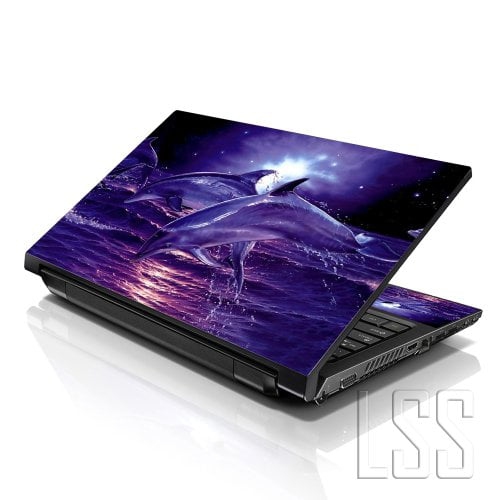
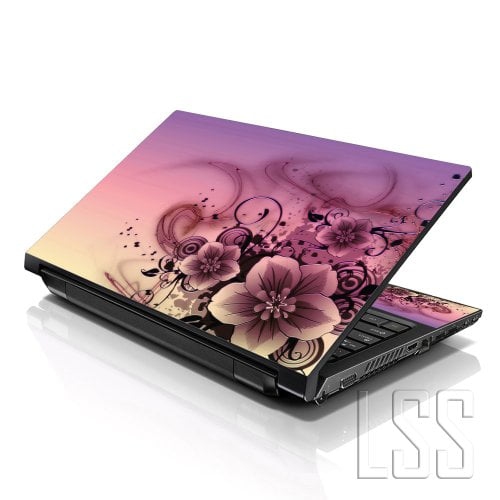
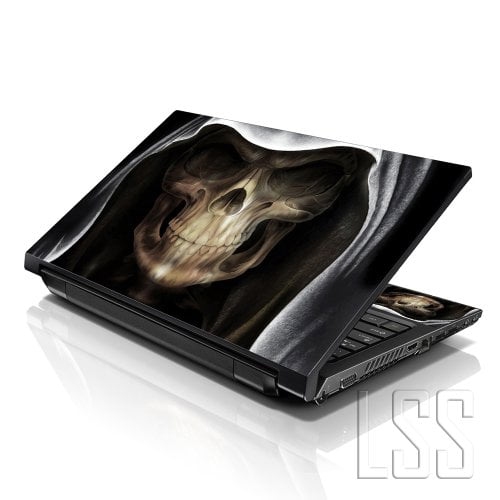
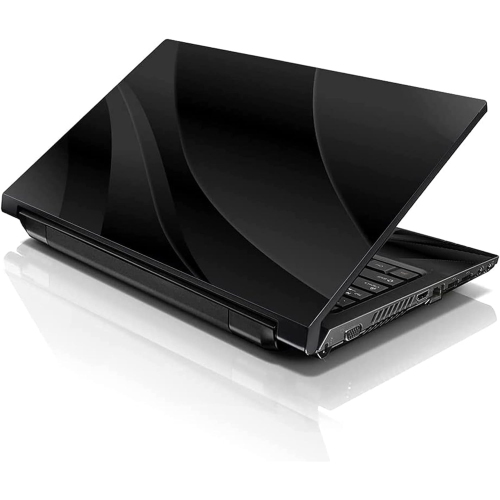
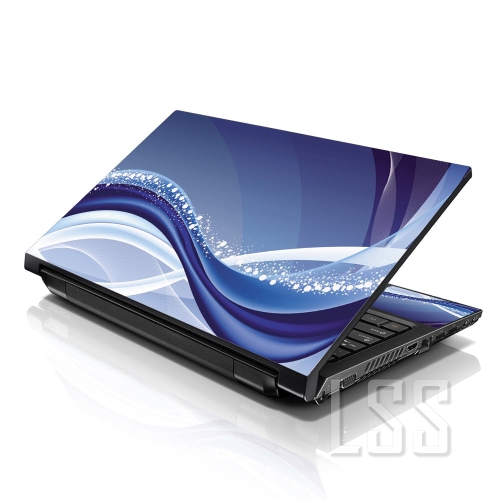
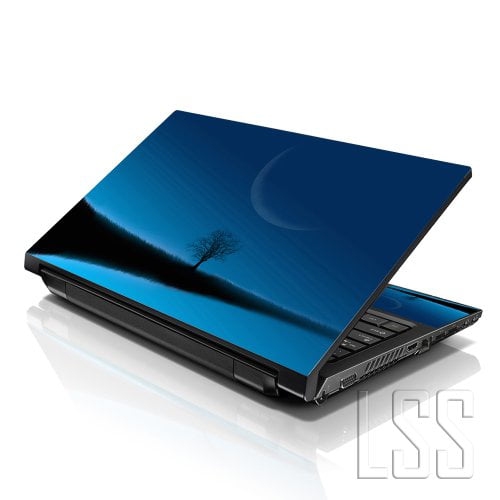
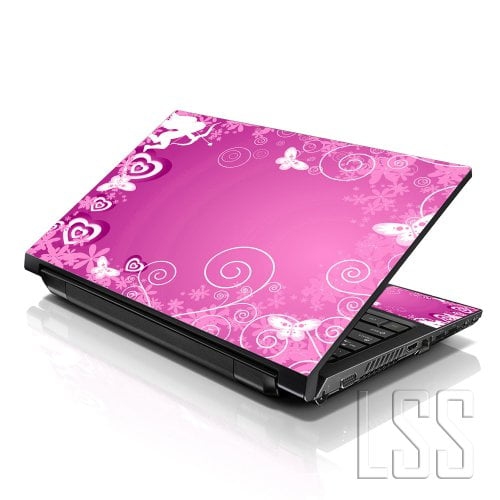
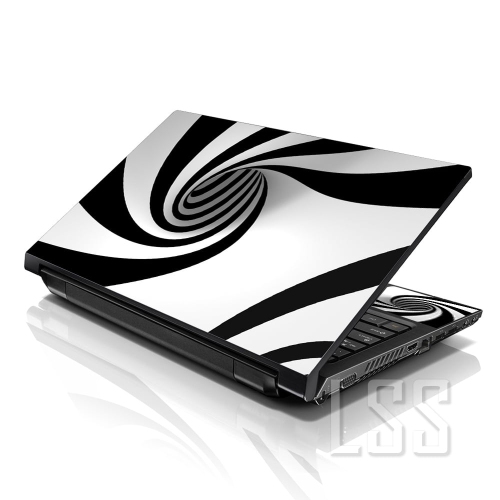
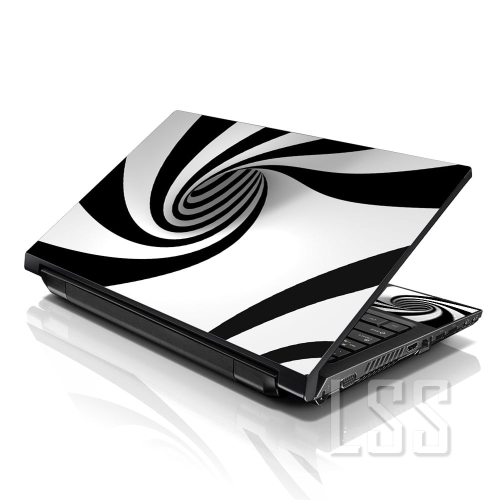
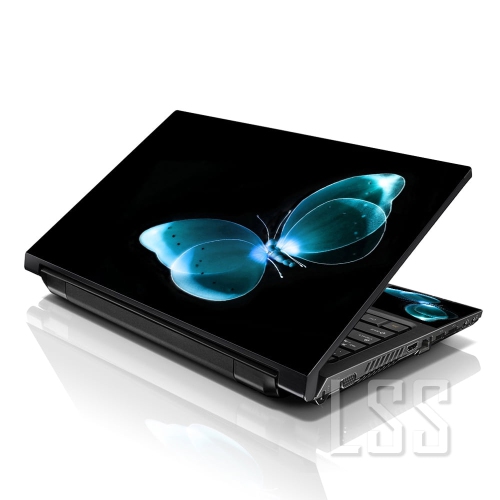
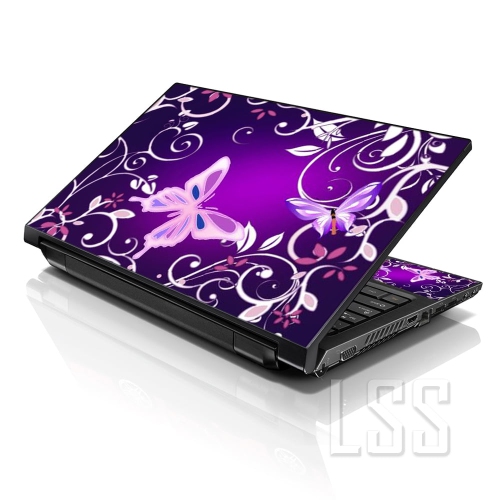
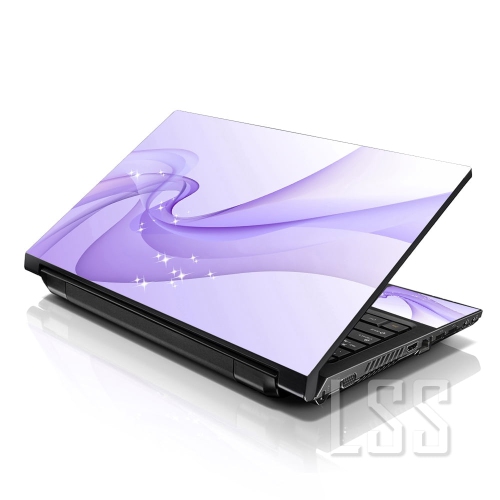
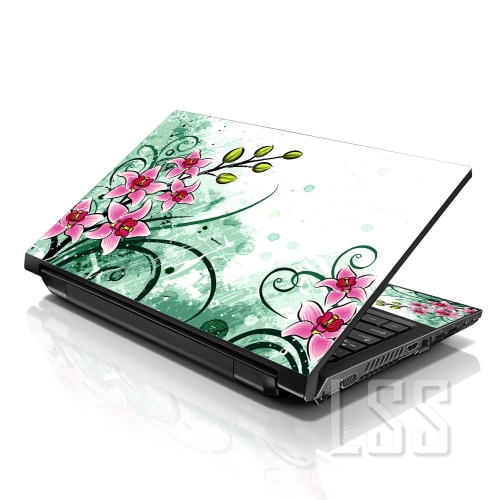
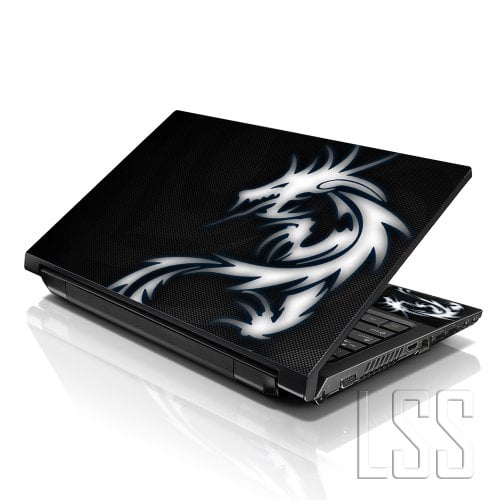
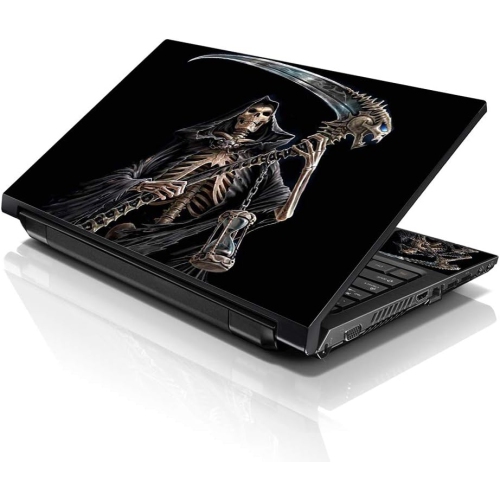
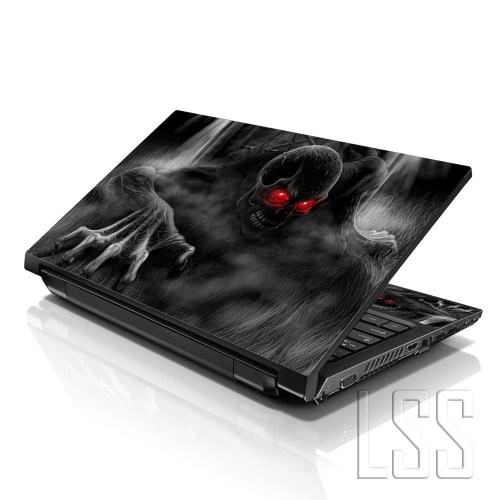
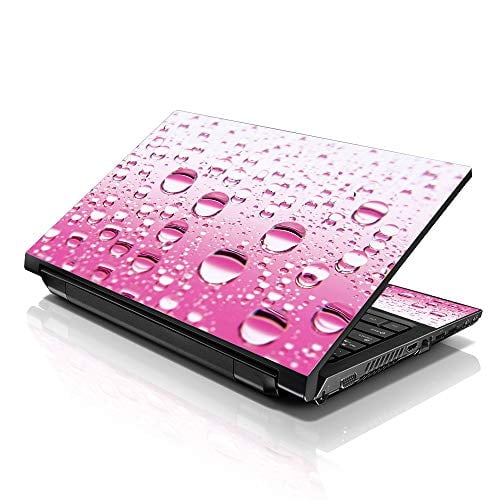
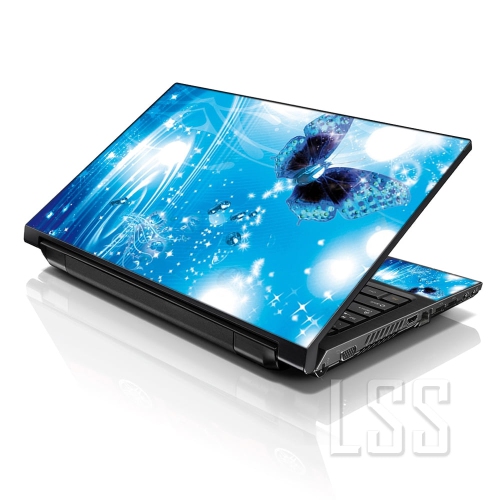

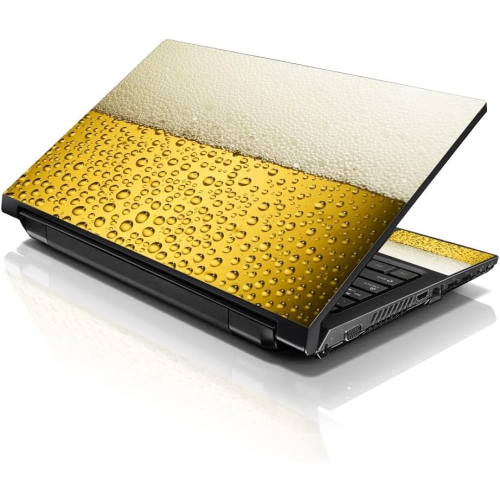
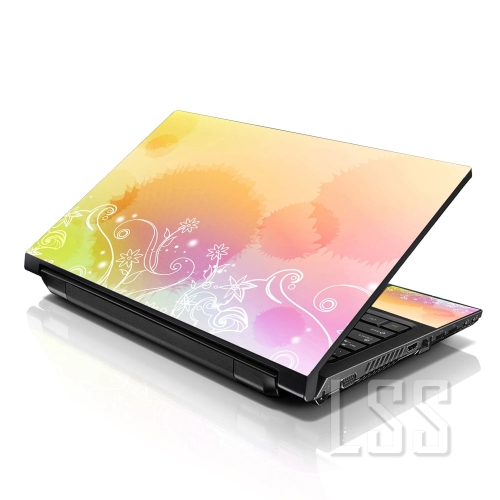
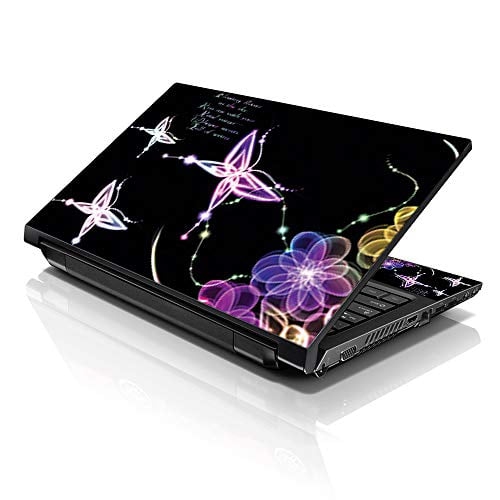
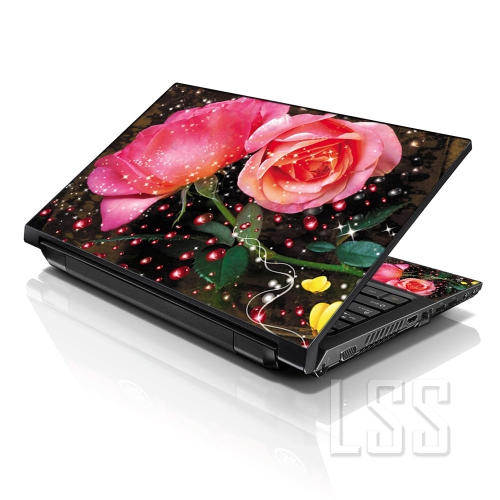

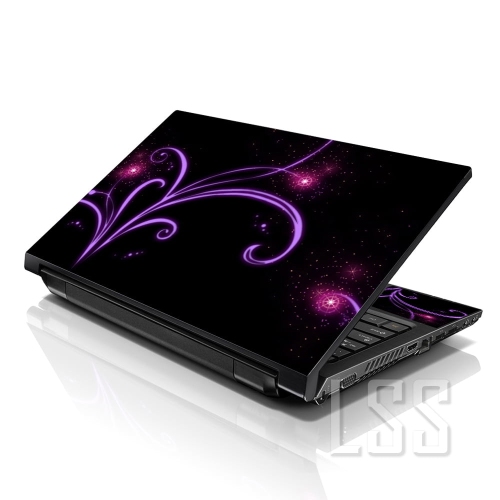
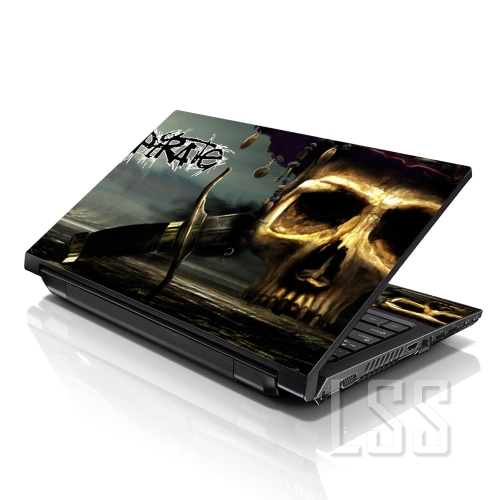

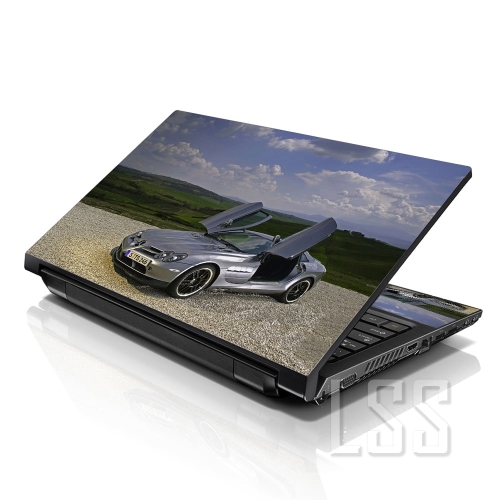
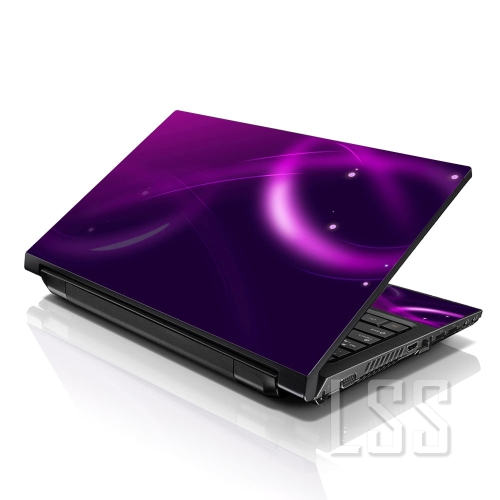
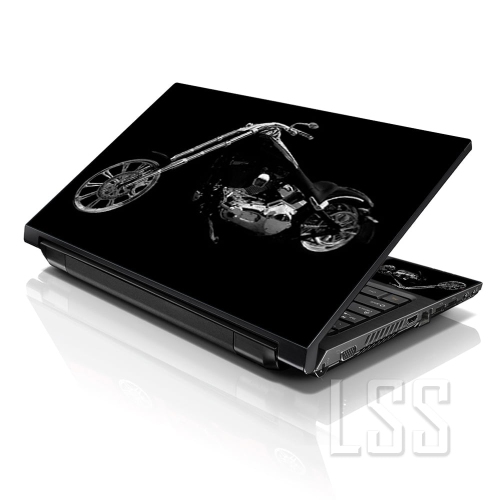
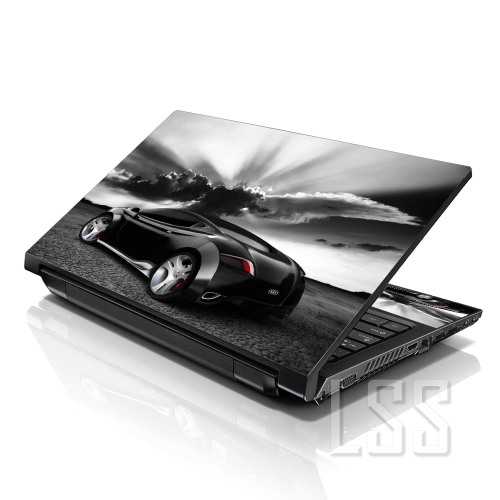
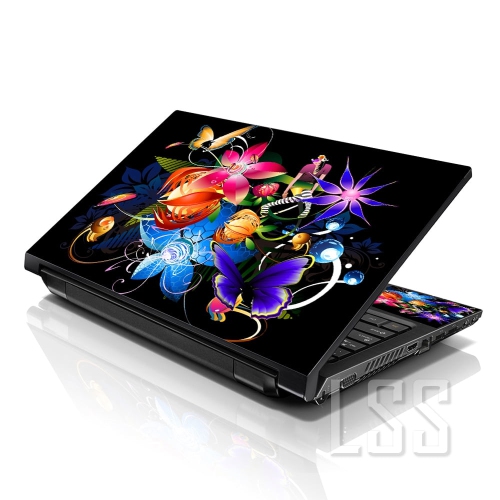
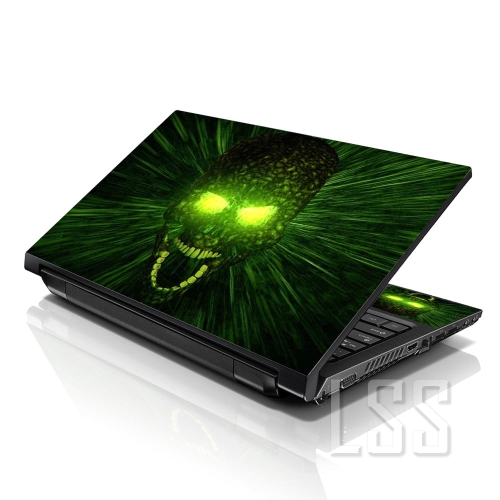
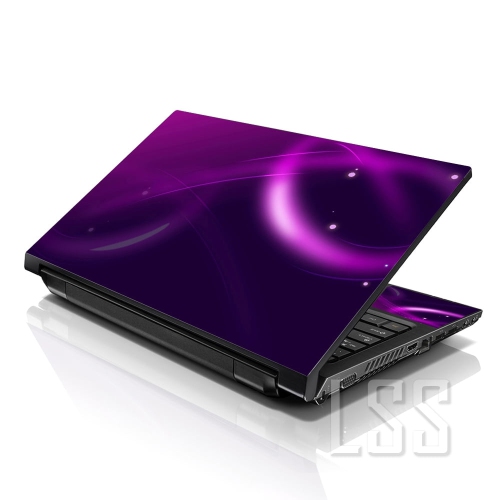
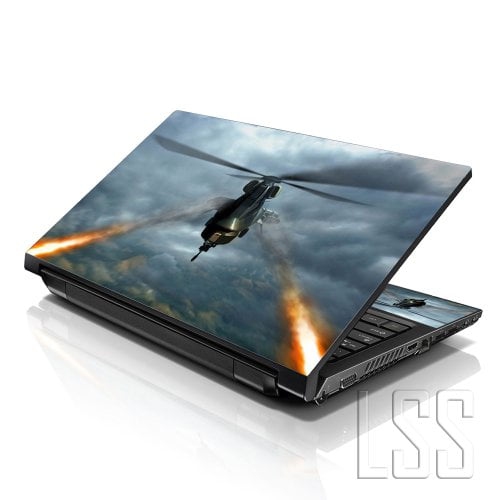
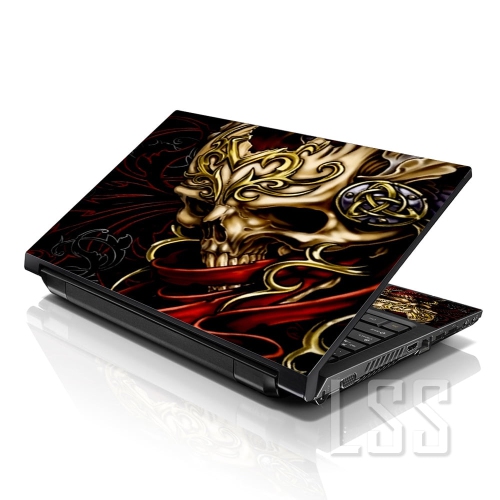
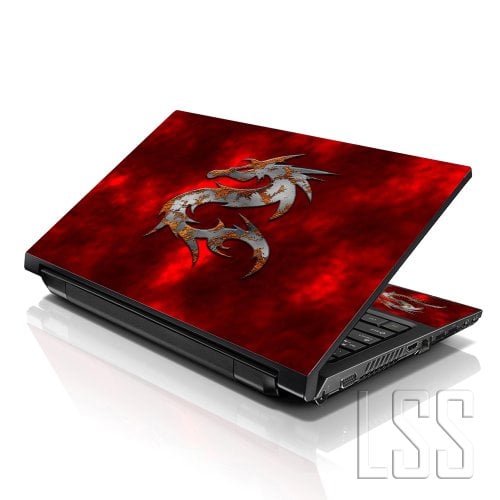
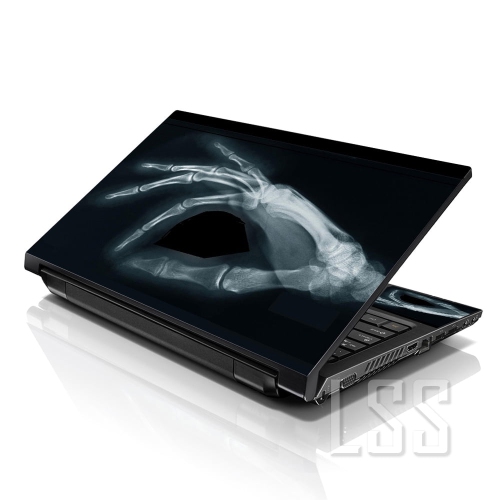
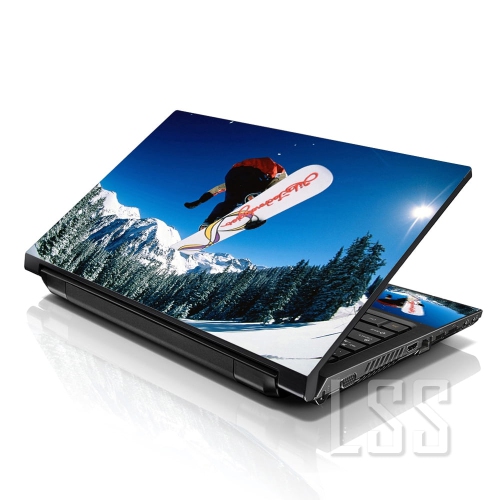
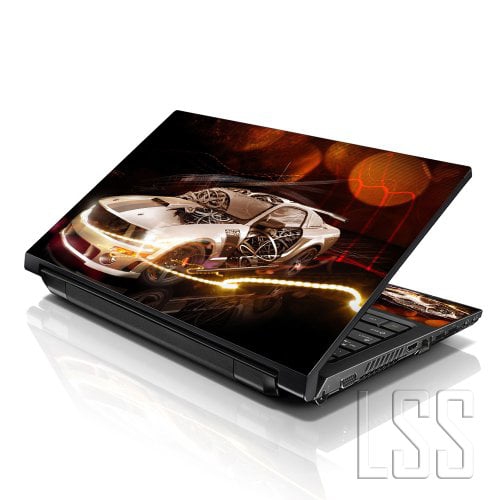
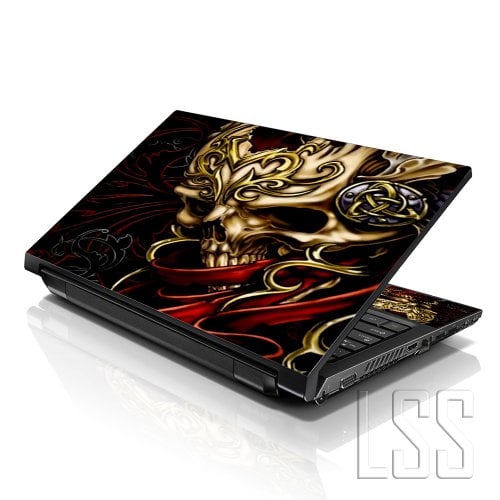
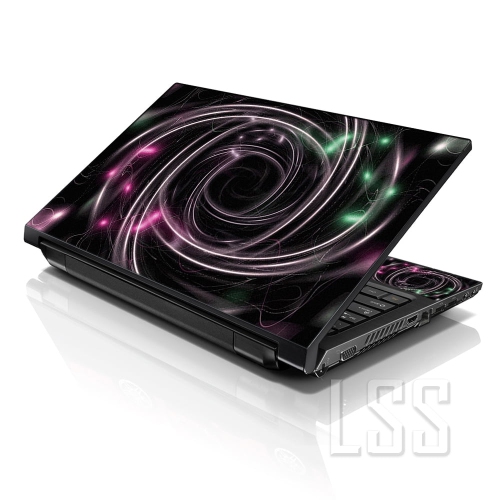

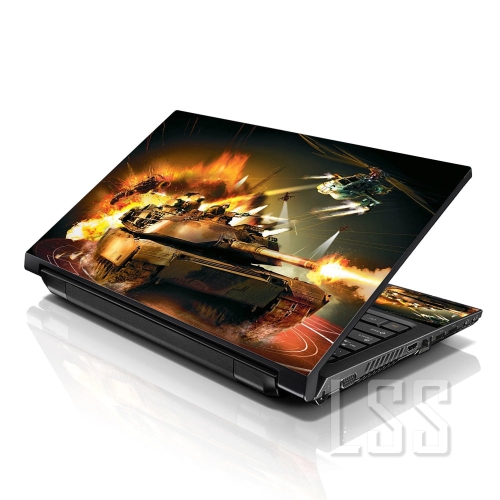
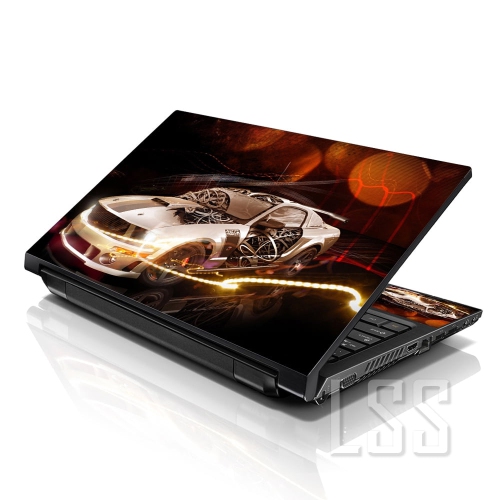
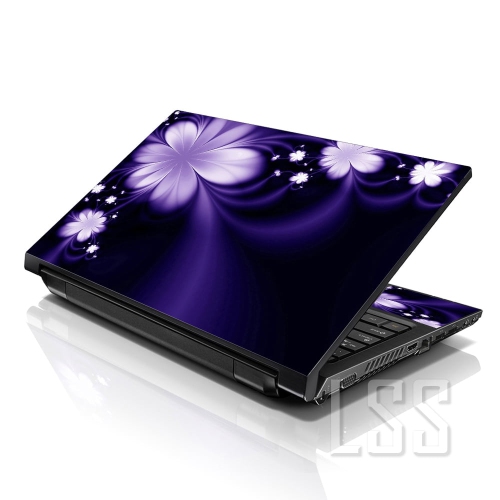
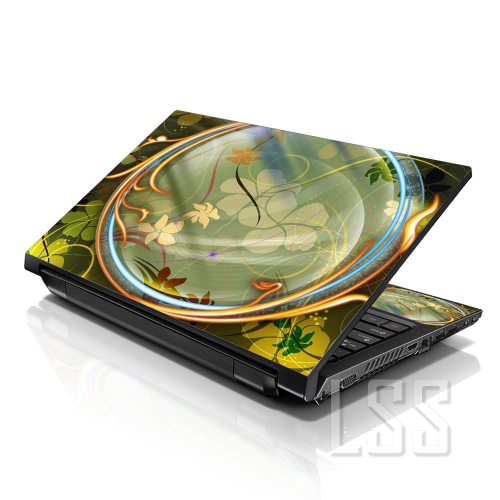
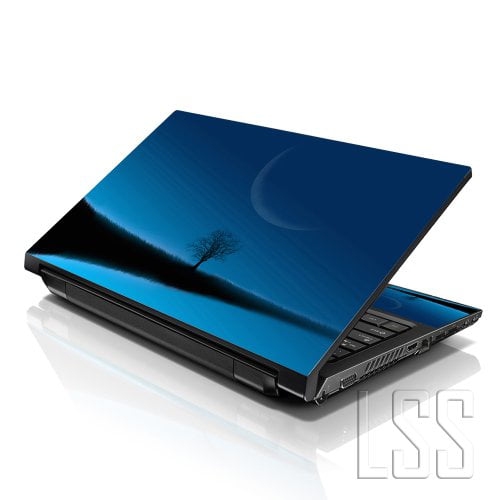
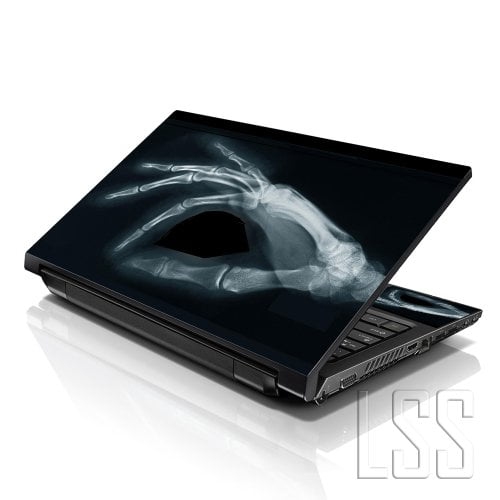
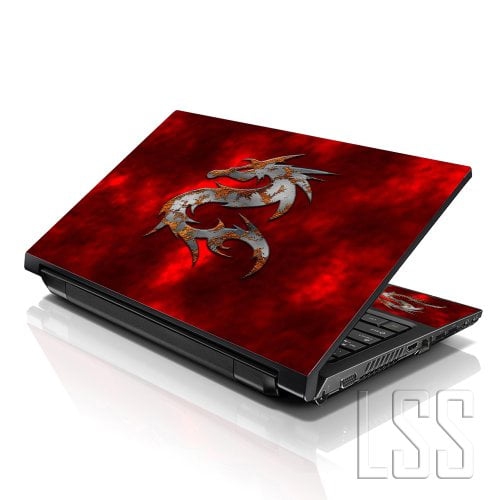
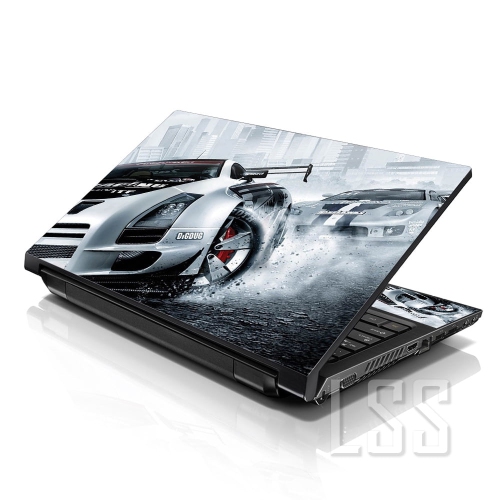
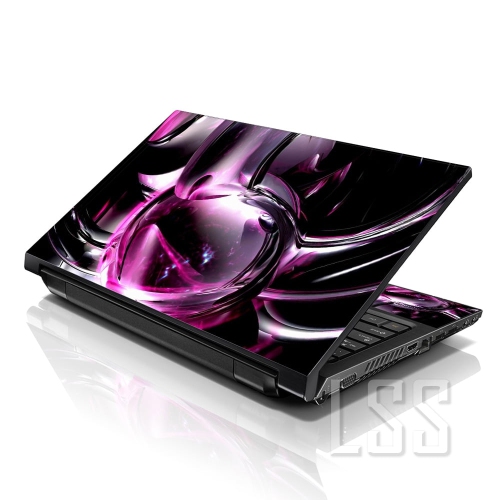
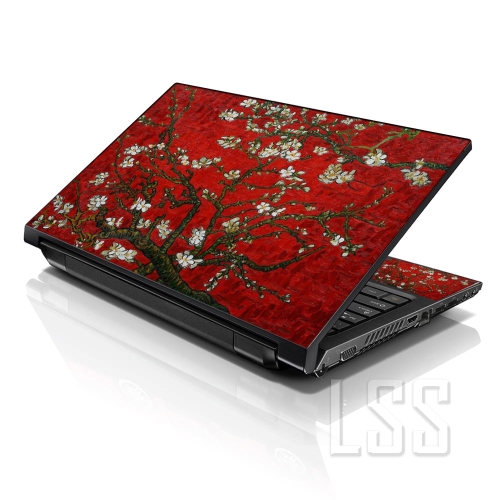
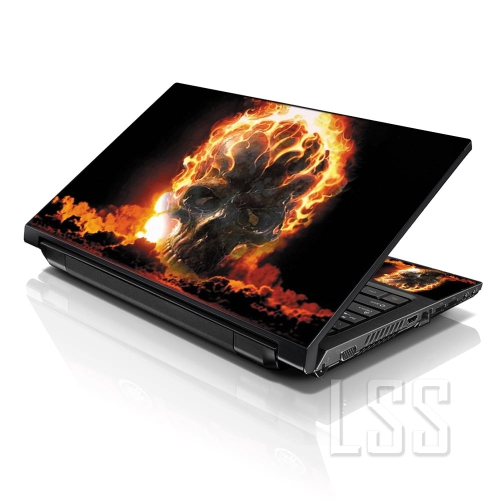
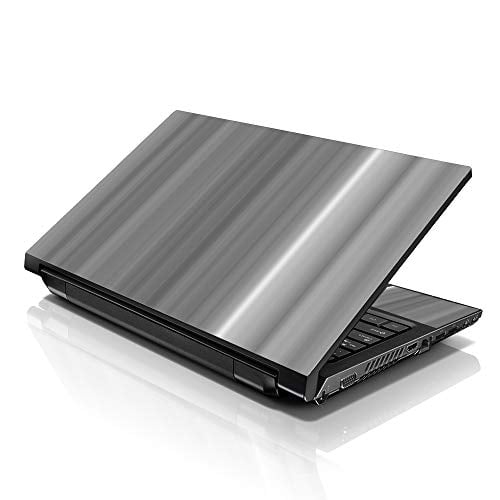
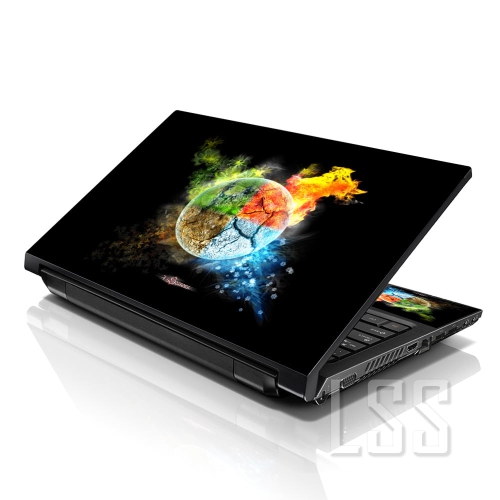

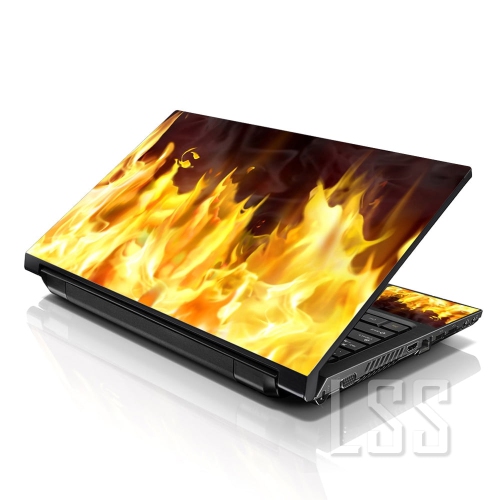
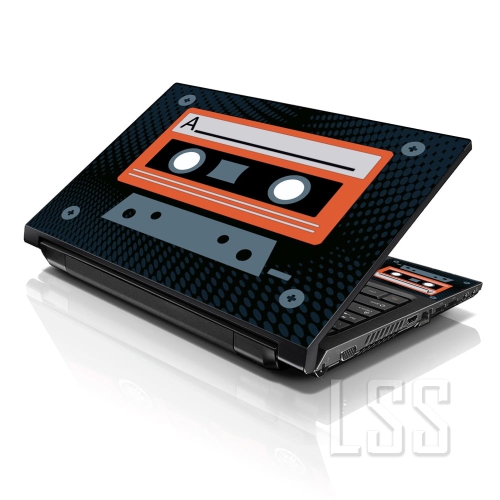
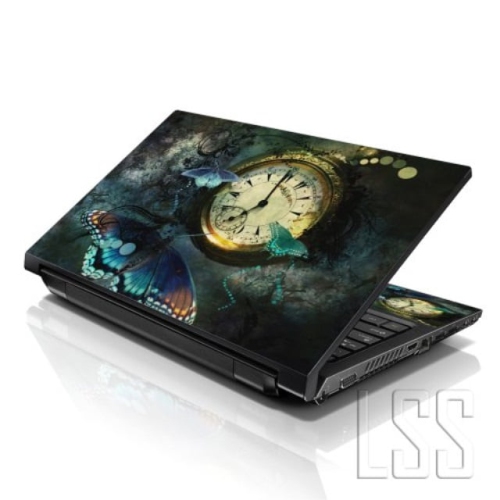

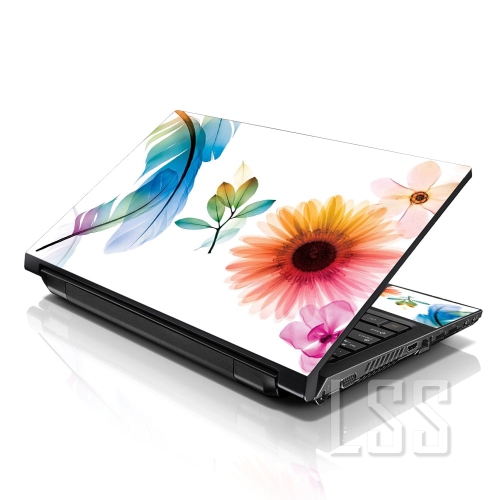
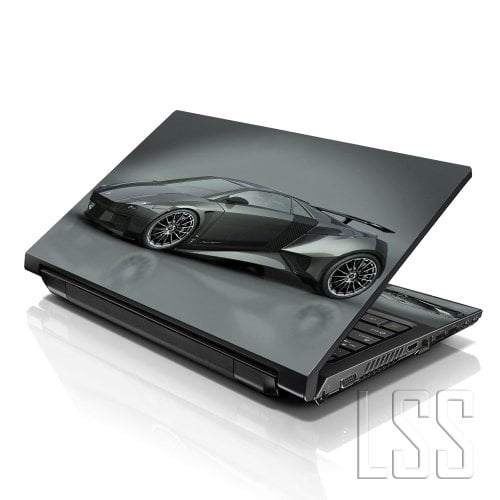

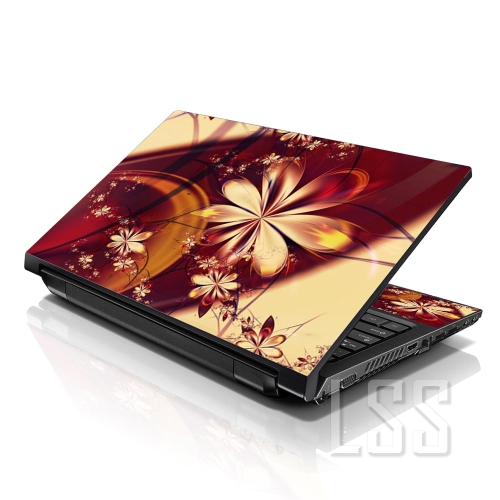
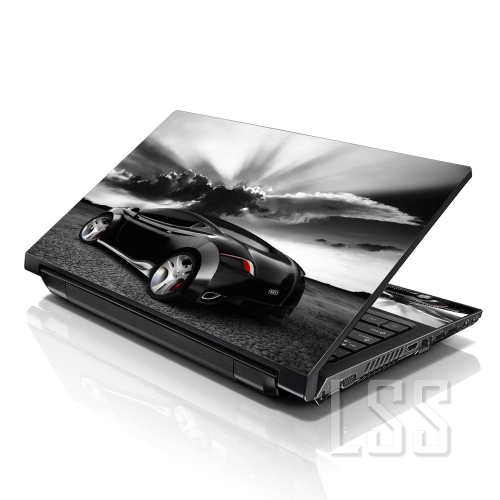
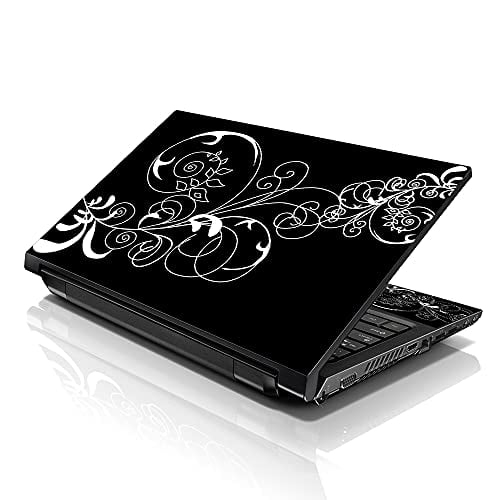
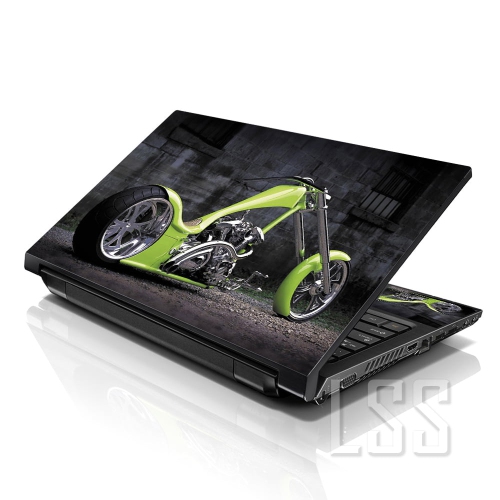
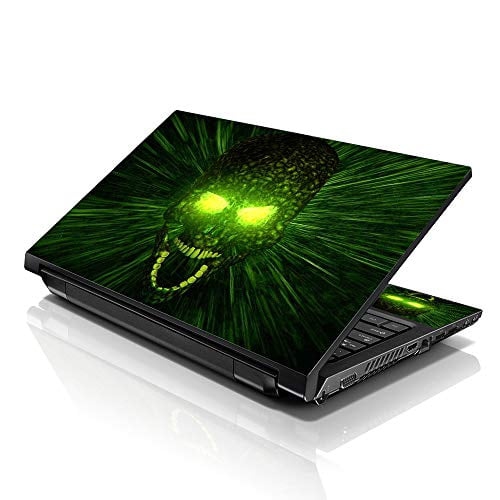
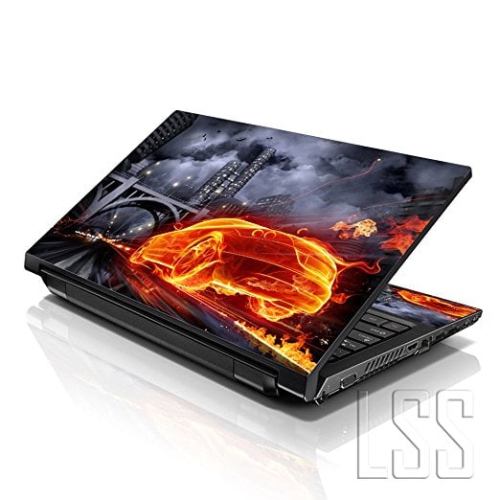
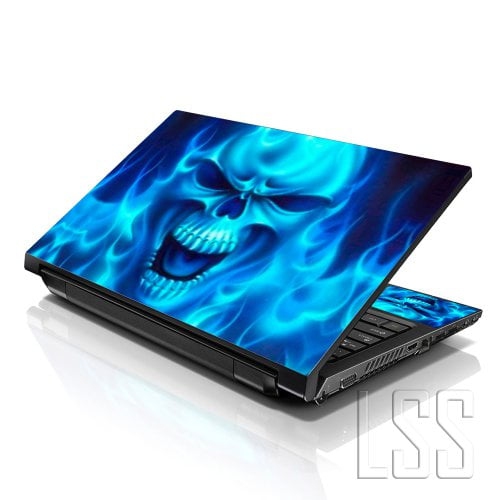
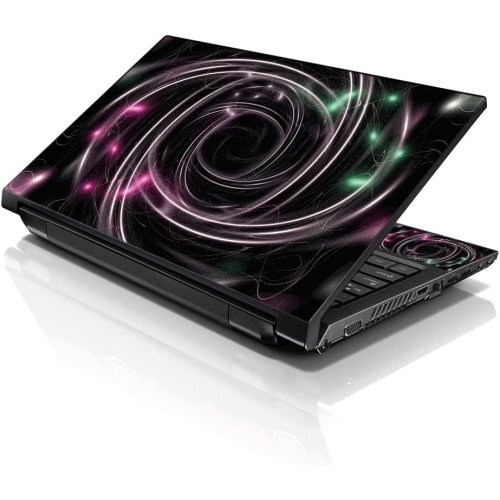
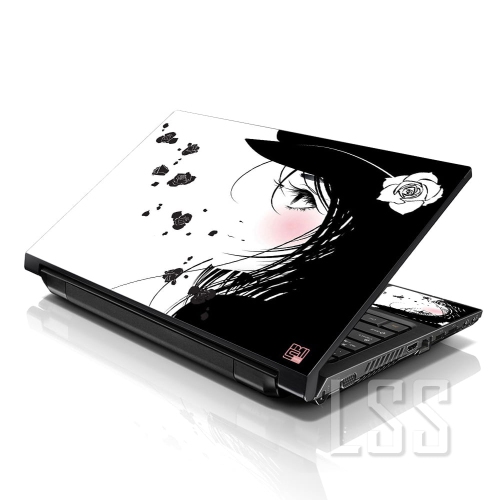
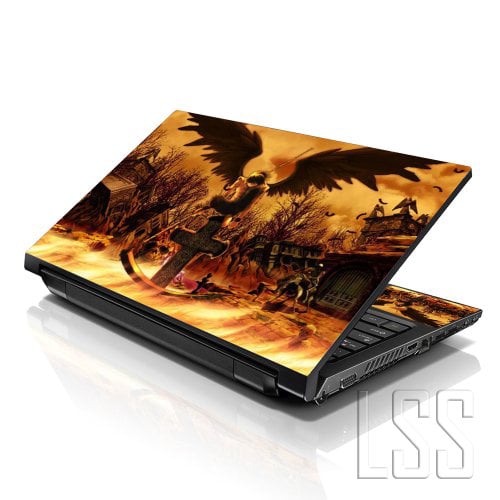
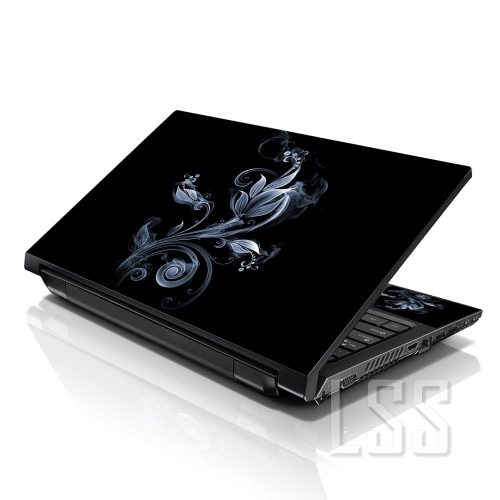
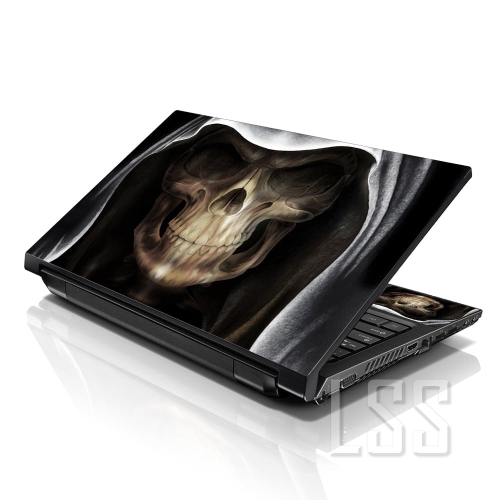
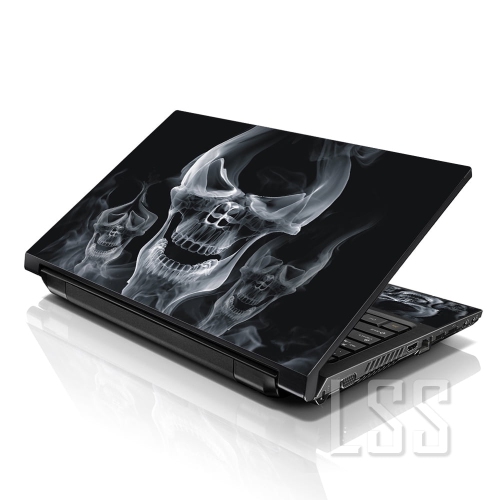
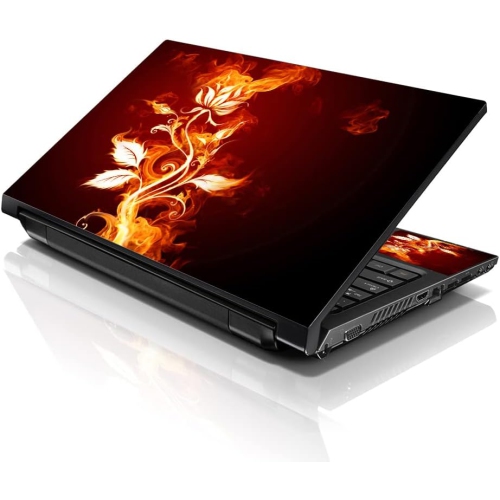
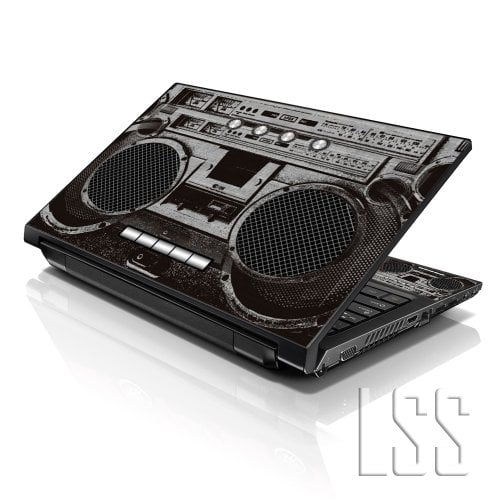
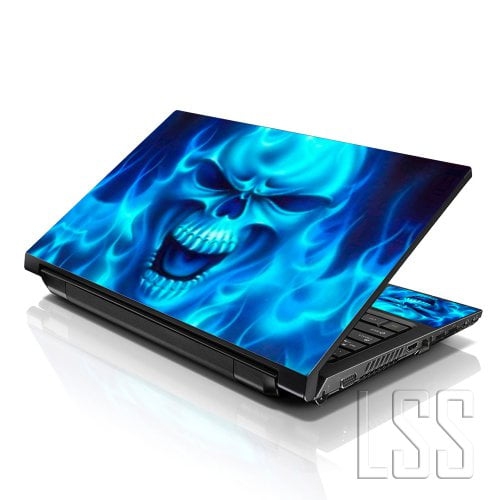
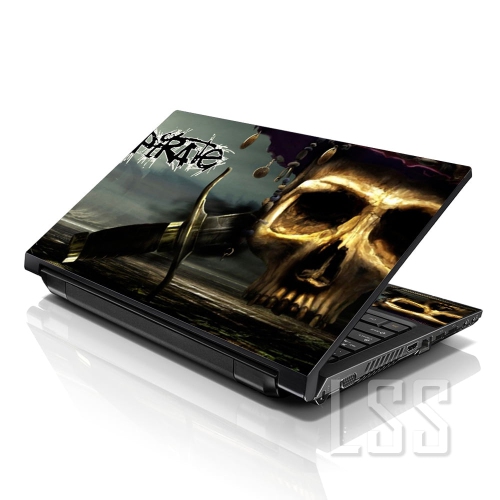
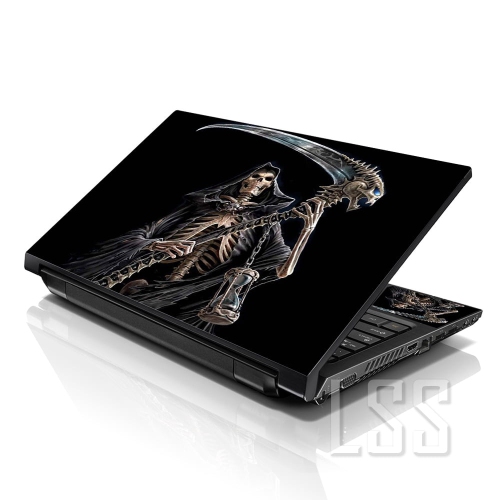
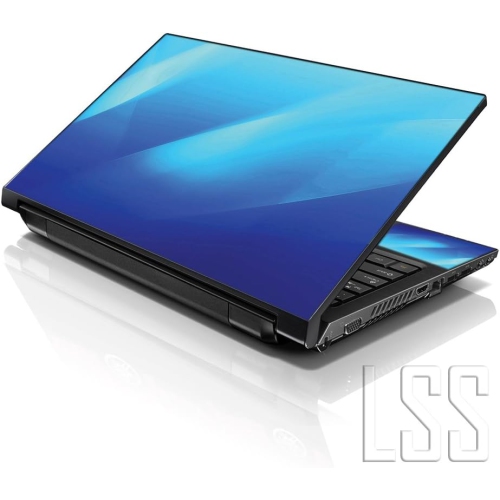
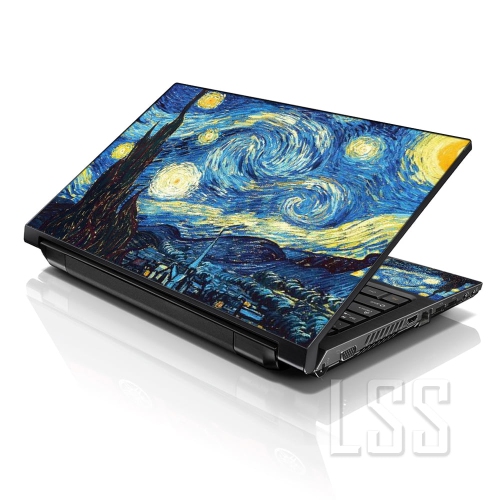
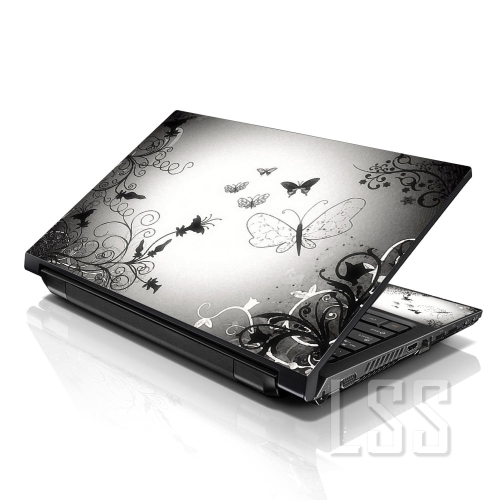
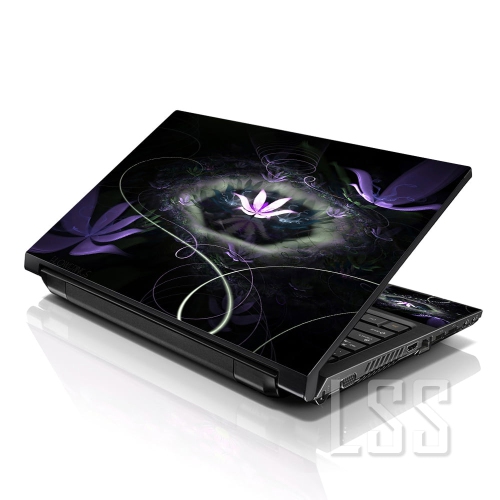
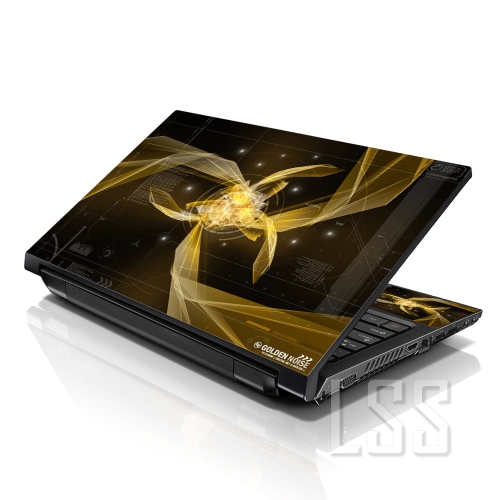
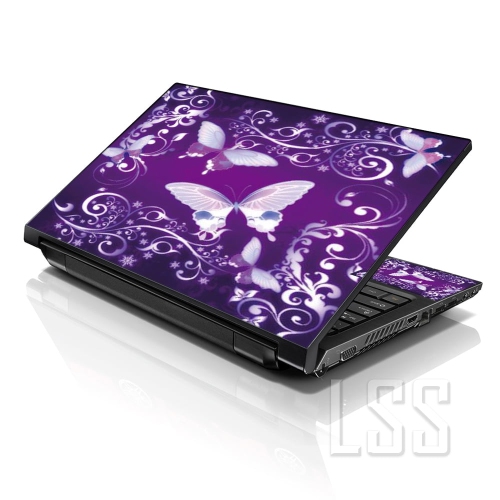

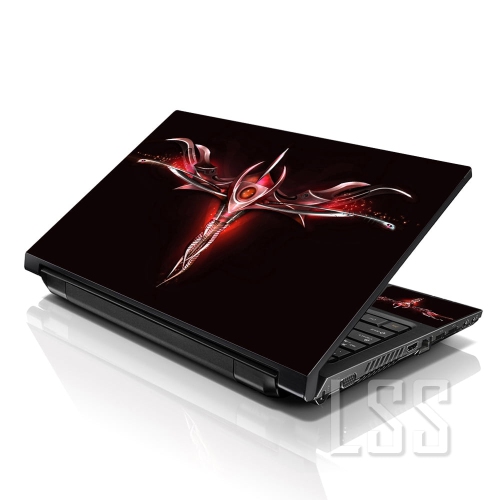
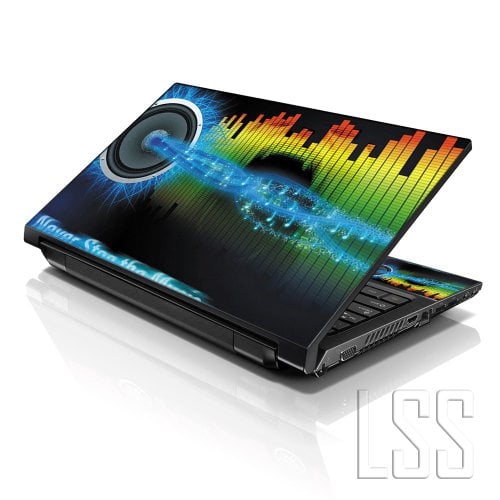
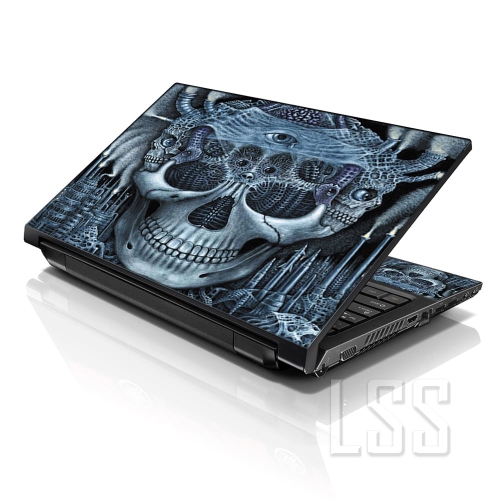
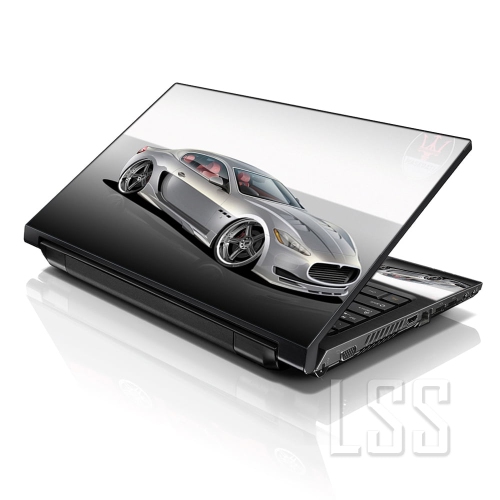
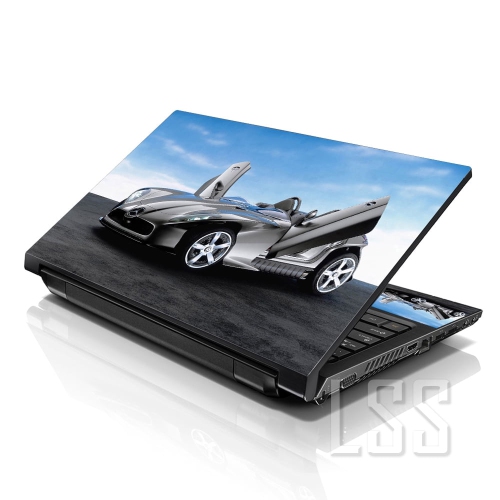
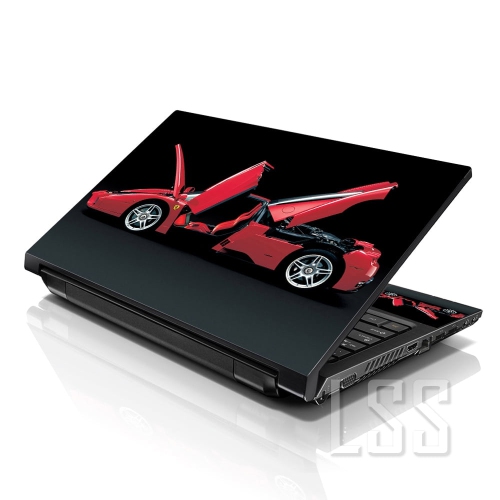
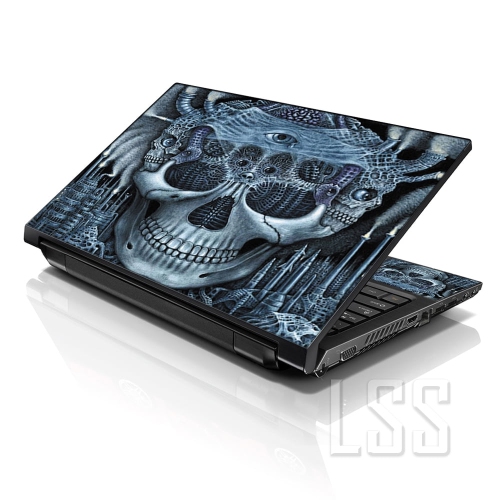

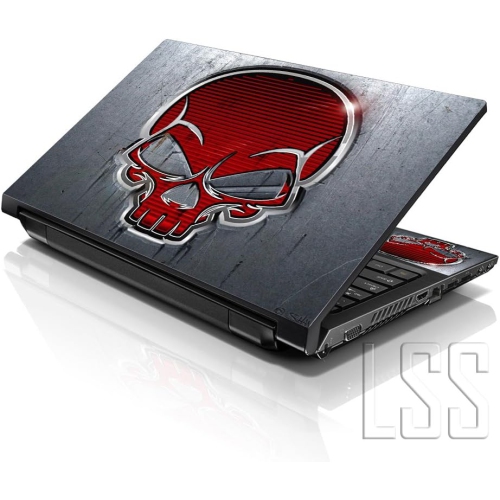
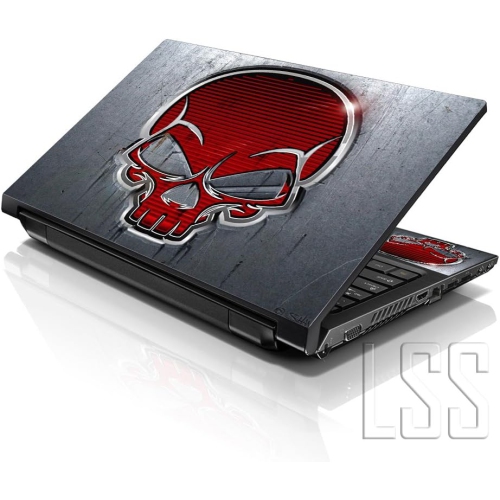
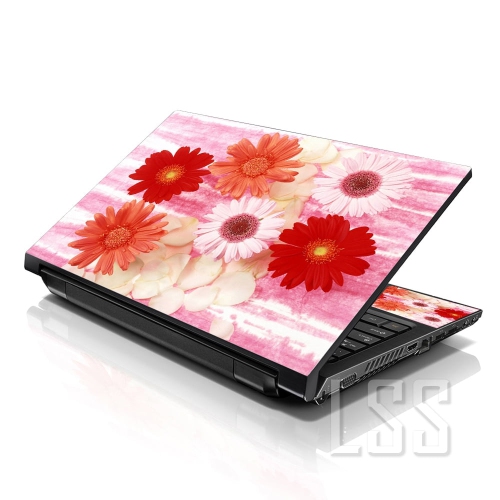
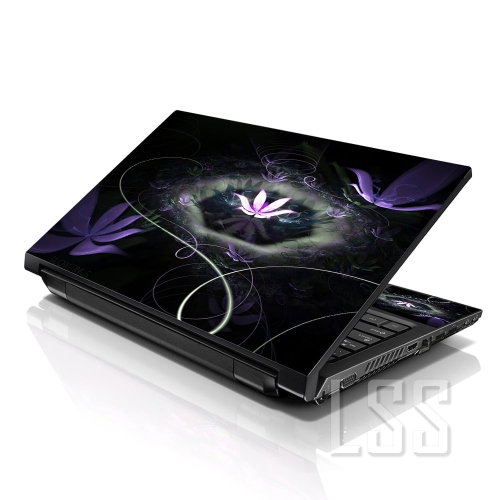
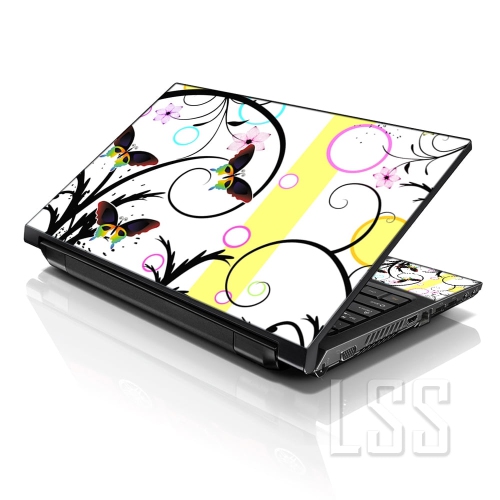
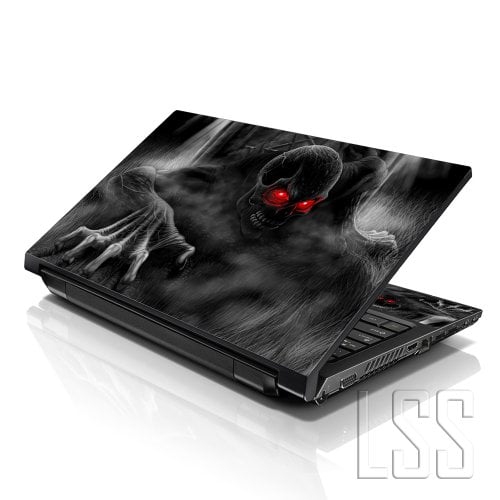
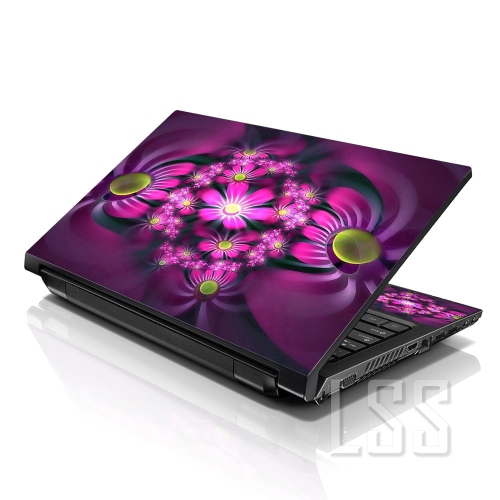
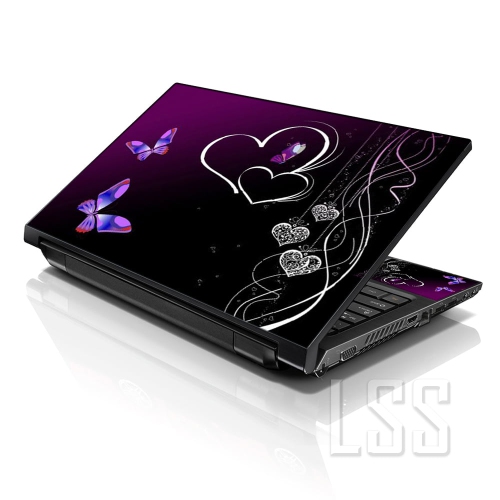
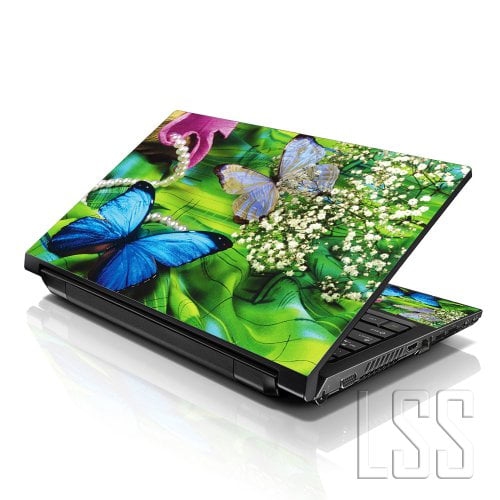
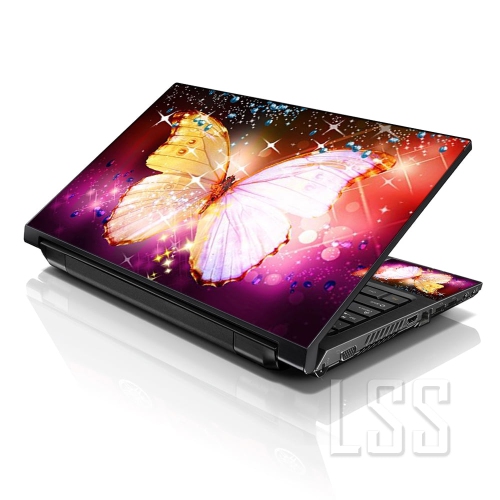
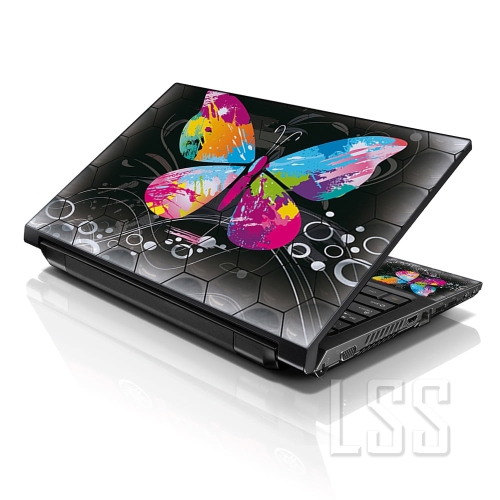

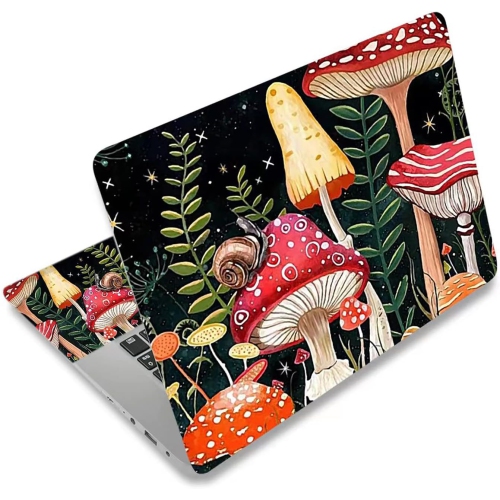

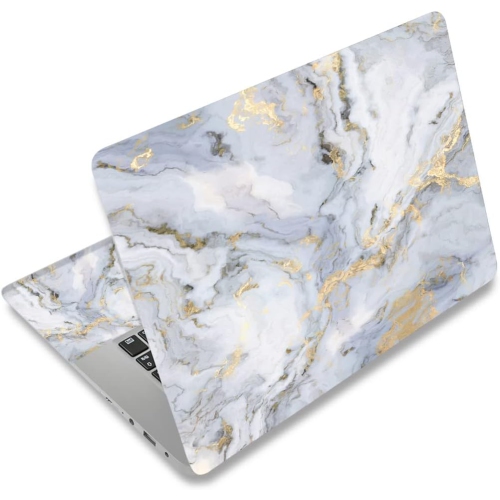
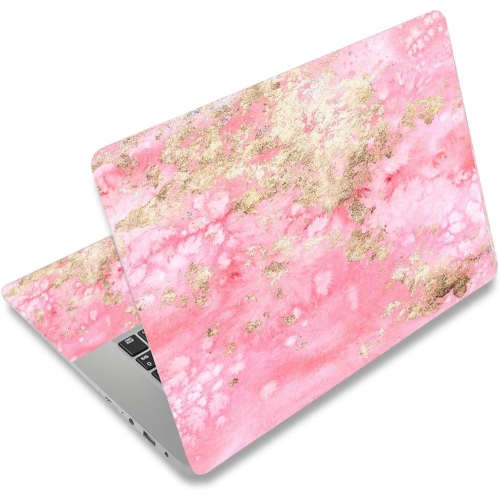
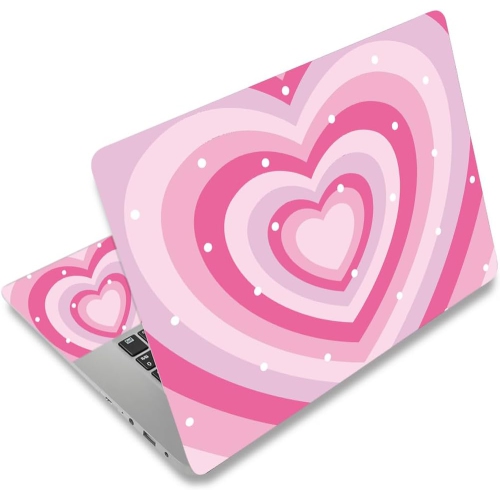
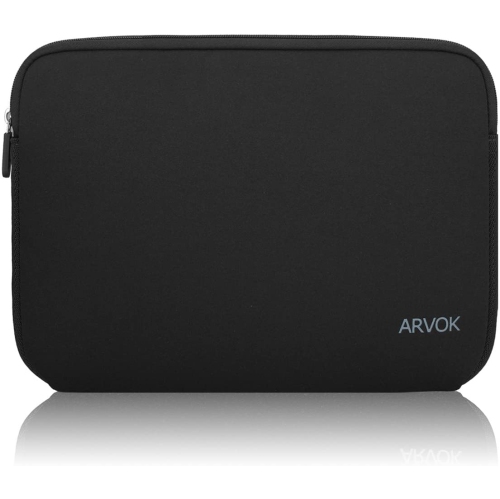
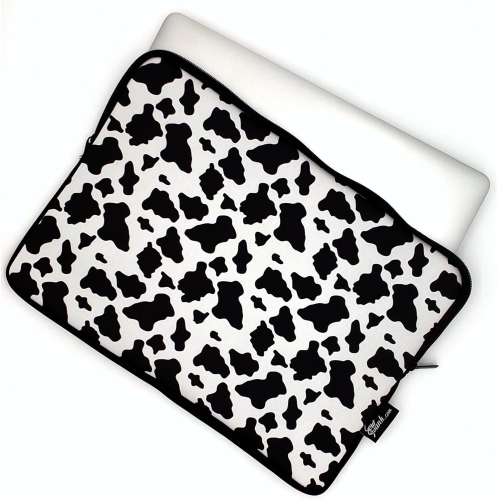
Personal style meets everyday laptop surface protection
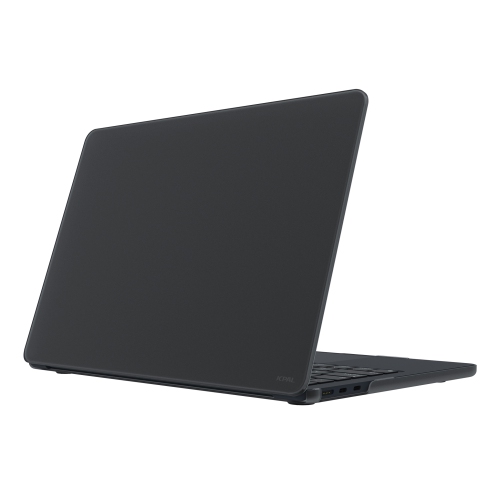
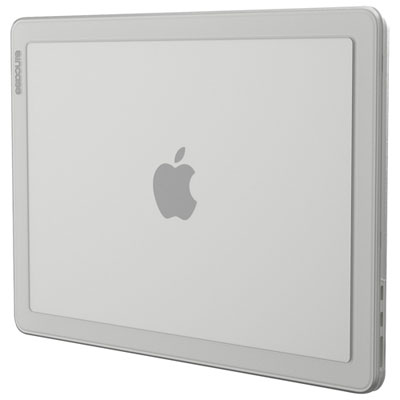
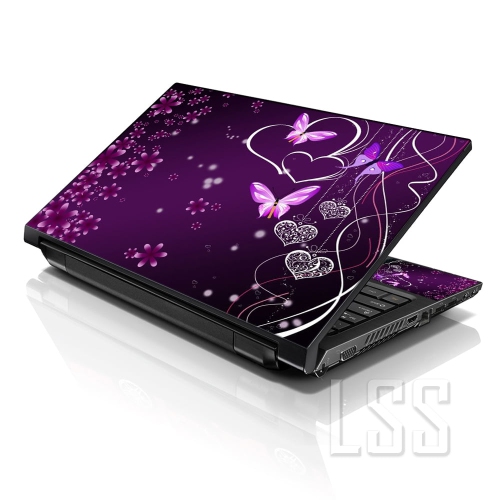
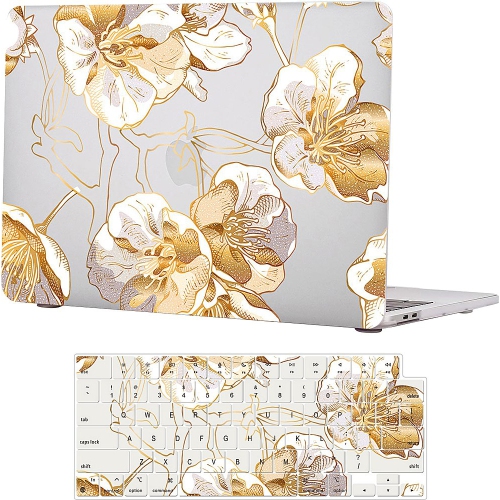
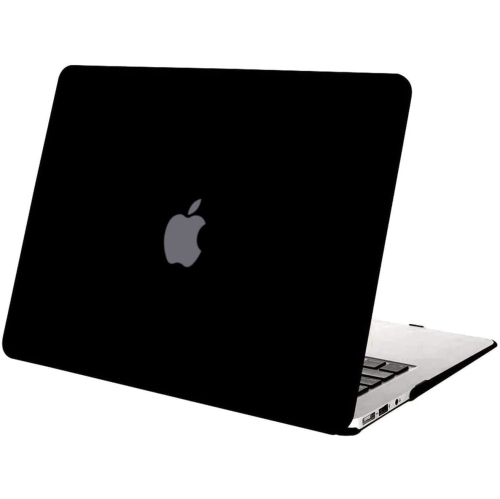
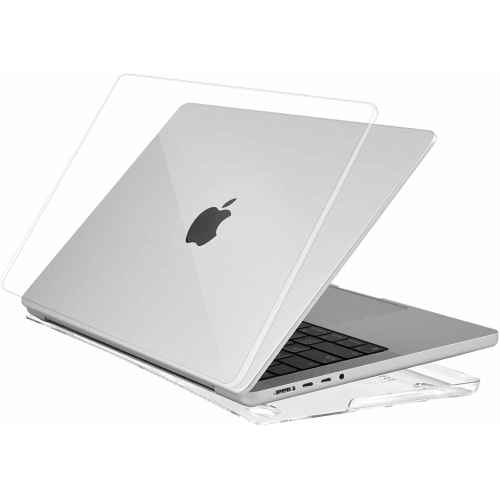
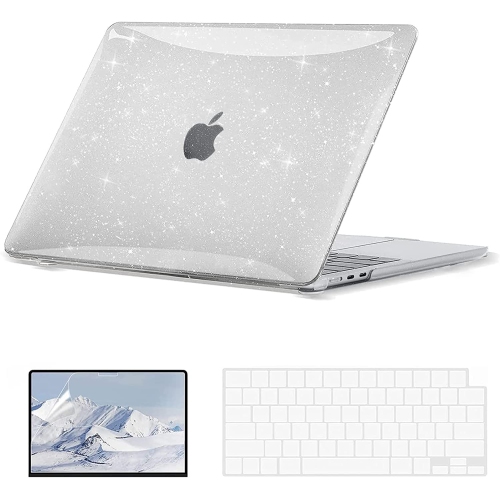
Computer skins are thin, adhesive vinyl decals designed to change the appearance of a computer while helping guard its exterior against everyday marks. They are commonly used on laptops, where the lid can collect fingerprints, scuffs and fine scratches from being carried between home, school, work and travel. Depending on the design, a skin may cover only the top lid or form part of a larger set for the lid, base, palm rest and other exterior surfaces. Some options are made for a specific computer model and are cut around ventilation areas, logos, ports, hinges, cameras and other details, while universal sheets can be trimmed to fit with careful measuring and a steady hand. A well-fitted computer skin follows the shape of the device without adding noticeable thickness, making it useful for anyone who wants a more personal look without a bulky case. Vinyl surfaces may be smooth, matte, glossy, patterned or textured, with choices ranging from understated solid colours to artwork, geometric designs and expressive graphics. A clear or low-profile finish can keep the original appearance visible, while a bold print can turn a plain lid into a colourful focal point on a desk or in a lecture hall. Skins can also help reduce the small accumulation of dust and fingerprints that comes with daily handling, although they are not a substitute for a protective case, sleeve or careful cleaning. Because they are lightweight, they are especially appealing to people who prefer to preserve the slim shape and easy portability of a computer. A student might use one to make a device easier to identify among similar computers in a classroom, while a remote worker could coordinate the look of a laptop with a home office. For a shared family computer, a distinctive finish can make it easier to recognize at a glance; for a creative professional, it can add a visual detail that feels more personal than a plain black or silver exterior.
When choosing computer skins, begin by confirming the exact computer make, model and screen size rather than relying only on a general product family name. Small differences in hinge placement, rounded corners, vents, camera openings and surface dimensions can affect the fit, so model-specific coverage is usually the simplest choice for a clean result. Check whether the skin covers the top lid only, includes the bottom panel, or offers a full-body arrangement with pieces for the palm rest and trackpad. Coverage for the keyboard area is not always included, and a trackpad piece may have a different finish or cutout to preserve smooth movement and touch sensitivity. Universal vinyl sheets provide more flexibility and can be useful for unusual shapes, desktop components or carefully planned custom layouts, but they require accurate measurements and trimming. Material is another important consideration. Premium cast vinyl is often flexible and well suited to gently curved surfaces, while other vinyl types may be better suited to flat panels and simple applications. Look for descriptions that explain the finish, thickness, resistance to fading and ease of removal. Removable adhesive should hold the decal in place during normal use while allowing it to peel away cleanly when the computer needs a new look or the skin needs replacing. Application is easiest on a clean, dry, dust-free surface. Before removing the backing, place the pieces over the computer to check alignment and identify the corners, openings and edges that need attention. Applying the decal gradually from one edge to the other can help limit air bubbles; a soft card wrapped in a cloth can smooth the surface without scratching it. Avoid stretching the vinyl excessively, since pulling it out of shape may make the edges lift later. Warm, dry indoor conditions generally make application more comfortable, while allowing the computer and skin to reach room temperature can help the adhesive settle. Keep vents, speakers, hinges, ports and cooling openings clear, and follow the care instructions for cleaning. A soft, lightly dampened cloth is typically a better choice than harsh cleaners or abrasive materials, which can affect the finish or loosen an edge. Skins are a visual and scratch-resisting accessory, not a replacement for impact protection, so a sleeve remains useful when a laptop is placed in a backpack or carried through busy spaces.
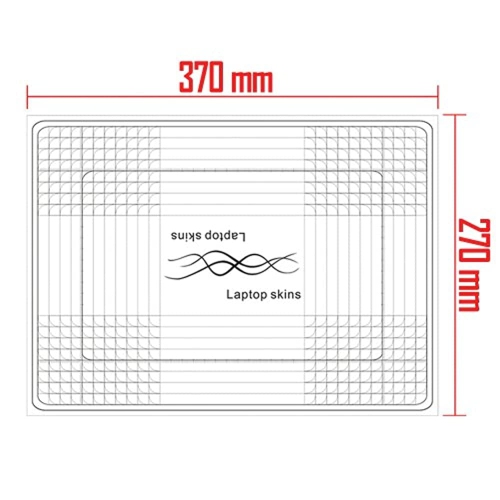
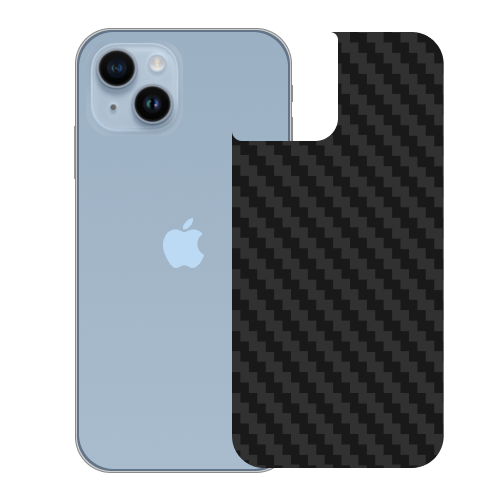
Computer skins can be a thoughtful gift for a student starting a new term, a family member setting up a study area, or a colleague who spends much of the day working from a laptop. They are also a practical way to refresh a familiar computer during the cooler months, when more work, study and entertainment may take place indoors at a desk. The best design depends on the recipient’s habits and personality: a quiet neutral finish can suit a minimalist workspace, a tactile texture can make a frequently handled lid feel more distinctive, and a colourful illustration can bring character to a compact desk. For someone who travels often, a model-specific skin with dependable edge coverage may be more convenient than a loose universal sheet. For a person who enjoys changing décor, a removable decal offers a lower-commitment update that can be replaced as preferences change. Similar styling is available for mobile devices through iPhone Skins, making it possible to coordinate the look of a computer and phone without adding much bulk to either one. Before placing an order, compare the listed dimensions and coverage diagram with the computer in hand, consider whether the surface is flat or curved, and decide how much of the exterior should be visible. Think about where the computer is used as well: a frequently shared device may benefit from a noticeable finish, while a professional setting may call for a subtle colour or clear layer. With the right fit, adhesive and coverage, a computer skin can add individuality to a laptop or compatible computer surface while helping it stay presentable through everyday handling.
When choosing computer skins, begin by confirming the exact computer make, model and screen size rather than relying only on a general product family name. Small differences in hinge placement, rounded corners, vents, camera openings and surface dimensions can affect the fit, so model-specific coverage is usually the simplest choice for a clean result. Check whether the skin covers the top lid only, includes the bottom panel, or offers a full-body arrangement with pieces for the palm rest and trackpad. Coverage for the keyboard area is not always included, and a trackpad piece may have a different finish or cutout to preserve smooth movement and touch sensitivity. Universal vinyl sheets provide more flexibility and can be useful for unusual shapes, desktop components or carefully planned custom layouts, but they require accurate measurements and trimming. Material is another important consideration. Premium cast vinyl is often flexible and well suited to gently curved surfaces, while other vinyl types may be better suited to flat panels and simple applications. Look for descriptions that explain the finish, thickness, resistance to fading and ease of removal. Removable adhesive should hold the decal in place during normal use while allowing it to peel away cleanly when the computer needs a new look or the skin needs replacing. Application is easiest on a clean, dry, dust-free surface. Before removing the backing, place the pieces over the computer to check alignment and identify the corners, openings and edges that need attention. Applying the decal gradually from one edge to the other can help limit air bubbles; a soft card wrapped in a cloth can smooth the surface without scratching it. Avoid stretching the vinyl excessively, since pulling it out of shape may make the edges lift later. Warm, dry indoor conditions generally make application more comfortable, while allowing the computer and skin to reach room temperature can help the adhesive settle. Keep vents, speakers, hinges, ports and cooling openings clear, and follow the care instructions for cleaning. A soft, lightly dampened cloth is typically a better choice than harsh cleaners or abrasive materials, which can affect the finish or loosen an edge. Skins are a visual and scratch-resisting accessory, not a replacement for impact protection, so a sleeve remains useful when a laptop is placed in a backpack or carried through busy spaces.
Computer skins can be a thoughtful gift for a student starting a new term, a family member setting up a study area, or a colleague who spends much of the day working from a laptop. They are also a practical way to refresh a familiar computer during the cooler months, when more work, study and entertainment may take place indoors at a desk. The best design depends on the recipient’s habits and personality: a quiet neutral finish can suit a minimalist workspace, a tactile texture can make a frequently handled lid feel more distinctive, and a colourful illustration can bring character to a compact desk. For someone who travels often, a model-specific skin with dependable edge coverage may be more convenient than a loose universal sheet. For a person who enjoys changing décor, a removable decal offers a lower-commitment update that can be replaced as preferences change. Similar styling is available for mobile devices through iPhone Skins, making it possible to coordinate the look of a computer and phone without adding much bulk to either one. Before placing an order, compare the listed dimensions and coverage diagram with the computer in hand, consider whether the surface is flat or curved, and decide how much of the exterior should be visible. Think about where the computer is used as well: a frequently shared device may benefit from a noticeable finish, while a professional setting may call for a subtle colour or clear layer. With the right fit, adhesive and coverage, a computer skin can add individuality to a laptop or compatible computer surface while helping it stay presentable through everyday handling.
Top selling and popular products
-
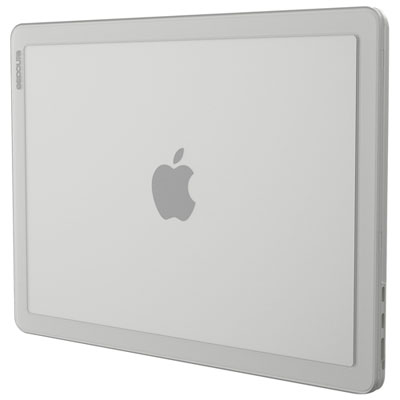 Your price for this item is $59.99
 -
 Your price for this item is $54.99
 -
 Your price for this item is $59.99
 -
 Your price for this item is $22.95
 -
 Your price for this item is $88
 -
 Your price for this item is $21.99
 -
 Your price for this item is $40
 -
 Your price for this item is $25.99
Discover more categories related to Computer Skins
Top Collections:
Pokemon Centers, Budget 4K TVs, Kindle Devices, Canon G7X Cameras, Apple iPhones 16, iPhone 15 Apple, Laptops for Business Work, Flip Phones, Xiaomi Phones, Refurbished Apple Laptops
Some products may be subject to Environmental Handling Fees
(EHF) depending on your province.
Learn more about EHFs.