Mobile Skins
Transform your smartphone into a reflection of your personal style with our diverse selection of mobile skins. Offering a perfect blend of fashion and functionality, these skins allow you to customize the look and feel of your device while providing an added layer of protection against everyday wear and tear. Whether you're drawn to vibrant patterns, sleek minimalist designs, or something in between, there’s a mobile skin to match every taste. Explore our collection today and find the ideal skin that not only complements your lifestyle but also ensures your phone stands out from the crowd.
Sort
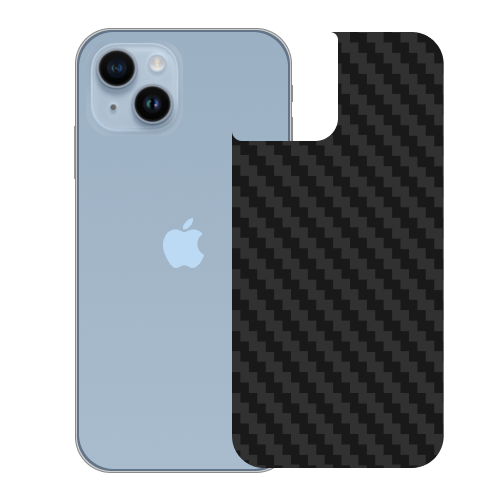
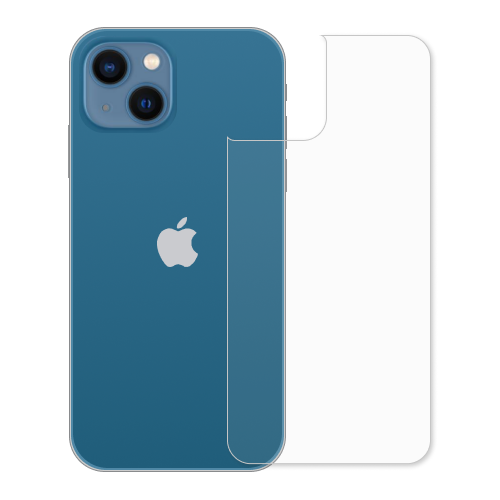
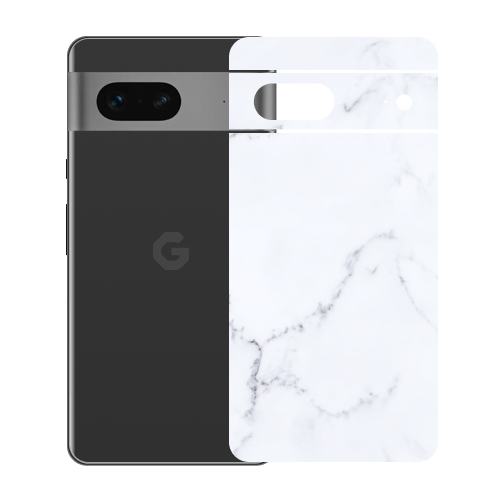

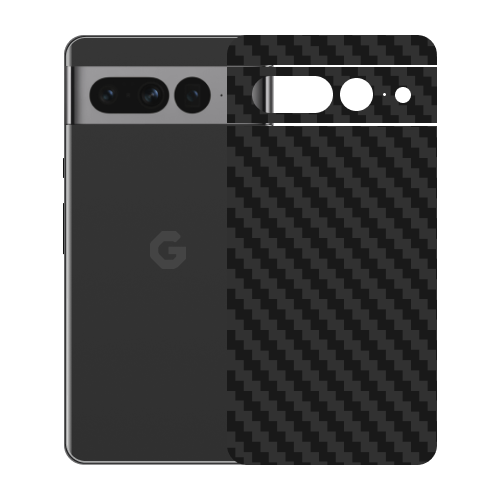
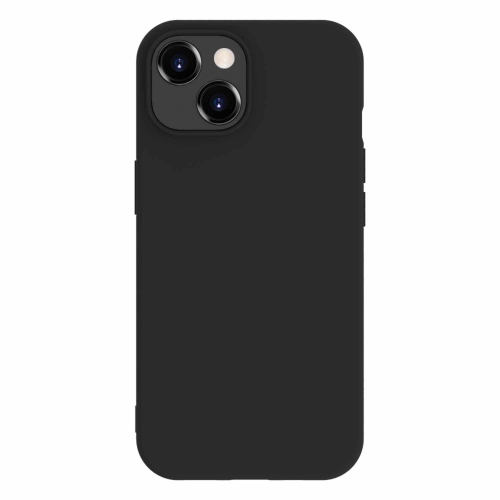
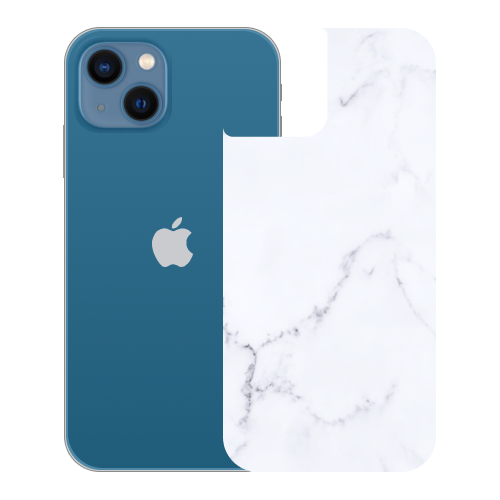
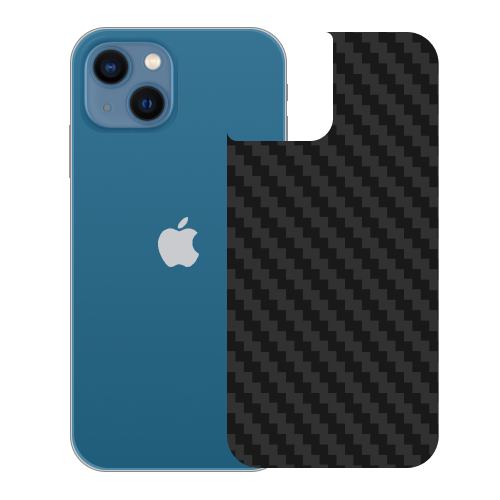
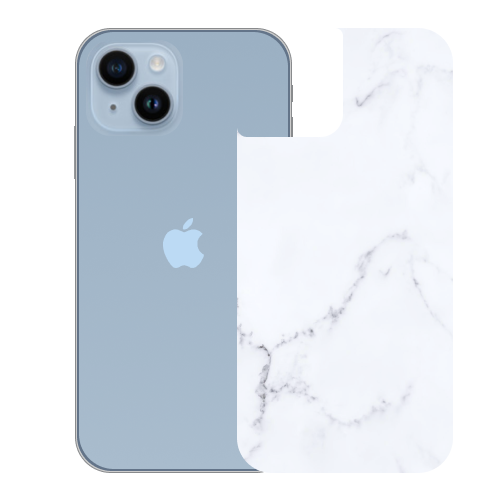

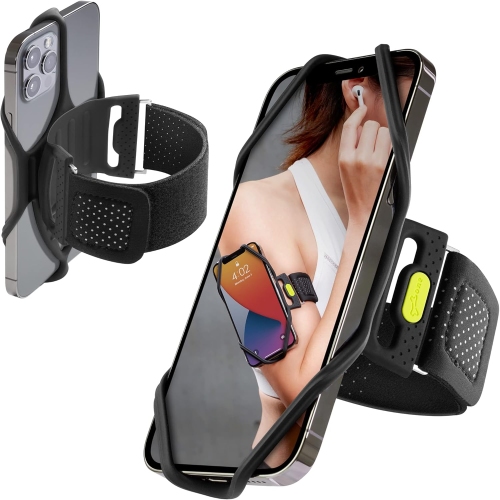
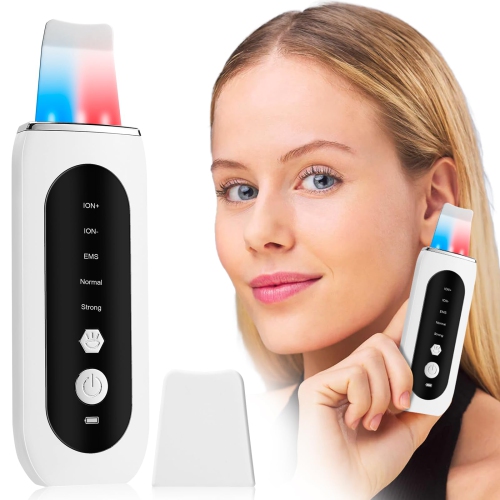
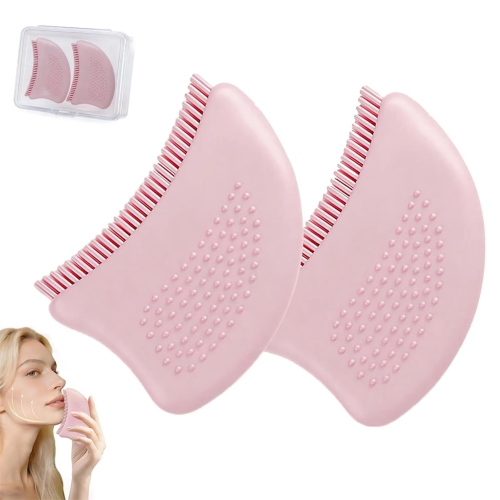
Slim style and everyday surface protection for phones
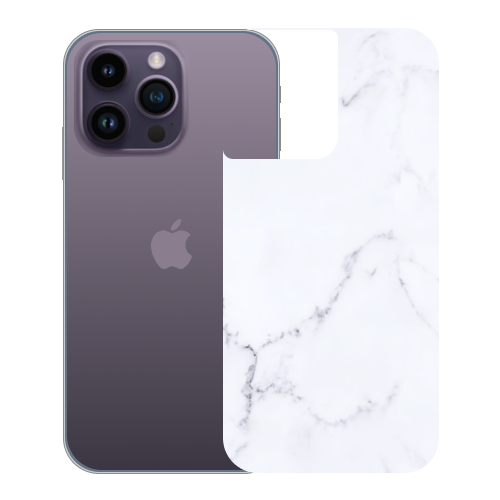
Mobile skins are thin, adhesive wraps designed to fit the specific dimensions and contours of a mobile phone. Usually made from flexible vinyl or silicone, they cover much of the back and sides of a device while leaving ports, buttons, speakers, cameras and wireless charging areas accessible. A well-cut skin can give a phone a fresh appearance without the added bulk of a traditional case, making it a practical choice for anyone who prefers the feel of the original device in hand. Skins can also help guard against everyday scuffs, light scratches, fingerprints and minor surface wear caused by placing a phone on a desk, slipping it into a pocket or carrying it in a bag with keys and other small items. They are not intended to replace a protective case or screen protector, and they offer little protection against hard drops, crushed corners or significant impacts. For that reason, shoppers who regularly work outdoors, travel with their phone or tend to drop devices may choose to pair a skin with a compatible case, while those who mainly want a slimmer profile and a more personal look may use a skin on its own. Before choosing one, check the exact phone model, generation and storage size where relevant, since small differences in camera placement, button design and edge shape can affect the fit. A wrap made for one version of a phone may not line up correctly on another, even when the devices look nearly identical. It is also worth reviewing whether the design covers the back only, includes the sides, or offers additional pieces for the camera area and other exposed sections. Full-coverage options can create a more seamless appearance, while back-only designs may be quicker to apply and easier to combine with a favourite case.
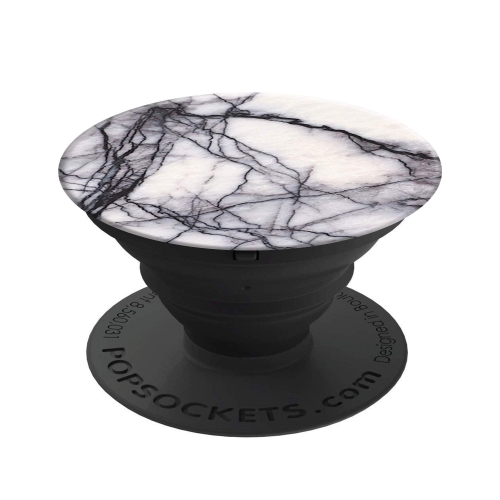
The finish has a noticeable effect on both appearance and handling. Matte skins have a soft, understated surface that can reduce the look of fingerprints and feel less slippery during one-handed use. Glossy finishes can make colours, illustrations and patterns appear especially vivid, although they may show smudges more readily. Textured styles, including carbon fibre-inspired, honeycomb and finely grained surfaces, add tactile detail and can provide extra grip when moving between rooms, commuting or checking a phone while carrying coffee or a bag. Leather-look and marble-look designs create a refined appearance without the weight or thickness of the materials they resemble, while bold graphics and artistic patterns can turn a familiar device into a more individual accessory. Consider how the phone is normally used before settling on a look. Someone who keeps a device on a conference table or beside a laptop may prefer a subtle texture and neutral tone, while a student, creator or frequent traveller may enjoy a colourful pattern that is easy to spot in a crowded backpack. A skin can also be a thoughtful gift for a family member, friend or colleague who has recently upgraded their phone but wants to keep it looking distinctive. It is especially useful when the recipient already owns a case and does not need another bulky accessory. For a gift, confirm the exact phone model first, or choose a style only after checking the device together. Shoppers looking specifically for wraps made for Apple smartphones can browse iPhone Skins to narrow the selection by compatible device type and design preference.
Careful application helps a mobile skin look tidy and stay in place. Start with a clean, dry phone and remove dust, oil and residue from the surfaces the adhesive will touch. Applying the wrap in a well-lit area makes it easier to align the camera openings, edges and corners before pressing everything down. Work gradually rather than trying to attach the entire skin in one motion; line up a key edge first, then smooth the material outward with a clean finger or a soft, flat tool to reduce air bubbles and creases. Slight warmth can make some flexible wraps easier to position around curved edges, but excessive heat should be avoided. If the material becomes misaligned during installation, lift it gently and reposition it instead of stretching it sharply, as pulling too firmly can distort the cut lines. Once applied, give the adhesive time to settle before placing the phone in a tight pocket or case. Keep in mind that textured surfaces, dust-filled pockets and repeated contact with rough objects can affect the appearance over time. When a different look is desired, many skins can be removed by lifting a corner slowly and peeling back at a low angle; following the care instructions for the particular material can help limit residue. During warmer weather, a skin can refresh a phone that has seen heavy use on patios, road trips and outdoor gatherings, while during the cooler months its slim profile leaves room for gloves, coat pockets and compact bags. With the right model match, finish and installation approach, a mobile skin offers an easy way to personalize a phone, improve everyday grip and help keep its original surface looking neat without changing the way the device feels to carry.
The finish has a noticeable effect on both appearance and handling. Matte skins have a soft, understated surface that can reduce the look of fingerprints and feel less slippery during one-handed use. Glossy finishes can make colours, illustrations and patterns appear especially vivid, although they may show smudges more readily. Textured styles, including carbon fibre-inspired, honeycomb and finely grained surfaces, add tactile detail and can provide extra grip when moving between rooms, commuting or checking a phone while carrying coffee or a bag. Leather-look and marble-look designs create a refined appearance without the weight or thickness of the materials they resemble, while bold graphics and artistic patterns can turn a familiar device into a more individual accessory. Consider how the phone is normally used before settling on a look. Someone who keeps a device on a conference table or beside a laptop may prefer a subtle texture and neutral tone, while a student, creator or frequent traveller may enjoy a colourful pattern that is easy to spot in a crowded backpack. A skin can also be a thoughtful gift for a family member, friend or colleague who has recently upgraded their phone but wants to keep it looking distinctive. It is especially useful when the recipient already owns a case and does not need another bulky accessory. For a gift, confirm the exact phone model first, or choose a style only after checking the device together. Shoppers looking specifically for wraps made for Apple smartphones can browse iPhone Skins to narrow the selection by compatible device type and design preference.
Careful application helps a mobile skin look tidy and stay in place. Start with a clean, dry phone and remove dust, oil and residue from the surfaces the adhesive will touch. Applying the wrap in a well-lit area makes it easier to align the camera openings, edges and corners before pressing everything down. Work gradually rather than trying to attach the entire skin in one motion; line up a key edge first, then smooth the material outward with a clean finger or a soft, flat tool to reduce air bubbles and creases. Slight warmth can make some flexible wraps easier to position around curved edges, but excessive heat should be avoided. If the material becomes misaligned during installation, lift it gently and reposition it instead of stretching it sharply, as pulling too firmly can distort the cut lines. Once applied, give the adhesive time to settle before placing the phone in a tight pocket or case. Keep in mind that textured surfaces, dust-filled pockets and repeated contact with rough objects can affect the appearance over time. When a different look is desired, many skins can be removed by lifting a corner slowly and peeling back at a low angle; following the care instructions for the particular material can help limit residue. During warmer weather, a skin can refresh a phone that has seen heavy use on patios, road trips and outdoor gatherings, while during the cooler months its slim profile leaves room for gloves, coat pockets and compact bags. With the right model match, finish and installation approach, a mobile skin offers an easy way to personalize a phone, improve everyday grip and help keep its original surface looking neat without changing the way the device feels to carry.
Top selling and popular products
-
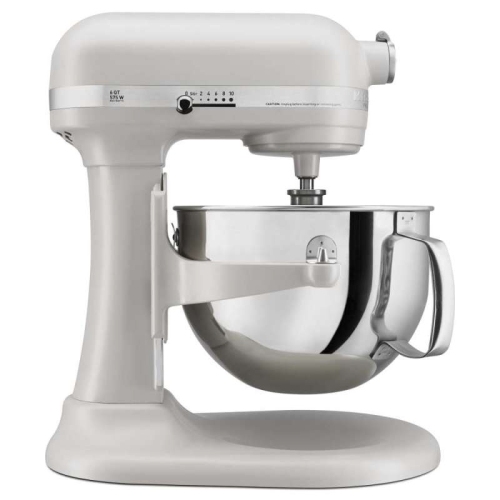 Your price for this item is $669.95
 -
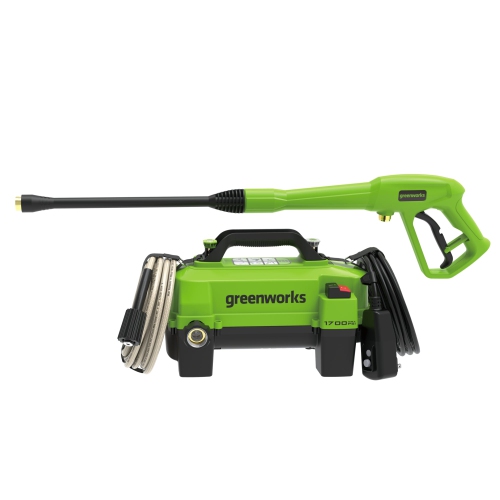 Your price for this item is $155.99
 -
 Your price for this item is $149.99
 -
 Your price for this item is $19.99
 -
 Your price for this item is $59.99
 -
 Your price for this item is $89.68
 -
 Your price for this item is $699.99
 -
 Your price for this item is $569.99
Discover more categories related to Mobile Skins
Top Collections:
Pokemon Centers, Budget 4K TVs, Kindle Devices, Canon G7X Cameras, Apple iPhones 16, iPhone 15 Apple, Laptops for Business Work, Flip Phones, Xiaomi Phones, Refurbished Apple Laptops
Some products may be subject to Environmental Handling Fees
(EHF) depending on your province.
Learn more about EHFs.