Computers for Small Businesses
Computers for small businesses are essential tools that help keep operations running smoothly and efficiently. Whether outfitting a new office or upgrading your current setup, finding the right computers can make a difference in productivity and workflow. Explore a wide selection designed to meet the unique needs of small business environments, with options to support everything from daily tasks to more complex projects. Discover solutions that fit your team’s requirements and help drive your business forward.
Sort




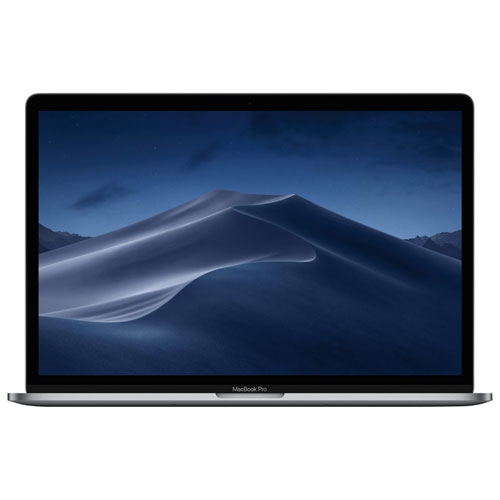
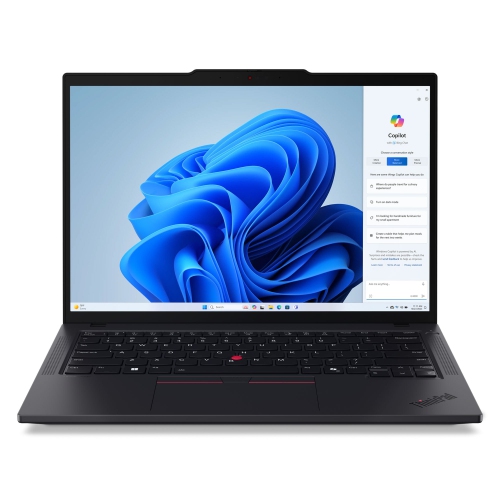
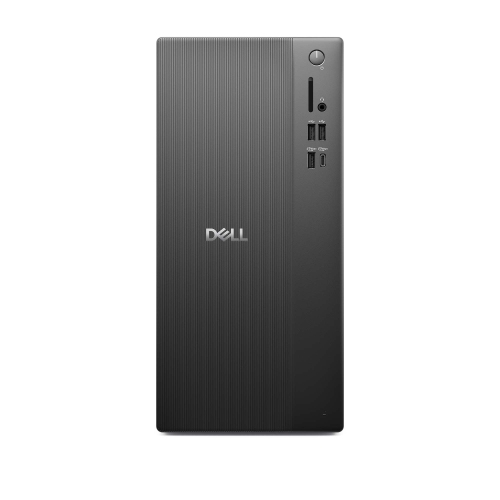
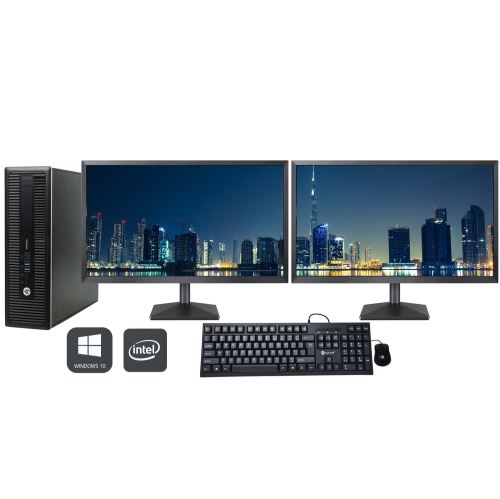
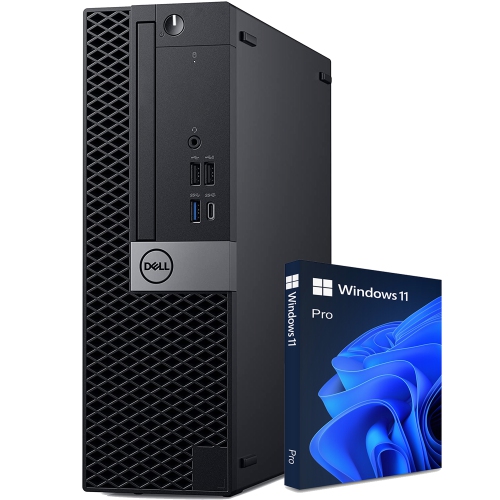
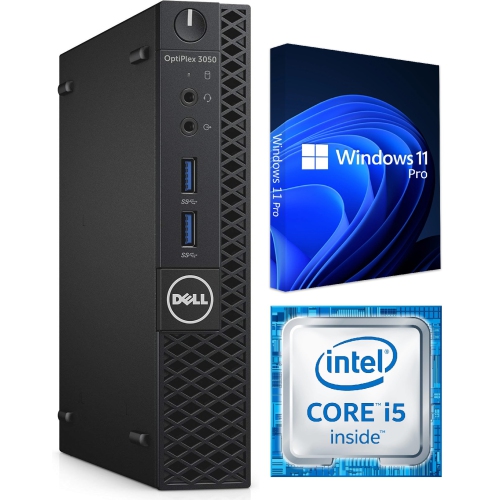
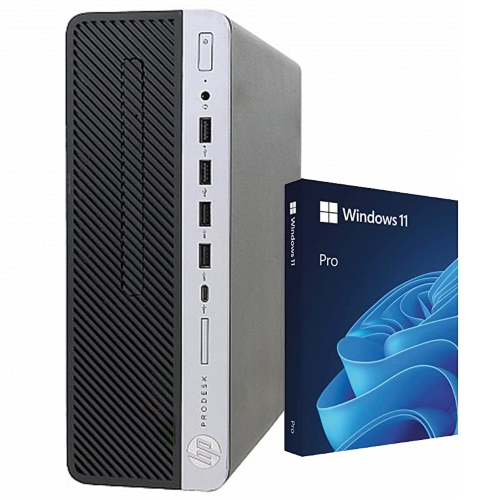
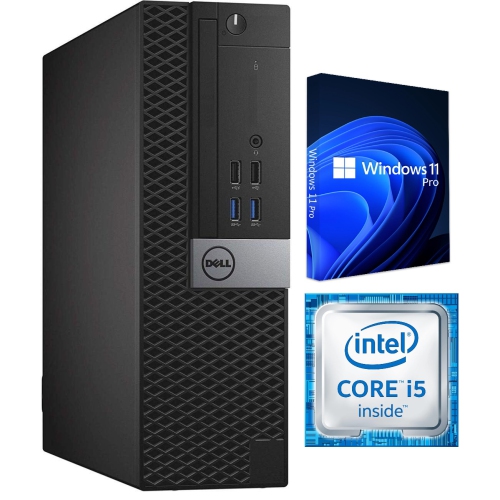
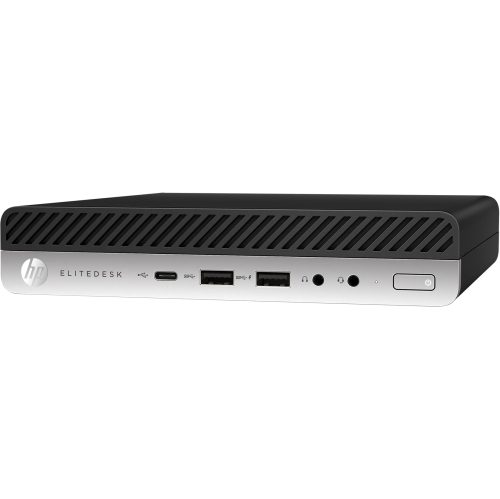
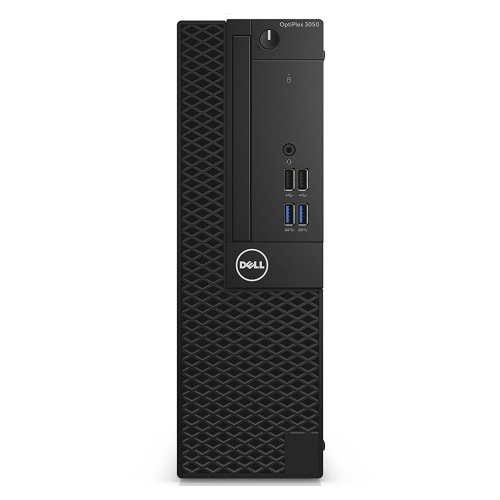
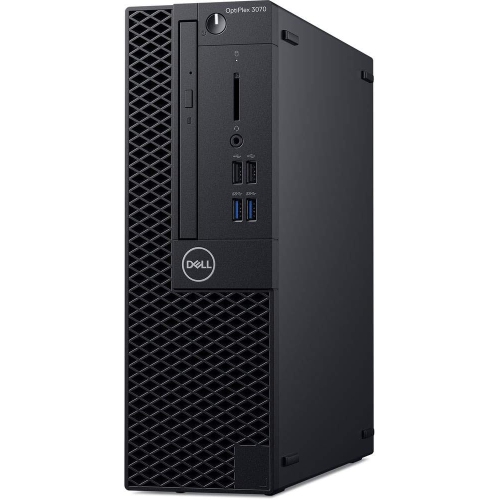
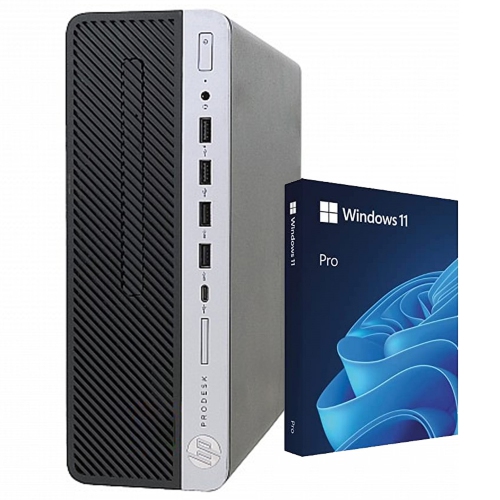
Support for busy workflows and growing business needs
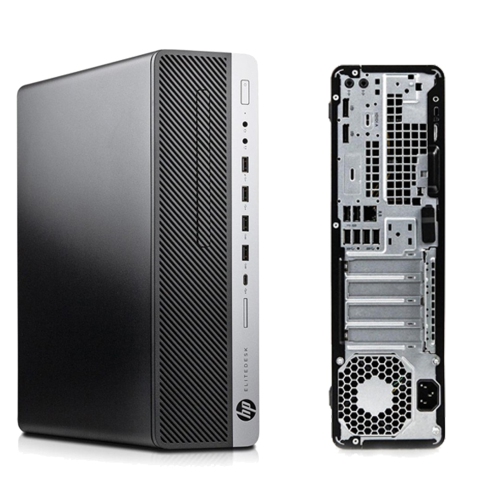
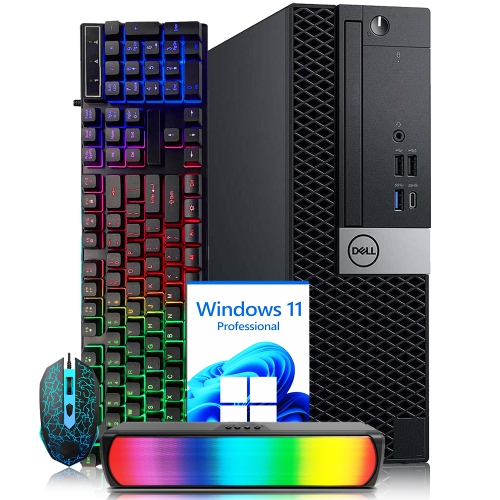
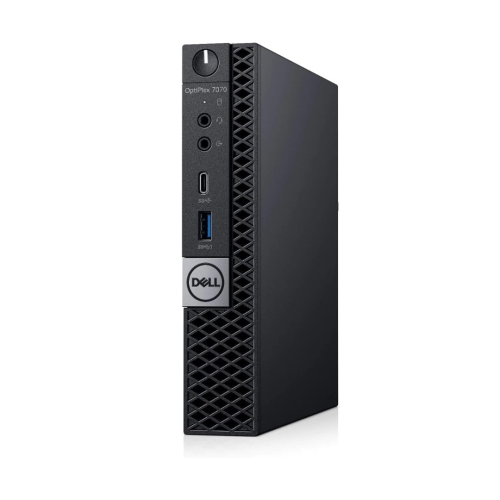
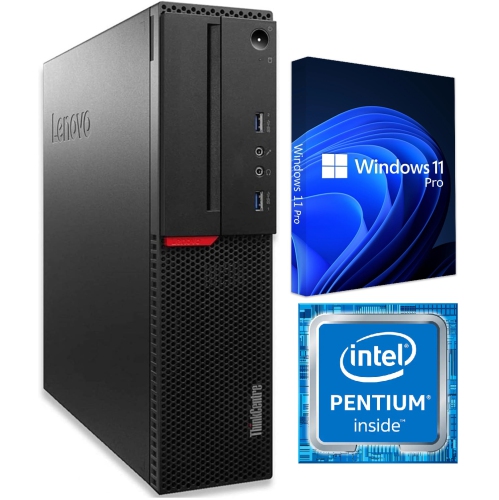
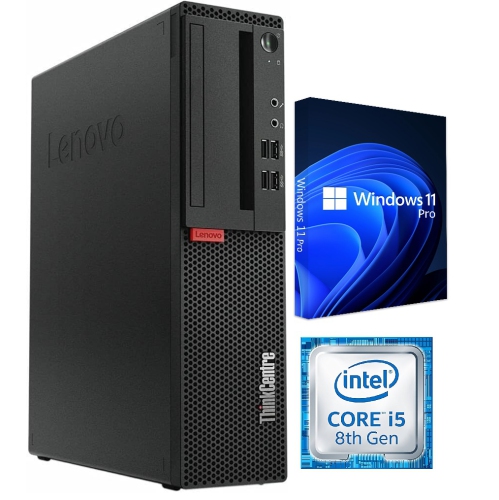
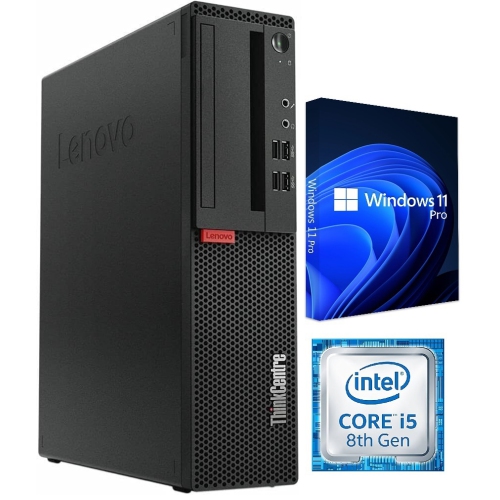
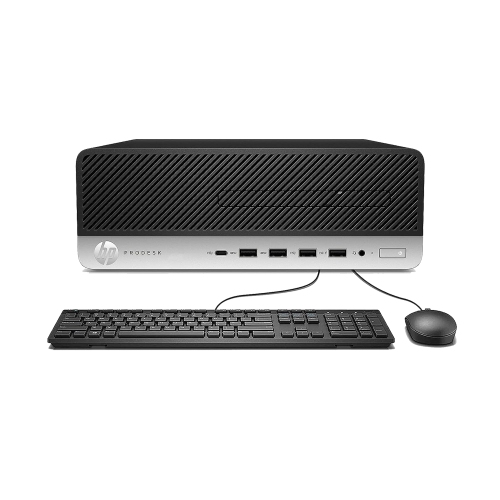
Computers for small businesses need to do more than open email and documents. They often become the centre of the day-to-day workflow, handling customer records, accounting software, scheduling tools, video meetings, inventory systems, point-of-sale applications, web-based platforms and the many browser tabs that accumulate during a busy afternoon. The right choice depends on the work being done, the number of people using the computer and the way the business stores and accesses its information. A home-based consultant may value a quiet, compact desktop or portable computer that fits neatly beside a monitor, while a retail shop, clinic, studio or professional office may need a dependable workstation that can remain powered on throughout the day. Small form factor and mini computers are especially useful when desk space is limited, since they can sit behind a monitor, beneath a desk or in another discreet location while still offering the connections needed for displays, keyboards, printers and other accessories. When reviewing computers for small businesses, consider the processor first, since it affects how smoothly applications open and how well the system manages demanding tasks. A current multi-core processor is a practical choice for multitasking, particularly when staff move between spreadsheets, cloud applications, communications tools and large files. For more intensive duties such as photo editing, design, data analysis or content creation, additional processing capability can help reduce waiting and keep a busy workflow moving.
Memory and storage have an equally noticeable effect on everyday performance. For many small-business users, 16GB of RAM is a sensible starting point for running several applications and browser windows at once, while 32GB or more may be worthwhile for heavier multitasking, creative work, virtual machines or specialized business software. A solid-state drive, or SSD, generally provides faster start-up and file access than an older mechanical hard drive, helping the computer feel responsive when opening programs, searching folders or signing in at the beginning of the day. Storage capacity should match the work being saved locally. A 512GB SSD may suit a business that relies primarily on cloud storage, whereas a 1TB SSD or larger can be more comfortable for teams managing photographs, videos, design files, databases or extensive records on the computer itself. The operating system is another important consideration. Windows 11 Pro includes business-oriented features that may support stronger device management, enhanced security controls and connection to an organization’s domain, making it a useful option for workplaces with shared systems or managed accounts. Security should also be considered beyond the operating system. Look for features such as a trusted platform module, secure sign-in options and firmware protections, and plan for regular updates, strong passwords, multi-factor authentication and reliable backups. A fast computer cannot replace a sensible data-protection routine, particularly when invoices, customer details and confidential documents are involved. Before purchasing, check that the computer supports the software your business depends on and that its ports match existing equipment. USB connections, HDMI or DisplayPort outputs, wired Ethernet, Wi-Fi and Bluetooth can all make a difference when setting up monitors, networking equipment, headsets, scanners and mobile devices.
The best computer for a small business is one that fits the working environment as comfortably as it fits the technical requirements. A compact system can help keep a shared reception desk clear, while a larger desktop may provide easier access to additional ports, expansion slots or internal components over time. If an employee works from a home office, pay attention to the available display outputs, webcam and audio connections, especially if video meetings are part of the daily schedule. For a team that shares files or signs into common applications, consider how user accounts, permissions and backups will be managed from the start. A business that is growing may benefit from choosing a computer with enough memory, storage and processing headroom to remain useful as software becomes more demanding. Upgradeable designs can offer flexibility, although not every compact computer permits memory or storage changes, so review the specifications before purchase. It is also worth considering the complete setup rather than the computer alone. A comfortable monitor, full-size keyboard, precise mouse, surge protection and dependable backup solution can make long work sessions easier and help prevent interruptions. Businesses that print invoices, shipping labels, contracts or client materials can also review Printers For Small Businesses to build a more complete office setup. These computers can be purchased for a new venture, a growing team, a home-based professional or a family member receiving support with a small operation. They can also be a thoughtful practical gift for someone launching a freelance service, managing a side business or taking on administrative work from home, provided the computer’s specifications match the software and workload involved. From a quiet morning spent preparing estimates to a busy afternoon of video calls and order processing, a well-matched computer helps keep the essential details of business organized, accessible and ready when they are needed.
Memory and storage have an equally noticeable effect on everyday performance. For many small-business users, 16GB of RAM is a sensible starting point for running several applications and browser windows at once, while 32GB or more may be worthwhile for heavier multitasking, creative work, virtual machines or specialized business software. A solid-state drive, or SSD, generally provides faster start-up and file access than an older mechanical hard drive, helping the computer feel responsive when opening programs, searching folders or signing in at the beginning of the day. Storage capacity should match the work being saved locally. A 512GB SSD may suit a business that relies primarily on cloud storage, whereas a 1TB SSD or larger can be more comfortable for teams managing photographs, videos, design files, databases or extensive records on the computer itself. The operating system is another important consideration. Windows 11 Pro includes business-oriented features that may support stronger device management, enhanced security controls and connection to an organization’s domain, making it a useful option for workplaces with shared systems or managed accounts. Security should also be considered beyond the operating system. Look for features such as a trusted platform module, secure sign-in options and firmware protections, and plan for regular updates, strong passwords, multi-factor authentication and reliable backups. A fast computer cannot replace a sensible data-protection routine, particularly when invoices, customer details and confidential documents are involved. Before purchasing, check that the computer supports the software your business depends on and that its ports match existing equipment. USB connections, HDMI or DisplayPort outputs, wired Ethernet, Wi-Fi and Bluetooth can all make a difference when setting up monitors, networking equipment, headsets, scanners and mobile devices.
The best computer for a small business is one that fits the working environment as comfortably as it fits the technical requirements. A compact system can help keep a shared reception desk clear, while a larger desktop may provide easier access to additional ports, expansion slots or internal components over time. If an employee works from a home office, pay attention to the available display outputs, webcam and audio connections, especially if video meetings are part of the daily schedule. For a team that shares files or signs into common applications, consider how user accounts, permissions and backups will be managed from the start. A business that is growing may benefit from choosing a computer with enough memory, storage and processing headroom to remain useful as software becomes more demanding. Upgradeable designs can offer flexibility, although not every compact computer permits memory or storage changes, so review the specifications before purchase. It is also worth considering the complete setup rather than the computer alone. A comfortable monitor, full-size keyboard, precise mouse, surge protection and dependable backup solution can make long work sessions easier and help prevent interruptions. Businesses that print invoices, shipping labels, contracts or client materials can also review Printers For Small Businesses to build a more complete office setup. These computers can be purchased for a new venture, a growing team, a home-based professional or a family member receiving support with a small operation. They can also be a thoughtful practical gift for someone launching a freelance service, managing a side business or taking on administrative work from home, provided the computer’s specifications match the software and workload involved. From a quiet morning spent preparing estimates to a busy afternoon of video calls and order processing, a well-matched computer helps keep the essential details of business organized, accessible and ready when they are needed.
Top selling and popular products
-
 Your price for this item is $1599
 -
 Your price for this item is $1629.79
 -
 Your price for this item is $1459.79
 -
 Your price for this item is $879
 -
 Your price for this item is $1249.99
 -
 Your price for this item is $1839
 -
 Your price for this item is $879
 -
 Your price for this item is $1259
Discover more categories related to Computers for Small Businesses

Top Collections:
Pokemon Centers, Budget 4K TVs, Best Budget Office Chairs, Kindle Devices, Canon G7X Cameras, Apple iPhones 16, iPhone 15 Apple, Laptops for Business Work, Xiaomi Phones, Flip Phones
Some products may be subject to Environmental Handling Fees
(EHF) depending on your province.
Learn more about EHFs.