Desktop Computers for Small Business
Desktop computers for small business offer reliable performance and essential functionality to help your team stay productive. Designed to handle daily tasks and support a variety of business applications, these computers are a smart choice for offices looking to streamline operations. With options that suit different workspace sizes and budgets, it’s easy to find the right fit for your company’s needs. Explore a wide selection of desktop computers for small business and discover solutions that can keep your workflow running smoothly.
Sort



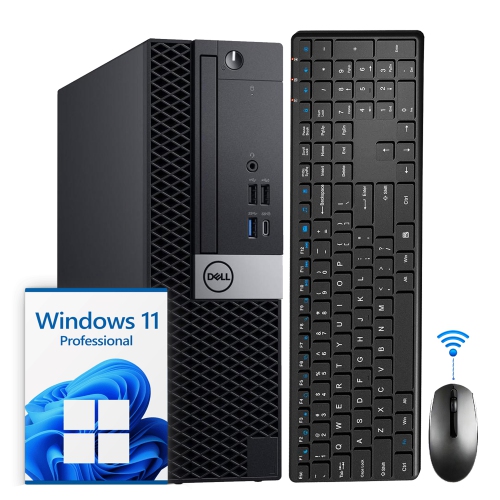
What your daily workload needs from a desktop
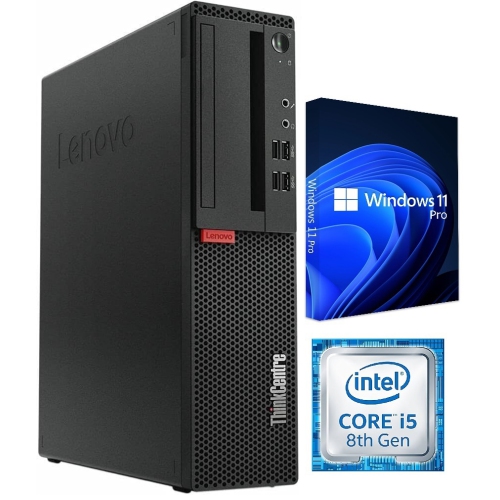
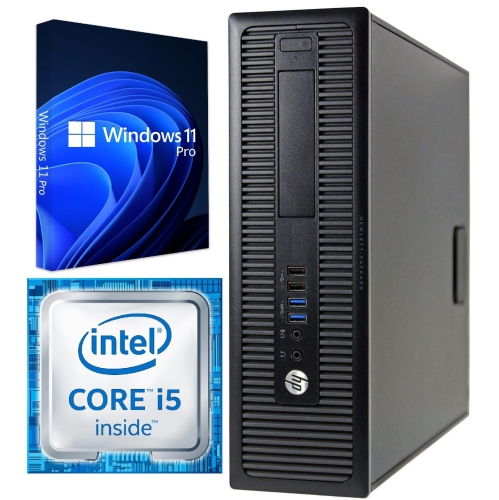
Desktop computers for small business support the everyday work that keeps an office moving, from preparing invoices and updating customer records to managing appointments, building presentations, and joining video meetings. A dedicated desktop suits a reception counter, an accounting workstation, a design studio, or a home office where the computer stays in one place and connects to a full-size keyboard and monitor. The most suitable configuration depends on what happens during a typical working day, including how many applications stay open at once. A receptionist switching between booking software, email, and a browser has different needs from a designer editing large photographs while exporting artwork. For many office workloads, 16 GB of memory and a 512 GB solid-state drive provide a practical starting point, although individual applications and file collections may require more. Memory helps keep active programs responsive, while storage holds applications, documents, and local files; one does not replace the other. A solid-state drive can shorten startup times and make opening applications feel more responsive than a traditional hard drive. Businesses working with large spreadsheets, detailed drawings, or several demanding applications may benefit from 32 GB of memory or more. Processor performance also matters, but core count alone does not tell the whole story: software requirements, processor generation, and the type of work all influence suitability. Integrated graphics are often sufficient for documents, web applications, and routine video calls. Dedicated graphics may be appropriate for supported design software, three-dimensional modelling, or video production, with the required graphics memory depending on the application. For a desk used mainly for administration, the priority is usually a balanced system rather than graphics capability that will rarely be used. Accounting firms, independent retailers, property managers, consultants, and other small teams can each have distinct requirements, even when their workstations look similar from across the room. Matching those requirements to the computer’s specifications helps create a setup that feels comfortable through ordinary tasks and busier periods alike.
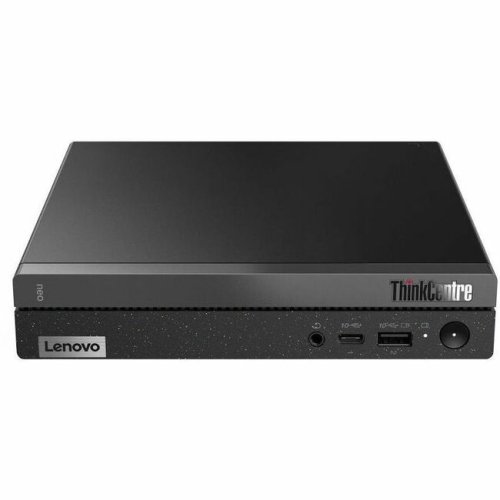
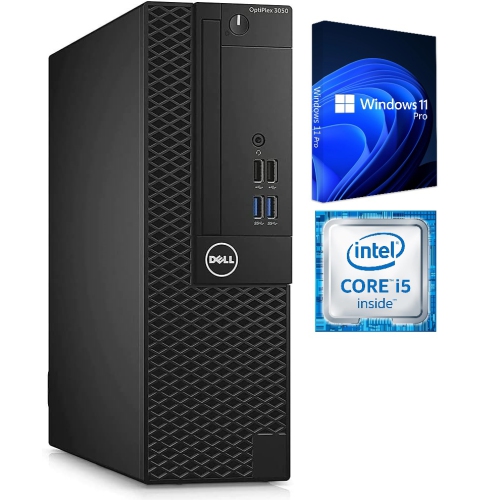
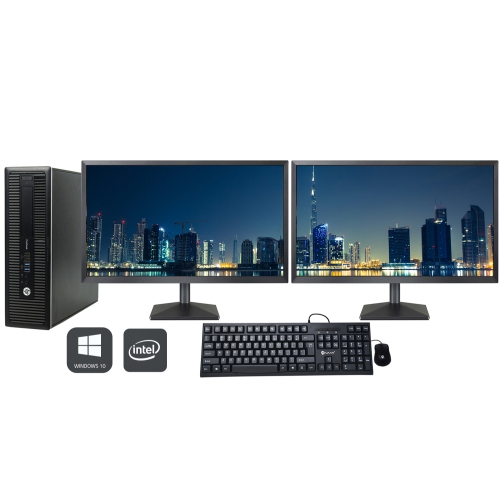
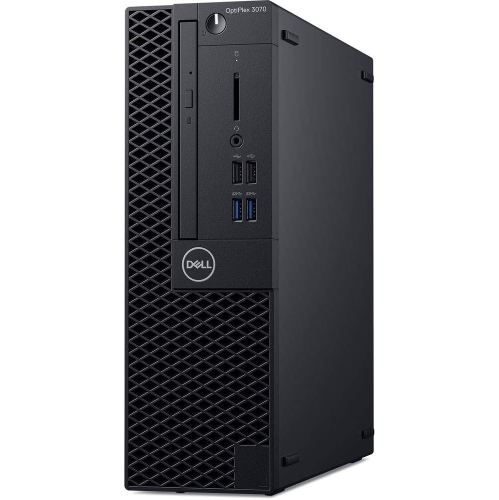
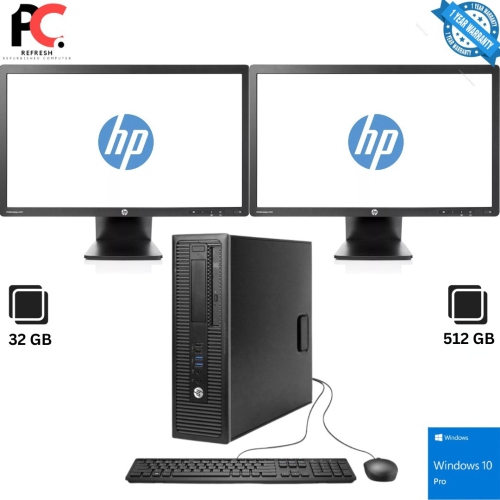
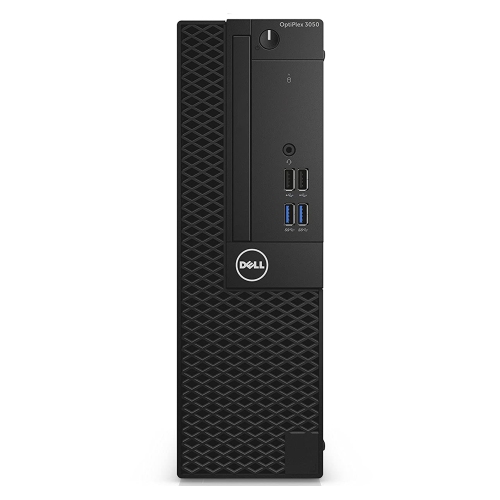
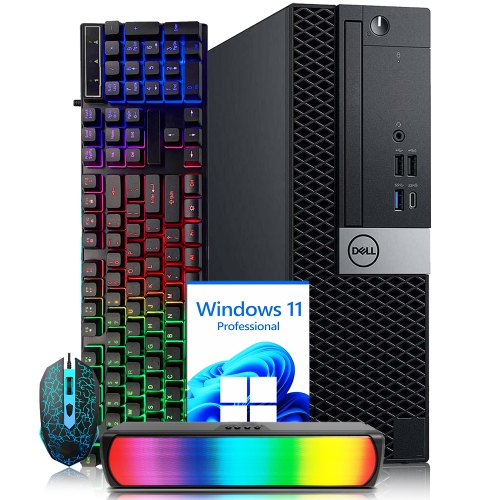
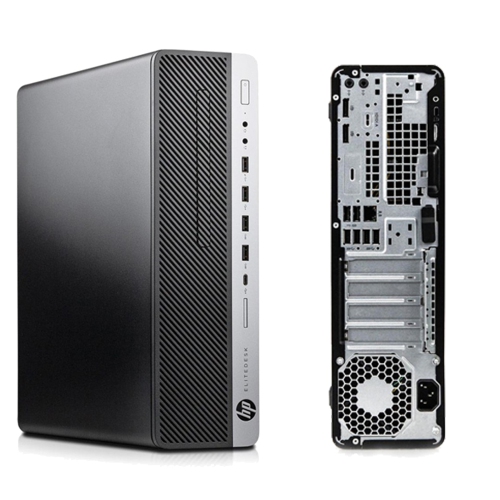
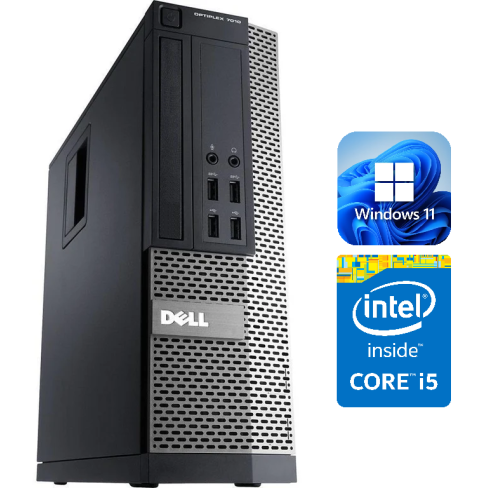
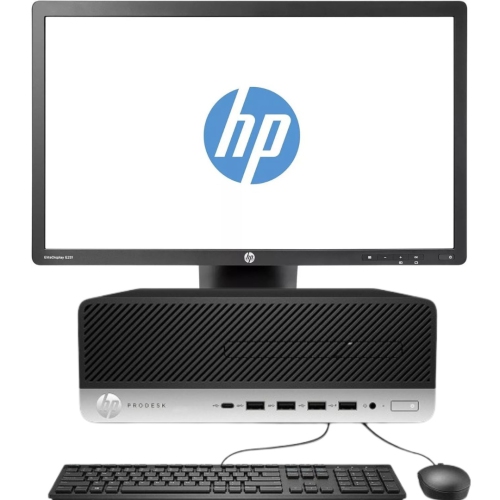
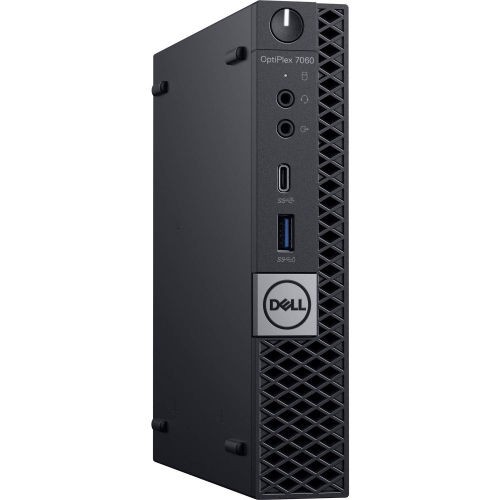
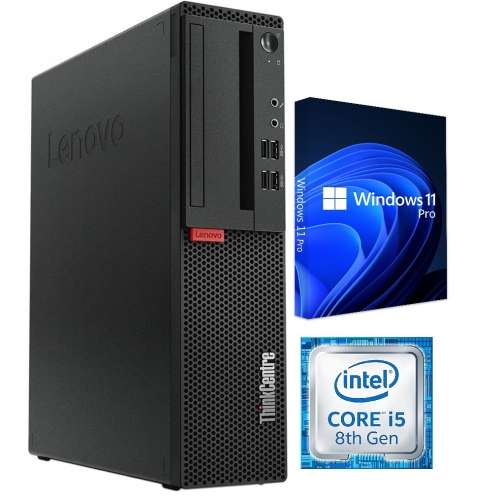
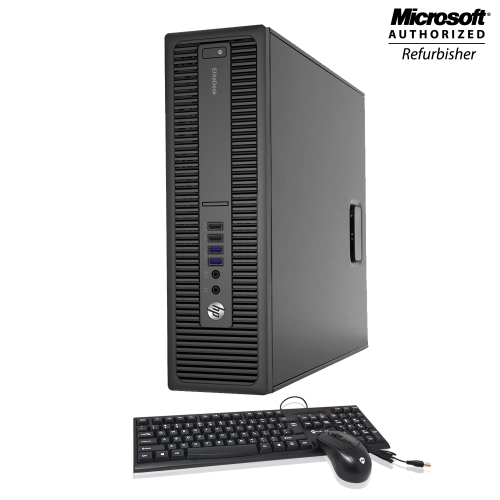
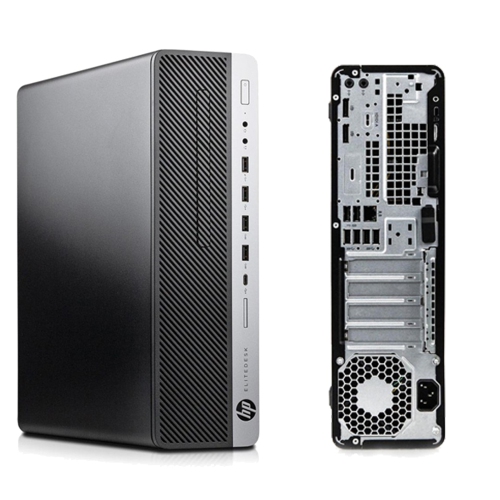
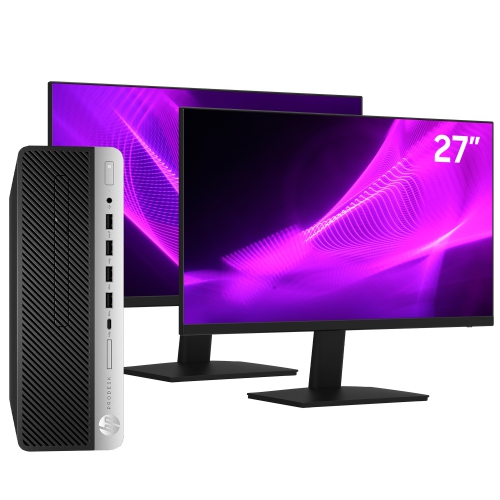
Physical format shapes how a business desktop fits into the workspace. Traditional towers generally offer more room for internal components, while small form factor desktops and mini PCs can leave more of a counter or desk clear for paperwork, payment equipment, or a telephone. Expansion options vary by model, so a compact case should not be assumed to accept a full-size graphics card or additional internal drives. An all-in-one desktop combines the display and computer in a single unit, reducing the number of separate pieces on a customer-facing desk, although access for repairs and upgrades may be more limited. Metal chassis and plastic exterior panels are common, but construction, cooling design, and service access matter more than appearance alone. A computer tucked behind a reception monitor still needs the ventilation clearance specified by its manufacturer; an enclosed cupboard or a stack of folders against an air vent can restrict airflow. Connections deserve equal attention. A workstation may need ports for a keyboard, mouse, webcam, headset, document scanner, and external storage, sometimes all at once. The shape of a port does not establish every capability: USB-C connections can differ in data speed, display support, and power functions. Dual-monitor setups also require compatible display outputs and support for the intended screen resolutions. Two screens can make it easier to compare a purchase order with an invoice or keep a customer record visible during a call. Wired Ethernet can provide a steady network connection at a fixed desk, while built-in Wi-Fi offers flexibility where cabling is impractical. Display placement, readable text, comfortable input devices, and accessible front ports all contribute to a workstation that staff can use throughout the day. Checking dimensions, cable routes, and the space beneath or beside the desk helps prevent a capable computer from becoming an awkward fit.
Software compatibility, security features, and ongoing care are central to a dependable small business computer setup. The operating system needs to support the applications, printers, scanners, and specialist equipment the business relies on, including any older peripherals that require particular drivers. Professional operating system editions may provide features such as domain joining, device management, or drive encryption, but capabilities depend on the edition, hardware, and configuration. Remote access also needs to be checked rather than assumed, especially when an outside technician supports the office or employees need approved access from another location. Separate employee accounts, appropriate permissions, automatic screen locking, and timely software updates help protect business information. Drive encryption can help protect files on a lost or stolen computer, while backups serve a different purpose: restoring information after accidental deletion, drive failure, or another disruption. A desktop’s internal storage is not a substitute for a separate, tested backup arrangement. Day-to-day reliability also benefits from straightforward care, including keeping drinks away from the case, maintaining clear vents, and cleaning according to the manufacturer’s directions. Computers used near a busy entrance or in a workshop may need more frequent attention to dust than those in a quieter office. Accessible memory slots and replaceable storage can simplify future servicing, where the design allows, and warranty terms and support arrangements are worth considering for a workstation that handles essential tasks. Consistent configurations across several desks can make troubleshooting and staff handovers simpler without requiring every employee to have identical performance specifications. Businesses dividing work between fixed desks and off-site appointments may also find Reliable Laptops for Small Businesses relevant alongside desktop workstations. For desk-based roles, a suitable combination of processing power, memory, storage, connectivity, and service access provides a practical foundation for daily operations, with enough flexibility for changes in software and working habits.
Physical format shapes how a business desktop fits into the workspace. Traditional towers generally offer more room for internal components, while small form factor desktops and mini PCs can leave more of a counter or desk clear for paperwork, payment equipment, or a telephone. Expansion options vary by model, so a compact case should not be assumed to accept a full-size graphics card or additional internal drives. An all-in-one desktop combines the display and computer in a single unit, reducing the number of separate pieces on a customer-facing desk, although access for repairs and upgrades may be more limited. Metal chassis and plastic exterior panels are common, but construction, cooling design, and service access matter more than appearance alone. A computer tucked behind a reception monitor still needs the ventilation clearance specified by its manufacturer; an enclosed cupboard or a stack of folders against an air vent can restrict airflow. Connections deserve equal attention. A workstation may need ports for a keyboard, mouse, webcam, headset, document scanner, and external storage, sometimes all at once. The shape of a port does not establish every capability: USB-C connections can differ in data speed, display support, and power functions. Dual-monitor setups also require compatible display outputs and support for the intended screen resolutions. Two screens can make it easier to compare a purchase order with an invoice or keep a customer record visible during a call. Wired Ethernet can provide a steady network connection at a fixed desk, while built-in Wi-Fi offers flexibility where cabling is impractical. Display placement, readable text, comfortable input devices, and accessible front ports all contribute to a workstation that staff can use throughout the day. Checking dimensions, cable routes, and the space beneath or beside the desk helps prevent a capable computer from becoming an awkward fit.
Software compatibility, security features, and ongoing care are central to a dependable small business computer setup. The operating system needs to support the applications, printers, scanners, and specialist equipment the business relies on, including any older peripherals that require particular drivers. Professional operating system editions may provide features such as domain joining, device management, or drive encryption, but capabilities depend on the edition, hardware, and configuration. Remote access also needs to be checked rather than assumed, especially when an outside technician supports the office or employees need approved access from another location. Separate employee accounts, appropriate permissions, automatic screen locking, and timely software updates help protect business information. Drive encryption can help protect files on a lost or stolen computer, while backups serve a different purpose: restoring information after accidental deletion, drive failure, or another disruption. A desktop’s internal storage is not a substitute for a separate, tested backup arrangement. Day-to-day reliability also benefits from straightforward care, including keeping drinks away from the case, maintaining clear vents, and cleaning according to the manufacturer’s directions. Computers used near a busy entrance or in a workshop may need more frequent attention to dust than those in a quieter office. Accessible memory slots and replaceable storage can simplify future servicing, where the design allows, and warranty terms and support arrangements are worth considering for a workstation that handles essential tasks. Consistent configurations across several desks can make troubleshooting and staff handovers simpler without requiring every employee to have identical performance specifications. Businesses dividing work between fixed desks and off-site appointments may also find Reliable Laptops for Small Businesses relevant alongside desktop workstations. For desk-based roles, a suitable combination of processing power, memory, storage, connectivity, and service access provides a practical foundation for daily operations, with enough flexibility for changes in software and working habits.
Top selling and popular products
-
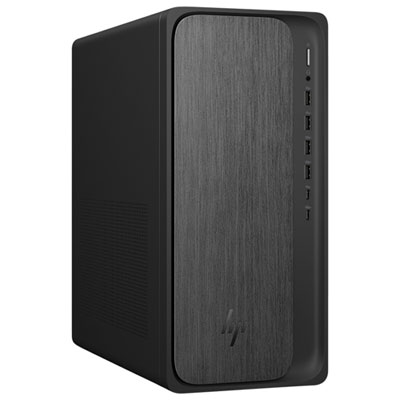 Your price for this item is $1399.99
-
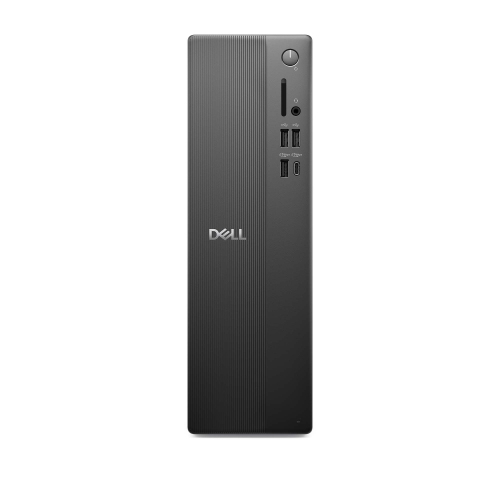 Your price for this item is $1629.79
-
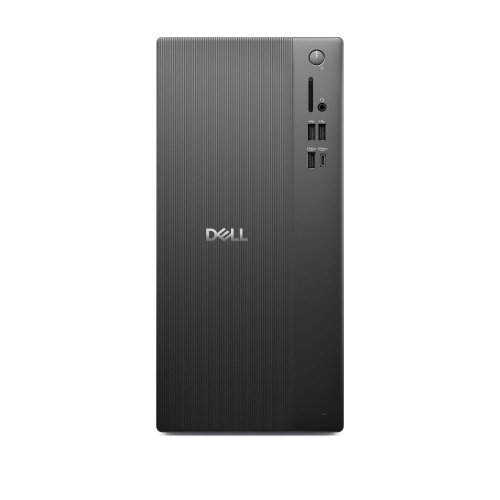 Your price for this item is $1459.79
-
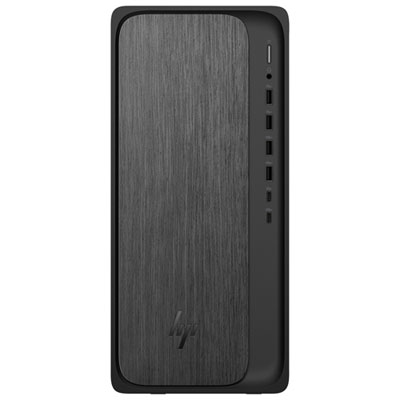 Your price for this item is $2299.99
-
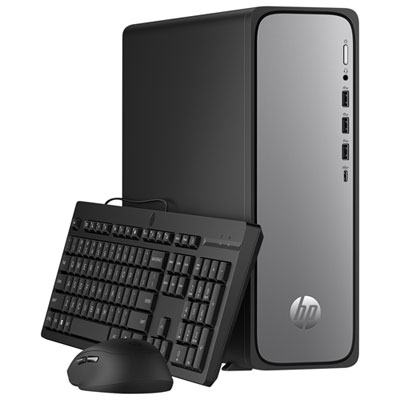 Your price for this item is $1469.99
-
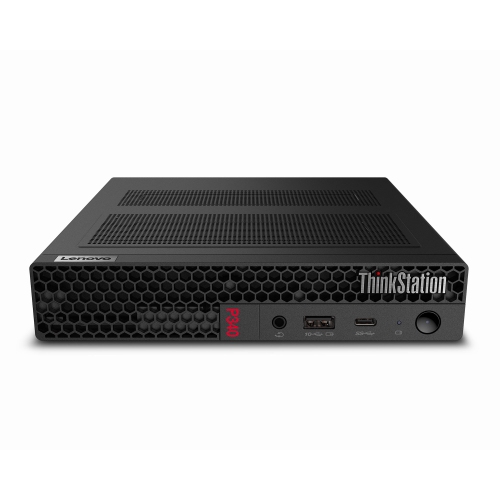 Your price for this item is $699.79
-
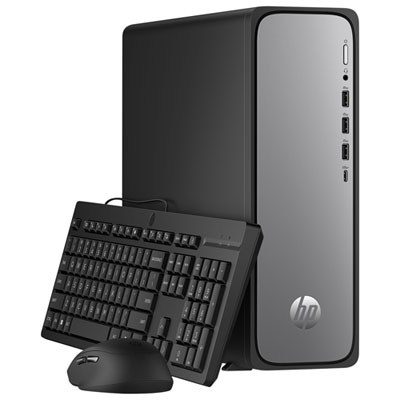 Your price for this item is $1759.99
-
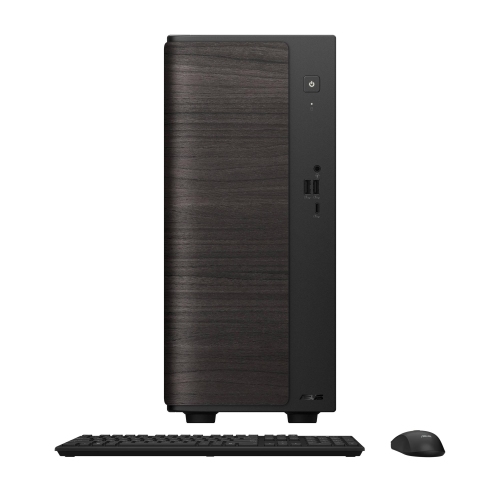 Your price for this item is $3149
Discover more categories related to Desktop Computers for Small Business

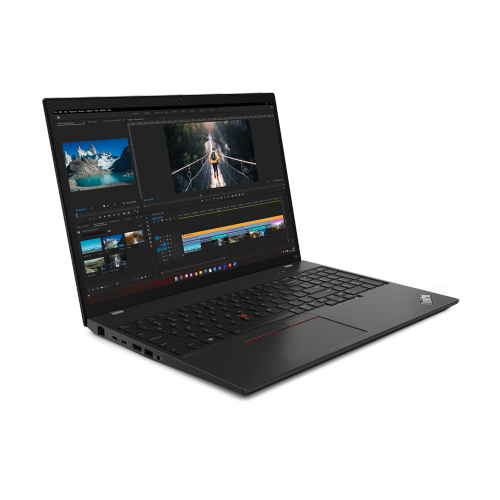
Top Collections:
Pokemon Centers, Best Black Friday Deals This Year, Best Black Friday Deals On Electronics, Kindle Devices, Best Budget Office Chairs, Best Black Friday Deals On Apple Products, Best Cameras for Sports Photography, Pokémon 30th Celebration Cards, Dyson Airwrap, Canon G7X Cameras
Some products may be subject to Environmental Handling Fees
(EHF) depending on your province.
Learn more about EHFs.