Cool MacBook Air Sleeves
The MacBook Air is a great laptop, but it's not indestructible. If you're going to be taking your Mac with you on the go, you'll want to protect it from bumps and scratches with a sleeve or bag. Here are some of the best sleeves for the MacBook Air.
Sort
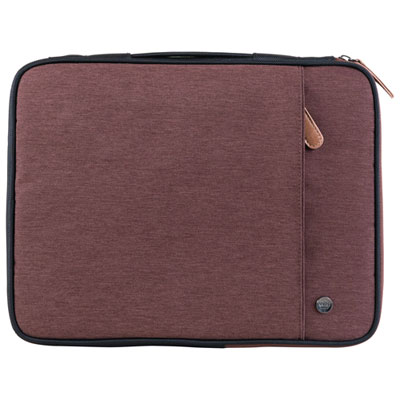
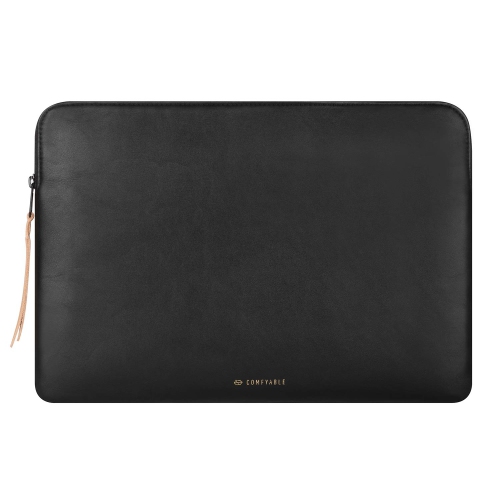
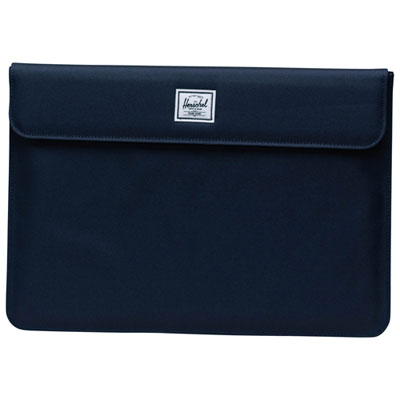
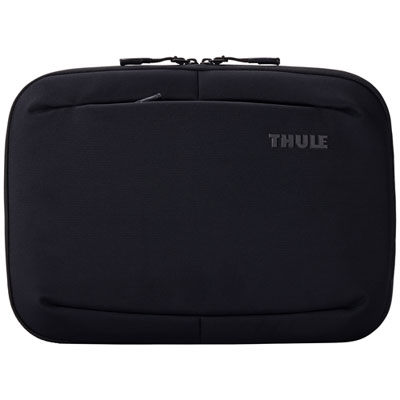
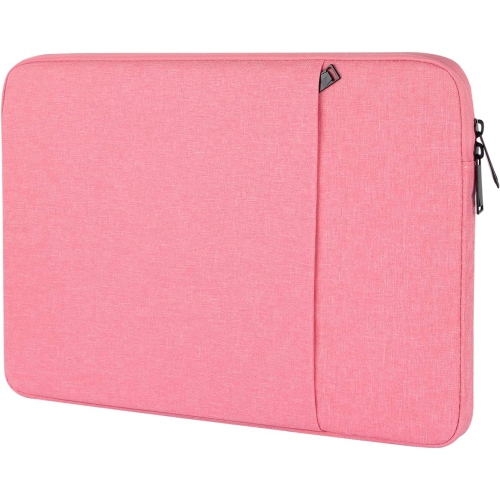
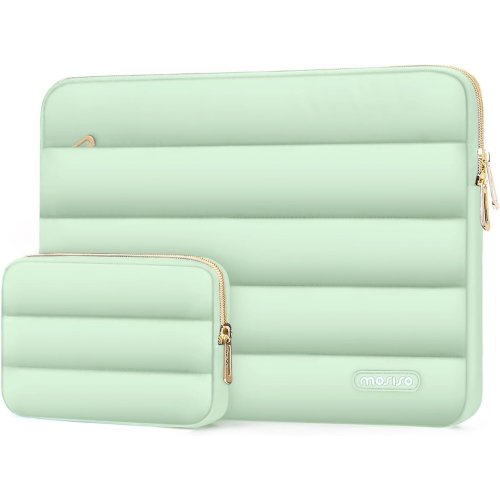
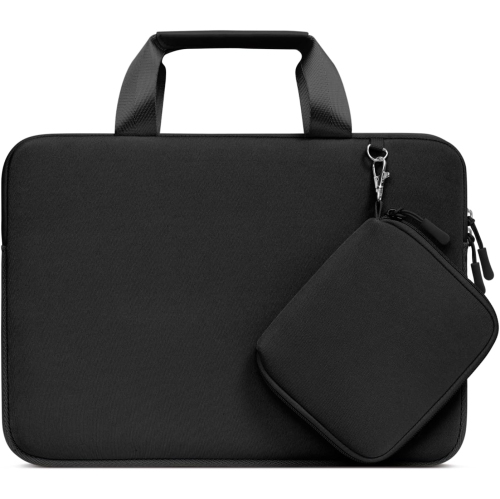
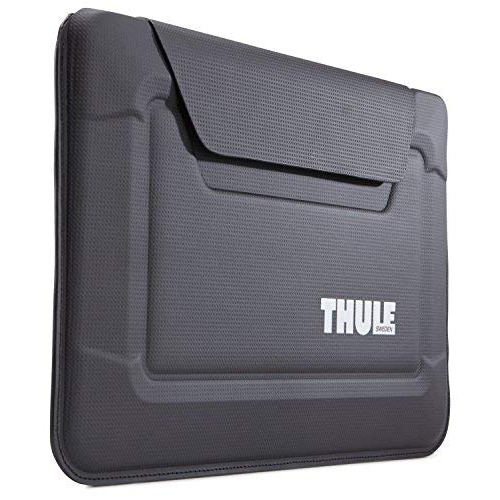

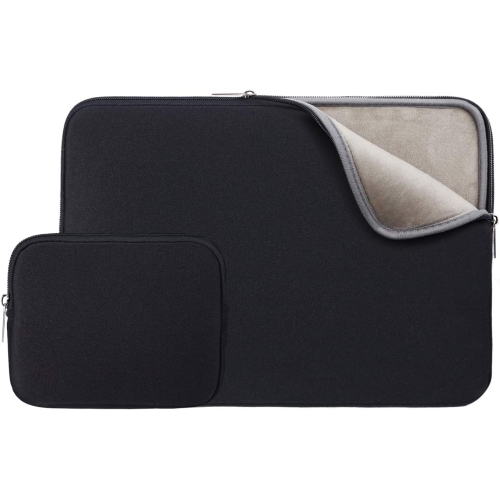
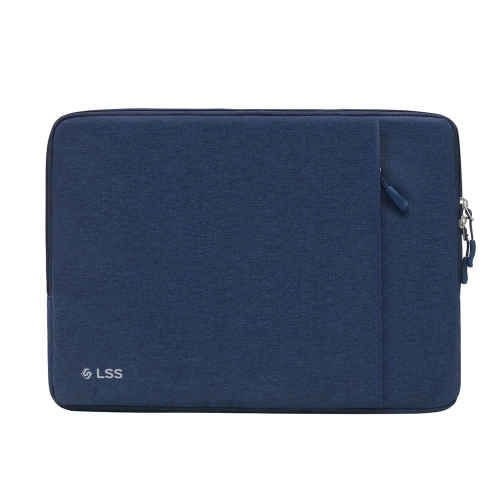
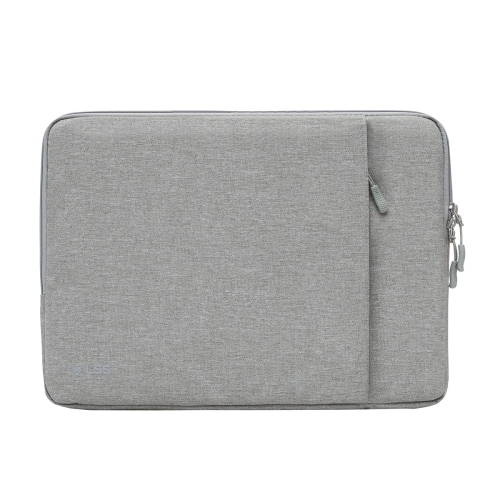
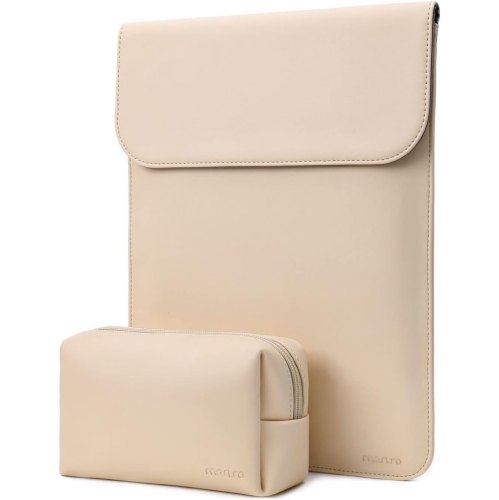
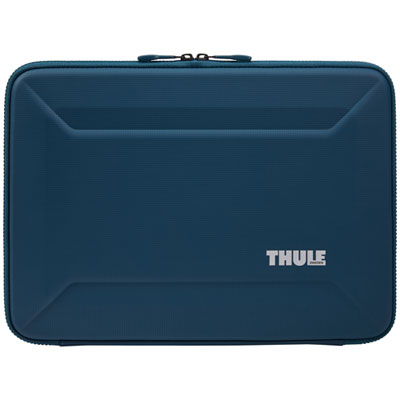
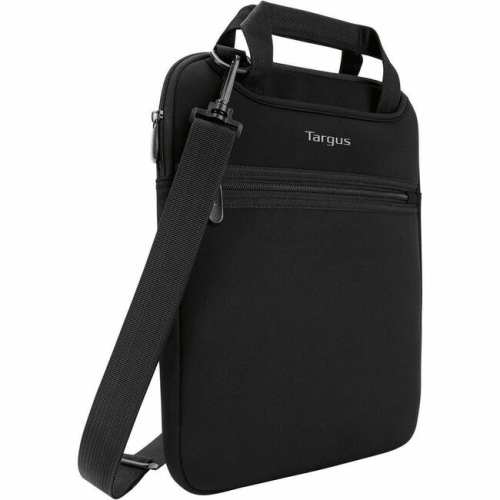
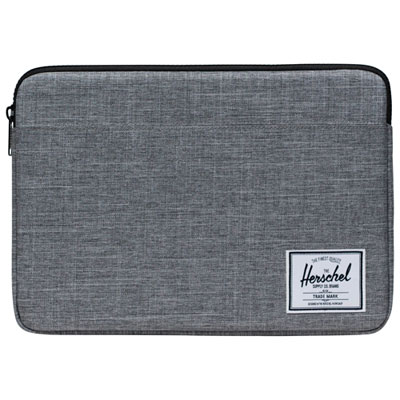
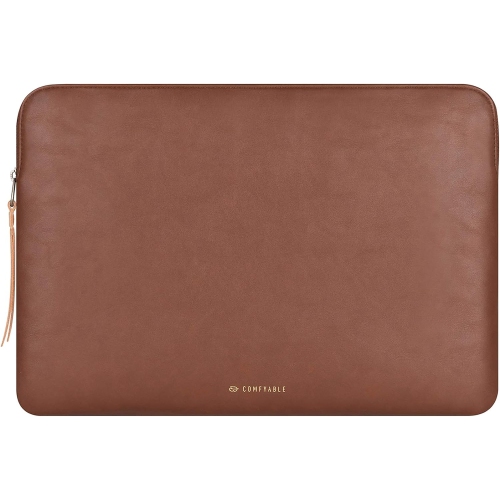

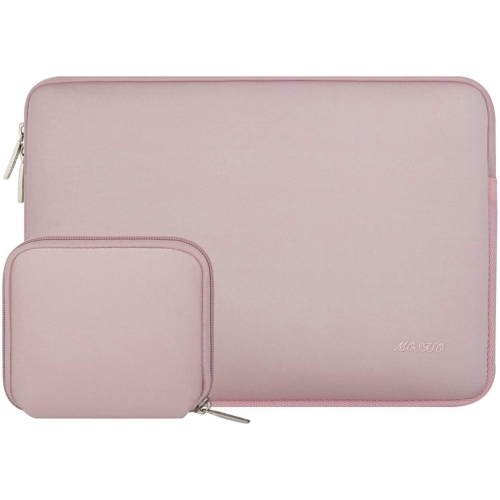
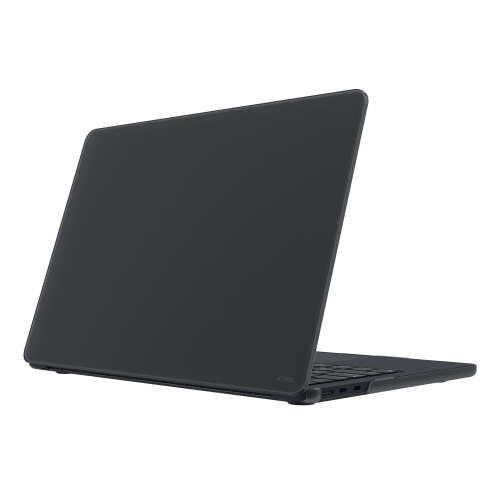
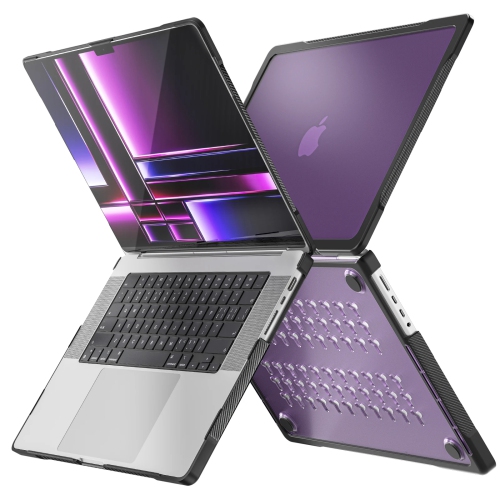
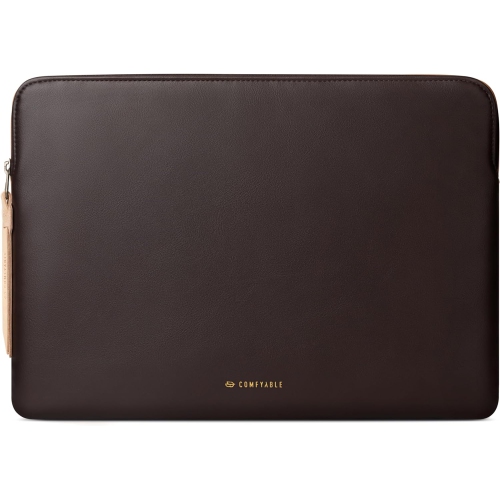
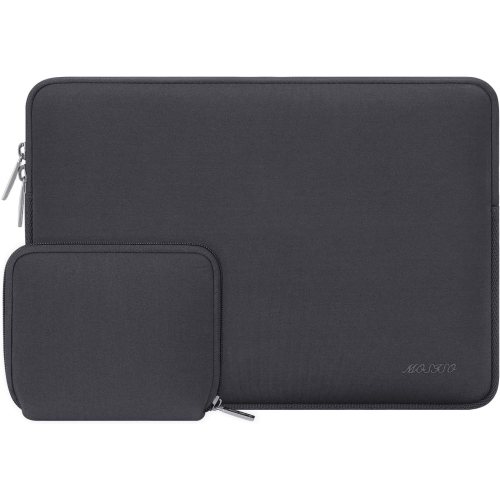
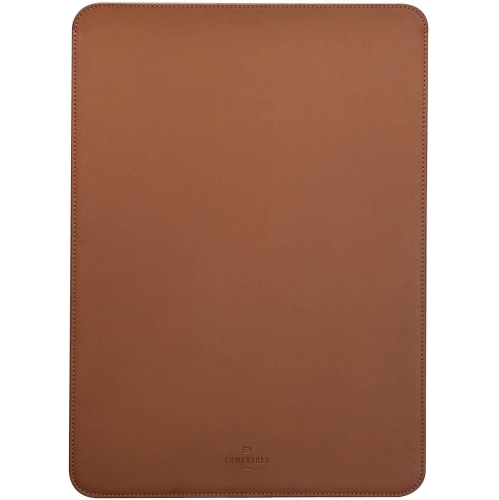
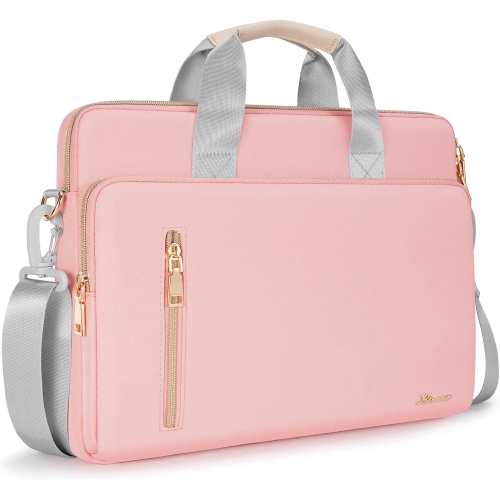

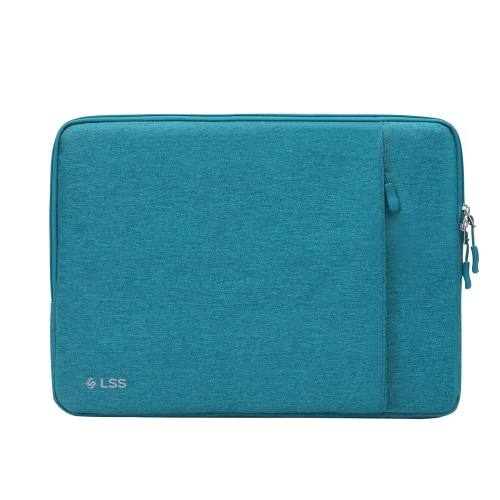
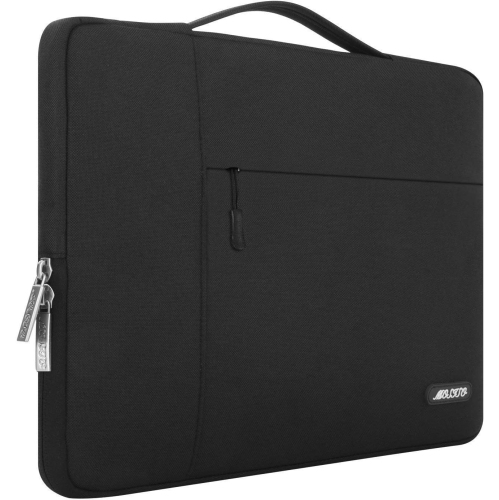
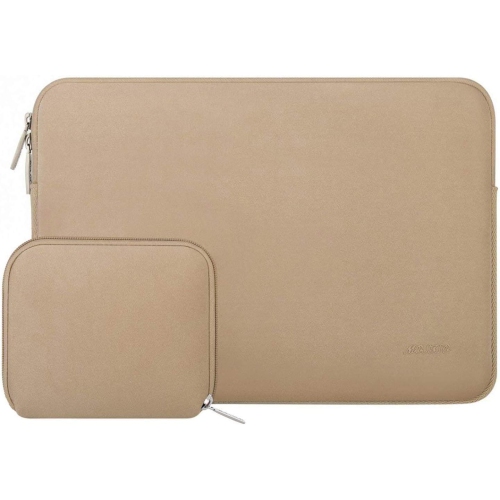
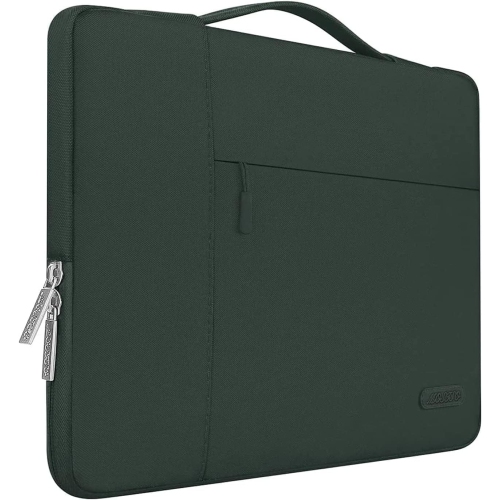
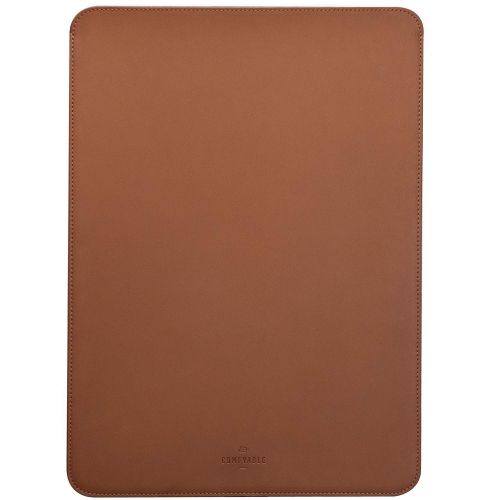
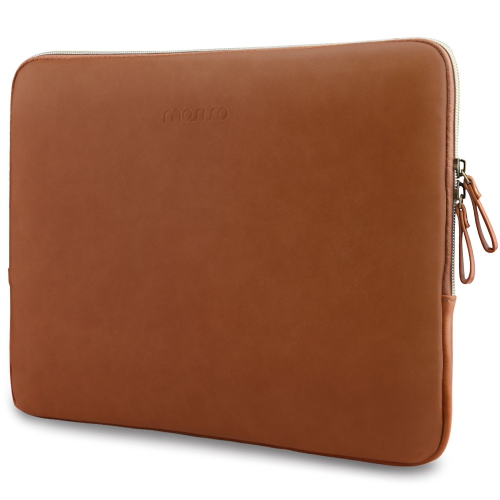
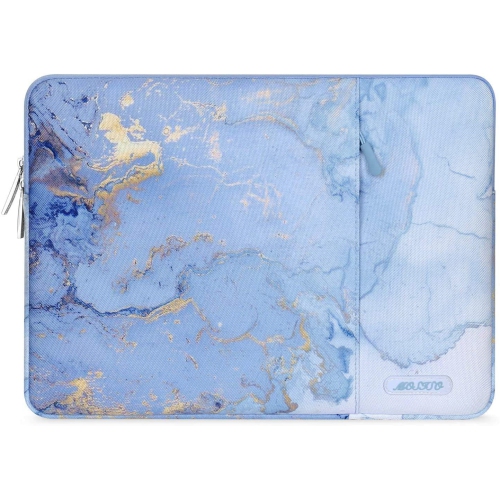

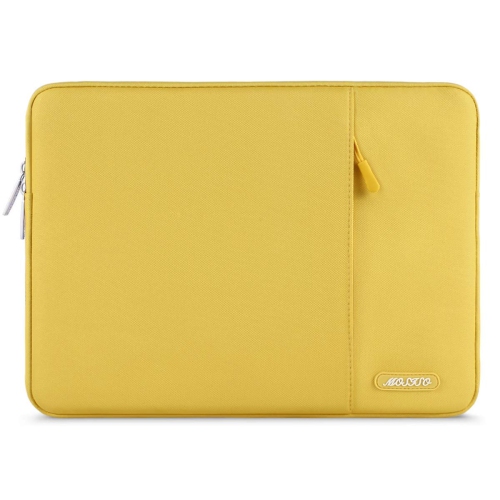
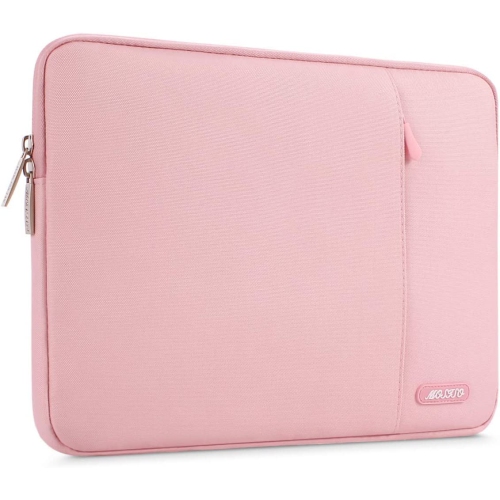
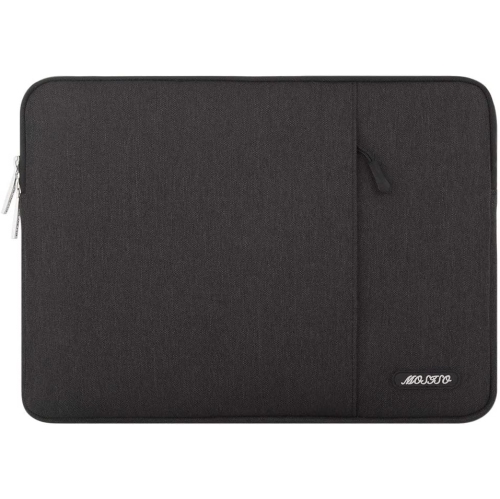
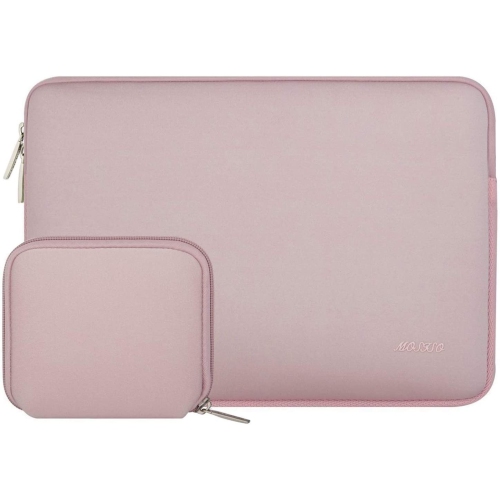
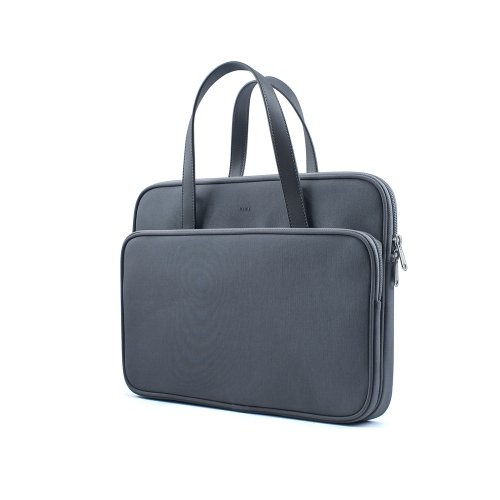
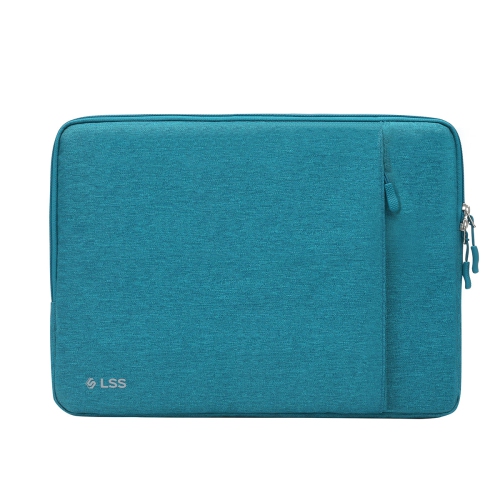
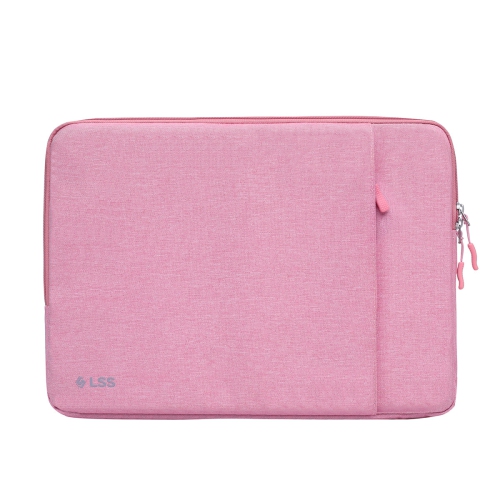
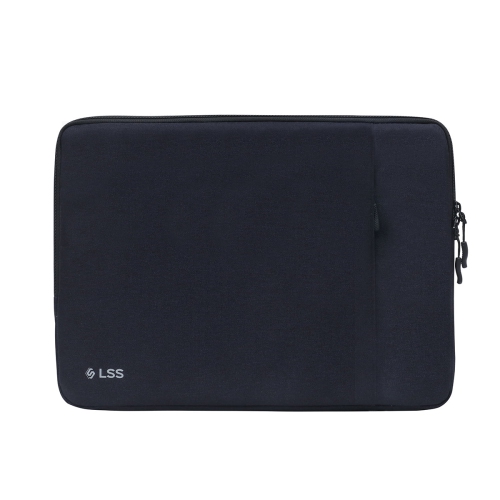
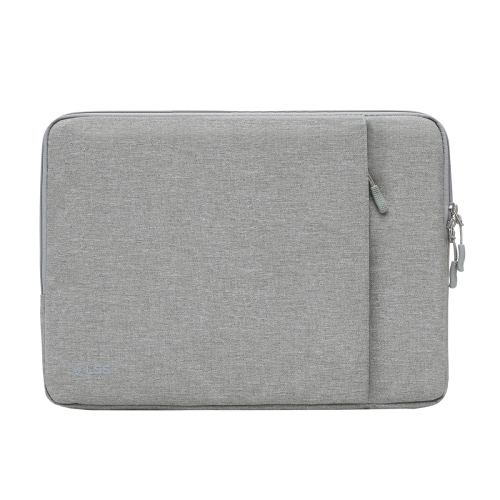
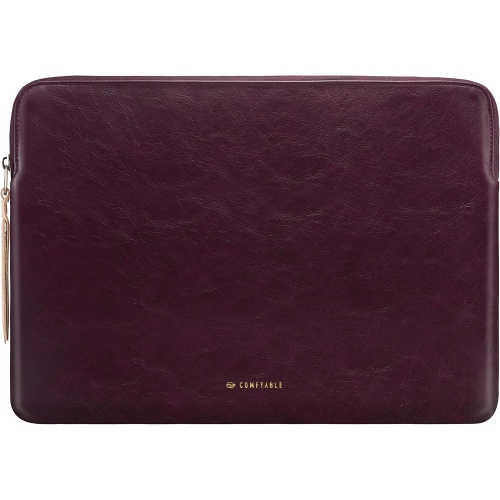
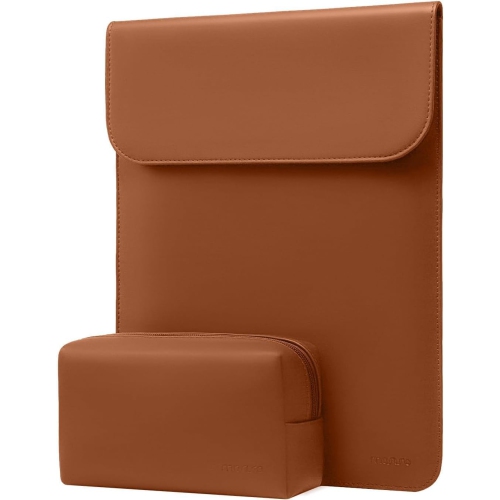
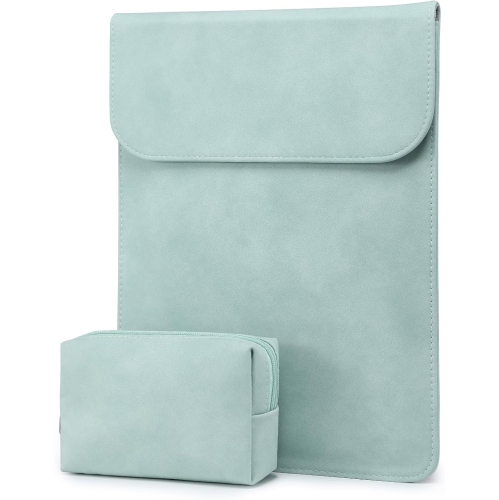
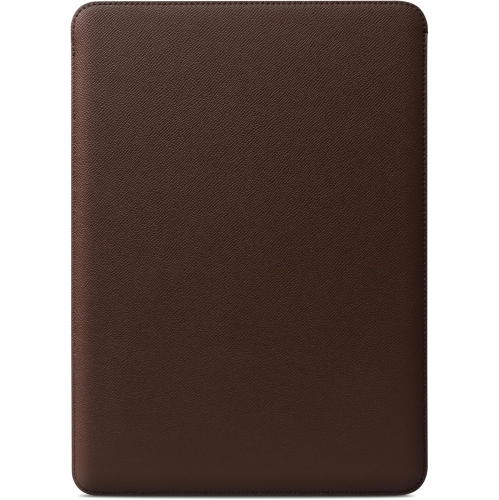
Protection, fit, and personal style for everyday carrying
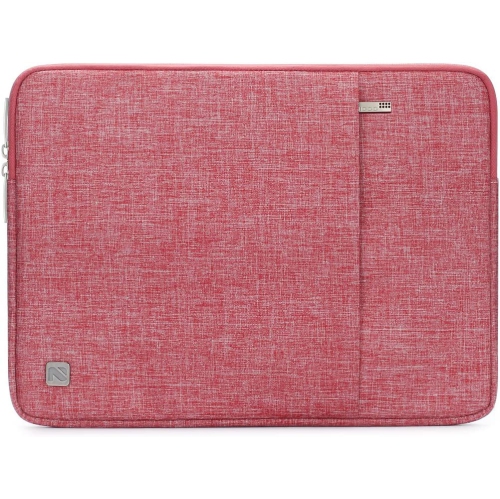
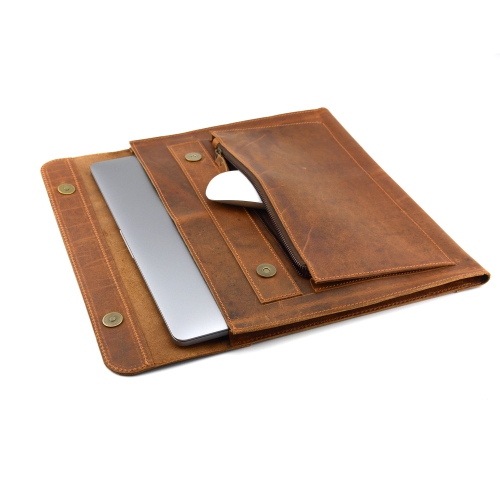
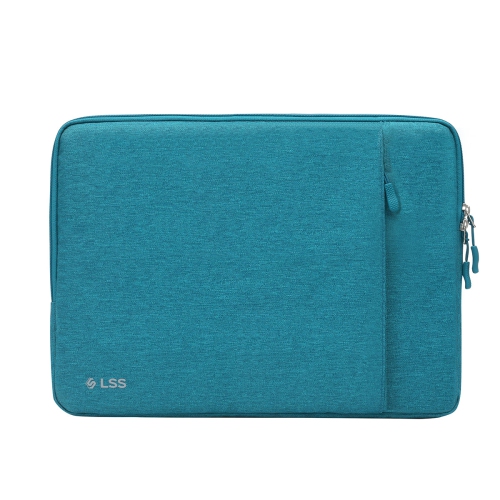
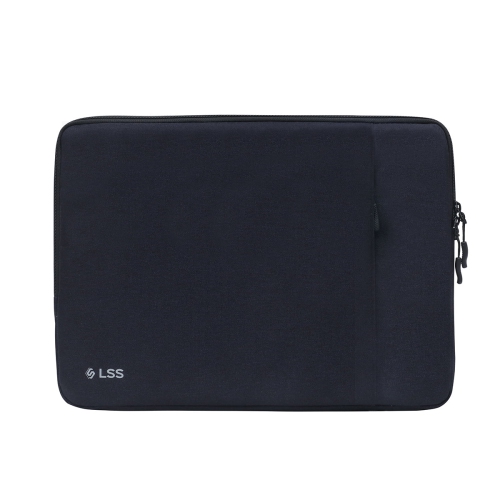
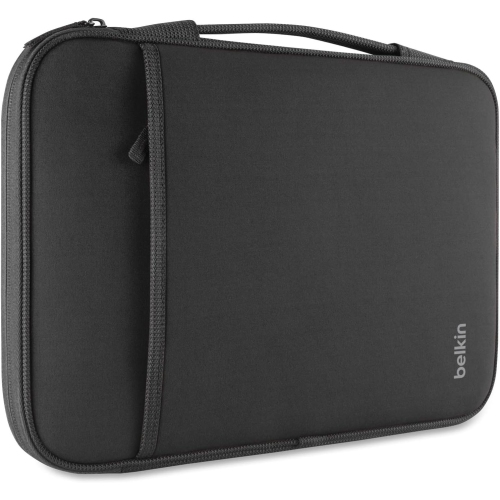
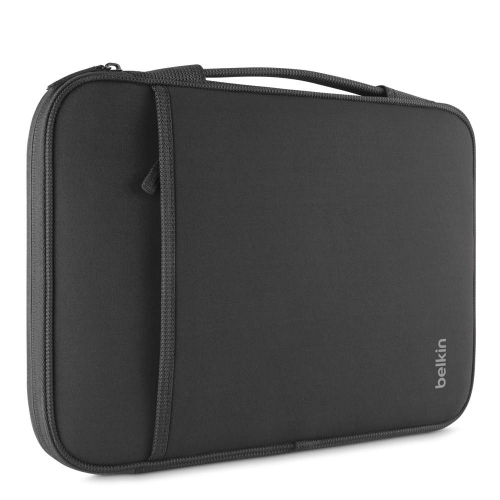
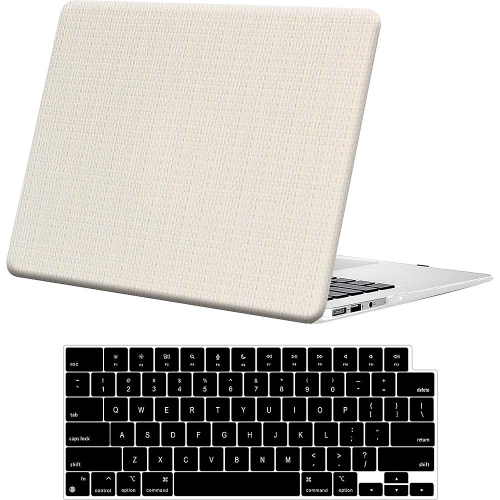
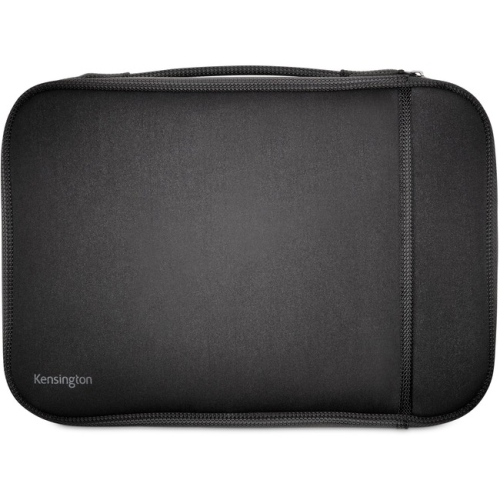
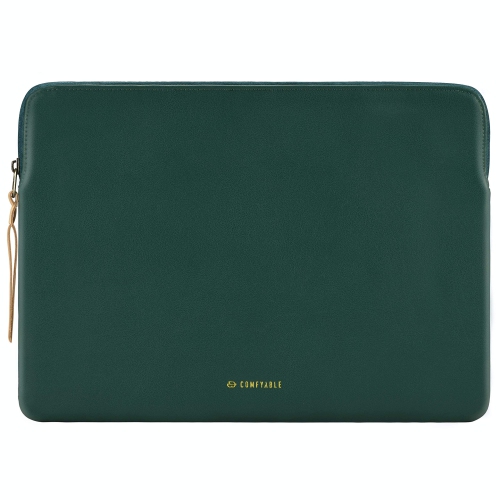
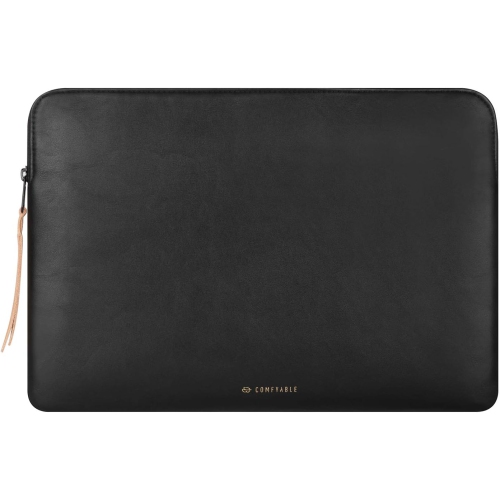
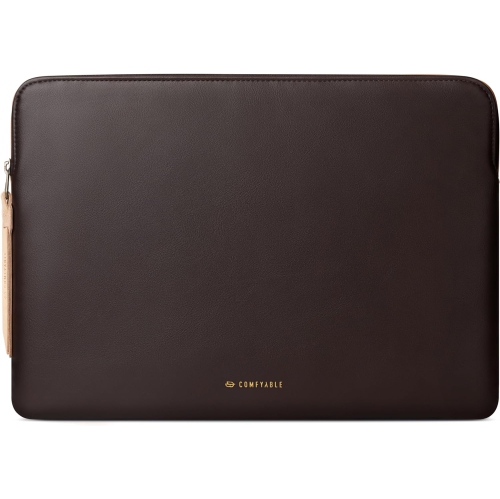
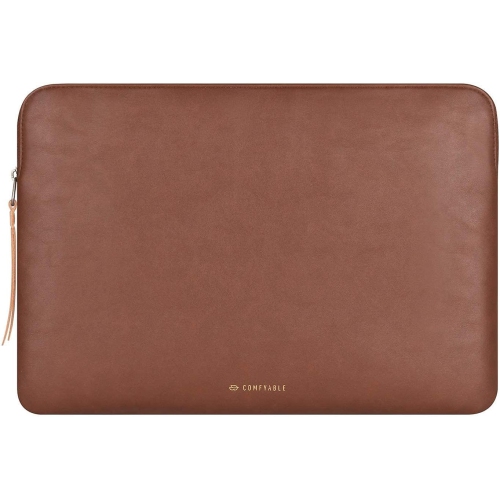
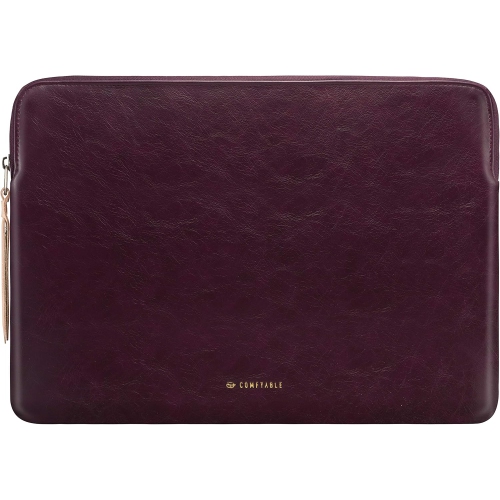
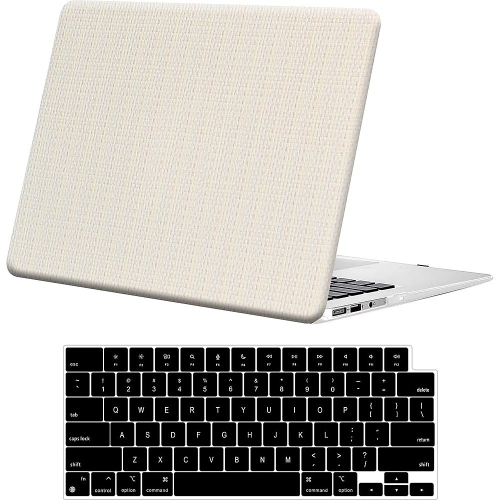
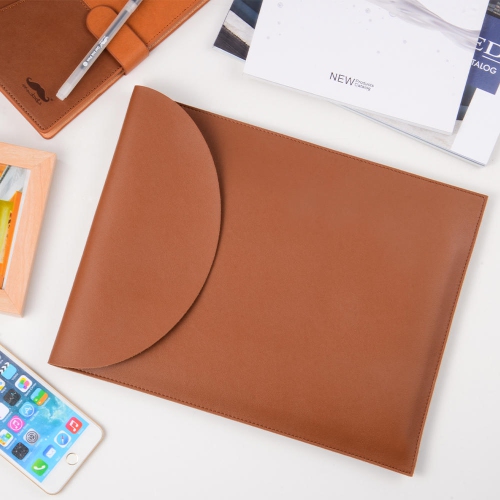
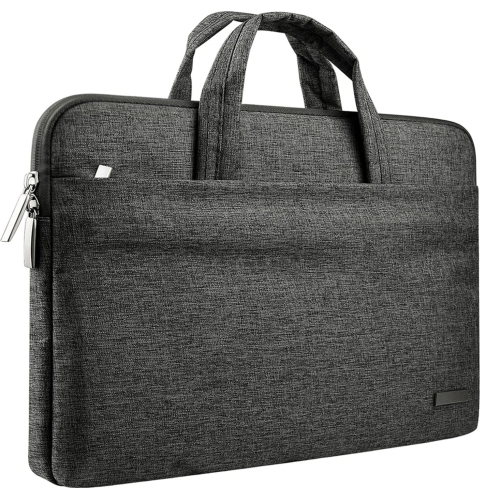
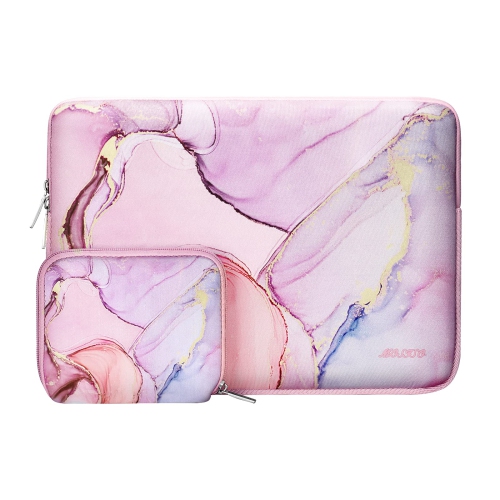
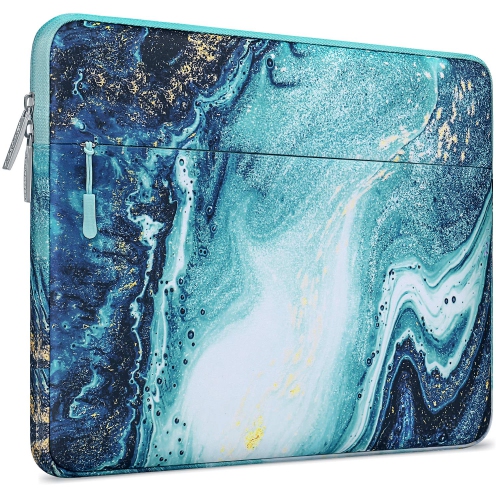
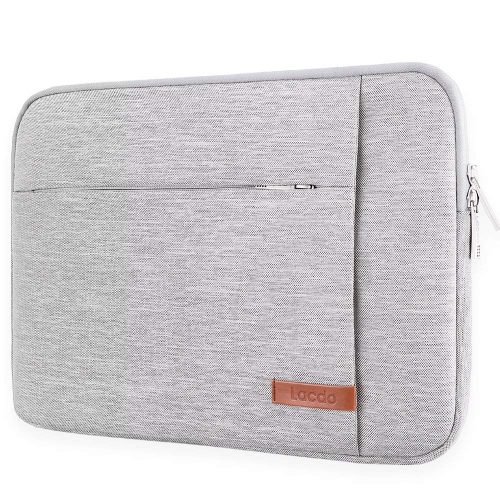
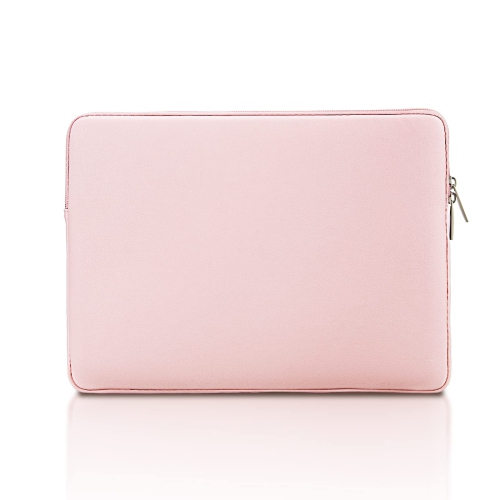
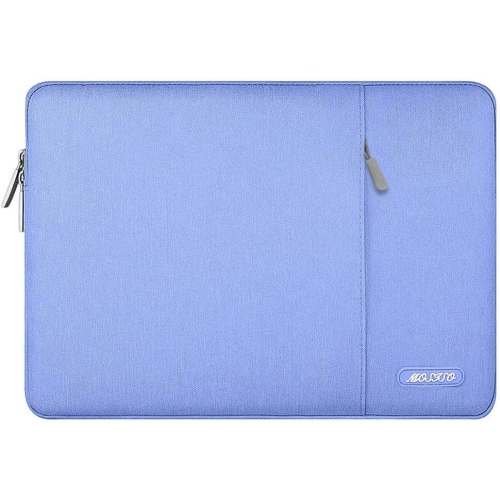
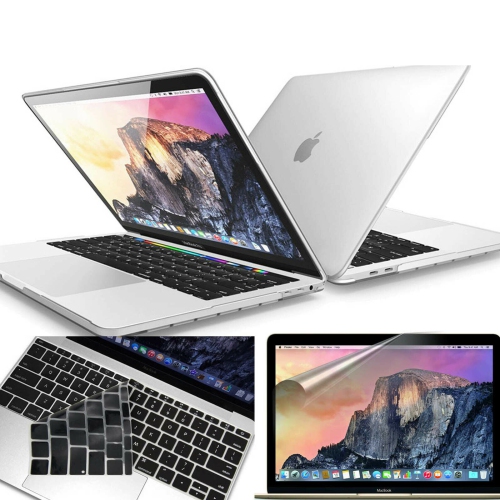
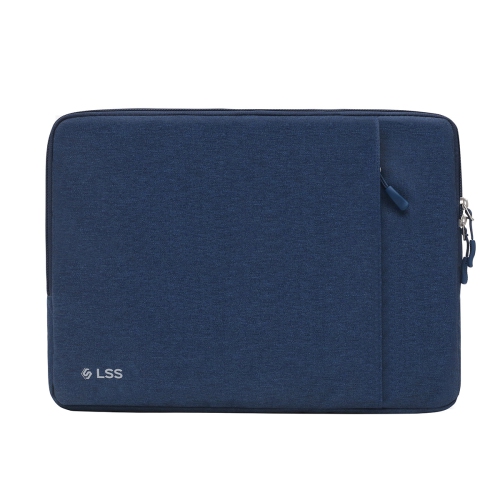
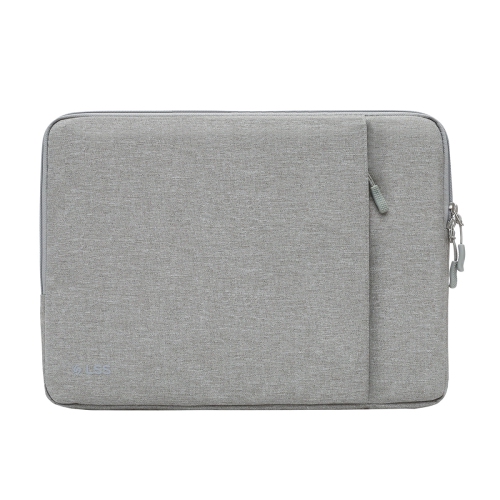
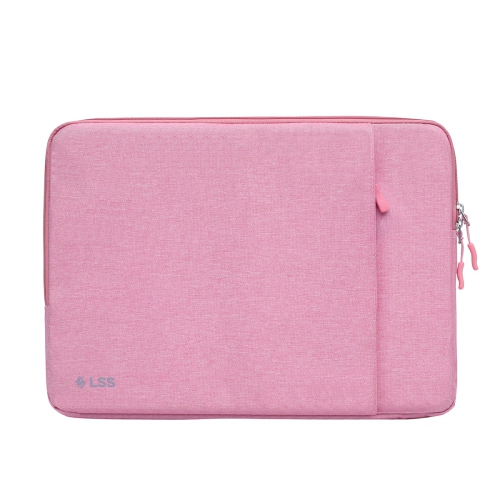
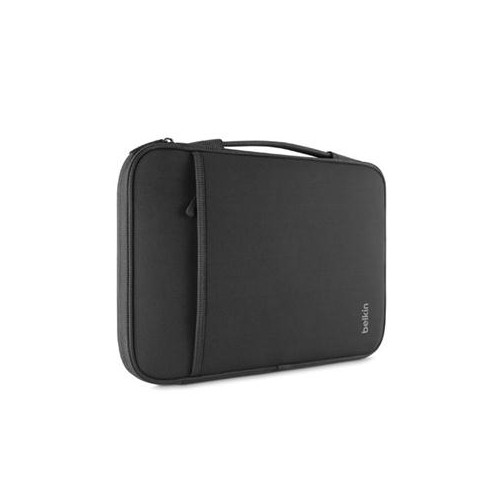
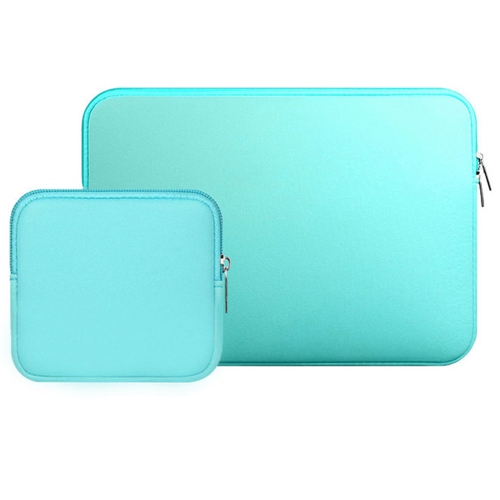
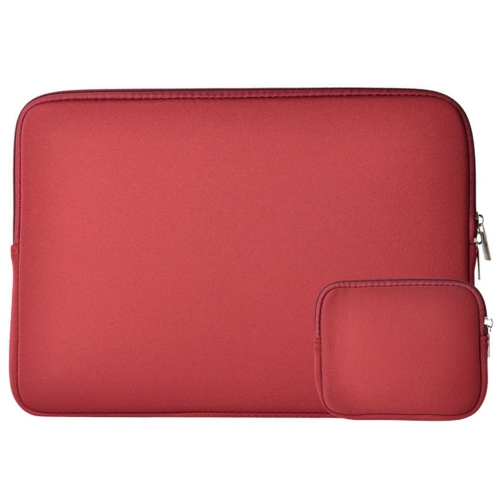
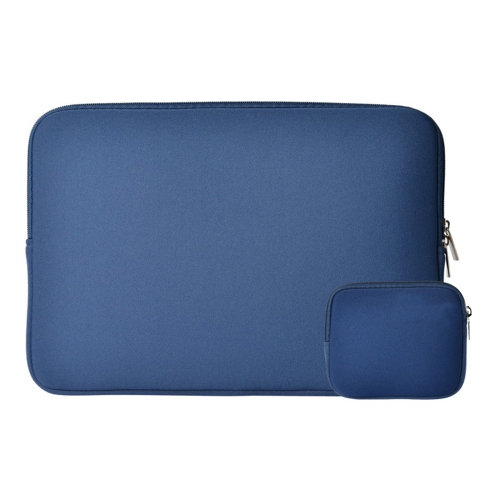
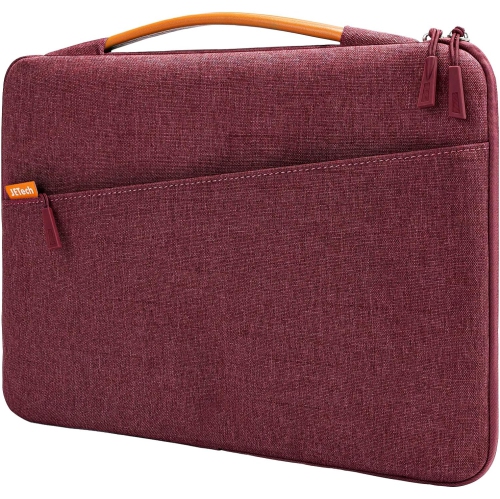
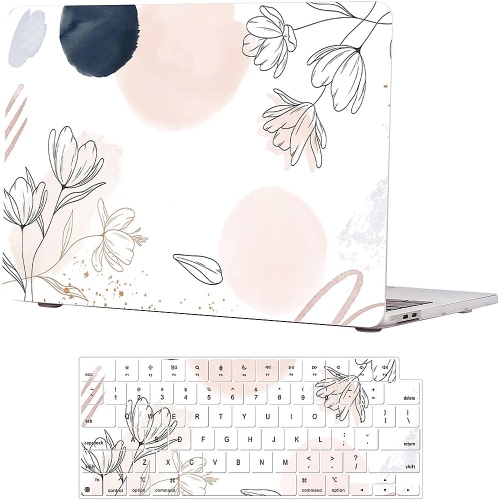
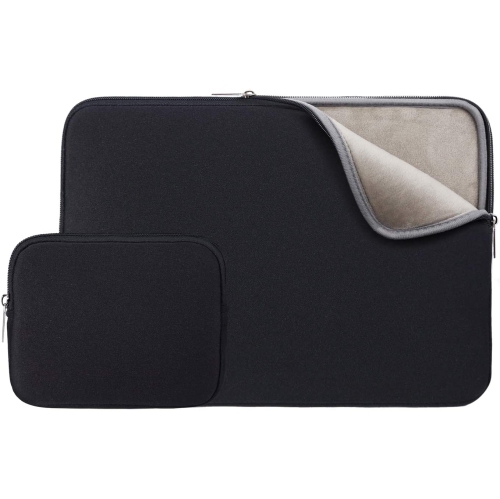
A cool MacBook Air sleeve can make everyday carrying feel more personal while helping protect a slim laptop from the bumps and scrapes that come with commuting, studying, travelling, or working in different rooms at home. The best choice balances appearance, protection, fit, and convenience rather than relying on style alone. Start by checking the size of your MacBook Air carefully, since a 13-inch sleeve and a 15-inch sleeve are not interchangeable. A close fit helps keep the laptop from shifting inside the sleeve, while enough room for the device to slide in and out smoothly prevents unnecessary pressure on the corners and edges. If you are shopping for an older model, confirm the exact dimensions before ordering; browsing options such as MacBook Air M1 Sleeves can be a useful way to narrow the selection by compatibility. Look for a soft interior that will not rub against the display or finish, along with a secure closure that keeps the computer in place without catching on the laptop. A little structure can also be valuable: padded panels, reinforced corners, and a sleeve that holds its shape can add confidence when the computer is placed in a backpack beside notebooks, headphones, or a water bottle. For lighter everyday protection, a slim sleeve may be ideal for slipping into a tote or a larger computer bag. For frequent travel or busy commutes, a thicker design with cushioning can provide an extra layer between the MacBook Air and the hard surfaces it encounters throughout the day.
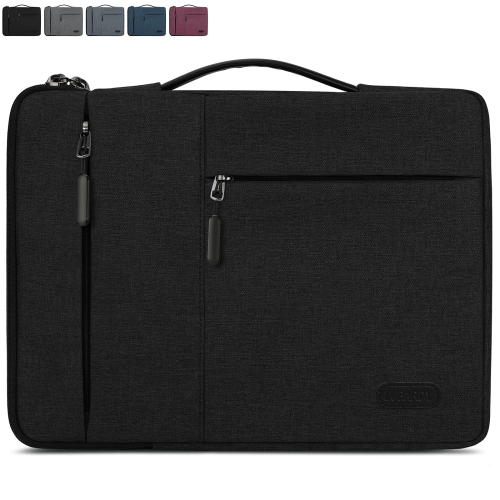
Style is where these sleeves become more than practical storage. A quilted or puffy design can bring a soft, playful texture to a neutral work bag, with raised stitching that creates visual interest and a cushioned feel in the hand. Velvet or faux-fur interiors can add a plush touch while helping protect the laptop from contact with rougher materials inside a bag. Those who prefer a quieter, more polished look may gravitate toward smooth leather, full-grain leather, or a clean felt finish. Leather often develops a distinctive character with use and can suit a professional setting, while wool felt has a naturally understated appearance and a lightweight feel. Ballistic nylon and other tightly woven fabrics are useful for people who expect their sleeve to handle regular movement, crowded transit, and the occasional light splash. Water-resistant fabric can help protect against brief exposure to drizzle or a damp tabletop, although no sleeve should be treated as fully waterproof unless it is specifically designed for that purpose. Colour also affects how a sleeve fits into a routine: a dark neutral can blend easily with office accessories, a muted tone can add personality without feeling loud, and a brighter shade can make the laptop easier to spot in a full backpack. For a more organised setup, consider a design with an exterior pocket or internal compartments for a charging cable, compact mouse, memory card, notebook, or adapter. Keep in mind that additional storage may increase the sleeve’s overall size, so a streamlined design is usually preferable when the sleeve will be carried inside another bag.
These sleeves can suit students moving between lectures and study spaces, professionals carrying a laptop to meetings, freelancers working from cafés or shared offices, and families looking for a simple way to store a computer between uses. They can also make thoughtful gifts for someone beginning a new course, changing work routines, travelling more often, or refreshing a home office. A sleeve is especially useful for a recipient who already owns the essential computer accessories but would appreciate something that makes daily use more comfortable and distinctive. When giving one as a gift, check the laptop size first or choose a retailer listing with clear compatibility information. It is also worth considering how the recipient normally carries the device. Someone who places a MacBook Air in a roomy tote may value a slim, lightweight sleeve, while someone who cycles, takes public transit, or travels with a packed backpack may prefer extra padding and a more durable outer shell. An integrated handle can make a sleeve easier to lift from a briefcase, and a smooth zipper or magnetic closure can save time when setting up at a desk. During the cooler months, a sleeve can also prevent the laptop from rubbing against textured coats, gloves, and other seasonal layers in a bag. Whether the preferred look is soft and quilted, refined and minimal, or rugged and organised, the right MacBook Air sleeve should feel natural to carry, fit the computer securely, and provide protection that matches the pace of everyday life.
Style is where these sleeves become more than practical storage. A quilted or puffy design can bring a soft, playful texture to a neutral work bag, with raised stitching that creates visual interest and a cushioned feel in the hand. Velvet or faux-fur interiors can add a plush touch while helping protect the laptop from contact with rougher materials inside a bag. Those who prefer a quieter, more polished look may gravitate toward smooth leather, full-grain leather, or a clean felt finish. Leather often develops a distinctive character with use and can suit a professional setting, while wool felt has a naturally understated appearance and a lightweight feel. Ballistic nylon and other tightly woven fabrics are useful for people who expect their sleeve to handle regular movement, crowded transit, and the occasional light splash. Water-resistant fabric can help protect against brief exposure to drizzle or a damp tabletop, although no sleeve should be treated as fully waterproof unless it is specifically designed for that purpose. Colour also affects how a sleeve fits into a routine: a dark neutral can blend easily with office accessories, a muted tone can add personality without feeling loud, and a brighter shade can make the laptop easier to spot in a full backpack. For a more organised setup, consider a design with an exterior pocket or internal compartments for a charging cable, compact mouse, memory card, notebook, or adapter. Keep in mind that additional storage may increase the sleeve’s overall size, so a streamlined design is usually preferable when the sleeve will be carried inside another bag.
These sleeves can suit students moving between lectures and study spaces, professionals carrying a laptop to meetings, freelancers working from cafés or shared offices, and families looking for a simple way to store a computer between uses. They can also make thoughtful gifts for someone beginning a new course, changing work routines, travelling more often, or refreshing a home office. A sleeve is especially useful for a recipient who already owns the essential computer accessories but would appreciate something that makes daily use more comfortable and distinctive. When giving one as a gift, check the laptop size first or choose a retailer listing with clear compatibility information. It is also worth considering how the recipient normally carries the device. Someone who places a MacBook Air in a roomy tote may value a slim, lightweight sleeve, while someone who cycles, takes public transit, or travels with a packed backpack may prefer extra padding and a more durable outer shell. An integrated handle can make a sleeve easier to lift from a briefcase, and a smooth zipper or magnetic closure can save time when setting up at a desk. During the cooler months, a sleeve can also prevent the laptop from rubbing against textured coats, gloves, and other seasonal layers in a bag. Whether the preferred look is soft and quilted, refined and minimal, or rugged and organised, the right MacBook Air sleeve should feel natural to carry, fit the computer securely, and provide protection that matches the pace of everyday life.
Top selling and popular products
-
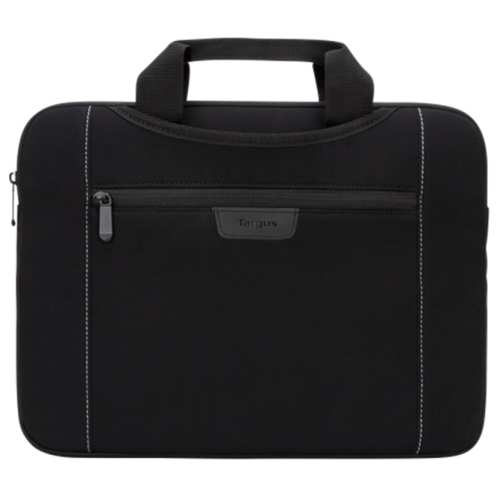 Your price for this item is $43.68
 -
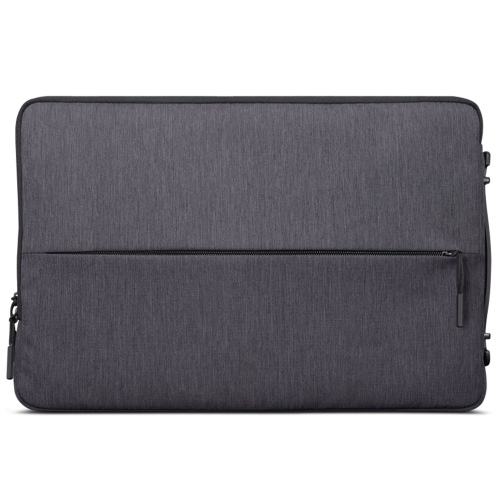 Your price for this item is $18.99
 -
 Your price for this item is $22.99
 -
 Your price for this item is $37
 -
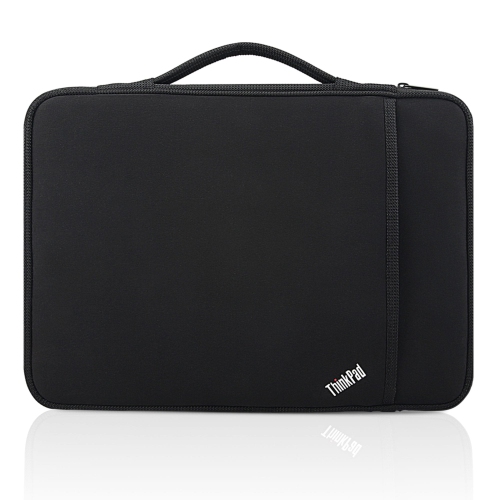 Your price for this item is $43.68
 -
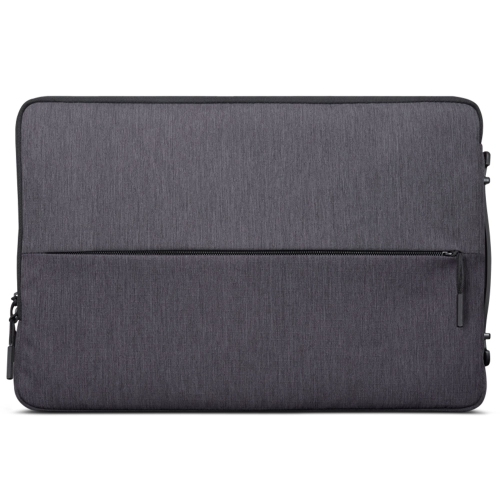 Your price for this item is $23.99
 -
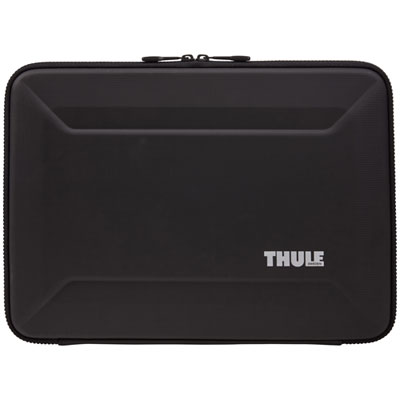 Your price for this item is $64.99
 -
 Your price for this item is $134.95
Discover more categories related to Cool MacBook Air Sleeves
Top Collections:
Pokemon Centers, Kindle Devices, Best Budget Office Chairs, Apple iPhones 16, Best Laptops for Writers, iPhone 15 Apple, Canon G7X Cameras, Refurbished Apple Laptops, Alarm Clock, Motorola Razr Phones
Some products may be subject to Environmental Handling Fees
(EHF) depending on your province.
Learn more about EHFs.